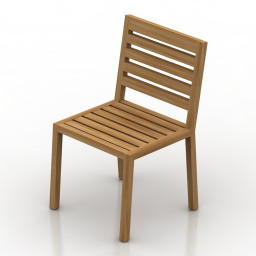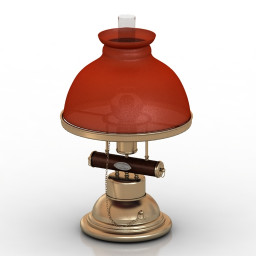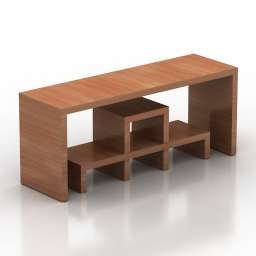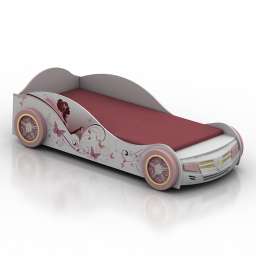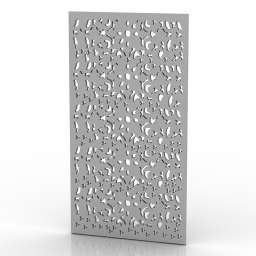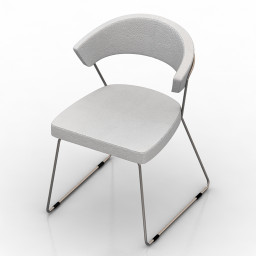
Additional Info: Chair Calligaris Icon Dining Chair N160622 – 3D model (*.gsm+*.obj+*.3ds) for interior 3d visualization.
Blog
-
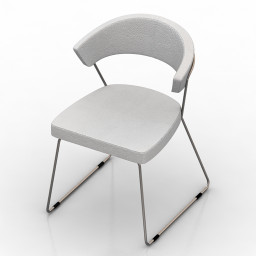
Chair 3D Model
Additional Info: Chair Calligaris Icon Dining Chair N160622 – 3D model (*.gsm+*.obj+*.3ds) for interior 3d visualization.
-
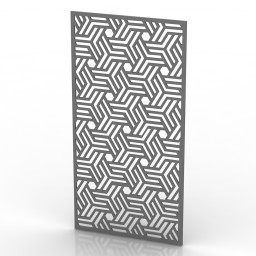
Frame 3D Model
Additional Info: Frame 9 – 3D model (*.gsm+*.obj+*.3ds) for interior 3d visualization.
-
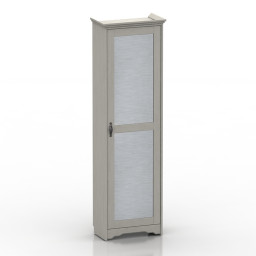
Locker 3D Model
Additional Info: Locker 3 – 3D model (*.gsm+*.obj+*.3ds) for interior 3d visualization.
-
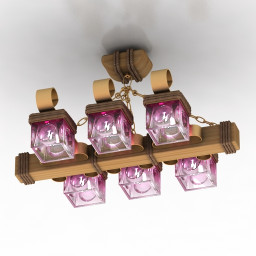
Luster 3D Model
Additional Info: Luster 1 – 3D model (*.gsm+*.obj+*.3ds) for interior 3d visualization.
-
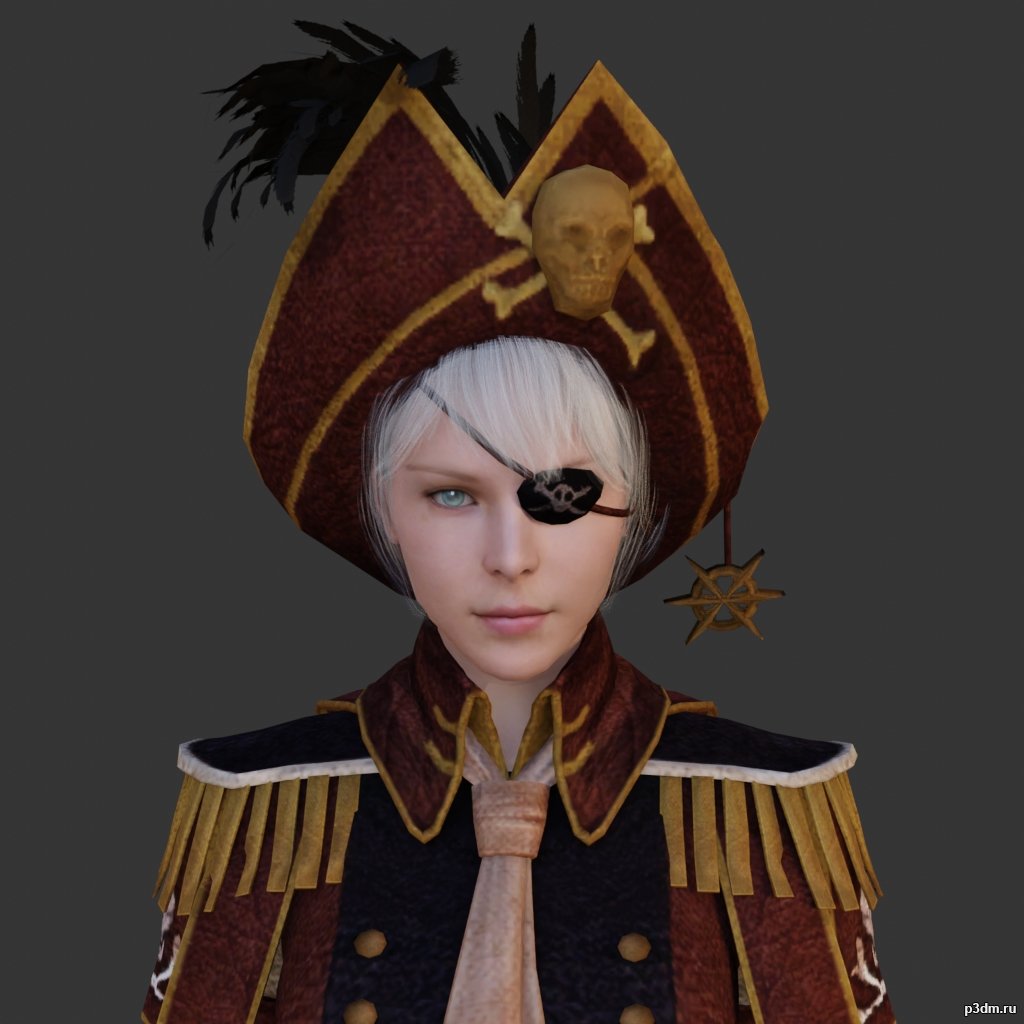
Pirate 3D Model
using animations in Blender:1 – import model2 – import animation3 – with the CTRL key held down Select the object you want to animate, then select the object from which you want to copy the animation, then go to Object > Link/Data Transfer > Link Animation Data
-
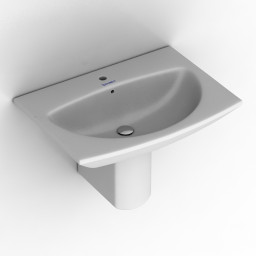
Sink 3D Model
Additional Info: Sink Duravit Caro N040622 – 3D model (*.gsm+*.obj+*.3ds) for interior 3d visualization.
-
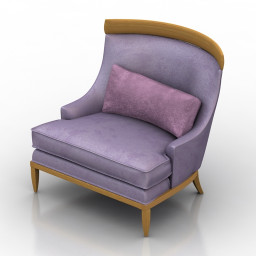
Armchair 3D Model
Additional Info: Armchair Erwin Lambeth Lounge Chair N180822 2ds – 3D model (*.gsm+*.obj+*.3ds) for interior 3d visualization.
-
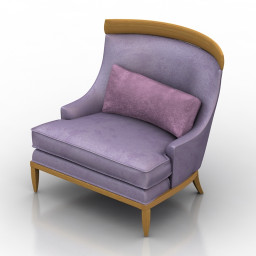
Armchair 3D Model
Additional Info: Armchair Erwin Lambeth Lounge Chair N180822 2ds – 3D model (*.gsm+*.obj+*.3ds) for interior 3d visualization.
-
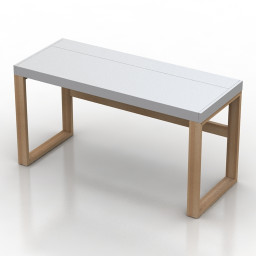
Table 3D Model
Additional Info: Table Field & Rage Quanto N240922 – 3D model (*.gsm+*.obj+*.3ds) for interior 3d visualization.
-

Eggplants 3D Model
Additional Info: Eggplants on the board – 3D model (*.gsm+*.obj+*.3ds) for interior 3d visualization.
-
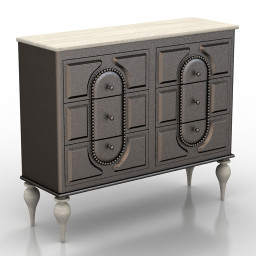
Locker 3D Model
Additional Info: Locker John Richard Commode N160722 – 3D model (*.gsm+*.obj+*.3ds) for interior 3d visualization.
-
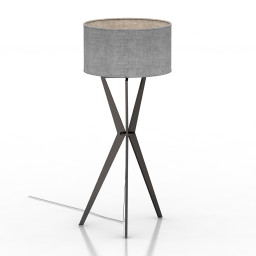
Torchere 3D Model
Additional Info: Torchere ENVY Meggar N310722 – 3D model (*.gsm+*.obj+*.3ds) for interior 3d visualization.
-
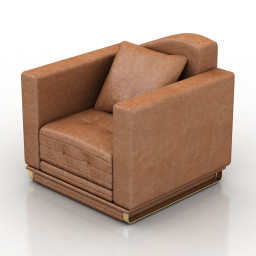
Armchair 3D Model
Additional Info: Armchair 2ds – 3D model (*.gsm+*.obj+*.3ds) for interior 3d visualization.
-
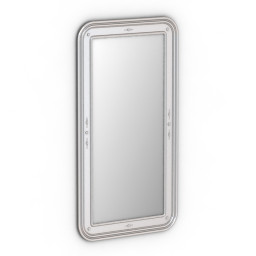
Mirror 3D Model
Additional Info: Mirror Bizzotto Art C251 N280622 – 3D model (*.gsm+*.obj+*.3ds) for interior 3d visualization.
-
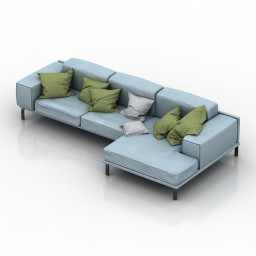
Sofa 3D Model
Additional Info: Sofa pillows N240922 – 3D model (*.gsm+*.obj+*.3ds) for interior 3d visualization.
-
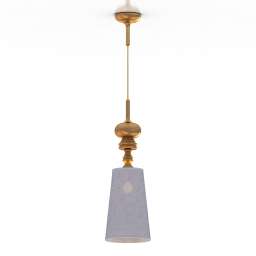
Luster 3D Model
Additional Info: Luster d 250 – 3D model (*.gsm+*.obj+*.3ds) for interior 3d visualization.
-
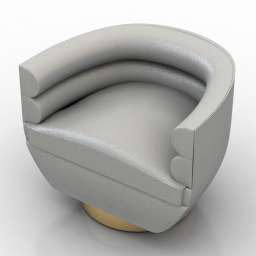
Armchair 3D Model
Additional Info: Armchair Jobim N180822 2ds – 3D model (*.gsm+*.obj+*.3ds) for interior 3d visualization.
-
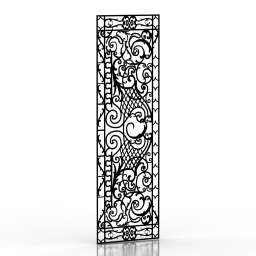
Frame 3D Model
Additional Info: Frame 4 – 3D model (*.gsm+*.obj+*.3ds) for interior 3d visualization.
-
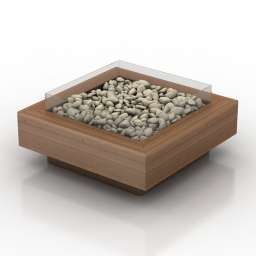
Fireplace Table 3D Model
Additional Info: Fireplace Table – 3D model (*.gsm+*.obj+*.3ds) for interior 3d visualization.
-
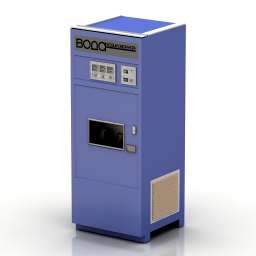
Soda Water Machine 3D Model
Additional Info: Soda Water Machine N180422 – 3D model (*.gsm+*.obj+*.3ds) for exterior 3d visualization.
-
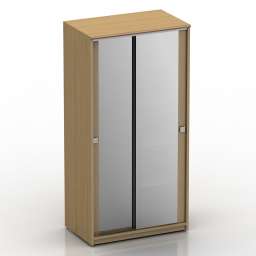
Wardrobe 3D Model
Additional Info: Wardrobe mirror – 3D model (*.gsm+*.obj+*.3ds) for interior 3d visualization.
-
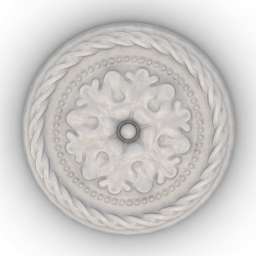
Rosette 3D Model
Additional Info: Rosette Orac Decor R13 N080622 – 3D model (*.gsm+*.obj+*.3ds) for interior 3d visualization.
-
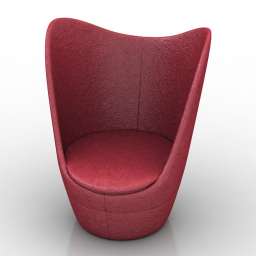
Chair 3D Model
Additional Info: Chair Dixi high back chair N170822 – 3D model (*.gsm+*.obj+*.3ds) for interior 3d visualization.
-
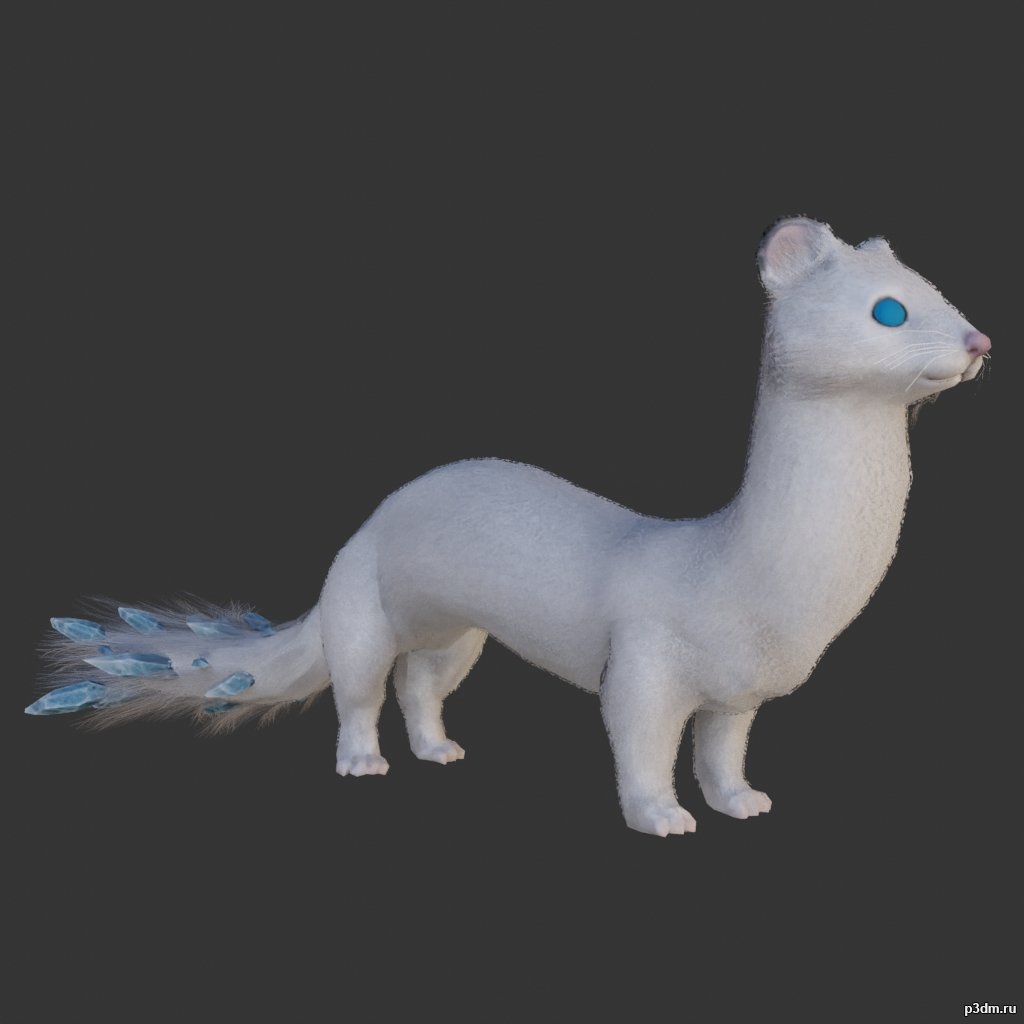
Weasel 3D Model
using animations in Blender:1 – import model2 – import animation3 – with the CTRL key held down Select the object you want to animate, then select the object from which you want to copy the animation, then go to Object > Link/Data Transfer > Link Animation Data
-
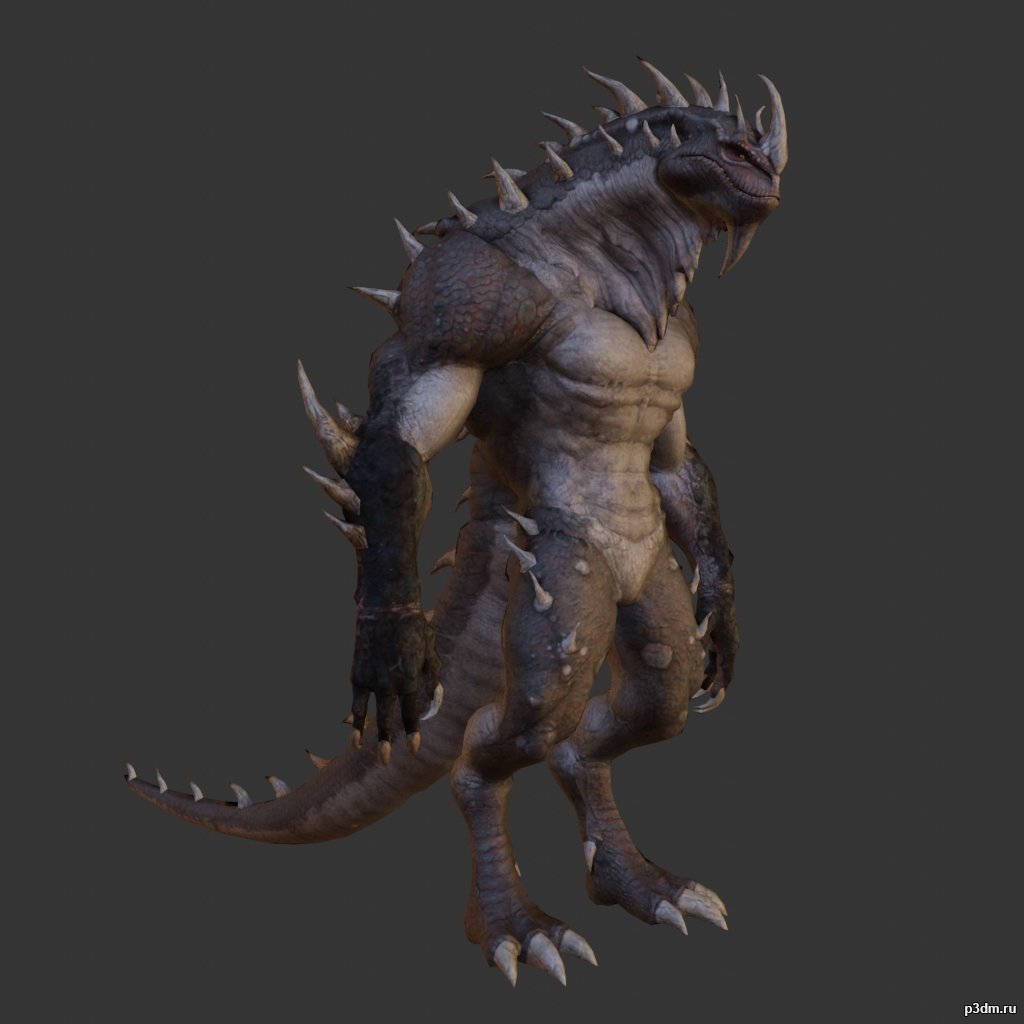
Lizardman pack 3D Model
using animations in Blender:1 – import model2 – import animation3 – with the CTRL key held down Select the object you want to animate, then select the object from which you want to copy the animation, then go to Object > Link/Data Transfer > Link Animation Data
-
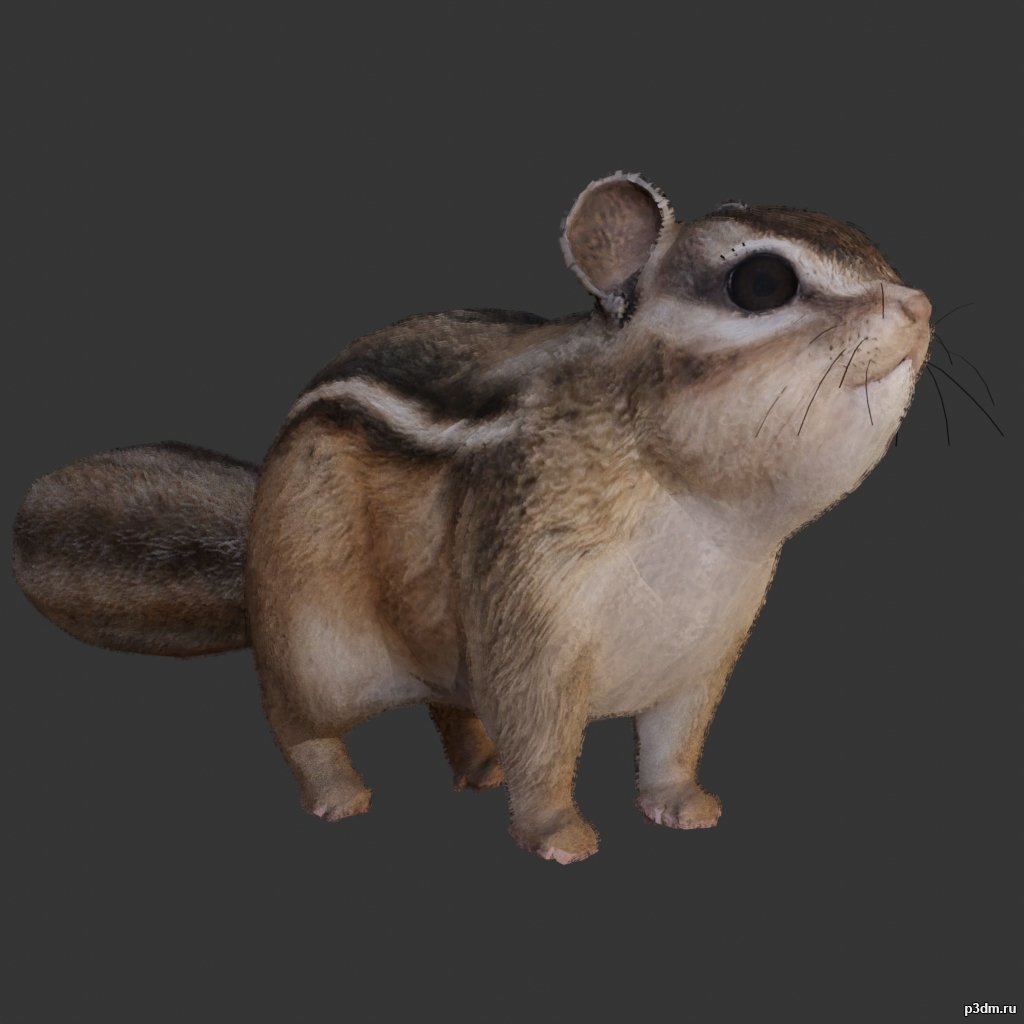
Squirrel 3D Model
using animations in Blender:1 – import model2 – import animation3 – with the CTRL key held down Select the object you want to animate, then select the object from which you want to copy the animation, then go to Object > Link/Data Transfer > Link Animation Data
-
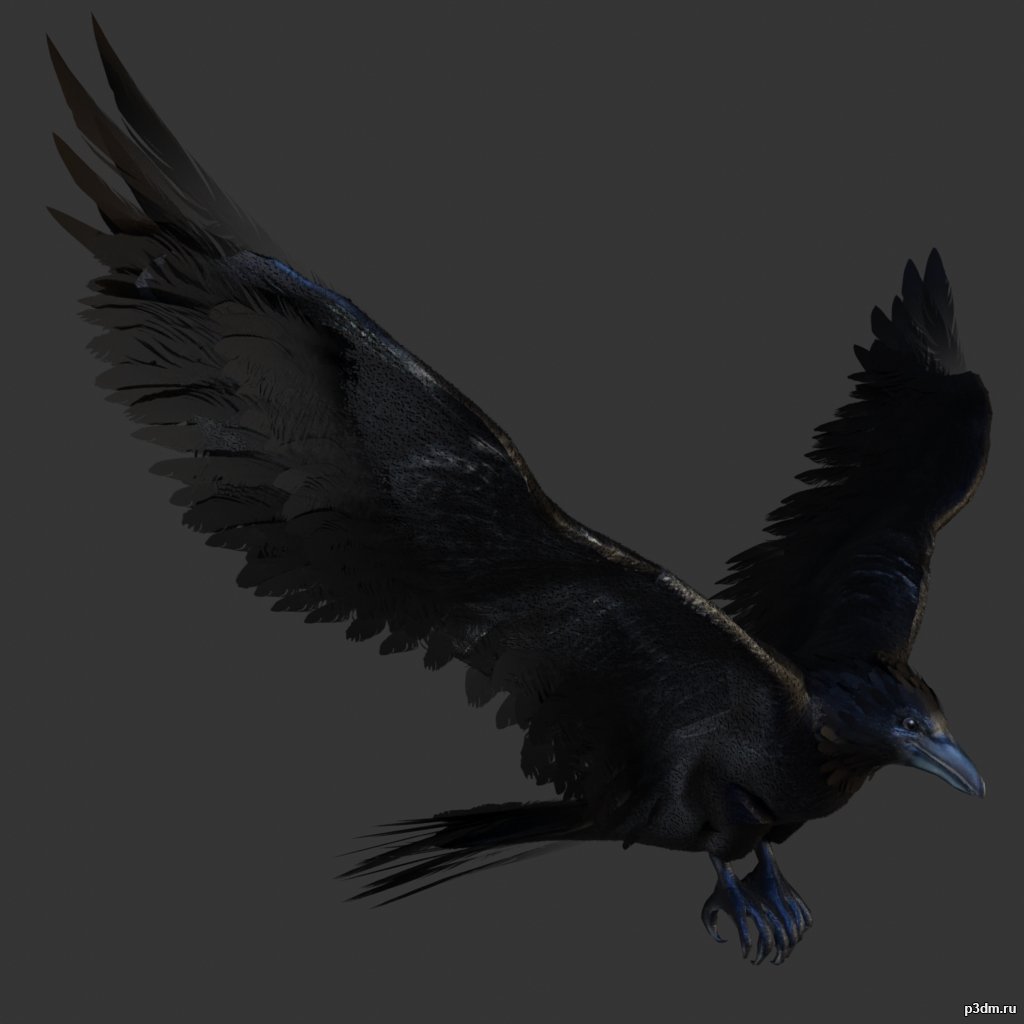
Crow 3D Model
Animations here –> CLICK 3mbusing animations in Blender:1 – import model2 – import animation3 – with the CTRL key held down Select the object you want to animate, then select the object from which you want to copy the animation, then go to Object > Link/Data Transfer > Link Animation Data
-
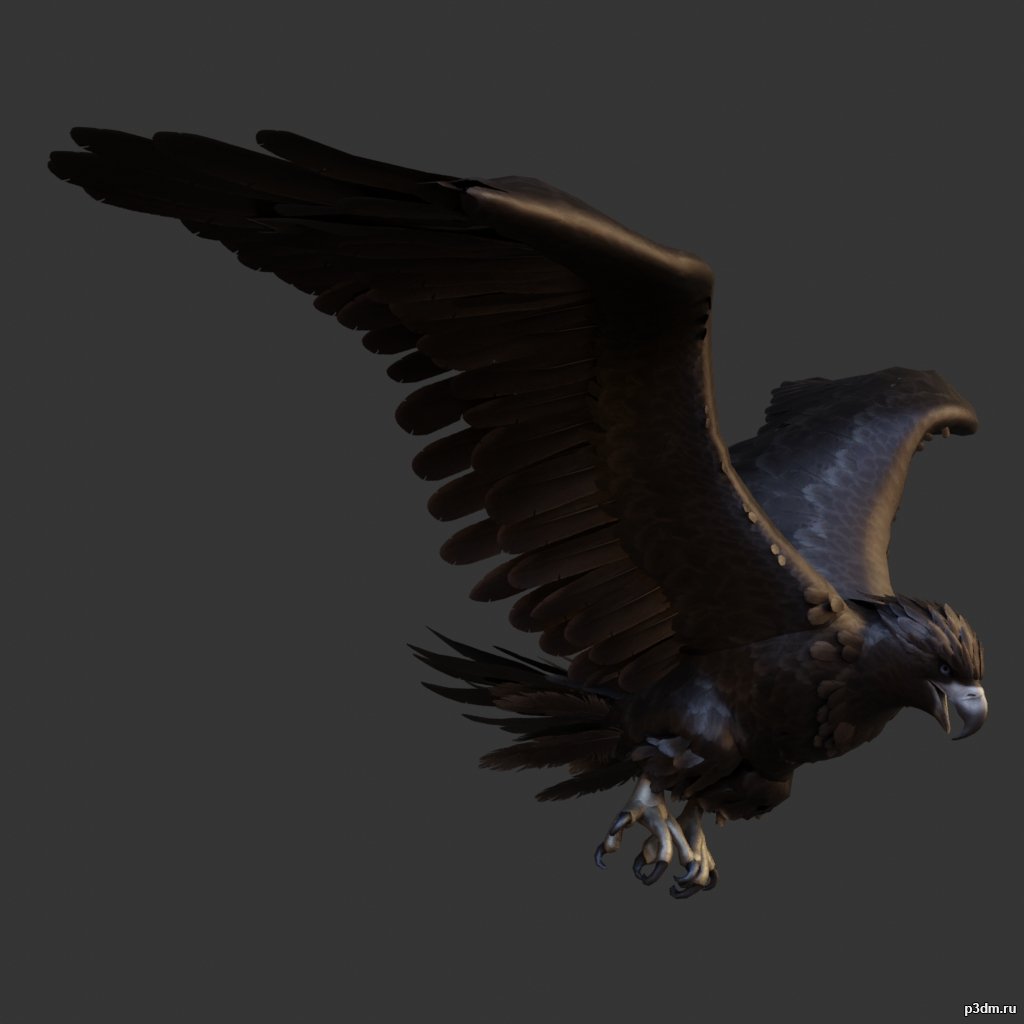
Eagle 3D Model
Animations here –> CLICK 3mbusing animations in Blender:1 – import model2 – import animation3 – with the CTRL key held down Select the object you want to animate, then select the object from which you want to copy the animation, then go to Object > Link/Data Transfer > Link Animation Data
-
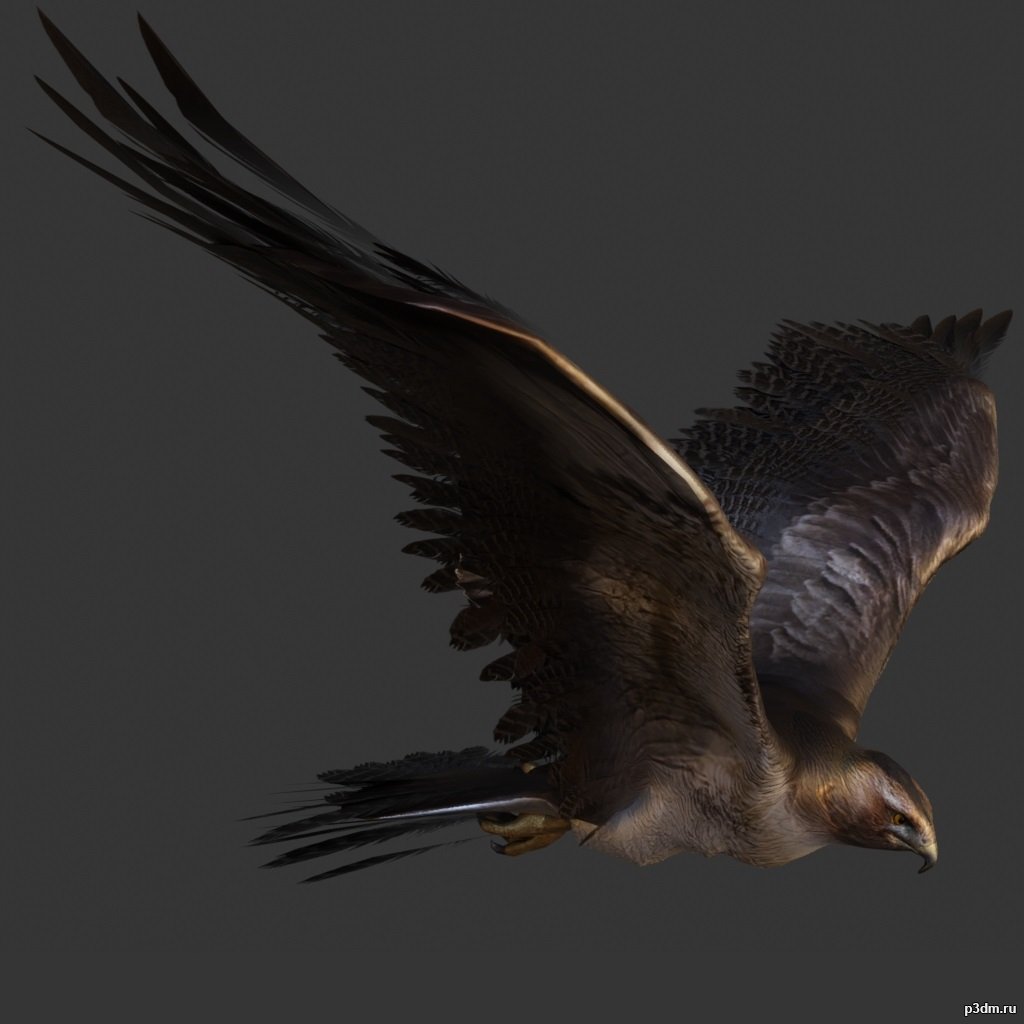
Hawk 3D Model
Animations here –> CLICK 3mbusing animations in Blender:1 – import model2 – import animation3 – with the CTRL key held down Select the object you want to animate, then select the object from which you want to copy the animation, then go to Object > Link/Data Transfer > Link Animation Data
-
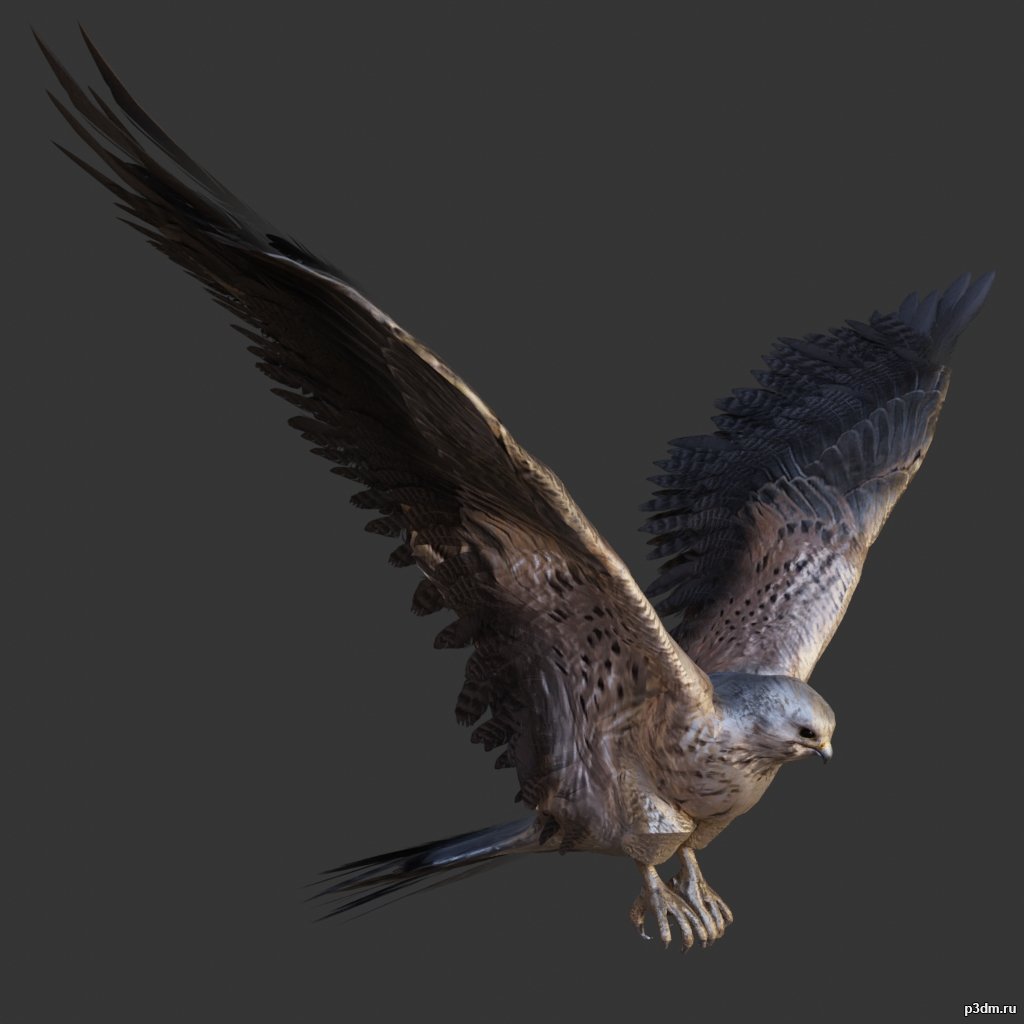
Kestrel 3D Model
Animations here –> CLICK 3mbusing animations in Blender:1 – import model2 – import animation3 – with the CTRL key held down Select the object you want to animate, then select the object from which you want to copy the animation, then go to Object > Link/Data Transfer > Link Animation Data
-
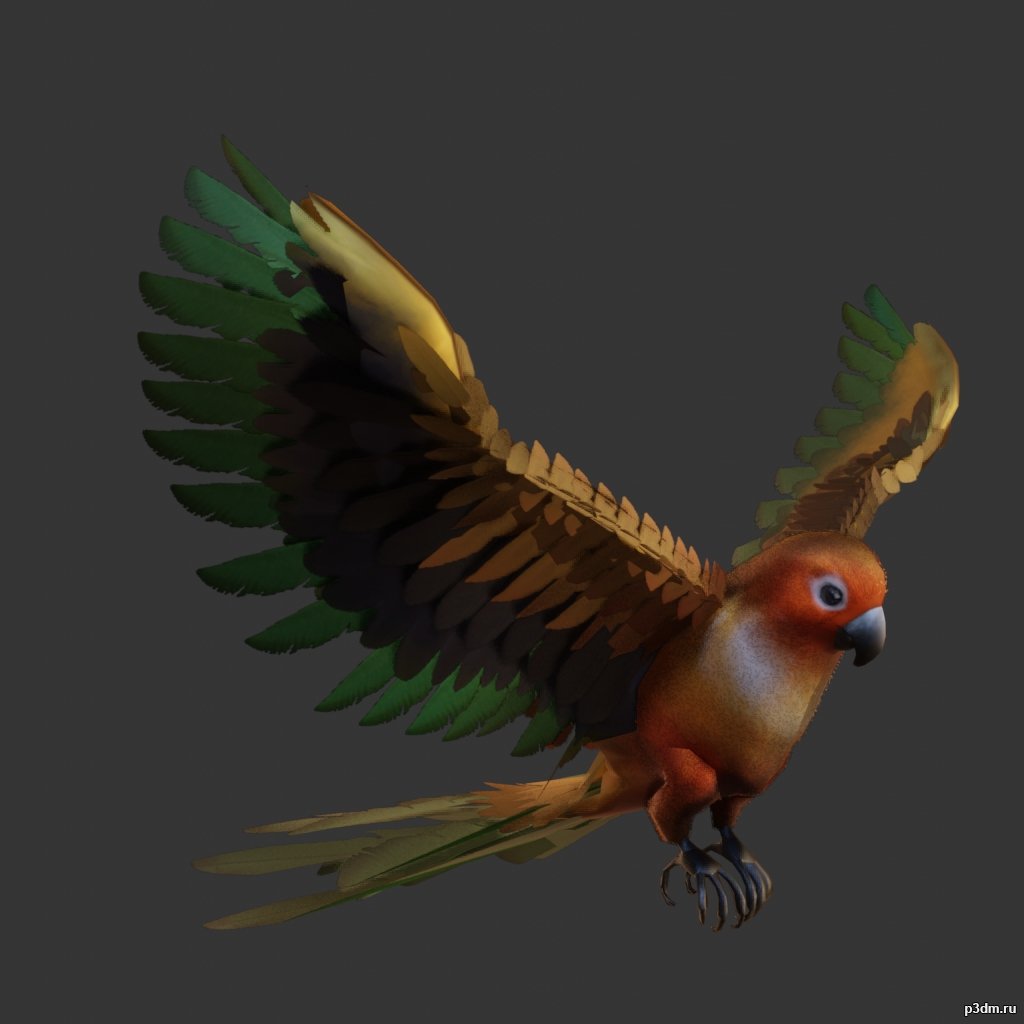
Parrot pack 3D Model
Animations here –> CLICK 3mbusing animations in Blender:1 – import model2 – import animation3 – with the CTRL key held down Select the object you want to animate, then select the object from which you want to copy the animation, then go to Object > Link/Data Transfer > Link Animation Data
-

Bear pack 3D Model
using animations in Blender:1 – import model2 – import animation3 – with the CTRL key held down Select the object you want to animate, then select the object from which you want to copy the animation, then go to Object > Link/Data Transfer > Link Animation Data
-
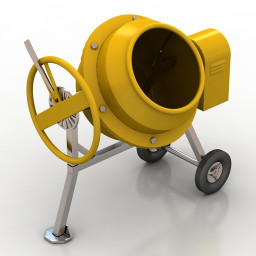
Cement mixer 3D Model
Additional Info: Cement mixer aggregate N230922 – 3D model (*.gsm+*.obj+*.3ds) for exterior 3d visualization.
-
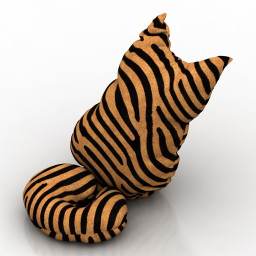
Pillow 3D Model
Additional Info: Cat 1 – 3D model (*.gsm+*.obj+*.3ds) for interior 3d visualization.
-
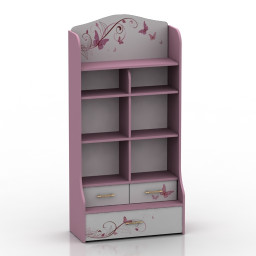
Locker 3D Model
Additional Info: Locker 3 – 3D model (*.gsm+*.obj+*.3ds) for interior 3d visualization.
-
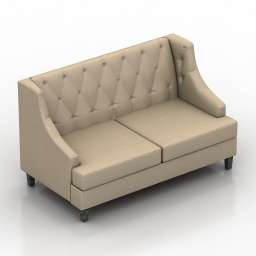
Sofa 3D Model
Additional Info: Sofa Ottostelle Andrew N240922 2ds – 3D model (*.gsm+*.obj+*.3ds) for interior 3d visualization.
-
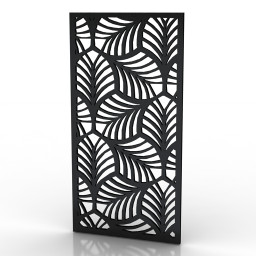
Frame 3D Model
Additional Info: Frame 6 – 3D model (*.gsm+*.obj+*.3ds) for interior 3d visualization.
-
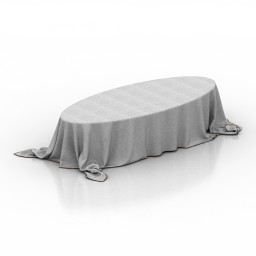
Table 3D Model
Additional Info: Table cloth – 3D model (*.gsm+*.obj+*.3ds) for interior 3d visualization.
-
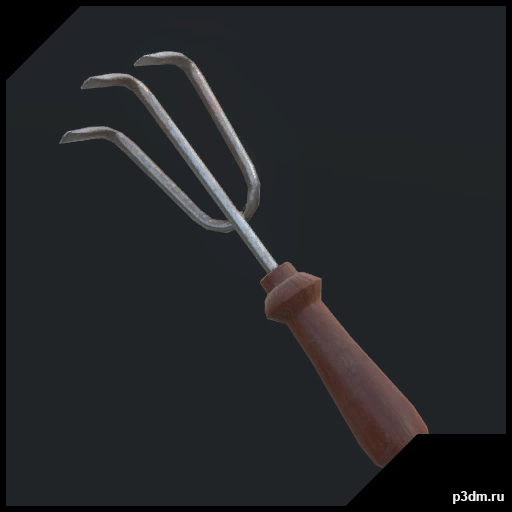
H3VR – HandRake 3D Model
H3VR – Weaponrybundles-meleefarmingHandRakeRipped by MaykxVR ReadyMain gun : yesMagazine : noSpawner icon : yesBullet : no
-
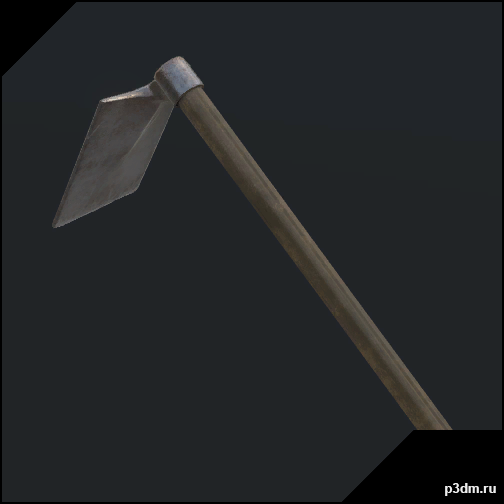
H3VR – Hoe 3D Model
H3VR – Weaponrybundles-meleefarmingHoeRipped by MaykxVR ReadyMain gun : yesMagazine : noSpawner icon : yesBullet : no
-
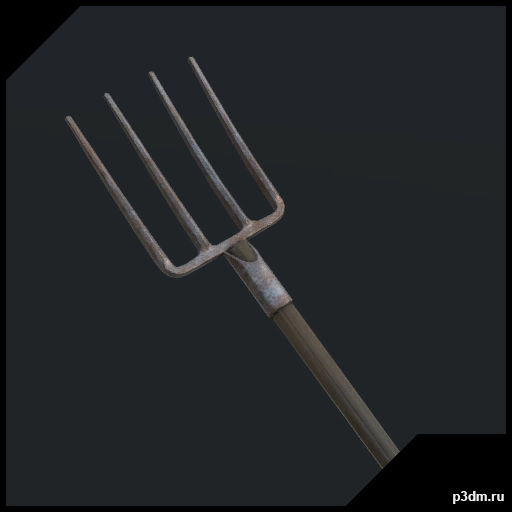
H3VR – Pitchfork 3D Model
H3VR – Weaponrybundles-meleefarmingPitchforkRipped by MaykxVR ReadyMain gun : yesMagazine : noSpawner icon : yesBullet : no
-
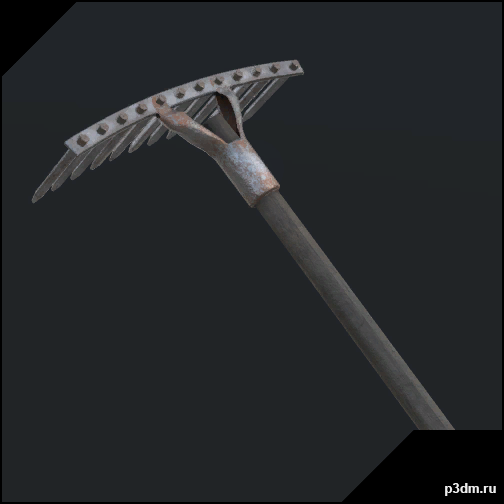
H3VR – Rake 3D Model
H3VR – Weaponrybundles-meleefarmingRakeRipped by MaykxVR ReadyMain gun : yesMagazine : noSpawner icon : yesBullet : no
-
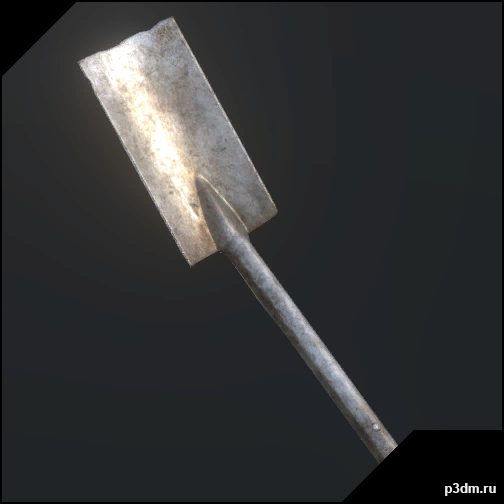
H3VR – Shovel Flat 3D Model
H3VR – Weaponrybundles-meleefarmingShovelFlatRipped by MaykxVR ReadyMain gun : yesMagazine : noSpawner icon : yesBullet : no
-
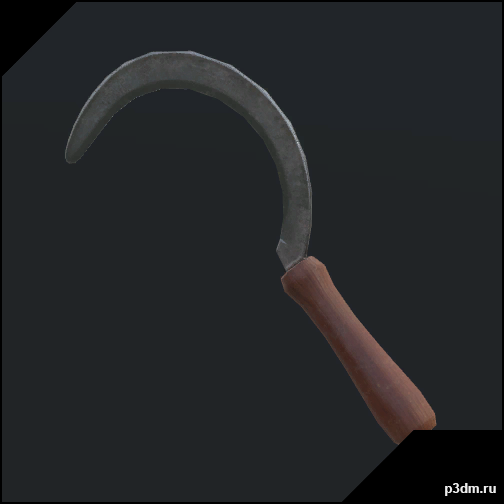
H3VR – Sickle 3D Model
H3VR – Weaponrybundles-meleefarmingSickleRipped by MaykxVR ReadyMain gun : yesMagazine : noSpawner icon : yesBullet : no
-
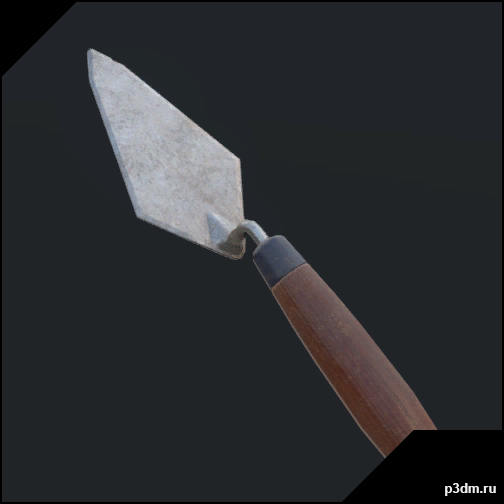
H3VR – Trowel 3D Model
H3VR – Weaponrybundles-meleefarmingTrowelRipped by MaykxVR ReadyMain gun : yesMagazine : noSpawner icon : yesBullet : no
-
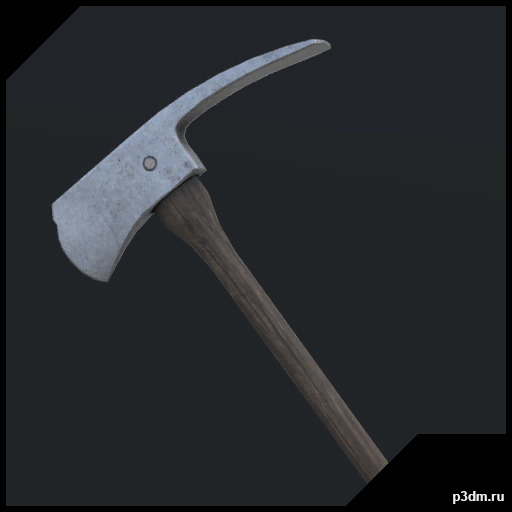
H3VR – Wood Axe 3D Model
H3VR – Weaponrybundles-meleefarmingWoodAxeRipped by MaykxVR ReadyMain gun : yesMagazine : noSpawner icon : yesBullet : no
-
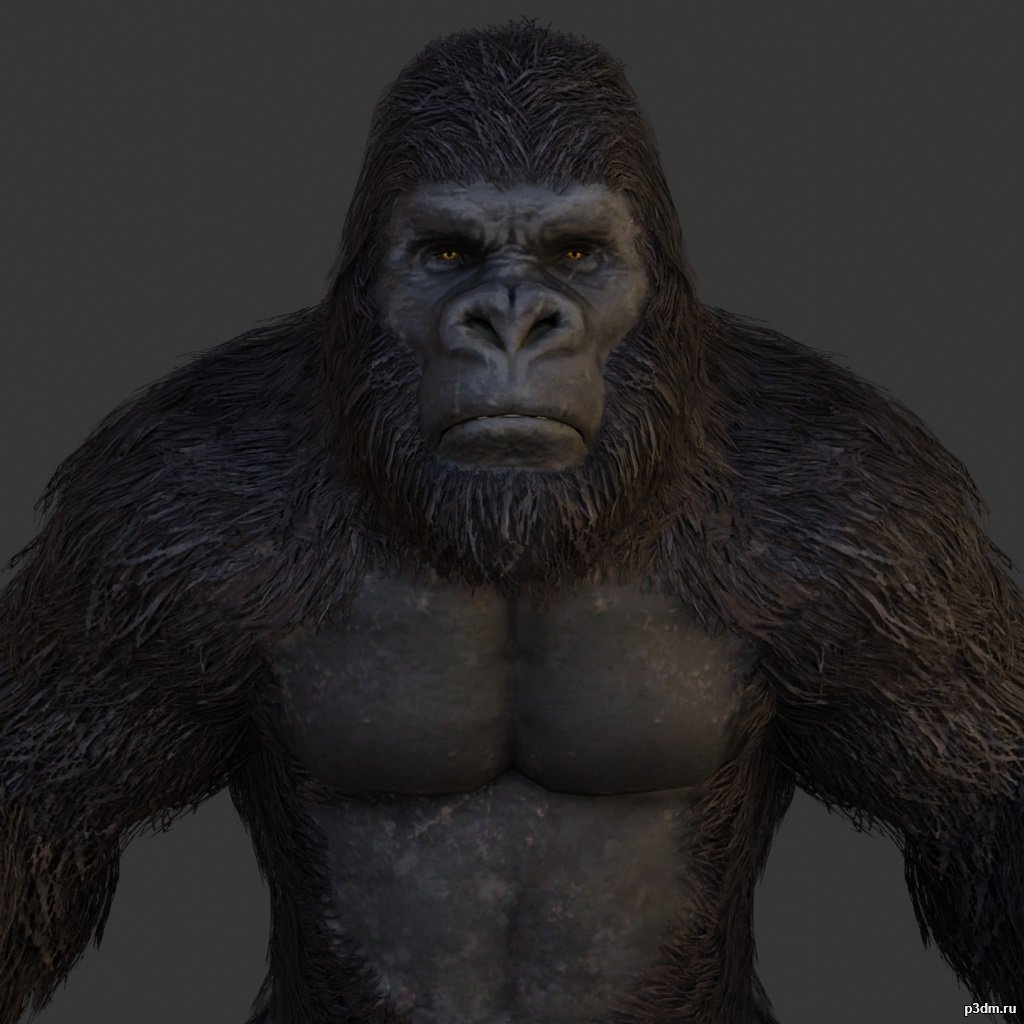
Gorilla 3D Model
using animations in Blender:1 – import model2 – import animation3 – with the CTRL key held down Select the object you want to animate, then select the object from which you want to copy the animation, then go to Object > Link/Data Transfer > Link Animation Data
-
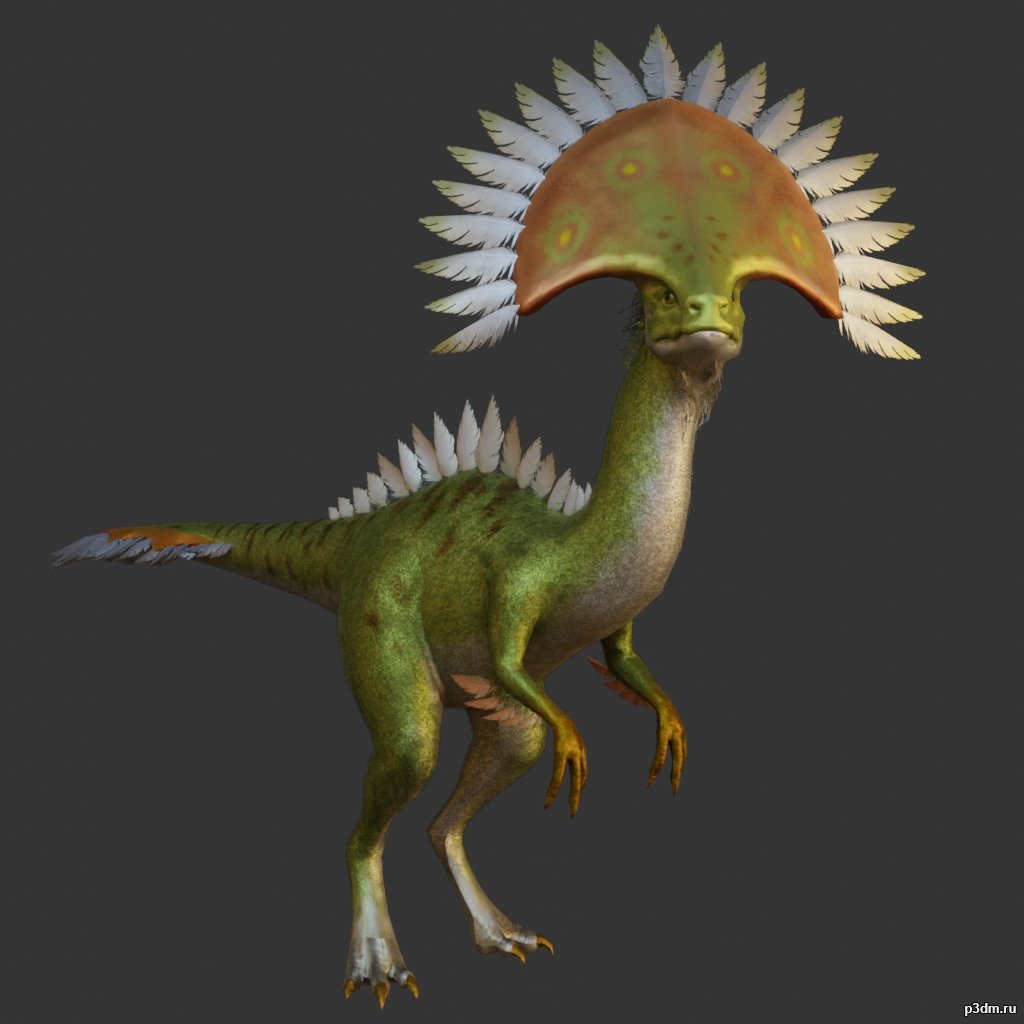
Camabirdsaurus 3D Model
using animations in Blender:1 – import model2 – import animation3 – with the CTRL key held down Select the object you want to animate, then select the object from which you want to copy the animation, then go to Object > Link/Data Transfer > Link Animation Data
-
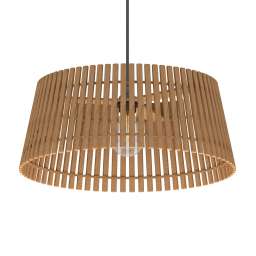
Luster 3D Model
Additional Info: Luster EGLO NAROLA N280422 – 3D model (*.gsm+*.obj+*.3ds) for interior 3d visualization.
-
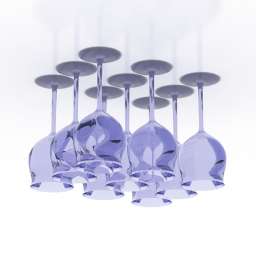
Wineglasses 3D Model
Additional Info: Wineglasses set 1 – 3D model (*.gsm+*.obj+*.3ds) for interior 3d visualization.
-
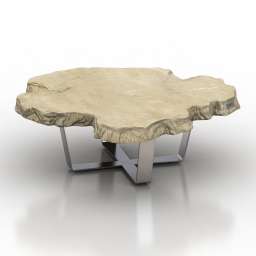
Table 3D Model
Additional Info: Table coffee Bizzotto Sidney art112 N200622 2ds – 3D model (*.gsm+*.obj+*.3ds) for interior 3d visualization.
-
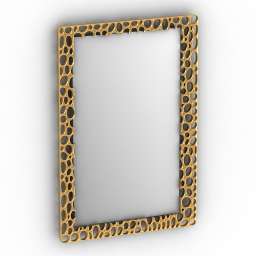
Mirror 3D Model
Additional Info: Mirror N280622 – 3D model (*.gsm+*.obj+*.3ds) for interior 3d visualization.
-
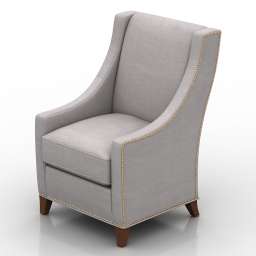
Armchair 3D Model
Additional Info: Armchair Flexsteel Deft N190822 – 3D model (*.gsm+*.obj+*.3ds) for interior 3d visualization.
-
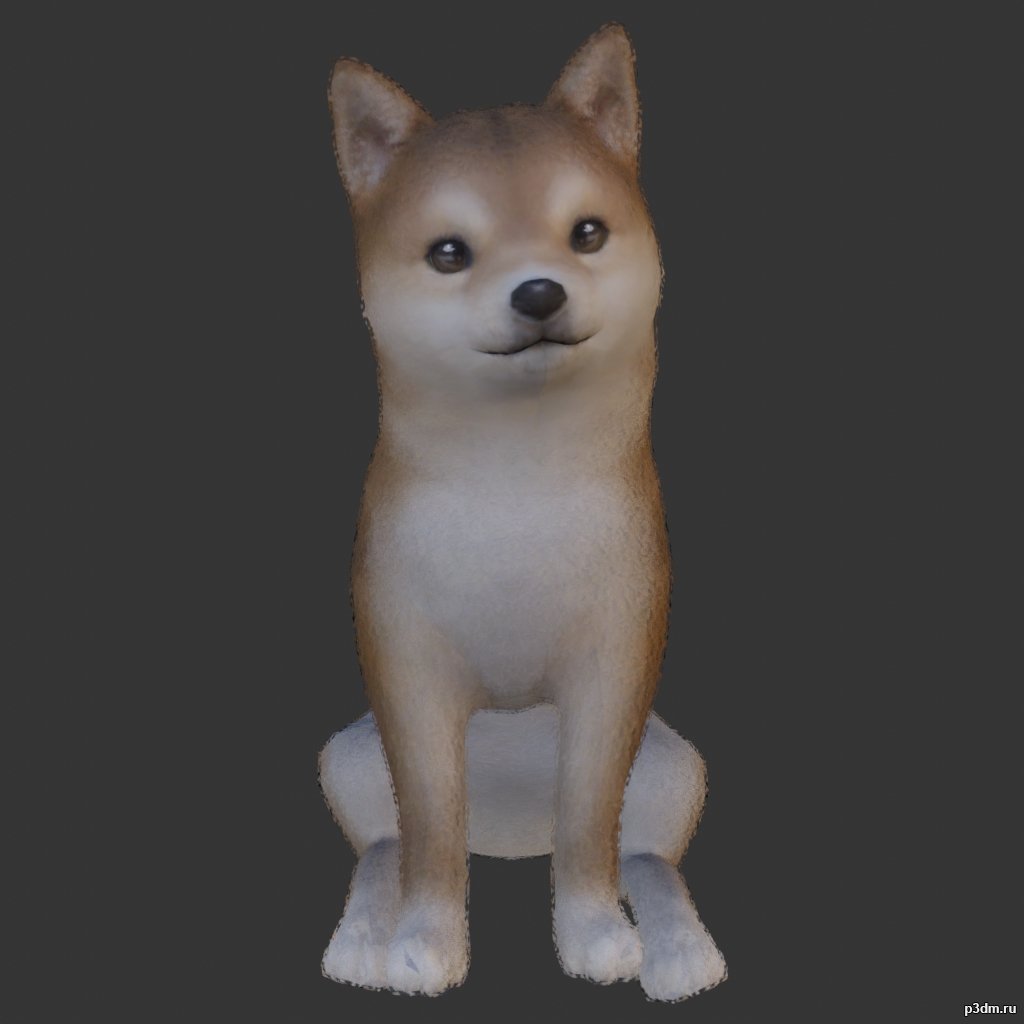
Dogs 3D Model
Animations here –> WOOF 4mbusing animations in Blender:1 – open model2 – import animation (in settings fbx import select Automatic Bone Orientations)3 – with the CTRL key held down Select the object you want to animate, then select the object from which you want to copy the animation, then go to Object > Link/Data Transfer > Link Animation Data4 – correct some distortions
-
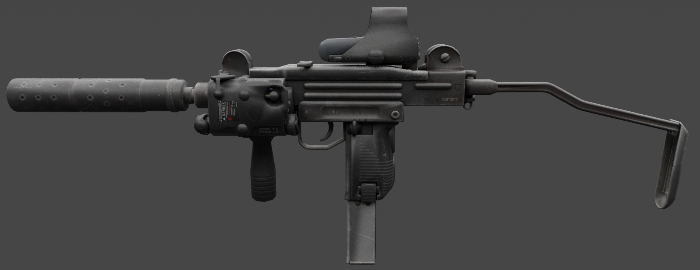
Mini Uzi 3D Model
The Mini Uzi is a smaller version of the regular Uzi, first introduced in 1980 and used by Israel. It has a greater automatic rate of fire of 950 rounds per minute due to the shorter bolt. Separable as seen
-
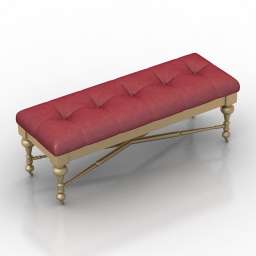
Seat 3D Model
Additional Info: Seat N110822 – 3D model (*.gsm+*.obj+*.3ds) for interior 3d visualization.
-
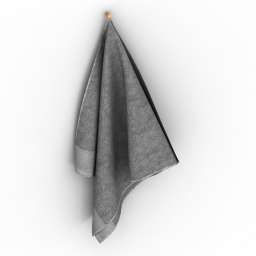
Towel 3D Model
Additional Info: Towel 3 – 3D model (*.gsm+*.obj+*.3ds) for interior 3d visualization.
-
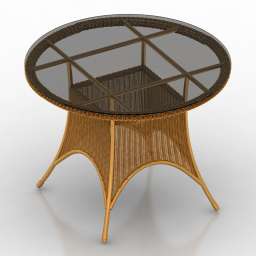
Table 3D Model
Additional Info: Table rotang N220622 – 3D model (*.gsm+*.obj+*.3ds) for interior 3d visualization.
-
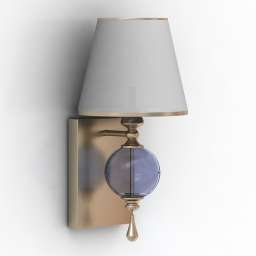
Sconce 3D Model
Additional Info: Sconce Feiss Argento N030822 – 3D model (*.gsm+*.obj+*.3ds) for interior 3d visualization.
-
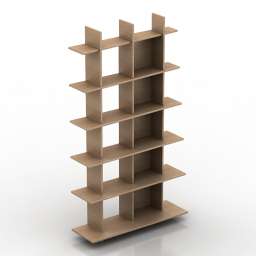
Rack 3D Model
Additional Info: Rack Ligne Roset ALLITERATION N140622 – 3D model (*.gsm+*.obj+*.3ds) for interior 3d visualization.
-
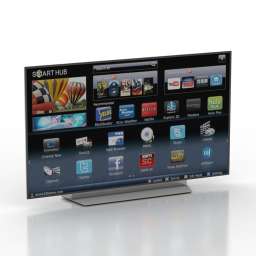
TV set 3D Model
Additional Info: TV set LG 55 OMLED TV N210922 – 3D model (*.gsm+*.obj+*.3ds) for interior 3d visualization.
-
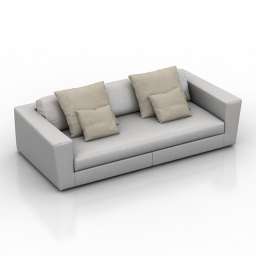
Sofa 3D Model
Additional Info: Sofa Colico Srl ASAMI W8 White N270622 2ds – 3D model (*.gsm+*.obj+*.3ds) for interior 3d visualization.
-
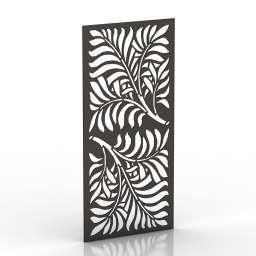
Frame 3D Model
Additional Info: Frame 1 – 3D model (*.gsm+*.obj+*.3ds) for interior 3d visualization.
-
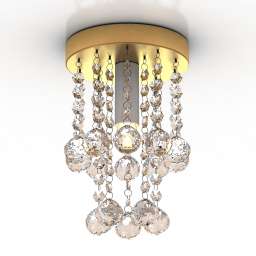
Luster 3D Model
Additional Info: Luster Luxury Crystall N020222 – 3D model (*.gsm+*.obj+*.3ds) for interior 3d visualization.
-
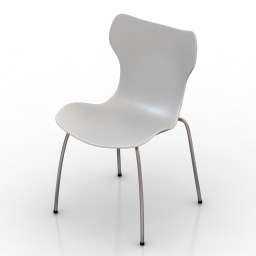
Chair 3D Model
Additional Info: Chair B&B Italia Papilio Shell N180622 – 3D model (*.gsm+*.obj+*.3ds) for interior 3d visualization.
-
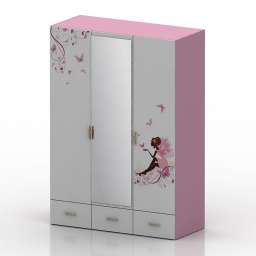
Wardrobe 3D Model
Additional Info: Wardrobe – 3D model (*.gsm+*.obj+*.3ds) for interior 3d visualization.
-
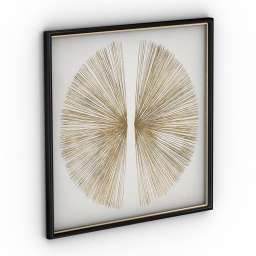
Picture 3D Model
Additional Info: Picture 2 – 3D model (*.gsm+*.obj+*.3ds) for interior 3d visualization.
-
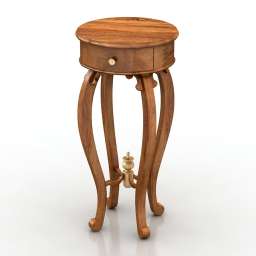
Table 3D Model
Additional Info: Table tea Stand N230622 – 3D model (*.gsm+*.obj+*.3ds) for interior 3d visualization.
-
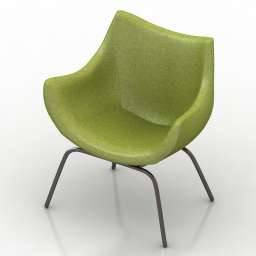
Armchair 3D Model
Additional Info: Armchair 2 2ds – 3D model (*.gsm+*.obj+*.3ds) for interior 3d visualization.
-
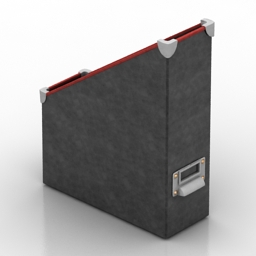
Rack 3D Model
Additional Info: Rack IKEA Fella N251119 – 3D model (*.gsm+*.3ds) for interior 3d visualization.
-
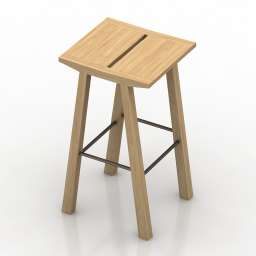
Chair 3D Model
Additional Info: Chair bar – 3D model (*.gsm+*.obj+*.3ds) for interior 3d visualization.
-
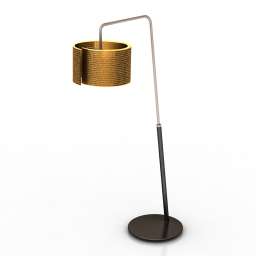
Torchere 3D Model
Additional Info: Torchere Staygreen Luce Floor Lamp N310722 – 3D model (*.gsm+*.obj+*.3ds) for interior 3d visualization.
-
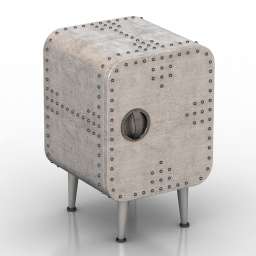
Nightstand 3D Model
Additional Info: Nightstand loft concept Aviator N140622 – 3D model (*.gsm+*.obj+*.3ds) for interior 3d visualization.
-
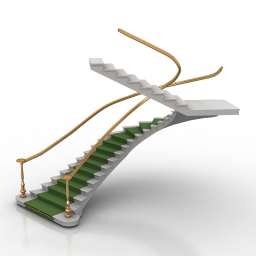
Stair 3D Model
Additional Info: Stair carpet N230522 – 3D model (*.gsm+*.obj+*.3ds) for interior 3d visualization.
-
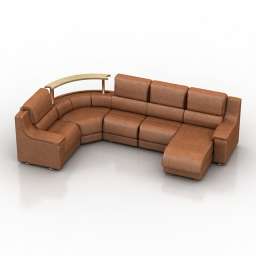
Sofa 3D Model
Additional Info: Sofa Kalinka 72 N260622 – 3D model (*.gsm+*.obj+*.3ds) for interior 3d visualization.
-
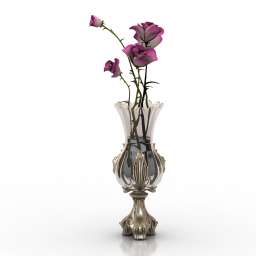
Vase 3D Model
Additional Info: Vase Risoli classic graceful vase garden roses N290622 – 3D model (*.gsm+*.obj+*.3ds) for interior 3d visualization.
-
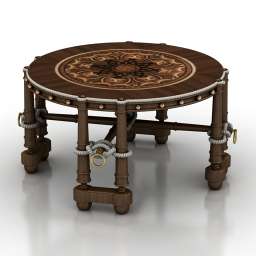
Table 3D Model
Additional Info: Table coffee R N200622 – 3D model (*.gsm+*.obj+*.3ds) for interior 3d visualization.
-
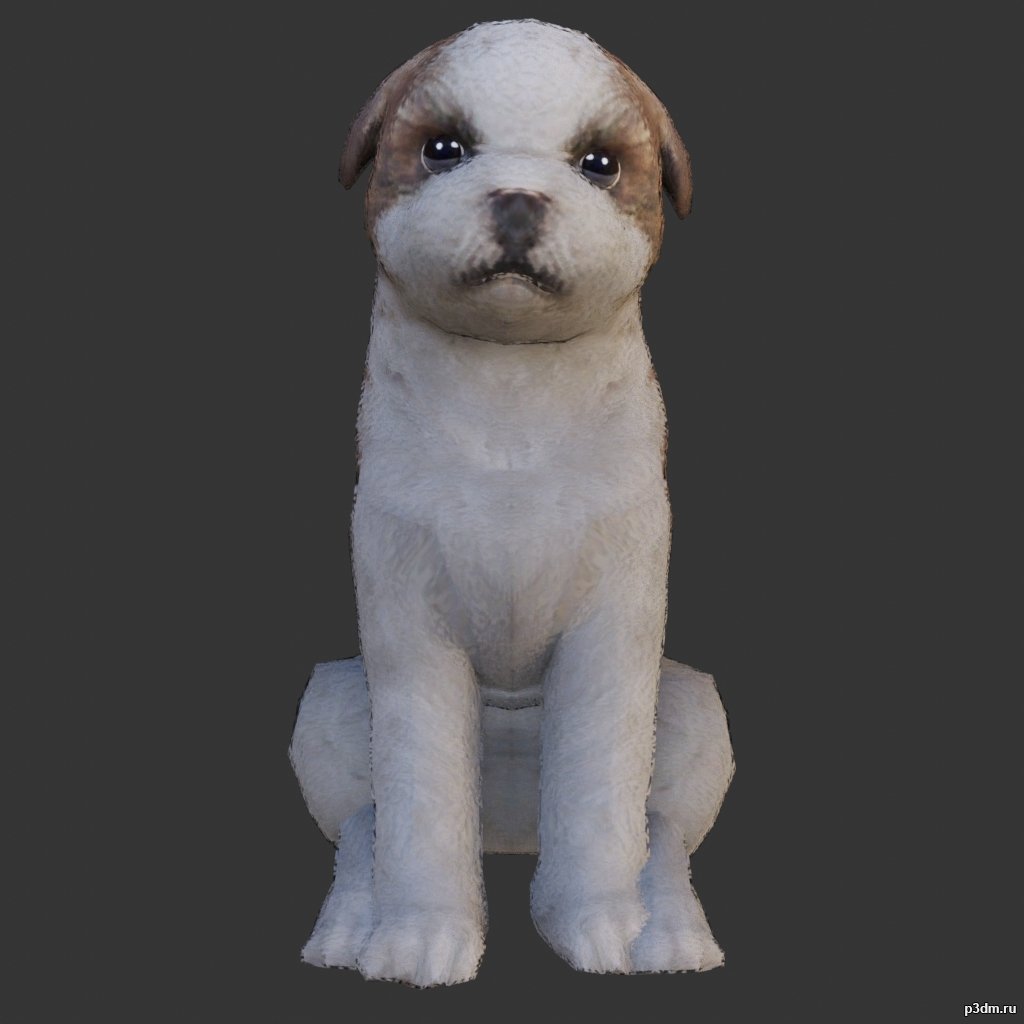
Shih Tzu 3D Model
Animations here –> WOOF 4mbusing animations in Blender:1 – open model2 – import animation (in settings fbx import select Automatic Bone Orientations)3 – with the CTRL key held down Select the object you want to animate, then select the object from which you want to copy the animation, then go to Object > Link/Data Transfer > Link Animation Data4 – correct some distortions
-
Glass 3D Model
Additional Info: Glass Ligne Roset Smoked Glass N210922 – 3D model (*.gsm+*.obj+*.3ds) for interior 3d visualization.
-
Seat 3D Model
Additional Info: Seat 2ds – 3D model (*.gsm+*.obj+*.3ds) for interior 3d visualization.
-
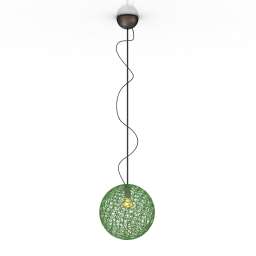
Luster 3D Model
Additional Info: Luster 1 – 3D model (*.gsm+*.obj+*.3ds) for interior 3d visualization.
-
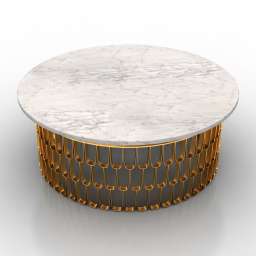
Table 3D Model
Additional Info: Table Arteriors Orleans Cocktail Table N210620 – 3D model (*.gsm+*.obj+*.3ds) for interior 3d visualization.
-
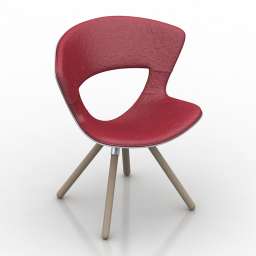
Chair 3D Model
Additional Info: Chair Fredericia Furniture Mundo N140822 2ds – 3D model (*.gsm+*.obj+*.3ds) for interior 3d visualization.
-
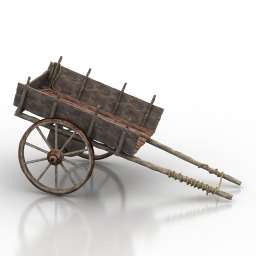
Cart 3D Model
Additional Info: Cart Old chariot N110722 – 3D model (*.gsm+*.obj) for exterior 3d visualization.
-

Kitchen 3D Model
Additional Info: Kitchen Classic N210922 – 3D model (*.gsm+*.obj+*.3ds) for interior 3d visualization.
-
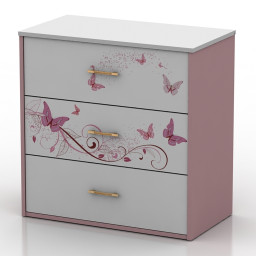
Locker 3D Model
Additional Info: Locker small – 3D model (*.gsm+*.obj+*.3ds) for interior 3d visualization.