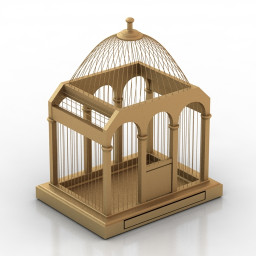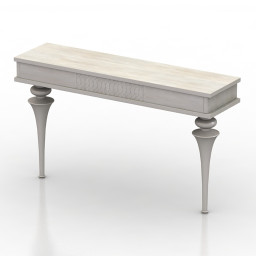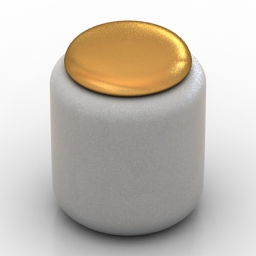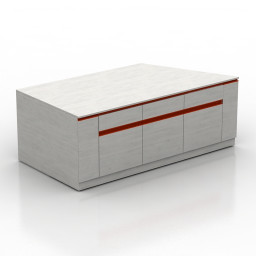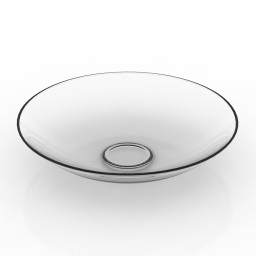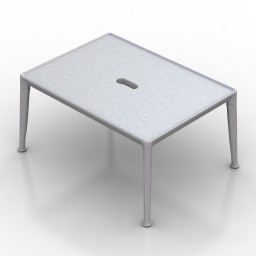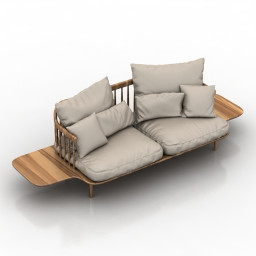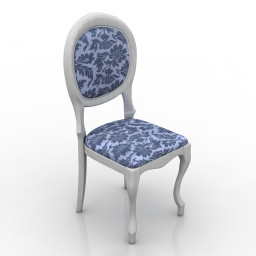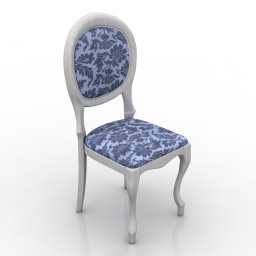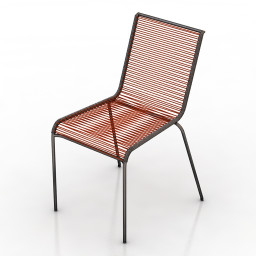
Additional Info: Chair – 3D model (*.gsm+*.obj+*.3ds) for interior 3d visualization.
Blog
-
Toy 3D Model
Additional Info: Toy Machine Raidenmon N281022 – 3D model (*.gsm+*.obj+*.3ds) for interior 3d visualization.
-
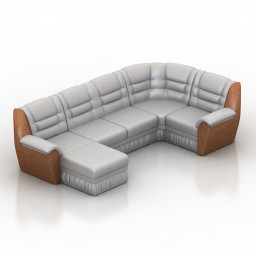
Sofa 3D Model
Additional Info: Sofa corner N260622 2ds – 3D model (*.gsm+*.obj+*.3ds) for interior 3d visualization.
-
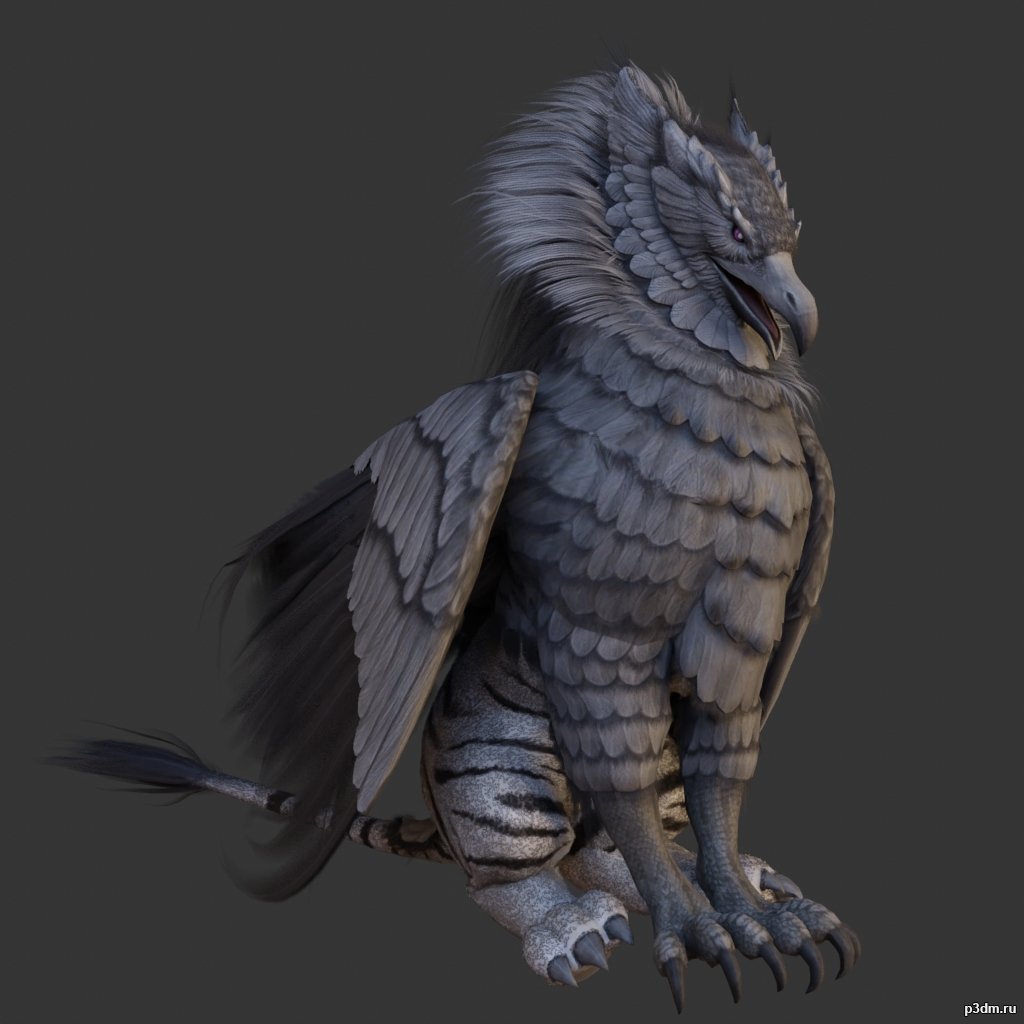
Griffons pack 3D Model
full rip:animationstexturesmodelsoundusing animations in Blender:1 – import model2 – import animation3 – with the CTRL key held down Select the object you want to animate, then select the object from which you want to copy the animation, then go to Object > Link/Data Transfer (CTRL+L) > Link Animation Data
-
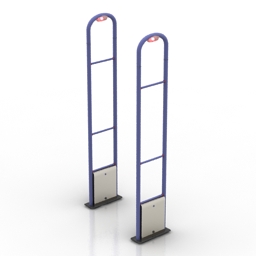
Anti-theft gate 3D Model
Additional Info: Anti-theft gates GATEWAY GS-201202 N250419 – 3D model (*.gsm+*.3ds) for interior 3d visualization.
-
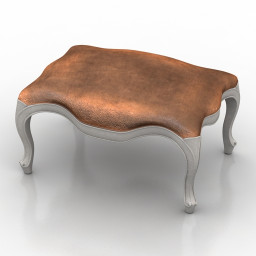
Seat 3D Model
Additional Info: Seat Louis XV N100822 – 3D model (*.gsm+*.obj+*.3ds) for interior 3d visualization.
-
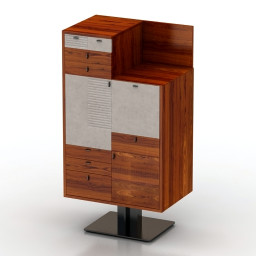
Locker 3D Model
Additional Info: Locker Mobilidea Manager 5009 Commode N240822 – 3D model (*.gsm+*.obj+*.3ds) for interior 3d visualization.
-
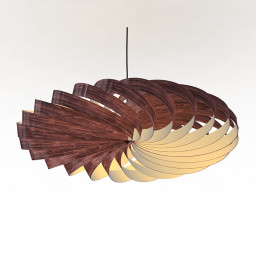
Luster 3D Model
Additional Info: Luster wooden N270922 – 3D model (*.gsm+*.obj+*.3ds) for interior 3d visualization.
-
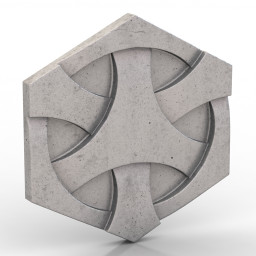
Tile 3D Model
Additional Info: Tile Japanese weave N070622 – 3D model (*.gsm+*.obj+*.3ds) for interior 3d visualization.
-
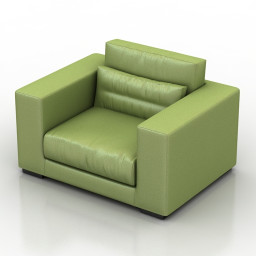
Armchair 3D Model
Additional Info: Armchair Piet boon DIEKE LIVING SERIES N170822 2ds – 3D model (*.gsm+*.obj+*.3ds) for interior 3d visualization.
-

Penguins pack 3D Model
full rip:animationstexturesmodelsoundusing animations in Blender:1 – import model2 – import animation3 – with the CTRL key held down Select the object you want to animate, then select the object from which you want to copy the animation, then go to Object > Link/Data Transfer (CTRL+L) > Link Animation Data
-
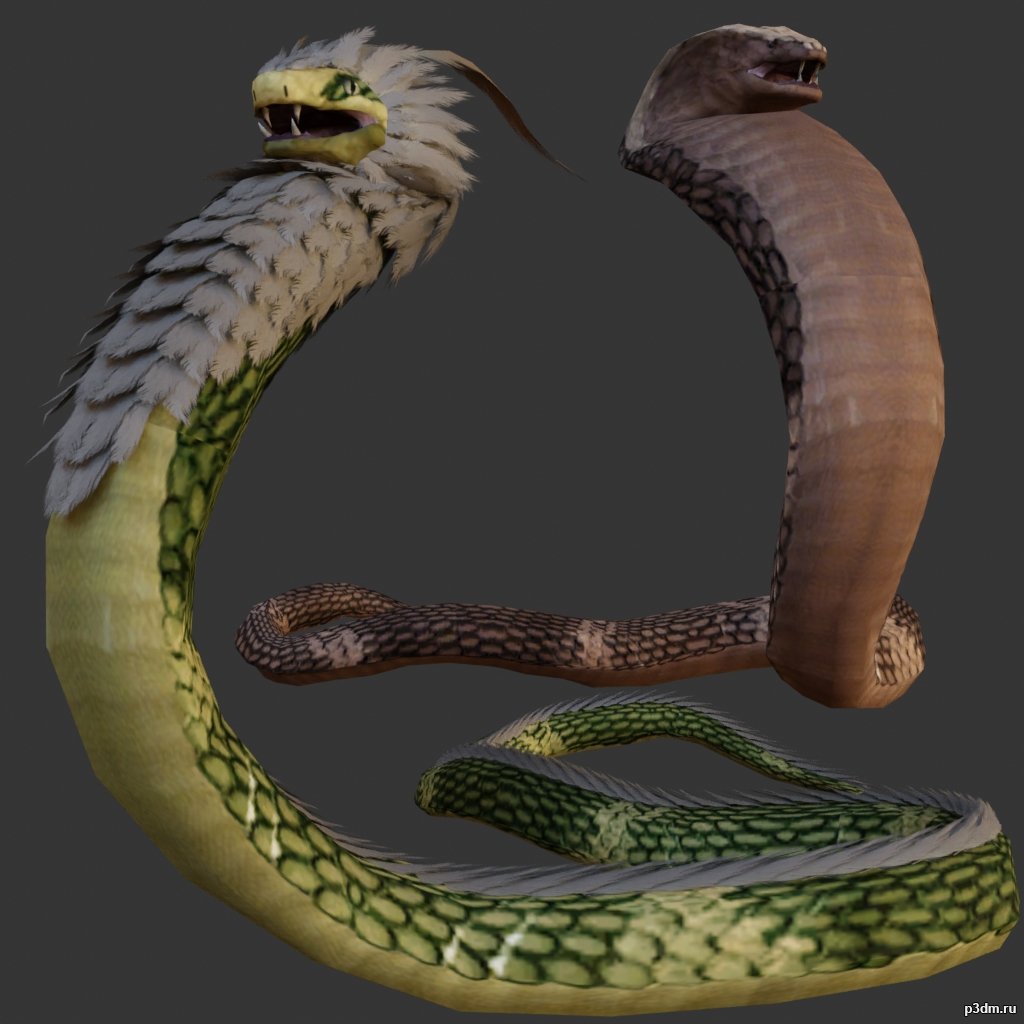
Snake 3D Model
full rip:animationstexturesmodelsoundusing animations in Blender:1 – import model2 – import animation3 – with the CTRL key held down Select the object you want to animate, then select the object from which you want to copy the animation, then go to Object > Link/Data Transfer (CTRL+L) > Link Animation Data
-
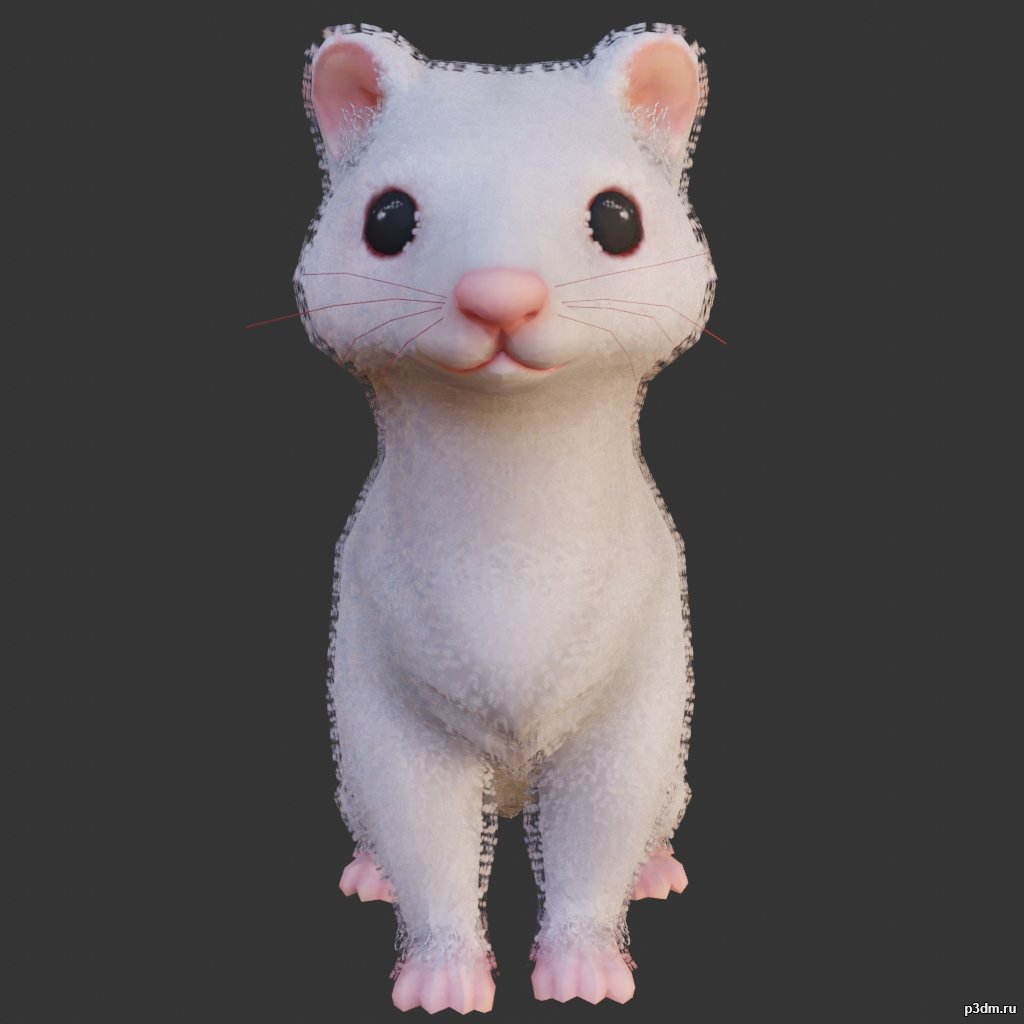
Ferret 3D Model
using animations in Blender:1 – import model2 – import animation3 – with the CTRL key held down Select the object you want to animate, then select the object from which you want to copy the animation, then go to Object > Link/Data Transfer (CTRL+L) > Link Animation Data
-

Elephants pack 3D Model
full rip:animationstexturesmodelsoundusing animations in Blender:1 – import model2 – import animation3 – with the CTRL key held down Select the object you want to animate, then select the object from which you want to copy the animation, then go to Object > Link/Data Transfer (CTRL+L) > Link Animation Data
-

Owls pack 3D Model
full rip:animationstexturesmodelsoundusing animations in Blender:1 – import model2 – import animation3 – with the CTRL key held down Select the object you want to animate, then select the object from which you want to copy the animation, then go to Object > Link/Data Transfer (CTRL+L) > Link Animation Data
-
Torchere 3D Model
Additional Info: Torchere Nordic N300722 – 3D model (*.gsm+*.obj+*.3ds) for interior 3d visualization.
-
Lounge 3D Model
Additional Info: Lounge Ventura Lambrate Seating N260822 – 3D model (*.gsm+*.obj+*.3ds) for interior 3d visualization.
-
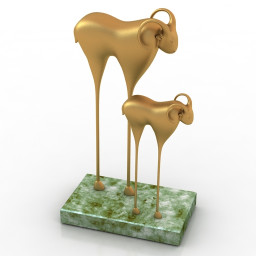
Figurine 3D Model
Additional Info: Figurine Buffalo N080722 – 3D model (*.gsm+*.obj+*.3ds) for interior 3d visualization.
-
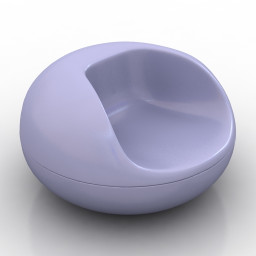
Armchair 3D Model
Additional Info: Armchair Pastil Chair by Eero Aarnio 1967 N120822 – 3D model (*.gsm+*.obj+*.3ds) for interior 3d visualization.
-
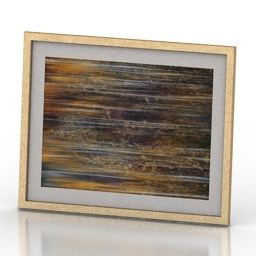
Picture 3D Model
Additional Info: Picture 1 – 3D model (*.gsm+*.obj+*.3ds) for interior 3d visualization.
-
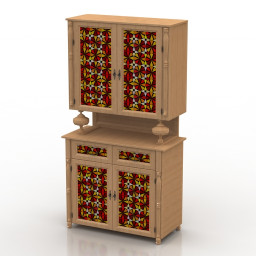
Locker 3D Model
Additional Info: Locker kitchen N011022 – 3D model (*.gsm+*.obj+*.3ds) for interior 3d visualization.
-
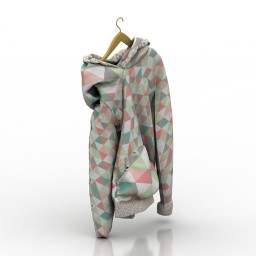
Jacket 3D Model
Additional Info: Jacket 2 – 3D model (*.gsm+*.obj+*.3ds) for interior 3d visualization.
-
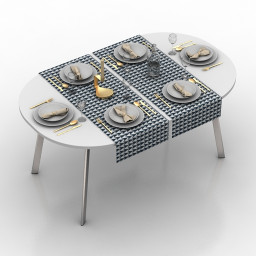
Table setting 3D Model
Additional Info: Table setting decor N131022 – 3D model (*.gsm+*.obj+*.3ds) for interior 3d visualization.
-
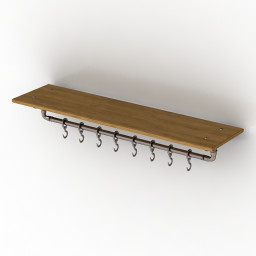
Shelf 3D Model
Additional Info: Shelf N060922 – 3D model (*.gsm+*.obj+*.3ds) for interior 3d visualization.
-
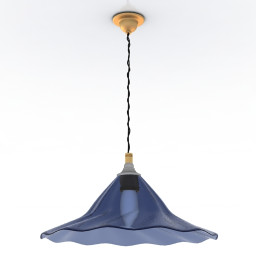
Luster 3D Model
Additional Info: Luster Rothschild & Bickers N270922 – 3D model (*.gsm+*.obj+*.3ds) for interior 3d visualization.
-
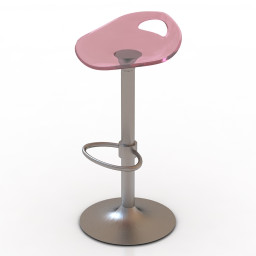
Chair 3D Model
Additional Info: Chair bar Samba N160822 – 3D model (*.gsm+*.obj+*.3ds) for interior 3d visualization.
-
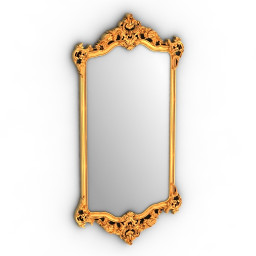
Mirror 3D Model
Additional Info: Mirror cls frame N280622 – 3D model (*.gsm+*.obj+*.3ds) for interior 3d visualization.
-
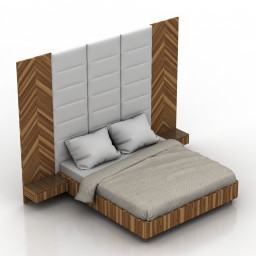
Bed 3D Model
Additional Info: Bed Wall Panel 1 – 3D model (*.gsm+*.obj+*.3ds) for interior 3d visualization.
-
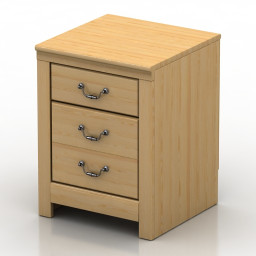
Nightstand 3D Model
Additional Info: Nightstand – 3D model (*.gsm+*.obj+*.3ds) for interior 3d visualization.
-
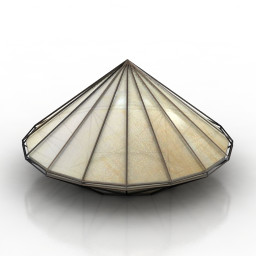
Lamp 3D Model
Additional Info: Lamp Triangle Light N260422 – 3D model (*.gsm+*.obj+*.3ds) for interior 3d visualization.
-
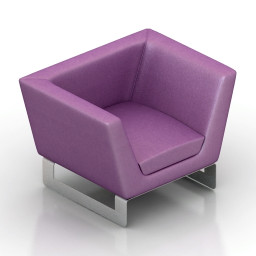
Armchair 3D Model
Additional Info: Armchair vio – 3D model (*.gsm+*.obj+*.3ds) for interior 3d visualization.
-
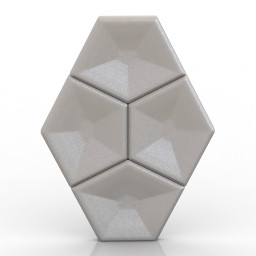
Tile 3D Model
Additional Info: Tile 3d wall N120722 – 3D model (*.gsm+*.obj+*.3ds) for interior 3d visualization.
-
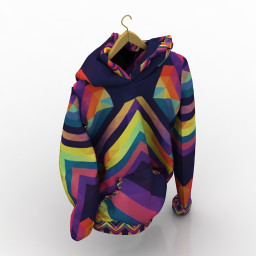
Jacket 3D Model
Additional Info: Jacket 1 – 3D model (*.gsm+*.obj+*.3ds) for interior 3d visualization.
-
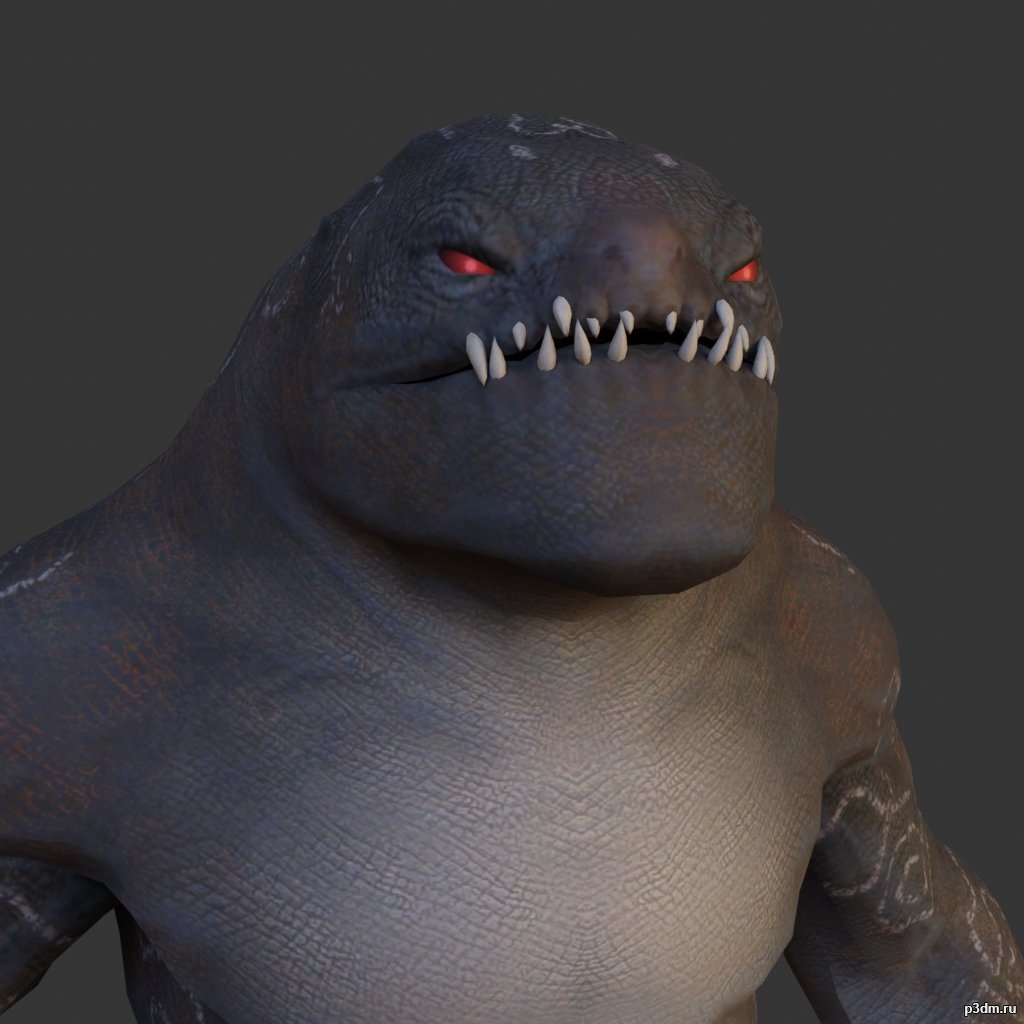
Desert Monster 3D Model
using animations in Blender:1 – import model2 – import animation3 – with the CTRL key held down Select the object you want to animate, then select the object from which you want to copy the animation, then go to Object > Link/Data Transfer (CTRL+L) > Link Animation Data
-
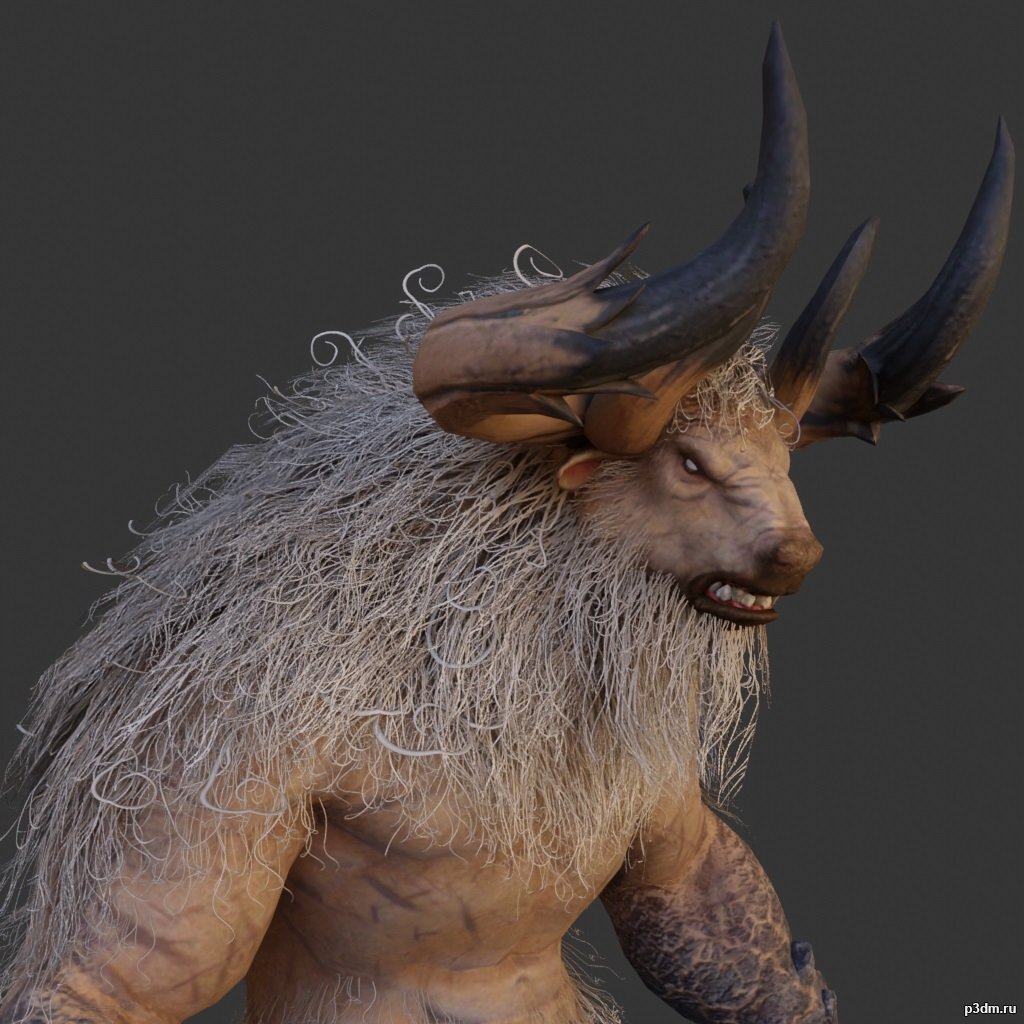
Minotaur 3D Model
full rip:animationstexturesmodelsoundusing animations in Blender:1 – import model2 – import animation3 – with the CTRL key held down Select the object you want to animate, then select the object from which you want to copy the animation, then go to Object > Link/Data Transfer (CTRL+L) > Link Animation Data
-
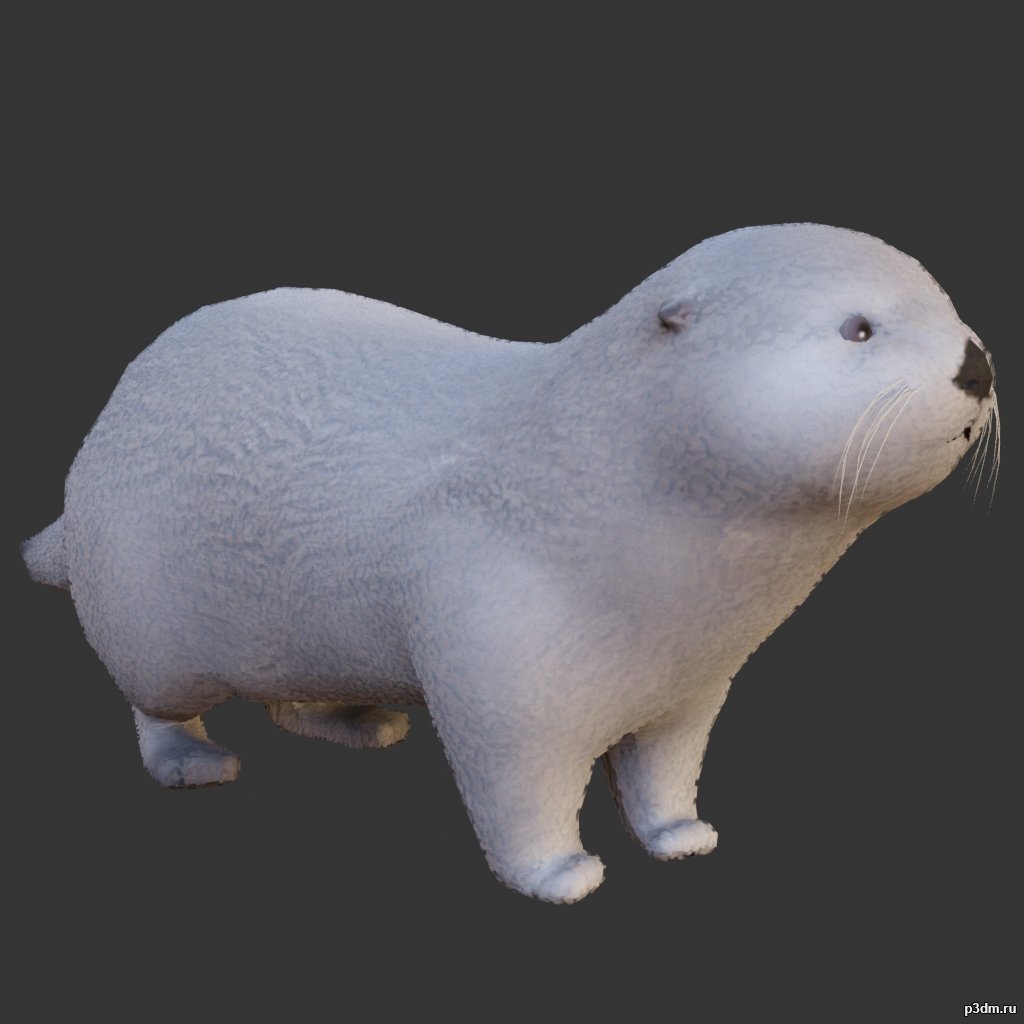
Otter 3D Model
full rip:animationstexturesmodelsoundusing animations in Blender:1 – import model2 – import animation3 – with the CTRL key held down Select the object you want to animate, then select the object from which you want to copy the animation, then go to Object > Link/Data Transfer (CTRL+L) > Link Animation Data
-
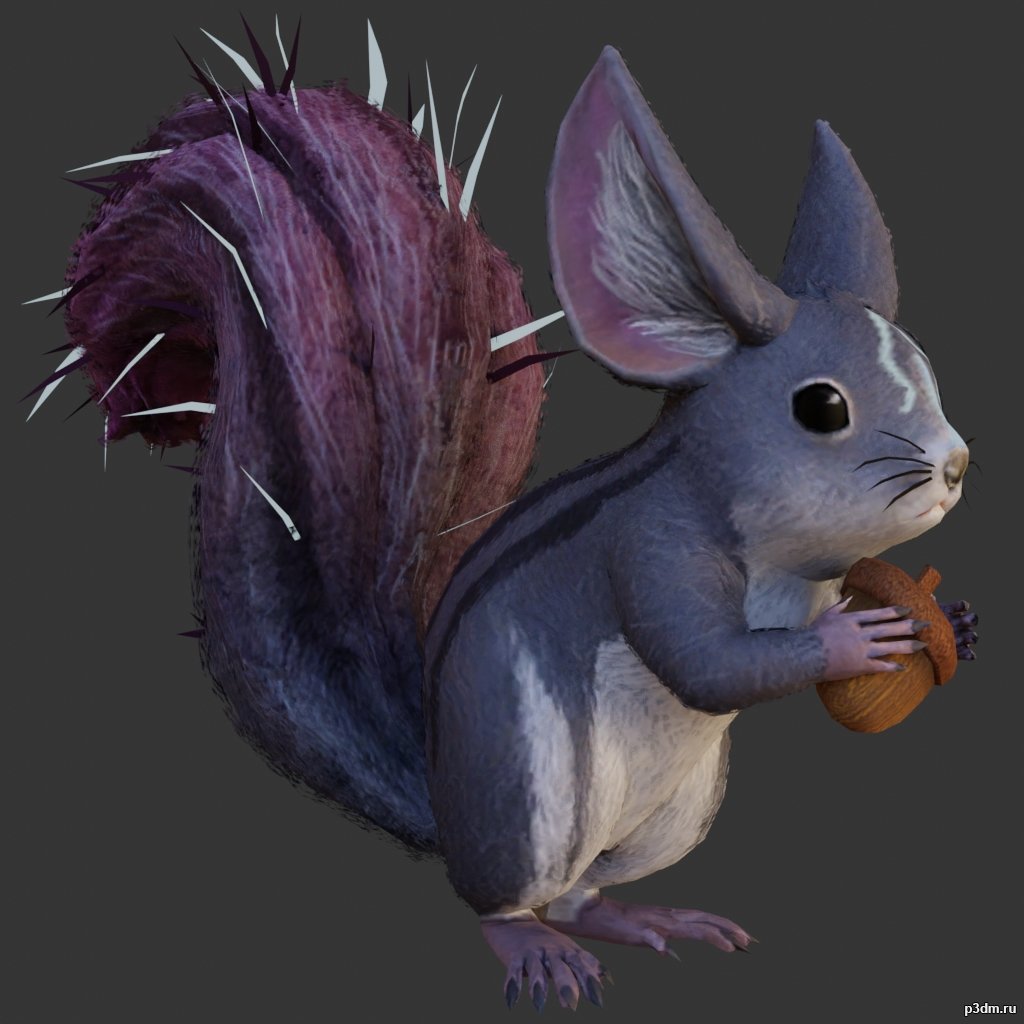
Squirrel 3D Model
full rip:animationstexturesmodelsoundusing animations in Blender:1 – import model2 – import animation3 – with the CTRL key held down Select the object you want to animate, then select the object from which you want to copy the animation, then go to Object > Link/Data Transfer (CTRL+L) > Link Animation Data
-
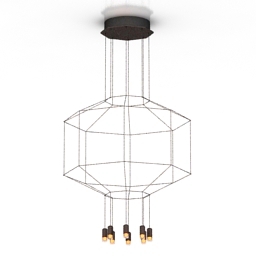
Luster 3D Model
Additional Info: Luster 1 – 3D model (*.gsm+*.obj+*.3ds) for interior 3d visualization.
-
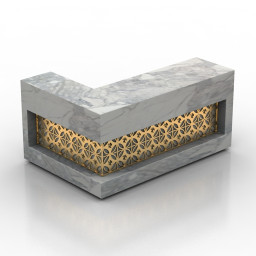
Rack 3D Model
Additional Info: Rack Cubid reception desk bar N250822 – 3D model (*.gsm+*.obj+*.3ds) for interior 3d visualization.
-
Rack 3D Model
Additional Info: Rack Cubid reception desk bar N250822 – 3D model (*.gsm+*.obj+*.3ds) for interior 3d visualization.
-

Rack 3D Model
Additional Info: Rack 583-350 – 3D model (*.gsm+*.obj+*.3ds) for interior 3d visualization.
-
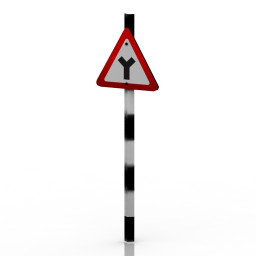
Sign 3D Model
Additional Info: Sign 33 – 3D model (*.gsm+*.obj+*.3ds) for exterior 3d visualization.
-
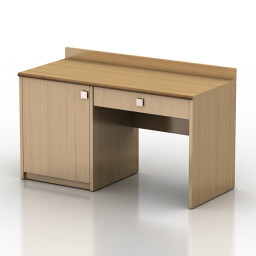
Table 3D Model
Additional Info: Table 1 – 3D model (*.gsm+*.obj+*.3ds) for interior 3d visualization.
-
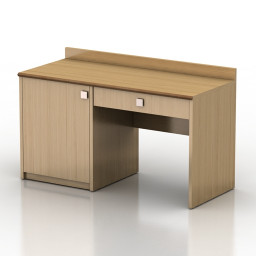
Table 3D Model
Additional Info: Table 1 – 3D model (*.gsm+*.obj+*.3ds) for interior 3d visualization.
-
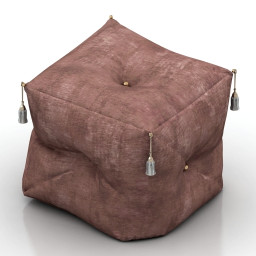
Seat 3D Model
Additional Info: Seat KS N100822 – 3D model (*.gsm+*.obj+*.3ds) for interior 3d visualization.
-
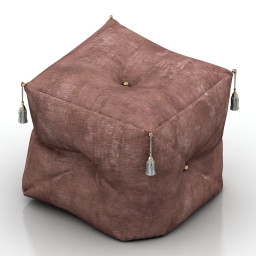
Seat 3D Model
Additional Info: Seat KS N100822 – 3D model (*.gsm+*.obj+*.3ds) for interior 3d visualization.
-

AC-130U 3D Model
Модель также из мода для GTA VИмеет полностью проработанный интерьерПоказать увы не могу,т.к скриншоты оказались слишком тяжелыми
-
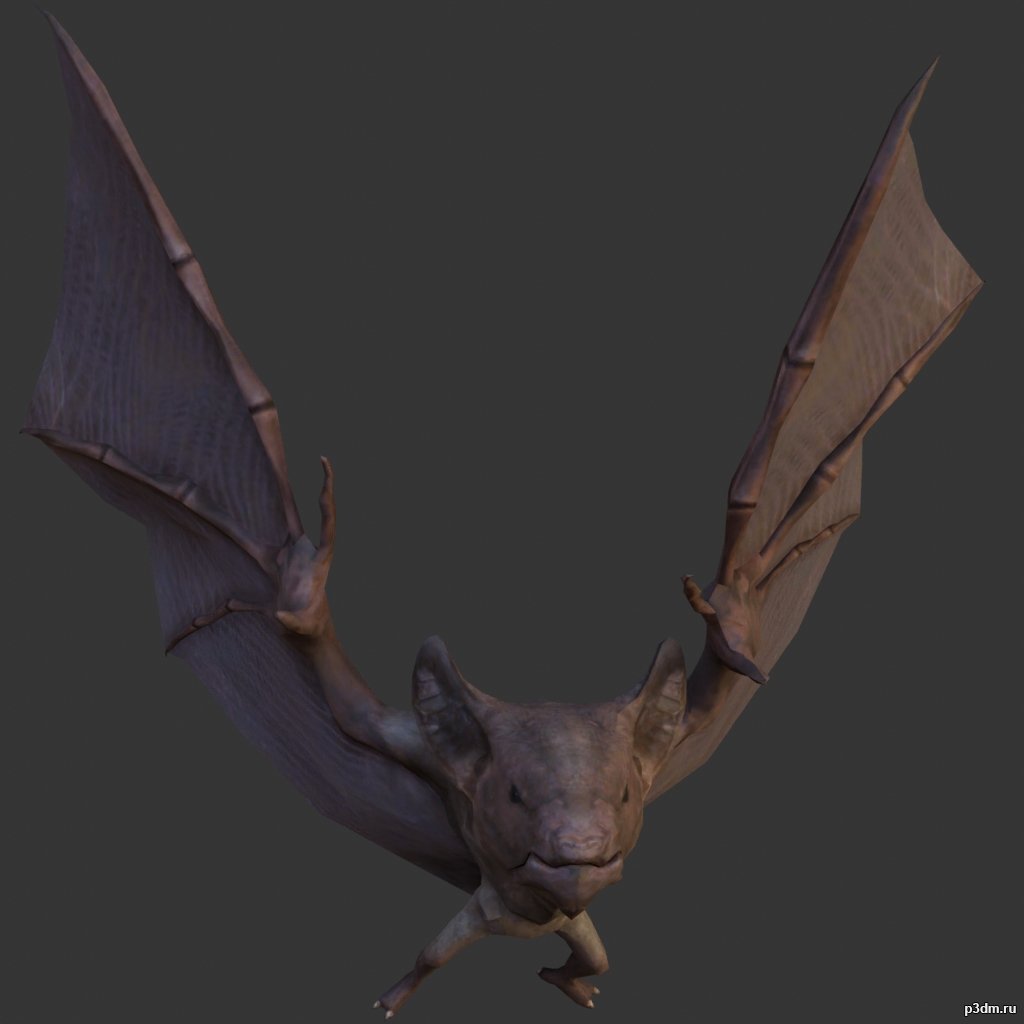
Bat 3D Model
full rip:animationstexturesmodelsoundusing animations in Blender:1 – import model2 – import animation3 – with the CTRL key held down Select the object you want to animate, then select the object from which you want to copy the animation, then go to Object > Link/Data Transfer (CTRL+L) > Link Animation Data
-

Boat pack 3D Model
full rip:animationstexturesmodelsoundusing animations in Blender:1 – import model2 – import animation3 – with the CTRL key held down Select the object you want to animate, then select the object from which you want to copy the animation, then go to Object > Link/Data Transfer (CTRL+L) > Link Animation Data
-
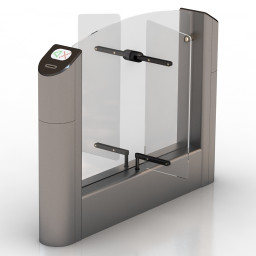
Turnstile 3D Model
Additional Info: Turnstile Practice T-04 N140222 – 3D model (*.gsm+*.obj+*.3ds) for interior 3d visualization.
-
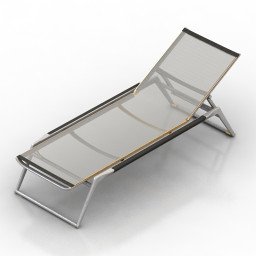
Lounge 3D Model
Additional Info: Lounge – 3D model (*.gsm+*.obj+*.3ds) for interior 3d visualization.
-
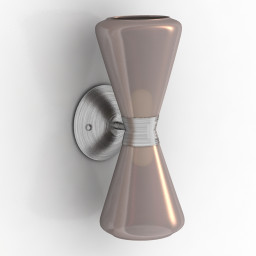
Sconce 3D Model
Additional Info: Sconce Mid-Century Modern N210422 – 3D model (*.gsm+*.obj+*.3ds) for interior 3d visualization.
-
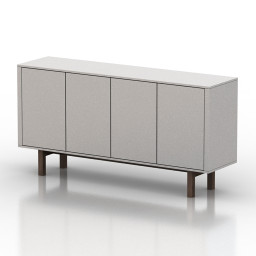
Locker 3D Model
Additional Info: Locker 1 – 3D model (*.gsm+*.obj+*.3ds) for interior 3d visualization.
-
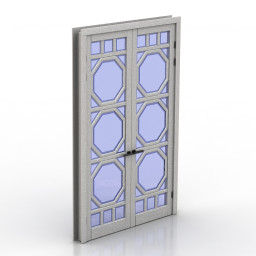
Door 3D Model
Additional Info: Door Oktagon N060522 – 3D model (*.gsm+*.obj+*.3ds) for interior 3d visualization.
-
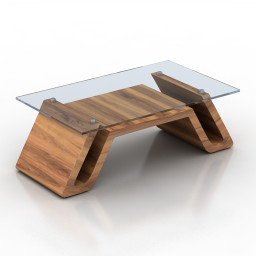
Table 3D Model
Additional Info: Table 03 – 3D model (*.gsm+*.obj+*.3ds) for interior 3d visualization.
-
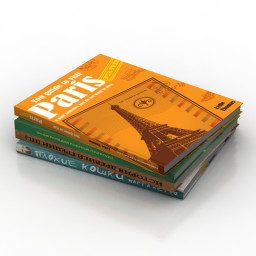
Books 3D Model
Additional Info: Books N031022 – 3D model (*.gsm+*.obj+*.3ds) for interior 3d visualization.
-
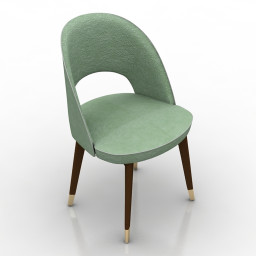
Chair 3D Model
Additional Info: Chair Baxter Colette N140822 – 3D model (*.gsm+*.obj+*.3ds) for interior 3d visualization.
-
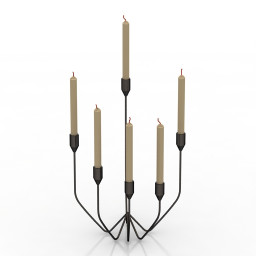
Candlestick 3D Model
Additional Info: Candlestick N071022 – 3D model (*.gsm+*.obj+*.3ds) for interior 3d visualization.
-
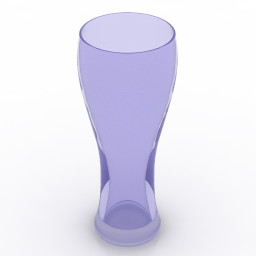
Glass 3D Model
Additional Info: Glass 7 – 3D model (*.gsm+*.obj+*.3ds) for interior 3d visualization.
-
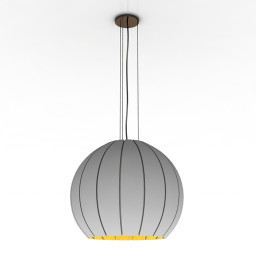
Luster 3D Model
Additional Info: Luster 1 – 3D model (*.gsm+*.obj+*.3ds) for interior 3d visualization.
-
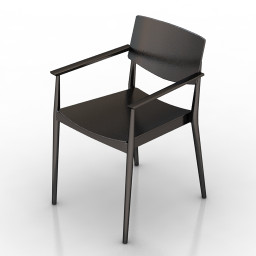
Armchai 3D Model
Additional Info: Armchair Happy 0375 – 3D model (*.gsm+*.obj+*.3ds) for interior 3d visualization.
-
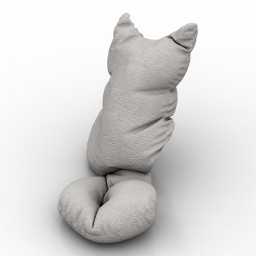
Pillow 3D Model
Additional Info: Cat 3 – 3D model (*.gsm+*.obj+*.3ds) for interior 3d visualization.
-
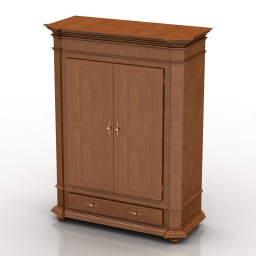
Wardrobe 3D Model
Additional Info: Wardrobe Fenice TIMELESS SELVA N011022 – 3D model (*.gsm+*.obj+*.3ds) for interior 3d visualization.
-
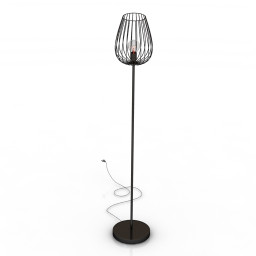
Torchere 3D Model
Additional Info: Torchere Eglo 82697 N300722 – 3D model (*.gsm+*.obj+*.3ds) for interior 3d visualization.
-
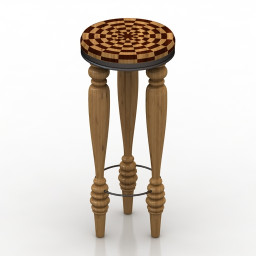
Table 3D Model
Additional Info: Table small – 3D model (*.gsm+*.obj+*.3ds) for interior 3d visualization.
-
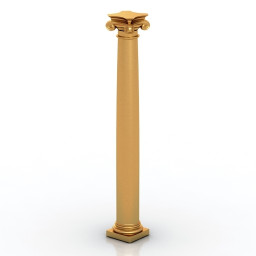
Column 3D Model
Additional Info: Column composite Classic 1 N090622 – 3D model (*.gsm+*.obj+*.3ds) for interior 3d visualization.
-
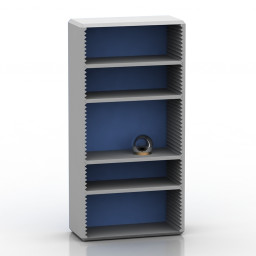
Rack 3D Model
Additional Info: Rack 1 blue – 3D model (*.gsm+*.obj+*.3ds) for interior 3d visualization.
-
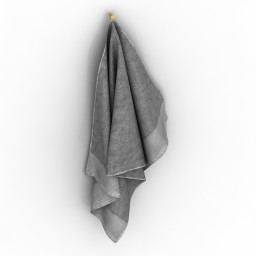
Towel 3D Model
Additional Info: Towel 2 – 3D model (*.gsm+*.obj+*.3ds) for interior 3d visualization.
-
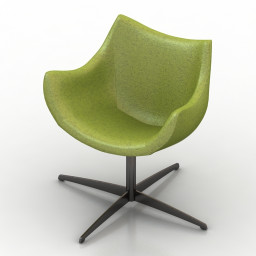
Armchair 3D Model
Additional Info: Armchair 3 2ds – 3D model (*.gsm+*.obj+*.3ds) for interior 3d visualization.
-
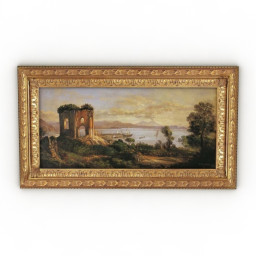
Picture 3D Model
Additional Info: Picture 058-1 – 3D model (*.gsm+*.obj+*.3ds) for interior 3d visualization.
-
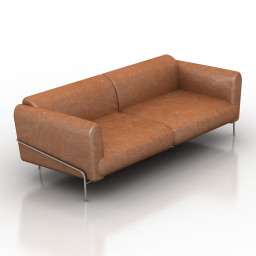
Sofa 3D Model
Additional Info: Sofa N181022 – 3D model (*.gsm+*.obj+*.3ds) for interior 3d visualization.
-
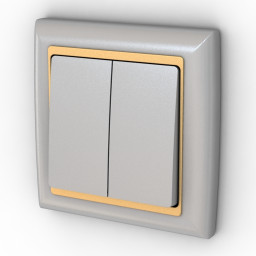
Switch 3D Model
Additional Info: Switch 2 – 3D model (*.gsm+*.obj+*.3ds) for interior 3d visualization.
-
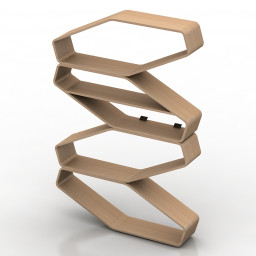
Shelf 3D Model
Additional Info: Shelf Endy N140622 – 3D model (*.gsm+*.obj+*.3ds) for interior 3d visualization.
-
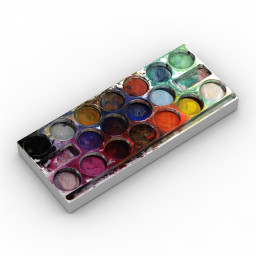
Paints 3D Model
Additional Info: Paints – 3D model (*.gsm+*.obj+*.3ds) for interior 3d visualization.
-
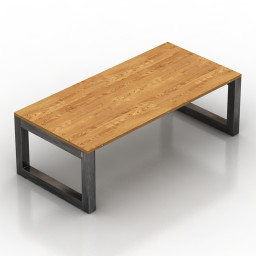
Table 3D Model
Additional Info: Table BZarchitect N240922 – 3D model (*.gsm+*.obj+*.3ds) for interior 3d visualization.
-
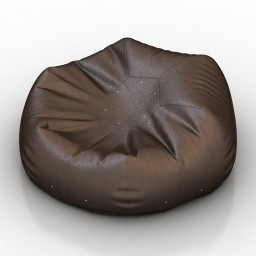
Seat 3D Model
Additional Info: Seat bean bag chair N110822 – 3D model (*.gsm+*.obj+*.3ds) for interior 3d visualization.
-
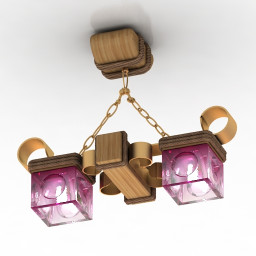
Luster 3D Model
Additional Info: Luster 2 – 3D model (*.gsm+*.obj+*.3ds) for interior 3d visualization.
-
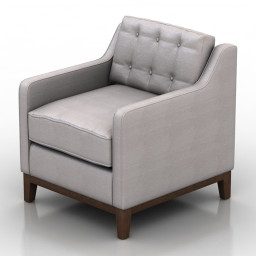
Armchair 3D Model
Additional Info: Armchair Flexsteel Parallel N190822 – 3D model (*.gsm+*.obj+*.3ds) for interior 3d visualization.
-
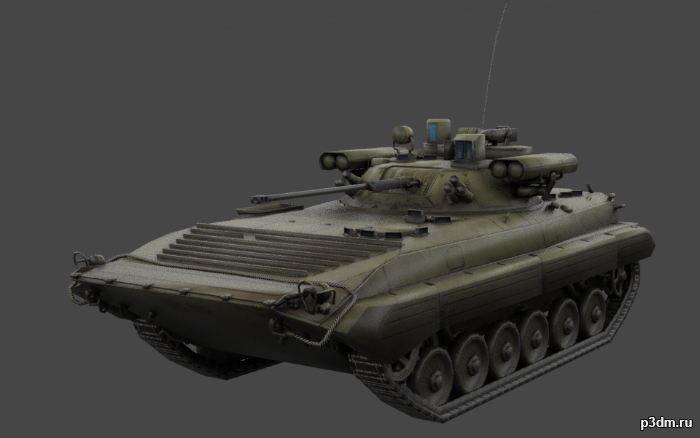
BMP-2 (Boyevaya Mashina Pekhoty) 3D Model
The BMP-2 is an amphibious infantry fighting vehicle introduced in the 1980s in the Soviet Union, following on from the BMP-1 of the 1960s.Includes desert, winter, and woodland camos.It also includes an interior, albeit a low-effort one.Parts are separable as seen.
-
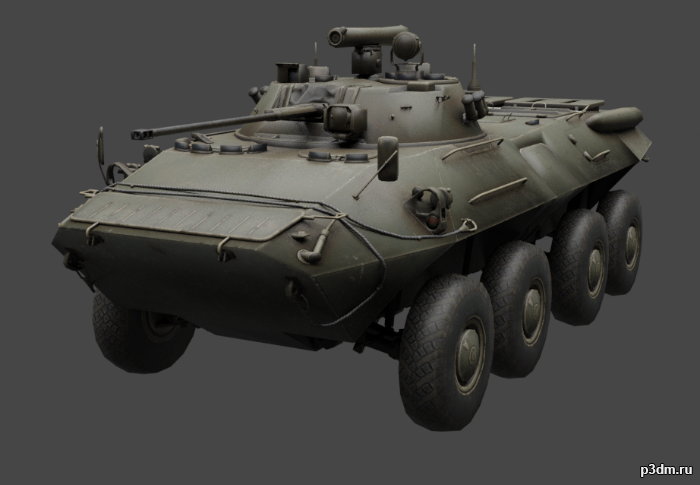
BTR-90 (GAZ-5923) 3D Model
BTR-90 is a wheeled armored personnel carrier developed in Russia, designed in 1993 and first shown publicly in 1994. It is a larger version of the BTR-80 vehicle, fitted with a BMP-2 turret. Armour protection is improved compared with the BTR-80.Includes winter, woodland, and desert camos.Parts are separable as seen.Contains an interior, albeit low effort.Destroyed version included.
-
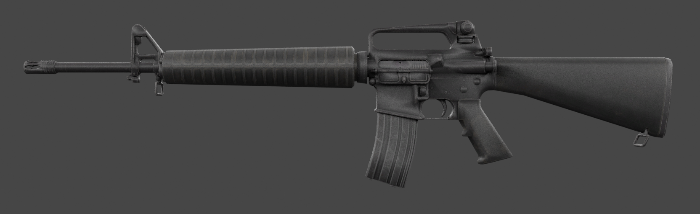
M16A2 3D Model
The development of the M16A2 rifle was originally requested by the United States Marine Corps in 1979 as a result of combat experience in Vietnam with the M16A1. It was officially adopted by the Department of Defense in 1983. Parts are separable as seen.
-
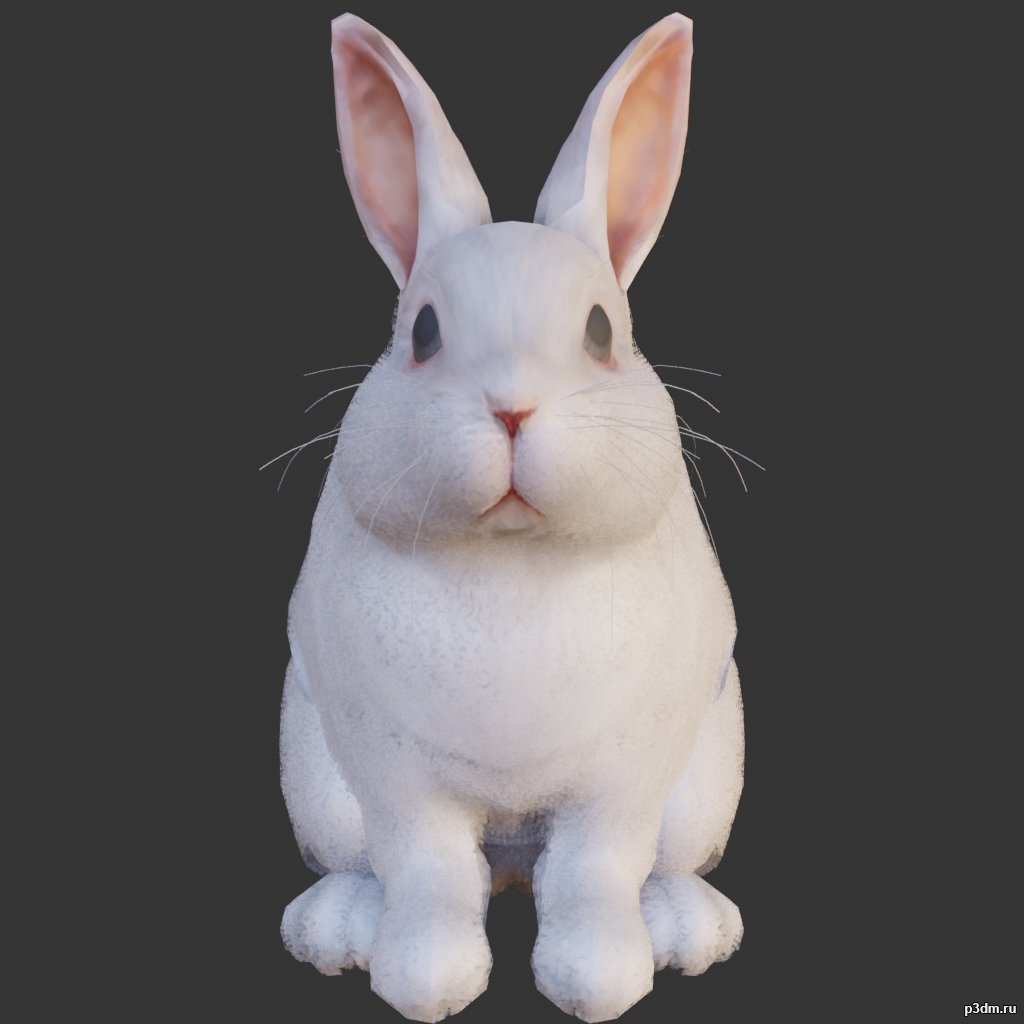
Rabbit 3D Model
using animations in Blender:1 – import model2 – import animation3 – with the CTRL key held down Select the object you want to animate, then select the object from which you want to copy the animation, then go to Object > Link/Data Transfer (CTRL+L) > Link Animation Data
-
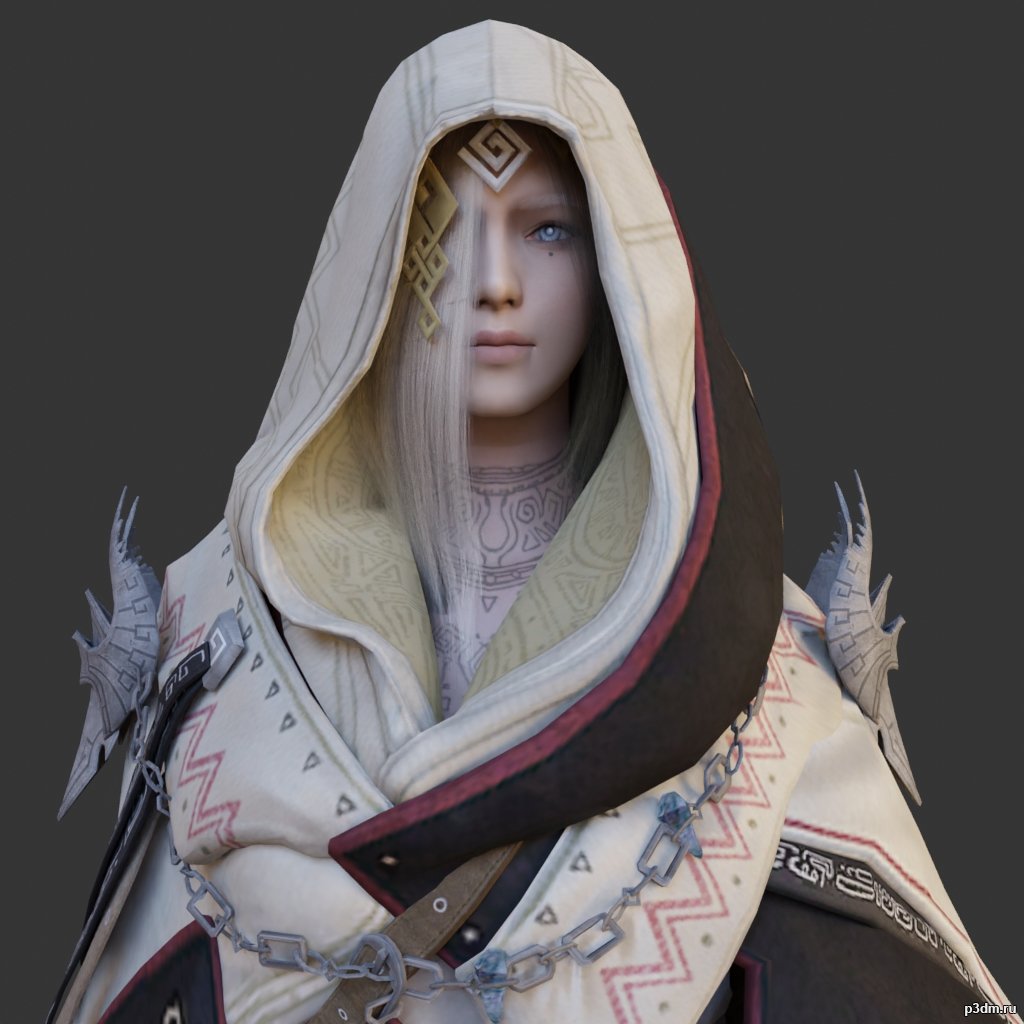
Illezra 3D Model
using animations in Blender:1 – import model2 – import animation3 – with the CTRL key held down Select the object you want to animate, then select the object from which you want to copy the animation, then go to Object > Link/Data Transfer (CTRL+L) > Link Animation Data
-
Lamp 3D Model
Additional Info: Lamp MOSS Pixoss desk lamp N230422 – 3D model (*.gsm+*.obj+*.3ds) for interior 3d visualization.