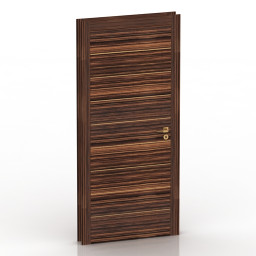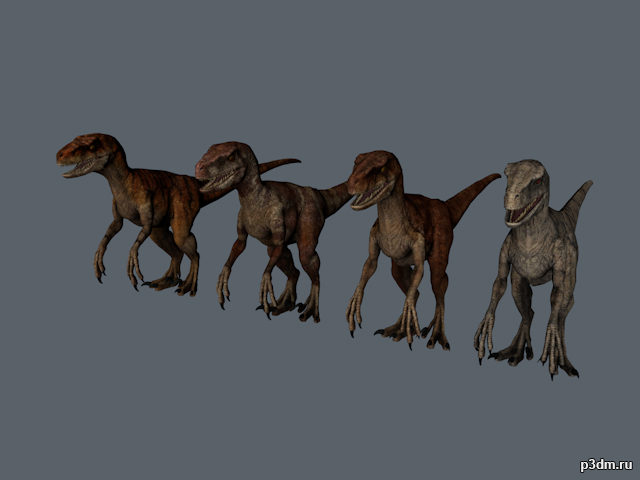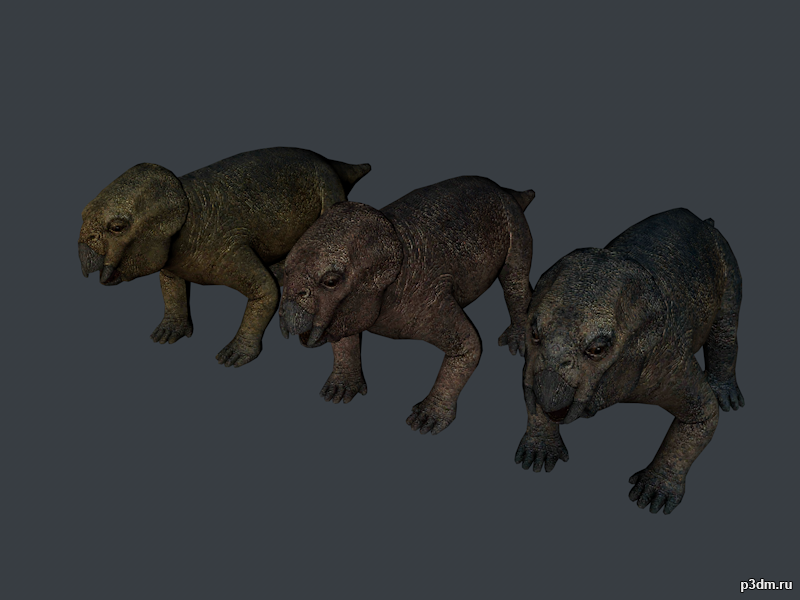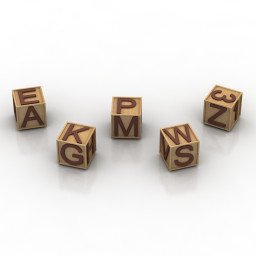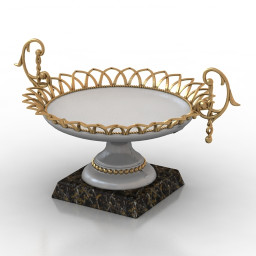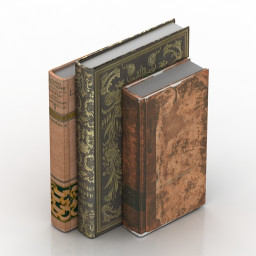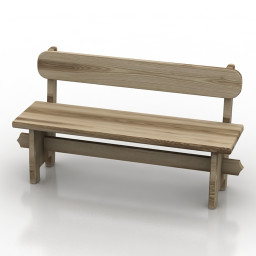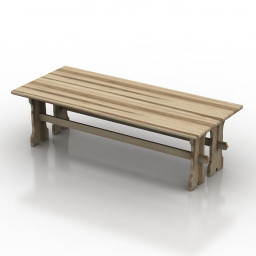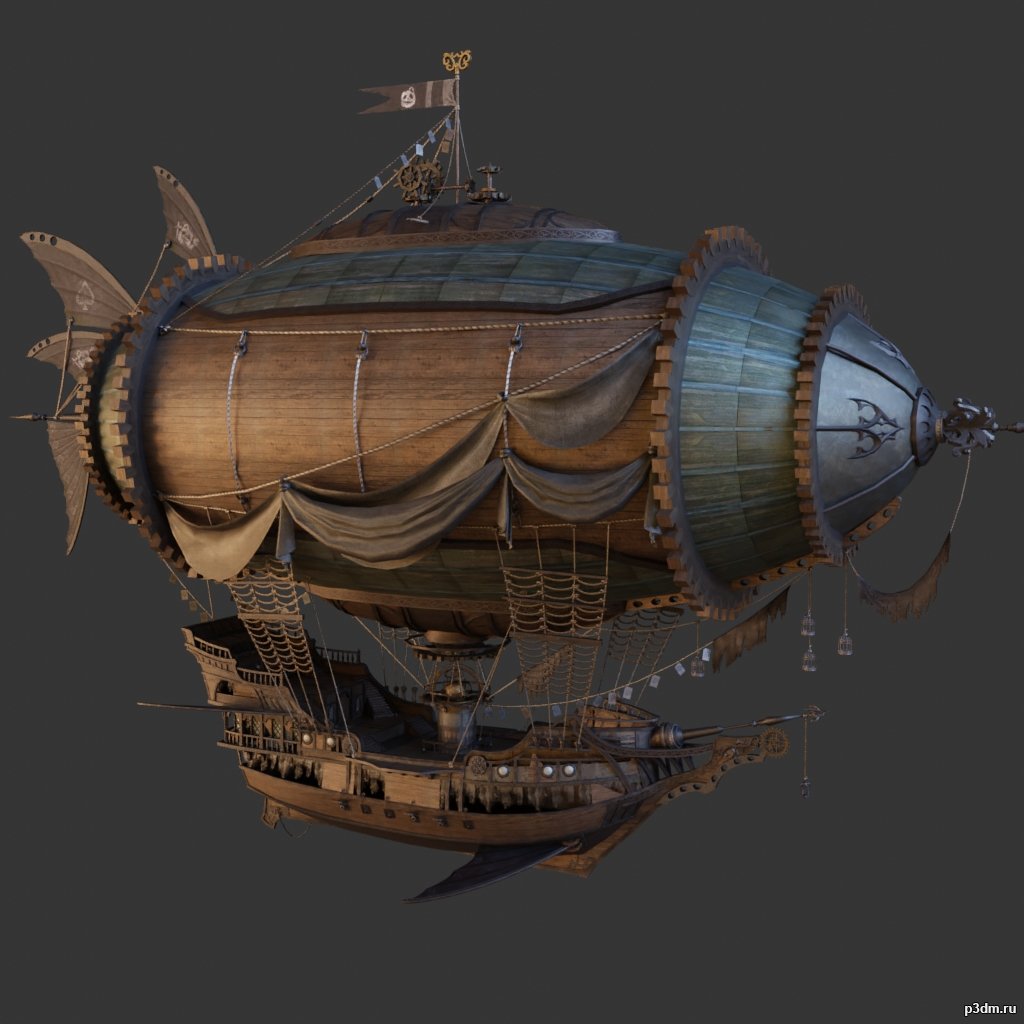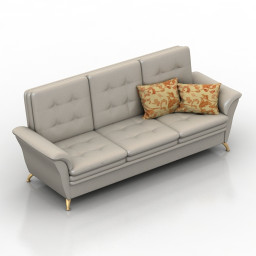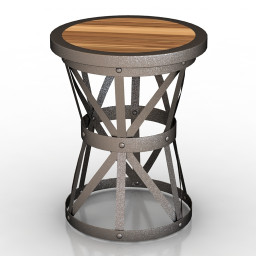
Additional Info: Table 1 – 3D model (*.gsm+*.obj+*.3ds) for interior 3d visualization.
Blog
-
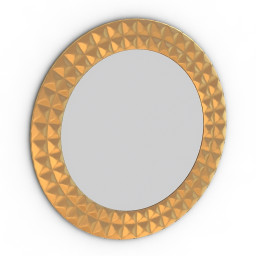
Mirror 3D Model
Additional Info: Mirror – 3D model (*.gsm+*.obj+*.3ds) for interior 3d visualization.
-
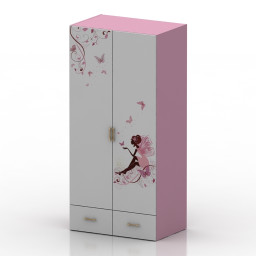
Wardrobe 3D Model
Additional Info: Wardrobe narrow – 3D model (*.gsm+*.obj+*.3ds) for interior 3d visualization.
-
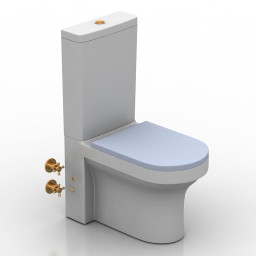
Lavatory pan 3D Model
Additional Info: Lavatory pan BTW Team Seat Toilet N040622 – 3D model (*.gsm+*.obj+*.3ds) for interior 3d visualization.
-
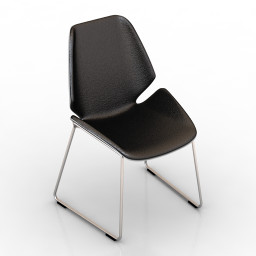
Chair 3D Model
Additional Info: Chair Poliform fold chair N160822 2ds – 3D model (*.gsm+*.obj+*.3ds) for interior 3d visualization.
-
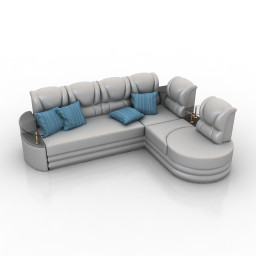
Sofa 3D Model
Additional Info: Sofa Corner TH N250922 – 3D model (*.gsm+*.obj+*.3ds) for interior 3d visualization.
-
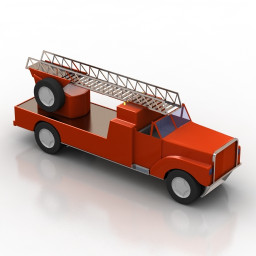
Toy 3D Model
Additional Info: Toy fire fighting car N041022 – 3D model (*.gsm+*.obj+*.3ds) for interior 3d visualization.
-
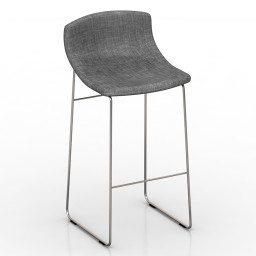
Chair 3D Model
Additional Info: Bar Chair BK N170622 – 3D model (*.gsm+*.obj+*.3ds) for interior 3d visualization.
-
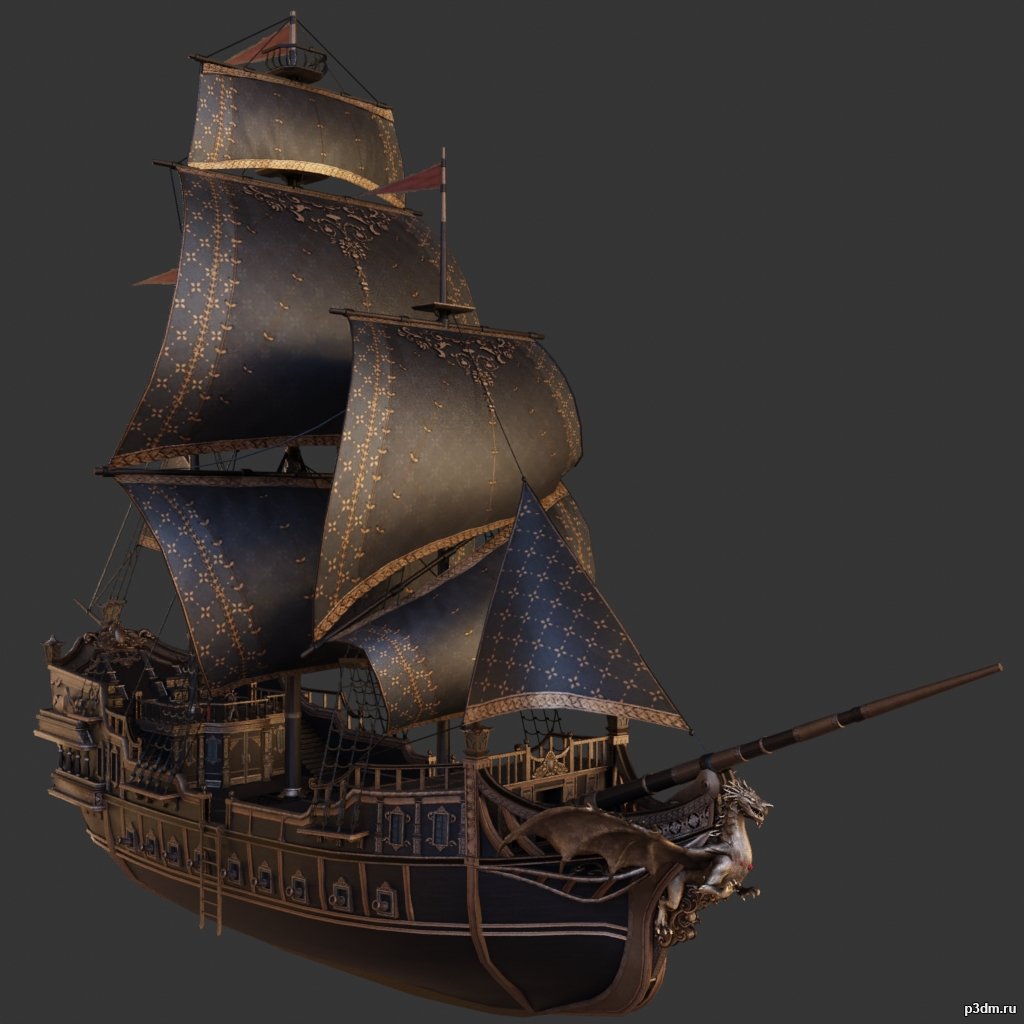
Ship pack 3D Model
some with an interiorusing animations in Blender:1 – import model2 – import animation3 – with the CTRL key held down Select the object you want to animate, then select the object from which you want to copy the animation, then go to Object > Link/Data Transfer > Link Animation Data
-
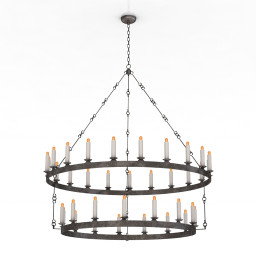
Luster 3D Model
Additional Info: Luster Paul Ferrante Eternity N020222 – 3D model (*.gsm+*.obj+*.3ds) for interior 3d visualization.
-
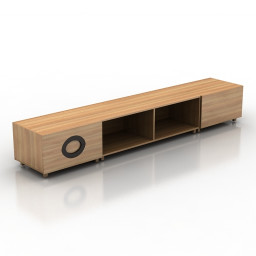
Locker 3D Model
Additional Info: Locker Minotti Archipenko Cobra N031022 – 3D model (*.gsm+*.obj+*.3ds) for interior 3d visualization.
-
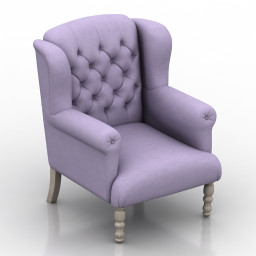
Armchair 3D Model
Additional Info: Armchair Marseille Wing N210822 – 3D model (*.gsm+*.obj+*.3ds) for interior 3d visualization.
-
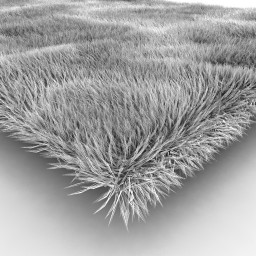
Carpet 3D Model
Additional Info: Carpet fur N190722 – 3D model (+*.obj+*.3ds) for interior 3d visualization.
-
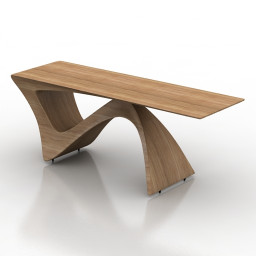
Table 3D Model
Additional Info: Table by Daan Mulder N240922 – 3D model (*.gsm+*.obj+*.3ds) for interior 3d visualization.
-

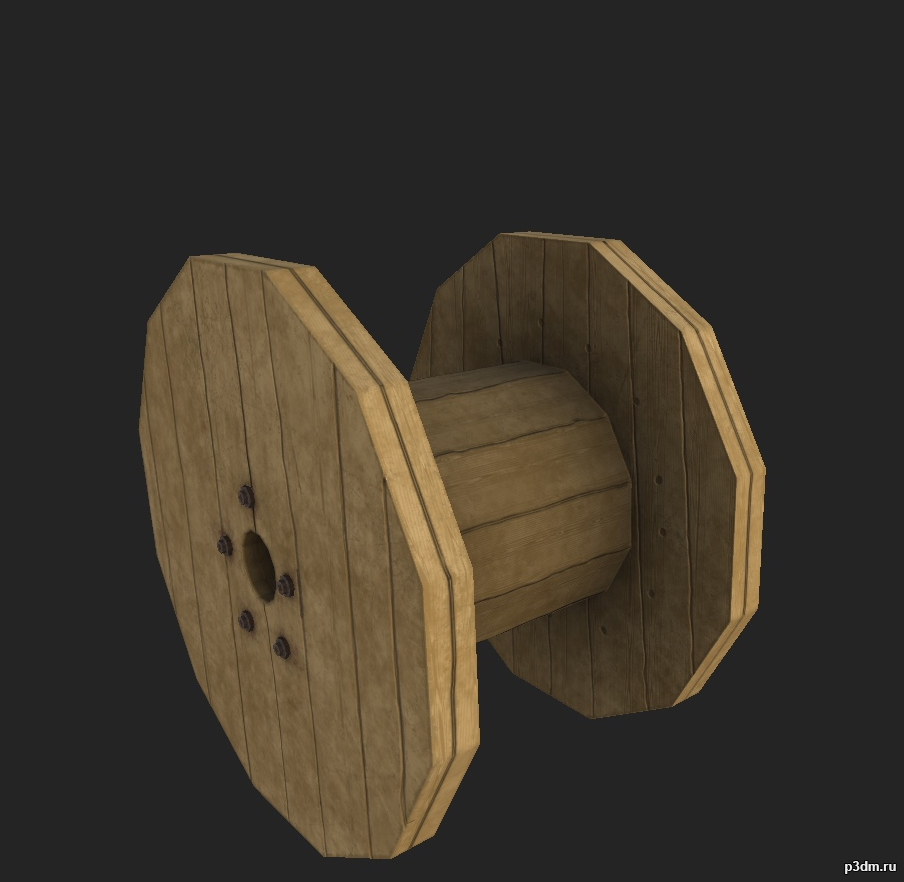
Кабельный барабан 3D Model
Небольшой барабан для кабелей используемый службами по проведения и восстановлению электричества.
-
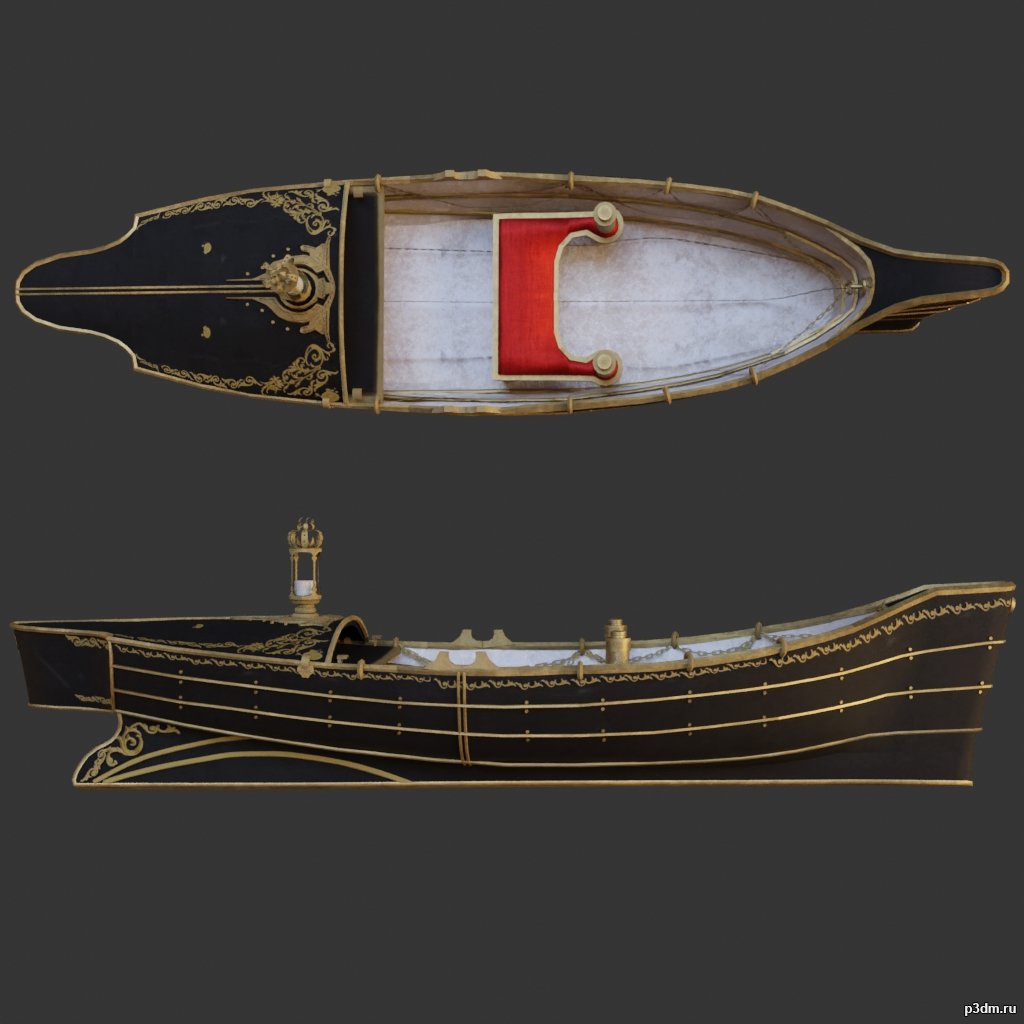
Boat 3D Model
using animations in Blender:1 – import model2 – import animation3 – with the CTRL key held down Select the object you want to animate, then select the object from which you want to copy the animation, then go to Object > Link/Data Transfer > Link Animation Data
-
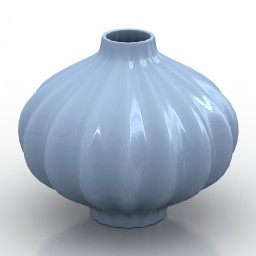
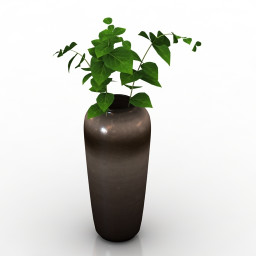
Vase 3D Model
Additional Info: Vase blue – 3D model (*.gsm+*.obj+*.3ds) for interior 3d visualization.
-
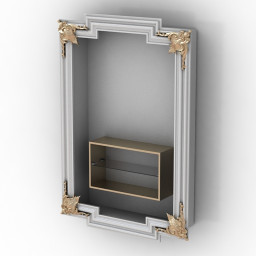
Rack 3D Model
Additional Info: Rack TV N250822 – 3D model (*.gsm+*.obj+*.3ds) for interior 3d visualization.
-
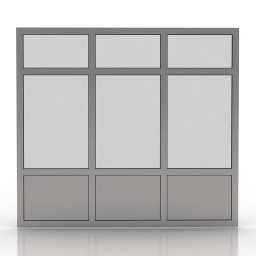
Window 3D Model
Additional Info: Window 2 – 3D model (*.gsm+*.obj+*.3ds) for interior 3d visualization.
-
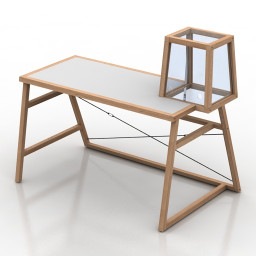
Table 3D Model
Additional Info: Table Winding Tower 01 N240922 – 3D model (*.gsm+*.obj+*.3ds) for interior 3d visualization.
-
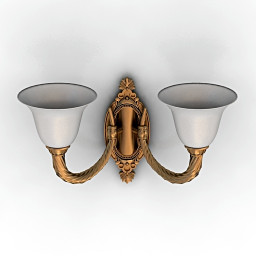
Sconce 3D Model
Additional Info: Sconce ARIZZI 419 2 AP N040822 – 3D model (*.gsm+*.obj+*.3ds) for interior 3d visualization.
-
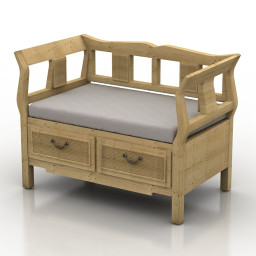
Sofa 3D Model
Additional Info: Sofa bench N260522 – 3D model (*.gsm+*.obj+*.3ds) for interior 3d visualization.
-
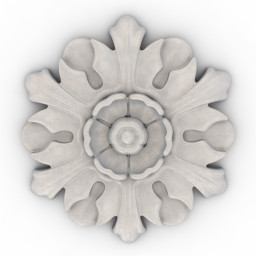
Rosette 3D Model
Additional Info: Rosette Orac Decor R12 N080622 – 3D model (*.gsm+*.obj+*.3ds) for interior 3d visualization.
-
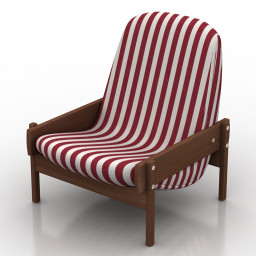
Chair 3D Model
Additional Info: Chair Vronka Chair by Sergio Rodrigues N150822 2ds – 3D model (*.gsm+*.obj+*.3ds) for interior 3d visualization.
-
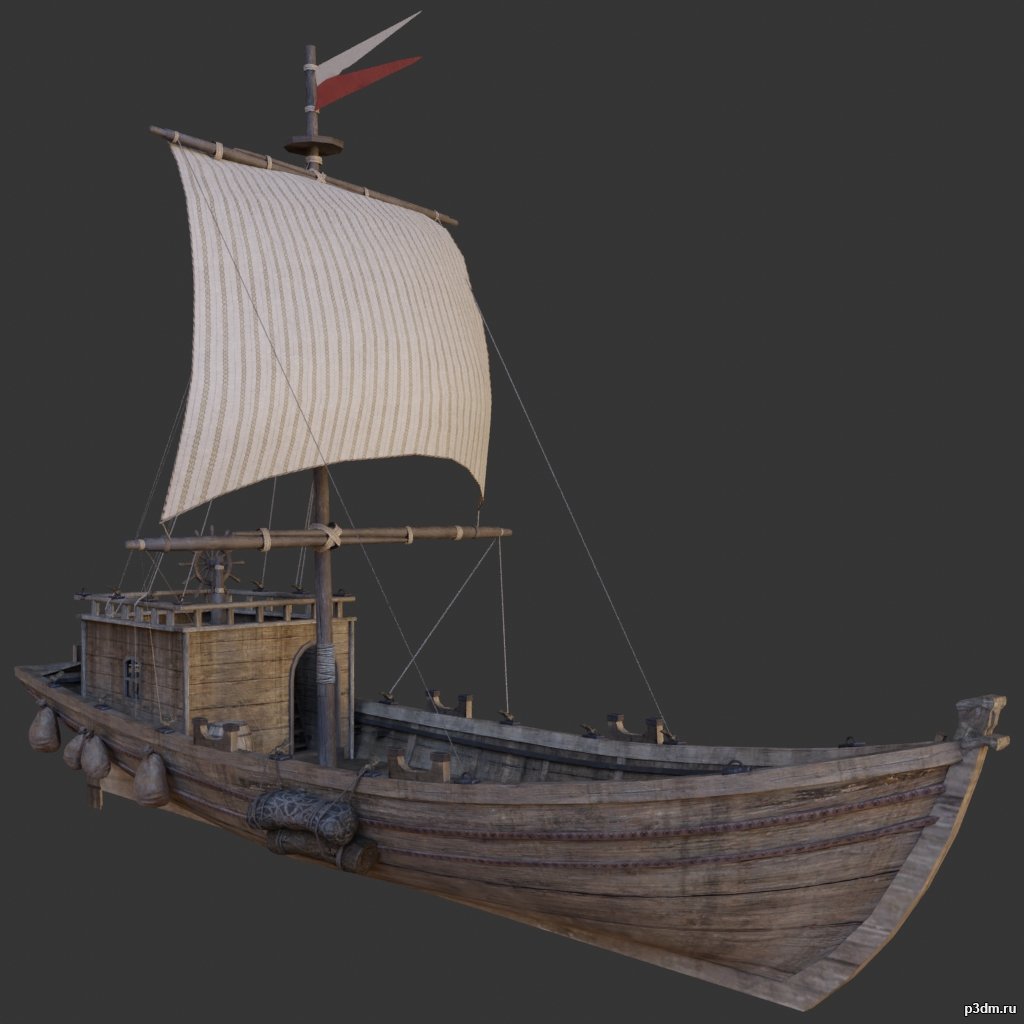
Ship 3D Model
using animations in Blender:1 – import model2 – import animation3 – with the CTRL key held down Select the object you want to animate, then select the object from which you want to copy the animation, then go to Object > Link/Data Transfer > Link Animation Data
-
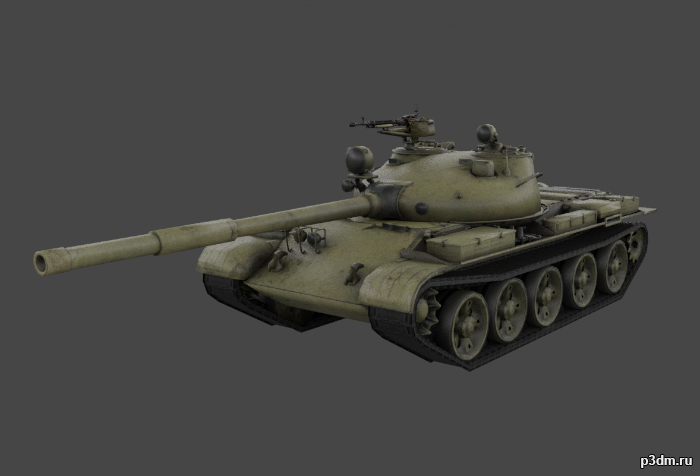
T-62 “Ob’yekt 165” 3D Model
The T-62 is a Soviet MBT that was first introduced in 1961.Includes woodland, desert, and winter camos.As well as a destroyed variant with the same camos.Parts are separable as seen.
-
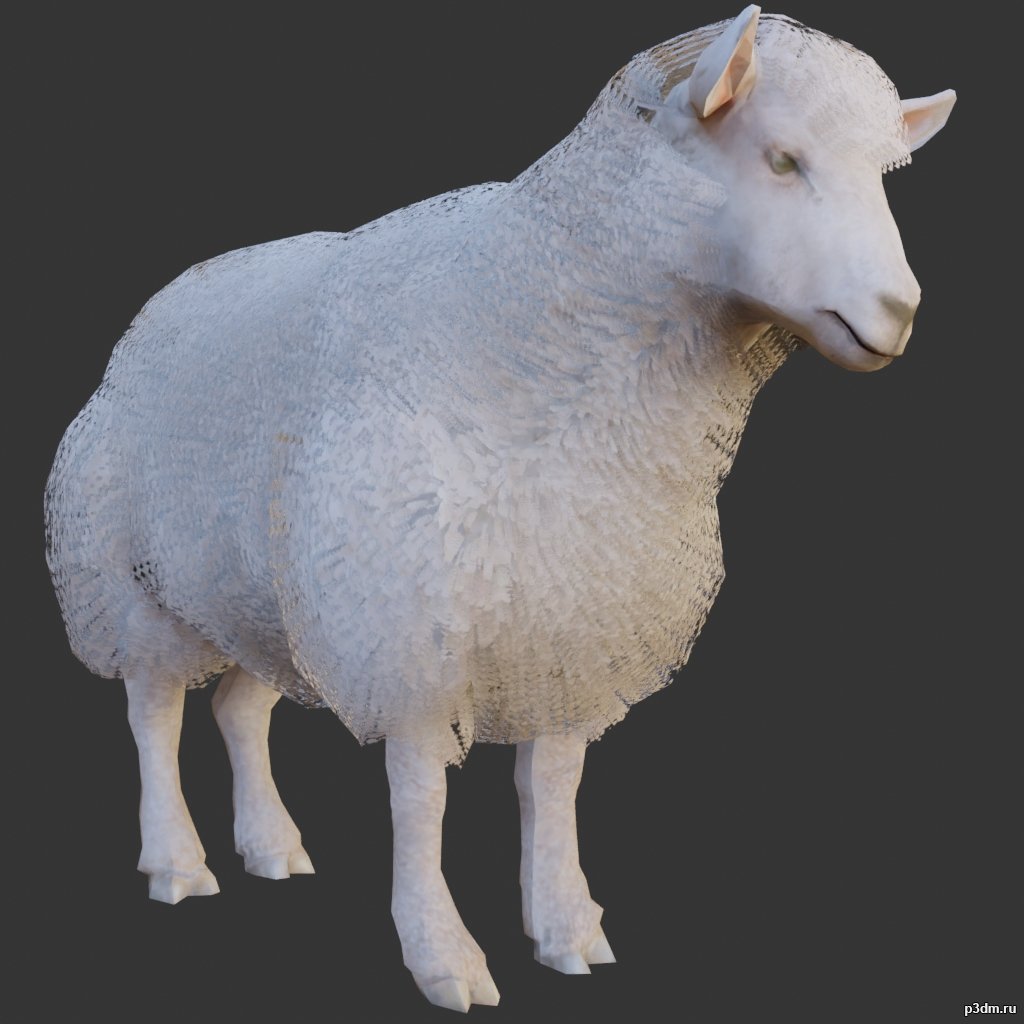
Lamb 3D Model
using animations in Blender:1 – import model2 – import animation3 – with the CTRL key held down Select the object you want to animate, then select the object from which you want to copy the animation, then go to Object > Link/Data Transfer > Link Animation Data
-

Dragon pack 2 3D Model
using animations in Blender:1 – import model2 – import animation3 – with the CTRL key held down Select the object you want to animate, then select the object from which you want to copy the animation, then go to Object > Link/Data Transfer > Link Animation Data
-
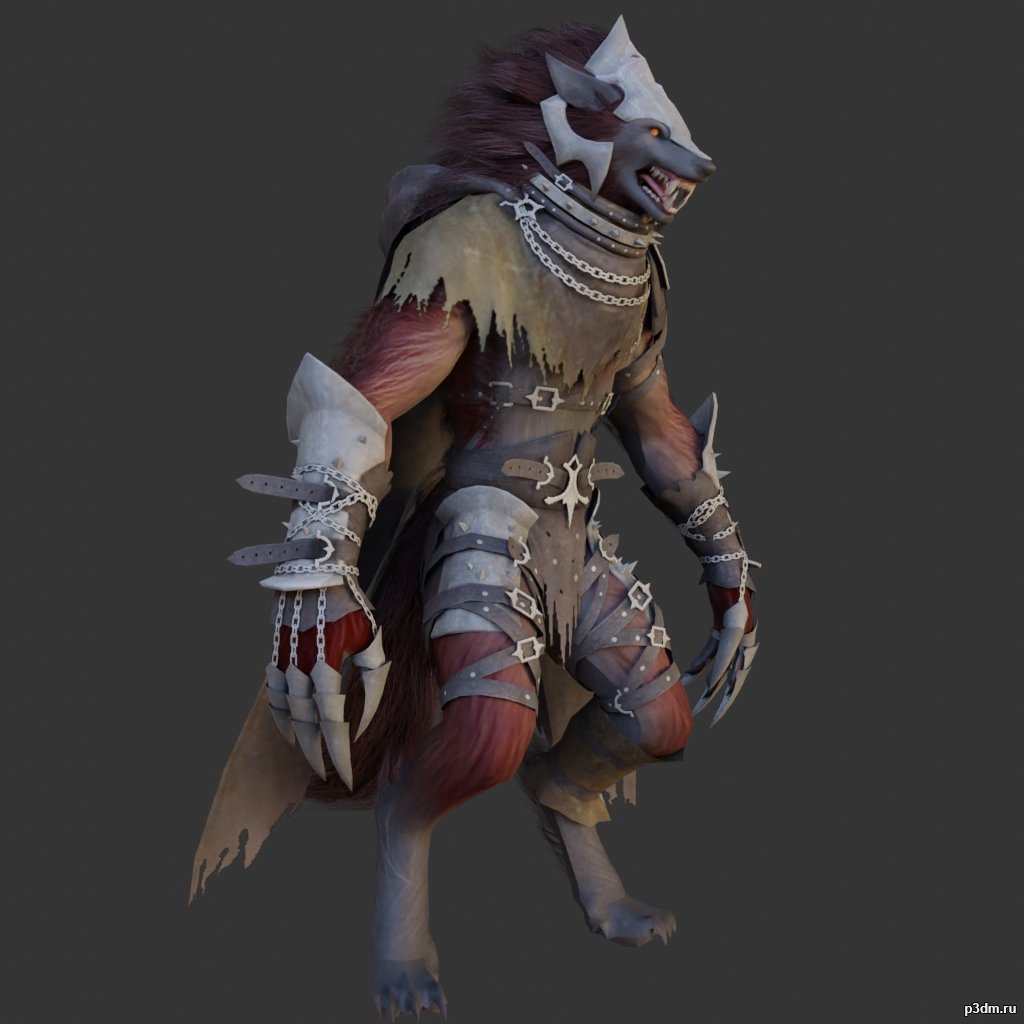
Wolfman 3D Model
using animations in Blender:1 – import model2 – import animation3 – with the CTRL key held down Select the object you want to animate, then select the object from which you want to copy the animation, then go to Object > Link/Data Transfer > Link Animation Data
-
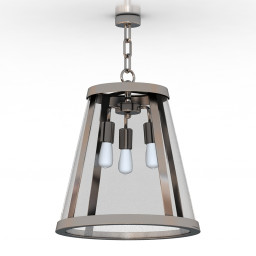
Luster 3D Model
Additional Info: Luster Murray Feiss P1288PN N280922 – 3D model (*.gsm+*.obj+*.3ds) for interior 3d visualization.
-
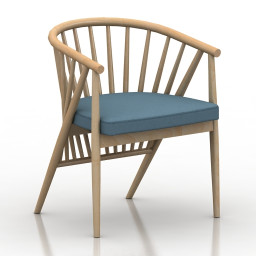
Armchair 3D Model
Additional Info: Armchair morelato-poltroncina-genny N220822 – 3D model (*.gsm+*.obj+*.3ds) for interior 3d visualization.
-
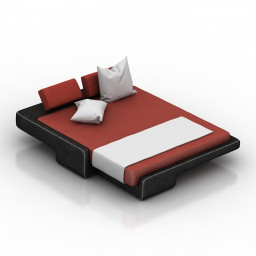
Bed 3D Model
Additional Info: Bed ErgoDesign – Toro Bed N200622 – 3D model (*.gsm+*.obj+*.3ds) for interior 3d visualization.
-
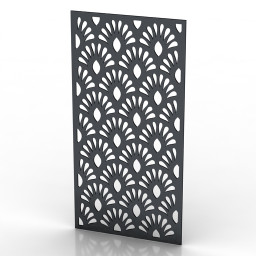
Frame 3D Model
Additional Info: Frame 10 – 3D model (*.gsm+*.obj+*.3ds) for interior 3d visualization.
-
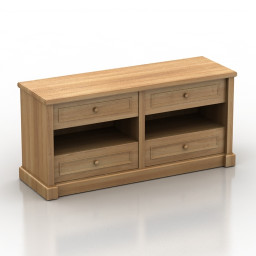
Locker 3D Model
Additional Info: Locker MD N011022 – 3D model (*.gsm+*.obj+*.3ds) for interior 3d visualization.
-
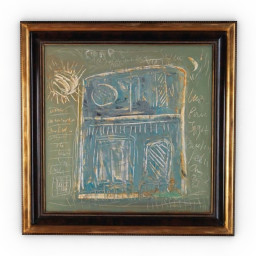
Picture 3D Model
Additional Info: Picture 171-1 – 3D model (*.gsm+*.obj+*.3ds) for interior 3d visualization.
-
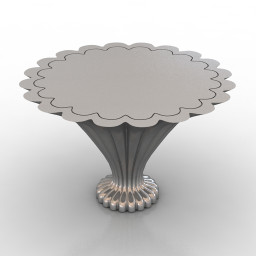
Table 3D Model
Additional Info: Table by Alden Parkes N210622 – 3D model (*.gsm+*.obj+*.3ds) for interior 3d visualization.
-
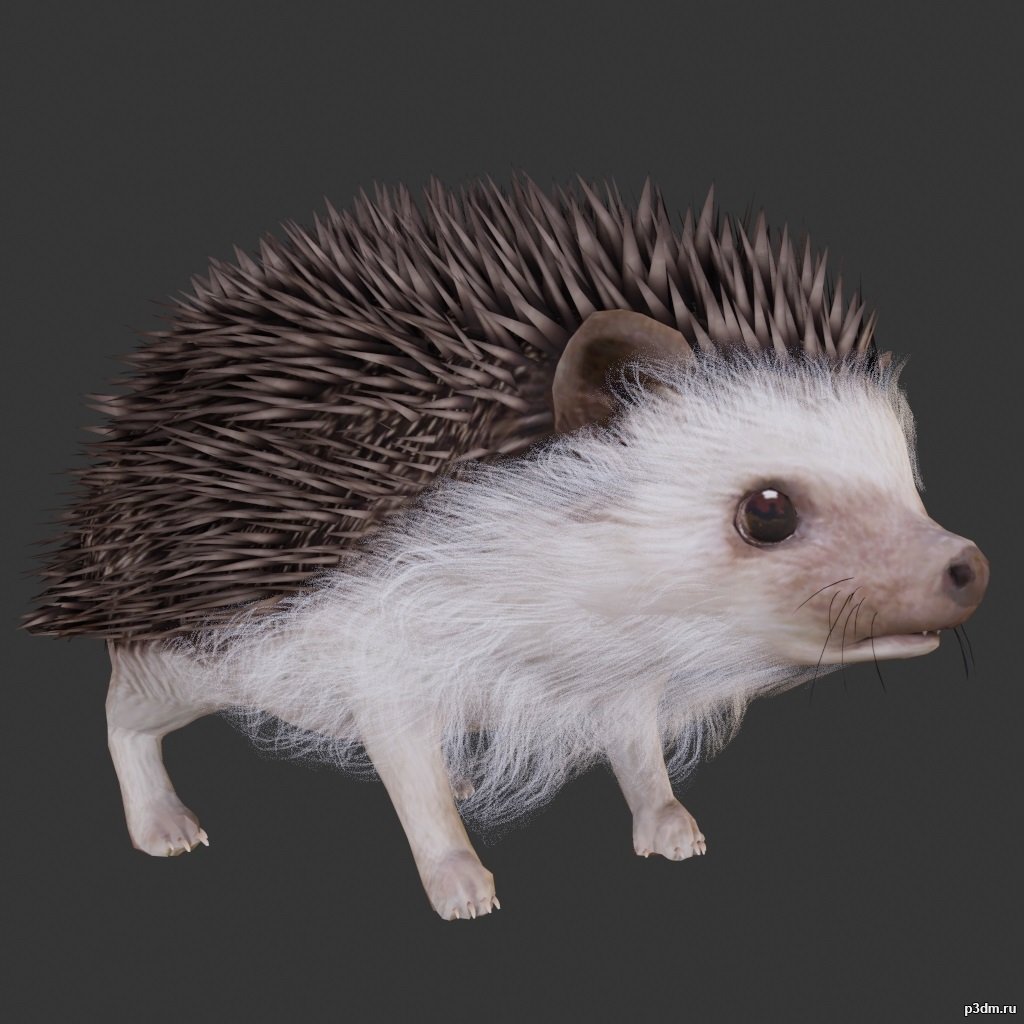
Hedgehogs 3D Model
using animations in Blender:1 – import model2 – import animation3 – with the CTRL key held down Select the object you want to animate, then select the object from which you want to copy the animation, then go to Object > Link/Data Transfer > Link Animation Data
-
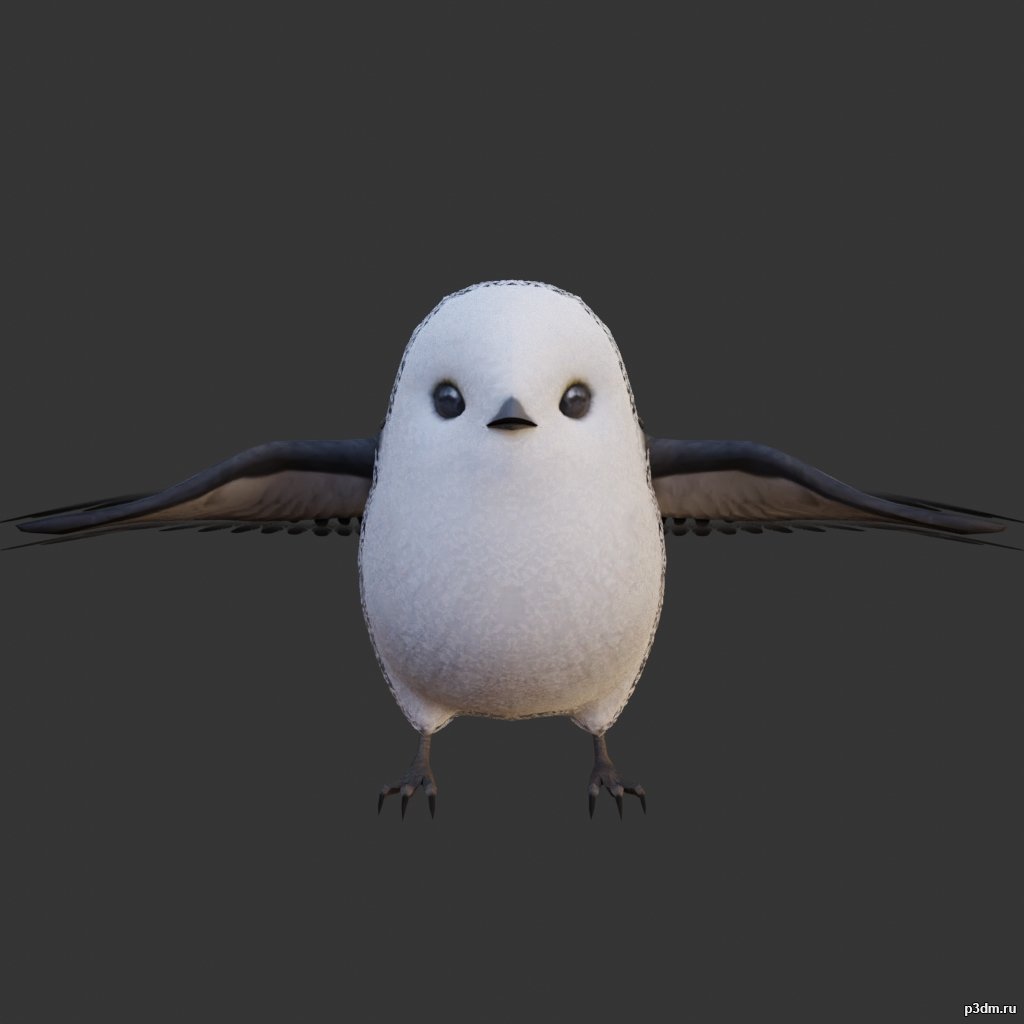
Long-tailed tit 3D Model
using animations in Blender:1 – import model2 – import animation3 – with the CTRL key held down Select the object you want to animate, then select the object from which you want to copy the animation, then go to Object > Link/Data Transfer > Link Animation Data
-
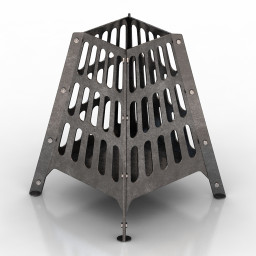
Fireplace 3D Model
Additional Info: Fireplace IKEA BROKO N230922 – 3D model (*.gsm+*.obj+*.3ds) for interior 3d visualization.
-
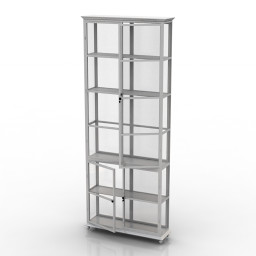
Showcase 3D Model
Additional Info: Showcase MUDO CONCEPT Pluw Bufe N150622 – 3D model (*.gsm+*.obj+*.3ds) for interior 3d visualization.
-
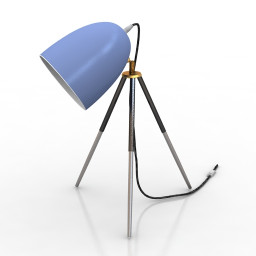
Torchere 3D Model
Additional Info: Torchere EGLO 74538 Floor Lamp N310722 – 3D model (*.gsm+*.obj+*.3ds) for interior 3d visualization.
-
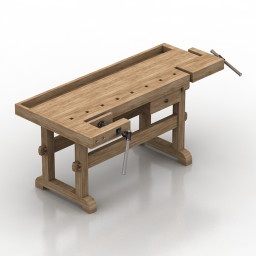
Table 3D Model
Additional Info: Table carpenter workbench table N090322 – 3D model (*.gsm+*.obj+*.3ds) for interior 3d visualization.
-
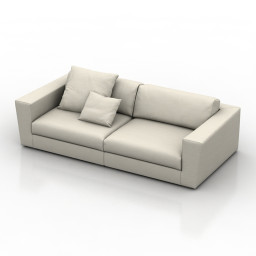
Sofa 3D Model
Additional Info: Sofa ASAMI White N240922 2ds – 3D model (*.gsm+*.obj+*.3ds) for interior 3d visualization.
-
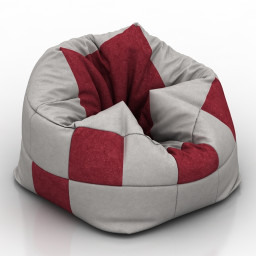
Seat 3D Model
Additional Info: Seat square N100822 2ds – 3D model (*.gsm+*.obj+*.3ds) for interior 3d visualization.
-
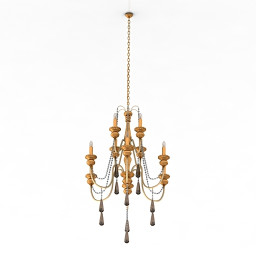
Luster 3D Model
Additional Info: Luster classic N270422 – 3D model (*.gsm+*.obj+*.3ds) for interior 3d visualization.
-
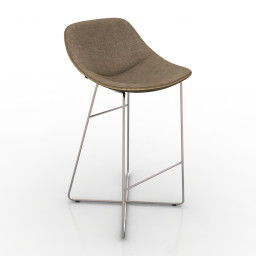
Chair 3D Model
Additional Info: Chair bar 2 – 3D model (*.gsm+*.obj+*.3ds) for interior 3d visualization.
-
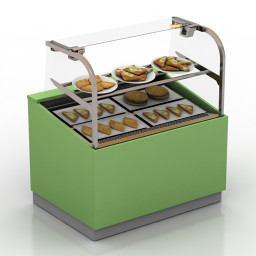
Showcase 3D Model
Additional Info: Showcase Heated showcase with three types of khachapuri N220922 – 3D model (*.gsm+*.obj+*.3ds) for interior 3d visualization.
-
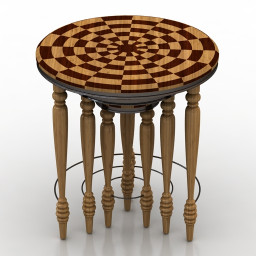
Tables 3D Model
Additional Info: Tables – 3D model (*.gsm+*.obj+*.3ds) for interior 3d visualization.
-
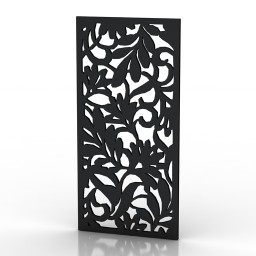
Frame 3D Model
Additional Info: Frame 5 – 3D model (*.gsm+*.obj+*.3ds) for interior 3d visualization.
-
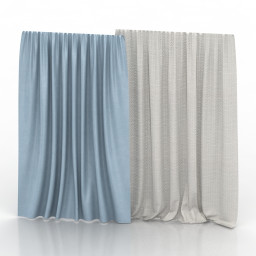
Curtain 3D Model
Additional Info: Curtain V N290622 – 3D model (*.gsm+*.obj+*.3ds) for interior 3d visualization.
-
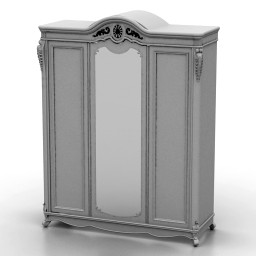
Wardrobe 3D Model
Additional Info: Wardrobe Afina N250822 – 3D model (*.gsm+*.obj+*.3ds) for interior 3d visualization.
-
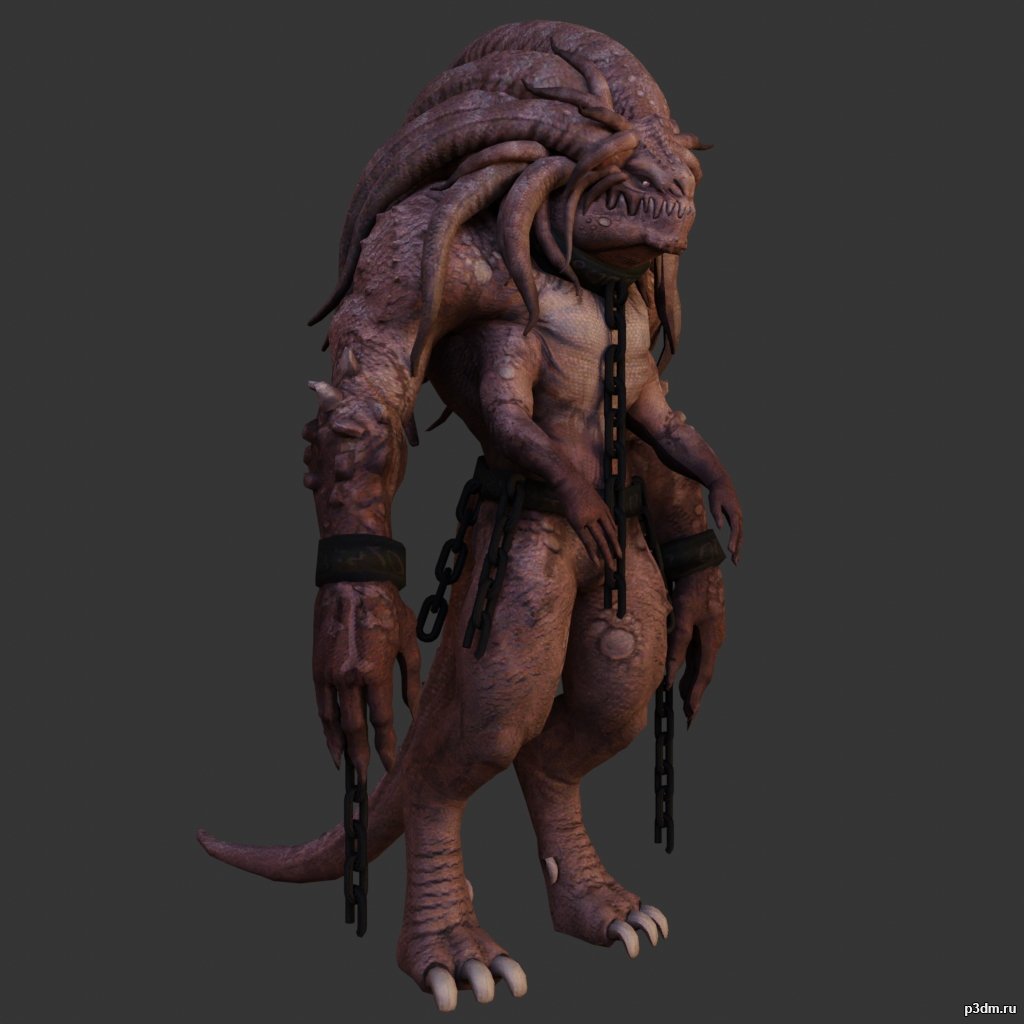
Monster pack 3D Model
using animations in Blender:1 – import model2 – import animation3 – with the CTRL key held down Select the object you want to animate, then select the object from which you want to copy the animation, then go to Object > Link/Data Transfer > Link Animation Data
-
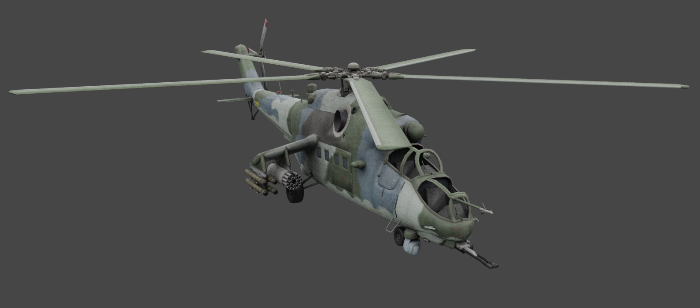
Mil Mi-35 3D Model
The Mil Mi-35 is a large helicopter gunship, attack helicopter, and low-capacity troop transport with room for eight passengers.Parts separable as seen.Destroyed version included.
-
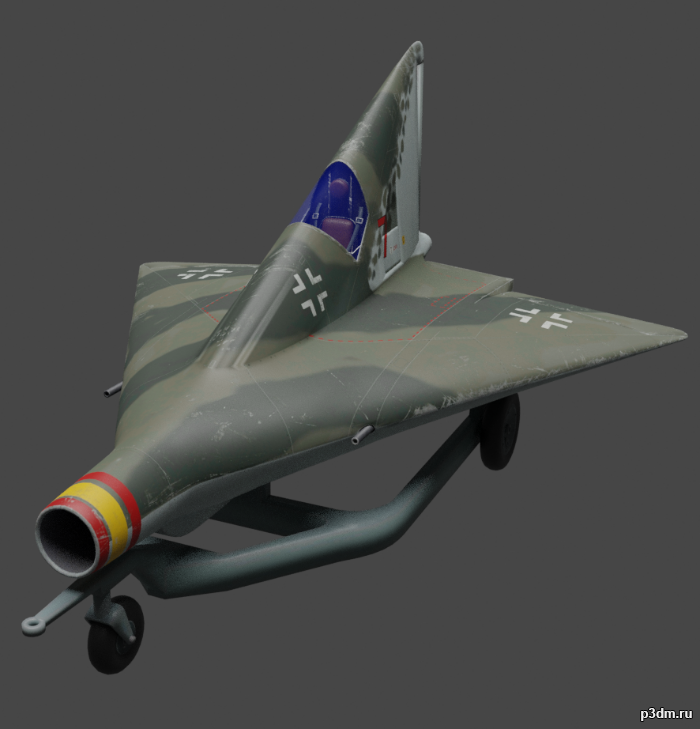
Lippisch P.13a 3D Model
The Lippisch P.12, P.13a and P.13b were related design projects for a ramjet-powered delta wing interceptor aircraft studied in 1944 by German designer Alexander Lippisch. The P.12 and P.13a were unarmed, relying on reinforced wings to ram its opponent. The P.13a and b were to be powered by powdered coal.
-
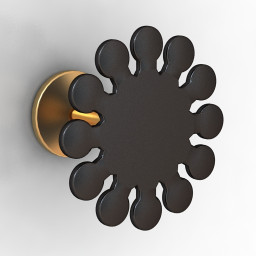
Detail 3D Model
Additional Info: Detail 5 Curtain rod – 3D model (*.gsm+*.obj+*.3ds) for interior 3d visualization.
-
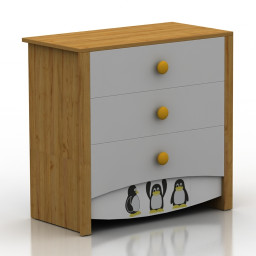
Locker 3D Model
Additional Info: Locker 1 – 3D model (*.gsm+*.obj+*.3ds) for interior 3d visualization.
-
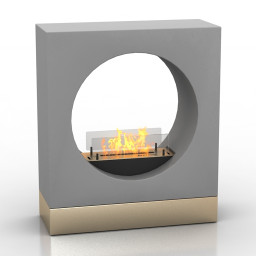
Fireplace 3D Model
Additional Info: Fireplace Ruby Fires Milano N170222 – 3D model (*.gsm+*.obj+*.3ds) for interior 3d visualization.
-
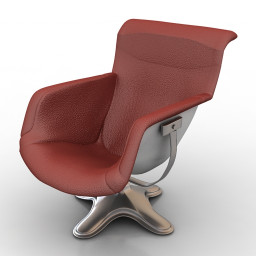
Armchair 3D Model
Additional Info: Armchair Cosmorelax N070422 – 3D model (*.gsm+*.obj+*.3ds) for interior 3d visualization.
-
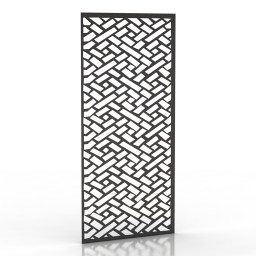
Frame 3D Model
Additional Info: Frame 3 – 3D model (*.gsm+*.obj+*.3ds) for interior 3d visualization.
-
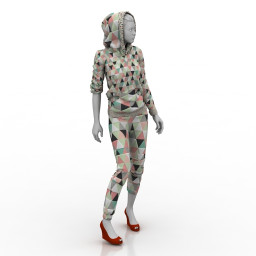
Mannequin 3D Model
Additional Info: Mannequin – 3D model (*.gsm+*.obj+*.3ds) for interior 3d visualization.
-
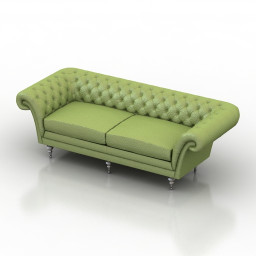
Sofa 3D Model
Additional Info: Sofa Chesterfield N250922 – 3D model (*.gsm+*.obj+*.3ds) for interior 3d visualization.
-
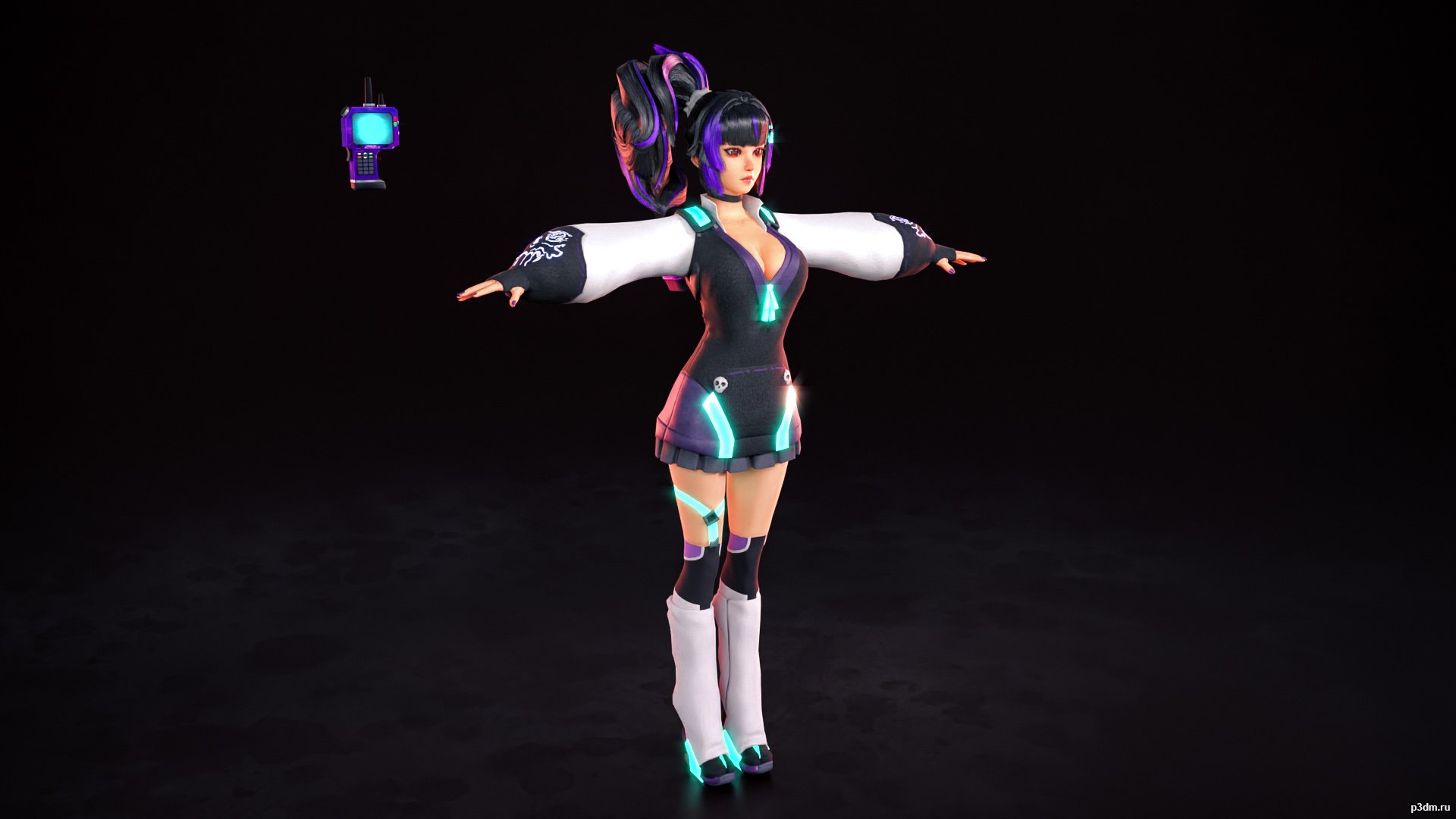
Kaho 3D Model
Comes with her base outfit and the two bonus ones.The normals and the skeleton are a bit wacky but that’s how they are in the game. I advise cleaning doubles since I didn’t do that for the sake of providing the source model and messing with those will mess the normal maps.
-
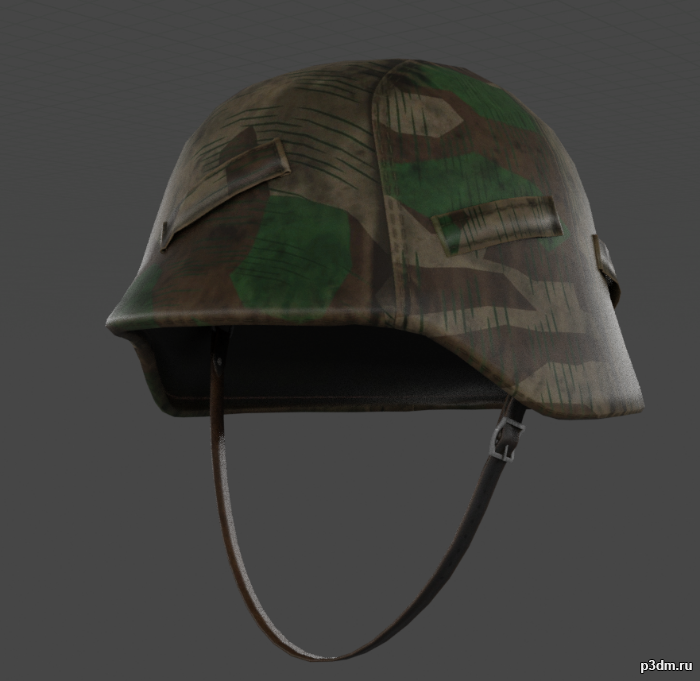
M40 Stahlhelm with Helmet Cover 3D Model
A M40 Stahlhelm with Splittertarn Helmet cover. This was the standard camouflage of the Wehrmacht during the 2nd World War and Soldiers often made these helmet covers from unused Shelter-halfs.Needed this for a side-project, decided to upload here, it’s very simple.
-
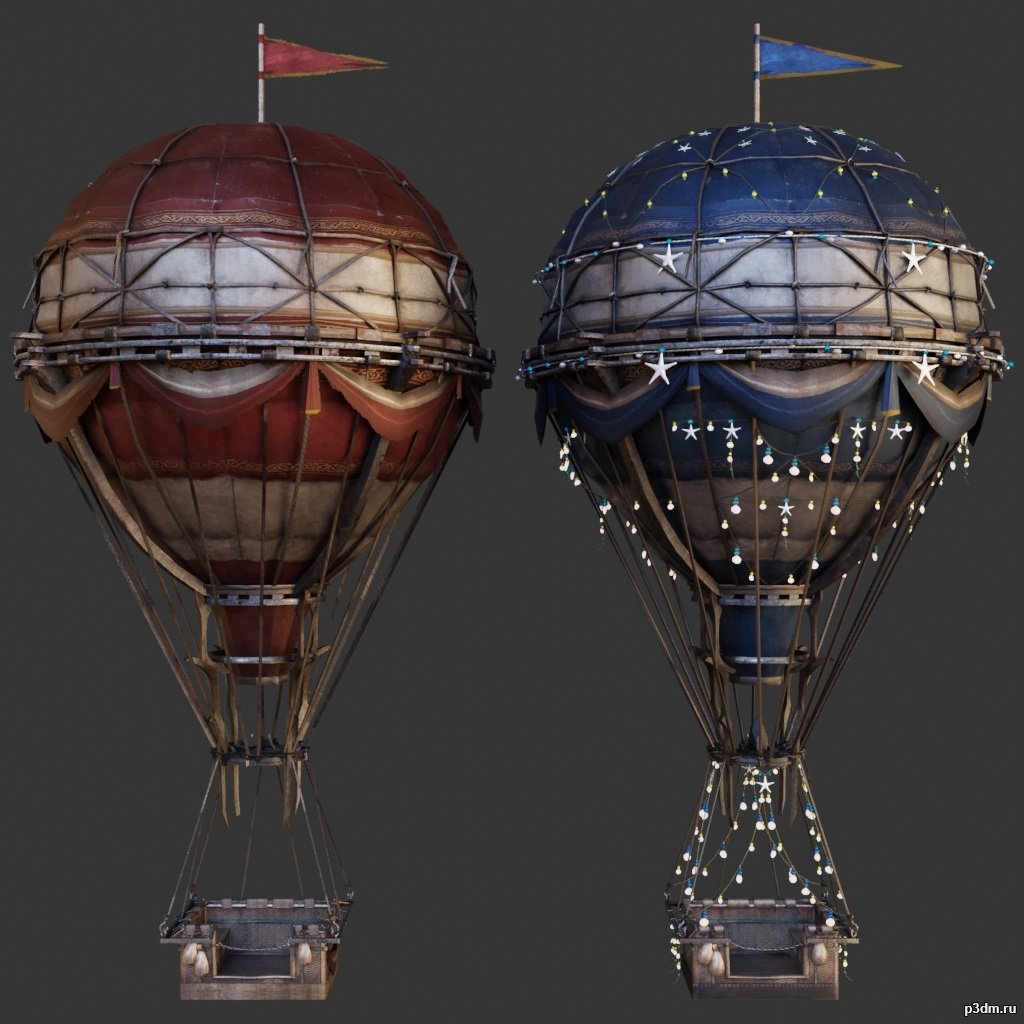
Airballoons 3D Model
using animations in Blender:1 – import model2 – import animation3 – with the CTRL key held down Select the object you want to animate, then select the object from which you want to copy the animation, then go to Object > Link/Data Transfer > Link Animation Data
-
Camera 3D Model
Additional Info: Camera Pentax K1 DSLR N081022 – 3D model (*.gsm+*.obj+*.3ds) for interior 3d visualization.
-
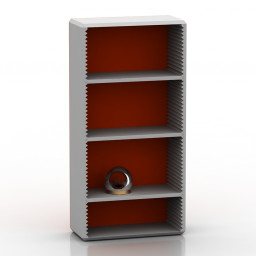
Rack 3D Model
Additional Info: Rack 2 red – 3D model (*.gsm+*.obj+*.3ds) for interior 3d visualization.
-
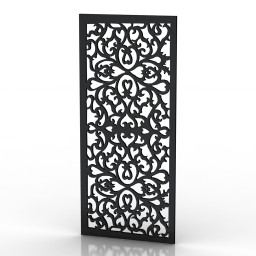
Frame 3D Model
Additional Info: Frame 7 – 3D model (*.gsm+*.obj+*.3ds) for interior 3d visualization.
-
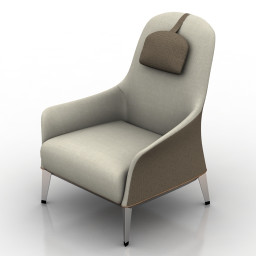
Armchair 3D Model
Additional Info: Armchair Normal Wing Chair Giorgetti N190822 2ds – 3D model (*.gsm+*.obj+*.3ds) for interior 3d visualization.
-
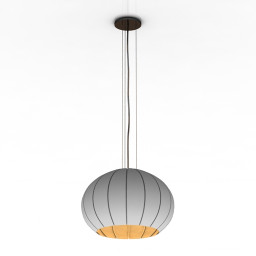
Luster 3D Model
Additional Info: Luster 2 – 3D model (*.gsm+*.obj+*.3ds) for interior 3d visualization.
-
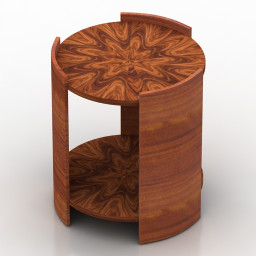
Table 3D Model
Additional Info: Table wood – 3D model (*.gsm+*.obj+*.3ds) for interior 3d visualization.
-
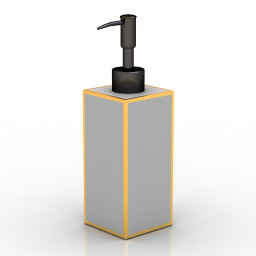
Dispenser 3D Model
Additional Info: Dispenser – 3D model (*.gsm+*.obj+*.3ds) for interior 3d visualization.
-
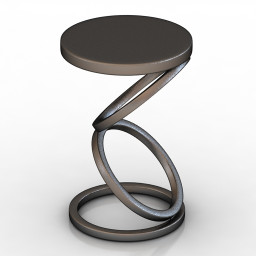
Table 3D Model
Additional Info: Table Vanguard Furniture Solvay Spot Table 9308E-BS N210622 – 3D model (*.gsm+*.obj+*.3ds) for interior 3d visualization.
-
Table 3D Model
Additional Info: Table Vanguard Furniture Solvay Spot Table 9308E-BS N210622 – 3D model (*.gsm+*.obj+*.3ds) for interior 3d visualization.
-
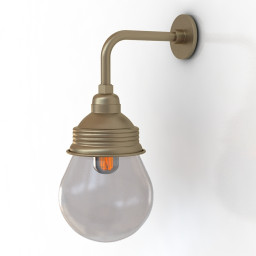
Sconce 3D Model
Additional Info: Sconce – 3D model (*.gsm+*.obj+*.3ds) for interior 3d visualization.
-
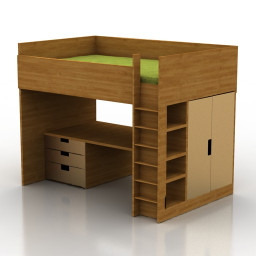
Bed 3D Model
Additional Info: Bed N071022 – 3D model (*.gsm+*.obj+*.3ds) for interior 3d visualization.
-
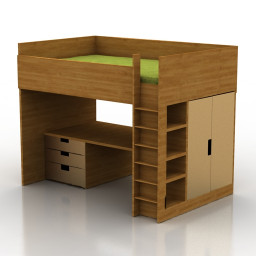
Bed 3D Model
Additional Info: Bed N071022 – 3D model (*.gsm+*.obj+*.3ds) for interior 3d visualization.
-
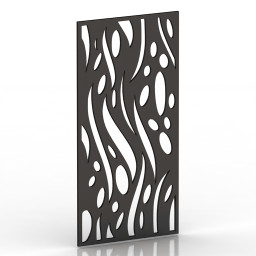
Frame 3D Model
Additional Info: Frame 2 – 3D model (*.gsm+*.obj+*.3ds) for interior 3d visualization.
-
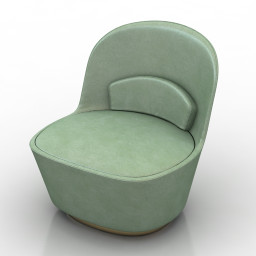
Chair 3D Model
Additional Info: Chair IKEA Stockholm N170822 2ds – 3D model (*.gsm+*.obj+*.3ds) for interior 3d visualization.
-
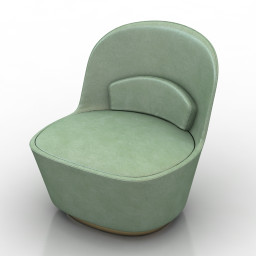
Chair 3D Model
Additional Info: Chair IKEA Stockholm N170822 2ds – 3D model (*.gsm+*.obj+*.3ds) for interior 3d visualization.
-
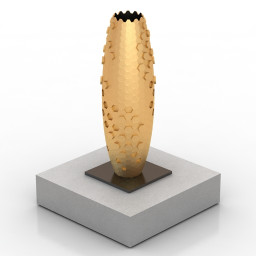
Vase 3D Model
Additional Info: Vase by Michael Young N260822 – 3D model (*.gsm+*.obj+*.3ds) for interior 3d visualization.