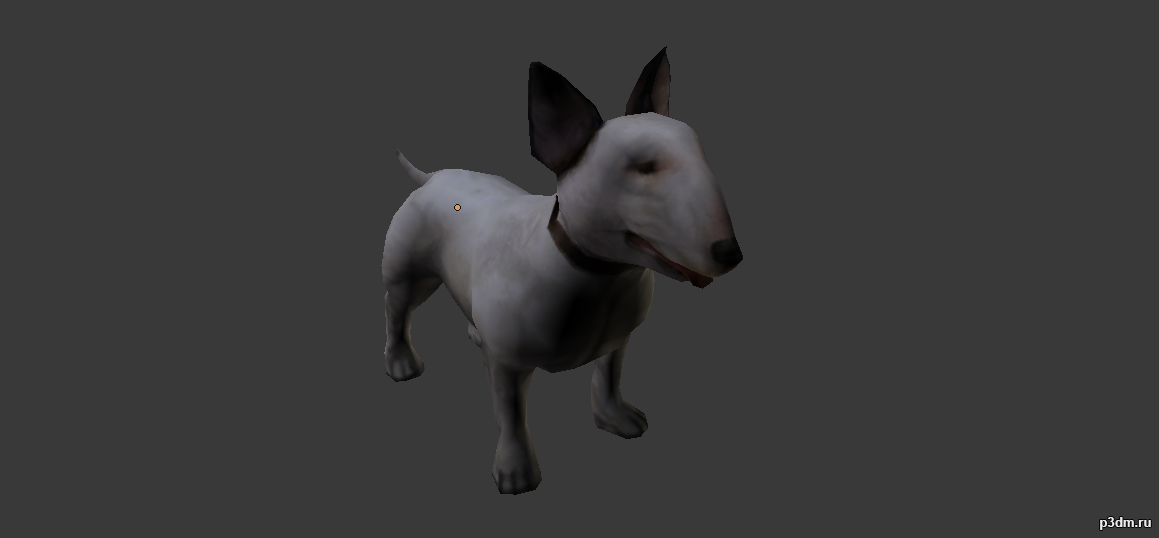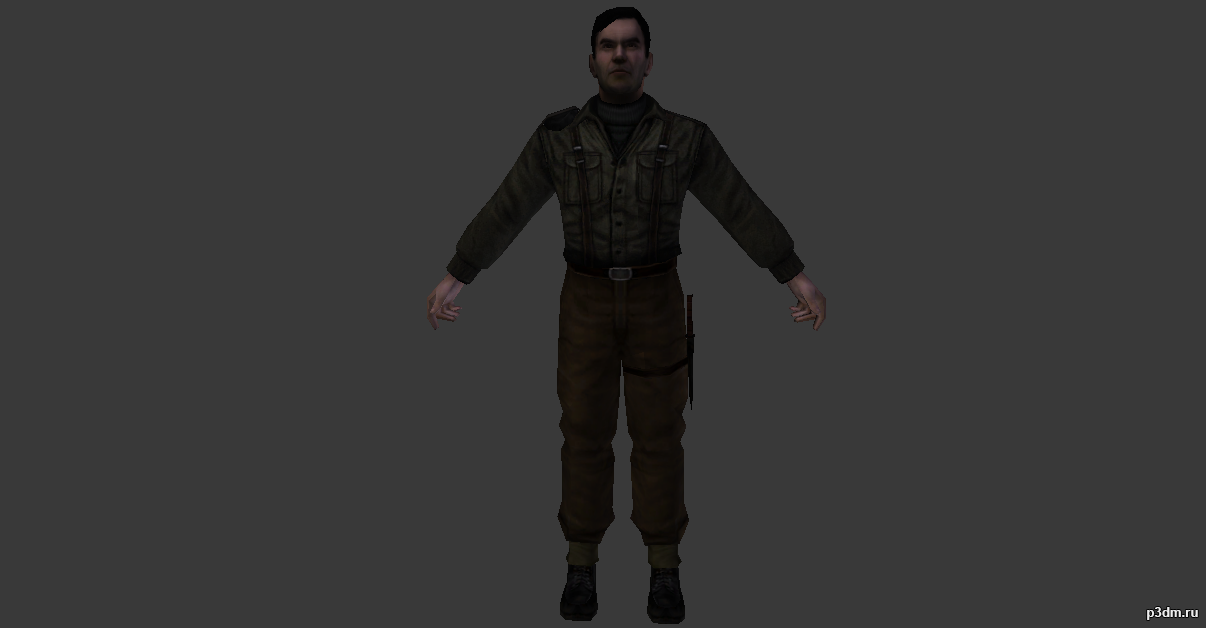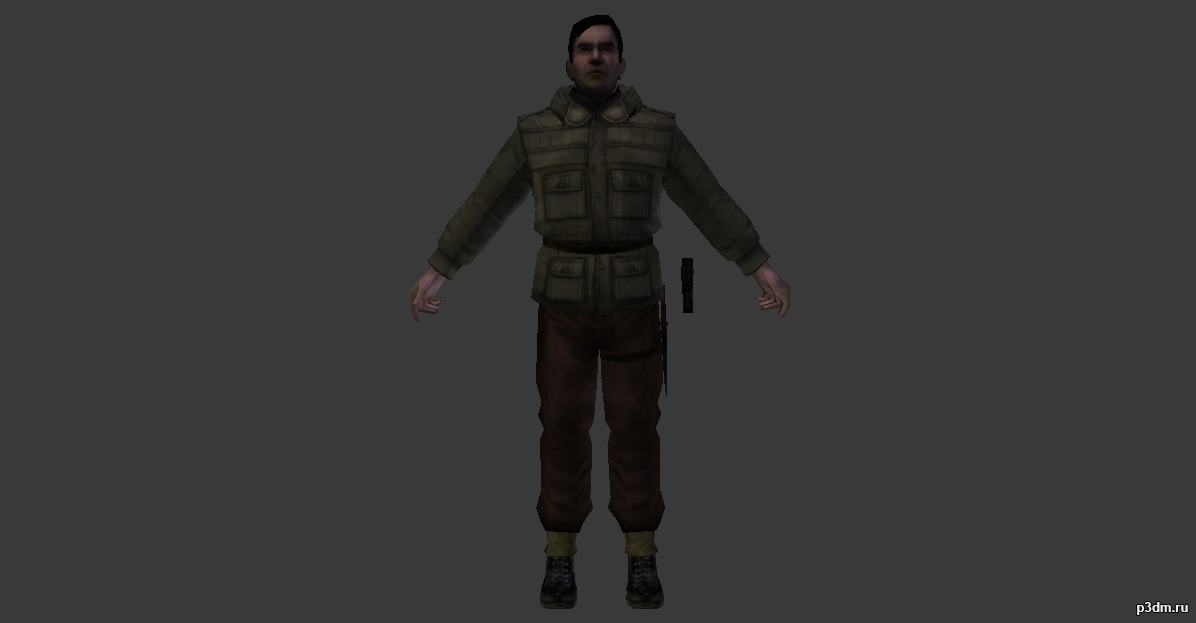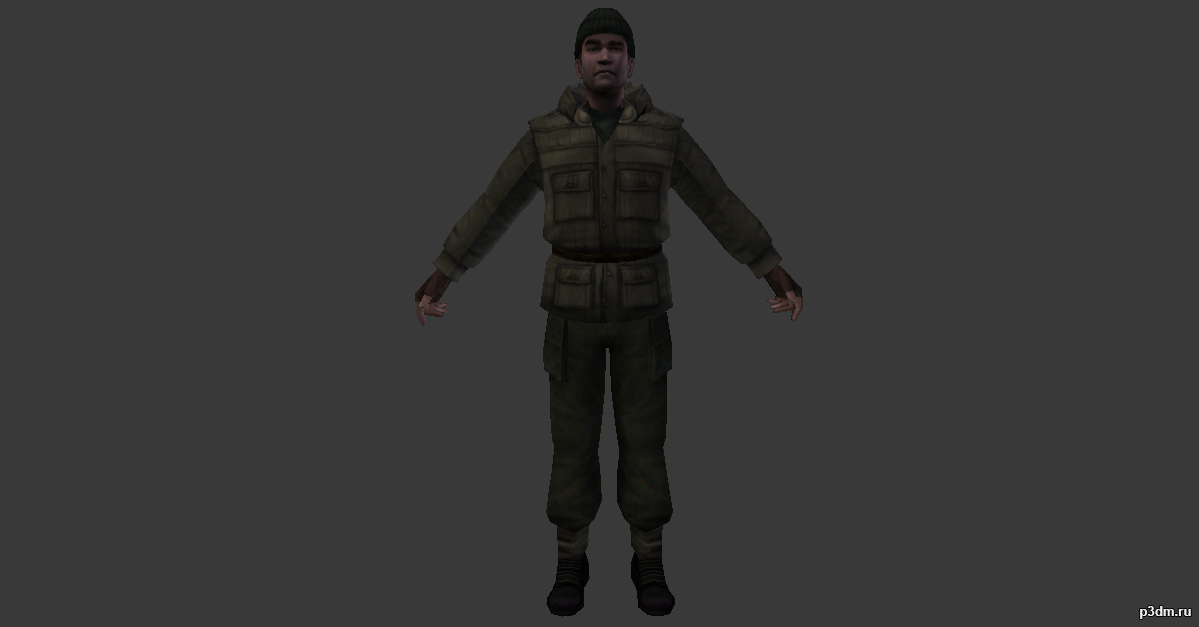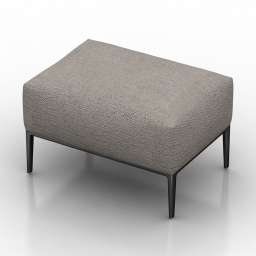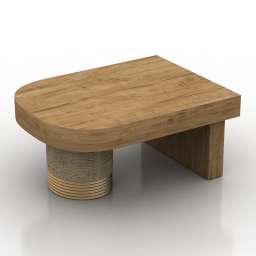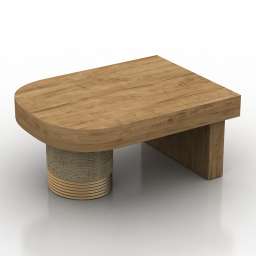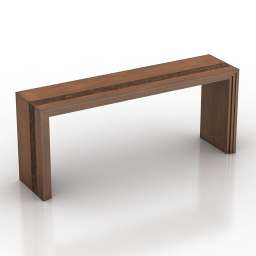
Additional Info: Table 2 Lexington Turtle Island Console – 3D model (*.gsm+*.obj+*.3ds) for interior 3d visualization.
Blog
-
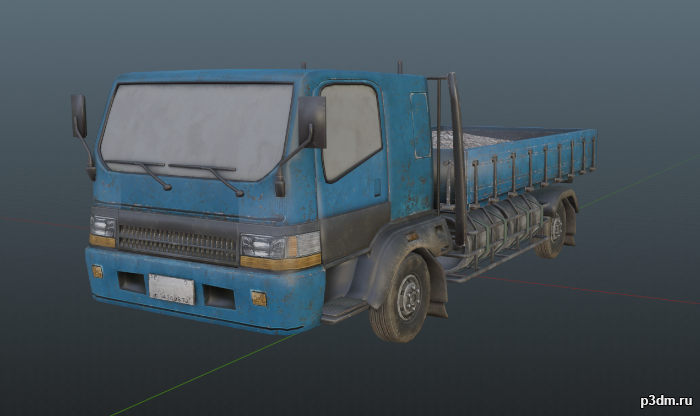
Small Truck 3D Model
Small civilian truck from CtAComes with 5 different paintjobs and a destroyed variant.
-
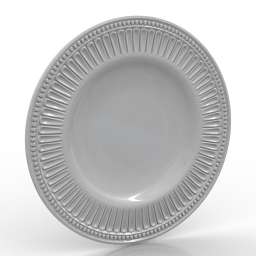
Plate 3D Model
Additional Info: Plate large – 3D model (*.gsm+*.obj+*.3ds) for interior 3d visualization.
-
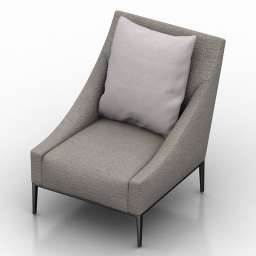
Armchair 3D Model
Additional Info: Armchair 2ds – 3D model (*.gsm+*.obj+*.3ds) for interior 3d visualization.
-
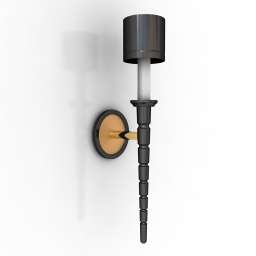
Sconce 3D Model
Additional Info: Sconce JONATHAN BROWNING Studios Ledoux Sconce N030822 – 3D model (*.gsm+*.obj+*.3ds) for interior 3d visualization.
-

Dog pack 3D Model
Animations here –> WOOF 6mbusing animations in Blender:1 – open model2 – import animation (in settings fbx import select Automatic Bone Orientations)3 – with the CTRL key held down Select the object you want to animate, then select the object from which you want to copy the animation, then go to Object > Link/Data Transfer > Link Animation Data4 – correct some distortions
-
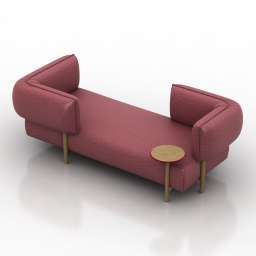
Sofa 3D Model
Additional Info: Sofa by Patricia Urquiola Moroso N280322 – 3D model (*.gsm+*.obj+*.3ds) for interior 3d visualization.
-
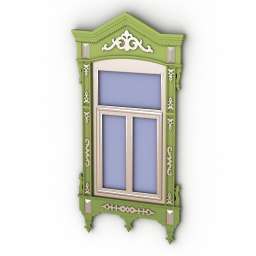
Window 3D Model
Additional Info: Window tatar N260822 – 3D model (*.gsm+*.obj+*.3ds) for exterior 3d visualization.
-
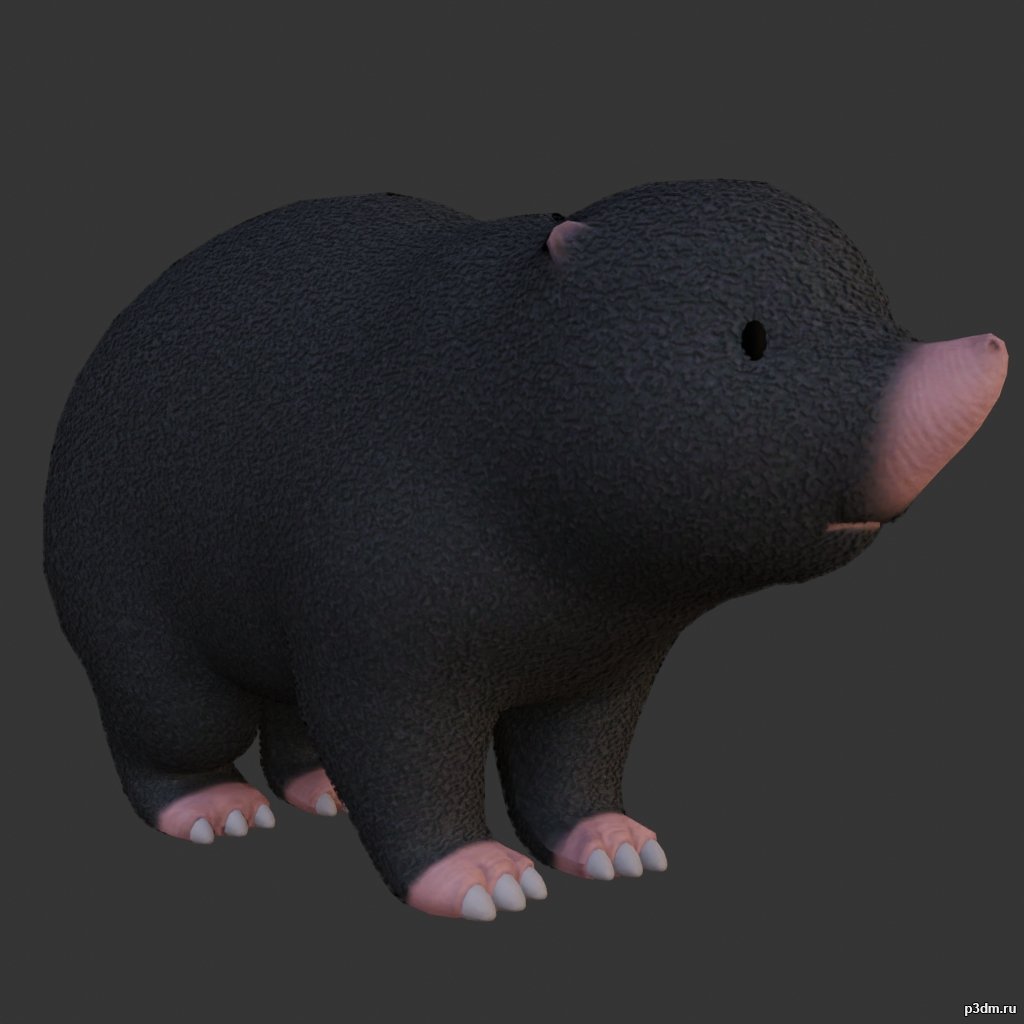
Mole 3D Model
using animations in Blender:1 – open model2 – import animation (in settings fbx import select Automatic Bone Orientations)3 – with the CTRL key held down Select the object you want to animate, then select the object from which you want to copy the animation, then go to Object > Link/Data Transfer > Link Animation Data
-
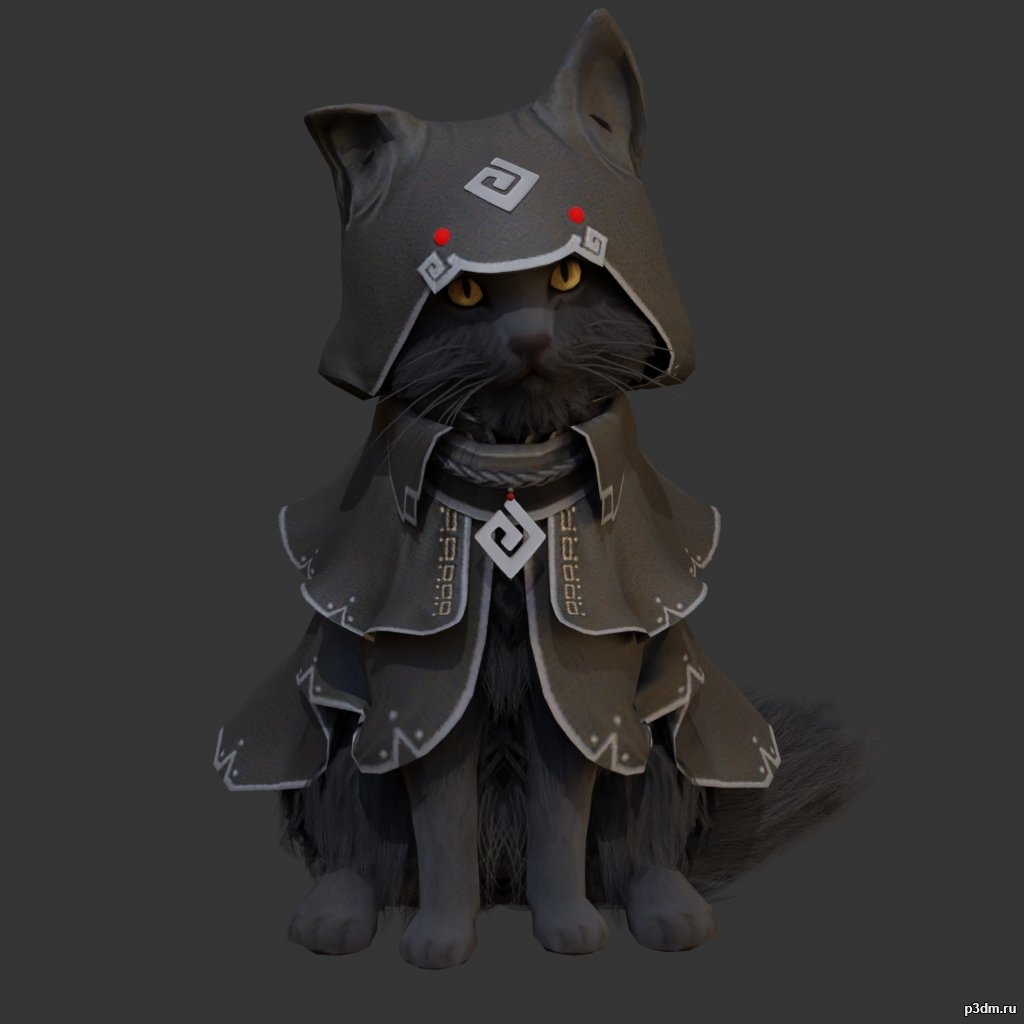
Cat Assassin 3D Model
Animations here –> MEOW 5mbusing animations in Blender:1 – open model2 – import animation (in settings fbx import select Automatic Bone Orientations)3 – with the CTRL key held down Select the object you want to animate, then select the object from which you want to copy the animation, then go to Object > Link/Data Transfer > Link Animation Data4 – correct some distortions
-
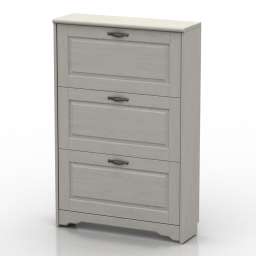
Locker 3D Model
Additional Info: Locker 4 – 3D model (*.gsm+*.obj+*.3ds) for interior 3d visualization.
-
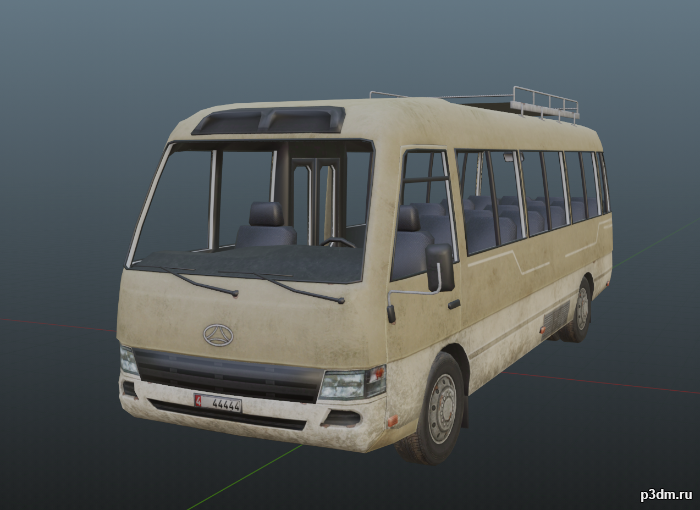
Civilian Bus 3D Model
Civilian bus from Call to Arms.It contains a default bus, alternate texture, and a destroyed version.Parts are separable as shown.
-
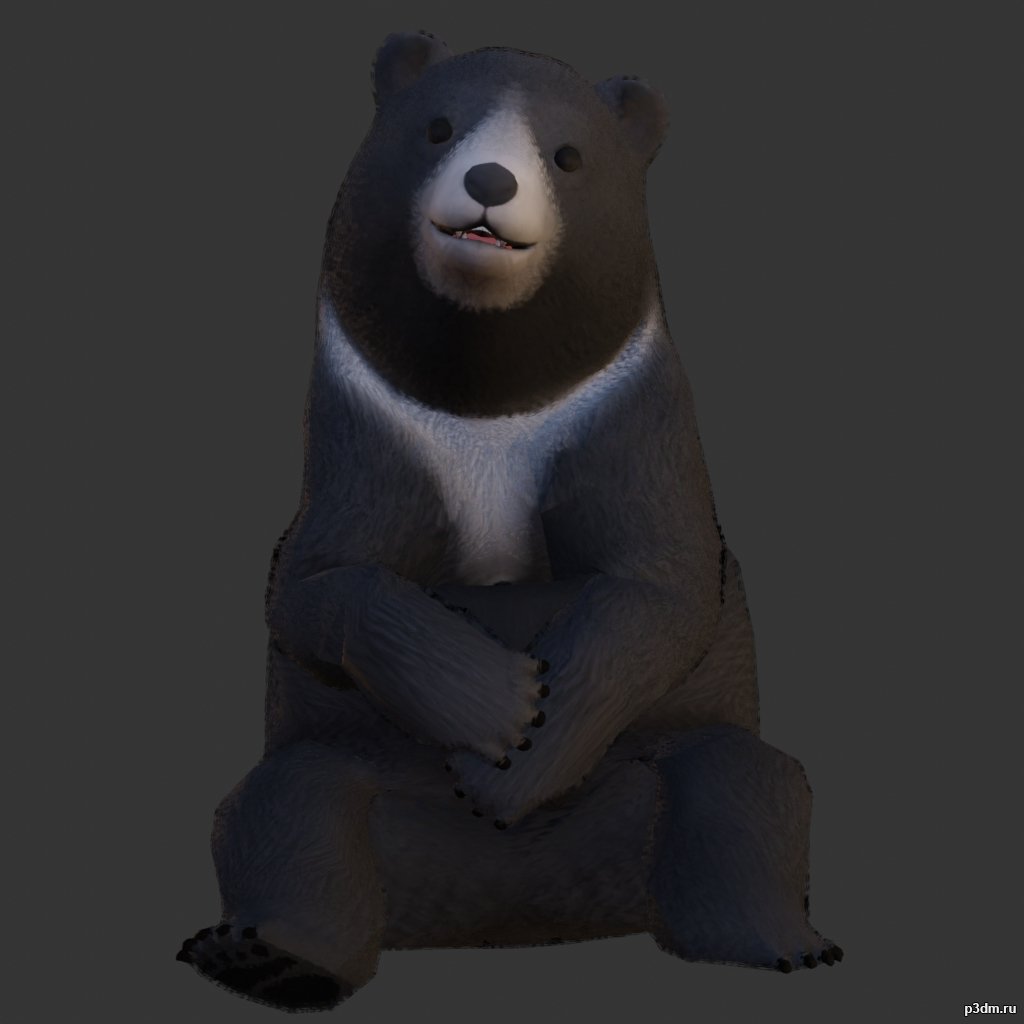
Black Bear 3D Model
using animations in Blender:1 – open model2 – import animation (in settings fbx import select Automatic Bone Orientations)3 – with the CTRL key held down Select the object you want to animate, then select the object from which you want to copy the animation, then go to Object > Link/Data Transfer > Link Animation Data
-
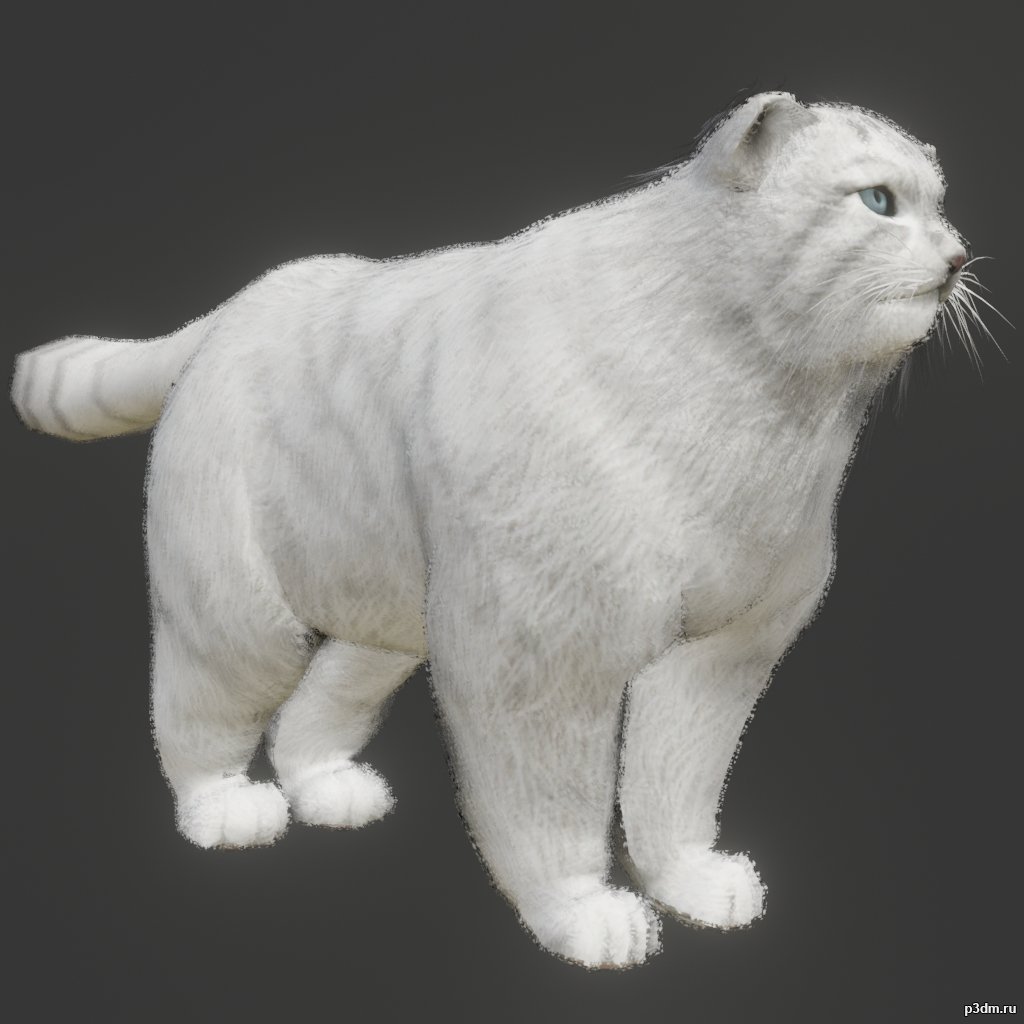
Manul 3D Model
Animations here –> MEOW 5mbusing animations in Blender:1 – open model2 – import animation (in settings fbx import select Automatic Bone Orientations)3 – with the CTRL key held down Select the object you want to animate, then select the object from which you want to copy the animation, then go to Object > Link/Data Transfer > Link Animation Data4 – correct some distortions
-
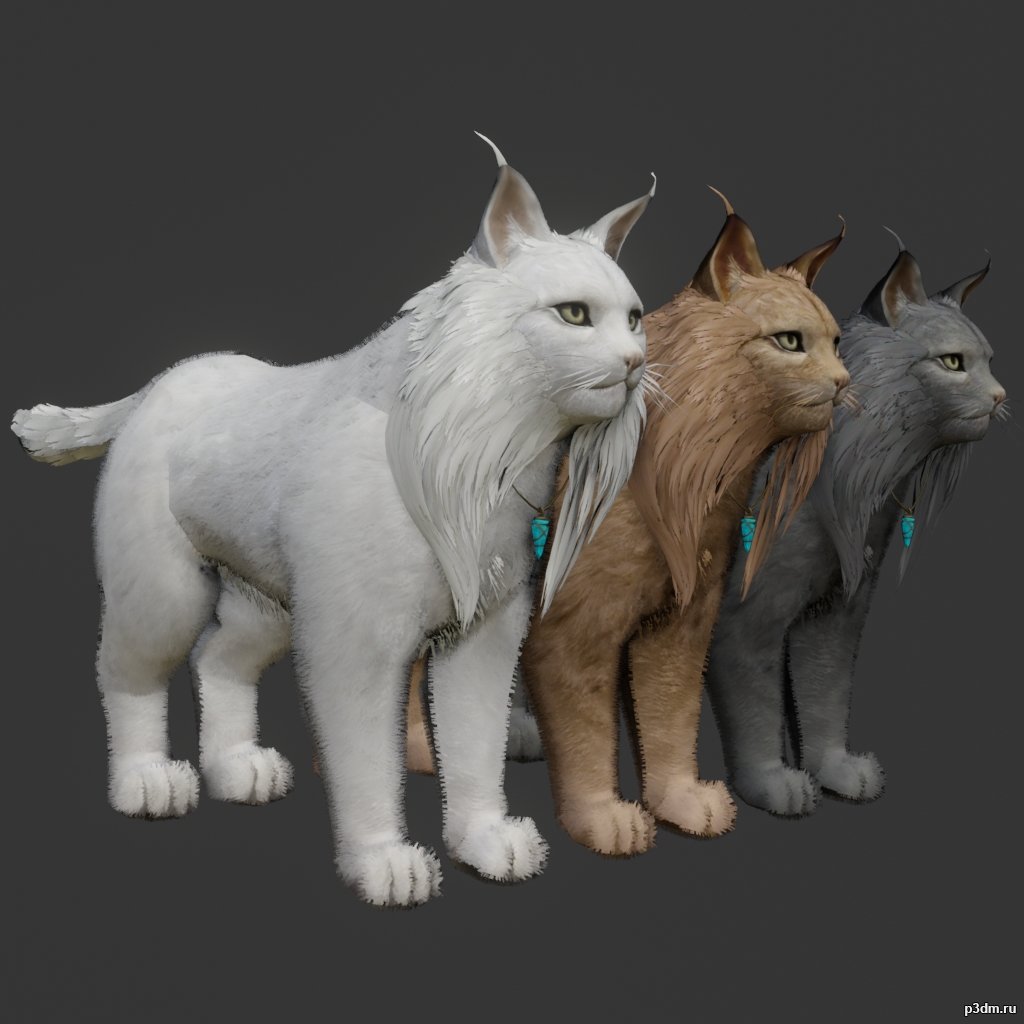
Lynx pack 3D Model
Animations here –> MEOW 5mbusing animations in Blender:1 – open model2 – import animation (in settings fbx import select Automatic Bone Orientations)3 – with the CTRL key held down Select the object you want to animate, then select the object from which you want to copy the animation, then go to Object > Link/Data Transfer > Link Animation Data4 – correct some distortions
-
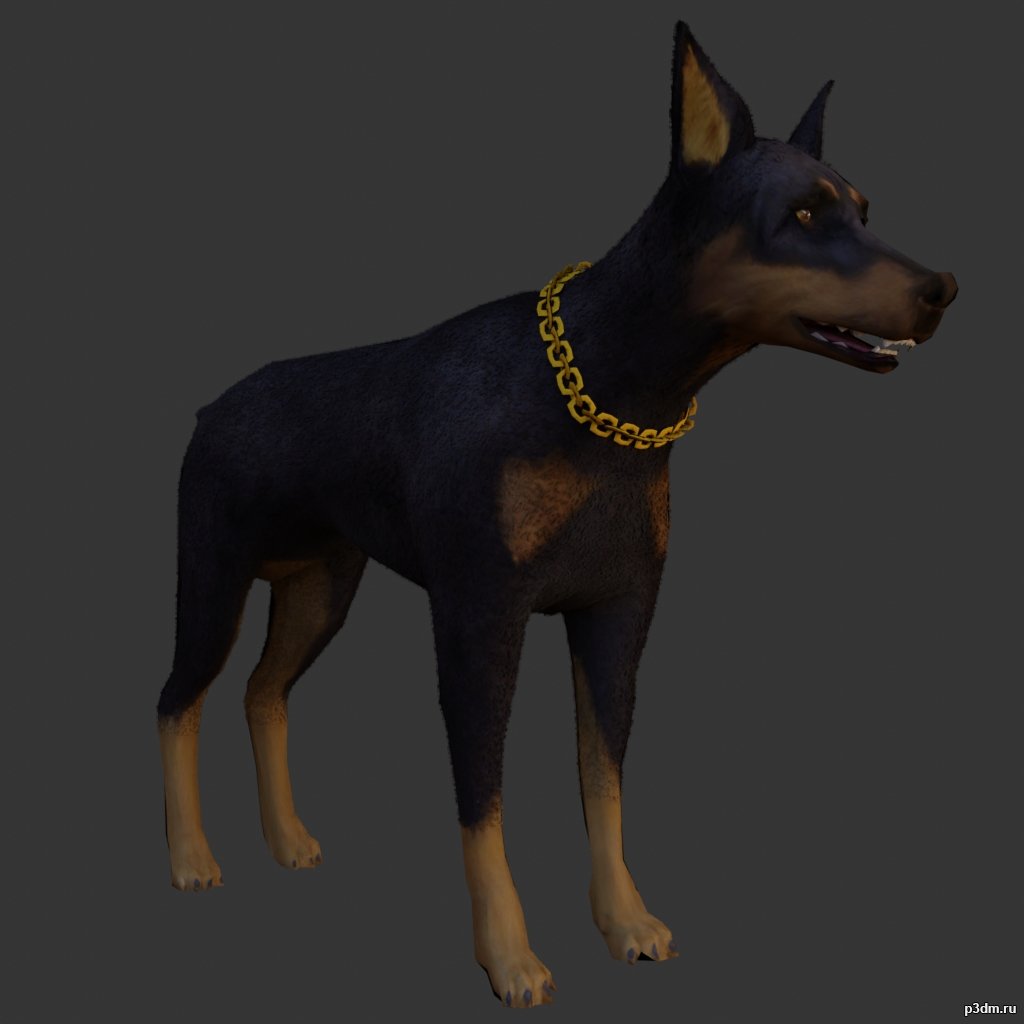
Doberman 3D Model
Animations here –> WOOF 6mbusing animations in Blender:1 – open model2 – import animation (in settings fbx import select Automatic Bone Orientations)3 – with the CTRL key held down Select the object you want to animate, then select the object from which you want to copy the animation, then go to Object > Link/Data Transfer > Link Animation Data4 – correct some distortions
-
Luster 3D Model
Additional Info: Luster d 480 – 3D model (*.gsm+*.obj+*.3ds) for interior 3d visualization.
-
Luster 3D Model
Additional Info: Luster d 480 – 3D model (*.gsm+*.obj+*.3ds) for interior 3d visualization.
-

Mirror 3D Model
Additional Info: Mirror N250822 – 3D model (*.gsm+*.obj+*.3ds) for interior 3d visualization.
-

Mirror 3D Model
Additional Info: Mirror N250822 – 3D model (*.gsm+*.obj+*.3ds) for interior 3d visualization.
-
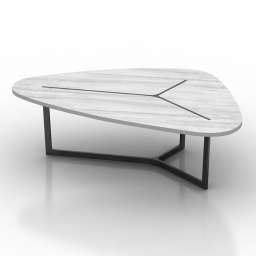
Table 3D Model
Additional Info: Table B&B Italia SEVEN TABLE N230622 – 3D model (*.gsm+*.obj+*.3ds) for interior 3d visualization.
-
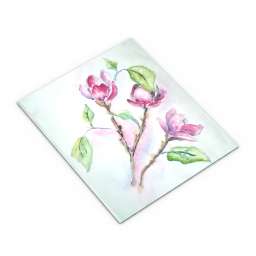
Picture 3D Model
Additional Info: Picture flowers – 3D model (*.gsm+*.obj+*.3ds) for interior 3d visualization.
-
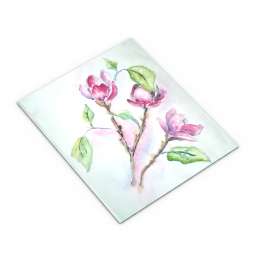
Picture 3D Model
Additional Info: Picture flowers – 3D model (*.gsm+*.obj+*.3ds) for interior 3d visualization.
-
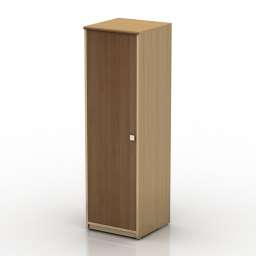
Wardrobe 3D Model
Additional Info: Wardrobe narrow – 3D model (*.gsm+*.obj+*.3ds) for interior 3d visualization.
-
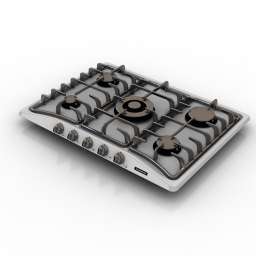
Stovetop 3D Model
Additional Info: Stovetop CookTop Tramontina 94705 N040722 – 3D model (*.gsm+*.obj+*.3ds) for interior 3d visualization.
-
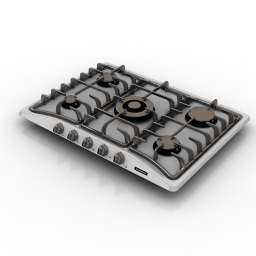
Stovetop 3D Model
Additional Info: Stovetop CookTop Tramontina 94705 N040722 – 3D model (*.gsm+*.obj+*.3ds) for interior 3d visualization.
-
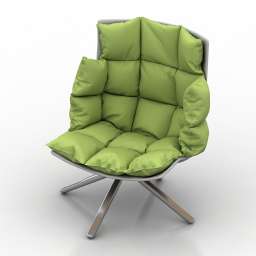
Chair 3D Model
Additional Info: Chair Husk Armchair N170822 – 3D model (*.gsm+*.obj+*.3ds) for interior 3d visualization.
-
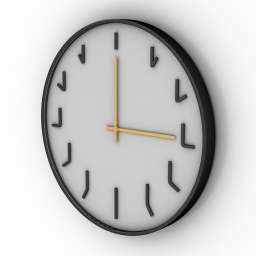
Clock 3D Model
Additional Info: Clock wall – 3D model (*.gsm+*.obj+*.3ds) for interior 3d visualization.
-
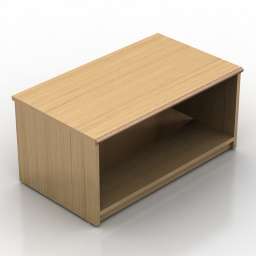
Locker 3D Model
Additional Info: Locker 1 – 3D model (*.gsm+*.obj+*.3ds) for interior 3d visualization.
-
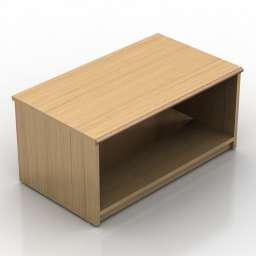
Locker 3D Model
Additional Info: Locker 1 – 3D model (*.gsm+*.obj+*.3ds) for interior 3d visualization.
-
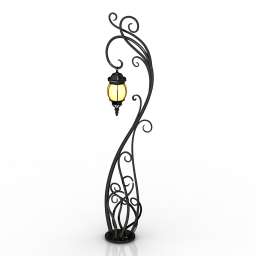
Torchere 3D Model
Additional Info: Torchere Forged lantern Garden Lamp N300722 – 3D model (*.gsm+*.obj+*.3ds) for interior 3d visualization.
-
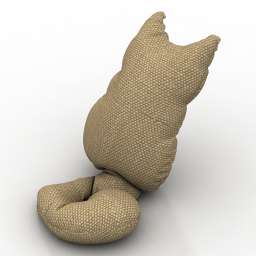
Pillow 3D Model
Additional Info: Pillow Cat 2 – 3D model (*.gsm+*.obj+*.3ds) for interior 3d visualization.
-
Pillow 3D Model
Additional Info: Pillow Cat 2 – 3D model (*.gsm+*.obj+*.3ds) for interior 3d visualization.
-
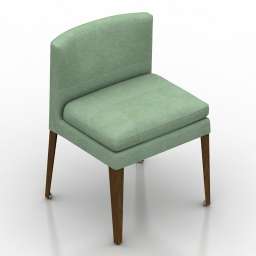
Chair 3D Model
Additional Info: Chair B&B Italia Eunice Chair N140822 – 3D model (*.gsm+*.obj+*.3ds) for interior 3d visualization.
-
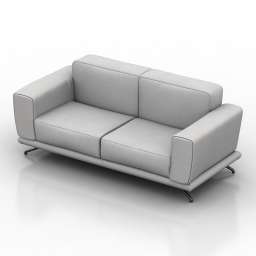
Sofa 3D Model
Additional Info: Sofa Natuzzi Vittoria N250622 – 3D model (*.gsm+*.obj+*.3ds) for interior 3d visualization.
-
Sofa 3D Model
Additional Info: Sofa Natuzzi Vittoria N250622 – 3D model (*.gsm+*.obj+*.3ds) for interior 3d visualization.
-
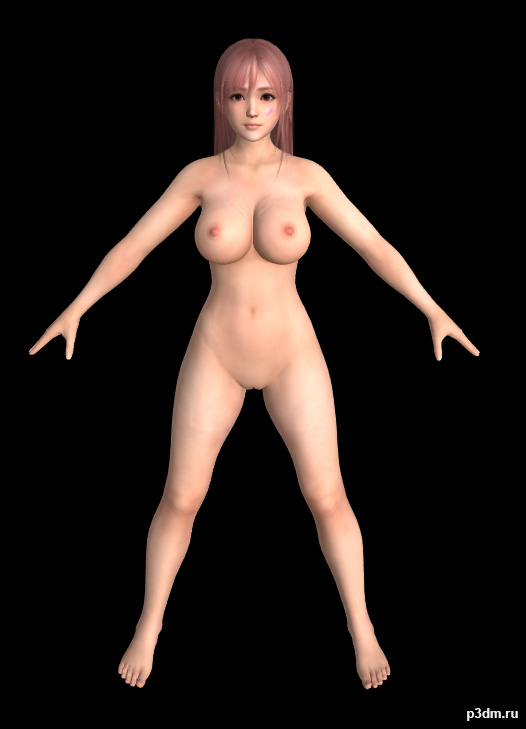
Honoka Nude (DOAXVV) 3D Model
All the Models here are Converted to FBX by me.Originally models converted from Dead or Alive games to XPS (Xnalara) by Shuubaru Model belongs to Koei Tecmo & Team Ninja.Requirements to use these models:- Any 3D Studio Application like Blender, 3DS Max,…. so on.- Adobe Photoshop, Paint.net, GIMP,….and so on. (Only for Texture Editing)Folder Contents:- Model Name – Extra -Blush Tan -Blush (Blush Face Textures) -Blush Tan (Tanned Face with Blush Textures) -Normal (Normal Face Texture) -Hair – A -Hair – B -Hair – C -Hair – D -Wet Dry -Dry (Dry Body Textures) -Wet (Wet Body TExtures) – (The Whole Body Model with Outfits/Innerwear) © Koei Tecmo & Team Ninja and Shuubaru ©
-
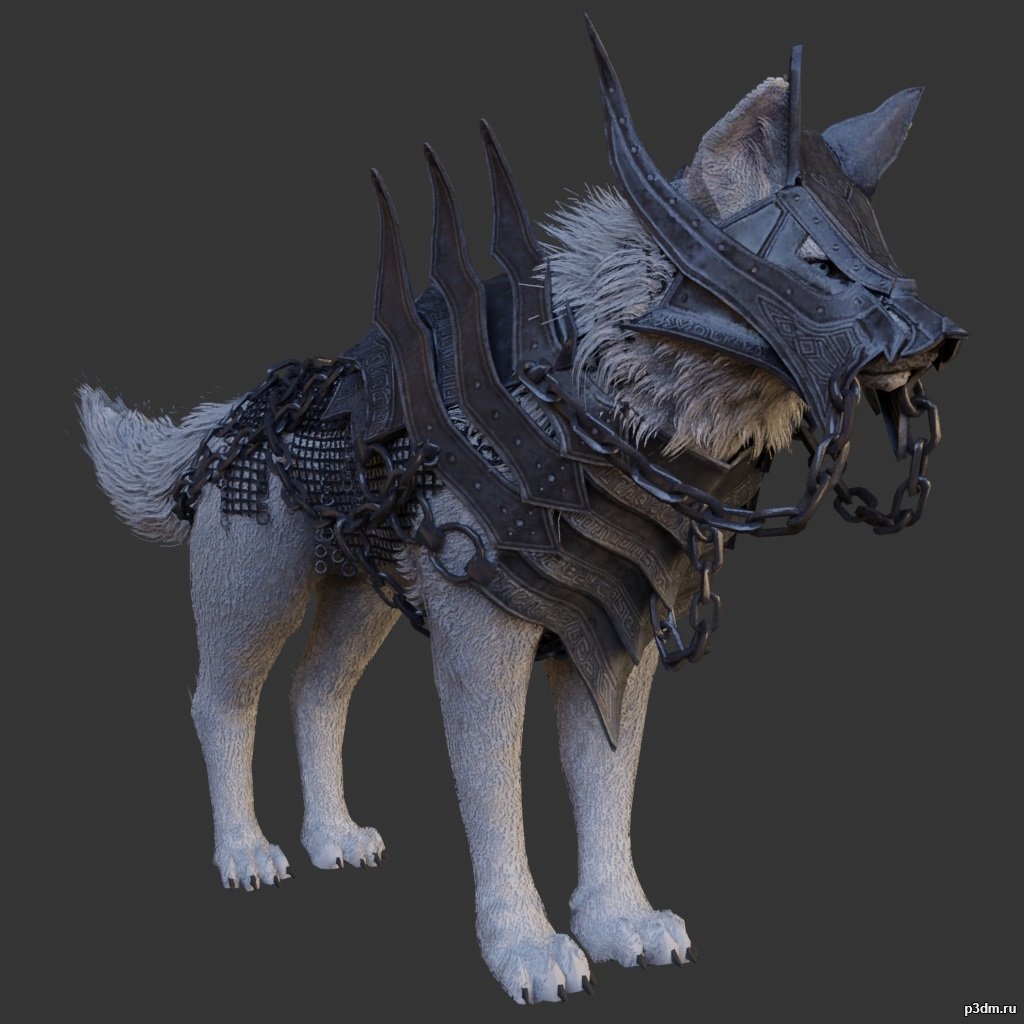
Guardian Wolf 3D Model
using animations in Blender:1 – open model2 – import animation (in settings fbx import select Automatic Bone Orientations)3 – with the CTRL key held down Select the object you want to animate, then select the object from which you want to copy the animation, then go to Object > Link/Data Transfer > Link Animation Data
-
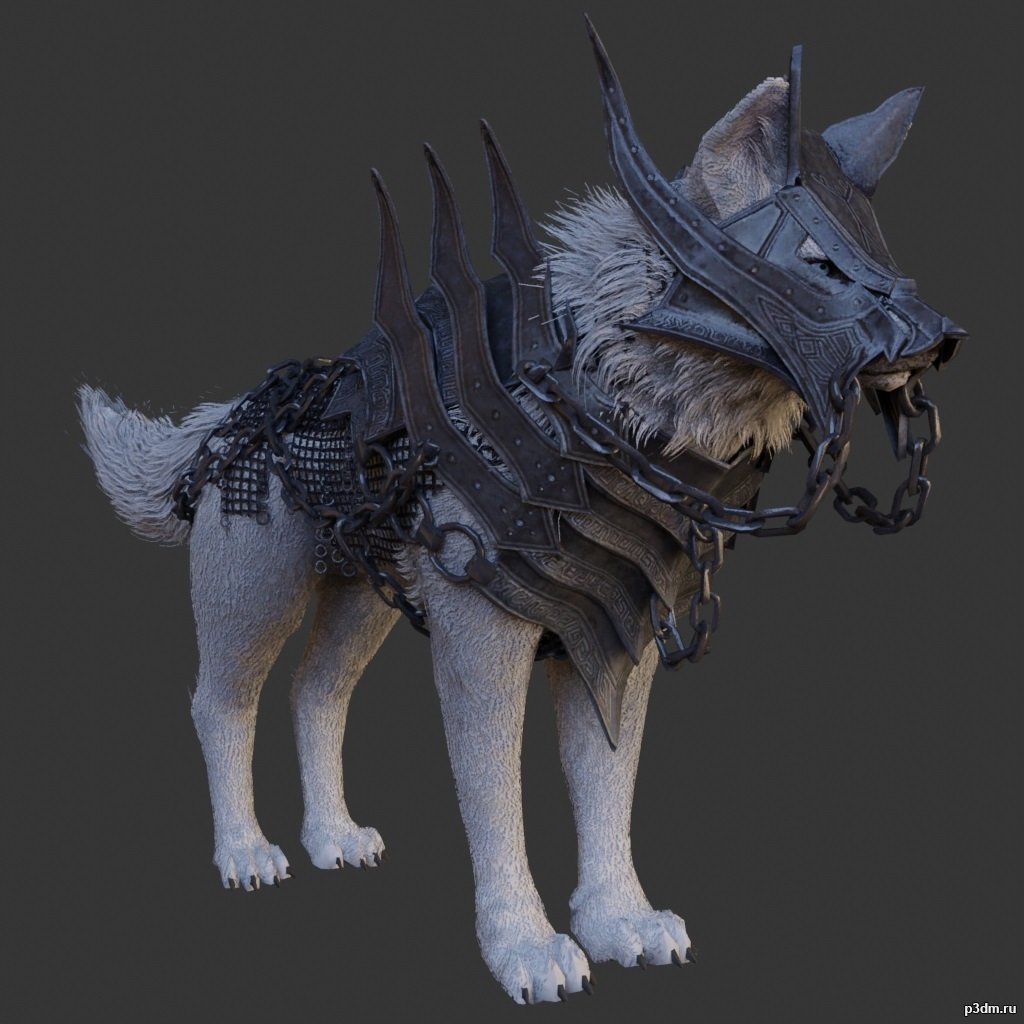
Guardian Wolf 3D Model
using animations in Blender:1 – open model2 – import animation (in settings fbx import select Automatic Bone Orientations)3 – with the CTRL key held down Select the object you want to animate, then select the object from which you want to copy the animation, then go to Object > Link/Data Transfer > Link Animation Data
-
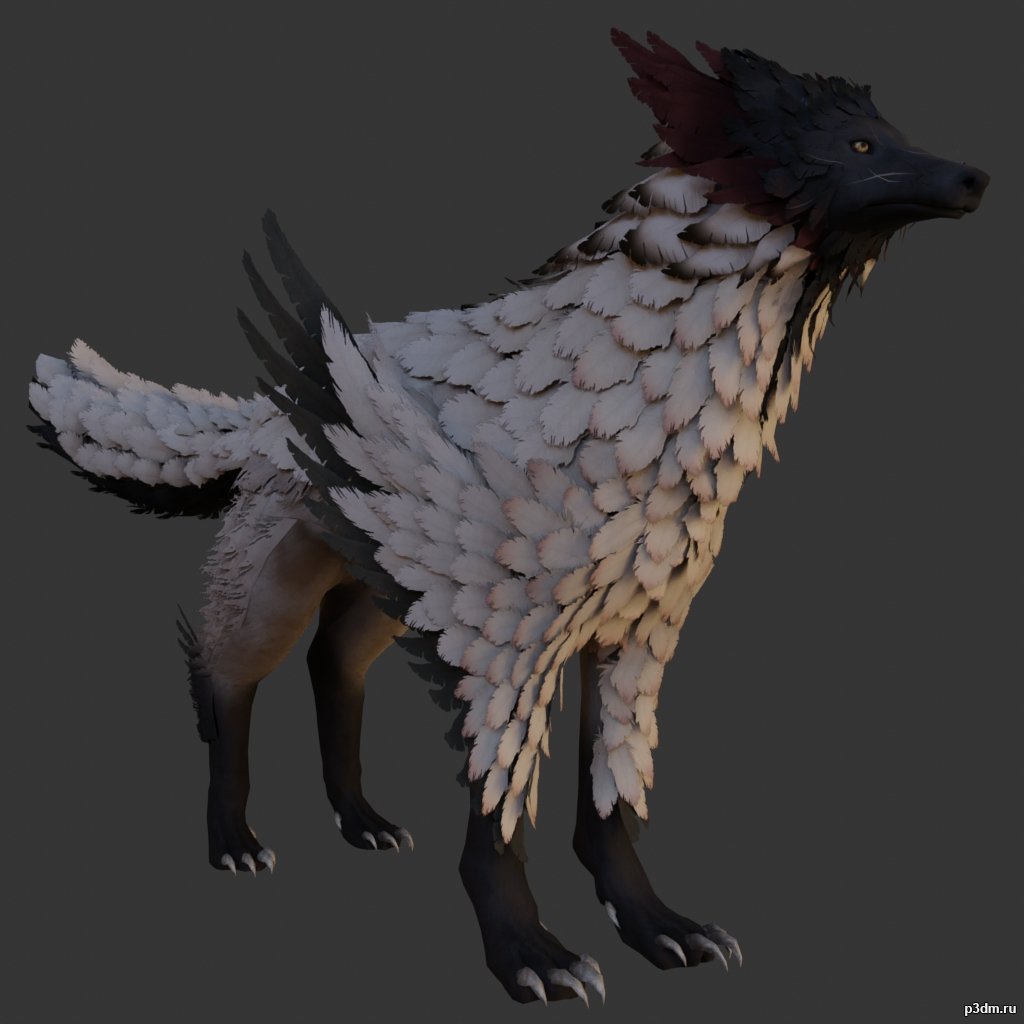
Feather Wolf 3D Model
using animations in Blender:1 – open model2 – import animation (in settings fbx import select Automatic Bone Orientations)3 – with the CTRL key held down Select the object you want to animate, then select the object from which you want to copy the animation, then go to Object > Link/Data Transfer > Link Animation Data
-
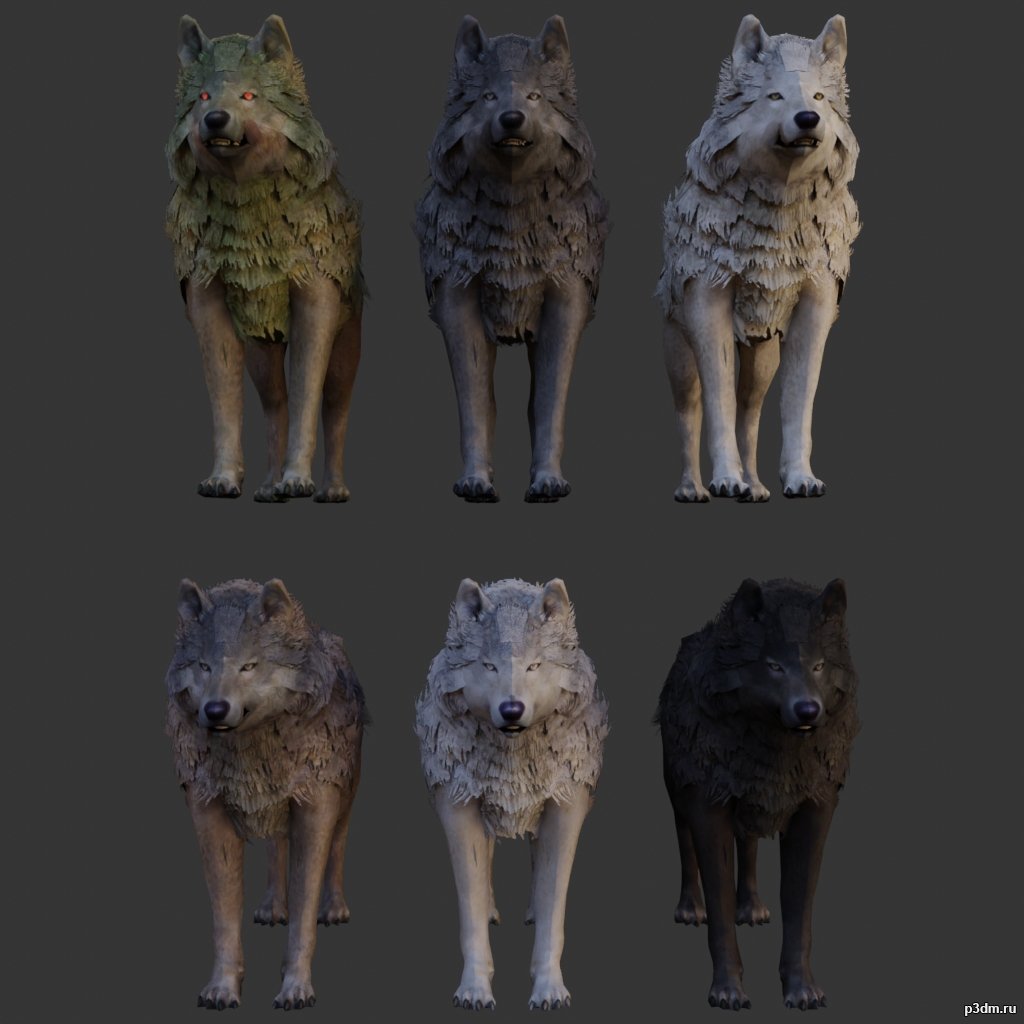
Wolf pack 3 3D Model
using animations in Blender:1 – open model2 – import animation (in settings fbx import select Automatic Bone Orientations)3 – with the CTRL key held down Select the object you want to animate, then select the object from which you want to copy the animation, then go to Object > Link/Data Transfer > Link Animation Data
-
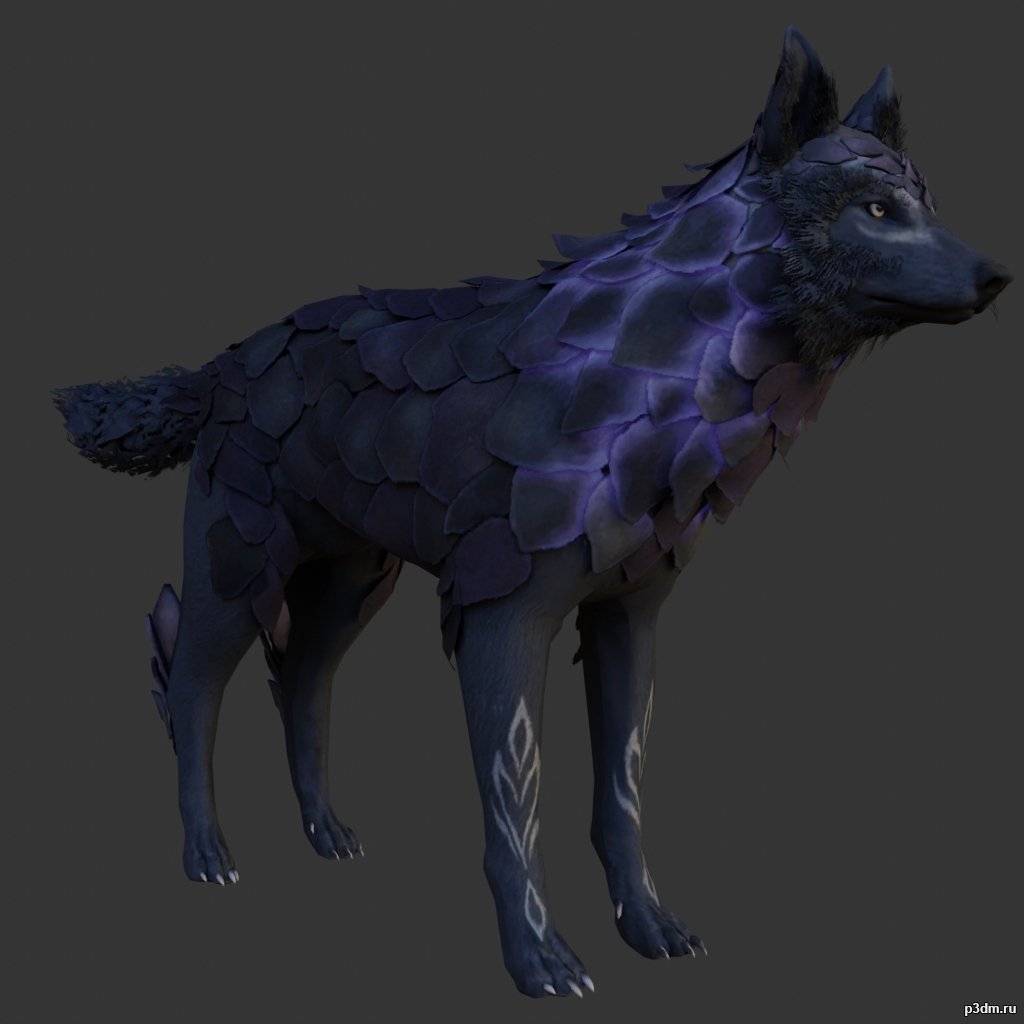
Scaly Wolf 3D Model
using animations in Blender:1 – open model2 – import animation (in settings fbx import select Automatic Bone Orientations)3 – with the CTRL key held down Select the object you want to animate, then select the object from which you want to copy the animation, then go to Object > Link/Data Transfer > Link Animation Data
-
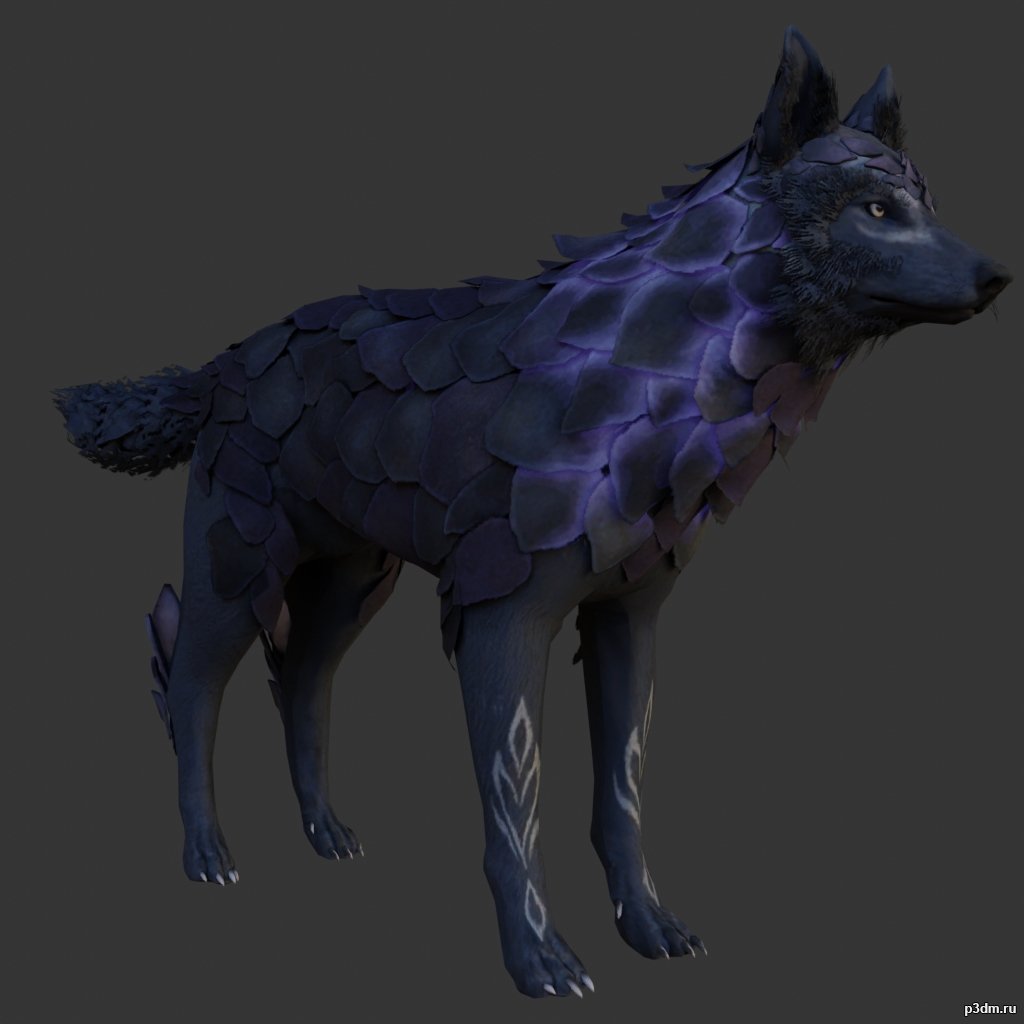
Scaly Wolf 3D Model
using animations in Blender:1 – open model2 – import animation (in settings fbx import select Automatic Bone Orientations)3 – with the CTRL key held down Select the object you want to animate, then select the object from which you want to copy the animation, then go to Object > Link/Data Transfer > Link Animation Data
-
Luster 3D Model
Additional Info: Luster – 3D model (*.gsm+*.obj+*.3ds) for interior 3d visualization.
-
Table 3D Model
Additional Info: Table 1 – 3D model (*.gsm+*.obj+*.3ds) for interior 3d visualization.
-
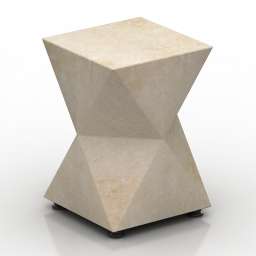
Table 3D Model
Additional Info: Table 1 – 3D model (*.gsm+*.obj+*.3ds) for interior 3d visualization.
-
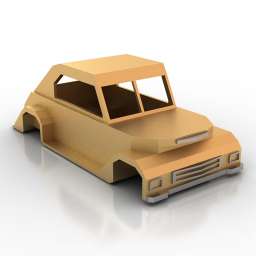
Car body 3D Model
Additional Info: Car body 1940s retro lowpoly N150922 – 3D model (*.gsm+*.obj+*.3ds) for exterior 3d visualization.
-
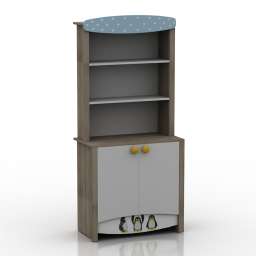
Locker 3D Model
Additional Info: Locker 5 – 3D model (*.gsm+*.obj+*.3ds) for interior 3d visualization.
-
Locker 3D Model
Additional Info: Locker 5 – 3D model (*.gsm+*.obj+*.3ds) for interior 3d visualization.
-
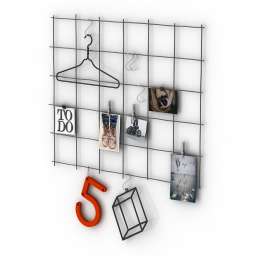
Rack 3D Model
Additional Info: Rack Frame decor – 3D model (*.gsm+*.obj+*.3ds) for interior 3d visualization.
-
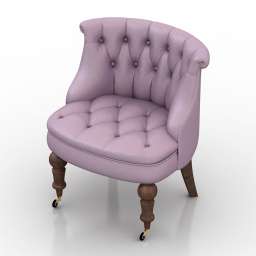
Chair 3D Model
Additional Info: Chair Sophie N210822 – 3D model (*.gsm+*.obj+*.3ds) for interior 3d visualization.
-
Chair 3D Model
Additional Info: Chair Sophie N210822 – 3D model (*.gsm+*.obj+*.3ds) for interior 3d visualization.
-
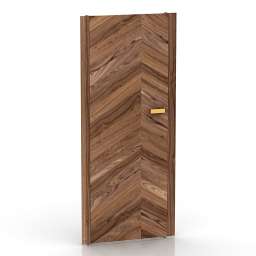
Door 3D Model
Additional Info: Door tokyo design – 3D model (*.gsm+*.obj+*.3ds) for interior 3d visualization.
-
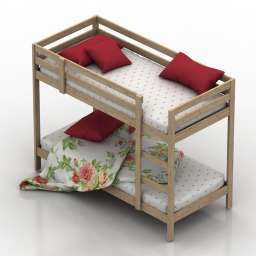
Bed 3D Model
Additional Info: Bed IKEA Midal N240622 – 3D model (*.gsm+*.obj+*.3ds) for interior 3d visualization.
-
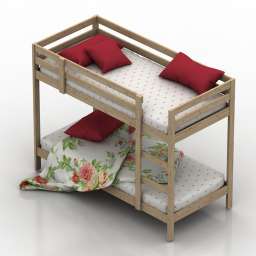
Bed 3D Model
Additional Info: Bed IKEA Midal N240622 – 3D model (*.gsm+*.obj+*.3ds) for interior 3d visualization.
-
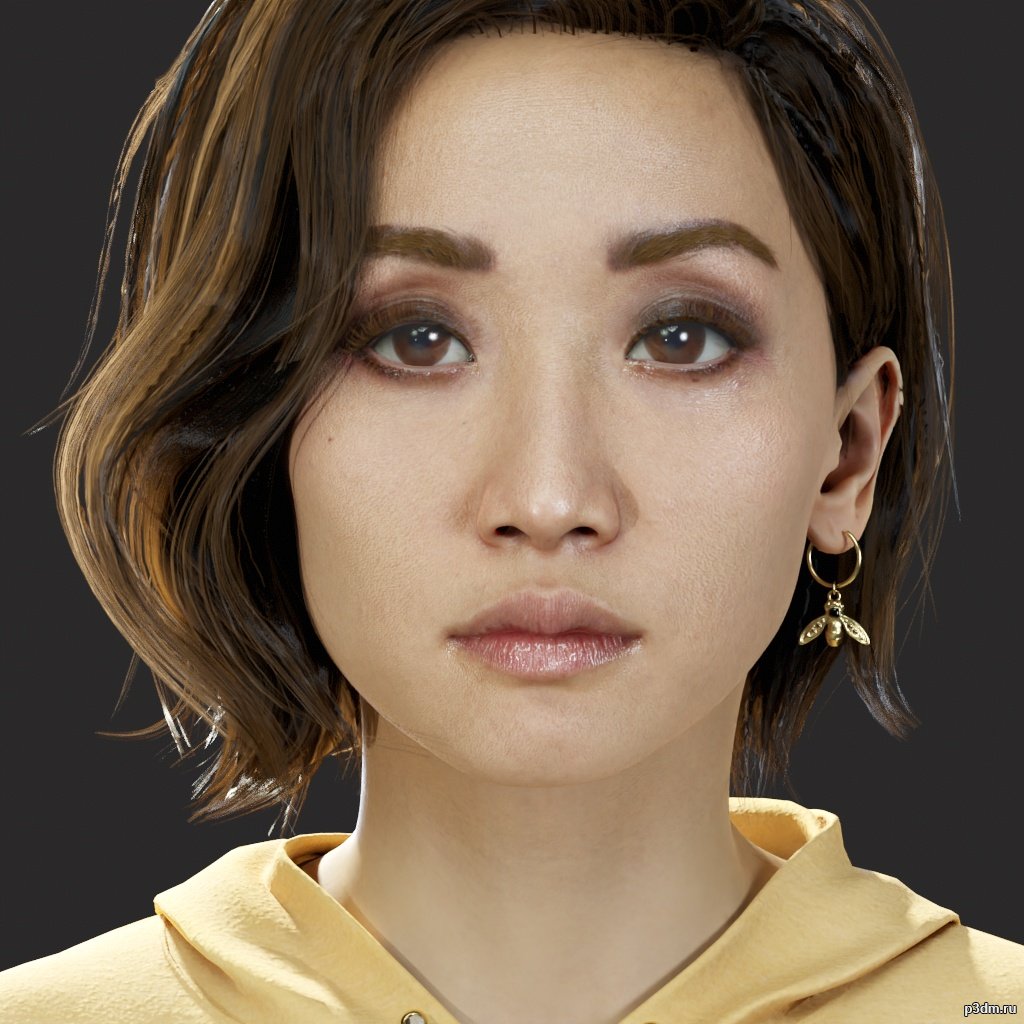
Kaitlyn – The Quarry 3D Model
Formats of model/Textures – .fbx/.tgaRendered in Marmoset Toolbag 4Extracted and converting by me Will | BWR.This model and textures are the property ofSupermassive Games and 2K GamesDeveloped by Supermassive GamesAll Rights Reserved.Big thanks to gildor for Umodel tool.
-
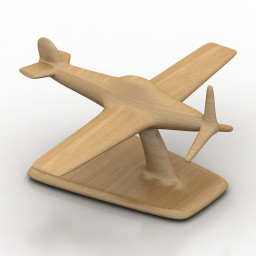
Airplane 3D Model
Additional Info: Airplane – 3D model (*.gsm+*.obj+*.3ds) for interior 3d visualization.
-
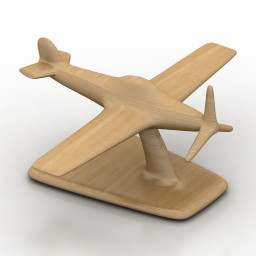
Airplane 3D Model
Additional Info: Airplane – 3D model (*.gsm+*.obj+*.3ds) for interior 3d visualization.
-
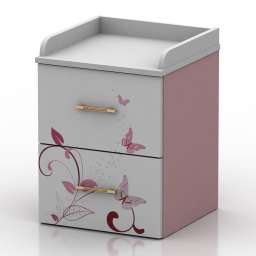
Nightstand 3D Model
Additional Info: Nightstand – 3D model (*.gsm+*.obj+*.3ds) for interior 3d visualization.
-
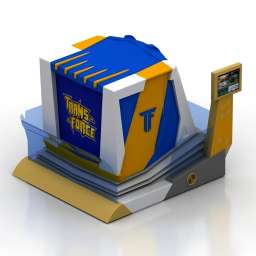
Attraction 3D Model
Additional Info: Attraction Trans-Force Orion-5D Attraction N190522 – 3D model (*.gsm+*.obj+*.3ds) for interior 3d visualization.
-
Attraction 3D Model
Additional Info: Attraction Trans-Force Orion-5D Attraction N190522 – 3D model (*.gsm+*.obj+*.3ds) for interior 3d visualization.
-
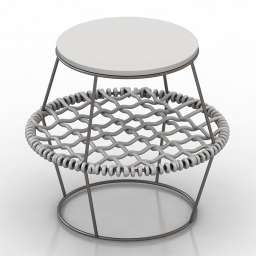
Table 3D Model
Additional Info: Table 3 – 3D model (*.gsm+*.obj+*.3ds) for interior 3d visualization.
-
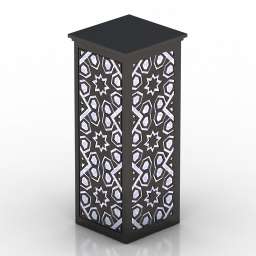
Lamp 3D Model
Additional Info: Lamp table N260422 – 3D model (*.gsm+*.obj+*.3ds) for interior 3d visualization.
-
Lamp 3D Model
Additional Info: Lamp table N260422 – 3D model (*.gsm+*.obj+*.3ds) for interior 3d visualization.
-
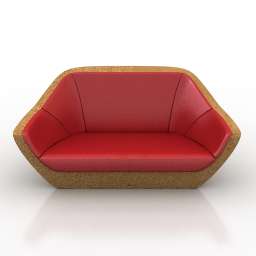
Sofa 3D Model
Additional Info: Sofa 2ds – 3D model (*.gsm+*.obj+*.3ds) for interior 3d visualization.
-
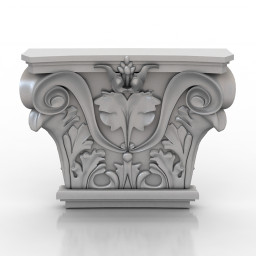
Decor 3D Model
Additional Info: Decor Orac Decor K201 Plaster Capital N120722 – 3D model (*.gsm+*.obj+*.3ds) for interior 3d visualization.
-
Decor 3D Model
Additional Info: Decor Orac Decor K201 Plaster Capital N120722 – 3D model (*.gsm+*.obj+*.3ds) for interior 3d visualization.
-
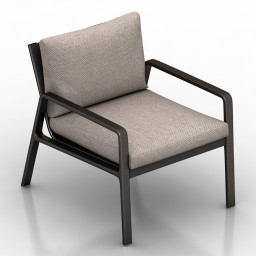
Armchair 3D Model
Additional Info: Armchair – 3D model (*.gsm+*.obj+*.3ds) for interior 3d visualization.
-
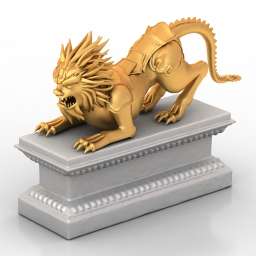
Sculpture 3D Model
Additional Info: Sculpture lion gold N070722 – 3D model (*.gsm+*.obj+*.3ds) for interior 3d visualization.
-
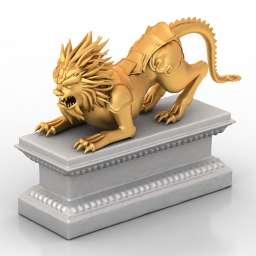
Sculpture 3D Model
Additional Info: Sculpture lion gold N070722 – 3D model (*.gsm+*.obj+*.3ds) for interior 3d visualization.
-
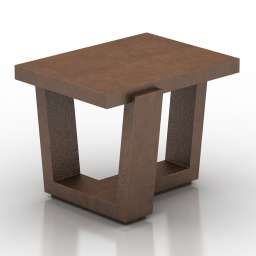
Table 3D Model
Additional Info: Table 1 – 3D model (*.gsm+*.obj+*.3ds) for interior 3d visualization.
-
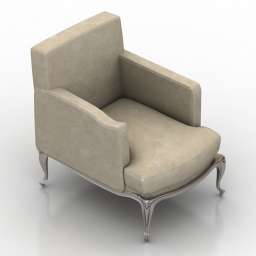
Armchair 3D Model
Additional Info: Armchair 2ds – 3D model (*.gsm+*.obj+*.3ds) for interior 3d visualization.
-
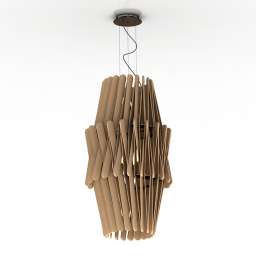
Luster 3D Model
Additional Info: Luster 3 – 3D model (*.gsm+*.obj+*.3ds) for interior 3d visualization.
-
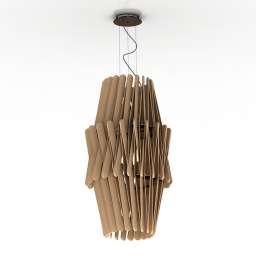
Luster 3D Model
Additional Info: Luster 3 – 3D model (*.gsm+*.obj+*.3ds) for interior 3d visualization.
-
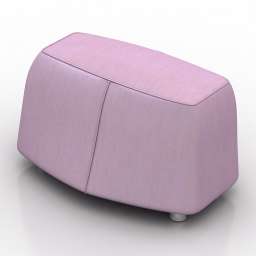
Seat 3D Model
Additional Info: Seat 2ds – 3D model (*.gsm+*.obj+*.3ds) for interior 3d visualization.
-
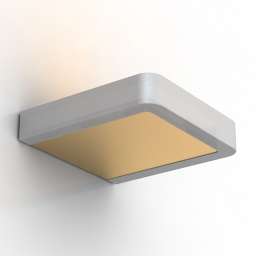
Sconce 3D Model
Additional Info: Sconce Exenia Soft Wall Lamp N040822 2ds – 3D model (*.gsm+*.obj+*.3ds) for interior 3d visualization.
-
Sconce 3D Model
Additional Info: Sconce Exenia Soft Wall Lamp N040822 2ds – 3D model (*.gsm+*.obj+*.3ds) for interior 3d visualization.
-
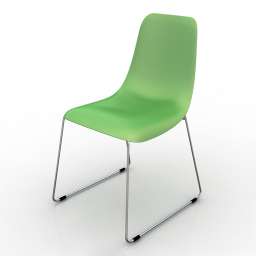
Chair 3D Model
Additional Info: Chair Bonaldo Lei Si N160622 – 3D model (*.gsm+*.obj+*.3ds) for interior 3d visualization.
-
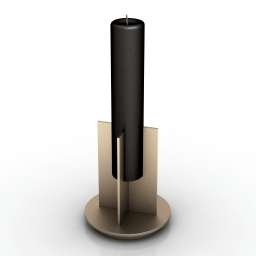
Candle 3D Model
Additional Info: Candle middle – 3D model (*.gsm+*.obj+*.3ds) for interior 3d visualization.
-
Candle 3D Model
Additional Info: Candle middle – 3D model (*.gsm+*.obj+*.3ds) for interior 3d visualization.
-
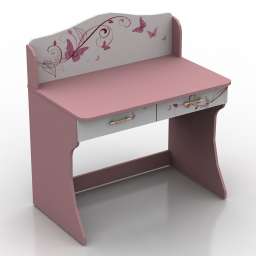
Table 3D Model
Additional Info: Table 1 – 3D model (*.gsm+*.obj+*.3ds) for interior 3d visualization.
-
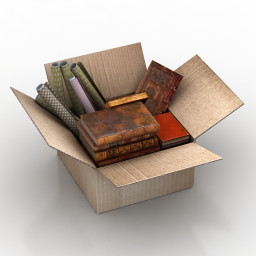
Box 3D Model
Additional Info: Box Cardboard Box-Books Papers N180522 – 3D model (*.gsm+*.obj+*.3ds) for interior 3d visualization.
-
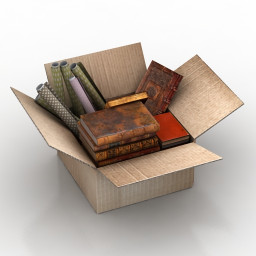
Box 3D Model
Additional Info: Box Cardboard Box-Books Papers N180522 – 3D model (*.gsm+*.obj+*.3ds) for interior 3d visualization.