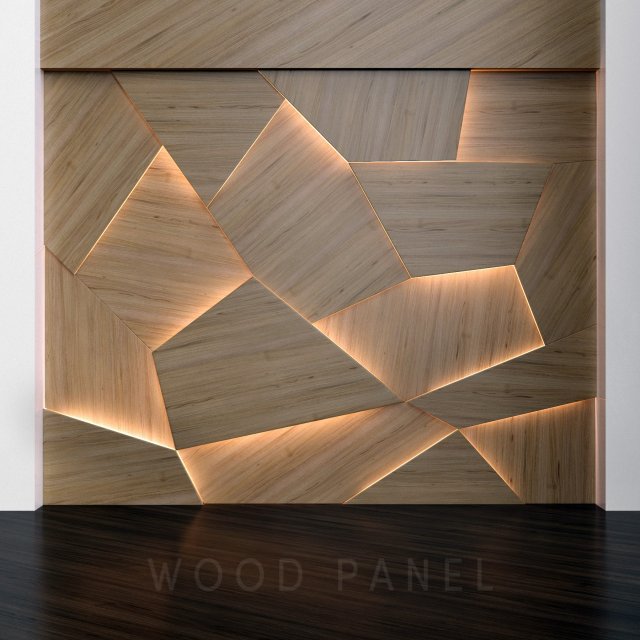
Wooden 3D panelsComposition from wooden panelsDimension:3000x2360mmPolys: 4536Verts: 4602Archive include:-max 2014 corona-max 2014 vray-fbx corona-fbx vray-obj-mtl-texturesThe model for smoothing. Set the iteration level in the anti-aliasing modifier. The stack is open.File export for anti-aliasing. Apply the anti-aliasing modifier.
Tag: illumination
-
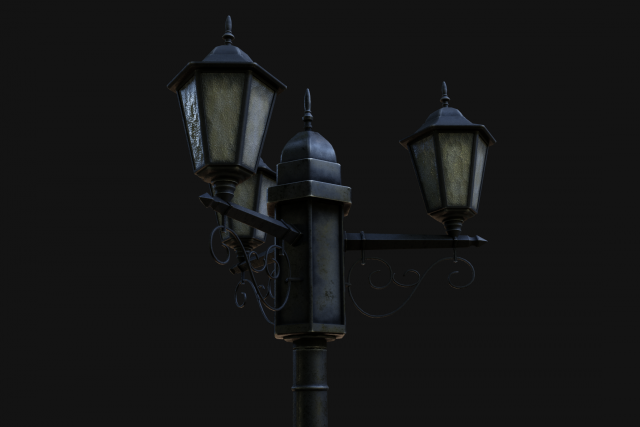
Street Lamp Low-Poly 3D Model
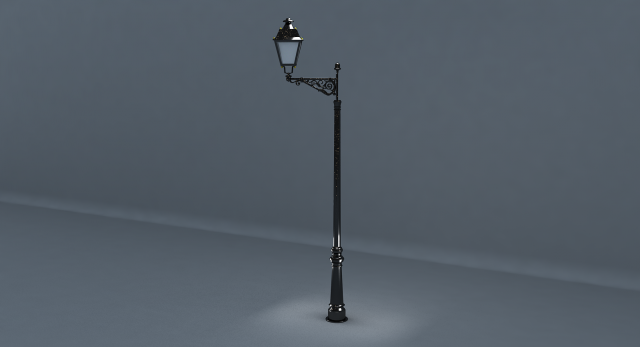
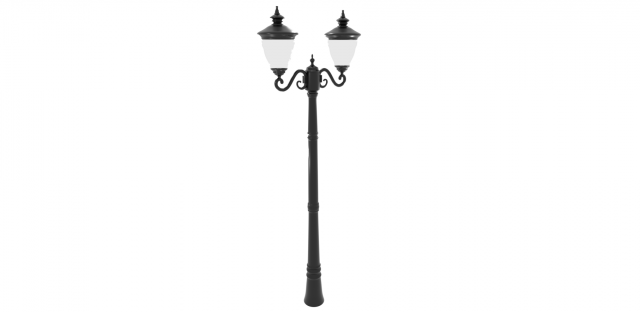
Street Lamp Low-Poly 3d model low-poly 3d model ready for Virtual Reality (VR), Augmented Reality (AR), games and other real-time apps.Street Lamp Low-Poly 3d model==================================================================================================This Model is made in Blender. Its a Low poly model, And Good for both PBR and standard workflow as it has diffuse Texture, Roughness texture, etc. ……And can make your scenes more attractive. The model is exported to following formats.1.)OBJ2.)FBX3.)3ds4.)dae==================================================================================================About the Model:1.)Model is centered.2.)Model has 4 objects(Pole and 3 lamp Handles)3.)Model has non overlapping UVs.4.)Model has 5946 polygons and 5914 vertices.5.)Model is not Scaled according to real world units.6.)Model has Quads and tris .==================================================================================================About the Textures:Pole Textures:1)SLPole_Diffuse 2k2)SLPole_Metallic 2k3)SLPole_Roughness 2k4)SLPole_Bump 2k5)SLPole_Normal2kLampHandle Textures1)SLHandle_Diffuse 2k2)SLHandle_Metallic 2k3)SLHandle_Roughness 2k4)SLHandle_Bump 2k5)SLHandle_Normal 2k6)SLHandle_Emission 2k==================================================================================================The Number of Lamp Handles can be increased or decreased.Just Place the model in your scenes and apply the materials and you are good to go…Contact me for more information……ENJOY….:)
-
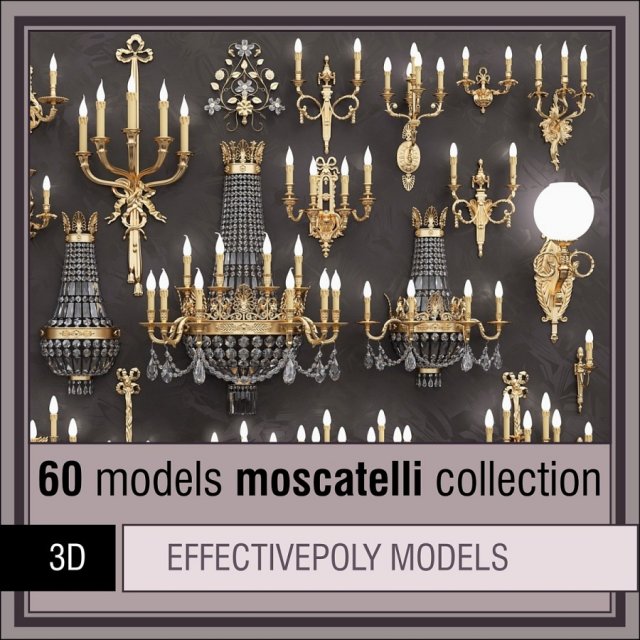
Moscatelli collection 60 items 3D Model
Moscatelli collection (60 items)Effectivepoly collection of lamps by Moscatelli185 Mb – blend166 Mb – obj168 Mb – max 201152 Mb – fbxProduct is designed especially for filling massive interior areas with classic lighting, so all presented models have effective polycount.This makes them looking nice both at close and far distances with/without subd smoothing .Topology supports subd.All previews, except one, was rendered with no subd in cycles render engine.Product stats:- Metric scale, contains 1m2 and 1ft2 squares.- Models have proper scale, names and pivots.- No UV’s or texture-depended materials, all objects shares same material set.- Some lamps have no lightbulbs because it is unable to define their location at refrences.- Names contains marks, for exampleB18-BRA=41575/1-F-Mwhere[B18-BRA] – is name of the object in product’s classification[41575/1-F-M] – is mark of Moscatelli’s product.List of models in product:B01-BRA=4403/4B02-BRA=4431/4-FB03-BRA=4988/5B04-BRA=41020-1B05-BRA=41093/2-FB06-BRA=41197/3-FB07-BRA=41259/5B08-BRA=41342/3B09-BRA=41393/3B10-BRA=41413/10B11-BRA=41483/1-F-EX-MB12-BRA=41515/2B13-BRA=41533/4B14-BRA=41543/2B15-BRA=41546/1B16-BRA=41563-5B17-BRA=41572/5-FB18-BRA=41575/1-F-MB19-BRA=41580/3B20-BRA=41581/2B21-BRA=41584/2B22-BRA=41590/3B23-BRA=41596/3B24-BRA=41601/8B25-BRA=41610/5-FB26-BRA=41613/3B27-BRA=41630/4B28-BRA=41631/2B29-BRA=41636/5B30-BRA=41637-5B31-BRA=41638-1885/1B32-BRA=41639/1B33-BRA=41640/1B34-BRA=41650/1C01-LUS=1394/4-F-SC02-LUS=1875/12-F-SC03-LUS=21412/3-F-ICC04-LUS=22281/15-F-CC05-LUS=22320/6C06-LUS=22428/20+8-F-SD01-LAMP=31010/16D02-LAMP=31020/3D03-LAMP=31048/1D04-LAMP=31059/6D05-LAMP=31067/10D06-LAMP=31070/6D07-LAMP=31079/5D08-LAMP=31080/2S01-SPOT=1950/1S02-SPOT=1973/1-F-C-ALOGENS03-SPOT=1977/1-F-C-ALOGENS04-SPOT=1978/1-F-C-ALOGENS05-SPOT=1979/1-F-C-ALOGENS06-SPOT=1980/1-F-C-ALOGENS07-SPOTB=4402/2-F-CT01-TOR=31000/1T02-TOR=31055/12+6+1T03-TOR=31049/1-F-C-NT04-TOR=31034/3T05-TOR=31060/6
-
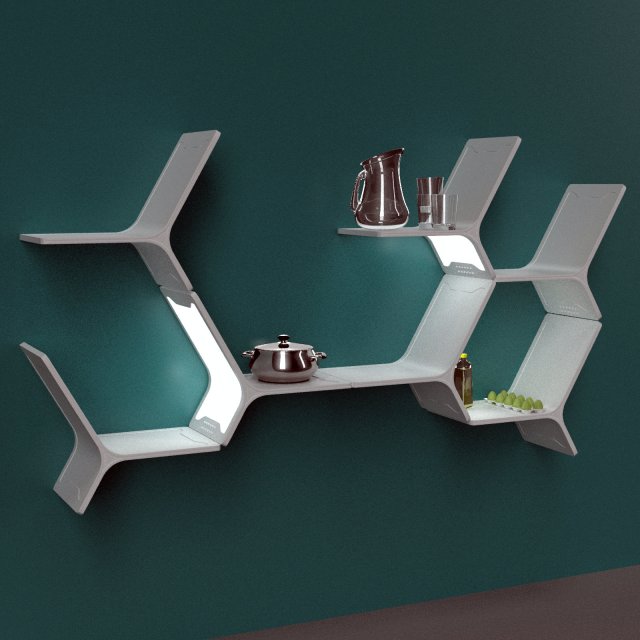
Modular shelves 3D Model
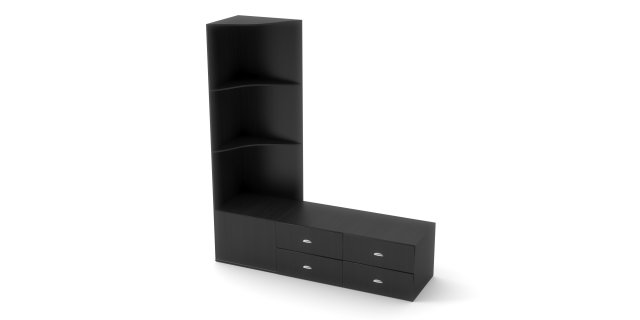
modules for a variety of furniture. for example, kitchen shelves, computer table or shelves for clothes. there is a built-in backlight. as well as in the scene there are other accessories
-
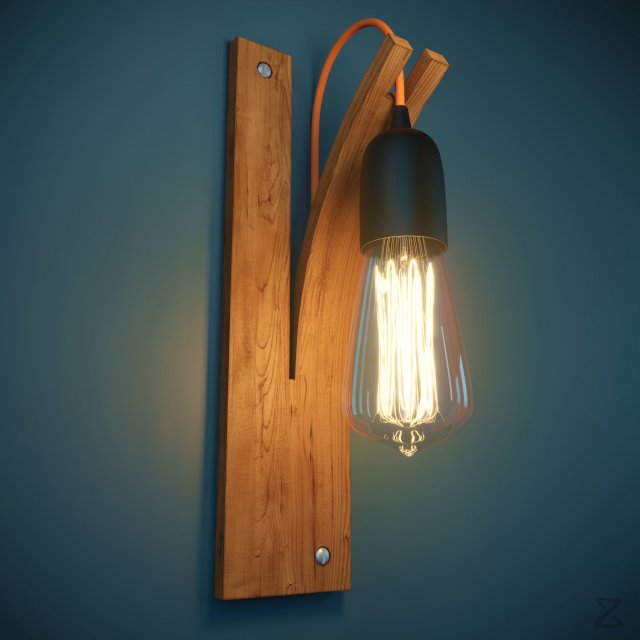
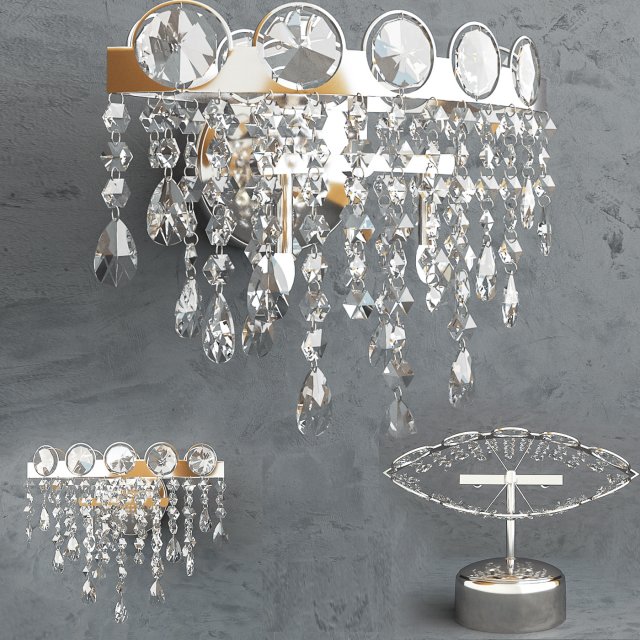
Wall Light 2 3D Model
Geometry:- Mesh is completely sub-dividable.- Maintained perfect edge loop throughout 3D Model.- Used only Quad geometry.Materials:- Providing perfectly organized folders for suitable renderer.- Every Material is named uniquely. Editing materials were never been easier.Textures:- All Textures are in 4096px X4096px Resolution.Organization of scene:- Perfectly named Objects and Materials (Even Textures) for best editing experience.- Relative paths for Texture to avoid missing errors.- Long descriptive names to avoid conflicting names with your scene.- Easy to read file structure.- real world size (system units – mm)- does not contain extraneous or hidden objects (lights, cameras, shapes etc.)File Formats:Native used Software:Autodesk 3dsmax 2014 + VRay 3.30.05&Autodesk 3dsmax 2014 + Corona 1.6Other Provided file formats:Fbx, Obj and more…All standard 4K Jpeg TexturesRenders:- All previews are Rendered in 3dsmax 2014 and Corona 1.6.- Model is hot and ready to drag it in your scene.Thankyou – XZModels
-
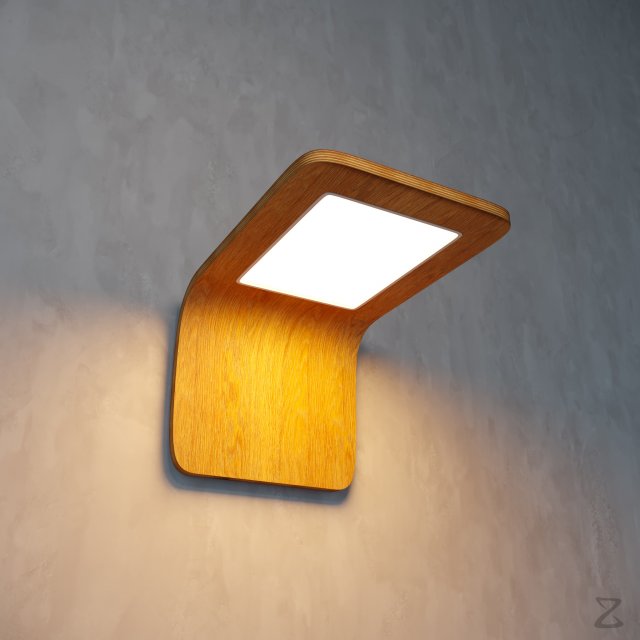
Wall Light 1 3D Model
Geometry:- Mesh is completely sub-dividable.- Maintained perfect edge loop throughout 3D Model.- Used only Quad geometry.Materials:- Providing perfectly organized folders for suitable renderer.- Every Material is named uniquely. Editing materials were never been easier.Textures:- All Textures are in 4096px X4096px Resolution.Organization of scene:- Perfectly named Objects and Materials (Even Textures) for best editing experience.- Relative paths for Texture to avoid missing errors.- Long descriptive names to avoid conflicting names with your scene.- Easy to read file structure.- real world size (system units – mm)- does not contain extraneous or hidden objects (lights, cameras, shapes etc.)File Formats:Native used Software:Autodesk 3dsmax 2014 + VRay 3.30.05&Autodesk 3dsmax 2014 + Corona 1.6Other Provided file formats:Fbx, Obj and more…All standard 4K Jpeg TexturesRenders:- All previews are Rendered in 3dsmax 2014 and Corona 1.6.- Model is hot and ready to drag it in your scene.Thankyou – XZModels
-
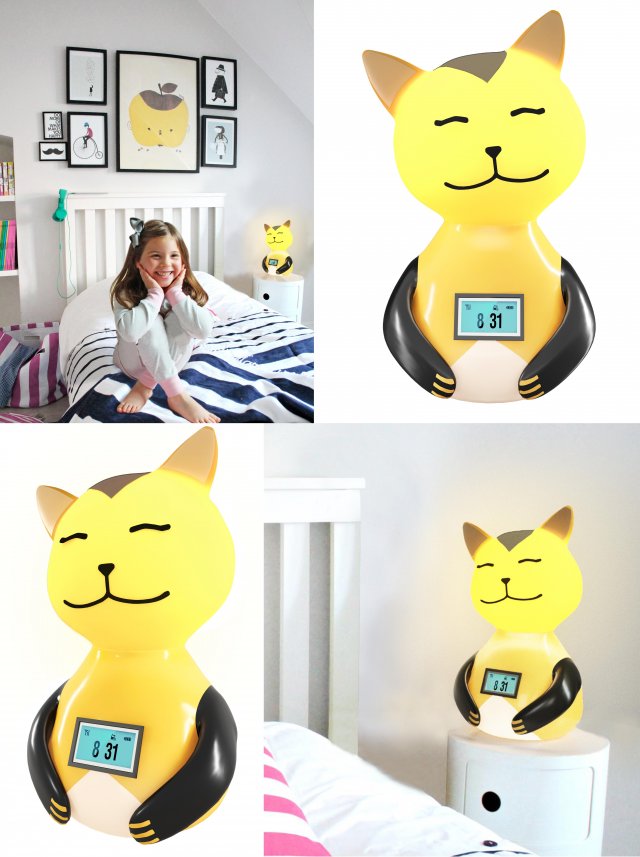
childrens night lamp-cat 3D Model
3d model children,s night lamp-catThis high poly 3d model night lamp-cat made in 3dsmax 2016+Coronarenderer 1.4. It consists of all textures, .max, 3dsmax 2013 and .obj formats.If you liked my 3d model you can appreciate it.Thank you!
-
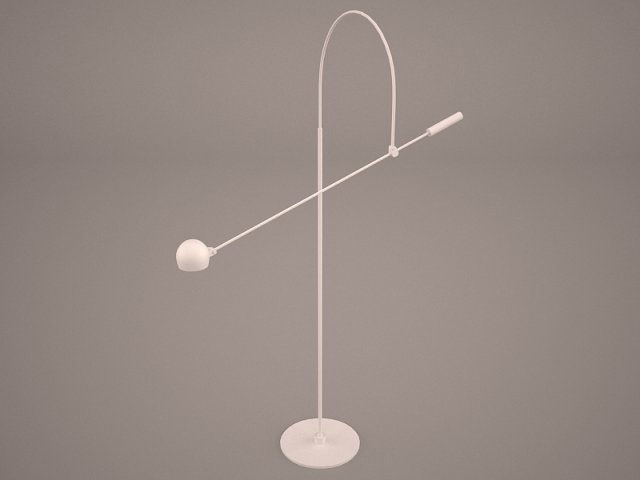
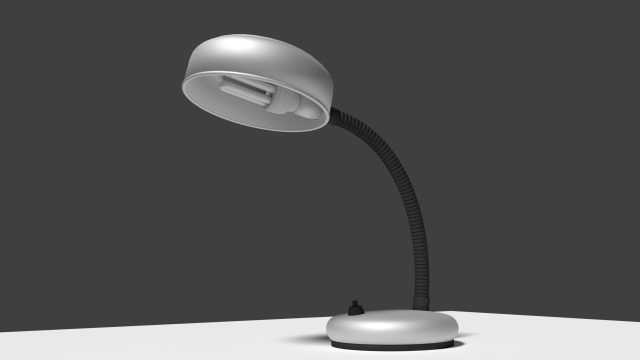
Desk Lamp 3D Model
valve cresset tube table lamp light shine lighting illumination glim higlight pharos blaze max 3D model models furniture desk table
-
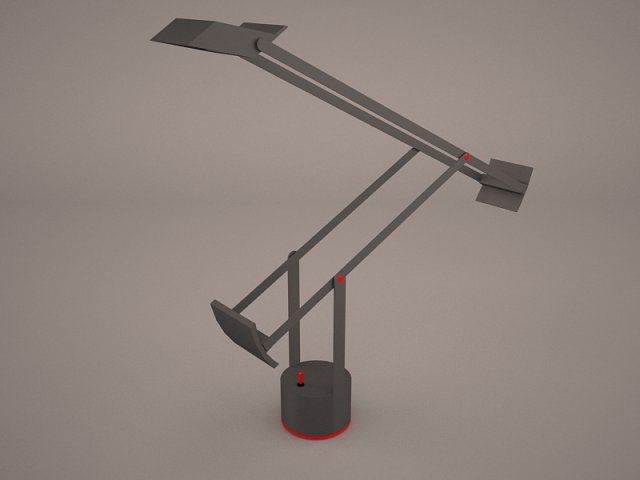
Desk Lamp 3D Model
valve cresset tube table lamp light shine lighting illumination glim higlight pharos blaze max 3D model models furniture desk table
-
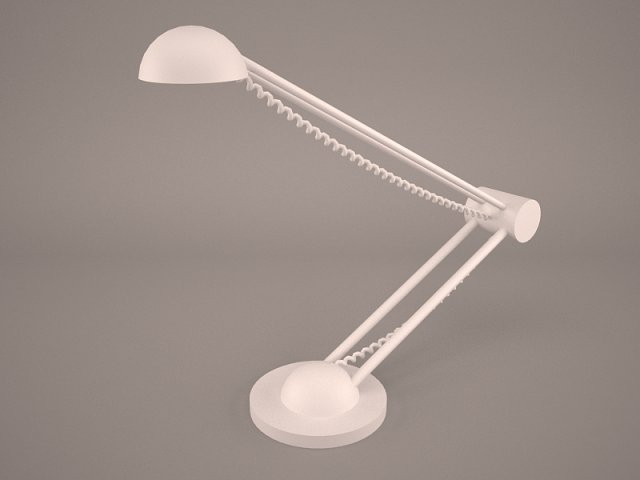
Desk Lamp 3D Model
valve cresset tube table lamp light shine lighting illumination glim higlight pharos blaze max 3D model models furniture desk table
-
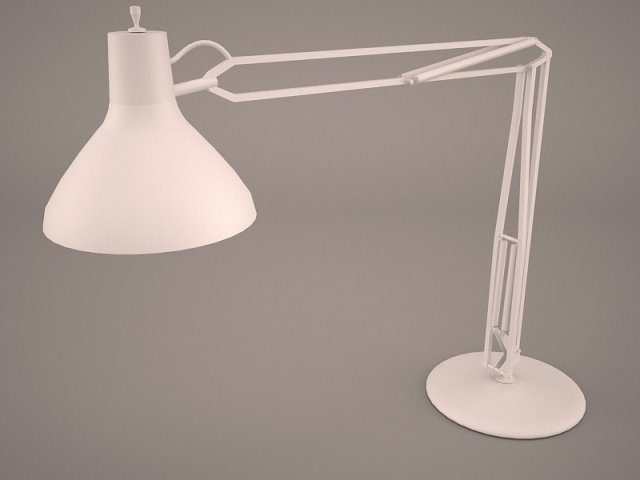
Desk Lamp 3D Model
valve cresset tube table lamp light shine lighting illumination glim higlight pharos blaze max 3D model models furniture desk table
-
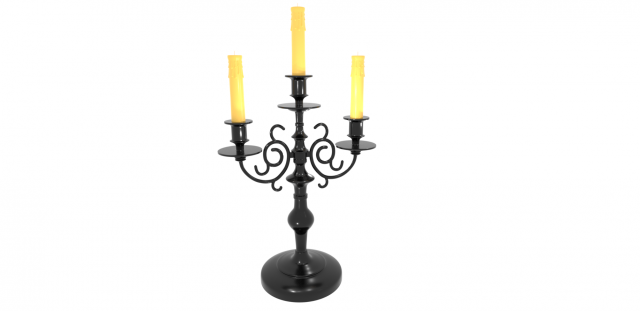
Candelabrum 3D Model
Qualitatively made CandelabrumSuitable for creative interior and creating games
-
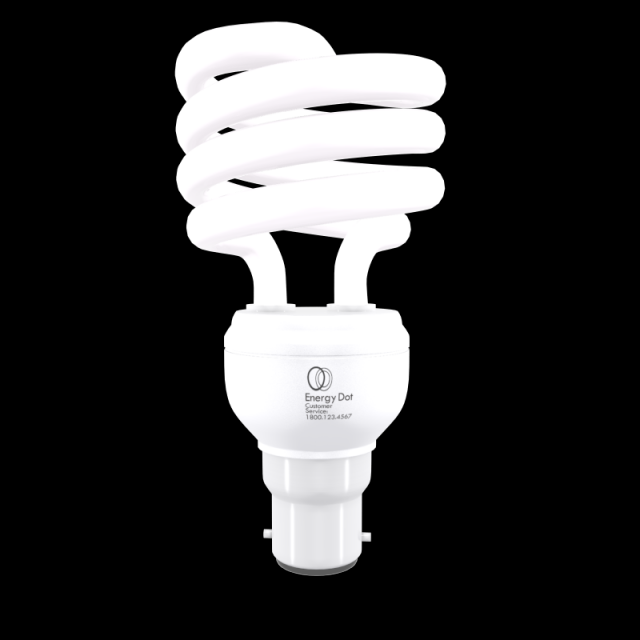
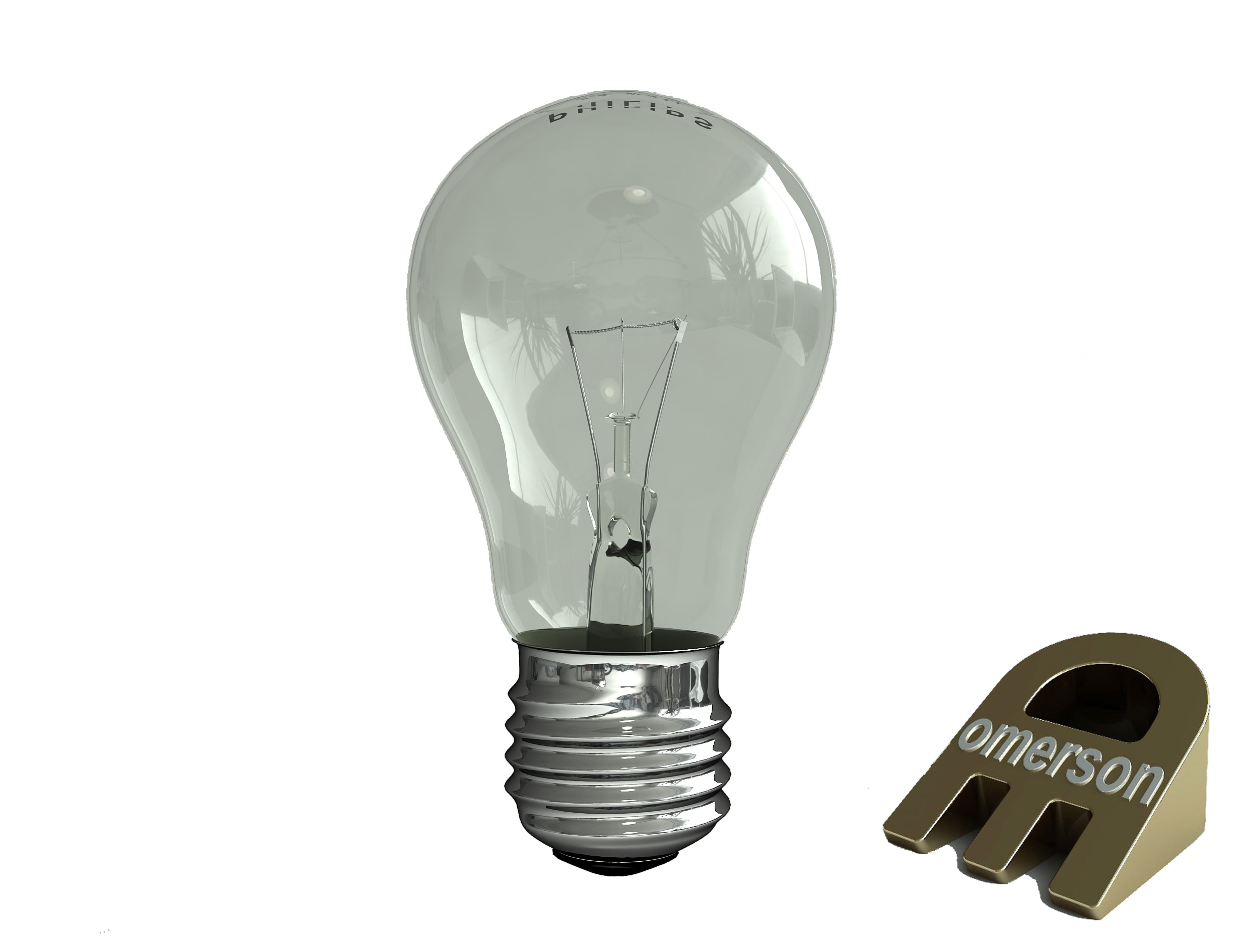
Energy Saving Light Bulb 01 3D Model
Energy Saving Light Bulb 01- Originally created with 3ds Max 2011- Units used: millimeters. 1unit = 1milimeters- Model is centered at 0,0,0Extra File Format :3D max 2010,FBX3DSOBJ formats have been exportedThis Model Contains 5099 Polygons, 5088 vertex’s (Without TurboSmooth)This Model Contains 41564 Polygons, 20845 vertex’s (Without mesh smooth Iterations: 2)
-
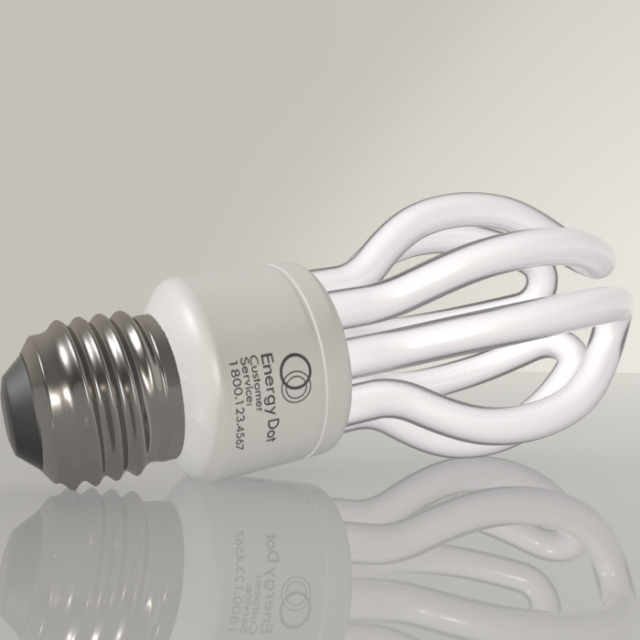
Energy Saving Light Bulb 02 3D Model
Energy Saving Light Bulb 02- Originally created with 3ds Max 2011- Model is centeredExtra File Format :3D max 2010,FBX3DSOBJ formats have been exportedThis Model Contains 32338 Polygons, 32773 vertex’s
-
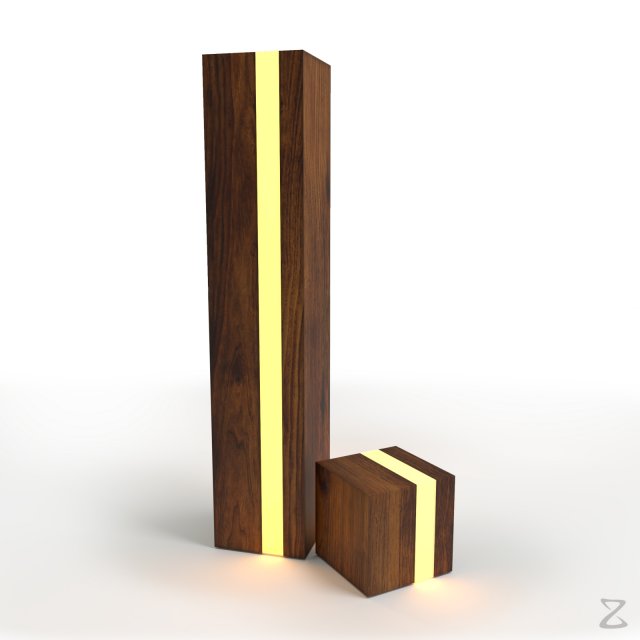
Table Lamp 5 3D Model
Note: To toggle light ON/OFF in your render, follow these steps:For 3Ds Max + Corona:Select Corona LightsLocated in the group’SM_Table_Lamp_5_XZModels’ > ‘SM_Table_Lamp_5_Plank_1_Lights_XZModels’ and ‘SM_Table_Lamp_5_Plank_2_Lights_XZModels’Go to Modify panel and in ‘Corona Light’,increase/decrease intensity as you prefer to toggle ON/OFF.For 3Ds Max + VRay:Select VRay LightsLocated in the group’SM_Table_Lamp_5_XZModels’ > ‘SM_Table_Lamp_5_Plank_1_Lights_XZModels’ and ‘SM_Table_Lamp_5_Plank_2_Lights_XZModels’Go to Modify panel and in ‘General’, increase/decreaseMultiplier as you prefer to toggle ON/OFF.Geometry:- Mesh is completely sub-dividable.- Maintained perfect edge loop through out 3D Model.- Used only Quad geometry. Making it versatile in every aspect.- No Triangles and N-Gons at all.Materials:- Providing perfectly organized folders for suitable renderer.- Every Material is named uniquely. Editing materials were never been easier.Textures:- All Textures are in 4096px X4096px Resolution.- Well organized PSD is included for your changes and preferences.Organization of scene:- Perfectly named Objects and Materials (Even Textures) for best editing experience.- Relative paths for Texture to avoid missing errors.- Long descriptive names to avoid conflicting names with your scene.- Easy to read file structure.- real world size (system units – cm)- coordinates of location of the model in space (x0, y0, z0)- does not contain extraneous or hidden objects (lights, cameras, shapes etc.)File Formats:Native used Software:Autodesk 3dsmax 2014 + VRay 3.30.05&Autodesk 3dsmax 2014 + Corona 1.6Other Provided file formats:Fbx, Obj and more…PSD for editing TexturesAll standard 4K Jpeg TexturesRenders:- All previews are Rendered in 3dsmax 2014 and Corona 1.6.- Model is hot and ready to drag it in your scene.Press render to create wonder!Thankyou – XZModels
-
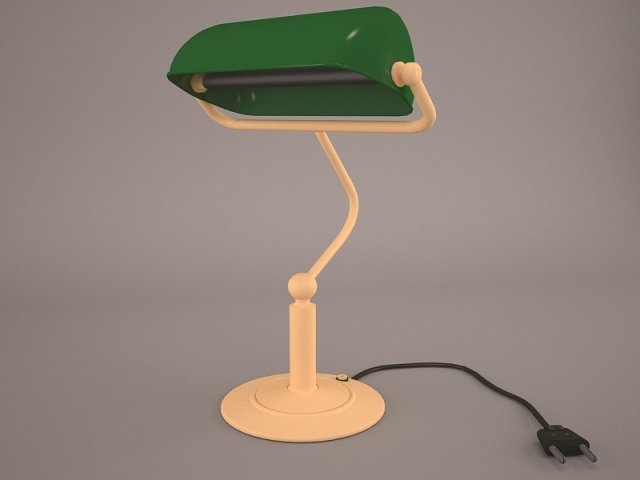
Desk Lamp 3D Model
valve cresset tube table lamp light shine lighting illumination glim higlight pharos blaze max 3D model models furniture desk table
-
Desk Lamp 3D Model
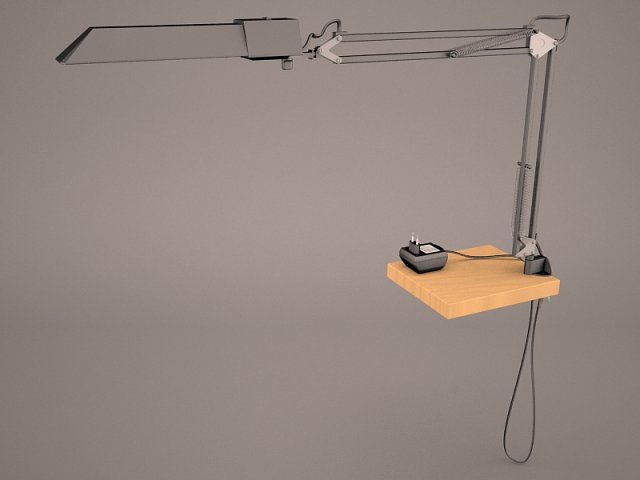
valve cresset tube table lamp light shine lighting illumination glim higlight pharos blaze max 3D model models furniture desk table
-
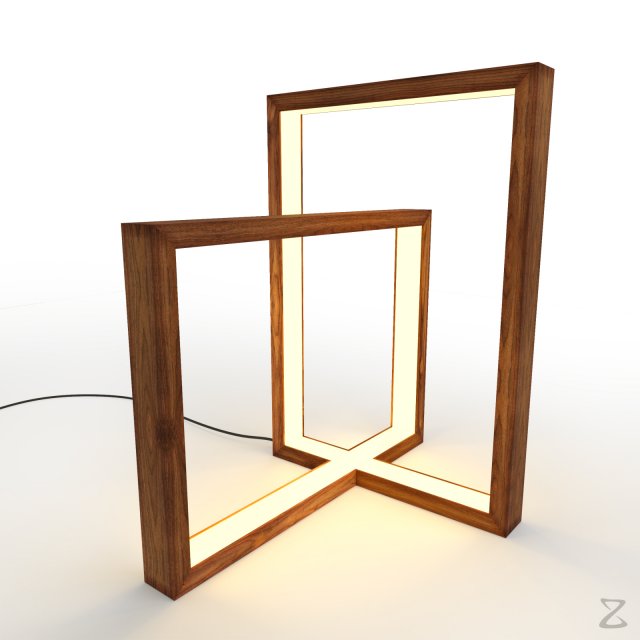
Table Lamp 4 3D Model
Note: To toggle light ON/OFF in your render, follow these steps:For 3Ds Max + Corona:Select Corona LightsLocated in the group’SM_Table_Lamp_4_XZModels’ > ‘SM_Table_Lamp_4_Lights_XZModels’Go to Modify panel and in ‘Corona Light’,increase/decrease intensity as you prefer to toggle ON/OFF.For 3Ds Max + VRay:Select VRay LightsLocated in the group’SM_Table_Lamp_4_XZModels’ > ‘SM_Table_Lamp_4_Lights_XZModels’Go to Modify panel and in ‘General’, increase/decreaseMultiplier as you prefer to toggle ON/OFF.Geometry:- Mesh is completely sub-dividable.- Maintained perfect edge loop through out 3D Model.- Used only Quad geometry. Making it versatile in every aspect.- No Triangles and N-Gons at all.Materials:- Providing perfectly organized folders for suitable renderer.- Every Material is named uniquely. Editing materials were never been easier.Textures:- All Textures are in 4096px X4096px Resolution.- Well organized PSD is included for your changes and preferences.Organization of scene:- Perfectly named Objects and Materials (Even Textures) for best editing experience.- Relative paths for Texture to avoid missing errors.- Long descriptive names to avoid conflicting names with your scene.- Easy to read file structure.- real world size (system units – mm)- coordinates of location of the model in space (x0, y0, z0)- does not contain extraneous or hidden objects (lights, cameras, shapes etc.)File Formats:Native used Software:Autodesk 3dsmax 2014 + VRay 3.30.05&Autodesk 3dsmax 2014 + Corona 1.6Other Provided file formats:Fbx, Obj and more…PSD for editing TexturesAll standard 4K Jpeg TexturesRenders:- All previews are Rendered in 3dsmax 2014 and Corona 1.6.- Model is hot and ready to drag it in your scene.Press render to create wonder!Thankyou – XZModels
-
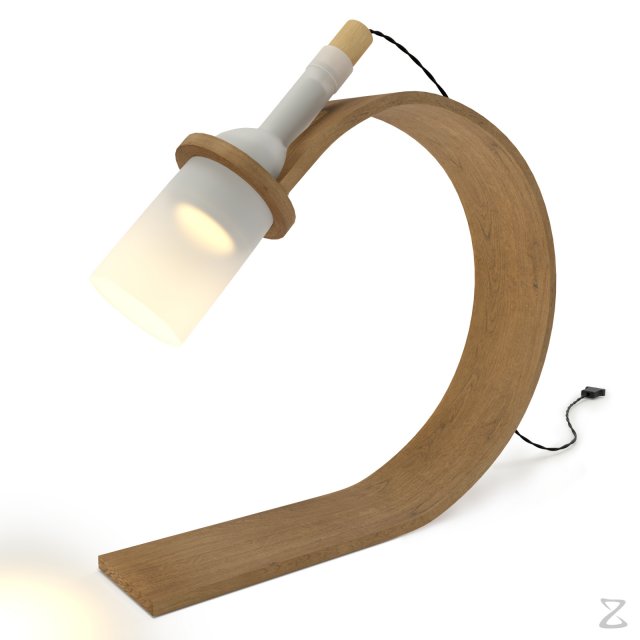
Table Lamp 3 3D Model
Note: To toggle light ON/OFF in your render, follow these steps:For 3Ds Max + Corona:Select Corona Light named’SM_Table_Lamp_3_CoronaLight_1_XZModels’and’SM_Table_Lamp_3_CoronaLight_2_XZModels’Located in the group’SM_Table_Lamp_3_XZModels’Go to Modify panel and in ‘Corona Light’,increase/decrease intensity as you prefer to toggle ON/OFF.For 3Ds Max + VRay:Select VRay Light named’SM_Table_Lamp_3_VRayLight_1_XZModels’and’SM_Table_Lamp_3_VRayLight_2_XZModels’Located in the group’SM_Table_Lamp_3_XZModels’Go to Modify panel and in ‘General’, increase/decreaseMultiplier as you prefer to toggle ON/OFF.Geometry:- Mesh is completely sub-dividable.- Maintained perfect edge loop through out 3D Model.- Used only Quad geometry. Making it versatile in every aspect.- No Triangles and N-Gons at all.Materials:- Providing perfectly organized folders for suitable renderer.- Every Material is named uniquely. Editing materials were never been easier.Textures:- All Textures are in 4096px X4096px Resolution.- Well organized PSD is included for your changes and preferences.Organization of scene:- Perfectly named Objects and Materials (Even Textures) for best editing experience.- Relative paths for Texture to avoid missing errors.- Long descriptive names to avoid conflicting names with your scene.- Easy to read file structure.- real world size (system units – mm)- coordinates of location of the model in space (x0, y0, z0)- does not contain extraneous or hidden objects (lights, cameras, shapes etc.)File Formats:Native used Software:Autodesk 3dsmax 2014 + VRay 3.30.05&Autodesk 3dsmax 2014 + Corona 1.6Other Provided file formats:Fbx, Obj and more…PSD for editing TexturesAll standard 4K Jpeg TexturesRenders:- All previews are Rendered in 3dsmax 2014 and Corona 1.6.- Model is hot and ready to drag it in your scene.Press render to create wonder!Thankyou – XZModels
-
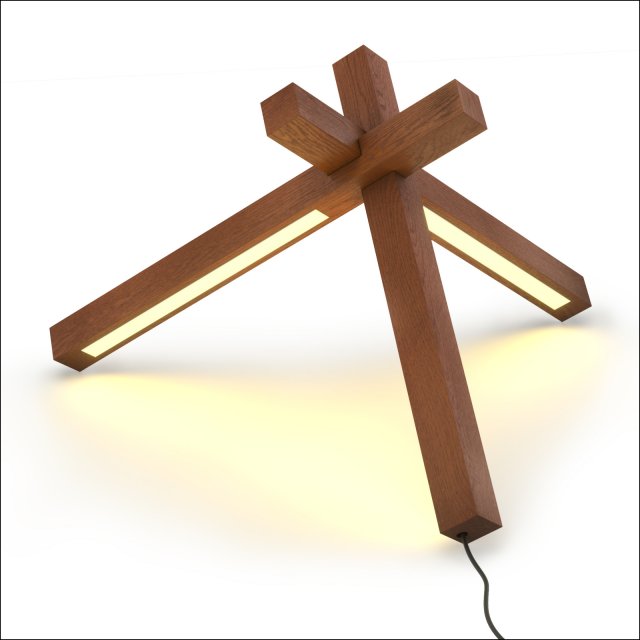
Table Lamp 2 3D Model
Note: Light is ON as default in this model. To turn it off, follow these steps,For 3Ds Max + Corona:Select Corona Light named’SM_Table_Lamp_2_CoronaLight_1_XZModels’Located in the group’SM_Table_Lamp_2_XZModels’Go to Modify panel and in ‘Corona Light’, set intensity to 0For 3Ds Max + VRay:Select VRay Light named’SM_Table_Lamp_2_VRayLight_1_XZModels’Located in the group’SM_Table_Lamp_2_XZModels’Go to Modify panel and in ‘General’, set Multiplier to 0Geometry:- Mesh is completely sub-dividable.- Maintained perfect edge loop through out 3D Model.- Used only Quad geometry. Making it versatile in every aspect.- No Triangles and N-Gons at all.Materials:- Providing perfectly organized folders for suitable renderer.- Every Material is named uniquely. Editing materials were never been easier.Textures:- All Textures are in 4096px X4096px Resolution.- Well organized PSD is included for your changes and preferences.Organization of scene:- Perfectly named Objects and Materials (Even Textures) for best editing experience.- Relative paths for Texture to avoid missing errors.- Long descriptive names to avoid conflicting names with your scene.- Easy to read file structure.- real world size (system units – mm)- coordinates of location of the model in space (x0, y0, z0)- does not contain extraneous or hidden objects (lights, cameras, shapes etc.)File Formats:Native used Software:Autodesk 3dsmax 2014 + VRay 3.30.05&Autodesk 3dsmax 2014 + Corona 1.6Other Provided file formats:Fbx, Obj and more…PSD for editing TexturesAll standard 4K Jpeg TexturesRenders:- All previews are Rendered in 3dsmax 2014 and Corona 1.6.- Model is hot and ready to drag it in your scene.Press render to create wonder!Thankyou – XZModels
-
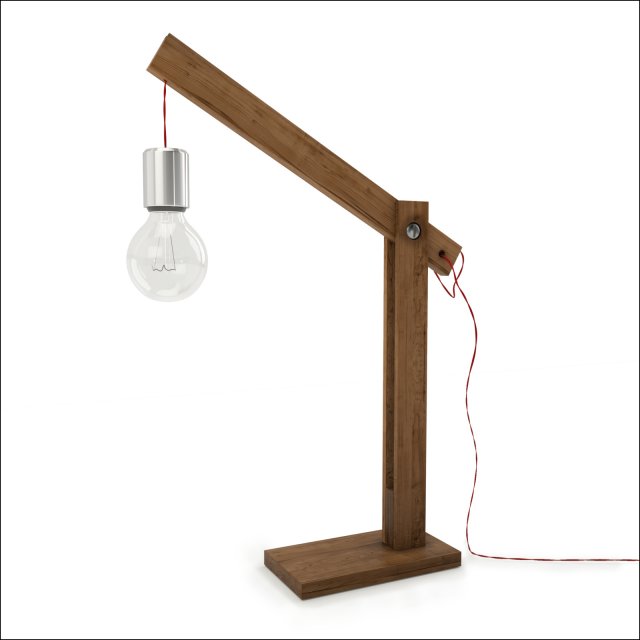
Table Lamp 1 3D Model
Geometry:- Mesh is completely sub-dividable.- Maintained perfect edge loop through out 3D Model.- Used only Quad geometry. Making it versatile in every aspect.- No Triangles and N-Gons at all.Materials:- Providing perfectly organized folders for suitable renderer.- Every Material is named uniquely. Editing materials were never been easier.Textures:- All Textures are in 4096px X4096px Resolution.- Well organized PSD is included for your changes and preferences.Organization of scene:- Perfectly named Objects and Materials (Even Textures) for best editing experience.- Relative paths for Texture to avoid missing errors.- Long descriptive names to avoid conflicting names with your scene.- Easy to read file structure.- real world size (system units – mm)- coordinates of location of the model in space (x0, y0, z0)- does not contain extraneous or hidden objects (lights, cameras, shapes etc.)File Formats:Native used Software:Autodesk 3dsmax 2014 + VRay 3.30.05&Autodesk 3dsmax 2014 + Corona 1.6Other Provided file formats:Fbx, Obj and more…PSD for editing TexturesAll standard 4K Jpeg TexturesRenders:- All previews are Rendered in 3dsmax 2014 and Corona 1.6.- Model is hot and ready to drag it in your scene.Press render to create wonder!Thankyou – XZModels
-
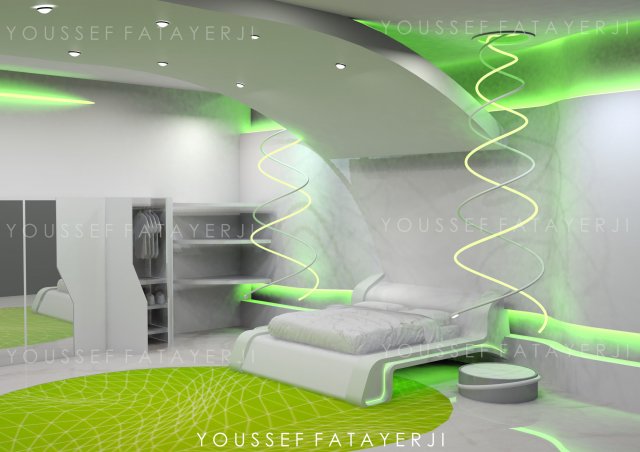
FUTURISTIC BEDROOM 3D Model
A fully modeled modern futuristic bedroom with all needs with textures READY for new materials and rendering!!!Can be used for client or personal projects!Anyone can use my objects in other scenes!
-
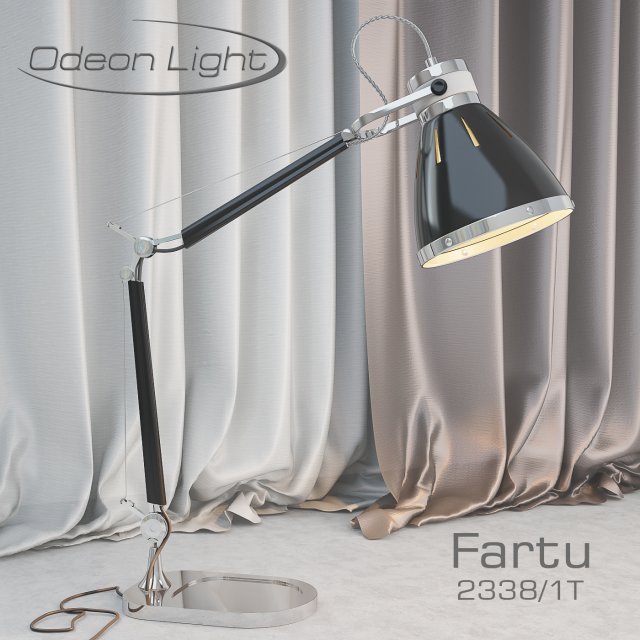
Odeon Fartu 2338 1T 3D Model
The highly detailed model of the Odeon table lamp, the model of the Fartu 2338 1T. 3D max, Vray.
-
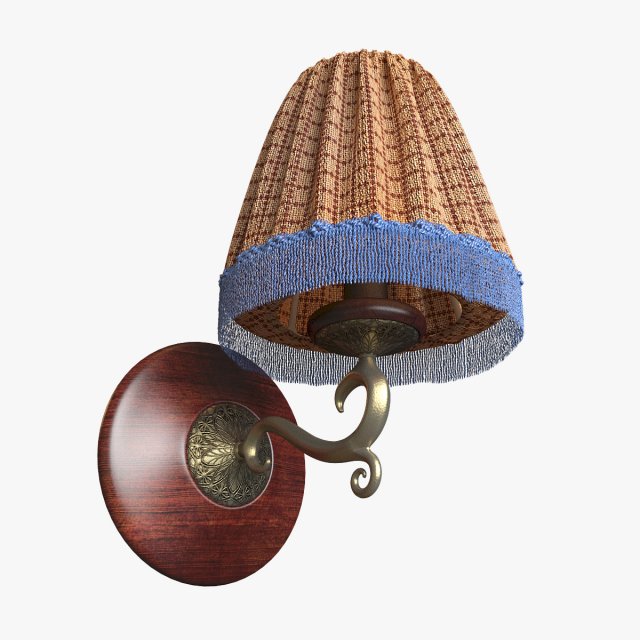
Lamp bedroom vise bra 3D Model
lamp bedroom vise bra (3D MAX 2014)Marvelous Designer 5 Pro used.ZBrash used (for cloth plafound optimisation).V-Ray 2.40 renderer and materials.-TEXTURES:cloth plafond – 1650 x 1662wooden parts – 2000 x 2000 / mask bitmap 2500 x 3441displace mapand dirt map – 1000 x 2000-LIGHT:VRay ligth (sphirical) – inside the cloth plafond (disabled by default).It is intended for illumination of a plafond from within,on a plafond the material “Vray2sidedMtl” that gives the scattered light passing through a fabric of a plafond is applied,it is possible to use for creation of soft warm illumination at night visualization of an interior.-MESH:Triagulate mesh.To create a realistic fabric plafond, we used cloth simulation (Marvelous Designer 5),then the result was optimized (Zbrash – Desimation master),so all the fabric elements of the model have a grid of triangular polygons.Cloth parts.Cloth elements of the model have no thickness.sub-division.With the exception of cloth parts and , all the details of this model have a mesh sub-division.-MATIRIALS:The materials of this model actively use the “displace”,which significantly slows down the rendering.Displacement is used:-decorative inserts of bronze, matirial – bronze_displace (wall_fixator_decor_insert, socket_decor_insert)-fringe and braid, matirial – braid, fringe (clotch_braid, clotch_fringe)Wooden elements have 2 UVW channel texyring:-UVW Map modificator with “Map Channel 1” – planar mapping(matirial – “Lacquered_red_wood” / diffus map – “red_wood_mixer” / wood_mask(wood_red_dark_58_bump.jpg)-UVW Map modificator with “Map Channel 2” – Shrink Wrap mapping(matirial – “Lacquered_red_wood” / diffus map – “red_wood_mixer” / color #1 (red_dark_wood_diffuse.jpg) ; color #2 (red_wood_diffuse.jpg)Bronze elements (socket_decor_insert ; wall_fixator_decor_insert) uses UVW Map modificator with cylindrikal mapping.
-
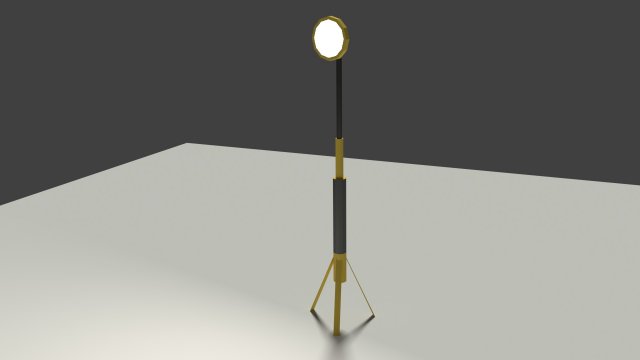
Low Poly Industrial Light 3D Model
Low Poly Model of a modern industrial light with legs. Can be used for construction scenes also.* The zip file that is provided has both the .obj and .blend file and has .mtl for the materials.File formats: 3ds, blend, obj, fbx, dae,
-
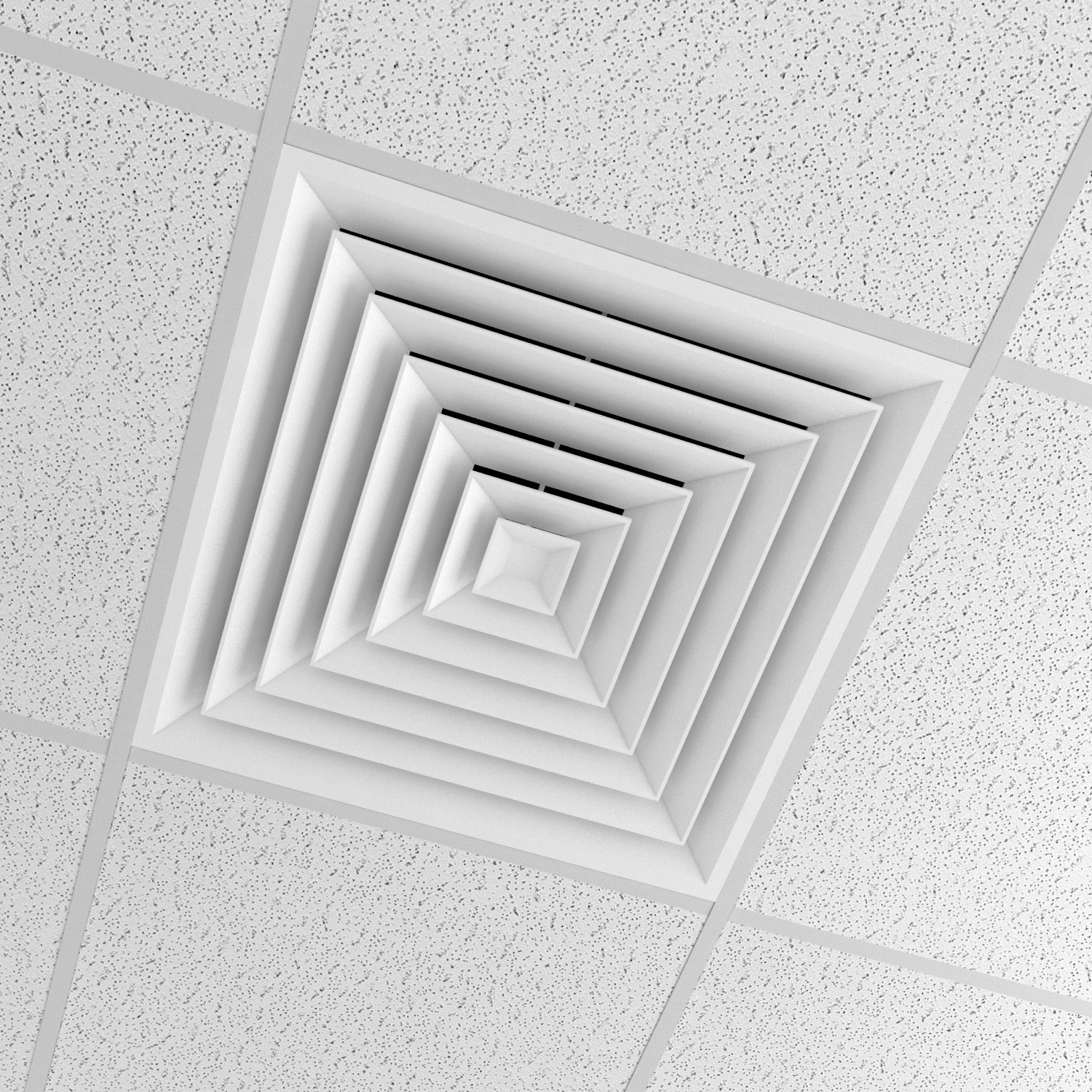
Office Ceiling with cond 3D Model
office Ceiling————————————————————High quality polygonal model-Created in 3ds Max 2015-Model is in real world scale-1unit = 1milimeters-Rendering made with V-ray 3.00.07———————————————————–File Format-office Ceiling.max-office Ceiling.FBX-office Ceiling.DXF-office Ceiling.obj-office Ceiling.mtl———————————————————–Polys:171523Verts:171954————————————————————Textures and materials included-Polygonal geometry – subdivision clean topology and edgeflowModel is highly detailed and is suitable for mid-range exposures*Objects are named *Materials are named*Layers are named*Objects grouped