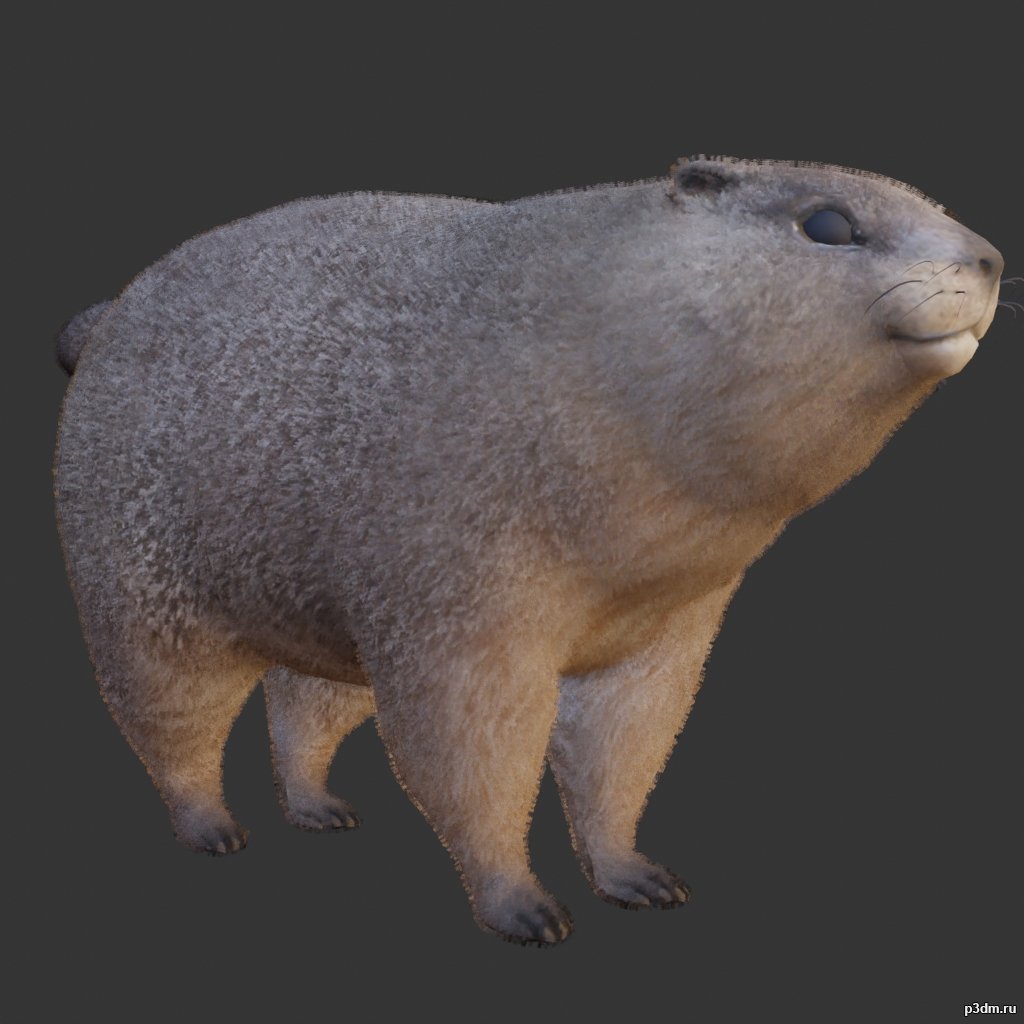
using animations in Blender:1 – open model2 – import animation (in settings fbx import select Automatic Bone Orientations)3 – with the CTRL key held down Select the object you want to animate, then select the object from which you want to copy the animation, then go to Object > Link/Data Transfer > Link Animation Data
Category: 3D Models
Premium & Free 3D models ready to be used in your 3D projects such as films, visualizations, games, VR etc. 3D Models and 3D Print Models are available for download in several formats including .MAX, .FBX, .C4D, .3DS, .STL, .OBJ, .BLEND, .DWG, .DXF, .LWO and much more. If you’re in search of high-quality 3D assets, we have a huge library of 3d models for any of your needs. Also you can visit All 3D Models category.
-
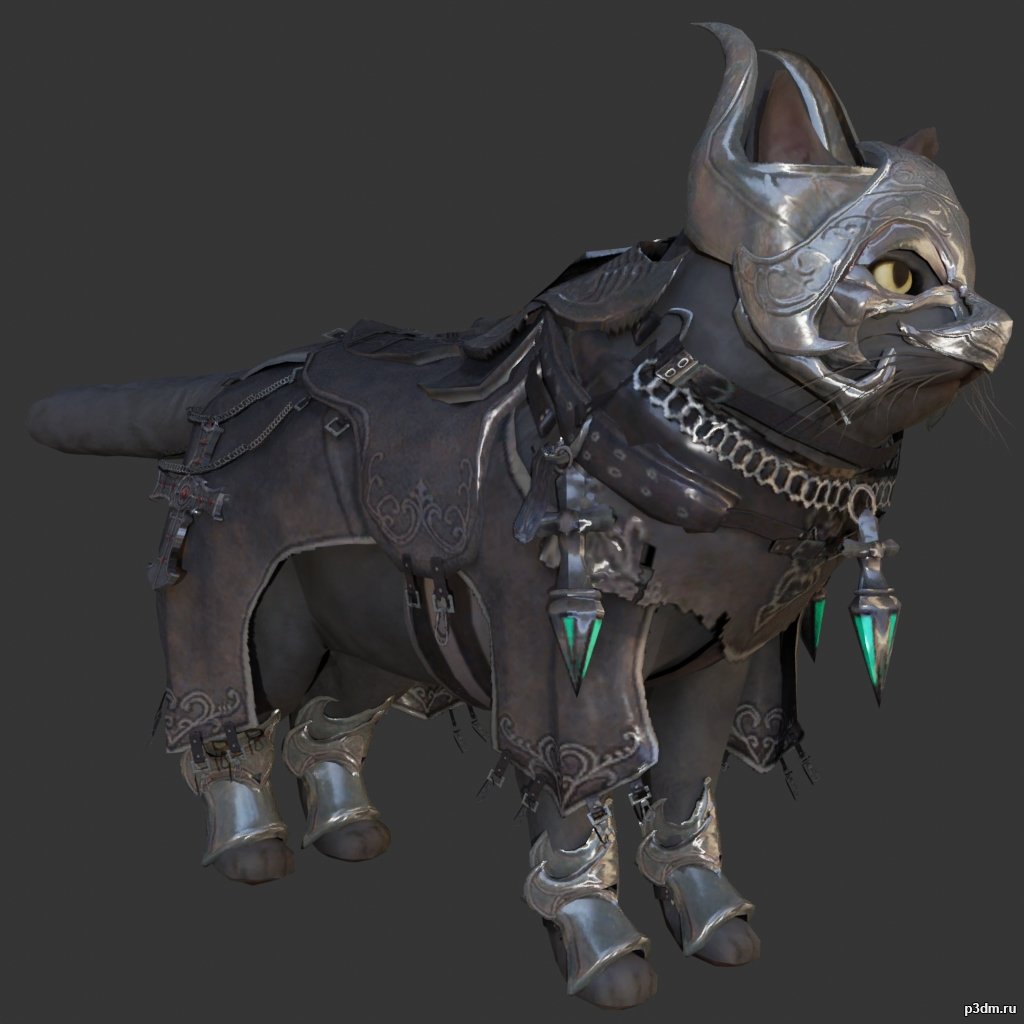
Guardian Cat 3D Model
Animations here –> MEOW 5mbusing animations in Blender:1 – open model2 – import animation (in settings fbx import select Automatic Bone Orientations)3 – with the CTRL key held down Select the object you want to animate, then select the object from which you want to copy the animation, then go to Object > Link/Data Transfer > Link Animation Data4 – correct some distortions
-
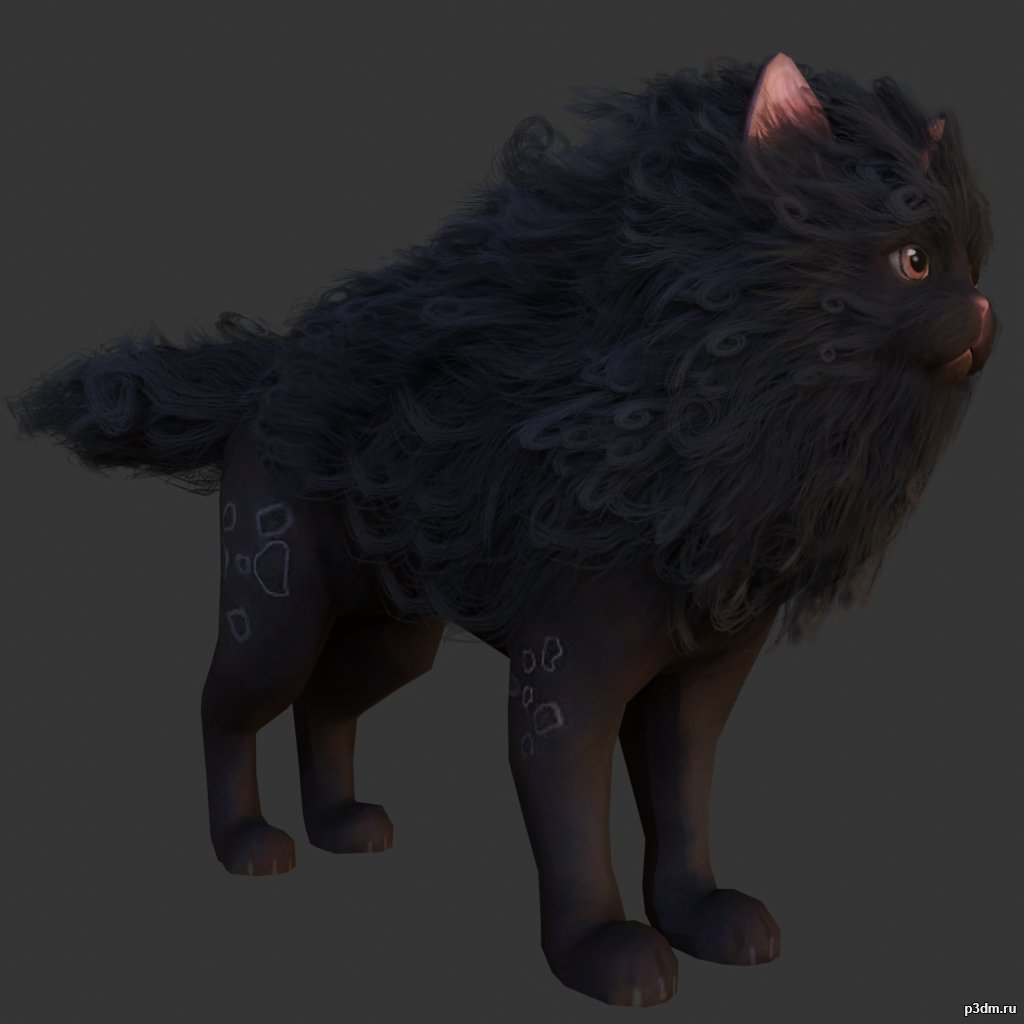
Haetae 3D Model
Animations here –> MEOW 5mbusing animations in Blender:1 – open model2 – import animation (in settings fbx import select Automatic Bone Orientations)3 – with the CTRL key held down Select the object you want to animate, then select the object from which you want to copy the animation, then go to Object > Link/Data Transfer > Link Animation Data4 – correct some distortions
-
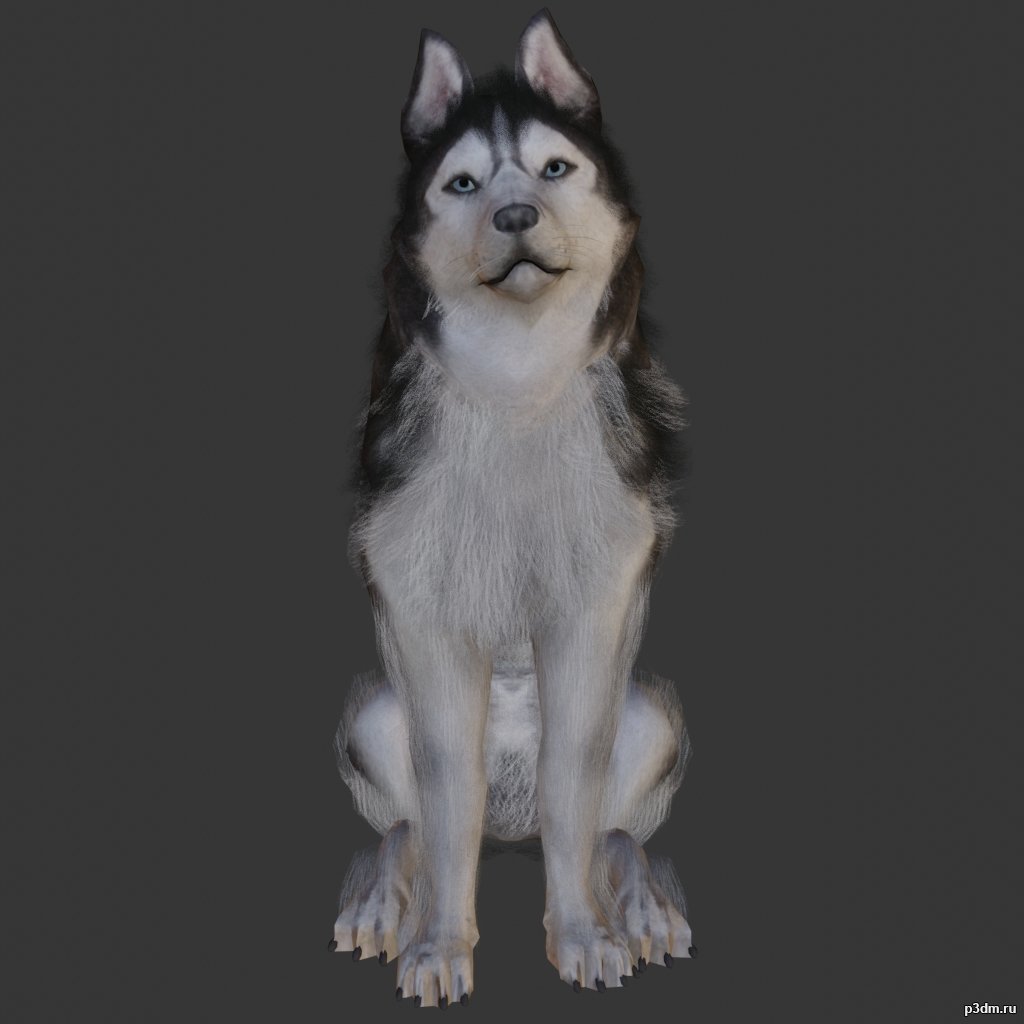
Husky 3D Model
Animations here –> WOOF 6mbusing animations in Blender:1 – open model2 – import animation (in settings fbx import select Automatic Bone Orientations)3 – with the CTRL key held down Select the object you want to animate, then select the object from which you want to copy the animation, then go to Object > Link/Data Transfer > Link Animation Data4 – correct some distortions
-
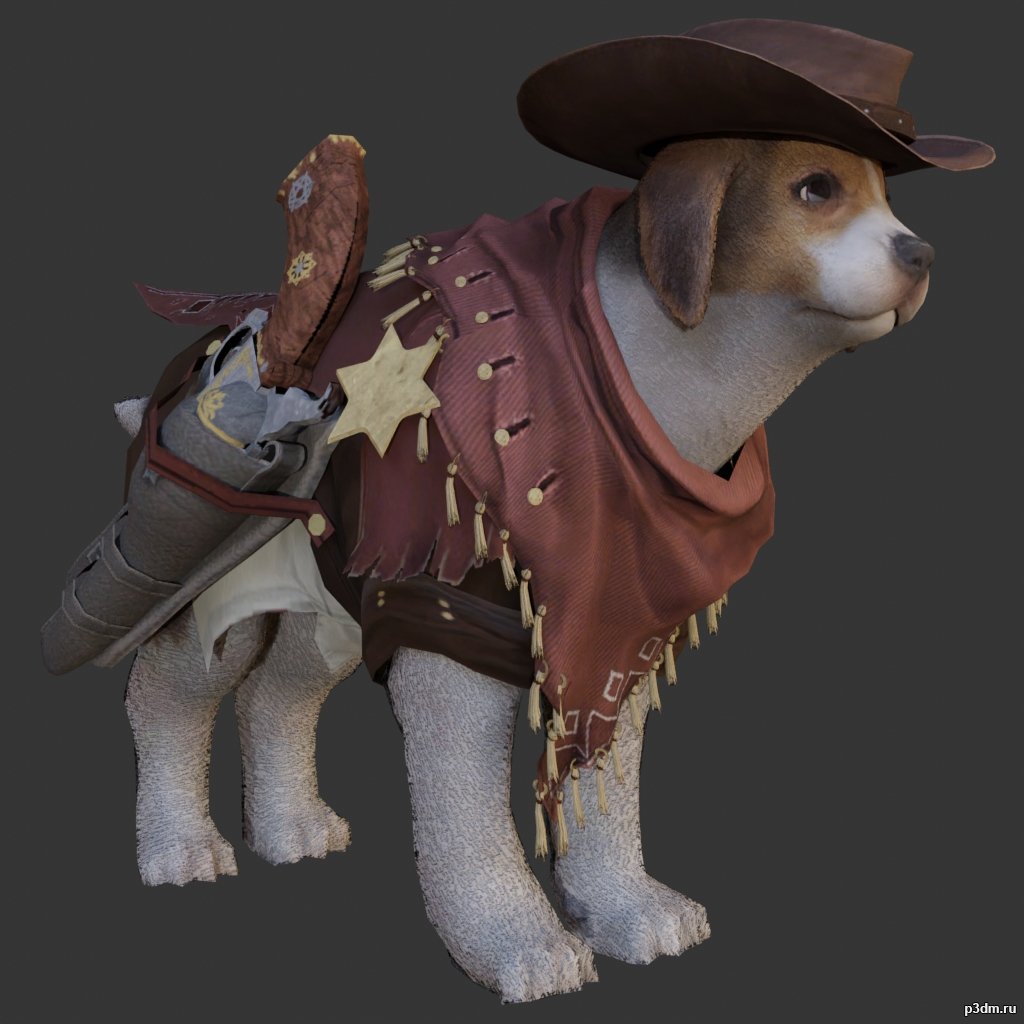
Beagle 3D Model
Animations here –> WOOF 6mbusing animations in Blender:1 – open model2 – import animation (in settings fbx import select Automatic Bone Orientations)3 – with the CTRL key held down Select the object you want to animate, then select the object from which you want to copy the animation, then go to Object > Link/Data Transfer > Link Animation Data4 – correct some distortions
-
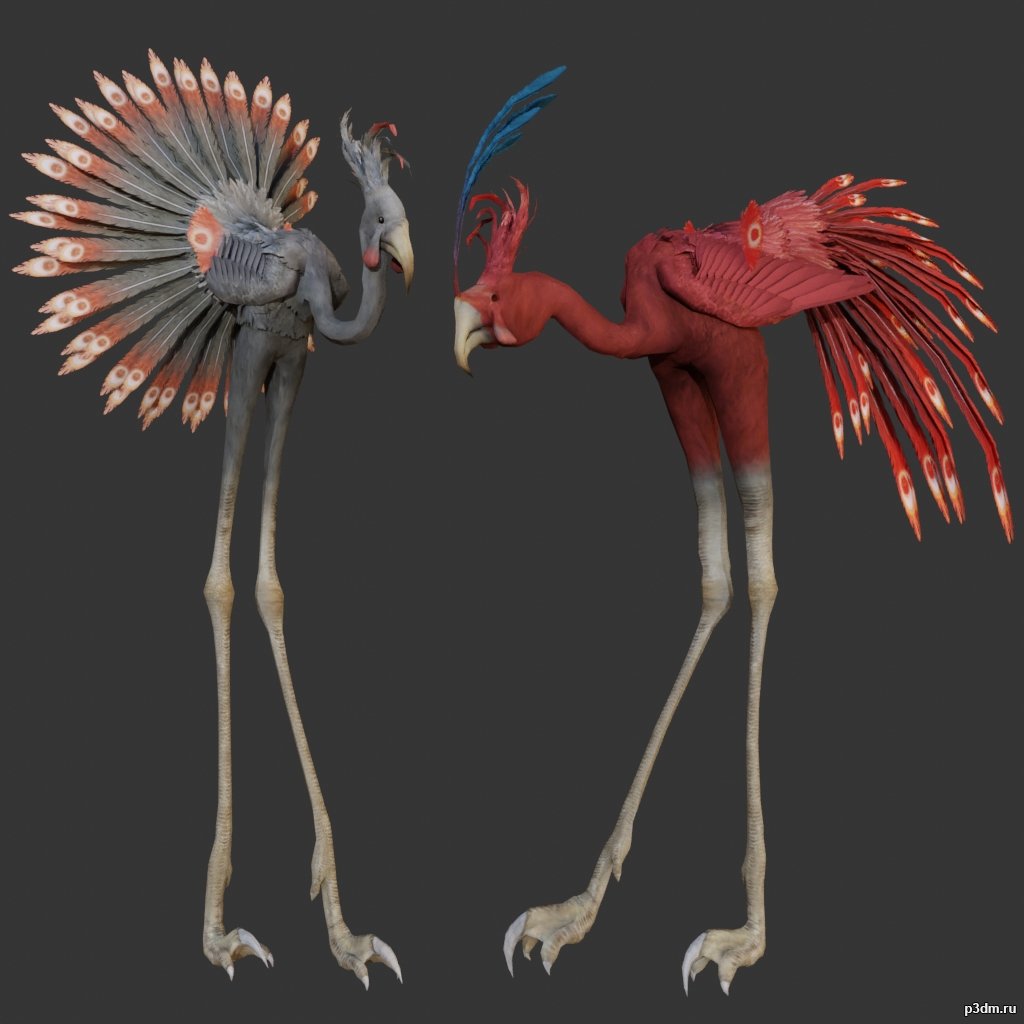
Flamingo 3D Model
using animations in Blender:1 – open model2 – import animation (in settings fbx import select Automatic Bone Orientations)3 – with the CTRL key held down Select the object you want to animate, then select the object from which you want to copy the animation, then go to Object > Link/Data Transfer > Link Animation Data
-
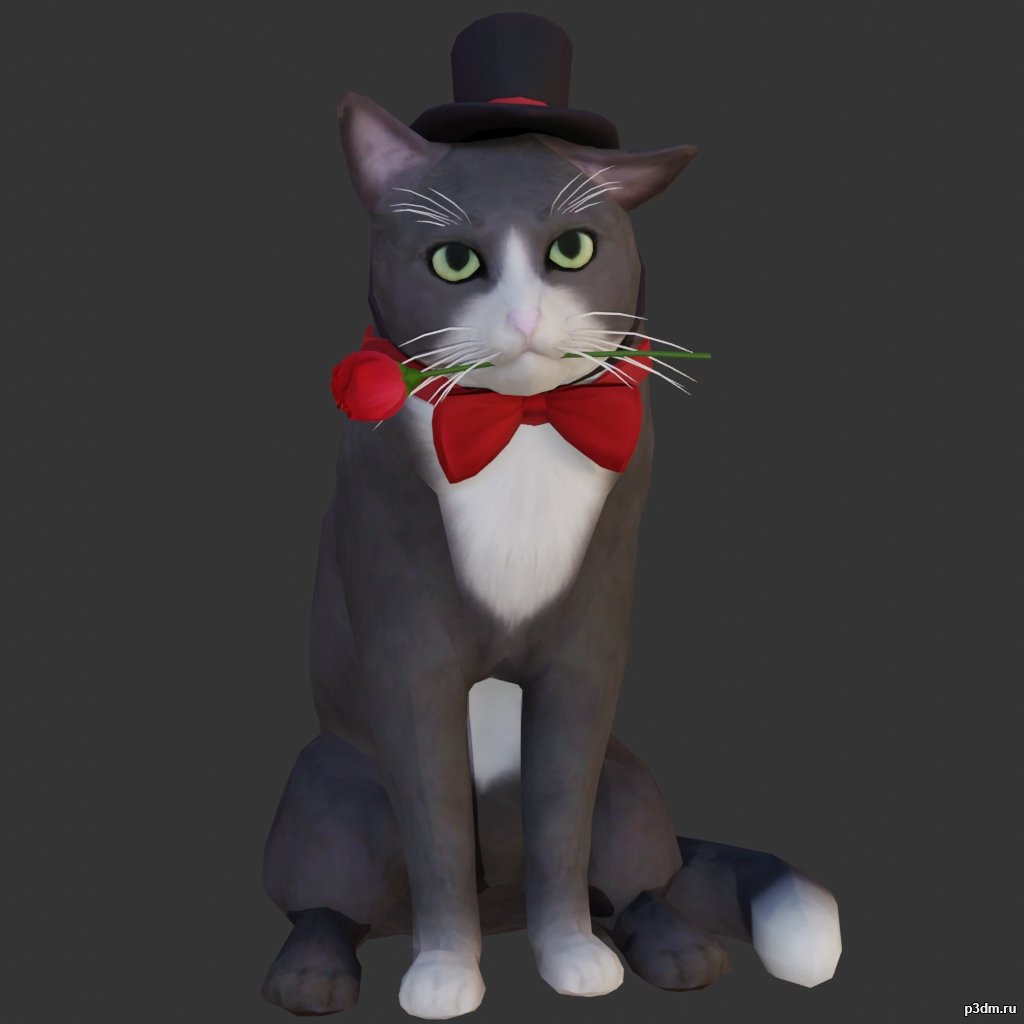
Romantic Cat 3D Model
Animations here –> MEOW 5mbusing animations in Blender:1 – open model2 – import animation (in settings fbx import select Automatic Bone Orientations)3 – with the CTRL key held down Select the object you want to animate, then select the object from which you want to copy the animation, then go to Object > Link/Data Transfer > Link Animation Data4 – correct some distortions
-
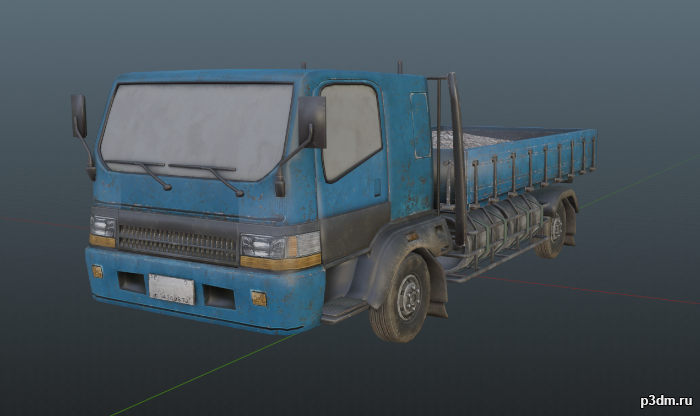
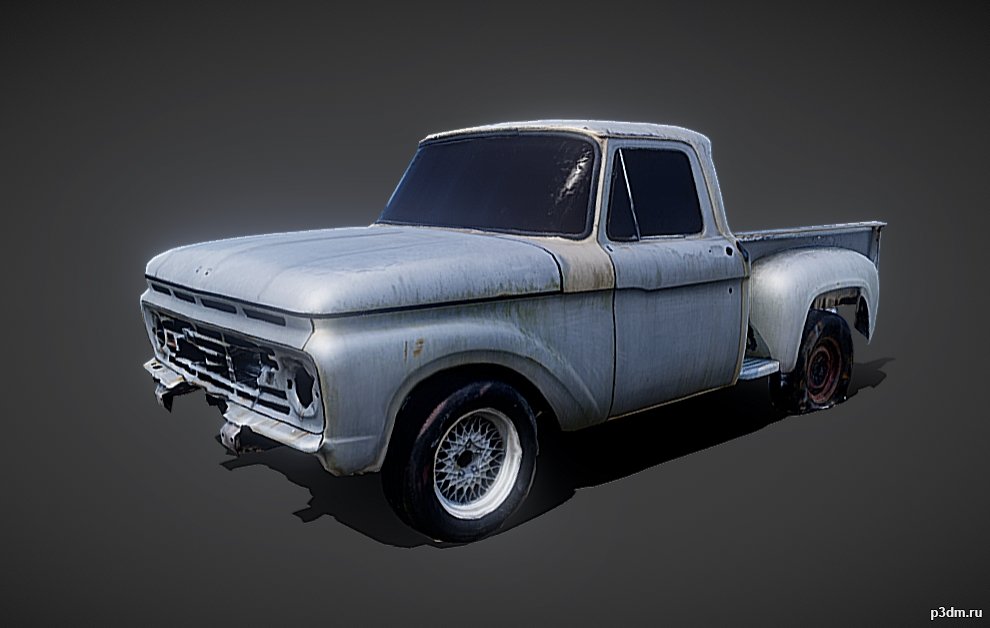
Small Truck 3D Model
Small civilian truck from CtAComes with 5 different paintjobs and a destroyed variant.
-

Dog pack 3D Model
Animations here –> WOOF 6mbusing animations in Blender:1 – open model2 – import animation (in settings fbx import select Automatic Bone Orientations)3 – with the CTRL key held down Select the object you want to animate, then select the object from which you want to copy the animation, then go to Object > Link/Data Transfer > Link Animation Data4 – correct some distortions
-
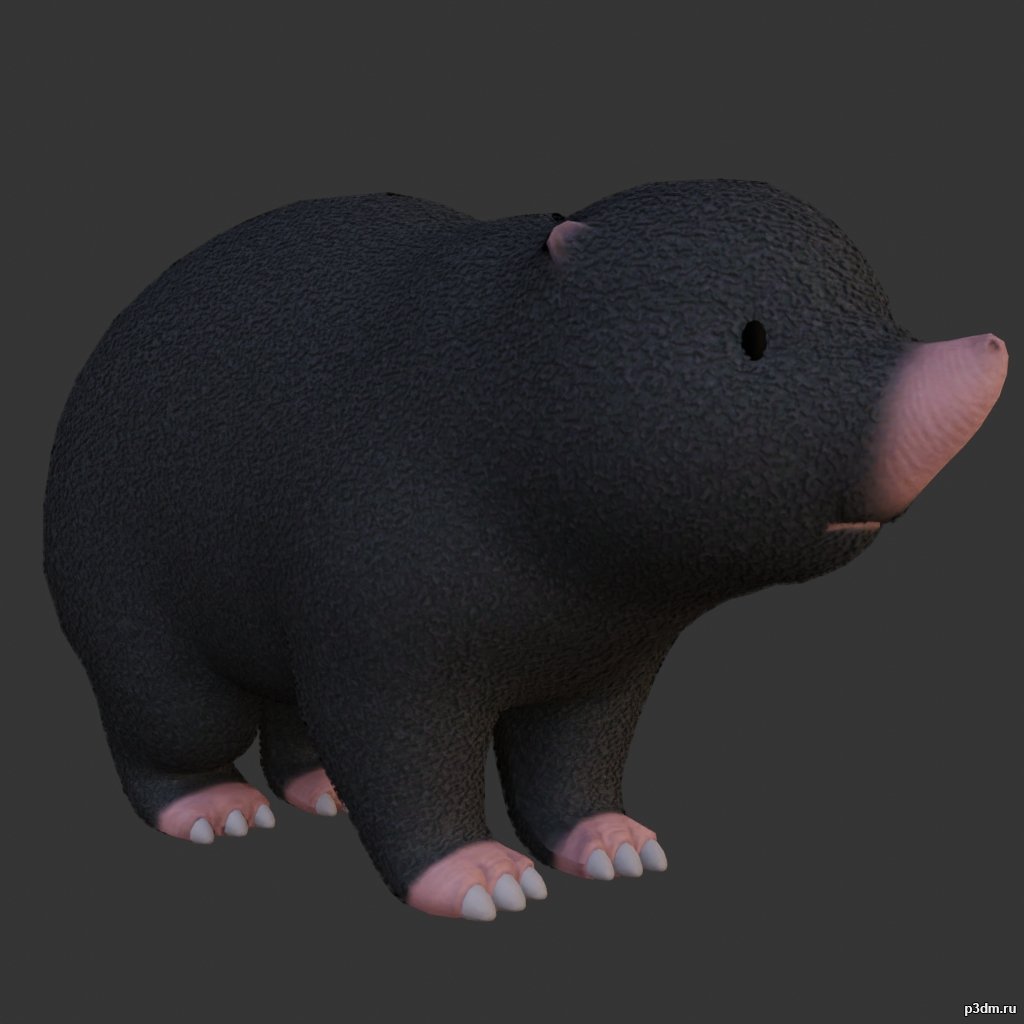
Mole 3D Model
using animations in Blender:1 – open model2 – import animation (in settings fbx import select Automatic Bone Orientations)3 – with the CTRL key held down Select the object you want to animate, then select the object from which you want to copy the animation, then go to Object > Link/Data Transfer > Link Animation Data
-
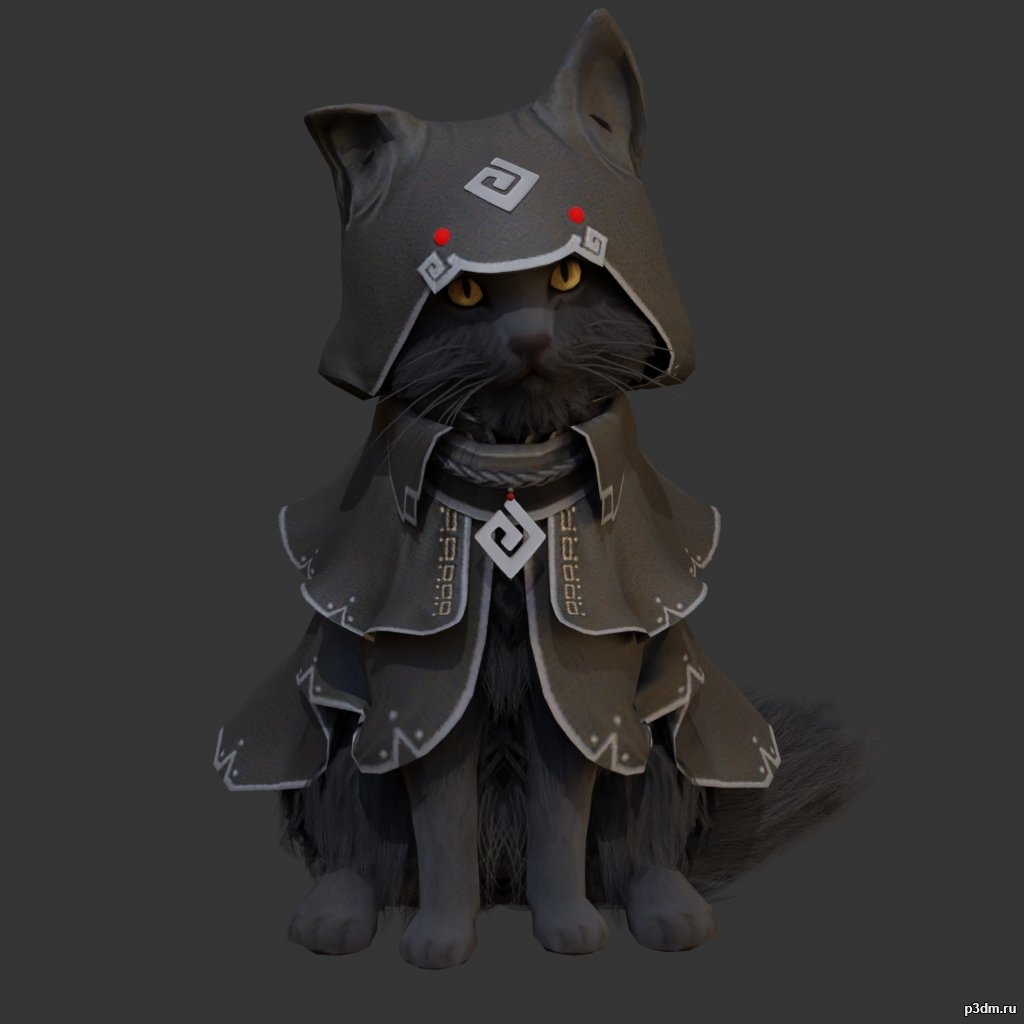
Cat Assassin 3D Model
Animations here –> MEOW 5mbusing animations in Blender:1 – open model2 – import animation (in settings fbx import select Automatic Bone Orientations)3 – with the CTRL key held down Select the object you want to animate, then select the object from which you want to copy the animation, then go to Object > Link/Data Transfer > Link Animation Data4 – correct some distortions
-
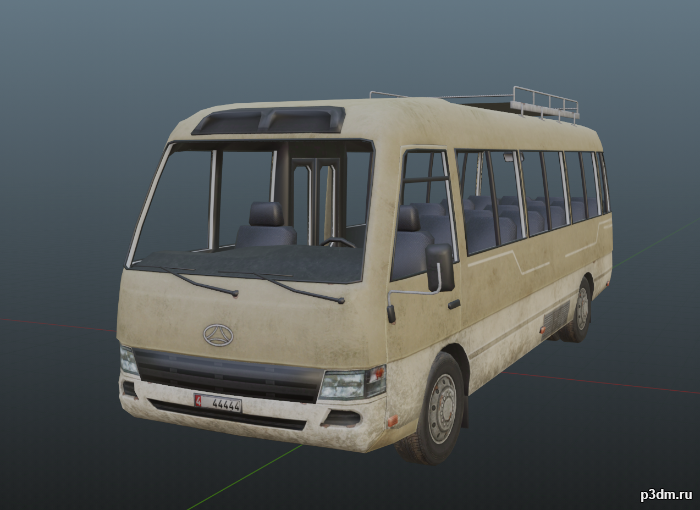
Civilian Bus 3D Model
Civilian bus from Call to Arms.It contains a default bus, alternate texture, and a destroyed version.Parts are separable as shown.
-
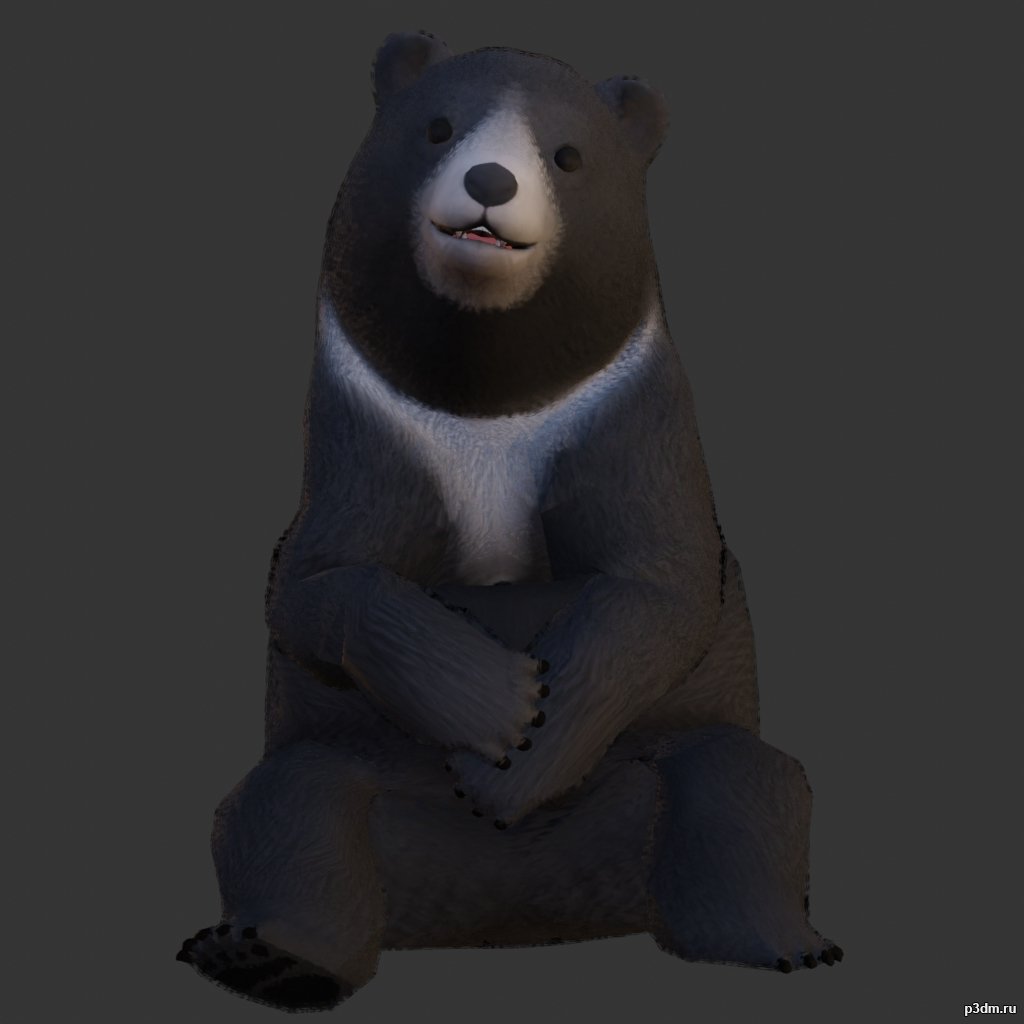
Black Bear 3D Model
using animations in Blender:1 – open model2 – import animation (in settings fbx import select Automatic Bone Orientations)3 – with the CTRL key held down Select the object you want to animate, then select the object from which you want to copy the animation, then go to Object > Link/Data Transfer > Link Animation Data
-
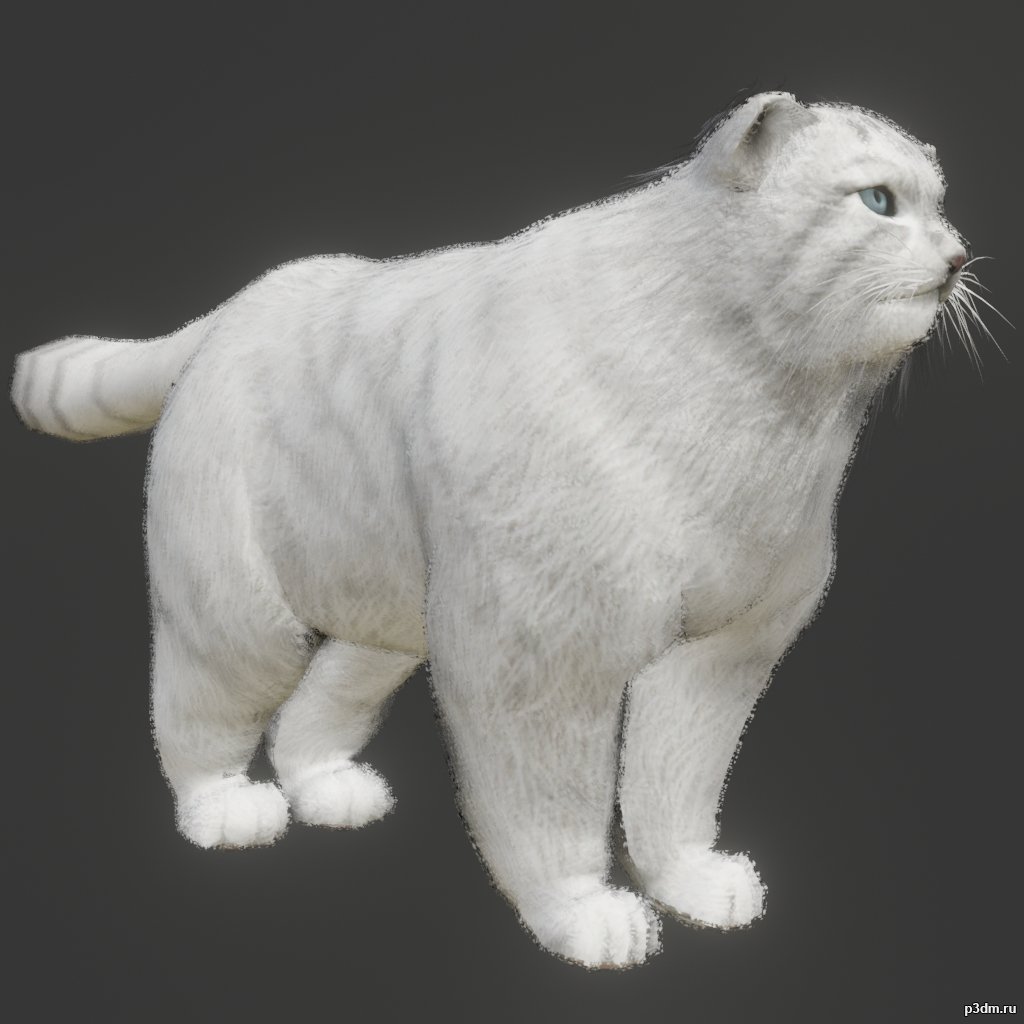
Manul 3D Model
Animations here –> MEOW 5mbusing animations in Blender:1 – open model2 – import animation (in settings fbx import select Automatic Bone Orientations)3 – with the CTRL key held down Select the object you want to animate, then select the object from which you want to copy the animation, then go to Object > Link/Data Transfer > Link Animation Data4 – correct some distortions
-
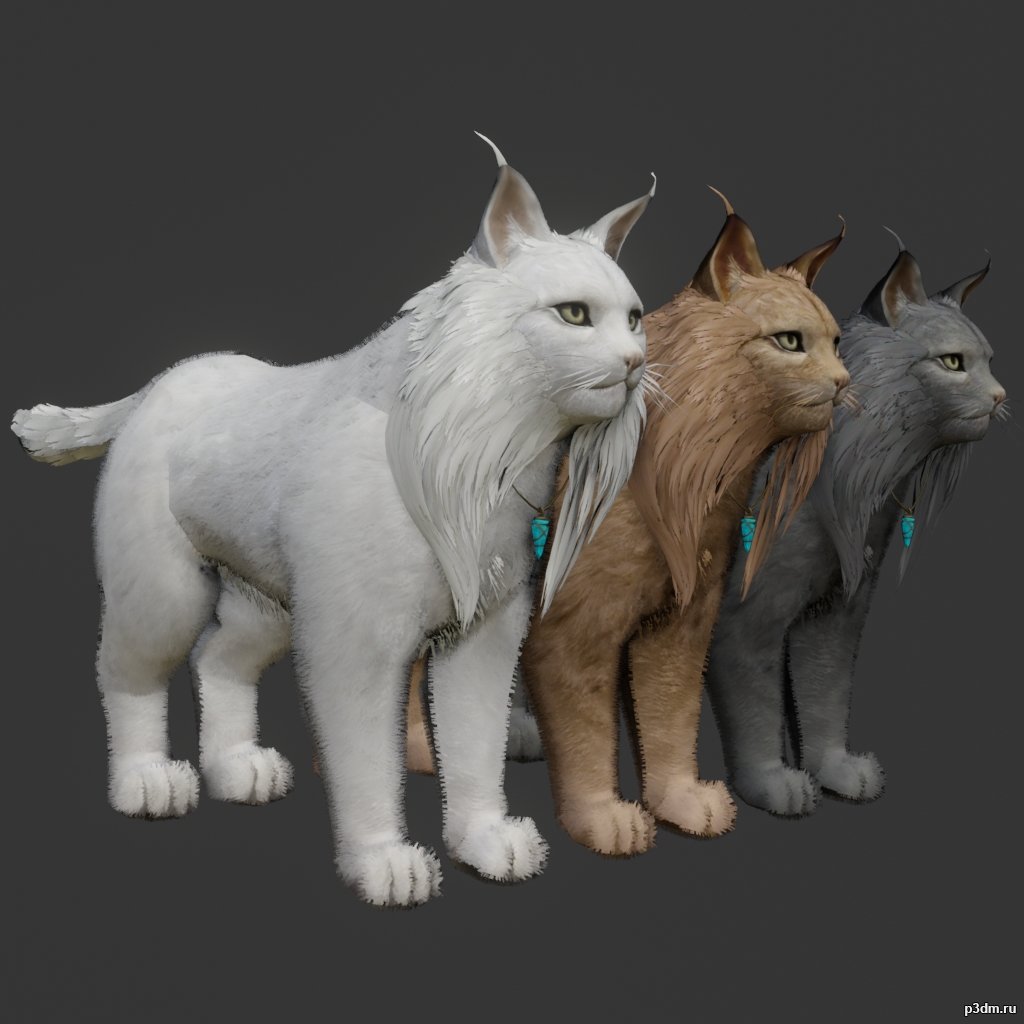
Lynx pack 3D Model
Animations here –> MEOW 5mbusing animations in Blender:1 – open model2 – import animation (in settings fbx import select Automatic Bone Orientations)3 – with the CTRL key held down Select the object you want to animate, then select the object from which you want to copy the animation, then go to Object > Link/Data Transfer > Link Animation Data4 – correct some distortions
-
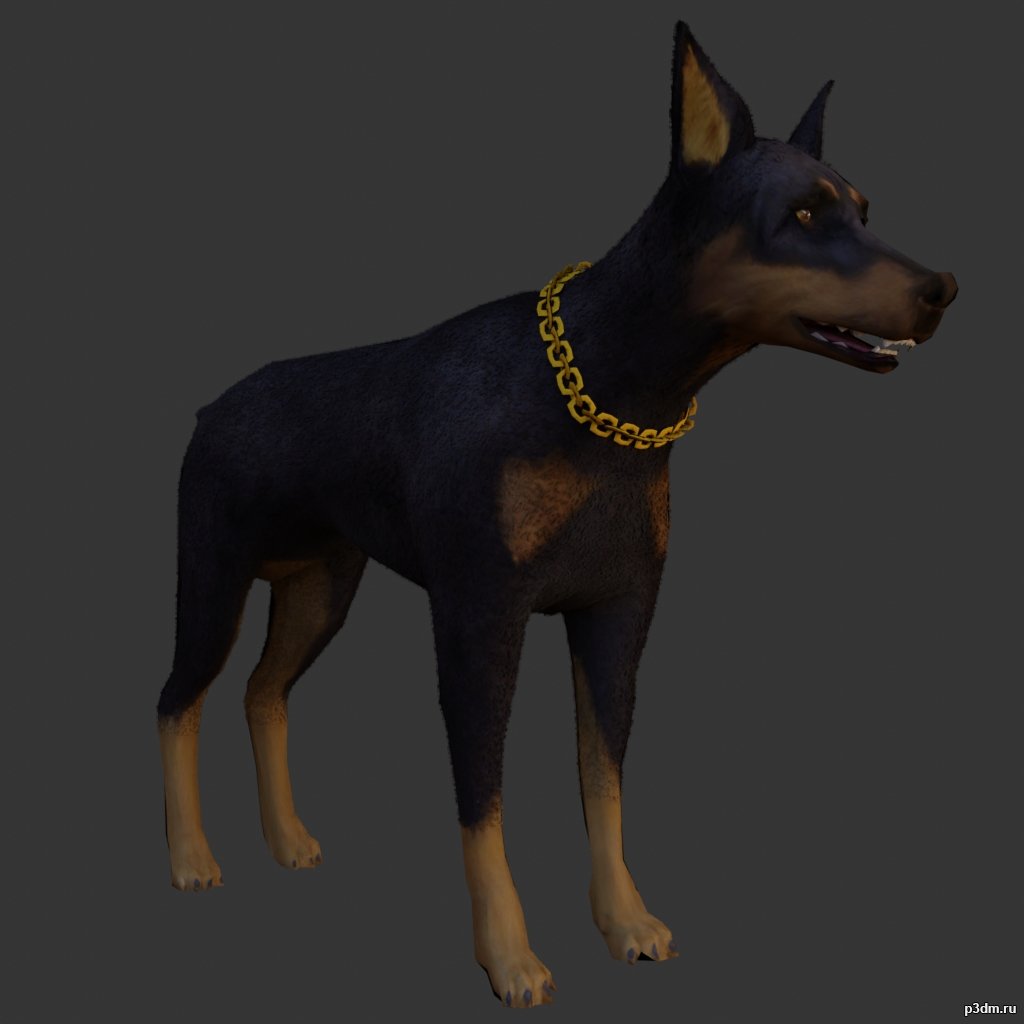
Doberman 3D Model
Animations here –> WOOF 6mbusing animations in Blender:1 – open model2 – import animation (in settings fbx import select Automatic Bone Orientations)3 – with the CTRL key held down Select the object you want to animate, then select the object from which you want to copy the animation, then go to Object > Link/Data Transfer > Link Animation Data4 – correct some distortions
-
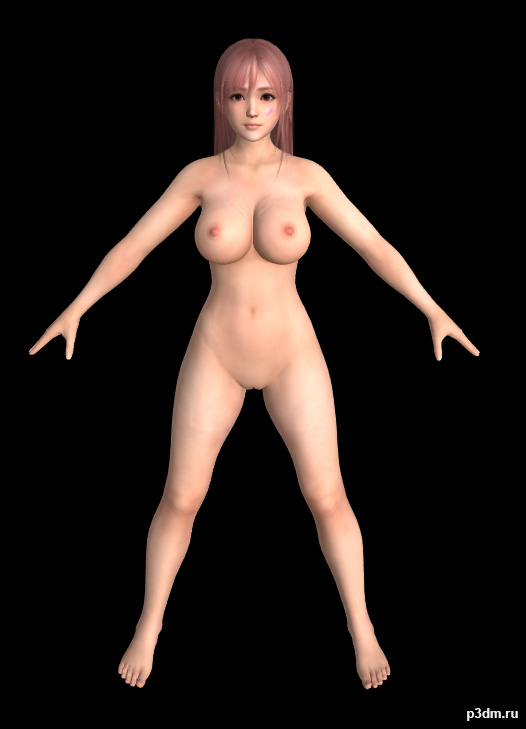
Honoka Nude (DOAXVV) 3D Model
All the Models here are Converted to FBX by me.Originally models converted from Dead or Alive games to XPS (Xnalara) by Shuubaru Model belongs to Koei Tecmo & Team Ninja.Requirements to use these models:- Any 3D Studio Application like Blender, 3DS Max,…. so on.- Adobe Photoshop, Paint.net, GIMP,….and so on. (Only for Texture Editing)Folder Contents:- Model Name – Extra -Blush Tan -Blush (Blush Face Textures) -Blush Tan (Tanned Face with Blush Textures) -Normal (Normal Face Texture) -Hair – A -Hair – B -Hair – C -Hair – D -Wet Dry -Dry (Dry Body Textures) -Wet (Wet Body TExtures) – (The Whole Body Model with Outfits/Innerwear) © Koei Tecmo & Team Ninja and Shuubaru ©
-
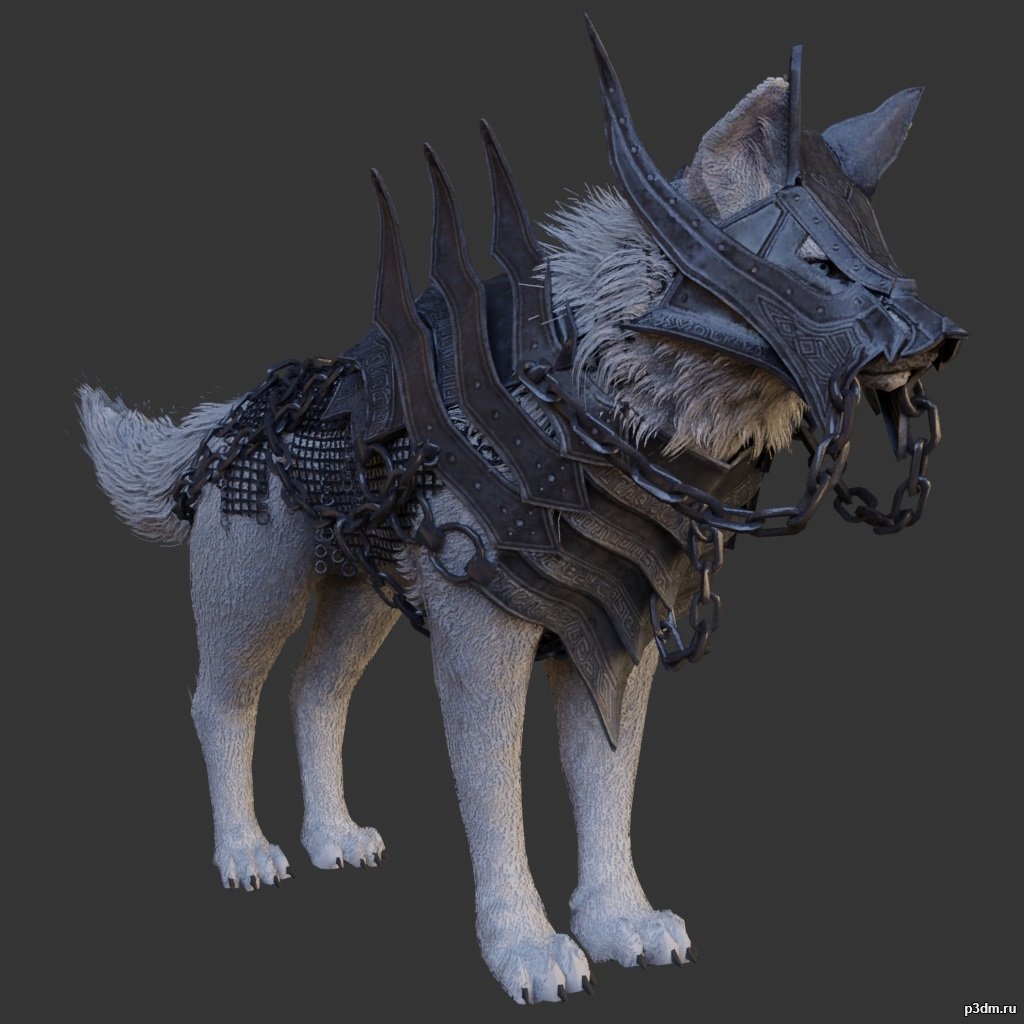
Guardian Wolf 3D Model
using animations in Blender:1 – open model2 – import animation (in settings fbx import select Automatic Bone Orientations)3 – with the CTRL key held down Select the object you want to animate, then select the object from which you want to copy the animation, then go to Object > Link/Data Transfer > Link Animation Data
-
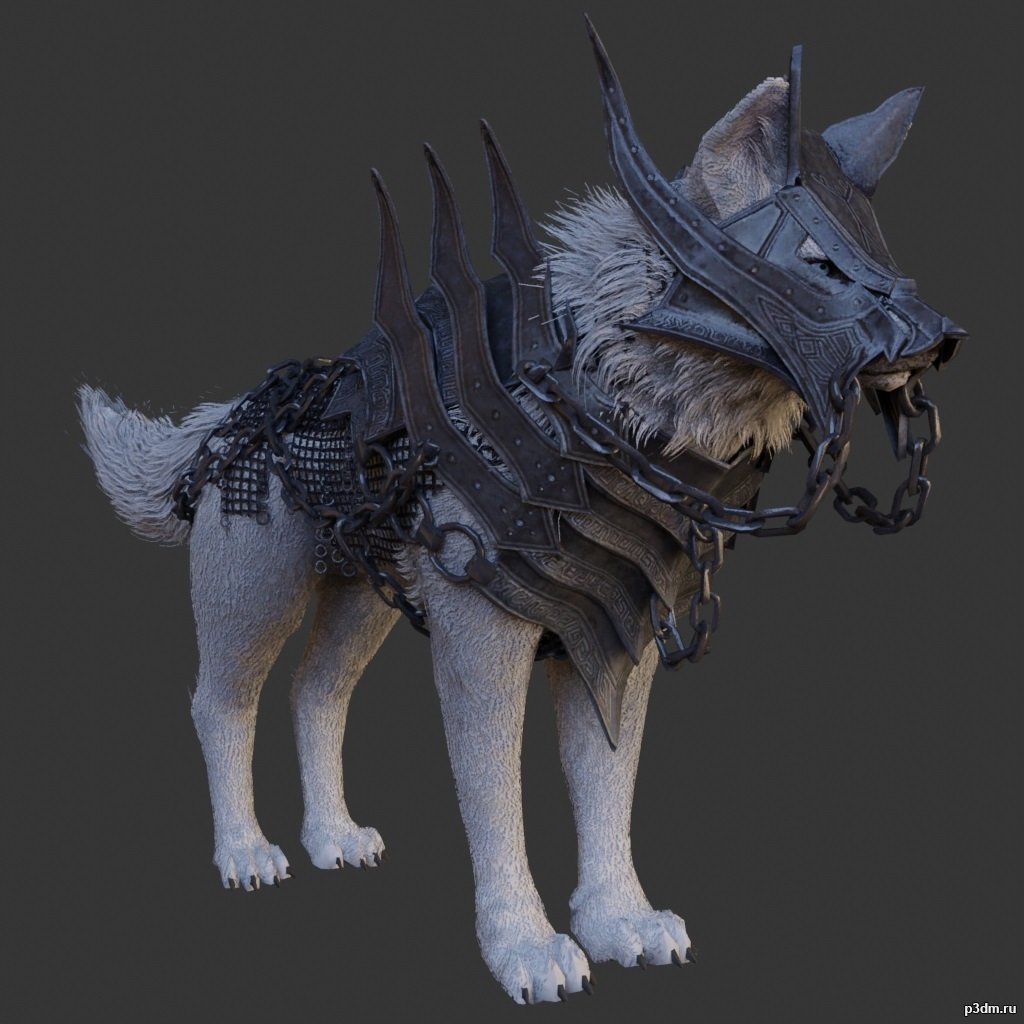
Guardian Wolf 3D Model
using animations in Blender:1 – open model2 – import animation (in settings fbx import select Automatic Bone Orientations)3 – with the CTRL key held down Select the object you want to animate, then select the object from which you want to copy the animation, then go to Object > Link/Data Transfer > Link Animation Data
-
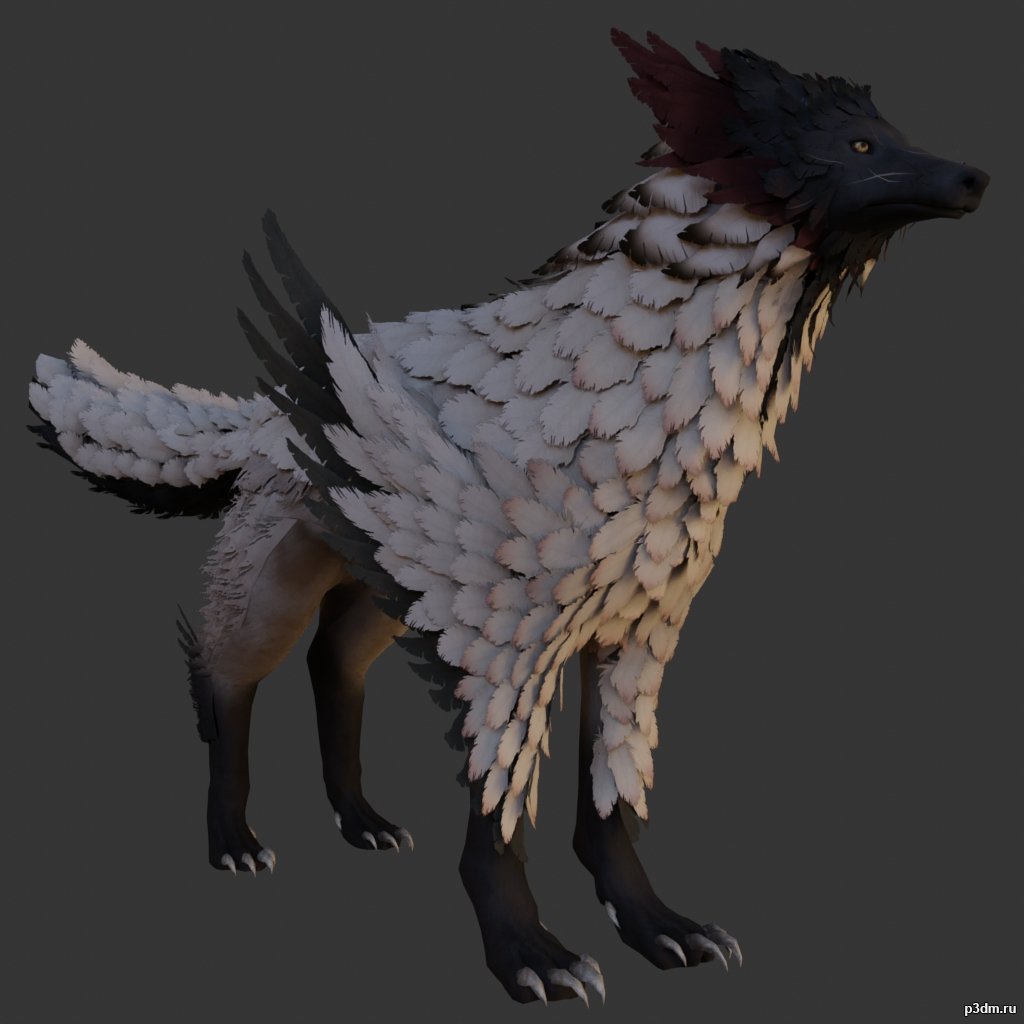
Feather Wolf 3D Model
using animations in Blender:1 – open model2 – import animation (in settings fbx import select Automatic Bone Orientations)3 – with the CTRL key held down Select the object you want to animate, then select the object from which you want to copy the animation, then go to Object > Link/Data Transfer > Link Animation Data
-
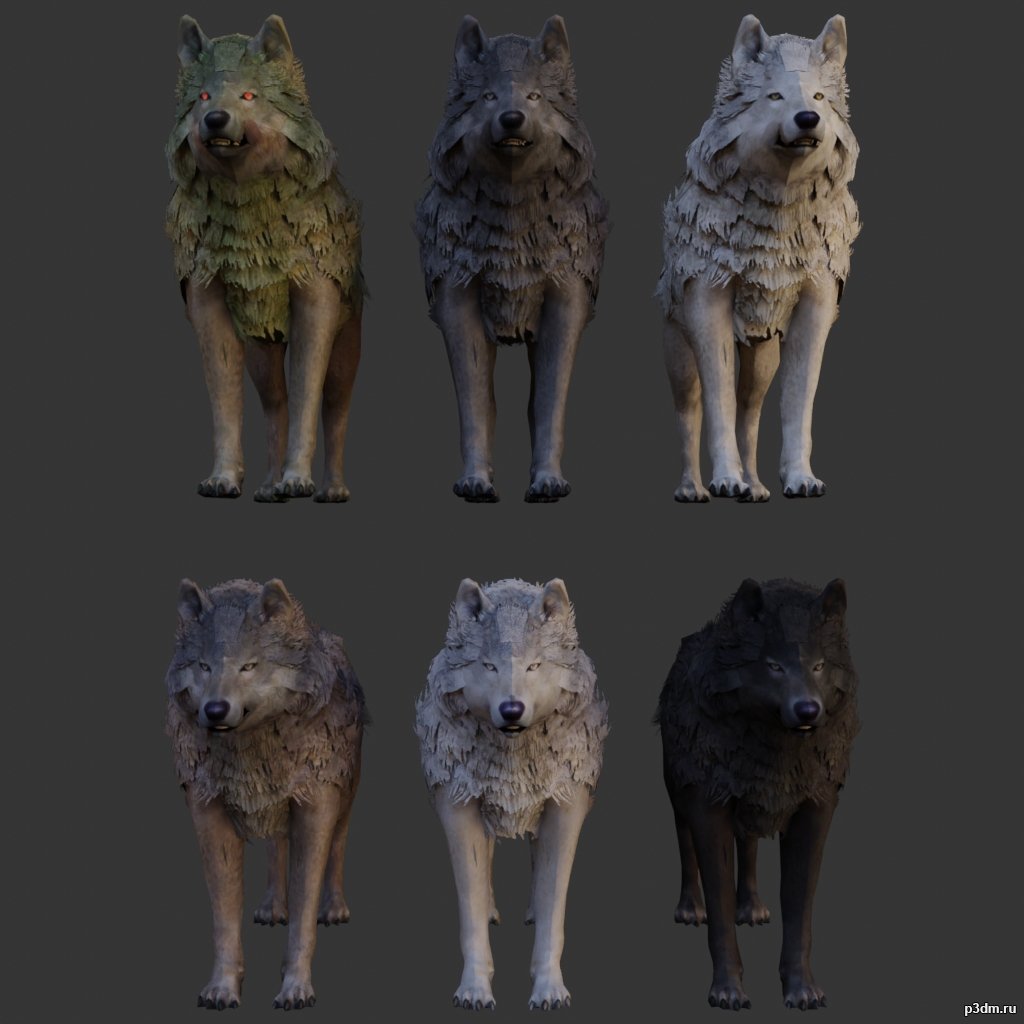
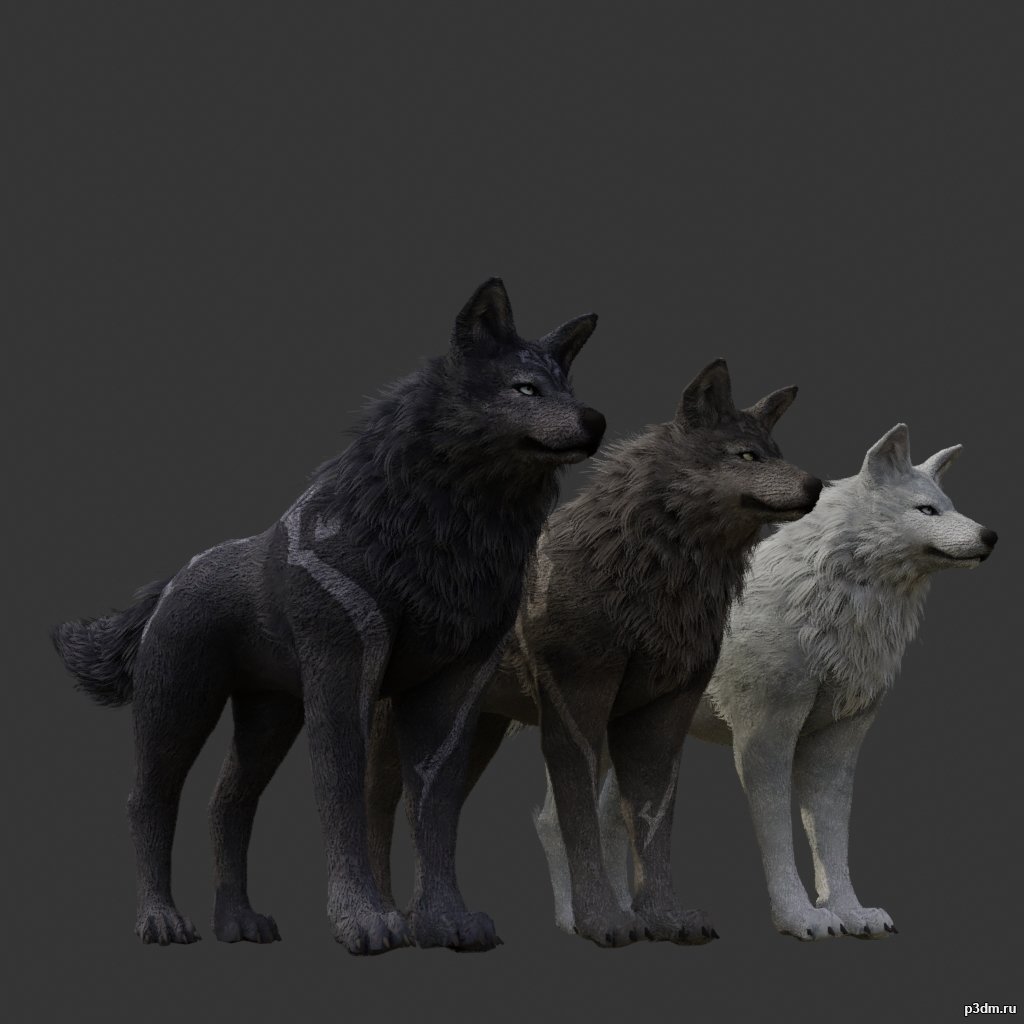
Wolf pack 3 3D Model
using animations in Blender:1 – open model2 – import animation (in settings fbx import select Automatic Bone Orientations)3 – with the CTRL key held down Select the object you want to animate, then select the object from which you want to copy the animation, then go to Object > Link/Data Transfer > Link Animation Data
-
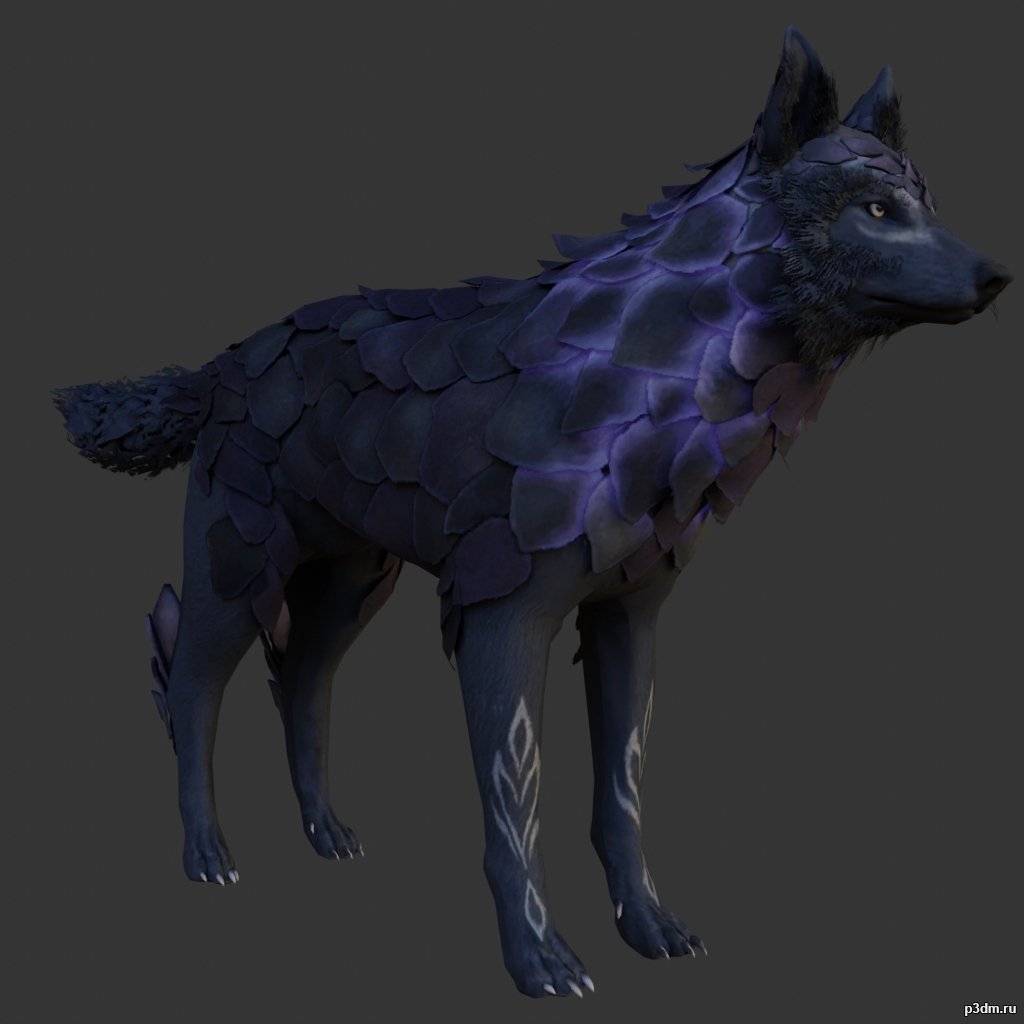
Scaly Wolf 3D Model
using animations in Blender:1 – open model2 – import animation (in settings fbx import select Automatic Bone Orientations)3 – with the CTRL key held down Select the object you want to animate, then select the object from which you want to copy the animation, then go to Object > Link/Data Transfer > Link Animation Data
-
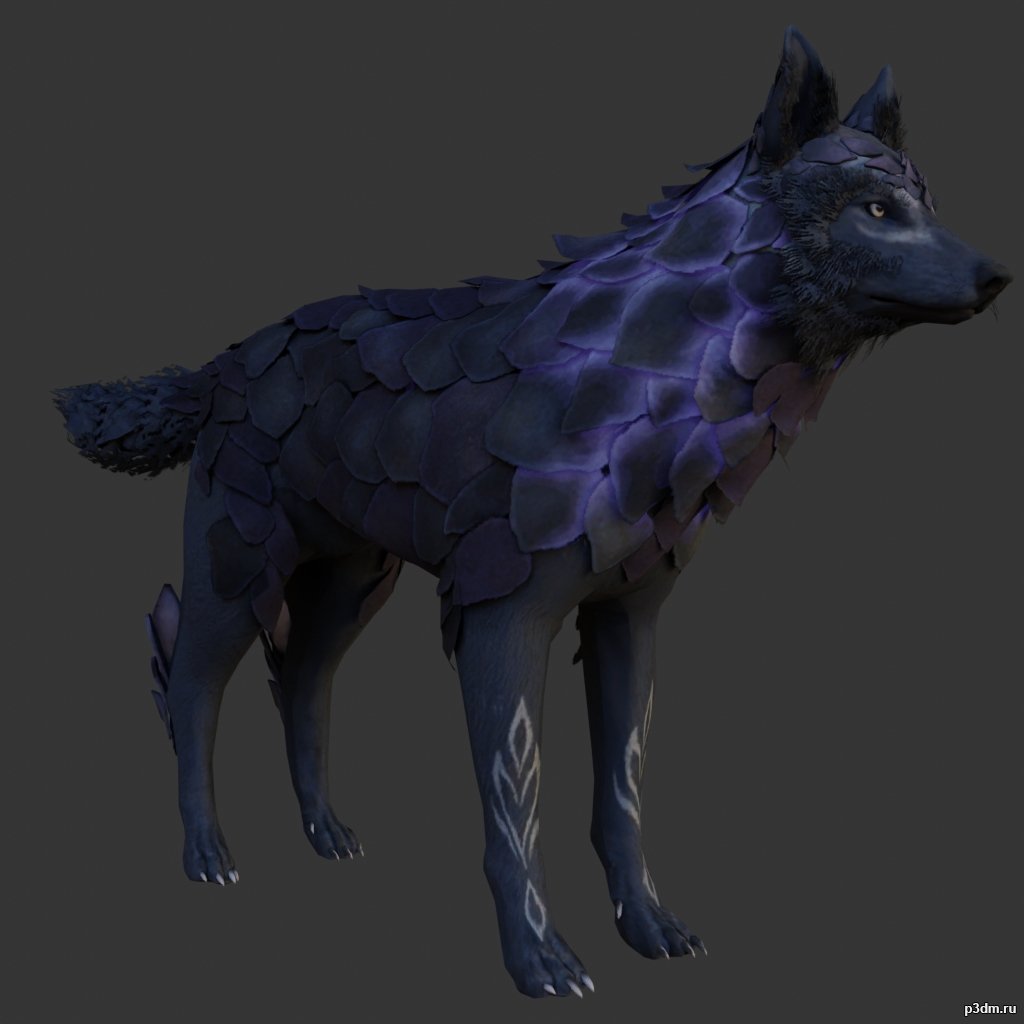
Scaly Wolf 3D Model
using animations in Blender:1 – open model2 – import animation (in settings fbx import select Automatic Bone Orientations)3 – with the CTRL key held down Select the object you want to animate, then select the object from which you want to copy the animation, then go to Object > Link/Data Transfer > Link Animation Data
-
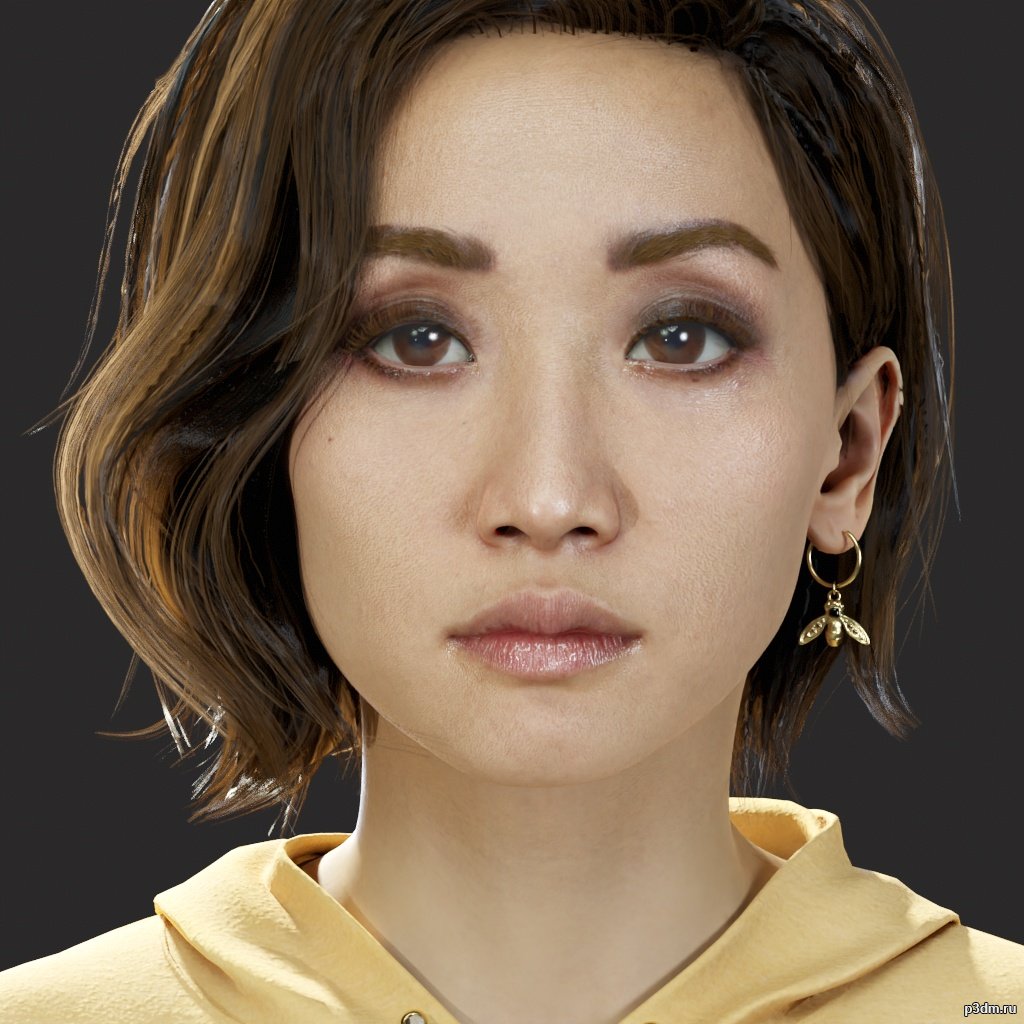
Kaitlyn – The Quarry 3D Model
Formats of model/Textures – .fbx/.tgaRendered in Marmoset Toolbag 4Extracted and converting by me Will | BWR.This model and textures are the property ofSupermassive Games and 2K GamesDeveloped by Supermassive GamesAll Rights Reserved.Big thanks to gildor for Umodel tool.
-
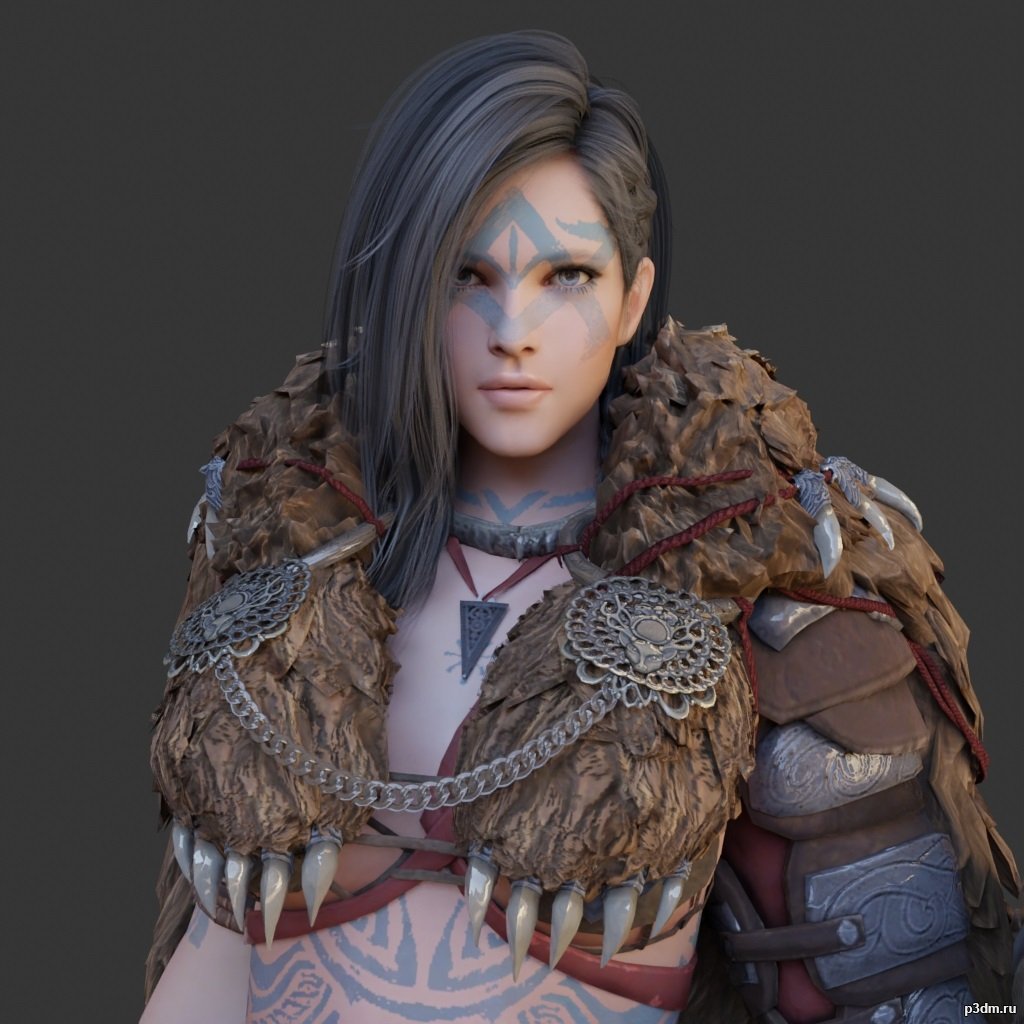
Guardian 3D Model
using animations in Blender:1 – open model2 – import animation (in settings fbx import select Automatic Bone Orientations)3 – with the CTRL key held down Select the object you want to animate, then select the object from which you want to copy the animation, then go to Object > Link/Data Transfer > Link Animation Data
-

Abigail – The Quarry 3D Model
Formats of model/Textures – .fbx/.tgaRendered in Marmoset Toolbag 4Extracted and converting by me Will | BWR.This model and textures are the property ofSupermassive Games and 2K GamesDeveloped by Supermassive GamesAll Rights Reserved.Big thanks to gildor for Umodel tool.
-

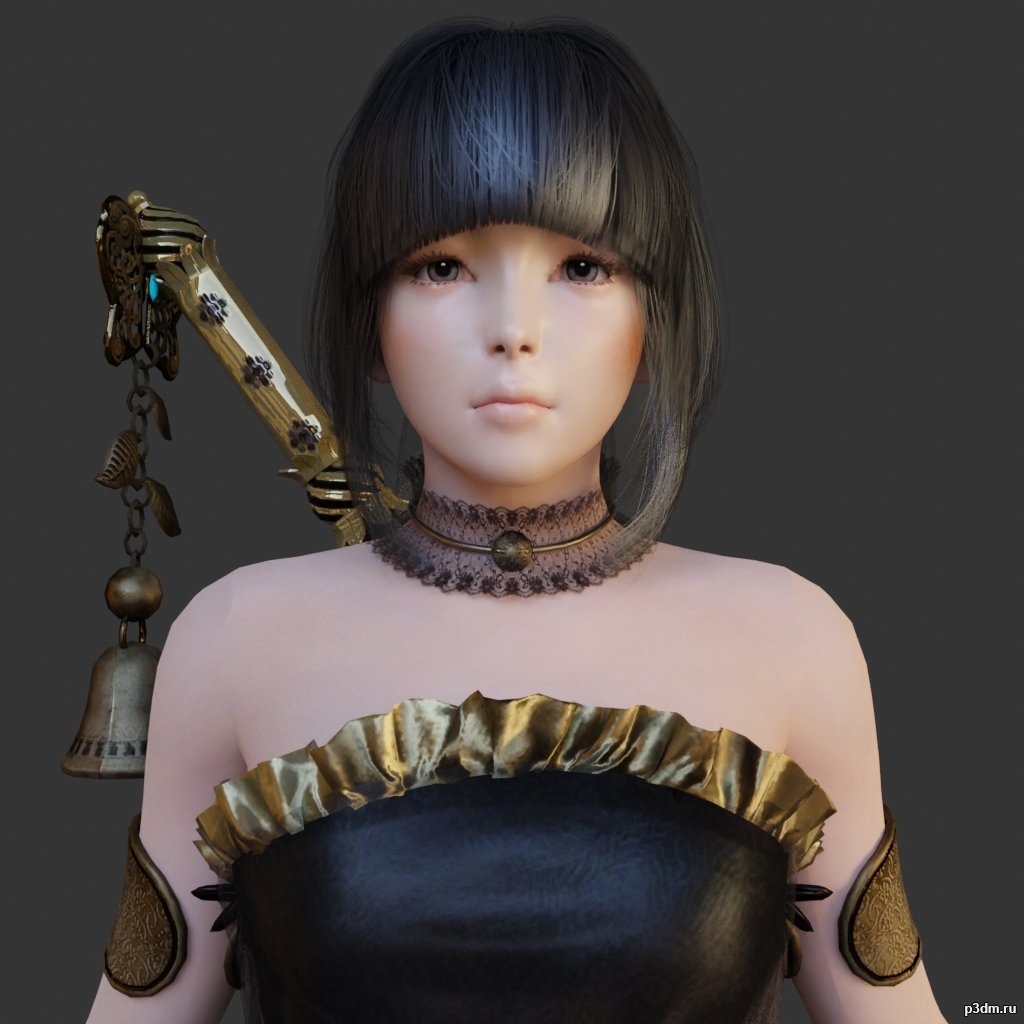
Kunoichi 3D Model
using animations in Blender:1 – open model2 – import animation (in settings fbx import select Automatic Bone Orientations)3 – with the CTRL key held down Select the object you want to animate, then select the object from which you want to copy the animation, then go to Object > Link/Data Transfer > Link Animation Data
-
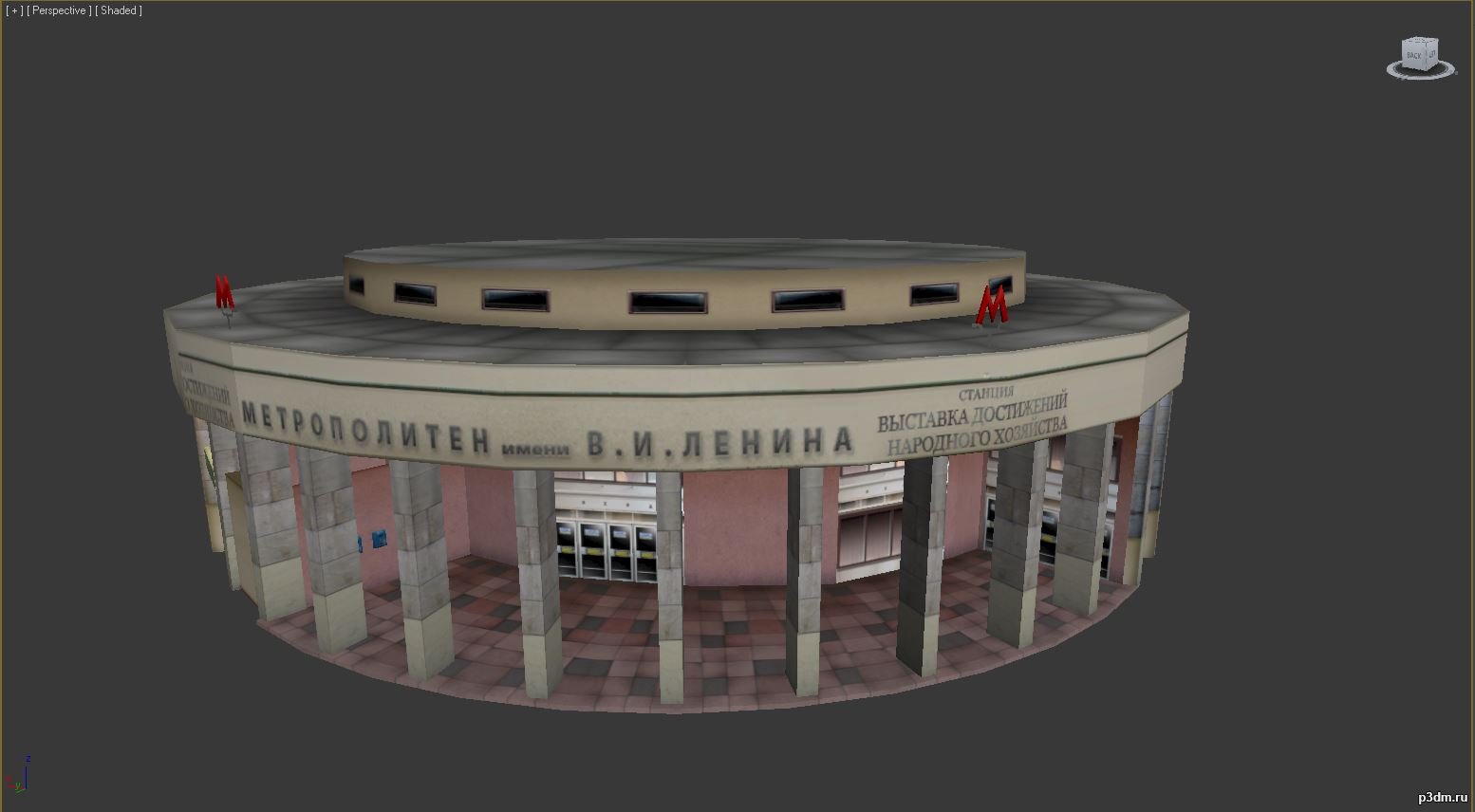
Moscow metro entrance 3D Model
Вход на станцию метро ВДНХ из игры Адреналин 2: Час Пик.Format: FBXTextures: DDS
-
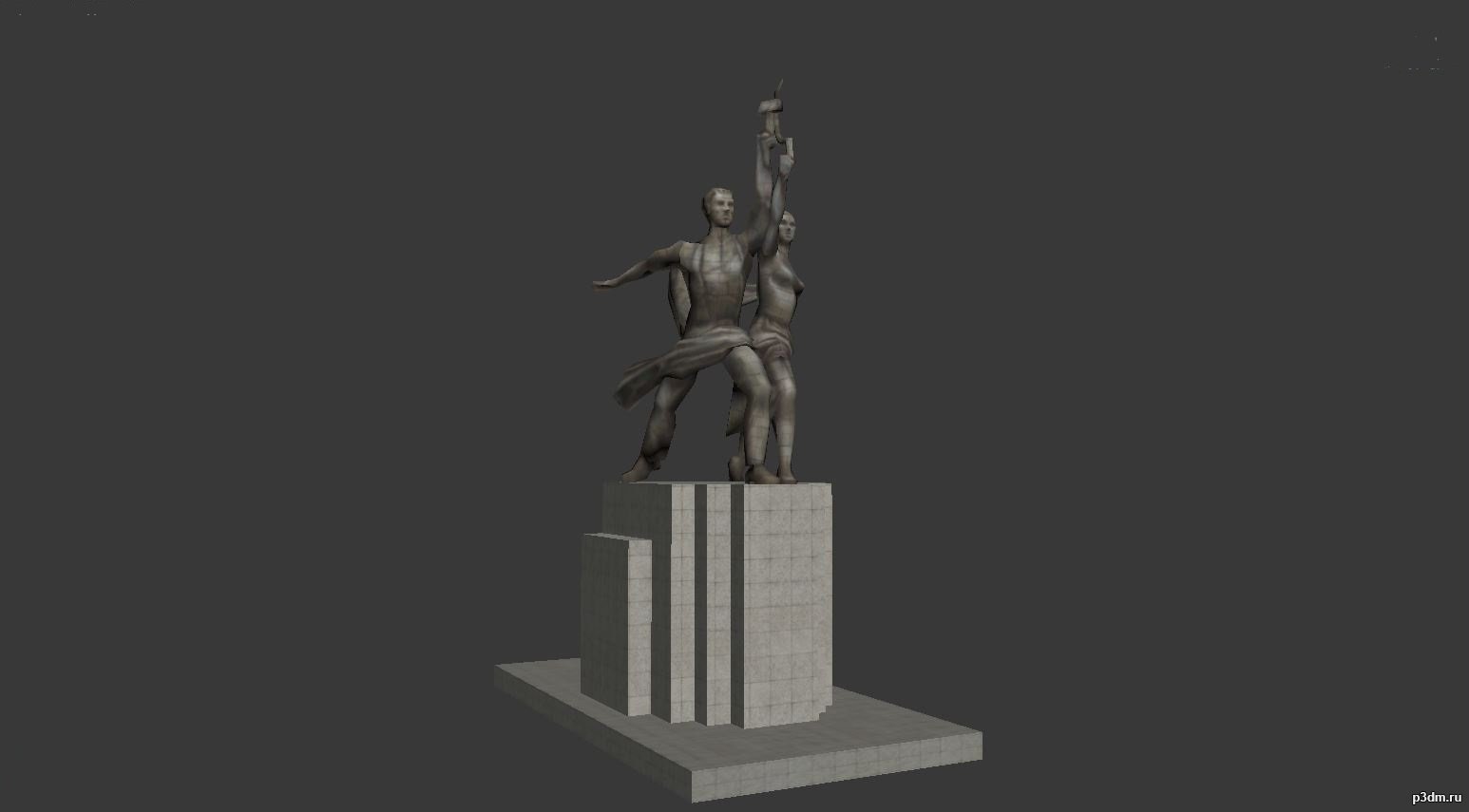
Worker and Kolkhoz Woman statue 3D Model
Рабочий и Колхозница из игры Адреналин 2: Час Пик.Format: FBXTextures: DDS
-
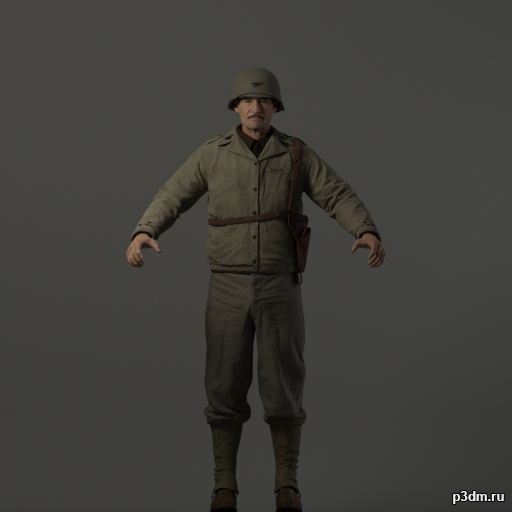
CoD WW2 Colonel Davis 3D Model
CoD WW2 Colonel Davis extracted thanks to Greyhound, includes blend file with fully textured model as well as obj, ascii and ma formats.
-
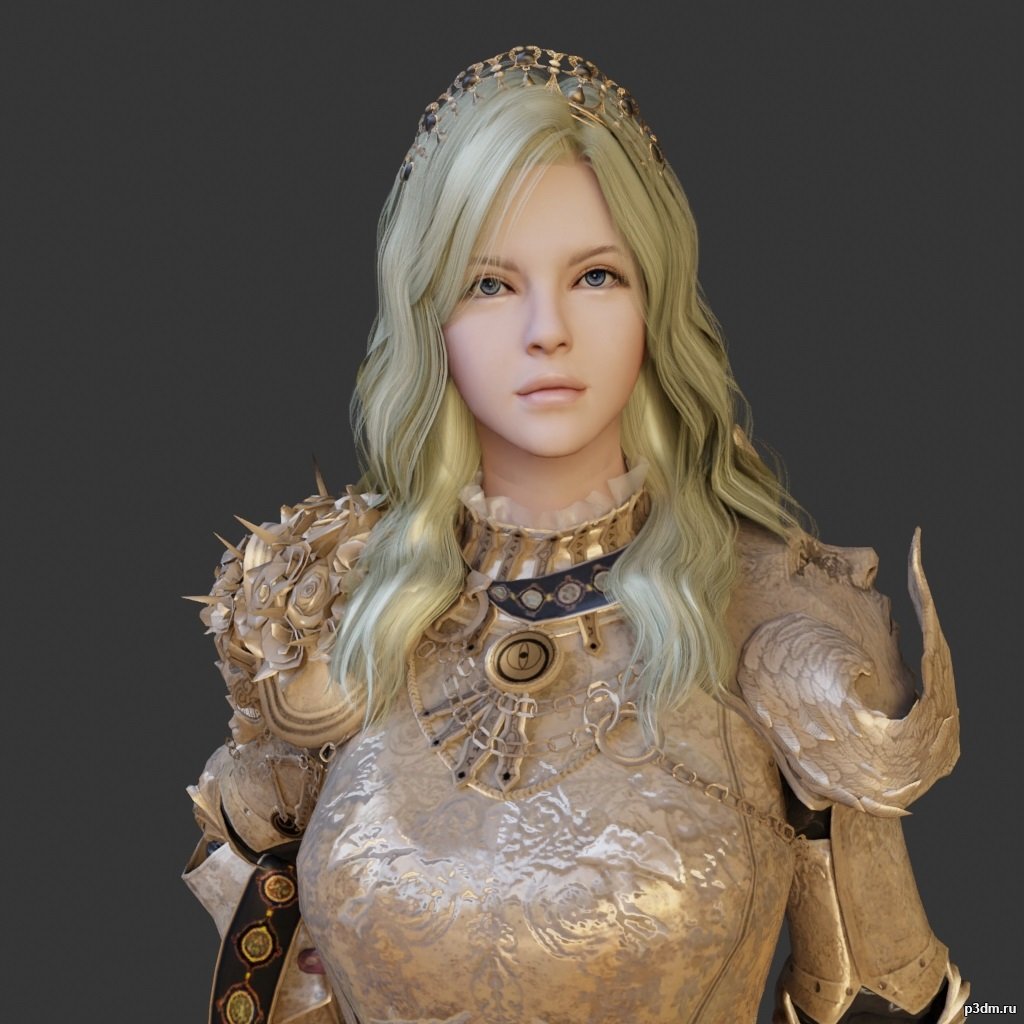
Nova 3D Model
using animations in Blender:1 – open model2 – import animation (in settings fbx import select Automatic Bone Orientations)3 – with the CTRL key held down Select the object you want to animate, then select the object from which you want to copy the animation, then go to Object > Link/Data Transfer > Link Animation Data
-
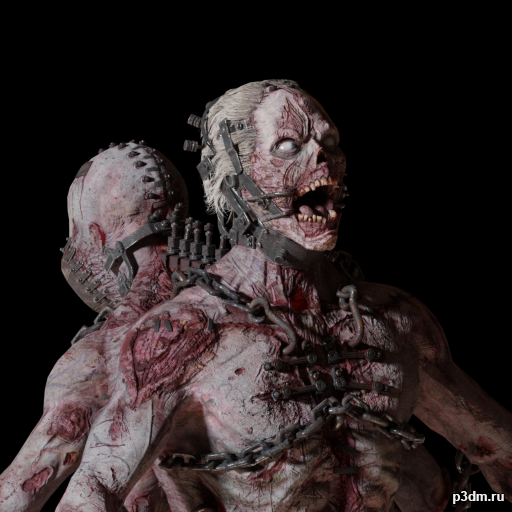
CoD WW2 Bomber Zombie 3D Model
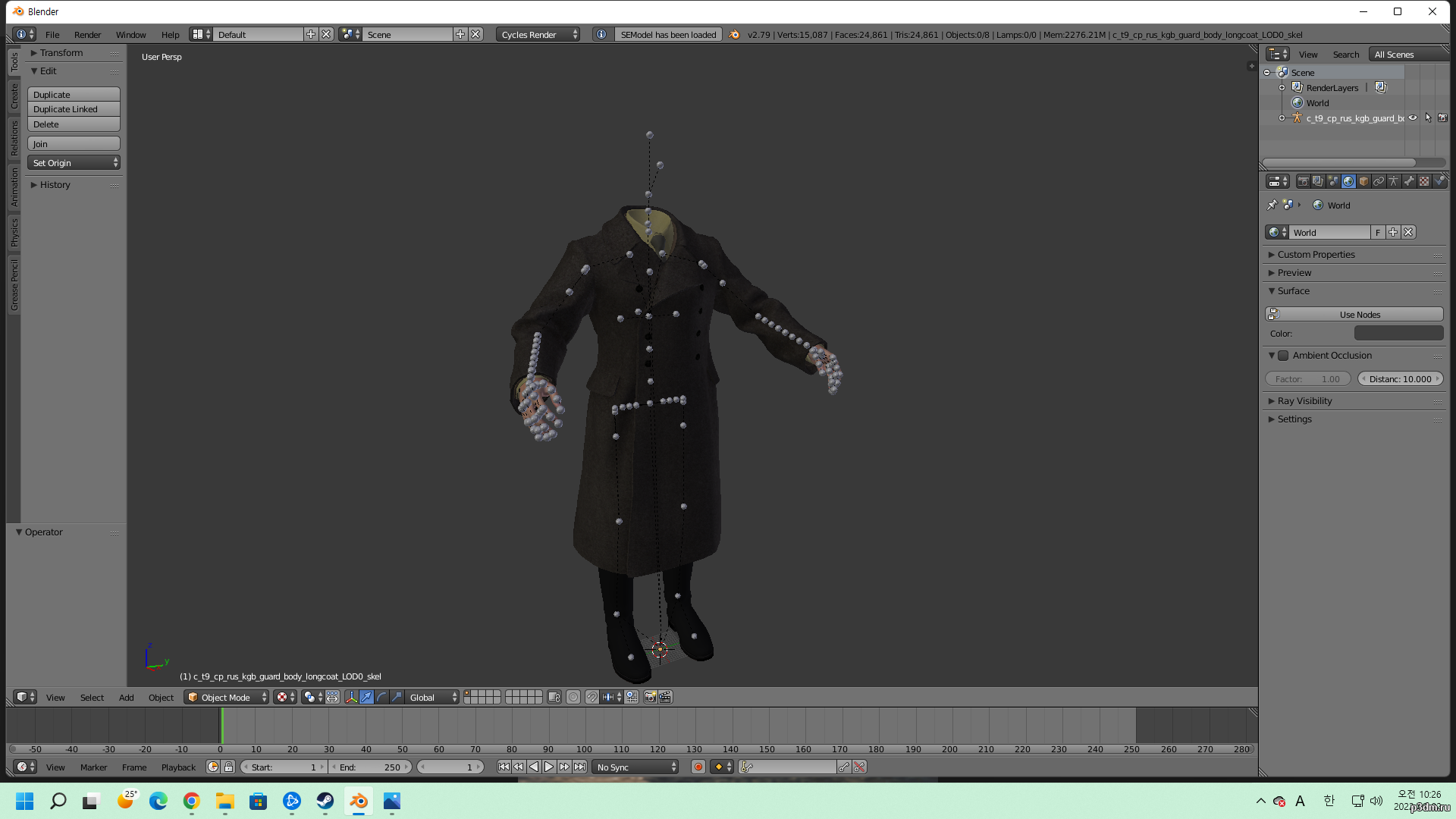
CoD WW2 Bomber Zombie type extracted thanks to greyhound and set up in Blender but it does have original textures and semodel in the rar file.https://github.com/dtzxporter/io_model_semodel – Blender addon for importing semodel format.
-
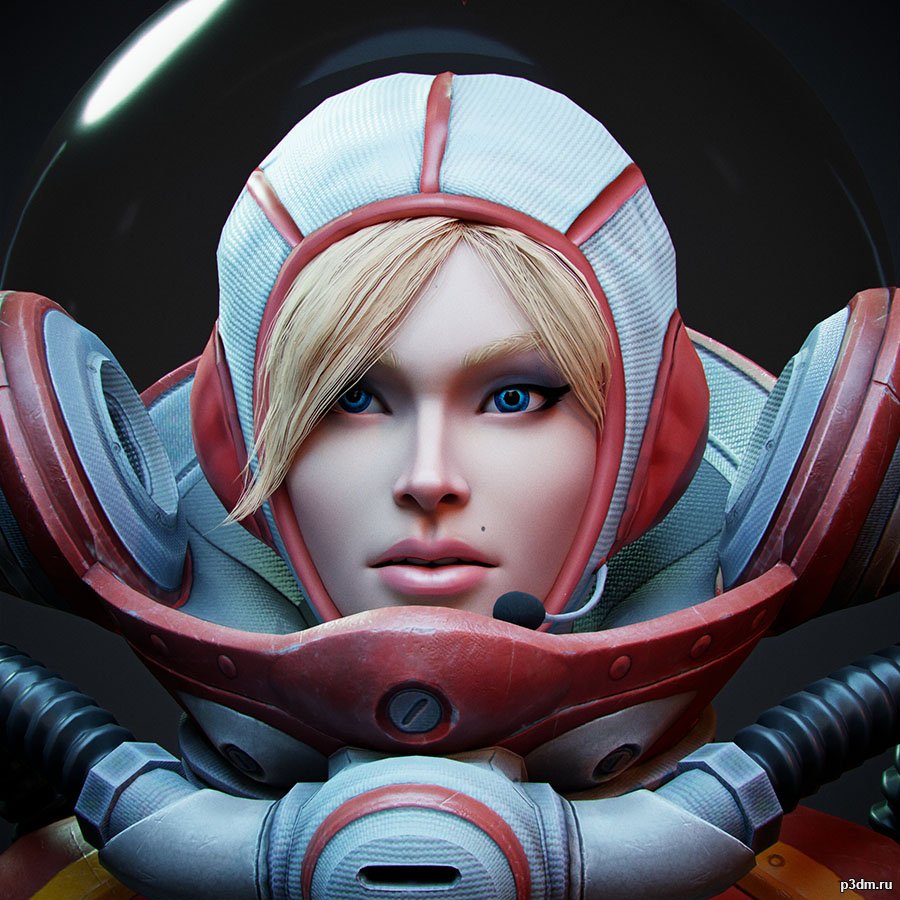
Natalya_Astronaut – Destroy All Humans 2 3D Model
Formats of model/Textures – .fbx/.tgaRendered in Marmoset Toolbag 4Extracted and converting by me Will | BWR.This model and textures are the property ofBlack Forest Games and THQ NordicDeveloped by Black Forest GamesAll Rights Reserved.
-
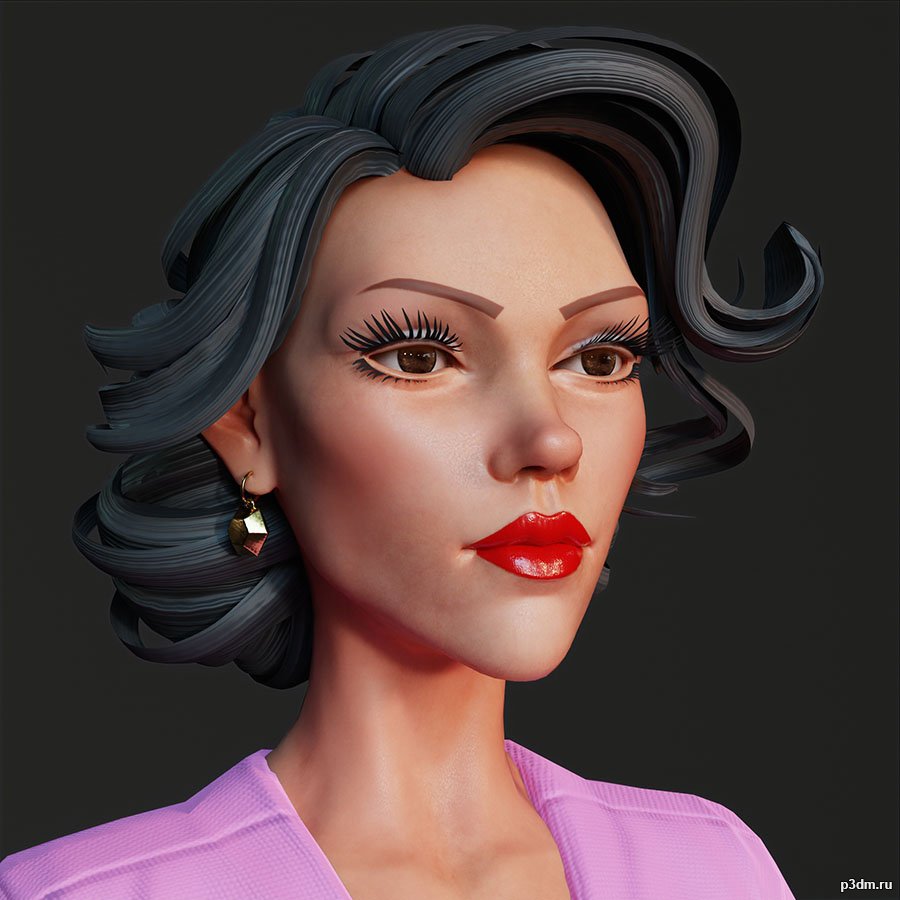
Urban_Woman_02 – Destroy All Humans 2 3D Model
Formats of model/Textures – .fbx/.tgaRendered in Marmoset Toolbag 4Extracted and converting by me Will | BWR.This model and textures are the property ofBlack Forest Games and THQ NordicDeveloped by Black Forest GamesAll Rights Reserved.
-
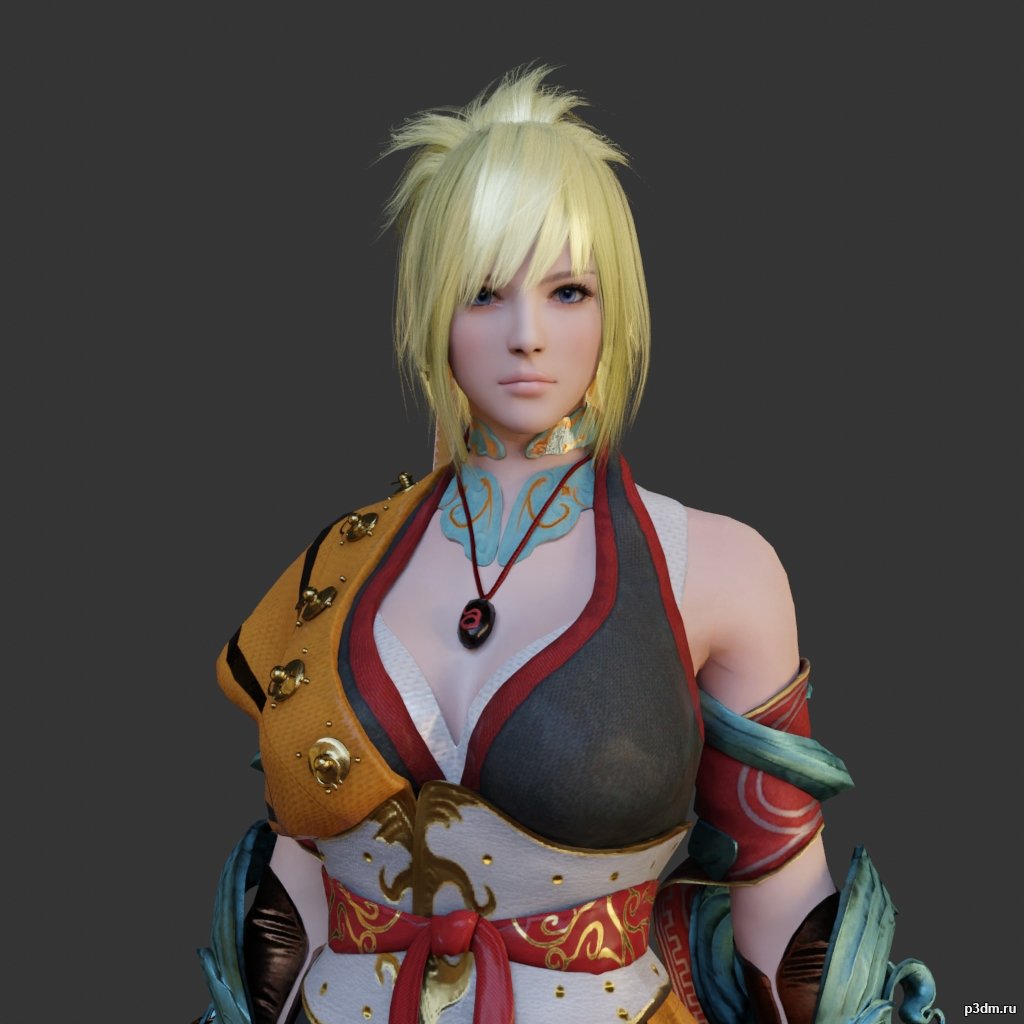
Mystic 3D Model
using animations in Blender:1 – open model2 – import animation (in settings fbx import select Automatic Bone Orientations)3 – with the CTRL key held down Select the object you want to animate, then select the object from which you want to copy the animation, then go to Object > Link/Data Transfer > Link Animation Data
-
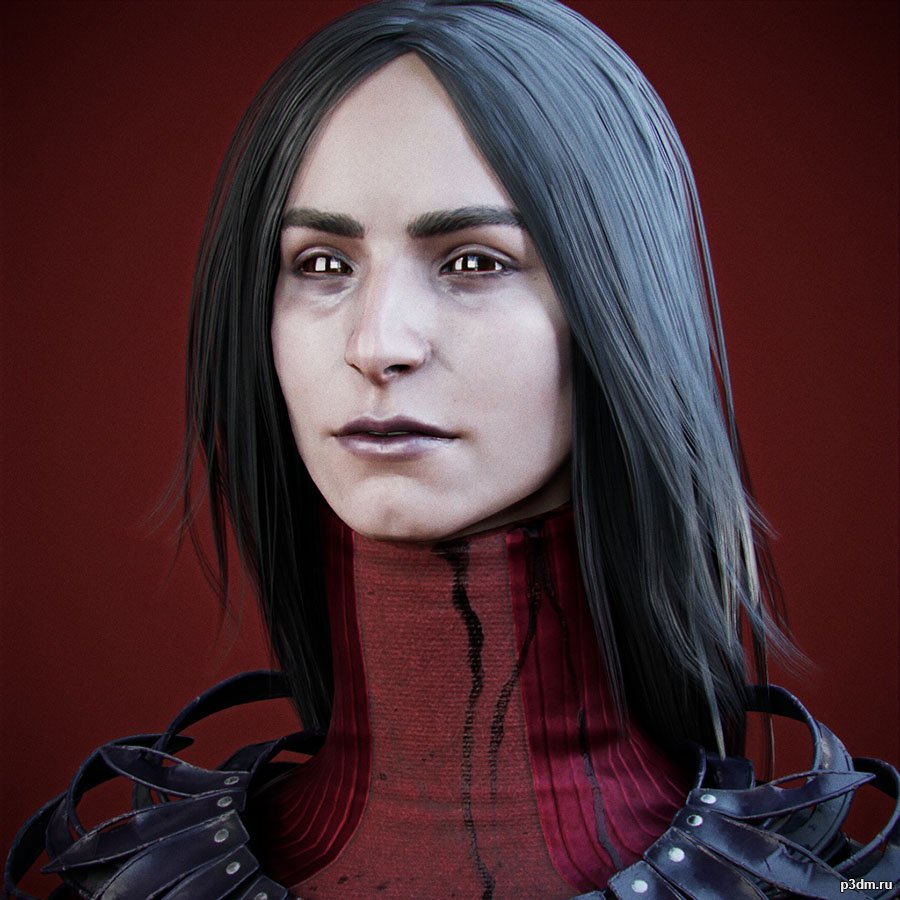
The Artist – Dead by Daylight 3D Model
Formats of model/Textures – .fbx/.tgaRendered in Marmoset Toolbag 4Extracted and converting by me Will | BWR.This model and textures are the property ofBehaviour Interactive Inc.Developed by Behaviour Interactive IncAll Rights Reserved.Big thanks to gildor for Umodel tool.
-
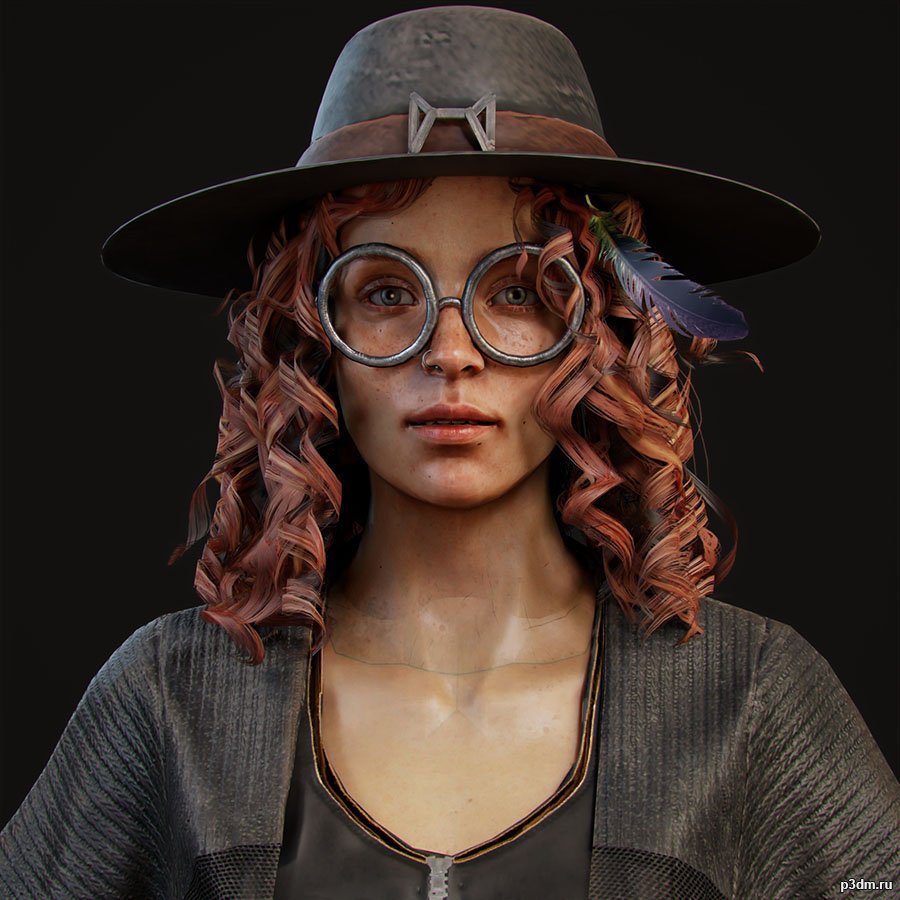
Mikaela Reid – Dead by Daylight 3D Model
Formats of model/Textures – .fbx/.tgaRendered in Marmoset Toolbag 4Extracted and converting by me Will | BWR.This model and textures are the property ofBehaviour Interactive Inc.Developed by Behaviour Interactive IncAll Rights Reserved.Big thanks to gildor for Umodel tool.
-
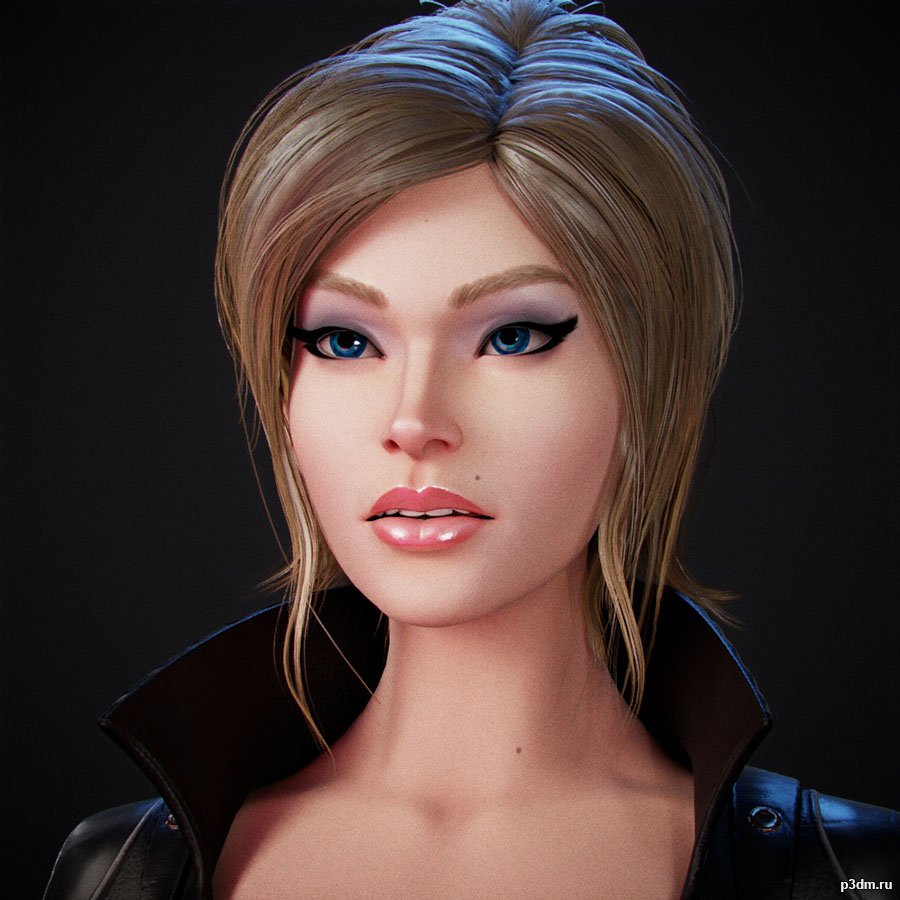
Natalya Ivanova – Destroy All Humans 2 3D Model
Formats of model/Textures – .fbx/.tgaRendered in Marmoset Toolbag 4Extracted and converting by me Will | BWR.This model and textures are the property ofBlack Forest Games and THQ NordicDeveloped by Black Forest GamesAll Rights Reserved.
-
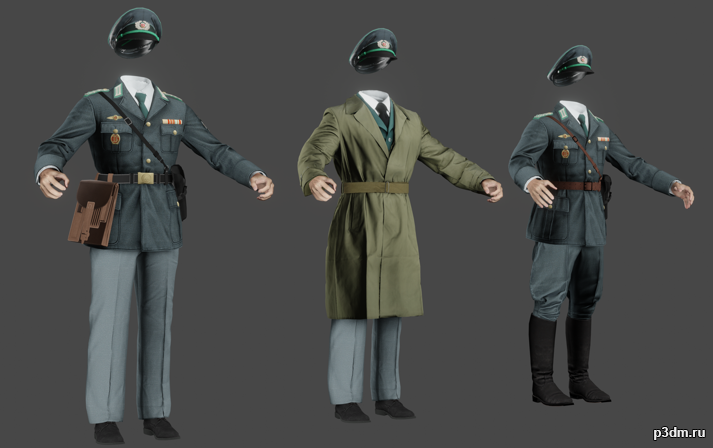
Stasi Uniforms 3D Model
Ripped from the campaign mission “Brick In the Wall” from Call of Duty Black Ops: Cold War.this is my first post, so any advice or suggestions are appreciated.
-
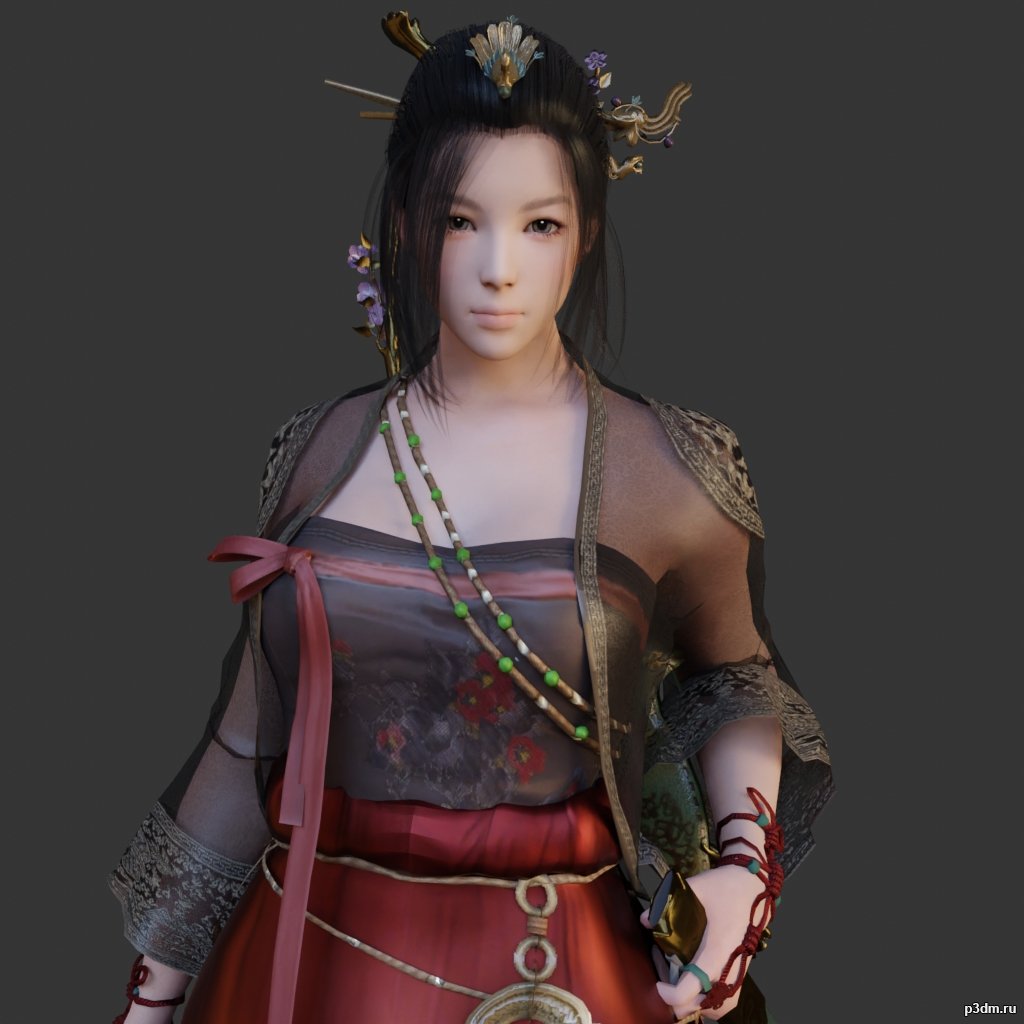
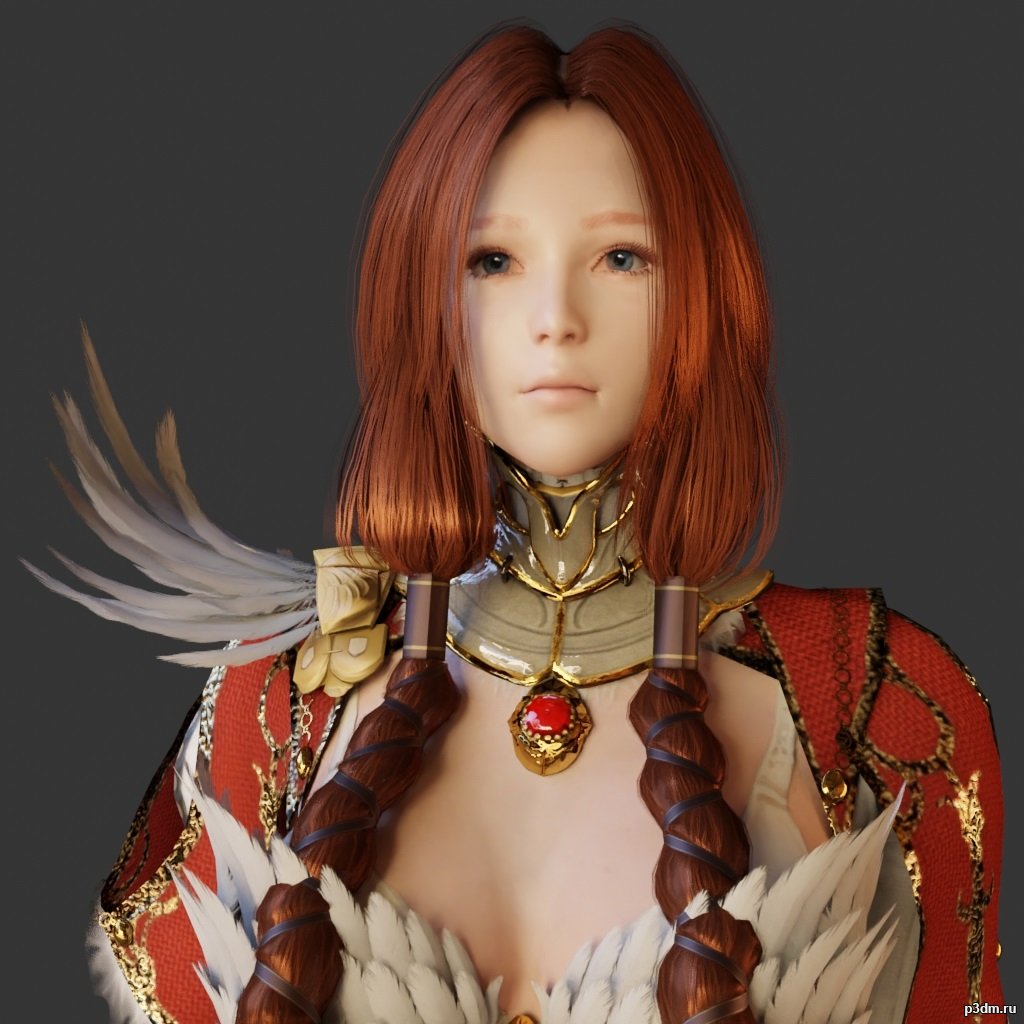
Maehwa 3D Model
using animations in Blender:1 – open model2 – import animation (in settings fbx import select Automatic Bone Orientations)3 – with the CTRL key held down Select the object you want to animate, then select the object from which you want to copy the animation, then go to Object > Link/Data Transfer > Link Animation Data
-
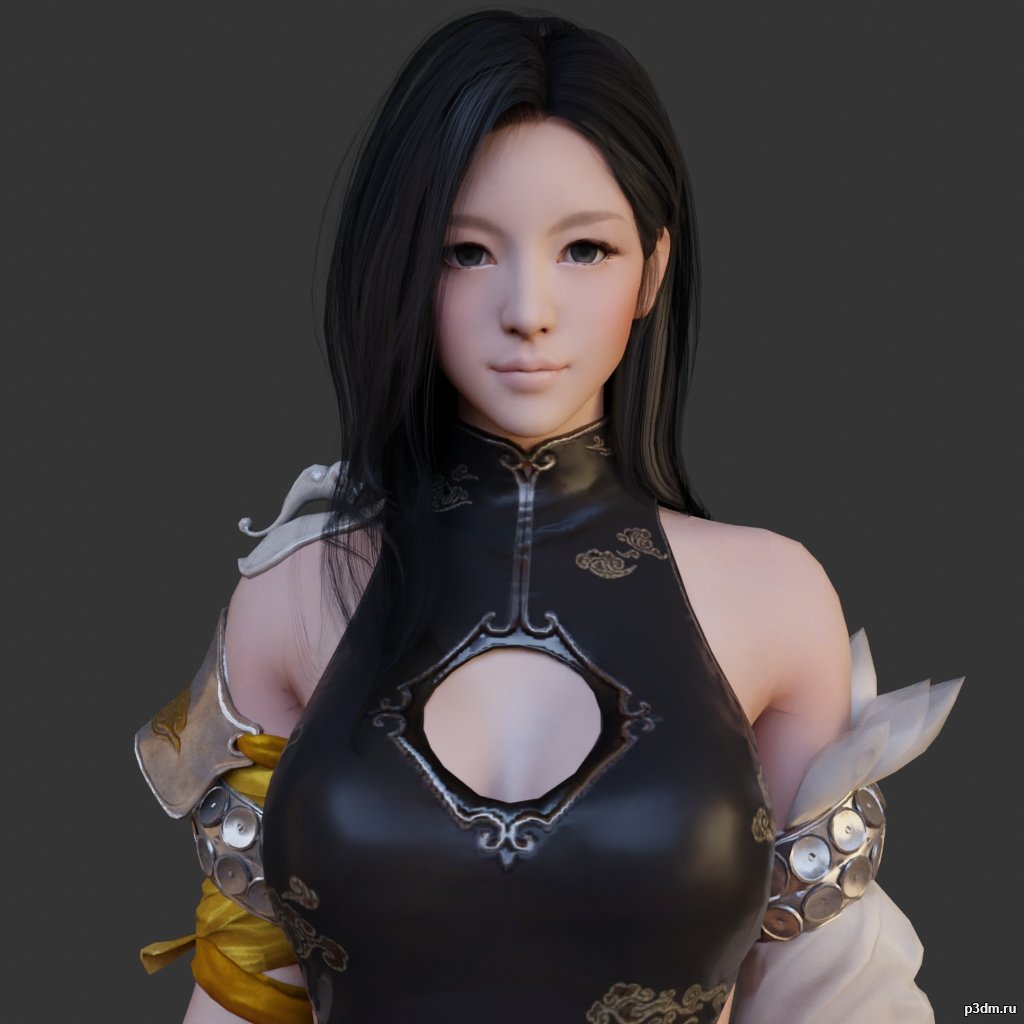
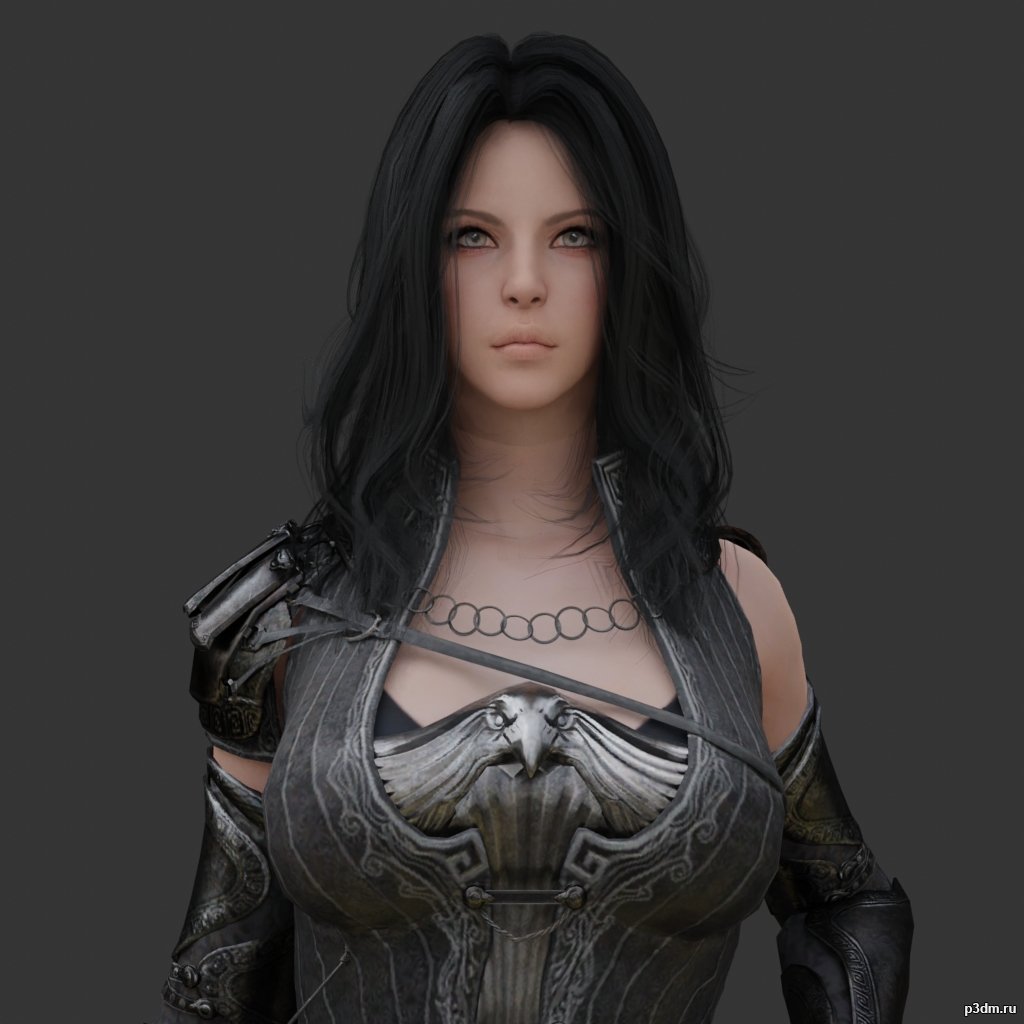
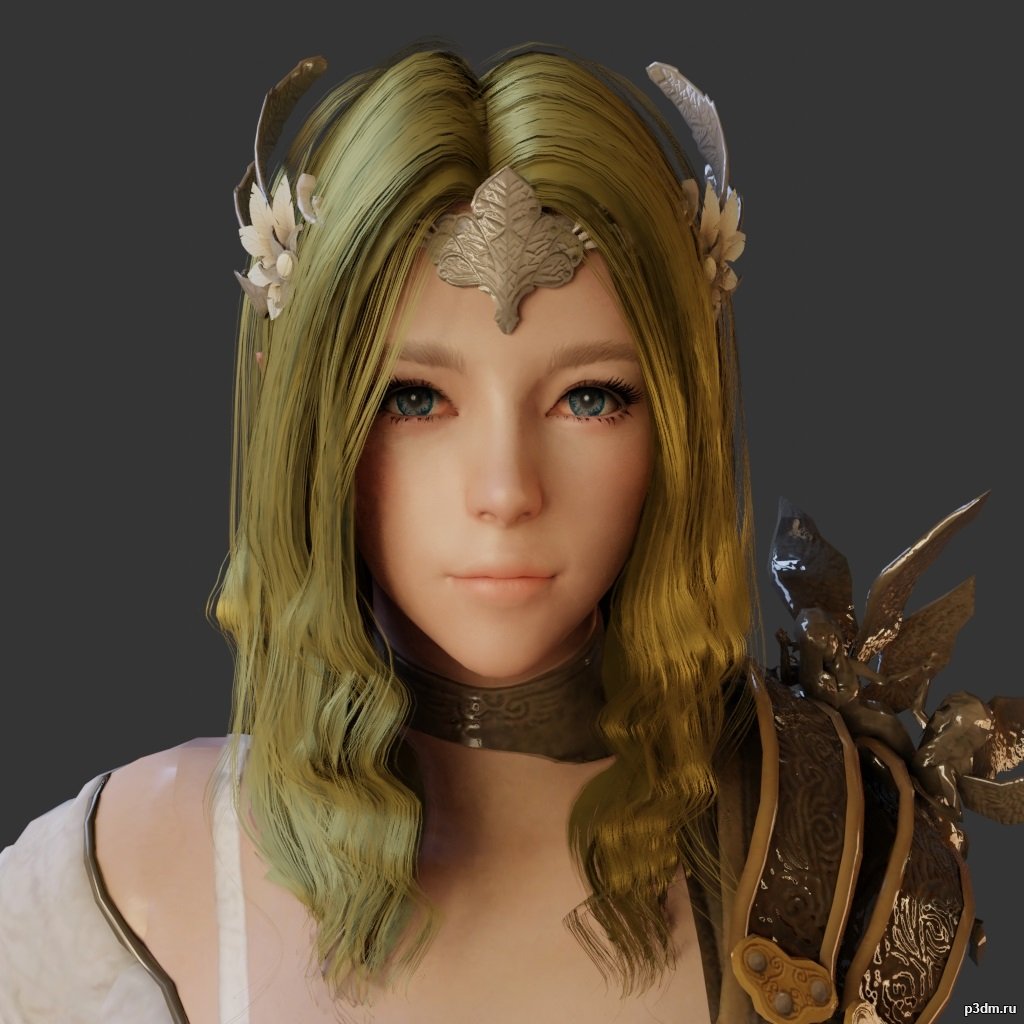
Lahn 3D Model
using animations in Blender:1 – open model2 – import animation (in settings fbx import select Automatic Bone Orientations)3 – with the CTRL key held down Select the object you want to animate, then select the object from which you want to copy the animation, then go to Object > Link/Data Transfer > Link Animation Data
-
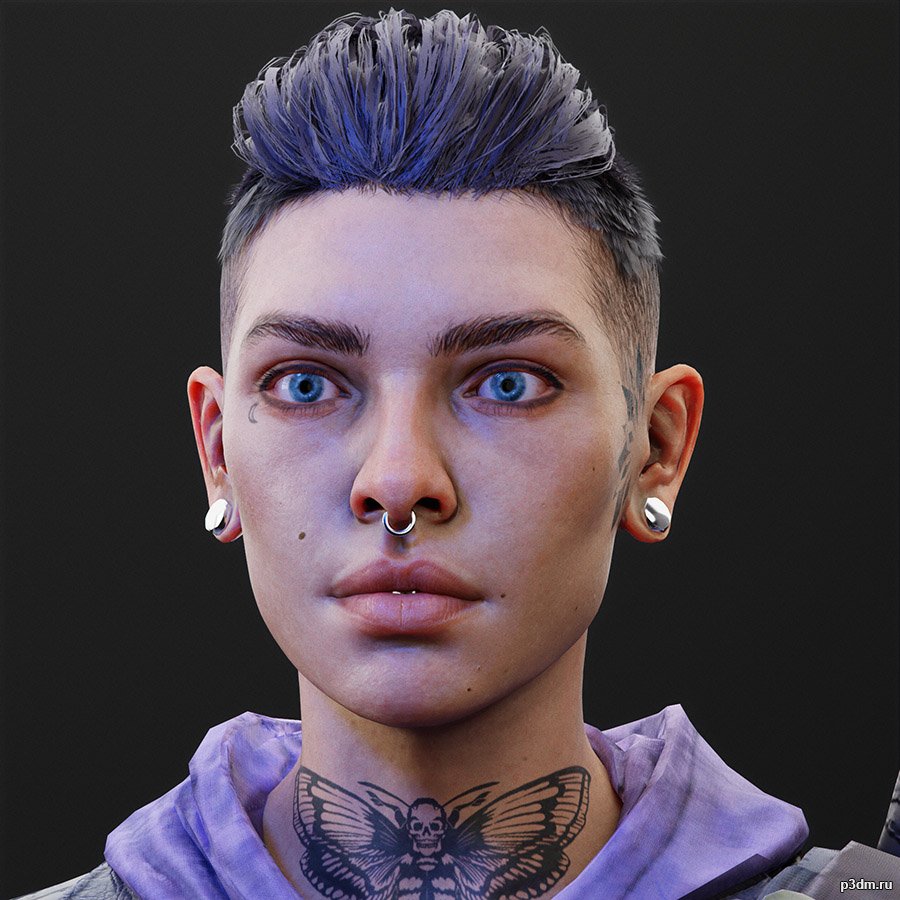
Karlee – Back 4 Blood 3D Model
Formats of model/Textures – .fbx/.tgaRendered in Marmoset Toolbag 4Extracted and converting by me Will | BWR.This model and textures are the property ofTurtle Rock Studios and Warner Bros. Interactive EntertainmentDeveloped by Turtle Rock StudiosAll Rights Reserved.
-
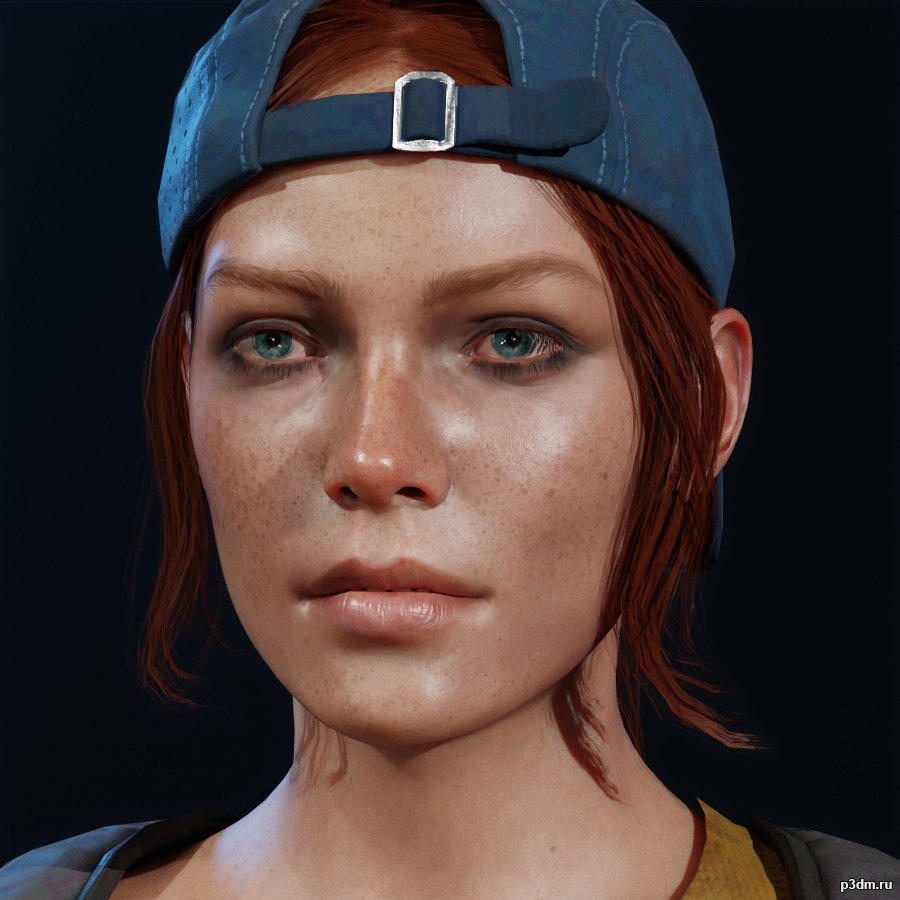
Holly – Back 4 Blood 3D Model
Formats of model/Textures – .fbx/.tgaRendered in Marmoset Toolbag 4Extracted and converting by me Will | BWR.This model and textures are the property ofTurtle Rock Studios and Warner Bros. Interactive EntertainmentDeveloped by Turtle Rock StudiosAll Rights Reserved.
-

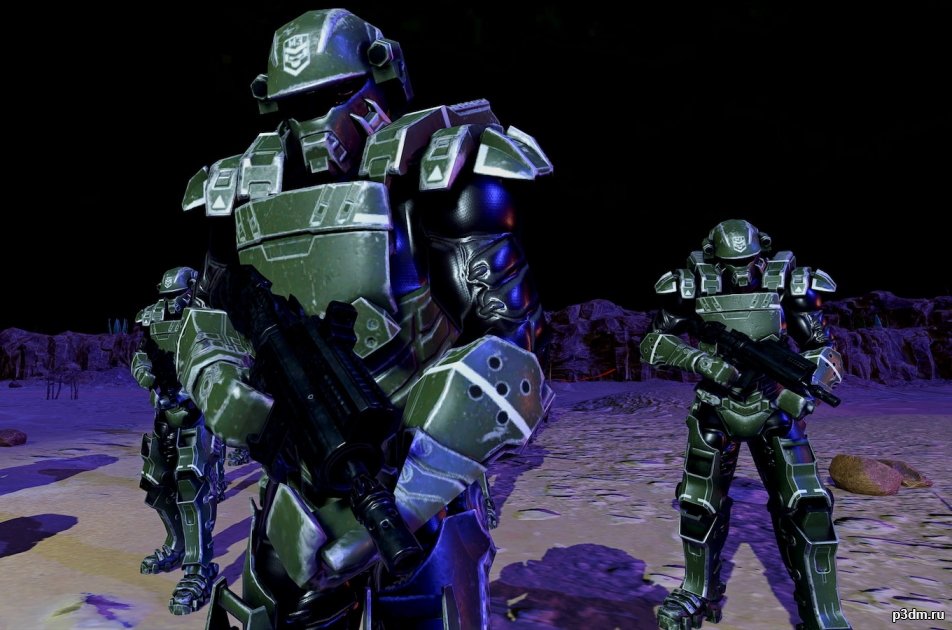
Imperial Guard Engineer officer VC 3D Model
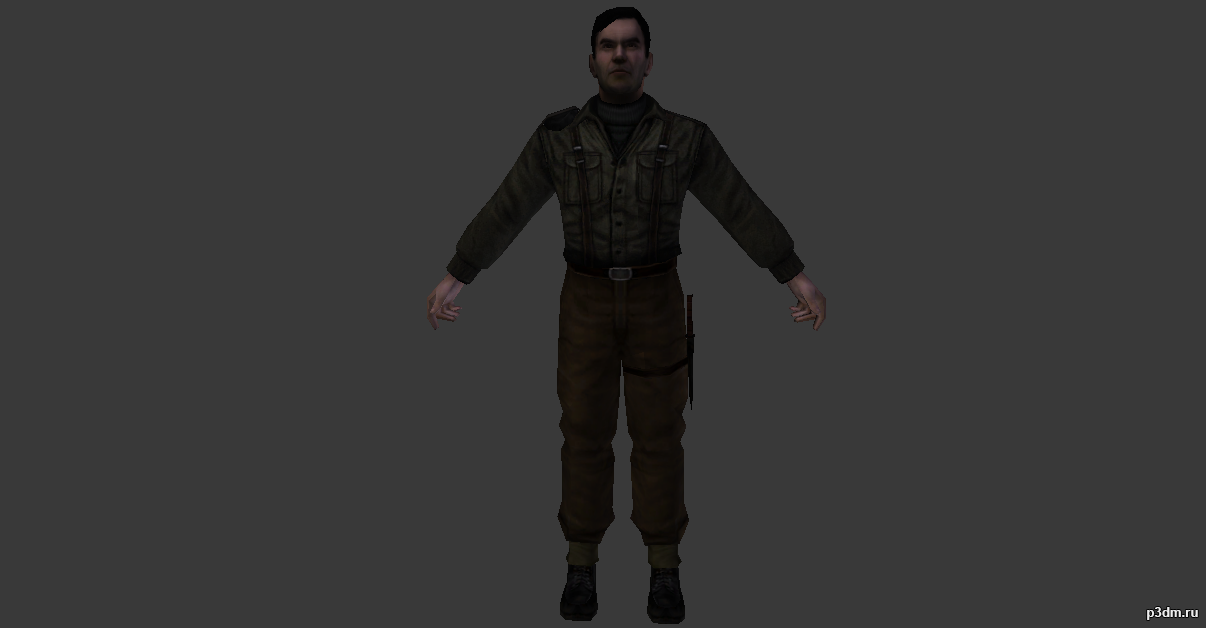
Модель имперского инженера офицера из игры “Valkyria Chronicles”
-
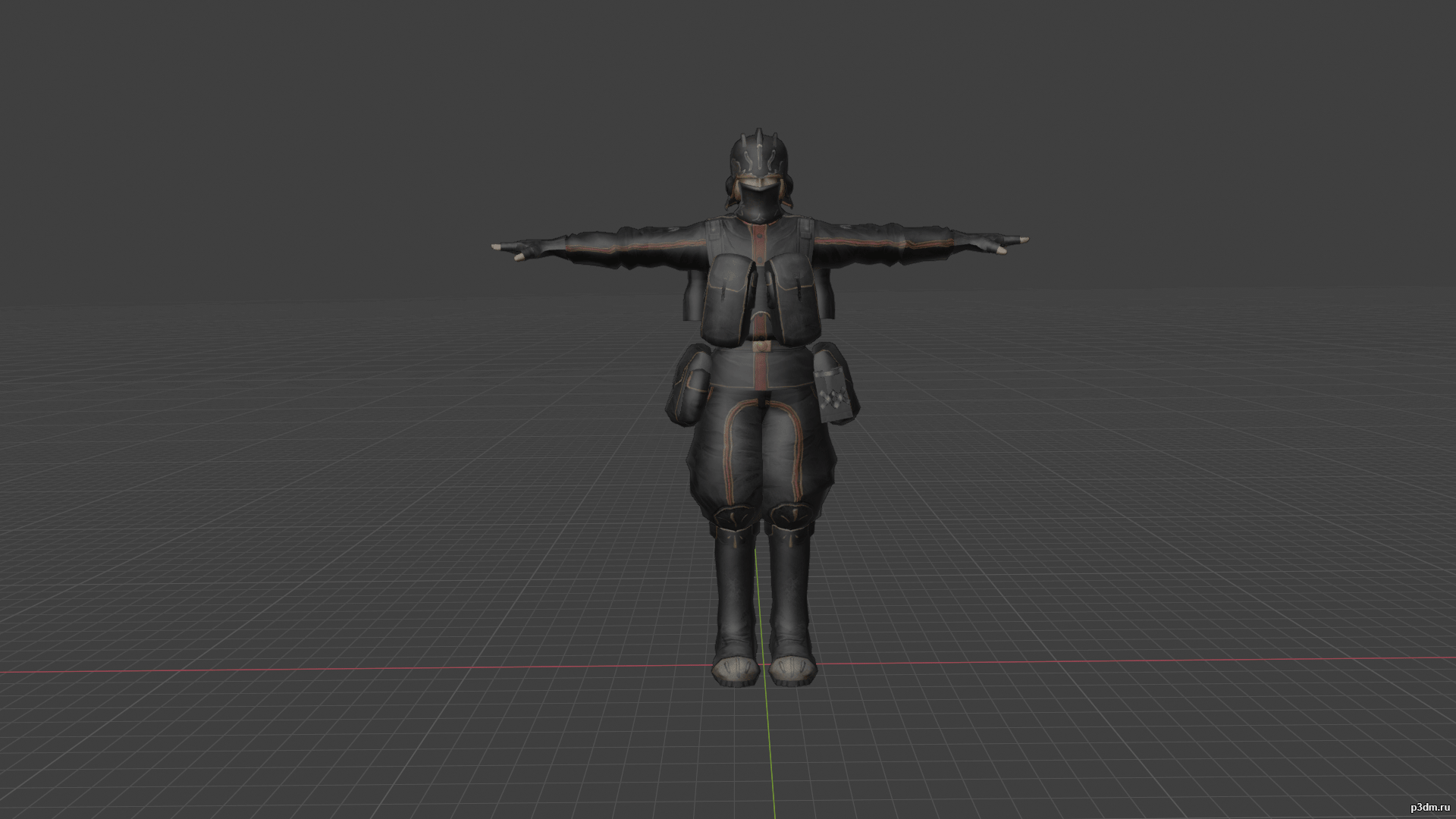
Imperial Guard Engineer ace VC 3D Model
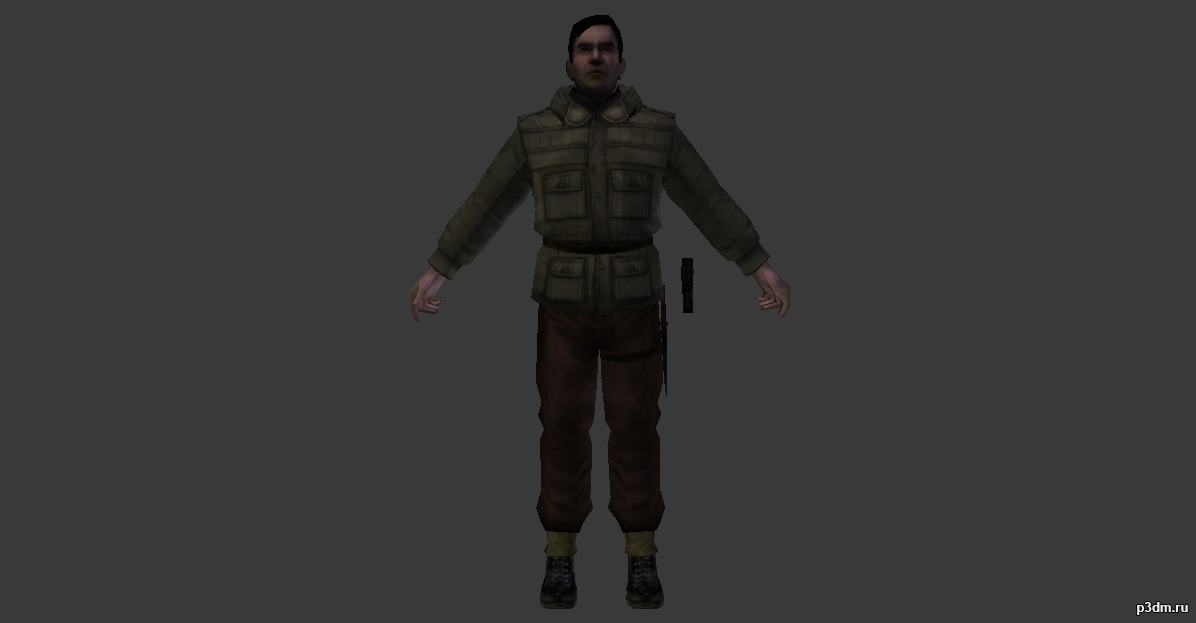
Модель имперского инженера аса из игры “Valkyria Chronicles”


![Rouen House 1 [France] 3D Model](https://3dhunt.co/static/2022/08/rouen-house-1-france-3d-model_62f62d94a1374.jpeg)
![Bourges House 1 [France] 3D Model](https://3dhunt.co/static/2022/08/bourges-house-1-france-3d-model_62f62d6caca0c.jpeg)
![Bourges Shop 1 [France] 3D Model](https://3dhunt.co/static/2022/08/bourges-shop-1-france-3d-model_62f62d46a88f0.jpeg)