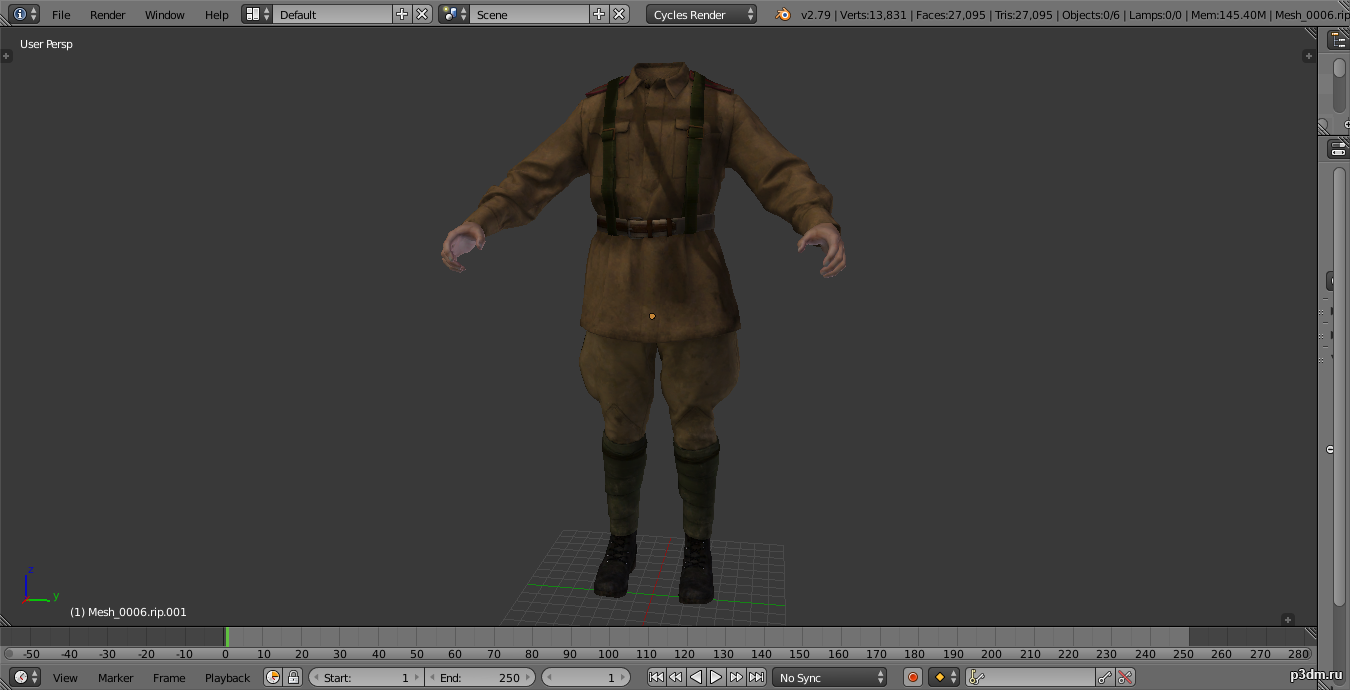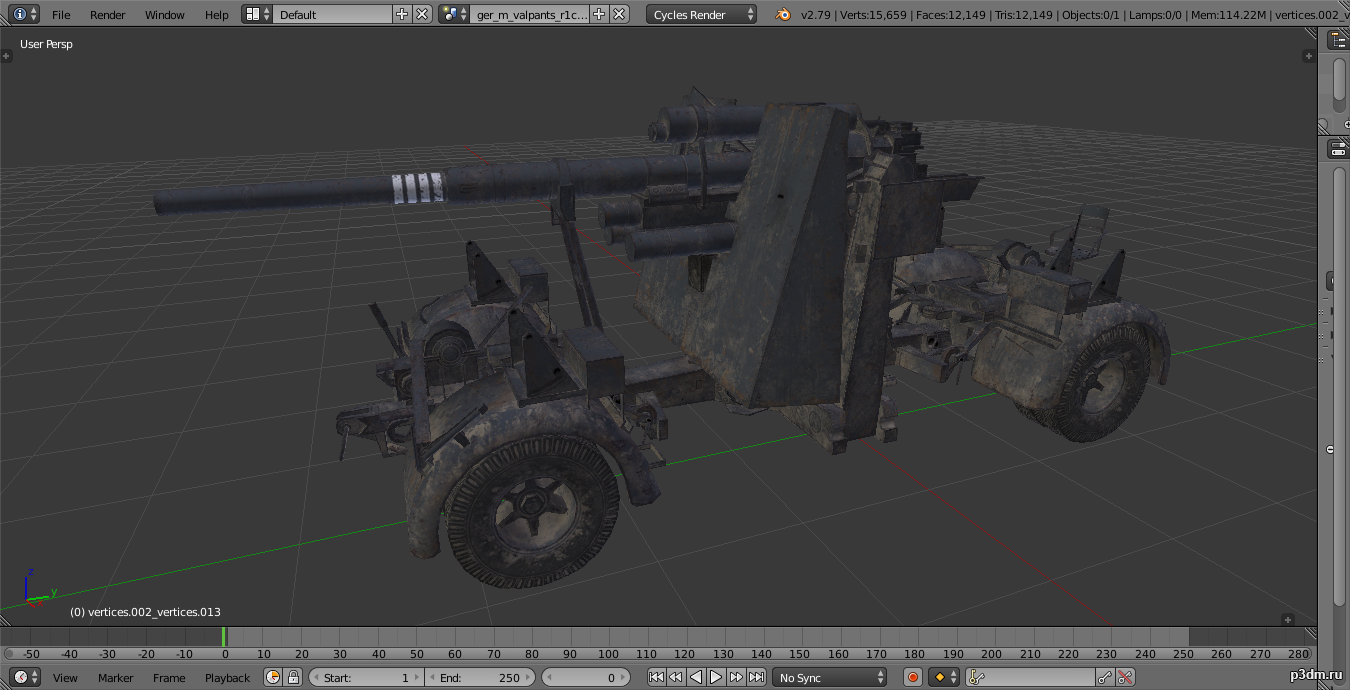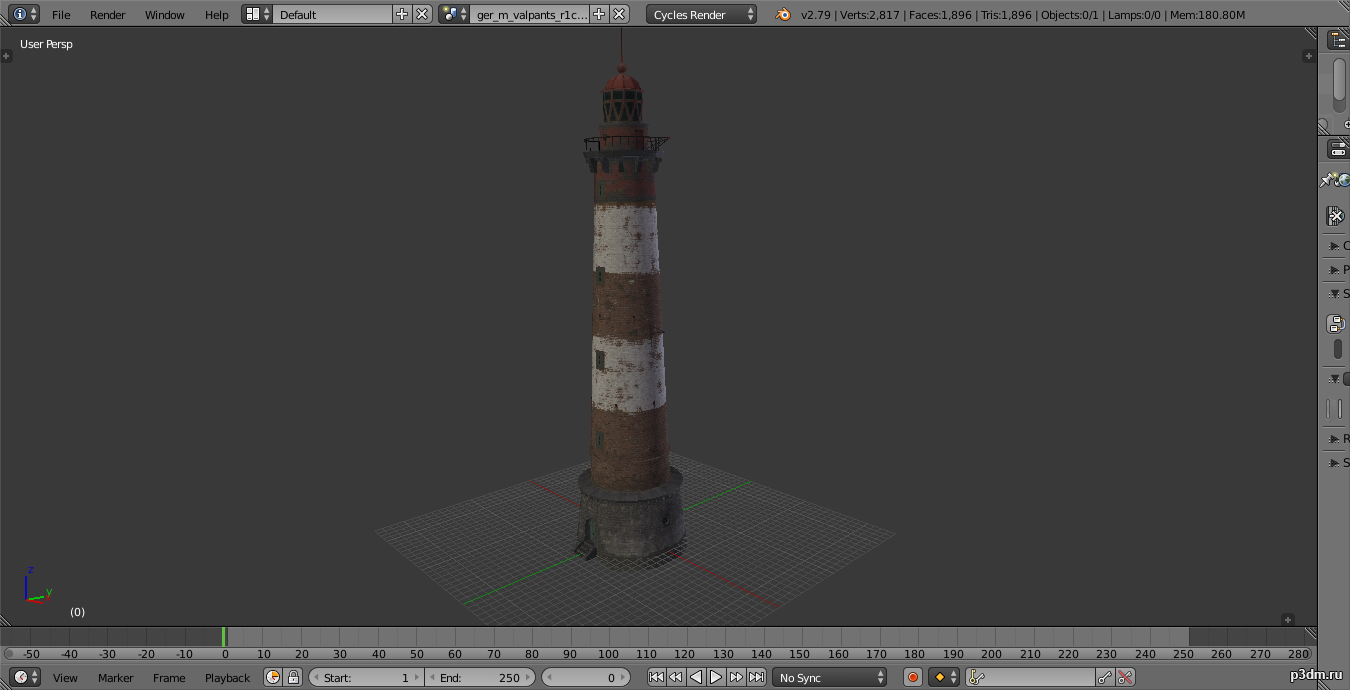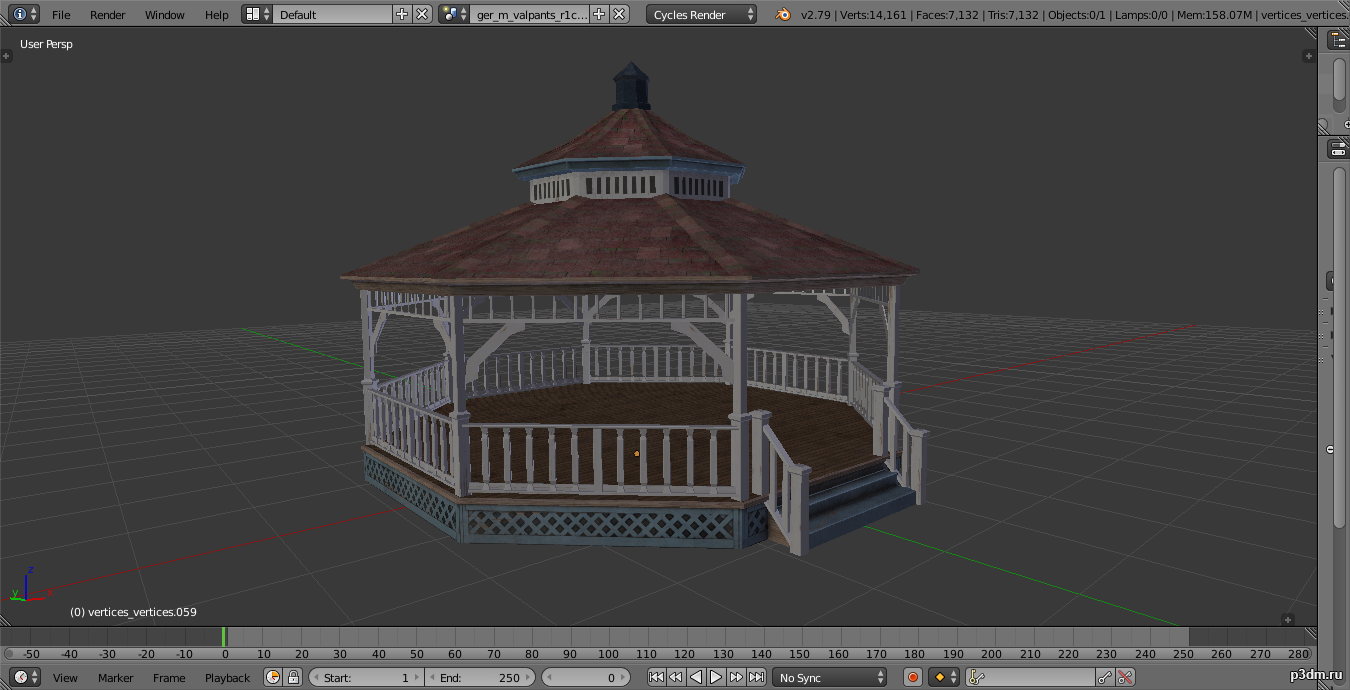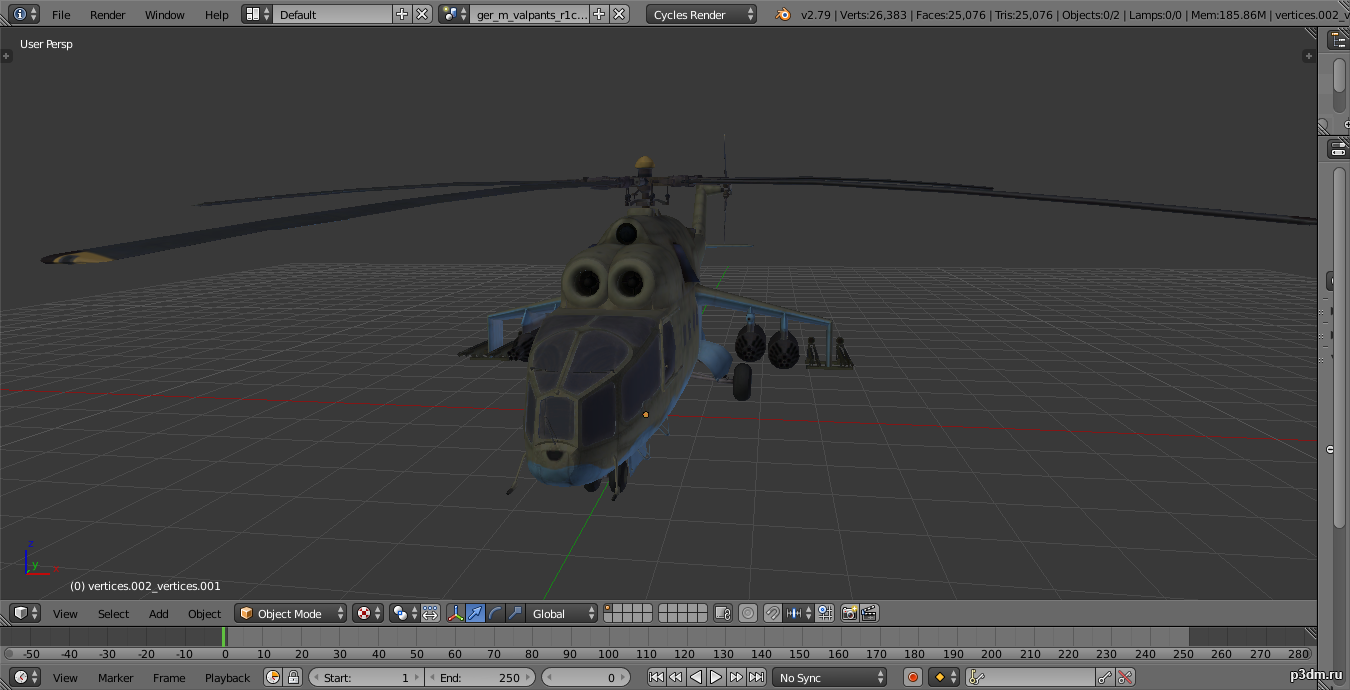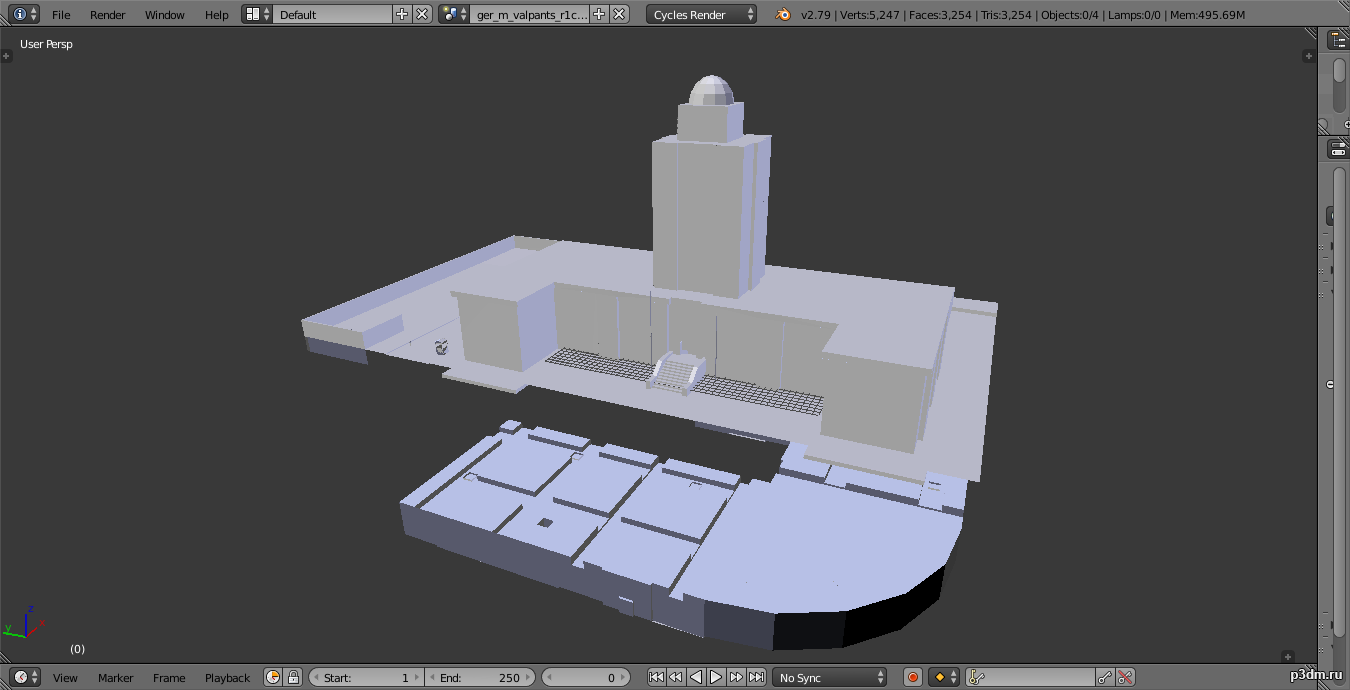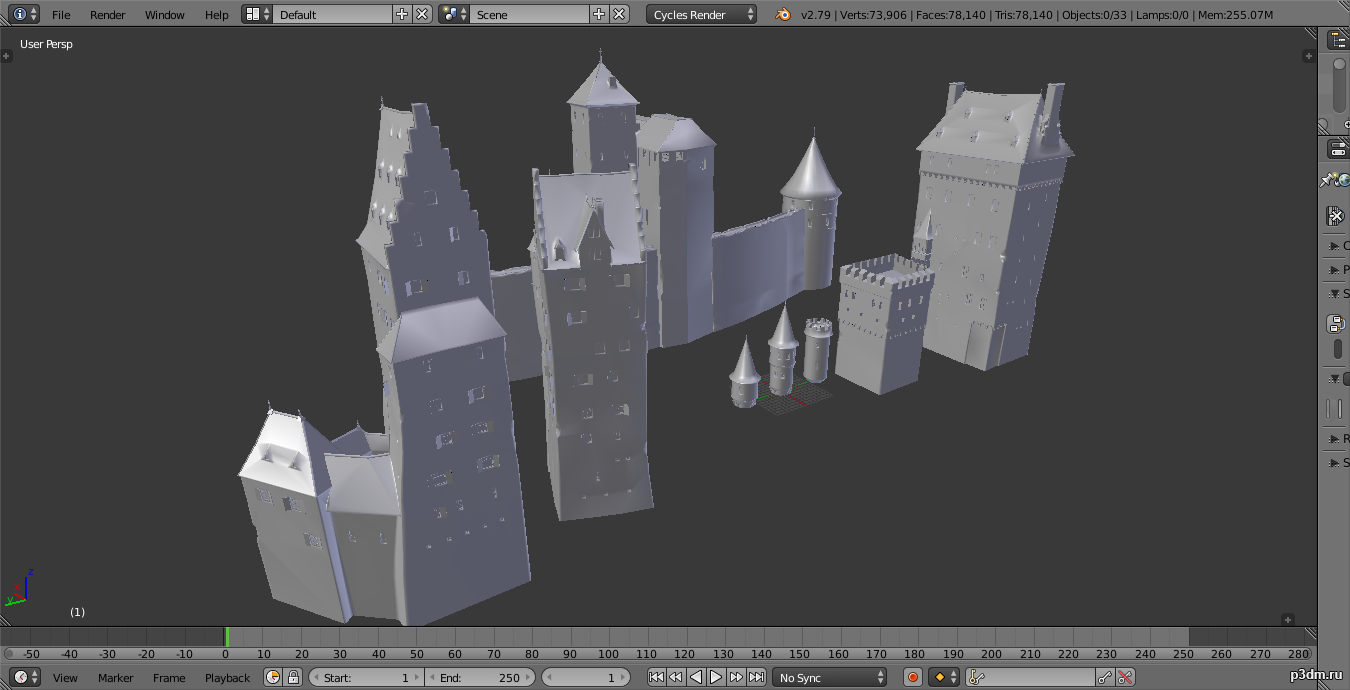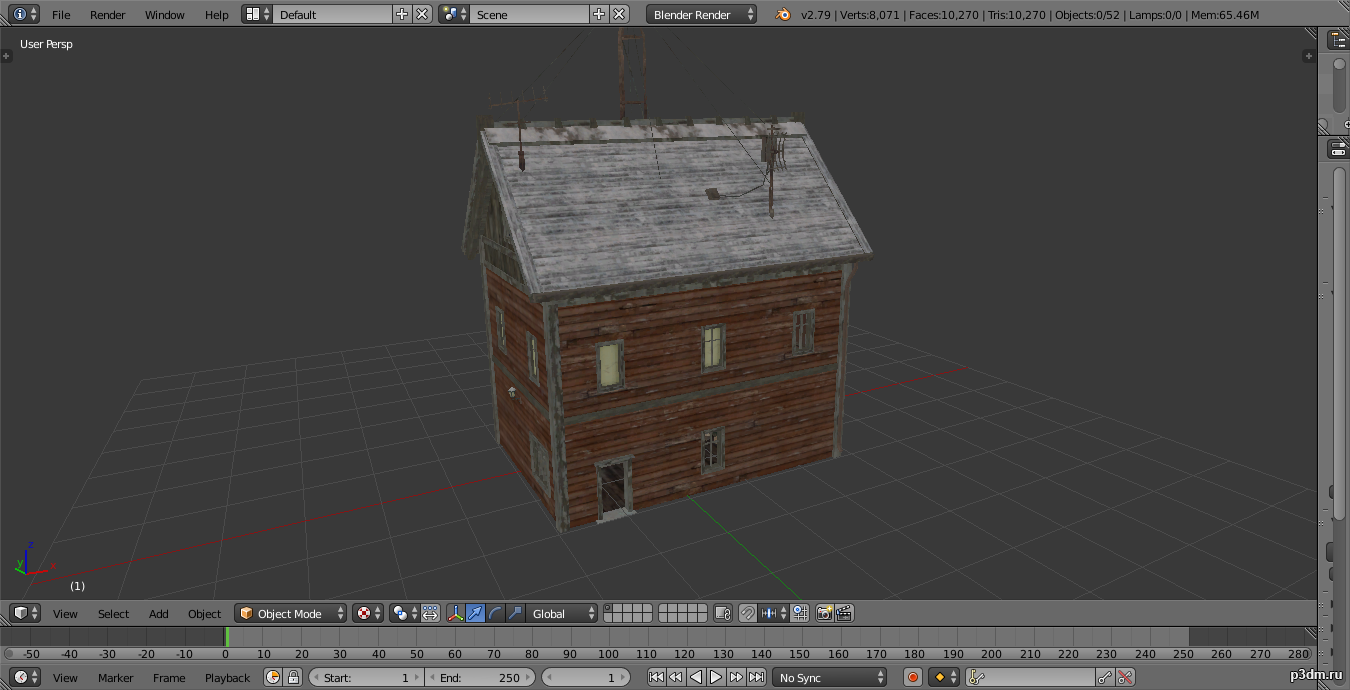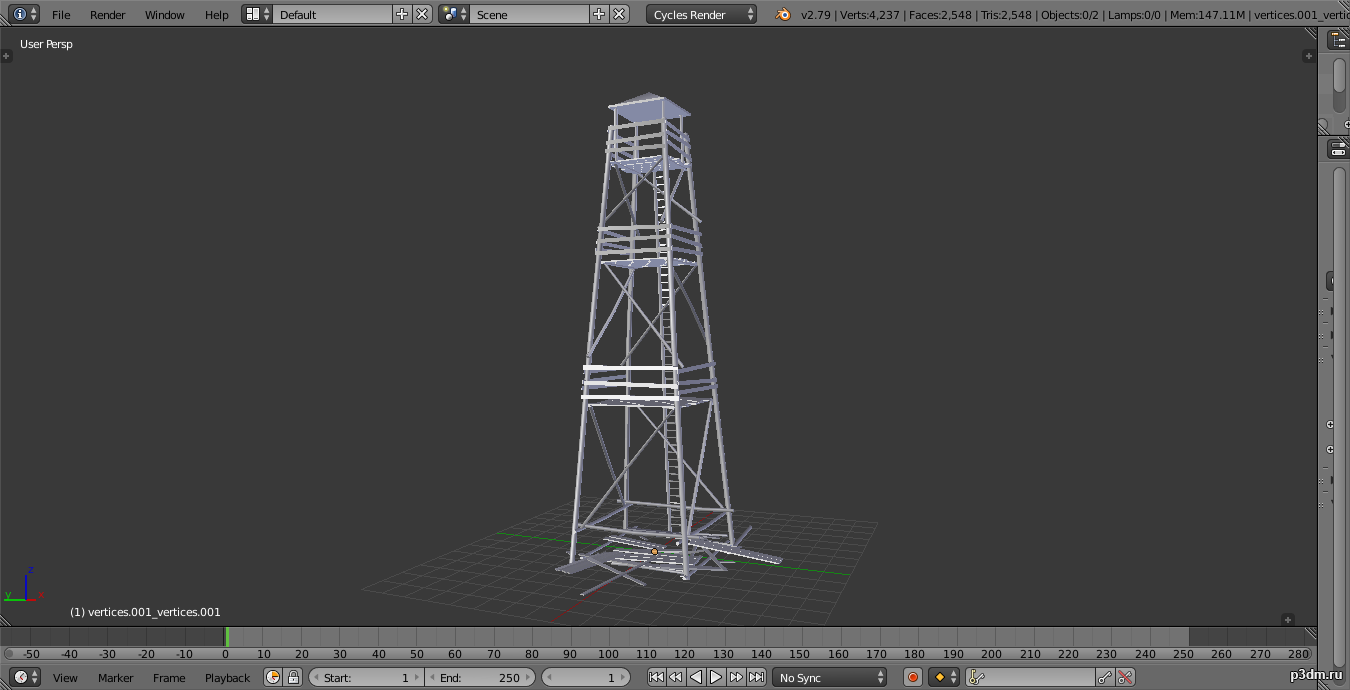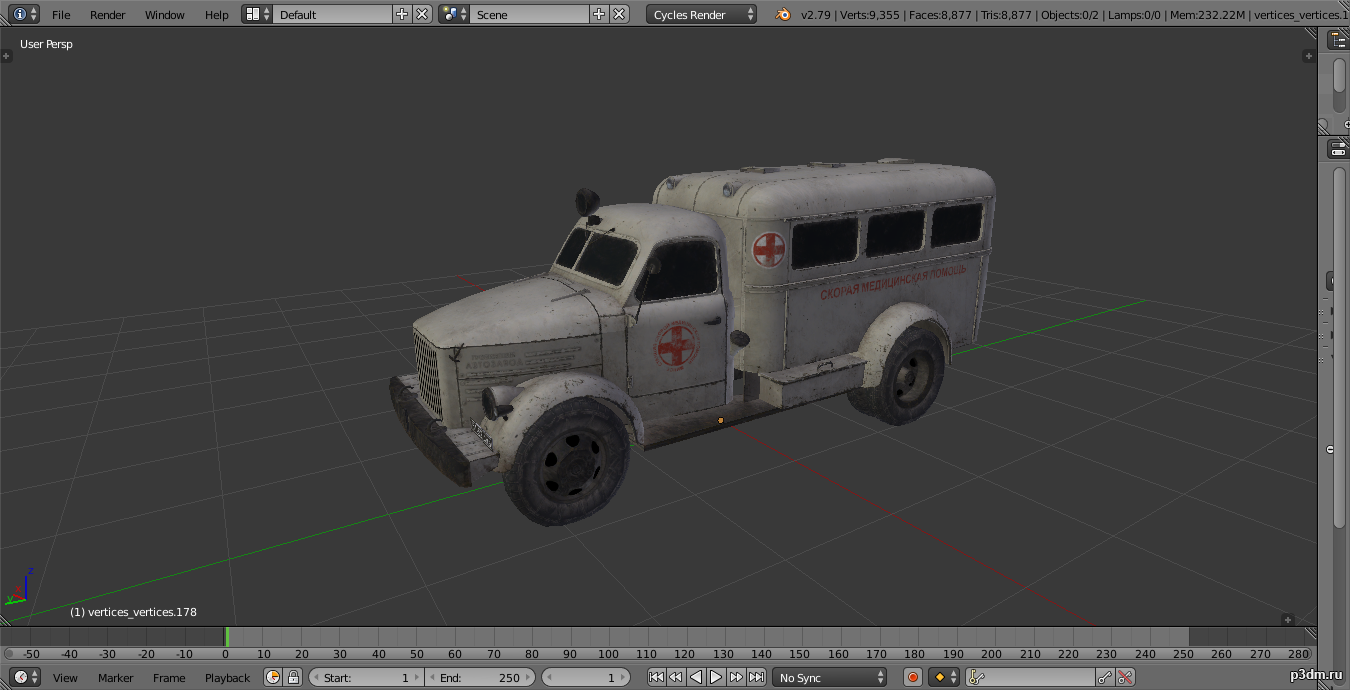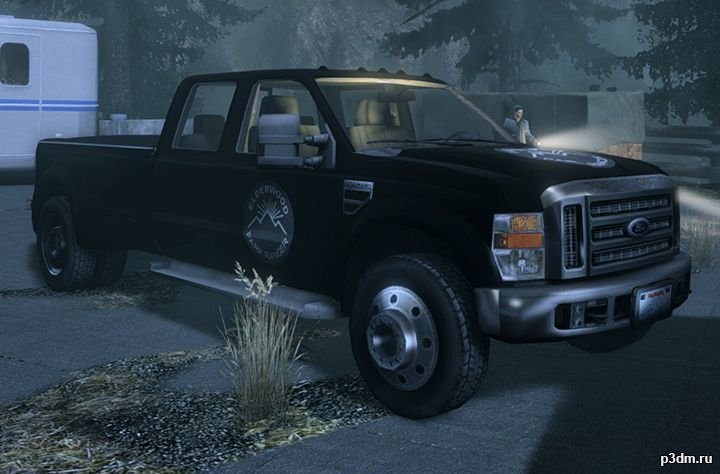
Привет, это грузовик из видеоигры 2010 года Alan Wake, я сломал его, чтобы импортировать в видеоигру Roblox, но, поскольку у меня есть модель и текстуры, я решил загрузить его сюда, если сообщество примет модель, Я загружу больше этой игры
Category: 3D Models
Premium & Free 3D models ready to be used in your 3D projects such as films, visualizations, games, VR etc. 3D Models and 3D Print Models are available for download in several formats including .MAX, .FBX, .C4D, .3DS, .STL, .OBJ, .BLEND, .DWG, .DXF, .LWO and much more. If you’re in search of high-quality 3D assets, we have a huge library of 3d models for any of your needs. Also you can visit All 3D Models category.
-

Horse pack 3D Model
full rip:animationstexturesmodelsound30+ armors30+ horsesWagons here ==> CLICKusing animations in Blender:1 – import model2 – import animation3 – with the CTRL key held down Select the object you want to animate, then select the object from which you want to copy the animation, then go to Object > Link/Data Transfer (CTRL+L) > Link Animation Data
-
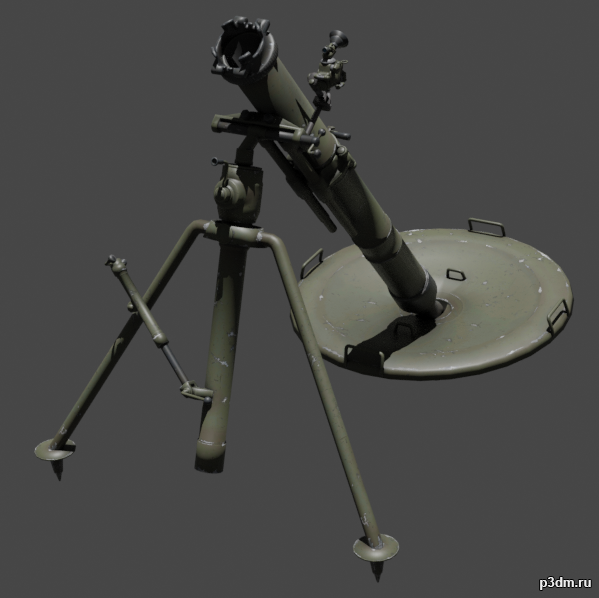
2B11 Sani 3D Model
The 2B11 is a 120 mm mortar developed by the Soviet Union in 1981 and fielded in the Soviet Army.Parts are separable as seen.
-

Dana Roze 3D Model
Модель из игры Сибирь: Память прошлого.В память о Бенуа Сокаль и его прекрасной серии игры Syberia решил порадовать товарищей, которые занимаются моделями, вытащив модель из игры. Хочу выразить огромную благодарность команде Microids, что выпустили такую прекрасную часть.Большая просьба не используйте эту модель в NSFW.
-
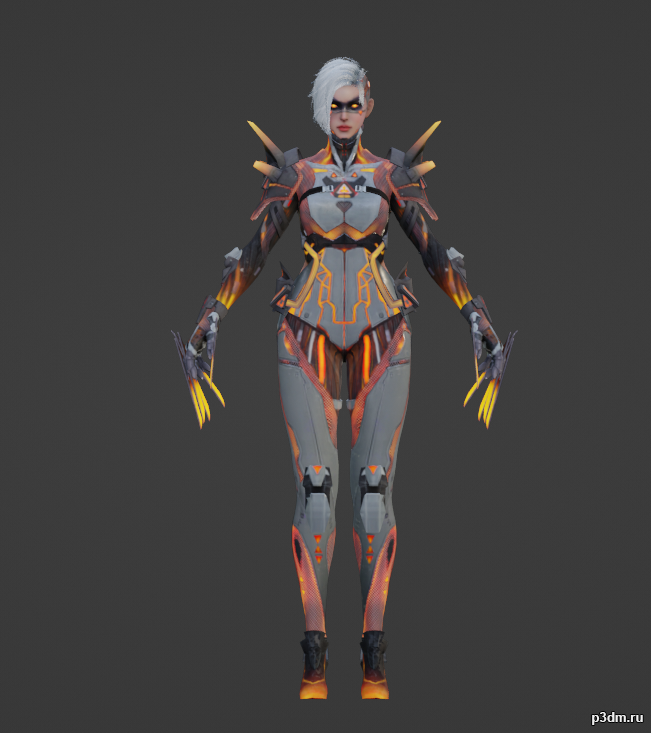
CrossFire HD_Ghoust Nurse_Upgrade(Crazy Baby) 3D Model
From game—— (some models are also used on CrossFireX)I also get its animation(motion list is above).If anyone wants it,get it here( https://mega.nz/file/Bg8HHKKC#9IvKa2-W6Bf8Qhe36BBy4VqGQi-fsZqUswEcZf45UoQ )It’s “psa” File.Blender can import psa by Plugin.You can get the plugin on GitHubCFHD??????????psa??????????qq??1435817987??????????????????????
-
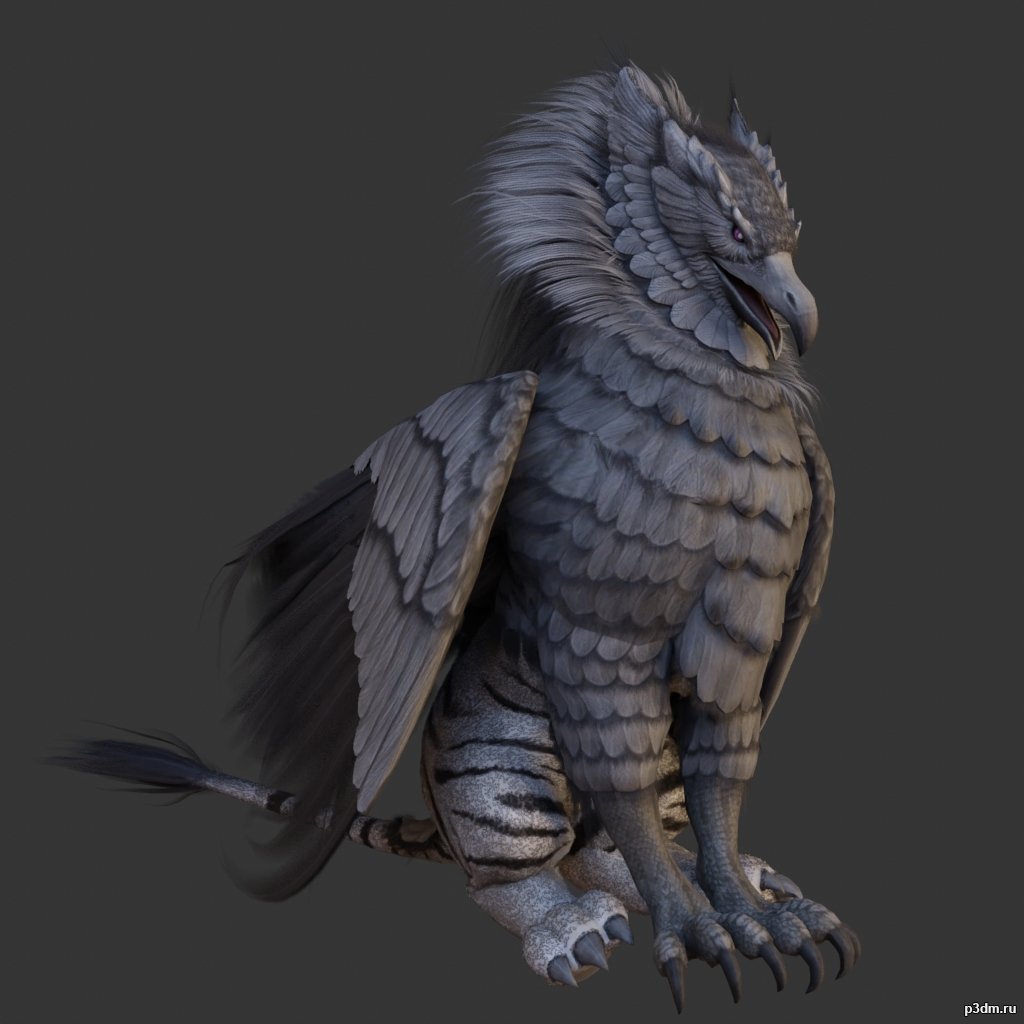
Griffons pack 3D Model
full rip:animationstexturesmodelsoundusing animations in Blender:1 – import model2 – import animation3 – with the CTRL key held down Select the object you want to animate, then select the object from which you want to copy the animation, then go to Object > Link/Data Transfer (CTRL+L) > Link Animation Data
-

Penguins pack 3D Model
full rip:animationstexturesmodelsoundusing animations in Blender:1 – import model2 – import animation3 – with the CTRL key held down Select the object you want to animate, then select the object from which you want to copy the animation, then go to Object > Link/Data Transfer (CTRL+L) > Link Animation Data
-
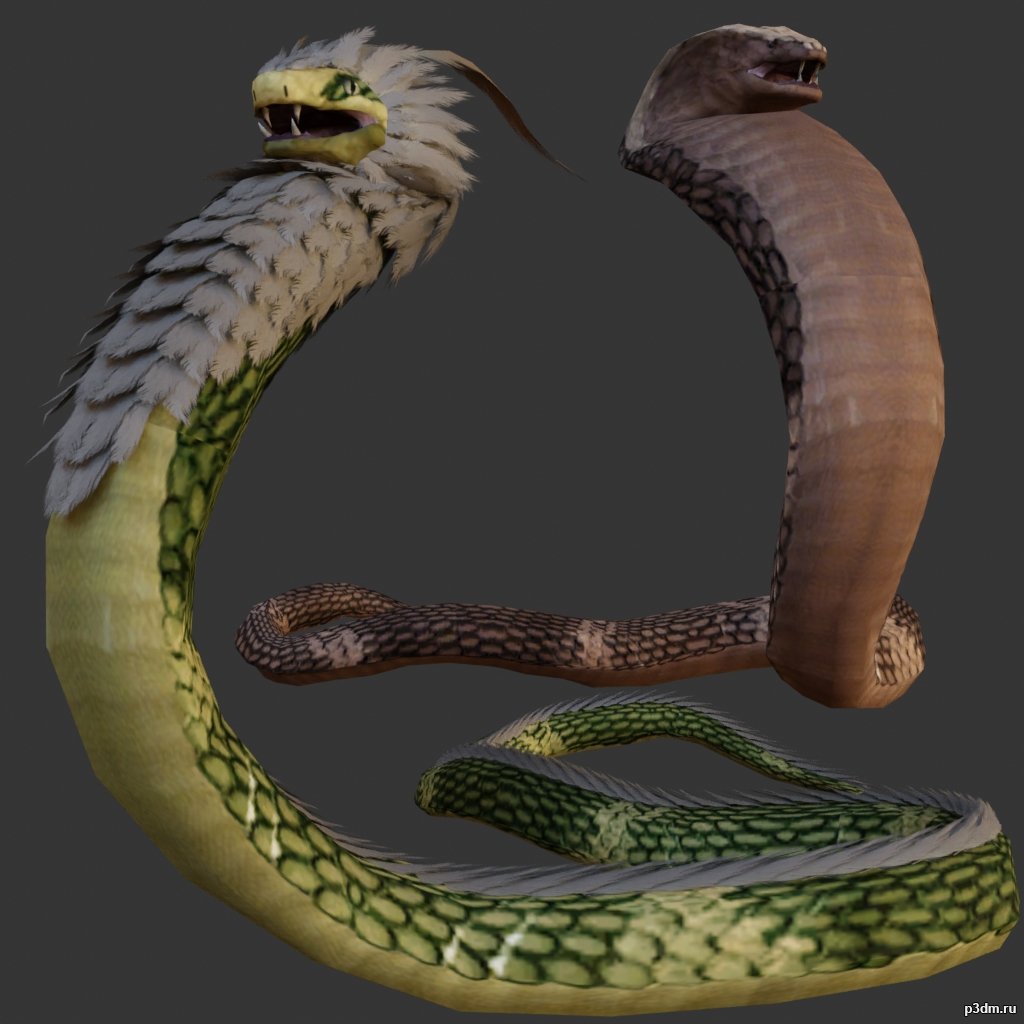
Snake 3D Model
full rip:animationstexturesmodelsoundusing animations in Blender:1 – import model2 – import animation3 – with the CTRL key held down Select the object you want to animate, then select the object from which you want to copy the animation, then go to Object > Link/Data Transfer (CTRL+L) > Link Animation Data
-
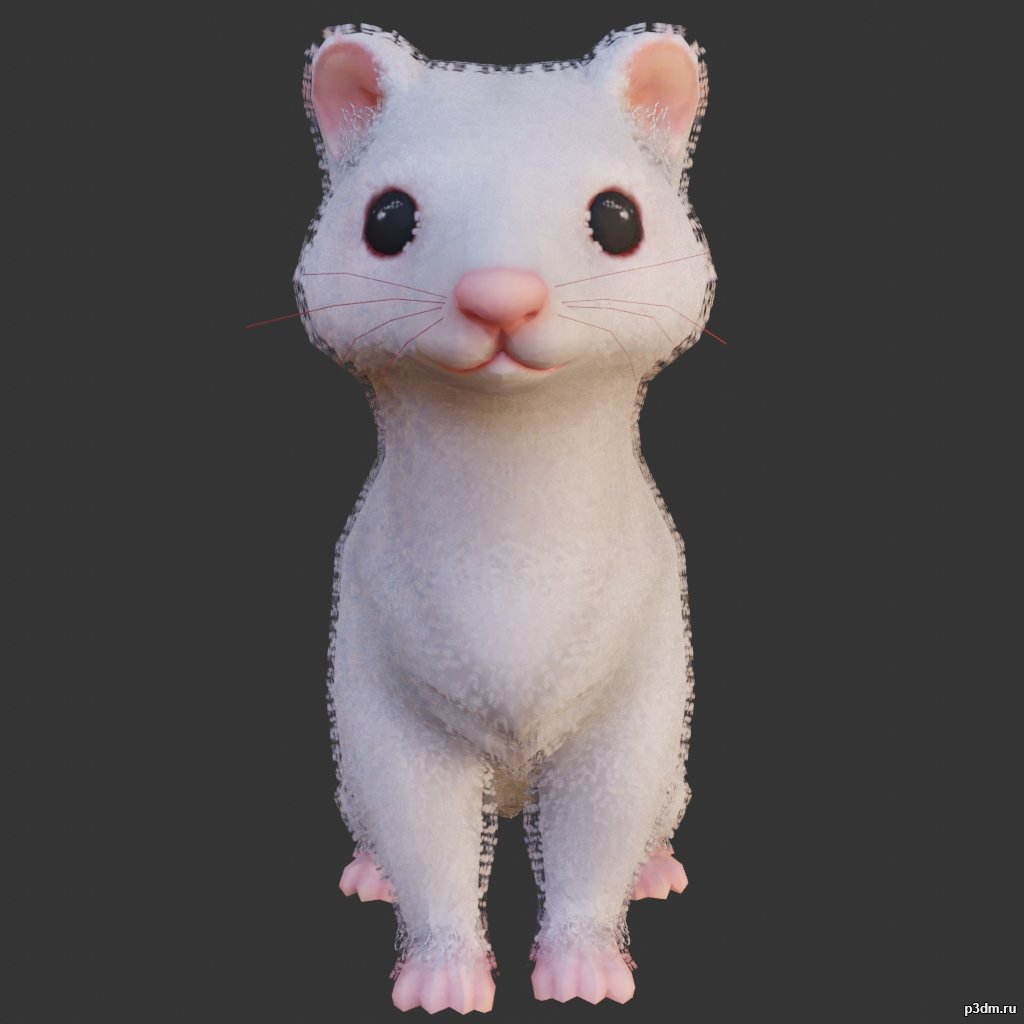
Ferret 3D Model
using animations in Blender:1 – import model2 – import animation3 – with the CTRL key held down Select the object you want to animate, then select the object from which you want to copy the animation, then go to Object > Link/Data Transfer (CTRL+L) > Link Animation Data
-

Elephants pack 3D Model
full rip:animationstexturesmodelsoundusing animations in Blender:1 – import model2 – import animation3 – with the CTRL key held down Select the object you want to animate, then select the object from which you want to copy the animation, then go to Object > Link/Data Transfer (CTRL+L) > Link Animation Data
-

Owls pack 3D Model
full rip:animationstexturesmodelsoundusing animations in Blender:1 – import model2 – import animation3 – with the CTRL key held down Select the object you want to animate, then select the object from which you want to copy the animation, then go to Object > Link/Data Transfer (CTRL+L) > Link Animation Data
-
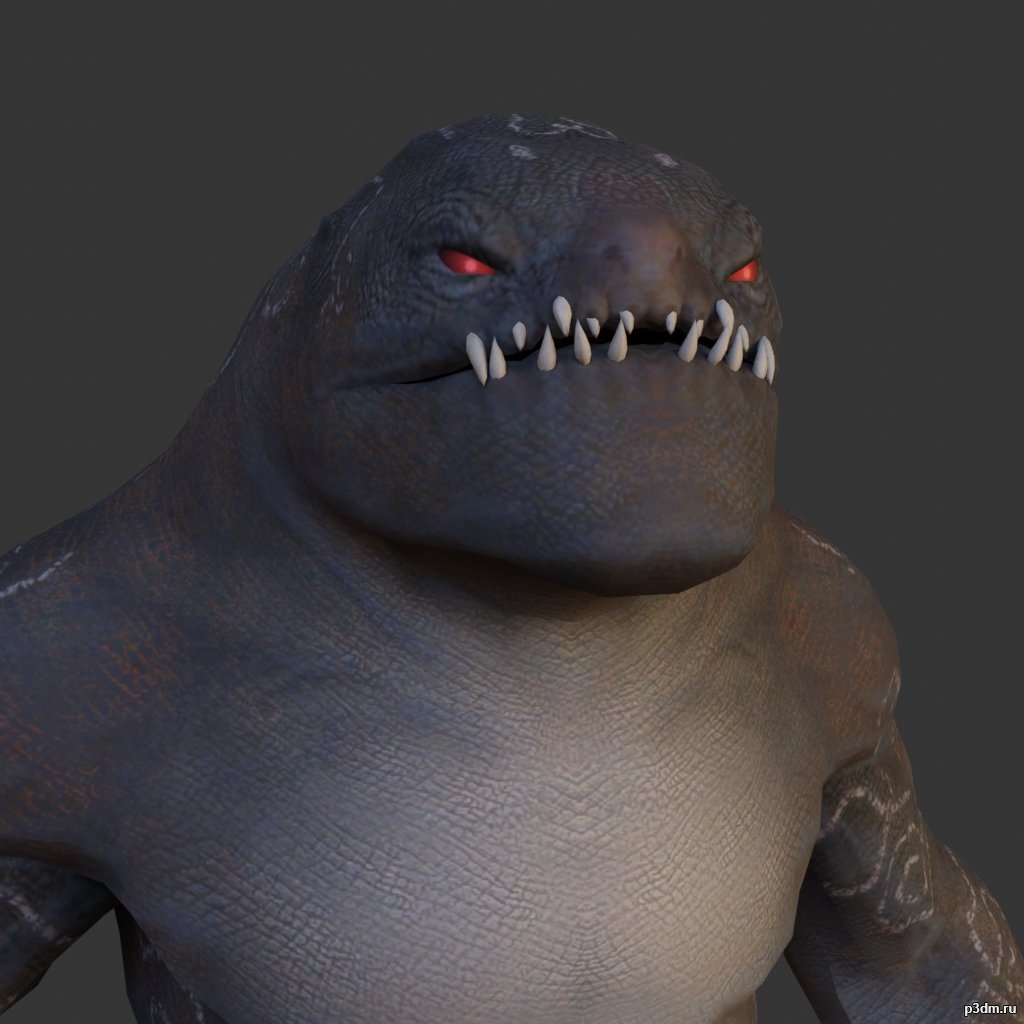
Desert Monster 3D Model
using animations in Blender:1 – import model2 – import animation3 – with the CTRL key held down Select the object you want to animate, then select the object from which you want to copy the animation, then go to Object > Link/Data Transfer (CTRL+L) > Link Animation Data
-
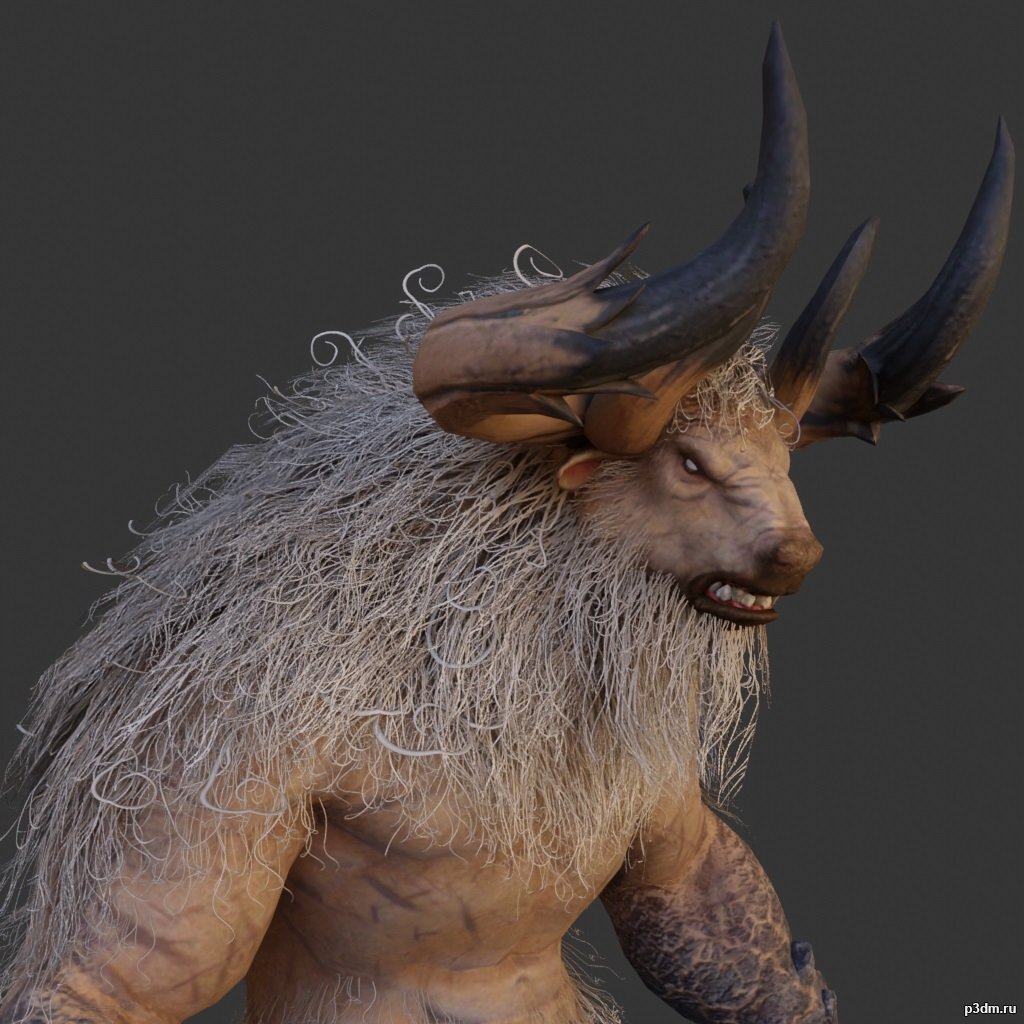
Minotaur 3D Model
full rip:animationstexturesmodelsoundusing animations in Blender:1 – import model2 – import animation3 – with the CTRL key held down Select the object you want to animate, then select the object from which you want to copy the animation, then go to Object > Link/Data Transfer (CTRL+L) > Link Animation Data
-
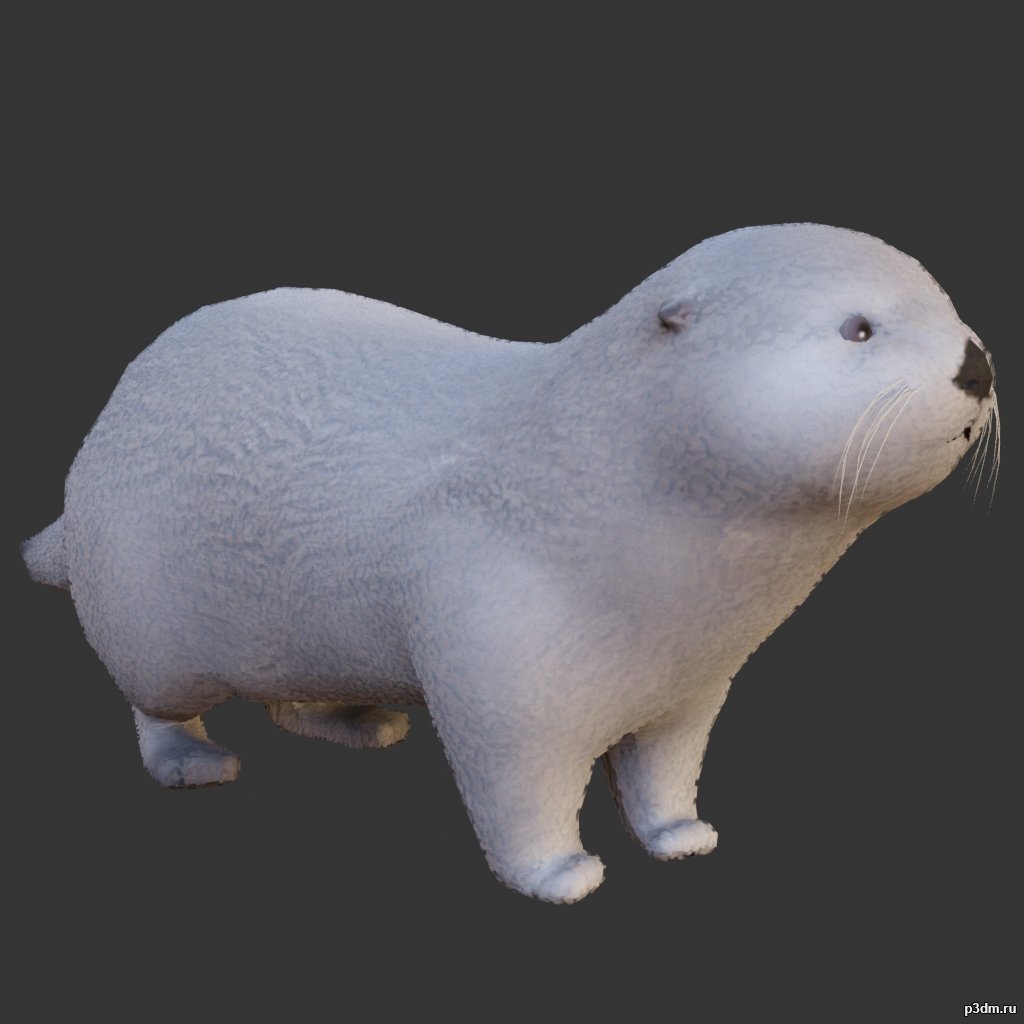
Otter 3D Model
full rip:animationstexturesmodelsoundusing animations in Blender:1 – import model2 – import animation3 – with the CTRL key held down Select the object you want to animate, then select the object from which you want to copy the animation, then go to Object > Link/Data Transfer (CTRL+L) > Link Animation Data
-
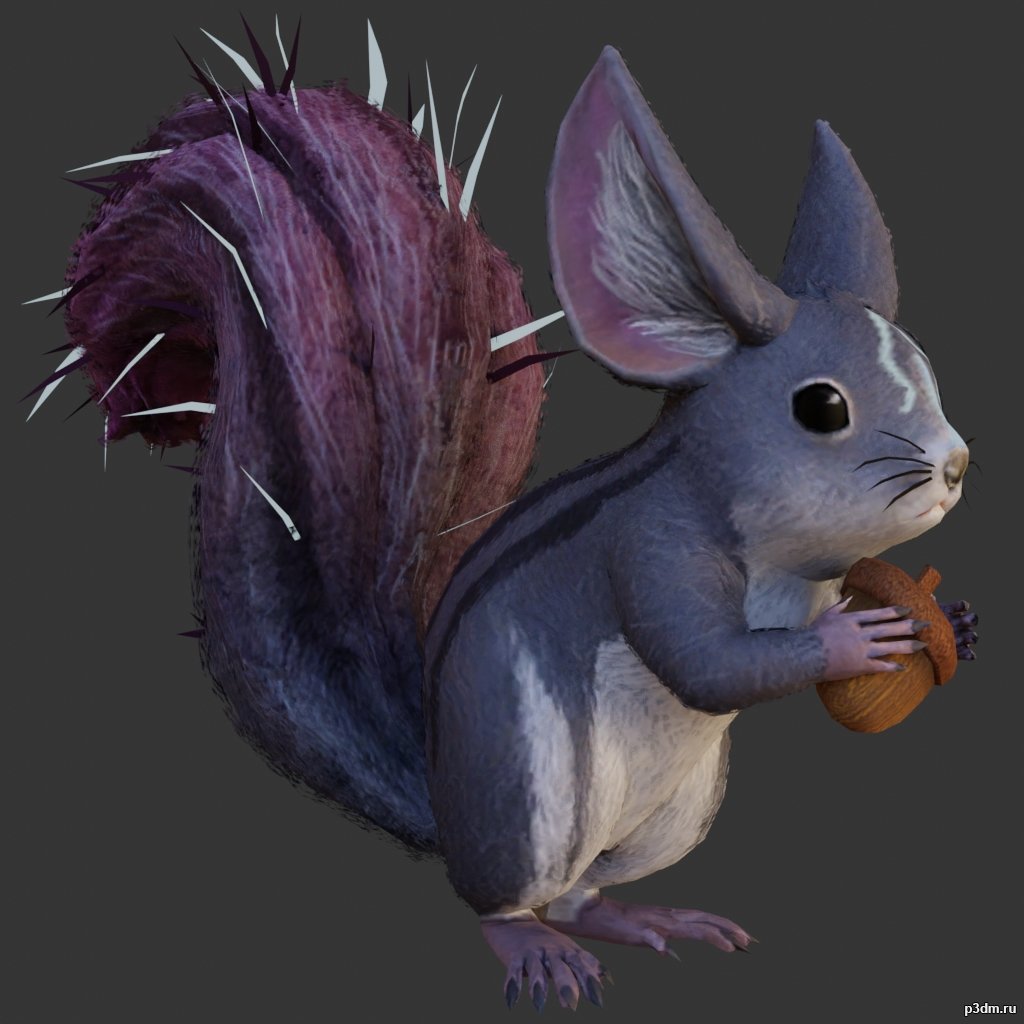
Squirrel 3D Model
full rip:animationstexturesmodelsoundusing animations in Blender:1 – import model2 – import animation3 – with the CTRL key held down Select the object you want to animate, then select the object from which you want to copy the animation, then go to Object > Link/Data Transfer (CTRL+L) > Link Animation Data
-

AC-130U 3D Model
Модель также из мода для GTA VИмеет полностью проработанный интерьерПоказать увы не могу,т.к скриншоты оказались слишком тяжелыми
-
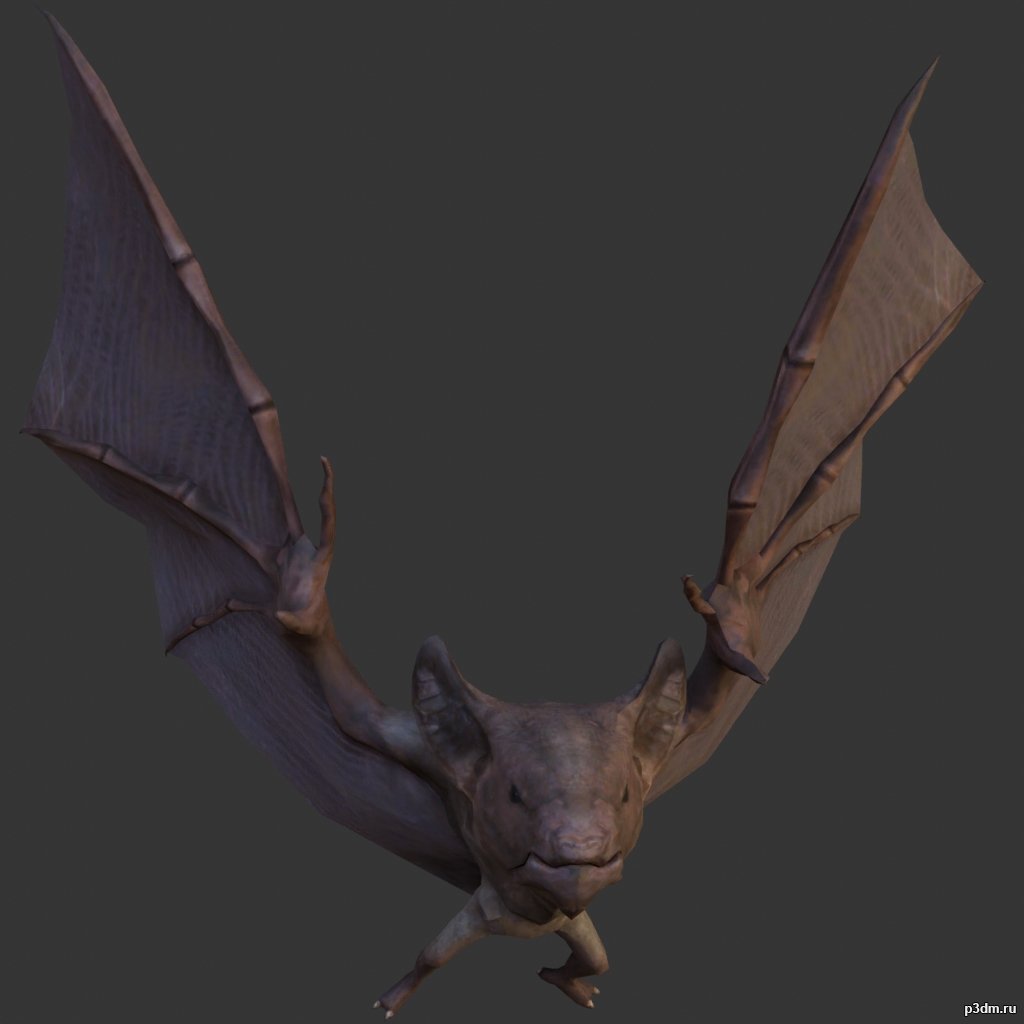
Bat 3D Model
full rip:animationstexturesmodelsoundusing animations in Blender:1 – import model2 – import animation3 – with the CTRL key held down Select the object you want to animate, then select the object from which you want to copy the animation, then go to Object > Link/Data Transfer (CTRL+L) > Link Animation Data
-

Boat pack 3D Model
full rip:animationstexturesmodelsoundusing animations in Blender:1 – import model2 – import animation3 – with the CTRL key held down Select the object you want to animate, then select the object from which you want to copy the animation, then go to Object > Link/Data Transfer (CTRL+L) > Link Animation Data
-
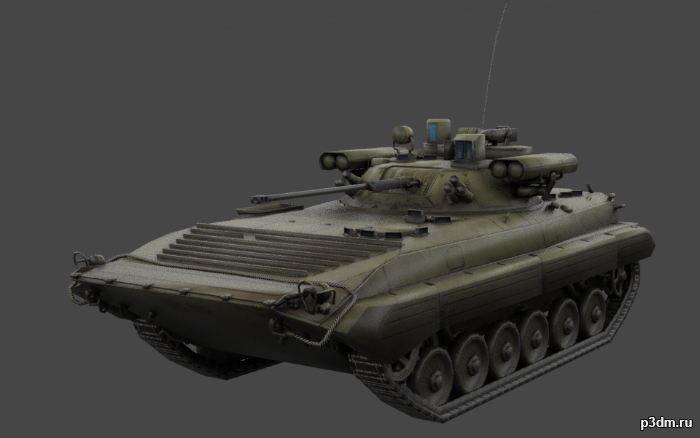
BMP-2 (Boyevaya Mashina Pekhoty) 3D Model
The BMP-2 is an amphibious infantry fighting vehicle introduced in the 1980s in the Soviet Union, following on from the BMP-1 of the 1960s.Includes desert, winter, and woodland camos.It also includes an interior, albeit a low-effort one.Parts are separable as seen.
-
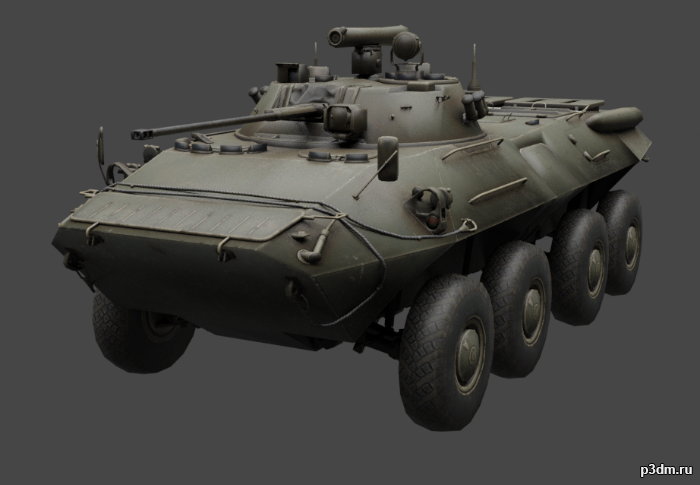
BTR-90 (GAZ-5923) 3D Model
BTR-90 is a wheeled armored personnel carrier developed in Russia, designed in 1993 and first shown publicly in 1994. It is a larger version of the BTR-80 vehicle, fitted with a BMP-2 turret. Armour protection is improved compared with the BTR-80.Includes winter, woodland, and desert camos.Parts are separable as seen.Contains an interior, albeit low effort.Destroyed version included.
-
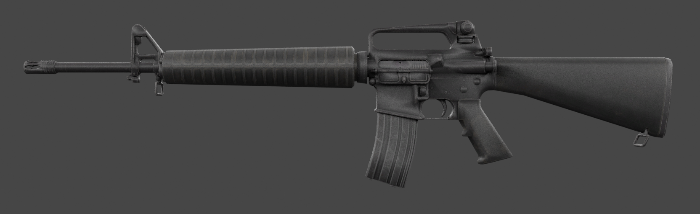
M16A2 3D Model
The development of the M16A2 rifle was originally requested by the United States Marine Corps in 1979 as a result of combat experience in Vietnam with the M16A1. It was officially adopted by the Department of Defense in 1983. Parts are separable as seen.
-
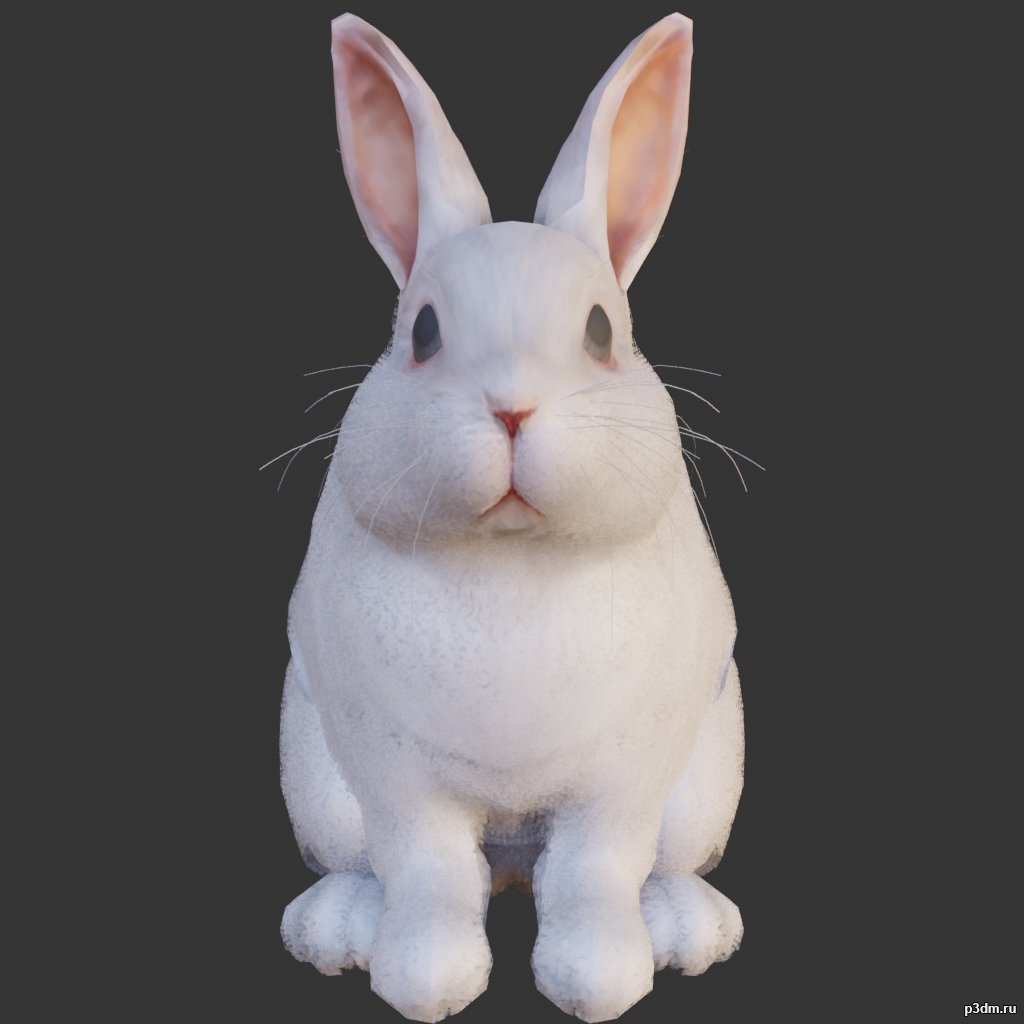
Rabbit 3D Model
using animations in Blender:1 – import model2 – import animation3 – with the CTRL key held down Select the object you want to animate, then select the object from which you want to copy the animation, then go to Object > Link/Data Transfer (CTRL+L) > Link Animation Data
-
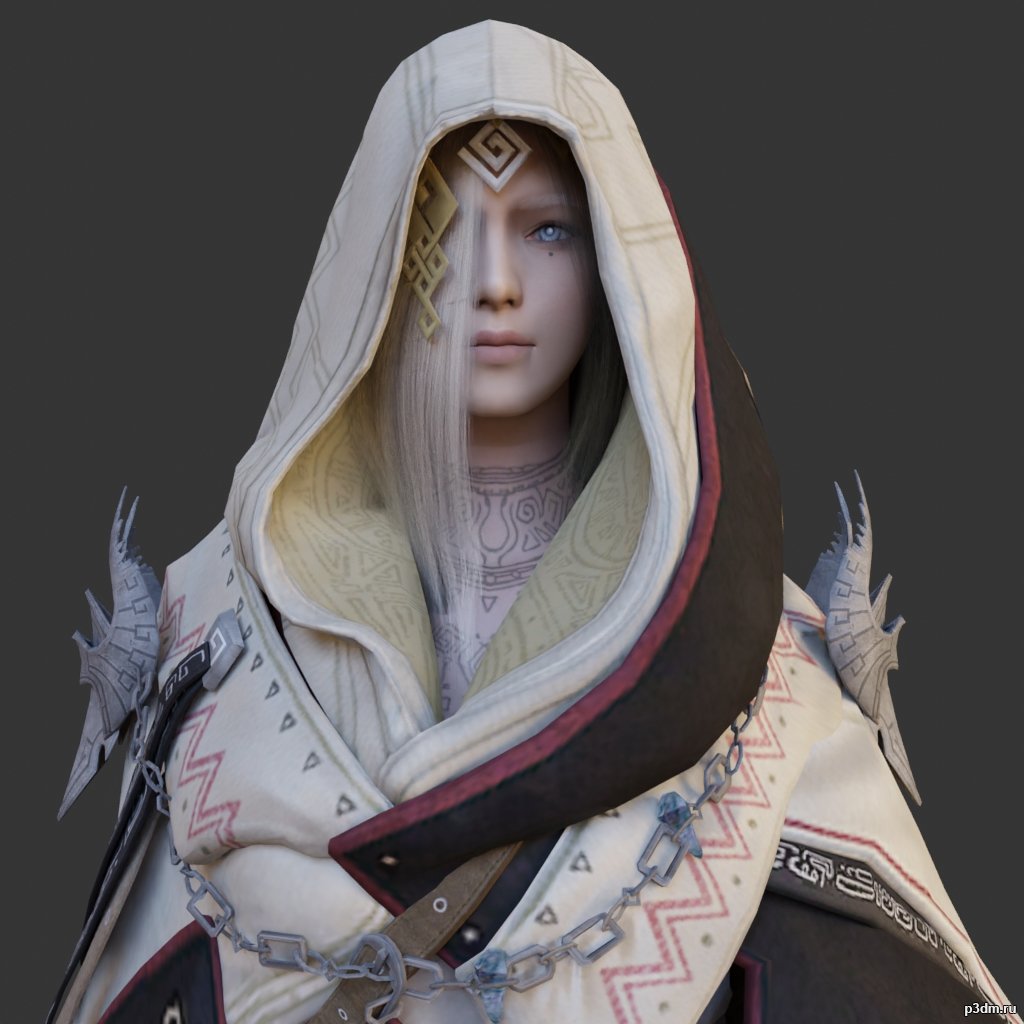
Illezra 3D Model
using animations in Blender:1 – import model2 – import animation3 – with the CTRL key held down Select the object you want to animate, then select the object from which you want to copy the animation, then go to Object > Link/Data Transfer (CTRL+L) > Link Animation Data
-
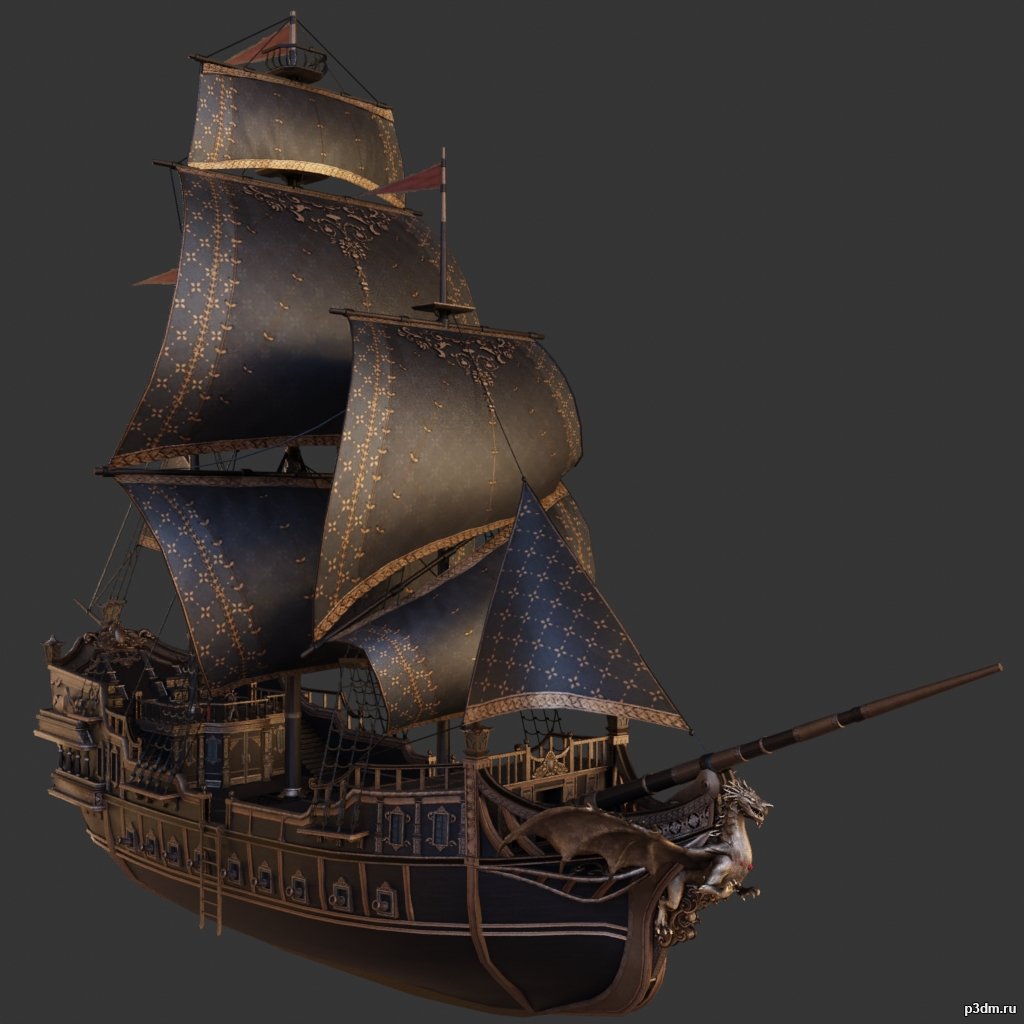
Ship pack 3D Model
some with an interiorusing animations in Blender:1 – import model2 – import animation3 – with the CTRL key held down Select the object you want to animate, then select the object from which you want to copy the animation, then go to Object > Link/Data Transfer > Link Animation Data
-

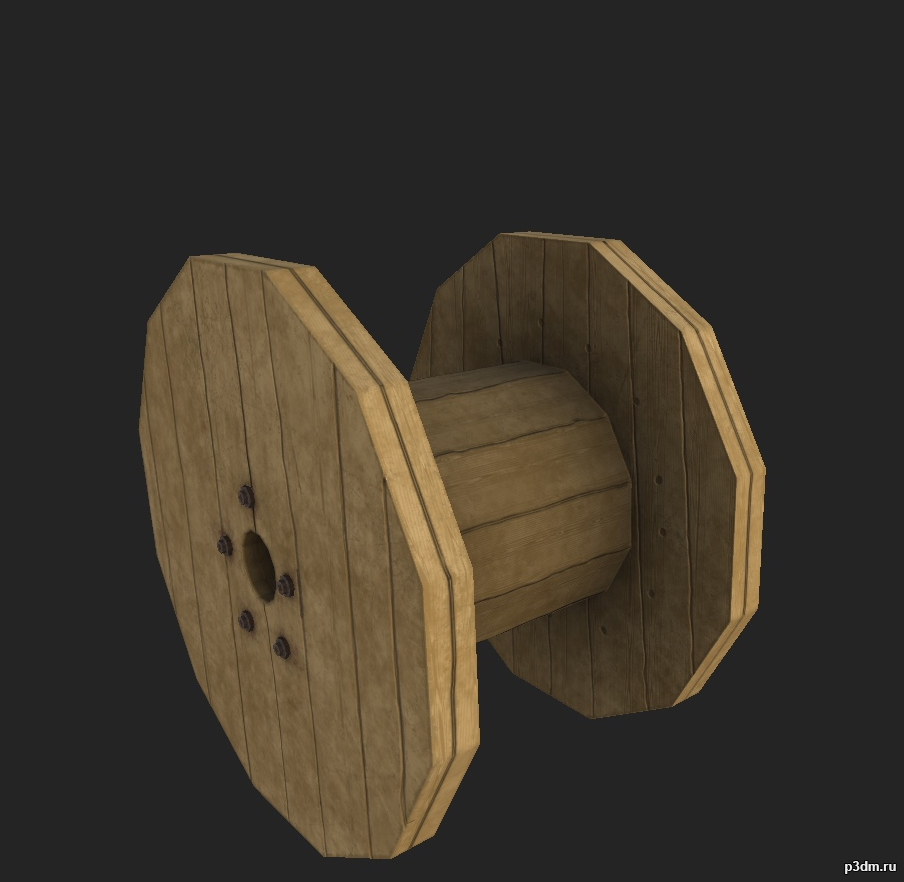
Кабельный барабан 3D Model
Небольшой барабан для кабелей используемый службами по проведения и восстановлению электричества.
-
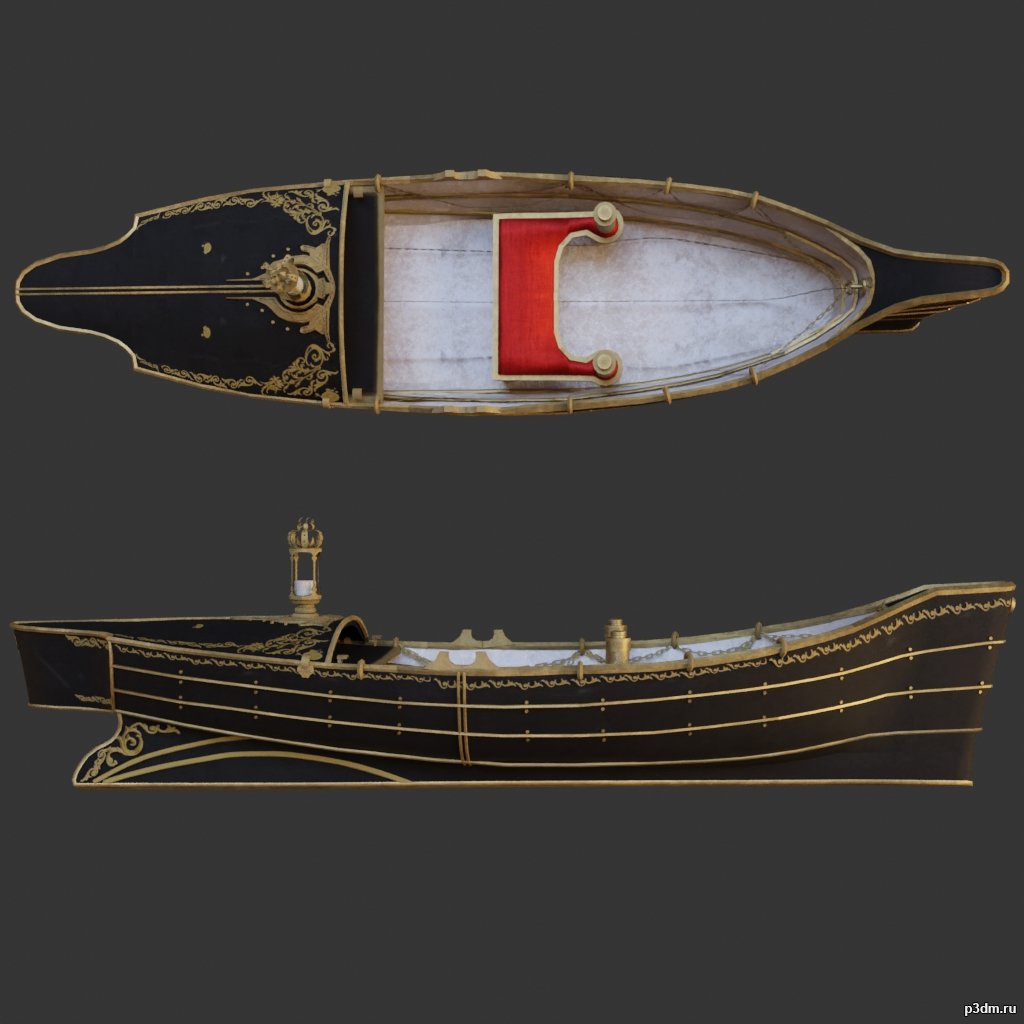
Boat 3D Model
using animations in Blender:1 – import model2 – import animation3 – with the CTRL key held down Select the object you want to animate, then select the object from which you want to copy the animation, then go to Object > Link/Data Transfer > Link Animation Data
-
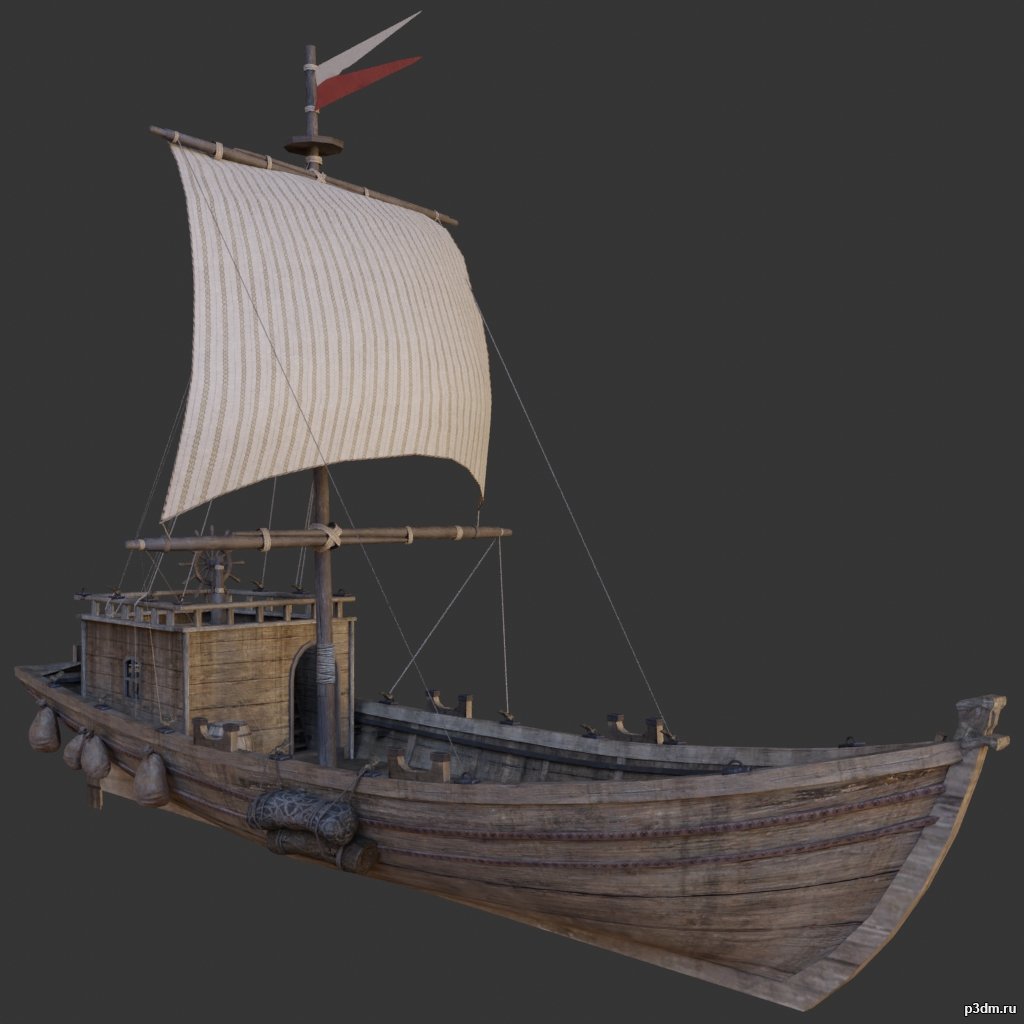
Ship 3D Model
using animations in Blender:1 – import model2 – import animation3 – with the CTRL key held down Select the object you want to animate, then select the object from which you want to copy the animation, then go to Object > Link/Data Transfer > Link Animation Data
-
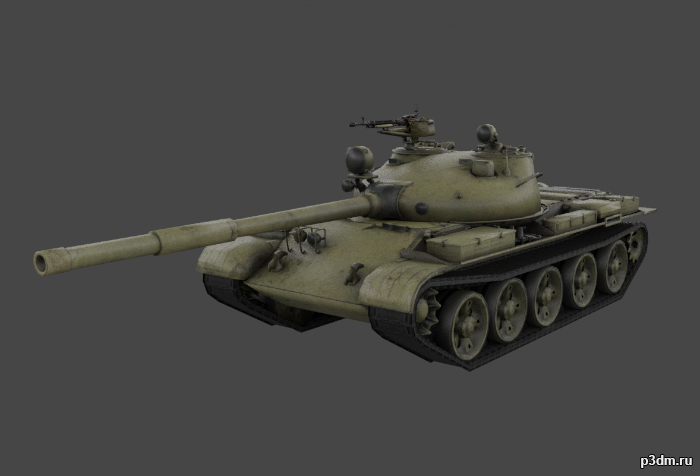
T-62 “Ob’yekt 165” 3D Model
The T-62 is a Soviet MBT that was first introduced in 1961.Includes woodland, desert, and winter camos.As well as a destroyed variant with the same camos.Parts are separable as seen.
-
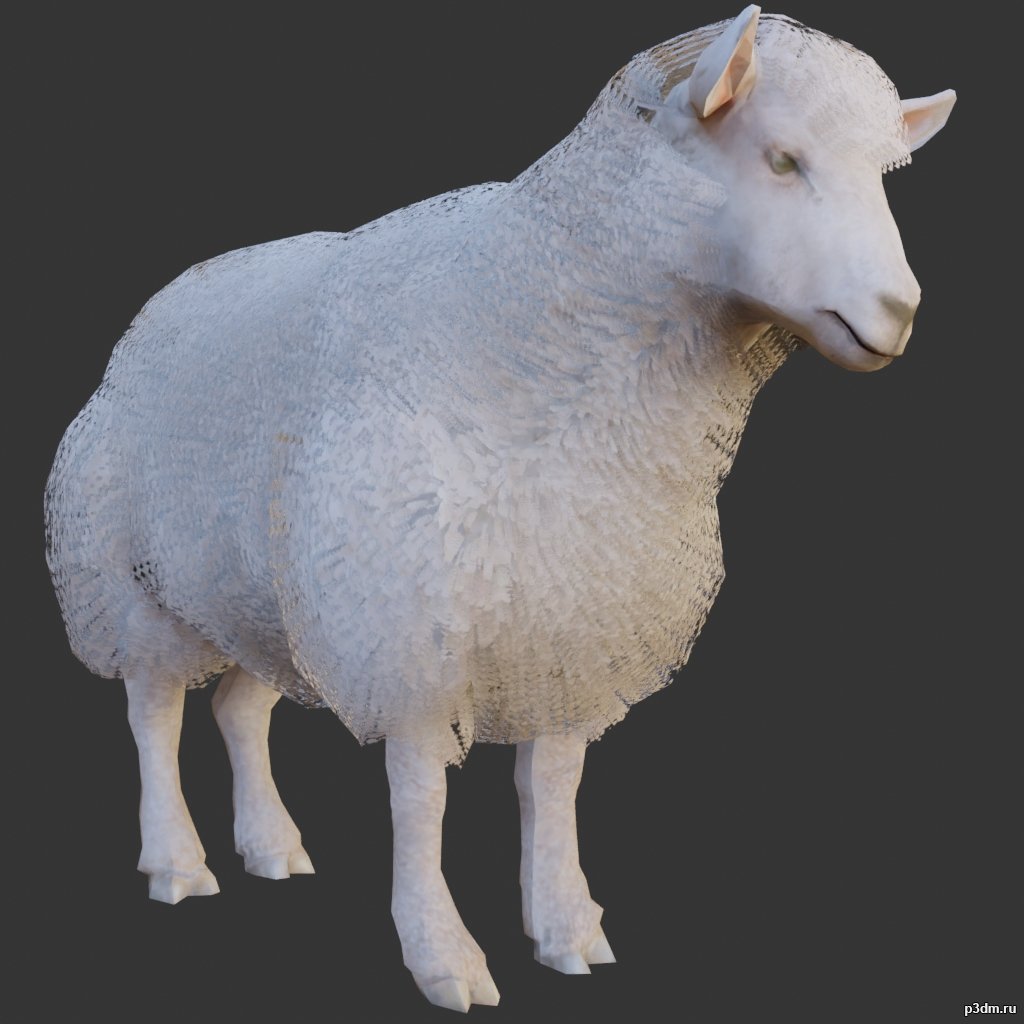
Lamb 3D Model
using animations in Blender:1 – import model2 – import animation3 – with the CTRL key held down Select the object you want to animate, then select the object from which you want to copy the animation, then go to Object > Link/Data Transfer > Link Animation Data
-

Dragon pack 2 3D Model
using animations in Blender:1 – import model2 – import animation3 – with the CTRL key held down Select the object you want to animate, then select the object from which you want to copy the animation, then go to Object > Link/Data Transfer > Link Animation Data
-
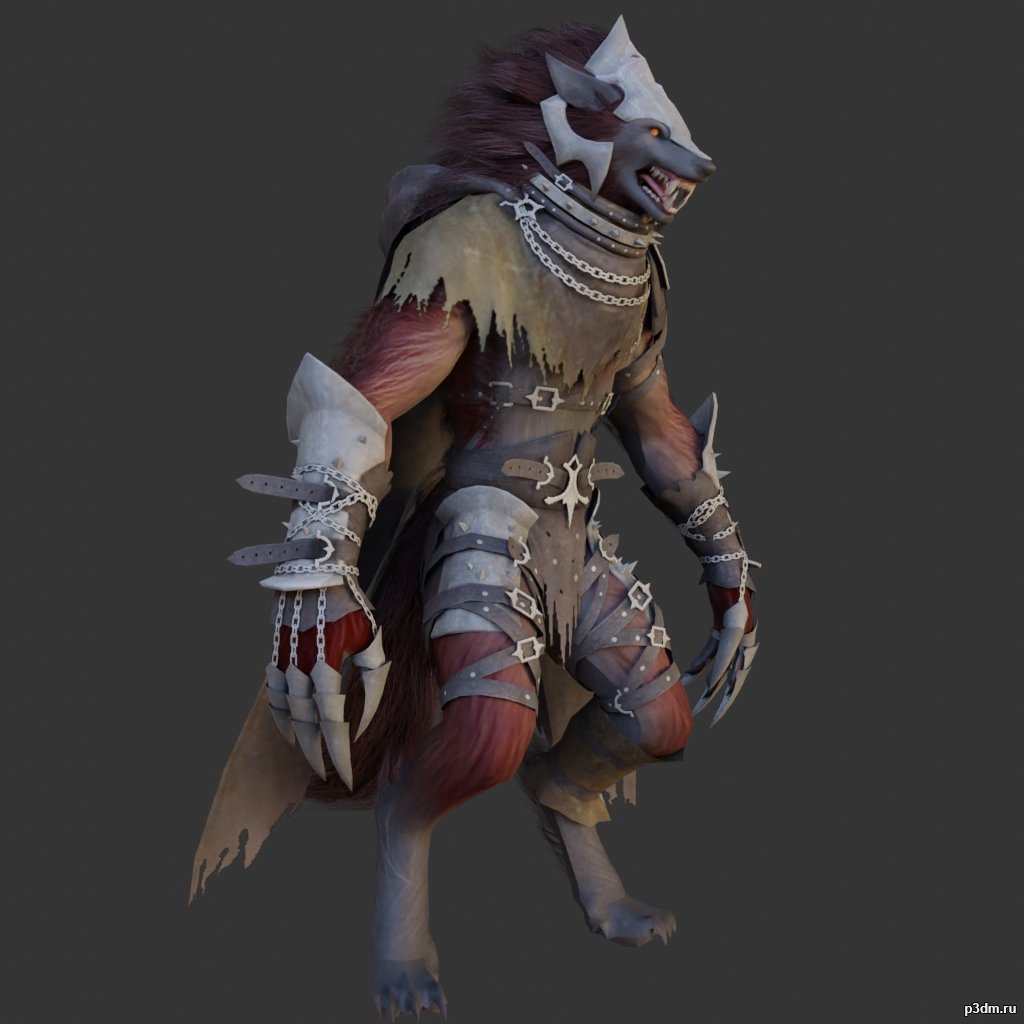
Wolfman 3D Model
using animations in Blender:1 – import model2 – import animation3 – with the CTRL key held down Select the object you want to animate, then select the object from which you want to copy the animation, then go to Object > Link/Data Transfer > Link Animation Data
-
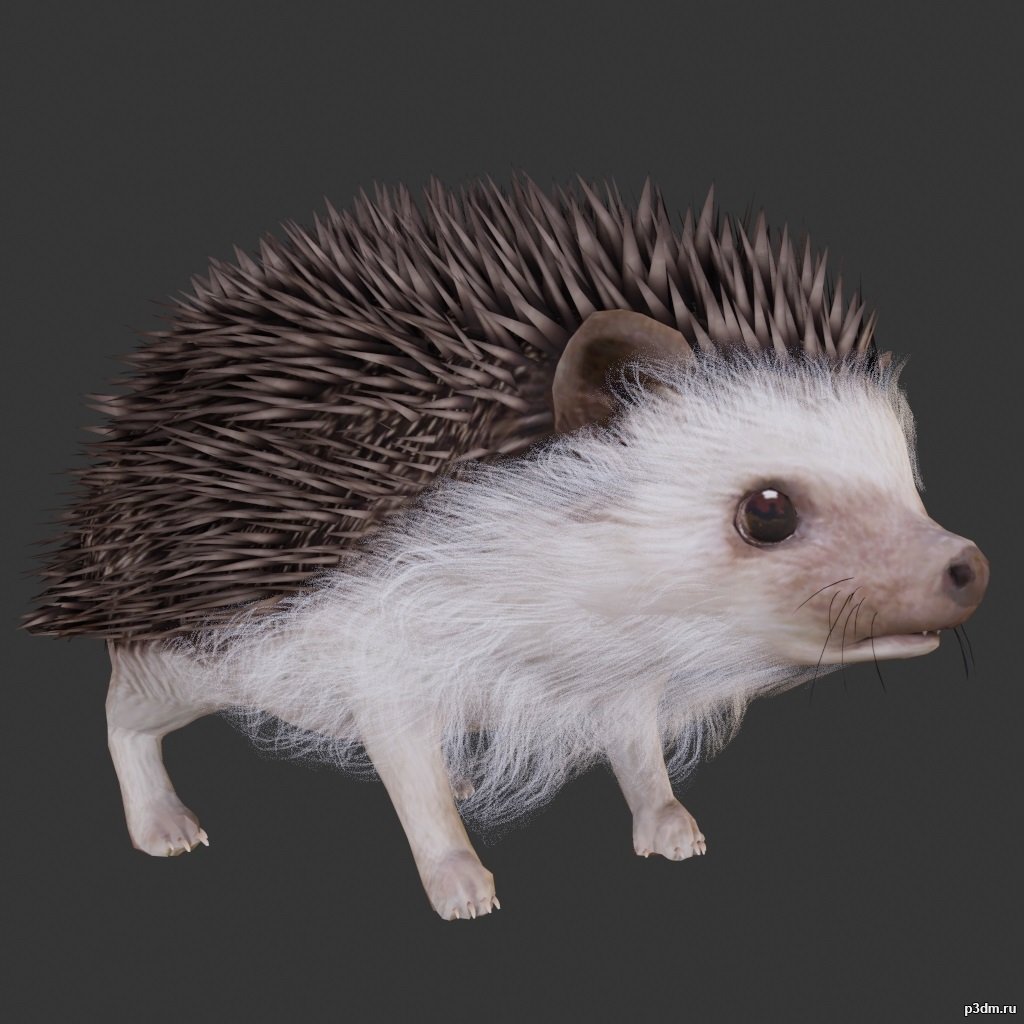
Hedgehogs 3D Model
using animations in Blender:1 – import model2 – import animation3 – with the CTRL key held down Select the object you want to animate, then select the object from which you want to copy the animation, then go to Object > Link/Data Transfer > Link Animation Data
-
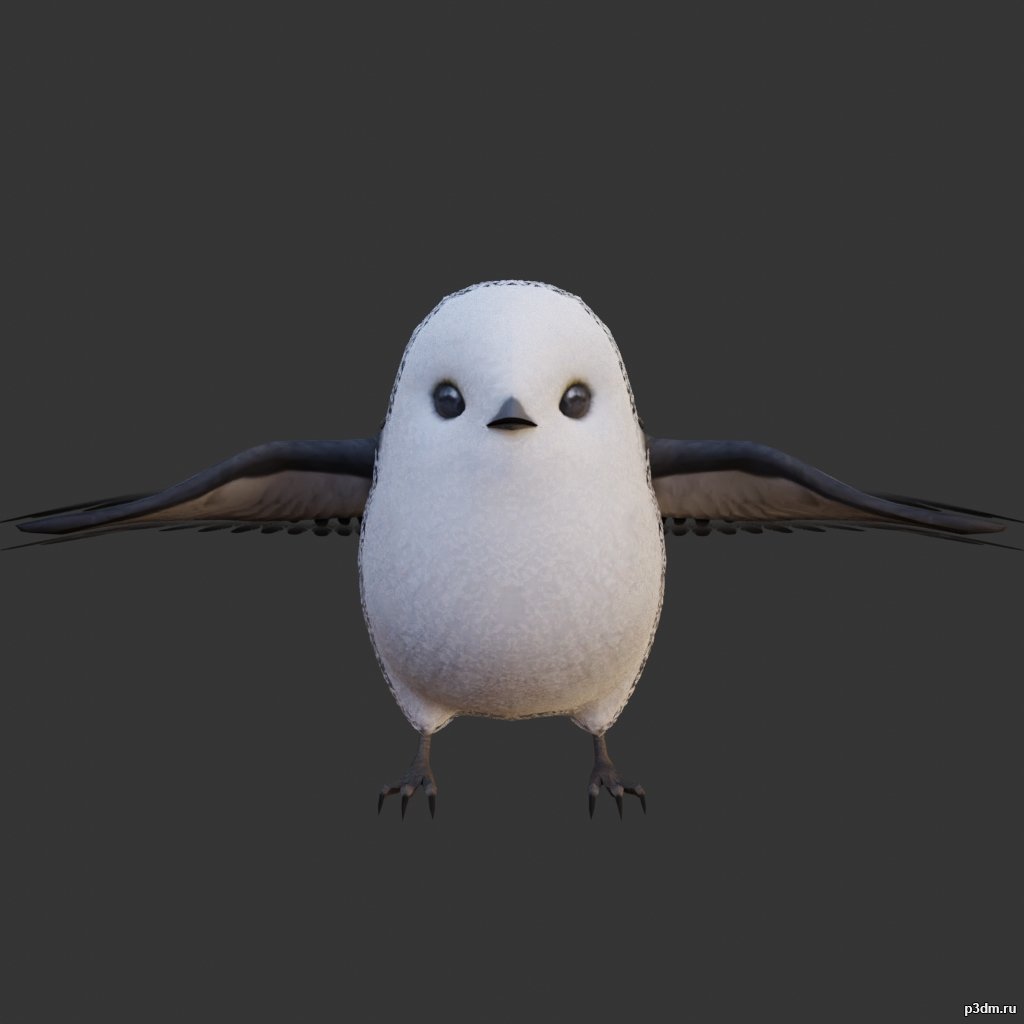
Long-tailed tit 3D Model
using animations in Blender:1 – import model2 – import animation3 – with the CTRL key held down Select the object you want to animate, then select the object from which you want to copy the animation, then go to Object > Link/Data Transfer > Link Animation Data
-
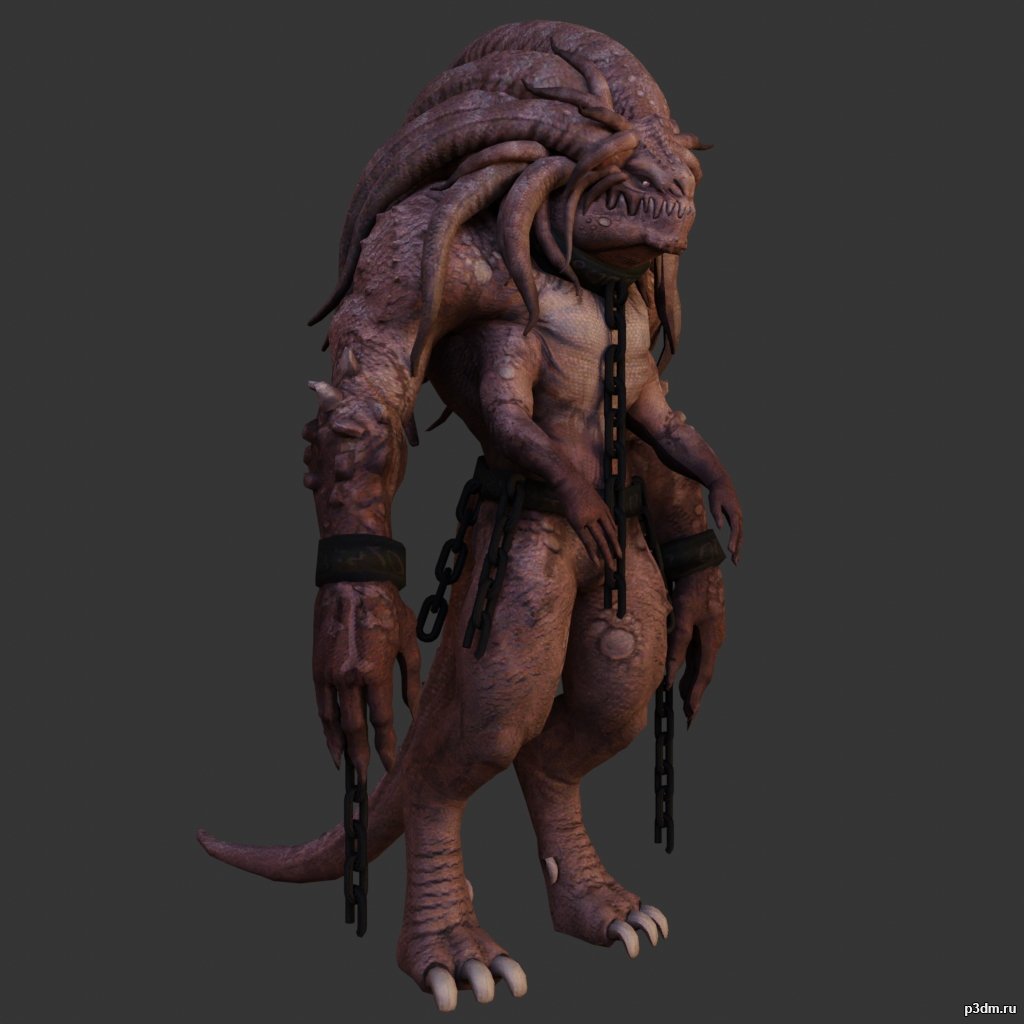
Monster pack 3D Model
using animations in Blender:1 – import model2 – import animation3 – with the CTRL key held down Select the object you want to animate, then select the object from which you want to copy the animation, then go to Object > Link/Data Transfer > Link Animation Data
-
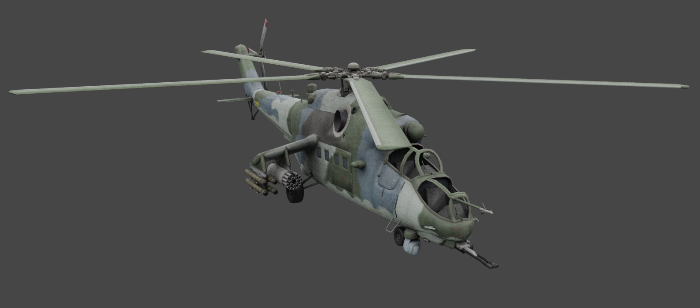
Mil Mi-35 3D Model
The Mil Mi-35 is a large helicopter gunship, attack helicopter, and low-capacity troop transport with room for eight passengers.Parts separable as seen.Destroyed version included.
-
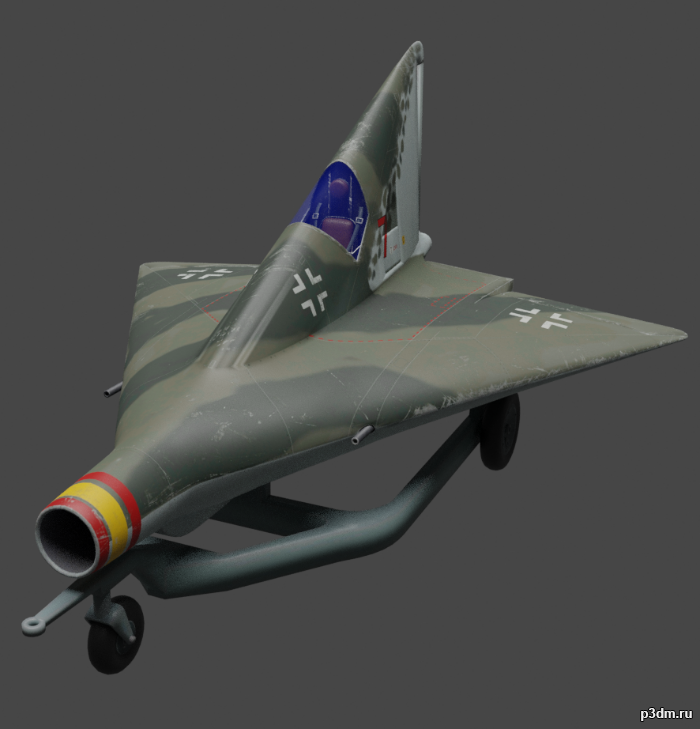
Lippisch P.13a 3D Model
The Lippisch P.12, P.13a and P.13b were related design projects for a ramjet-powered delta wing interceptor aircraft studied in 1944 by German designer Alexander Lippisch. The P.12 and P.13a were unarmed, relying on reinforced wings to ram its opponent. The P.13a and b were to be powered by powdered coal.
-
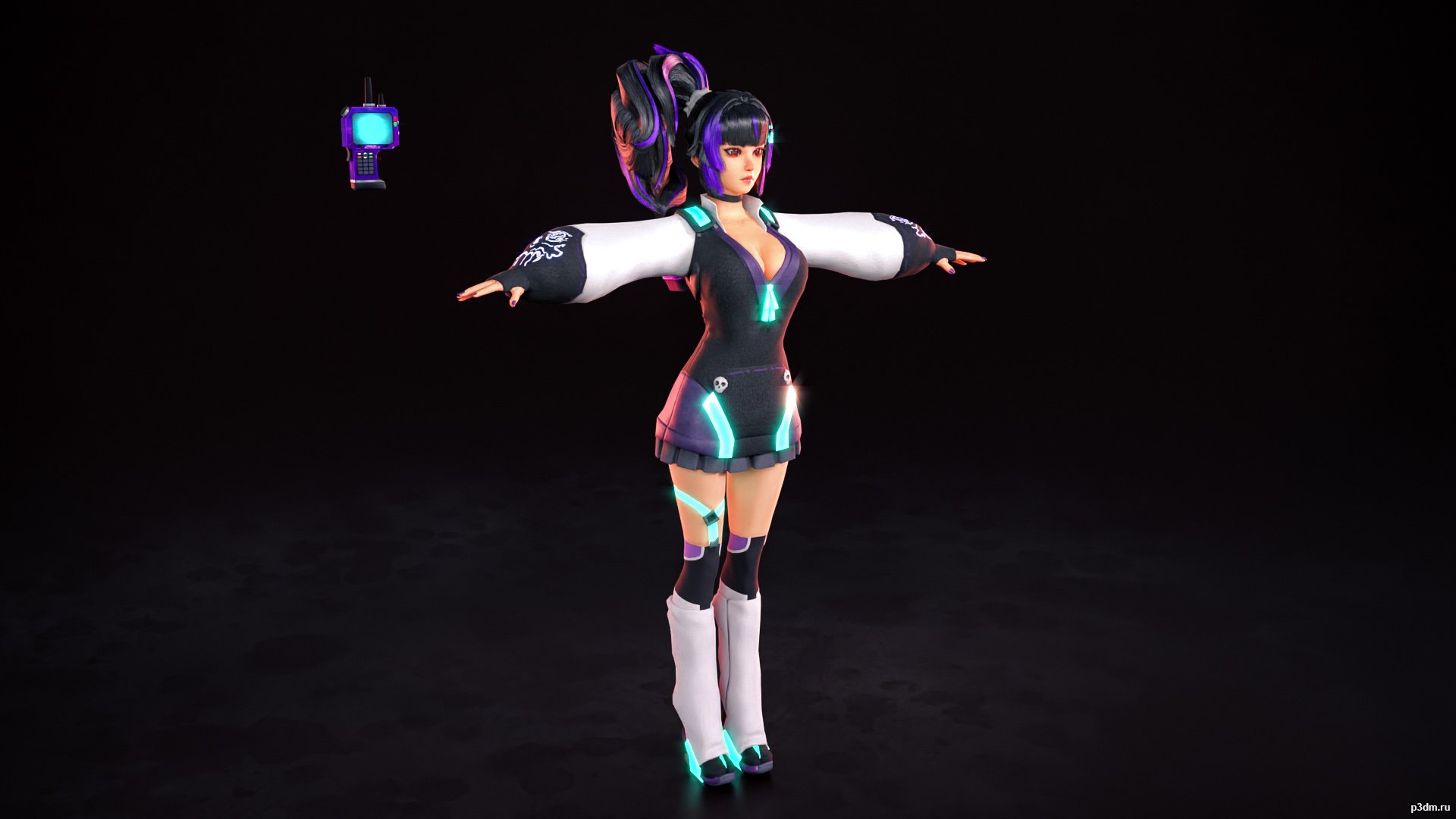
Kaho 3D Model
Comes with her base outfit and the two bonus ones.The normals and the skeleton are a bit wacky but that’s how they are in the game. I advise cleaning doubles since I didn’t do that for the sake of providing the source model and messing with those will mess the normal maps.
-
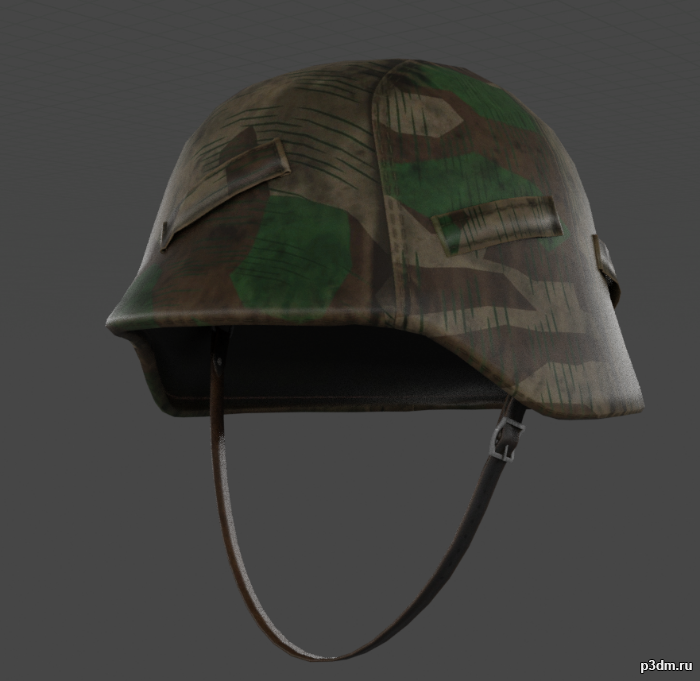
M40 Stahlhelm with Helmet Cover 3D Model
A M40 Stahlhelm with Splittertarn Helmet cover. This was the standard camouflage of the Wehrmacht during the 2nd World War and Soldiers often made these helmet covers from unused Shelter-halfs.Needed this for a side-project, decided to upload here, it’s very simple.
-
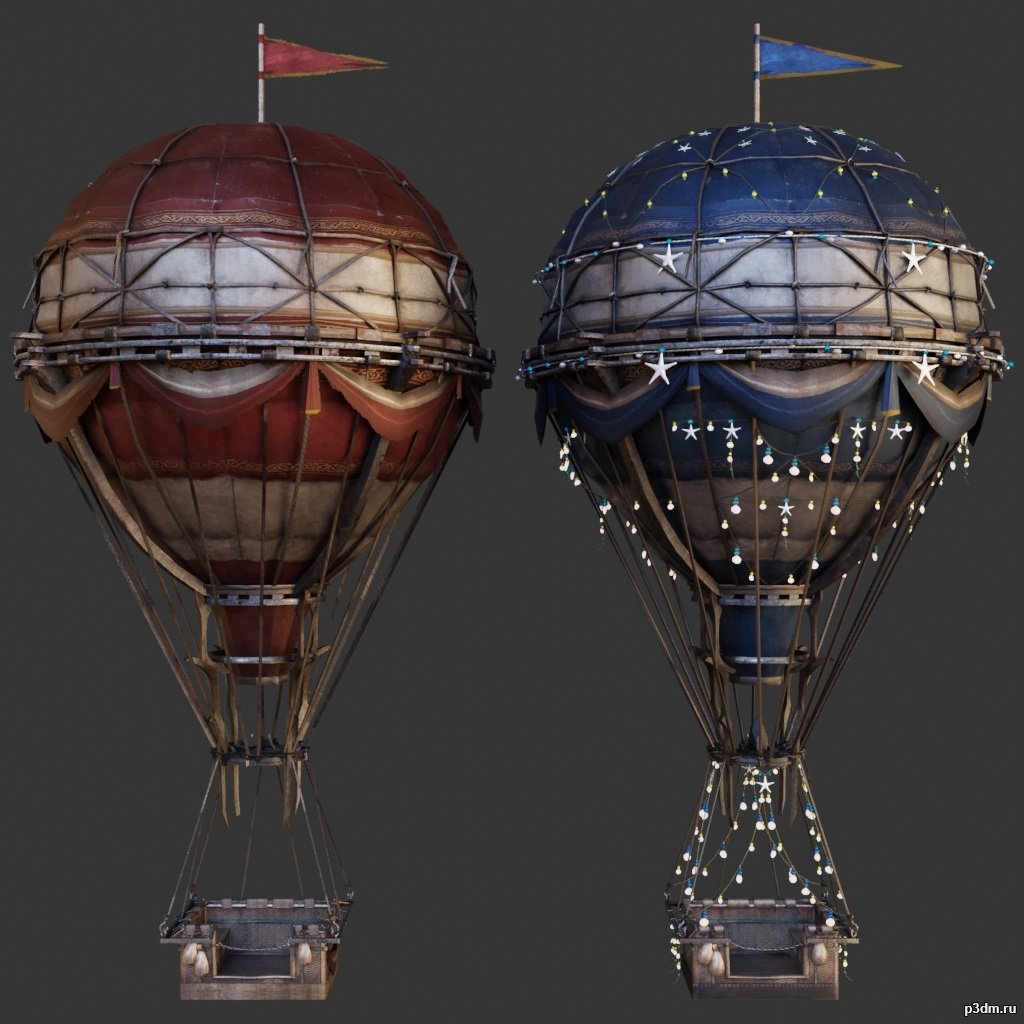
Airballoons 3D Model
using animations in Blender:1 – import model2 – import animation3 – with the CTRL key held down Select the object you want to animate, then select the object from which you want to copy the animation, then go to Object > Link/Data Transfer > Link Animation Data
-
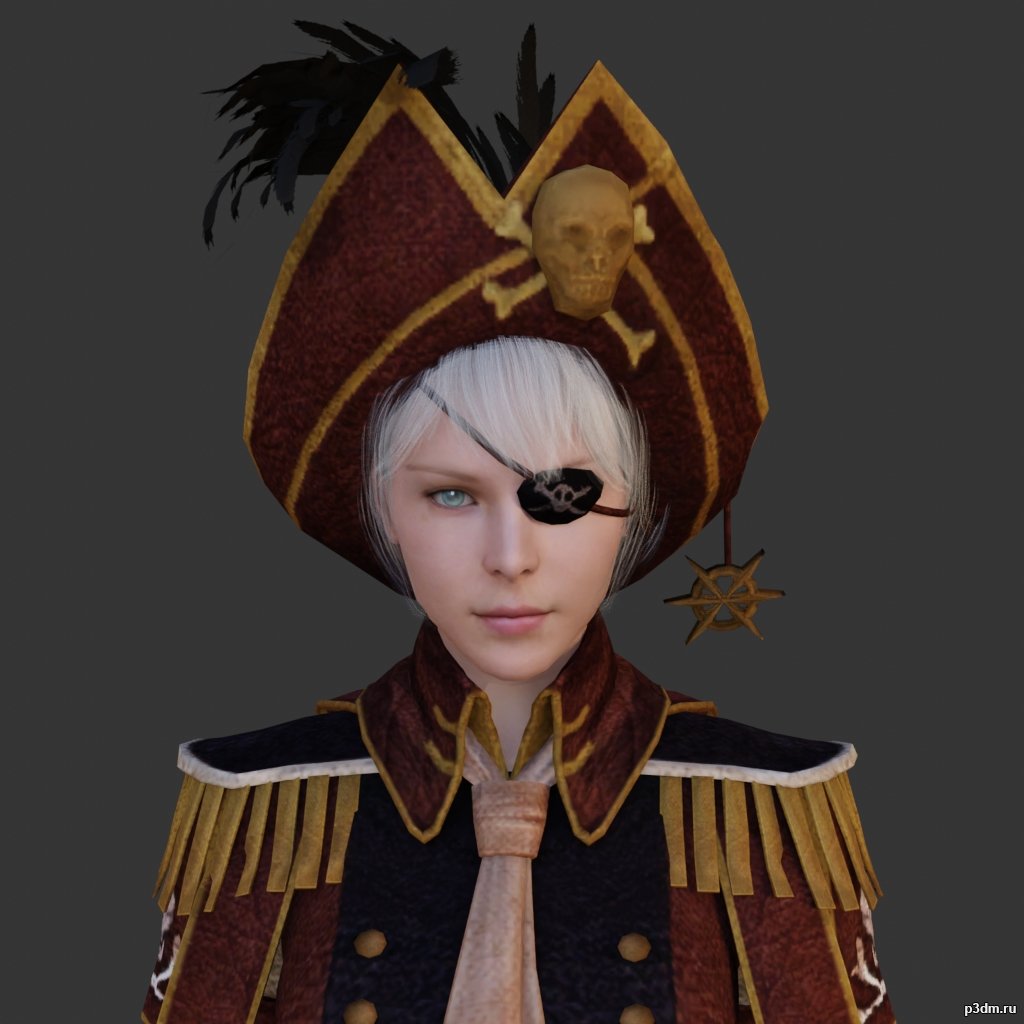
Pirate 3D Model
using animations in Blender:1 – import model2 – import animation3 – with the CTRL key held down Select the object you want to animate, then select the object from which you want to copy the animation, then go to Object > Link/Data Transfer > Link Animation Data
-
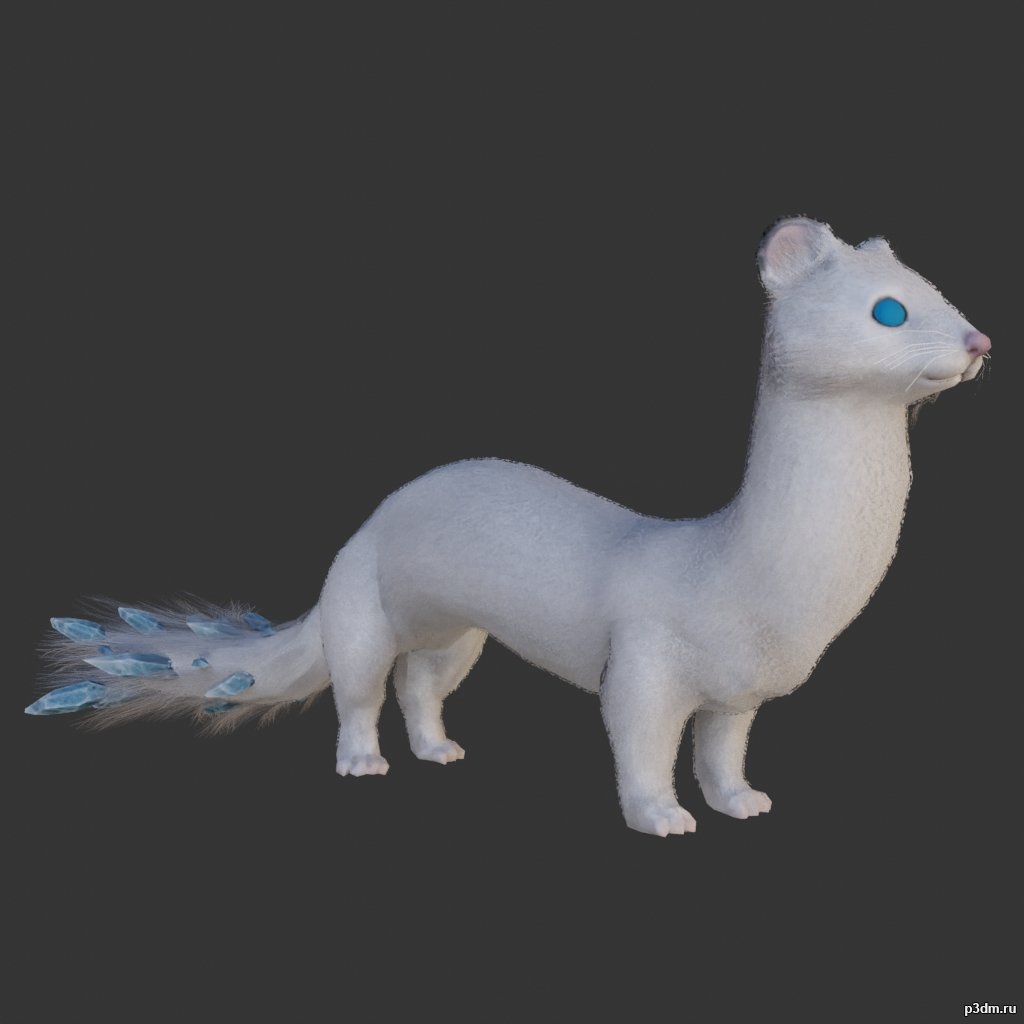
Weasel 3D Model
using animations in Blender:1 – import model2 – import animation3 – with the CTRL key held down Select the object you want to animate, then select the object from which you want to copy the animation, then go to Object > Link/Data Transfer > Link Animation Data
-
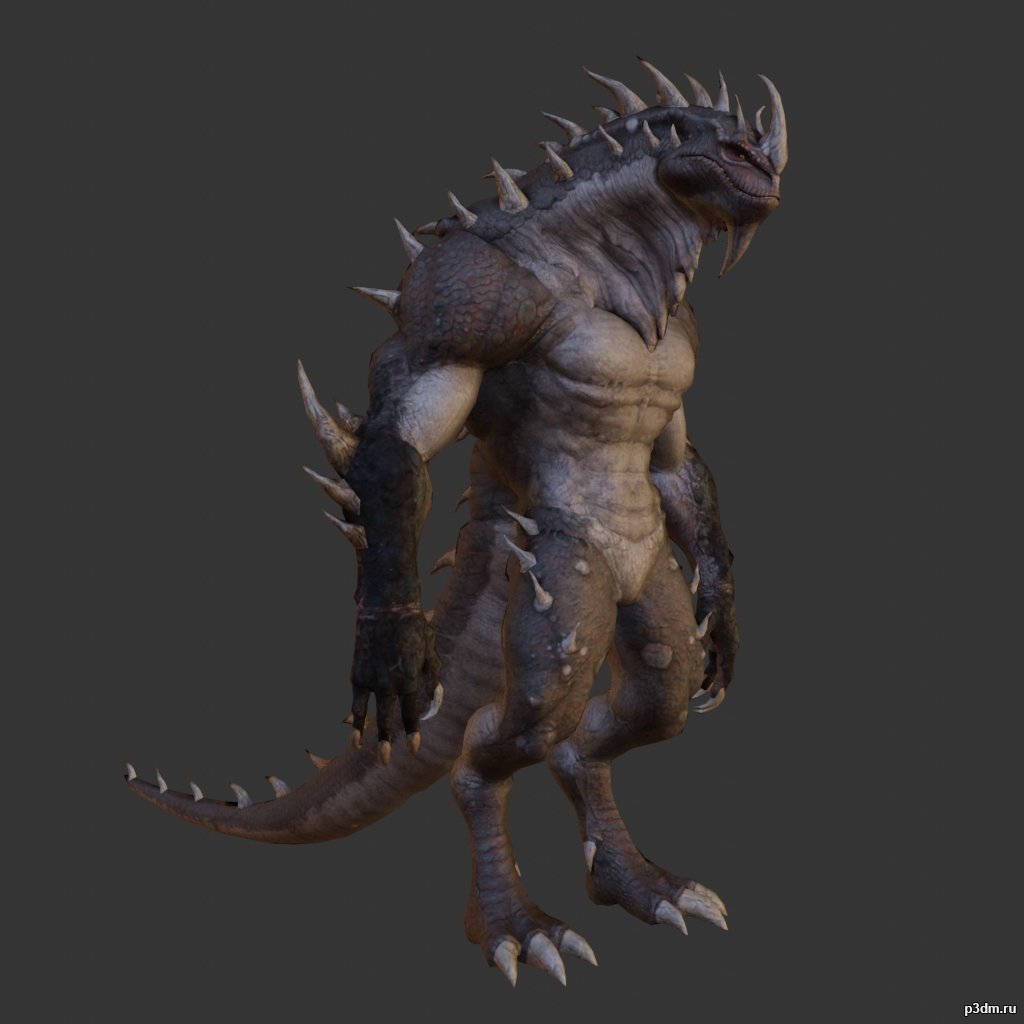
Lizardman pack 3D Model
using animations in Blender:1 – import model2 – import animation3 – with the CTRL key held down Select the object you want to animate, then select the object from which you want to copy the animation, then go to Object > Link/Data Transfer > Link Animation Data
-
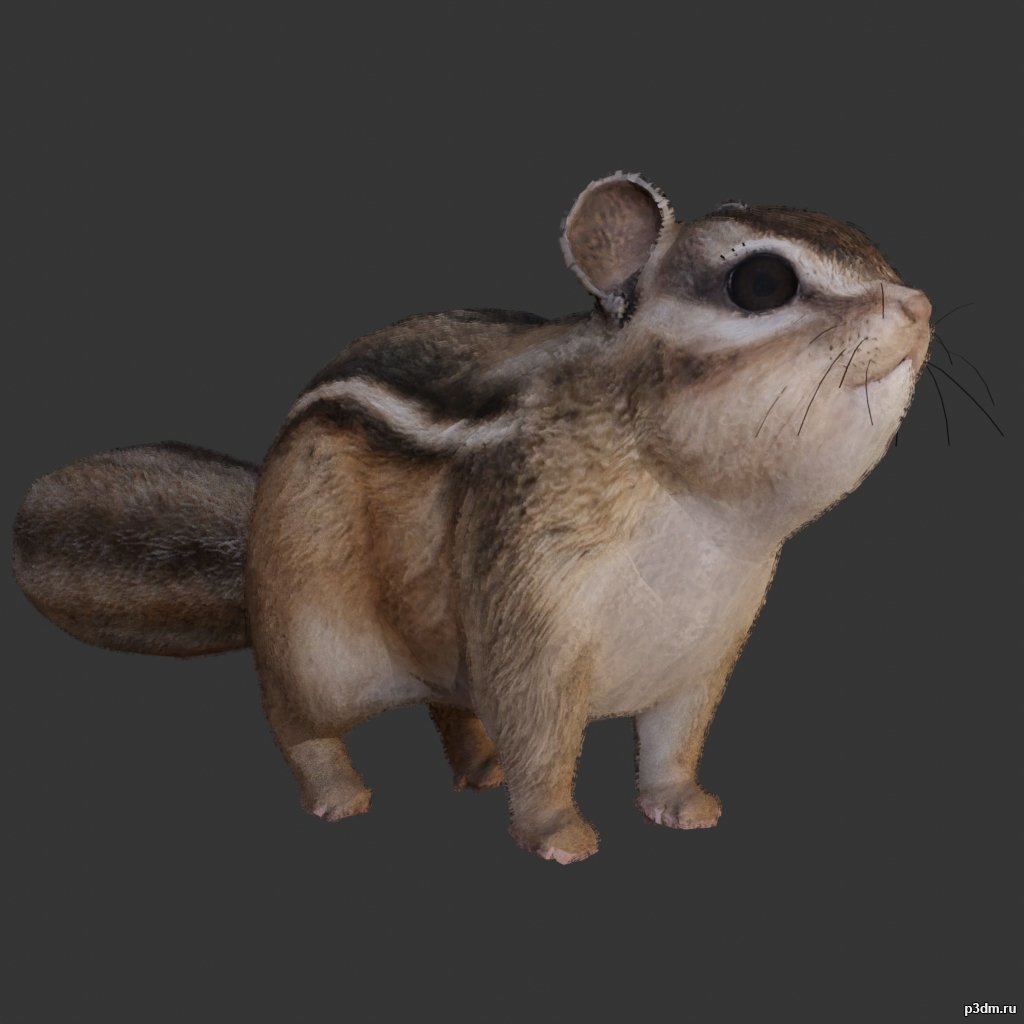
Squirrel 3D Model
using animations in Blender:1 – import model2 – import animation3 – with the CTRL key held down Select the object you want to animate, then select the object from which you want to copy the animation, then go to Object > Link/Data Transfer > Link Animation Data
-
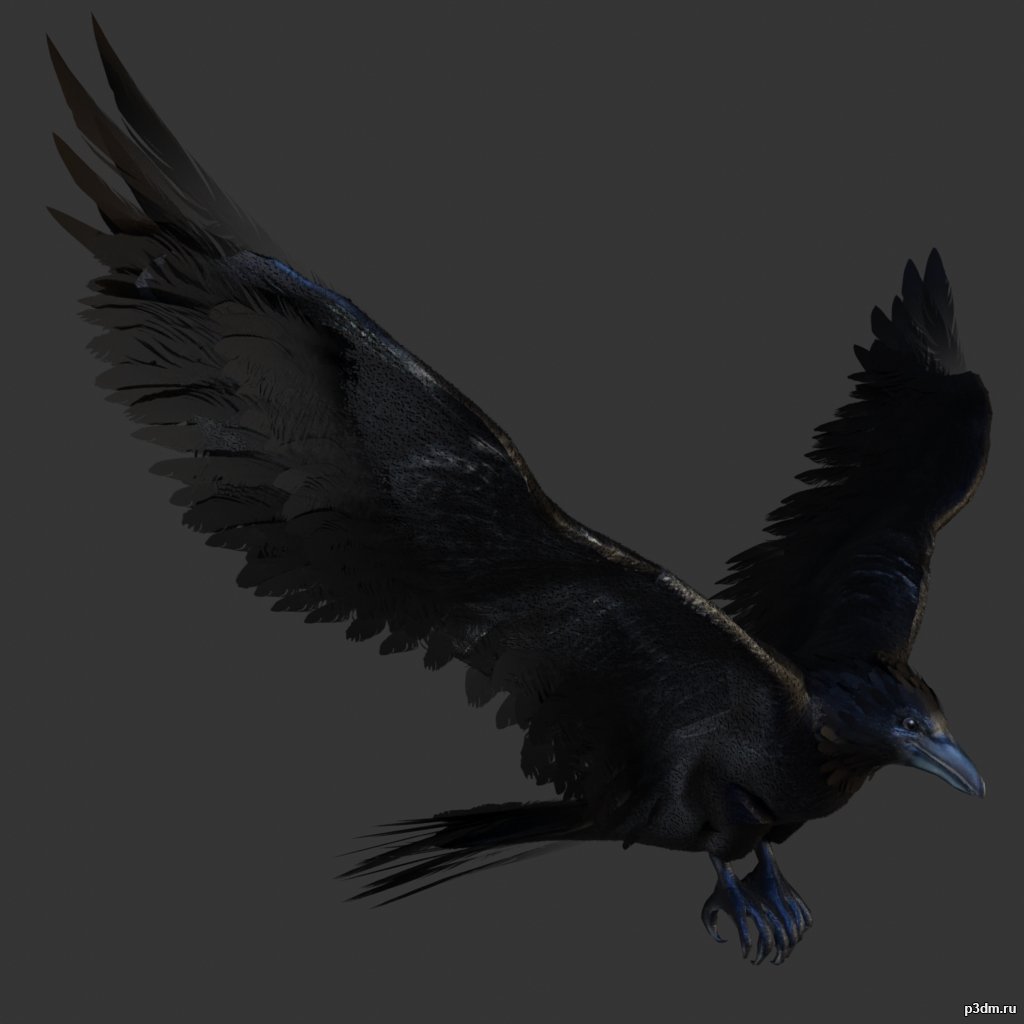
Crow 3D Model
Animations here –> CLICK 3mbusing animations in Blender:1 – import model2 – import animation3 – with the CTRL key held down Select the object you want to animate, then select the object from which you want to copy the animation, then go to Object > Link/Data Transfer > Link Animation Data
-
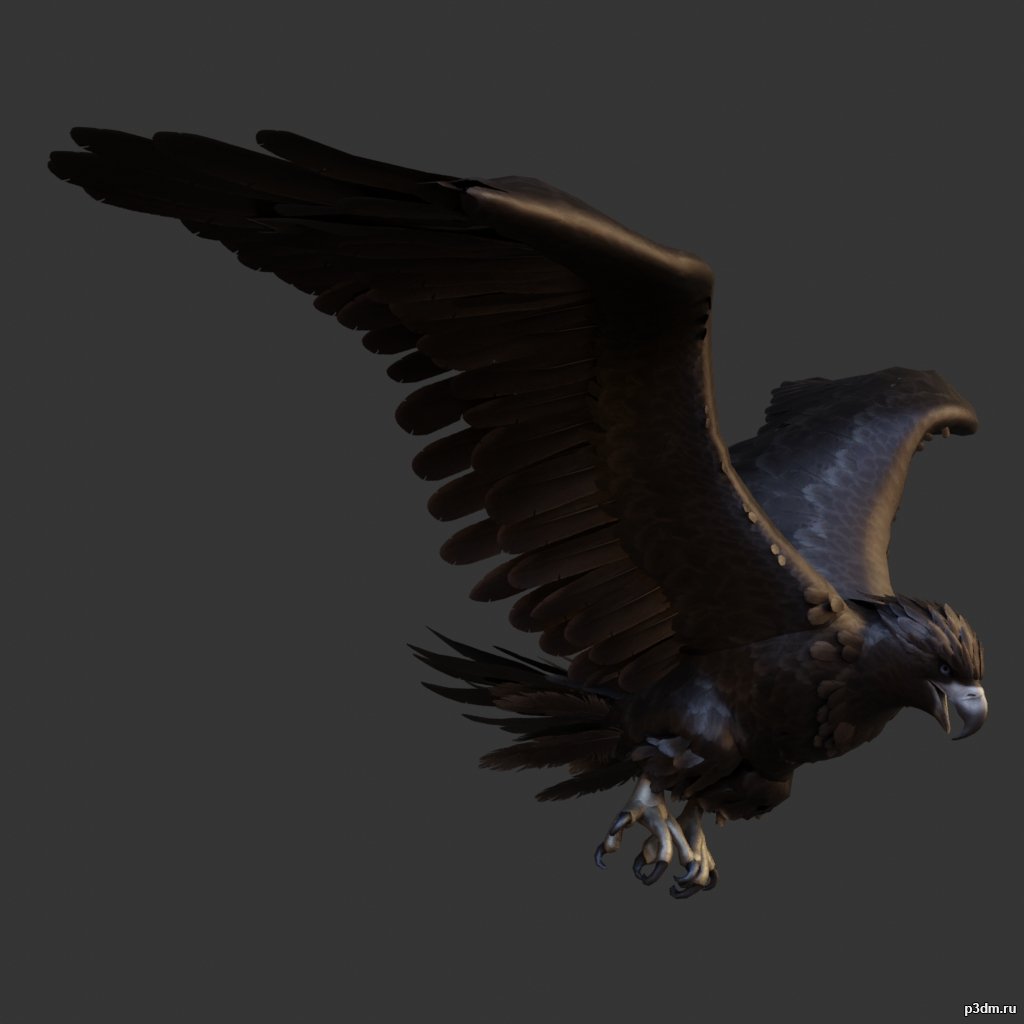
Eagle 3D Model
Animations here –> CLICK 3mbusing animations in Blender:1 – import model2 – import animation3 – with the CTRL key held down Select the object you want to animate, then select the object from which you want to copy the animation, then go to Object > Link/Data Transfer > Link Animation Data
-
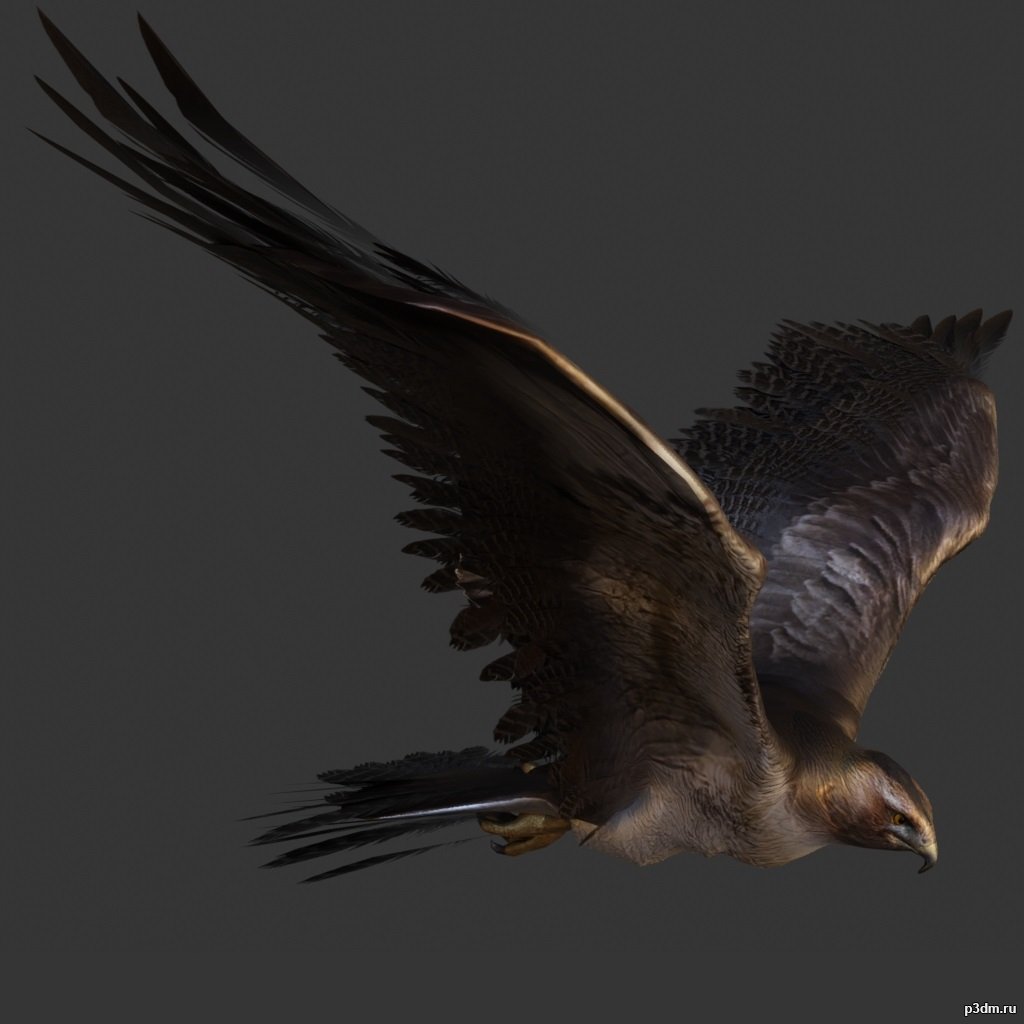
Hawk 3D Model
Animations here –> CLICK 3mbusing animations in Blender:1 – import model2 – import animation3 – with the CTRL key held down Select the object you want to animate, then select the object from which you want to copy the animation, then go to Object > Link/Data Transfer > Link Animation Data
-
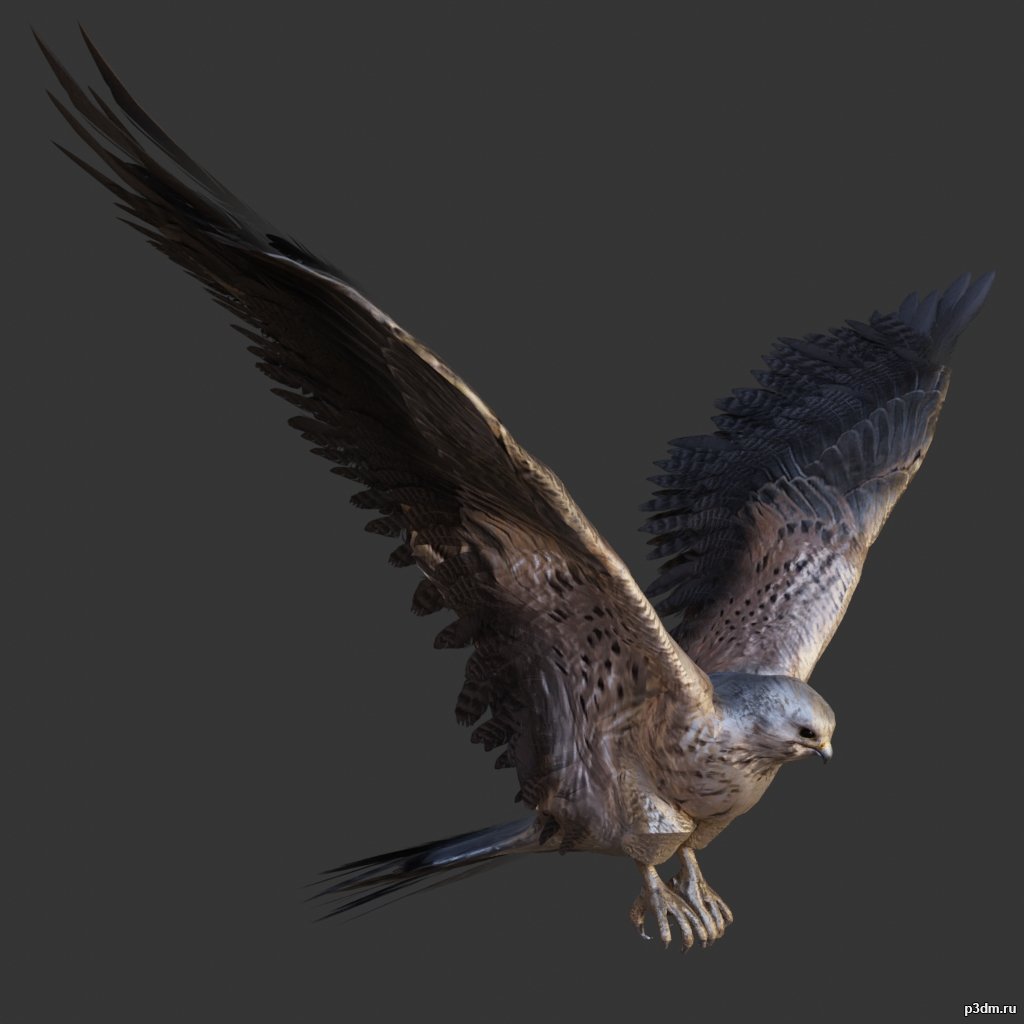
Kestrel 3D Model
Animations here –> CLICK 3mbusing animations in Blender:1 – import model2 – import animation3 – with the CTRL key held down Select the object you want to animate, then select the object from which you want to copy the animation, then go to Object > Link/Data Transfer > Link Animation Data
-
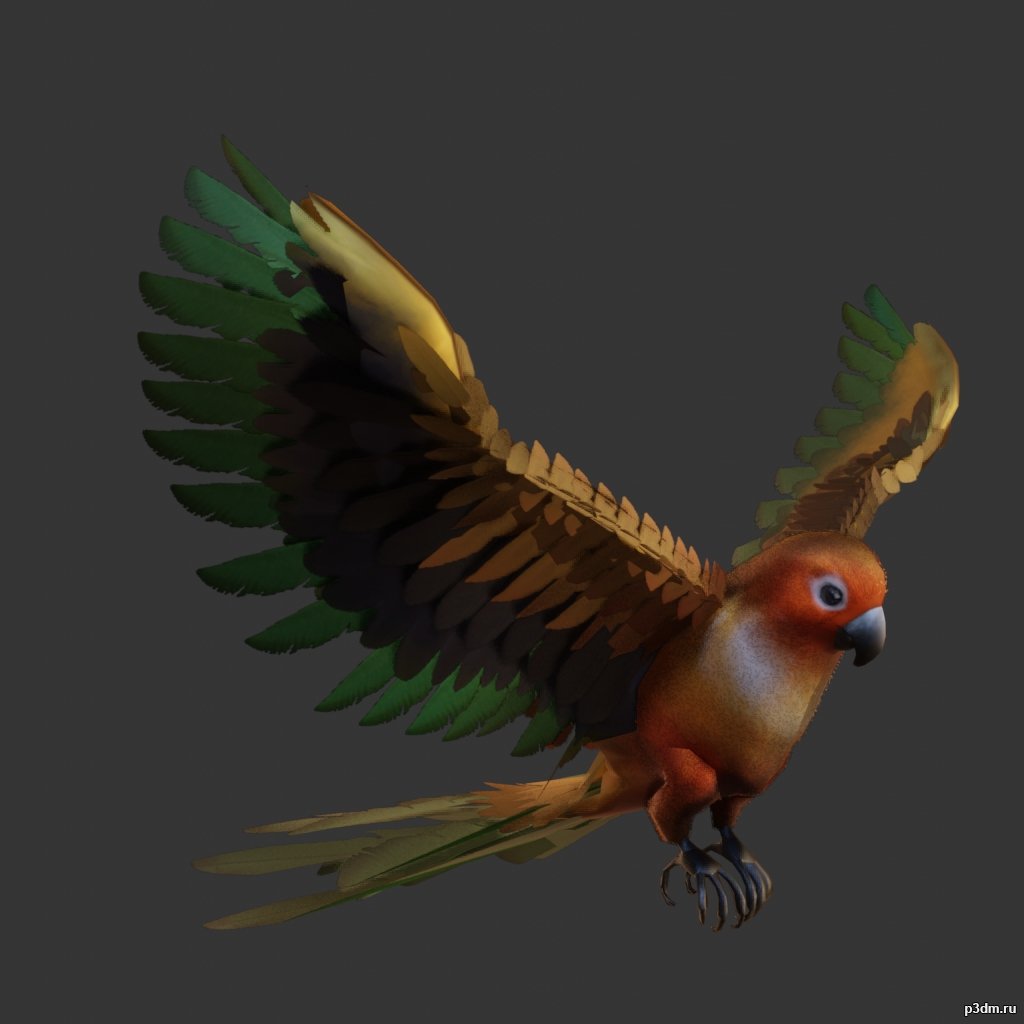
Parrot pack 3D Model
Animations here –> CLICK 3mbusing animations in Blender:1 – import model2 – import animation3 – with the CTRL key held down Select the object you want to animate, then select the object from which you want to copy the animation, then go to Object > Link/Data Transfer > Link Animation Data
-

Bear pack 3D Model
using animations in Blender:1 – import model2 – import animation3 – with the CTRL key held down Select the object you want to animate, then select the object from which you want to copy the animation, then go to Object > Link/Data Transfer > Link Animation Data
-
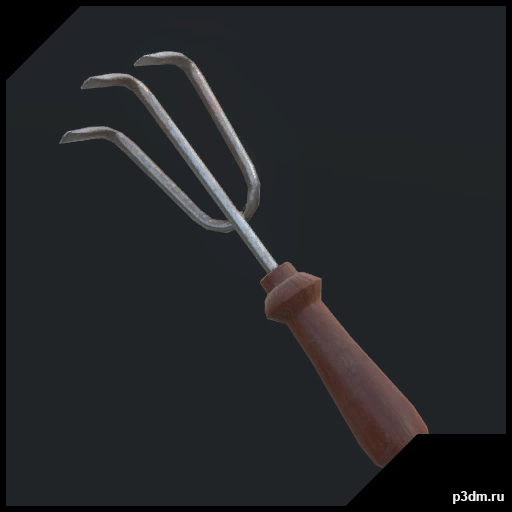
H3VR – HandRake 3D Model
H3VR – Weaponrybundles-meleefarmingHandRakeRipped by MaykxVR ReadyMain gun : yesMagazine : noSpawner icon : yesBullet : no
-
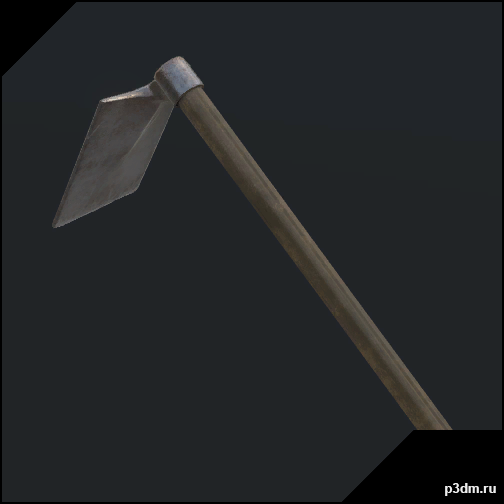
H3VR – Hoe 3D Model
H3VR – Weaponrybundles-meleefarmingHoeRipped by MaykxVR ReadyMain gun : yesMagazine : noSpawner icon : yesBullet : no
-
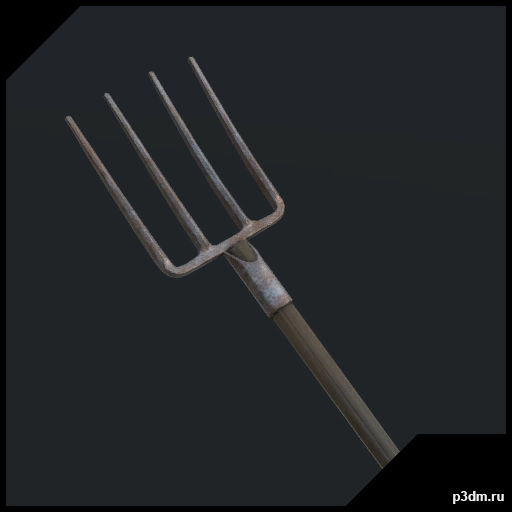
H3VR – Pitchfork 3D Model
H3VR – Weaponrybundles-meleefarmingPitchforkRipped by MaykxVR ReadyMain gun : yesMagazine : noSpawner icon : yesBullet : no
-
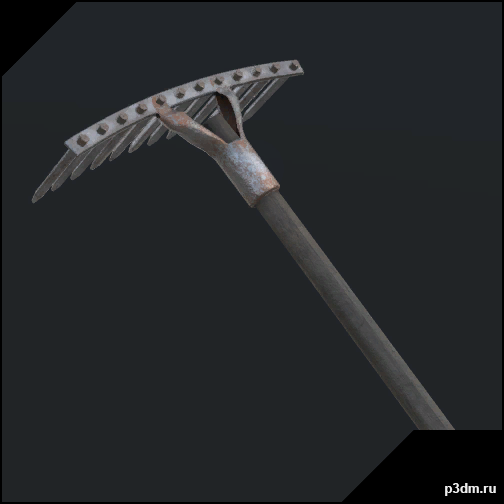
H3VR – Rake 3D Model
H3VR – Weaponrybundles-meleefarmingRakeRipped by MaykxVR ReadyMain gun : yesMagazine : noSpawner icon : yesBullet : no
-
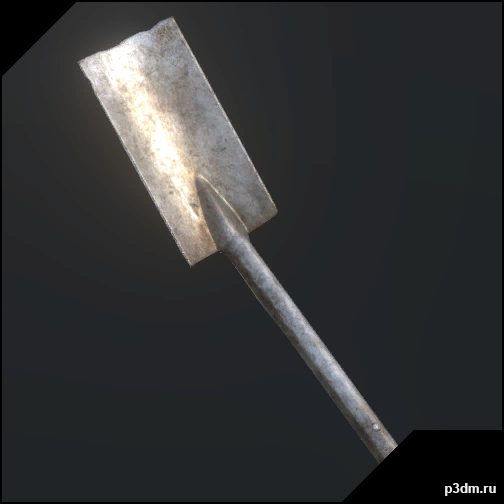
H3VR – Shovel Flat 3D Model
H3VR – Weaponrybundles-meleefarmingShovelFlatRipped by MaykxVR ReadyMain gun : yesMagazine : noSpawner icon : yesBullet : no
-
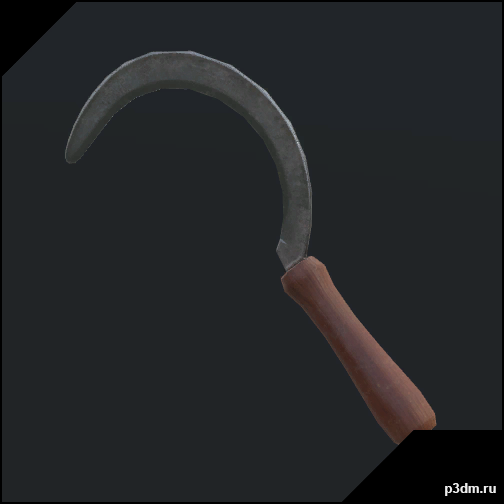
H3VR – Sickle 3D Model
H3VR – Weaponrybundles-meleefarmingSickleRipped by MaykxVR ReadyMain gun : yesMagazine : noSpawner icon : yesBullet : no
-
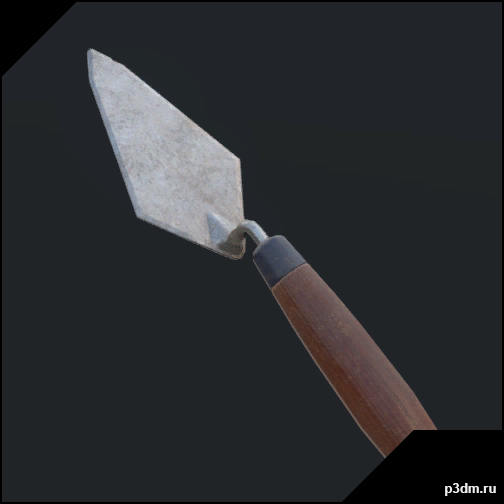
H3VR – Trowel 3D Model
H3VR – Weaponrybundles-meleefarmingTrowelRipped by MaykxVR ReadyMain gun : yesMagazine : noSpawner icon : yesBullet : no
-
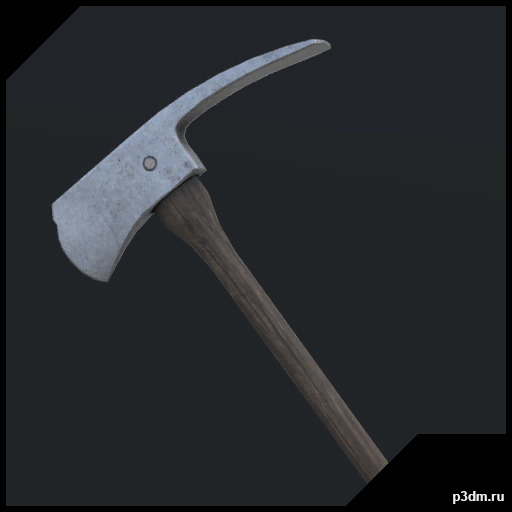
H3VR – Wood Axe 3D Model
H3VR – Weaponrybundles-meleefarmingWoodAxeRipped by MaykxVR ReadyMain gun : yesMagazine : noSpawner icon : yesBullet : no
-
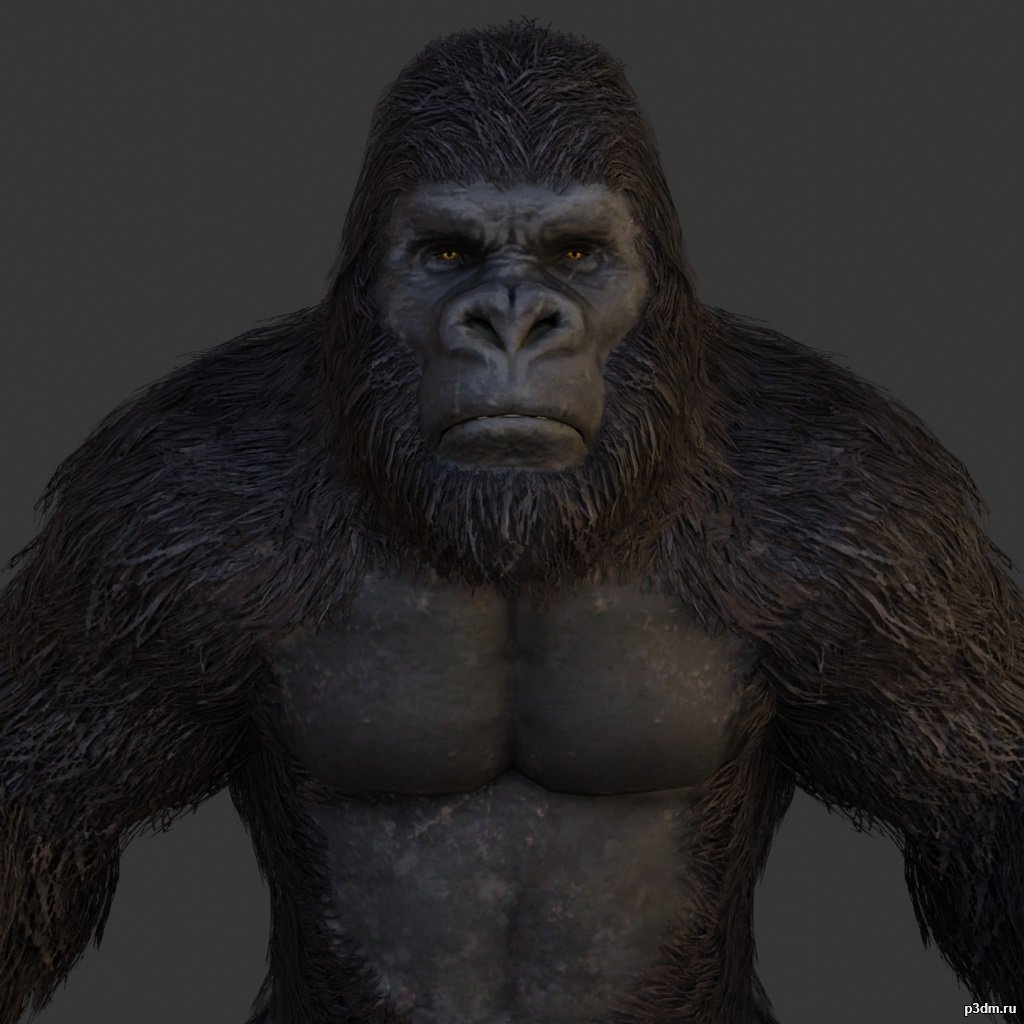
Gorilla 3D Model
using animations in Blender:1 – import model2 – import animation3 – with the CTRL key held down Select the object you want to animate, then select the object from which you want to copy the animation, then go to Object > Link/Data Transfer > Link Animation Data
-
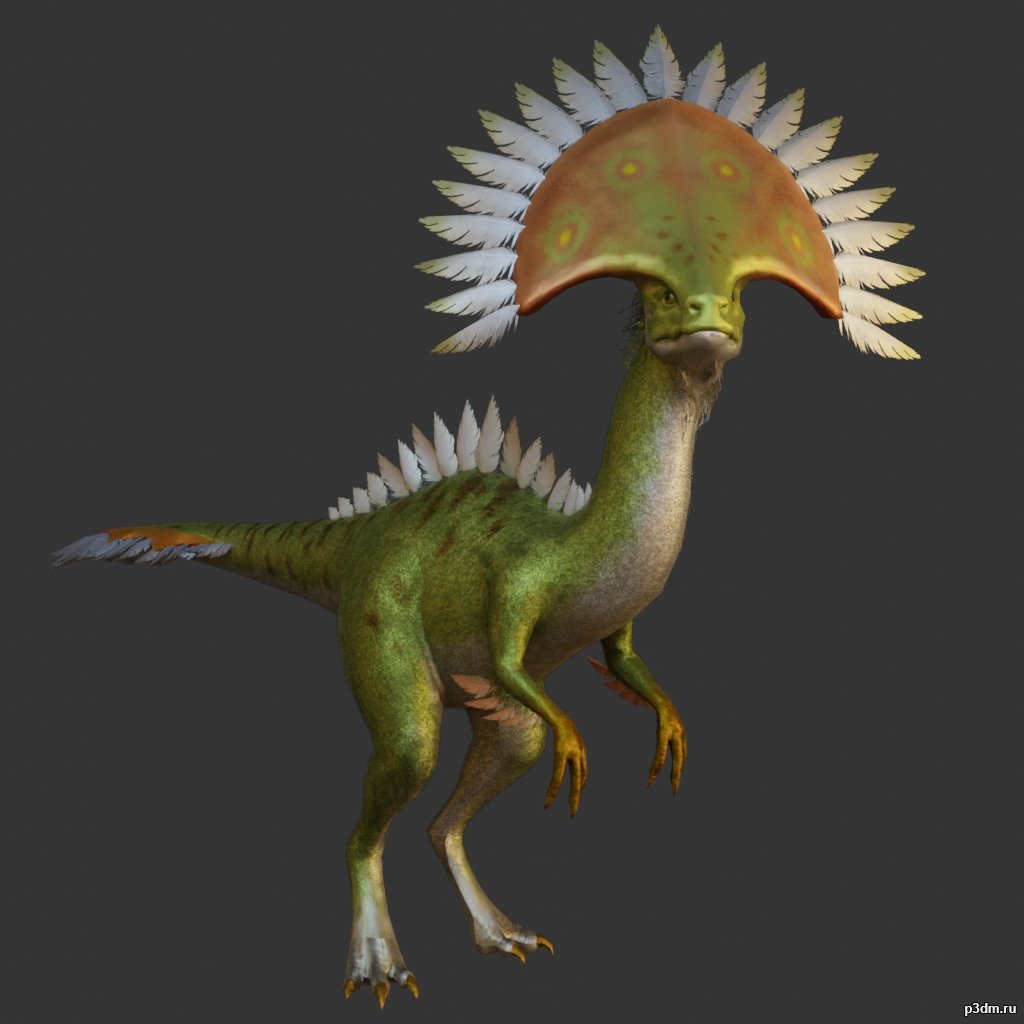
Camabirdsaurus 3D Model
using animations in Blender:1 – import model2 – import animation3 – with the CTRL key held down Select the object you want to animate, then select the object from which you want to copy the animation, then go to Object > Link/Data Transfer > Link Animation Data
-
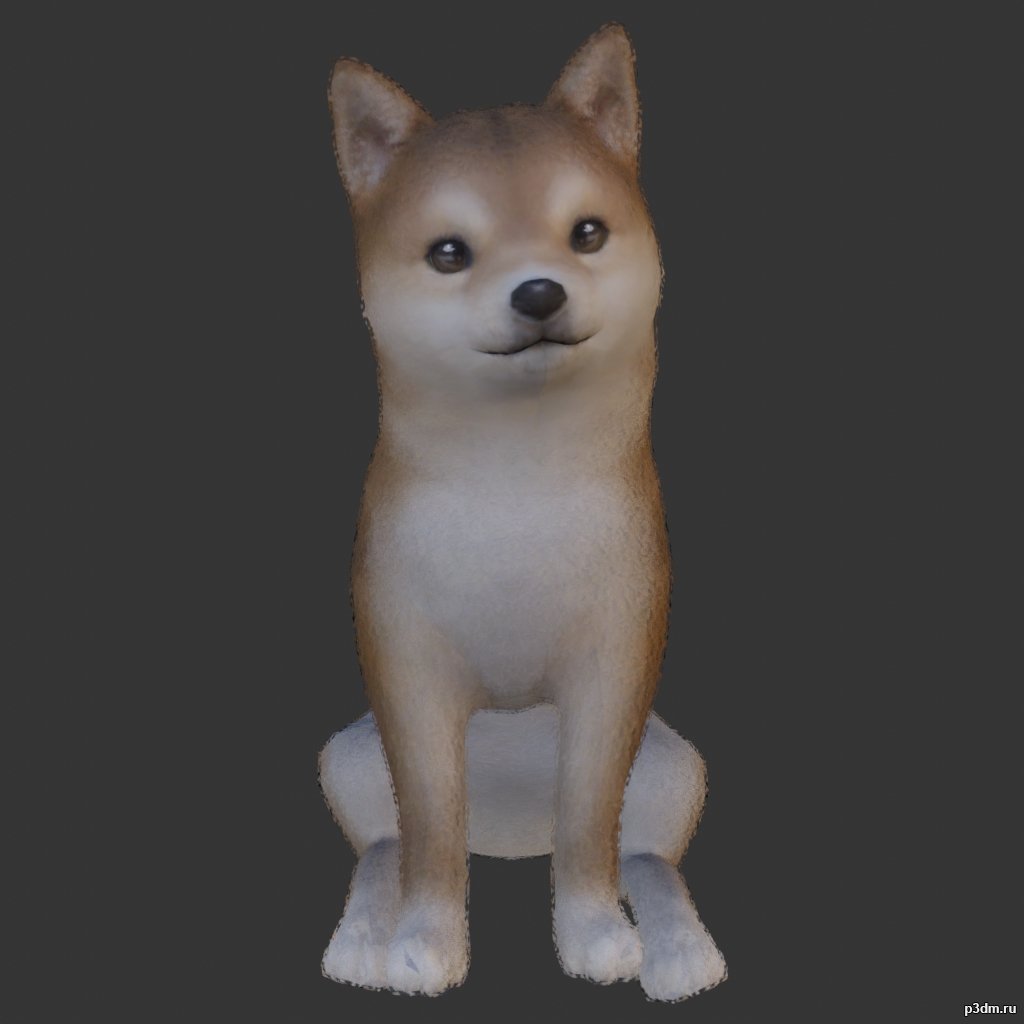
Dogs 3D Model
Animations here –> WOOF 4mbusing animations in Blender:1 – open model2 – import animation (in settings fbx import select Automatic Bone Orientations)3 – with the CTRL key held down Select the object you want to animate, then select the object from which you want to copy the animation, then go to Object > Link/Data Transfer > Link Animation Data4 – correct some distortions
-
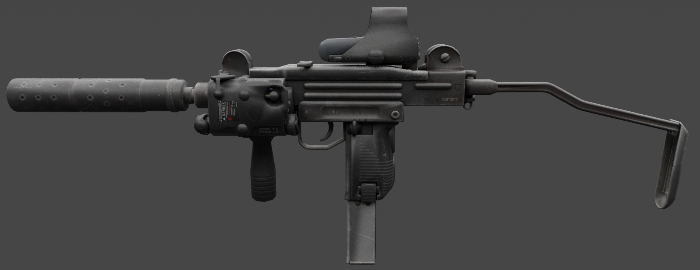
Mini Uzi 3D Model
The Mini Uzi is a smaller version of the regular Uzi, first introduced in 1980 and used by Israel. It has a greater automatic rate of fire of 950 rounds per minute due to the shorter bolt. Separable as seen
-
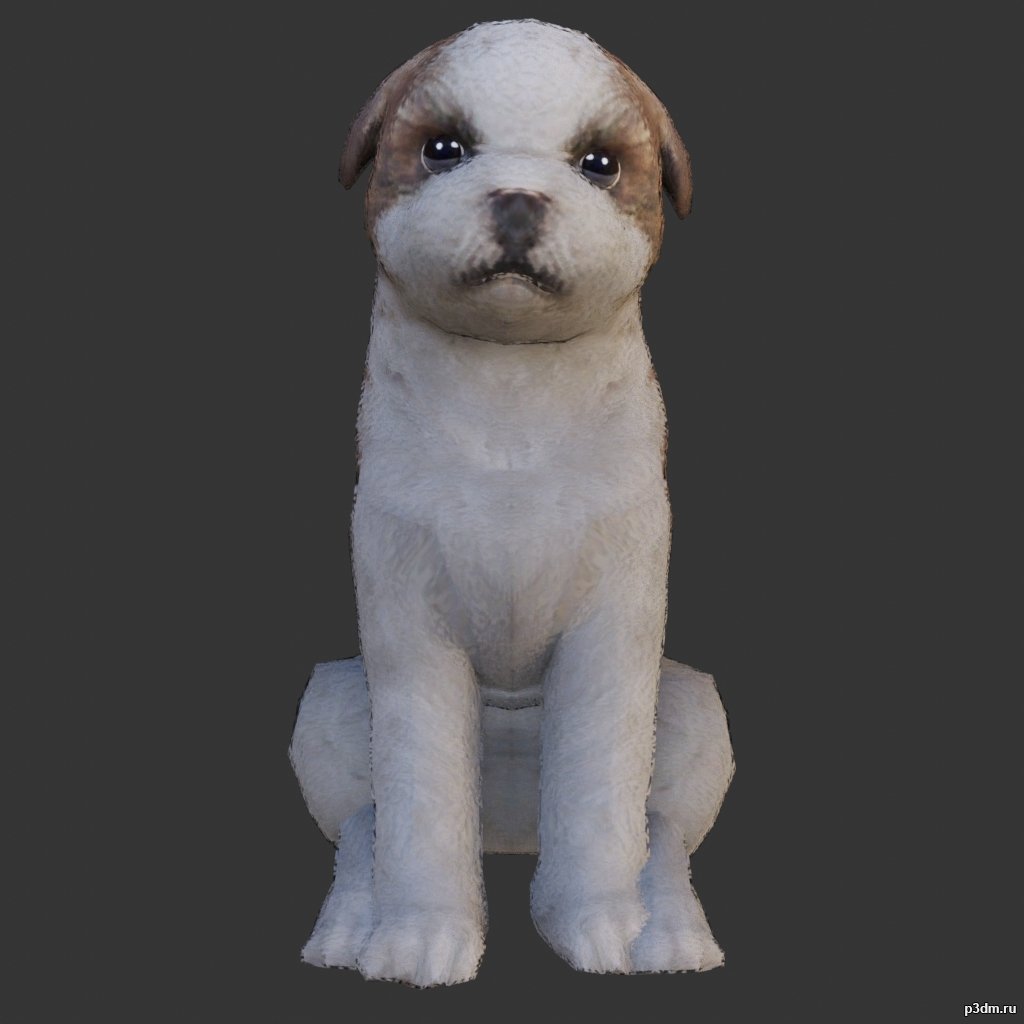
Shih Tzu 3D Model
Animations here –> WOOF 4mbusing animations in Blender:1 – open model2 – import animation (in settings fbx import select Automatic Bone Orientations)3 – with the CTRL key held down Select the object you want to animate, then select the object from which you want to copy the animation, then go to Object > Link/Data Transfer > Link Animation Data4 – correct some distortions
-
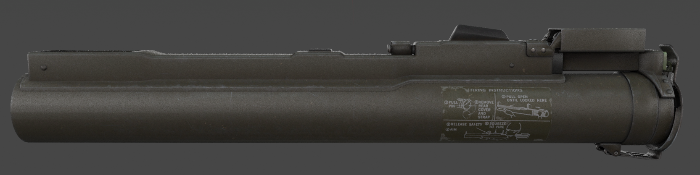
M72 LAW 3D Model
The M72 LAW (also referred to as the light anti-armor weapon or LAW) is a portable one-shot unguided anti-tank weapon developed by Paul V. Choate, Charles B. Weeks, Frank A. Spinale and was adopted by the United States.Parts are separable as seen.
-
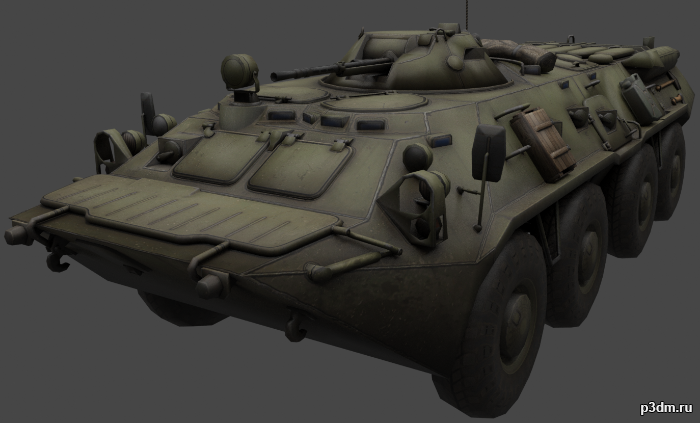
BTR-80 3D Model
The BTR-80 is a wheeled amphibious armoured personnel carrier designed in the USSR. It was adopted in 1985 and replaced the previous vehicles, the BTR-60 and BTR-70, in the Soviet Army.Parts are separable as seen.Destroyed version is also included.
-
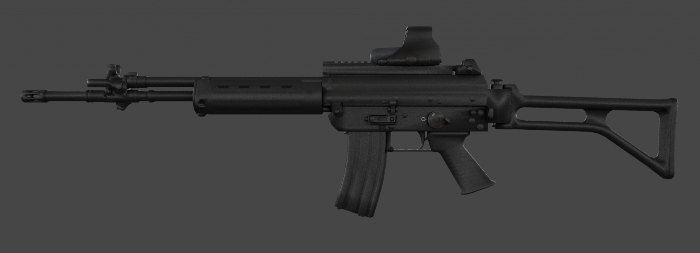
Beretta AR70/90 3D Model
The Beretta AR70/90 is an assault rifle chambered in 5.56?45 mm NATO and is the standard issue service rifle of the Italian Armed Forces.Parts are separable as seen.
-
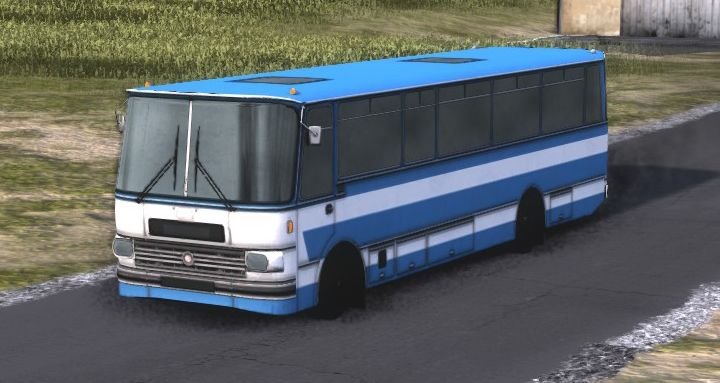
Soviet Republic Chavdav 11M3 3D Model
Привет, вот я привожу советский автобус Чавдар 11М3 из игры Рабочие и ресурсы, у него отдельные колеса, поэтому их не нужно разъединять вручную, он не такой подробный, но все же очень полезный, не загружайте его в роблокс видеоигра, потому что она уже есть
-
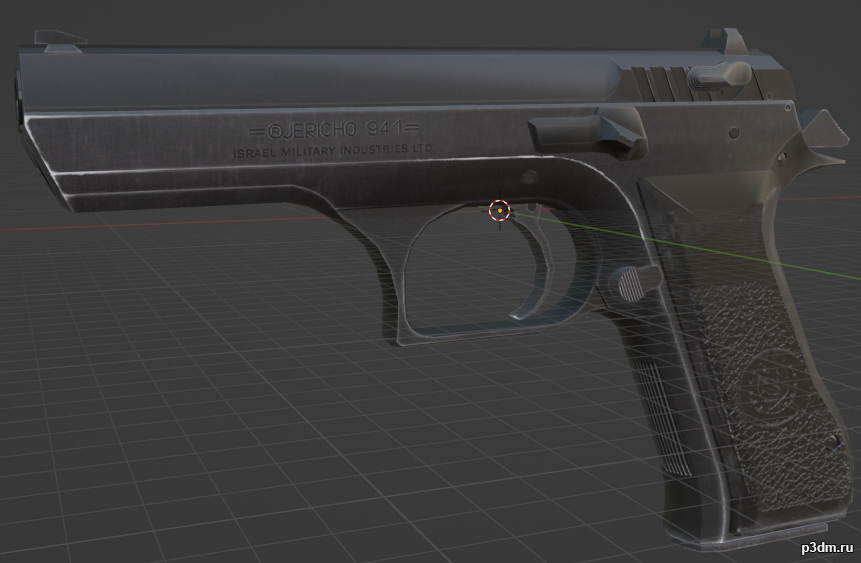
Jericho Pistol (baby eagle) 3D Model
.Blend of the model ripped from the World of guns. Some textures are broken, but thats because i was lazy with the cleanup. So if you want to Rip models from the World of Guns you just need the Ninja Ripper and Steam version of WOG. Get d3d11.dll from Ninja ripper folder/bin32/wrappers. Drop that file into source file of the WOG and you can rip files freely. If you rip from the Functionality part of the WOG all the weapon parts will be on their place and not broken
-
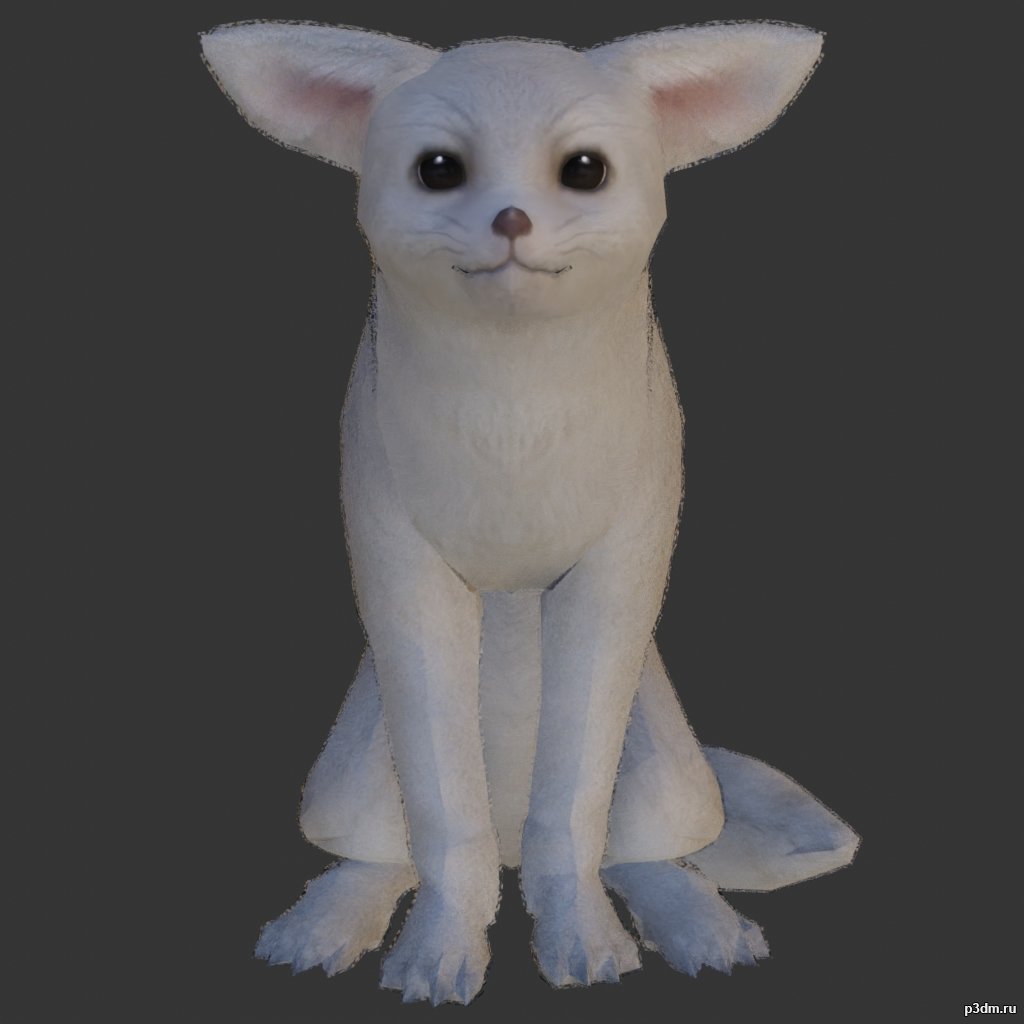
Desert Fox 3D Model
Animations here –> CLICK 5mbusing animations in Blender:1 – open model2 – import animation (in settings fbx import select Automatic Bone Orientations)3 – with the CTRL key held down Select the object you want to animate, then select the object from which you want to copy the animation, then go to Object > Link/Data Transfer > Link Animation Data4 – correct some distortions
-
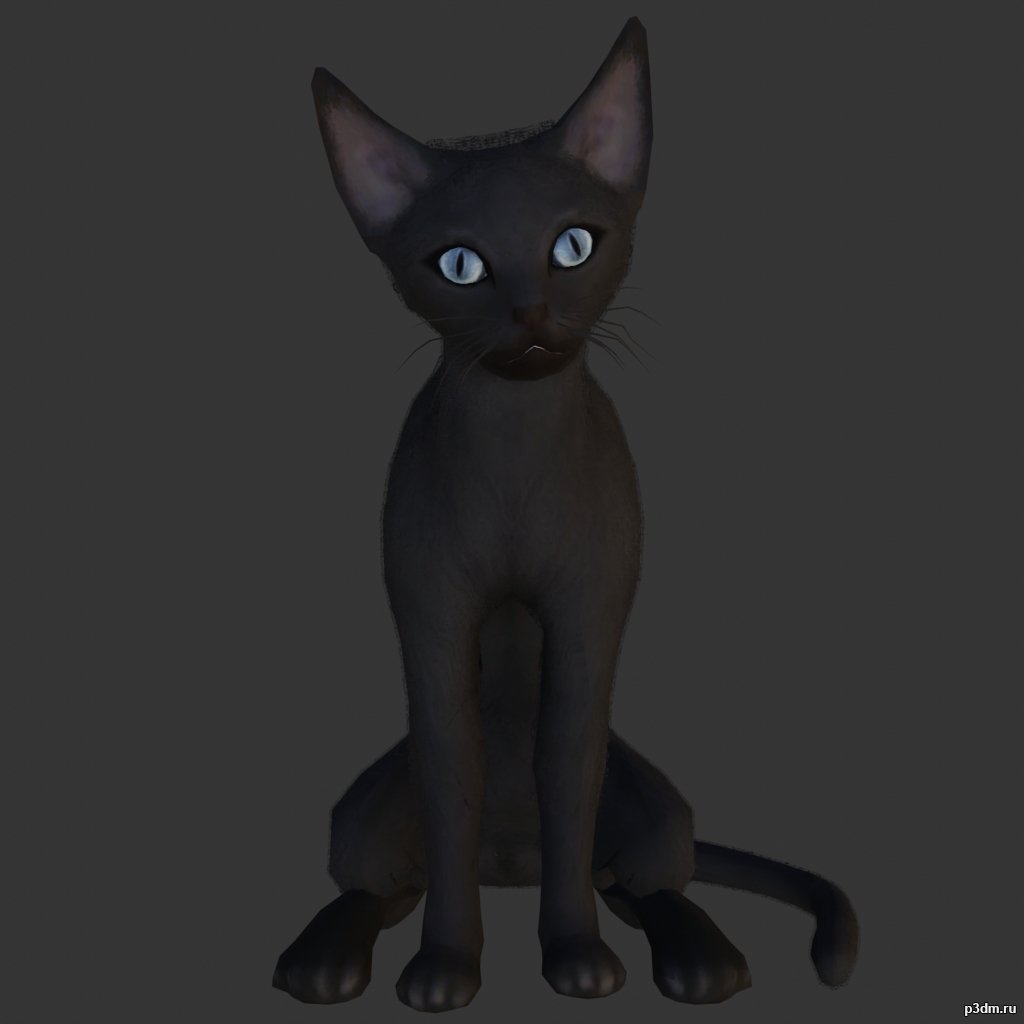
Sphynx Cats 3D Model
Animations here –> MEOW 5mbusing animations in Blender:1 – open model2 – import animation (in settings fbx import select Automatic Bone Orientations)3 – with the CTRL key held down Select the object you want to animate, then select the object from which you want to copy the animation, then go to Object > Link/Data Transfer > Link Animation Data4 – correct some distortions
-
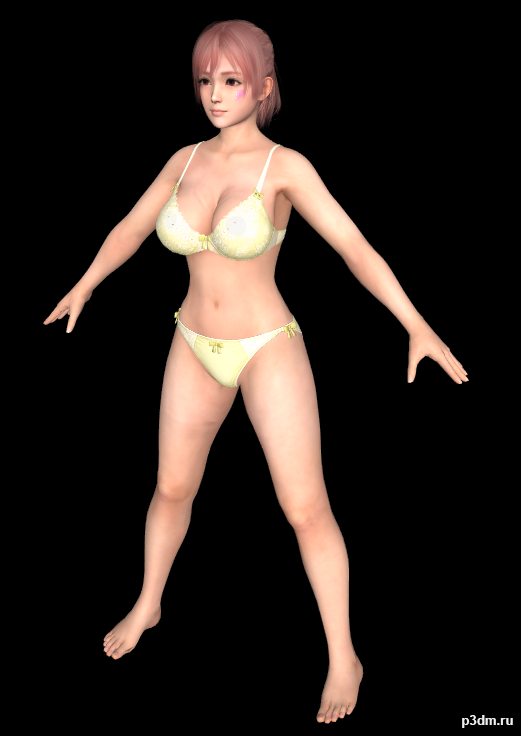
Honoka – Innocence 3D Model
All the Models here are Converted to FBX by me.Originally models converted from Dead or Alive games to XPS (Xnalara) by Shuubaru – https://www.deviantart.com/shuubaru Model belongs to Koei Tecmo & Team Ninja.Requirments to use these models:- Any 3D Studio Application like Blender, 3DS Max,…. so on.- Adobe Photoshop, Paint.net, GIMP,….and so on. (Only for Texture Editing)Folder Contents:- Model Name – Extra -Blush Tan -Blush (Blush Face Textures) -Blush Tan (Tanned Face with Blush Textures) -Normal (Normal Face Texture) -Hair – A -Hair – B -Hair – C -Hair – D -Wet Dry -Dry (Dry Body Textures) -Wet (Wet Body TExtures) – (The Whole Body Model with Outfits/Innerwear) © Koei Tecmo & Team Ninja and Shuubaru ©
-
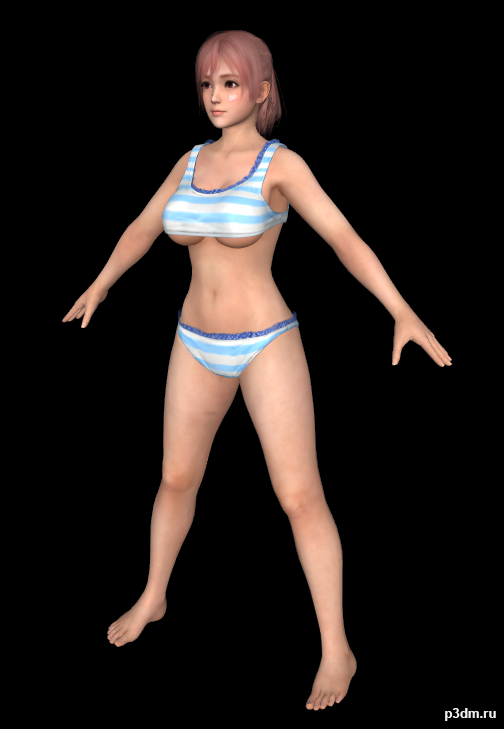
Honoka – Fachan 3D Model
All the Models here are Converted to FBX by me.Originally models converted from Dead or Alive games to XPS (Xnalara) by Shuubaru – https://www.deviantart.com/shuubaru Model belongs to Koei Tecmo & Team Ninja.Requirments to use these models:- Any 3D Studio Application like Blender, 3DS Max,…. so on.- Adobe Photoshop, Paint.net, GIMP,….and so on. (Only for Texture Editing)Folder Contents:- Model Name – Extra -Blush Tan -Blush (Blush Face Textures) -Blush Tan (Tanned Face with Blush Textures) -Normal (Normal Face Texture) -Hair – A -Hair – B -Hair – C -Hair – D -Wet Dry -Dry (Dry Body Textures) -Wet (Wet Body TExtures) – (The Whole Body Model with Outfits/Innerwear) © Koei Tecmo & Team Ninja and Shuubaru ©
-
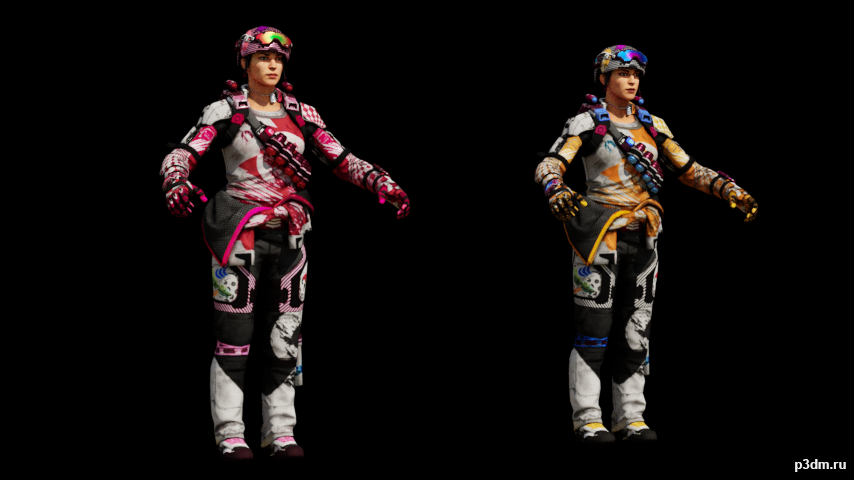
Battery Halfpipe – Original & Valentine versions 3D Model
Battery Halfpipe – Original & Valentine versions.
-
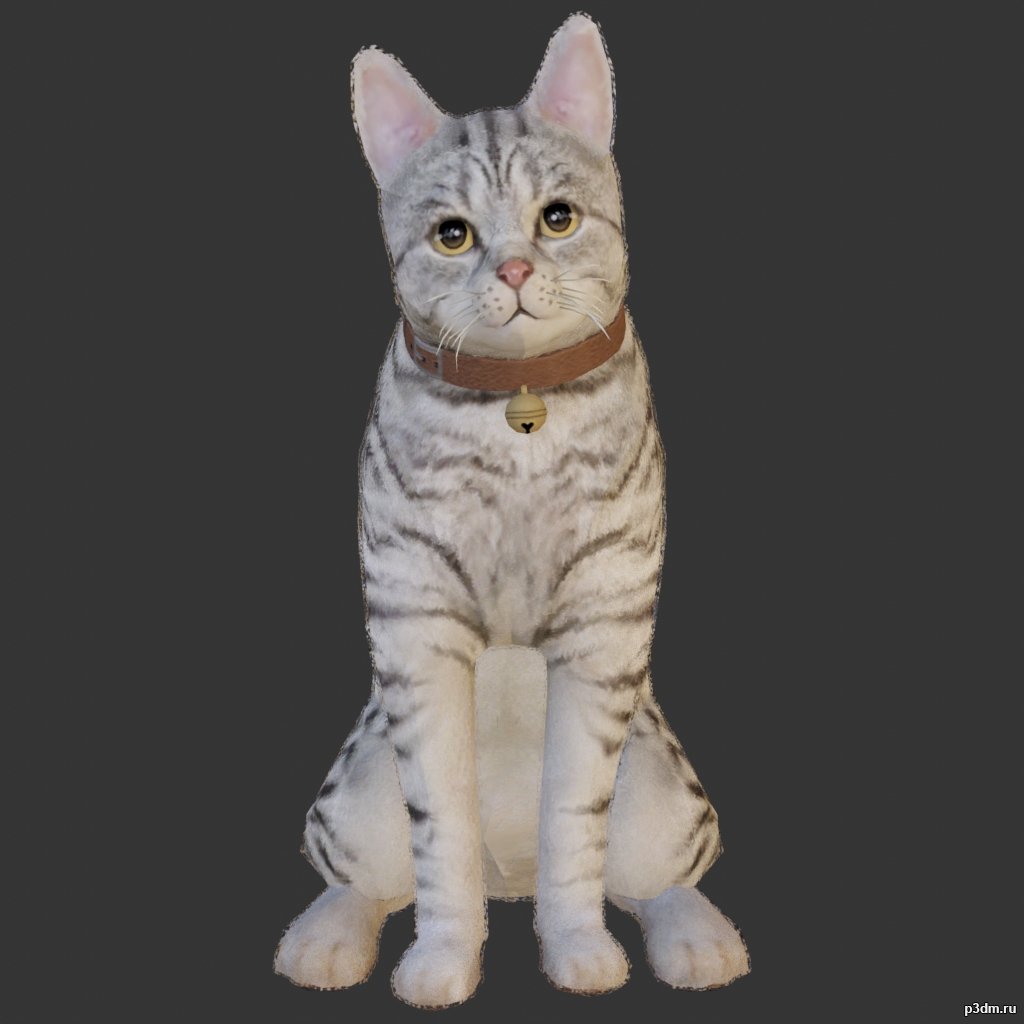
Cat 3D Model
Animations here –> MEOW 5mbusing animations in Blender:1 – open model2 – import animation (in settings fbx import select Automatic Bone Orientations)3 – with the CTRL key held down Select the object you want to animate, then select the object from which you want to copy the animation, then go to Object > Link/Data Transfer > Link Animation Data4 – correct some distortions
-
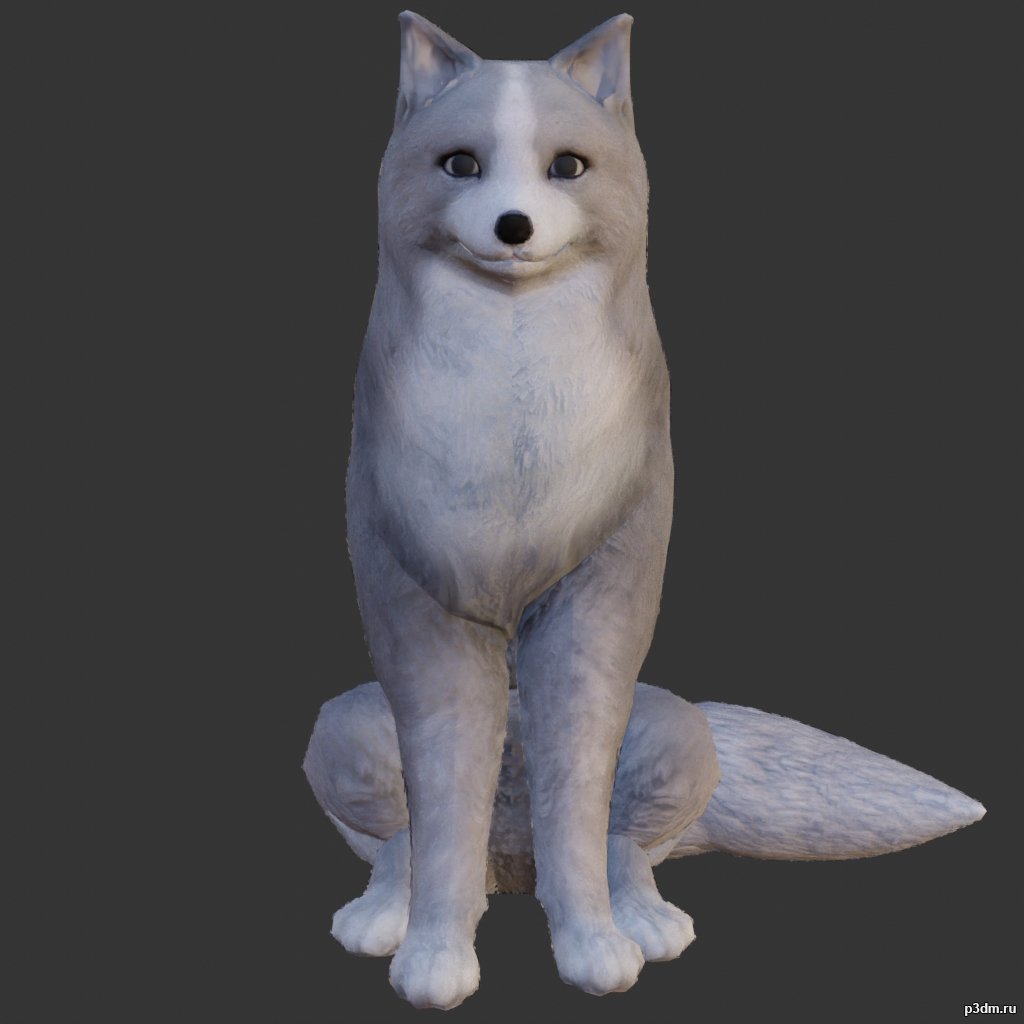
Fox 3D Model
Animations here –> CLICK 6mbusing animations in Blender:1 – open model2 – import animation (in settings fbx import select Automatic Bone Orientations)3 – with the CTRL key held down Select the object you want to animate, then select the object from which you want to copy the animation, then go to Object > Link/Data Transfer > Link Animation Data4 – correct some distortions