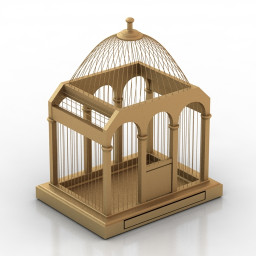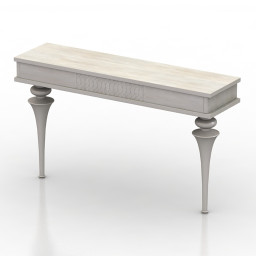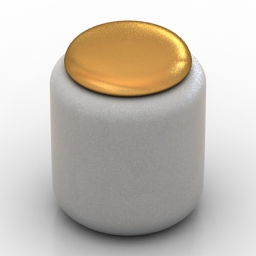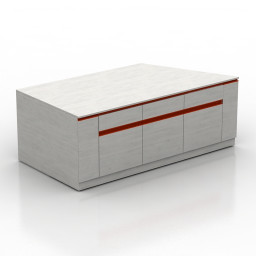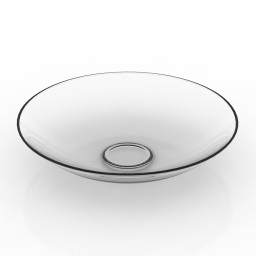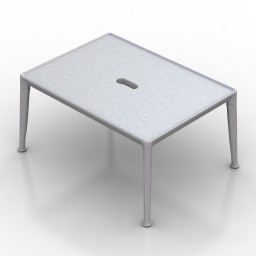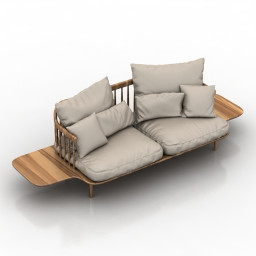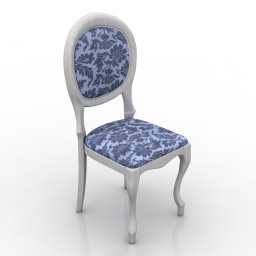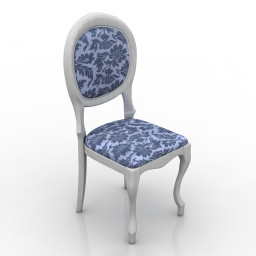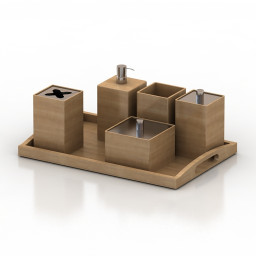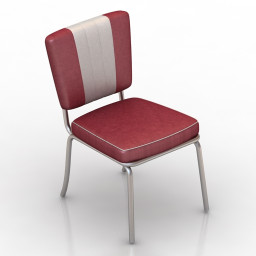
Additional Info: Chair – 3D model (*.gsm+*.obj+*.3ds) for interior 3d visualization.
Category: All 3D Models
All Premium 3D Models & 3D Print models ready to be used in any of your 3D projects such as visualizations, games, films, VR etc. 3D Models and 3D Print Models are available for download in several formats including .MAX, .C4D, .3DS, .FBX, .STL, .OBJ, .BLEND, .DWG, .LWO, .DXF and much more. If you’re in search of high-quality 3D assets, we have a huge library of 3d models for your needs.
If you are searching Free 3D Models, you can visit this category.
-
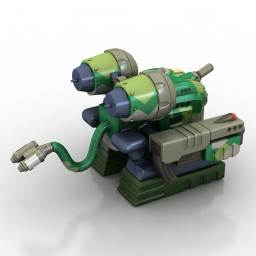
Toy 3D Model
Additional Info: Toy Machine Raidenmon N281022 – 3D model (*.gsm+*.obj+*.3ds) for interior 3d visualization.
-
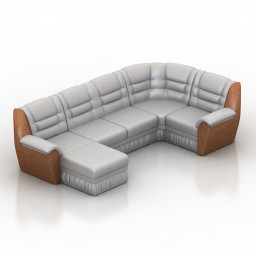
Sofa 3D Model
Additional Info: Sofa corner N260622 2ds – 3D model (*.gsm+*.obj+*.3ds) for interior 3d visualization.
-
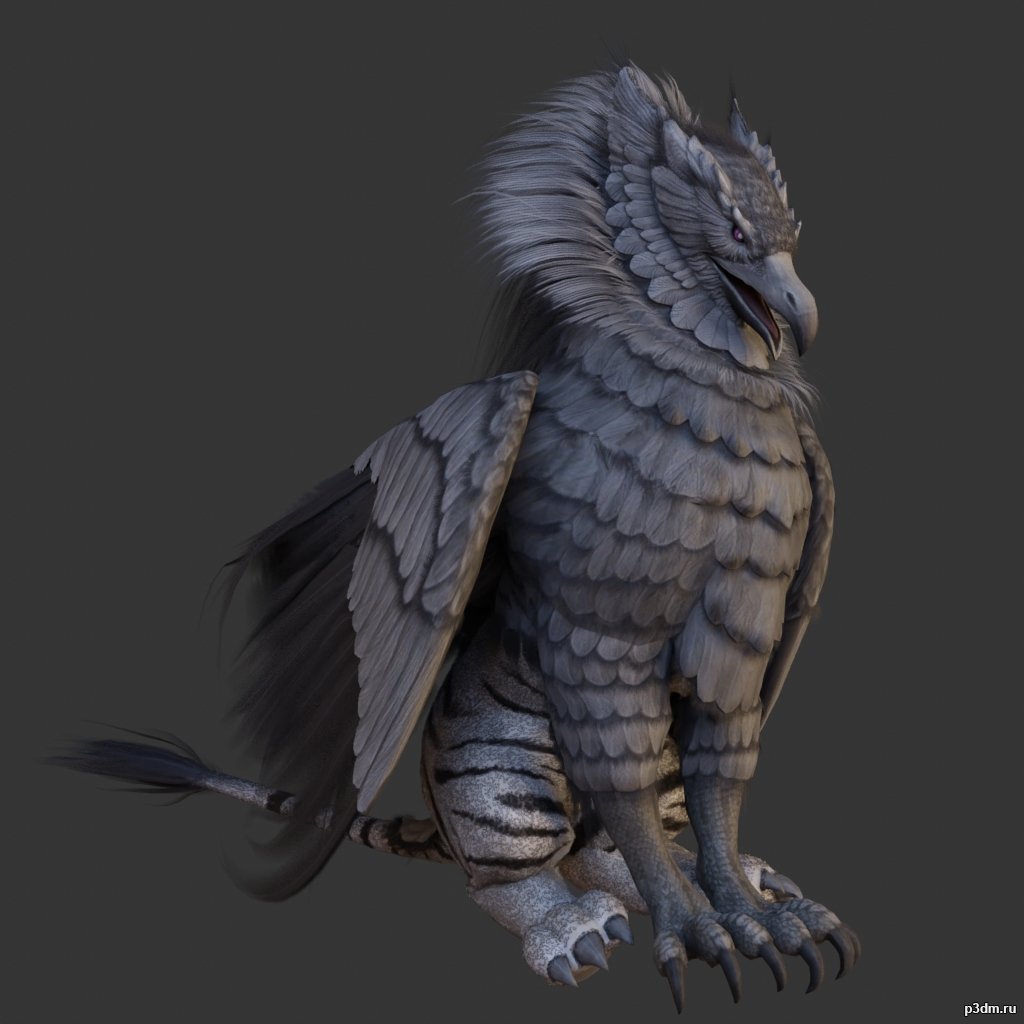
Griffons pack 3D Model
full rip:animationstexturesmodelsoundusing animations in Blender:1 – import model2 – import animation3 – with the CTRL key held down Select the object you want to animate, then select the object from which you want to copy the animation, then go to Object > Link/Data Transfer (CTRL+L) > Link Animation Data
-
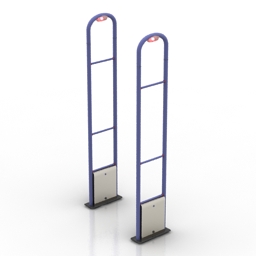
Anti-theft gate 3D Model
Additional Info: Anti-theft gates GATEWAY GS-201202 N250419 – 3D model (*.gsm+*.3ds) for interior 3d visualization.
-
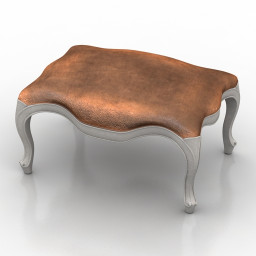
Seat 3D Model
Additional Info: Seat Louis XV N100822 – 3D model (*.gsm+*.obj+*.3ds) for interior 3d visualization.
-
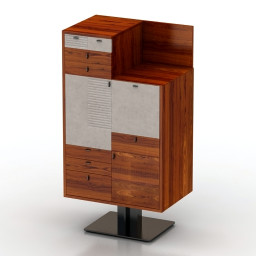
Locker 3D Model
Additional Info: Locker Mobilidea Manager 5009 Commode N240822 – 3D model (*.gsm+*.obj+*.3ds) for interior 3d visualization.
-
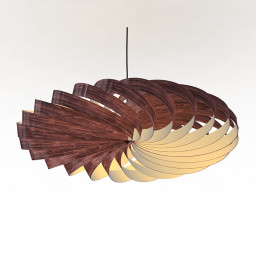
Luster 3D Model
Additional Info: Luster wooden N270922 – 3D model (*.gsm+*.obj+*.3ds) for interior 3d visualization.
-
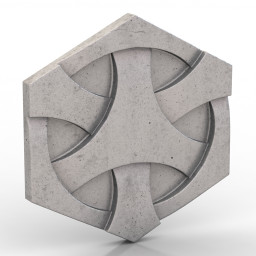
Tile 3D Model
Additional Info: Tile Japanese weave N070622 – 3D model (*.gsm+*.obj+*.3ds) for interior 3d visualization.
-
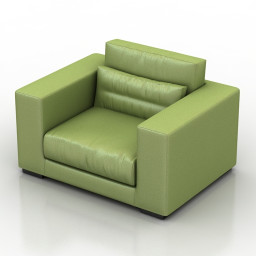
Armchair 3D Model
Additional Info: Armchair Piet boon DIEKE LIVING SERIES N170822 2ds – 3D model (*.gsm+*.obj+*.3ds) for interior 3d visualization.
-

Penguins pack 3D Model
full rip:animationstexturesmodelsoundusing animations in Blender:1 – import model2 – import animation3 – with the CTRL key held down Select the object you want to animate, then select the object from which you want to copy the animation, then go to Object > Link/Data Transfer (CTRL+L) > Link Animation Data
-
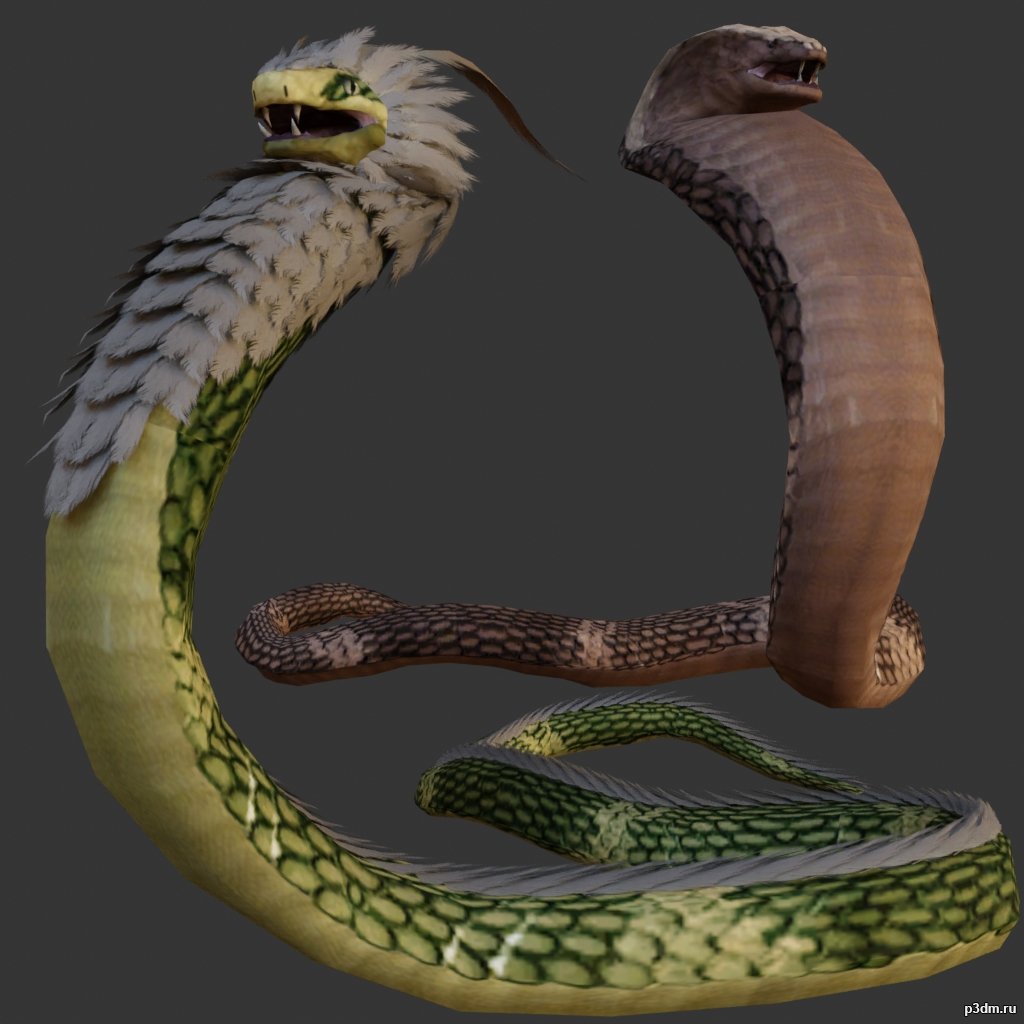
Snake 3D Model
full rip:animationstexturesmodelsoundusing animations in Blender:1 – import model2 – import animation3 – with the CTRL key held down Select the object you want to animate, then select the object from which you want to copy the animation, then go to Object > Link/Data Transfer (CTRL+L) > Link Animation Data
-
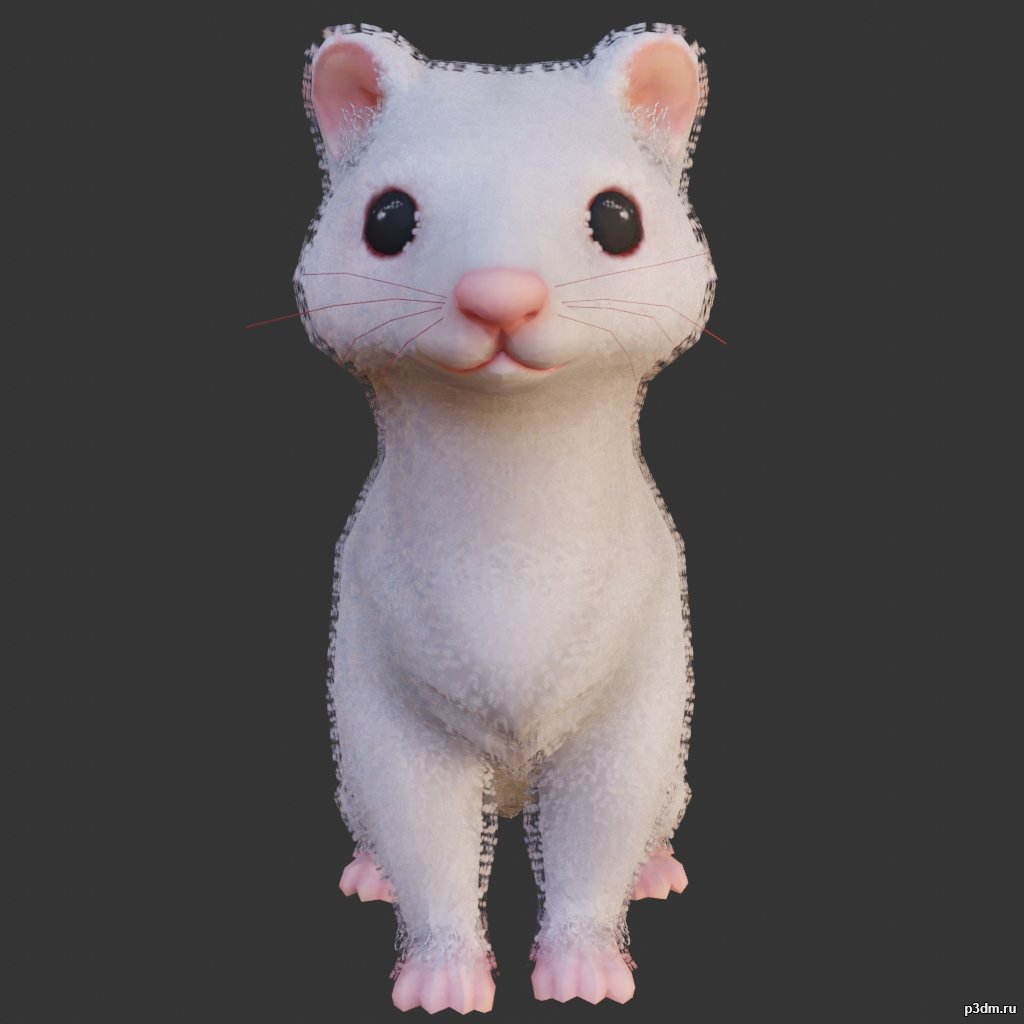
Ferret 3D Model
using animations in Blender:1 – import model2 – import animation3 – with the CTRL key held down Select the object you want to animate, then select the object from which you want to copy the animation, then go to Object > Link/Data Transfer (CTRL+L) > Link Animation Data
-

Elephants pack 3D Model
full rip:animationstexturesmodelsoundusing animations in Blender:1 – import model2 – import animation3 – with the CTRL key held down Select the object you want to animate, then select the object from which you want to copy the animation, then go to Object > Link/Data Transfer (CTRL+L) > Link Animation Data
-

Owls pack 3D Model
full rip:animationstexturesmodelsoundusing animations in Blender:1 – import model2 – import animation3 – with the CTRL key held down Select the object you want to animate, then select the object from which you want to copy the animation, then go to Object > Link/Data Transfer (CTRL+L) > Link Animation Data
-
Torchere 3D Model
Additional Info: Torchere Nordic N300722 – 3D model (*.gsm+*.obj+*.3ds) for interior 3d visualization.
-
Lounge 3D Model
Additional Info: Lounge Ventura Lambrate Seating N260822 – 3D model (*.gsm+*.obj+*.3ds) for interior 3d visualization.
-
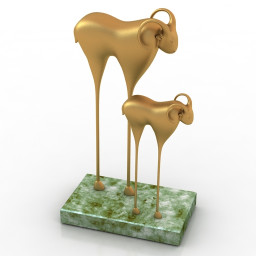
Figurine 3D Model
Additional Info: Figurine Buffalo N080722 – 3D model (*.gsm+*.obj+*.3ds) for interior 3d visualization.
-
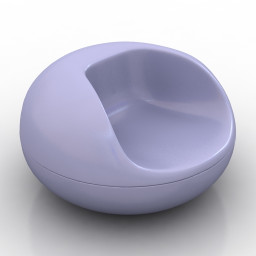
Armchair 3D Model
Additional Info: Armchair Pastil Chair by Eero Aarnio 1967 N120822 – 3D model (*.gsm+*.obj+*.3ds) for interior 3d visualization.
-
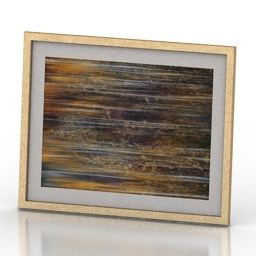
Picture 3D Model
Additional Info: Picture 1 – 3D model (*.gsm+*.obj+*.3ds) for interior 3d visualization.
-
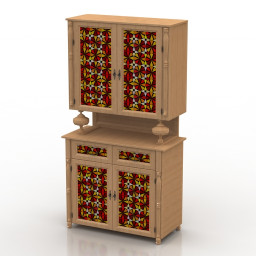
Locker 3D Model
Additional Info: Locker kitchen N011022 – 3D model (*.gsm+*.obj+*.3ds) for interior 3d visualization.
-
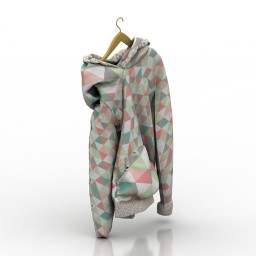
Jacket 3D Model
Additional Info: Jacket 2 – 3D model (*.gsm+*.obj+*.3ds) for interior 3d visualization.
-
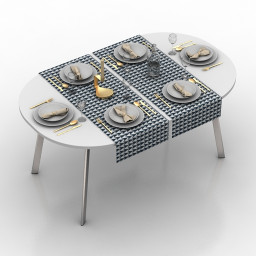
Table setting 3D Model
Additional Info: Table setting decor N131022 – 3D model (*.gsm+*.obj+*.3ds) for interior 3d visualization.
-
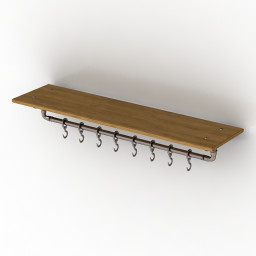
Shelf 3D Model
Additional Info: Shelf N060922 – 3D model (*.gsm+*.obj+*.3ds) for interior 3d visualization.
-
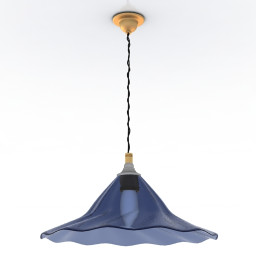
Luster 3D Model
Additional Info: Luster Rothschild & Bickers N270922 – 3D model (*.gsm+*.obj+*.3ds) for interior 3d visualization.
-
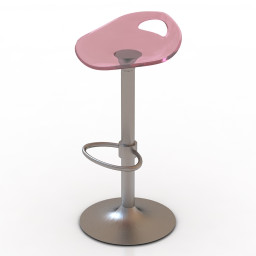
Chair 3D Model
Additional Info: Chair bar Samba N160822 – 3D model (*.gsm+*.obj+*.3ds) for interior 3d visualization.
-
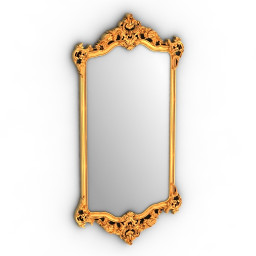
Mirror 3D Model
Additional Info: Mirror cls frame N280622 – 3D model (*.gsm+*.obj+*.3ds) for interior 3d visualization.
-
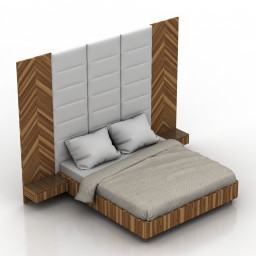
Bed 3D Model
Additional Info: Bed Wall Panel 1 – 3D model (*.gsm+*.obj+*.3ds) for interior 3d visualization.
-
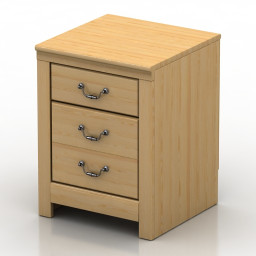
Nightstand 3D Model
Additional Info: Nightstand – 3D model (*.gsm+*.obj+*.3ds) for interior 3d visualization.
-
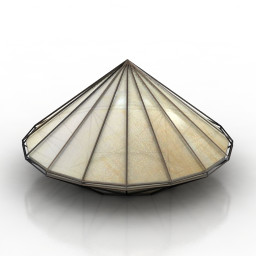
Lamp 3D Model
Additional Info: Lamp Triangle Light N260422 – 3D model (*.gsm+*.obj+*.3ds) for interior 3d visualization.
-
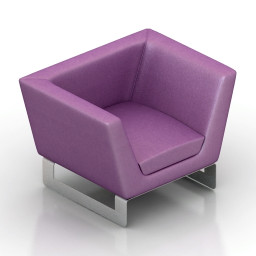
Armchair 3D Model
Additional Info: Armchair vio – 3D model (*.gsm+*.obj+*.3ds) for interior 3d visualization.
-
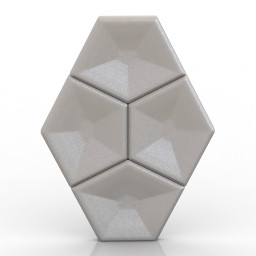
Tile 3D Model
Additional Info: Tile 3d wall N120722 – 3D model (*.gsm+*.obj+*.3ds) for interior 3d visualization.
-
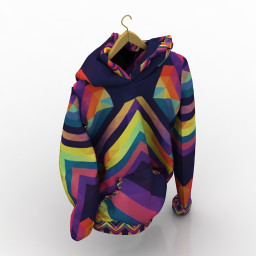
Jacket 3D Model
Additional Info: Jacket 1 – 3D model (*.gsm+*.obj+*.3ds) for interior 3d visualization.
-
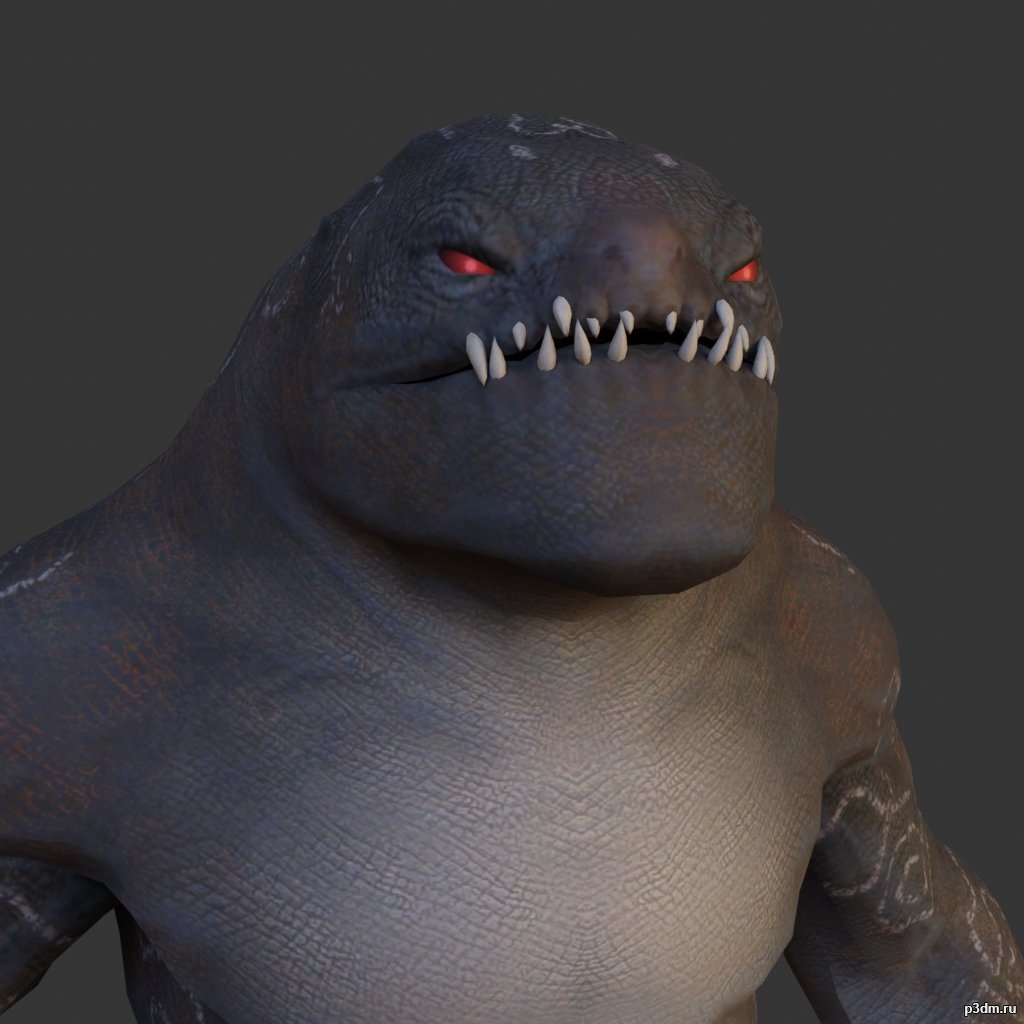
Desert Monster 3D Model
using animations in Blender:1 – import model2 – import animation3 – with the CTRL key held down Select the object you want to animate, then select the object from which you want to copy the animation, then go to Object > Link/Data Transfer (CTRL+L) > Link Animation Data
-
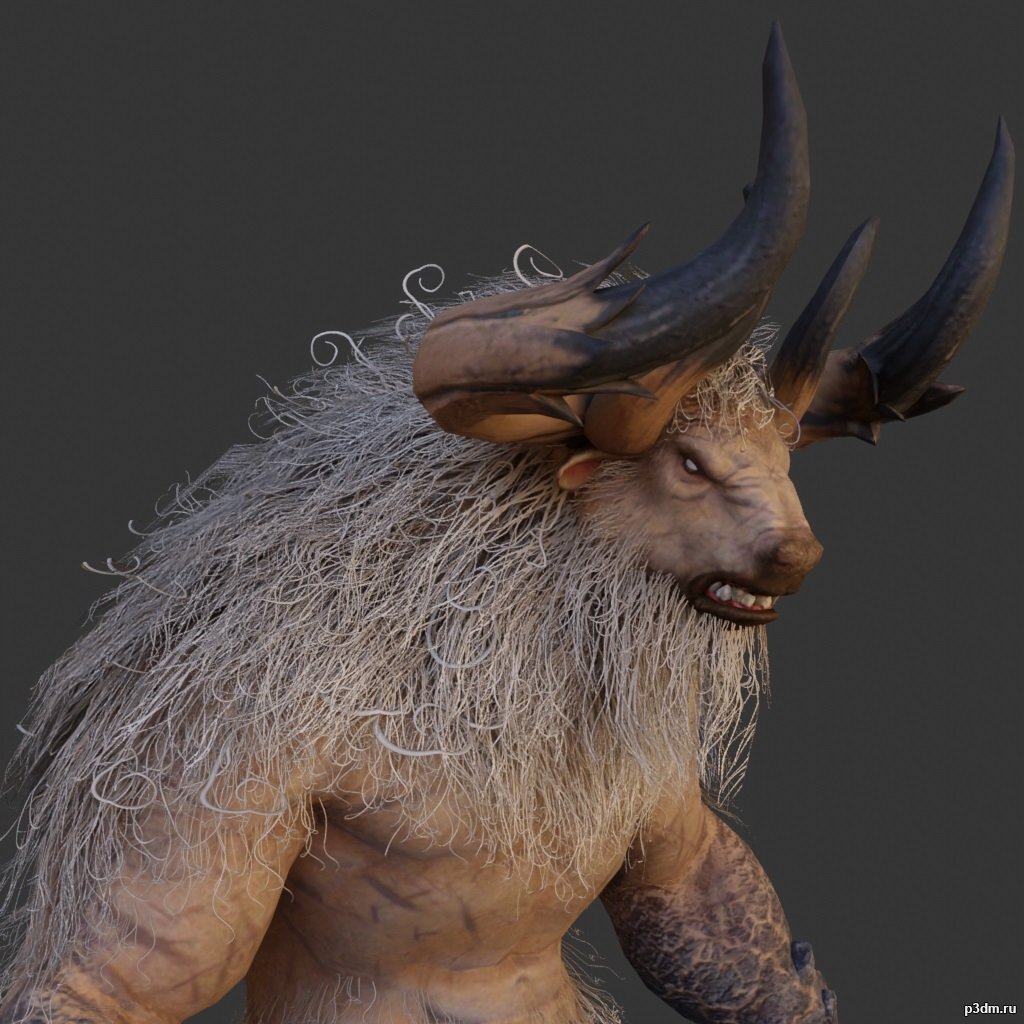
Minotaur 3D Model
full rip:animationstexturesmodelsoundusing animations in Blender:1 – import model2 – import animation3 – with the CTRL key held down Select the object you want to animate, then select the object from which you want to copy the animation, then go to Object > Link/Data Transfer (CTRL+L) > Link Animation Data
-
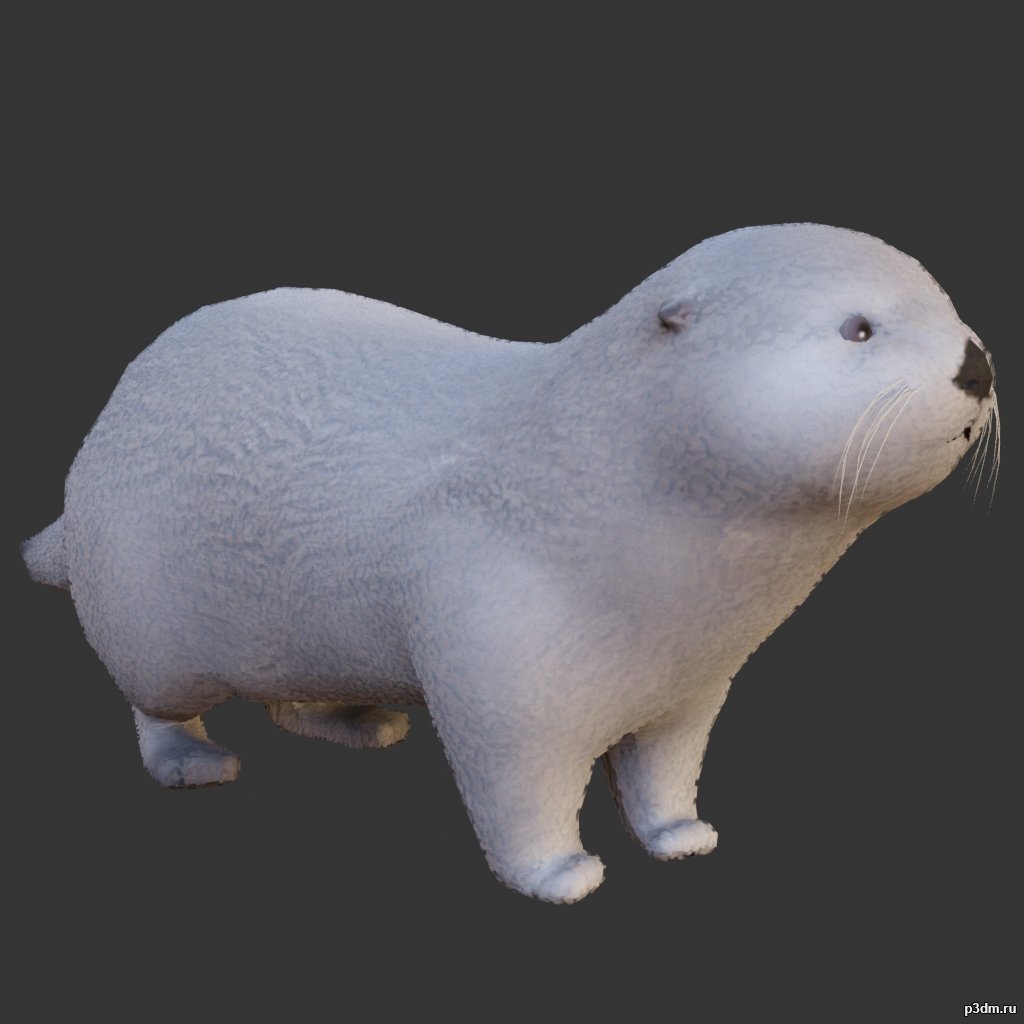
Otter 3D Model
full rip:animationstexturesmodelsoundusing animations in Blender:1 – import model2 – import animation3 – with the CTRL key held down Select the object you want to animate, then select the object from which you want to copy the animation, then go to Object > Link/Data Transfer (CTRL+L) > Link Animation Data
-
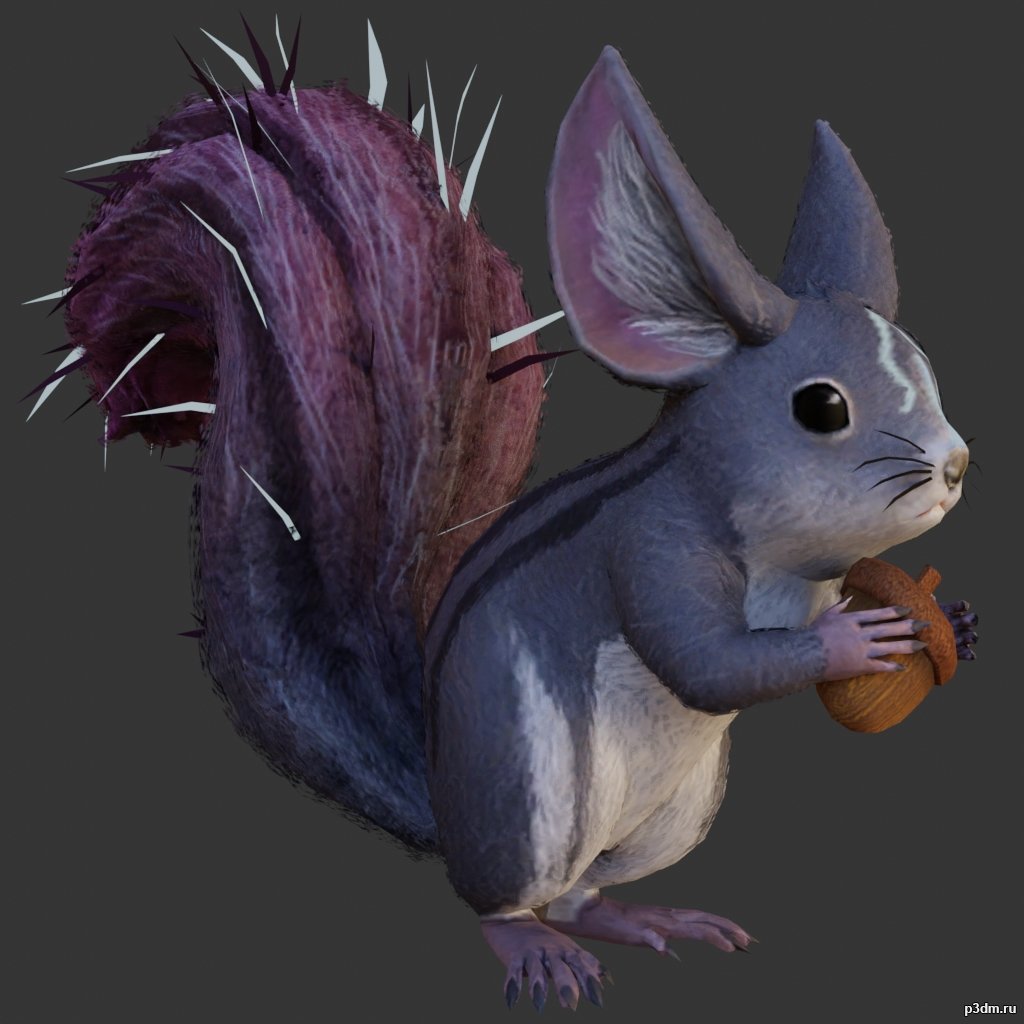
Squirrel 3D Model
full rip:animationstexturesmodelsoundusing animations in Blender:1 – import model2 – import animation3 – with the CTRL key held down Select the object you want to animate, then select the object from which you want to copy the animation, then go to Object > Link/Data Transfer (CTRL+L) > Link Animation Data
-
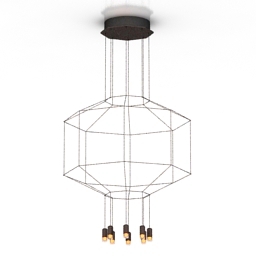
Luster 3D Model
Additional Info: Luster 1 – 3D model (*.gsm+*.obj+*.3ds) for interior 3d visualization.
-
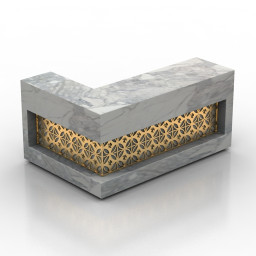
Rack 3D Model
Additional Info: Rack Cubid reception desk bar N250822 – 3D model (*.gsm+*.obj+*.3ds) for interior 3d visualization.
-
Rack 3D Model
Additional Info: Rack Cubid reception desk bar N250822 – 3D model (*.gsm+*.obj+*.3ds) for interior 3d visualization.
-

Rack 3D Model
Additional Info: Rack 583-350 – 3D model (*.gsm+*.obj+*.3ds) for interior 3d visualization.
-
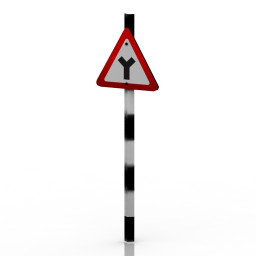
Sign 3D Model
Additional Info: Sign 33 – 3D model (*.gsm+*.obj+*.3ds) for exterior 3d visualization.
-
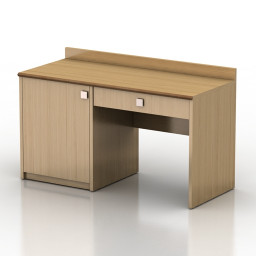
Table 3D Model
Additional Info: Table 1 – 3D model (*.gsm+*.obj+*.3ds) for interior 3d visualization.
-
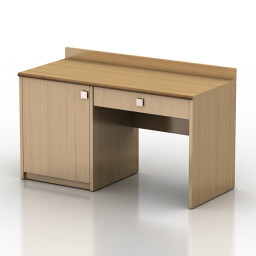
Table 3D Model
Additional Info: Table 1 – 3D model (*.gsm+*.obj+*.3ds) for interior 3d visualization.
-
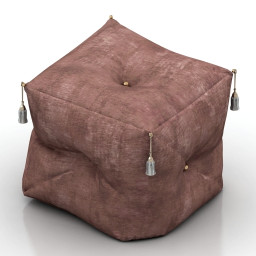
Seat 3D Model
Additional Info: Seat KS N100822 – 3D model (*.gsm+*.obj+*.3ds) for interior 3d visualization.
-
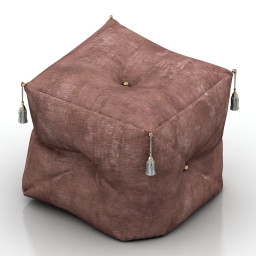
Seat 3D Model
Additional Info: Seat KS N100822 – 3D model (*.gsm+*.obj+*.3ds) for interior 3d visualization.
-

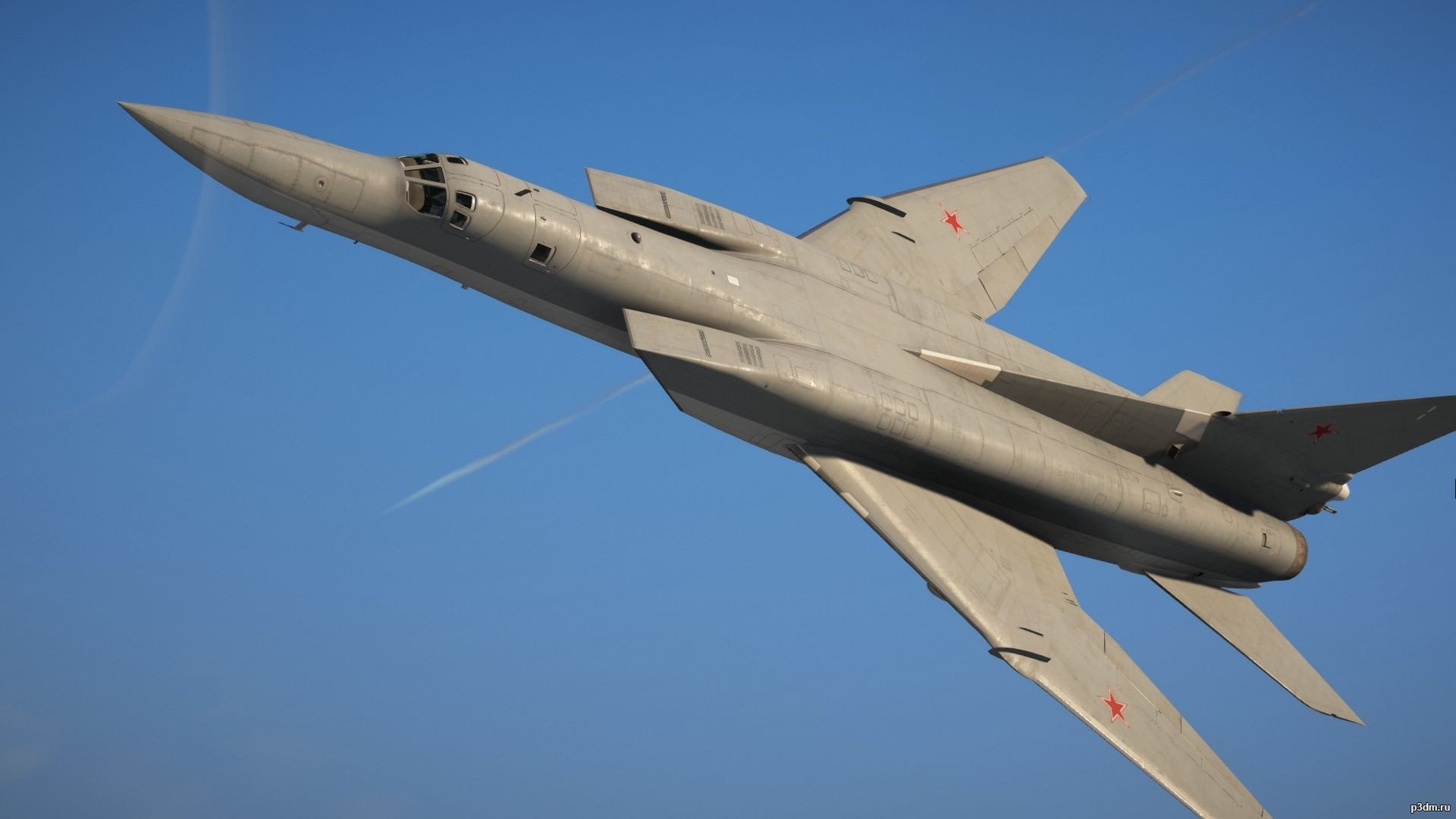
AC-130U 3D Model
Модель также из мода для GTA VИмеет полностью проработанный интерьерПоказать увы не могу,т.к скриншоты оказались слишком тяжелыми
-
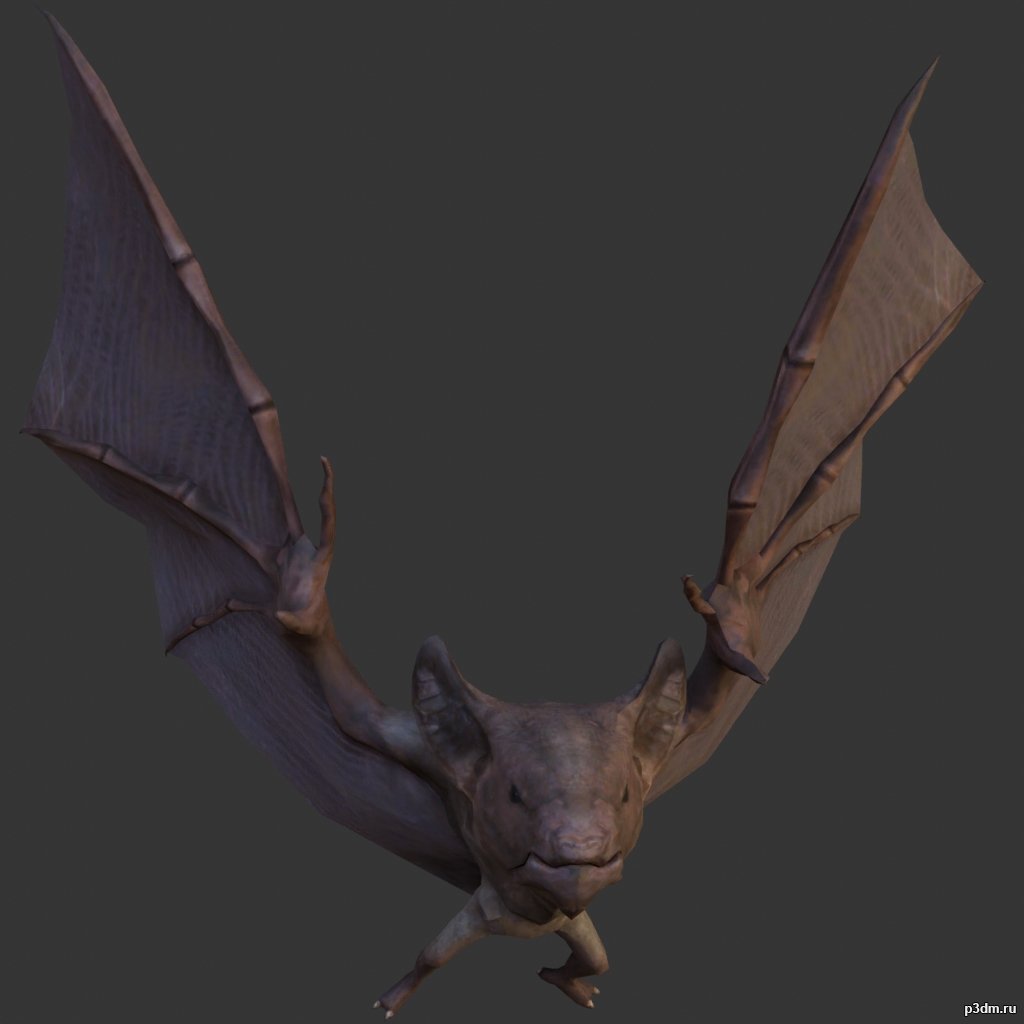
Bat 3D Model
full rip:animationstexturesmodelsoundusing animations in Blender:1 – import model2 – import animation3 – with the CTRL key held down Select the object you want to animate, then select the object from which you want to copy the animation, then go to Object > Link/Data Transfer (CTRL+L) > Link Animation Data
-

Boat pack 3D Model
full rip:animationstexturesmodelsoundusing animations in Blender:1 – import model2 – import animation3 – with the CTRL key held down Select the object you want to animate, then select the object from which you want to copy the animation, then go to Object > Link/Data Transfer (CTRL+L) > Link Animation Data
-
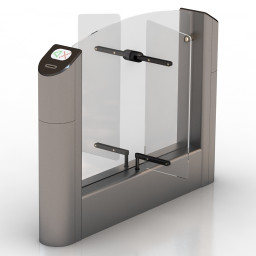
Turnstile 3D Model
Additional Info: Turnstile Practice T-04 N140222 – 3D model (*.gsm+*.obj+*.3ds) for interior 3d visualization.
-
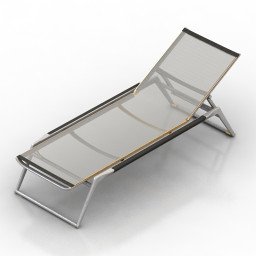
Lounge 3D Model
Additional Info: Lounge – 3D model (*.gsm+*.obj+*.3ds) for interior 3d visualization.
-
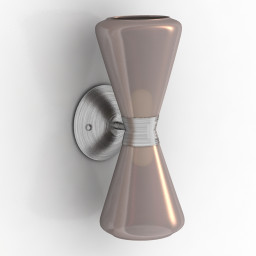
Sconce 3D Model
Additional Info: Sconce Mid-Century Modern N210422 – 3D model (*.gsm+*.obj+*.3ds) for interior 3d visualization.
-
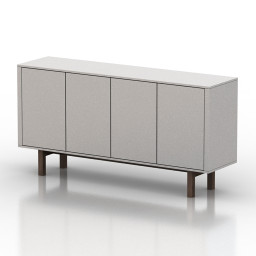
Locker 3D Model
Additional Info: Locker 1 – 3D model (*.gsm+*.obj+*.3ds) for interior 3d visualization.
-
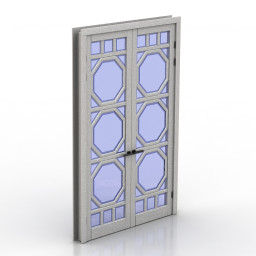
Door 3D Model
Additional Info: Door Oktagon N060522 – 3D model (*.gsm+*.obj+*.3ds) for interior 3d visualization.
-
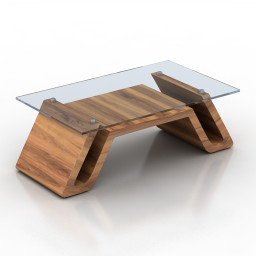
Table 3D Model
Additional Info: Table 03 – 3D model (*.gsm+*.obj+*.3ds) for interior 3d visualization.
-
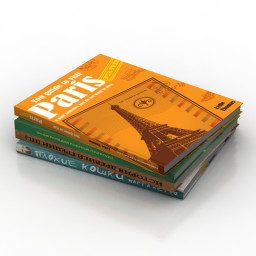
Books 3D Model
Additional Info: Books N031022 – 3D model (*.gsm+*.obj+*.3ds) for interior 3d visualization.
-
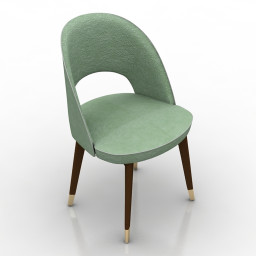
Chair 3D Model
Additional Info: Chair Baxter Colette N140822 – 3D model (*.gsm+*.obj+*.3ds) for interior 3d visualization.
-
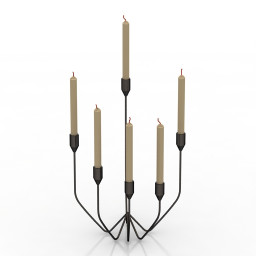
Candlestick 3D Model
Additional Info: Candlestick N071022 – 3D model (*.gsm+*.obj+*.3ds) for interior 3d visualization.
-
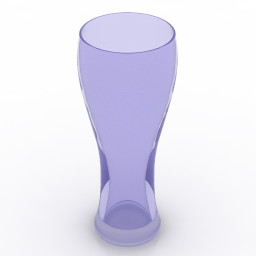
Glass 3D Model
Additional Info: Glass 7 – 3D model (*.gsm+*.obj+*.3ds) for interior 3d visualization.
-
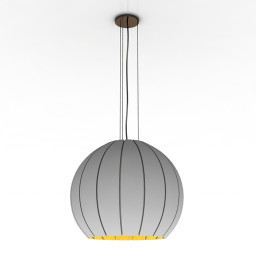
Luster 3D Model
Additional Info: Luster 1 – 3D model (*.gsm+*.obj+*.3ds) for interior 3d visualization.
-
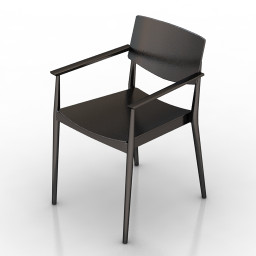
Armchai 3D Model
Additional Info: Armchair Happy 0375 – 3D model (*.gsm+*.obj+*.3ds) for interior 3d visualization.
-
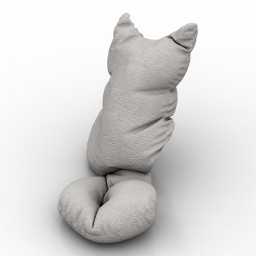
Pillow 3D Model
Additional Info: Cat 3 – 3D model (*.gsm+*.obj+*.3ds) for interior 3d visualization.
-
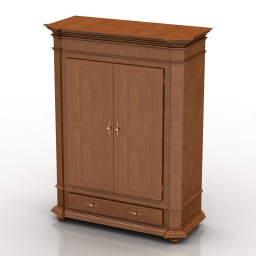
Wardrobe 3D Model
Additional Info: Wardrobe Fenice TIMELESS SELVA N011022 – 3D model (*.gsm+*.obj+*.3ds) for interior 3d visualization.
-
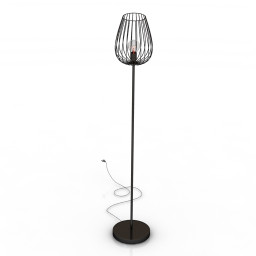
Torchere 3D Model
Additional Info: Torchere Eglo 82697 N300722 – 3D model (*.gsm+*.obj+*.3ds) for interior 3d visualization.
-
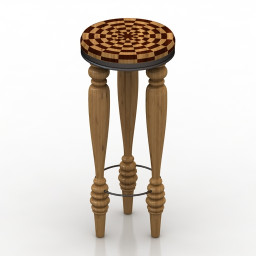
Table 3D Model
Additional Info: Table small – 3D model (*.gsm+*.obj+*.3ds) for interior 3d visualization.
-
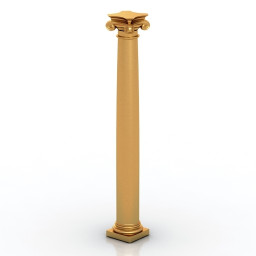
Column 3D Model
Additional Info: Column composite Classic 1 N090622 – 3D model (*.gsm+*.obj+*.3ds) for interior 3d visualization.
-
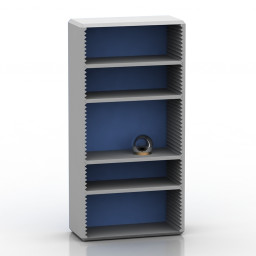
Rack 3D Model
Additional Info: Rack 1 blue – 3D model (*.gsm+*.obj+*.3ds) for interior 3d visualization.
-
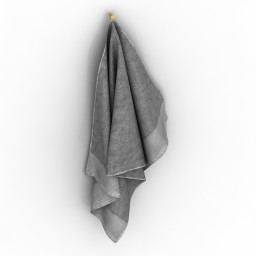
Towel 3D Model
Additional Info: Towel 2 – 3D model (*.gsm+*.obj+*.3ds) for interior 3d visualization.
-
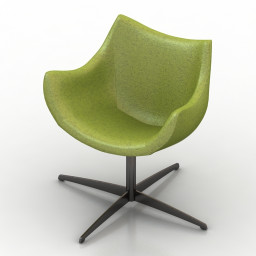
Armchair 3D Model
Additional Info: Armchair 3 2ds – 3D model (*.gsm+*.obj+*.3ds) for interior 3d visualization.
-
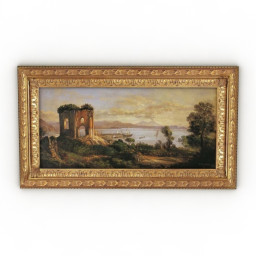
Picture 3D Model
Additional Info: Picture 058-1 – 3D model (*.gsm+*.obj+*.3ds) for interior 3d visualization.
-
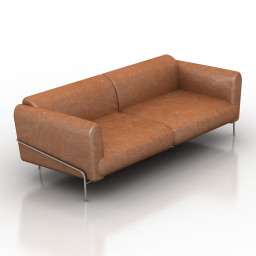
Sofa 3D Model
Additional Info: Sofa N181022 – 3D model (*.gsm+*.obj+*.3ds) for interior 3d visualization.
-
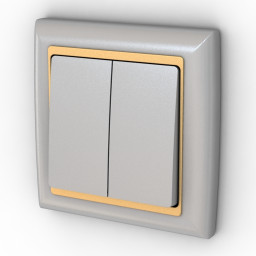
Switch 3D Model
Additional Info: Switch 2 – 3D model (*.gsm+*.obj+*.3ds) for interior 3d visualization.
-
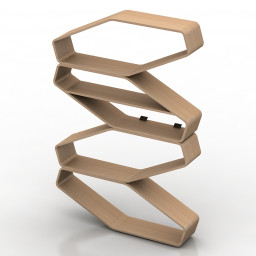
Shelf 3D Model
Additional Info: Shelf Endy N140622 – 3D model (*.gsm+*.obj+*.3ds) for interior 3d visualization.
-
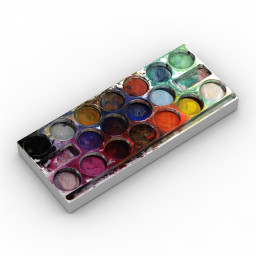
Paints 3D Model
Additional Info: Paints – 3D model (*.gsm+*.obj+*.3ds) for interior 3d visualization.
-
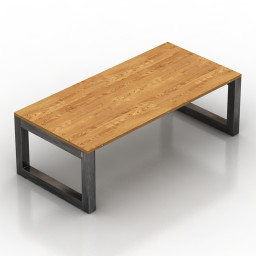
Table 3D Model
Additional Info: Table BZarchitect N240922 – 3D model (*.gsm+*.obj+*.3ds) for interior 3d visualization.
-
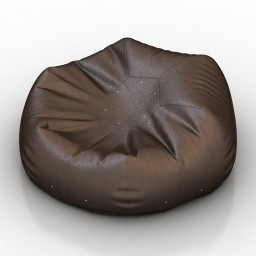
Seat 3D Model
Additional Info: Seat bean bag chair N110822 – 3D model (*.gsm+*.obj+*.3ds) for interior 3d visualization.
-
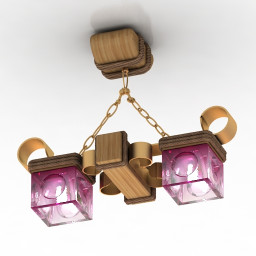
Luster 3D Model
Additional Info: Luster 2 – 3D model (*.gsm+*.obj+*.3ds) for interior 3d visualization.
-
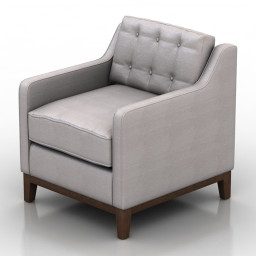
Armchair 3D Model
Additional Info: Armchair Flexsteel Parallel N190822 – 3D model (*.gsm+*.obj+*.3ds) for interior 3d visualization.
-
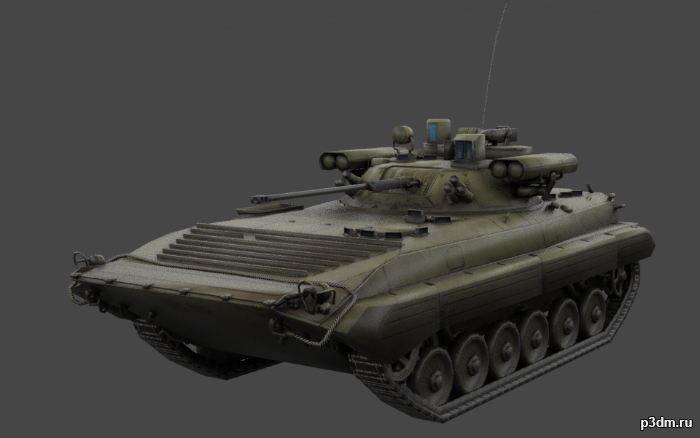
BMP-2 (Boyevaya Mashina Pekhoty) 3D Model
The BMP-2 is an amphibious infantry fighting vehicle introduced in the 1980s in the Soviet Union, following on from the BMP-1 of the 1960s.Includes desert, winter, and woodland camos.It also includes an interior, albeit a low-effort one.Parts are separable as seen.
-
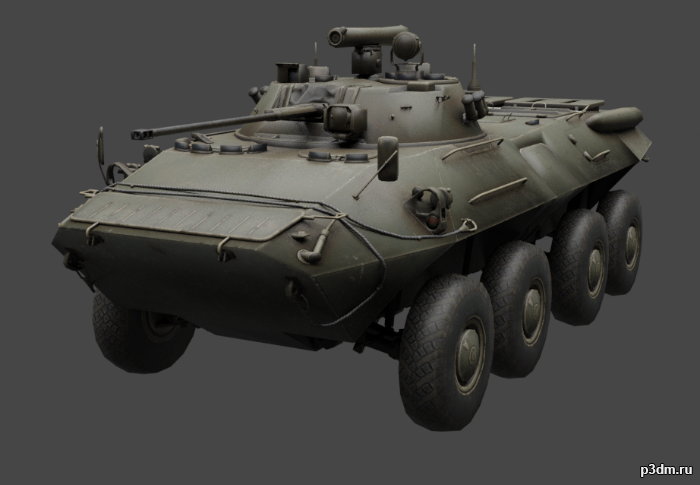
BTR-90 (GAZ-5923) 3D Model
BTR-90 is a wheeled armored personnel carrier developed in Russia, designed in 1993 and first shown publicly in 1994. It is a larger version of the BTR-80 vehicle, fitted with a BMP-2 turret. Armour protection is improved compared with the BTR-80.Includes winter, woodland, and desert camos.Parts are separable as seen.Contains an interior, albeit low effort.Destroyed version included.
-
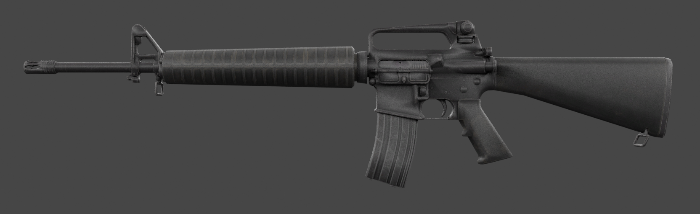
M16A2 3D Model
The development of the M16A2 rifle was originally requested by the United States Marine Corps in 1979 as a result of combat experience in Vietnam with the M16A1. It was officially adopted by the Department of Defense in 1983. Parts are separable as seen.
-
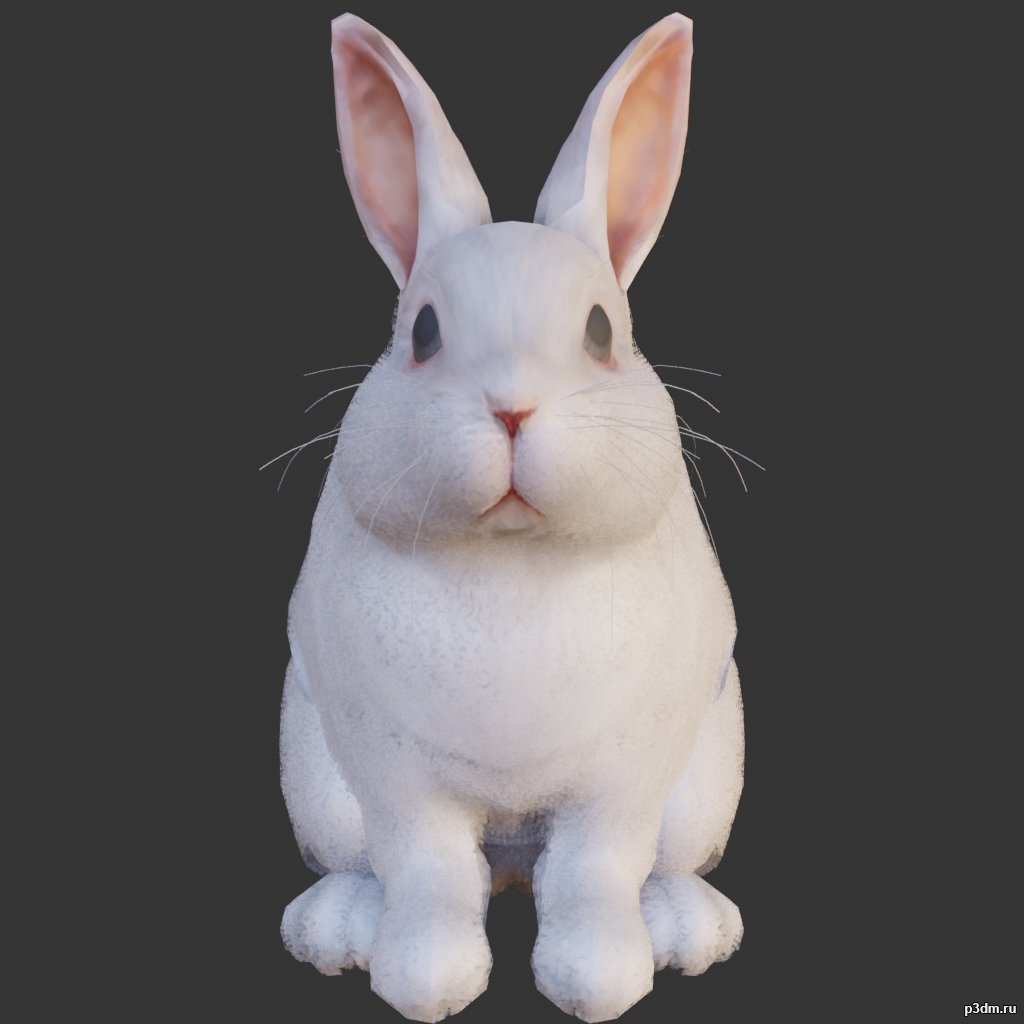
Rabbit 3D Model
using animations in Blender:1 – import model2 – import animation3 – with the CTRL key held down Select the object you want to animate, then select the object from which you want to copy the animation, then go to Object > Link/Data Transfer (CTRL+L) > Link Animation Data
-
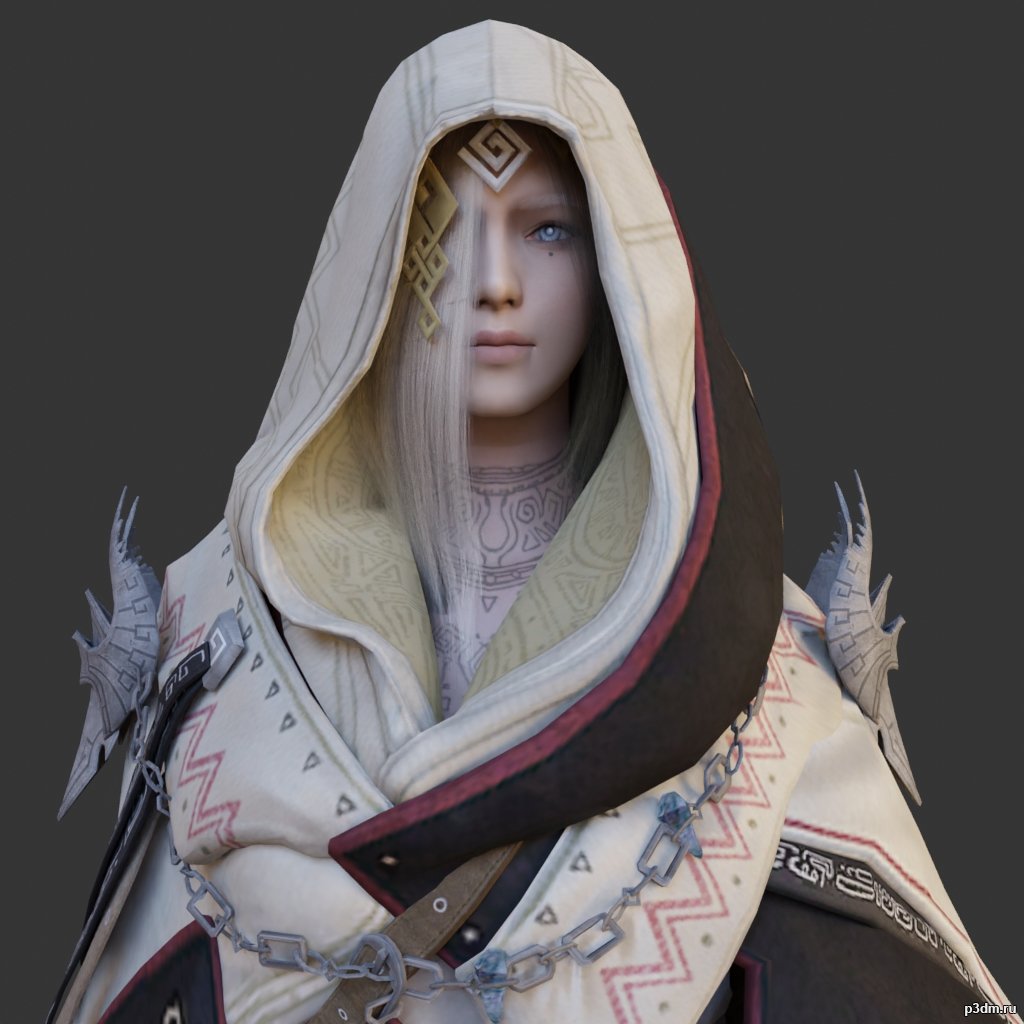
Illezra 3D Model
using animations in Blender:1 – import model2 – import animation3 – with the CTRL key held down Select the object you want to animate, then select the object from which you want to copy the animation, then go to Object > Link/Data Transfer (CTRL+L) > Link Animation Data
-
Lamp 3D Model
Additional Info: Lamp MOSS Pixoss desk lamp N230422 – 3D model (*.gsm+*.obj+*.3ds) for interior 3d visualization.