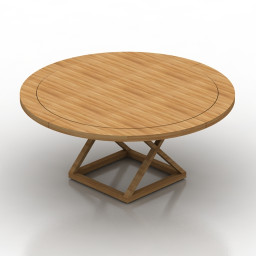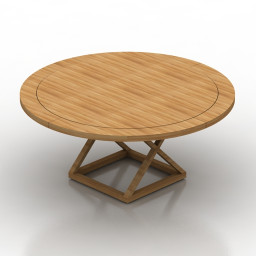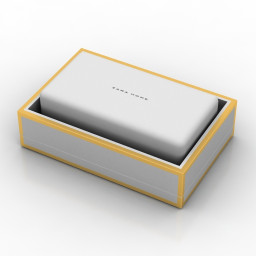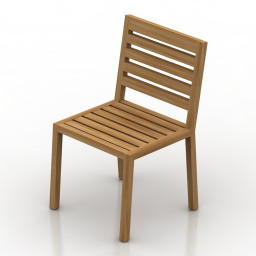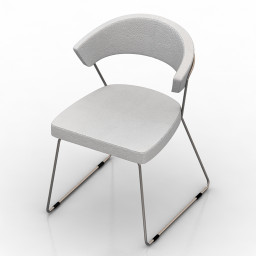
Additional Info: Chair Calligaris Icon Dining Chair N160622 – 3D model (*.gsm+*.obj+*.3ds) for interior 3d visualization.
Category: All 3D Models
All Premium 3D Models & 3D Print models ready to be used in any of your 3D projects such as visualizations, games, films, VR etc. 3D Models and 3D Print Models are available for download in several formats including .MAX, .C4D, .3DS, .FBX, .STL, .OBJ, .BLEND, .DWG, .LWO, .DXF and much more. If you’re in search of high-quality 3D assets, we have a huge library of 3d models for your needs.
If you are searching Free 3D Models, you can visit this category.
-
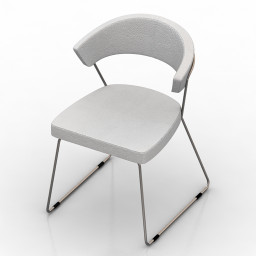
Chair 3D Model
Additional Info: Chair Calligaris Icon Dining Chair N160622 – 3D model (*.gsm+*.obj+*.3ds) for interior 3d visualization.
-
Frame 3D Model
Additional Info: Frame 9 – 3D model (*.gsm+*.obj+*.3ds) for interior 3d visualization.
-
Locker 3D Model
Additional Info: Locker 3 – 3D model (*.gsm+*.obj+*.3ds) for interior 3d visualization.
-
Luster 3D Model
Additional Info: Luster 1 – 3D model (*.gsm+*.obj+*.3ds) for interior 3d visualization.
-
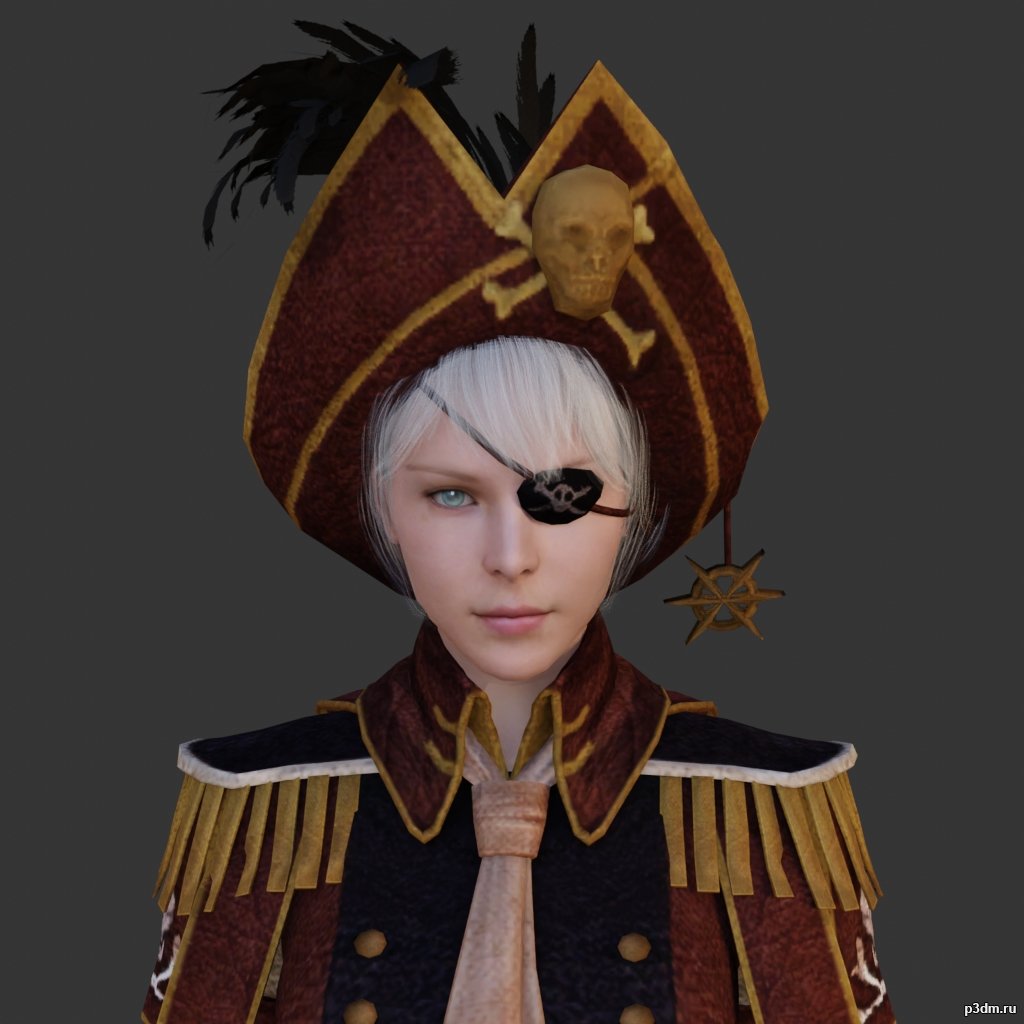
Pirate 3D Model
using animations in Blender:1 – import model2 – import animation3 – with the CTRL key held down Select the object you want to animate, then select the object from which you want to copy the animation, then go to Object > Link/Data Transfer > Link Animation Data
-
Sink 3D Model
Additional Info: Sink Duravit Caro N040622 – 3D model (*.gsm+*.obj+*.3ds) for interior 3d visualization.
-
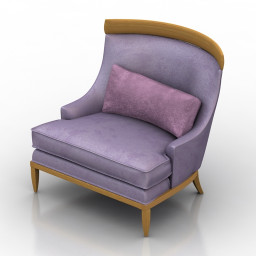
Armchair 3D Model
Additional Info: Armchair Erwin Lambeth Lounge Chair N180822 2ds – 3D model (*.gsm+*.obj+*.3ds) for interior 3d visualization.
-
Armchair 3D Model
Additional Info: Armchair Erwin Lambeth Lounge Chair N180822 2ds – 3D model (*.gsm+*.obj+*.3ds) for interior 3d visualization.
-
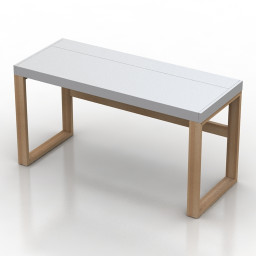
Table 3D Model
Additional Info: Table Field & Rage Quanto N240922 – 3D model (*.gsm+*.obj+*.3ds) for interior 3d visualization.
-

Eggplants 3D Model
Additional Info: Eggplants on the board – 3D model (*.gsm+*.obj+*.3ds) for interior 3d visualization.
-
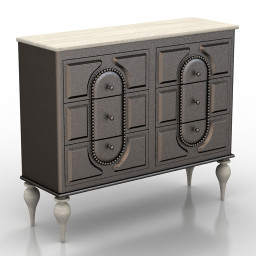
Locker 3D Model
Additional Info: Locker John Richard Commode N160722 – 3D model (*.gsm+*.obj+*.3ds) for interior 3d visualization.
-
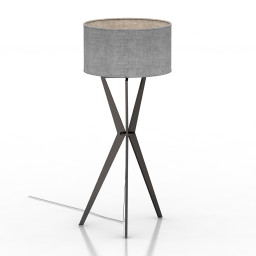
Torchere 3D Model
Additional Info: Torchere ENVY Meggar N310722 – 3D model (*.gsm+*.obj+*.3ds) for interior 3d visualization.
-
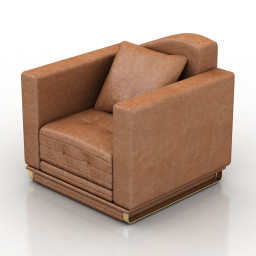
Armchair 3D Model
Additional Info: Armchair 2ds – 3D model (*.gsm+*.obj+*.3ds) for interior 3d visualization.
-
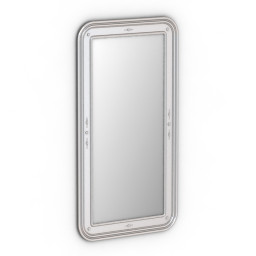
Mirror 3D Model
Additional Info: Mirror Bizzotto Art C251 N280622 – 3D model (*.gsm+*.obj+*.3ds) for interior 3d visualization.
-
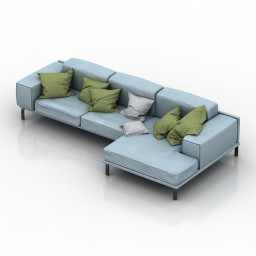
Sofa 3D Model
Additional Info: Sofa pillows N240922 – 3D model (*.gsm+*.obj+*.3ds) for interior 3d visualization.
-
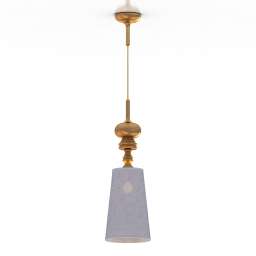
Luster 3D Model
Additional Info: Luster d 250 – 3D model (*.gsm+*.obj+*.3ds) for interior 3d visualization.
-
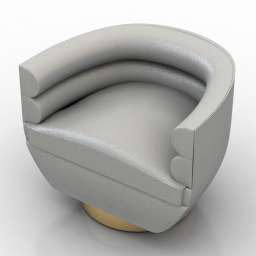
Armchair 3D Model
Additional Info: Armchair Jobim N180822 2ds – 3D model (*.gsm+*.obj+*.3ds) for interior 3d visualization.
-
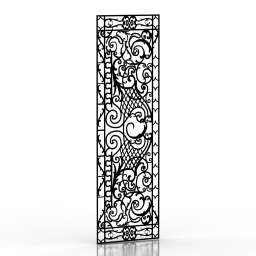
Frame 3D Model
Additional Info: Frame 4 – 3D model (*.gsm+*.obj+*.3ds) for interior 3d visualization.
-
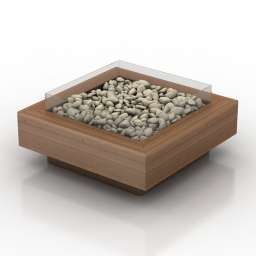
Fireplace Table 3D Model
Additional Info: Fireplace Table – 3D model (*.gsm+*.obj+*.3ds) for interior 3d visualization.
-
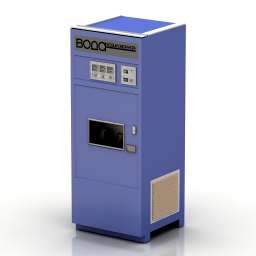
Soda Water Machine 3D Model
Additional Info: Soda Water Machine N180422 – 3D model (*.gsm+*.obj+*.3ds) for exterior 3d visualization.
-
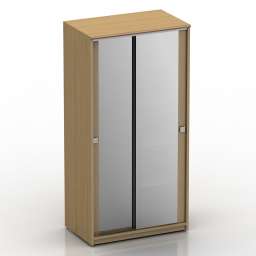
Wardrobe 3D Model
Additional Info: Wardrobe mirror – 3D model (*.gsm+*.obj+*.3ds) for interior 3d visualization.
-
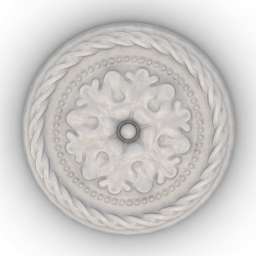
Rosette 3D Model
Additional Info: Rosette Orac Decor R13 N080622 – 3D model (*.gsm+*.obj+*.3ds) for interior 3d visualization.
-
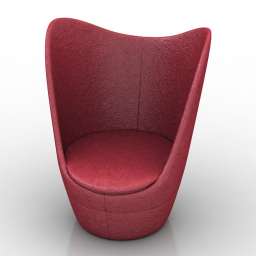
Chair 3D Model
Additional Info: Chair Dixi high back chair N170822 – 3D model (*.gsm+*.obj+*.3ds) for interior 3d visualization.
-
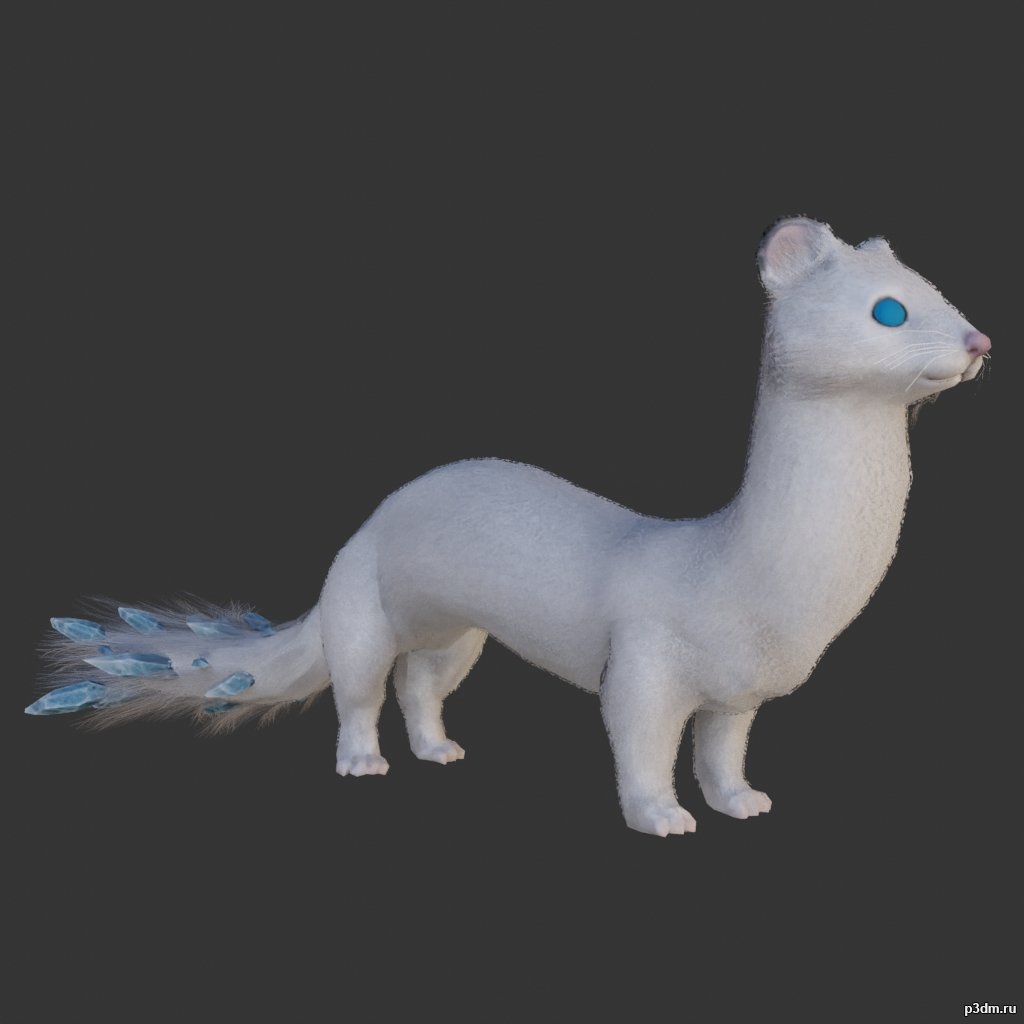
Weasel 3D Model
using animations in Blender:1 – import model2 – import animation3 – with the CTRL key held down Select the object you want to animate, then select the object from which you want to copy the animation, then go to Object > Link/Data Transfer > Link Animation Data
-
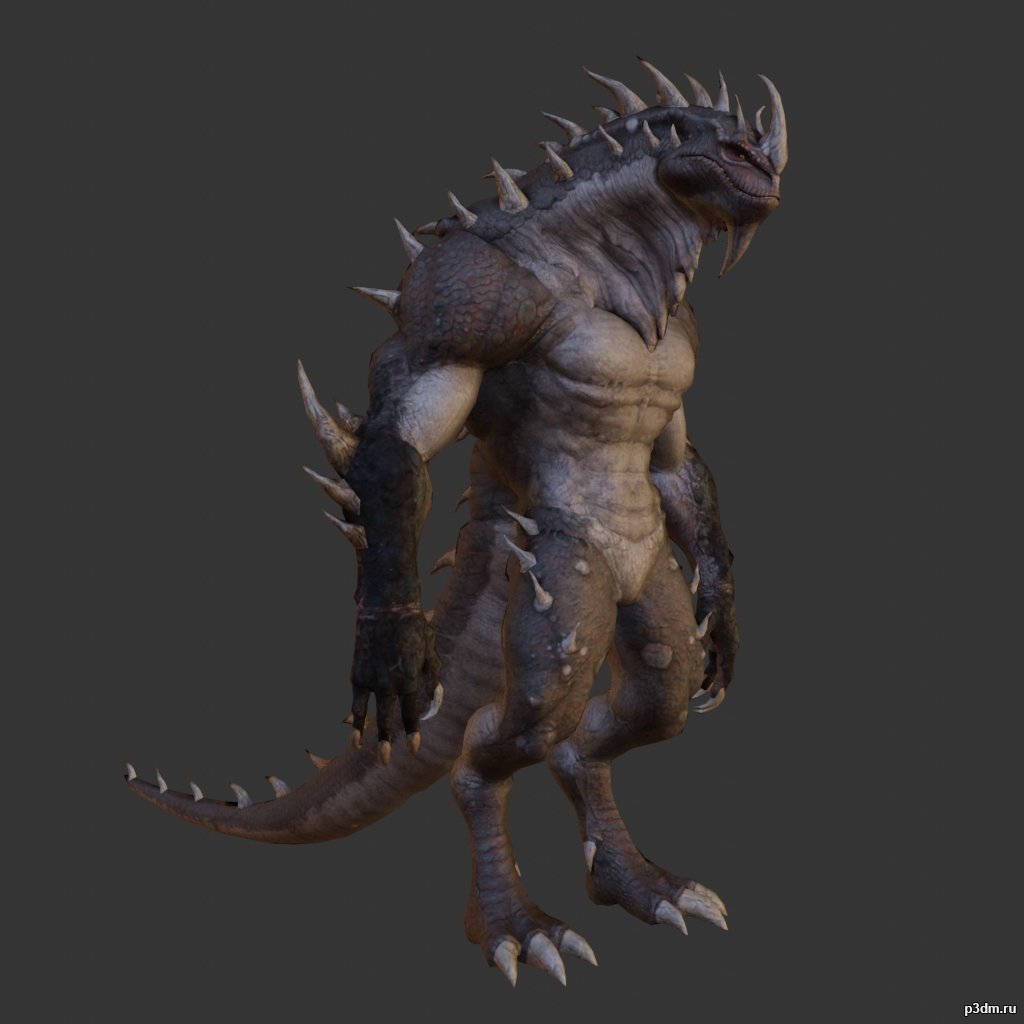
Lizardman pack 3D Model
using animations in Blender:1 – import model2 – import animation3 – with the CTRL key held down Select the object you want to animate, then select the object from which you want to copy the animation, then go to Object > Link/Data Transfer > Link Animation Data
-
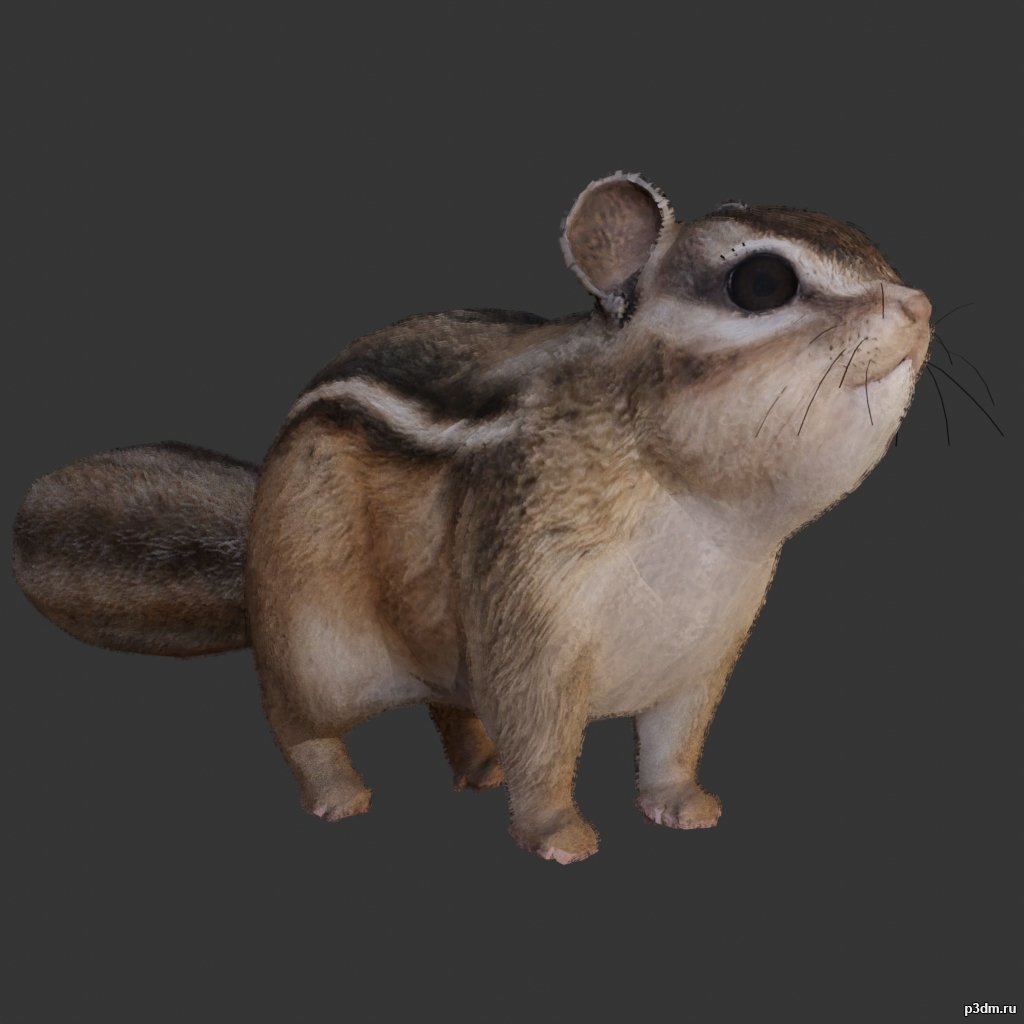
Squirrel 3D Model
using animations in Blender:1 – import model2 – import animation3 – with the CTRL key held down Select the object you want to animate, then select the object from which you want to copy the animation, then go to Object > Link/Data Transfer > Link Animation Data
-
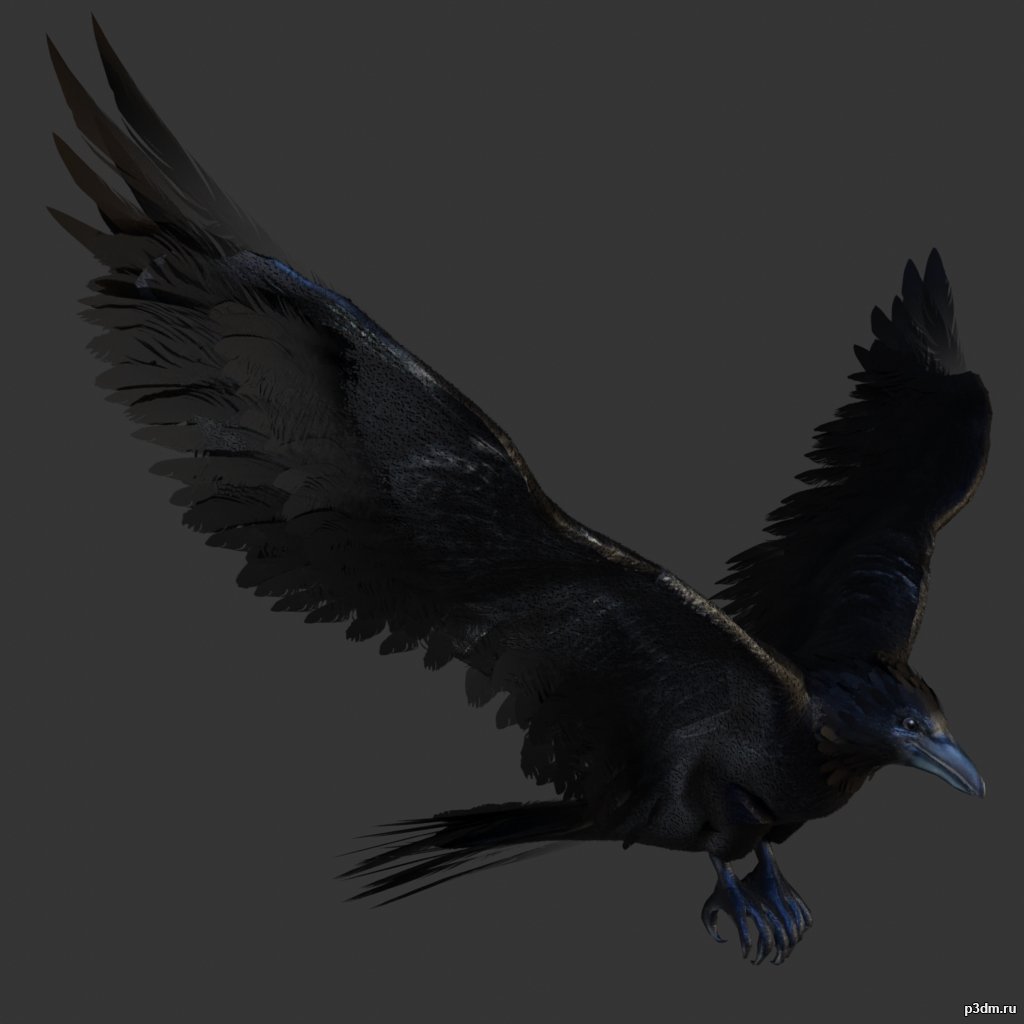
Crow 3D Model
Animations here –> CLICK 3mbusing animations in Blender:1 – import model2 – import animation3 – with the CTRL key held down Select the object you want to animate, then select the object from which you want to copy the animation, then go to Object > Link/Data Transfer > Link Animation Data
-
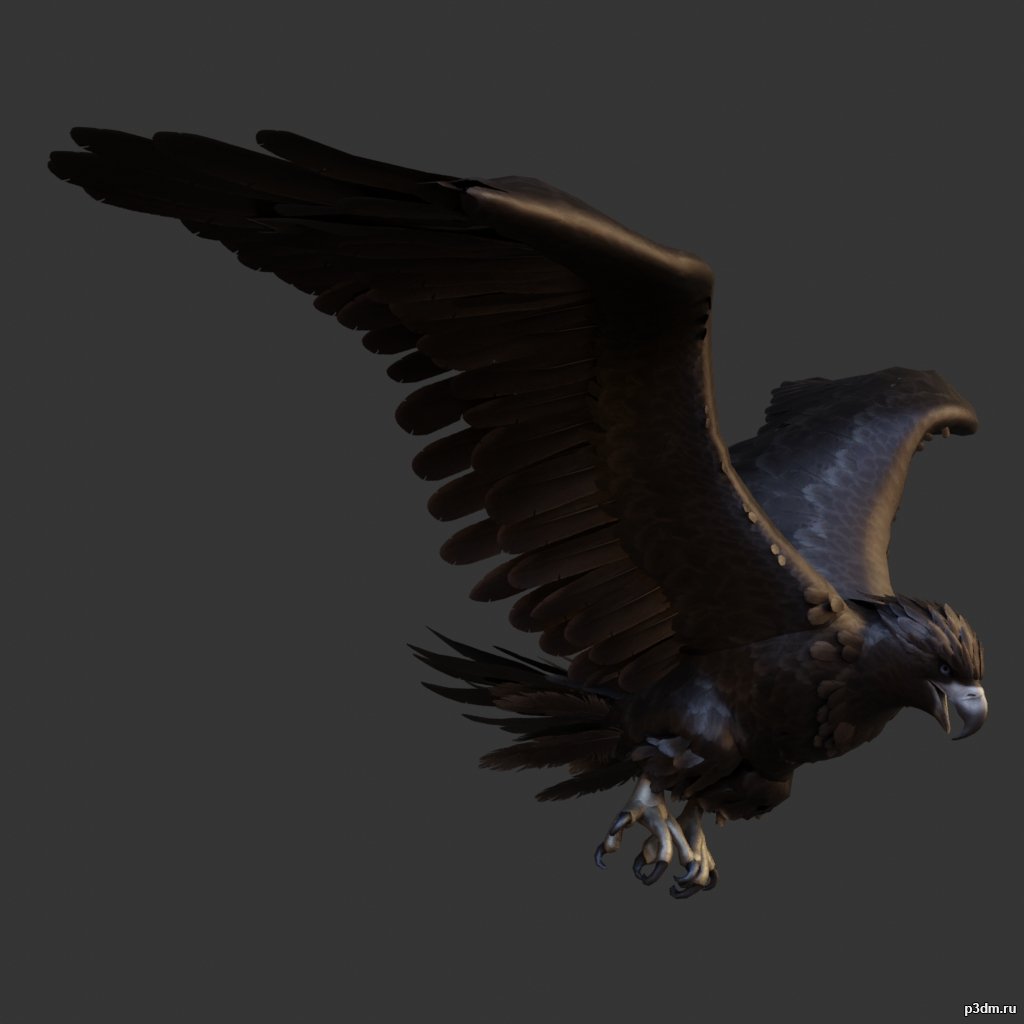
Eagle 3D Model
Animations here –> CLICK 3mbusing animations in Blender:1 – import model2 – import animation3 – with the CTRL key held down Select the object you want to animate, then select the object from which you want to copy the animation, then go to Object > Link/Data Transfer > Link Animation Data
-
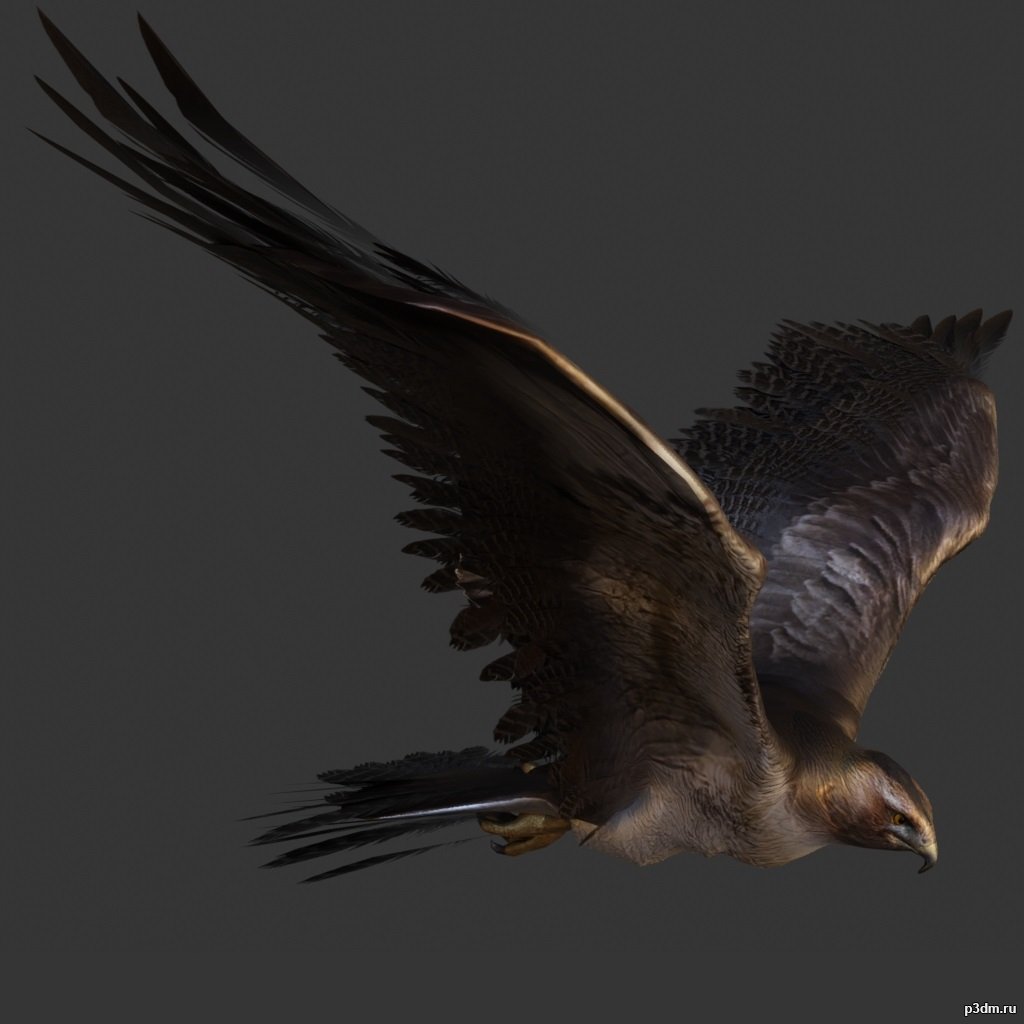
Hawk 3D Model
Animations here –> CLICK 3mbusing animations in Blender:1 – import model2 – import animation3 – with the CTRL key held down Select the object you want to animate, then select the object from which you want to copy the animation, then go to Object > Link/Data Transfer > Link Animation Data
-
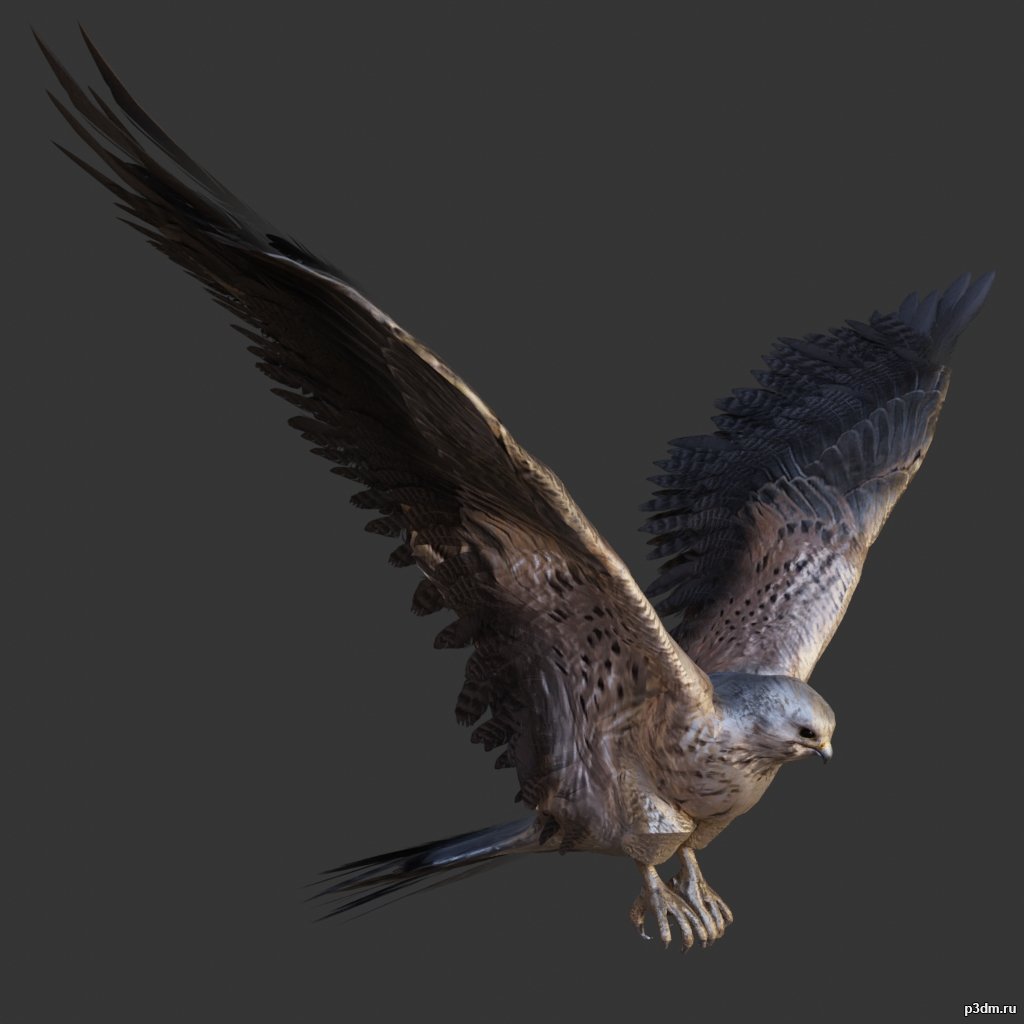
Kestrel 3D Model
Animations here –> CLICK 3mbusing animations in Blender:1 – import model2 – import animation3 – with the CTRL key held down Select the object you want to animate, then select the object from which you want to copy the animation, then go to Object > Link/Data Transfer > Link Animation Data
-
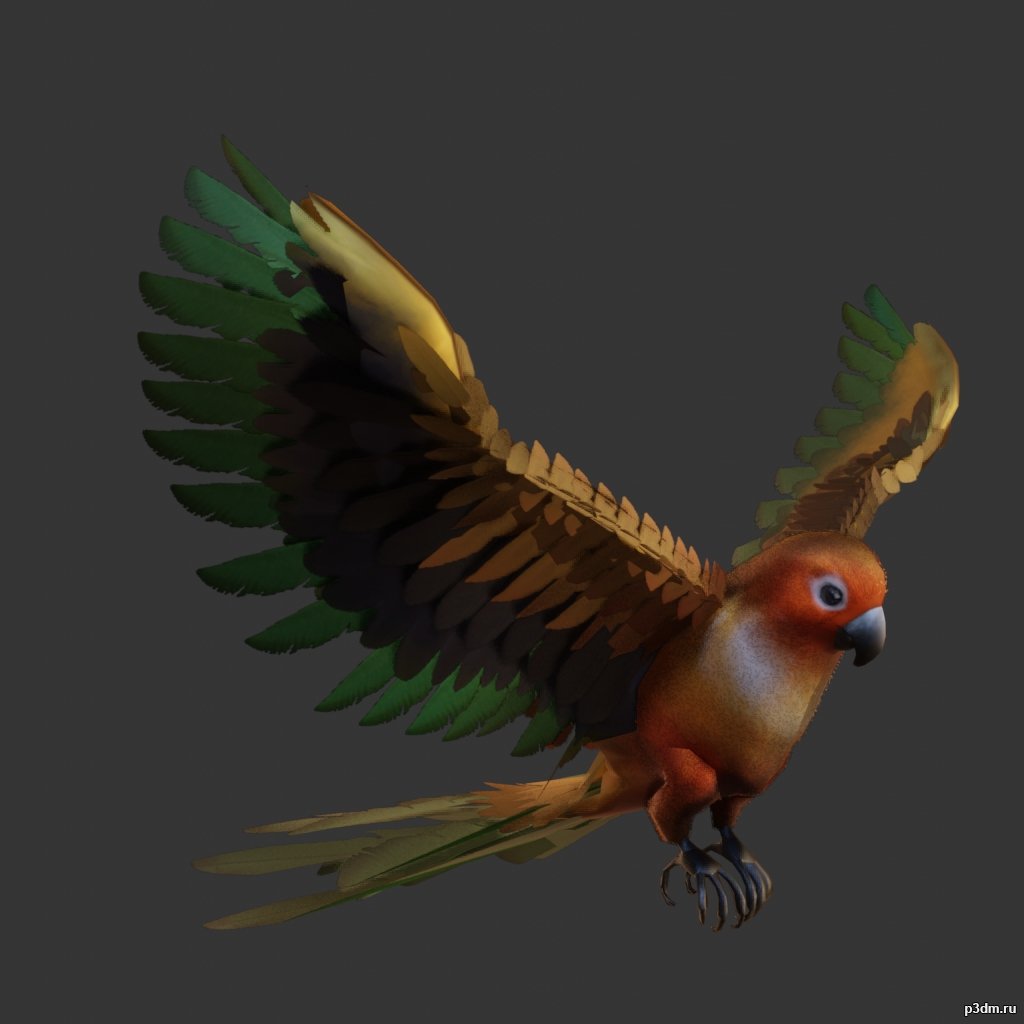
Parrot pack 3D Model
Animations here –> CLICK 3mbusing animations in Blender:1 – import model2 – import animation3 – with the CTRL key held down Select the object you want to animate, then select the object from which you want to copy the animation, then go to Object > Link/Data Transfer > Link Animation Data
-

Bear pack 3D Model
using animations in Blender:1 – import model2 – import animation3 – with the CTRL key held down Select the object you want to animate, then select the object from which you want to copy the animation, then go to Object > Link/Data Transfer > Link Animation Data
-
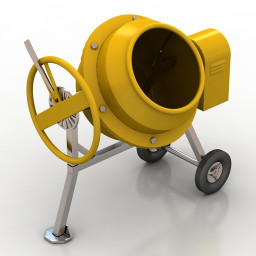
Cement mixer 3D Model
Additional Info: Cement mixer aggregate N230922 – 3D model (*.gsm+*.obj+*.3ds) for exterior 3d visualization.
-
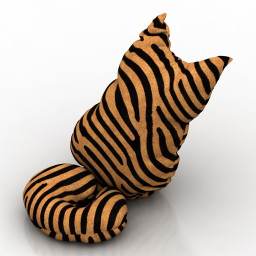
Pillow 3D Model
Additional Info: Cat 1 – 3D model (*.gsm+*.obj+*.3ds) for interior 3d visualization.
-
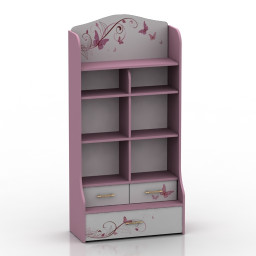
Locker 3D Model
Additional Info: Locker 3 – 3D model (*.gsm+*.obj+*.3ds) for interior 3d visualization.
-
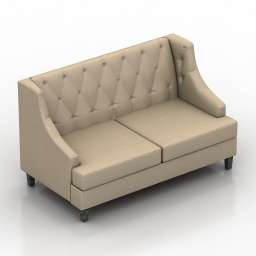
Sofa 3D Model
Additional Info: Sofa Ottostelle Andrew N240922 2ds – 3D model (*.gsm+*.obj+*.3ds) for interior 3d visualization.
-
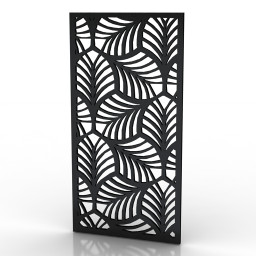
Frame 3D Model
Additional Info: Frame 6 – 3D model (*.gsm+*.obj+*.3ds) for interior 3d visualization.
-
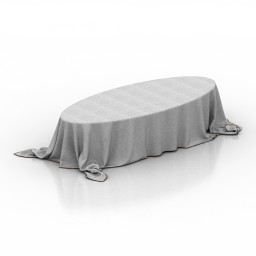
Table 3D Model
Additional Info: Table cloth – 3D model (*.gsm+*.obj+*.3ds) for interior 3d visualization.
-
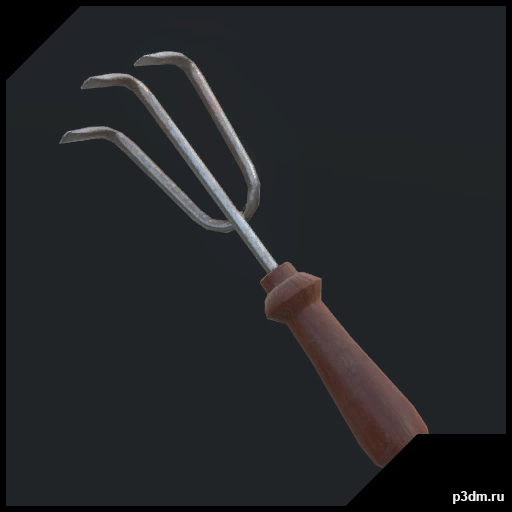
H3VR – HandRake 3D Model
H3VR – Weaponrybundles-meleefarmingHandRakeRipped by MaykxVR ReadyMain gun : yesMagazine : noSpawner icon : yesBullet : no
-
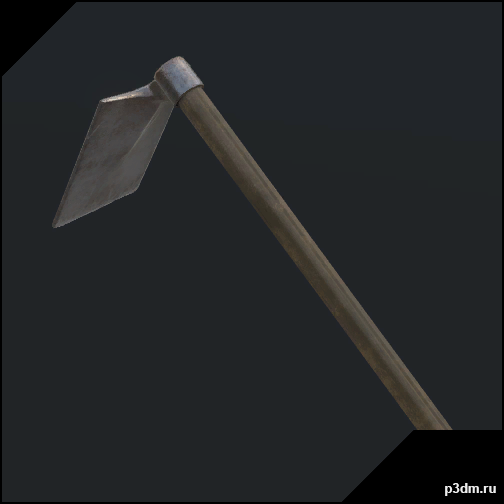
H3VR – Hoe 3D Model
H3VR – Weaponrybundles-meleefarmingHoeRipped by MaykxVR ReadyMain gun : yesMagazine : noSpawner icon : yesBullet : no
-
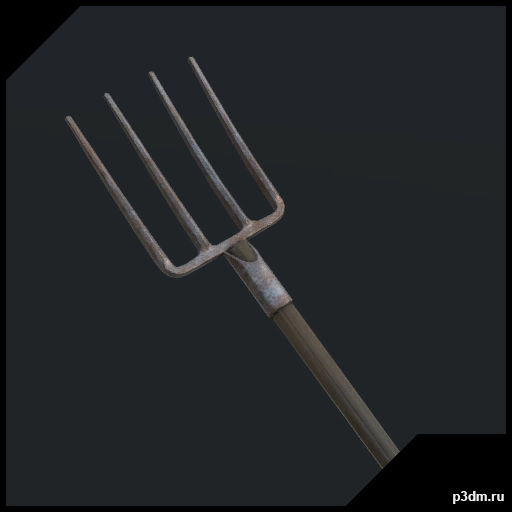
H3VR – Pitchfork 3D Model
H3VR – Weaponrybundles-meleefarmingPitchforkRipped by MaykxVR ReadyMain gun : yesMagazine : noSpawner icon : yesBullet : no
-
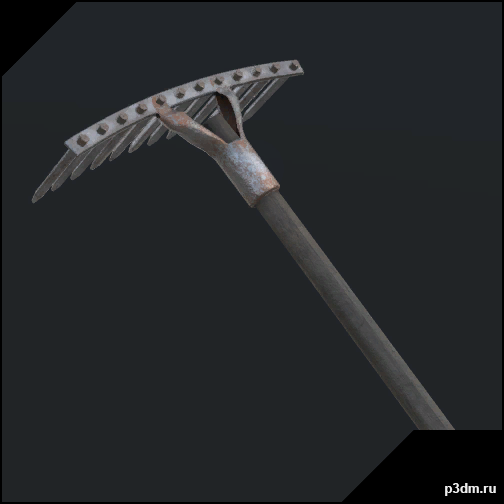
H3VR – Rake 3D Model
H3VR – Weaponrybundles-meleefarmingRakeRipped by MaykxVR ReadyMain gun : yesMagazine : noSpawner icon : yesBullet : no
-
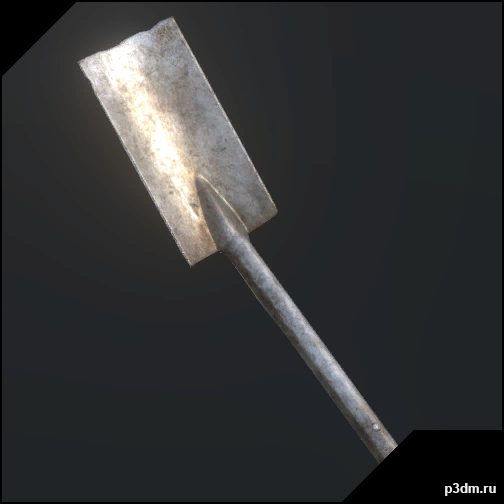
H3VR – Shovel Flat 3D Model
H3VR – Weaponrybundles-meleefarmingShovelFlatRipped by MaykxVR ReadyMain gun : yesMagazine : noSpawner icon : yesBullet : no
-
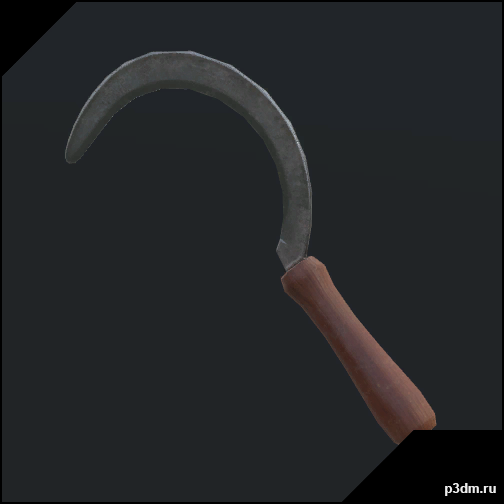
H3VR – Sickle 3D Model
H3VR – Weaponrybundles-meleefarmingSickleRipped by MaykxVR ReadyMain gun : yesMagazine : noSpawner icon : yesBullet : no
-
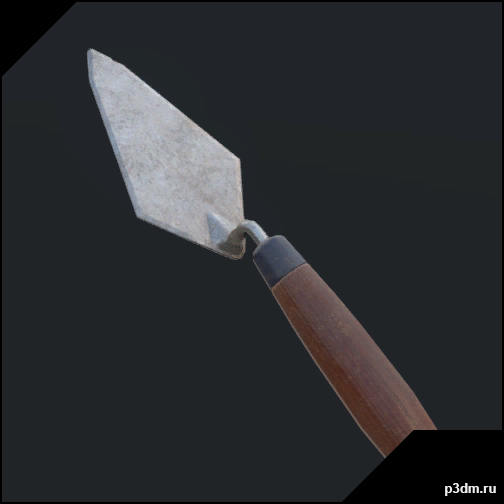
H3VR – Trowel 3D Model
H3VR – Weaponrybundles-meleefarmingTrowelRipped by MaykxVR ReadyMain gun : yesMagazine : noSpawner icon : yesBullet : no
-
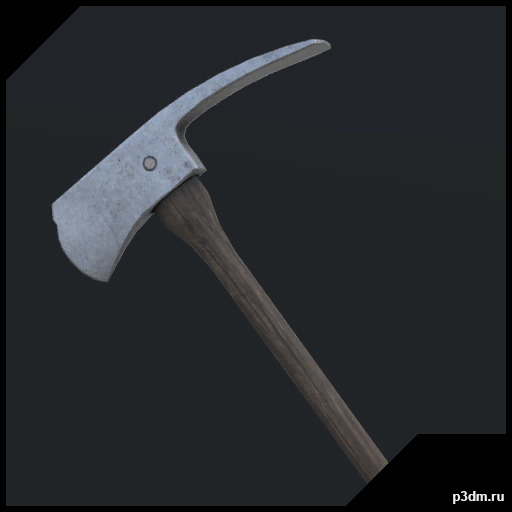
H3VR – Wood Axe 3D Model
H3VR – Weaponrybundles-meleefarmingWoodAxeRipped by MaykxVR ReadyMain gun : yesMagazine : noSpawner icon : yesBullet : no
-
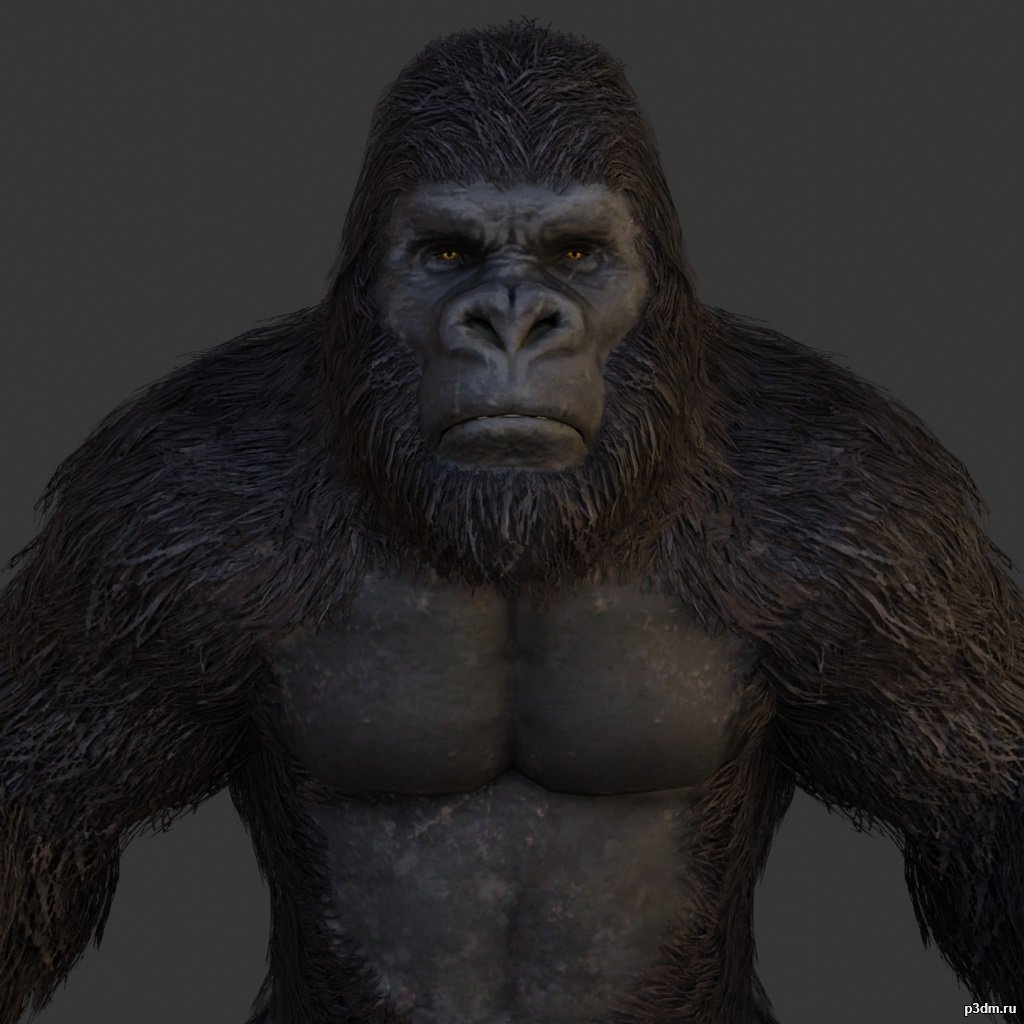
Gorilla 3D Model
using animations in Blender:1 – import model2 – import animation3 – with the CTRL key held down Select the object you want to animate, then select the object from which you want to copy the animation, then go to Object > Link/Data Transfer > Link Animation Data
-
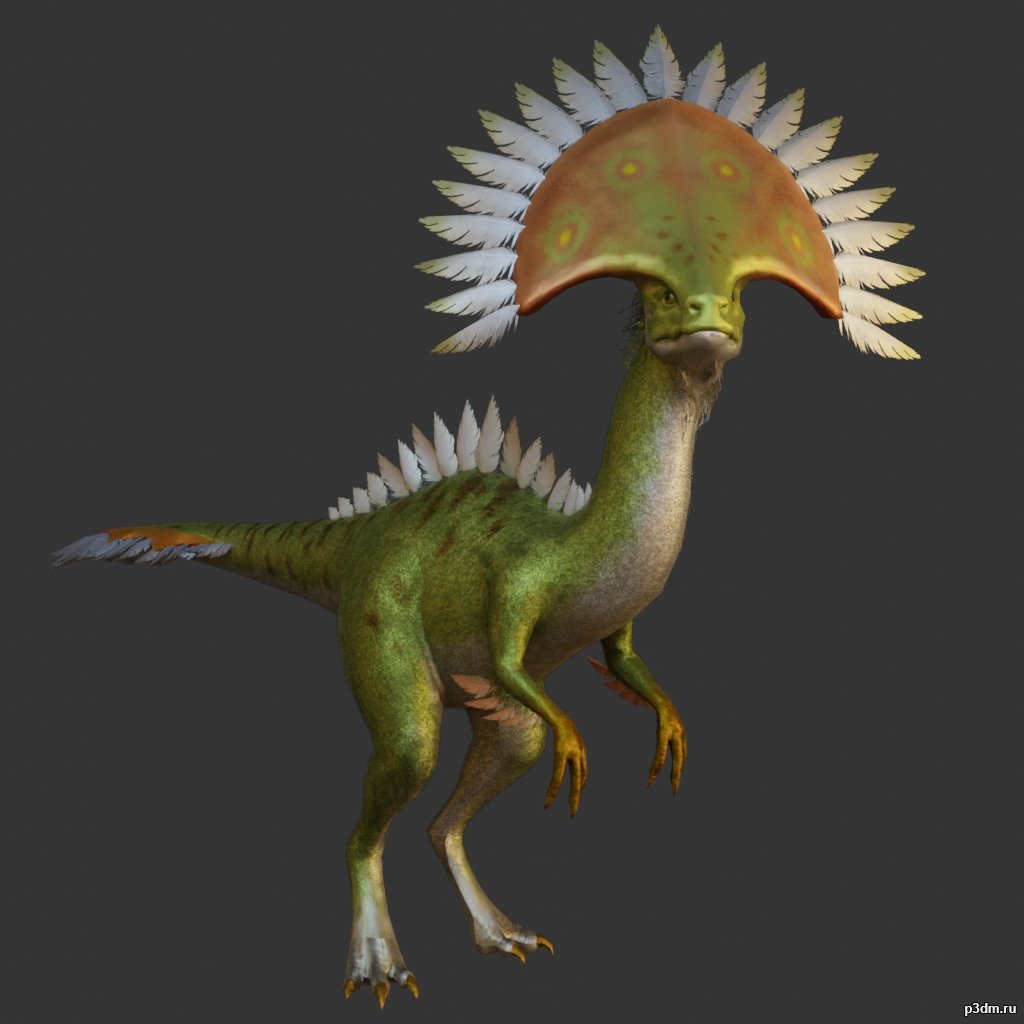
Camabirdsaurus 3D Model
using animations in Blender:1 – import model2 – import animation3 – with the CTRL key held down Select the object you want to animate, then select the object from which you want to copy the animation, then go to Object > Link/Data Transfer > Link Animation Data
-
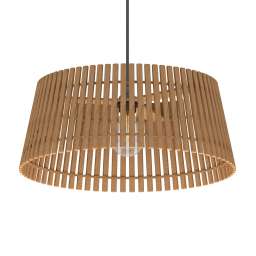
Luster 3D Model
Additional Info: Luster EGLO NAROLA N280422 – 3D model (*.gsm+*.obj+*.3ds) for interior 3d visualization.
-
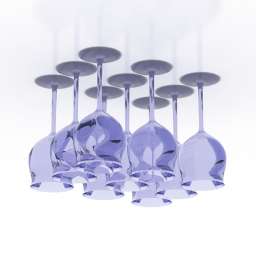
Wineglasses 3D Model
Additional Info: Wineglasses set 1 – 3D model (*.gsm+*.obj+*.3ds) for interior 3d visualization.
-
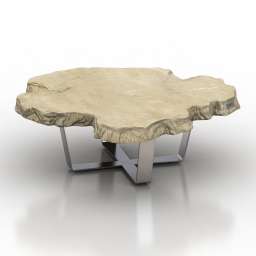
Table 3D Model
Additional Info: Table coffee Bizzotto Sidney art112 N200622 2ds – 3D model (*.gsm+*.obj+*.3ds) for interior 3d visualization.
-
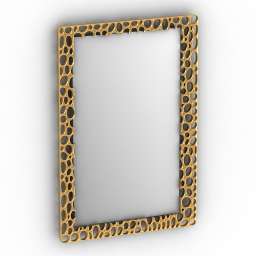
Mirror 3D Model
Additional Info: Mirror N280622 – 3D model (*.gsm+*.obj+*.3ds) for interior 3d visualization.
-
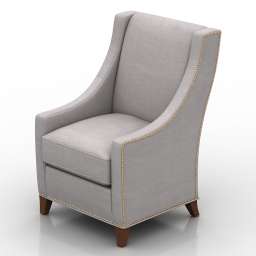
Armchair 3D Model
Additional Info: Armchair Flexsteel Deft N190822 – 3D model (*.gsm+*.obj+*.3ds) for interior 3d visualization.
-
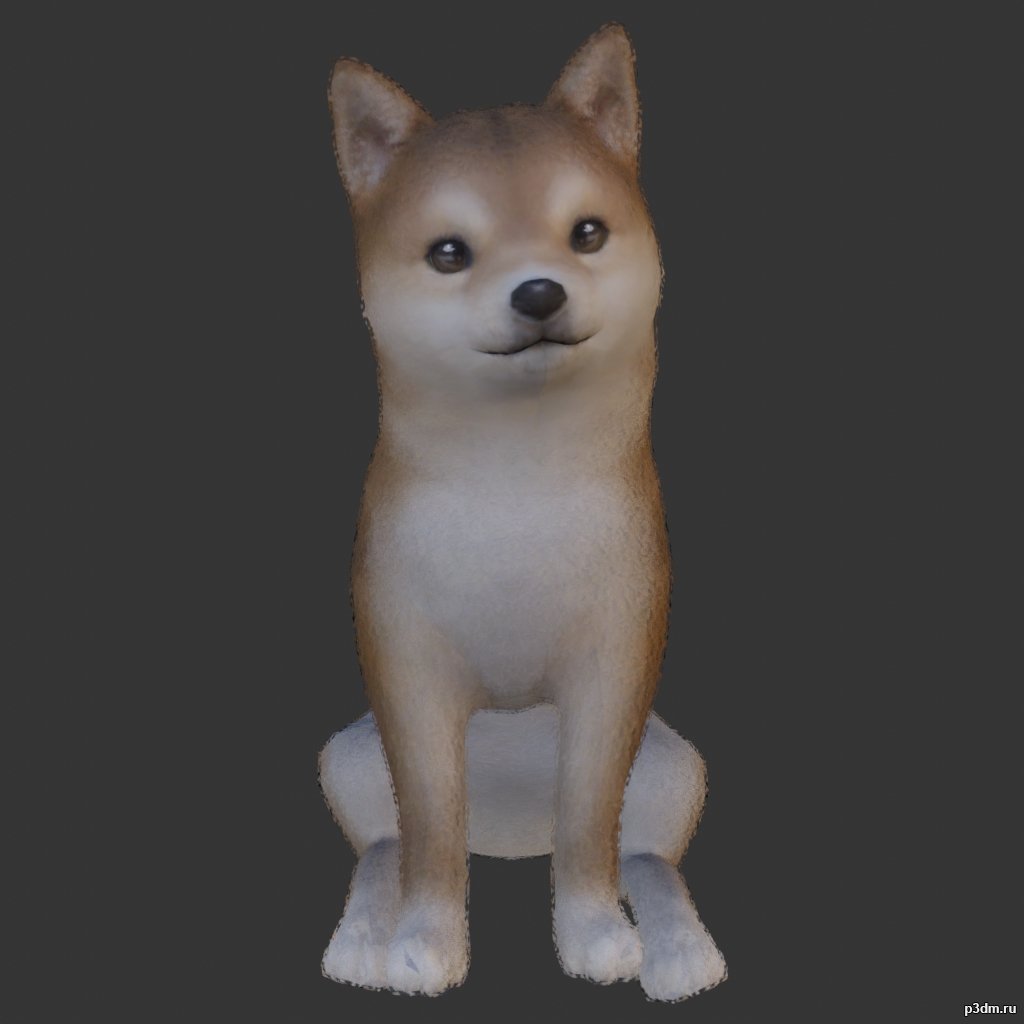
Dogs 3D Model
Animations here –> WOOF 4mbusing animations in Blender:1 – open model2 – import animation (in settings fbx import select Automatic Bone Orientations)3 – with the CTRL key held down Select the object you want to animate, then select the object from which you want to copy the animation, then go to Object > Link/Data Transfer > Link Animation Data4 – correct some distortions
-
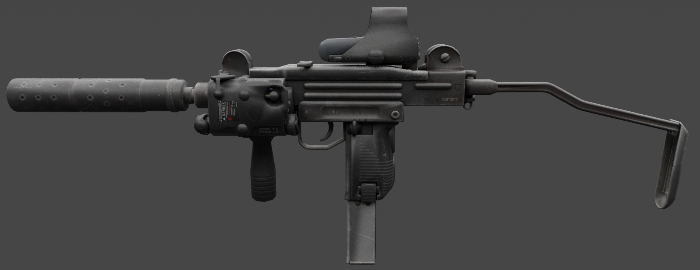
Mini Uzi 3D Model
The Mini Uzi is a smaller version of the regular Uzi, first introduced in 1980 and used by Israel. It has a greater automatic rate of fire of 950 rounds per minute due to the shorter bolt. Separable as seen
-
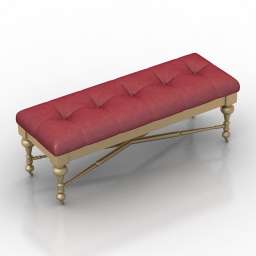
Seat 3D Model
Additional Info: Seat N110822 – 3D model (*.gsm+*.obj+*.3ds) for interior 3d visualization.
-
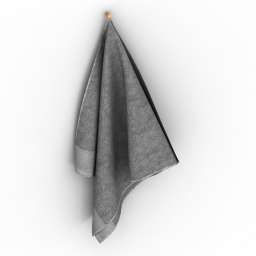
Towel 3D Model
Additional Info: Towel 3 – 3D model (*.gsm+*.obj+*.3ds) for interior 3d visualization.
-
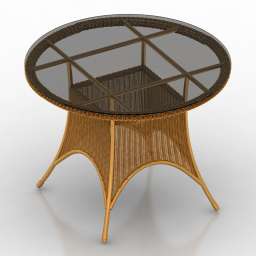
Table 3D Model
Additional Info: Table rotang N220622 – 3D model (*.gsm+*.obj+*.3ds) for interior 3d visualization.
-
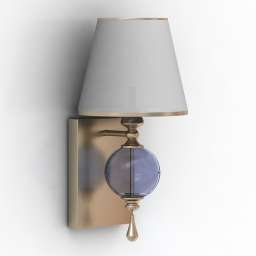
Sconce 3D Model
Additional Info: Sconce Feiss Argento N030822 – 3D model (*.gsm+*.obj+*.3ds) for interior 3d visualization.
-
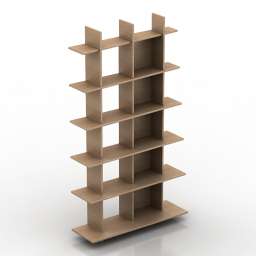
Rack 3D Model
Additional Info: Rack Ligne Roset ALLITERATION N140622 – 3D model (*.gsm+*.obj+*.3ds) for interior 3d visualization.
-
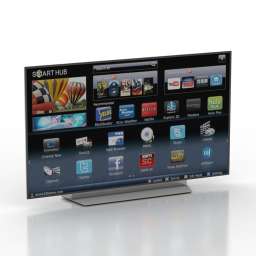
TV set 3D Model
Additional Info: TV set LG 55 OMLED TV N210922 – 3D model (*.gsm+*.obj+*.3ds) for interior 3d visualization.
-
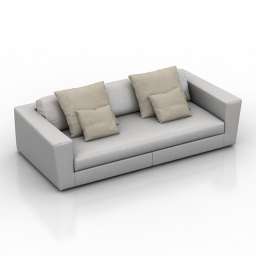
Sofa 3D Model
Additional Info: Sofa Colico Srl ASAMI W8 White N270622 2ds – 3D model (*.gsm+*.obj+*.3ds) for interior 3d visualization.
-
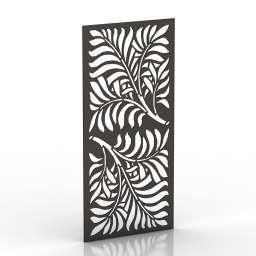
Frame 3D Model
Additional Info: Frame 1 – 3D model (*.gsm+*.obj+*.3ds) for interior 3d visualization.
-
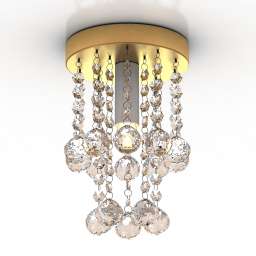
Luster 3D Model
Additional Info: Luster Luxury Crystall N020222 – 3D model (*.gsm+*.obj+*.3ds) for interior 3d visualization.
-
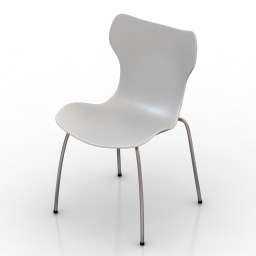
Chair 3D Model
Additional Info: Chair B&B Italia Papilio Shell N180622 – 3D model (*.gsm+*.obj+*.3ds) for interior 3d visualization.
-
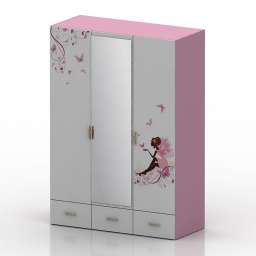
Wardrobe 3D Model
Additional Info: Wardrobe – 3D model (*.gsm+*.obj+*.3ds) for interior 3d visualization.
-
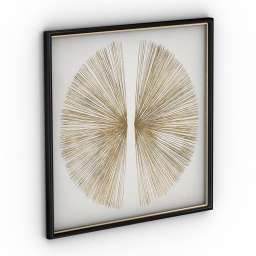
Picture 3D Model
Additional Info: Picture 2 – 3D model (*.gsm+*.obj+*.3ds) for interior 3d visualization.
-
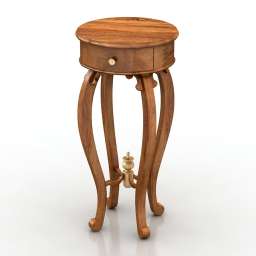
Table 3D Model
Additional Info: Table tea Stand N230622 – 3D model (*.gsm+*.obj+*.3ds) for interior 3d visualization.
-
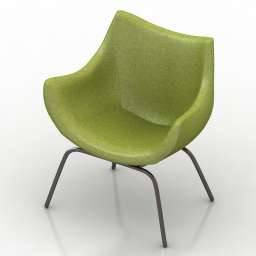
Armchair 3D Model
Additional Info: Armchair 2 2ds – 3D model (*.gsm+*.obj+*.3ds) for interior 3d visualization.
-
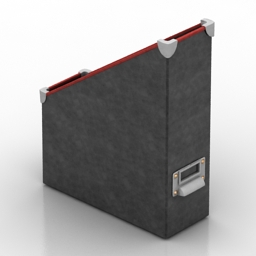
Rack 3D Model
Additional Info: Rack IKEA Fella N251119 – 3D model (*.gsm+*.3ds) for interior 3d visualization.
-
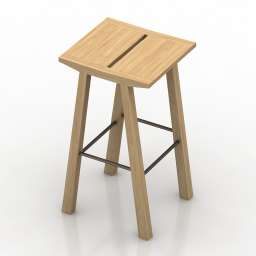
Chair 3D Model
Additional Info: Chair bar – 3D model (*.gsm+*.obj+*.3ds) for interior 3d visualization.
-
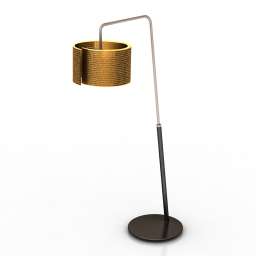
Torchere 3D Model
Additional Info: Torchere Staygreen Luce Floor Lamp N310722 – 3D model (*.gsm+*.obj+*.3ds) for interior 3d visualization.
-
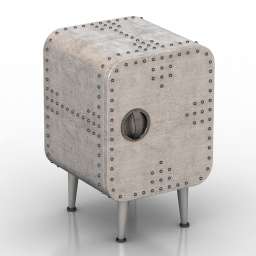
Nightstand 3D Model
Additional Info: Nightstand loft concept Aviator N140622 – 3D model (*.gsm+*.obj+*.3ds) for interior 3d visualization.
-
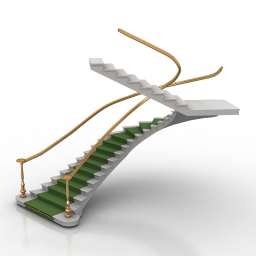
Stair 3D Model
Additional Info: Stair carpet N230522 – 3D model (*.gsm+*.obj+*.3ds) for interior 3d visualization.
-
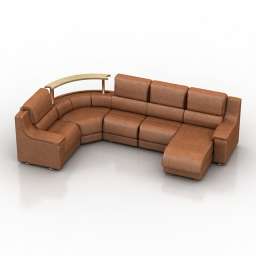
Sofa 3D Model
Additional Info: Sofa Kalinka 72 N260622 – 3D model (*.gsm+*.obj+*.3ds) for interior 3d visualization.
-
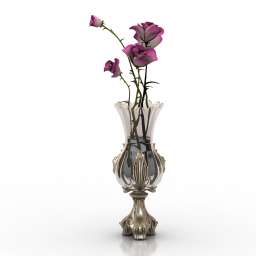
Vase 3D Model
Additional Info: Vase Risoli classic graceful vase garden roses N290622 – 3D model (*.gsm+*.obj+*.3ds) for interior 3d visualization.
-
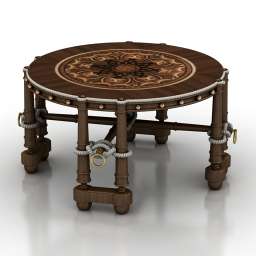
Table 3D Model
Additional Info: Table coffee R N200622 – 3D model (*.gsm+*.obj+*.3ds) for interior 3d visualization.
-
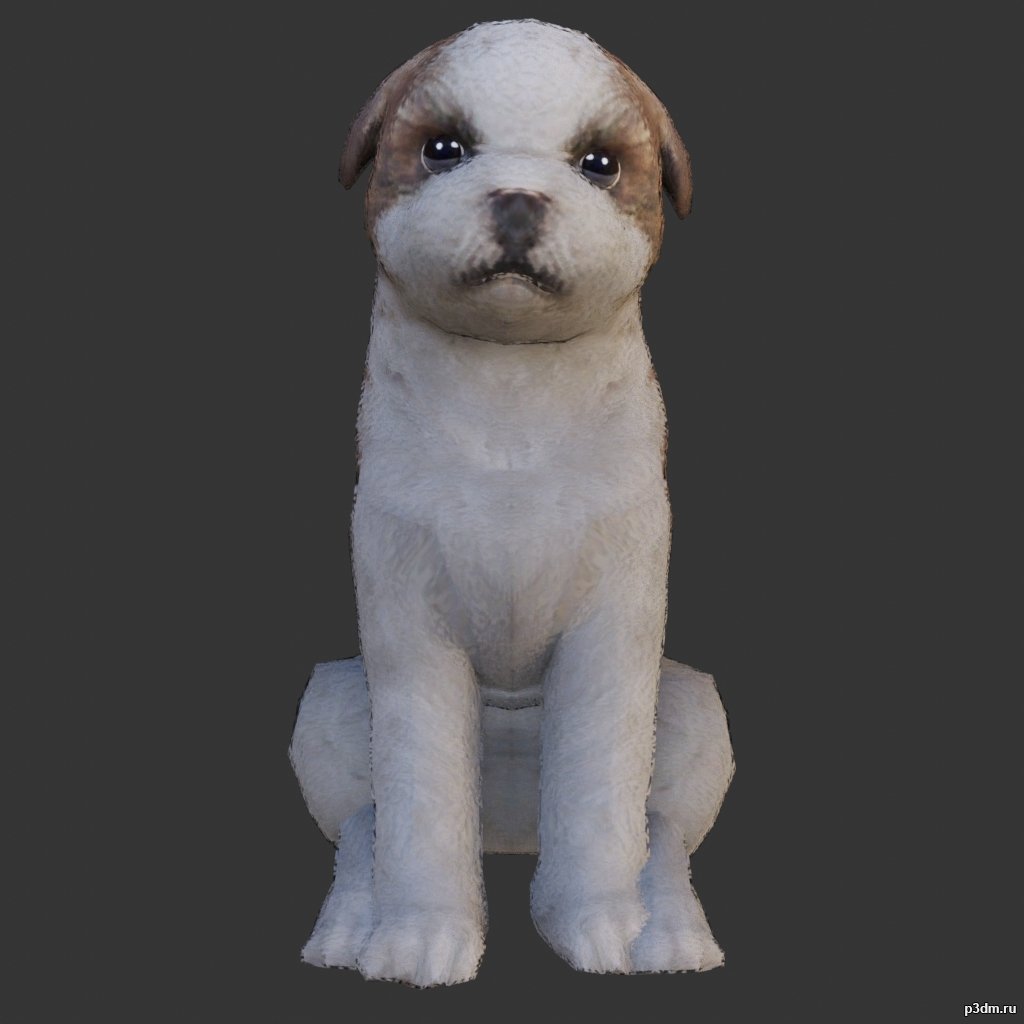
Shih Tzu 3D Model
Animations here –> WOOF 4mbusing animations in Blender:1 – open model2 – import animation (in settings fbx import select Automatic Bone Orientations)3 – with the CTRL key held down Select the object you want to animate, then select the object from which you want to copy the animation, then go to Object > Link/Data Transfer > Link Animation Data4 – correct some distortions
-
Glass 3D Model
Additional Info: Glass Ligne Roset Smoked Glass N210922 – 3D model (*.gsm+*.obj+*.3ds) for interior 3d visualization.
-
Seat 3D Model
Additional Info: Seat 2ds – 3D model (*.gsm+*.obj+*.3ds) for interior 3d visualization.
-
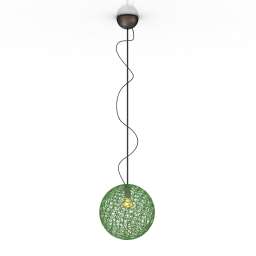
Luster 3D Model
Additional Info: Luster 1 – 3D model (*.gsm+*.obj+*.3ds) for interior 3d visualization.
-
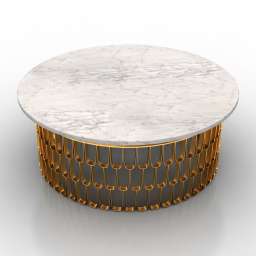
Table 3D Model
Additional Info: Table Arteriors Orleans Cocktail Table N210620 – 3D model (*.gsm+*.obj+*.3ds) for interior 3d visualization.
-
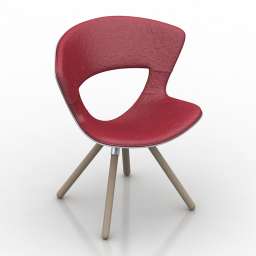
Chair 3D Model
Additional Info: Chair Fredericia Furniture Mundo N140822 2ds – 3D model (*.gsm+*.obj+*.3ds) for interior 3d visualization.
-
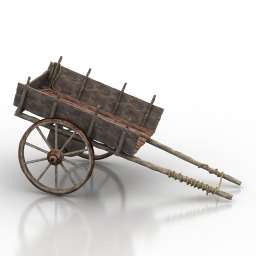
Cart 3D Model
Additional Info: Cart Old chariot N110722 – 3D model (*.gsm+*.obj) for exterior 3d visualization.
-

Kitchen 3D Model
Additional Info: Kitchen Classic N210922 – 3D model (*.gsm+*.obj+*.3ds) for interior 3d visualization.
-
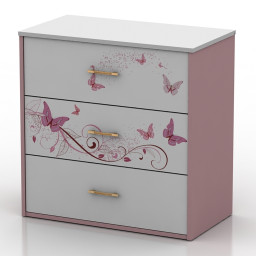
Locker 3D Model
Additional Info: Locker small – 3D model (*.gsm+*.obj+*.3ds) for interior 3d visualization.