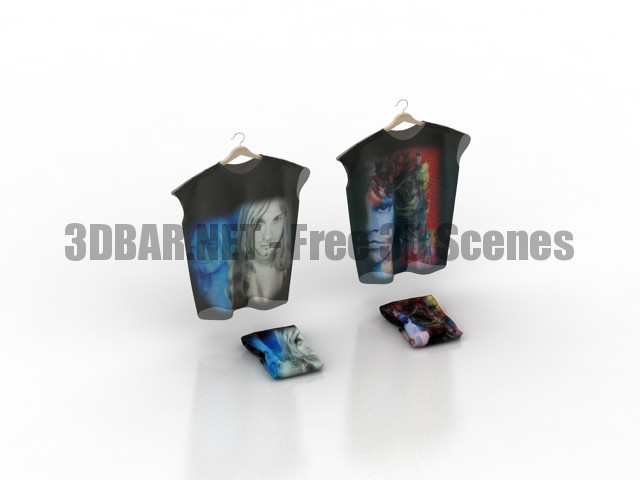
Clothes on hangers 3d Models
Tag: on
-
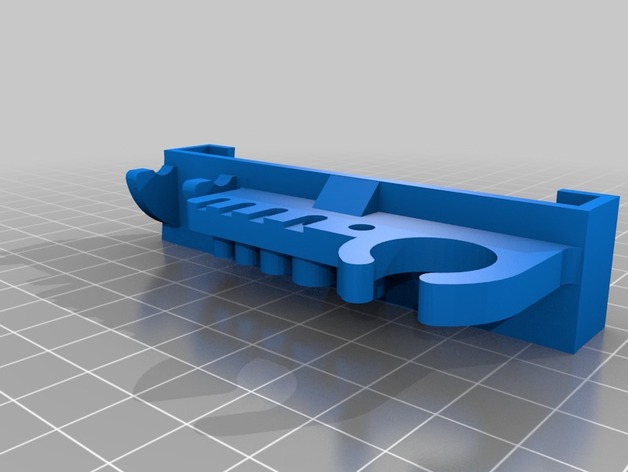
a8 slide on tool holder with wrench 3D Print Model
Summary
A remix of 2 different tool holders, fits every tool that came with the a8 except the wire cutter and doesn’t require screws. -
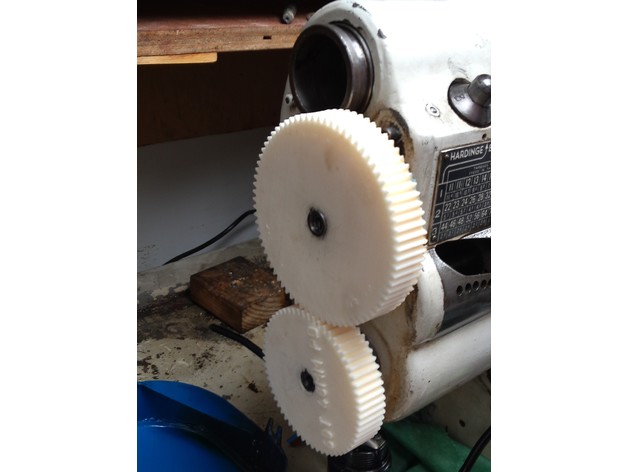
Gear set for cutting 10 pitch on a Hardinge TL 3D Print Model
Summary
To start, I measured the center to center on the two shafts on my Hardinge TL lathe that are used for external gearing. After some math I worked out that the ratio I needed was 25:16, with the big gear on the top. Knowing that I simply made two gears with a totally random pitch that had the right pitch circles to get the ratio right (48mm pitch diameter on the small one). FYI, going to 150 teeth on the big one gets the teeth too small for reliable printing. The set I actually built is 75 tooth by 60 tooth; sorry about the file name!
In use, you have to remove the external gear cover AND shift into the external gearing mode (all the way right on the quick change) AND set the three change to “1”.
These gears are a bit scary to use; stay the heck away from then while running! A little way oil (sticky) is a good idea. I was able to cut the 10 pitch Aluminum thread I needed using these without any visible damage on the teeth or bore.
Print Settings
Printer:
WeldingRodBot
Rafts:
No
Supports:
No
Infill:
50%+
Notes:
Its been a long time since I printed these, so I’m not totally sure what I did. I would use at least 3-4 shells with a 0.4mm nozzle.
You will need to ream out the bore and clean the keyway with a needle file. The bottom edges of the teeth are likely to need cleaning too, though you might be able to run one with the build surface toward the lathe and the other away from the lathe and get away with minimal finishing. -
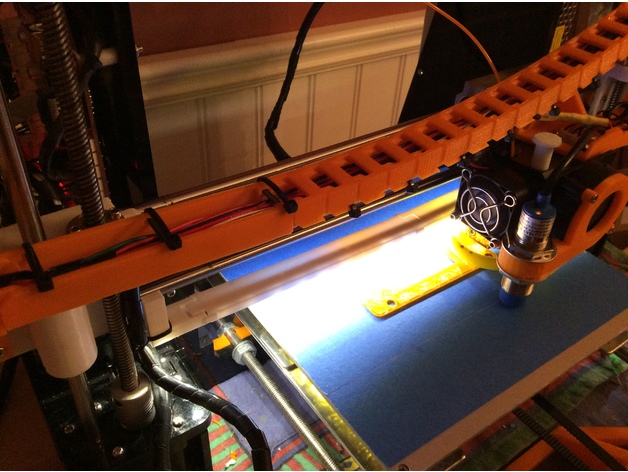
Anet A8 LED strip mount under X axis clip on remix 3D Print Model
Summary
This remix was remixed in Tinkercad to remove the screws. Assembly is the same, but instead of using screws, you just snap fit the brackets on. No screws needed!
😀 -
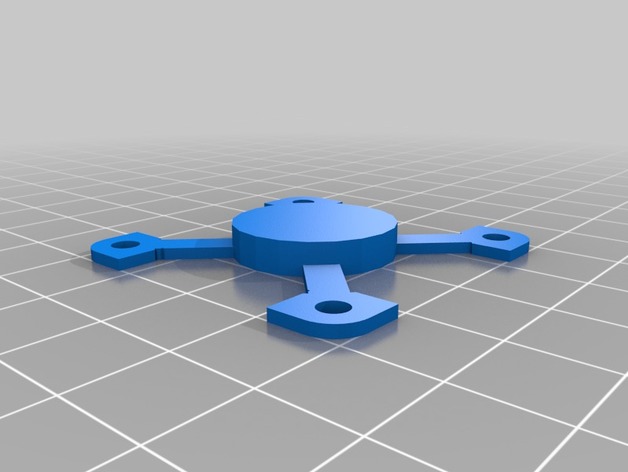
Minimalistic fan bracket / mount for 40mm fan on a nema 17 3D Print Model
Summary
I wanted to put a fan to a drive motor (nema 17), but do not have a lot of space for it, so I created this minimalistic fan bracket. Not ideal in any way, shape or form, but it does provide some cooling when there is little room for a fan.
Mount the bracket to a 40mm fan and glue the centre part with CA glue to the motor. Nothing more to it.
Print Settings
Printer:
Heavily modified mendelmax 2
Rafts:
No
Supports:
No
Resolution:
.250
Infill:
lots of it
Notes:
Print using a strong material and with lots of infill, since the arms are flimsy and need all the strength they can get. -
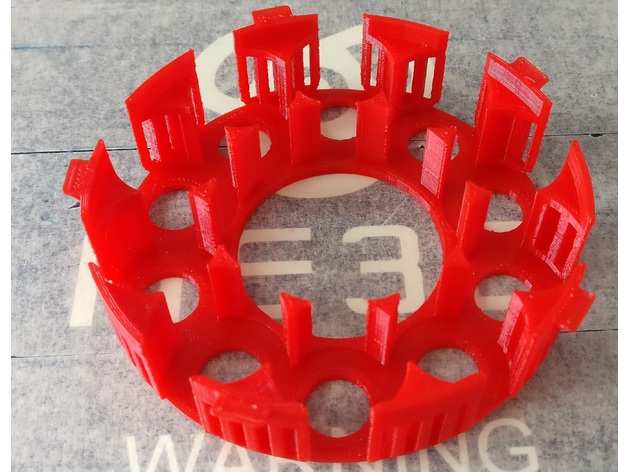
Betrayal at House on the Hill Token Organizer Bottom (lite) 3D Print Model
Summary
I removed some materials from the original version. Still seems pretty tough. Printed using 0.3mm resolution. -
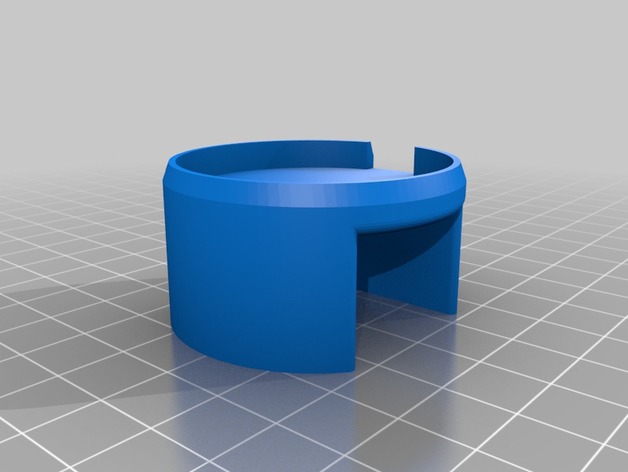
Base for ZeTime Elite on standard charger 3D Print Model
Summary
If you have a ZeTime Elite with Metalband, you will notice that the charger doesn’t touch the watch if you put it between the watch and the band. With this base under the charger this problem is solved. -
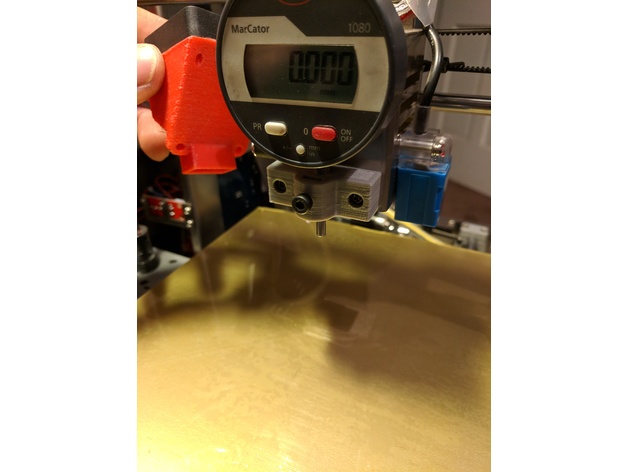
Mount for dial indicator on Zonestar P802QA 3D Print Model
Summary
This is a mount for the newer Zonestar P802QA with the fan shroud. Just remove the 2 M3 screws from the shroud and install the mount there for bed leveling. You might need two M3x20 and a M4 screw and nut -
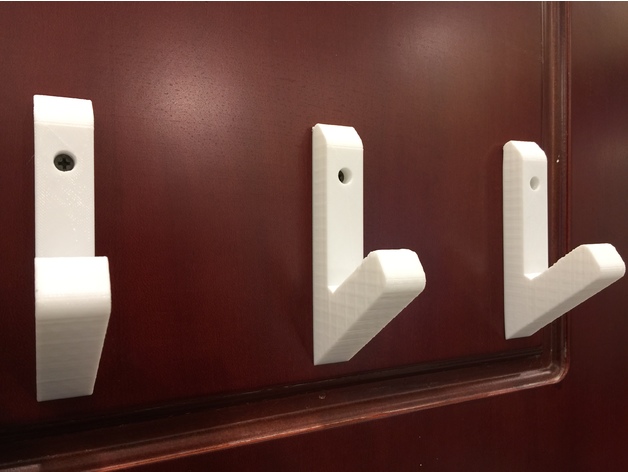
Clothes hanger “Jacket ON! Jacket OFF!” 3D Print Model
Summary
I needed a thing to hang my jackets on after come home. so i made some versions.
no supports or rafts needed.
you can glue them or screw them on the wall.
if you print it and find it usefull please let me know.
cheers°
Print Settings
Printer:
Anycubic i3 MEGA Rafts:
No Supports:
No Resolution:
0,3mm layer is enough Infill:
20% enough – 50% for smoother look/stronger -
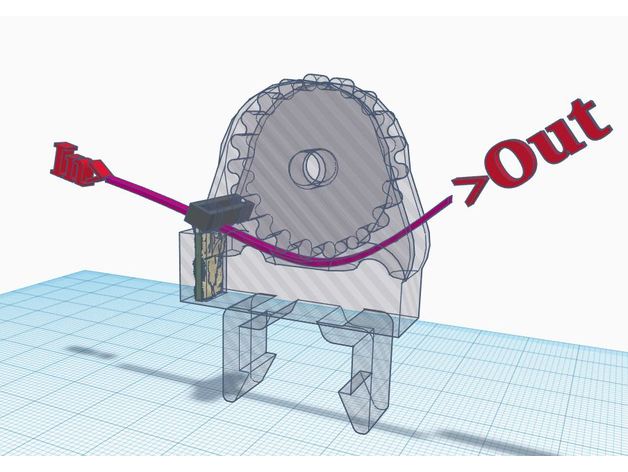
TronXY X5 Snap On Filament Guide/Cleaner 3D Print Model
Summary
TronXY X5 Snap On Filament Guide/Cleaner
Cura File attached -
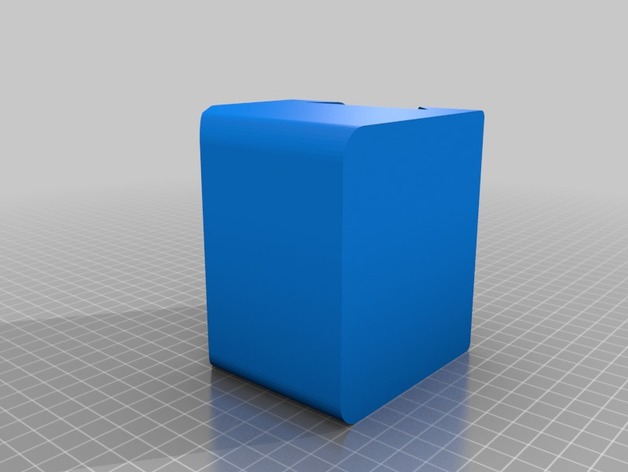
Planting on wall 3D Print Model
Summary
Do you want to plant small flowers and water it automatically ?.
This is the base container I designed as first serious design towards greener homes. Use a solid wooden wedge strip to fix this container and make an array of it.
I have provided a watering draft in form of small 4mm tubular section followed by a through and through recess. This recess is kept slightly above the lower edge of pot so that it wan’t get choked due to soil. The 4mm circular section slightly extend below the recess and will act as anti splashing. Keep the flow rate of water very low.
Additionally, you have to go for an arduino and hygrometer along with a pump and motor for automatic watering. To make this fully autonomous and ecofriendly, you may operate the electronis/electric motor on Solar cell.
Let me know if you make one and contribute towards ‘Greener home’
Print Settings
Printer:
Ultimaker clone extended (in making) Rafts:
Doesn’t Matter Supports:
Doesn’t Matter Infill:
60% min. Notes:
Use any water resistance polymer. No flexible polymer. No Nylon (nylon absorbs water) and becomes soft. -
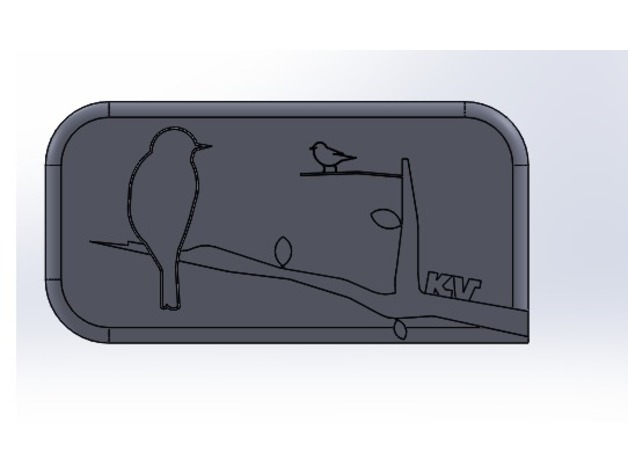
2DArt Birds on branch 3D Print Model
Summary
We made a 2D-3D version representation of birds on a branch using source images for reference.This piece has three leaves, both a large and small bird, a tree branch, and my initials. To make the branch appear 3D, my partner and I extruded the back panel to 0.2 cm, the branch to a total of 0.5 cm, the birds and leaves to a total height of 1 cm. My initial are also extruded to 1 cm.
partner link: https://www.thingiverse.com/thing:2596313Overview and Background
Lesson Plan and Activity
Directions:
Problem Statement: With a partner, you will design a “2D” placard using Solidworks. You and your partner will have the same design which meets the constraints below, and you will EACH use Solidworks to create your design.
Constraints:
Should have a flat back; detail will be on the front side
Should fit inside a box that is 10 cm x 10 cm when lying flat
Should be no more than 1 cm thick
Should be as detailed as possible
Detail will be made using sketches that are extruded to different heights
No error messages
Do not extrude contours – each feature should have its own sketch
Part should be CENTERED about the origin
Demonstrate efficient use of construction lines
Demonstrate efficient use of automatic and manual relations
Demonstrate efficient use of Smart Dimensions
Demonstrate efficient use of mirroring
Demonstrate efficient use of linear or circular patterns -
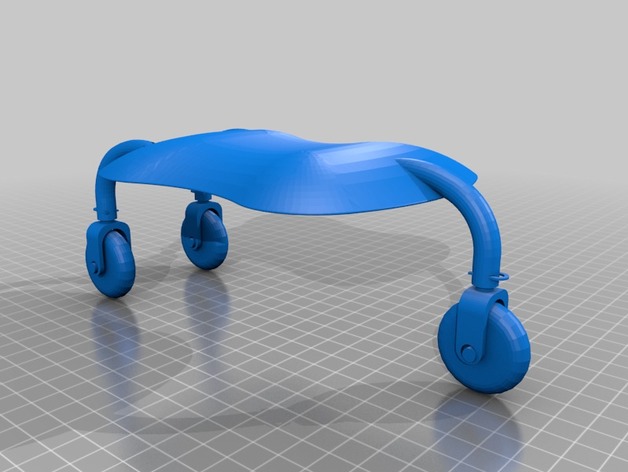
Teal drone on wheels 3D Print Model
Summary
Teal drone with swivel wheels, use for taxiing on surface to takeoff-point or after landing taxiing toward you…. you can also try some joyriding 😉
Print Settings
Printer:
k8200 Notes:
print 1x body, 3x wheel, 3x wheel support and 3x clip -
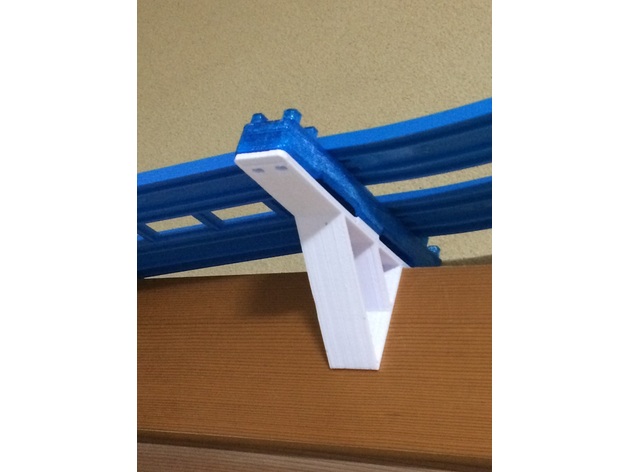
Plarail on lintel of Double-track for block 3D Print Model
Summary
Plarail on lintel of Double-track for block.
[Japanese]
鴨居にプラレールの複線をのせてしまえるパーツです。
上に複線ブロック橋脚が載せられます。 -
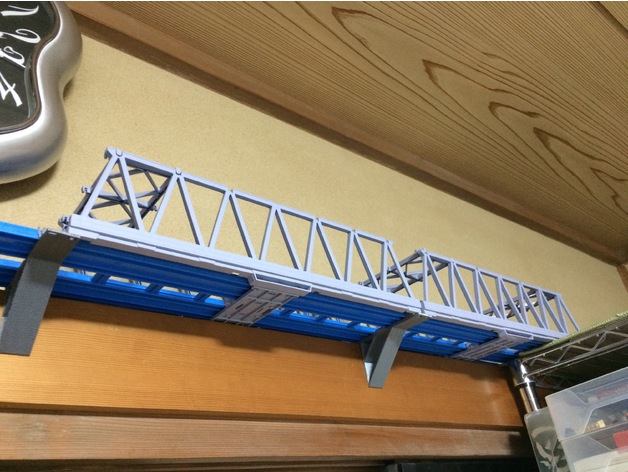
Plarail on lintel of Double-track for bridge 3D Print Model
Summary
Plarail on lintel of Double-track for bridge
[Japanese]
鴨居にプラレールの複線をのせてしまえるパーツです。
鉄橋もかけることができます。 -
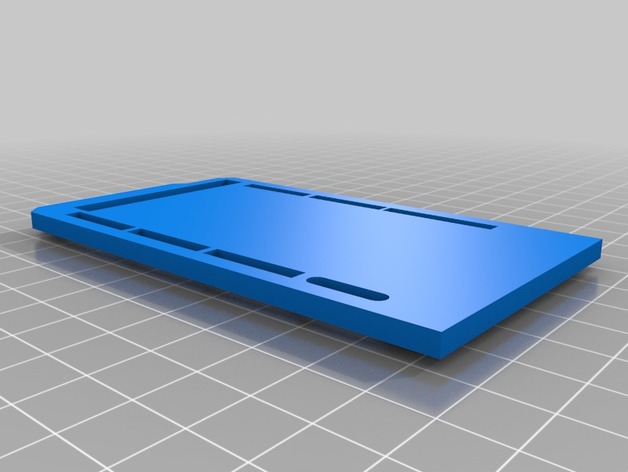
Body for a smart house on Arduino mega 2560 3D Print Model
Summary
Body for a smart house on Arduino mega 2560https://www.youtube.com/watch?v=ISe2zEk1XCM -
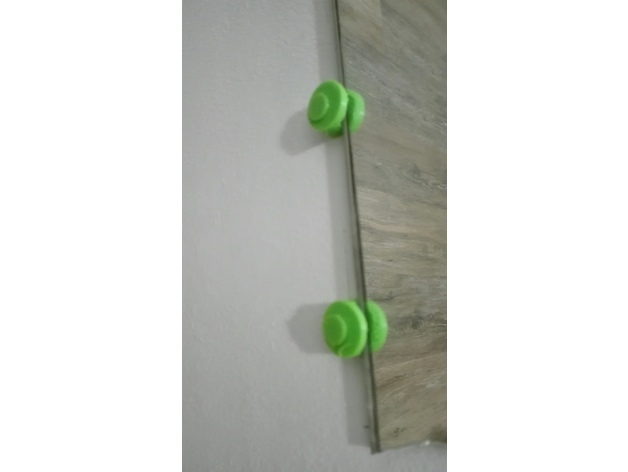
fixation to stare a mirror on the wall 3D Print Model
Summary
a fixation to stare a mirror and a plug to hide the screw -
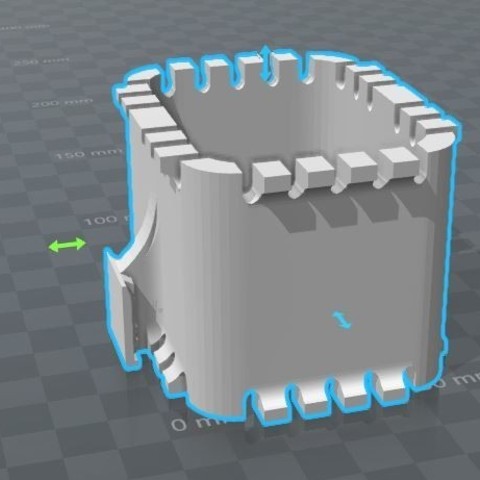
Camera mic holder 3D Print Model
It’s a microphone holder for DSLRs and other cameras. The microphone holder is attached via the HOT SHOE connector, which is usually located on the top.
-
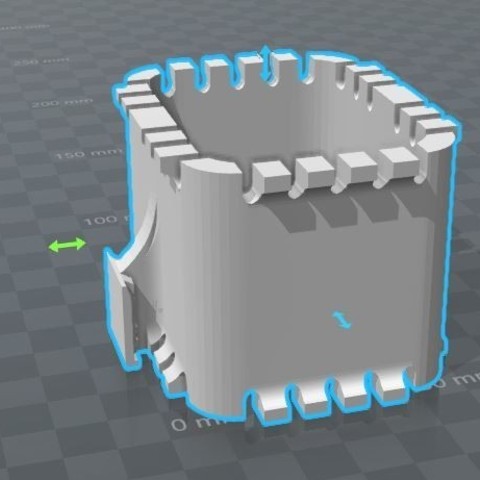
Camera mic holder 3D Print Model
It’s a microphone holder for DSLRs and other cameras. The microphone holder is attached via the HOT SHOE connector, which is usually located on the top.
-
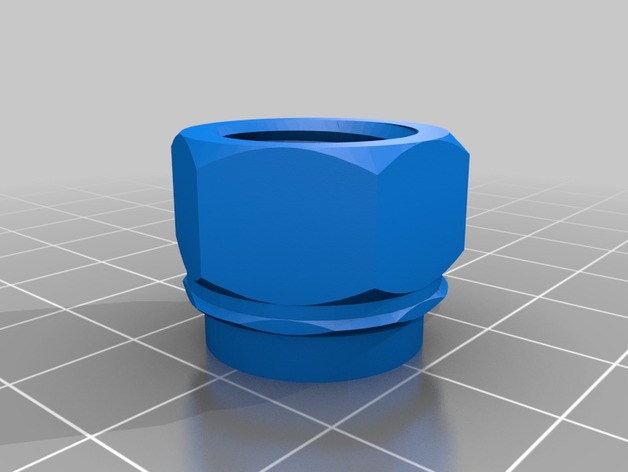
Colgate “Snap on tub to screw on travel” toothpaste transfer connector 3D Print Model
Summary
Inspired byhttps://www.thingiverse.com/thing:158910
andhttps://www.thingiverse.com/thing:800679
and especially this customizable one:https://www.thingiverse.com/thing:1972293
where I used it to create the bottom (screw to the small Colgate tube) and then added a snap on connection in tinkercad.
So this “thing” connects snap on Colgate big tubes to screw on Colgate little travel tubes.
It did not need supports. -
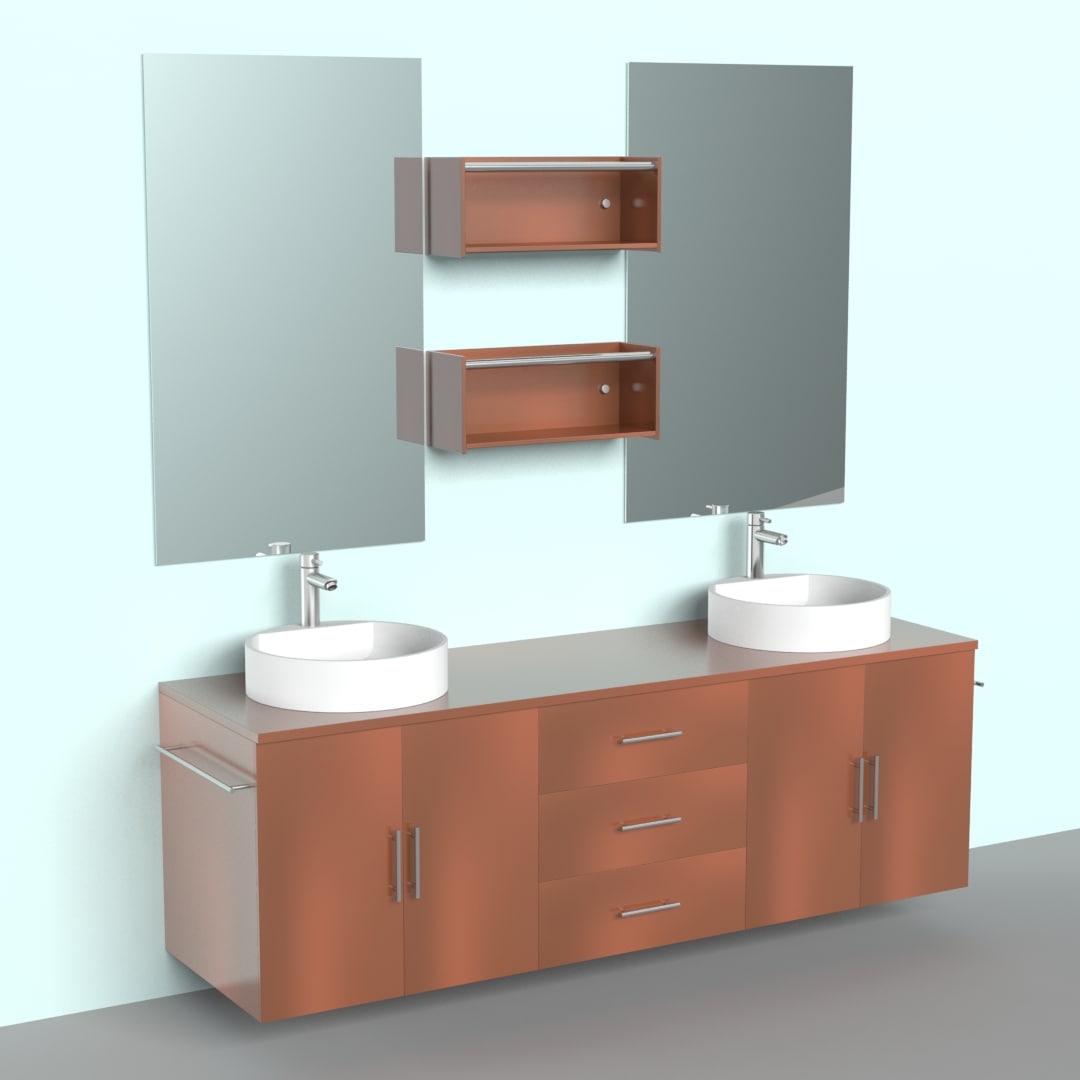
Ikea Modern Bathroom Vanity model 3D Model
AffordableModern Ikea Bathroom Vanity On Ikea Bathroom Vanities
-
Solar Finder for hot shoe on camera for solar and eclipse photos 3D Print Model
Summary
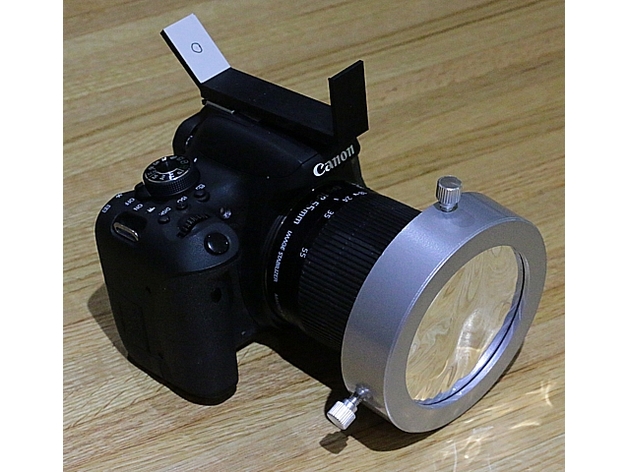
If you plan on taking photos of the sun, especially during the eclipse of the sun, you don’t want to look through the viewfinder to locate the sun and burn your eyes out. So you need a “solar finder”. There are lots of these for telescopes, but this one fits in the hot shoe (where the flash goes) on your camera. The sun shines through a small hole in the front and makes a dot on the angled part. When the sun shines in the center of the circle, then the camera is pointed at the sun properly. You need to use a solar filter on the front of the camera so you don’t burn out your camera or worse, start a fire in it. Then you can try various exposure settings until you get a good photo. This is for use when the sun is not totally eclipsed. For totality, you would slip off the solar filter in front and hopefully you would have already pointed the camera in the proper direction. Only during totality, you can use the viewfinder.
Anyway, to make this, I printed using ABS with a 0.35mm nozzle, using 0.1mm layer thickness. After printing, cut out a piece of white 3×5 card to glue on the angled part. Then push a pin through the back of the angled part’s hole to locate the correct point on the card and draw a circle there. You might want to test it first outside with the sun (before drawing the circle) in case you had any warping problems printing this thing. You might have to use a fingernail file or 1 to 3 layer folded 120 grit sandpaper to sand off any excess ABS if it doesn’t quite fit your hot shoe (especially for the slots). Have fun taking solar photos with your camera!
Print Settings
Printer Brand:
LulzBot Printer:
TAZ 3 Rafts:
No Supports:
No Resolution:
0.1mm Infill:
20% Notes:
4 layers on top and bottom. 3 perimeters on walls. -
Stacked On Podium Storage System 3D Model
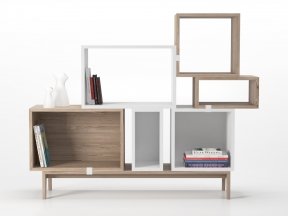
One purchase gives access to all file formats available. By default only .max file format is selected for download.
-
Tools holder on table edge. 3D Print Model
Summary
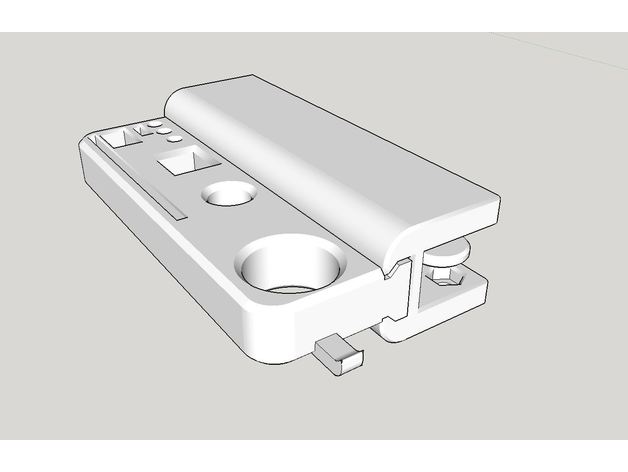
You need M6 screw2 and M6 nut2.
The thickness of table should be under 15mm. -
idler pulley mount for M5 bolt hole, mounts on 2020 or larger v-slot 3D Print Model
Summary
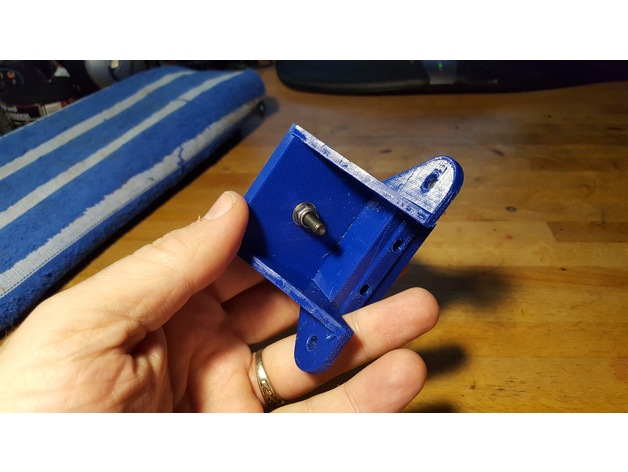
This is a simple mount for attaching to a 2020 or 2040 v-slot rail, to hold a single 5mm bore idler pulley. I needed this for my installation of a 3-leadscrew Z axis system on my D-bot.
It’s useful to help take up the slack if a belt is a little longer than needed, or to change the direction of the belt, or whatever.
A much smaller and more compact mount could be designed to hold a single 5mm bore pulley, but I just started with the Z axis bearing mount assembly that I’d remixed as part of my bearing assembly for 3 leadscrew setups.
The following thing has a photo that includes this bearing mount as part of my installed 3-leadscrew Z axis.https://www.thingiverse.com/thing:2401504
The Z axis bearing mount in that thing is a remix of the original Z axis stepper motor mount. I typically include sources in my things, but in this case I don’t have any sources. I edited the original D-bot stepper mount in Tinkercad to produce the version I used in my 3-screw bearing assemblies. For this 5mm bore pulley mount I simply filled in the hole that held the flanged bearing, filled in the screw holes, and then added a single 5mm diameter hole in the center of the mount surface.
In my case, a single M5 washer and a 7mm high aluminum spacer raised the pulley up to the same height as my other geared pulleys used in the 3-leadscrew Z axis system. Whatever spacing you need you can either fulfill by finding an appropriate spacer, stack of washers, printed spacer, or whatever.
I printed this in PETG at 260/70 C with a .4mm nozzle onto PEI. I used 98% infill to make it nice and solid. You can print this with whatever settings work with whatever filament you choose on your printer, but I’d recommend it be printed solid, since this pulley may be under considerable sideways strain if it’s being used to take up slack in a fairly tight belt. -
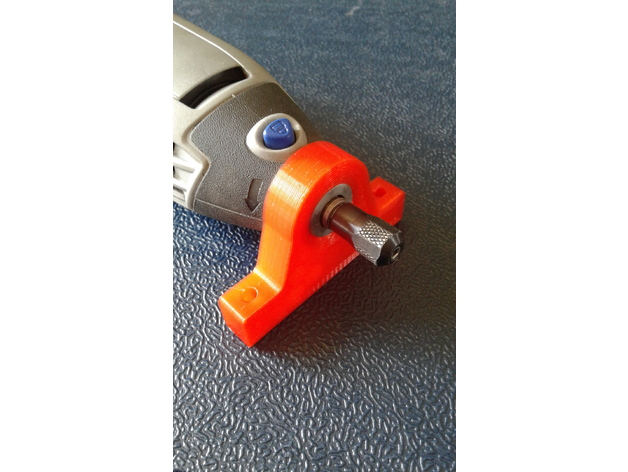
Dremel 3000 thread on holder. 3D Print Model
Summary
Tried a couple on here and they didn’t work or were too weak. When tight the buttons on your Dremel also point out which is pretty important. I posted the SketchUp file too so you can mod it as needed. It’s manifold and prints flat. Enjoy!
Print Settings
Printer:
Monkey Shit Fight Rafts:
No Supports:
No Resolution:
.2 Infill:
50 or better Notes:
Brim, 5 perimeters, 50% or more fill -
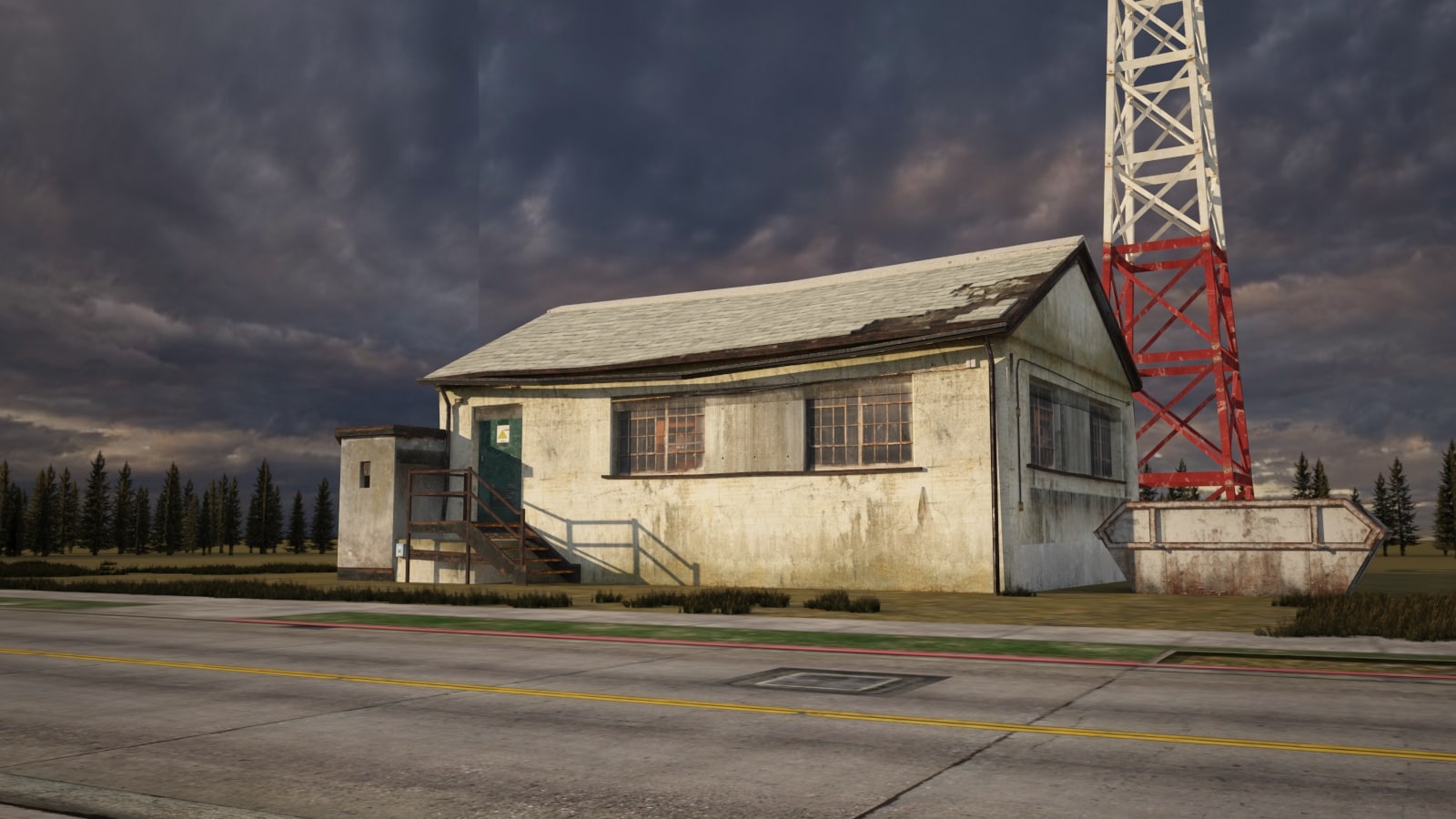
3D A 3D model of a lonely little house on the road 3D Model
There are three versions of the file format: 3DSMAX2014 format 3DSMAX2011 format FBX format
-
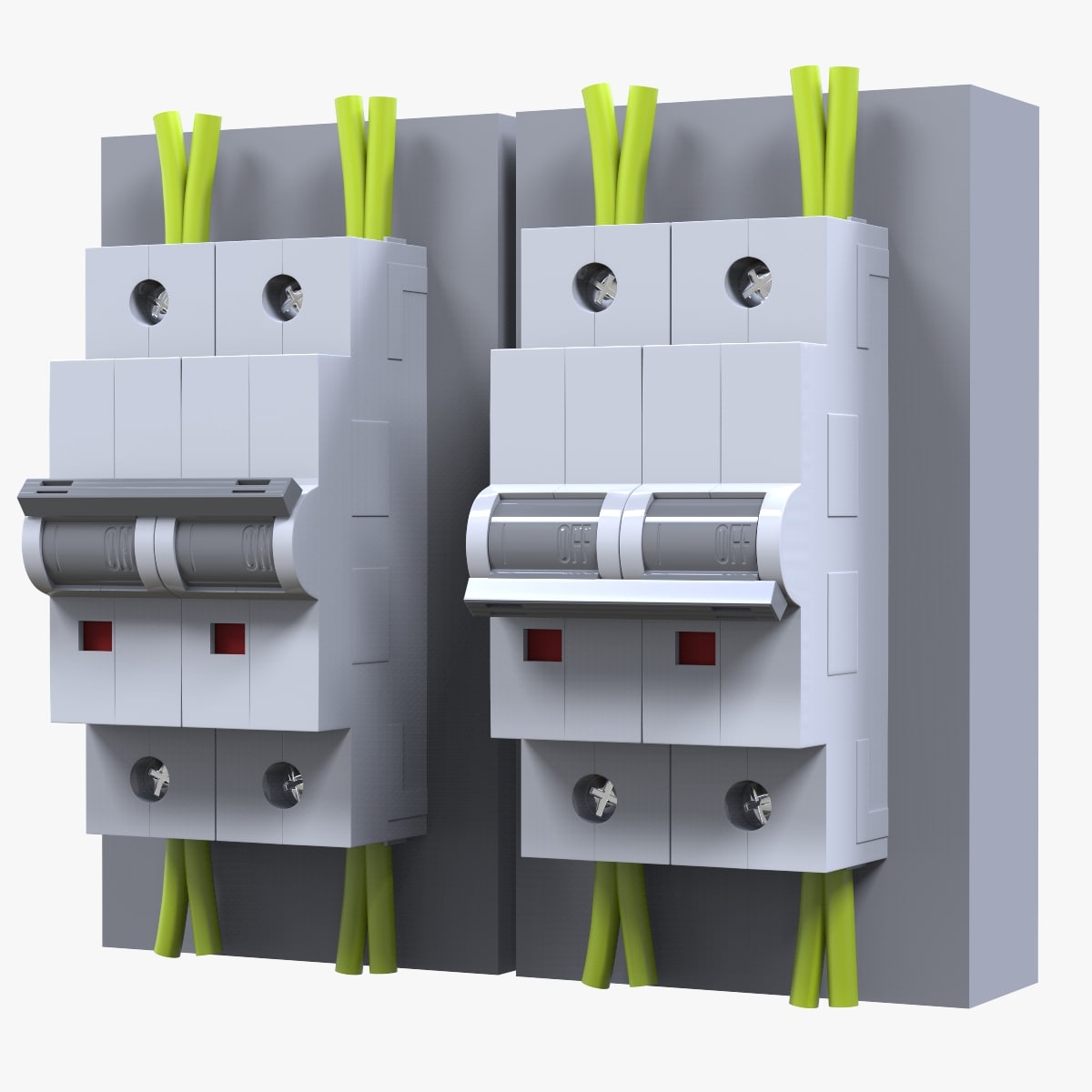
3D Electrical Switche Power model 3D Model
‘Electrical Switche’ is a high & accurate model to add more details and realism to your projects. Detailed enough for close-up renders. *********************************Features:- Model resolutions are optimized for polygon efficiency(in 3DS MAX the meshsmooth function can be used to increase mesh resolution if necessary).- All colors can be easily modified. – No part-name confusion when importing several models into a scene. – No cleaning up necessary, just drop model into your scene and start rendering.- No special plugin needed to open scene.- HDRI background i used is not included*********************************File formats:- Max- FBX (Multi Format)- OBJ (Multi Format)- Cinema 4D R17************************************Texture:-1 JPEG bump map (2048*2048)Available in ‘Accompanying Product Files’ sectionHope you like it! Also check out my other models, just click on my user name to see complete gallery.Infos about my work:I work always my files with a lot of attention to details, good topology and optimizes polygons, I also bring a serious touch in the provided textures.I would like to thank every guys who bought my files, you motivate me to produce some more very nice 3d models.Newlc – 2017
-
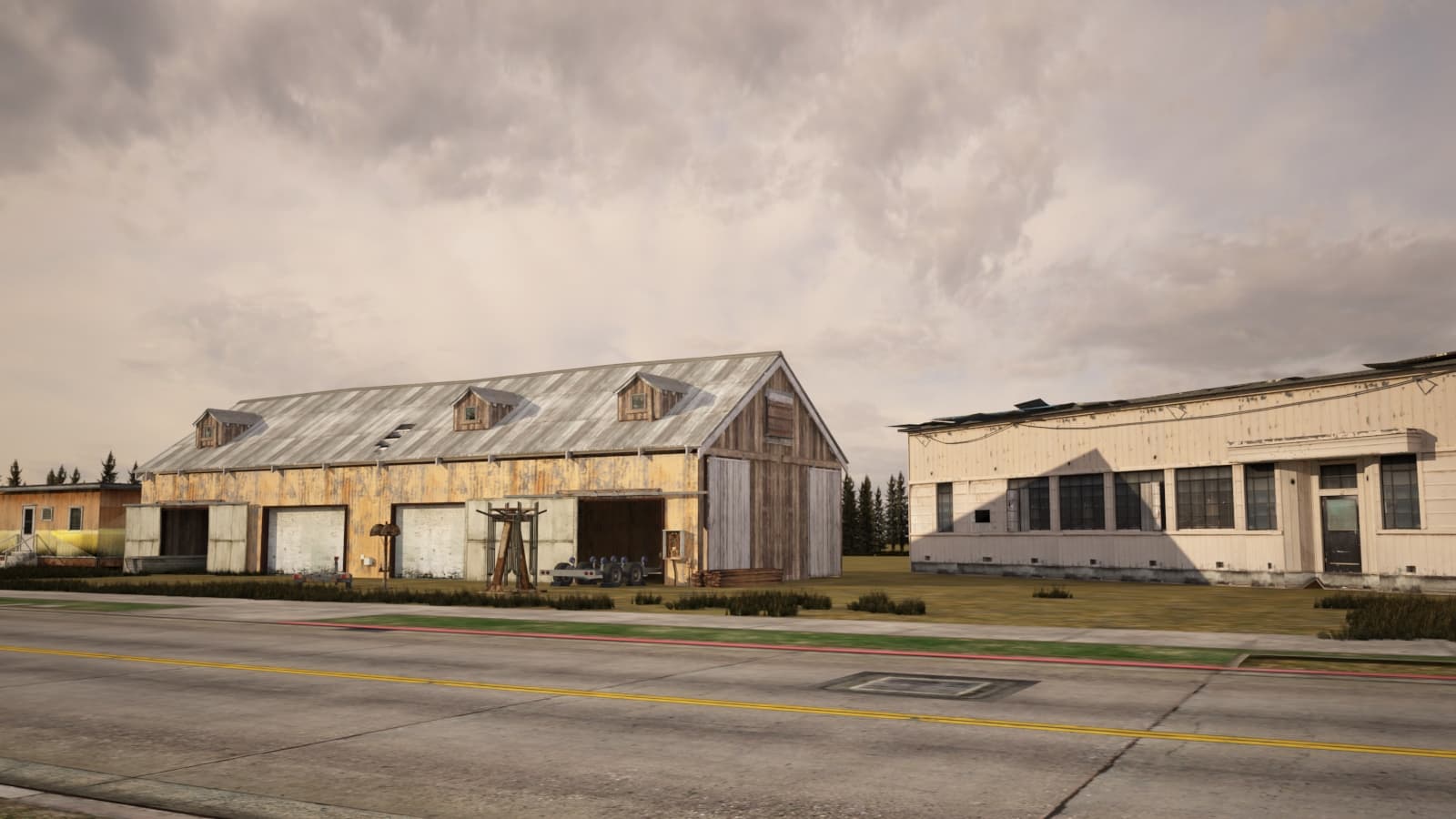
The dilapidated repair warehouse on the roadside is built in 3D 3D Model
There are three versions of the file format: 3DSMAX2014 format 3DSMAX2011 format FBX format
-
Slip on Shoes(1) 3D Model
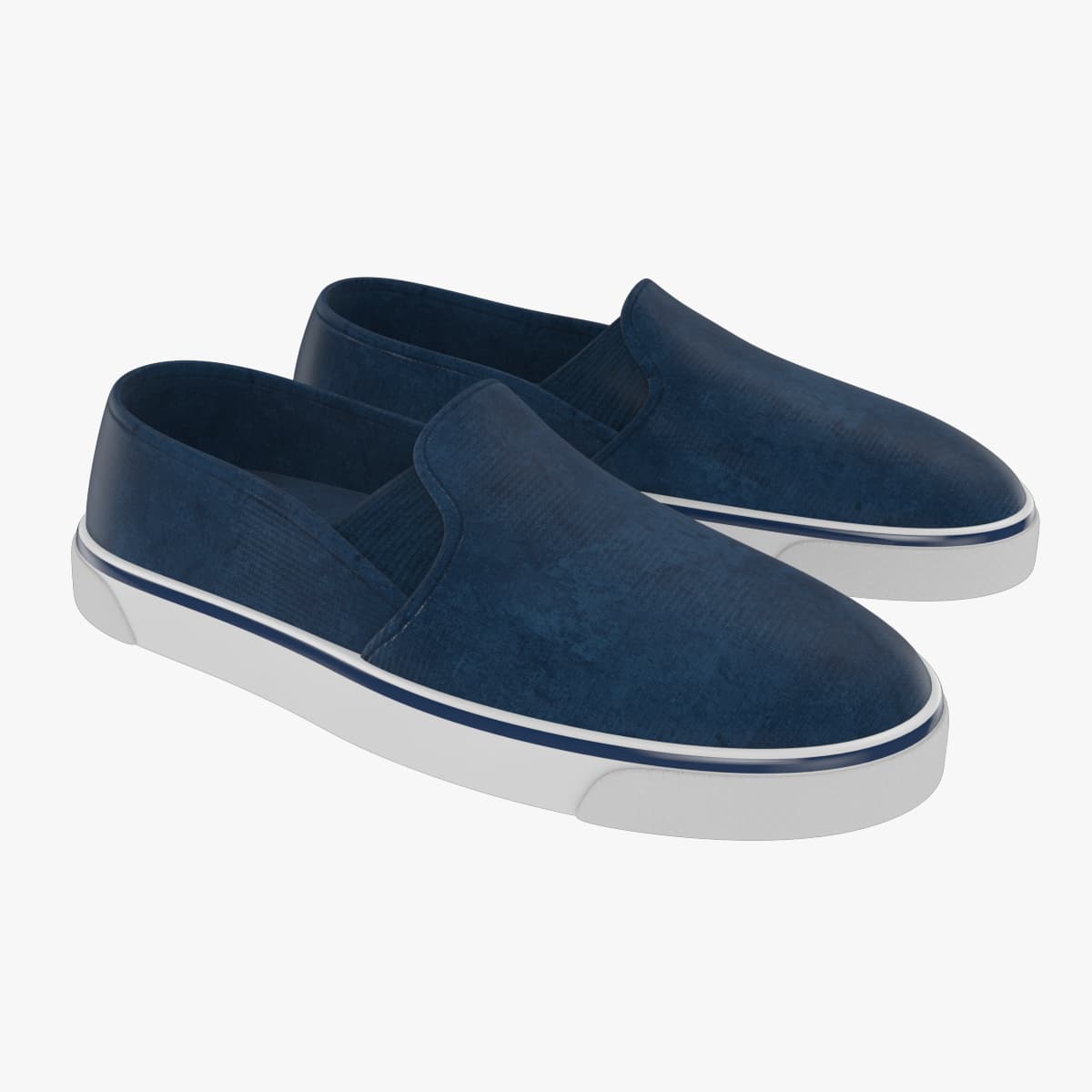
Classic Slip On / Lace Less ShoesReady to useincludes versions with and without shell for easy riggingAll geometry is in Quadssuitable for Subdivision, all models have holding edgesBuild in Real world ScaleIncludes textures and original Illustrator files to change for your needsEvery model is properly named3dsmax version ready with materials in mental rayMaya file available, materials in maya software renderer.OBJ version available for use in other 3d packages
-
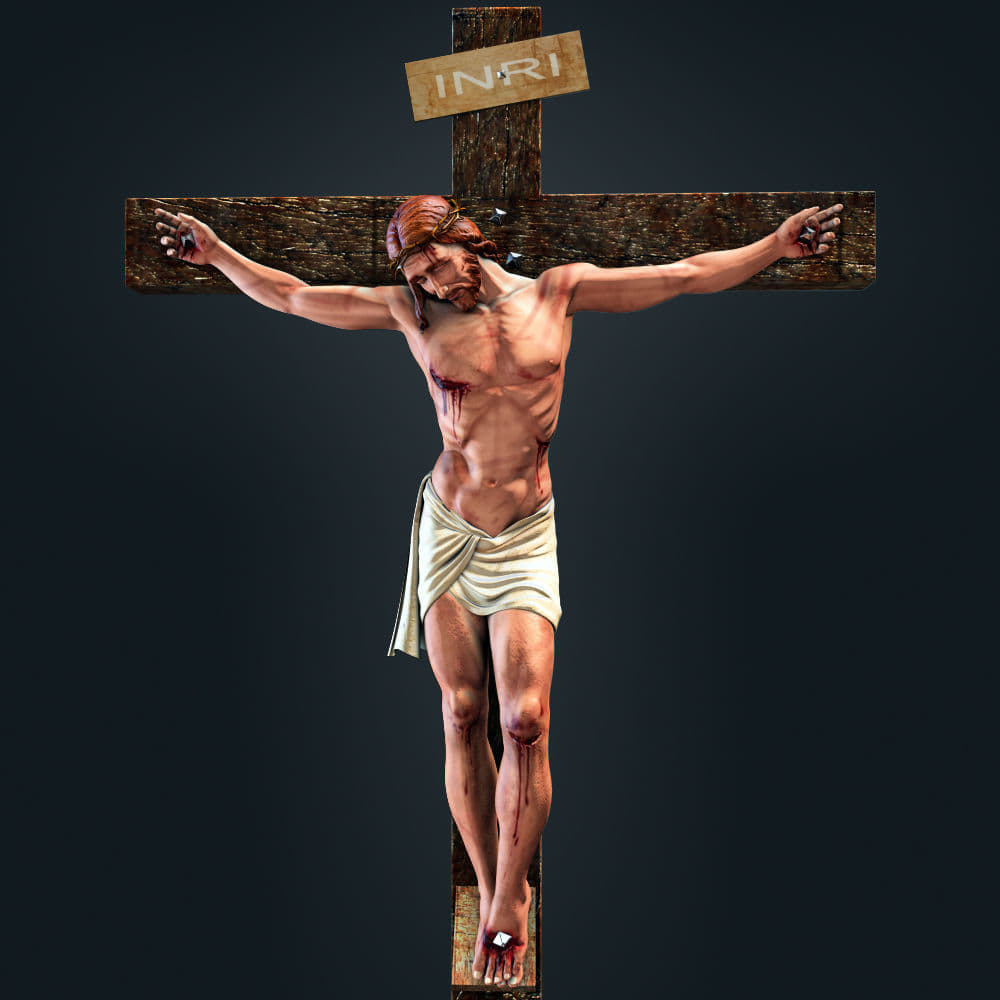
jesus christ 3D model 3D Model
Jesus Christ 3D modelJesus Christ- 3d max model with sss materiel,ready to renderall textures 3000 pixelsFile formats: – 3ds Max 2010 -Maya – OBJ – 3DS – FBX
-
ice 3D Model
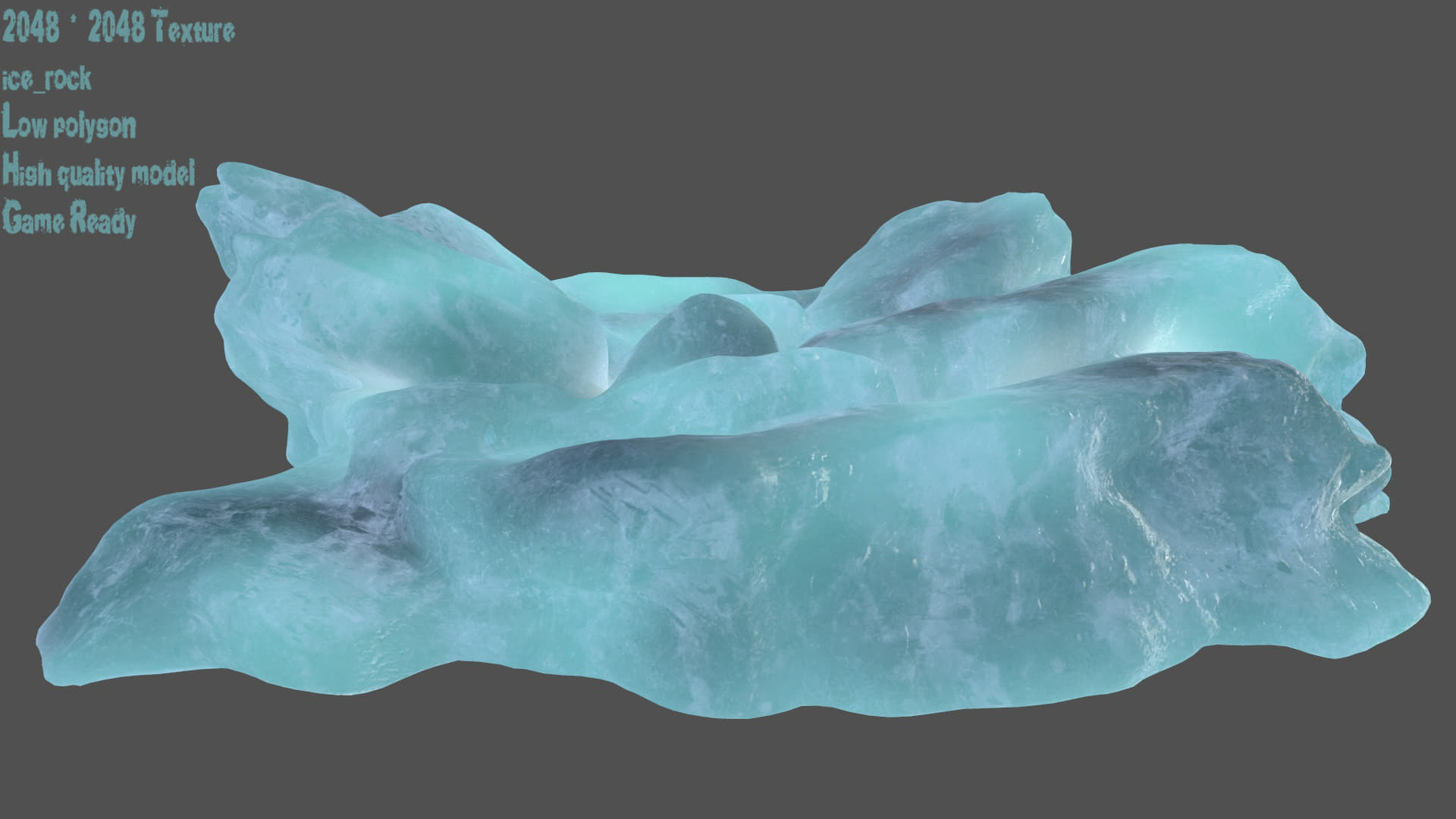
ice_…………………23622 polygon. ……23850 vertices.2048 * 2048Texture.obj , fbx , and blend format models.uv map:ice_albedo ice_normalice_specularice_Gloss ice_emissiveMarmoset Rendergame ready.
-
2lb. Whey Protein Bottle 3D Model
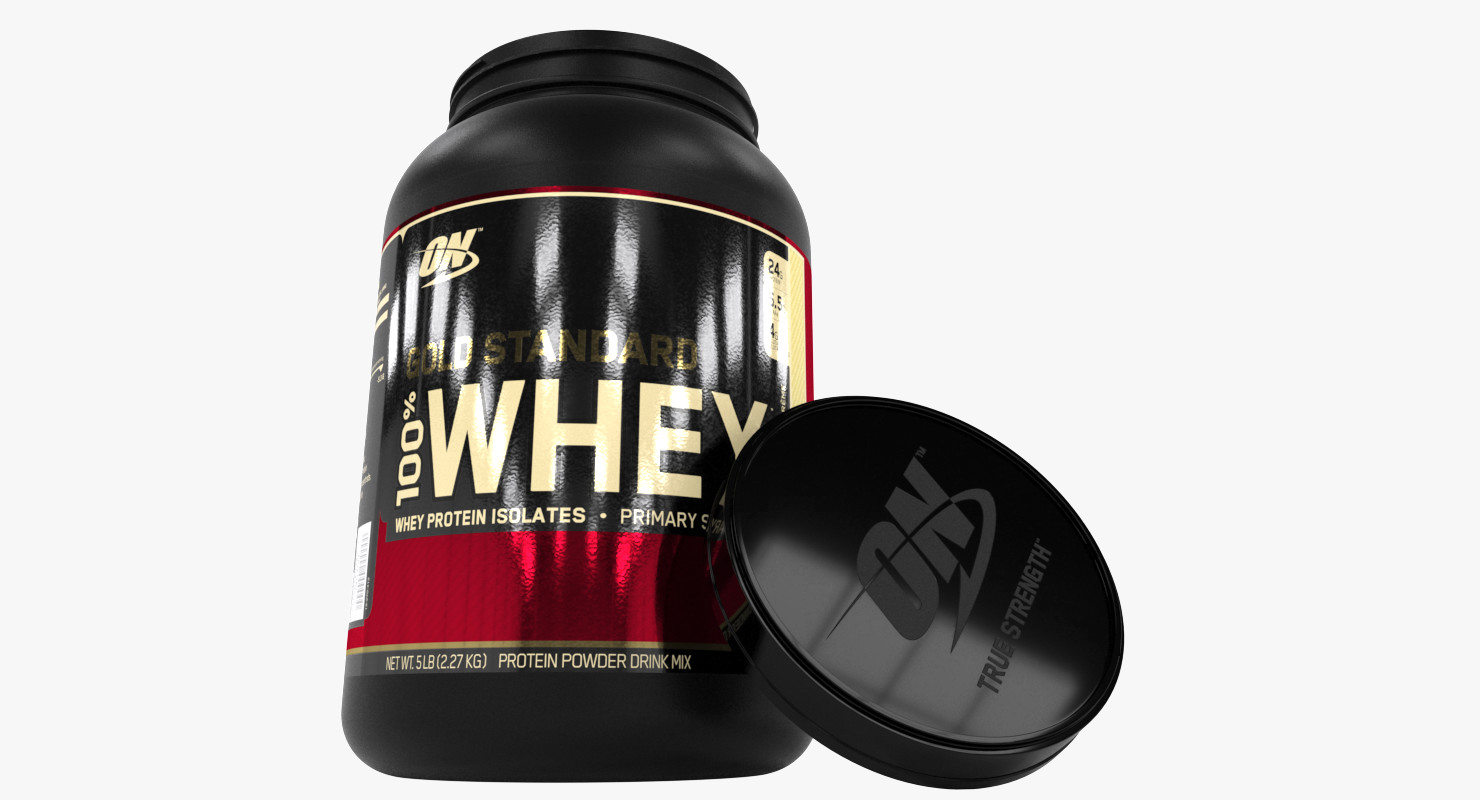
It needed more than 40 hours to make 2 LB Protein bottle available in both working environments ( Specular / Diffuse / Glossiness and Metalic / Roughness / Albedo) and in several formats.The Bottle is carefully measured and modeled in centimeters also 1 unit is cm, even Cap twist (screw) is correct dimension. Model is watertight and Turbosmooth can be applied. The scene is prepared for Vray Environment (DCC – Diffuse, Glossiness, Specular) and it is made of 3 main objects – Whey_Cap, Whey_Bottle, Whey_Label and the background model. The scene is lit with one HDRI Image which can be easily swapped with other HDRI Image..Whey_CapPolys: 3722Verts: 3726Whey_BottlePolys: 5706Verts: 5710Whey_LabelPolys: 64Verts: 96All 3 models are having 4K textures (4096×4096) that can be easily scaled to 2K or 1K Textures and can be used on Real Time Engines such as Unity or Unreal or DCC such as Vray, Arnold etc.4K PBR Textures (lossless .PNG)AOAlbedoHeightMetallicNormalRoughness4K DCC Textures (losless .PNG)DiffuseGlossinessHeight (displacement)IORNormalSpecular2000 x 1000 32Bit HDRI ImageAs a help, there is 8K PSD Template to download so you can see where Label UWV is positioned, diffuse layer and a metallic mask layer.Please rate it, thanks
-
ice 3D Model
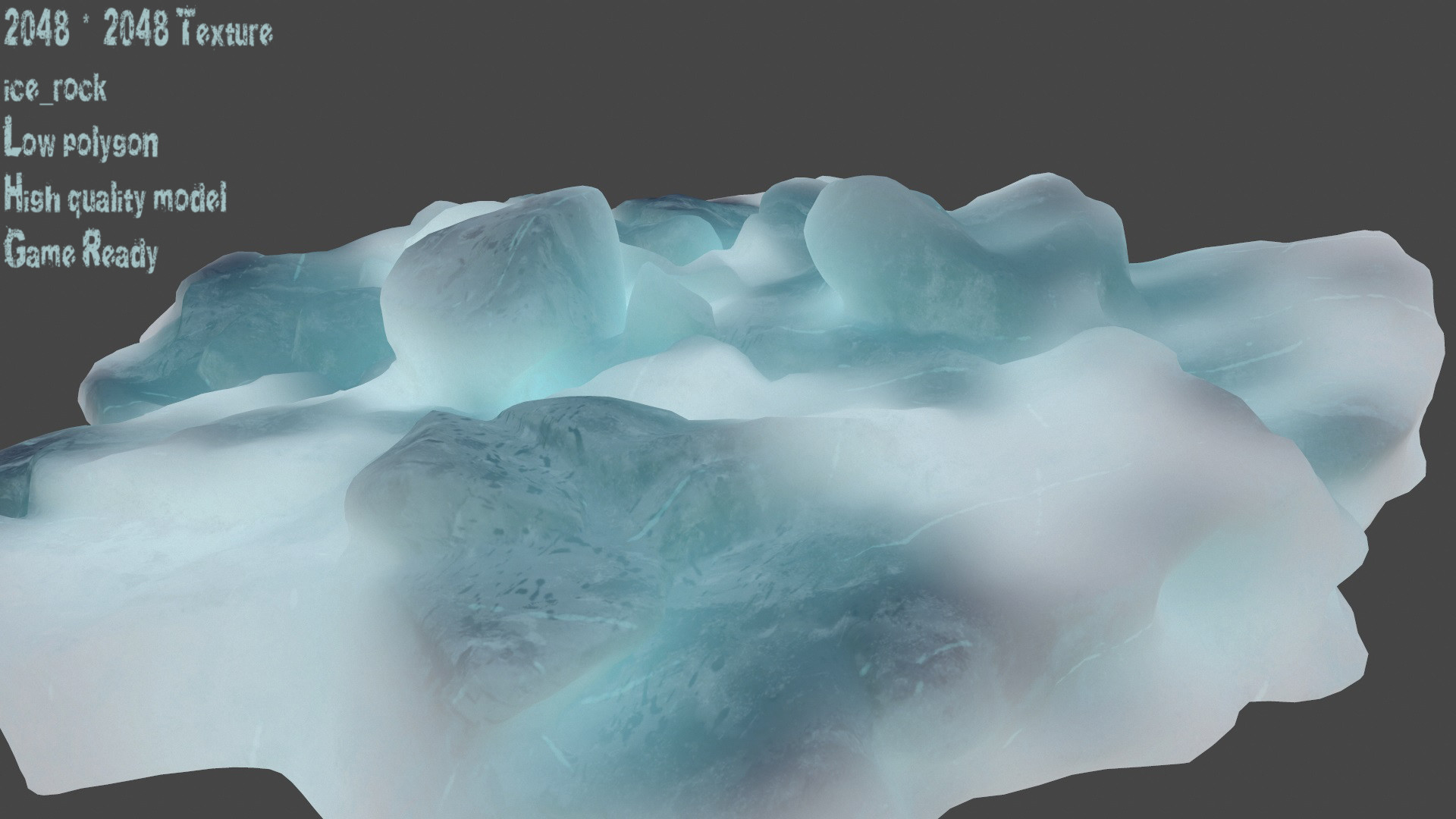
ice_…………………18326 polygon. ……18505 vertices.2048 * 2048Texture.obj , fbx , and blend format models.uv map:ice_albedo ice_normalice_specularice_Gloss ice_emissiveMarmoset Rendergame ready.
-
A few old houses on the road are built in 3D 3D Model
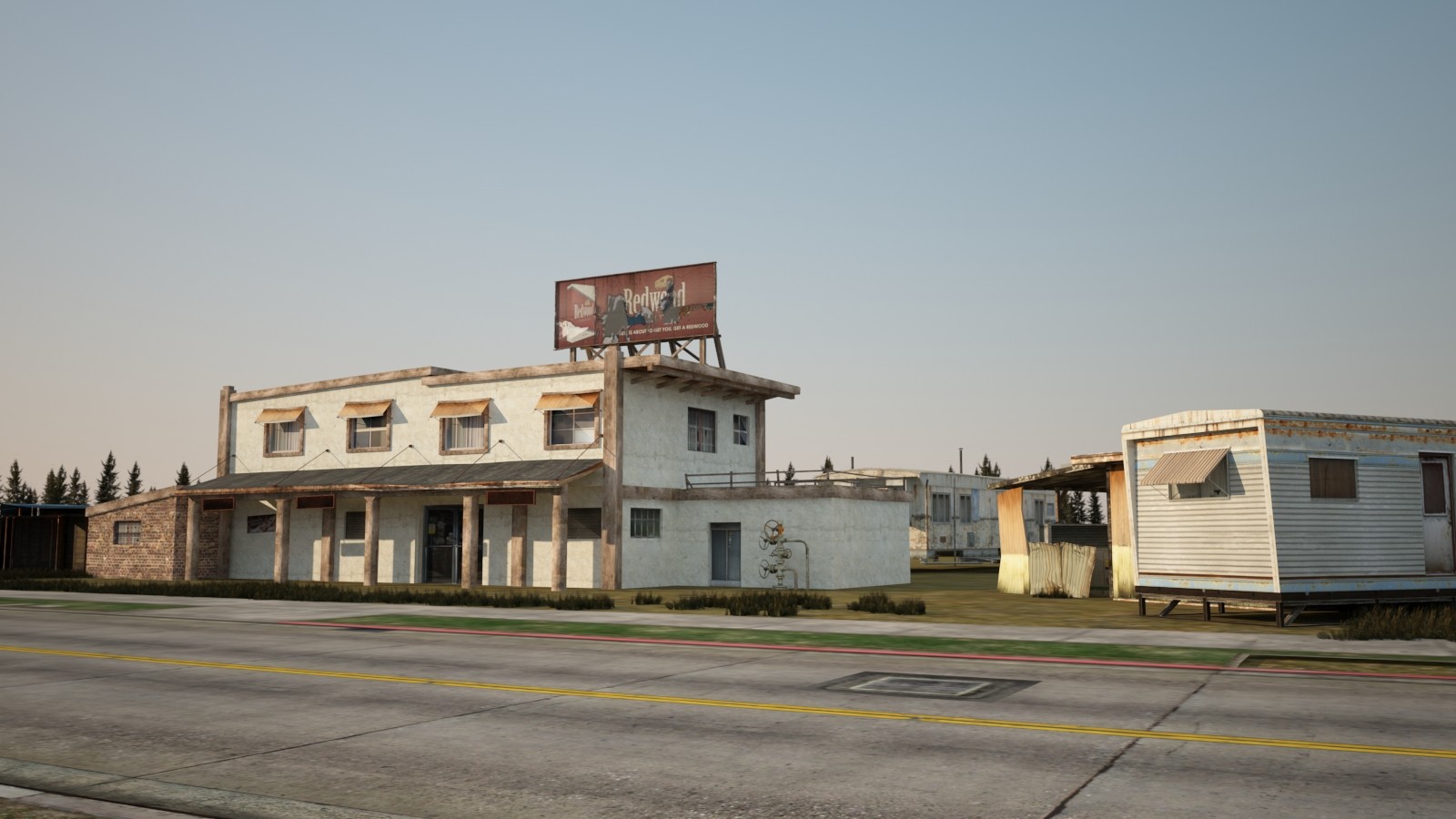
A few old houses on the road are built in 3DThere are three versions of the file format: 3DSMAX2014 format 3DSMAX2011 format OBJ format
-
Tool Storage End Collection 3D Model
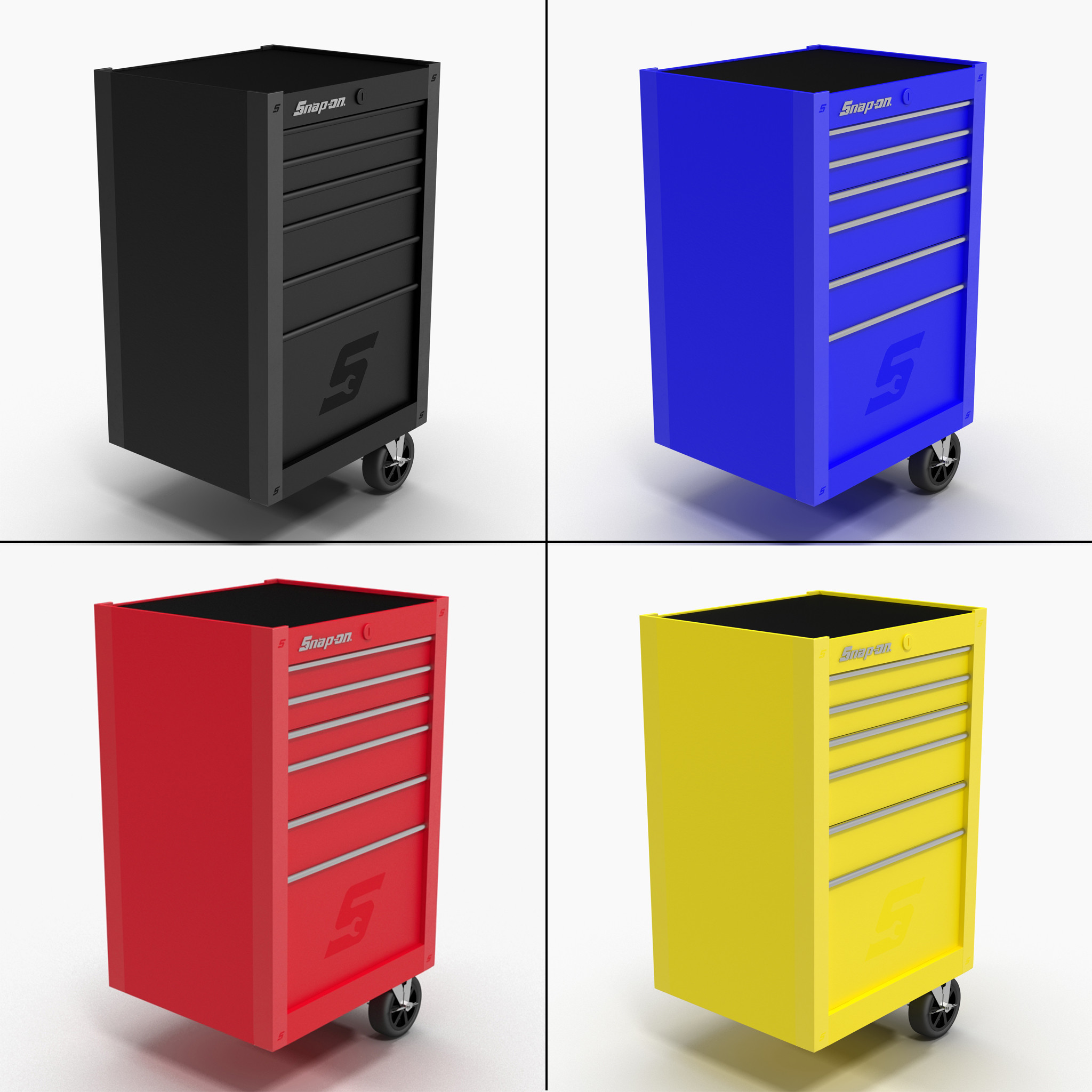
This Tool Storage Collection is a high quality, photo real collection that will enhance detail and realism to any of your rendering projects. The models has a fully textured, detailed design that allows for close-up renders, and was originally modeled in 3ds Max 2014 and rendered with V-Ray. Signature image scene doesn”t included. All models in this collection lays in separate scenes*********************************Models:1. Tool Storage End BlackProduct ID: 1154876Polygons: 37 206Vertices: 37 004Textures Formats:.PNG(6) 4096 x 40962. Tool Storage End BlueProduct ID: 1154911Polygons: 37 206Vertices: 37 004Textures Formats:.PNG(6) 4096 x 40963. Tool Storage End RedProduct ID: 1154928Polygons: 37 206Vertices: 37 004Textures Formats:.PNG(6) 4096 x 40964. Tool Storage End YellowProduct ID: 1154945Polygons: 37 206Vertices: 37 004Textures Formats:.PNG(6) 4096 x 4096The total amount of polygons and vertices for the 4 models can be found in the 3D Model Specifications section.If purchased individually: $196Collection price: $59You save: $137 !!!!!Features:- High quality polygonal model, correctly scaled for an accurate representation of the original object.- Models resolutions are optimized for polygon efficiency. (In 3ds Max, the Meshsmooth function can be used to increase mesh resolution if necessary.)- All colors can be easily modified.- Model is fully textured with all materials applied.- All textures and materials are included and mapped in every format.- 3ds Max models are grouped for easy selection, and objects are logically named for ease of scene management.- No part-name confusion when importing several models into a scene.- No cleaning up necessaryjust drop your models into the scene and start rendering.- No special plugin needed to open scene.- Model does not include any backgrounds or scenes used in preview images.- Units – cm.*********************************File Formats:- 3ds Max 2014 V-Ray – 3ds Max 2014 Scanline- Maya 2014- C4D R14- .FBX- .OBJEvery model has been checked with the appropriate software.*********************************Warning: Depending on which software package you are using, the exchange formats (.obj, .3ds and .fbx) may not match the preview images exactly. Due to the nature of these formats, there may be some textures that have to be loaded by hand and possibly triangulated geometry. All exchange formats has subdivision level 0.*********************************Hope you like it!Also check out our other models, just click on user name cgeasinc or you may find our second account cgeas to see complete gallery.If you have any questions, you can contact us trough support. Just send a support ticket!
-

Tool Storage End Red 3D 3D Model
This Tool Storage End Red is a high quality, photo real model that will enhance detail and realism to any of your rendering projects. File units – cm. The model has a fully textured, detailed design that allows for close-up renders, and was originally modeled in 3ds Max 2014 and rendered with V-Ray. *********************************Features:-High quality polygonal model, correctly scaled for an accurate representation of the original object.-Models resolutions are optimized for polygon efficiency. (In 3ds Max, the Meshsmooth function can be used to increase mesh resolution if necessary.)-All colors can be easily modified.-Model is fully textured with all materials applied.-All textures and materials are included and mapped in every format.-3ds Max models are grouped for easy selection, and objects are logically named for ease of scene management.-No part-name confusion when importing several models into a scene.-No cleaning up necessaryjust drop your models into the scene and start rendering.-No special plugin needed to open scene.-Model does not include any backgrounds or scenes used in preview images.*********************************File Formats:- 3ds Max 2014 V-Ray – 3ds Max 2014 Scanline- Maya 2014- C4D R14- .FBX- .OBJEvery model has been checked with the appropriate software.*********************************Warning: Depending on which software package you are using, the exchange formats (.obj, .3ds and .fbx) may not match the preview images exactly. Due to the nature of these formats, there may be some textures that have to be loaded by hand and possibly triangulated geometry. All exchange formats has subdivision level 0.*********************************Textures Formats:.PNG(6) 4096 x 4096*********************************Hope you like it!Also check out our other models, just click on user name cgeasinc or you may find our second account cgeas to see complete gallery.If you have any questions, you can contact us trough support. Just send a support ticket!
-

Tool Storage End Black 3D Model
This Tool Storage End Black is a high quality, photo real model that will enhance detail and realism to any of your rendering projects. File units – cm. The model has a fully textured, detailed design that allows for close-up renders, and was originally modeled in 3ds Max 2014 and rendered with V-Ray. *********************************Features:-High quality polygonal model, correctly scaled for an accurate representation of the original object.-Models resolutions are optimized for polygon efficiency. (In 3ds Max, the Meshsmooth function can be used to increase mesh resolution if necessary.)-All colors can be easily modified.-Model is fully textured with all materials applied.-All textures and materials are included and mapped in every format.-3ds Max models are grouped for easy selection, and objects are logically named for ease of scene management.-No part-name confusion when importing several models into a scene.-No cleaning up necessaryjust drop your models into the scene and start rendering.-No special plugin needed to open scene.-Model does not include any backgrounds or scenes used in preview images.*********************************File Formats:- 3ds Max 2014 V-Ray – 3ds Max 2014 Scanline- Maya 2014- C4D R14- .FBX- .OBJEvery model has been checked with the appropriate software.*********************************Warning: Depending on which software package you are using, the exchange formats (.obj, .3ds and .fbx) may not match the preview images exactly. Due to the nature of these formats, there may be some textures that have to be loaded by hand and possibly triangulated geometry. All exchange formats has subdivision level 0.*********************************Textures Formats:.PNG(6) 4096 x 4096*********************************Hope you like it!Also check out our other models, just click on user name cgeasinc or you may find our second account cgeas to see complete gallery.If you have any questions, you can contact us trough support. Just send a support ticket!
-

A 3D model of a hotel building on the side of the road in winter 3D model 3D Model
A 3D model of a hotel building on the side of the road in winterThere are three versions of the file format: 3DSMAX2014 format 3DSMAX2011 format OBJ format
-
Bowden tube strain relief used on extruder motor 1.75mm 3D Print Model
Summary
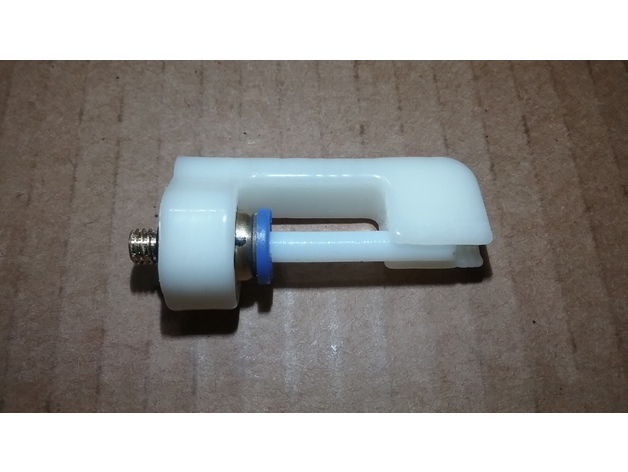
I created this to relieve the strain on the bowden tube pneumatic connector on the extruder motor for 1.75mm filaments. It has been tested and is working great. This should pretty much fit all pneumatic connectors with 10mm diameters from face to face on the flat sides and can be used on the extruder motor or the effector end.
Print Settings
Printer:
FLSUN Delta Supports:
Yes Resolution:
.2 mm Infill:
30% -
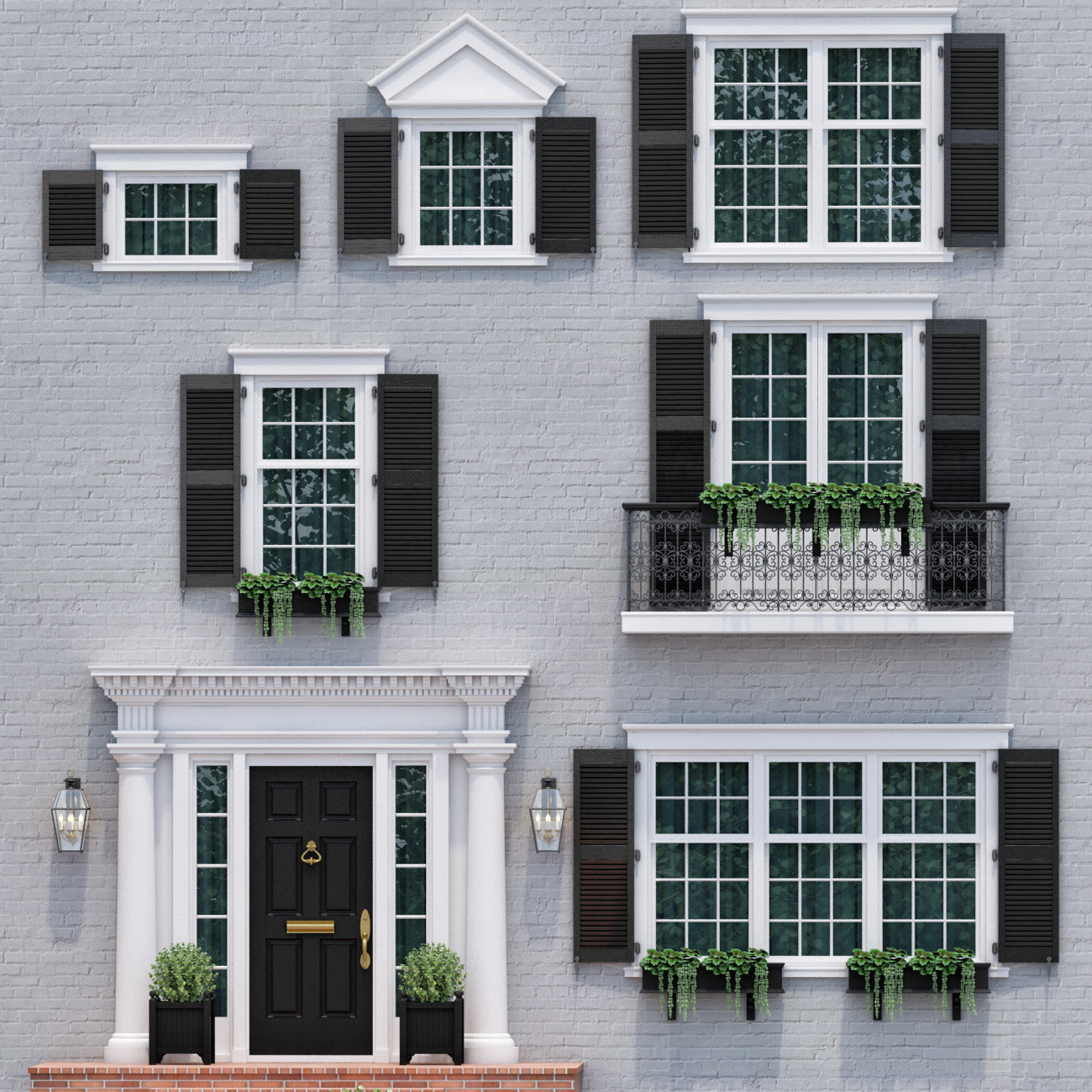
Windows and doors in the style of modern classics 4 3D model
Complex doors and windows in the style of modern classics .7 windows framing option in the style of English architectureThe archive: Model in format max 2011 Vray, max 2014 Vray