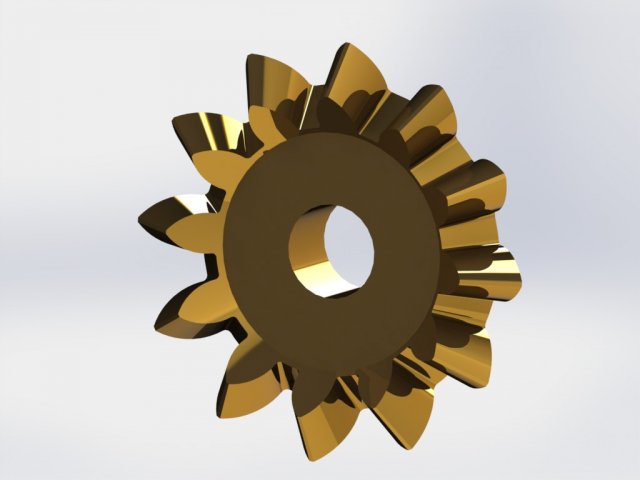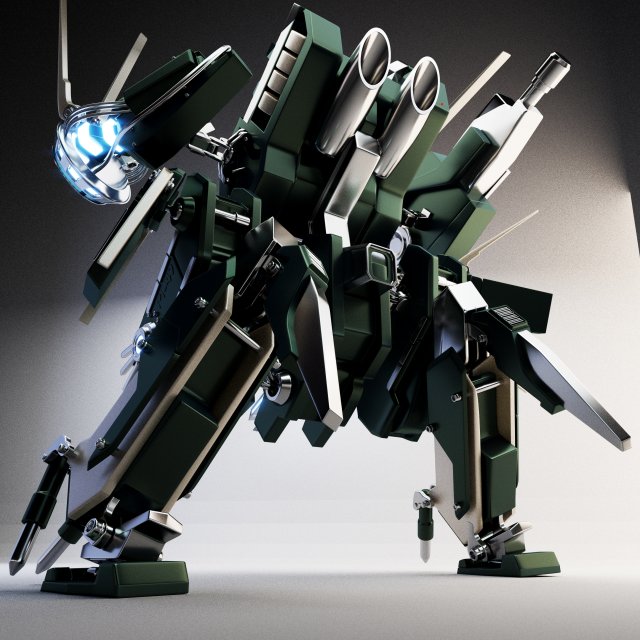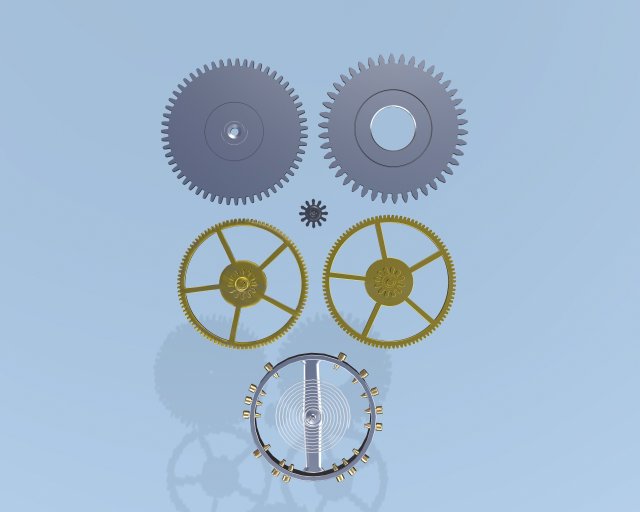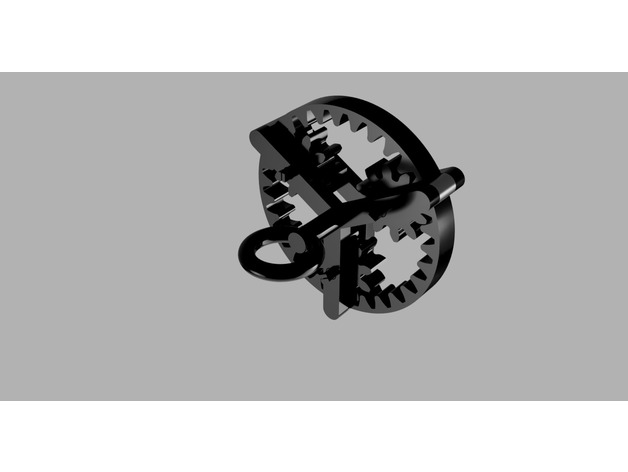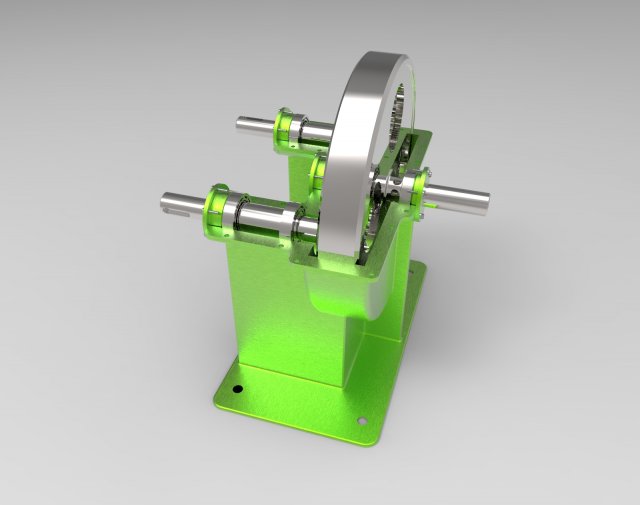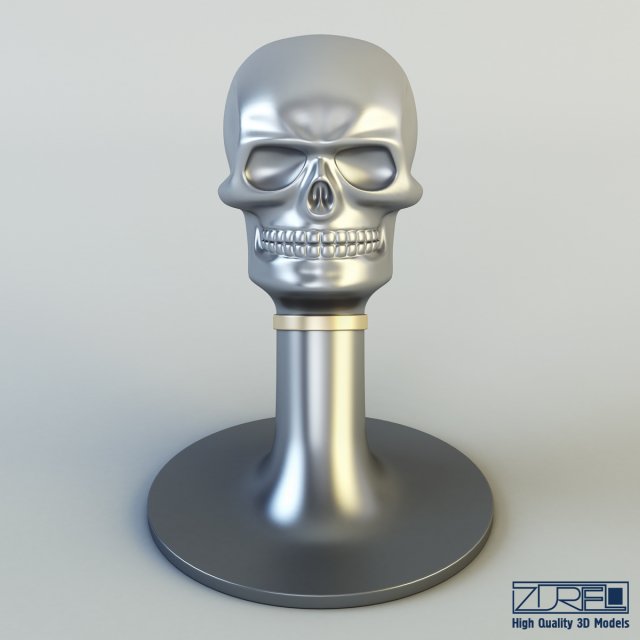
High quality model ‘Skull’ specially for your projects.Quality and accurate modeling, allows you to use model in any projects. Model corresponds to all proportions and the real size. Elaborated all small details, accurate UVW mapping and high-resolution textures make the model more realistic, allowing you to use a model in high-resolution renderers (close-up), as well as for creating videos, or video advertising or use in the film industry.The model is created in Autodesk 3ds Max 2010, rendered with Vray 2.20.02, materials are included.Do not forget to rate the model, for us it is very important :)3D model available in these formats: 3ds Max 2010 (.max), Autodesk FBX 2006 (.fbx), OBJ (.obj)Scene Statistic below:-Subdivision ON:Polys: 22 562Tris: 45 124Edges: 45 244Verts: 22 683-Subdivision OFF:Polys: 4 568Tris: 9 106Edges: 9 161Verts: 4 594- Scale of all details (100,100,100)- Model has real-world scale and is centered at 0,0,0- All pivots in place- Materials, objects and textures have the correct names- No cleaning up necessary, just drop your models into the scene and start rendering- Model is intended for subdivisionDo not forget to rate the model, for us it is very important :)© Leonid Naku [Zurel] 2018
Tag: gear
-
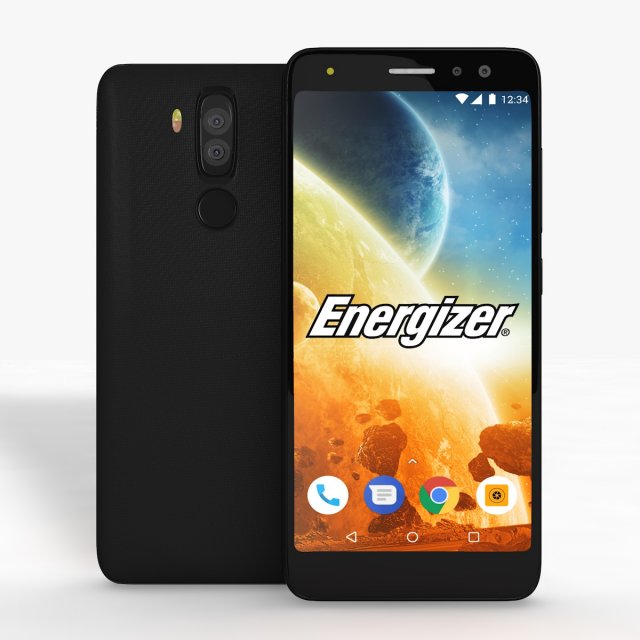
Energizer Power Max P490S Low Poly 3D Model
Energizer Power Max P490S Low PolyI give prepared-after effects project as a gift in 13 and 18 versions.Also I made “Energizer Power Max P490S Element” file open in all 3d versions. I exported to model without performing subdivision surface.To support low-poly , you can get high quality one opening subdivision surface.I created model in pieces and real sizes that you can create animations.It’s a high quality model work, supports low poly, created by cinema 4D.You can increase quality using subdivision surface.Im trying yo develop myself in 3D projects also trying to give you my works controlling issues and fixing them. Im trying to do best.Please feedback faulty works that I can help you.I will be happy when you rate and comment on my works.After Effects Element 3D and supports file formats are available.Formats :.c4d.3ds.stl.obj.fbx.dxf.aep(CC13).aep(CC18)
-
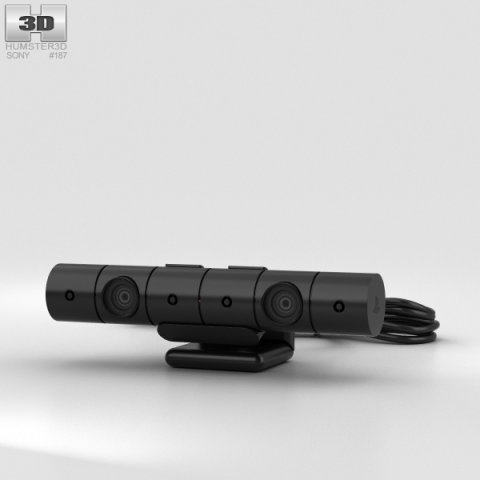
Sony PlayStation Camera 3D Model
The 3D model was created on real base. It’s created accurately, in real units of measurement, qualitatively and maximally close to the original.Model formats:- *.max (3ds Max 2008 scanline)- *.max (3ds Max 2008 vray)- *.fbx (Multi Format)- *.obj (Multi Format)- *.3ds (Multi Format)- *.mb (Maya 8.5)- *.lwo (Lightwave 6)- *.c4d (Cinema 4D 11)* renders Are made in 3ds Max 2008 using vray 1.5 (studio environment is not included in the set)If you need any other formats we are more than happy to make them for you.The model is provided combined, all main parts are presented as separate parts therefore materials of objects are easy to be modified or removed and standard parts are easy to be replaced. If you experience difficulties with separating standard parts we are more than happy to give you qualified assistance.We greatly appreciate you choosing our 3D models and hope they will be of use.We look forward to continuously dealing with you.Sincerely Yours,Hum3D Team
-
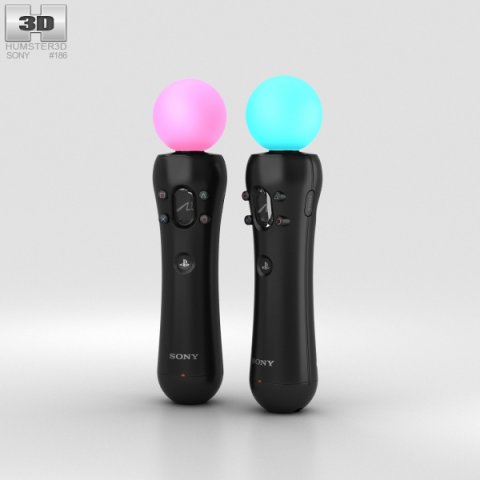
Sony PlayStation VR Move Twin Pack 3D Model
The 3D model was created on real base. It’s created accurately, in real units of measurement, qualitatively and maximally close to the original.Model formats:- *.max (3ds Max 2008 scanline)- *.max (3ds Max 2008 vray)- *.fbx (Multi Format)- *.obj (Multi Format)- *.3ds (Multi Format)- *.mb (Maya 8.5)- *.lwo (Lightwave 6)- *.c4d (Cinema 4D 11)* renders Are made in 3ds Max 2008 using vray 1.5 (studio environment is not included in the set)If you need any other formats we are more than happy to make them for you.The model is provided combined, all main parts are presented as separate parts therefore materials of objects are easy to be modified or removed and standard parts are easy to be replaced. If you experience difficulties with separating standard parts we are more than happy to give you qualified assistance.We greatly appreciate you choosing our 3D models and hope they will be of use.We look forward to continuously dealing with you.Sincerely Yours,Hum3D Team
-
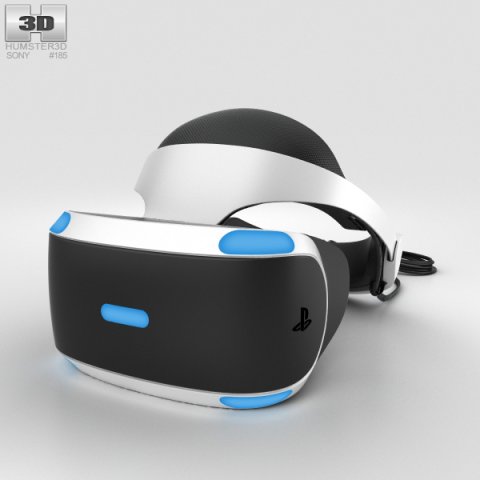
Sony PlayStation VR 3D Model
The 3D model was created on real base. It’s created accurately, in real units of measurement, qualitatively and maximally close to the original.Model formats:- *.max (3ds Max 2008 scanline)- *.max (3ds Max 2008 vray)- *.fbx (Multi Format)- *.obj (Multi Format)- *.3ds (Multi Format)- *.mb (Maya 8.5)- *.lwo (Lightwave 6)- *.c4d (Cinema 4D 11)* renders Are made in 3ds Max 2008 using vray 1.5 (studio environment is not included in the set)If you need any other formats we are more than happy to make them for you.The model is provided combined, all main parts are presented as separate parts therefore materials of objects are easy to be modified or removed and standard parts are easy to be replaced. If you experience difficulties with separating standard parts we are more than happy to give you qualified assistance.We greatly appreciate you choosing our 3D models and hope they will be of use.We look forward to continuously dealing with you.Sincerely Yours,Hum3D Team
-
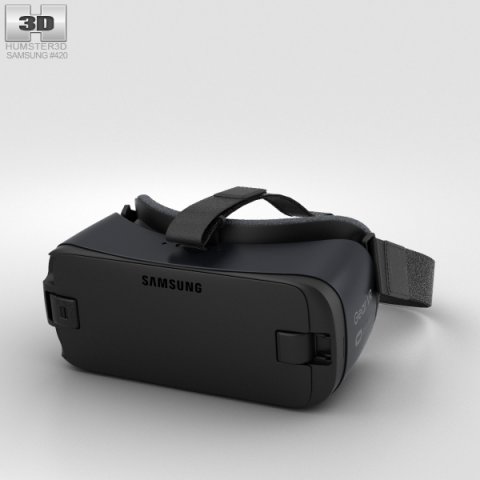
Samsung Gear VR 2016 3D Model
The 3D model was created on real base. It’s created accurately, in real units of measurement, qualitatively and maximally close to the original.Model formats:- *.max (3ds Max 2008 scanline)- *.max (3ds Max 2008 vray)- *.fbx (Multi Format)- *.obj (Multi Format)- *.3ds (Multi Format)- *.mb (Maya 8.5)- *.lwo (Lightwave 6)- *.c4d (Cinema 4D 11)* renders Are made in 3ds Max 2008 using vray 1.5 (studio environment is not included in the set)If you need any other formats we are more than happy to make them for you.The model is provided combined, all main parts are presented as separate parts therefore materials of objects are easy to be modified or removed and standard parts are easy to be replaced. If you experience difficulties with separating standard parts we are more than happy to give you qualified assistance.We greatly appreciate you choosing our 3D models and hope they will be of use.We look forward to continuously dealing with you.Sincerely Yours,Hum3D Team
-
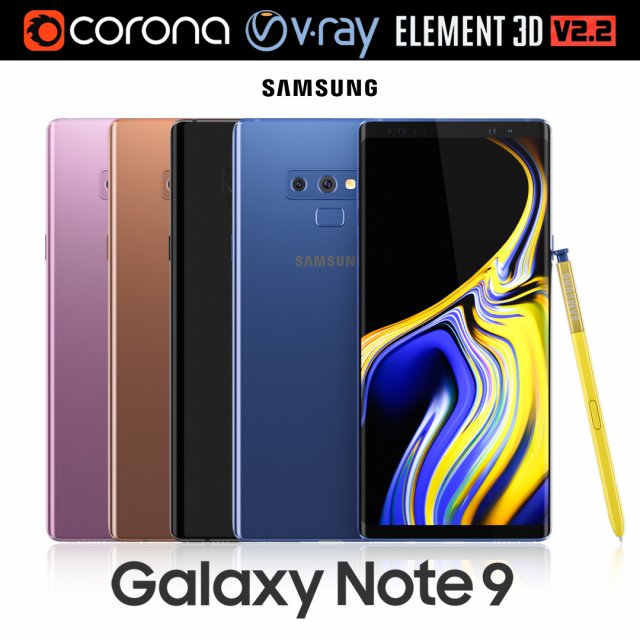
Samsung GALAXY Note 9 all colors 3D Model
Realistic (copy) 3d model of Samsung Galaxy Note 9 all colors.This set:3D element v2.2The model given is easy to use- 1 file obj standard- 1 file 3ds Max 2013 vray material- 1 file 3ds Max 2013 corona material- 1 file of 3Ds- file e3d full set of materials, like a previewHow to use it?1. Discovery after the impact of CC 2014 (or above) and create a new composition (you need Element3D v2.2 to use)2. Create a new solid layer and add the effect of the elements. (Effect / Video Copilot / Element)3. Select Install Location4. Click on the import inside the Element3D Installation location5. Select my .e3d according to the model and click on the open button.If you do not see the model, do not forget to right click on the model name and press the replace model select.Topology of geometry:- forms and proportions of The 3D model- the geometry of the model was created very neatly- there are no many-sided polygons- detailed enough for close-up renders- the model optimized for turbosmooth modifier- Not collapsed the turbosmooth modified- apply the Smooth modifier with a parameter to get the desired level of detailMaterials and Textures:- 3ds max files included Vray-Shaders- 3ds max files included Corona-Shaders- file e3d full set of materials- all texture paths are clearedOrganization of scene:- to all objects and materials- real world size (system units – mm)- coordinates of location of the model in space (x0, y0, z0)- does not contain extraneous or hidden objects (lights, cameras, shapes etc.)Excellent renders to you!
-
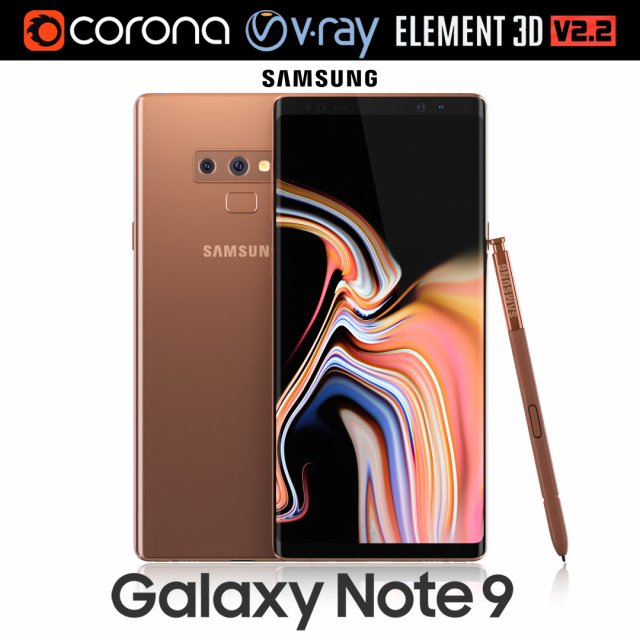
Samsung GALAXY Note 9 Metallic Copper 3D Model
Realistic (copy) 3d model of Samsung Galaxy Note 9 Metallic Copper .This set:3D element v2.2The model given is easy to use- 1 file obj standard- 1 file 3ds Max 2013 vray material- 1 file 3ds Max 2013 corona material- 1 file of 3Ds- file e3d full set of materials, like a previewHow to use it?1. Discovery after the impact of CC 2014 (or above) and create a new composition (you need Element3D v2.2 to use)2. Create a new solid layer and add the effect of the elements. (Effect / Video Copilot / Element)3. Select Install Location4. Click on the import inside the Element3D Installation location5. Select my .e3d according to the model and click on the open button.If you do not see the model, do not forget to right click on the model name and press the replace model select.Topology of geometry:- forms and proportions of The 3D model- the geometry of the model was created very neatly- there are no many-sided polygons- detailed enough for close-up renders- the model optimized for turbosmooth modifier- Not collapsed the turbosmooth modified- apply the Smooth modifier with a parameter to get the desired level of detailMaterials and Textures:- 3ds max files included Vray-Shaders- 3ds max files included Corona-Shaders- file e3d full set of materials- all texture paths are clearedOrganization of scene:- to all objects and materials- real world size (system units – mm)- coordinates of location of the model in space (x0, y0, z0)- does not contain extraneous or hidden objects (lights, cameras, shapes etc.)Excellent renders to you!
-
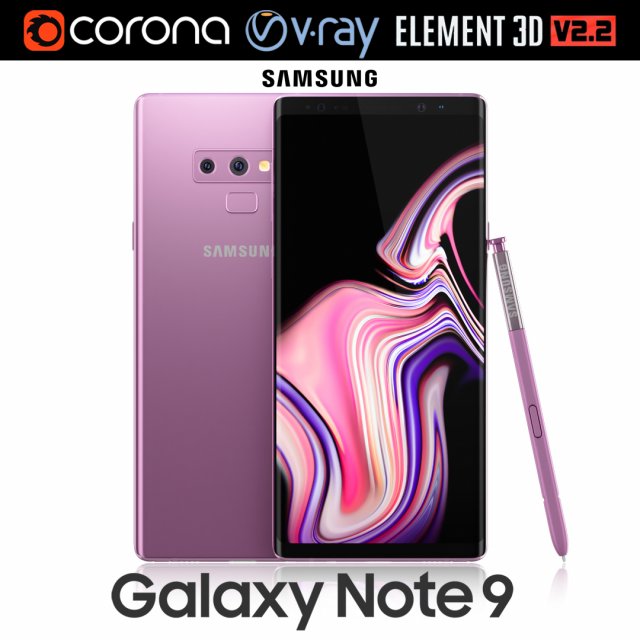
Samsung GALAXY Note 9 Lavender Purple 3D Model
Realistic (copy) 3d model of Samsung Galaxy Note 9 Lavender Purple .This set:3D element v2.2The model given is easy to use- 1 file obj standard- 1 file 3ds Max 2013 vray material- 1 file 3ds Max 2013 corona material- 1 file of 3Ds- file e3d full set of materials, like a previewHow to use it?1. Discovery after the impact of CC 2014 (or above) and create a new composition (you need Element3D v2.2 to use)2. Create a new solid layer and add the effect of the elements. (Effect / Video Copilot / Element)3. Select Install Location4. Click on the import inside the Element3D Installation location5. Select my .e3d according to the model and click on the open button.If you do not see the model, do not forget to right click on the model name and press the replace model select.Topology of geometry:- forms and proportions of The 3D model- the geometry of the model was created very neatly- there are no many-sided polygons- detailed enough for close-up renders- the model optimized for turbosmooth modifier- Not collapsed the turbosmooth modified- apply the Smooth modifier with a parameter to get the desired level of detailMaterials and Textures:- 3ds max files included Vray-Shaders- 3ds max files included Corona-Shaders- file e3d full set of materials- all texture paths are clearedOrganization of scene:- to all objects and materials- real world size (system units – mm)- coordinates of location of the model in space (x0, y0, z0)- does not contain extraneous or hidden objects (lights, cameras, shapes etc.)Excellent renders to you!
-
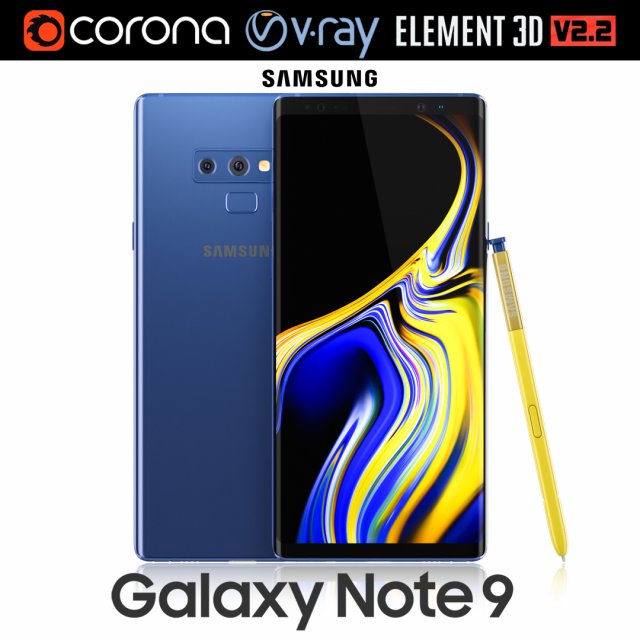
Samsung GALAXY Note 9 Ocean Blue 3D Model
Realistic (copy) 3d model of Samsung Galaxy Note 9 Ocean Blue .This set:3D element v2.2The model given is easy to use- 1 file obj standard- 1 file 3ds Max 2013 vray material- 1 file 3ds Max 2013 corona material- 1 file of 3Ds- file e3d full set of materials, like a previewHow to use it?1. Discovery after the impact of CC 2014 (or above) and create a new composition (you need Element3D v2.2 to use)2. Create a new solid layer and add the effect of the elements. (Effect / Video Copilot / Element)3. Select Install Location4. Click on the import inside the Element3D Installation location5. Select my .e3d according to the model and click on the open button.If you do not see the model, do not forget to right click on the model name and press the replace model select.Topology of geometry:- forms and proportions of The 3D model- the geometry of the model was created very neatly- there are no many-sided polygons- detailed enough for close-up renders- the model optimized for turbosmooth modifier- Not collapsed the turbosmooth modified- apply the Smooth modifier with a parameter to get the desired level of detailMaterials and Textures:- 3ds max files included Vray-Shaders- 3ds max files included Corona-Shaders- file e3d full set of materials- all texture paths are clearedOrganization of scene:- to all objects and materials- real world size (system units – mm)- coordinates of location of the model in space (x0, y0, z0)- does not contain extraneous or hidden objects (lights, cameras, shapes etc.)Excellent renders to you!
-
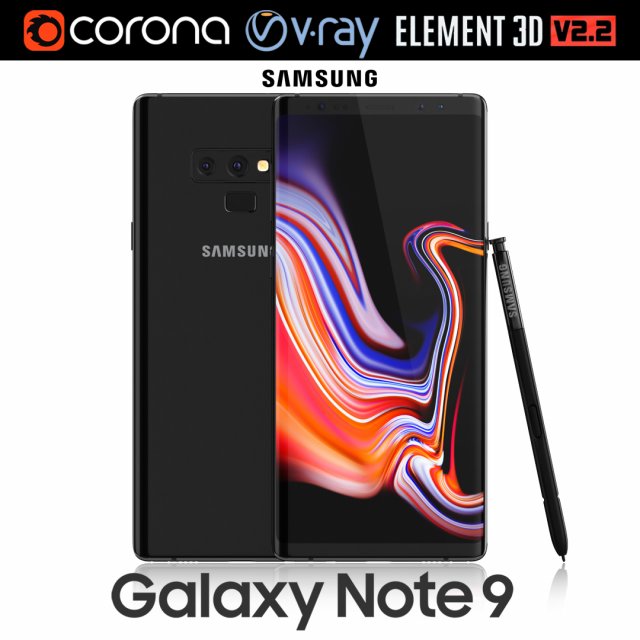
Samsung GALAXY Note 9 Midnight Black 3D Model
Realistic (copy) 3d model of Samsung Galaxy Note 9 Midnight Black .This set:3D element v2.2The model given is easy to use- 1 file obj standard- 1 file 3ds Max 2013 vray material- 1 file 3ds Max 2013 corona material- 1 file of 3Ds- file e3d full set of materials, like a previewHow to use it?1. Discovery after the impact of CC 2014 (or above) and create a new composition (you need Element3D v2.2 to use)2. Create a new solid layer and add the effect of the elements. (Effect / Video Copilot / Element)3. Select Install Location4. Click on the import inside the Element3D Installation location5. Select my .e3d according to the model and click on the open button.If you do not see the model, do not forget to right click on the model name and press the replace model select.Topology of geometry:- forms and proportions of The 3D model- the geometry of the model was created very neatly- there are no many-sided polygons- detailed enough for close-up renders- the model optimized for turbosmooth modifier- Not collapsed the turbosmooth modified- apply the Smooth modifier with a parameter to get the desired level of detailMaterials and Textures:- 3ds max files included Vray-Shaders- 3ds max files included Corona-Shaders- file e3d full set of materials- all texture paths are clearedOrganization of scene:- to all objects and materials- real world size (system units – mm)- coordinates of location of the model in space (x0, y0, z0)- does not contain extraneous or hidden objects (lights, cameras, shapes etc.)Excellent renders to you!
-
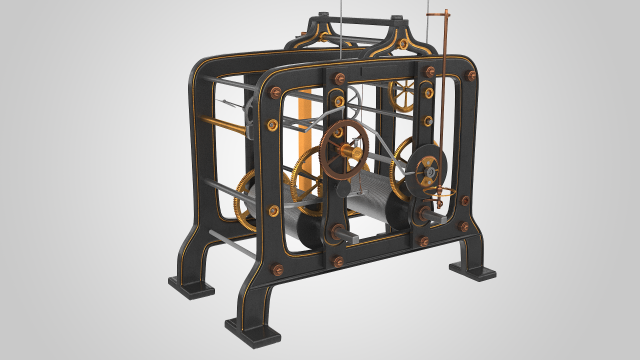
Tower Clock Mechanism 3D Model
This Tower Clock Mechanism is a high quality, photo real model that will enhance detail and realism to any of your rendering projects. The model has a fully detailed design that allows for close-up renders, and was originally modeled in 3ds Max 2016 and rendered with V-Ray..*********************************Features:-Model resolution is optimized for polygon efficiency. (In 3ds Max, the Turbosmooth function can be used to increase mesh resolution if necessary.)-All colors can be easily modified.-Model is with all materials applied.-3ds Max models are grouped for easy selection, and objects are logically named for ease of scene management.-No part-name confusion when importing several models into a scene.-No cleaning up necessaryjust drop your models into the scene and start rendering.-No special plugin needed to open scene.-Model does not include any backgrounds or scenes used in preview images.*********************************File Formats:- 3ds Max 2013- 3ds Max 2014- 3ds Max 2015- 3ds Max 2016 (Native)- OBJ (Multi Format)- FBX (Multi Format)
-
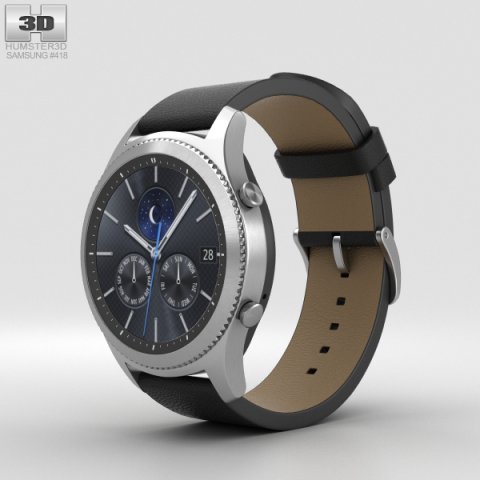
Samsung Gear S3 Classic 3D Model
The 3D model was created on real base. It’s created accurately, in real units of measurement, qualitatively and maximally close to the original.Model formats:- *.max (3ds Max 2008 scanline)- *.max (3ds Max 2008 vray)- *.fbx (Multi Format)- *.obj (Multi Format)- *.3ds (Multi Format)- *.mb (Maya 8.5)- *.lwo (Lightwave 6)- *.c4d (Cinema 4D 11)* renders Are made in 3ds Max 2008 using vray 1.5 (studio environment is not included in the set)If you need any other formats we are more than happy to make them for you.The model is provided combined, all main parts are presented as separate parts therefore materials of objects are easy to be modified or removed and standard parts are easy to be replaced. If you experience difficulties with separating standard parts we are more than happy to give you qualified assistance.We greatly appreciate you choosing our 3D models and hope they will be of use.We look forward to continuously dealing with you.Sincerely Yours,Hum3D Team
-
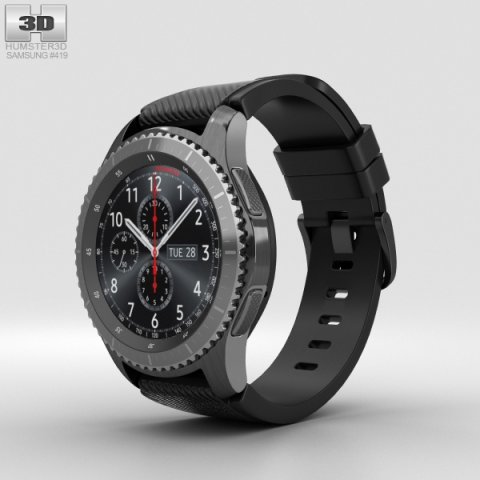
Samsung Gear S3 Frontier 3D Model
The 3D model was created on real base. It’s created accurately, in real units of measurement, qualitatively and maximally close to the original.Model formats:- *.max (3ds Max 2008 scanline)- *.max (3ds Max 2008 vray)- *.fbx (Multi Format)- *.obj (Multi Format)- *.3ds (Multi Format)- *.mb (Maya 8.5)- *.lwo (Lightwave 6)- *.c4d (Cinema 4D 11)* renders Are made in 3ds Max 2008 using vray 1.5 (studio environment is not included in the set)If you need any other formats we are more than happy to make them for you.The model is provided combined, all main parts are presented as separate parts therefore materials of objects are easy to be modified or removed and standard parts are easy to be replaced. If you experience difficulties with separating standard parts we are more than happy to give you qualified assistance.We greatly appreciate you choosing our 3D models and hope they will be of use.We look forward to continuously dealing with you.Sincerely Yours,Hum3D Team
-
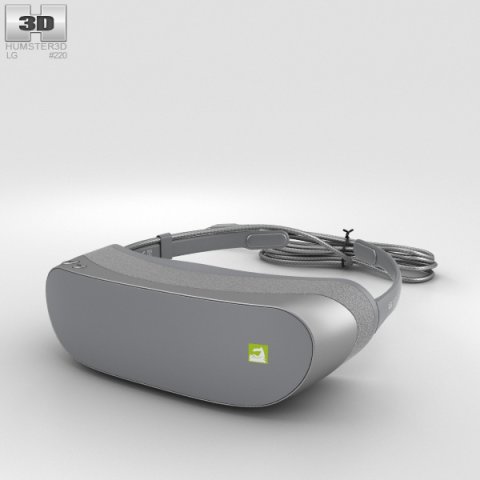
LG 360 VR 3D Model
The 3D model was created on real base. It’s created accurately, in real units of measurement, qualitatively and maximally close to the original.Model formats:- *.max (3ds Max 2008 scanline)- *.max (3ds Max 2008 vray)- *.fbx (Multi Format)- *.obj (Multi Format)- *.3ds (Multi Format)- *.mb (Maya 8.5)- *.lwo (Lightwave 6)- *.c4d (Cinema 4D 11)* renders Are made in 3ds Max 2008 using vray 1.5 (studio environment is not included in the set)If you need any other formats we are more than happy to make them for you.The model is provided combined, all main parts are presented as separate parts therefore materials of objects are easy to be modified or removed and standard parts are easy to be replaced. If you experience difficulties with separating standard parts we are more than happy to give you qualified assistance.We greatly appreciate you choosing our 3D models and hope they will be of use.We look forward to continuously dealing with you.Sincerely Yours,Hum3D Team
-
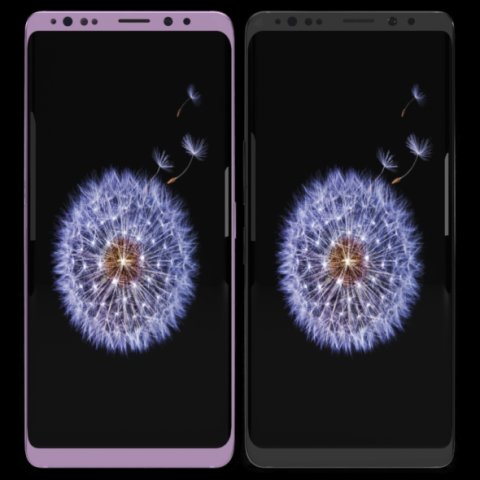
Samsung Galaxy S9 Plus Model 3D Model
This model has been created with high quality in cinema 4D.Im trying yo develop myself in 3D projects also trying to give you my works controlling issues and fixing them. Im trying to do best.Please feedback faulty works that I can help you.I will be happy when you rate and comment on my worksDetail about projects- You can put materials into objects without textures which have been exported by me except cinema 4D.(obj-3ds-flox are formats)Another objects use just one material and have uv map texture.You can color objects,with one material,have not got texture.Im listing objects and materials—————————————————————————Objects MaterialsBack — BodyCamera — Texture availableSceen –texture availableButtons.1 — BodyIris Sensor — Blue glass materialport — BodySound — Body wallSim cup — BodySockte frames — Body lineflash glass — Glasscam glass — GlassBack camera frame–Body grey and pinkBack camera frame.1– Body wall grey no reflectionBack camera frame2– Body wall grey no reflectionFlash set — Texture availableFlash yellow — Texture availableThank you.
-
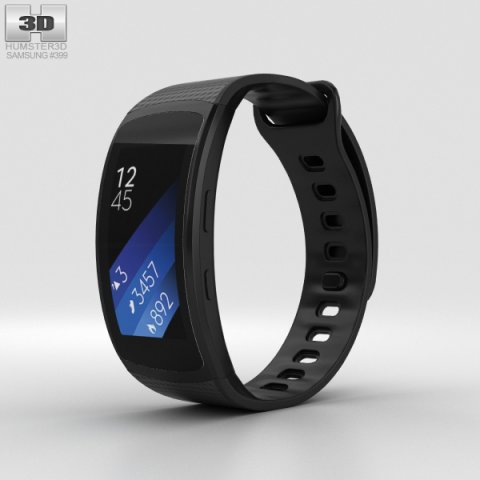
Samsung Gear Fit 2 Black 3D Model
The 3D model was created on real base. It’s created accurately, in real units of measurement, qualitatively and maximally close to the original.Model formats:- *.max (3ds Max 2008 scanline)- *.max (3ds Max 2008 vray)- *.fbx (Multi Format)- *.obj (Multi Format)- *.3ds (Multi Format)- *.mb (Maya 8.5)- *.lwo (Lightwave 6)- *.c4d (Cinema 4D 11)* renders Are made in 3ds Max 2008 using vray 1.5 (studio environment is not included in the set)If you need any other formats we are more than happy to make them for you.The model is provided combined, all main parts are presented as separate parts therefore materials of objects are easy to be modified or removed and standard parts are easy to be replaced. If you experience difficulties with separating standard parts we are more than happy to give you qualified assistance.We greatly appreciate you choosing our 3D models and hope they will be of use.We look forward to continuously dealing with you.Sincerely Yours,Hum3D Team
-
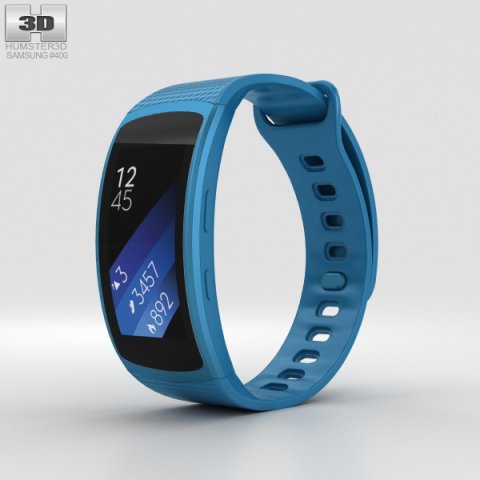
Samsung Gear Fit 2 Blue 3D Model
The 3D model was created on real base. It’s created accurately, in real units of measurement, qualitatively and maximally close to the original.Model formats:- *.max (3ds Max 2008 scanline)- *.max (3ds Max 2008 vray)- *.fbx (Multi Format)- *.obj (Multi Format)- *.3ds (Multi Format)- *.mb (Maya 8.5)- *.lwo (Lightwave 6)- *.c4d (Cinema 4D 11)* renders Are made in 3ds Max 2008 using vray 1.5 (studio environment is not included in the set)If you need any other formats we are more than happy to make them for you.The model is provided combined, all main parts are presented as separate parts therefore materials of objects are easy to be modified or removed and standard parts are easy to be replaced. If you experience difficulties with separating standard parts we are more than happy to give you qualified assistance.We greatly appreciate you choosing our 3D models and hope they will be of use.We look forward to continuously dealing with you.Sincerely Yours,Hum3D Team
-
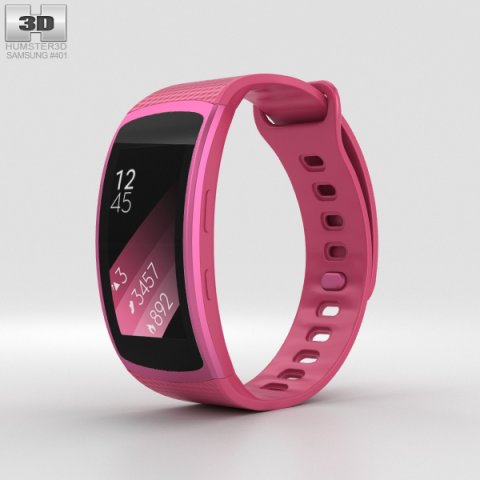
Samsung Gear Fit 2 Blue 3D Model
The 3D model was created on real base. It’s created accurately, in real units of measurement, qualitatively and maximally close to the original.Model formats:- *.max (3ds Max 2008 scanline)- *.max (3ds Max 2008 vray)- *.fbx (Multi Format)- *.obj (Multi Format)- *.3ds (Multi Format)- *.mb (Maya 8.5)- *.lwo (Lightwave 6)- *.c4d (Cinema 4D 11)* renders Are made in 3ds Max 2008 using vray 1.5 (studio environment is not included in the set)If you need any other formats we are more than happy to make them for you.The model is provided combined, all main parts are presented as separate parts therefore materials of objects are easy to be modified or removed and standard parts are easy to be replaced. If you experience difficulties with separating standard parts we are more than happy to give you qualified assistance.We greatly appreciate you choosing our 3D models and hope they will be of use.We look forward to continuously dealing with you.Sincerely Yours,Hum3D Team
-
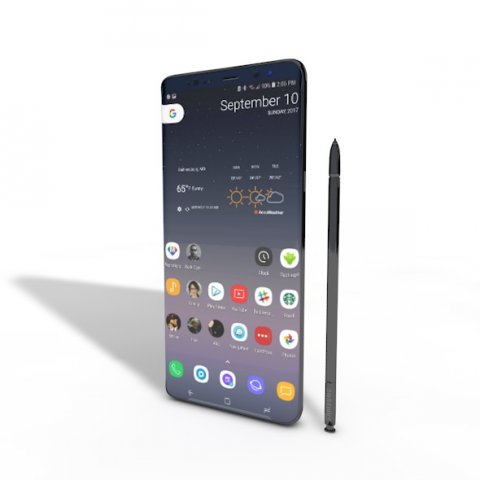
SAMSUNG NOTE 8 ELEMENT 3D V 22 3D Model
This high quality 3d model for Cinema 4D,3ds Max SAMSUNG NOTE 8 ELEMENT 3D V 2.2 File formats:-.3ds(multi format) -.fbx (multi format) -.obj (multi format) -.c4d – .e3d (element 3d) All parts of this model have been modelled separately to achieve as much realism as possible Please font’t forget to rate this item if you liked him.
-
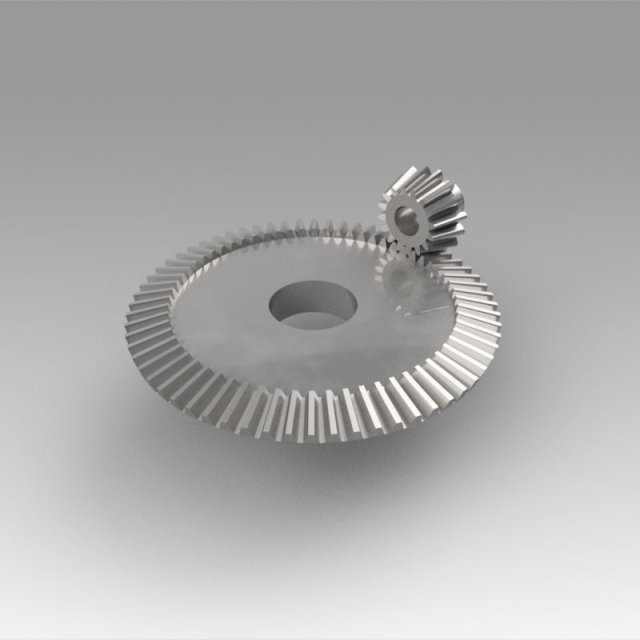
Pinion conical 3D Model
Pinion conical 3D modelTechnical specifications:i=14Number of teeth-1664Module – 2************************The object is modeled in the environment Autodesk Inventor 2018.To create a photo renderer, use Inventor Studio.************************The model contains the most popular formats************************The model contains the most popular formats. Each file was checked for opening and full content by the model.Thank you for coming to see this model. Also pay attention to other models by clicking on the name of the account in the right corner.
-
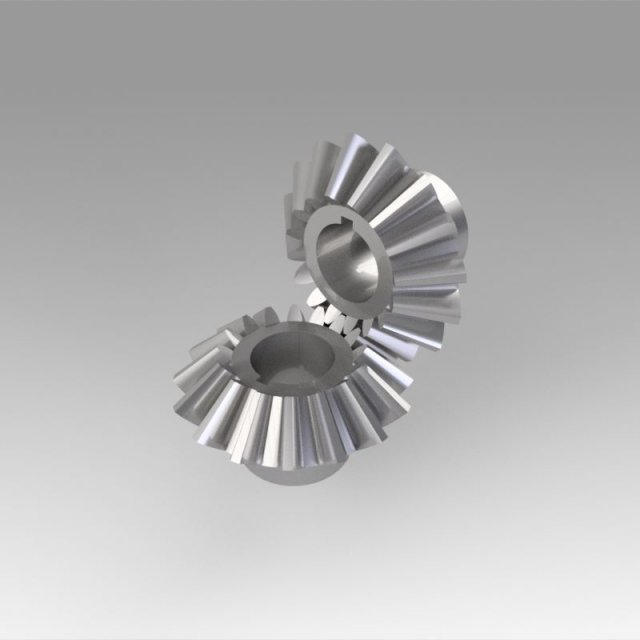
Pinion conical 3D Model
Pinion conical 3D modelTechnical specifications:i=11Number of teeth-1616Module – 2************************The object is modeled in the environment Autodesk Inventor 2018.To create a photo renderer, use Inventor Studio.************************The model contains the most popular formats************************The model contains the most popular formats. Each file was checked for opening and full content by the model.Thank you for coming to see this model. Also pay attention to other models by clicking on the name of the account in the right corner.
-
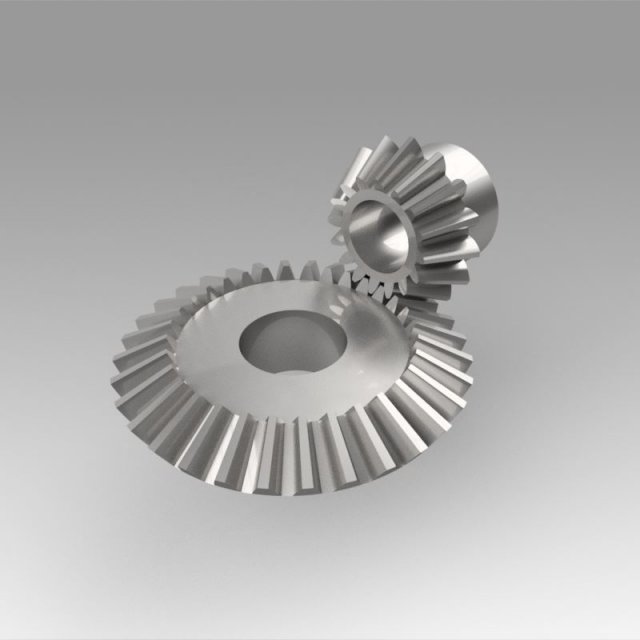
Pinion conical 3D Model
Pinion conical 3D modelTechnical specifications:i=2/1Number of teeth-3216Module – 2************************The object is modeled in the environment Autodesk Inventor 2018.To create a photo renderer, use Inventor Studio.************************The model contains the most popular formats************************The model contains the most popular formats. Each file was checked for opening and full content by the model.Thank you for coming to see this model. Also pay attention to other models by clicking on the name of the account in the right corner.
-
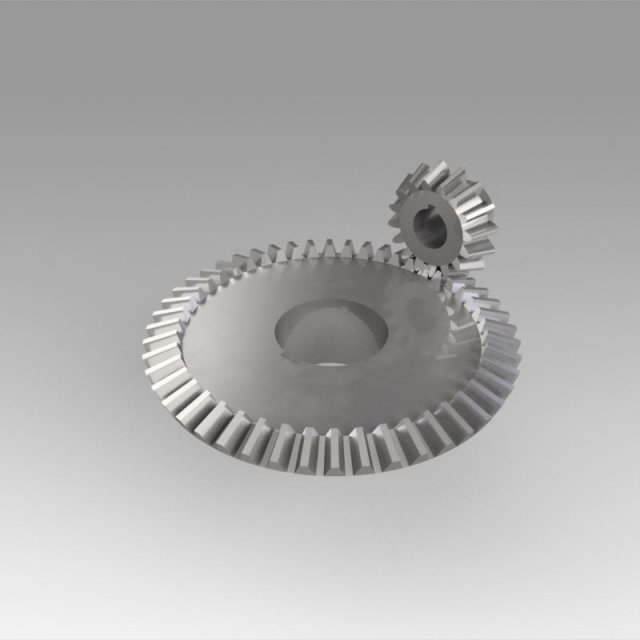
Pinion conical 3D Model
Pinion conical 3D modelTechnical specifications:i=14Number of teeth-1664Module – 2************************The object is modeled in the environment Autodesk Inventor 2018.To create a photo renderer, use Inventor Studio.************************The model contains the most popular formats************************The model contains the most popular formats. Each file was checked for opening and full content by the model.Thank you for coming to see this model. Also pay attention to other models by clicking on the name of the account in the right corner.
-
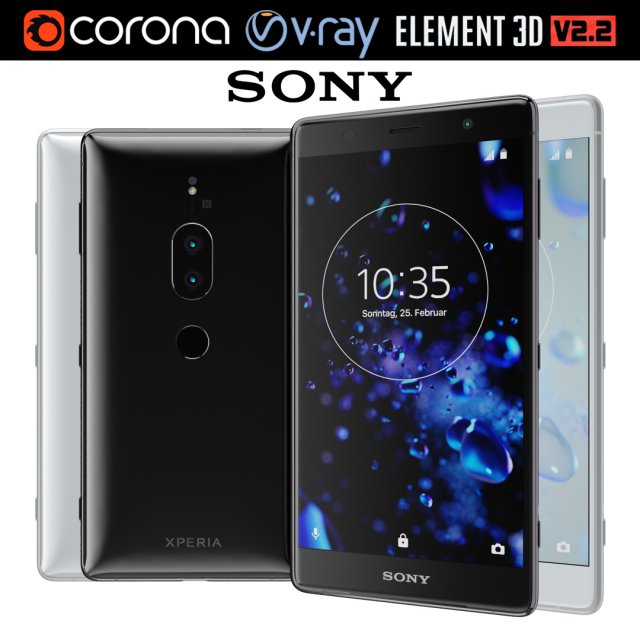
Sony Xperia XZ2 Premium all colors 3D Model
Realistic (copy) 3d model of Sony Xperia XZ2 Premium all colors.This set:3D element v2.2The model given is easy to use- 1 file obj standard- 2 file 3ds Max 2013 vray material- 2 file 3ds Max 2013 corona material- 1 file of 3Ds- 2 file e3d full set of materials, like a previewHow to use it?1. Discovery after the impact of CC 2014 (or above) and create a new composition (you need Element3D v2.2 to use)2. Create a new solid layer and add the effect of the elements. (Effect / Video Copilot / Element)3. Select Install Location4. Click on the import inside the Element3D Installation location5. Select my .e3d according to the model and click on the open button.If you do not see the model, do not forget to right click on the model name and press the replace model select.Topology of geometry:- forms and proportions of The 3D model- the geometry of the model was created very neatly- there are no many-sided polygons- detailed enough for close-up renders- the model optimized for turbosmooth modifier- Not collapsed the turbosmooth modified- apply the Smooth modifier with a parameter to get the desired level of detailMaterials and Textures:- 3ds max files included Vray-Shaders- 3ds max files included Corona-Shaders- file e3d full set of materials- all texture paths are clearedOrganization of scene:- to all objects and materials- real world size (system units – mm)- coordinates of location of the model in space (x0, y0, z0)- does not contain extraneous or hidden objects (lights, cameras, shapes etc.)Excellent renders to you!
-
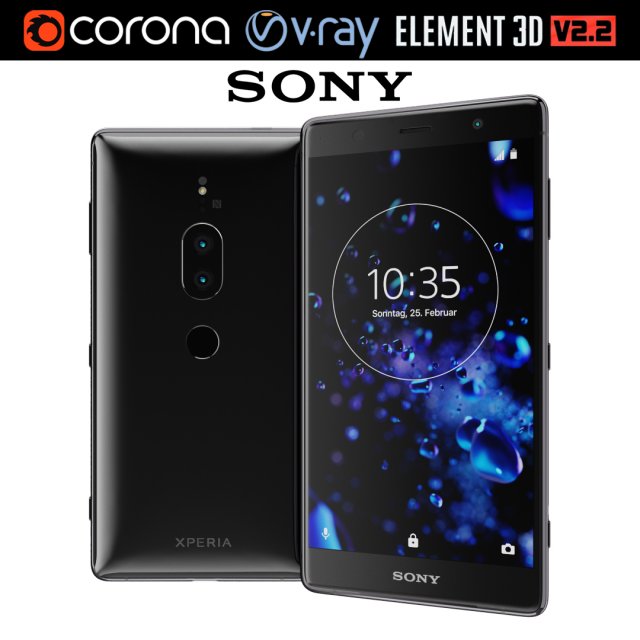
Sony Xperia XZ2 Premium black 3D Model
Realistic (copy) 3d model of Sony Xperia XZ2 Premium black.This set:3D element v2.2The model given is easy to use- 1 file obj standard- 1 file 3ds Max 2013 vray material- 1 file 3ds Max 2013 corona material- 1 file of 3Ds- file e3d full set of materials, like a previewHow to use it?1. Discovery after the impact of CC 2014 (or above) and create a new composition (you need Element3D v2.2 to use)2. Create a new solid layer and add the effect of the elements. (Effect / Video Copilot / Element)3. Select Install Location4. Click on the import inside the Element3D Installation location5. Select my .e3d according to the model and click on the open button.If you do not see the model, do not forget to right click on the model name and press the replace model select.Topology of geometry:- forms and proportions of The 3D model- the geometry of the model was created very neatly- there are no many-sided polygons- detailed enough for close-up renders- the model optimized for turbosmooth modifier- Not collapsed the turbosmooth modified- apply the Smooth modifier with a parameter to get the desired level of detailMaterials and Textures:- 3ds max files included Vray-Shaders- 3ds max files included Corona-Shaders- file e3d full set of materials- all texture paths are clearedOrganization of scene:- to all objects and materials- real world size (system units – mm)- coordinates of location of the model in space (x0, y0, z0)- does not contain extraneous or hidden objects (lights, cameras, shapes etc.)Excellent renders to you!
-
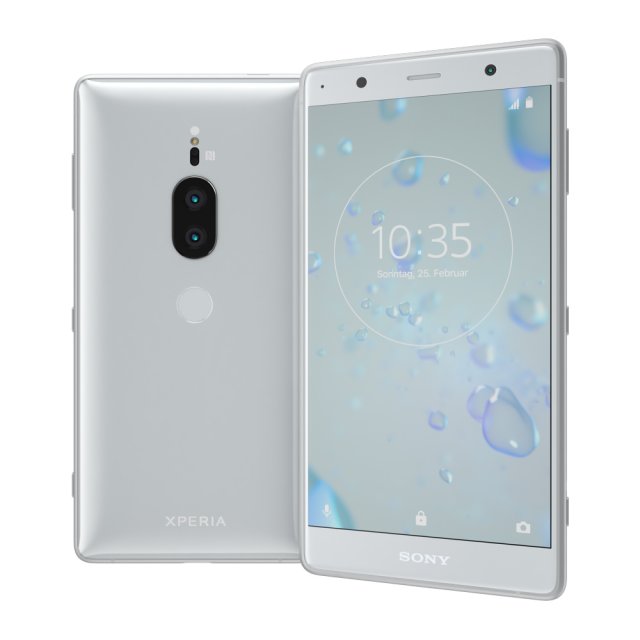
Sony Xperia XZ2 Premium silver 3D Model
Realistic (copy) 3d model of Sony Xperia XZ2 Premium silver.This set:3D element v2.2The model given is easy to use- 1 file obj standard- 1 file 3ds Max 2013 vray material- 1 file 3ds Max 2013 corona material- 1 file of 3Ds- file e3d full set of materials, like a previewHow to use it?1. Discovery after the impact of CC 2014 (or above) and create a new composition (you need Element3D v2.2 to use)2. Create a new solid layer and add the effect of the elements. (Effect / Video Copilot / Element)3. Select Install Location4. Click on the import inside the Element3D Installation location5. Select my .e3d according to the model and click on the open button.If you do not see the model, do not forget to right click on the model name and press the replace model select.Topology of geometry:- forms and proportions of The 3D model- the geometry of the model was created very neatly- there are no many-sided polygons- detailed enough for close-up renders- the model optimized for turbosmooth modifier- Not collapsed the turbosmooth modified- apply the Smooth modifier with a parameter to get the desired level of detailMaterials and Textures:- 3ds max files included Vray-Shaders- 3ds max files included Corona-Shaders- file e3d full set of materials- all texture paths are clearedOrganization of scene:- to all objects and materials- real world size (system units – mm)- coordinates of location of the model in space (x0, y0, z0)- does not contain extraneous or hidden objects (lights, cameras, shapes etc.)Excellent renders to you!
-
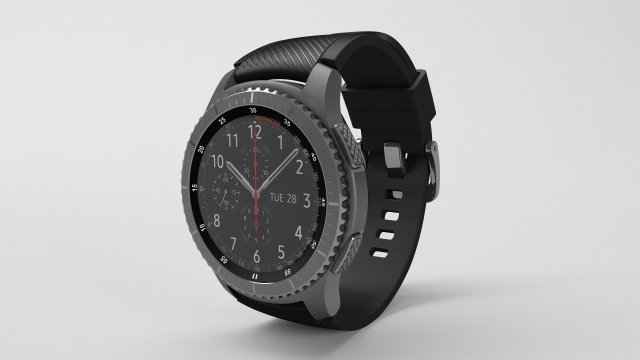
Samsung Gear S3 Frontier – Element 3D 3D Model
This high quality 3d model for 3ds Max, Cinema 4D and Element 3D – Samsung Gear S3 FrontierItem included file scene with all light setups and materials. Just click the render button and you’ll get image like preview images .File formats:-.3ds(multi format)-.fbx (multi format)-.obj (multi format)-.c4d(Cinema 4D R15 and above)-.max(3ds Max 2014 and above)-.e3d(plugin Element 3D v2.2 from Videocopilot)Features:- 3d model is completely ready for detailed and beautiful rendering and animation.- High-poly and low poly- element 3d v2.2- The model have clean topology- All objects are separated and named- Suitable for close-up rendering- You can easily change or aply new materials, color and other.All parts of this model have been modelled separately to achieve as much realism as possible.It can be used as a production model without any requirement of additional modeling and texturing.Please font’t forget to rate this item if you liked him.Sincerely Yours,Cactus 3D Team
-
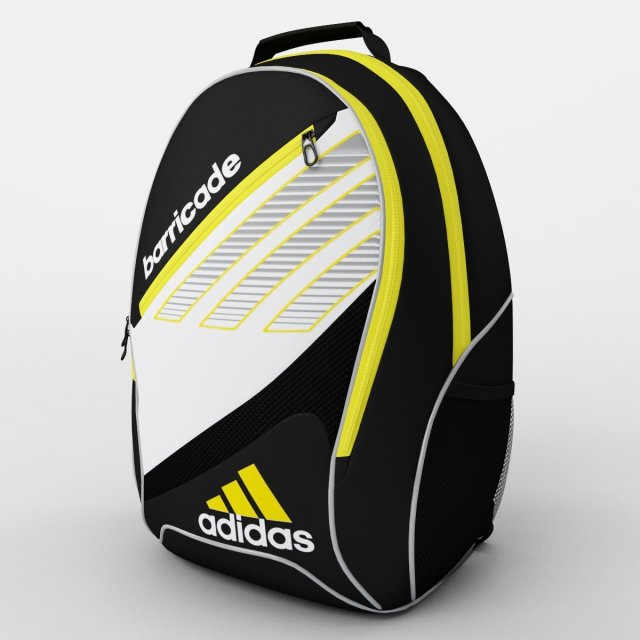
Backpack 3D Model
Backpack 3D modelHigh quality polygonal model – correctly scaled accurate representation of the original objects.- No cleaning up necessary, just drop model into your scene and start rendering.- No special plugin needed to open scene.-No multi_sub object- Model have coordinate (0,0,0)-Model resolutions are optimized for polygon efficiency (in 3DS MAX the meshsmooth function can be used to increase mesh resolution if necessary0 Meshsmooth iterationpolygon 101 013vertices 1074451 Meshsmooth iterationpolygon 216 198vertices 226 704obj ,fbx, maya, cinema4d havepolygon 216 198vertices 226 704Hope you like my models
-
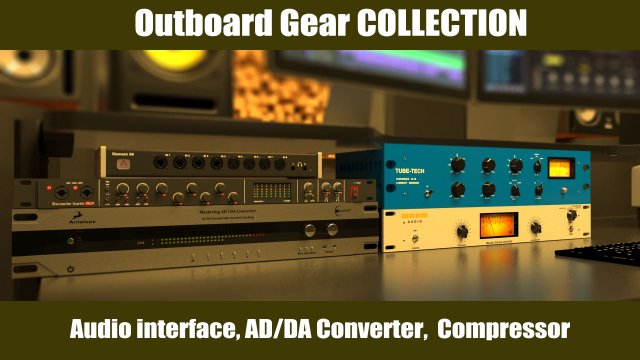
Outboard Gear COLLECTION 3D Model
Outboard Gear COLLECTIONThis clloection is contain Tube-Tech CL 1B Compressor, Antelope Audio ECLIPSE 384 Mastering AD/DA Converter, Apogee Element 88 Thunderbolt Audio Interface, Warm Audio WA-2A / Compressor, Focusrite Scarlett 18i20 / Audio Interface||SPEC||1. Apogee Element 88 Thunderbolt Audio Interface-Polygons: 201173-Vertices : 113444-Textures : YES2. Antelope Audio ECLIPSE 384 Mastering AD/DA Converter-Polygons: 271180-Vertices : 213510-Textures : YES3. Focusrite Scarlett 18i20 / Audio Interface-Polygons: 178748-Vertices : 156330-Textures : YES4. Tube-Tech CL 1B Compressor-Polygons: 181247-Vertices : 131894-Textures : YES5. Warm Audio WA-2A / Compressor-Polygons: 122622-Vertices : 126129-Textures : YES||File Formats||-Vray-3DS-FBX
-
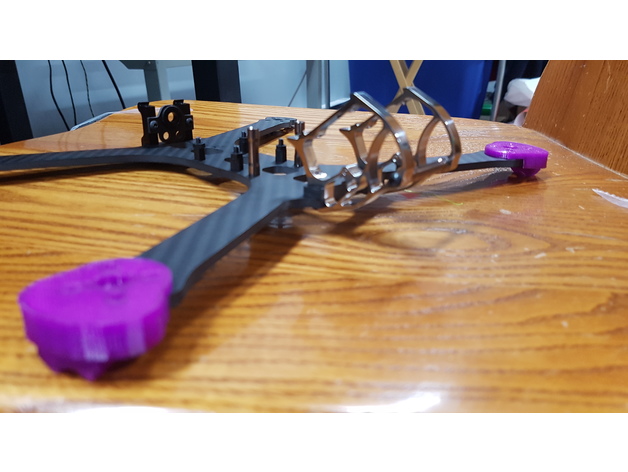
Armattan Chameleon Ti – Arm and soft Motor mount / landing gear 3D Print Model
Summary
this an flex protection for the end of the arm and btw , soft mount for your motor and landing gear
Print Settings
Rafts:
No
Supports:
No
Resolution:
.15
Infill:
45
Notes:
print in tpu -
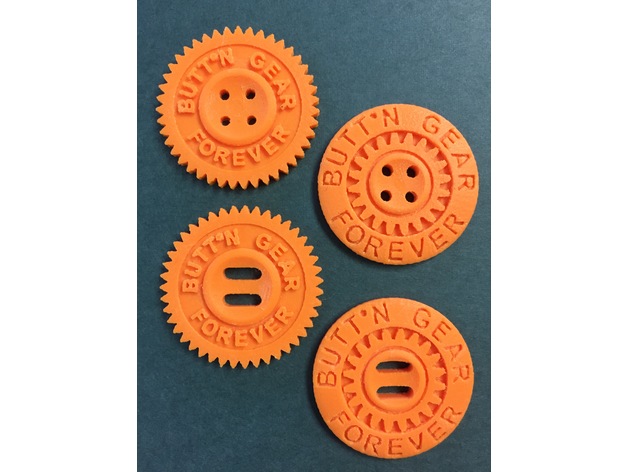
BUTToN GEAR FOREVER 3D Print Model
Summary
BUTToN GEAR FOREVER is here!
Like past years there is a functional version and a decorative version. Both have the four hole or the two slots design available. Each style is available for download individually or as a complete collection.
Thermally calibrated filament will help with maintaining the crispness of the fine detail and eliminate any under or over extrusion. One of these two calibration methods below is highly recommended.
https://www.thingiverse.com/thing:1037301https://www.thingiverse.com/thing:2502677
A good part cooling fan helps as well.
Enjoy!
Print Settings
Printer:
Rigidbot 2 (RB2) and RB3
Rafts:
No
Supports:
No
Resolution:
0.05mm
Infill:
24%
Notes:
Can be printed with 0.1mm layers or 0.05 mm layers. These were printed with a 0.4mm nozzle. A 0.3 or 0.2 will also work well.
Post-Printing
Stringing cleanup
The engraved version is prone to getting little strings across the engraved letters if retraction is not well tuned. Tune retraction for small close distance features. What strings you may still get can be cleaned up nice with a hobby knife. -
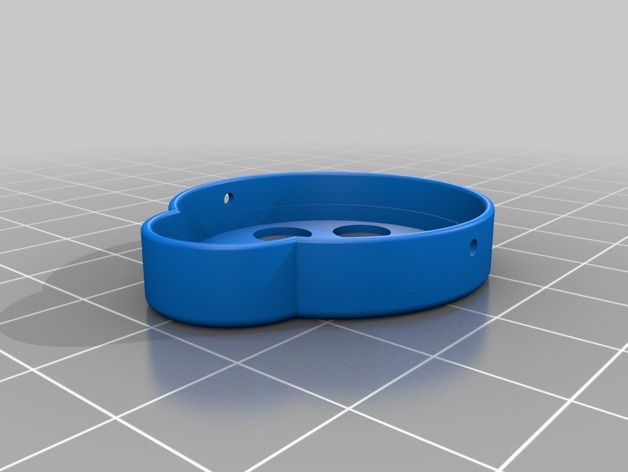
Visuo Gear Cover 3D Print Model
Summary
Visuo XS809 Gear cover so u dont loose your small pinion gear, with small holes for heat ventilation. The other cover on thingverse does not print bc the walls are too thin for 90% of nozzles -
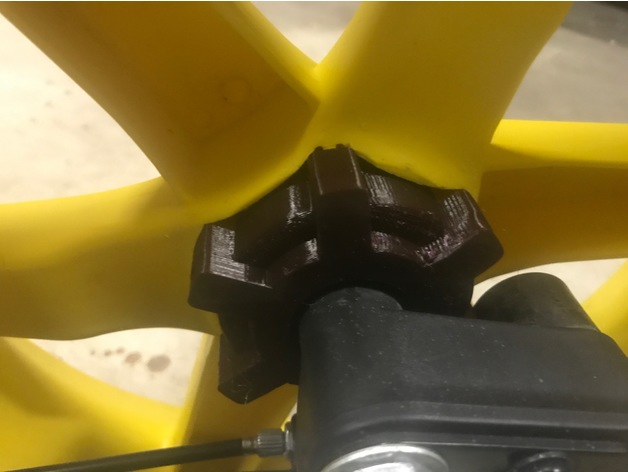
Brake Gear for Clicgear Golf Cart ver 3 3D Print Model
Summary
This is version 3 and hopefully the final version of my Clicgear brake gear. Version 1 was modeled as closely as I could manage to the original from Clicgear. It proved to be too weak when 3D printed. I beefed up the cogs for version 2, and it worked better, but still broke too easily. Version 3 has been tested and modified for two golf seasons now and has held up well.
Along with the beefier cogs, I also made the part that goes into the wheel the same size and shape as the holes that they fit into. This gives a good friction fit and a lot more plastic to take the abuse of forgetting to release the brake before trying to move the cart. I also did away with the little pins that broke off every time I tried to put the gear on the wheel and the groove in the center of the hub that doesn’t seem to have any purpose (at least not on my cart).
I included a picture of what was left of my factory gear that I broke. This is what started me designing my own version.
Print Settings
Printer Brand:
FlashForge
Printer:
Creator Pro
Rafts:
Doesn’t Matter
Supports:
Yes
Resolution:
.2 mm
Infill:
100%
Notes:
I made the previous versions with ABS, but I had PLA loaded when I got ready to print the newest one, so thought I’d give it a try. I think it’s going to work out great. -
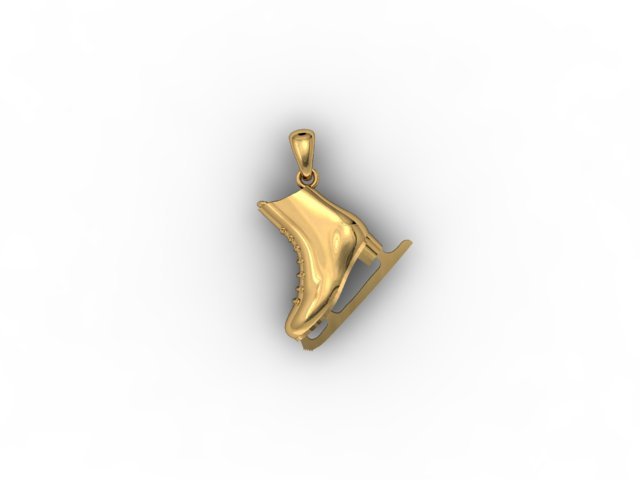
Skates skate pendant 3D Model
skates skate pendant 3D print model18k-5.2g 14k-4.7gdimensions 23x29mm
-
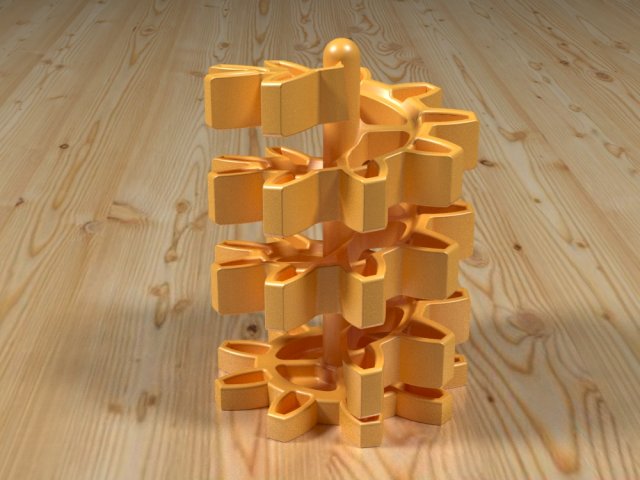
Gear wheel 3D Model
Шестерня органайзер, сюрреализм, пластик, 3D принтерGear wheel organizer, surrealism, plastic, 3D printer
-
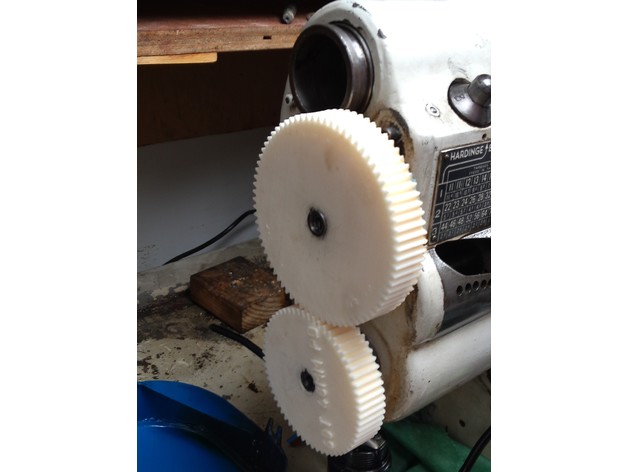
Gear set for cutting 10 pitch on a Hardinge TL 3D Print Model
Summary
To start, I measured the center to center on the two shafts on my Hardinge TL lathe that are used for external gearing. After some math I worked out that the ratio I needed was 25:16, with the big gear on the top. Knowing that I simply made two gears with a totally random pitch that had the right pitch circles to get the ratio right (48mm pitch diameter on the small one). FYI, going to 150 teeth on the big one gets the teeth too small for reliable printing. The set I actually built is 75 tooth by 60 tooth; sorry about the file name!
In use, you have to remove the external gear cover AND shift into the external gearing mode (all the way right on the quick change) AND set the three change to “1”.
These gears are a bit scary to use; stay the heck away from then while running! A little way oil (sticky) is a good idea. I was able to cut the 10 pitch Aluminum thread I needed using these without any visible damage on the teeth or bore.
Print Settings
Printer:
WeldingRodBot
Rafts:
No
Supports:
No
Infill:
50%+
Notes:
Its been a long time since I printed these, so I’m not totally sure what I did. I would use at least 3-4 shells with a 0.4mm nozzle.
You will need to ream out the bore and clean the keyway with a needle file. The bottom edges of the teeth are likely to need cleaning too, though you might be able to run one with the build surface toward the lathe and the other away from the lathe and get away with minimal finishing. -
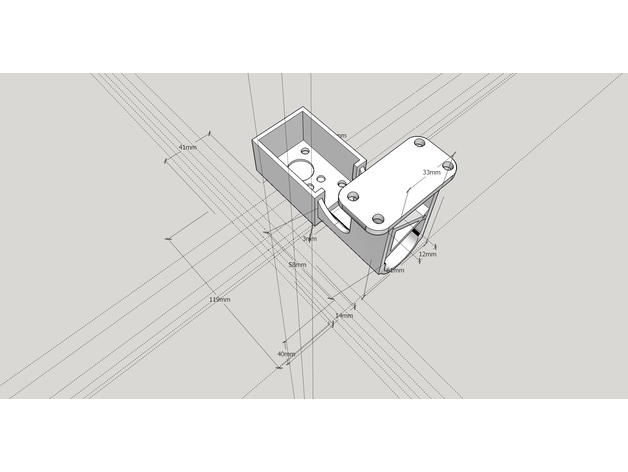
GW31ZY gear motor case 3D Print Model
Summary
GW31ZY gear motor case
Print Settings
Printer:
troxny
Rafts:
Yes
Supports:
Yes
Infill:
75
Notes:
GW31ZY gear motor case Abs filament -
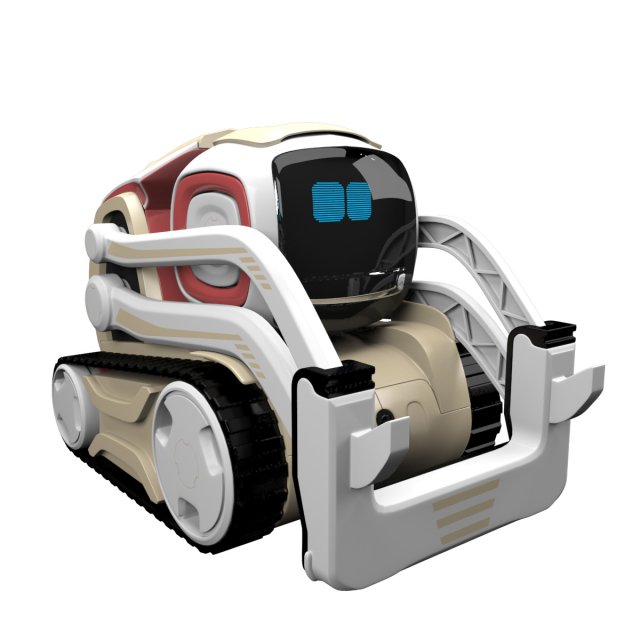
Anki Cozmo 3D Model
Anki Cozmo (Smart Robot) 3D Model.For More Information search on youtube 3D Anki Cozmo Robot Toy modelingThe model was created in 3ds max 2012.Render: V-ray 2.00.03.Detailed enough for close-up render.The model consists primarily of quads.———————————————————————————-Materials are included.If you download the obj format to open it in Cinema 4d you need to do material your own.———————————————————————————-Formats:- Max,- Obj,- FBX.———————————————————————————-Poly Count:Low Poly – ’38 048 ‘,’39 472 ‘.With TurboSmooth/Iterations1 – ‘297 817 ‘,’151 901’.With TurboSmooth/Iterations2 – ‘835 249 ‘,’422 687 ‘.
-
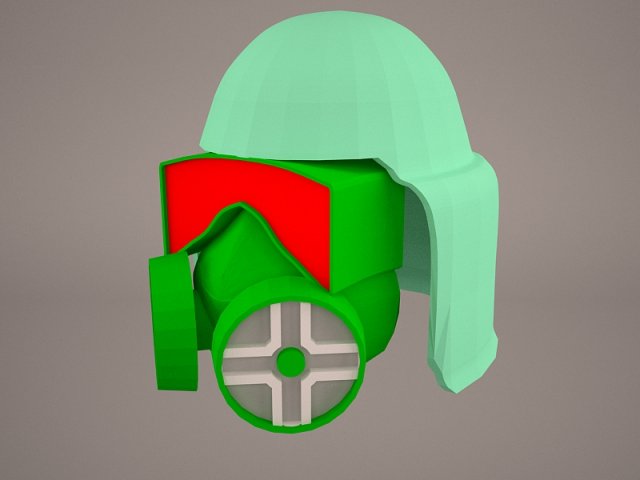
Gas Mask 3D Model
gas mask gasmask respirator safety protection protective equipment facemask army gear face helmet biohazard accessories toxic
-
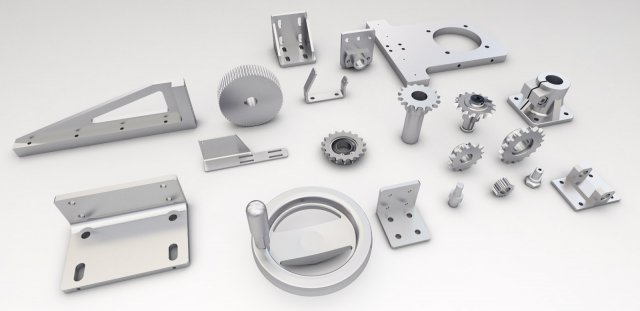
Engineering Parts V2 3D Model
Engineering Parts Volume 2Second collection of 20 engineering parts exported from Solid Works- HIGH poly models- includes custom made HDRI studio light- render ready
-
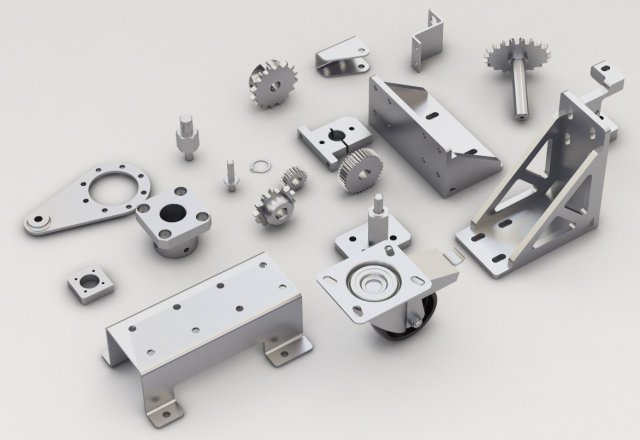
Engineering Parts 3D 3D Model
Engineering Parts 3D modelCollection of 20 engineering parts exported from Solid Works- HIGH poly models- includes custom made HDRI studio light- render ready
-
Landing gear Mold 3D Print Model
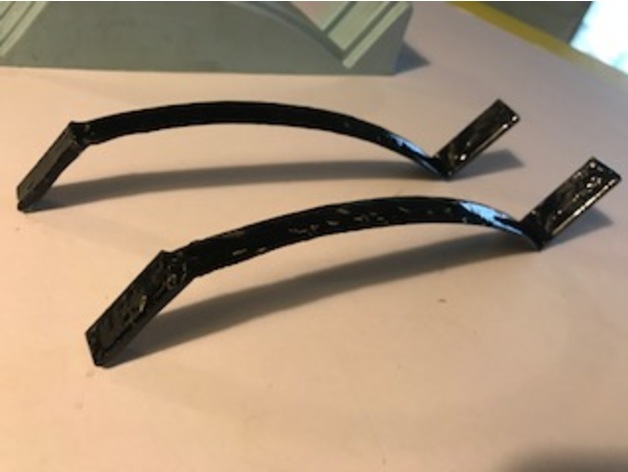
Summary
Cosmic wind control line stunter plane hardware , landing gear mold and fuel tank bracket .
Another great way to use 3D printing awesome endless possibilities 😉 -
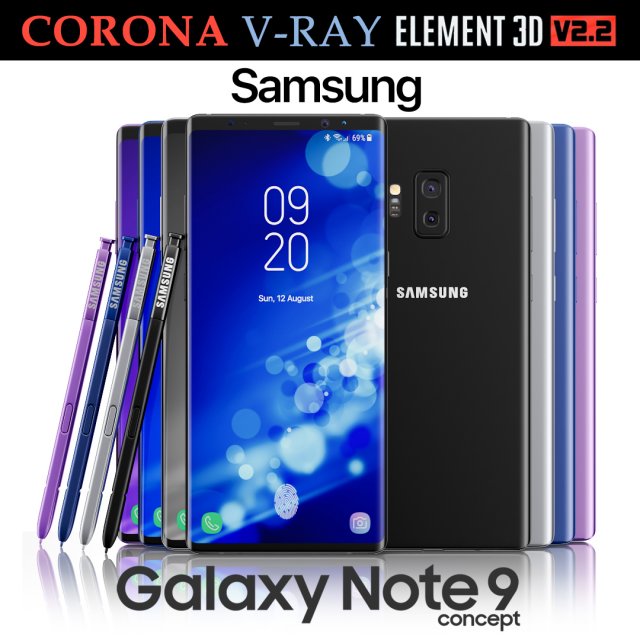
Samsung Galaxy Note 9 All colors Concept 3D Model
Realistic (copy) 3d model of Samsung Galaxy Note 9 All colors Concept.This set:3D element v2.2The model given is easy to use- 1 file obj standard- 1 file 3ds Max 2013 vray material- 1 file 3ds Max 2013 corona material- 1 file of 3Ds- file e3d full set of materials, like a previewHow to use it?1. Discovery after the impact of CC 2014 (or above) and create a new composition (you need Element3D v2.2 to use)2. Create a new solid layer and add the effect of the elements. (Effect / Video Copilot / Element)3. Select Install Location4. Click on the import inside the Element3D Installation location5. Select my .e3d according to the model and click on the open button.If you do not see the model, do not forget to right click on the model name and press the replace model select.Topology of geometry:- forms and proportions of The 3D model- the geometry of the model was created very neatly- there are no many-sided polygons- detailed enough for close-up renders- the model optimized for turbosmooth modifier- Not collapsed the turbosmooth modified- apply the Smooth modifier with a parameter to get the desired level of detailMaterials and Textures:- 3ds max files included Vray-Shaders- 3ds max files included Corona-Shaders- file e3d full set of materials- all texture paths are clearedOrganization of scene:- to all objects and materials- real world size (system units – mm)- coordinates of location of the model in space (x0, y0, z0)- does not contain extraneous or hidden objects (lights, cameras, shapes etc.)Excellent renders to you!
-
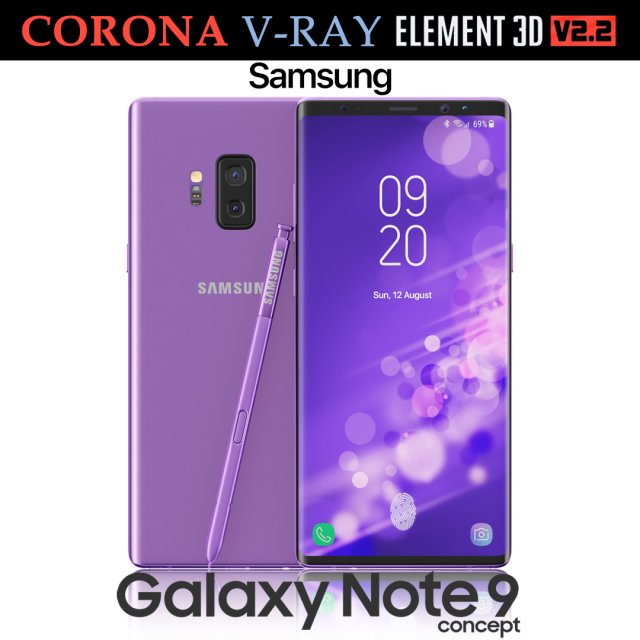
Samsung Galaxy Note 9 Purple Concept 3D Model
Realistic (copy) 3d model of Samsung Galaxy Note 9 Purple Concept.This set:3D element v2.2The model given is easy to use- 1 file obj standard- 1 file 3ds Max 2013 vray material- 1 file 3ds Max 2013 corona material- 1 file of 3Ds- file e3d full set of materials, like a previewHow to use it?1. Discovery after the impact of CC 2014 (or above) and create a new composition (you need Element3D v2.2 to use)2. Create a new solid layer and add the effect of the elements. (Effect / Video Copilot / Element)3. Select Install Location4. Click on the import inside the Element3D Installation location5. Select my .e3d according to the model and click on the open button.If you do not see the model, do not forget to right click on the model name and press the replace model select.Topology of geometry:- forms and proportions of The 3D model- the geometry of the model was created very neatly- there are no many-sided polygons- detailed enough for close-up renders- the model optimized for turbosmooth modifier- Not collapsed the turbosmooth modified- apply the Smooth modifier with a parameter to get the desired level of detailMaterials and Textures:- 3ds max files included Vray-Shaders- 3ds max files included Corona-Shaders- file e3d full set of materials- all texture paths are clearedOrganization of scene:- to all objects and materials- real world size (system units – mm)- coordinates of location of the model in space (x0, y0, z0)- does not contain extraneous or hidden objects (lights, cameras, shapes etc.)Excellent renders to you!
-
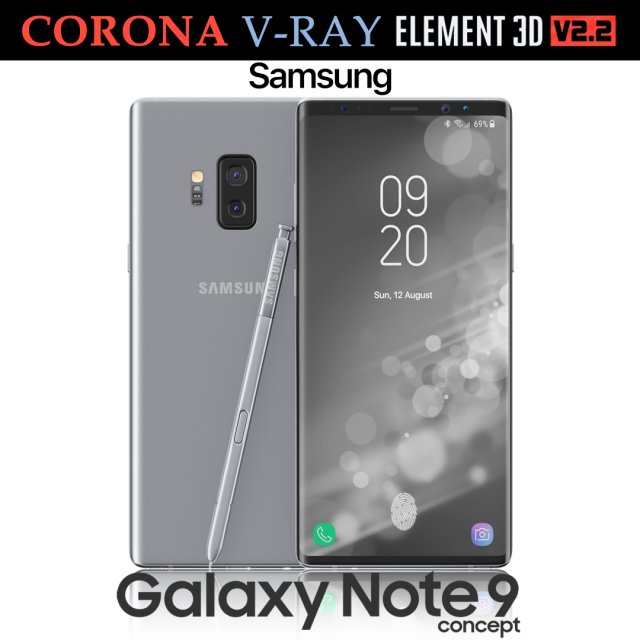
Samsung Galaxy Note 9 Gray Concept 3D Model
Realistic (copy) 3d model of Samsung Galaxy Note 9 Gray Concept.This set:3D element v2.2The model given is easy to use- 1 file obj standard- 1 file 3ds Max 2013 vray material- 1 file 3ds Max 2013 corona material- 1 file of 3Ds- file e3d full set of materials, like a previewHow to use it?1. Discovery after the impact of CC 2014 (or above) and create a new composition (you need Element3D v2.2 to use)2. Create a new solid layer and add the effect of the elements. (Effect / Video Copilot / Element)3. Select Install Location4. Click on the import inside the Element3D Installation location5. Select my .e3d according to the model and click on the open button.If you do not see the model, do not forget to right click on the model name and press the replace model select.Topology of geometry:- forms and proportions of The 3D model- the geometry of the model was created very neatly- there are no many-sided polygons- detailed enough for close-up renders- the model optimized for turbosmooth modifier- Not collapsed the turbosmooth modified- apply the Smooth modifier with a parameter to get the desired level of detailMaterials and Textures:- 3ds max files included Vray-Shaders- 3ds max files included Corona-Shaders- file e3d full set of materials- all texture paths are clearedOrganization of scene:- to all objects and materials- real world size (system units – mm)- coordinates of location of the model in space (x0, y0, z0)- does not contain extraneous or hidden objects (lights, cameras, shapes etc.)Excellent renders to you!
-
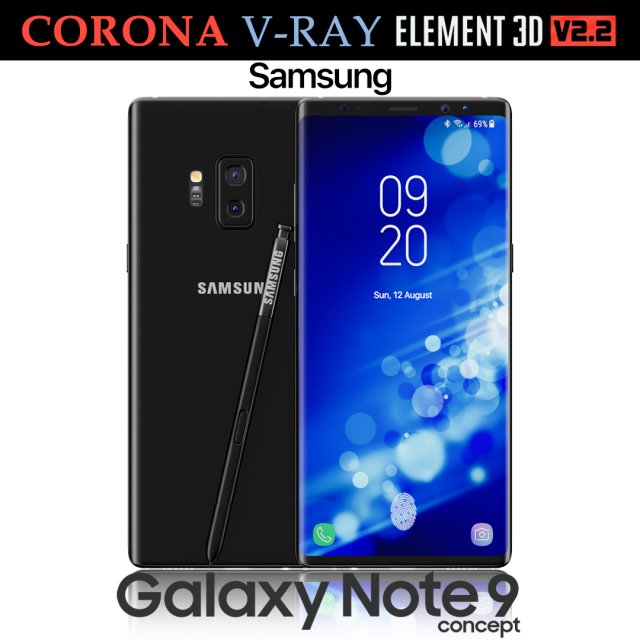
Samsung Galaxy Note 9 Black Concept 3D Model
Realistic (copy) 3d model of Samsung Galaxy Note 9 Black Concept.This set:3D element v2.2The model given is easy to use- 1 file obj standard- 1 file 3ds Max 2013 vray material- 1 file 3ds Max 2013 corona material- 1 file of 3Ds- file e3d full set of materials, like a previewHow to use it?1. Discovery after the impact of CC 2014 (or above) and create a new composition (you need Element3D v2.2 to use)2. Create a new solid layer and add the effect of the elements. (Effect / Video Copilot / Element)3. Select Install Location4. Click on the import inside the Element3D Installation location5. Select my .e3d according to the model and click on the open button.If you do not see the model, do not forget to right click on the model name and press the replace model select.Topology of geometry:- forms and proportions of The 3D model- the geometry of the model was created very neatly- there are no many-sided polygons- detailed enough for close-up renders- the model optimized for turbosmooth modifier- Not collapsed the turbosmooth modified- apply the Smooth modifier with a parameter to get the desired level of detailMaterials and Textures:- 3ds max files included Vray-Shaders- 3ds max files included Corona-Shaders- file e3d full set of materials- all texture paths are clearedOrganization of scene:- to all objects and materials- real world size (system units – mm)- coordinates of location of the model in space (x0, y0, z0)- does not contain extraneous or hidden objects (lights, cameras, shapes etc.)Excellent renders to you!
-
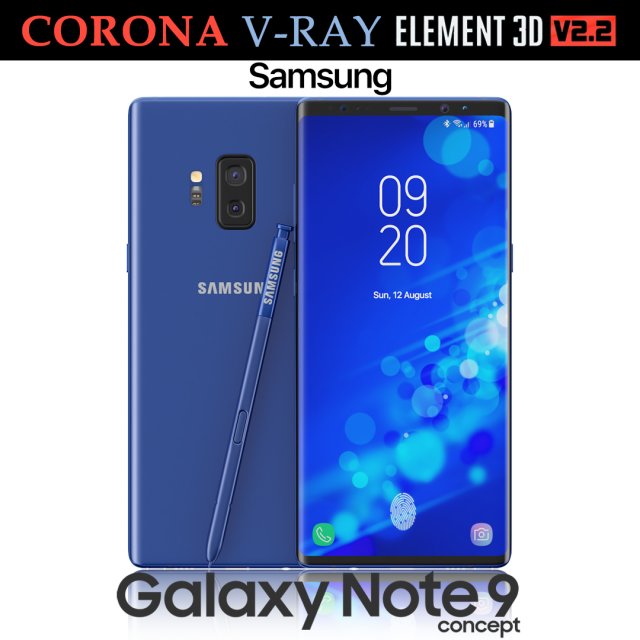
Samsung Galaxy Note 9 Blue Concept 3D Model
Realistic (copy) 3d model of Samsung Galaxy Note 9 Blue Concept.This set:3D element v2.2The model given is easy to use- 1 file obj standard- 1 file 3ds Max 2013 vray material- 1 file 3ds Max 2013 corona material- 1 file of 3Ds- file e3d full set of materials, like a previewHow to use it?1. Discovery after the impact of CC 2014 (or above) and create a new composition (you need Element3D v2.2 to use)2. Create a new solid layer and add the effect of the elements. (Effect / Video Copilot / Element)3. Select Install Location4. Click on the import inside the Element3D Installation location5. Select my .e3d according to the model and click on the open button.If you do not see the model, do not forget to right click on the model name and press the replace model select.Topology of geometry:- forms and proportions of The 3D model- the geometry of the model was created very neatly- there are no many-sided polygons- detailed enough for close-up renders- the model optimized for turbosmooth modifier- Not collapsed the turbosmooth modified- apply the Smooth modifier with a parameter to get the desired level of detailMaterials and Textures:- 3ds max files included Vray-Shaders- 3ds max files included Corona-Shaders- file e3d full set of materials- all texture paths are clearedOrganization of scene:- to all objects and materials- real world size (system units – mm)- coordinates of location of the model in space (x0, y0, z0)- does not contain extraneous or hidden objects (lights, cameras, shapes etc.)Excellent renders to you!
-
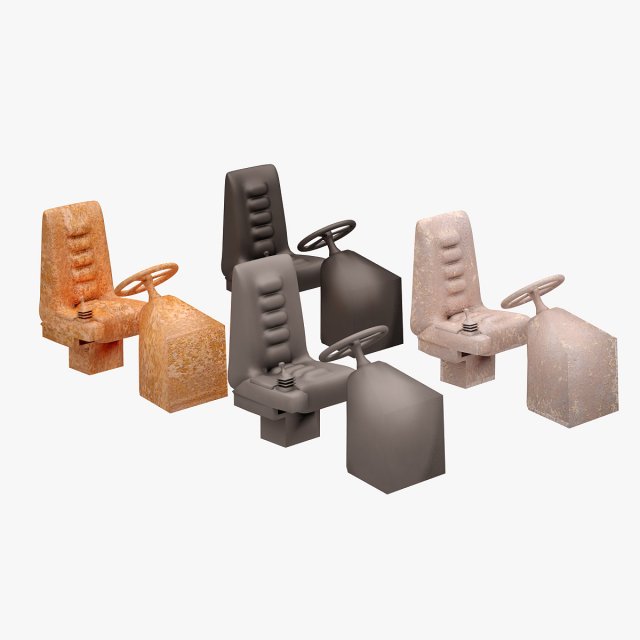
Construction Loader Interior Set 3D Model
Modelled : 3ds Max 2011Rendered : 3ds Max 2011 – Vray 1.5 SP5Files : .max (2010,2011).fbx.obj.mtland textures(c) 3D_SB 2015
-
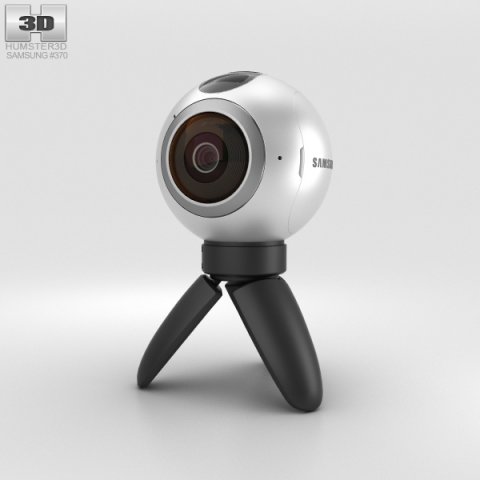
Samsung Gear 360 Camera 3D Model
The 3D model was created on real base. It’s created accurately, in real units of measurement, qualitatively and maximally close to the original.Model formats:- *.max (3ds Max 2008 scanline)- *.max (3ds Max 2008 vray)- *.fbx (Multi Format)- *.obj (Multi Format)- *.3ds (Multi Format)- *.mb (Maya 8.5)- *.lwo (Lightwave 6)- *.c4d (Cinema 4D 11)* renders Are made in 3ds Max 2008 using vray 1.5 (studio environment is not included in the set)If you need any other formats we are more than happy to make them for you.The model is provided combined, all main parts are presented as separate parts therefore materials of objects are easy to be modified or removed and standard parts are easy to be replaced. If you experience difficulties with separating standard parts we are more than happy to give you qualified assistance.We greatly appreciate you choosing our 3D models and hope they will be of use.We look forward to continuously dealing with you.Sincerely Yours,Hum3D Team
-
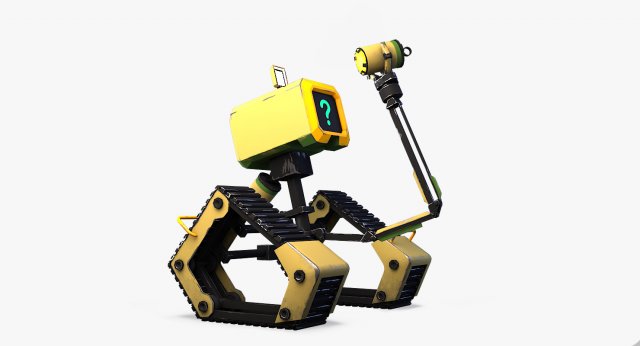
Robot Cleaner 3D Model
Robot CleanerFile Formats Available:3ds Max (.max)OBJ (.obj)Autodesk FBX (.FBX)NOTE: Uploaded 3ds Max 2016 file with V-Ray 3.5 and 3ds Max 2016 filewith Default Scanline. Originally created in 3ds Max 2016 with V-Ray 3.5Specification:- All objects, layers, and materials are named correctly- Separate objects. Total number of main objects is 13- Display unit scale used metric centimeters. System unit setup used centimeters (object height 43 cm)- Non used any sub modifierPolycount (.max format)Sub-0:Polys: 21,208Verts: 22,962Textures Format:-(20) PNG (.png) 4096×4096
-
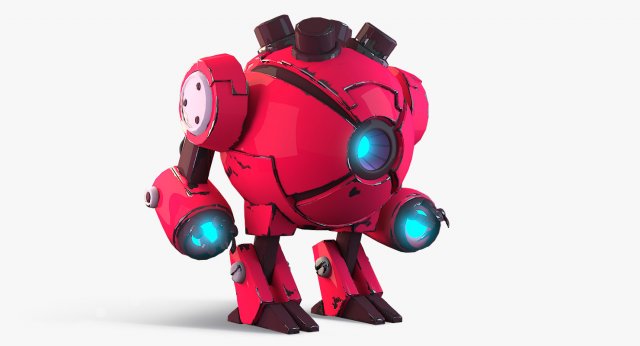
Robot-1 3D Model
Robot-1Originally created in 3ds Max 2016 with V-Ray 3.5File Formats Available:3ds Max (.max)OBJ (.obj)Autodesk FBX (.FBX)NOTE: Uploaded Max 2016 file with V-Ray 3.5 and Max 2016 filewith Default Scanline. Originally made in 3ds Max 2016 with V-Ray 3.5Specification:- All objects, layers, and materials are named correctly- Separate objects. Total number of mesh objects is 10- Unit system is set to metric. Real-world scale (height 300 cm)- TurboSmooth is still in the history (TurboSmooth disabled by default)Polycount (.max format)Sub-0:Polys: 8,205Verts: 9,135Textures Format:-(30) PNG (.png) 4096x4096NOTE: Materials and textures used only for ‘.max’ file.
-
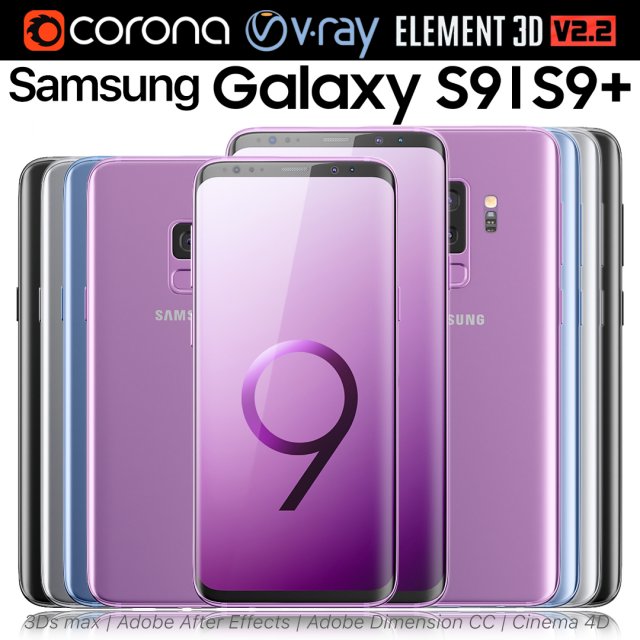
Samsung Galaxy S9 and S9 PLUS ALL Colors 3D Model
Realistic (copy) 3d model of Samsung Galaxy S9 and S9 PLUS ALL Colors.This set:3D element v2.2The model given is easy to use- 2 file obj standard- 8 file 3ds Max 2013 vray material- 8 file 3ds Max 2013 corona material- 2 file of 3Ds- 8 file of cinema 4d- 8 file of Adobe Dimension CC- 8 file e3d full set of materials, like a previewHow to use it?1. Discovery after the impact of CC 2014 (or above) and create a new composition (you need Element3D v2.2 to use)2. Create a new solid layer and add the effect of the elements. (Effect / Video Copilot / Element)3. Select Install Location4. Click on the import inside the Element3D Installation location5. Select my .e3d according to the model and click on the open button.If you do not see the model, do not forget to right click on the model name and press the replace model select.Topology of geometry:- forms and proportions of The 3D model- the geometry of the model was created very neatly- there are no many-sided polygons- detailed enough for close-up renders- the model optimized for turbosmooth modifier- Not collapsed the turbosmooth modified- apply the Smooth modifier with a parameter to get the desired level of detailMaterials and Textures:- 3ds max files included Vray-Shaders- 3ds max files included Corona-Shaders- file e3d full set of materials- all texture paths are clearedOrganization of scene:- to all objects and materials- real world size (system units – mm)- coordinates of location of the model in space (x0, y0, z0)- does not contain extraneous or hidden objects (lights, cameras, shapes etc.)Excellent renders to you!
-
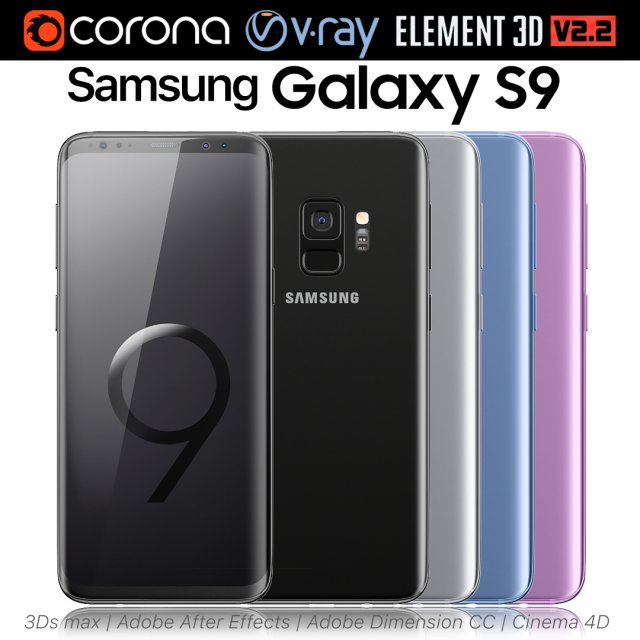
Samsung Galaxy S9 ALL Colors 3D Model
Realistic (copy) 3d model of Samsung Galaxy S9 ALL Colors.This set:3D element v2.2The model given is easy to use- 1 file obj standard- 1 file 3ds Max 2013 vray material- 1 file 3ds Max 2013 corona material- 1 file of 3Ds- 1 file of cinema 4d- 1 file of Adobe Dimension CC- file e3d full set of materials, like a previewHow to use it?1. Discovery after the impact of CC 2014 (or above) and create a new composition (you need Element3D v2.2 to use)2. Create a new solid layer and add the effect of the elements. (Effect / Video Copilot / Element)3. Select Install Location4. Click on the import inside the Element3D Installation location5. Select my .e3d according to the model and click on the open button.If you do not see the model, do not forget to right click on the model name and press the replace model select.Topology of geometry:- forms and proportions of The 3D model- the geometry of the model was created very neatly- there are no many-sided polygons- detailed enough for close-up renders- the model optimized for turbosmooth modifier- Not collapsed the turbosmooth modified- apply the Smooth modifier with a parameter to get the desired level of detailMaterials and Textures:- 3ds max files included Vray-Shaders- 3ds max files included Corona-Shaders- file e3d full set of materials- all texture paths are clearedOrganization of scene:- to all objects and materials- real world size (system units – mm)- coordinates of location of the model in space (x0, y0, z0)- does not contain extraneous or hidden objects (lights, cameras, shapes etc.)Excellent renders to you!
-
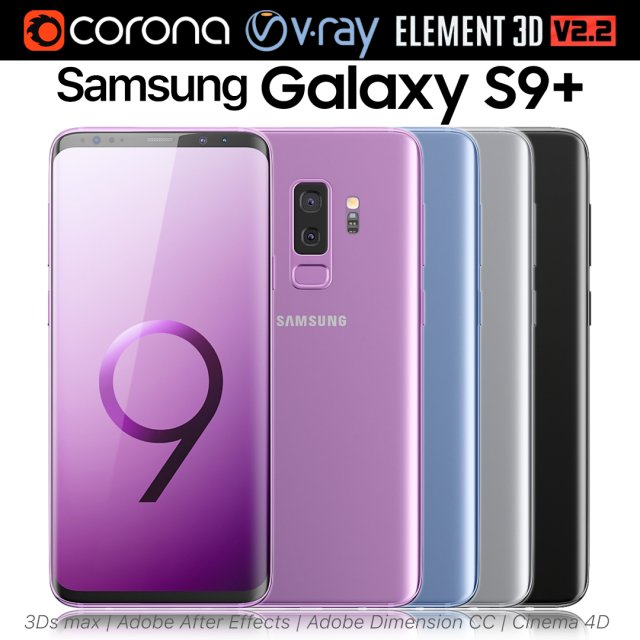
Samsung Galaxy S9 PLUS ALL Colors 3D Model
Realistic (copy) 3d model of Samsung Galaxy S9 PLUS ALL Colors.This set:3D element v2.2The model given is easy to use- 1 file obj standard- 1 file 3ds Max 2013 vray material- 1 file 3ds Max 2013 corona material- 1 file of 3Ds- 1 file of cinema 4d- 1 file of Adobe Dimension CC- file e3d full set of materials, like a previewHow to use it?1. Discovery after the impact of CC 2014 (or above) and create a new composition (you need Element3D v2.2 to use)2. Create a new solid layer and add the effect of the elements. (Effect / Video Copilot / Element)3. Select Install Location4. Click on the import inside the Element3D Installation location5. Select my .e3d according to the model and click on the open button.If you do not see the model, do not forget to right click on the model name and press the replace model select.Topology of geometry:- forms and proportions of The 3D model- the geometry of the model was created very neatly- there are no many-sided polygons- detailed enough for close-up renders- the model optimized for turbosmooth modifier- Not collapsed the turbosmooth modified- apply the Smooth modifier with a parameter to get the desired level of detailMaterials and Textures:- 3ds max files included Vray-Shaders- 3ds max files included Corona-Shaders- file e3d full set of materials- all texture paths are clearedOrganization of scene:- to all objects and materials- real world size (system units – mm)- coordinates of location of the model in space (x0, y0, z0)- does not contain extraneous or hidden objects (lights, cameras, shapes etc.)Excellent renders to you!
-
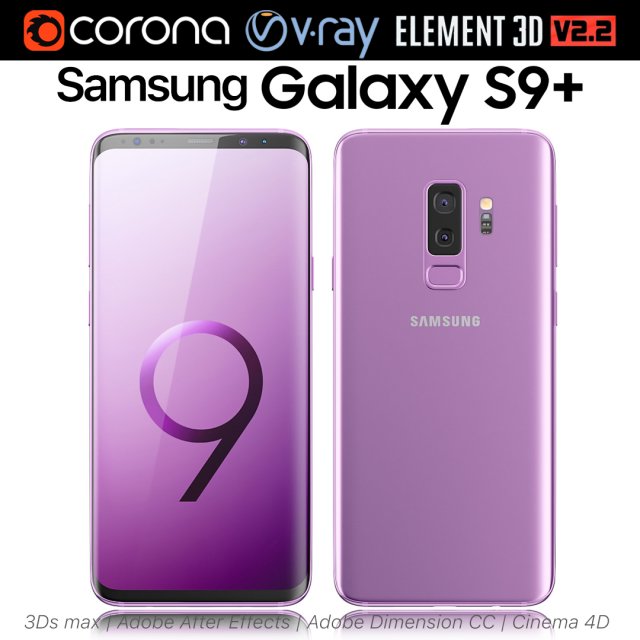
Samsung Galaxy S9 Lilac Purple 3D Model
Realistic (copy) 3d model of Samsung Galaxy S9 Lilac Purple.This set:3D element v2.2The model given is easy to use- 1 file obj standard- 1 file 3ds Max 2013 vray material- 1 file 3ds Max 2013 corona material- 1 file of 3Ds- 1 file of cinema 4d- 1 file of Adobe Dimension CC- file e3d full set of materials, like a previewHow to use it?1. Discovery after the impact of CC 2014 (or above) and create a new composition (you need Element3D v2.2 to use)2. Create a new solid layer and add the effect of the elements. (Effect / Video Copilot / Element)3. Select Install Location4. Click on the import inside the Element3D Installation location5. Select my .e3d according to the model and click on the open button.If you do not see the model, do not forget to right click on the model name and press the replace model select.Topology of geometry:- forms and proportions of The 3D model- the geometry of the model was created very neatly- there are no many-sided polygons- detailed enough for close-up renders- the model optimized for turbosmooth modifier- Not collapsed the turbosmooth modified- apply the Smooth modifier with a parameter to get the desired level of detailMaterials and Textures:- 3ds max files included Vray-Shaders- 3ds max files included Corona-Shaders- file e3d full set of materials- all texture paths are clearedOrganization of scene:- to all objects and materials- real world size (system units – mm)- coordinates of location of the model in space (x0, y0, z0)- does not contain extraneous or hidden objects (lights, cameras, shapes etc.)Excellent renders to you!
-
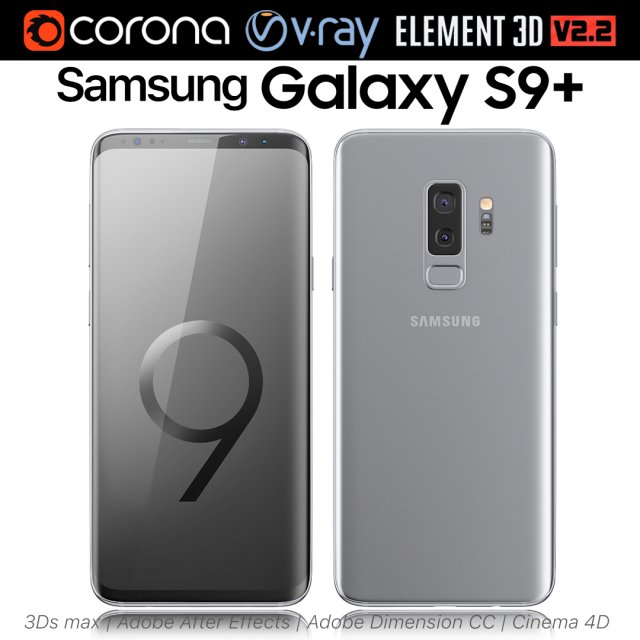
Samsung Galaxy S9 PLUS Titanium Gray 3D Model
Realistic (copy) 3d model of Samsung Galaxy S9 PLUS Titanium Gray.This set:3D element v2.2The model given is easy to use- 1 file obj standard- 1 file 3ds Max 2013 vray material- 1 file 3ds Max 2013 corona material- 1 file of 3Ds- 1 file of cinema 4d- 1 file of Adobe Dimension CC- file e3d full set of materials, like a previewHow to use it?1. Discovery after the impact of CC 2014 (or above) and create a new composition (you need Element3D v2.2 to use)2. Create a new solid layer and add the effect of the elements. (Effect / Video Copilot / Element)3. Select Install Location4. Click on the import inside the Element3D Installation location5. Select my .e3d according to the model and click on the open button.If you do not see the model, do not forget to right click on the model name and press the replace model select.Topology of geometry:- forms and proportions of The 3D model- the geometry of the model was created very neatly- there are no many-sided polygons- detailed enough for close-up renders- the model optimized for turbosmooth modifier- Not collapsed the turbosmooth modified- apply the Smooth modifier with a parameter to get the desired level of detailMaterials and Textures:- 3ds max files included Vray-Shaders- 3ds max files included Corona-Shaders- file e3d full set of materials- all texture paths are clearedOrganization of scene:- to all objects and materials- real world size (system units – mm)- coordinates of location of the model in space (x0, y0, z0)- does not contain extraneous or hidden objects (lights, cameras, shapes etc.)Excellent renders to you!
-
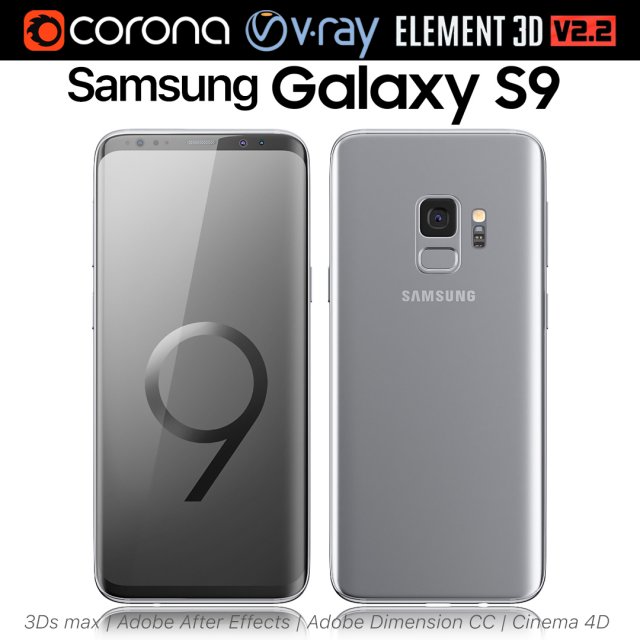
Samsung Galaxy S9 Titanium Gray 3D Model
Realistic (copy) 3d model of Samsung Galaxy S9 Titanium Gray.This set:3D element v2.2The model given is easy to use- 1 file obj standard- 1 file 3ds Max 2013 vray material- 1 file 3ds Max 2013 corona material- 1 file of 3Ds- 1 file of cinema 4d- 1 file of Adobe Dimension CC- file e3d full set of materials, like a previewHow to use it?1. Discovery after the impact of CC 2014 (or above) and create a new composition (you need Element3D v2.2 to use)2. Create a new solid layer and add the effect of the elements. (Effect / Video Copilot / Element)3. Select Install Location4. Click on the import inside the Element3D Installation location5. Select my .e3d according to the model and click on the open button.If you do not see the model, do not forget to right click on the model name and press the replace model select.Topology of geometry:- forms and proportions of The 3D model- the geometry of the model was created very neatly- there are no many-sided polygons- detailed enough for close-up renders- the model optimized for turbosmooth modifier- Not collapsed the turbosmooth modified- apply the Smooth modifier with a parameter to get the desired level of detailMaterials and Textures:- 3ds max files included Vray-Shaders- 3ds max files included Corona-Shaders- file e3d full set of materials- all texture paths are clearedOrganization of scene:- to all objects and materials- real world size (system units – mm)- coordinates of location of the model in space (x0, y0, z0)- does not contain extraneous or hidden objects (lights, cameras, shapes etc.)Excellent renders to you!
-
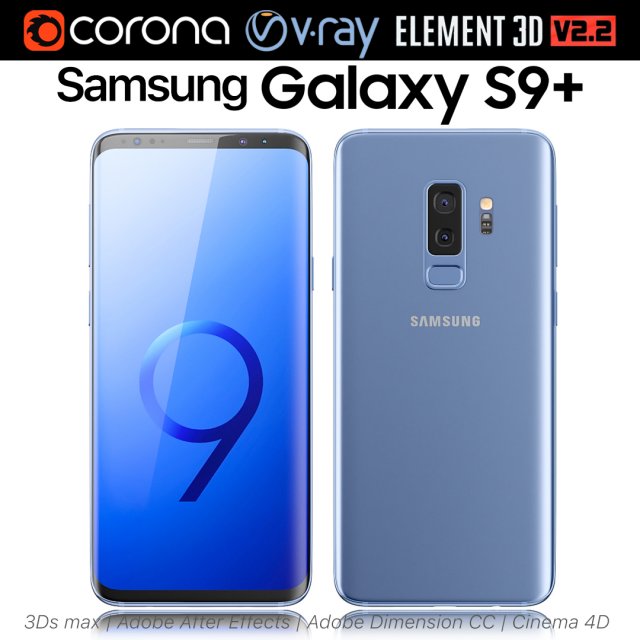
Samsung Galaxy S9 PLUS Coral Blue 3D Model
Realistic (copy) 3d model of Samsung Galaxy S9 PLUS Coral Blue.This set:3D element v2.2The model given is easy to use- 1 file obj standard- 1 file 3ds Max 2013 vray material- 1 file 3ds Max 2013 corona material- 1 file of 3Ds- 1 file of cinema 4d- 1 file of Adobe Dimension CC- file e3d full set of materials, like a previewHow to use it?1. Discovery after the impact of CC 2014 (or above) and create a new composition (you need Element3D v2.2 to use)2. Create a new solid layer and add the effect of the elements. (Effect / Video Copilot / Element)3. Select Install Location4. Click on the import inside the Element3D Installation location5. Select my .e3d according to the model and click on the open button.If you do not see the model, do not forget to right click on the model name and press the replace model select.Topology of geometry:- forms and proportions of The 3D model- the geometry of the model was created very neatly- there are no many-sided polygons- detailed enough for close-up renders- the model optimized for turbosmooth modifier- Not collapsed the turbosmooth modified- apply the Smooth modifier with a parameter to get the desired level of detailMaterials and Textures:- 3ds max files included Vray-Shaders- 3ds max files included Corona-Shaders- file e3d full set of materials- all texture paths are clearedOrganization of scene:- to all objects and materials- real world size (system units – mm)- coordinates of location of the model in space (x0, y0, z0)- does not contain extraneous or hidden objects (lights, cameras, shapes etc.)Excellent renders to you!
-
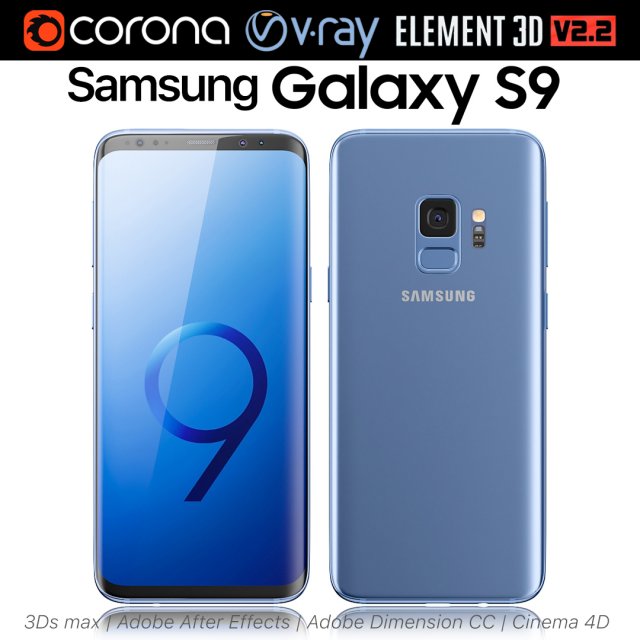
Samsung Galaxy S9 Coral Blue 3D Model
Realistic (copy) 3d model of Samsung Galaxy S9 Coral Blue.This set:3D element v2.2The model given is easy to use- 1 file obj standard- 1 file 3ds Max 2013 vray material- 1 file 3ds Max 2013 corona material- 1 file of 3Ds- 1 file of cinema 4d- 1 file of Adobe Dimension CC- file e3d full set of materials, like a previewHow to use it?1. Discovery after the impact of CC 2014 (or above) and create a new composition (you need Element3D v2.2 to use)2. Create a new solid layer and add the effect of the elements. (Effect / Video Copilot / Element)3. Select Install Location4. Click on the import inside the Element3D Installation location5. Select my .e3d according to the model and click on the open button.If you do not see the model, do not forget to right click on the model name and press the replace model select.Topology of geometry:- forms and proportions of The 3D model- the geometry of the model was created very neatly- there are no many-sided polygons- detailed enough for close-up renders- the model optimized for turbosmooth modifier- Not collapsed the turbosmooth modified- apply the Smooth modifier with a parameter to get the desired level of detailMaterials and Textures:- 3ds max files included Vray-Shaders- 3ds max files included Corona-Shaders- file e3d full set of materials- all texture paths are clearedOrganization of scene:- to all objects and materials- real world size (system units – mm)- coordinates of location of the model in space (x0, y0, z0)- does not contain extraneous or hidden objects (lights, cameras, shapes etc.)Excellent renders to you!
-
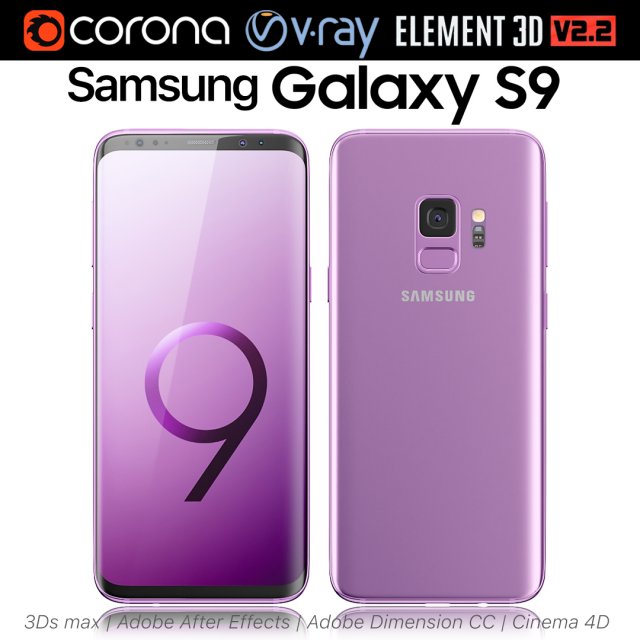
Samsung Galaxy S9 Lilac Purple 3D Model
Realistic (copy) 3d model of Samsung Galaxy S9 Lilac Purple.This set:3D element v2.2The model given is easy to use- 1 file obj standard- 1 file 3ds Max 2013 vray material- 1 file 3ds Max 2013 corona material- 1 file of 3Ds- 1 file of cinema 4d- 1 file of Adobe Dimension CC- file e3d full set of materials, like a previewHow to use it?1. Discovery after the impact of CC 2014 (or above) and create a new composition (you need Element3D v2.2 to use)2. Create a new solid layer and add the effect of the elements. (Effect / Video Copilot / Element)3. Select Install Location4. Click on the import inside the Element3D Installation location5. Select my .e3d according to the model and click on the open button.If you do not see the model, do not forget to right click on the model name and press the replace model select.Topology of geometry:- forms and proportions of The 3D model- the geometry of the model was created very neatly- there are no many-sided polygons- detailed enough for close-up renders- the model optimized for turbosmooth modifier- Not collapsed the turbosmooth modified- apply the Smooth modifier with a parameter to get the desired level of detailMaterials and Textures:- 3ds max files included Vray-Shaders- 3ds max files included Corona-Shaders- file e3d full set of materials- all texture paths are clearedOrganization of scene:- to all objects and materials- real world size (system units – mm)- coordinates of location of the model in space (x0, y0, z0)- does not contain extraneous or hidden objects (lights, cameras, shapes etc.)Excellent renders to you!
-
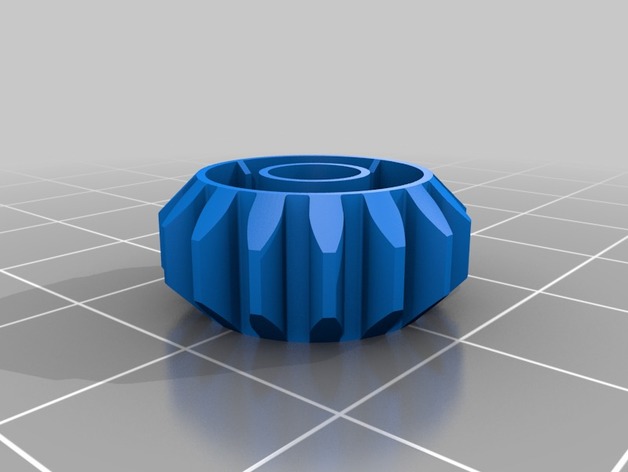
Lego 16-tooth clutch gear 3D Print Model
Summary
Lego 16-tooth clutch gear. The same as the one Lego sells.
I will be making more gears soon.
This is what I have planned. 16-18-20-22-24-26-28-30-32. It will fit a 4 stud gear-wb gearbox.
Print Settings
Printer Brand:
Wanhao
Printer:
Wanhao Duplicator i3 Plus
Rafts:
No
Supports:
No
Resolution:
0.15
Infill:
30 -
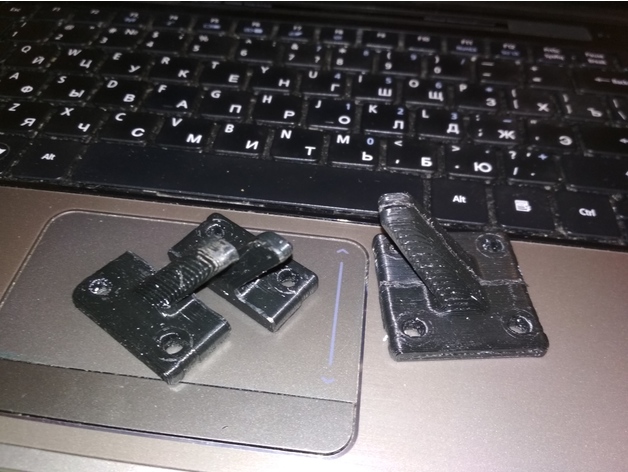
landing gear for spyda 500 (crossfire plate version) 3D Print Model
Summary
I edited this thing https://www.thingiverse.com/thing:394957 to make it compatible with crossfire plate. You can split it in 2 pieces like in the photo to make it more strong. -
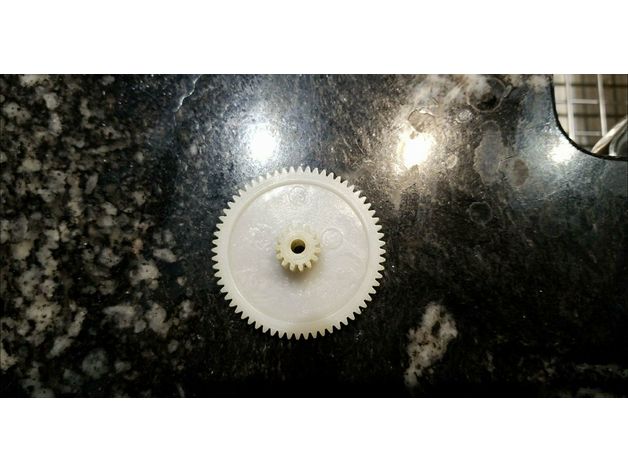
Jeep Gear 62 Teeth 3D Print Model
Summary
A spur gear designed for an old toy kids jeep. As requested by someone in a 3d printing group. Part is not yet verified to work as highly accurate dimensions were not available.
Print Settings
Printer Brand:
Creality
Printer:
CR-10
Rafts:
No
Supports:
No
Resolution:
.2
Infill:
100%
Notes:
Recommended material for longevity would be some kind of Polycarbonate filament -
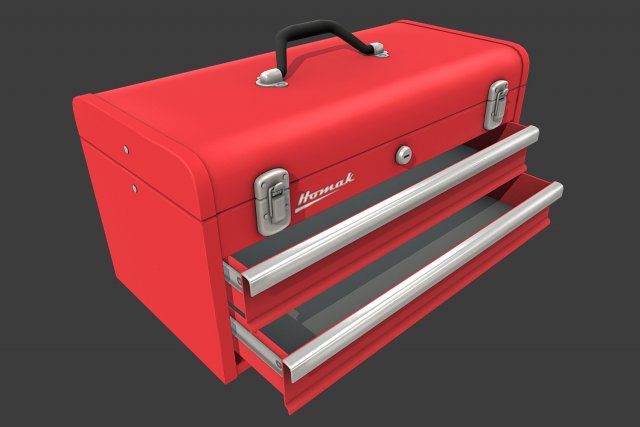
Toolbox 3D Model
Toolbox low-poly 3d model ready for Virtual Reality (VR), Augmented Reality (AR), games and other real-time apps.Texture size:Toolbox (diffuse, specular, ao) – 1024 x 1024
-
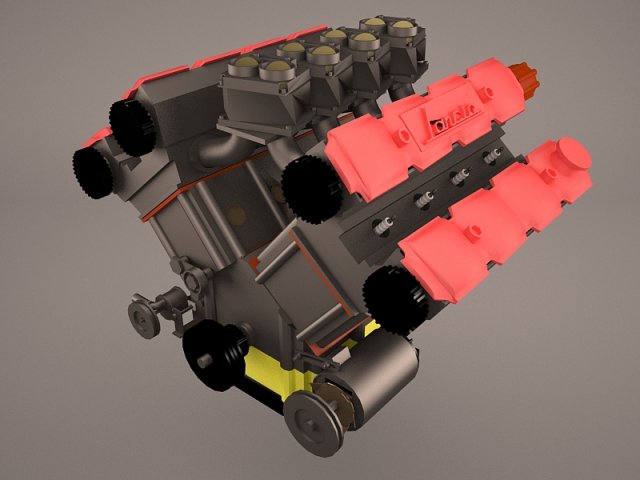
Turbocharged V8 Engine 3D Model
car engine fast gear gearbox Italian luxury mechanical motor other racing rod shaft sport transmission turboturbocharged twin v8 vehicle turbo
-
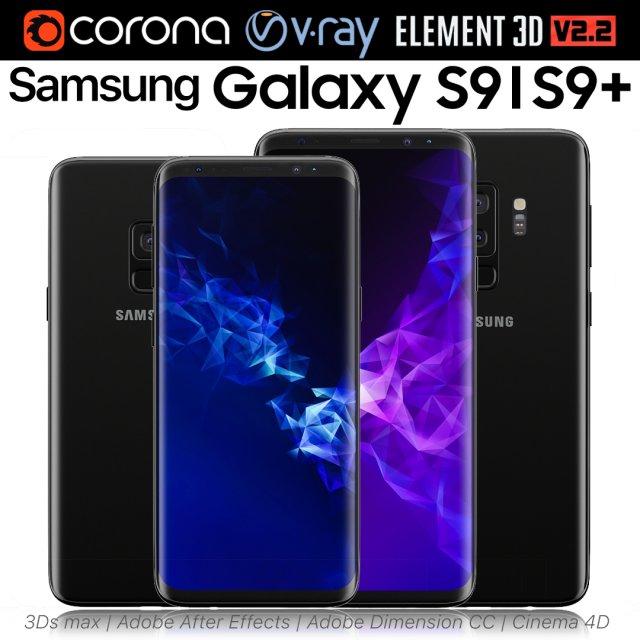
Samsung Galaxy S9 and S9 PLUS Black 3D Model
Realistic (copy) 3d model of Samsung Galaxy S9 and S9 PLUS.This set:3D element v2.2The model given is easy to use- 1 file obj standard- 1 file 3ds Max 2013 vray material- 1 file 3ds Max 2013 corona material- 1 file of 3Ds- 1 file of cinema 4d- 1 file of Adobe Dimension CC- file e3d full set of materials, like a previewHow to use it?1. Discovery after the impact of CC 2014 (or above) and create a new composition (you need Element3D v2.2 to use)2. Create a new solid layer and add the effect of the elements. (Effect / Video Copilot / Element)3. Select Install Location4. Click on the import inside the Element3D Installation location5. Select my .e3d according to the model and click on the open button.If you do not see the model, do not forget to right click on the model name and press the replace model select.Topology of geometry:- forms and proportions of The 3D model- the geometry of the model was created very neatly- there are no many-sided polygons- detailed enough for close-up renders- the model optimized for turbosmooth modifier- Not collapsed the turbosmooth modified- apply the Smooth modifier with a parameter to get the desired level of detailMaterials and Textures:- 3ds max files included Vray-Shaders- 3ds max files included Corona-Shaders- file e3d full set of materials- all texture paths are clearedOrganization of scene:- to all objects and materials- real world size (system units – mm)- coordinates of location of the model in space (x0, y0, z0)- does not contain extraneous or hidden objects (lights, cameras, shapes etc.)Excellent renders to you!
-
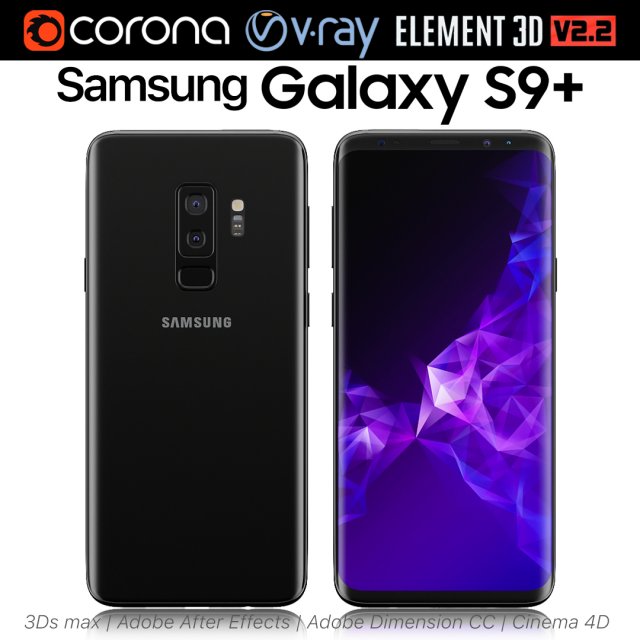
Samsung Galaxy S9 PLUS Black 3D Model
Realistic (copy) 3d model of Samsung Galaxy S9 PLUS.This set:3D element v2.2The model given is easy to use- 1 file obj standard- 1 file 3ds Max 2013 vray material- 1 file 3ds Max 2013 corona material- 1 file of 3Ds- 1 file of cinema 4d- 1 file of Adobe Dimension CC- file e3d full set of materials, like a previewHow to use it?1. Discovery after the impact of CC 2014 (or above) and create a new composition (you need Element3D v2.2 to use)2. Create a new solid layer and add the effect of the elements. (Effect / Video Copilot / Element)3. Select Install Location4. Click on the import inside the Element3D Installation location5. Select my .e3d according to the model and click on the open button.If you do not see the model, do not forget to right click on the model name and press the replace model select.Topology of geometry:- forms and proportions of The 3D model- the geometry of the model was created very neatly- there are no many-sided polygons- detailed enough for close-up renders- the model optimized for turbosmooth modifier- Not collapsed the turbosmooth modified- apply the Smooth modifier with a parameter to get the desired level of detailMaterials and Textures:- 3ds max files included Vray-Shaders- 3ds max files included Corona-Shaders- file e3d full set of materials- all texture paths are clearedOrganization of scene:- to all objects and materials- real world size (system units – mm)- coordinates of location of the model in space (x0, y0, z0)- does not contain extraneous or hidden objects (lights, cameras, shapes etc.)Excellent renders to you!
-
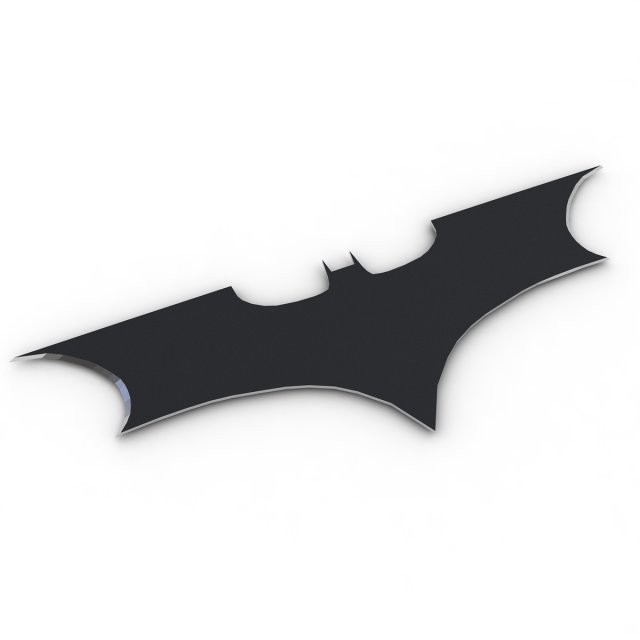
Batman Gear Weapon 3D Model
Batman Gear Weapon’This ‘Batman Gear Weapon ‘ is a high quality, photo real model creat in 3ds max 2011 render vary 2.4Available in the following file formats:- 3ds Max 2011 with V-Ray 2.4- FBX 2011- OBJ 2011- 3ds 2011-DXF 2011- Completely ready for use in visualization- Just put model in your scene and render-Ideal for photorealistic visualizations- All Materials are logically named- Colors easily modified- Highly detailed modelHDRI is attchedthanks!
-
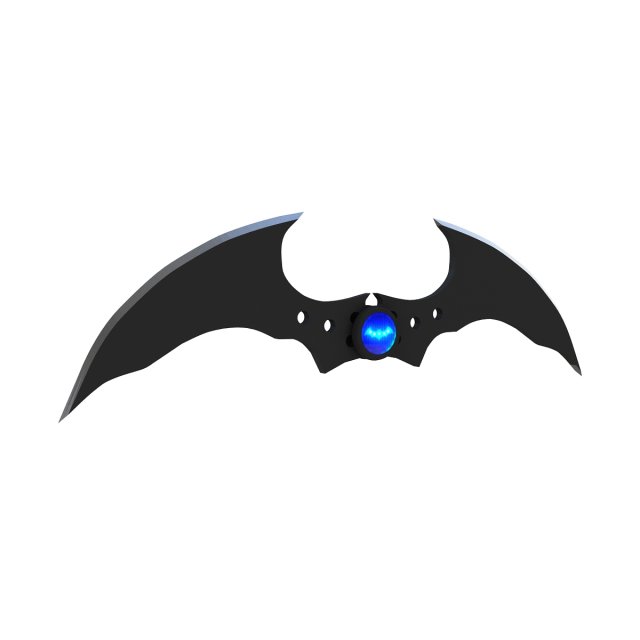
Beacon Batarang 3D Model
Beacon Batarang’This ‘Beacon Batarang ‘ is a high quality, photo real model creat in 3ds max 2011 render vary 2.4Available in the following file formats:- 3ds Max 2011 with V-Ray 2.4- FBX 2011- OBJ 2011- 3ds 2011-DXF 2011- Completely ready for use in visualization- Just put model in your scene and render-Ideal for photorealistic visualizations- All Materials are logically named- Colors easily modified- Highly detailed modelHDRI is attchedthanks!
-
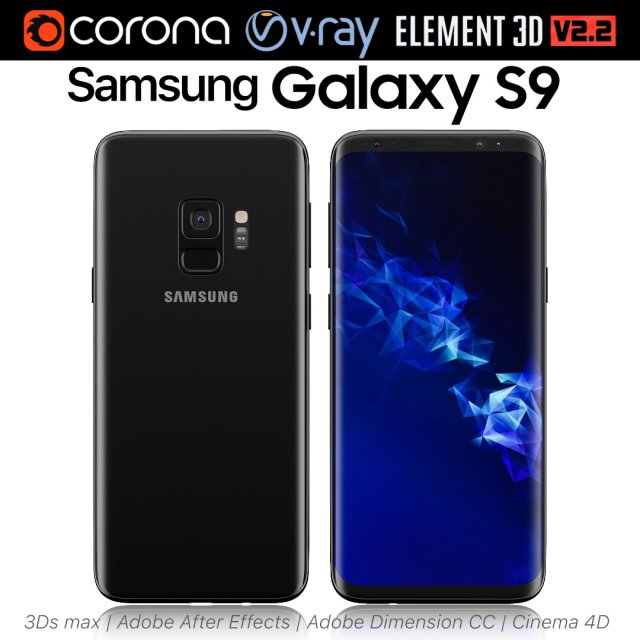
Samsung Galaxy S9 Black 3D Model
Realistic (copy) 3d model of Samsung Galaxy S9.This set:3D element v2.2The model given is easy to use- 1 file obj standard- 1 file 3ds Max 2013 vray material- 1 file 3ds Max 2013 corona material- 1 file of 3Ds- 1 file of cinema 4d- 1 file of Adobe Dimension CC- file e3d full set of materials, like a previewHow to use it?1. Discovery after the impact of CC 2014 (or above) and create a new composition (you need Element3D v2.2 to use)2. Create a new solid layer and add the effect of the elements. (Effect / Video Copilot / Element)3. Select Install Location4. Click on the import inside the Element3D Installation location5. Select my .e3d according to the model and click on the open button.If you do not see the model, do not forget to right click on the model name and press the replace model select.Topology of geometry:- forms and proportions of The 3D model- the geometry of the model was created very neatly- there are no many-sided polygons- detailed enough for close-up renders- the model optimized for turbosmooth modifier- Not collapsed the turbosmooth modified- apply the Smooth modifier with a parameter to get the desired level of detailMaterials and Textures:- 3ds max files included Vray-Shaders- 3ds max files included Corona-Shaders- file e3d full set of materials- all texture paths are clearedOrganization of scene:- to all objects and materials- real world size (system units – mm)- coordinates of location of the model in space (x0, y0, z0)- does not contain extraneous or hidden objects (lights, cameras, shapes etc.)Excellent renders to you!
-
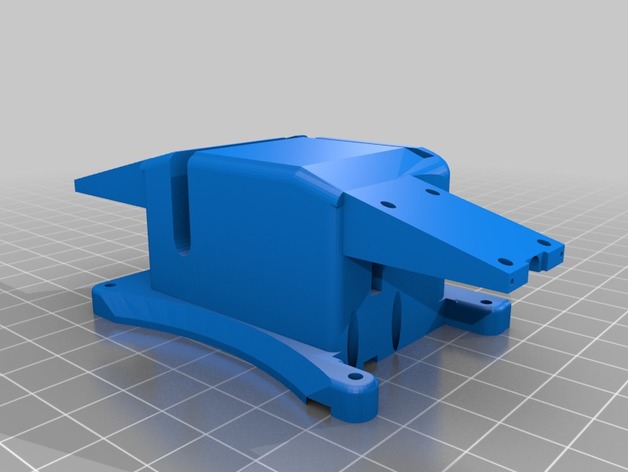
3DR Solo Retractable Landing Gear Pads w/ Payload Release 3D Print Model
Summary
This attaches to the Solo’s Accessory Bay mounting holes. It can be used with or without a small breakout board like the Brownie Boards Nano. Extra space inside can contain all the wiring.
The 9G servo slides in and is held in by the unit being screwed to the Solo.
It you remove the pins from the connectors you can push the retract wires through the holes.
The info here will help you get it wired and working.https://www.hackster.io/phantom-phreak-7ccfe4/extend-3dr-solo-accessory-bay-be4073
This is the small breakout board I like.https://store.brownieboards.com/product/3dr-solo-nano-breakout-board/
Print with supports. Doesn’t require much infill. Most of the empty space it made to hold the wires. -
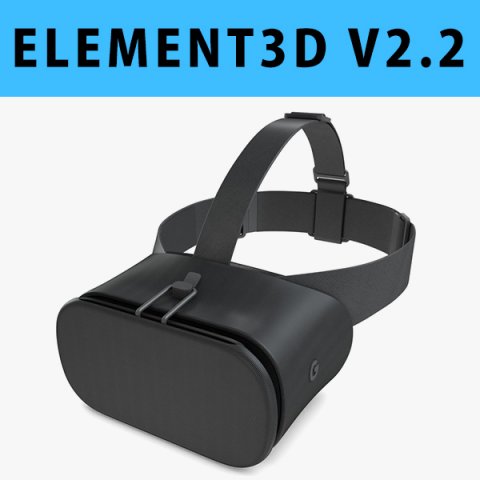
E3D – 3D New Google Daydream View VR 2017 Headset 3D Model
This pack:Element 3D V2.2 ( All colors )models preset easy to use- 1 file OBJ High poly- 1 file OBJ standard- 1 file C4D R12 standard render- 1 file 3ds max 2012 standard material- E3D file full materials set up like previewsHow to use it?1. Open After Effects CC 2014 ( or higher) and create new composition ( You need Element3D V2.2 to use )2. Create new Solid layer and add Element effect. ( Effect/Video Copilot/ Element )3. Click Scene Setup4. Click on IMPORT inside Element3D scene setup5. Choose my .e3d preset for the model and press Open.If you dont see the model do not forget to right click on the model name and press Replace model then select the .obj model file in the respective models folder……………………………………………………………About Bee3DD Studio: ( Working in 3d modeling since 2013 until now )+ We offer all electronics 3d model ( latest and oldest ). Our collection is biggest in the world. It is place where you can find anything about technology for your project ( earlier and faster than others )+ Every model we build goes through thorough Quality assessment both visual and technical to make sure the assets look realistic and the models are of the best quality.
-
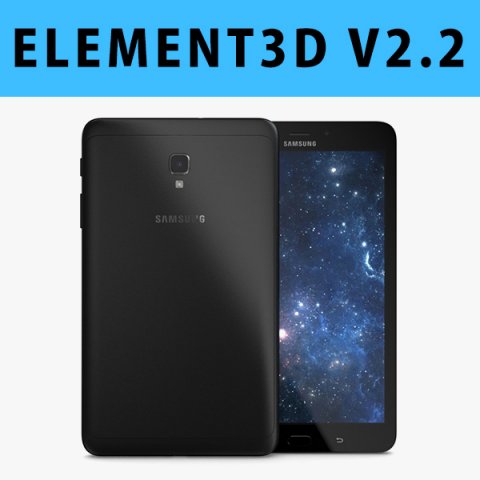
E3D – Samsung Galaxy tab A 80 2017 Black 3D 3D Model
This pack:Element 3D V2.2 ( All colors )models preset easy to use- 1 file OBJ High poly- 1 file OBJ standard- 1 file C4D R12 standard render- 1 file 3ds max 2012 standard material- E3D file full materials set up like previewsHow to use it?1. Open After Effects CC 2014 ( or higher) and create new composition ( You need Element3D V2.2 to use )2. Create new Solid layer and add Element effect. ( Effect/Video Copilot/ Element )3. Click Scene Setup4. Click on IMPORT inside Element3D scene setup5. Choose my .e3d preset for the model and press Open.If you dont see the model do not forget to right click on the model name and press Replace model then select the .obj model file in the respective models folder……………………………………………………………About Bee3DD Studio: ( Working in 3d modeling since 2013 until now )+ We offer all electronics 3d model ( latest and oldest ). Our collection is biggest in the world. It is place where you can find anything about technology for your project ( earlier and faster than others )+ Every model we build goes through thorough Quality assessment both visual and technical to make sure the assets look realistic and the models are of the best quality.
-
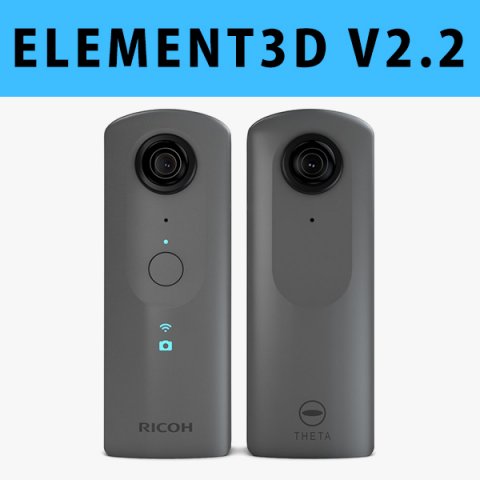
E3D – Ricoh Theta V 360 Spherical Camera model 3D Model
This pack:Element 3D V2.2 ( All colors )models preset easy to use- 1 file OBJ High poly- 1 file OBJ standard- 1 file C4D R12 standard render- 1 file 3ds max 2012 standard material- E3D file full materials set up like previewsHow to use it?1. Open After Effects CC 2014 ( or higher) and create new composition ( You need Element3D V2.2 to use )2. Create new Solid layer and add Element effect. ( Effect/Video Copilot/ Element )3. Click Scene Setup4. Click on IMPORT inside Element3D scene setup5. Choose my .e3d preset for the model and press Open.If you dont see the model do not forget to right click on the model name and press Replace model then select the .obj model file in the respective models folder……………………………………………………………About Bee3DD Studio: ( Working in 3d modeling since 2013 until now )+ We offer all electronics 3d model ( latest and oldest ). Our collection is biggest in the world. It is place where you can find anything about technology for your project ( earlier and faster than others )+ Every model we build goes through thorough Quality assessment both visual and technical to make sure the assets look realistic and the models are of the best quality.
-
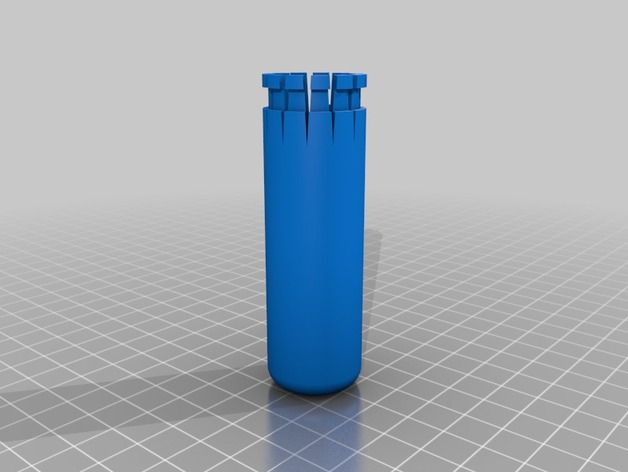
Gear selector extension for BMW K1600 GT GTL 3D Print Model
Summary
With quick shifter gear, the foot selector is to short on BMW K1600.
This print fix the problem. Just squeeze it with a 5 mm zip tie.
Print Settings
Printer Brand:
Prusa
Printer:
i3 MK3
Rafts:
No
Supports:
No
Resolution:
0,20
Infill:
20 %
Notes:
4 perimeters layers
PLA -
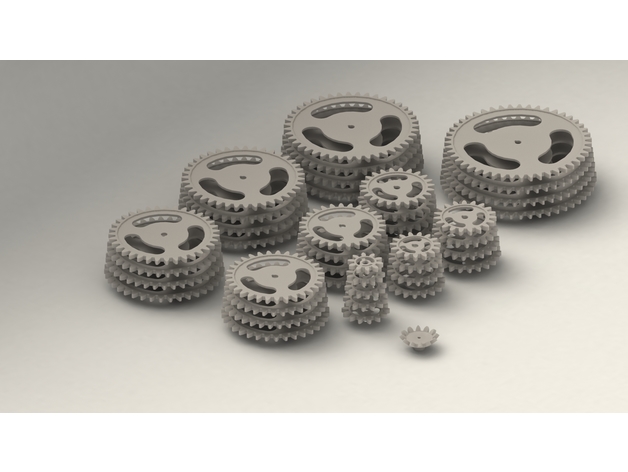
Gear Collection 1 3D Print Model
Summary
Spur Gear Collection 1
Module – 10 mm
Pressure Angle – 20 deg
Teeth – 10 to 50 (Total 41 gears)
Gear face width – 15mm
Shaft hub size – 20 mm default.
If gear stl file name is Spur_Gear_10M_10T.stl then the gear has 10 teeth with module 10
Spur gear Collection 2 – https://www.thingiverse.com/thing:2817682
(Collection 2 contains teeth from 51 to 100)
Module = (Pitch dia /Number of teeth)
If you want different gears with module and teeth tell it in the comment section -
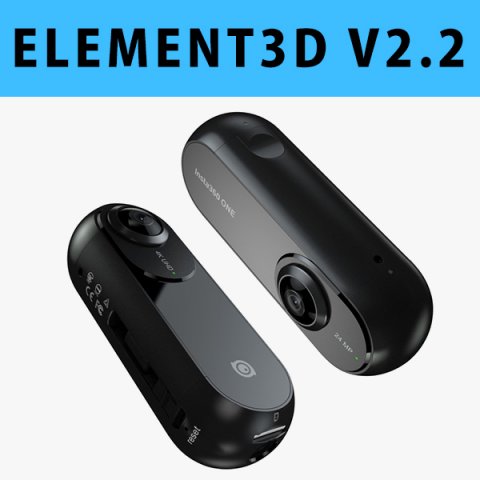
E3D – Insta360 ONE Action Camera 3D 3D Model
This pack:Element 3D V2.2 ( All colors )models preset easy to use- 1 file OBJ High poly- 1 file OBJ standard- 1 file C4D R12 standard render- 1 file 3ds max 2012 standard material- E3D file full materials set up like previewsHow to use it?1. Open After Effects CC 2014 ( or higher) and create new composition ( You need Element3D V2.2 to use )2. Create new Solid layer and add Element effect. ( Effect/Video Copilot/ Element )3. Click Scene Setup4. Click on IMPORT inside Element3D scene setup5. Choose my .e3d preset for the model and press Open.If you dont see the model do not forget to right click on the model name and press Replace model then select the .obj model file in the respective models folder……………………………………………………………About Bee3DD Studio: ( Working in 3d modeling since 2013 until now )+ We offer all electronics 3d model ( latest and oldest ). Our collection is biggest in the world. It is place where you can find anything about technology for your project ( earlier and faster than others )+ Every model we build goes through thorough Quality assessment both visual and technical to make sure the assets look realistic and the models are of the best quality.
-
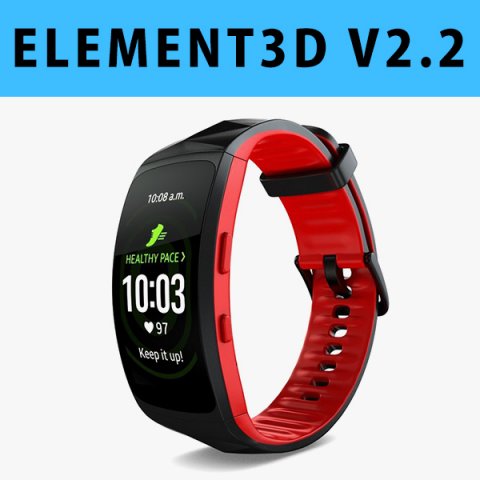
E3D – Samsung Gear Fit2 Pro model 3D Model
This pack:Element 3D V2.2 ( All colors )models preset easy to use- 1 file OBJ High poly- 1 file OBJ standard- 1 file C4D R12 standard render- 1 file 3ds max 2012 standard material- E3D file full materials set up like previewsHow to use it?1. Open After Effects CC 2014 ( or higher) and create new composition ( You need Element3D V2.2 to use )2. Create new Solid layer and add Element effect. ( Effect/Video Copilot/ Element )3. Click Scene Setup4. Click on IMPORT inside Element3D scene setup5. Choose my .e3d preset for the model and press Open.If you dont see the model do not forget to right click on the model name and press Replace model then select the .obj model file in the respective models folder……………………………………………………………About Bee3DD Studio: ( Working in 3d modeling since 2013 until now )+ We offer all electronics 3d model ( latest and oldest ). Our collection is biggest in the world. It is place where you can find anything about technology for your project ( earlier and faster than others )+ Every model we build goes through thorough Quality assessment both visual and technical to make sure the assets look realistic and the models are of the best quality.
-
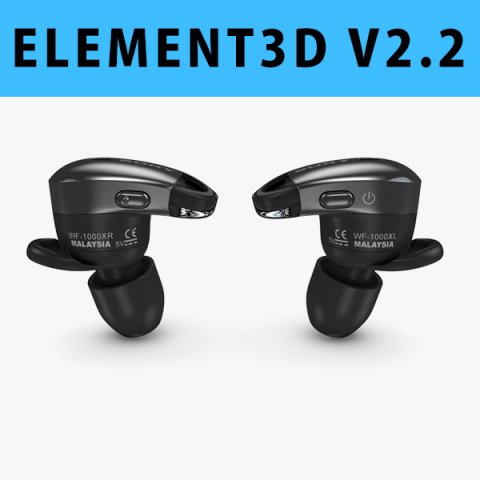
E3D – Sony 1000X Wireless Noise Canceling Headphones 3D Model
This pack:Element 3D V2.2 ( All colors )models preset easy to use- 1 file OBJ High poly- 1 file OBJ standard- 1 file C4D R12 standard render- 1 file 3ds max 2012 standard material- E3D file full materials set up like previewsHow to use it?1. Open After Effects CC 2014 ( or higher) and create new composition ( You need Element3D V2.2 to use )2. Create new Solid layer and add Element effect. ( Effect/Video Copilot/ Element )3. Click Scene Setup4. Click on IMPORT inside Element3D scene setup5. Choose my .e3d preset for the model and press Open.If you dont see the model do not forget to right click on the model name and press Replace model then select the .obj model file in the respective models folder……………………………………………………………About Bee3DD Studio: ( Working in 3d modeling since 2013 until now )+ We offer all electronics 3d model ( latest and oldest ). Our collection is biggest in the world. It is place where you can find anything about technology for your project ( earlier and faster than others )+ Every model we build goes through thorough Quality assessment both visual and technical to make sure the assets look realistic and the models are of the best quality.
-
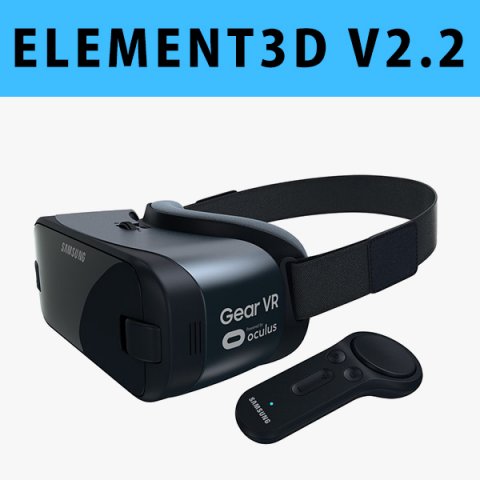
E3D – Samsung Gear VR Controller For Galaxy Note 8 model 3D Model
This pack:Element 3D V2.2 ( All colors )models preset easy to use- 1 file OBJ High poly- 1 file OBJ standard- 1 file C4D R12 standard render- 1 file 3ds max 2012 standard material- E3D file full materials set up like previewsHow to use it?1. Open After Effects CC 2014 ( or higher) and create new composition ( You need Element3D V2.2 to use )2. Create new Solid layer and add Element effect. ( Effect/Video Copilot/ Element )3. Click Scene Setup4. Click on IMPORT inside Element3D scene setup5. Choose my .e3d preset for the model and press Open.If you dont see the model do not forget to right click on the model name and press Replace model then select the .obj model file in the respective models folder……………………………………………………………About Bee3DD Studio: ( Working in 3d modeling since 2013 until now )+ We offer all electronics 3d model ( latest and oldest ). Our collection is biggest in the world. It is place where you can find anything about technology for your project ( earlier and faster than others )+ Every model we build goes through thorough Quality assessment both visual and technical to make sure the assets look realistic and the models are of the best quality.
-
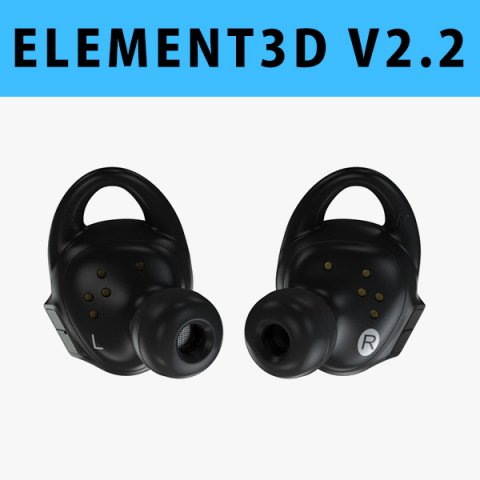
E3D – Samsung Gear IconX 2018 3D Model
This pack:Element 3D V2.2 ( All colors )models preset easy to use- 1 file OBJ High poly- 1 file OBJ standard- 1 file C4D R12 standard render- 1 file 3ds max 2012 standard material- E3D file full materials set up like previewsHow to use it?1. Open After Effects CC 2014 ( or higher) and create new composition ( You need Element3D V2.2 to use )2. Create new Solid layer and add Element effect. ( Effect/Video Copilot/ Element )3. Click Scene Setup4. Click on IMPORT inside Element3D scene setup5. Choose my .e3d preset for the model and press Open.If you dont see the model do not forget to right click on the model name and press Replace model then select the .obj model file in the respective models folder……………………………………………………………About Bee3DD Studio: ( Working in 3d modeling since 2013 until now )+ We offer all electronics 3d model ( latest and oldest ). Our collection is biggest in the world. It is place where you can find anything about technology for your project ( earlier and faster than others )+ Every model we build goes through thorough Quality assessment both visual and technical to make sure the assets look realistic and the models are of the best quality.
-
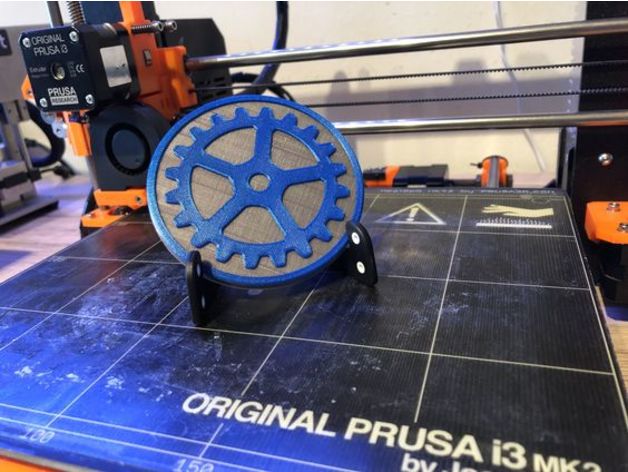
Gear Coaster 3D Print Model
Summary
The gear coaser is 90mm in diameter.
Print Settings
Printer Brand:
Prusa
Printer:
Prusa Mk2
Rafts:
Doesn’t Matter
Supports:
No
Resolution:
0.25
Infill:
20%
Notes:
I printed it with the multi color option in PrusaControl. -
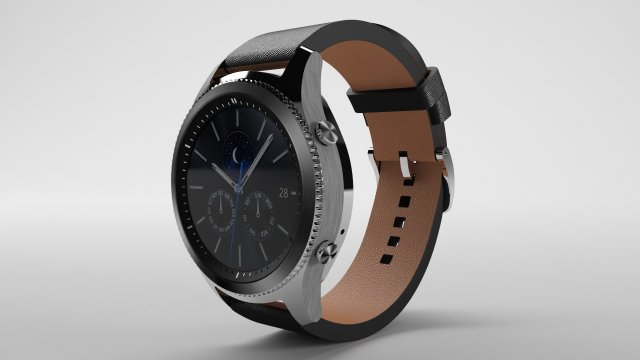
Samsung Gear S3 – Element 3d 3D Model
This high quality 3d model for 3ds Max, Cinema 4D and Element 3D – Samsung Gear S3.Item included file scene with all light setups and materials. Just click the render button and you’ll get image like preview images .File formats:-.3ds(multi format)-.fbx (multi format)-.obj (multi format)-.c4d(Cinema 4D R15 and above)-.max(3ds Max 2014 and above)-.e3d(plugin Element 3D v2.2 from Videocopilot)Features:- 3d model is completely ready for detailed and beautiful rendering and animation.- High-poly and low poly- element 3d v2.2- The model have clean topology- All objects are separated and named- Suitable for close-up rendering- You can easily change or aply new materials, color and other.All parts of this model have been modelled separately to achieve as much realism as possible.It can be used as a production model without any requirement of additional modeling and texturing.Please font’t forget to rate this item if you liked him.Sincerely Yours,Cactus 3D Team
-
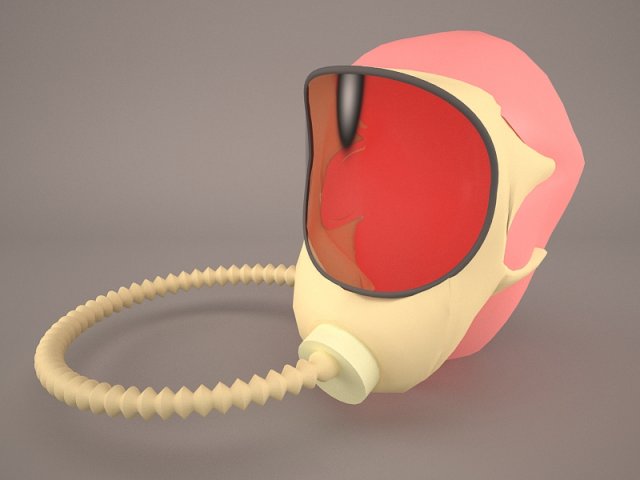
Gas Mask 3D Model
gas mask gasmask respirator safety protection protective equipment facemask army gear face helmet biohazard accessories toxic
-
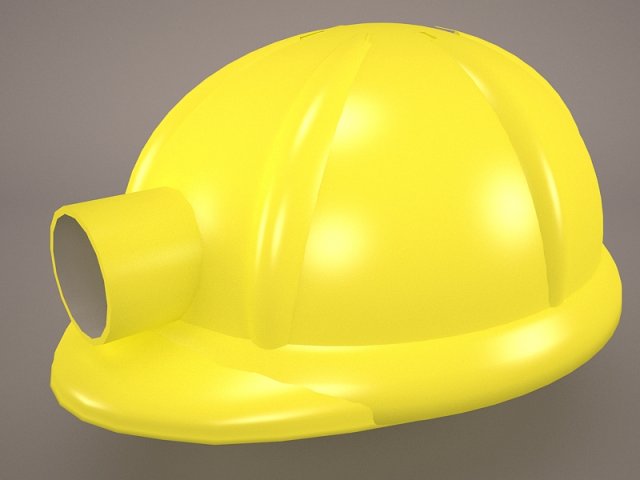
Hard Helmet 3D Model
hard hat head covering safety helmet cap safe protection construction industrial ansi brain bucket skull overhead gear work equipment tool adjustable
-
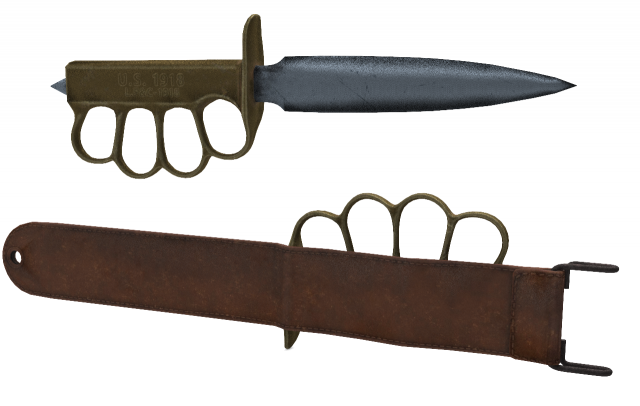
Military Gear 3D Model
Military Gearthe number of polygons is indicated for the whole scene!!!!!!!!!!!!!!!!!!!!!!!!!!!!!!!!!!!!!!!!!Need money for surgery urgently!Buy please something!Need money for surgery urgently!Buy please something!
-
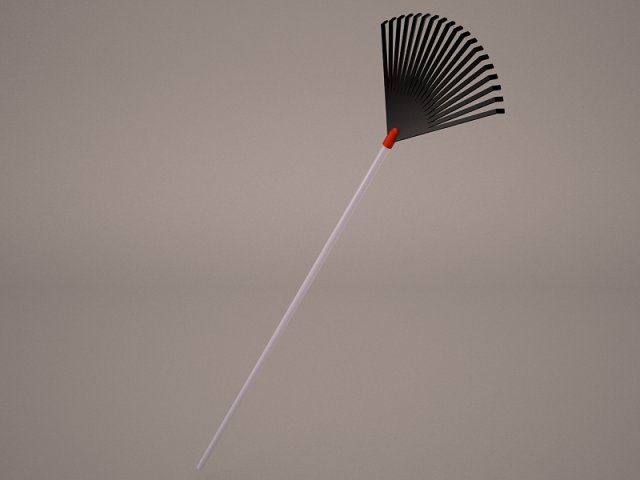
Garden tool large 3D Model
farm hand dirt garden flowering gear tool equipment plant soil shovel growing gardening rake spray scissors spade rakes