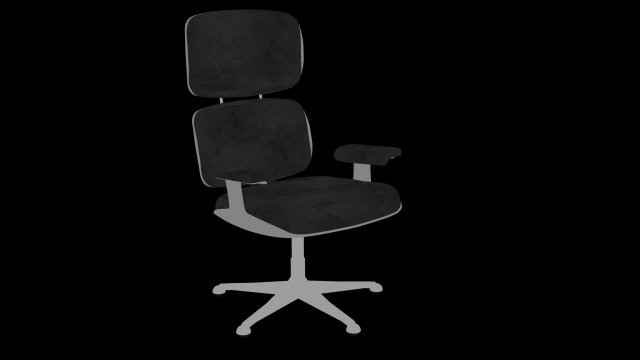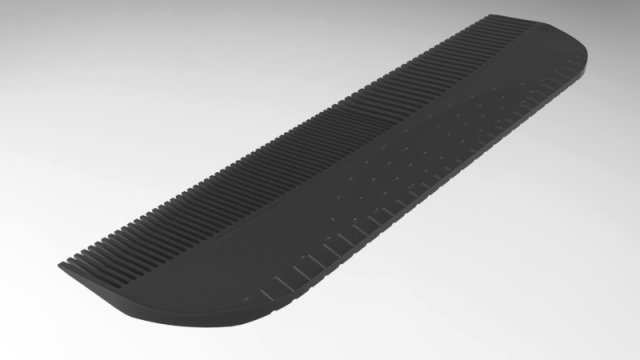
Tag: ergonomic
-
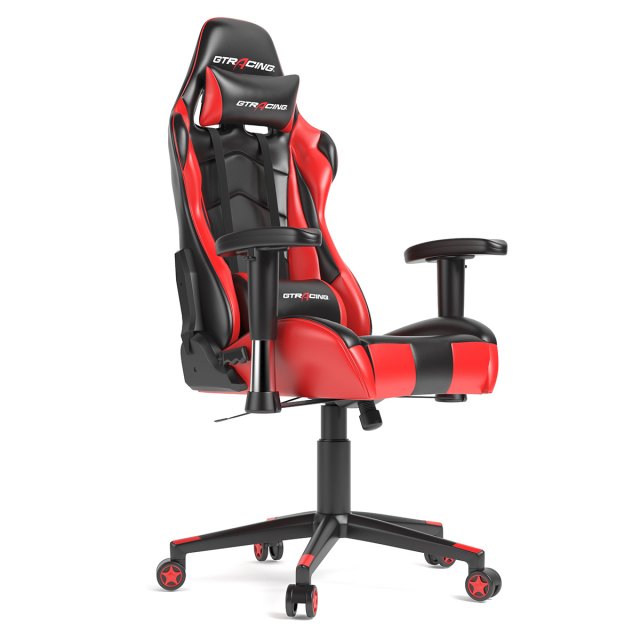
GTracing Ergonomic Office Chair Racing Chair 3D Model
the model made by 3ds max with right scale world no confuse to make selection,just grab model on scene and start render,all textures and materiel included like you see on images.i hope you like it just check others models on my profil
-
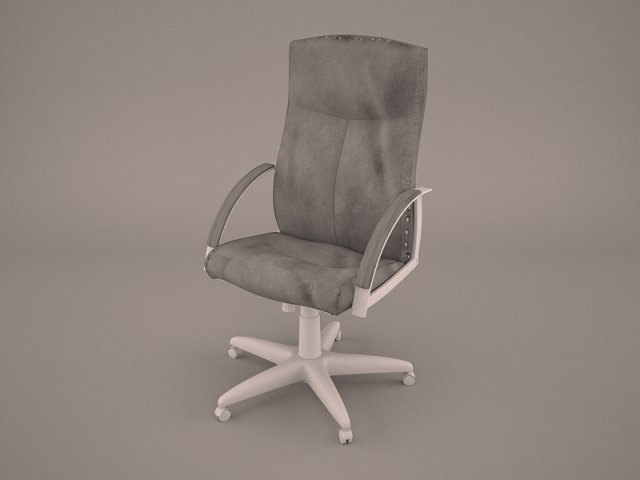
IKEA Markus Office Chair 3D Model
ikea markus office chair swivel armchair seat furniture seating ergonomic vray 3d model meeting room boardroom conference desk management work modern
-
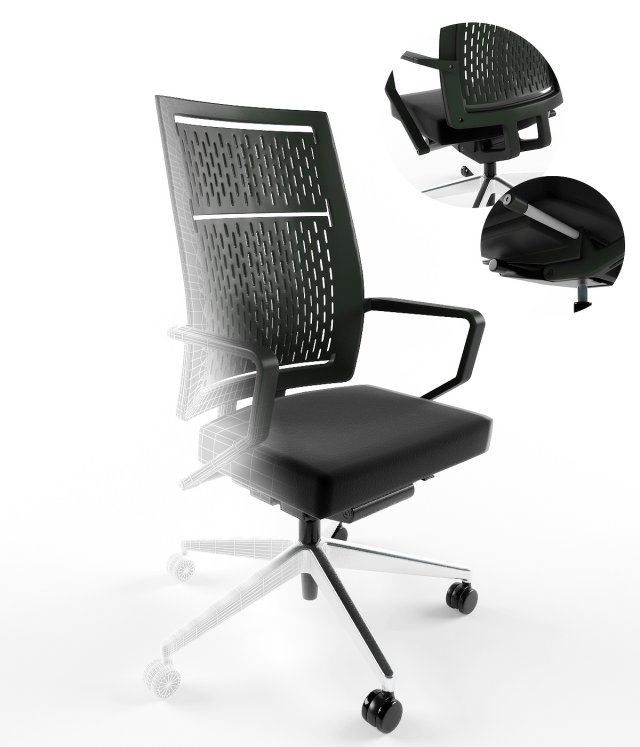
Office chair keilhauer run 3D Model
– Photorealistic chair.- Executed in 3d max 2009.- All textures and materials needed for the rendering found in the archive.-Gamma 2.2-Model optimized for Vray-Smoothing modifier is stored in the stack for easy editing-Models are manufactured by milling machine, CNC can also be of use for 3D printing, the same model can be used for decoration when rendering scenes.-The model consists of separate elements, parts of panels can be combined or used with other decorative purposes-For all questions with regards to the model, you can contact me through the administration of the site, if you want something to fix or correct, if something does not work
-
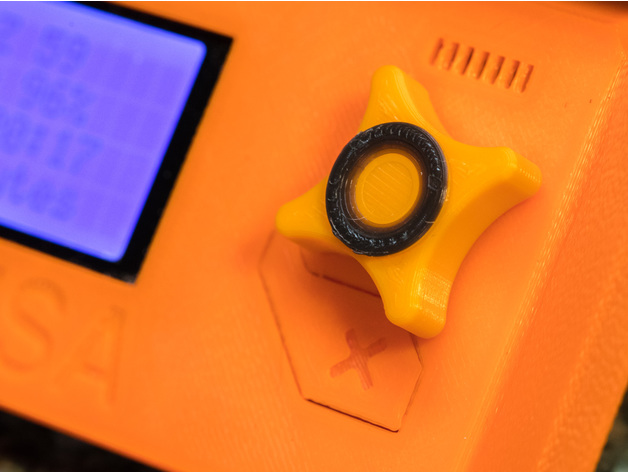
Prusa i3 Mk2 Ergonomic Control Knob 3D Print Model
Summary
I wanted a better knob for the control panel on my Prusa i3 MK2, but none that I found on Thingiverse were quite what I wanted. I designed this version with two main advantages over others. First, it has a four-point star shape that comfortably accommodates your right thumb for navigation without looking away from the screen (with a recessed center area for clicking the current selection). And second, the back side has a flexible socket patterned after the original Prusa knob, which makes installation much easier than a simple hole on the back. In the sample shown, I changed filament near the end so that I’d have a contrasting ring in the center button area.
Print Settings
Printer Brand:
Prusa Printer:
Prusa Mk2 Rafts:
No Supports:
No Resolution:
0.15 Infill:
35% Notes:
Because this part is relatively small, I opted for much more infill than I normally use on larger items. The 35% infill provided plenty of support for the concentric rings at the top. A smaller infill percentage might work just fine, but I haven’t tried it.
Due to the fine detail on the first layer, I found it helpful to print layer 1 at half the speed of the normal, already slower first layer. Also, a layer of glue stick on the build platform helped the details stick well. Once the second layer started, I cranked the speed back up to 100%, and the printing was easy after that. -
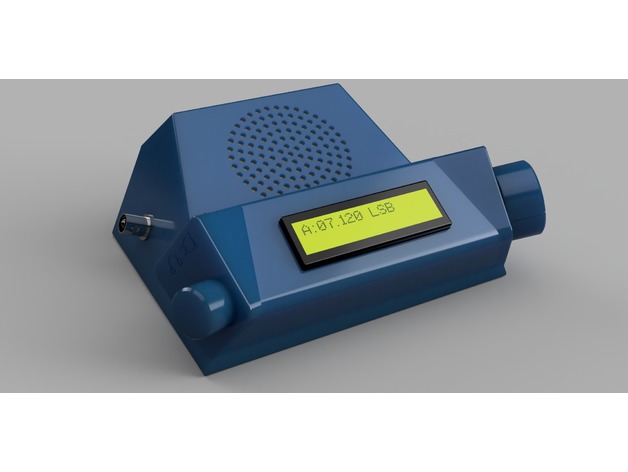
BitX40 Ergonomic Enclosure 3D Print Model
Summary
This is yet another enclosure for VU2ESE Ashar Farhan’s BitX40 transceiver. It’s different from other boxes because it’s ergonomically more efficient–the volume and tuning dials are positioned for ease of use and the speaker is tilted up towards the operator’s head. It’s small and has a much larger heat sink to accommodate 100% duty cycle transmissions that digital modes require.
Print Settings
Printer Brand:
Prusa Printer:
Prusa Mk2 Rafts:
No Supports:
No Resolution:
Normal or Optimal (.20 or .15mm) Infill:
20% Notes:
These models have supports built-in where required and can be easily knocked out after printing. I’ve printed these parts successfully in PLA and PET.
Post-Printing
Parts & Assembly
The model is composed two halves for the case: a base that holds the circuit board and the bottom feet using M3 screws and a top. There are also four chamfered holes on the base that attach the top case using M3 flat head screws. The base is also marked “FRONT” and “BACK” for proper positioning of the top case and the board. The bottom feet can additionally be fitted with silicone rubber feet.
The volume on/off pot and tuning pot that come in the BitX40 kit will fit but their shafts require trimming so the vol and tuning knobs will fit. The Vol knob is nylon and can be trimmed using a knife, but I had to use a Dremel grinder to cut down and dress the shaft of the Tuning pot. You should cut the length of the shaft to about 15mm and flatten about 10mm of that. Use caution to ensure that when you are cutting and grinding that you don’t burn out the bearings of the pot. Alternatively, you can use a pot from your own junk box.
The Raduino slides into a slot at the bottom. My design is meant to allow it to be affixed to the inside of the top case with small self-tapping screws, but when I printed it in blue translucent PET, there was insufficient area to support screws, so I ended up hot gluing the LCD module to the case and using screwed standoffs between the LCD and the Arduino modules to hold them in place.
You can also use hot glue to fix the a 65mm dia. speaker over the grille area. Mine was recovered from an old clock radio.
Because I intend to use my BitX40 on JT-65 and WinLink, I needed to replace the small heatsink over the final TX transistor with one that would allow it to handle the 100% duty cycle that digital modes usually demand. I bought a “DIY Cooler Aluminum Heatsink Heat Sink Chip 1002510mm for IC LED Power Transistor” at Aliexpress. I fastened it to the box with small nylon zip ties.
In his BitX40 instructions, Farhan mentions that you can use one of the small earphone style audio jacks for headphones, so that when you plug in the headphones it cuts out the speaker, but leaves out specific instructions “as an exercise to you”. I found a circuit that worked for me. -
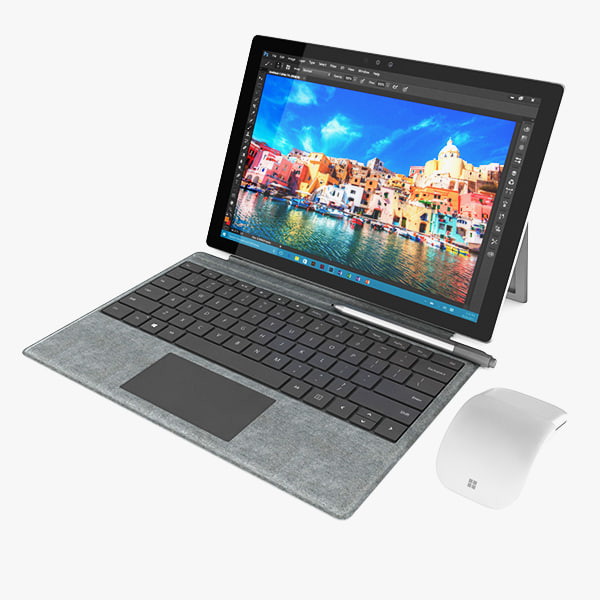
Surface Pro 2017 + Type Cover + Arc Mouse 3D model 3D Model
1. Surface Pro 20172. Surface Arc Mouse3. Type Cover—————————–The model has a fully textured, detailed design that allows for close-up renders, and was originally modeled in 3ds Max 2012 and rendered with V-Ray. Fidelity is optimal up to a 2K render. Renders have no postprocessing.—————————–File Formats:+ 3ds Max 2012 + Vray 2.0 full setup lighting, camera+ 3ds Max 2012 standard+ Cinema 4D R12 standard ( materials and textures was setup )+ Maya 2012 standard ( materials and textures was setup )+ Lightwave 11 ( materials and textures was setup )+ FBX 2012+ OBJ 2012+ 3DS 2012—————————–Geometry:+ No isolated vertices+ No coincident vertices+ No coincident/coplanar faces+ Quads and Triangles only ( Clean edge flow, mostly quads, subdividable topology, no poles with more than 5 edges on the model, holding/support edges present to retain shape after subdivision )+ Models resolutions are optimized for polygon efficiency. (In 3ds Max, the Meshsmooth/Turbosmooth function can be used to increase mesh resolution if necessary.)+ Real-world scale ( We make 3d model from actual size and images reference. It is best for making video intro, marketing, animation, games… )+ Naming and Organization ( All geometry is contained in a single layer structure, with the layer having the same name as the product. )+ Textures and Materials ( No texture paths referenced by the model. All texture paths must be stripped from the model. )—————————–About BeeTechZ:+ We are making all electronics 3d model ( latest and oldest ). Our collection is biggest in the world. It is place where you can find anything about technology for your project ( earlier and faster than others )+ Every model we build goes through thorough Quality assessment both visual and technical to make sure the assets look realistic and the models are of the best quality.+ Searching models you need by typing: beetechz + brand ( or beetechz + name the models ).
-
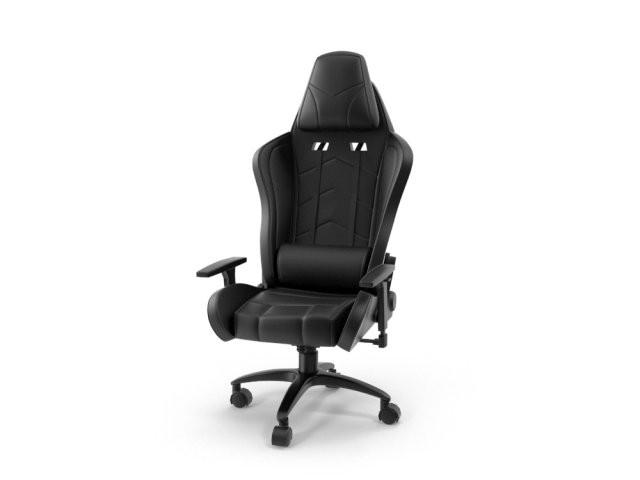
IKayaa Computer Gaming Chair 3D Model
3D Model iKayaa Computer & Gaming chair with futuristic design. This is midpoly model with minimal polygon, clean geometry and nice surface flow.Perfect for adding detail and realism to your rendering projects. This model have detailed part, great even for close up render. Easy to use, just drop the model to your project and start render!Originally modeled in 3DS Max 2013, but i have included the multiple formats (OBJ, FBX and 3DS).
-
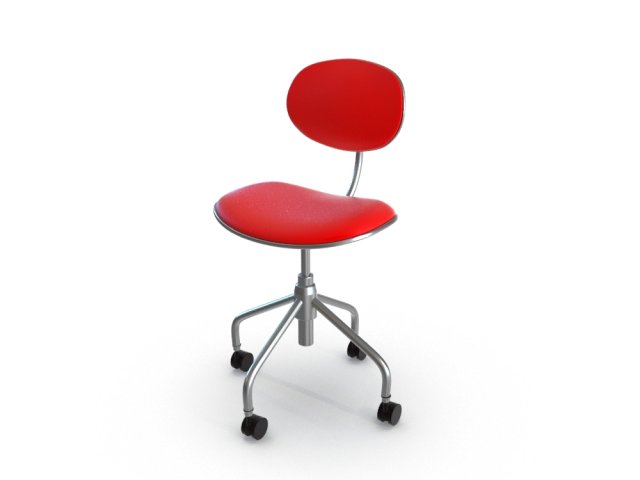
Swivel Office Chair 3D Model
3D Model of Swivel Office Chair. This is midpoly model with minimal polygon, clean geometry and nice surface flow.Perfect for adding detail and realism to your rendering projects. This model have detailed part, great even for close up render. Easy to use, just drop the model to your project and start render!Originally modeled in 3DS Max 2013, but i have included the multiple formats (OBJ, FBX and 3DS).
-
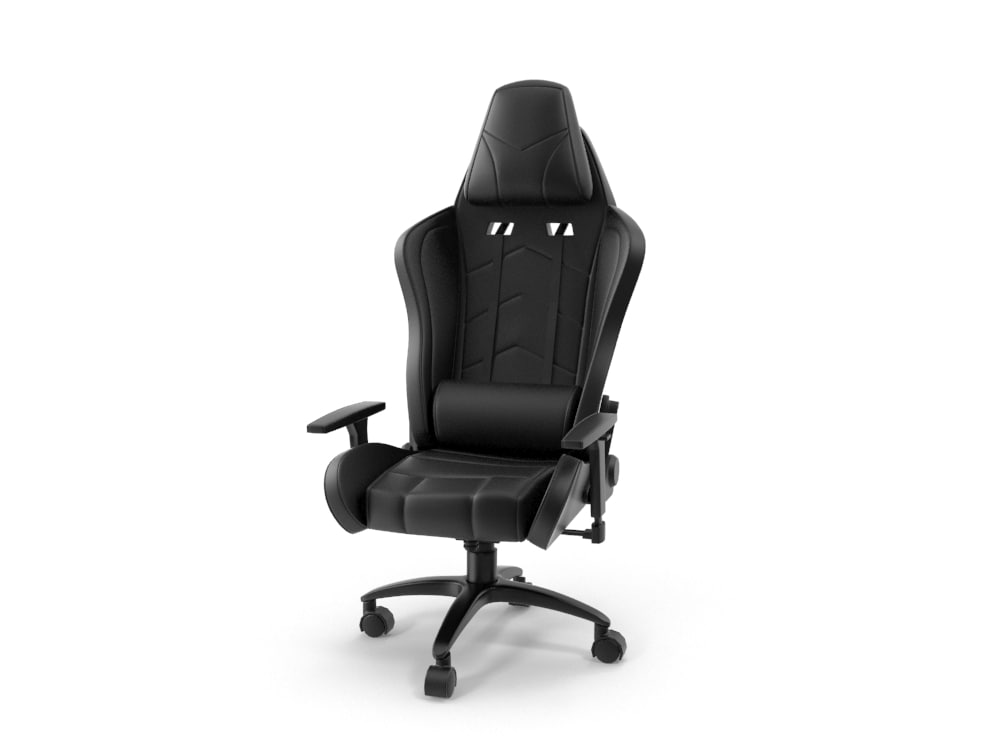
iKayaa Computer Gaming Chair 3D Model
3D Model iKayaa Computer & Gaming chair with futuristic design. This is midpoly model with minimal polygon, clean geometry and nice surface flow.Perfect for adding detail and realism to your rendering projects. This model have detailed part, great even for close up render. Easy to use, just drop the model to your project and start render!Originally modeled in 3DS Max 2013, but i have included the multiple formats (OBJ, FBX and 3DS).
-
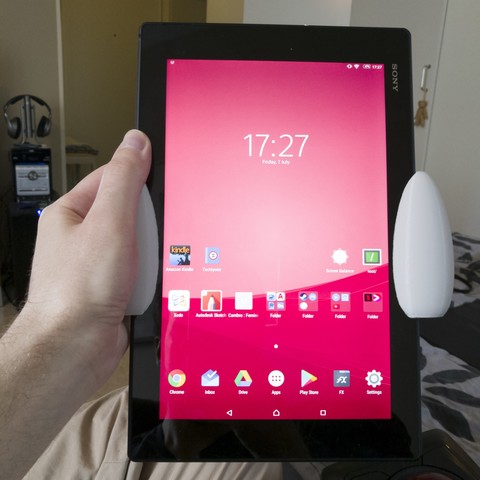
Comfort grips for the Xperia Z2 tablet 3D Print Model
I wanted something to make extended reading sessions with my tablet more pleasant. I don’t really expect there to be a lot of Z2 tablet owners specifically who’d be interested in this but if nothing else, maybe it’ll inspire someone 😉
-
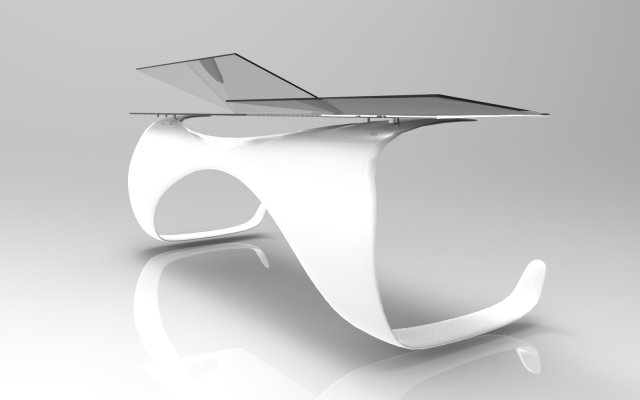
Enterprise Desk 3D Model
– Enterprise Desk is available in several formats;
– Its set, the Enterprise Chair, is available separately; -
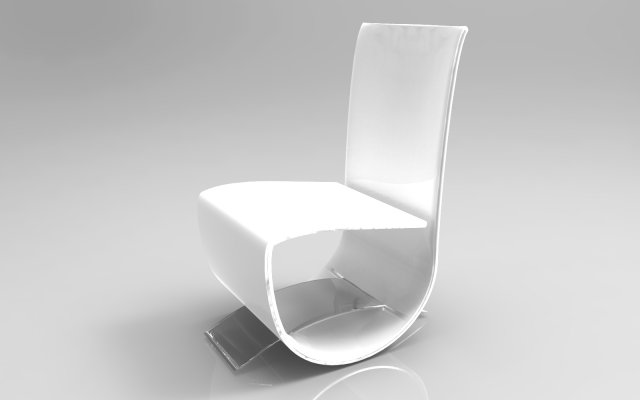
Enterprise Chair 3D Model
– Enterprise Chair is available in several formats;
– Its set, the Enterprise Desk, is available separately;