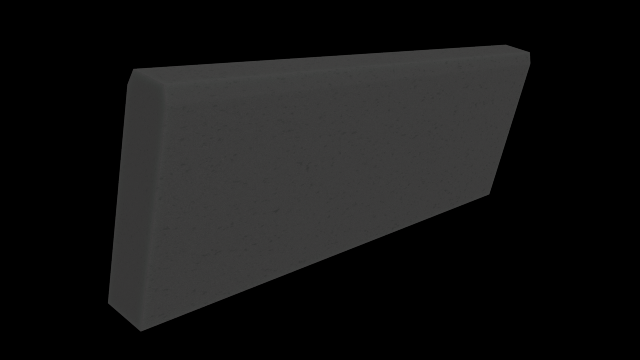
A board or stone for limit the way or plantarea. Come with normalmap difusemap and specularmap. It´s lowpoly.Mekes with much of Love
Tag: edges
-
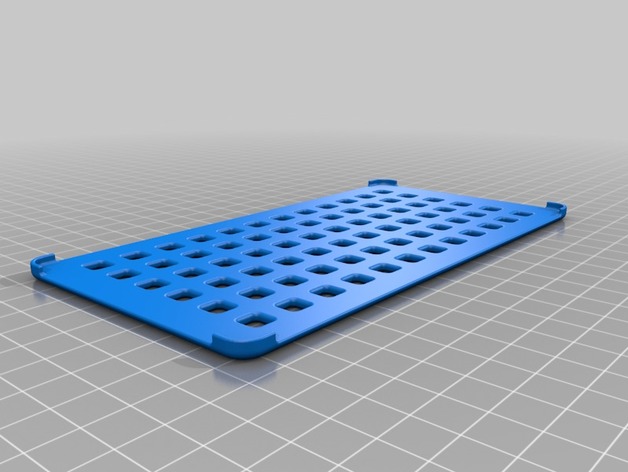
Small Bathroom Rack, Round Edges 3D Print Model
Summary
Small bathroom rack with holes in it to keep things dry and prevent mold from forming. This one is with all rounded edges for easier cleaning. -
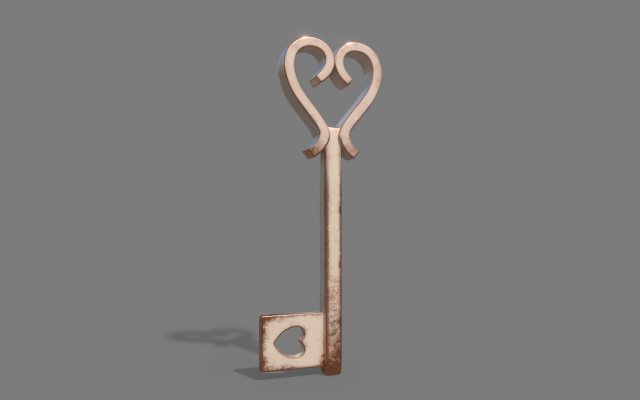
Copper Heart Key 3D Model
Slightly worn copper heart key.- 2K Unity 5 texture maps: Albedo, Metallic Smoothness, Normal- 2K Unreal Packed: Base Color, Occlusion/Roughness/Metallic, Normal- 2K Arnold: Base Color, Height, Metalness, Roughness, Normal- 2K PBR renderer: Base Color, Height, Metallic, Roughness, Normal- Low Resolution FBX and OBJ- High Resolution FBX and OBJPlease feel free to message me with questions or requests.The featured images were rendered using IRay in Substance Painter and the model was created using Maya 2017.
-
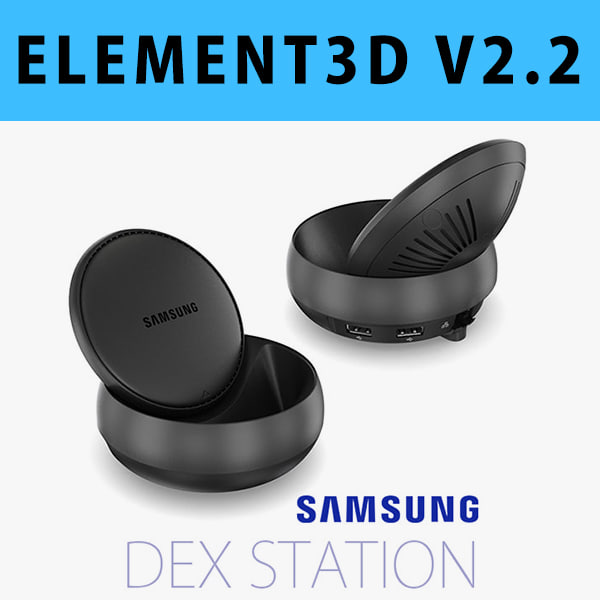
E3D – Samsung DEX Station model 3D Model
This pack:Element 3D V2.2 ( All colors )models preset easy to use- 1 file OBJ High poly- 1 file OBJ standard- 1 file C4D R12 standard render- 1 file 3ds max 2012 standard material- E3D file full materials set up like previewsHow to use it?1. Open After Effects CC 2014 ( or higher) and create new composition ( You need Element3D V2.2 to use )2. Create new Solid layer and add Element effect. ( Effect/Video Copilot/ Element )3. Click Scene Setup4. Click on IMPORT inside Element3D scene setup5. Choose my .e3d preset for the model and press Open.If you dont see the model do not forget to right click on the model name and press Replace model then select the .obj model file in the respective models folder.