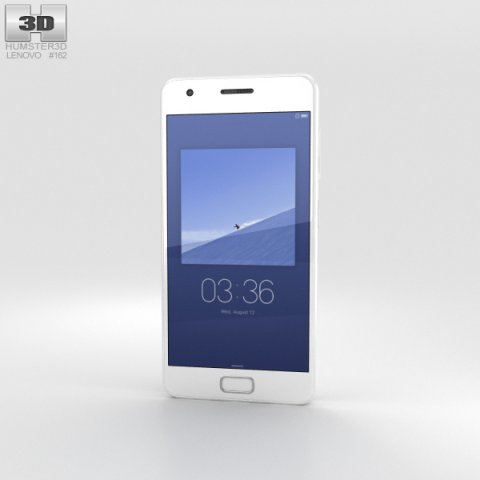
The 3D model was created on real base. It’s created accurately, in real units of measurement, qualitatively and maximally close to the original.Model formats:- *.max (3ds Max 2008 scanline)- *.max (3ds Max 2008 vray)- *.fbx (Multi Format)- *.obj (Multi Format)- *.3ds (Multi Format)- *.mb (Maya 8.5)- *.lwo (Lightwave 6)- *.c4d (Cinema 4D 11)* renders Are made in 3ds Max 2008 using vray 1.5 (studio environment is not included in the set)If you need any other formats we are more than happy to make them for you.The model is provided combined, all main parts are presented as separate parts therefore materials of objects are easy to be modified or removed and standard parts are easy to be replaced. If you experience difficulties with separating standard parts we are more than happy to give you qualified assistance.We greatly appreciate you choosing our 3D models and hope they will be of use.We look forward to continuously dealing with you.Sincerely Yours,Hum3D Team
Tag: Z2
-
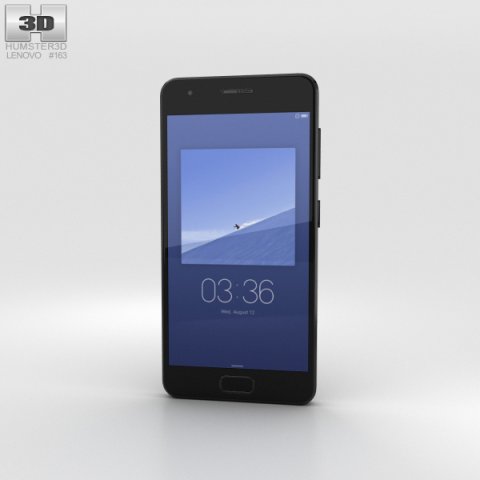
Lenovo ZUK Z2 Titanium Black 3D Model
The 3D model was created on real base. It’s created accurately, in real units of measurement, qualitatively and maximally close to the original.Model formats:- *.max (3ds Max 2008 scanline)- *.max (3ds Max 2008 vray)- *.fbx (Multi Format)- *.obj (Multi Format)- *.3ds (Multi Format)- *.mb (Maya 8.5)- *.lwo (Lightwave 6)- *.c4d (Cinema 4D 11)* renders Are made in 3ds Max 2008 using vray 1.5 (studio environment is not included in the set)If you need any other formats we are more than happy to make them for you.The model is provided combined, all main parts are presented as separate parts therefore materials of objects are easy to be modified or removed and standard parts are easy to be replaced. If you experience difficulties with separating standard parts we are more than happy to give you qualified assistance.We greatly appreciate you choosing our 3D models and hope they will be of use.We look forward to continuously dealing with you.Sincerely Yours,Hum3D Team
-
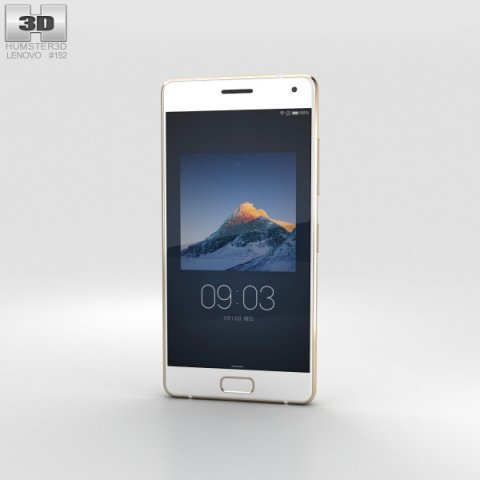
Lenovo ZUK Z2 Pro Ceramic White 3D Model
The 3D model was created on real base. It’s created accurately, in real units of measurement, qualitatively and maximally close to the original.Model formats:- *.max (3ds Max 2008 scanline)- *.max (3ds Max 2008 vray)- *.fbx (Multi Format)- *.obj (Multi Format)- *.3ds (Multi Format)- *.mb (Maya 8.5)- *.lwo (Lightwave 6)- *.c4d (Cinema 4D 11)* renders Are made in 3ds Max 2008 using vray 1.5 (studio environment is not included in the set)If you need any other formats we are more than happy to make them for you.The model is provided combined, all main parts are presented as separate parts therefore materials of objects are easy to be modified or removed and standard parts are easy to be replaced. If you experience difficulties with separating standard parts we are more than happy to give you qualified assistance.We greatly appreciate you choosing our 3D models and hope they will be of use.We look forward to continuously dealing with you.Sincerely Yours,Hum3D Team
-
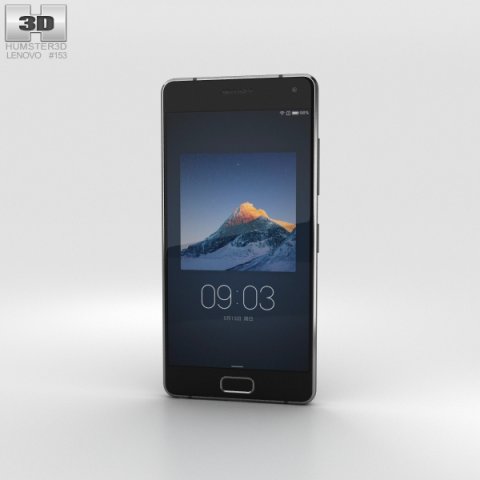
Lenovo ZUK Z2 Pro Titanium Black 3D Model
The 3D model was created on real base. It’s created accurately, in real units of measurement, qualitatively and maximally close to the original.Model formats:- *.max (3ds Max 2008 scanline)- *.max (3ds Max 2008 vray)- *.fbx (Multi Format)- *.obj (Multi Format)- *.3ds (Multi Format)- *.mb (Maya 8.5)- *.lwo (Lightwave 6)- *.c4d (Cinema 4D 11)* renders Are made in 3ds Max 2008 using vray 1.5 (studio environment is not included in the set)If you need any other formats we are more than happy to make them for you.The model is provided combined, all main parts are presented as separate parts therefore materials of objects are easy to be modified or removed and standard parts are easy to be replaced. If you experience difficulties with separating standard parts we are more than happy to give you qualified assistance.We greatly appreciate you choosing our 3D models and hope they will be of use.We look forward to continuously dealing with you.Sincerely Yours,Hum3D Team
-
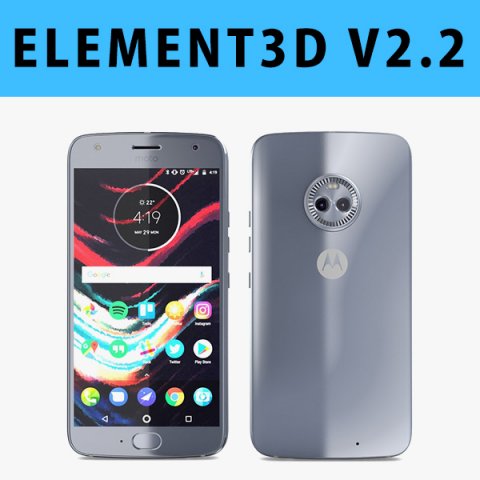
E3D – Motorola Moto X4 Sterling Blue 3D 3D Model
This pack:Element 3D V2.2 ( All colors )models preset easy to use- 1 file OBJ High poly- 1 file OBJ standard- 1 file C4D R12 standard render- 1 file 3ds max 2012 standard material- E3D file full materials set up like previewsHow to use it?1. Open After Effects CC 2014 ( or higher) and create new composition ( You need Element3D V2.2 to use )2. Create new Solid layer and add Element effect. ( Effect/Video Copilot/ Element )3. Click Scene Setup4. Click on IMPORT inside Element3D scene setup5. Choose my .e3d preset for the model and press Open.If you dont see the model do not forget to right click on the model name and press Replace model then select the .obj model file in the respective models folder……………………………………………………………About Bee3DD Studio: ( Working in 3d modeling since 2013 until now )+ We offer all electronics 3d model ( latest and oldest ). Our collection is biggest in the world. It is place where you can find anything about technology for your project ( earlier and faster than others )+ Every model we build goes through thorough Quality assessment both visual and technical to make sure the assets look realistic and the models are of the best quality.
-
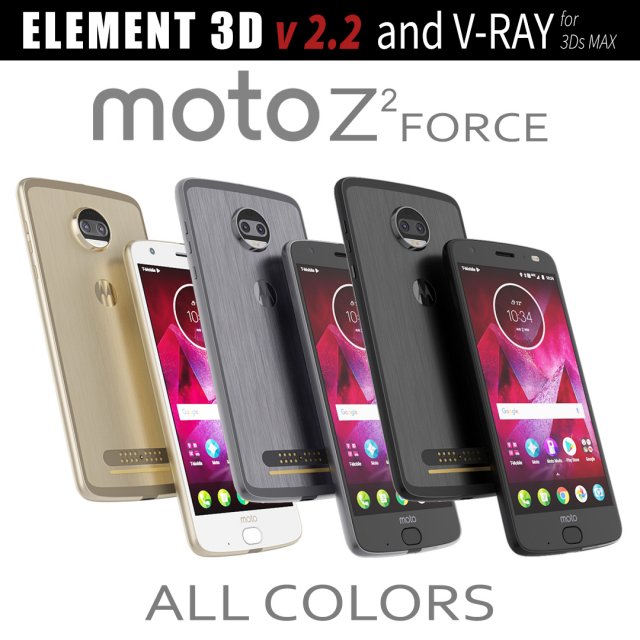
Moto Z2 Force ALL COLORS 3D Model
This set:3D element v2.2 and vray materialThe model given is easy to use- 1 file obj standard- 1 file 3ds Max 2013 vray material- 1 file fbx- 1 file of 3DsHow to use it?1. Discovery after the impact of CC 2014 (or above) and create a new composition (you need Element3D v2.2 to use)2. Create a new solid layer and add the effect of the elements. (Effect / Video Copilot / Element)3. Select Install Location4. Click on the import inside the Element3D Installation location5. Select my .e3d according to the model and click on the open button.If you do not see the model, do not forget to right click on the model name and press the replace model select.Topology of geometry:- forms and proportions of The 3D model- the geometry of the model was created very neatly- there are no many-sided polygons- detailed enough for close-up renders- the model optimized for turbosmooth modifier- Not collapsed the turbosmooth modified- apply the Smooth modifier with a parameter to get the desired level of detailMaterials and Textures:- 3ds max files included Vray-Shaders- all texture paths are clearedOrganization of scene:- to all objects and materials- real world size (system units – mm)- coordinates of location of the model in space (x0, y0, z0)- does not contain extraneous or hidden objects (lights, cameras, shapes etc.)
-
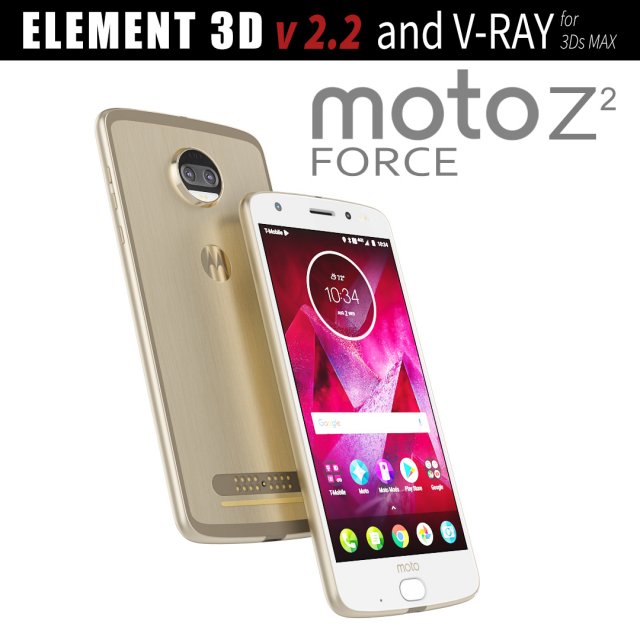
Moto Z2 Force GOLD model 3D Model
This set:3D element v2.2 and vray materialThe model given is easy to use- 1 file obj standard- 1 file 3ds Max 2013 vray material- 1 file fbx- 1 file of 3DsHow to use it?1. Discovery after the impact of CC 2014 (or above) and create a new composition (you need Element3D v2.2 to use)2. Create a new solid layer and add the effect of the elements. (Effect / Video Copilot / Element)3. Select Install Location4. Click on the import inside the Element3D Installation location5. Select my .e3d according to the model and click on the open button.If you do not see the model, do not forget to right click on the model name and press the replace model select.Topology of geometry:- forms and proportions of The 3D model- the geometry of the model was created very neatly- there are no many-sided polygons- detailed enough for close-up renders- the model optimized for turbosmooth modifier- Not collapsed the turbosmooth modified- apply the Smooth modifier with a parameter to get the desired level of detailMaterials and Textures:- 3ds max files included Vray-Shaders- all texture paths are clearedOrganization of scene:- to all objects and materials- real world size (system units – mm)- coordinates of location of the model in space (x0, y0, z0)- does not contain extraneous or hidden objects (lights, cameras, shapes etc.)
-
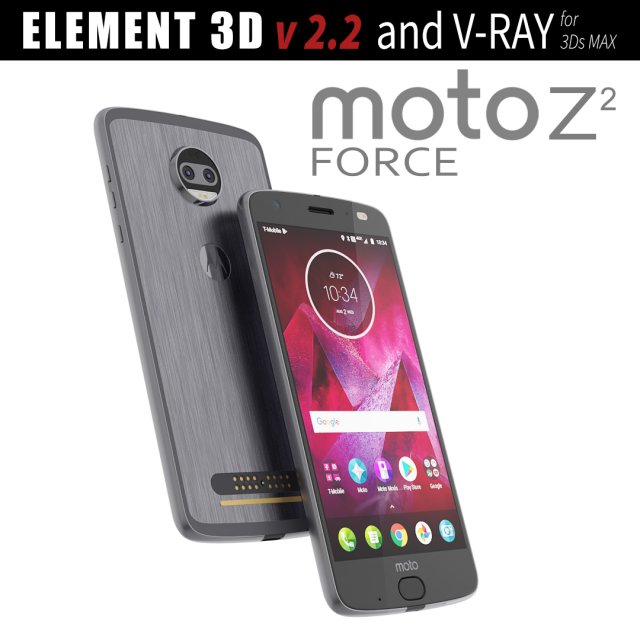
Moto Z2 Force GRAY model 3D Model
This set:3D element v2.2 and vray materialThe model given is easy to use- 1 file obj standard- 1 file 3ds Max 2013 vray material- 1 file fbx- 1 file of 3DsHow to use it?1. Discovery after the impact of CC 2014 (or above) and create a new composition (you need Element3D v2.2 to use)2. Create a new solid layer and add the effect of the elements. (Effect / Video Copilot / Element)3. Select Install Location4. Click on the import inside the Element3D Installation location5. Select my .e3d according to the model and click on the open button.If you do not see the model, do not forget to right click on the model name and press the replace model select.Topology of geometry:- forms and proportions of The 3D model- the geometry of the model was created very neatly- there are no many-sided polygons- detailed enough for close-up renders- the model optimized for turbosmooth modifier- Not collapsed the turbosmooth modified- apply the Smooth modifier with a parameter to get the desired level of detailMaterials and Textures:- 3ds max files included Vray-Shaders- all texture paths are clearedOrganization of scene:- to all objects and materials- real world size (system units – mm)- coordinates of location of the model in space (x0, y0, z0)- does not contain extraneous or hidden objects (lights, cameras, shapes etc.)
-
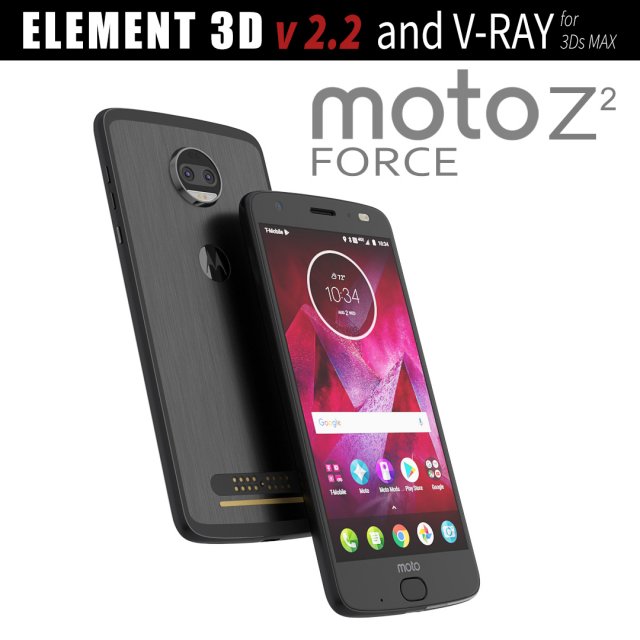
Moto Z2 Force BLACK model 3D Model
This set:3D element v2.2 and vray materialThe model given is easy to use- 1 file obj standard- 1 file 3ds Max 2013 vray material- 1 file fbx- 1 file of 3DsHow to use it?1. Discovery after the impact of CC 2014 (or above) and create a new composition (you need Element3D v2.2 to use)2. Create a new solid layer and add the effect of the elements. (Effect / Video Copilot / Element)3. Select Install Location4. Click on the import inside the Element3D Installation location5. Select my .e3d according to the model and click on the open button.If you do not see the model, do not forget to right click on the model name and press the replace model select.Topology of geometry:- forms and proportions of The 3D model- the geometry of the model was created very neatly- there are no many-sided polygons- detailed enough for close-up renders- the model optimized for turbosmooth modifier- Not collapsed the turbosmooth modified- apply the Smooth modifier with a parameter to get the desired level of detailMaterials and Textures:- 3ds max files included Vray-Shaders- all texture paths are clearedOrganization of scene:- to all objects and materials- real world size (system units – mm)- coordinates of location of the model in space (x0, y0, z0)- does not contain extraneous or hidden objects (lights, cameras, shapes etc.)
-
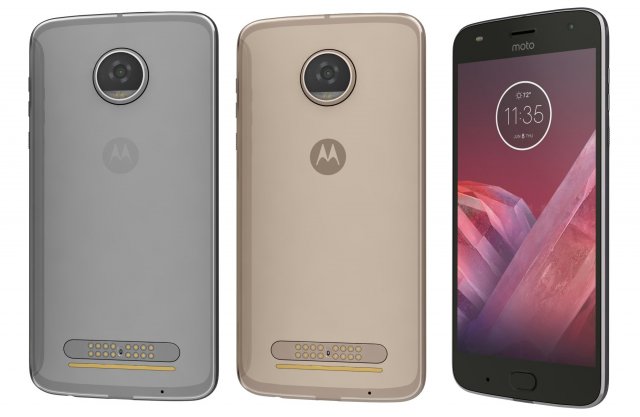
Motorola Moto Z2 Play All Colors 3D Model
Motorola Moto Z2 Play All ColorsThe materials are available in the Max file format with V-Ray, mental ray and Standard (Scanline) materials. All other file formats are mesh only and will require material reapplication.High quality textures, perfect for extreme close-ups and high resolution renders.The preview images were rendered on 3ds Max 2011 with V-ray 2.0.Native format is 3DS Max 2011You can make the Poly count higher by the Mesh-smooth and Turbo-smooth level.Includes V-Ray materials and textures only in 3ds Max format.A file without V-Ray shader is included with standard materials.The .3ds and .obj formats are geometry with texture mapping coords. No materials attached.Textures format JPEG.Original file format (3DS Max 2011)Big size textures included.3D max file included Standard materials and Vray-materials.Hi-poly model with mesh-smooth and Turbo-smooth modifier.All the materials are named.Geometry Only (Polygonal)This 3d model objects and materials have the correct names and stripped the texture paths.NOTE: V-Ray is required for the V-Ray 3ds Max scene and Studio setup is Not included.I Hope you Will Like My All Products.Thanks For Buying.
-
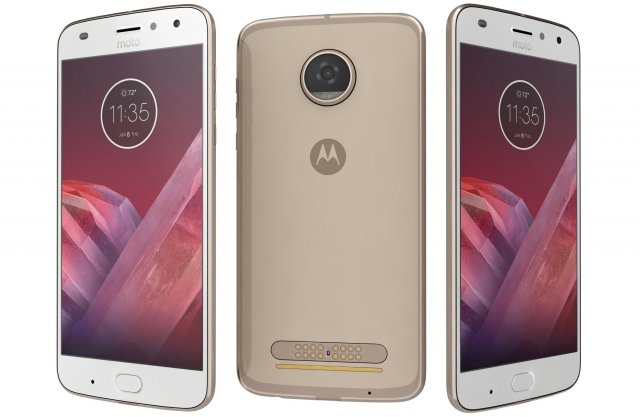
Motorola Moto Z2 Play Nimbus Gold 3D Model
Motorola Moto Z2 Play Nimbus GoldThe materials are available in the Max file format with V-Ray, mental ray and Standard (Scanline) materials. All other file formats are mesh only and will require material reapplication.High quality textures, perfect for extreme close-ups and high resolution renders.The preview images were rendered on 3ds Max 2011 with V-ray 2.0.Native format is 3DS Max 2011You can make the Poly count higher by the Mesh-smooth and Turbo-smooth level.Includes V-Ray materials and textures only in 3ds Max format.A file without V-Ray shader is included with standard materials.The .3ds and .obj formats are geometry with texture mapping coords. No materials attached.Textures format JPEG.Original file format (3DS Max 2011)Big size textures included.3D max file included Standard materials and Vray-materials.Hi-poly model with mesh-smooth and Turbo-smooth modifier.All the materials are named.Geometry Only (Polygonal)This 3d model objects and materials have the correct names and stripped the texture paths.NOTE: V-Ray is required for the V-Ray 3ds Max scene and Studio setup is Not included.I Hope you Will Like My All Products.Thanks For Buying.
-
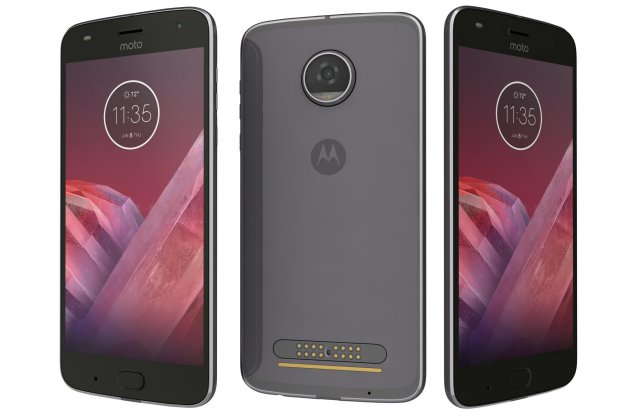
Motorola Moto Z2 Play Nimbus Gray 3D Model
Motorola Moto Z2 Play Nimbus GrayThe materials are available in the Max file format with V-Ray, mental ray and Standard (Scanline) materials. All other file formats are mesh only and will require material reapplication.High quality textures, perfect for extreme close-ups and high resolution renders.The preview images were rendered on 3ds Max 2011 with V-ray 2.0.Native format is 3DS Max 2011You can make the Poly count higher by the Mesh-smooth and Turbo-smooth level.Includes V-Ray materials and textures only in 3ds Max format.A file without V-Ray shader is included with standard materials.The .3ds and .obj formats are geometry with texture mapping coords. No materials attached.Textures format JPEG.Original file format (3DS Max 2011)Big size textures included.3D max file included Standard materials and Vray-materials.Hi-poly model with mesh-smooth and Turbo-smooth modifier.All the materials are named.Geometry Only (Polygonal)This 3d model objects and materials have the correct names and stripped the texture paths.NOTE: V-Ray is required for the V-Ray 3ds Max scene and Studio setup is Not included.I Hope you Will Like My All Products.Thanks For Buying.
-
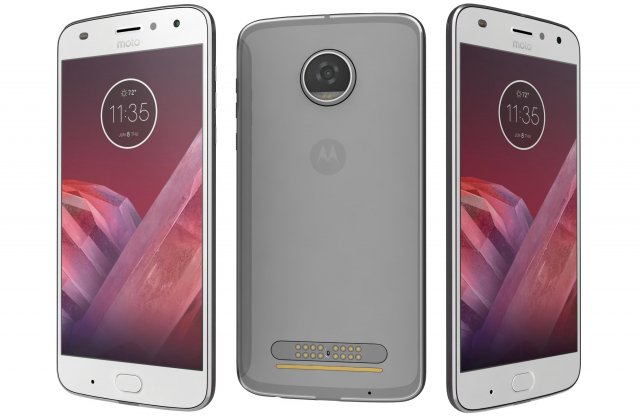
Motorola Moto Z2 Play Nimbus Blue 3D Model
Motorola Moto Z2 Play Nimbus BlueThe materials are available in the Max file format with V-Ray, mental ray and Standard (Scanline) materials. All other file formats are mesh only and will require material reapplication.High quality textures, perfect for extreme close-ups and high resolution renders.The preview images were rendered on 3ds Max 2011 with V-ray 2.0.Native format is 3DS Max 2011You can make the Poly count higher by the Mesh-smooth and Turbo-smooth level.Includes V-Ray materials and textures only in 3ds Max format.A file without V-Ray shader is included with standard materials.The .3ds and .obj formats are geometry with texture mapping coords. No materials attached.Textures format JPEG.Original file format (3DS Max 2011)Big size textures included.3D max file included Standard materials and Vray-materials.Hi-poly model with mesh-smooth and Turbo-smooth modifier.All the materials are named.Geometry Only (Polygonal)This 3d model objects and materials have the correct names and stripped the texture paths.NOTE: V-Ray is required for the V-Ray 3ds Max scene and Studio setup is Not included.I Hope you Will Like My All Products.Thanks For Buying.
-
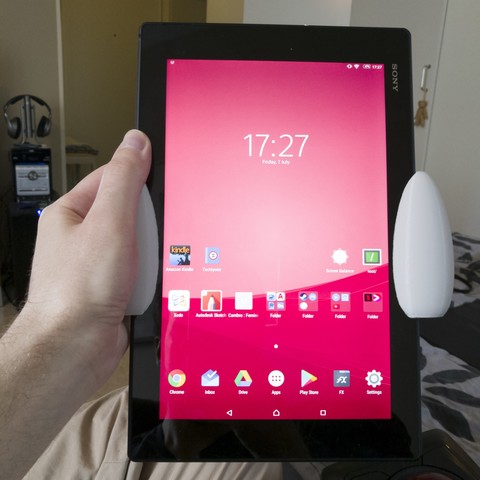
Comfort grips for the Xperia Z2 tablet 3D Print Model
I wanted something to make extended reading sessions with my tablet more pleasant. I don’t really expect there to be a lot of Z2 tablet owners specifically who’d be interested in this but if nothing else, maybe it’ll inspire someone 😉
-
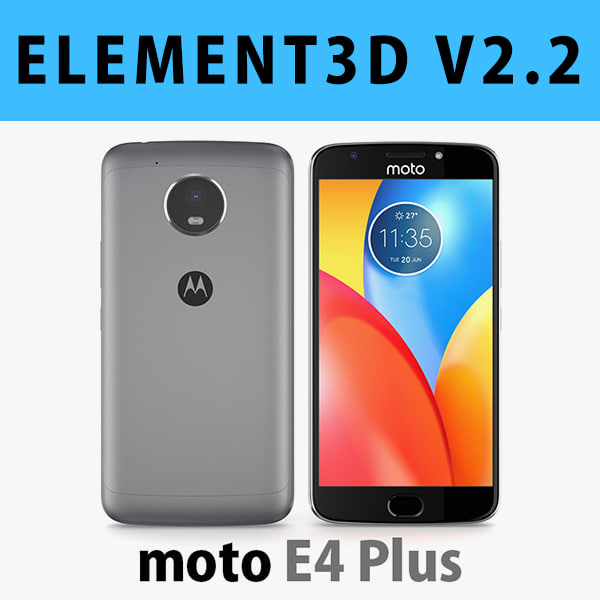
E3D – Motorola Moto E4 Plus Grey 3D model 3D Model
This pack:Element 3D V2.2 ( All colors )models preset easy to use- 1 file OBJ High poly- 1 file OBJ standard- 1 file C4D R12 standard render- 1 file 3ds max 2012 standard material- E3D file full materials set up like previewsHow to use it?1. Open After Effects CC 2014 ( or higher) and create new composition ( You need Element3D V2.2 to use )2. Create new Solid layer and add Element effect. ( Effect/Video Copilot/ Element )3. Click Scene Setup4. Click on IMPORT inside Element3D scene setup5. Choose my .e3d preset for the model and press Open.If you dont see the model do not forget to right click on the model name and press Replace model then select the .obj model file in the respective models folder.
-
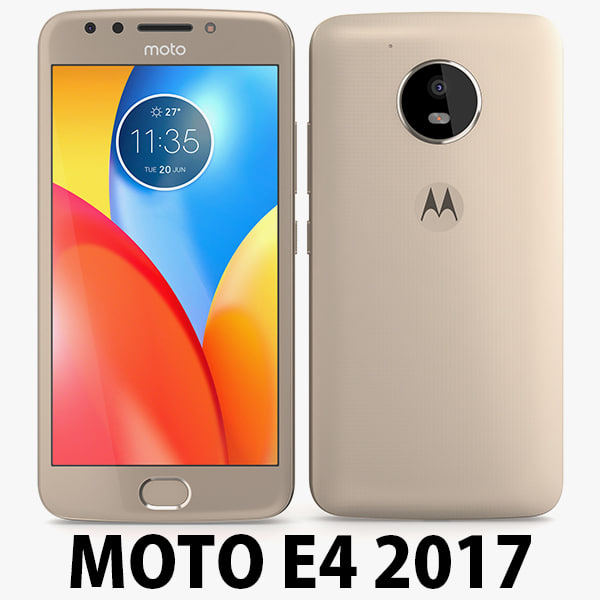
Motorola Moto E4 USA Gold 3D Model
Motorola Moto E4 USA 2017………………….FEATURES:- This model is a highquality, details enuogh to close-up render- Images preview take from V-Ray rendering and not edited- Models resolutions are optimized for polygon efficiency, apply smooth function to increase mesh resolution- All textures was strip paths, open the file and all texture will be connected automatically. – Real world scale, we offer a model with an error of less than 5%.- No object missing- Model with 3 and 4 sides only- No polygons with more than 4 sides- No object with isolated vertices, overlapping faces or overlapping verts- No poles or crease- Poly counts: 19 168- Vert counts: 19 933In 3ds max files:- Frezze tramsform to zero ( 0,0,0 )- Group: Yes- Object with Parents and Childen: Yes- Layer apply to manage: Yes- Named all object………………….FORMATS: 1. 3ds Max 2012 + Vray 2.0: Native format- Vray 2.0 ( full setup materials, lights and camera make rendering like image preivews)- Standard materials ( full setup materials: colors, reflect, translucent )2. Geometry and standard materials with textures. Amount reflect and bump are not set:- OBJ 2012- FBX 2012- 3DS 2012 3. Standard materials with textures.Amount reflect and bump are not set. – Maya 2012- C4D R12- Lightwave 11…………………..TEXTURES:- Textures highquality, enough for close-up render ( 2048 pixels )- UVWs mapping with mixed: overlapping and non-overlapping…………………..Beemaxx team:With over 3 years of experience working with 3D models. We give you all the very best in quality, save time. Our customers come from all over the world. We want to develop a strong community starts from the expanded 3d models market.- Also check out our other models, just click on our user name to see complete gallery.- Summit a product rating will help us very much.
-
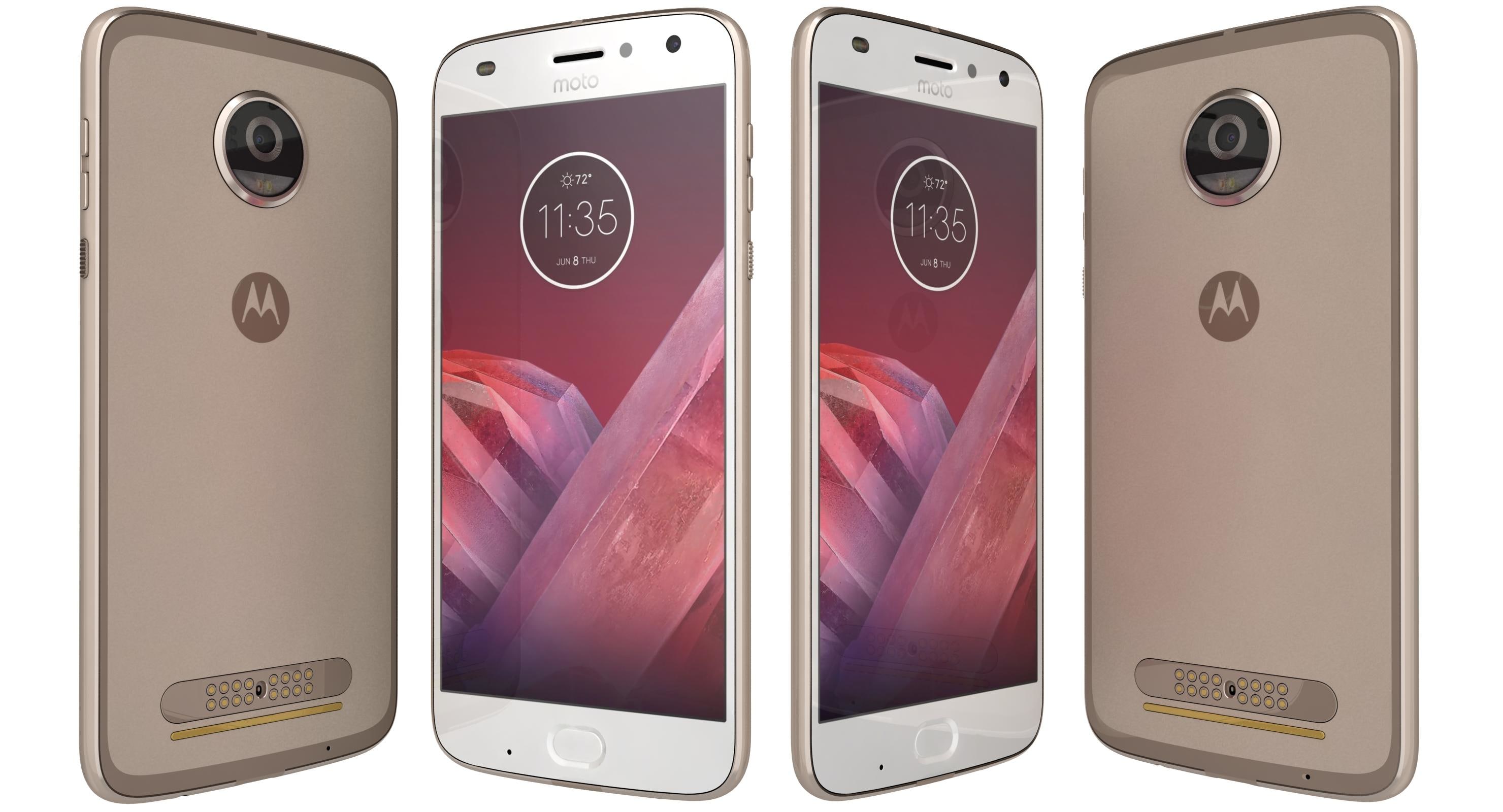
Motorola Moto Z2 Play Fine Gold 3D Model
Detailed High definition model of Motorola Moto Z2 Play Fine Gold.The main format is 3ds max 2011.max, also available in many formats.And click on my username ES_3D And See More Quality Models And Collections .Available in the following file formats:- 3ds Max with mental ray materials (.max)- 3ds Max with V-Ray materials (.max)- 3ds Max with Scanline materials (.max)- 3D Studio (.3ds)- FBX (.fbx)- Geometry: 3ds Max version (For Each)- In formats 3ds Max 2011 , 3ds , OBJ, FBX , VMRL , Mental ray, Default Scanline Renderer, – model exported to standard materials (textures), not contain V-Ray shaders.In these formats, shaders need to be edited for the new studio for the final rendering.- High quality textures,and high resolution renders.- fbx formats contains medium high-poly.- 3ds and obj format comes from low poly.- Every part of the model is named properly- Model is placed to 0,0,0 scene coordinates.- 3ds Max 2011 and all higher versions.- all textures included separately for all formats into each zipped folder.- Other formats may vary slightly depending on your software.- You can make the poly count higher by the MeshSmooth and TurboSmooth level.- Includes V-Ray materials and textures only in 3ds Max format.- A file without V-Ray shader is included with standard materials.- The .3ds and .obj formats are geometry with texture mapping coordinates. No materials attached.- Textures format JPEG.- No object missing,- 3ds Max files included Standard materials and V-Ray materials.- This 3d model objects have the correct names and stripped the texture paths.- NOTE: V-Ray is required for the V-Ray 3ds Max scene and Studio setup is not included.- I hope you will like all my products. Thanks for buying.