Summary
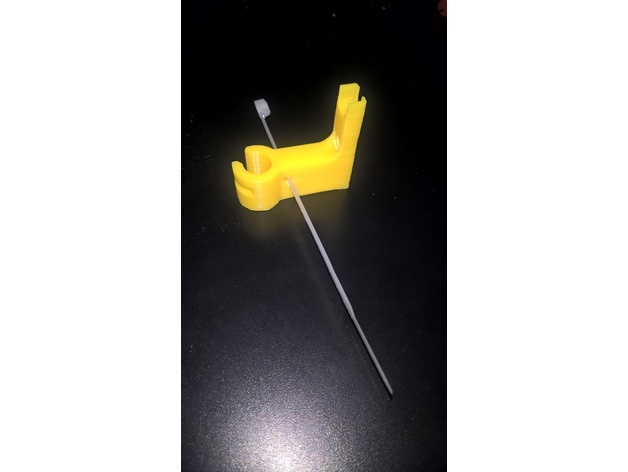
This is the test files to create digital MASK for Wanhao Duplicator 7. For more info you may follow to http://3dtoday.ru
Tag: Wanhao
-
Wanhao Duplicator 7 (D7) mask test 3D Print Model
-
wanhao dial gauge redux 3D Print Model
Summary
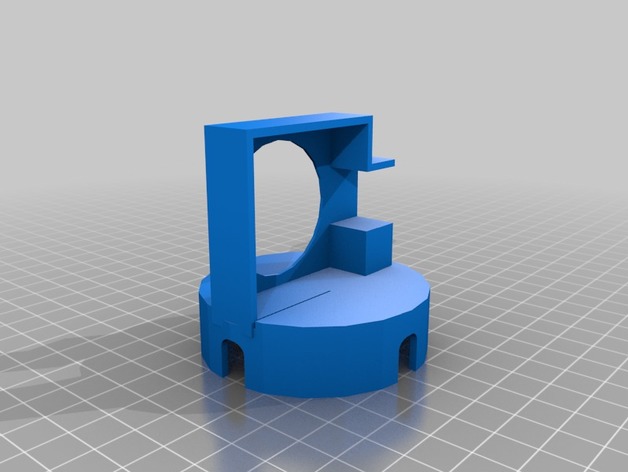
I remixed this for my wanhao Di3 as my dial gauge was shorter than the original file so just remixed to lower mount I made I one piece because of im lazy -
Filament Guide Wheel for Wanhao i3 Plus 3D Print Model
Summary
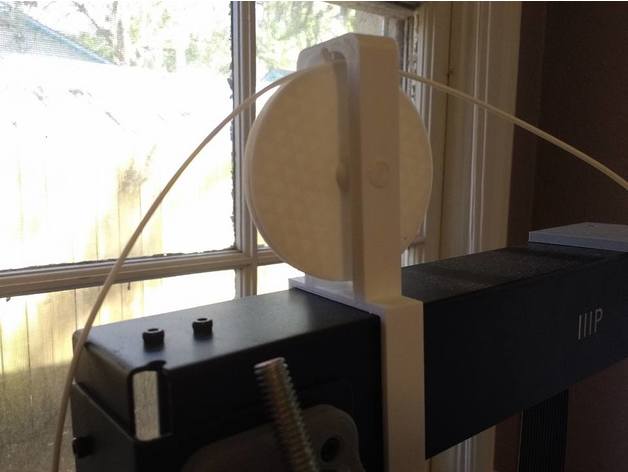
I designed this because I wanted my spool to sit beside my printer rather than on top, but I needed an elegant way for the filament to go up and back down over the top of the frame. This is the problem this wheel is meant to solve.
It’s designed to not need any glue. Just print the wheel, the frame, and the axle and assemble. Depending on your printer’s tolerances, you may need to sand the axle for the smoothest rotation.
Print Settings
Printer Brand:
Wanhao
Printer:
Wanhao Duplicator i3 Plus
Rafts:
Doesn’t Matter
Supports:
No
Resolution:
0.2
Infill:
wheel/frame:30%, axle:60%
Notes:
Use 3 or more lines for the axle. Print with a brim vertically. You don’t have to take the brim off to use it as an axle either, it’ll just butt up against the side of the frame.
You have two options to print the wheel. You can print the wheel as a whole piece with an extension on each side (with support) or you can print just the wheel and two washers separately. -
Palette+ sensor holder for Wanhao Duplicator 6 3D Print Model
Summary
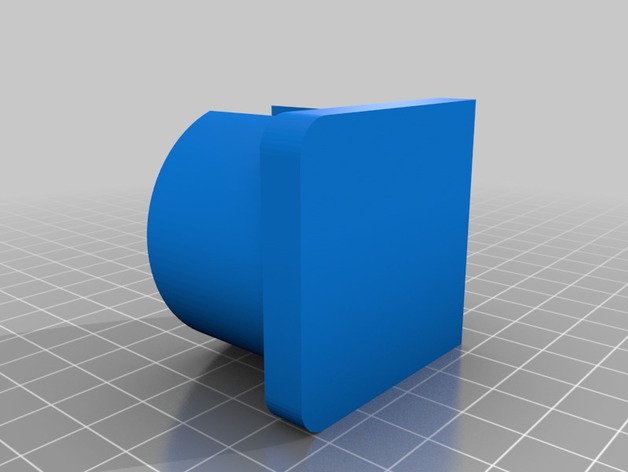
Holder for the Palette+ filament sensor. Can be screwed on to the backside of the D6 printer. Use the longer screw that came with your printer.
Print both parts an glue them together. I used CA for this job.
Print Settings
Printer Brand:
Wanhao
Printer:
Duplicator 6
Rafts:
No
Supports:
No
Resolution:
0.15
Infill:
45%
Notes:
Used PLA for printing. -
Maker Select Plus / Wanhao Duplicator Plus Hotend Fan Bolt Spacers 3D Print Model
Summary
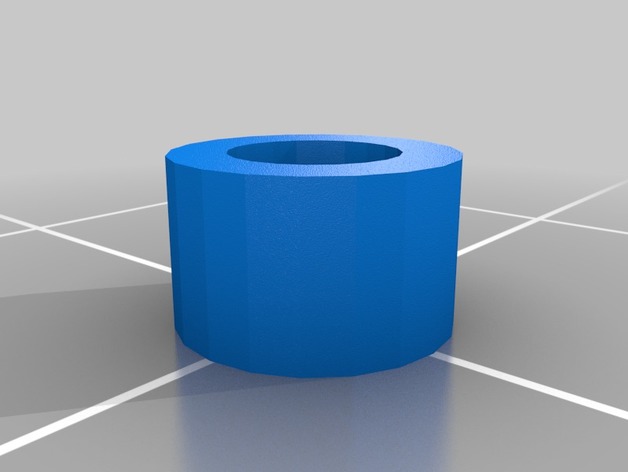
The screws that attach the fan to my hotend in my Maker Select Plus / Wanhao Duplicator Plus bent. Those screws are apparently M3 x 37MM. I couldn’t find those anywhere, so I purchased very common M3 x 40MM bolts, and designed this spacer to make it fit correctly. It goes in between the bolt and the fan.
Print Settings
Printer:
Maker Select Plus Rafts:
Doesn’t Matter Supports:
Doesn’t Matter Resolution:
.1MM Infill:
Doesn’t Matter -
TL-Smoother BIGTREETECH extruder mount Wanhao i3 Plus 3D Print Model
Summary
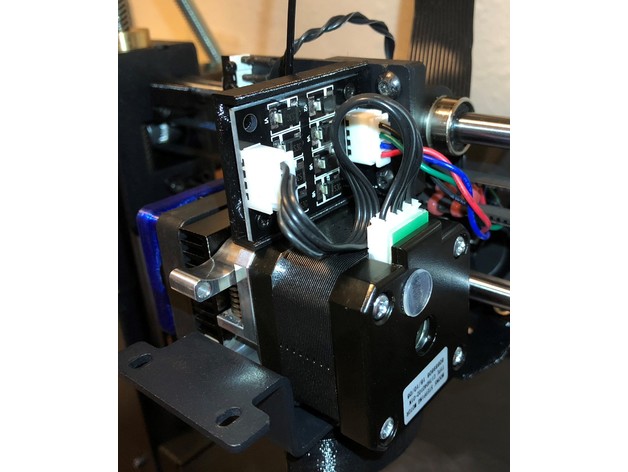
This is a BIGTREETECH TL-Smoother mount for the Wanhao i3 Plus.
One of the files includes, in which I recommend, the previous filament guide I had designed.
You can use the “no guide” version included but the filament will drag the mount more.
Check out instructions for filament guide here https://www.thingiverse.com/thing:2349460
This seems to take away some Z height. I usually don’t print very high so it is not a problem.
Print Settings
Printer Brand:
PowerSpec Printer:
Duplicator I3 PLUS Rafts:
No Supports:
No Resolution:
0.20 Infill:
20% -
X Carraige LED Strip Holder – Wanhao i3 3D Print Model
Summary
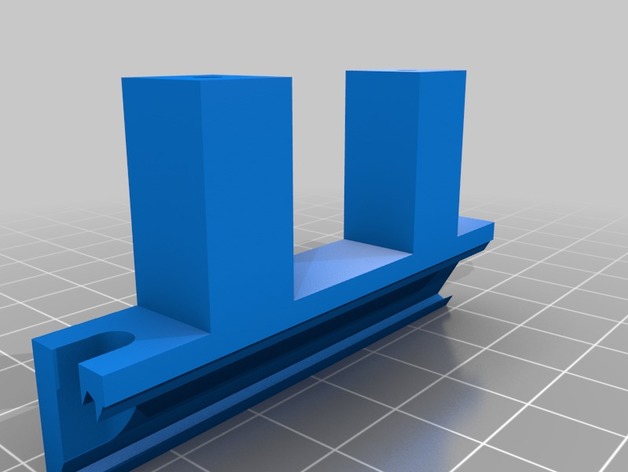
I am running an aftermarket cooler which freed up the mounting holes used by the stock cooler. I searched for a while, but was unable to find an LED strip holder that fit the i3 Plus so I made one.
This should hold any standard width (~11mm) LED strip. There is no need to use adhesive as the strip should just slot in and be fairly secure.
Print Settings
Printer Brand:
Wanhao Printer:
Wanhao Duplicator i3 Plus Rafts:
Doesn’t Matter Supports:
No Resolution:
0.16mm Infill:
30 -
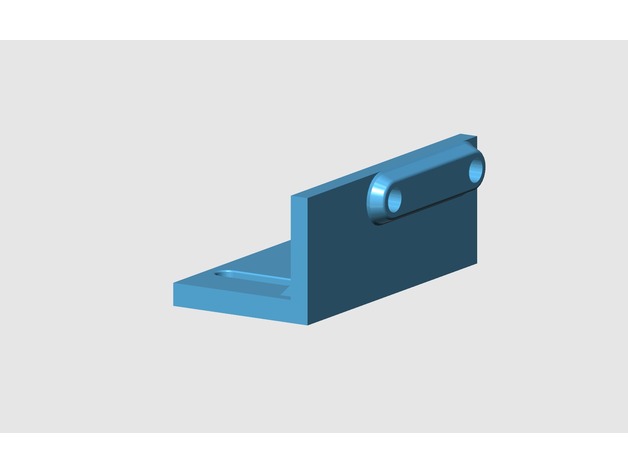
Wanhao d7 new limit switch 3D print model 3D Print Model
Summary
Wanhao d7 new limit switch 3D print model.
I have created this mount to install a mechanical end stroke instead of the optical one.
https://www.cgtrader.com/3d-print-models/hobby-diy/mechanical-parts/wanhao-d7-new-limit-switch -
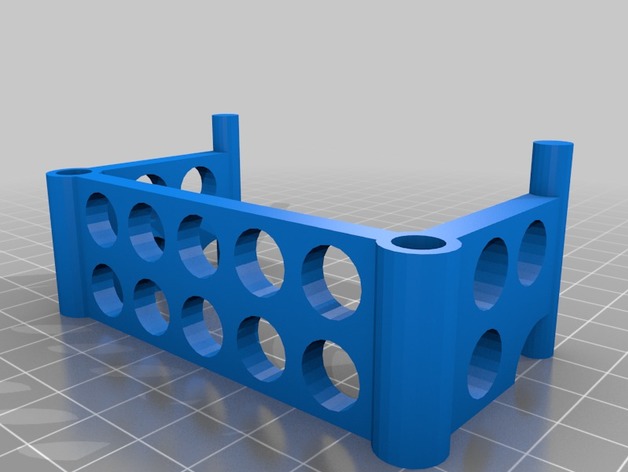
Wanhao Duplicator 4x Filament Alignment Bracket 3D Print Model
Summary
Filament alignment bracket to fit Wanhao Duplicator 4x -
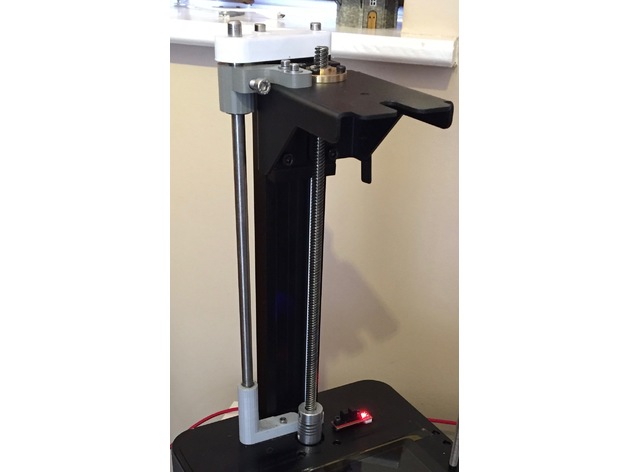
Additional Z-Axis Stabilizer for Wanhao D7 3D Print Model
Summary
Adds another stabilizing rod to the z-axis on the Wanhao D7. Work in progress. Alignment is not perfect and required a little torch action on base piece to soften PLA to fit! -
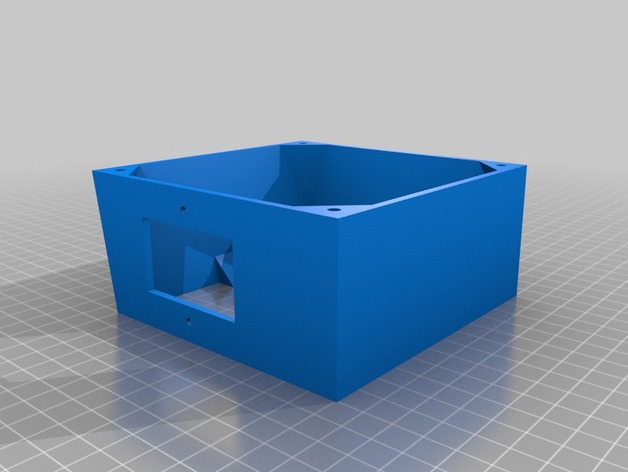
Wanhao i3 120mm PSU Fan Upgrade for Undermount 3D Print Model
Summary
I needed a 120mm fan upgrade for my Maker Select v2, as the stock fan makes a terrible grinding noise every time I turn the printer on. But, none of the options worked for me, because I have mounted my control box under the table my printer is on! So I flattened the top and increased the angle on the bottom to accommodate the 120mm fan.
This is an extended back cover for the Wanhao Duplicator i3 PSU (also rebranded as Monoprice Maker Select, Balco 3D Printer, Cocoon Create). This model allows you to use a 120mm fan instead of the noisy tiny internal one. The new fan will be mounted outside of the power supply, but it will be much more silent. It adds about 10mm of extra length to the bottom.
I don’t know if other versions of the printer have a different arrangement for the screw holes. This was designed for a v2.1 (v2 should be the same). Check compatibility for v1 and rebranded versions before printing.
The stock screws won’t work for this part. Use M3x8mm or longer to attach the cover to your PSU case. Screw holes aren’t countersunk (just counterbored), so choose screws with a flat top.
Print Settings
Printer Brand:
Wanhao Printer:
Wanhao Duplicator i3 V2 Rafts:
Doesn’t Matter Supports:
Yes Resolution:
0.2mm Infill:
10% Notes:
It should be aligned with the PSU screw holes facing the build plate, already. Enable supports for the IEC connector/power switch plate and wiring loom slot.
It’s not a must, but I recommend using 3 shells/solid perimeters for the holes where the fan mounts on, so when threading the screws the plastic doesn’t break.
Post-Printing
Installation guide
Unplug the power cord from the wall socket and from the printer. Safety first!
Unscrew the 4 black screws that hold the sheet metal back cover in place. Save them if you plan to reinstall the stock cover in the future (they are too short to work with this mod).
The cable loom going from the control box to the printer goes through a cut in the back plate and is held by a zip tie. Cut that zip tie to free the loom from the plate.
Disconnect the spade connectors going to the IEC power socket + switch combo. Notice the wire colors and location to reinstall them later in the correct position. Take a picture if necessary.
Disconnect the small fan from the power supply.
Unscrew the fasteners holding the socket/switch in place. You should be able to lift it off the plate (use a flat screwdriver as leverage if you need so to get it out).
Position the back cover and align it with the screw holes tapped in the case of the control box. Make sure the wire loom goes through the U-shaped cut-out provided.
Use M3x8mm or longer to attach the plate to the metal case.
Take the wires that were attached to the IEC connector/switch and guide them through the rectangular cutout provided (located on the top or sides, depending on the model you have printed). Re-attach the wires to the switch and screw it in back. You can reuse the stock screws that came with it (be gentle when doing this, you’re threading into plastic).
Take your 120mm fan and use the +12v and GND wires to connect it to the psu. If your fan has a molex connector (3 or 4 pin) you should be able to just plug the cable in to the existing connector you left coming from the power supply.
You may want to use some electrical tape or a drop of hot glue to secure the connection.
Align the fan with the mounting holes of the printed cover. Use M4x40mm screws or self-tappers of similar length to secure the fan to the cover. Make sure to tidy all the cables up inside so they don’t catch on the fan blades.
Enjoy your silent printer!
Extra
I recommend the addition of a fan grill to protect your fingers from the spinning blades. It is one of the drawbacks of having the fan exposed instead of inside the case. Be careful! -
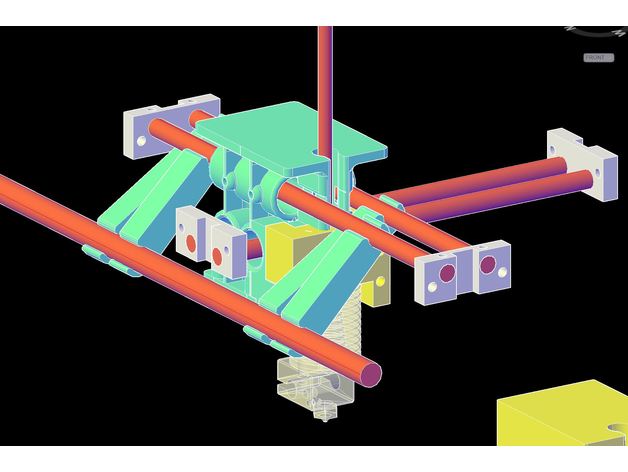
D6 WANHAO DUPLICATOR – GANTRY ROD ALIGNMENT TOOLS 3D Print Model
Summary
Haven’t tested yet but I am excited to find out how well they will work. -

Wanhao door hinge 3D Print Model
Summary
Wanhao removable door hinge
That door made me a little angry some times so I made this hinge that I can just remove the door when its in the way.
Has magic inside that holds the door open when its open. I didn’t make it that way, it just happened.
Could do with tightening where it clips together, but it seems to work fine how it is. -
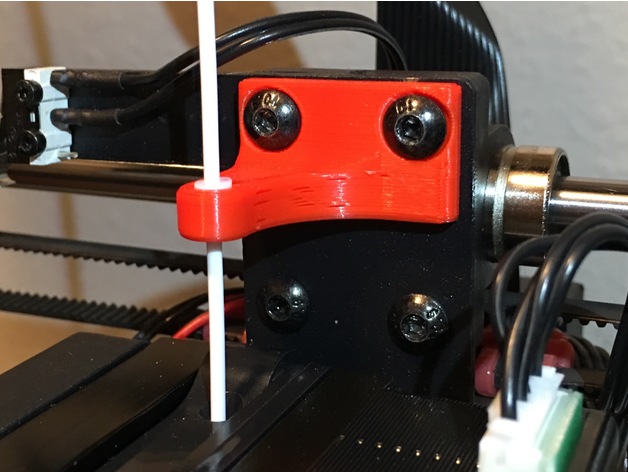
Filament Guide for Wanhao i3 plus 3D Print Model
Summary
A teflon tube assisted filament guide for your Wanhao Duplicator I3 Plus! Also fits the I3 (non-plus.)
Print Settings
Printer Brand:
Wanhao Printer:
Wanhao Duplicator i3 Plus Rafts:
No Supports:
No Resolution:
0.20 Infill:
~20%
Post-Printing
5mm of Teflon tubing required.
Cut Teflon with razor blade to prevent making out-of-round.
Slightly persuade tube into appropriate hole with blunt object.
Use existing screws!
You’re done! -
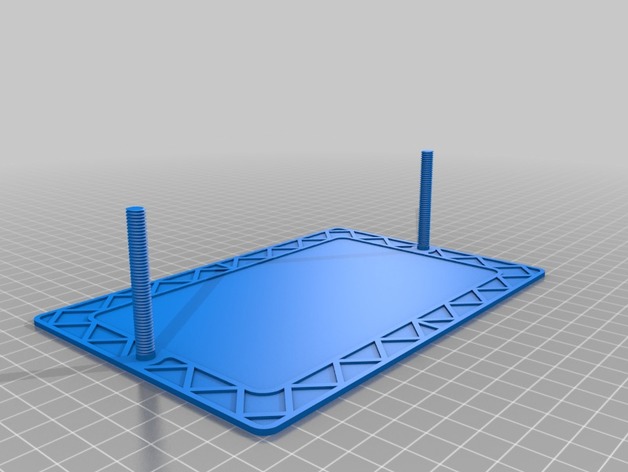
Wanhao Duplicator 7 Vat Covers 3D Print Model
Summary
This is a set of vat covers (top and bottom) for the stock Wanhao Duplicator 7 resin vat. I made these because it seemed easier than cleaning all the vat out so i could tinker with the printer.
there are two versions of the bottom plate, one with printed threads, and one with holes for M6x50 bolts. NOTE: i have not tested the bolts version for fit, on account of i don’t have any bolts but it prints okay
The printed thread version works, though definitely make sure your printer is up to scratch accuracy-wise.
Print Settings
Printer Brand:
Prusa Printer:
Prusa Mk2 Rafts:
No Supports:
Yes Resolution:
0.2 for the printed threads version, 0.3 otherwise Infill:
¯_(ツ)_/¯ Notes:
Again, the bottom plate with the holes for the bolts is untested so caveat printor. -
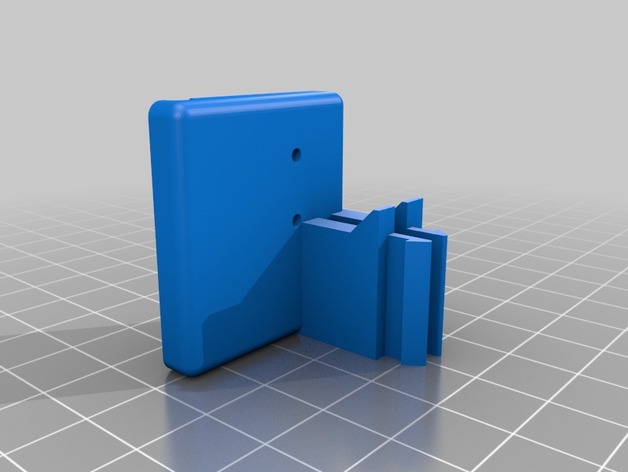
Wanhao Duplicator 6 Filament Runout Sensor
Summary
This is a bracket to mount an nc microswitch sensor on a Wanhao Duplicator 6/Monoprice Maker Ultimate to detect when filament runs out. To be able to use this feature you will need to install a custom Marlin firmware that was developed for the D6/MU:
https://github.com/1bigpig/Marlin
After installing the firmware, all you need to do is connect an nc microswitch to the board and mount it to the printer using this bracket.
For the microswitch you’ll need to get one with a similar design to the one in my pictures if you want it to fit perfectly without any modifications.
To connect the sensor to the board you’ll need a “JST XH 2.5-3 Pin” connector and connect that to the open J9 analog plug on the printer (using the two outermost pins) and connect those wires to the two outermost pins on the microswitch. The printer will automatically detect this once it’s plugged in and pause the printer when there is no filament keeping the microswitch closed.
Print Settings
Printer Brand:
Wanhao Printer:
Duplicator 6 Rafts:
Doesn’t Matter Supports:
No Resolution:
.15 Infill:
20% Notes:
You can print both of these upright without needing to use any support (there are two small support columns built in that will easily snap off)