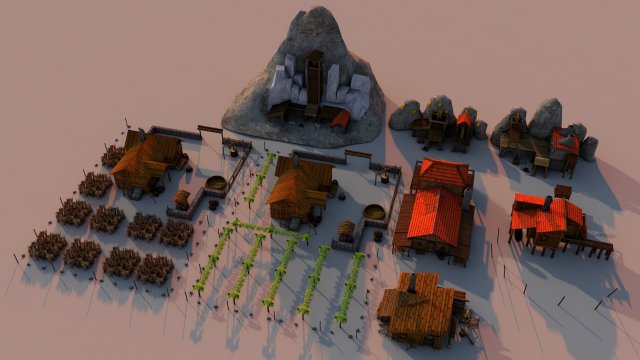
Mines and fields is a high quality model to add more details and realism to your projects. All colors can be easily modified. Unreal Engine compatible models FBX . PROFESSIONALLY MODELED Models in scene were made without ngons and to keep polycount as low as possible: WELL ORDERED Like all our products this Mines and fields is handy to use and easy to modify. In this product there is no problem with multiplied materials and textures! There is more models of this series – explore our models set! It is suitable for game engines :)Quoted poly count is for triangles.Game Environment is low-poly model ideal for game engines (Game-Ready).Very High detailed Game Environment ready for professional projects.-Poly Wheat Farm 3800-Poly Grape Farm 3600-Poly Woodcutter house 1600-Poly Gold mine 1300-Poly Marple mine 1100-Poly Iron mide 1900-Poly Wheat Farm 3800-Poly Fishing club 1050-Poly Small hospital 1800-Number of Meshes: 52-Number of Materials and Material Instances: 12-Number of Textures: 11-Textures uv 2048-2048- Model is fully textured with all materials applied. You can edit the material :))- The pivot points are properly positioned.Other work will continue link https://www.artstation.com/artist/havolk
Tag: vineyard
-
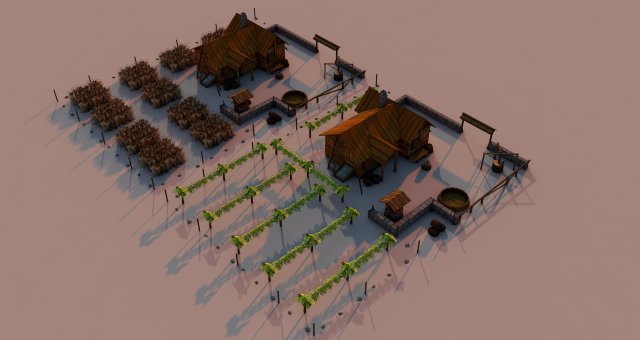
Farm Rome 3D Model
Farm Rome is a high quality model to add more details and realism to your projects. All colors can be easily modified. Unreal Engine compatible models FBX . PROFESSIONALLY MODELED Models in scene were made without ngons and to keep polycount as low as possible: WELL ORDERED Like all our products this Woodcutter house is handy to use and easy to modify. In this product there is no problem with multiplied materials and textures! There is more models of this series – explore our models set! It is suitable for game engines :)Quoted poly count is for triangles.Game Environment is low-poly model ideal for game engines (Game-Ready).Very High detailed Game Environment ready for professional projects.-Poly Farm Rome 3600-Number of Meshes: 22-Number of Materials and Material Instances: 5-Number of Textures: 4-Textures uv 2048-2048-Model is fully textured with all materials applied. You can edit the material :)-The pivot points are properly positioned.Other work will continue link https://www.artstation.com/artist/havolk
-
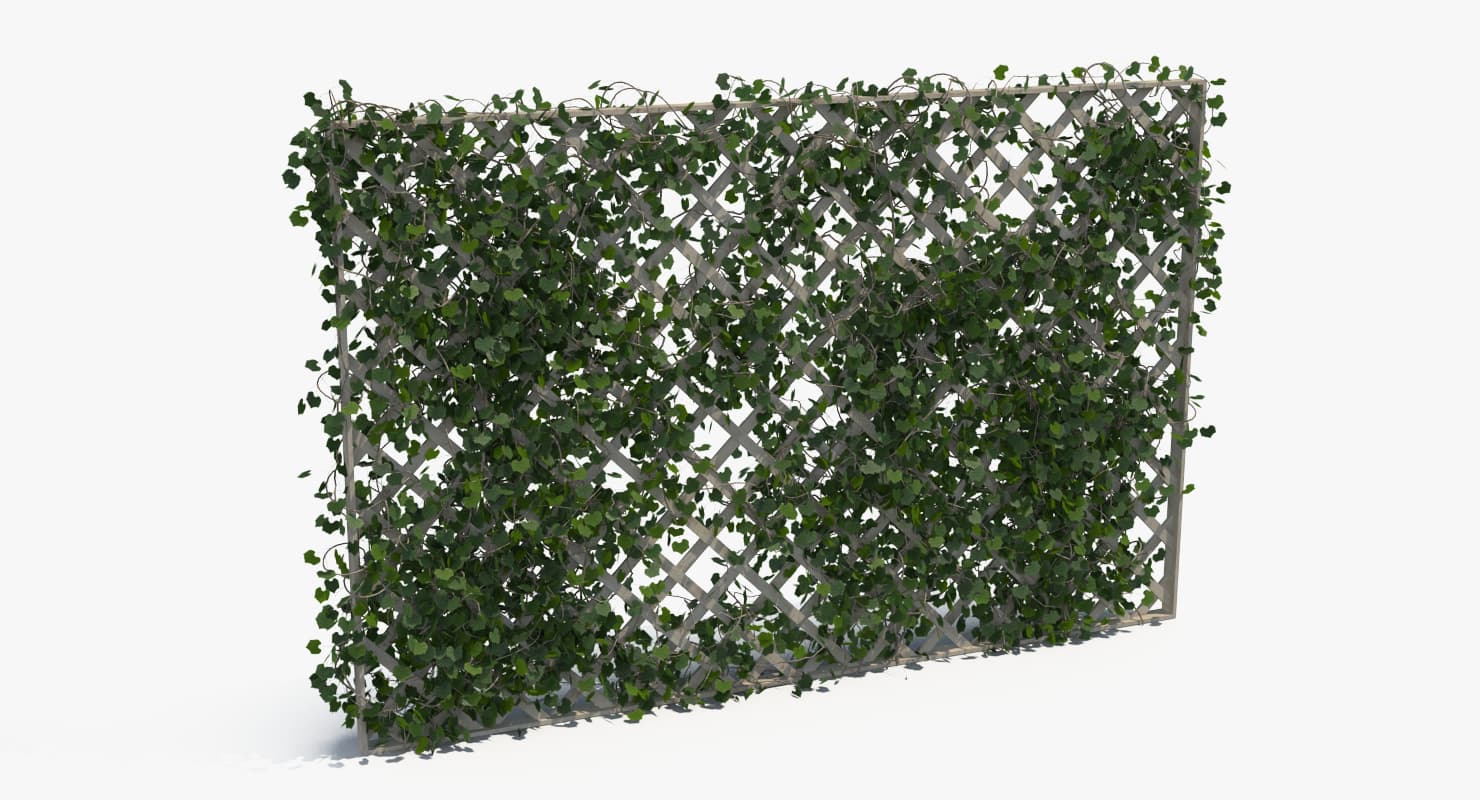
3D Ivy fence set 3D Model
Features: – High quality polygonal model – correctly scaled accurate representation of the original objects (cm). – All colors can be easily modified.- Model is fully textured with all materials applied. – Max models grouped for easy selection & objects are logically named for ease of scene management. – No part-name confusion when importing several models into a scene. – No cleaning up necessary, just drop models into your scene and start rendering.- No special plugin needed to open scene.*********************************************Textures formats:JPEG (.jpg) and one TGA (.tga) for opacity map**********************************************You can create perfect fences 16 meter length without repetitions in one shot.**********************************************For leafs used Multi/Sub-object material with three random ID**********************************************Dimensions fence (without ivy)H*W*D 260*400*10 cm**********************************************Fence_1312 328 polys346 255 vertsFence_2366 785 polys406 781 vertsFence_3311 183 polys345 066 vertsFence_4312 689 polys346 650 verts************************************************if there is a problem with the materials under the import model, use the Ivy_fence_.mat (included)Ready for Max 2011 and higher, fully textured and shaded with Vray 2.40The Scene Contains also the Studio-Setup.
-
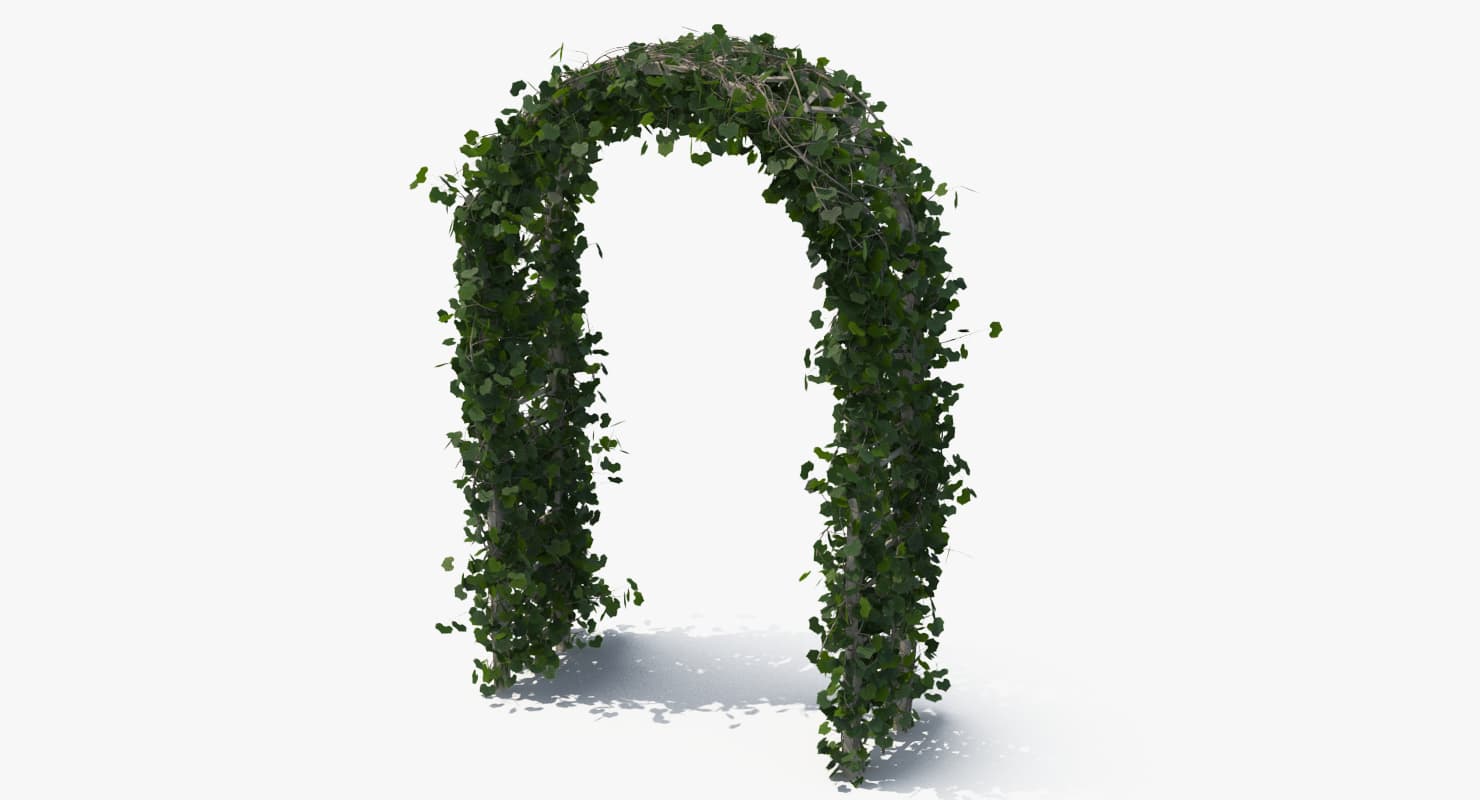
Garden arch 3D Model
Features: – High quality polygonal model – correctly scaled accurate representation of the original objects (cm). – All colors can be easily modified.- Model is fully textured with all materials applied. – Max models grouped for easy selection & objects are logically named for ease of scene management. – No part-name confusion when importing several models into a scene. – No cleaning up necessary, just drop models into your scene and start rendering.- No special plugin needed to open scene.*********************************************Textures formats:JPEG (.jpg) and one TGA (.tga) for opacity map**********************************************For leafs used Multi/Sub-object material with three random ID**********************************************H*W*D 240*150*47 cm**********************************************if there is a problem with the materials under the import model, use the Ivy_arc_.mat (included)Ready for Max 2011 and higher, fully textured and shaded with Vray 2.40The Scene Contains also the Studio-Setup.
-
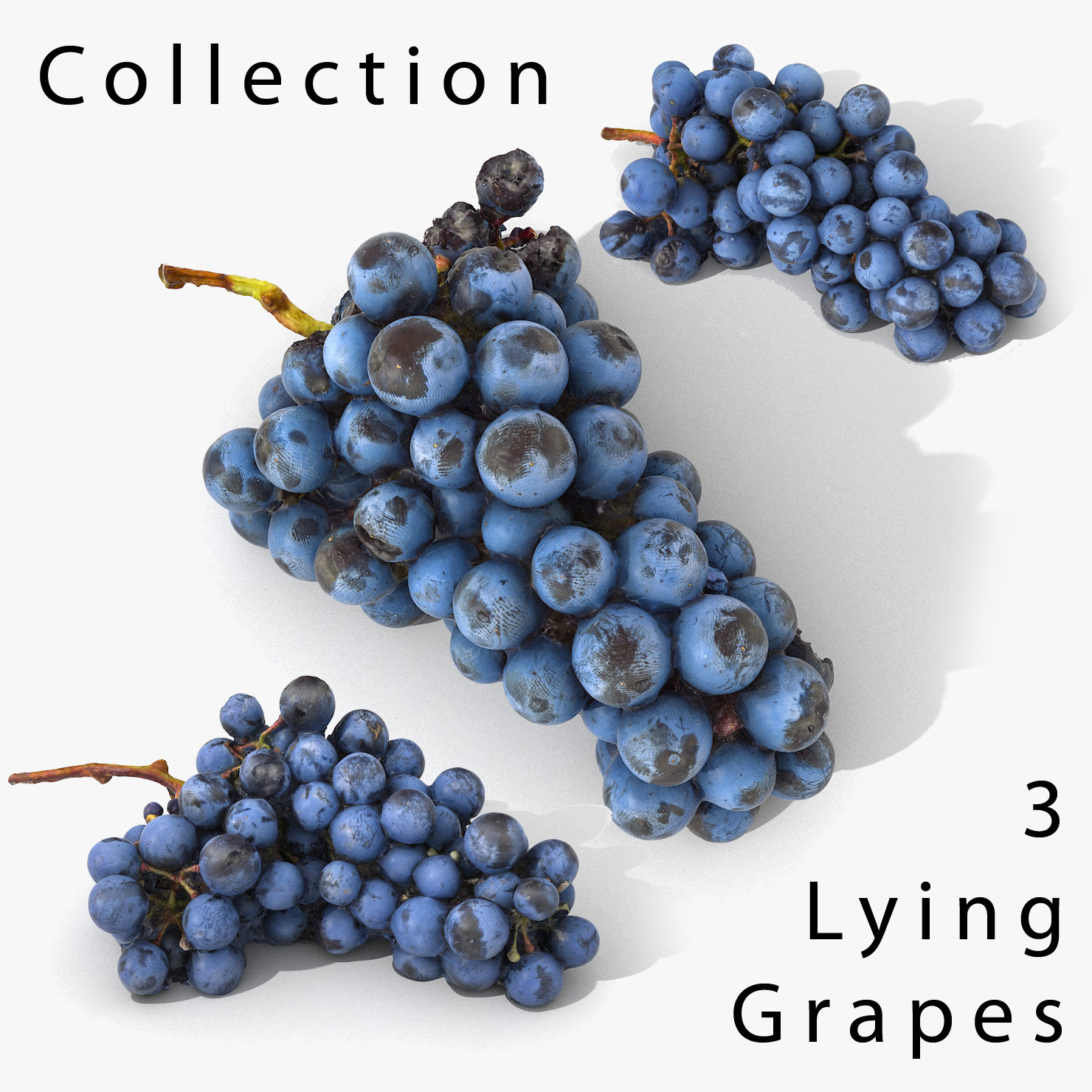
3D Grapes Lying Realistic Collection
The model is a scan, its all part of the same (one) object. The grape ‘berries’ are part of the whole model.V-Ray and standard materials- Hi-Res Realistic product- Correct scale- Object(s) in their own layer (name via product name)Maps in max archives :Diffuse 4096*4096px JPGNormals 2048*2048px JPG32 bit Displacement 2048*2048px exr16 bit Displacement 2048*2048px jpgThese are optimized and are indistinguishable from 8192*8192px TIFFs (which take more RAM during rendering etc.)Nevertheless if you want 105% quality, you can download the separate hires TIFF textures archive (around 250MB), which contains:Diffuse 8192*8192px TIFNormal 4096*4096px TIFDisplacement 16bit 4096*4096px TIFDisplacement 32bit 4096*4096px EXRIf you need just the original mesh without using displacement map during rendering, take the low poly version, subdivide it a couple of times and use the displacement map in ‘displace’ modifier (in 3ds max) or similiar in other applications, which will deform your mesh in viewport realtime, so you get the original hipoly mesh. You can use it, or use it as proxy or decimated it etc.Objects are in their own layer called ‘_Merged_Buyed’. No part-name confusion when importing. Centered on 0,0,0.
-
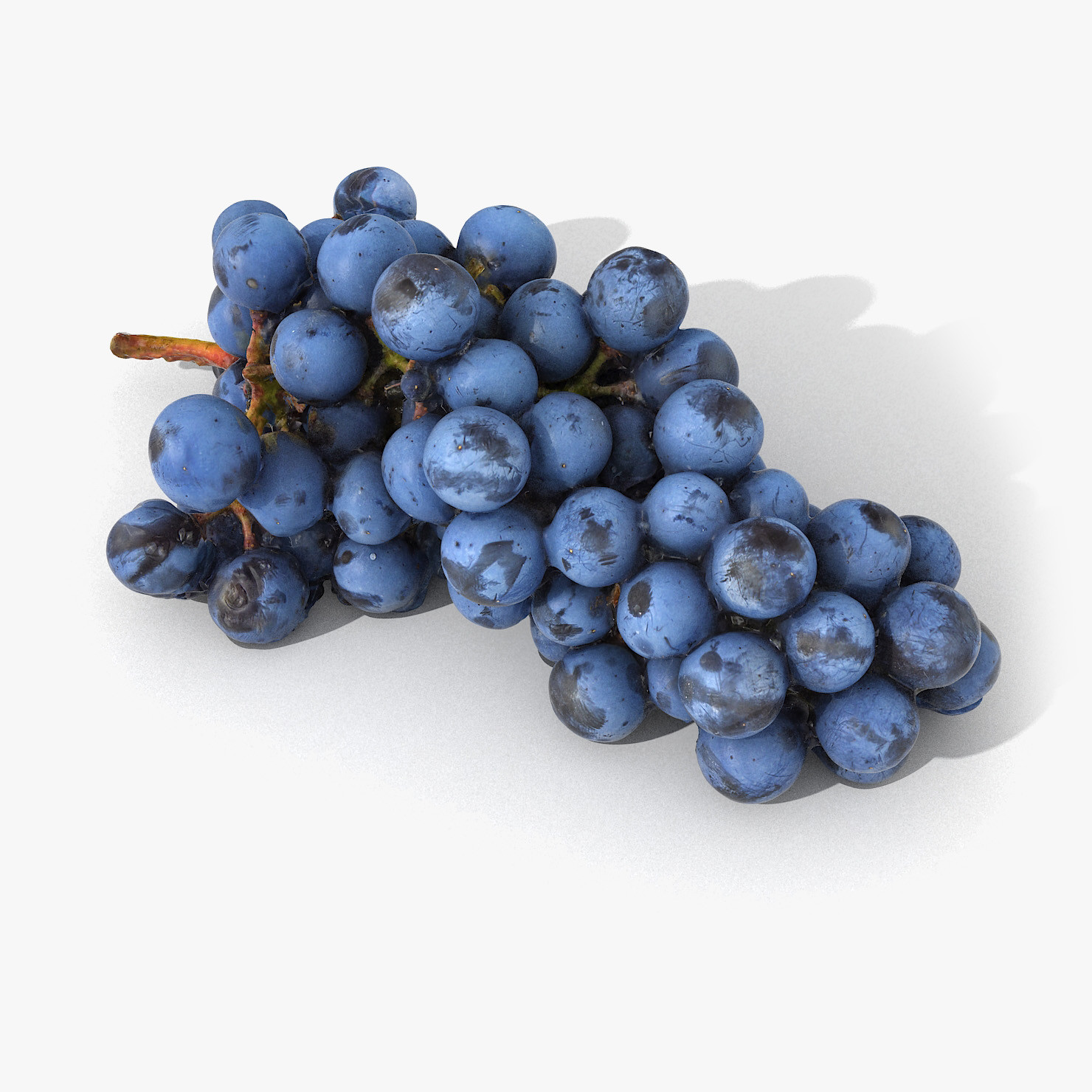
Grapes Lying Realistic 03
The model is a scan, its all part of the same (one) object. The grape ‘berries’ are part of the whole model.V-Ray and standard materials- Hi-Res Realistic product- Correct scale- Object(s) in their own layer (name via product name)Maps in max archives :Diffuse 4096*4096px JPGNormals 2048*2048px JPG32 bit Displacement 2048*2048px exr16 bit Displacement 2048*2048px jpgThese are optimized and are indistinguishable from 8192*8192px TIFFs (which take more RAM during rendering etc.)Nevertheless if you want 105% quality, you can download the separate hires TIFF textures archive (around 250MB), which contains:Diffuse 8192*8192px TIFNormal 4096*4096px TIFDisplacement 16bit 4096*4096px TIFDisplacement 32bit 4096*4096px EXRIf you need just the original mesh without using displacement map during rendering, take the low poly version, subdivide it a couple of times and use the displacement map in ‘displace’ modifier (in 3ds max) or similiar in other applications, which will deform your mesh in viewport realtime, so you get the original hipoly mesh. You can use it, or use it as proxy or decimated it etc.Objects are in their own layer called ‘_Merged_Buyed’. No part-name confusion when importing. Centered on 0,0,0.