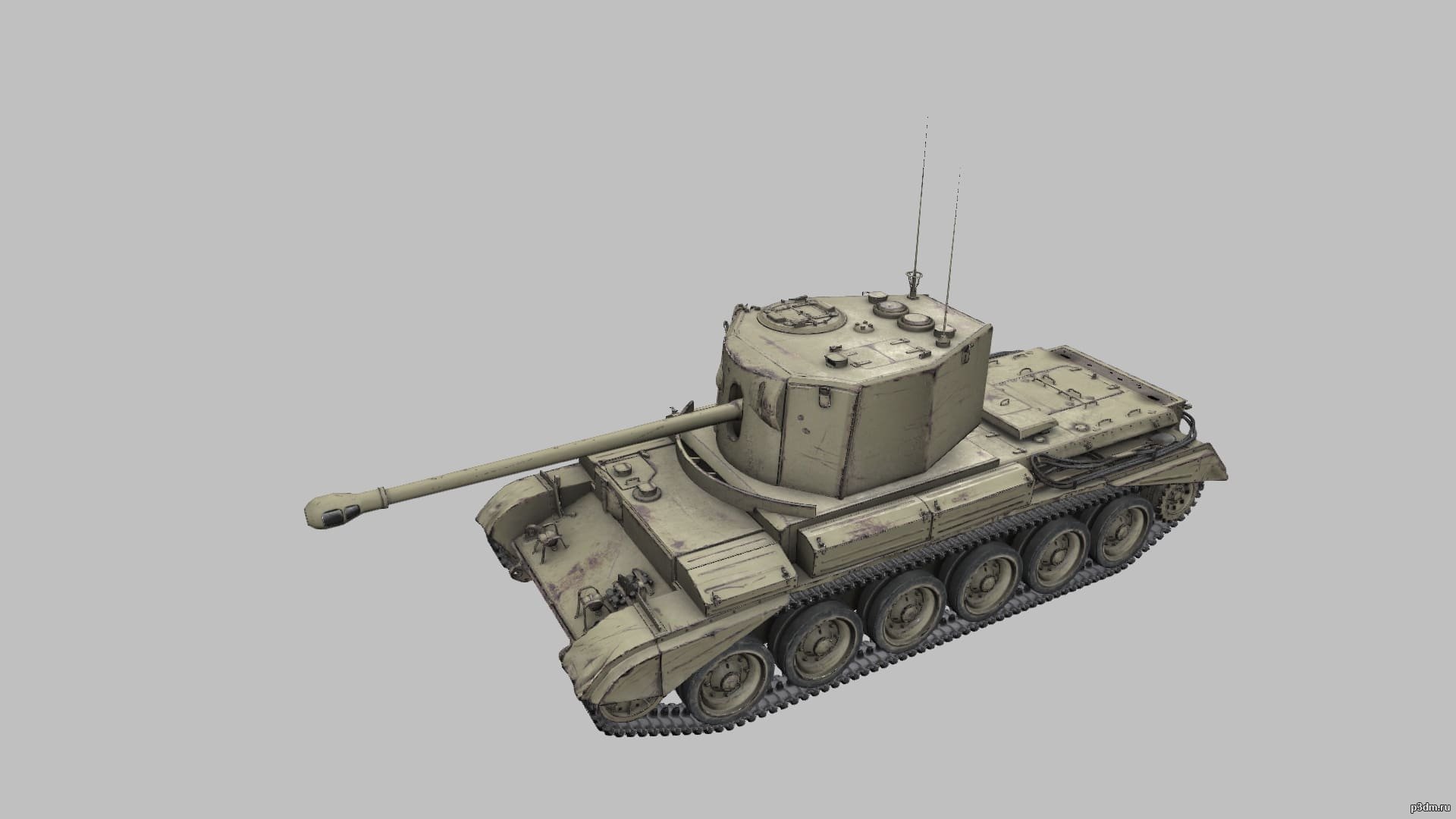
Cruiser Mk.VIII Challenger from world of tanksComment on what to add i’ll add it! (World of Tanks only)
Tag: VIII
-
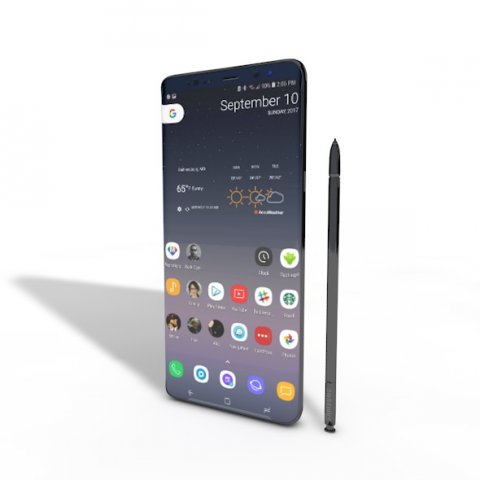
SAMSUNG NOTE 8 ELEMENT 3D V 22 3D Model
This high quality 3d model for Cinema 4D,3ds Max SAMSUNG NOTE 8 ELEMENT 3D V 2.2 File formats:-.3ds(multi format) -.fbx (multi format) -.obj (multi format) -.c4d – .e3d (element 3d) All parts of this model have been modelled separately to achieve as much realism as possible Please font’t forget to rate this item if you liked him.
-
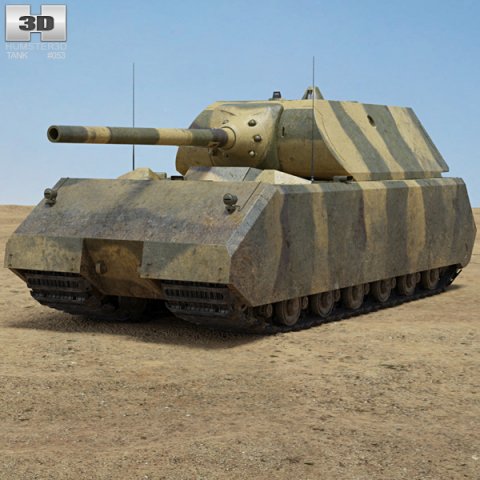
Panzer VIII Maus 3D Model
The 3D model was created on real base. It’s created accurately, in real units of measurement, qualitatively and maximally close to the original.Model formats:- *.max (3ds Max 2008 scanline)- *.max (3ds Max 2008 vray)- *.fbx (Multi Format)- *.obj (Multi Format)- *.3ds (Multi Format)- *.mb (Maya 8.5)- *.lwo (Lightwave 6)- *.c4d (Cinema 4D 11)* renders Are made in 3ds Max 2008 using vray 1.5 (studio environment is not included in the set)If you need any other formats we are more than happy to make them for you.The model is provided combined, all main parts are presented as separate parts therefore materials of objects are easy to be modified or removed and standard parts are easy to be replaced. If you experience difficulties with separating standard parts we are more than happy to give you qualified assistance.We greatly appreciate you choosing our 3D models and hope they will be of use.We look forward to continuously dealing with you.Sincerely Yours,Hum3D Team
-
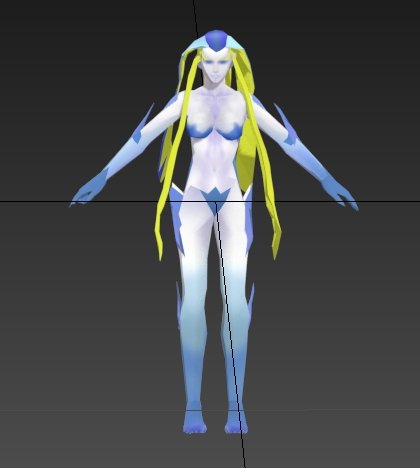
Guardian force shiva from final fantasy VIII 3D Model
guardian of the final fantasy shiva force VIII
-
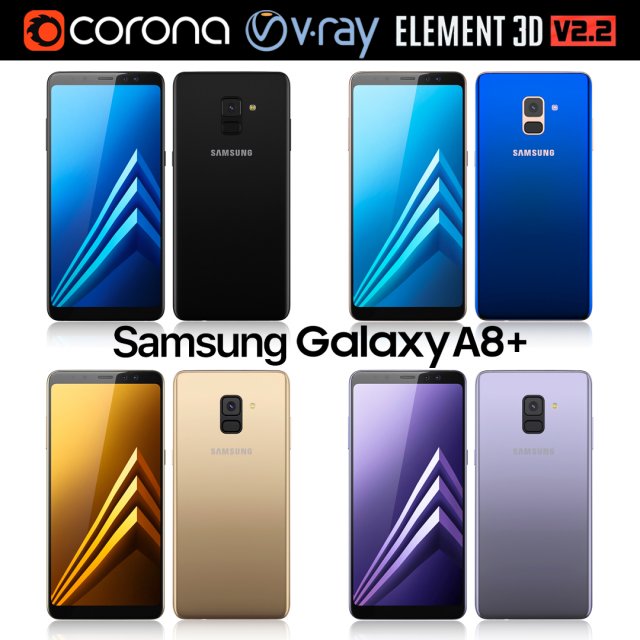
Samsung Galaxy A8 PLUS All colors 3D Model
Realistic (copy) 3d model of Samsung Galaxy A8 PLUS.This set:3D element v2.2The model given is easy to use- 1 file obj standard- 1 file 3ds Max 2013 vray material- 1 file 3ds Max 2013 corona material- 1 file of 3Ds- file e3d full set of materials, like a previewHow to use it?1. Discovery after the impact of CC 2014 (or above) and create a new composition (you need Element3D v2.2 to use)2. Create a new solid layer and add the effect of the elements. (Effect / Video Copilot / Element)3. Select Install Location4. Click on the import inside the Element3D Installation location5. Select my .e3d according to the model and click on the open button.If you do not see the model, do not forget to right click on the model name and press the replace model select.Topology of geometry:- forms and proportions of The 3D model- the geometry of the model was created very neatly- there are no many-sided polygons- detailed enough for close-up renders- the model optimized for turbosmooth modifier- Not collapsed the turbosmooth modified- apply the Smooth modifier with a parameter to get the desired level of detailMaterials and Textures:- 3ds max files included Vray-Shaders- 3ds max files included Corona-Shaders- file e3d full set of materials- all texture paths are clearedOrganization of scene:- to all objects and materials- real world size (system units – mm)- coordinates of location of the model in space (x0, y0, z0)- does not contain extraneous or hidden objects (lights, cameras, shapes etc.)The model is made for corona render 1.5 and vray 3.2, as well as for the Element 3D v2.2 plug-in from Video Copilot.Excellent renders to you!
-
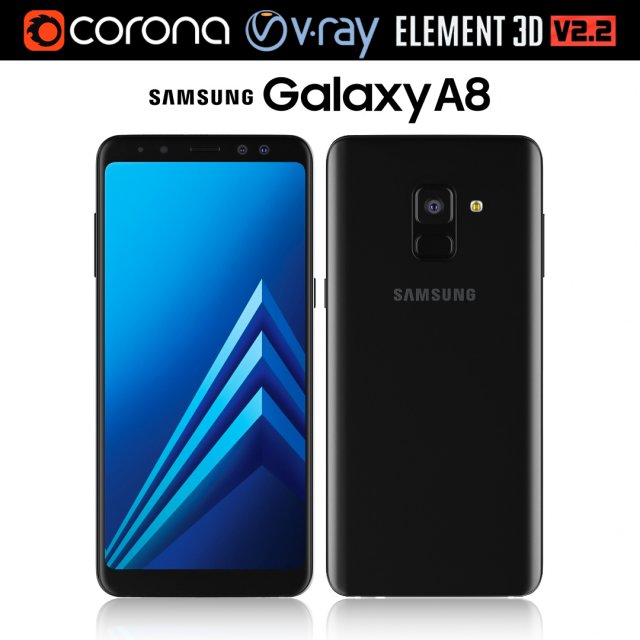
Samsung Galaxy A8 Black 3D Model
Realistic (copy) 3d model of Samsung Galaxy A8.This set:3D element v2.2The model given is easy to use- 1 file obj standard- 1 file 3ds Max 2013 vray material- 1 file 3ds Max 2013 corona material- 1 file of 3Ds- file e3d full set of materials, like a previewHow to use it?1. Discovery after the impact of CC 2014 (or above) and create a new composition (you need Element3D v2.2 to use)2. Create a new solid layer and add the effect of the elements. (Effect / Video Copilot / Element)3. Select Install Location4. Click on the import inside the Element3D Installation location5. Select my .e3d according to the model and click on the open button.If you do not see the model, do not forget to right click on the model name and press the replace model select.Topology of geometry:- forms and proportions of The 3D model- the geometry of the model was created very neatly- there are no many-sided polygons- detailed enough for close-up renders- the model optimized for turbosmooth modifier- Not collapsed the turbosmooth modified- apply the Smooth modifier with a parameter to get the desired level of detailMaterials and Textures:- 3ds max files included Vray-Shaders- 3ds max files included Corona-Shaders- file e3d full set of materials- all texture paths are clearedOrganization of scene:- to all objects and materials- real world size (system units – mm)- coordinates of location of the model in space (x0, y0, z0)- does not contain extraneous or hidden objects (lights, cameras, shapes etc.)The model is made for corona render 1.5 and vray 3.2, as well as for the Element 3D v2.2 plug-in from Video Copilot.Excellent renders to you!
-
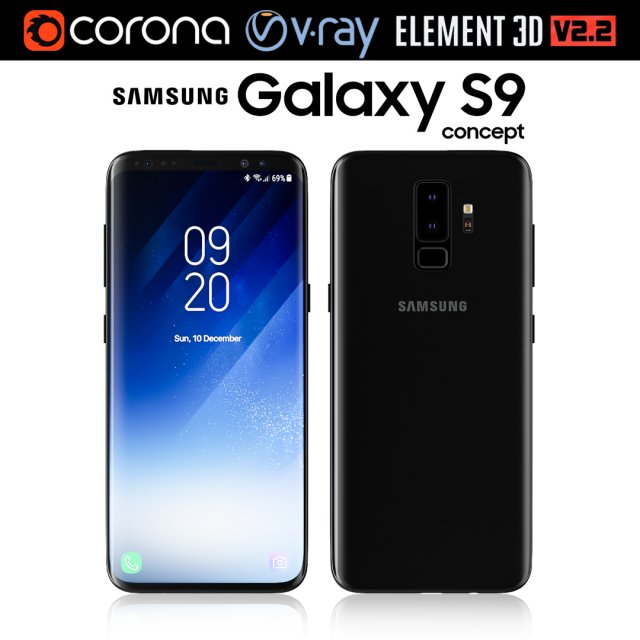
Samsung Galaxy S9 3D Model
Realistic (copy) 3d model of Samsung Galaxy S9.This set:3D element v2.2The model given is easy to use- 1 file obj standard- 1 file 3ds Max 2013 vray material- 1 file 3ds Max 2013 corona material- 1 file of 3Ds- file e3d full set of materials, like a previewHow to use it?1. Discovery after the impact of CC 2014 (or above) and create a new composition (you need Element3D v2.2 to use)2. Create a new solid layer and add the effect of the elements. (Effect / Video Copilot / Element)3. Select Install Location4. Click on the import inside the Element3D Installation location5. Select my .e3d according to the model and click on the open button.If you do not see the model, do not forget to right click on the model name and press the replace model select.Topology of geometry:- forms and proportions of The 3D model- the geometry of the model was created very neatly- there are no many-sided polygons- detailed enough for close-up renders- the model optimized for turbosmooth modifier- Not collapsed the turbosmooth modified- apply the Smooth modifier with a parameter to get the desired level of detailMaterials and Textures:- 3ds max files included Vray-Shaders- 3ds max files included Corona-Shaders- file e3d full set of materials- all texture paths are clearedOrganization of scene:- to all objects and materials- real world size (system units – mm)- coordinates of location of the model in space (x0, y0, z0)- does not contain extraneous or hidden objects (lights, cameras, shapes etc.)The model is made for corona render 1.5 and vray 3.2, as well as for the Element 3D v2.2 plug-in from Video Copilot.Excellent renders to you!
-
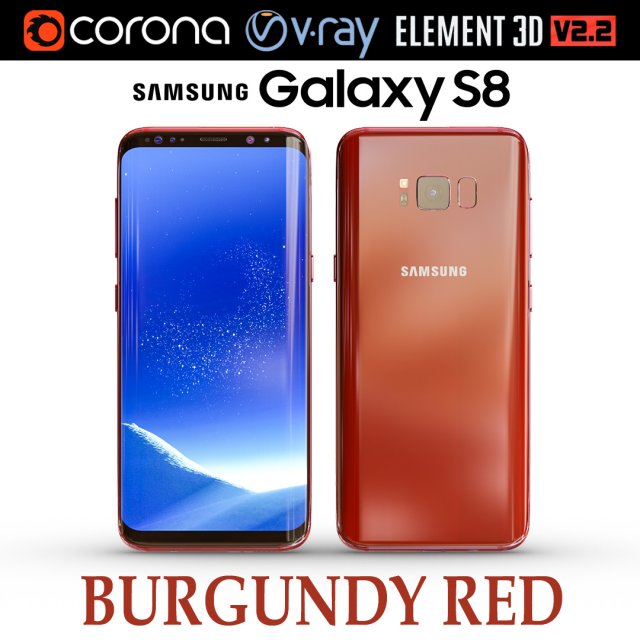
Samsung Galaxy S8 BURGUNDY RED 3D Model
Realistic (copy) 3d model of Samsung Galaxy S8 BURGUNDY RED .This set:3D element v2.2The model given is easy to use- 1 file obj standard- 1 file 3ds Max 2013 vray material- 1 file 3ds Max 2013 corona material- 1 file of 3Ds- file e3d full set of materials, like a previewHow to use it?1. Discovery after the impact of CC 2014 (or above) and create a new composition (you need Element3D v2.2 to use)2. Create a new solid layer and add the effect of the elements. (Effect / Video Copilot / Element)3. Select Install Location4. Click on the import inside the Element3D Installation location5. Select my .e3d according to the model and click on the open button.If you do not see the model, do not forget to right click on the model name and press the replace model select.Topology of geometry:- forms and proportions of The 3D model- the geometry of the model was created very neatly- there are no many-sided polygons- detailed enough for close-up renders- the model optimized for turbosmooth modifier- Not collapsed the turbosmooth modified- apply the Smooth modifier with a parameter to get the desired level of detailMaterials and Textures:- 3ds max files included Vray-Shaders- 3ds max files included Corona-Shaders- file e3d full set of materials- all texture paths are clearedOrganization of scene:- to all objects and materials- real world size (system units – mm)- coordinates of location of the model in space (x0, y0, z0)- does not contain extraneous or hidden objects (lights, cameras, shapes etc.)The model is made for corona render 1.5 and vray 3.2, as well as for the Element 3D v2.2 plug-in from Video Copilot.In the version of vray, BRDF materials are installed in Microfacet GTR / GGX, vray 2.4 owners need to install BRDF in Blinn.Excellent renders to you!
-
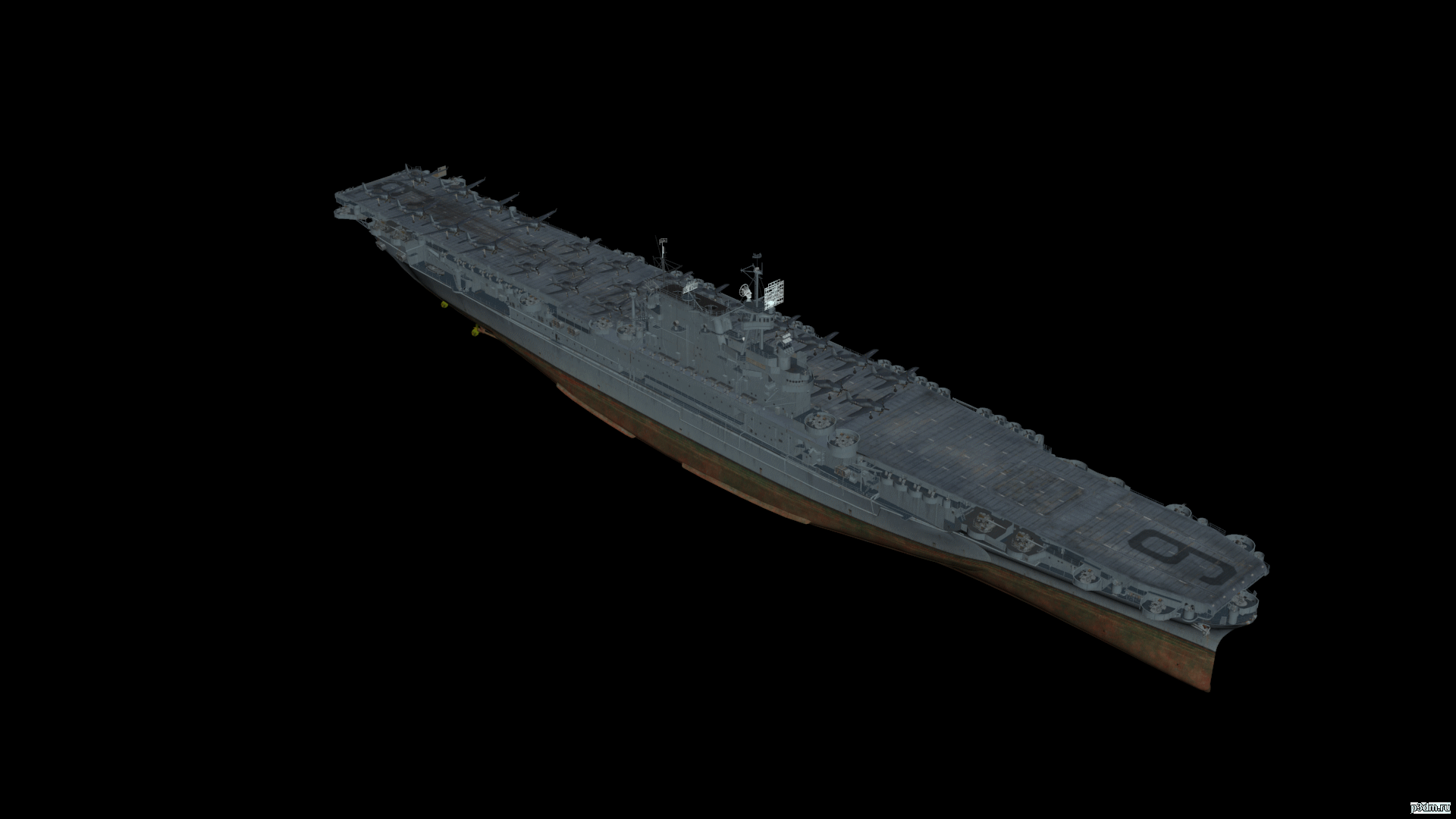
CV Enterpies VIII 3D Model
Игровая модель World of WarShips. Отличия от оригинала заключается опусканием стволов ПВО и ПМК.
-
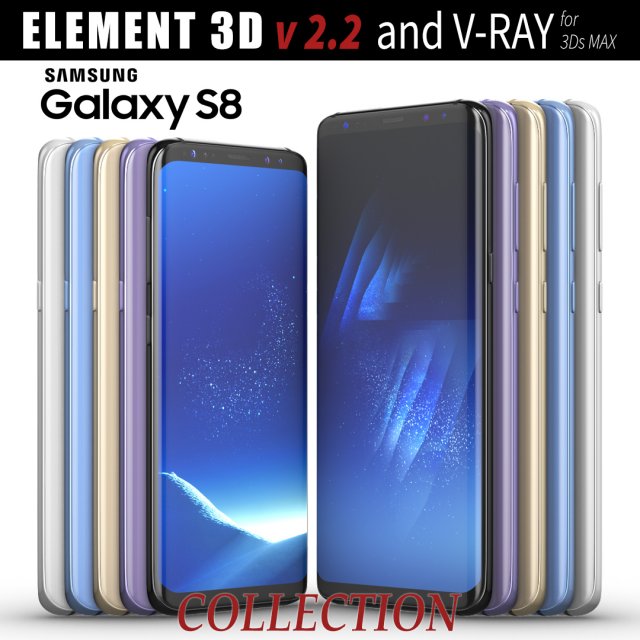
Samsung Galaxy S8 and S8 PLUS COLLECTION 3D Model
This set:3D element v2.2The model given is easy to use- 1 file obj standard- 1 file c4d R18 in the standard render- 1 file 3ds Max 2013 vray material- 1 file fbx- 1 file of 3Ds- file e3d full set of materials, like a previewHow to use it?1. Discovery after the impact of CC 2014 (or above) and create a new composition (you need Element3D v2.2 to use)2. Create a new solid layer and add the effect of the elements. (Effect / Video Copilot / Element)3. Select Install Location4. Click on the import inside the Element3D Installation location5. Select my .e3d according to the model and click on the open button.If you do not see the model, do not forget to right click on the model name and press the replace model select.Topology of geometry:- forms and proportions of The 3D model- the geometry of the model was created very neatly- there are no many-sided polygons- detailed enough for close-up renders- the model optimized for turbosmooth modifier- Not collapsed the turbosmooth modified- apply the Smooth modifier with a parameter to get the desired level of detailMaterials and Textures:- 3ds max files included Vray-Shaders- all texture paths are clearedOrganization of scene:- to all objects and materials- real world size (system units – mm)- coordinates of location of the model in space (x0, y0, z0)- does not contain extraneous or hidden objects (lights, cameras, shapes etc.)
-
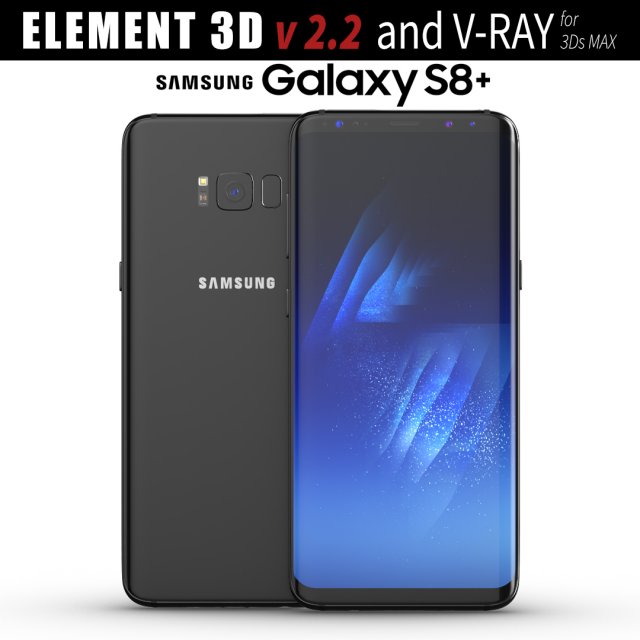
Samsung Galaxy S8 PLUS Midnight Black model 3D Model
This set:3D element v2.2The model given is easy to use- 1 file obj standard- 1 file c4d R18 in the standard render- 1 file 3ds Max 2013 vray material- 1 file fbx- 1 file of 3Ds- file e3d full set of materials, like a previewHow to use it?1. Discovery after the impact of CC 2014 (or above) and create a new composition (you need Element3D v2.2 to use)2. Create a new solid layer and add the effect of the elements. (Effect / Video Copilot / Element)3. Select Install Location4. Click on the import inside the Element3D Installation location5. Select my .e3d according to the model and click on the open button.If you do not see the model, do not forget to right click on the model name and press the replace model select.Topology of geometry:- forms and proportions of The 3D model- the geometry of the model was created very neatly- there are no many-sided polygons- detailed enough for close-up renders- the model optimized for turbosmooth modifier- Not collapsed the turbosmooth modified- apply the Smooth modifier with a parameter to get the desired level of detailMaterials and Textures:- 3ds max files included Vray-Shaders- all texture paths are clearedOrganization of scene:- to all objects and materials- real world size (system units – mm)- coordinates of location of the model in space (x0, y0, z0)- does not contain extraneous or hidden objects (lights, cameras, shapes etc.)
-
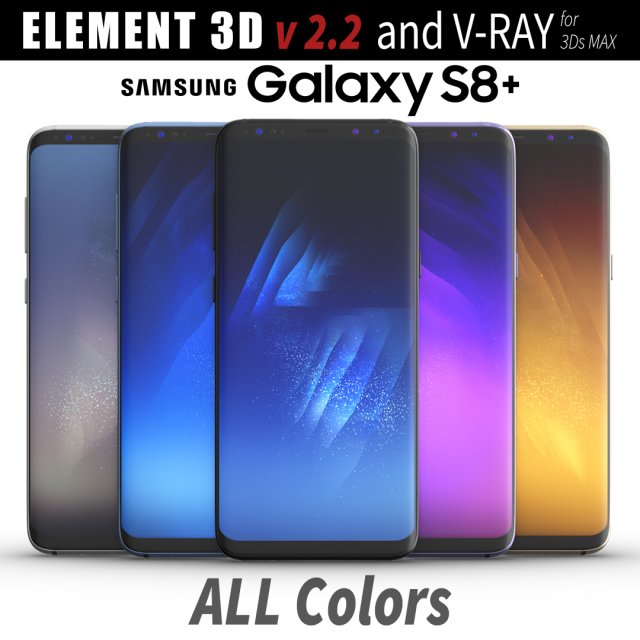
Samsung Galaxy S8 PLUS ALL Colors 3D Model
This set:3D element v2.2The model given is easy to use- 1 file obj standard- 1 file c4d R18 in the standard render- 1 file 3ds Max 2013 vray material- 1 file fbx- 1 file of 3Ds- file e3d full set of materials, like a previewHow to use it?1. Discovery after the impact of CC 2014 (or above) and create a new composition (you need Element3D v2.2 to use)2. Create a new solid layer and add the effect of the elements. (Effect / Video Copilot / Element)3. Select Install Location4. Click on the import inside the Element3D Installation location5. Select my .e3d according to the model and click on the open button.If you do not see the model, do not forget to right click on the model name and press the replace model select.Topology of geometry:- forms and proportions of The 3D model- the geometry of the model was created very neatly- there are no many-sided polygons- detailed enough for close-up renders- the model optimized for turbosmooth modifier- Not collapsed the turbosmooth modified- apply the Smooth modifier with a parameter to get the desired level of detailMaterials and Textures:- 3ds max files included Vray-Shaders- all texture paths are clearedOrganization of scene:- to all objects and materials- real world size (system units – mm)- coordinates of location of the model in space (x0, y0, z0)- does not contain extraneous or hidden objects (lights, cameras, shapes etc.)
-
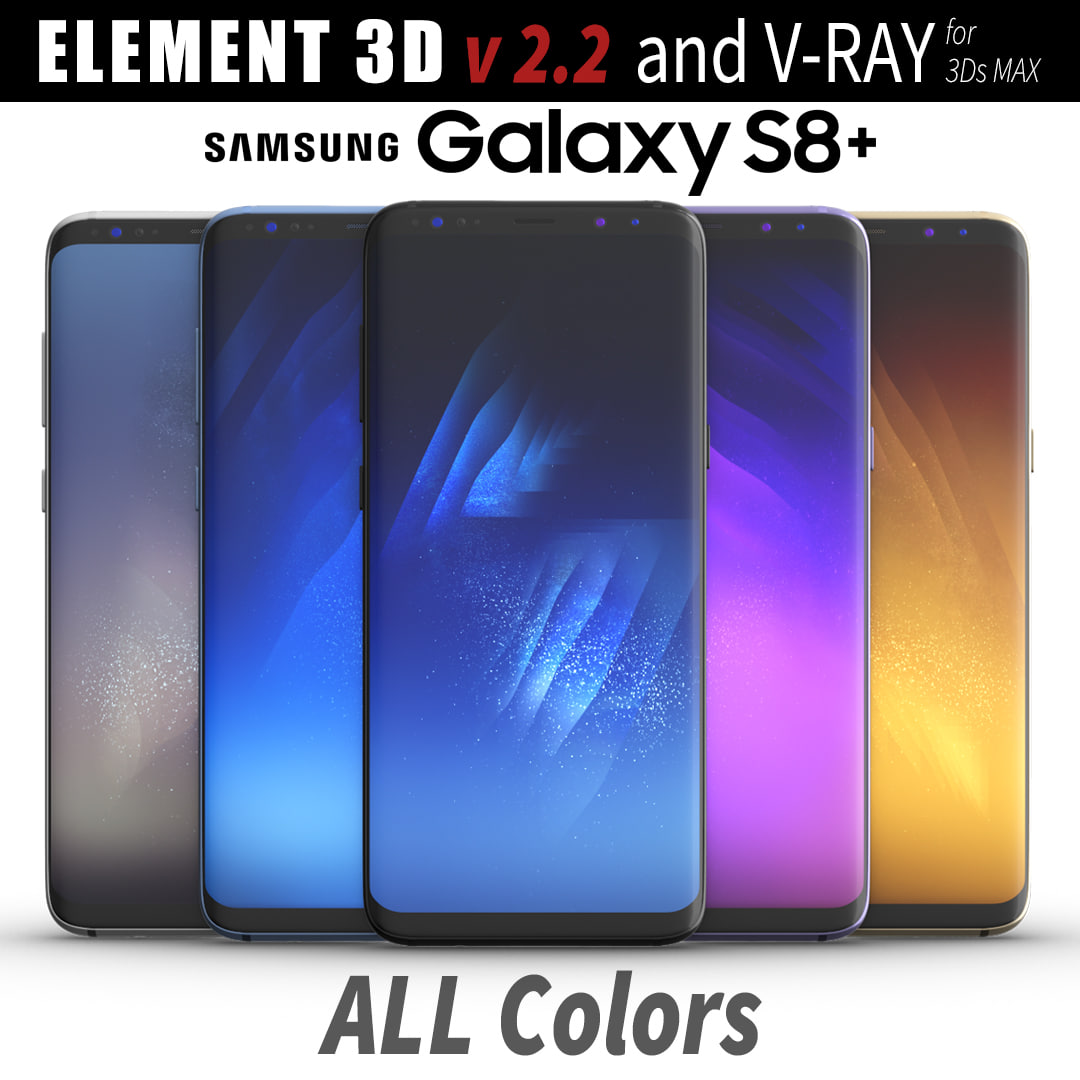
3D Samsung Galaxy S8 PLUS ALL Colors model 3D Model
This set:3D element v2.2The model given is easy to use- 1 file obj standard- 1 file c4d R18 in the standard render- 1 file 3ds Max 2013 vray material- 1 file fbx- 1 file of 3Ds- file e3d full set of materials, like a previewHow to use it?1. Discovery after the impact of CC 2014 (or above) and create a new composition (you need Element3D v2.2 to use)2. Create a new solid layer and add the effect of the elements. (Effect / Video Copilot / Element)3. Select Install Location4. Click on the import inside the Element3D Installation location5. Select my .e3d according to the model and click on the open button.If you do not see the model, do not forget to right click on the model name and press the replace model select.Topology of geometry:- forms and proportions of The 3D model- the geometry of the model was created very neatly- there are no many-sided polygons- detailed enough for close-up renders- the model optimized for turbosmooth modifier- Not collapsed the turbosmooth modified- apply the Smooth modifier with a parameter to get the desired level of detailMaterials and Textures:- 3ds max files included Vray-Shaders- all texture paths are clearedOrganization of scene:- to all objects and materials- real world size (system units – mm)- coordinates of location of the model in space (x0, y0, z0)- does not contain extraneous or hidden objects (lights, cameras, shapes etc.)
-
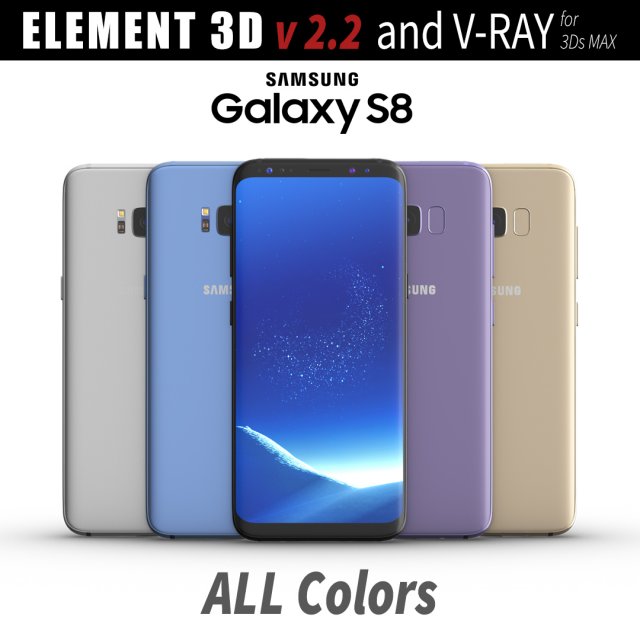
Samsung Galaxy S8 All Colors for Element 3D and V-ray 3D Model
This set:3D element v2.2The model given is easy to use- 1 file obj standard- 1 file c4d R18 in the standard render- 1 file 3ds Max 2013 vray material- 1 file fbx- 1 file of 3Ds- file e3d full set of materials, like a previewHow to use it?1. Discovery after the impact of CC 2014 (or above) and create a new composition (you need Element3D v2.2 to use)2. Create a new solid layer and add the effect of the elements. (Effect / Video Copilot / Element)3. Select Install Location4. Click on the import inside the Element3D Installation location5. Select my .e3d according to the model and click on the open button.If you do not see the model, do not forget to right click on the model name and press the replace model select.Topology of geometry:- forms and proportions of The 3D model- the geometry of the model was created very neatly- there are no many-sided polygons- detailed enough for close-up renders- the model optimized for turbosmooth modifier- Not collapsed the turbosmooth modified- apply the Smooth modifier with a parameter to get the desired level of detailMaterials and Textures:- 3ds max files included Vray-Shaders- all texture paths are clearedOrganization of scene:- to all objects and materials- real world size (system units – mm)- coordinates of location of the model in space (x0, y0, z0)- does not contain extraneous or hidden objects (lights, cameras, shapes etc.)
-
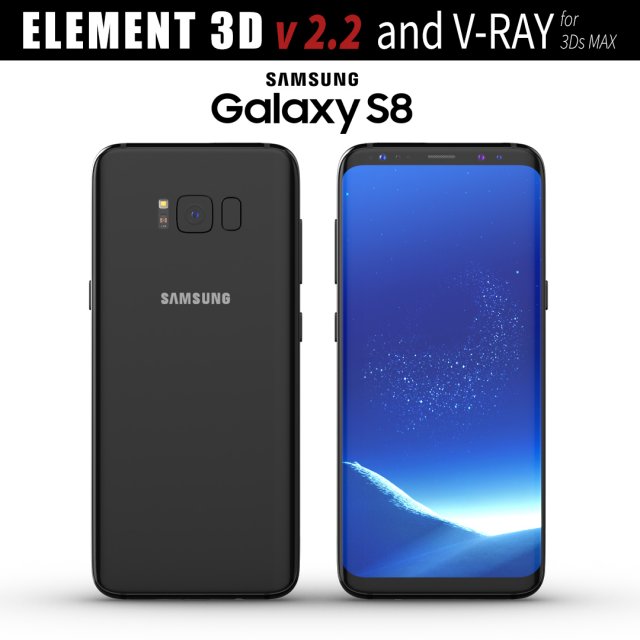
Samsung Galaxy S8 Midnight Black model 3D Model
This set:3D element v2.2The model given is easy to use- 1 file obj standard- 1 file c4d R18 in the standard render- 1 file 3ds Max 2013 vray material- 1 file fbx- 1 file of 3Ds- file e3d full set of materials, like a previewHow to use it?1. Discovery after the impact of CC 2014 (or above) and create a new composition (you need Element3D v2.2 to use)2. Create a new solid layer and add the effect of the elements. (Effect / Video Copilot / Element)3. Select Install Location4. Click on the import inside the Element3D Installation location5. Select my .e3d according to the model and click on the open button.If you do not see the model, do not forget to right click on the model name and press the replace model select.Topology of geometry:- forms and proportions of The 3D model- the geometry of the model was created very neatly- there are no many-sided polygons- detailed enough for close-up renders- the model optimized for turbosmooth modifier- Not collapsed the turbosmooth modified- apply the Smooth modifier with a parameter to get the desired level of detailMaterials and Textures:- 3ds max files included Vray-Shaders- all texture paths are clearedOrganization of scene:- to all objects and materials- real world size (system units – mm)- coordinates of location of the model in space (x0, y0, z0)- does not contain extraneous or hidden objects (lights, cameras, shapes etc.)
-
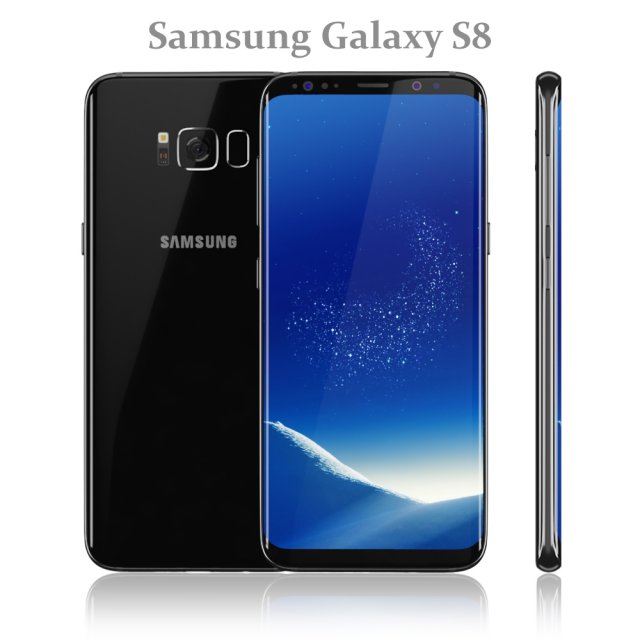
Samsung Galaxy S8 Black model 3D Model
Realistic (copy) 3d model of Samsung Galaxy S8 Black.
Topology of geometry:
– forms and proportions of The 3D model most similar to the real object
– the geometry of the model was created very neatly
– there are no many-sided polygons
– detailed enough for close-up renders
– the model optimized for turbosmooth modifier
– Not collapsed the turbosmooth modified
– apply the Smooth modifier with a parameter to obtain the desired level of detail
Materials and Textures:
– 3ds max files included Standart materials and Vray-Shaders
– all texture paths are cleared
Organization of scene:
– to all objects and materials names in scene are appropriated
– real world size (system units – mm)
– coordinates of location of the model in space (x0, y0, z0)
– does not contain extraneous or hidden objects (lights, cameras, shapes etc.)
File Formats:
– original file format – 3ds max 2016 + Vray
– 3ds max 2013 Vray and Standard material
– obj
Renders:
– all previews rendered 3ds max Vray
– the model is completely ready for use visualization in 3ds max + Vray -
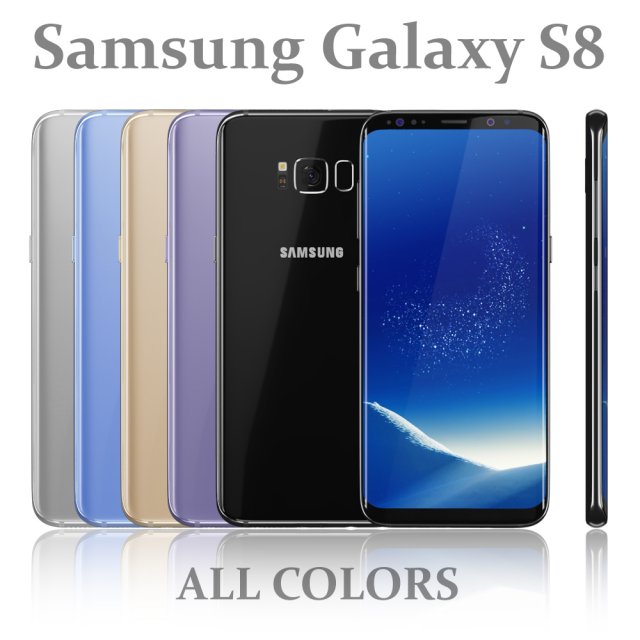
Samsung Galaxy S8 All colors 3D Model
Realistic (copy) 3d model of Samsung Galaxy S8 All colors.
Topology of geometry:
– forms and proportions of The 3D model most similar to the real object
– the geometry of the model was created very neatly
– there are no many-sided polygons
– detailed enough for close-up renders
– the model optimized for turbosmooth modifier
– Not collapsed the turbosmooth modified
– apply the Smooth modifier with a parameter to obtain the desired level of detail
Materials and Textures:
– 3ds max files included Standart materials and Vray-Shaders
– all texture paths are cleared
Organization of scene:
– to all objects and materials names in scene are appropriated
– real world size (system units – mm)
– coordinates of location of the model in space (x0, y0, z0)
– does not contain extraneous or hidden objects (lights, cameras, shapes etc.)
File Formats:
– original file format – 3ds max 2016 + Vray
– 3ds max 2013 Vray and Standard material
– obj
Renders:
– all previews rendered 3ds max Vray
– the model is completely ready for use visualization in 3ds max + Vray -

Car Body Frame 3D Model
============================================Car Body Frame============================================Objects 34Polygons 64611Vertices 71039Textures None(Default Color Materials only)Materials 6Animated NoRigged NoUVW Yes——————————————–
-
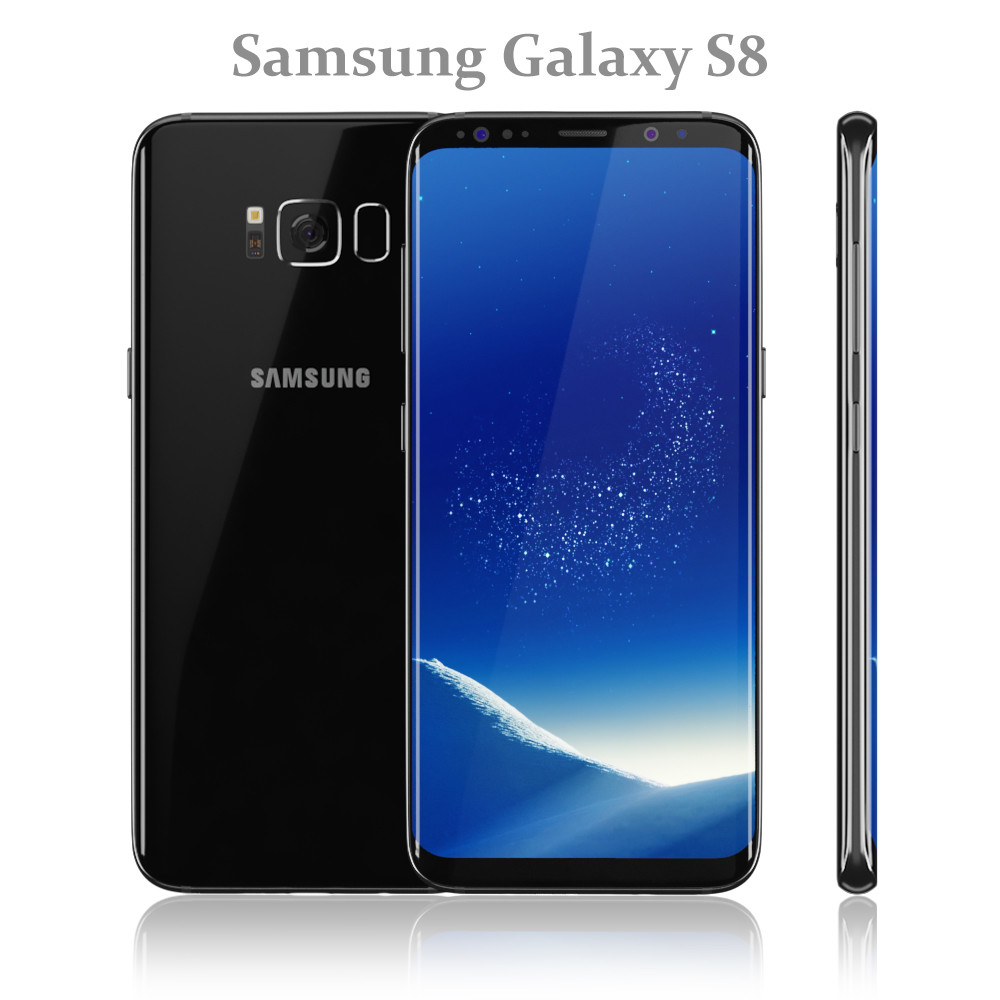
Samsung Galaxy S8 Black model
Realistic (copy) 3d model of Samsung Galaxy S8 Black.Topology of geometry:- forms and proportions of The 3D model most similar to the real object- the geometry of the model was created very neatly- there are no many-sided polygons- detailed enough for close-up renders- the model optimized for turbosmooth modifier- Not collapsed the turbosmooth modified- apply the Smooth modifier with a parameter to obtain the desired level of detailMaterials and Textures:- 3ds max files included Standart materials and Vray-Shaders- all texture paths are clearedOrganization of scene:- to all objects and materials names in scene are appropriated- real world size (system units – mm)- coordinates of location of the model in space (x0, y0, z0)- does not contain extraneous or hidden objects (lights, cameras, shapes etc.)File Formats:- original file format – 3ds max 2016 + Vray- 3ds max 2013 Vray and Standard material- objRenders:- all previews rendered 3ds max Vray- the model is completely ready for use visualization in 3ds max + Vray