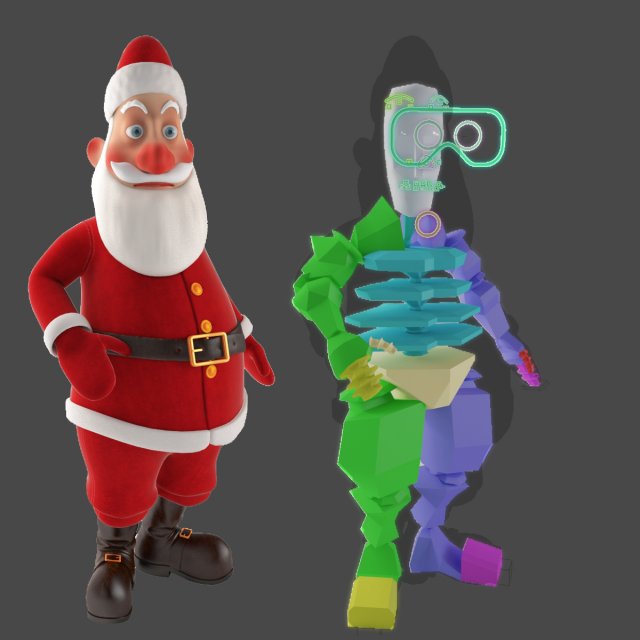
If you want to watch the santa rig details how workingClick here:https://www.youtube.com/watch?v=3CRHZtG_KVY&t=1sSanta_Claus_Cartoon_CharacterHigh detailed 3D, rigged model of Santa ready for ANIMATED.============================================included FORMAT:- 3DS MAX /2011&2014/ WITH V-Ray materials and studio ligthing setup /*MAX/- 3ds MAX with Scanline materials /*MAX/-*FBX/Multi Format/RIGGED————————————————————————–Native Format : 3ds max 2014 with V-Ray 3.00.00Vray setup scene gamma 2.2 /3 point lighting setup included/============================================Model:Clean topology based on quads.This model is completely UVunwrapped.Model group material and texture have a clear name.============================================Units used centimeters. Character height: 154 cm tall.============================================Clean, polygonal, edge loop, quads based and smoothable /Subdivision ready/ poly geometryOnly : Quads/TrisModel centered at origin.- Unique and meaningful names for all the model parts, materials and textures for an easy identification.============================================Rigged:Rigged with Biped, Face controllers sliderBiped loop Walking animated============================================TEXTURESVraySSS2 (Sub Surface Scattering) for body4096x4096 JPG (14) – body/Nor,Diff,Disp,CV/ -Cloth/Diff-2,Alpha-2/ -Shoes/Diff,Nor,Roug,Height,AO/-Beard&Hair/Disp/4000×4000 JPG (2) – Body/Spec /-Eye/Diff/2048×2048 JPG (7) – Belt/Diff,Nor,Roug,Ref,Alpha,Height,Ior,588×588 Cloth/bump/If you like it Please rate it
Tag: using
-
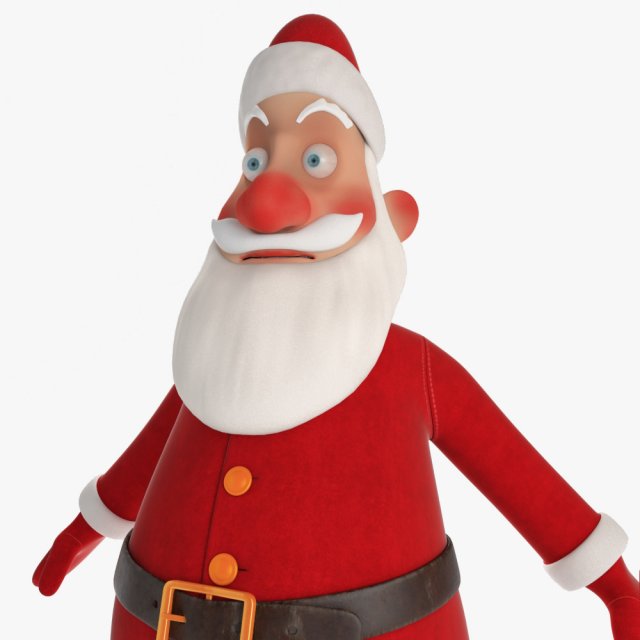
Santa Claus Character 3D Model
Santa_Claus_Cartoon_CharacterHigh detailed hd 3D model, awesome for your animation.============================================included FORMAT:- 3DS MAX /2014/ WITH V-Ray materials and studio ligthing setup /*MAX/- 3ds MAX with Scanline materials /*MAX/-*FBX/Multi Format/-*OBJ/Multi Format/————————————————————————–Native Format : 3ds max 2014 with V-Ray 3.00.00Vray setup scene gamma 2.2 /3 point lighting setup included/============================================Model:Clean topology based on quads.This model is completely UVunwrapped.Model group material and texture have a clear name.============================================Units used centimeters. Character height: 154 cm tall.============================================Clean, polygonal, edge loop, quads based and smoothable /Subdivision ready/ poly geometryOnly : Quads/TrisModel centered at origin.- Unique and meaningful names for all the model parts, materials and textures for an easy identification.============================================TEXTURESVraySSS2 (Sub Surface Scattering) for body4096x4096 JPG (14) – body/Nor,Diff,Disp,CV/ -Cloth/Diff-2,Alpha-2/ -Shoes/Diff,Nor,Roug,Height,AO/-Beard&Hair/Disp/4000×4000 JPG (2) – Body/Spec /-Eye/Diff/2048×2048 JPG (7) – Belt/Diff,Nor,Roug,Ref,Alpha,Height,Ior,588×588 Cloth/bump/
-
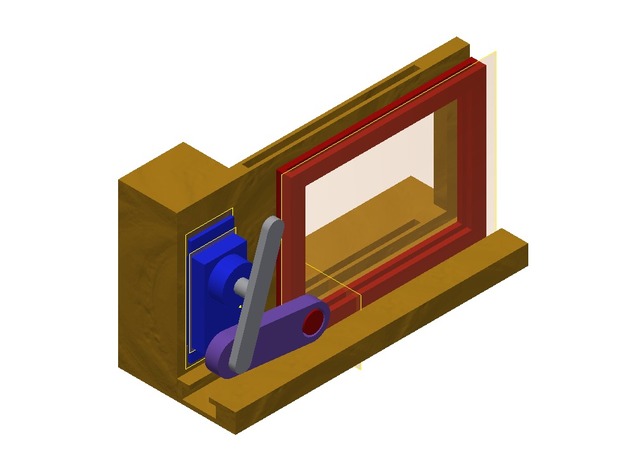
Rotary Linear Conversion using Stepper 3D Print Model
Summary
If one has to move something from rotation to linear. We had to shift something.. -
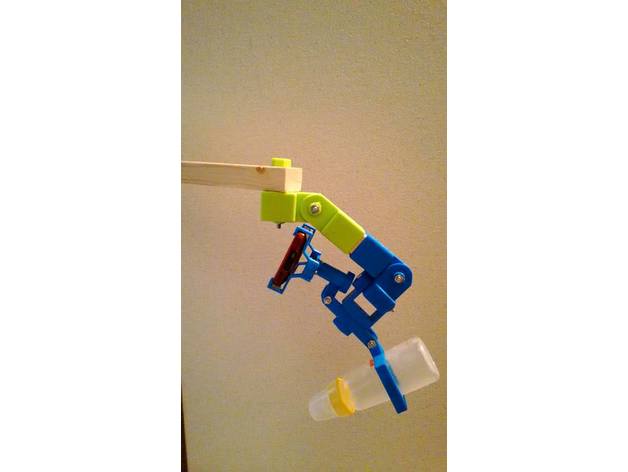
3D Printed Wood Arm Joints using 30mm x 40mm wood v0.7.0 3D Print Model
Summary
Attention: This project is released under the General Public License version 3.
There is no warranty for any problems that occurred using this project.
GPL v3:https://github.com/silvershell/printed-wood-arm-joints/blob/master/LICENSE
3D Printed Wood Arm Joints using 30mm x 40mm wood.
Scad files of models are generated with scad-builder.js and scad-builder-proj.js.
.scad and others are here.
GitHub:https://github.com/silvershell/printed-wood-arm-joints/tree/v0.7.0 -
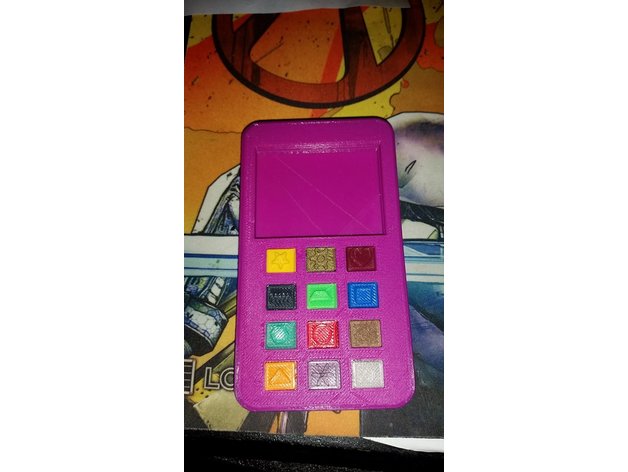
Toy phone using tactile &Push buttons 3D Print Model
Summary
I remixed the original design to implement tactile buttons and mini push buttons , that way she gets the clicking sound. The buttons are a REALLY tight fit. I had to press them in with the butt end of a screwdriver. But all in all, I accomplished what I wanted. All original design credit goes towards the original creator.
These are the exact ones I used:
Mini push buttons: https://www.amazon.com/gp/product/B008MU0CHQ/ref=oh_aui_search_detailpage?ie=UTF8&psc=1
Tactile buttons: https://www.amazon.com/gp/product/B00W0YUV1W/ref=oh_aui_search_detailpage?ie=UTF8&psc=1
Print Settings
Rafts:
No Supports:
No Resolution:
.2 Infill:
30-100 Notes:
Do the top and Bottom shells in 30% infill
Do the buttons 100% infill.
If you break a button getting it in, you’ll need a soldering iron to melt the plastic around it to get it out. hat’s what I had to do.
When you download the files, youll notice 6 buttons are smaller, as in, they hare about 1mm shorter, or something similar. those buttons are designed to be used on top of the “push” type button, not the tactile ones. The tactile ones get the thicker buttons.
TACTILE: Star, Heart,Trapezoid, Hexagon, Basket, Flower
PUSH TYPE: Gear, Screw, Square, Circle, Triangle, Diamond -
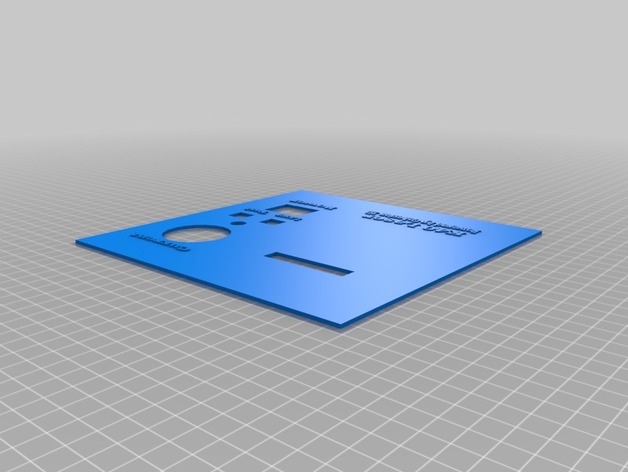
K40 Laser Panel for using an LCD with a Cohesion 3D board 3D Print Model
Summary
This is version 1 of the panel, I will add the holes for mounting as soon as I get a chance. This was designed to use with the case linked below and has had everything moved to accommodate the stock opening on the K40 laser itself.
https://www.thingiverse.com/thing:87250