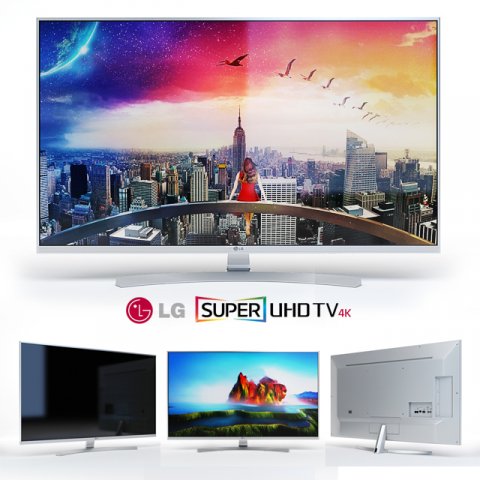
The LG Super UHD Tv 8500 TV range. There are 3 sizes in the archive, 49, 55 and 65 inches. Files max vray 2013, corona, fbx, obj, vray_mat.More TVs in my profile.
Tag: UHD
-
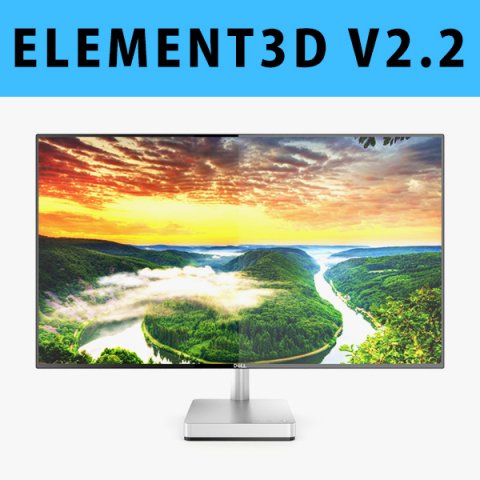
E3D – Dell 27 Ultrathin Monitor S2718D model 3D Model
This pack:Element 3D V2.2 ( All colors )models preset easy to use- 1 file OBJ High poly- 1 file OBJ standard- 1 file C4D R12 standard render- 1 file 3ds max 2012 standard material- E3D file full materials set up like previewsHow to use it?1. Open After Effects CC 2014 ( or higher) and create new composition ( You need Element3D V2.2 to use )2. Create new Solid layer and add Element effect. ( Effect/Video Copilot/ Element )3. Click Scene Setup4. Click on IMPORT inside Element3D scene setup5. Choose my .e3d preset for the model and press Open.If you dont see the model do not forget to right click on the model name and press Replace model then select the .obj model file in the respective models folder……………………………………………………………About Bee3DD Studio: ( Working in 3d modeling since 2013 until now )+ We offer all electronics 3d model ( latest and oldest ). Our collection is biggest in the world. It is place where you can find anything about technology for your project ( earlier and faster than others )+ Every model we build goes through thorough Quality assessment both visual and technical to make sure the assets look realistic and the models are of the best quality.
-
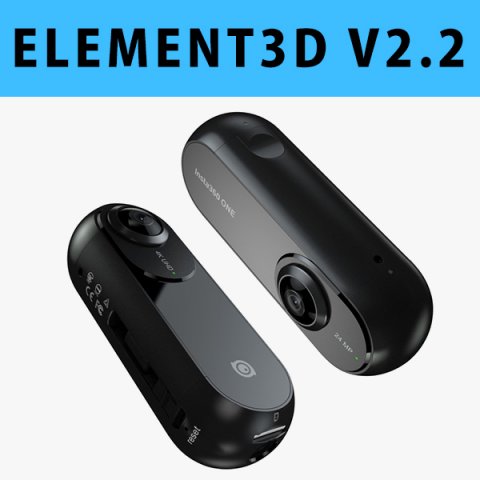
E3D – Insta360 ONE Action Camera 3D 3D Model
This pack:Element 3D V2.2 ( All colors )models preset easy to use- 1 file OBJ High poly- 1 file OBJ standard- 1 file C4D R12 standard render- 1 file 3ds max 2012 standard material- E3D file full materials set up like previewsHow to use it?1. Open After Effects CC 2014 ( or higher) and create new composition ( You need Element3D V2.2 to use )2. Create new Solid layer and add Element effect. ( Effect/Video Copilot/ Element )3. Click Scene Setup4. Click on IMPORT inside Element3D scene setup5. Choose my .e3d preset for the model and press Open.If you dont see the model do not forget to right click on the model name and press Replace model then select the .obj model file in the respective models folder……………………………………………………………About Bee3DD Studio: ( Working in 3d modeling since 2013 until now )+ We offer all electronics 3d model ( latest and oldest ). Our collection is biggest in the world. It is place where you can find anything about technology for your project ( earlier and faster than others )+ Every model we build goes through thorough Quality assessment both visual and technical to make sure the assets look realistic and the models are of the best quality.
-
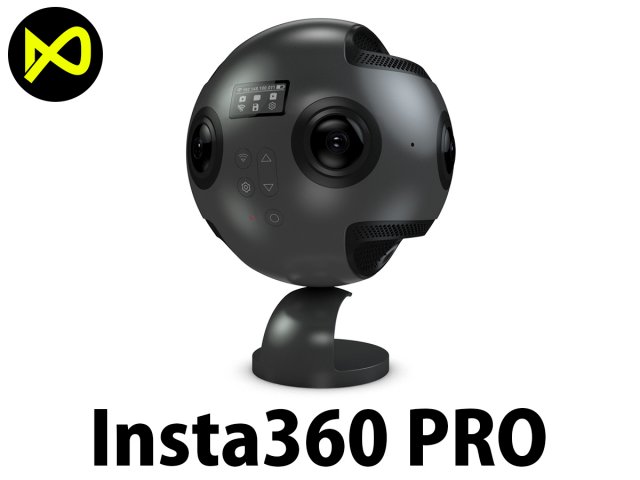
Insta360 Pro 360 Degree Camera 3D Model
Bee3dd is a team who making 3d model best quality, you don’t need worry when use our models. We take care to build the smallest detail in the model to ensure the best results. These things are not in others.Our slogan is: best quality – best price!+ We offer all electronics 3d model ( latest and oldest ). Our collection is biggest in the world. It is place where you can find anything about technology for your project ( earlier and faster than others )+ Every model we build goes through thorough Quality assessment both visual and technical to make sure the assets look realistic and the models are of the best quality.ONE MORE THING: Don’t forget visit ” official site of bee3dd “, we are offering a lot of services to our customers there with the most reasonable price and highest quality.1. Free download models smartphones, tablets… ( we will give away free model for all our users, don’t miss out it. )2. Free edit models you purchased (If you need add your logo or something to the model, we will do it for free.)3. Free edit textures ( Need change textures size or custom texture ? It’s free in ours site. )4. Free Element 3D file for our customer ( If you need element 3d file, please contact and get it in ours site for free. )5. Pre-oder and get yours soon as soon imposible ( can’t find the model you need? Just visit our site and click to pre-oder )—————————–The model has a fully textured, detailed design that allows for close-up renders, and was originally modeled in 3ds Max 2012 and rendered with V-Ray. Fidelity is optimal up to a 2K render. Renders have no postprocessing.—————————–File Formats:+ 3ds Max 2012 + Vray 2.0 full setup lighting, camera+ 3ds Max 2012 standard+ Cinema 4D R12 standard ( materials and textures was setup )+ Maya 2012 standard ( materials and textures was setup )+ Lightwave 11 ( materials and textures was setup )+ FBX 2012+ OBJ 2012+ 3DS 2012+ 1 file 360 product ( 60 images 1200*1200 pixels ) – Get it in ours siteAll models before 8-2017 haven’t 360 product but if you need it please contact us and get yours in ours site in 24 hours.—————————–Geometry:+ No isolated vertices+ No coincident vertices+ No coincident/coplanar faces+ Quads and Triangles only ( Clean edge flow, mostly quads, subdividable topology, no poles with more than 5 edges on the model, holding/support edges present to retain shape after subdivision )+ Models resolutions are optimized for polygon efficiency. (In 3ds Max, the Meshsmooth/Turbosmooth function can be used to increase mesh resolution if necessary.)+ Real-world scale ( We make 3d model from actual size and images reference. It is best for making video intro, marketing, animation, games… )+ Naming and Organization ( All geometry is contained in a single layer structure, with the layer having the same name as the product. )—————————–TEXTURES:- Textures highquality, enough for close-up render ( 2048-4096 pixels )- UVWs mapping with mixed: overlapping and non-overlapping- No texture paths referenced by the model. All texture paths were stripped from the model.—————————–Rate for ours models: We are required to assess the customer’s finished product with the best quality. Let us know your comments, we are very thankful for that!Thanks you,Best regardBee3dd team
-
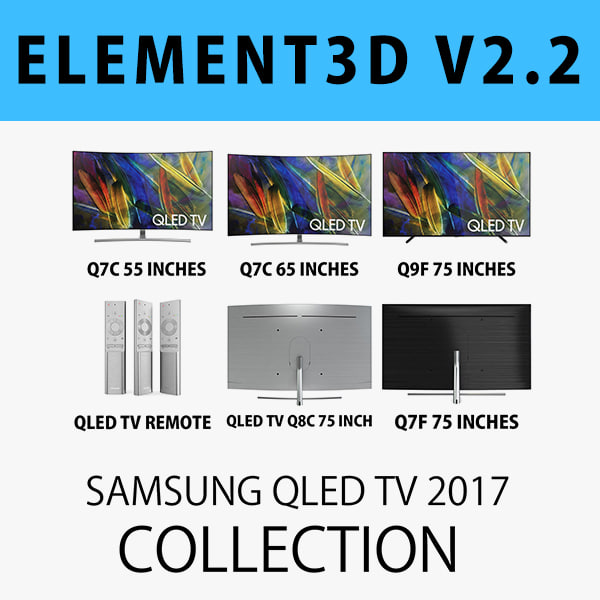
E3D – SAMSUNG QLED TV 2017 COLLECTION 3D model 3D Model
This pack:Element 3D V2.2 ( All colors )models preset easy to use- 1 file OBJ High poly- 1 file OBJ standard- 1 file C4D R12 standard render- 1 file 3ds max 2012 standard material- E3D file full materials set up like previewsHow to use it?1. Open After Effects CC 2014 ( or higher) and create new composition ( You need Element3D V2.2 to use )2. Create new Solid layer and add Element effect. ( Effect/Video Copilot/ Element )3. Click Scene Setup4. Click on IMPORT inside Element3D scene setup5. Choose my .e3d preset for the model and press Open.If you dont see the model do not forget to right click on the model name and press Replace model then select the .obj model file in the respective models folder.
-
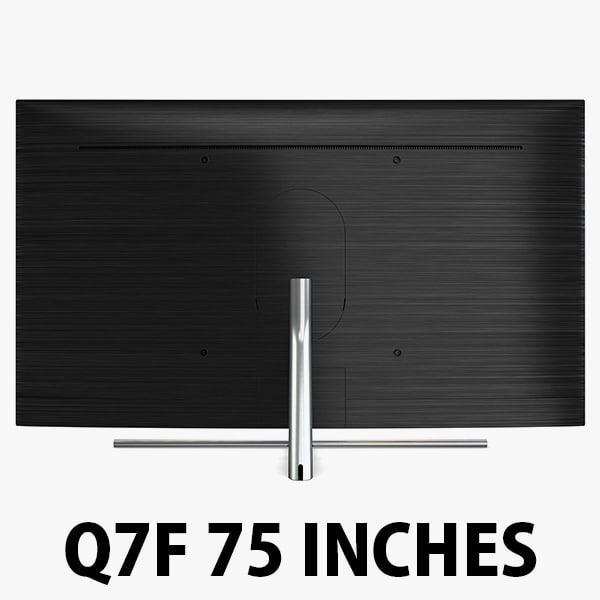
Samsung QLED Q7F 75 Inch 4K TV 3D Model
1. Samsung QLED TV Q7f 75 Inches………………….FEATURES:- This model is a highquality, details enuogh to close-up render- Images preview take from V-Ray rendering and not edited- Models resolutions are optimized for polygon efficiency, apply smooth function to increase mesh resolution- All textures was strip paths, open the file and all texture will be connected automatically. – Real world scale, we offer a model with an error of less than 5%.- No object missing- Model with 3 and 4 sides only- No polygons with more than 4 sides- No object with isolated vertices, overlapping faces or overlapping verts- No poles or crease- Poly counts: 39 791- Vert counts: 43 061In 3ds max files:- Frezze tramsform to zero ( 0,0,0 )- Group: Yes- Object with Parents and Childen: Yes- Layer apply to manage: Yes- Named all object………………….FORMATS: 1. 3ds Max 2012 + Vray 2.0: Native format- Vray 2.0 ( full setup materials, lights and camera make rendering like image preivews)- Standard materials ( full setup materials: colors, reflect, translucent )2. Geometry and standard materials with textures. Amount reflect and bump are not set:- OBJ 2012- FBX 2012- 3DS 2012 3. Standard materials with textures.Amount reflect and bump are not set. – Maya 2012- C4D R12- Lightwave 11- Softimages 2015…………………..TEXTURES:- Textures highquality, enough for close-up render ( 2048 pixels )- UVWs mapping with mixed: overlapping and non-overlapping…………………..Beemaxx team:With over 3 years of experience working with 3D models. We give you all the very best in quality, save time. Our customers come from all over the world. We want to develop a strong community starts from the expanded 3d models market.- Also check out our other models, just click on our user name to see complete gallery.- Summit a product rating will help us very much.
-

3D Samsung New TV Collection 2017 model 3D Model
Hitch Detailed 3d models of Samsung New TV Collection 2017:Samsung Q8C Curved QLED 4K TVPolygons: 35,000Samsung Q7C Curved QLED 4K TVPolygons: 23,000Samsung Q7F QLED 4K TVPolygons: 21,000Samsung KS9000 4K SUHD TVPolygons: 28,000Samsung KS9500 Curved 4K SUHD TVPolygons: 31,000Samsung KS9800 Curved 4K SUHD TVPolygons: 48,000Samsung One Remote ControlTopology of geometry:- forms and proportions of The 3D model most similar to the real object- detailed enough for close-up renders- the geometry of the model was created very neatly- there are no many-sided polygons- the model is ready and does not needed smoothing modifiersMaterials and Textures:- 3ds max files included Standart materials and Vray-Shaders- large size textures with layers (*.tiff) included- all textures paths are clearedOrganization of scene:- to all objects and materials names in scene are appropriated- real world size (system units – mm)- coordinates of location of the model in space (x0, y0, z0)- does not contain extraneous or hidden objects (lights, cameras, shapes etc.)File Formats:- original file format – 3ds max 2009 + Vray- 3ds max with standard materials- 3ds, obj, fbx (Multi Format)- Cinema 4D and Maya – exported with standard materialsRenders:- all previews rendered 3ds max Vray- the model is completely ready for use visualization in 3ds max + VrayBuying the Collection, you save 40%!Total cost $234,00Discount $95,00
-

Samsung New TV Collection 2017 3D Model
Hitch Detailed 3d models of Samsung New TV Collection 2017:Samsung Q8C Curved QLED 4K TVPolygons: 35,000Samsung Q7C Curved QLED 4K TVPolygons: 23,000Samsung Q7F QLED 4K TVPolygons: 21,000Samsung KS9000 4K SUHD TVPolygons: 28,000Samsung KS9500 Curved 4K SUHD TVPolygons: 31,000Samsung KS9800 Curved 4K SUHD TVPolygons: 48,000Samsung One Remote ControlTopology of geometry:- forms and proportions of The 3D model most similar to the real object- detailed enough for close-up renders- the geometry of the model was created very neatly- there are no many-sided polygons- the model is ready and does not needed smoothing modifiersMaterials and Textures:- 3ds max files included Standart materials and Vray-Shaders- large size textures with layers (*.tiff) included- all textures paths are clearedOrganization of scene:- to all objects and materials names in scene are appropriated- real world size (system units – mm)- coordinates of location of the model in space (x0, y0, z0)- does not contain extraneous or hidden objects (lights, cameras, shapes etc.)File Formats:- original file format – 3ds max 2009 + Vray- 3ds max with standard materials- 3ds, obj, fbx (Multi Format)- Cinema 4D and Maya – exported with standard materialsRenders:- all previews rendered 3ds max Vray- the model is completely ready for use visualization in 3ds max + VrayBuying the Collection, you save 40%!Total cost $234,00Discount $95,00
-
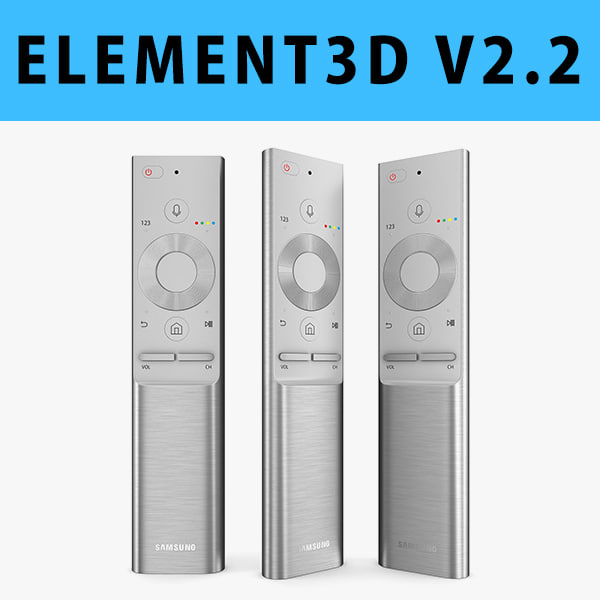
E3D – Samsung QLED TV Remote 2017 3D model 3D Model
This pack:Element 3D V2.2 ( All colors )models preset easy to use- 1 file OBJ High poly- 1 file OBJ standard- 1 file C4D R12 standard render- 1 file 3ds max 2012 standard material- E3D file full materials set up like previewsHow to use it?1. Open After Effects CC 2014 ( or higher) and create new composition ( You need Element3D V2.2 to use )2. Create new Solid layer and add Element effect. ( Effect/Video Copilot/ Element )3. Click Scene Setup4. Click on IMPORT inside Element3D scene setup5. Choose my .e3d preset for the model and press Open.If you dont see the model do not forget to right click on the model name and press Replace model then select the .obj model file in the respective models folder.