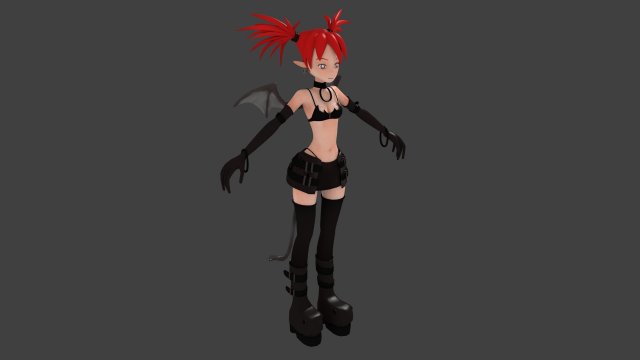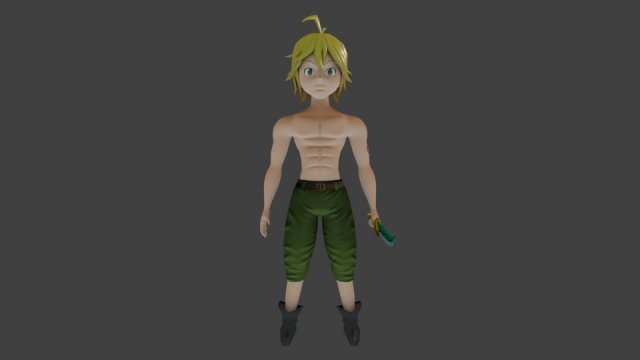
File .blend character is rigged for Rigify plugin. For fix error after open .blend file extension go in Blender File/User Preferences select tab File and enable Auto Execution Save User Settings. Close Blender and open .blend again this fixing error.
Tag: turnaround
-
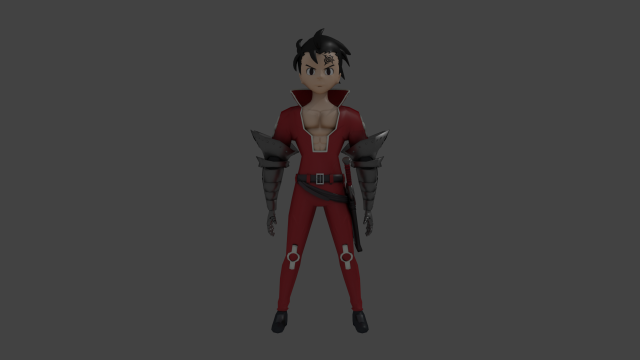
Zeldris Nanatsu no Taizai 3D Model
File .blend character is rigged for Rigify plugin. For fix error after open .blend file extension go in Blender File/User Preferences select tab File and enable Auto Execution Save User Settings. Close Blender and open .blend again this fixing error.
-
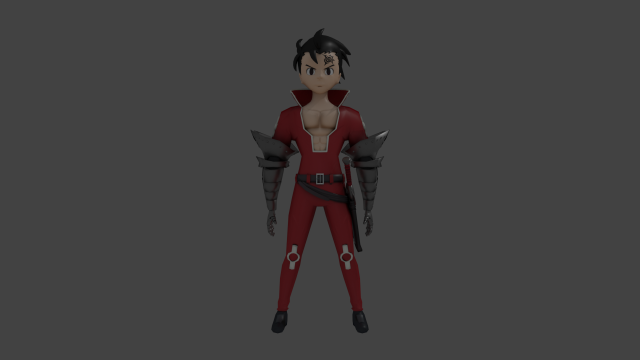
Zeldris Nanatsu no Taizai 3D Model
Sotwares: BlenderCharacter rigged but not animated and have outline mesh you can remove it if you want. Use .blend file for making animations.If you open .blend file and appear error in mesh this is Rigify plugin is very simple to solve. Go to File/User Preferences go to File and enable Auto Execution. Now Save User Settings and close. Open .blend file again and fix error. Steps in file .rarYou can export to .fbx from .blend file after make animations.Character Turntable Preview:Enjoy!