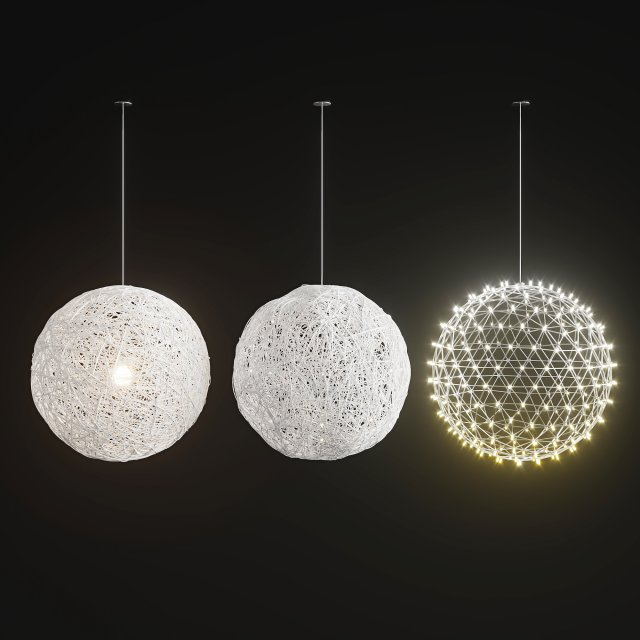
Handmade Lighting set 01
Tag: spherical
-
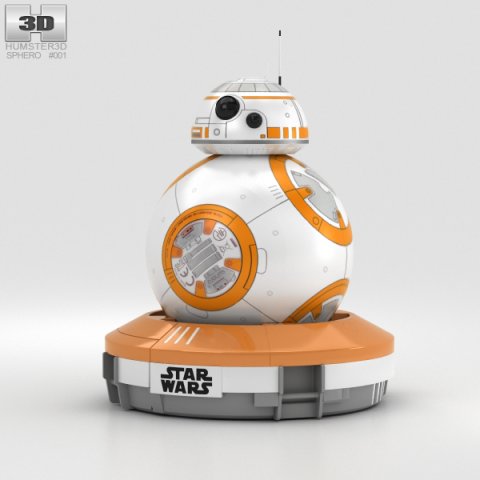
Sphero BB-8 3D Model
The 3D model was created on real base. It’s created accurately, in real units of measurement, qualitatively and maximally close to the original.Model formats:- *.max (3ds Max 2008 scanline)- *.max (3ds Max 2008 vray)- *.fbx (Multi Format)- *.obj (Multi Format)- *.3ds (Multi Format)- *.mb (Maya 8.5)- *.lwo (Lightwave 6)- *.c4d (Cinema 4D 11)* renders Are made in 3ds Max 2008 using vray 1.5 (studio environment is not included in the set)If you need any other formats we are more than happy to make them for you.The model is provided combined, all main parts are presented as separate parts therefore materials of objects are easy to be modified or removed and standard parts are easy to be replaced. If you experience difficulties with separating standard parts we are more than happy to give you qualified assistance.We greatly appreciate you choosing our 3D models and hope they will be of use.We look forward to continuously dealing with you.Sincerely Yours,Hum3D Team
-
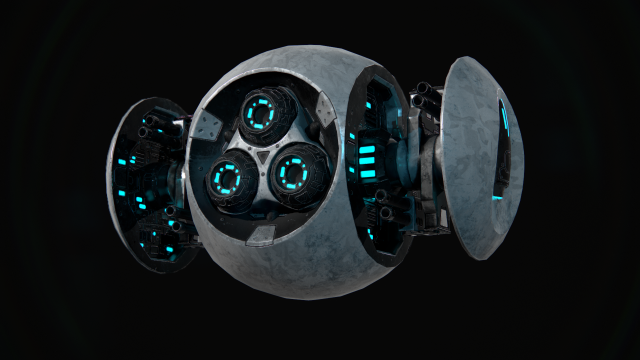
Battle Drone 3D Model
*= General info =*Flying Drone. Low-poly 3D model ready for realtime apps. PBR-workflow (UE4/Unity). Scaled to real world units. Deadly battle drone for your indie game.*= Detailed info =*-Quads: 3482-Tris: 6777-Vertecies: 3772-Number of meshes: 13-Mesh List:Main, Main_side, Main_front, Front_details, Rotor_1, Rotor_2, Rotor_3, EngineSmall_1, EngineSmall_2, Eyes, Guns, Finns, Engine.- 4K textures:Metallic-RoughnessDrone_BaseColor.pngDrone_Normal.pngDrone_Roughness.pngDrone_Metallic.pngDrone_AmbientOcclusion.pngUnreal engine 4Drone_BaseColor.pngDrone_AO_Rgh_Mtl.pngDrone_Normal.pngUnityDrone_BaseColor.pngDrone_Normal.pngDrone_AmbientOcclusion.pngDrone_Mtl_Smth.pngAdditional maps:Drone_ID.pngDrone_Emissive.png- UV island are logicaly placed, straightened and not distorted;- Model is separated for easy rigging and animation;- Scaled to real world units;*= Notes =*-Rendered in Marmoset Toolbag 3
-
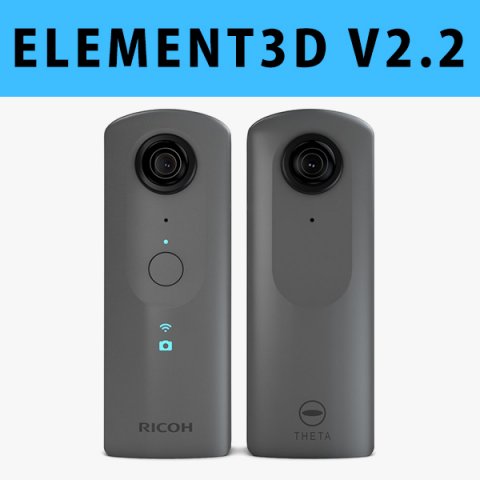
E3D – Ricoh Theta V 360 Spherical Camera model 3D Model
This pack:Element 3D V2.2 ( All colors )models preset easy to use- 1 file OBJ High poly- 1 file OBJ standard- 1 file C4D R12 standard render- 1 file 3ds max 2012 standard material- E3D file full materials set up like previewsHow to use it?1. Open After Effects CC 2014 ( or higher) and create new composition ( You need Element3D V2.2 to use )2. Create new Solid layer and add Element effect. ( Effect/Video Copilot/ Element )3. Click Scene Setup4. Click on IMPORT inside Element3D scene setup5. Choose my .e3d preset for the model and press Open.If you dont see the model do not forget to right click on the model name and press Replace model then select the .obj model file in the respective models folder……………………………………………………………About Bee3DD Studio: ( Working in 3d modeling since 2013 until now )+ We offer all electronics 3d model ( latest and oldest ). Our collection is biggest in the world. It is place where you can find anything about technology for your project ( earlier and faster than others )+ Every model we build goes through thorough Quality assessment both visual and technical to make sure the assets look realistic and the models are of the best quality.
-
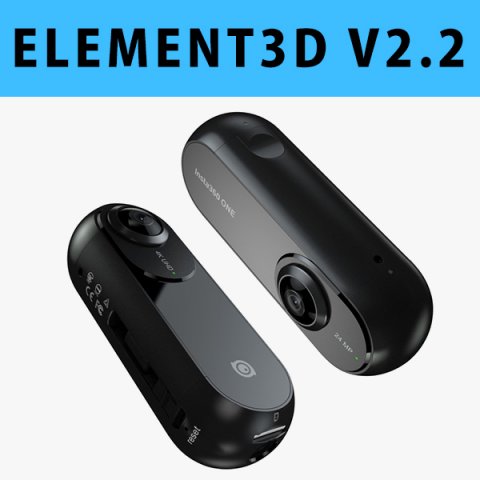
E3D – Insta360 ONE Action Camera 3D 3D Model
This pack:Element 3D V2.2 ( All colors )models preset easy to use- 1 file OBJ High poly- 1 file OBJ standard- 1 file C4D R12 standard render- 1 file 3ds max 2012 standard material- E3D file full materials set up like previewsHow to use it?1. Open After Effects CC 2014 ( or higher) and create new composition ( You need Element3D V2.2 to use )2. Create new Solid layer and add Element effect. ( Effect/Video Copilot/ Element )3. Click Scene Setup4. Click on IMPORT inside Element3D scene setup5. Choose my .e3d preset for the model and press Open.If you dont see the model do not forget to right click on the model name and press Replace model then select the .obj model file in the respective models folder……………………………………………………………About Bee3DD Studio: ( Working in 3d modeling since 2013 until now )+ We offer all electronics 3d model ( latest and oldest ). Our collection is biggest in the world. It is place where you can find anything about technology for your project ( earlier and faster than others )+ Every model we build goes through thorough Quality assessment both visual and technical to make sure the assets look realistic and the models are of the best quality.
-
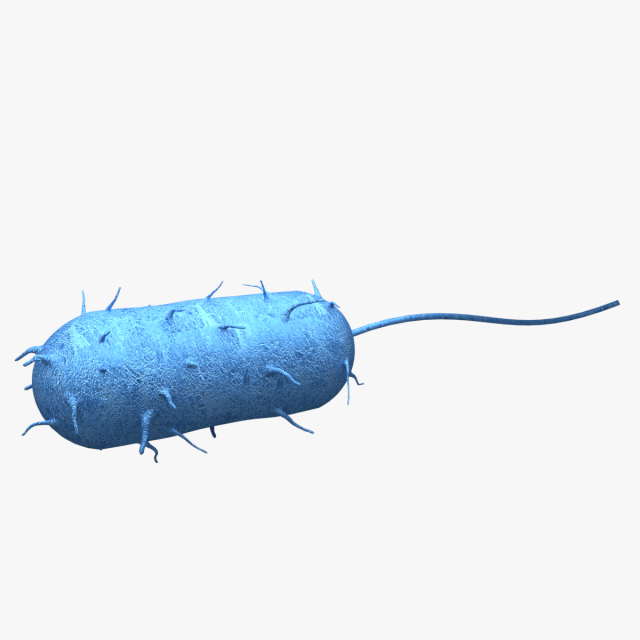
Bacteria 3D Model
– Modeled in Blender- Preview image rendered using cycles- All scene are included in .blend files- Poly count are before sub divisionModel include:1 specular map 2048×2048 png1 normal map 2048×2048 png1 diffuse map 2048×2048 png
-
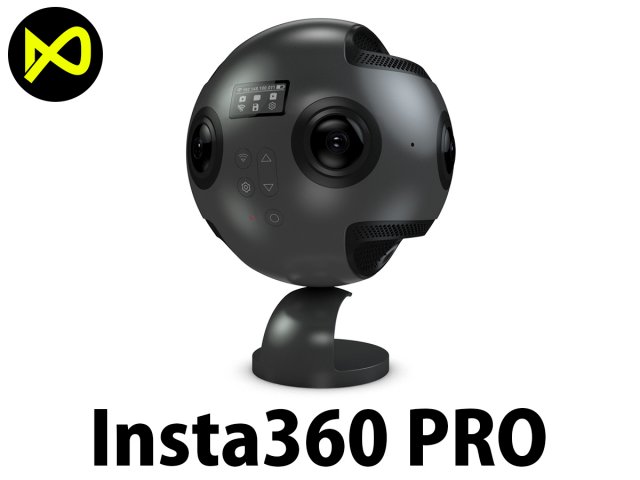
Insta360 Pro 360 Degree Camera 3D Model
Bee3dd is a team who making 3d model best quality, you don’t need worry when use our models. We take care to build the smallest detail in the model to ensure the best results. These things are not in others.Our slogan is: best quality – best price!+ We offer all electronics 3d model ( latest and oldest ). Our collection is biggest in the world. It is place where you can find anything about technology for your project ( earlier and faster than others )+ Every model we build goes through thorough Quality assessment both visual and technical to make sure the assets look realistic and the models are of the best quality.ONE MORE THING: Don’t forget visit ” official site of bee3dd “, we are offering a lot of services to our customers there with the most reasonable price and highest quality.1. Free download models smartphones, tablets… ( we will give away free model for all our users, don’t miss out it. )2. Free edit models you purchased (If you need add your logo or something to the model, we will do it for free.)3. Free edit textures ( Need change textures size or custom texture ? It’s free in ours site. )4. Free Element 3D file for our customer ( If you need element 3d file, please contact and get it in ours site for free. )5. Pre-oder and get yours soon as soon imposible ( can’t find the model you need? Just visit our site and click to pre-oder )—————————–The model has a fully textured, detailed design that allows for close-up renders, and was originally modeled in 3ds Max 2012 and rendered with V-Ray. Fidelity is optimal up to a 2K render. Renders have no postprocessing.—————————–File Formats:+ 3ds Max 2012 + Vray 2.0 full setup lighting, camera+ 3ds Max 2012 standard+ Cinema 4D R12 standard ( materials and textures was setup )+ Maya 2012 standard ( materials and textures was setup )+ Lightwave 11 ( materials and textures was setup )+ FBX 2012+ OBJ 2012+ 3DS 2012+ 1 file 360 product ( 60 images 1200*1200 pixels ) – Get it in ours siteAll models before 8-2017 haven’t 360 product but if you need it please contact us and get yours in ours site in 24 hours.—————————–Geometry:+ No isolated vertices+ No coincident vertices+ No coincident/coplanar faces+ Quads and Triangles only ( Clean edge flow, mostly quads, subdividable topology, no poles with more than 5 edges on the model, holding/support edges present to retain shape after subdivision )+ Models resolutions are optimized for polygon efficiency. (In 3ds Max, the Meshsmooth/Turbosmooth function can be used to increase mesh resolution if necessary.)+ Real-world scale ( We make 3d model from actual size and images reference. It is best for making video intro, marketing, animation, games… )+ Naming and Organization ( All geometry is contained in a single layer structure, with the layer having the same name as the product. )—————————–TEXTURES:- Textures highquality, enough for close-up render ( 2048-4096 pixels )- UVWs mapping with mixed: overlapping and non-overlapping- No texture paths referenced by the model. All texture paths were stripped from the model.—————————–Rate for ours models: We are required to assess the customer’s finished product with the best quality. Let us know your comments, we are very thankful for that!Thanks you,Best regardBee3dd team
-
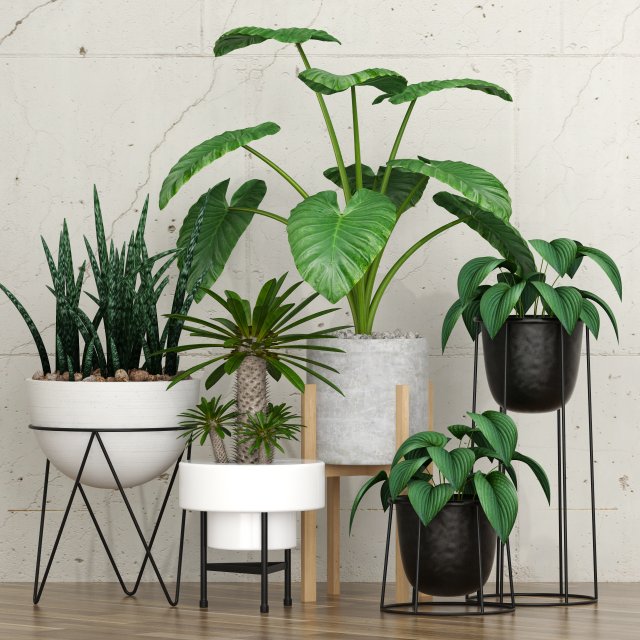
Plant 27 3D Model
High quality 3d models PlantsFormats included:*.max with materials and textures*.fbx with materials and textures
-
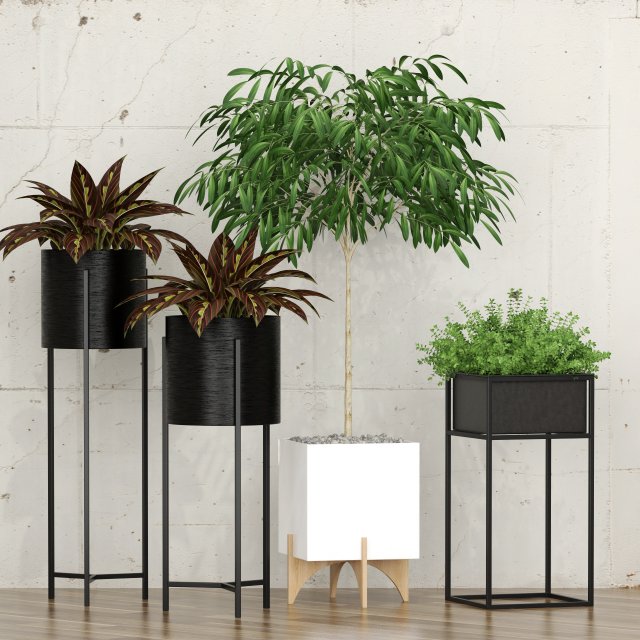
Pant 28 3D Model
High quality 3d models PlantsFormats included:*.max with materials and textures*.fbx with materials and textures
-
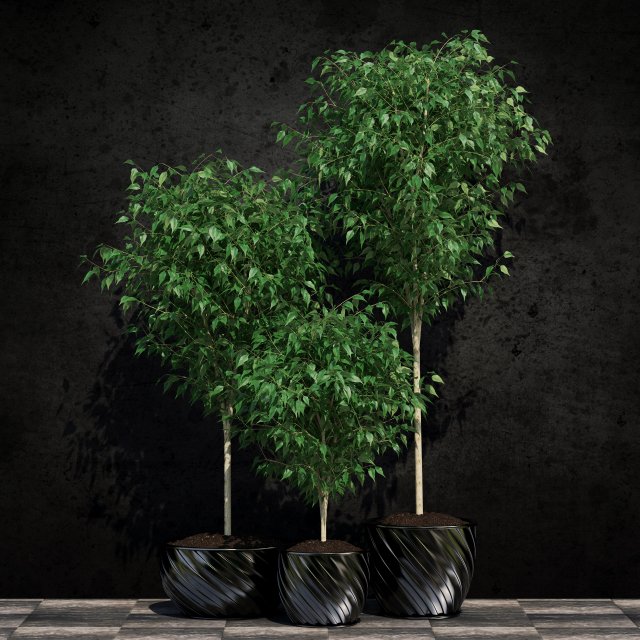
Ficus benjamina 3D Model
High quality 3d models Plants Ficus BenjaminFormats included:*.max with materials and textures*.fbx with materials and textures*.obj with textures
-
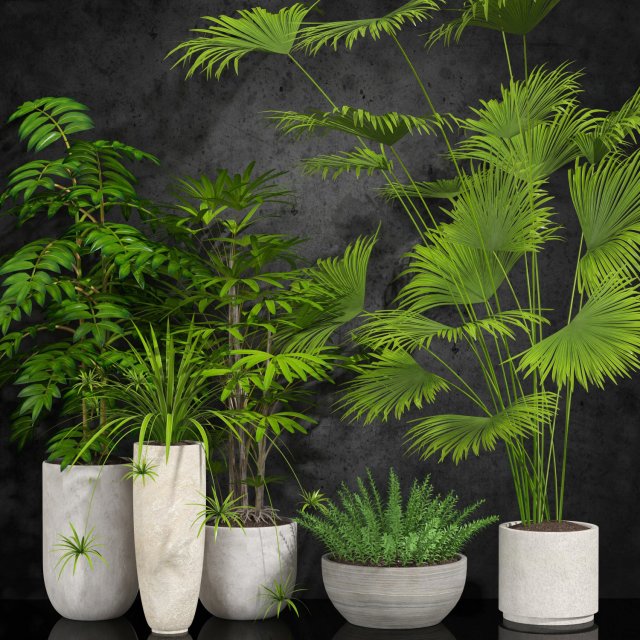
Room plants 3D Model
High quality 3d models potted plantsFormats included:*.max with materials and textures*.fbx with materials and textures*.obj with textures
-
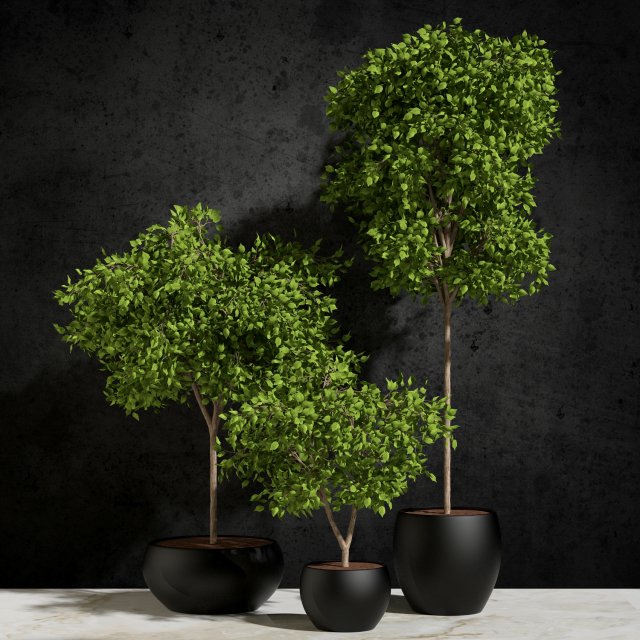
Plants Ficus Benjamin 3D Model
High quality 3d models Plants Ficus BenjaminFormats included:*.max with materials and textures*.fbx with materials and textures
-
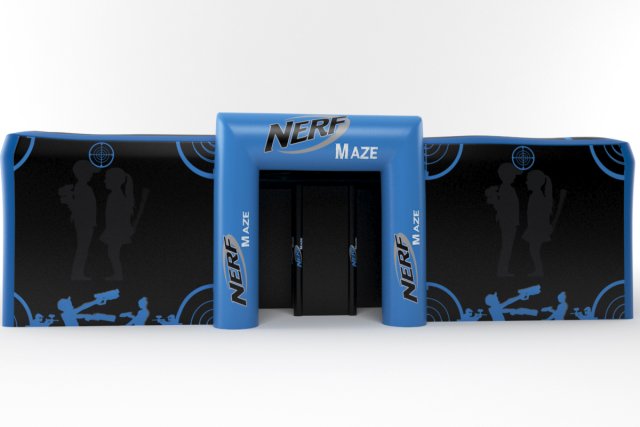
Nerf maze 3D Model
the model is made by 3ds max with right scale world no confuse to make selection, just grab model on scene and start render,all textures and materiel included like you see on images.i hope you like it just check others models on my profil
-
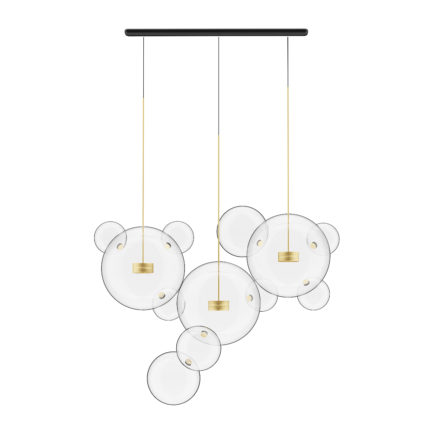
Golden Ceiling Lamp with Glass Shades 3D Model
3d model of ceiling lamp with glass shades. Compatible with 3ds max 2010 or higher and many others.
-
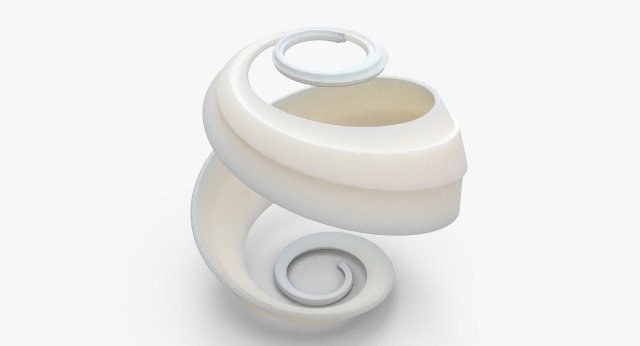
Math Object 0045 3D Model
-The 3dsmax scene file contains the base mesh with OpenSubDiv modifier applied.-The OBJ contains the base mesh only. No subdivisions applied.-The STL file is the subdivided hi-res geometry only.- 3D Print ready- Motion Graphics ready
-
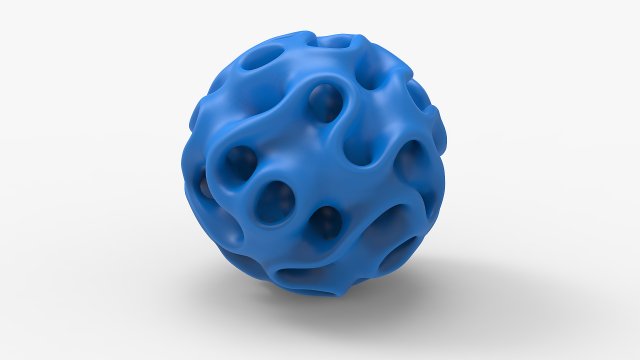
Math Object 0040 3D Model
-The 3dsmax scene file contains the base mesh with OpenSubDiv modifier applied.-The OBJ contains the base mesh only. No subdivisions applied.-The STL file is the subdivided hi-res geometry only.- 3D Print ready- Motion Graphics ready
-
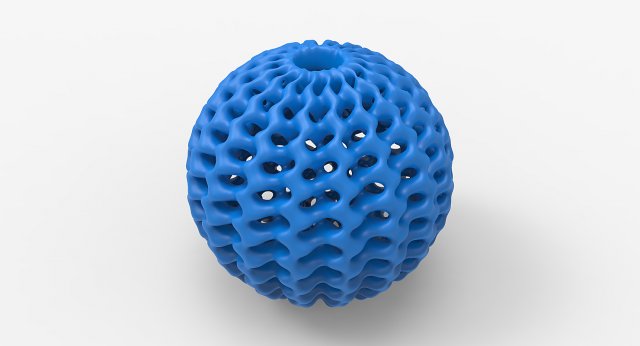
Math Object 0030 3D Model
-The 3dsmax scene file contains the base mesh with OpenSubDiv modifier applied.-The OBJ contains the base mesh only. No subdivisions applied.-The STL file is the subdivided hi-res geometry only.- 3D Print ready- Motion Graphics ready