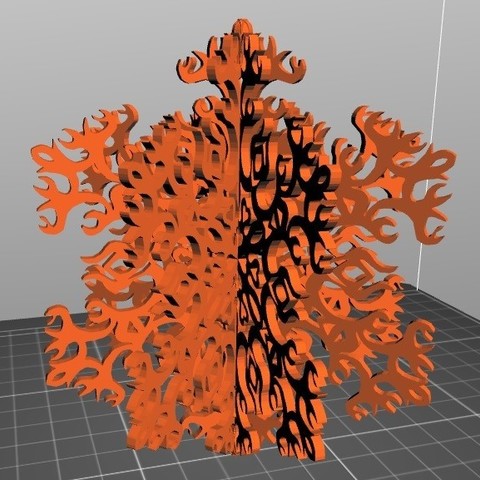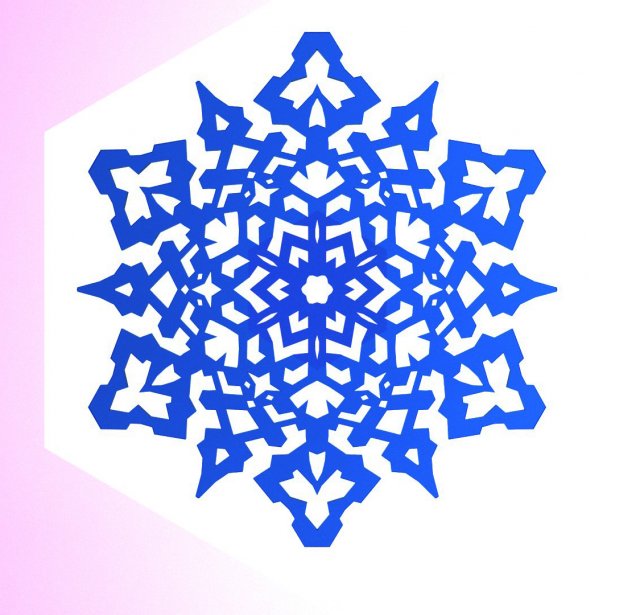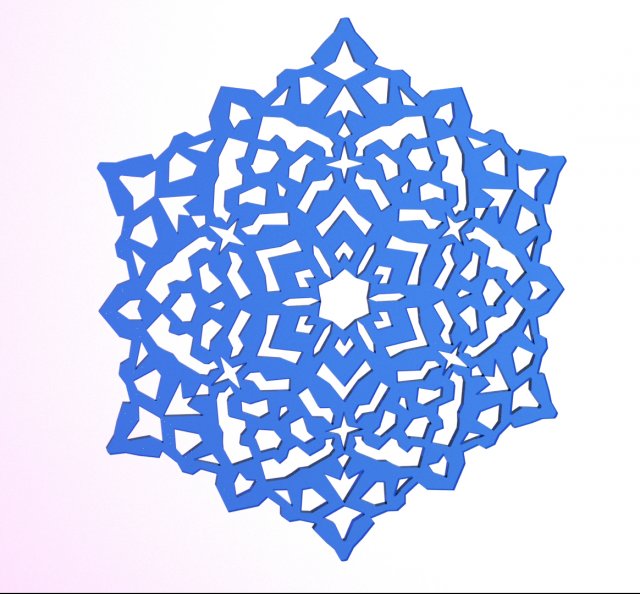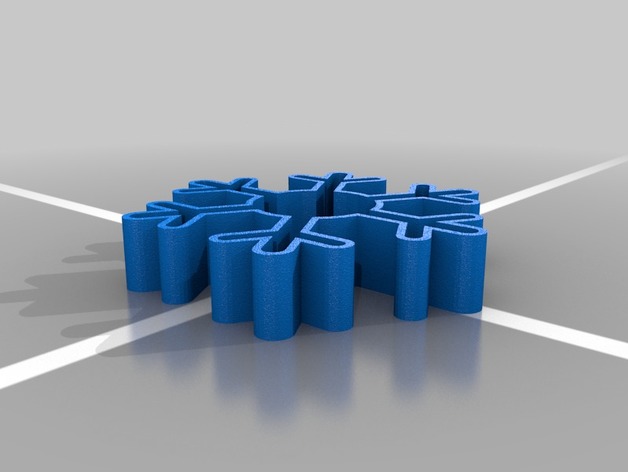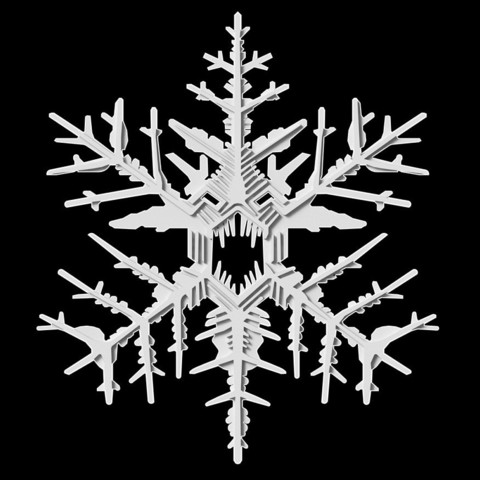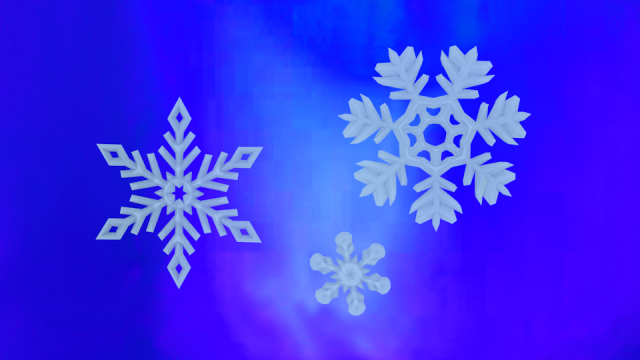
Originaly 3ds max 2014 scene with growing snowflake made with Mesher modifier from particles in PFlow with Birth Group from fractured snowflake petal consisted from core and shell parts.Snowflake divided on six petals(each pelal is core and shell) generated with Mesher modifiers from particles as described above. Each petal’s Mesher modifier has different time offset.Petal itself generated with PFlow using Script Operator with simple code which takes positions of the plane models for the shell and the core particle groups and depending of distance from the plane to the particle changes particle’s size.Shell and core have its own material. Model needs no textures and redered with two different materials(fresnel mask ant self-illumination add some nice look), but you can add textures if you wish. Before adding textures create UVs.*.Obj sequence included and has size 1.0Gb. You can use it in After Effects with Element3D plugin or in cinema4D for example.Video preview made in After Effects with Element3D plugin. Ae cc2015 project file included, just reimport obj sequence.FBX includes only complete final frame of the animation. Full growth animation only in the obj sequence
Tag: snowflake
-
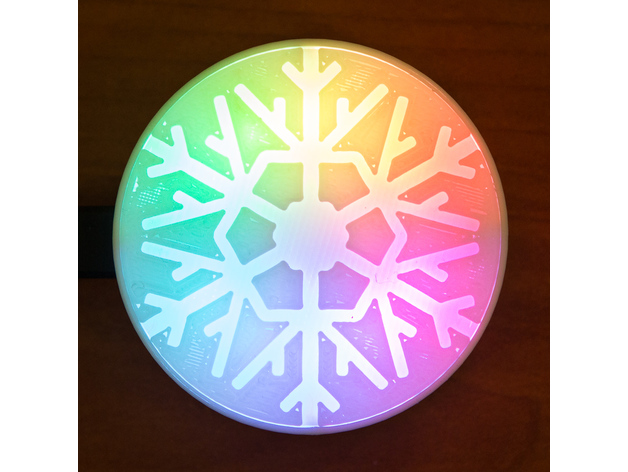
Temperature Sensitive Snowflake 3D Print Model
Summary
Since snowflakes are often seen as a pictograph for temperature so too is this one! Full R->G->B sweep from 15C-35C (60F-95F) and haptic mode control.
While its rotation and loop based rendering are certainly a standout feature I also I wanted to see how BlocksCAD went at building something functional that also included non-symmetric components. Was impressed with it simplicity and ease of understanding.
Everything friction fits together. The board should snap onto the mounting lugs and the diffuser requires a little pressure to seat it into the base. For the diffuser white PLA works great, smoothing the LED light. The diffuser is very thin in parts (3 layers @ 0.2mm) to allow more passage of light in the snowflake pattern. Excuse the under extrusion on my diffuser 😉 Support is only required for the internal battery compartment, easy to remove.
Inside is a battery or USB powered Adafruit Circuit Playground (code enclosed). There are many styles and sizes of lithium ion battery that can be used but the BlockCAD file has parameters for altering the battery size – another powerful feature. So long as the battery fits in the footprint of the overall design, which can also be set with parameters should you wish to enlarge the light projection area.
The default code has a few modes, starting with aforementioned temperature mode. Tapping the snowflake will take you through a few other pretty modes (see https://www.youtube.com/watch?v=Be5zCj8a_cM ) and finally to OFF. But all this is easily editable in the code, including the temperature range. Likewise, you could edit the diffuser pattern to be anything!
Print Settings
Printer Brand:
Wanhao Printer:
Wanhao Duplicator i3 V2 Rafts:
No Supports:
Yes Resolution:
0.2 Infill:
20% -
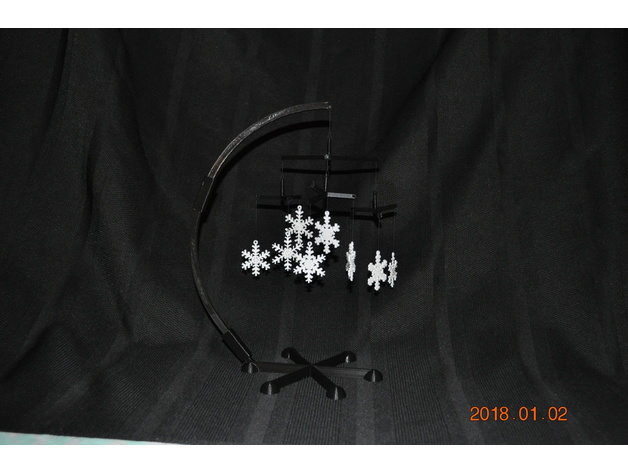
SnowFlake Mobile – Desktop or Free Hanging 3D Print Model
Summary
This is a snowflake mobile created in BlocksCAD. This can be either a desktop mobile or a (simpler) free hanging mobile.
It uses the “earring” snowflakes from https://www.thingiverse.com/thing:2728193 for the snowflakes.
The xml files used to create the geometry in BlocksCAD are also provided.
PRINT INSTRUCTIONS FOR DESKTOP MOBILE:
suggestion: white snowflakes
print 9 “earring” snowflakes from https://www.thingiverse.com/thing:2728193
suggestion: black mobile pieces
print 3 small arms
print 1 large arm
print 1 base
print 1 lower arm
print 1 upper arm
print 1 connector straight
print 1 connector curved
ASSEMBLY INSTRUCTIONS FOR DESKTOP MOBILE:
I used heavy duty black thread to connect the snowflakes to the arms.
Attach 3 snowflakes to outer ends of the arms of the small arm using black thread. The distance between the top of the snowflake and the small arm should be about 1 to 5 cm. Repeat for the other two small arms. Varying the thread lengths provides a more esthetic display.
Attach the center of one of the small arms to one of the outer end of one of the arms on the large arm using black thread. This thread length should be about 2 cm. Repeat for the other two small arms
Attach the center of the large arm to the hole in the top of the large arm using black thread. The length should be about 2 cm.
Assemble the straight end of the lower arm to the base using the straight connector.
Assemble the upper arm (& snowflakes) to the lower arm using the curved connecter.
NOTE WELL:
The small arms and large arms will not hang level with random snowflakes with different weights. The thread length has an insignificant impact on whether the arms hang level.
ENGINEERING INSTRUCTORS: A student challenge would be to compute the equilibrium position of the small arm based on the weight of the individual snowflakes attached. It would be considered cruel and unusual punishment to ask students to compute the equilibrium position of the entire assembly.
OPERATION:
No batteries required.
The slightest breeze will set the mobile in motion when thread is used.
put it near a heating register and the air currents will set it in motion
when all else fails:
— gently spin the top of the center large arm
— or blow on it
PRINT INSTRUCTIONS FOR FREE HANGING MOBILE:
suggestion: white snowflakes
print 9 “earring” snowflakes from https://www.thingiverse.com/thing:2728193
suggestion: black mobile pieces
print 3 small arms
print 1 large arm
ASSEMBLY INSTRUCTIONS FOR FREE HANGING MOBILE:
Attach 3 snowflakes to outer ends of the arms of the small arm using black thread. The distance between the top of the snowflake and the small arm should be about 1 to 5 cm. Repeat for the other two small arms. Varying the thread lengths provides a more esthetic display.
Attach the center of one of the small arms to one of the outer end of one of the arms on the large arm using black thread. This thread length should be about 2 cm. Repeat for the other two small arms
Attach a long piece of black thread to the center of the large arm.
Hang the assembly at a convenient location. -
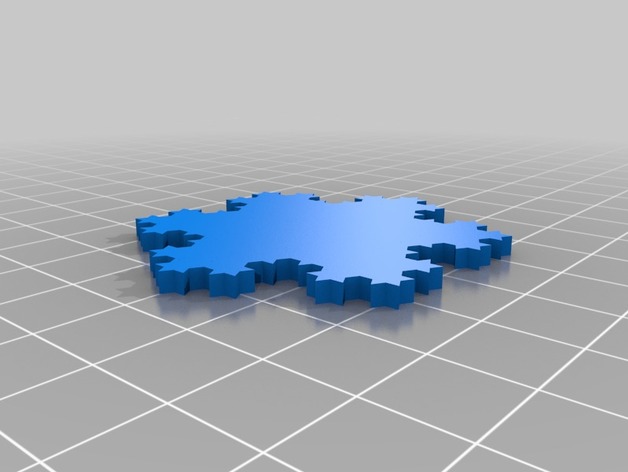
Koch Snowflake 3D Print Model
Summary
A snowflake that is based on a very famous fractal! A line of infinite length that binds a finite Area! Fractal dimension ln(4)/ln(3) !!!!!!!1!1!!one!1!!11!!!eleven! -

Cellular automaton snowflake in OpenSCAD 3D Print Model
Summary
This cellular automaton uses Stephen Wolfram’s rule that a filled cell stays filled and an unfilled one becomes filled if it has exactly one filled neighbor. -
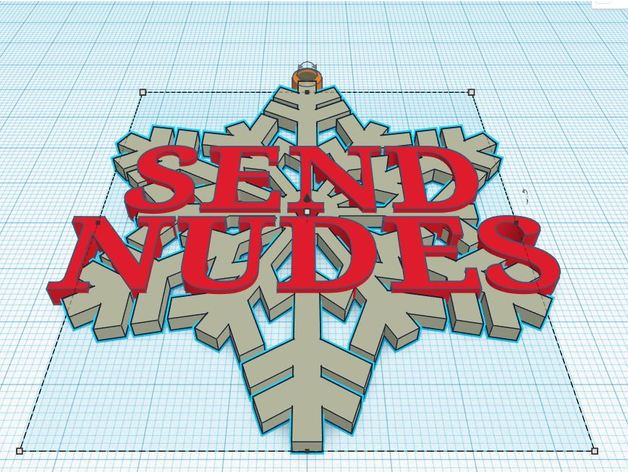
Send Nudes Snowflake Ornament 3D Print Model
Summary
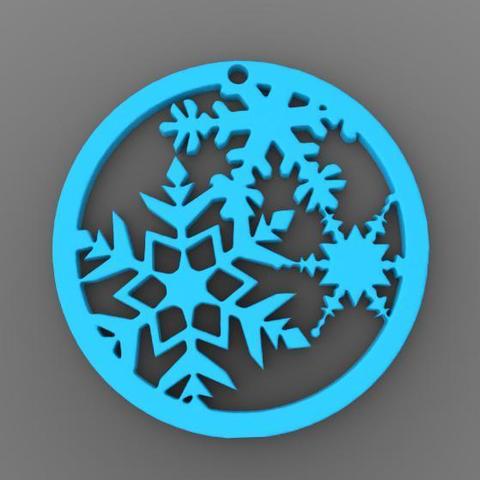
What better way to bring the warmth of the holidays to someone you love than with an ornament for the tree. This remix of a snowflake simply added some basic text, and a loop for hanging. Enjoy!
Print Settings
Printer:
CR-10 Rafts:
No Supports:
No Resolution:
.1 Notes:
I had the most success at 220 filament at 55 bed, but it’s up to you and your PLA. Print it in white and paint the letters red or green for extra fest. Perhaps even a light coat of glue and glitter!
How I Designed This
Threw this inter Tinkercad and put in very little effort. -
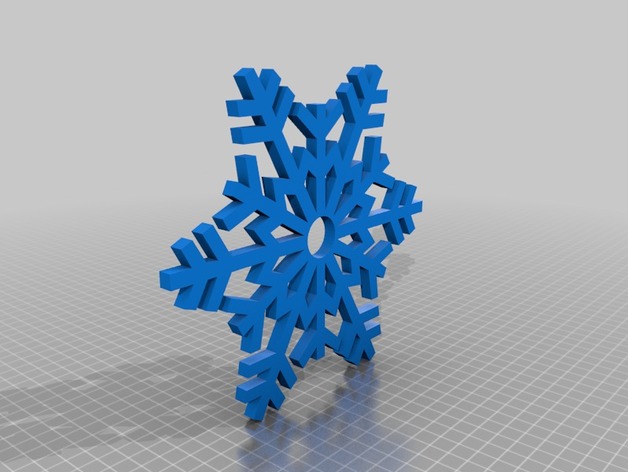
Snowflake Fidget Spinner 3D Print Model
Summary
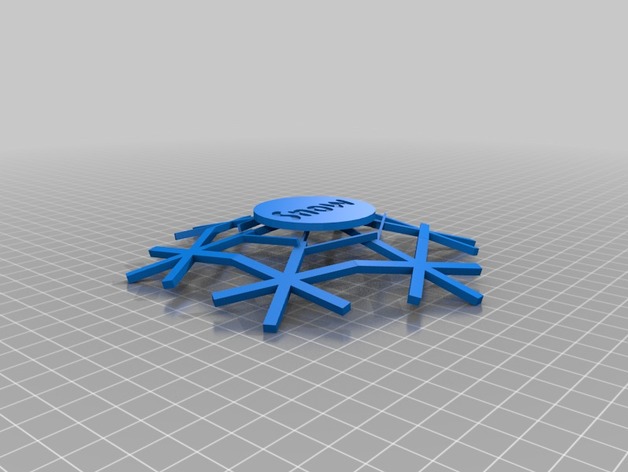
A fidget spinner shaped like a snowflake.It is very large and needs a 200×200 bed surface.
Print Settings
Printer Brand:
Prusa Printer:
Prusa Clone Rafts:
No Supports:
Doesn’t Matter Infill:
10%
Post-Printing
Add a bearing and bearing caps. -
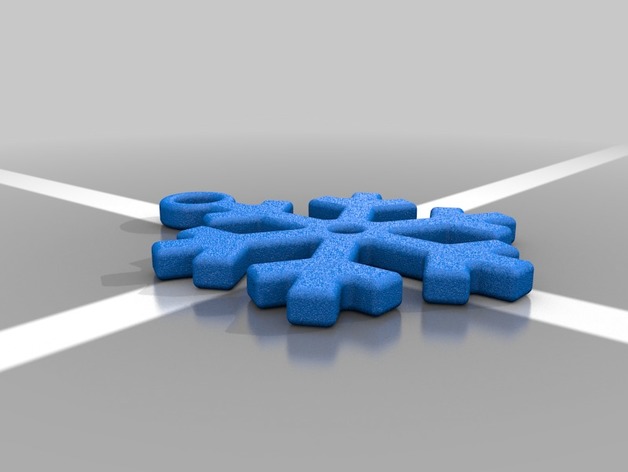
Snowflake Keychain 3D Print Model
Summary
Simple snowflake keychain as part of my “things to print for people for Christmas” exercise. Enjoy.
Print Settings
Printer Brand:
FlashForge Printer:
Creator Pro Rafts:
No Supports:
No Infill:
30% -
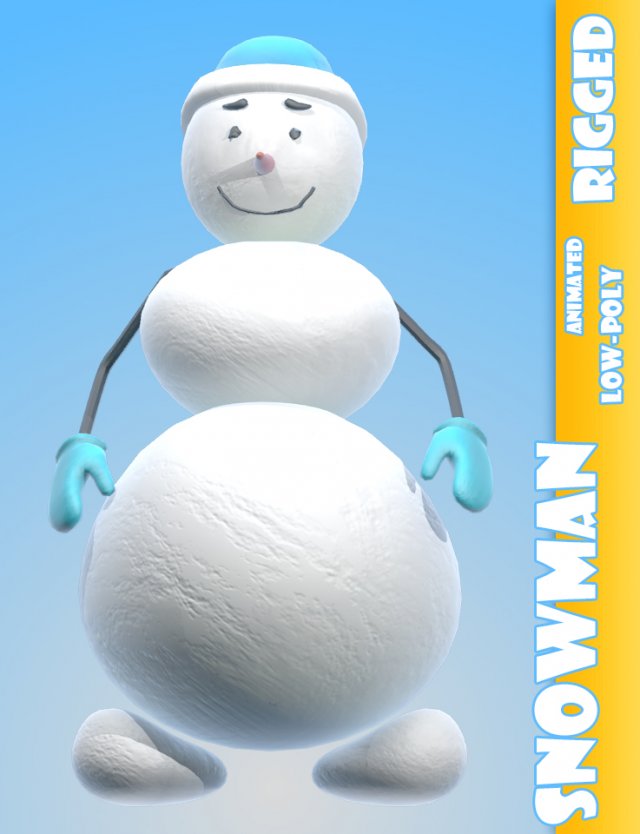
Snowman Cartoon Character Rigged 3D Model
Snowman rigged low-poly 3d model rigged animated ready for Virtual Reality (VR), Augmented Reality (AR), games and other real-time apps.
3ds max 2011 model with diffuse, normal and bump maps.
Rigged with biped.
Simple animation, see preview.
http://storage5.turbosquid.com/Download/index.php?ID=871638_15009359 -
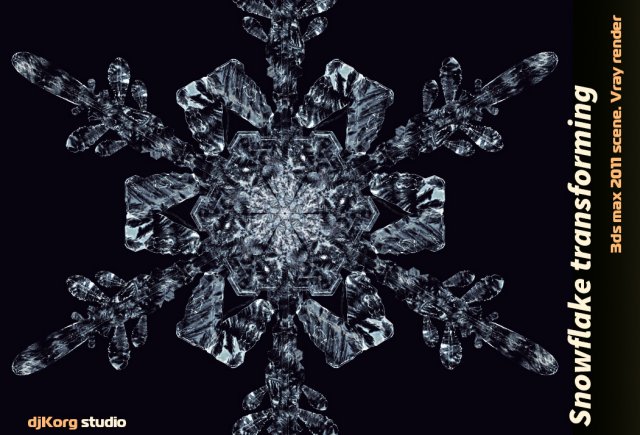
Snowflake Transforming Model 3D Model
Snowflake transforming 3d animation low-poly 3d model animated ready for Virtual Reality (VR), Augmented Reality (AR), games and other real-time apps.
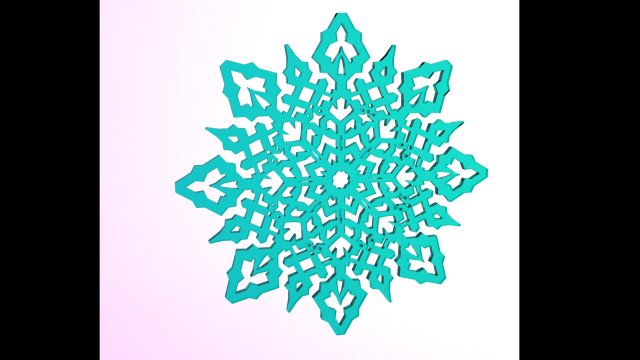
3ds max 2011 model of snowflake. Animation made by “morpher” modifier.
*.Obj sequence included
See preview animation
http://storage2.turbosquid.com/Download/index.php?ID=868930_14918619