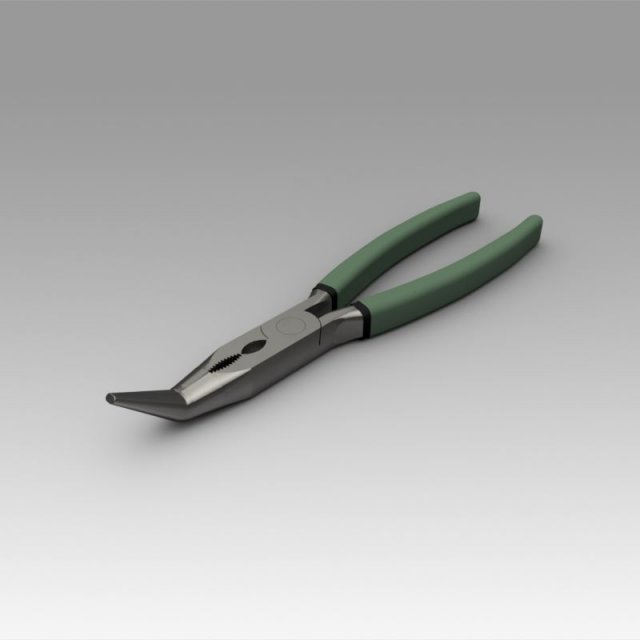
Pliers 3D modelThe model provides for the installation of various pens, which can be modeled and replaced by data.************************The object is modeled in the environment Autodesk Inventor 2018.To create a photo renderer, use Inventor Studio.************************The model contains the most popular formats************************The model contains the most popular formats. Each file was checked for opening and full content by the model.Thank you for coming to see this model. Also pay attention to other models by clicking on the name of the account in the right corner.
Tag: slip
-
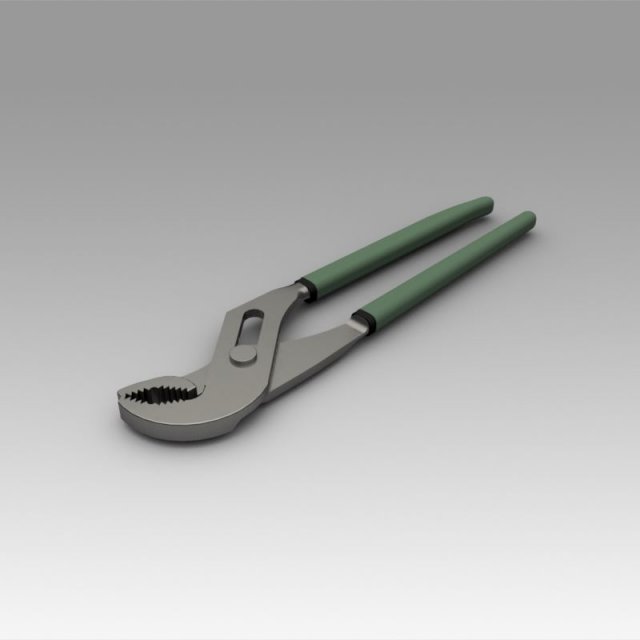
Pliers 3D Model
Pliers 3D modelThe model provides for the installation of various pens, which can be modeled and replaced by data.************************The object is modeled in the environment Autodesk Inventor 2018.To create a photo renderer, use Inventor Studio.************************The model contains the most popular formats************************The model contains the most popular formats. Each file was checked for opening and full content by the model.Thank you for coming to see this model. Also pay attention to other models by clicking on the name of the account in the right corner.
-
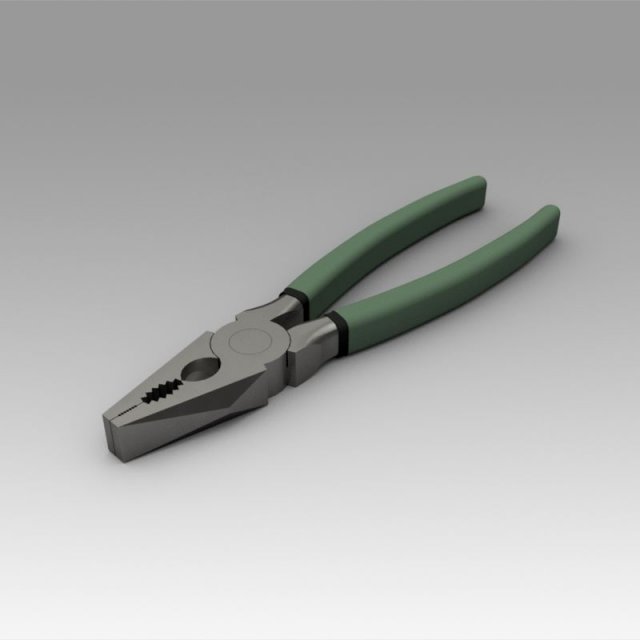
Pliers 3D Model
Pliers 3D modelThe model provides for the installation of various pens, which can be modeled and replaced by data.************************The object is modeled in the environment Autodesk Inventor 2018.To create a photo renderer, use Inventor Studio.************************The model contains the most popular formats************************The model contains the most popular formats. Each file was checked for opening and full content by the model.Thank you for coming to see this model. Also pay attention to other models by clicking on the name of the account in the right corner.
-
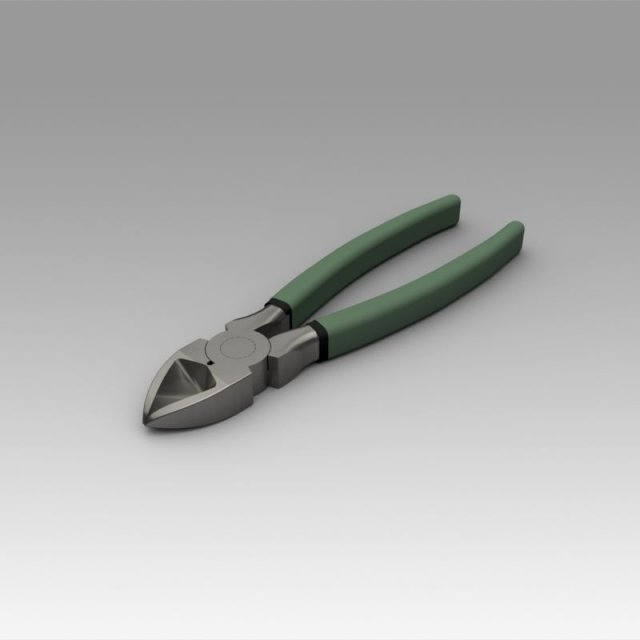
Pliers 3D Model
Pliers 3D modelThe model provides for the installation of various pens, which can be modeled and replaced by data.************************The object is modeled in the environment Autodesk Inventor 2018.To create a photo renderer, use Inventor Studio.************************The model contains the most popular formats************************The model contains the most popular formats. Each file was checked for opening and full content by the model.Thank you for coming to see this model. Also pay attention to other models by clicking on the name of the account in the right corner.
-
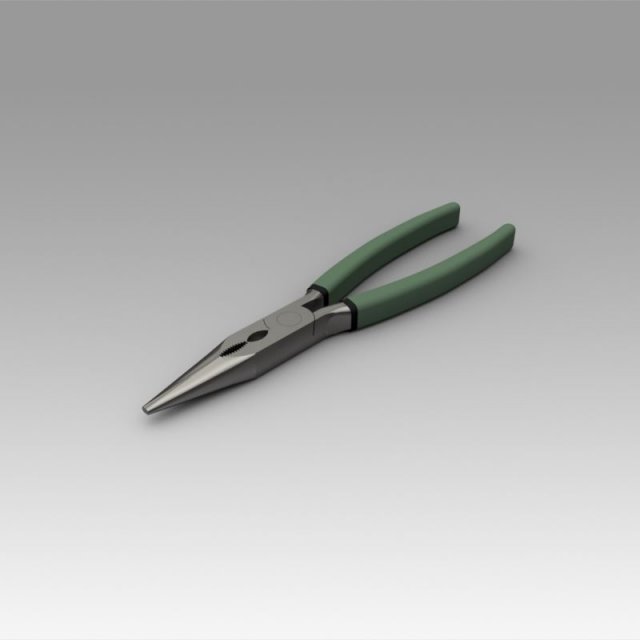
Pliers 3D Model
Pliers 3D modelThe model provides for the installation of various pens, which can be modeled and replaced by data.************************The object is modeled in the environment Autodesk Inventor 2018.To create a photo renderer, use Inventor Studio.************************The model contains the most popular formats************************The model contains the most popular formats. Each file was checked for opening and full content by the model.Thank you for coming to see this model. Also pay attention to other models by clicking on the name of the account in the right corner.
-
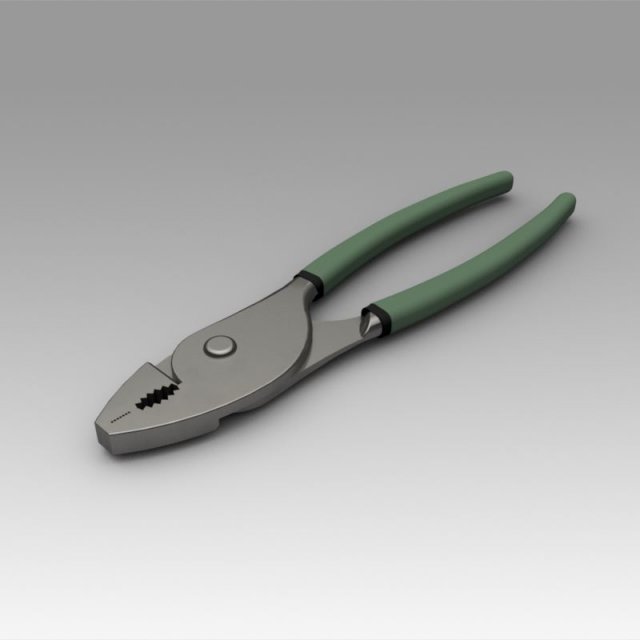
Pliers 3D Model
Pliers 3D modelThe model provides for the installation of various pens, which can be modeled and replaced by data.************************The object is modeled in the environment Autodesk Inventor 2018.To create a photo renderer, use Inventor Studio.************************The model contains the most popular formats************************The model contains the most popular formats. Each file was checked for opening and full content by the model.Thank you for coming to see this model. Also pay attention to other models by clicking on the name of the account in the right corner.
-
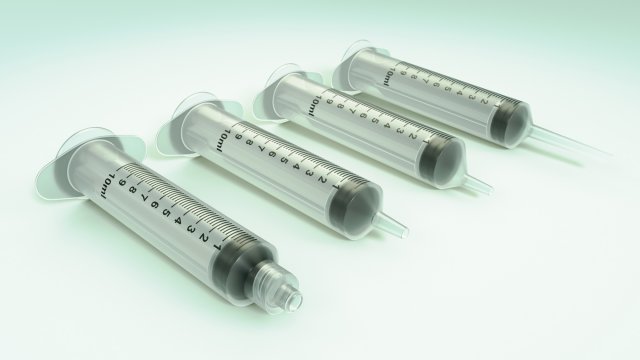
Syringes 3D Model
Rigged (Blender) Luer Lok, Slip, Eccentric and Catheter Tip Syringe models in different file formats.Blender file is setup with Subdivision Surface modifier (other file formats will need Subdivision added) and rigged to be animated. Materials, lighting and background are already setup too (just use any background HDRi you desire).You will find more in this series by searching for TP001medical .Feel free to contact me if you have further comments.
-

Banana Peel Realistic 02 3D Model
V-Ray and standard materials- Hi-Res Realistic product- Correct scale- Object(s) in their own layer (name via product name)Maps in max archives :Diffuse 4096*4096px JPGNormals 2048*2048px TIF32 bit Displacement 2048*2048px exr16 bit Displacement 2048*2048px TIFThese are optimized and are indistinguishable from 8192*8192px TIFFs (which take more RAM during rendering etc.)Nevertheless if you want 105% quality, you can download the separate hires TIFF textures archive (around 250MB), which contains:Diffuse 8192*8192px TIFNormal 4096*4096px TIFDisplacement 16bit 4096*4096px TIFDisplacement 32bit 4096*4096px EXRIf you need just the original mesh without using displacement map during rendering, take the low poly version, subdivide it a couple of times and use the displacement map in ‘displace’ modifier (in 3ds max) or similiar in other applications, which will deform your mesh in viewport realtime, so you get the original hipoly mesh. You can use it, or use it as proxy or decimated it etc.Objects are in their own layer called ‘_Merged_Buyed’. No part-name confusion when importing. Centered on 0,0,0.
-
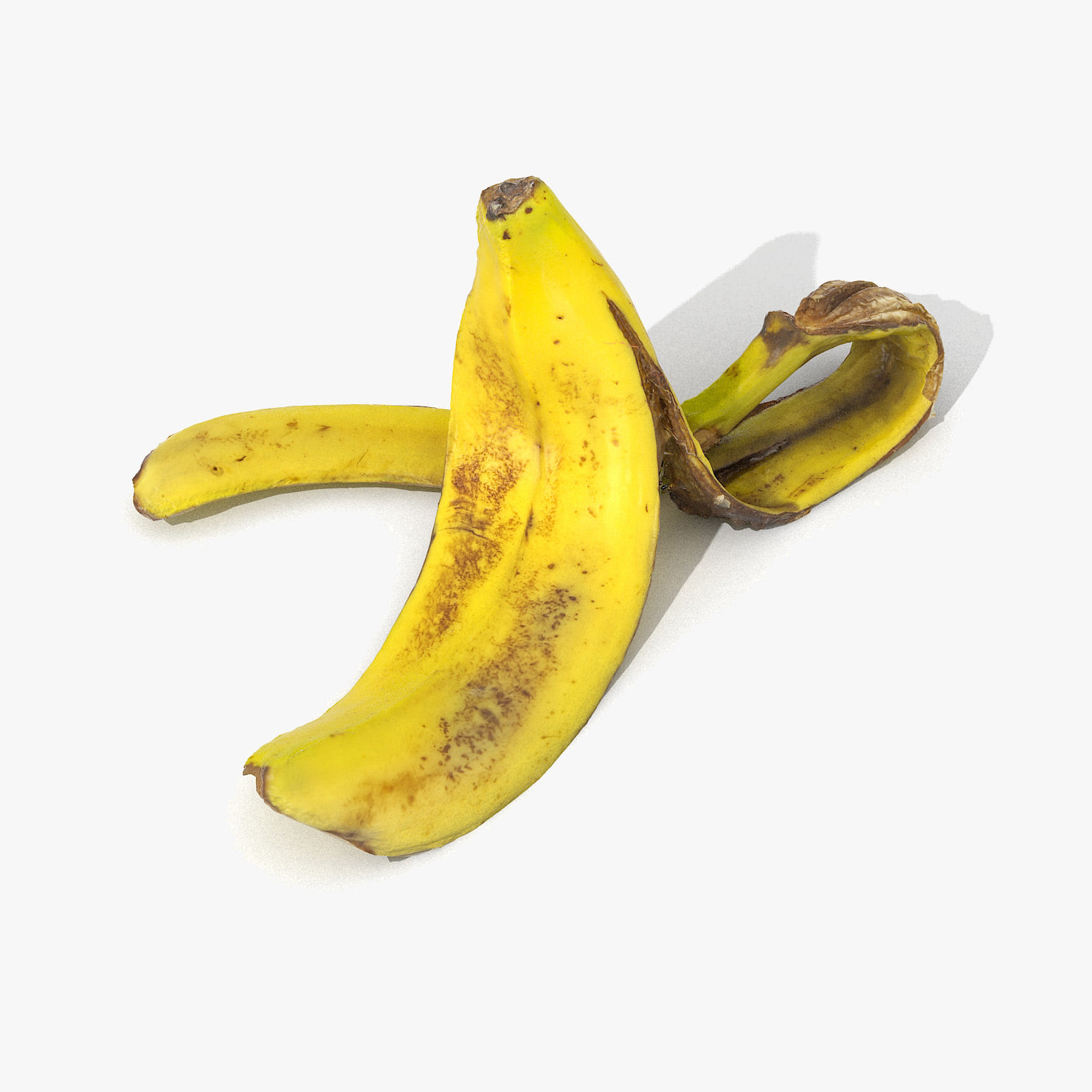
Banana Peel Realistic 3D 3D Model
V-Ray and standard materials- Hi-Res Realistic product- Correct scale- Object(s) in their own layer (name via product name)Maps in max archives :Diffuse 4096*4096px JPGNormals 2048*2048px TIF32 bit Displacement 2048*2048px exr16 bit Displacement 2048*2048px TIFThese are optimized and are indistinguishable from 8192*8192px TIFFs (which take more RAM during rendering etc.)Nevertheless if you want 105% quality, you can download the separate hires TIFF textures archive (around 250MB), which contains:Diffuse 8192*8192px TIFNormal 4096*4096px TIFDisplacement 16bit 4096*4096px TIFDisplacement 32bit 4096*4096px EXRIf you need just the original mesh without using displacement map during rendering, take the low poly version, subdivide it a couple of times and use the displacement map in ‘displace’ modifier (in 3ds max) or similiar in other applications, which will deform your mesh in viewport realtime, so you get the original hipoly mesh. You can use it, or use it as proxy or decimated it etc.Objects are in their own layer called ‘_Merged_Buyed’. No part-name confusion when importing. Centered on 0,0,0.
-
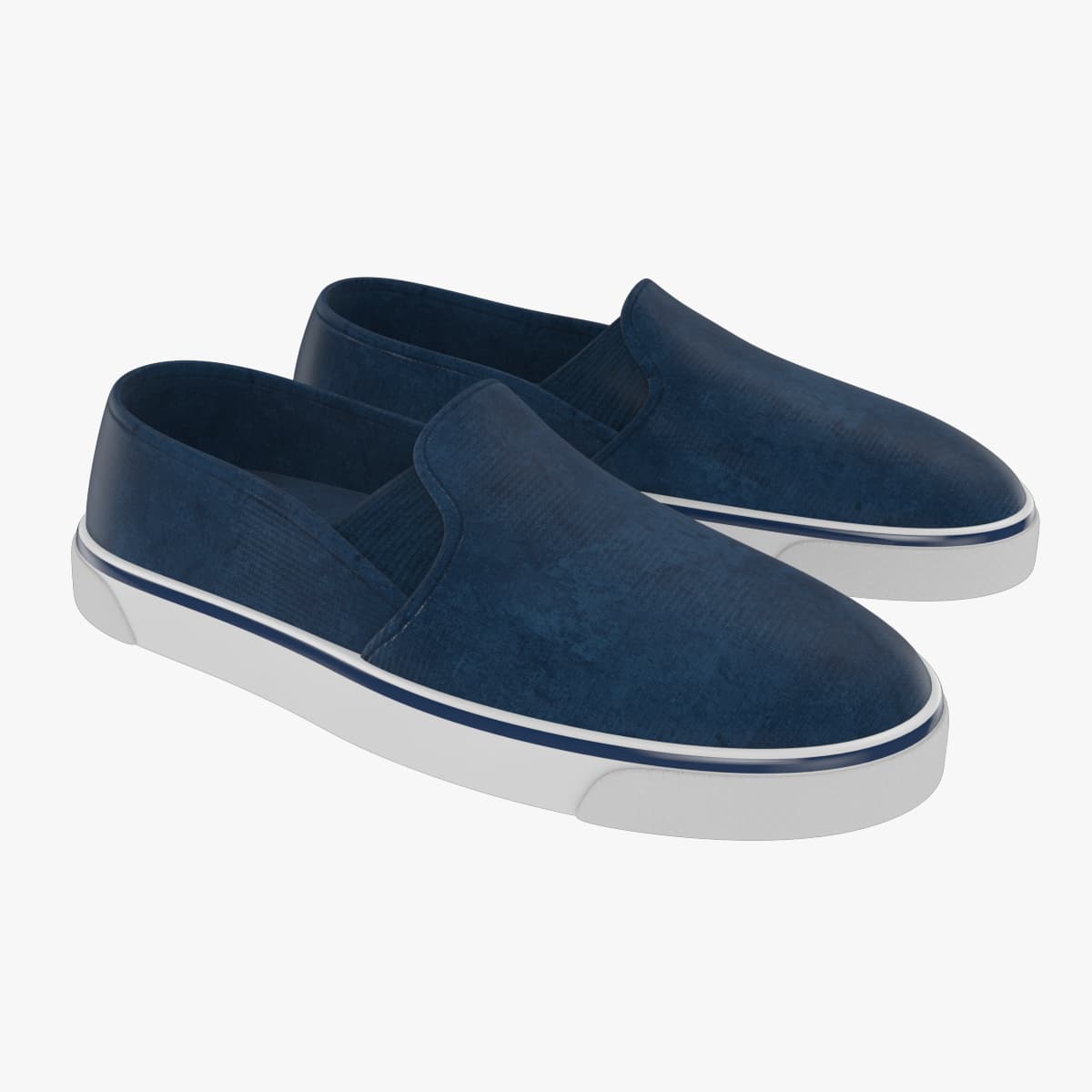
Slip on Shoes(1) 3D Model
Classic Slip On / Lace Less ShoesReady to useincludes versions with and without shell for easy riggingAll geometry is in Quadssuitable for Subdivision, all models have holding edgesBuild in Real world ScaleIncludes textures and original Illustrator files to change for your needsEvery model is properly named3dsmax version ready with materials in mental rayMaya file available, materials in maya software renderer.OBJ version available for use in other 3d packages