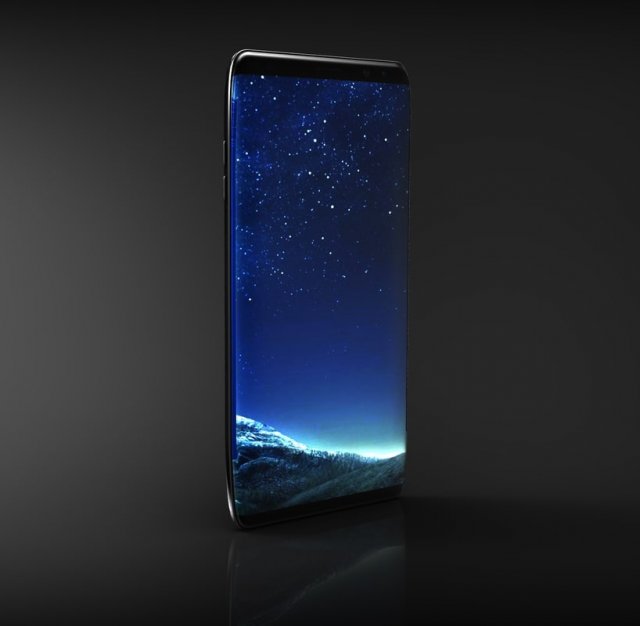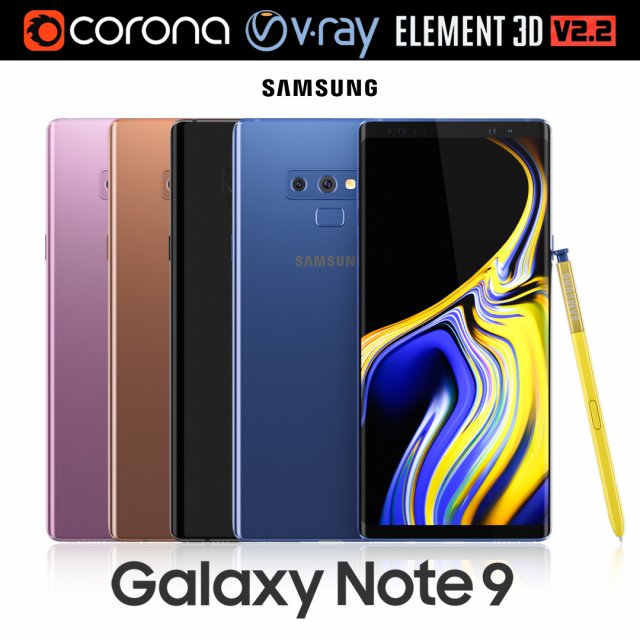
Realistic (copy) 3d model of Samsung Galaxy Note 9 all colors.This set:3D element v2.2The model given is easy to use- 1 file obj standard- 1 file 3ds Max 2013 vray material- 1 file 3ds Max 2013 corona material- 1 file of 3Ds- file e3d full set of materials, like a previewHow to use it?1. Discovery after the impact of CC 2014 (or above) and create a new composition (you need Element3D v2.2 to use)2. Create a new solid layer and add the effect of the elements. (Effect / Video Copilot / Element)3. Select Install Location4. Click on the import inside the Element3D Installation location5. Select my .e3d according to the model and click on the open button.If you do not see the model, do not forget to right click on the model name and press the replace model select.Topology of geometry:- forms and proportions of The 3D model- the geometry of the model was created very neatly- there are no many-sided polygons- detailed enough for close-up renders- the model optimized for turbosmooth modifier- Not collapsed the turbosmooth modified- apply the Smooth modifier with a parameter to get the desired level of detailMaterials and Textures:- 3ds max files included Vray-Shaders- 3ds max files included Corona-Shaders- file e3d full set of materials- all texture paths are clearedOrganization of scene:- to all objects and materials- real world size (system units – mm)- coordinates of location of the model in space (x0, y0, z0)- does not contain extraneous or hidden objects (lights, cameras, shapes etc.)Excellent renders to you!
Tag: S8
-
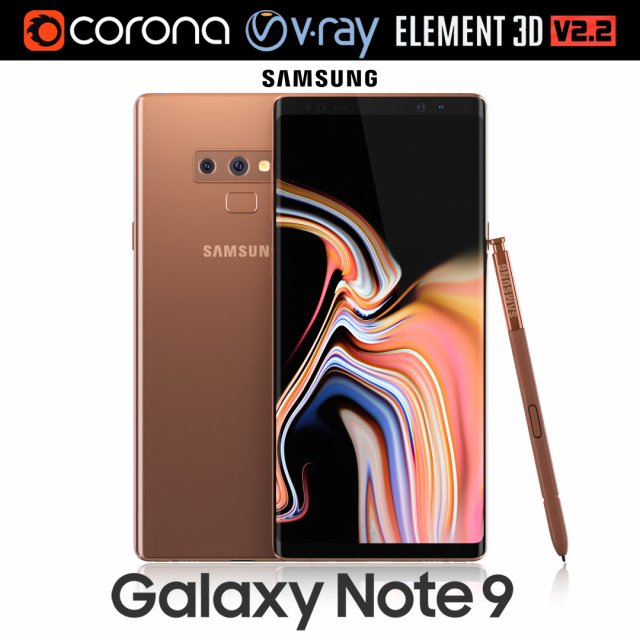
Samsung GALAXY Note 9 Metallic Copper 3D Model
Realistic (copy) 3d model of Samsung Galaxy Note 9 Metallic Copper .This set:3D element v2.2The model given is easy to use- 1 file obj standard- 1 file 3ds Max 2013 vray material- 1 file 3ds Max 2013 corona material- 1 file of 3Ds- file e3d full set of materials, like a previewHow to use it?1. Discovery after the impact of CC 2014 (or above) and create a new composition (you need Element3D v2.2 to use)2. Create a new solid layer and add the effect of the elements. (Effect / Video Copilot / Element)3. Select Install Location4. Click on the import inside the Element3D Installation location5. Select my .e3d according to the model and click on the open button.If you do not see the model, do not forget to right click on the model name and press the replace model select.Topology of geometry:- forms and proportions of The 3D model- the geometry of the model was created very neatly- there are no many-sided polygons- detailed enough for close-up renders- the model optimized for turbosmooth modifier- Not collapsed the turbosmooth modified- apply the Smooth modifier with a parameter to get the desired level of detailMaterials and Textures:- 3ds max files included Vray-Shaders- 3ds max files included Corona-Shaders- file e3d full set of materials- all texture paths are clearedOrganization of scene:- to all objects and materials- real world size (system units – mm)- coordinates of location of the model in space (x0, y0, z0)- does not contain extraneous or hidden objects (lights, cameras, shapes etc.)Excellent renders to you!
-
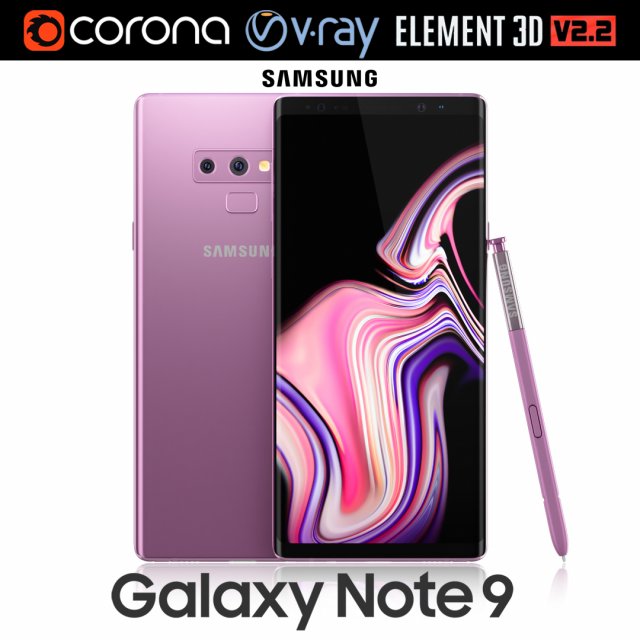
Samsung GALAXY Note 9 Lavender Purple 3D Model
Realistic (copy) 3d model of Samsung Galaxy Note 9 Lavender Purple .This set:3D element v2.2The model given is easy to use- 1 file obj standard- 1 file 3ds Max 2013 vray material- 1 file 3ds Max 2013 corona material- 1 file of 3Ds- file e3d full set of materials, like a previewHow to use it?1. Discovery after the impact of CC 2014 (or above) and create a new composition (you need Element3D v2.2 to use)2. Create a new solid layer and add the effect of the elements. (Effect / Video Copilot / Element)3. Select Install Location4. Click on the import inside the Element3D Installation location5. Select my .e3d according to the model and click on the open button.If you do not see the model, do not forget to right click on the model name and press the replace model select.Topology of geometry:- forms and proportions of The 3D model- the geometry of the model was created very neatly- there are no many-sided polygons- detailed enough for close-up renders- the model optimized for turbosmooth modifier- Not collapsed the turbosmooth modified- apply the Smooth modifier with a parameter to get the desired level of detailMaterials and Textures:- 3ds max files included Vray-Shaders- 3ds max files included Corona-Shaders- file e3d full set of materials- all texture paths are clearedOrganization of scene:- to all objects and materials- real world size (system units – mm)- coordinates of location of the model in space (x0, y0, z0)- does not contain extraneous or hidden objects (lights, cameras, shapes etc.)Excellent renders to you!
-
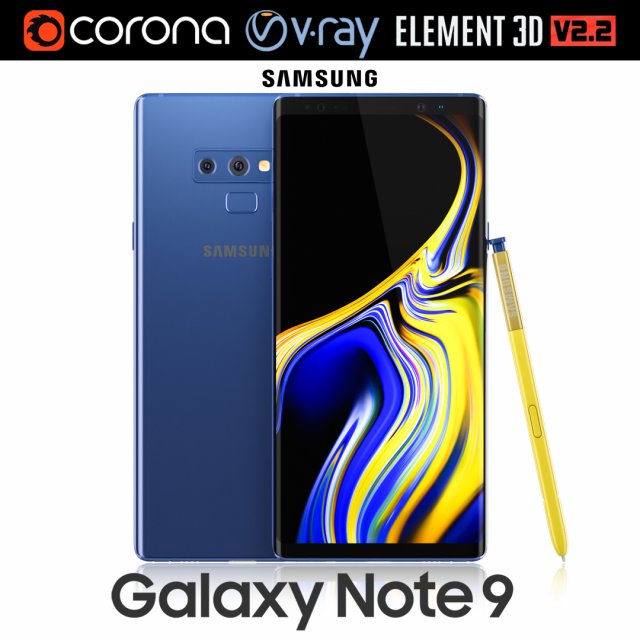
Samsung GALAXY Note 9 Ocean Blue 3D Model
Realistic (copy) 3d model of Samsung Galaxy Note 9 Ocean Blue .This set:3D element v2.2The model given is easy to use- 1 file obj standard- 1 file 3ds Max 2013 vray material- 1 file 3ds Max 2013 corona material- 1 file of 3Ds- file e3d full set of materials, like a previewHow to use it?1. Discovery after the impact of CC 2014 (or above) and create a new composition (you need Element3D v2.2 to use)2. Create a new solid layer and add the effect of the elements. (Effect / Video Copilot / Element)3. Select Install Location4. Click on the import inside the Element3D Installation location5. Select my .e3d according to the model and click on the open button.If you do not see the model, do not forget to right click on the model name and press the replace model select.Topology of geometry:- forms and proportions of The 3D model- the geometry of the model was created very neatly- there are no many-sided polygons- detailed enough for close-up renders- the model optimized for turbosmooth modifier- Not collapsed the turbosmooth modified- apply the Smooth modifier with a parameter to get the desired level of detailMaterials and Textures:- 3ds max files included Vray-Shaders- 3ds max files included Corona-Shaders- file e3d full set of materials- all texture paths are clearedOrganization of scene:- to all objects and materials- real world size (system units – mm)- coordinates of location of the model in space (x0, y0, z0)- does not contain extraneous or hidden objects (lights, cameras, shapes etc.)Excellent renders to you!
-
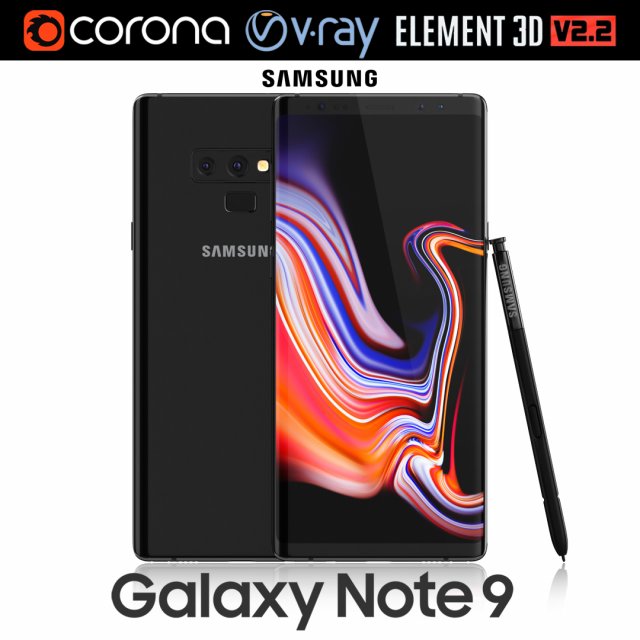
Samsung GALAXY Note 9 Midnight Black 3D Model
Realistic (copy) 3d model of Samsung Galaxy Note 9 Midnight Black .This set:3D element v2.2The model given is easy to use- 1 file obj standard- 1 file 3ds Max 2013 vray material- 1 file 3ds Max 2013 corona material- 1 file of 3Ds- file e3d full set of materials, like a previewHow to use it?1. Discovery after the impact of CC 2014 (or above) and create a new composition (you need Element3D v2.2 to use)2. Create a new solid layer and add the effect of the elements. (Effect / Video Copilot / Element)3. Select Install Location4. Click on the import inside the Element3D Installation location5. Select my .e3d according to the model and click on the open button.If you do not see the model, do not forget to right click on the model name and press the replace model select.Topology of geometry:- forms and proportions of The 3D model- the geometry of the model was created very neatly- there are no many-sided polygons- detailed enough for close-up renders- the model optimized for turbosmooth modifier- Not collapsed the turbosmooth modified- apply the Smooth modifier with a parameter to get the desired level of detailMaterials and Textures:- 3ds max files included Vray-Shaders- 3ds max files included Corona-Shaders- file e3d full set of materials- all texture paths are clearedOrganization of scene:- to all objects and materials- real world size (system units – mm)- coordinates of location of the model in space (x0, y0, z0)- does not contain extraneous or hidden objects (lights, cameras, shapes etc.)Excellent renders to you!
-
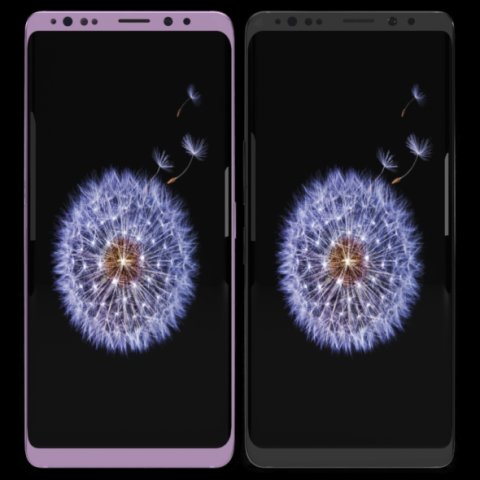
Samsung Galaxy S9 Plus Model 3D Model
This model has been created with high quality in cinema 4D.Im trying yo develop myself in 3D projects also trying to give you my works controlling issues and fixing them. Im trying to do best.Please feedback faulty works that I can help you.I will be happy when you rate and comment on my worksDetail about projects- You can put materials into objects without textures which have been exported by me except cinema 4D.(obj-3ds-flox are formats)Another objects use just one material and have uv map texture.You can color objects,with one material,have not got texture.Im listing objects and materials—————————————————————————Objects MaterialsBack — BodyCamera — Texture availableSceen –texture availableButtons.1 — BodyIris Sensor — Blue glass materialport — BodySound — Body wallSim cup — BodySockte frames — Body lineflash glass — Glasscam glass — GlassBack camera frame–Body grey and pinkBack camera frame.1– Body wall grey no reflectionBack camera frame2– Body wall grey no reflectionFlash set — Texture availableFlash yellow — Texture availableThank you.
-
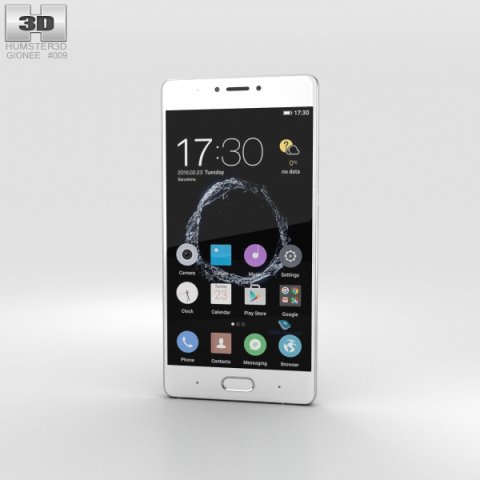
Gionee S8 Gray 3D Model
The 3D model was created on real base. It’s created accurately, in real units of measurement, qualitatively and maximally close to the original.Model formats:- *.max (3ds Max 2008 scanline)- *.max (3ds Max 2008 vray)- *.fbx (Multi Format)- *.obj (Multi Format)- *.3ds (Multi Format)- *.mb (Maya 8.5)- *.lwo (Lightwave 6)- *.c4d (Cinema 4D 11)* renders Are made in 3ds Max 2008 using vray 1.5 (studio environment is not included in the set)If you need any other formats we are more than happy to make them for you.The model is provided combined, all main parts are presented as separate parts therefore materials of objects are easy to be modified or removed and standard parts are easy to be replaced. If you experience difficulties with separating standard parts we are more than happy to give you qualified assistance.We greatly appreciate you choosing our 3D models and hope they will be of use.We look forward to continuously dealing with you.Sincerely Yours,Hum3D Team
-
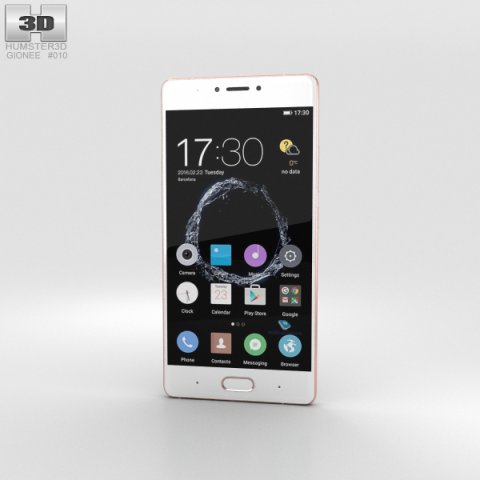
Gionee S8 Rose Gold 3D Model
The 3D model was created on real base. It’s created accurately, in real units of measurement, qualitatively and maximally close to the original.Model formats:- *.max (3ds Max 2008 scanline)- *.max (3ds Max 2008 vray)- *.fbx (Multi Format)- *.obj (Multi Format)- *.3ds (Multi Format)- *.mb (Maya 8.5)- *.lwo (Lightwave 6)- *.c4d (Cinema 4D 11)* renders Are made in 3ds Max 2008 using vray 1.5 (studio environment is not included in the set)If you need any other formats we are more than happy to make them for you.The model is provided combined, all main parts are presented as separate parts therefore materials of objects are easy to be modified or removed and standard parts are easy to be replaced. If you experience difficulties with separating standard parts we are more than happy to give you qualified assistance.We greatly appreciate you choosing our 3D models and hope they will be of use.We look forward to continuously dealing with you.Sincerely Yours,Hum3D Team
-
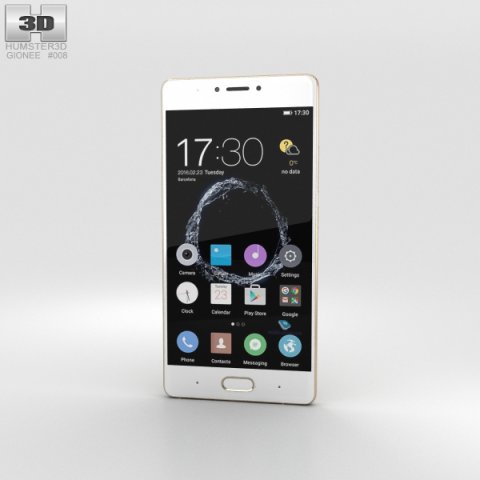
Gionee S8 Gold 3D Model
The 3D model was created on real base. It’s created accurately, in real units of measurement, qualitatively and maximally close to the original.Model formats:- *.max (3ds Max 2008 scanline)- *.max (3ds Max 2008 vray)- *.fbx (Multi Format)- *.obj (Multi Format)- *.3ds (Multi Format)- *.mb (Maya 8.5)- *.lwo (Lightwave 6)- *.c4d (Cinema 4D 11)* renders Are made in 3ds Max 2008 using vray 1.5 (studio environment is not included in the set)If you need any other formats we are more than happy to make them for you.The model is provided combined, all main parts are presented as separate parts therefore materials of objects are easy to be modified or removed and standard parts are easy to be replaced. If you experience difficulties with separating standard parts we are more than happy to give you qualified assistance.We greatly appreciate you choosing our 3D models and hope they will be of use.We look forward to continuously dealing with you.Sincerely Yours,Hum3D Team
-
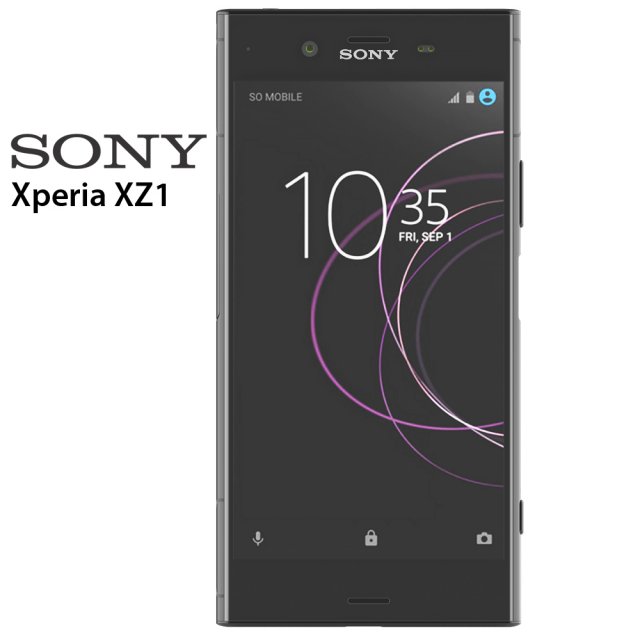
Sony Xperia XZ1 3D Model
Sony Xperia XZ1 3D modelThe model is made in Rhino 6. Rendering was done in Keyshot 7. All files are in the archive. In 3ds max model without materials, the materials are set up in Keyshot and ready for rendering. The files are 3ds, fbx, obj, bio, max 2014, max2016, max 2017, 3ds for Rhino 6 and Rhino 5. There are also textures for Keyshot.
-
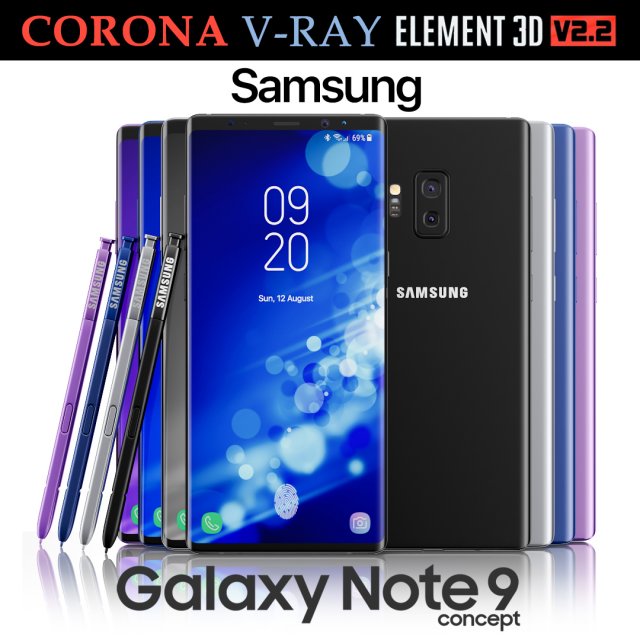
Samsung Galaxy Note 9 All colors Concept 3D Model
Realistic (copy) 3d model of Samsung Galaxy Note 9 All colors Concept.This set:3D element v2.2The model given is easy to use- 1 file obj standard- 1 file 3ds Max 2013 vray material- 1 file 3ds Max 2013 corona material- 1 file of 3Ds- file e3d full set of materials, like a previewHow to use it?1. Discovery after the impact of CC 2014 (or above) and create a new composition (you need Element3D v2.2 to use)2. Create a new solid layer and add the effect of the elements. (Effect / Video Copilot / Element)3. Select Install Location4. Click on the import inside the Element3D Installation location5. Select my .e3d according to the model and click on the open button.If you do not see the model, do not forget to right click on the model name and press the replace model select.Topology of geometry:- forms and proportions of The 3D model- the geometry of the model was created very neatly- there are no many-sided polygons- detailed enough for close-up renders- the model optimized for turbosmooth modifier- Not collapsed the turbosmooth modified- apply the Smooth modifier with a parameter to get the desired level of detailMaterials and Textures:- 3ds max files included Vray-Shaders- 3ds max files included Corona-Shaders- file e3d full set of materials- all texture paths are clearedOrganization of scene:- to all objects and materials- real world size (system units – mm)- coordinates of location of the model in space (x0, y0, z0)- does not contain extraneous or hidden objects (lights, cameras, shapes etc.)Excellent renders to you!
-
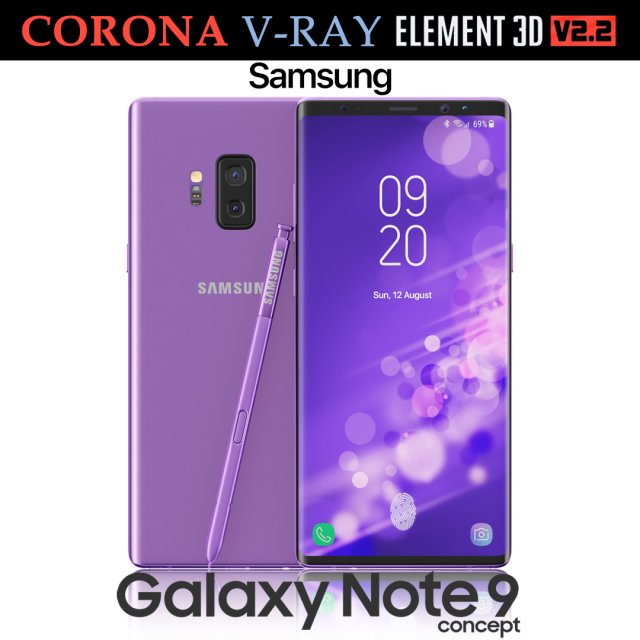
Samsung Galaxy Note 9 Purple Concept 3D Model
Realistic (copy) 3d model of Samsung Galaxy Note 9 Purple Concept.This set:3D element v2.2The model given is easy to use- 1 file obj standard- 1 file 3ds Max 2013 vray material- 1 file 3ds Max 2013 corona material- 1 file of 3Ds- file e3d full set of materials, like a previewHow to use it?1. Discovery after the impact of CC 2014 (or above) and create a new composition (you need Element3D v2.2 to use)2. Create a new solid layer and add the effect of the elements. (Effect / Video Copilot / Element)3. Select Install Location4. Click on the import inside the Element3D Installation location5. Select my .e3d according to the model and click on the open button.If you do not see the model, do not forget to right click on the model name and press the replace model select.Topology of geometry:- forms and proportions of The 3D model- the geometry of the model was created very neatly- there are no many-sided polygons- detailed enough for close-up renders- the model optimized for turbosmooth modifier- Not collapsed the turbosmooth modified- apply the Smooth modifier with a parameter to get the desired level of detailMaterials and Textures:- 3ds max files included Vray-Shaders- 3ds max files included Corona-Shaders- file e3d full set of materials- all texture paths are clearedOrganization of scene:- to all objects and materials- real world size (system units – mm)- coordinates of location of the model in space (x0, y0, z0)- does not contain extraneous or hidden objects (lights, cameras, shapes etc.)Excellent renders to you!
-
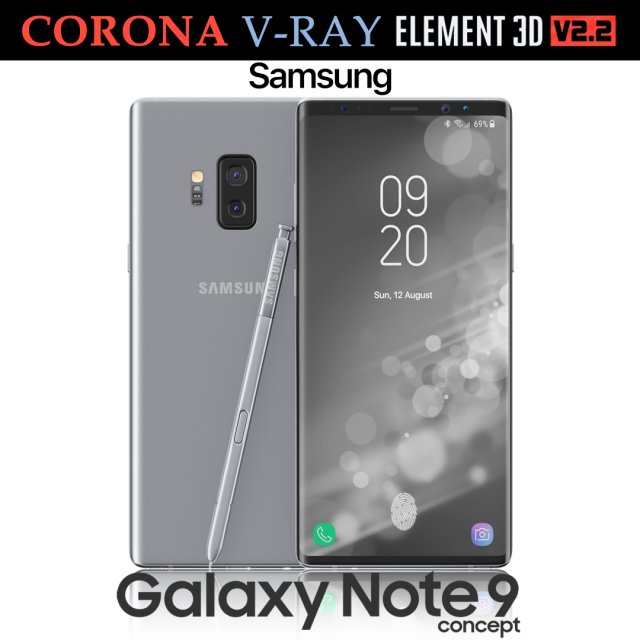
Samsung Galaxy Note 9 Gray Concept 3D Model
Realistic (copy) 3d model of Samsung Galaxy Note 9 Gray Concept.This set:3D element v2.2The model given is easy to use- 1 file obj standard- 1 file 3ds Max 2013 vray material- 1 file 3ds Max 2013 corona material- 1 file of 3Ds- file e3d full set of materials, like a previewHow to use it?1. Discovery after the impact of CC 2014 (or above) and create a new composition (you need Element3D v2.2 to use)2. Create a new solid layer and add the effect of the elements. (Effect / Video Copilot / Element)3. Select Install Location4. Click on the import inside the Element3D Installation location5. Select my .e3d according to the model and click on the open button.If you do not see the model, do not forget to right click on the model name and press the replace model select.Topology of geometry:- forms and proportions of The 3D model- the geometry of the model was created very neatly- there are no many-sided polygons- detailed enough for close-up renders- the model optimized for turbosmooth modifier- Not collapsed the turbosmooth modified- apply the Smooth modifier with a parameter to get the desired level of detailMaterials and Textures:- 3ds max files included Vray-Shaders- 3ds max files included Corona-Shaders- file e3d full set of materials- all texture paths are clearedOrganization of scene:- to all objects and materials- real world size (system units – mm)- coordinates of location of the model in space (x0, y0, z0)- does not contain extraneous or hidden objects (lights, cameras, shapes etc.)Excellent renders to you!
-
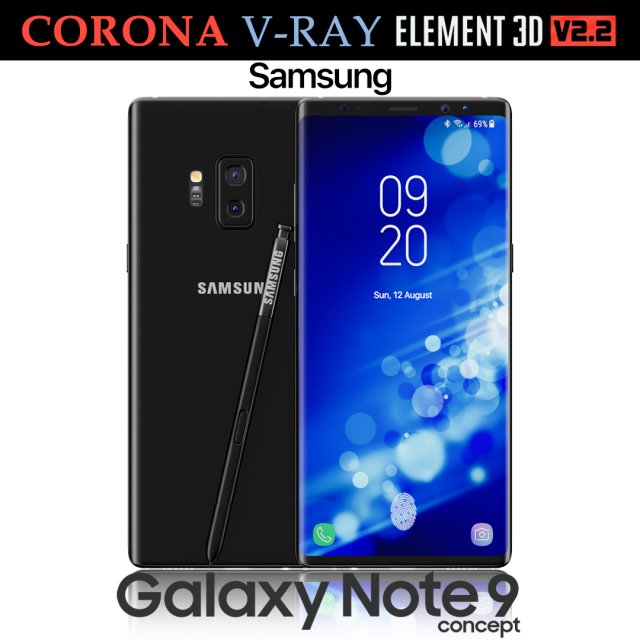
Samsung Galaxy Note 9 Black Concept 3D Model
Realistic (copy) 3d model of Samsung Galaxy Note 9 Black Concept.This set:3D element v2.2The model given is easy to use- 1 file obj standard- 1 file 3ds Max 2013 vray material- 1 file 3ds Max 2013 corona material- 1 file of 3Ds- file e3d full set of materials, like a previewHow to use it?1. Discovery after the impact of CC 2014 (or above) and create a new composition (you need Element3D v2.2 to use)2. Create a new solid layer and add the effect of the elements. (Effect / Video Copilot / Element)3. Select Install Location4. Click on the import inside the Element3D Installation location5. Select my .e3d according to the model and click on the open button.If you do not see the model, do not forget to right click on the model name and press the replace model select.Topology of geometry:- forms and proportions of The 3D model- the geometry of the model was created very neatly- there are no many-sided polygons- detailed enough for close-up renders- the model optimized for turbosmooth modifier- Not collapsed the turbosmooth modified- apply the Smooth modifier with a parameter to get the desired level of detailMaterials and Textures:- 3ds max files included Vray-Shaders- 3ds max files included Corona-Shaders- file e3d full set of materials- all texture paths are clearedOrganization of scene:- to all objects and materials- real world size (system units – mm)- coordinates of location of the model in space (x0, y0, z0)- does not contain extraneous or hidden objects (lights, cameras, shapes etc.)Excellent renders to you!
-
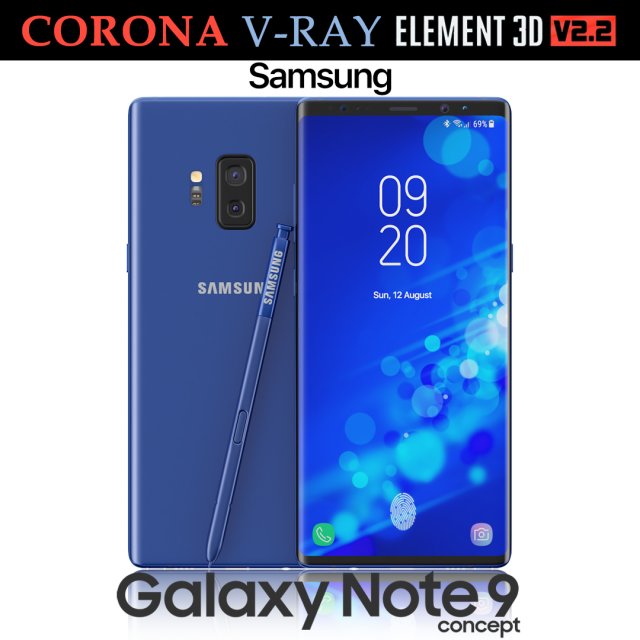
Samsung Galaxy Note 9 Blue Concept 3D Model
Realistic (copy) 3d model of Samsung Galaxy Note 9 Blue Concept.This set:3D element v2.2The model given is easy to use- 1 file obj standard- 1 file 3ds Max 2013 vray material- 1 file 3ds Max 2013 corona material- 1 file of 3Ds- file e3d full set of materials, like a previewHow to use it?1. Discovery after the impact of CC 2014 (or above) and create a new composition (you need Element3D v2.2 to use)2. Create a new solid layer and add the effect of the elements. (Effect / Video Copilot / Element)3. Select Install Location4. Click on the import inside the Element3D Installation location5. Select my .e3d according to the model and click on the open button.If you do not see the model, do not forget to right click on the model name and press the replace model select.Topology of geometry:- forms and proportions of The 3D model- the geometry of the model was created very neatly- there are no many-sided polygons- detailed enough for close-up renders- the model optimized for turbosmooth modifier- Not collapsed the turbosmooth modified- apply the Smooth modifier with a parameter to get the desired level of detailMaterials and Textures:- 3ds max files included Vray-Shaders- 3ds max files included Corona-Shaders- file e3d full set of materials- all texture paths are clearedOrganization of scene:- to all objects and materials- real world size (system units – mm)- coordinates of location of the model in space (x0, y0, z0)- does not contain extraneous or hidden objects (lights, cameras, shapes etc.)Excellent renders to you!
-
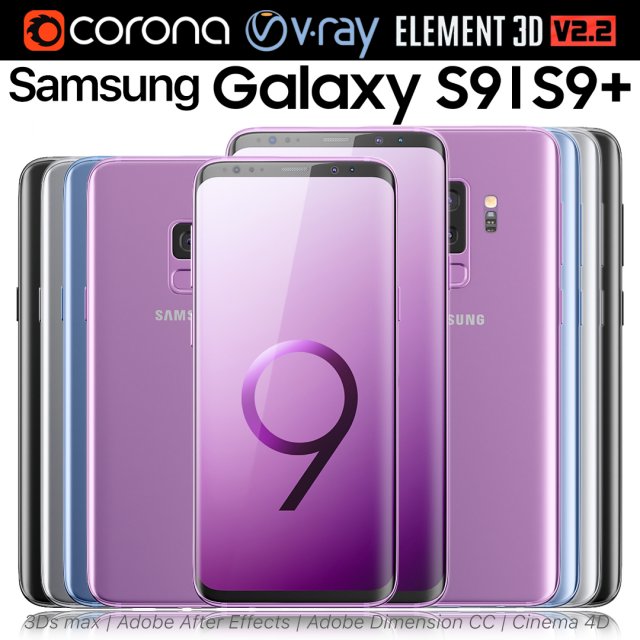
Samsung Galaxy S9 and S9 PLUS ALL Colors 3D Model
Realistic (copy) 3d model of Samsung Galaxy S9 and S9 PLUS ALL Colors.This set:3D element v2.2The model given is easy to use- 2 file obj standard- 8 file 3ds Max 2013 vray material- 8 file 3ds Max 2013 corona material- 2 file of 3Ds- 8 file of cinema 4d- 8 file of Adobe Dimension CC- 8 file e3d full set of materials, like a previewHow to use it?1. Discovery after the impact of CC 2014 (or above) and create a new composition (you need Element3D v2.2 to use)2. Create a new solid layer and add the effect of the elements. (Effect / Video Copilot / Element)3. Select Install Location4. Click on the import inside the Element3D Installation location5. Select my .e3d according to the model and click on the open button.If you do not see the model, do not forget to right click on the model name and press the replace model select.Topology of geometry:- forms and proportions of The 3D model- the geometry of the model was created very neatly- there are no many-sided polygons- detailed enough for close-up renders- the model optimized for turbosmooth modifier- Not collapsed the turbosmooth modified- apply the Smooth modifier with a parameter to get the desired level of detailMaterials and Textures:- 3ds max files included Vray-Shaders- 3ds max files included Corona-Shaders- file e3d full set of materials- all texture paths are clearedOrganization of scene:- to all objects and materials- real world size (system units – mm)- coordinates of location of the model in space (x0, y0, z0)- does not contain extraneous or hidden objects (lights, cameras, shapes etc.)Excellent renders to you!
-
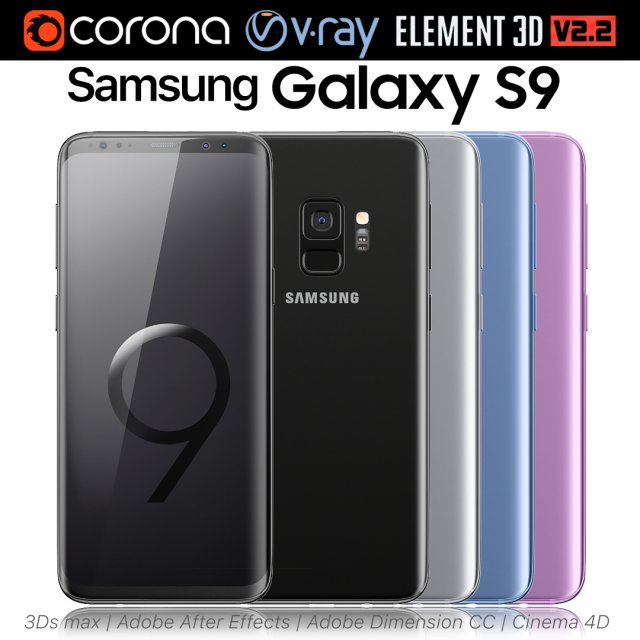
Samsung Galaxy S9 ALL Colors 3D Model
Realistic (copy) 3d model of Samsung Galaxy S9 ALL Colors.This set:3D element v2.2The model given is easy to use- 1 file obj standard- 1 file 3ds Max 2013 vray material- 1 file 3ds Max 2013 corona material- 1 file of 3Ds- 1 file of cinema 4d- 1 file of Adobe Dimension CC- file e3d full set of materials, like a previewHow to use it?1. Discovery after the impact of CC 2014 (or above) and create a new composition (you need Element3D v2.2 to use)2. Create a new solid layer and add the effect of the elements. (Effect / Video Copilot / Element)3. Select Install Location4. Click on the import inside the Element3D Installation location5. Select my .e3d according to the model and click on the open button.If you do not see the model, do not forget to right click on the model name and press the replace model select.Topology of geometry:- forms and proportions of The 3D model- the geometry of the model was created very neatly- there are no many-sided polygons- detailed enough for close-up renders- the model optimized for turbosmooth modifier- Not collapsed the turbosmooth modified- apply the Smooth modifier with a parameter to get the desired level of detailMaterials and Textures:- 3ds max files included Vray-Shaders- 3ds max files included Corona-Shaders- file e3d full set of materials- all texture paths are clearedOrganization of scene:- to all objects and materials- real world size (system units – mm)- coordinates of location of the model in space (x0, y0, z0)- does not contain extraneous or hidden objects (lights, cameras, shapes etc.)Excellent renders to you!
-
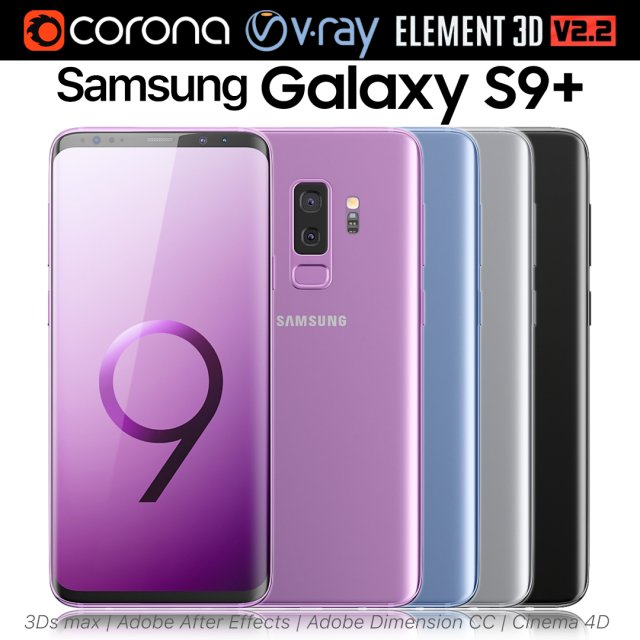
Samsung Galaxy S9 PLUS ALL Colors 3D Model
Realistic (copy) 3d model of Samsung Galaxy S9 PLUS ALL Colors.This set:3D element v2.2The model given is easy to use- 1 file obj standard- 1 file 3ds Max 2013 vray material- 1 file 3ds Max 2013 corona material- 1 file of 3Ds- 1 file of cinema 4d- 1 file of Adobe Dimension CC- file e3d full set of materials, like a previewHow to use it?1. Discovery after the impact of CC 2014 (or above) and create a new composition (you need Element3D v2.2 to use)2. Create a new solid layer and add the effect of the elements. (Effect / Video Copilot / Element)3. Select Install Location4. Click on the import inside the Element3D Installation location5. Select my .e3d according to the model and click on the open button.If you do not see the model, do not forget to right click on the model name and press the replace model select.Topology of geometry:- forms and proportions of The 3D model- the geometry of the model was created very neatly- there are no many-sided polygons- detailed enough for close-up renders- the model optimized for turbosmooth modifier- Not collapsed the turbosmooth modified- apply the Smooth modifier with a parameter to get the desired level of detailMaterials and Textures:- 3ds max files included Vray-Shaders- 3ds max files included Corona-Shaders- file e3d full set of materials- all texture paths are clearedOrganization of scene:- to all objects and materials- real world size (system units – mm)- coordinates of location of the model in space (x0, y0, z0)- does not contain extraneous or hidden objects (lights, cameras, shapes etc.)Excellent renders to you!
-
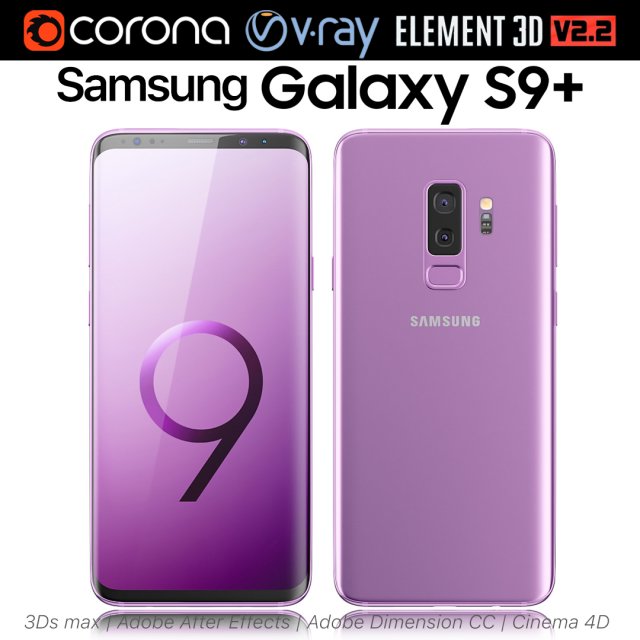
Samsung Galaxy S9 Lilac Purple 3D Model
Realistic (copy) 3d model of Samsung Galaxy S9 Lilac Purple.This set:3D element v2.2The model given is easy to use- 1 file obj standard- 1 file 3ds Max 2013 vray material- 1 file 3ds Max 2013 corona material- 1 file of 3Ds- 1 file of cinema 4d- 1 file of Adobe Dimension CC- file e3d full set of materials, like a previewHow to use it?1. Discovery after the impact of CC 2014 (or above) and create a new composition (you need Element3D v2.2 to use)2. Create a new solid layer and add the effect of the elements. (Effect / Video Copilot / Element)3. Select Install Location4. Click on the import inside the Element3D Installation location5. Select my .e3d according to the model and click on the open button.If you do not see the model, do not forget to right click on the model name and press the replace model select.Topology of geometry:- forms and proportions of The 3D model- the geometry of the model was created very neatly- there are no many-sided polygons- detailed enough for close-up renders- the model optimized for turbosmooth modifier- Not collapsed the turbosmooth modified- apply the Smooth modifier with a parameter to get the desired level of detailMaterials and Textures:- 3ds max files included Vray-Shaders- 3ds max files included Corona-Shaders- file e3d full set of materials- all texture paths are clearedOrganization of scene:- to all objects and materials- real world size (system units – mm)- coordinates of location of the model in space (x0, y0, z0)- does not contain extraneous or hidden objects (lights, cameras, shapes etc.)Excellent renders to you!
-
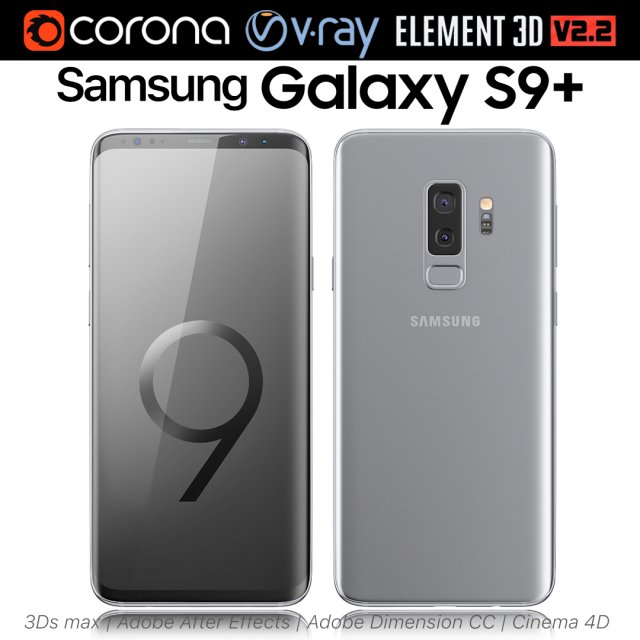
Samsung Galaxy S9 PLUS Titanium Gray 3D Model
Realistic (copy) 3d model of Samsung Galaxy S9 PLUS Titanium Gray.This set:3D element v2.2The model given is easy to use- 1 file obj standard- 1 file 3ds Max 2013 vray material- 1 file 3ds Max 2013 corona material- 1 file of 3Ds- 1 file of cinema 4d- 1 file of Adobe Dimension CC- file e3d full set of materials, like a previewHow to use it?1. Discovery after the impact of CC 2014 (or above) and create a new composition (you need Element3D v2.2 to use)2. Create a new solid layer and add the effect of the elements. (Effect / Video Copilot / Element)3. Select Install Location4. Click on the import inside the Element3D Installation location5. Select my .e3d according to the model and click on the open button.If you do not see the model, do not forget to right click on the model name and press the replace model select.Topology of geometry:- forms and proportions of The 3D model- the geometry of the model was created very neatly- there are no many-sided polygons- detailed enough for close-up renders- the model optimized for turbosmooth modifier- Not collapsed the turbosmooth modified- apply the Smooth modifier with a parameter to get the desired level of detailMaterials and Textures:- 3ds max files included Vray-Shaders- 3ds max files included Corona-Shaders- file e3d full set of materials- all texture paths are clearedOrganization of scene:- to all objects and materials- real world size (system units – mm)- coordinates of location of the model in space (x0, y0, z0)- does not contain extraneous or hidden objects (lights, cameras, shapes etc.)Excellent renders to you!
-
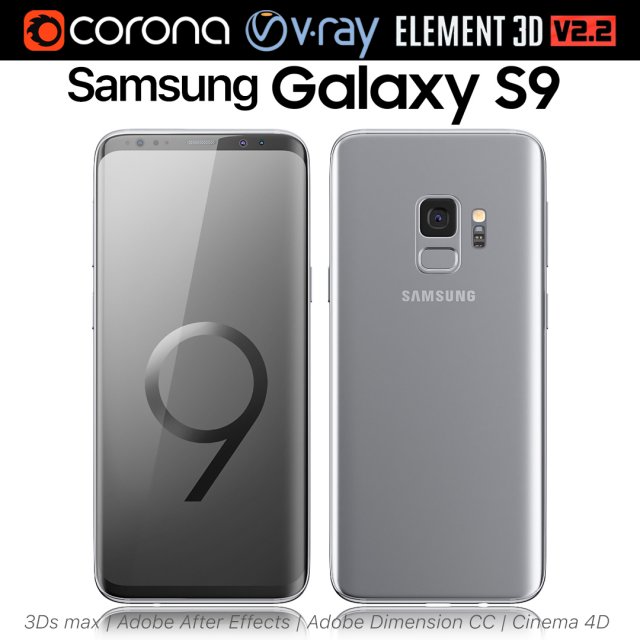
Samsung Galaxy S9 Titanium Gray 3D Model
Realistic (copy) 3d model of Samsung Galaxy S9 Titanium Gray.This set:3D element v2.2The model given is easy to use- 1 file obj standard- 1 file 3ds Max 2013 vray material- 1 file 3ds Max 2013 corona material- 1 file of 3Ds- 1 file of cinema 4d- 1 file of Adobe Dimension CC- file e3d full set of materials, like a previewHow to use it?1. Discovery after the impact of CC 2014 (or above) and create a new composition (you need Element3D v2.2 to use)2. Create a new solid layer and add the effect of the elements. (Effect / Video Copilot / Element)3. Select Install Location4. Click on the import inside the Element3D Installation location5. Select my .e3d according to the model and click on the open button.If you do not see the model, do not forget to right click on the model name and press the replace model select.Topology of geometry:- forms and proportions of The 3D model- the geometry of the model was created very neatly- there are no many-sided polygons- detailed enough for close-up renders- the model optimized for turbosmooth modifier- Not collapsed the turbosmooth modified- apply the Smooth modifier with a parameter to get the desired level of detailMaterials and Textures:- 3ds max files included Vray-Shaders- 3ds max files included Corona-Shaders- file e3d full set of materials- all texture paths are clearedOrganization of scene:- to all objects and materials- real world size (system units – mm)- coordinates of location of the model in space (x0, y0, z0)- does not contain extraneous or hidden objects (lights, cameras, shapes etc.)Excellent renders to you!
-
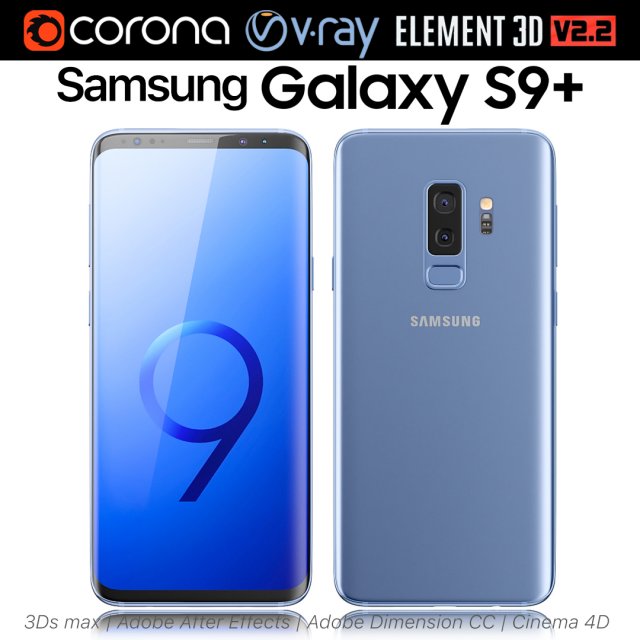
Samsung Galaxy S9 PLUS Coral Blue 3D Model
Realistic (copy) 3d model of Samsung Galaxy S9 PLUS Coral Blue.This set:3D element v2.2The model given is easy to use- 1 file obj standard- 1 file 3ds Max 2013 vray material- 1 file 3ds Max 2013 corona material- 1 file of 3Ds- 1 file of cinema 4d- 1 file of Adobe Dimension CC- file e3d full set of materials, like a previewHow to use it?1. Discovery after the impact of CC 2014 (or above) and create a new composition (you need Element3D v2.2 to use)2. Create a new solid layer and add the effect of the elements. (Effect / Video Copilot / Element)3. Select Install Location4. Click on the import inside the Element3D Installation location5. Select my .e3d according to the model and click on the open button.If you do not see the model, do not forget to right click on the model name and press the replace model select.Topology of geometry:- forms and proportions of The 3D model- the geometry of the model was created very neatly- there are no many-sided polygons- detailed enough for close-up renders- the model optimized for turbosmooth modifier- Not collapsed the turbosmooth modified- apply the Smooth modifier with a parameter to get the desired level of detailMaterials and Textures:- 3ds max files included Vray-Shaders- 3ds max files included Corona-Shaders- file e3d full set of materials- all texture paths are clearedOrganization of scene:- to all objects and materials- real world size (system units – mm)- coordinates of location of the model in space (x0, y0, z0)- does not contain extraneous or hidden objects (lights, cameras, shapes etc.)Excellent renders to you!
-
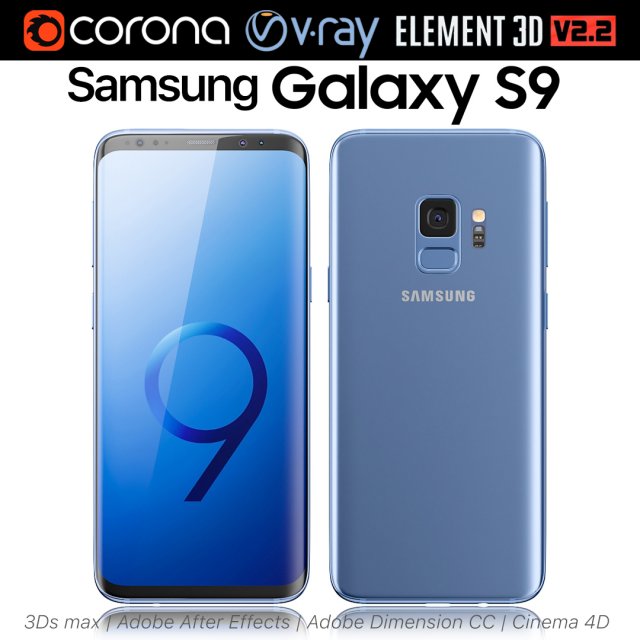
Samsung Galaxy S9 Coral Blue 3D Model
Realistic (copy) 3d model of Samsung Galaxy S9 Coral Blue.This set:3D element v2.2The model given is easy to use- 1 file obj standard- 1 file 3ds Max 2013 vray material- 1 file 3ds Max 2013 corona material- 1 file of 3Ds- 1 file of cinema 4d- 1 file of Adobe Dimension CC- file e3d full set of materials, like a previewHow to use it?1. Discovery after the impact of CC 2014 (or above) and create a new composition (you need Element3D v2.2 to use)2. Create a new solid layer and add the effect of the elements. (Effect / Video Copilot / Element)3. Select Install Location4. Click on the import inside the Element3D Installation location5. Select my .e3d according to the model and click on the open button.If you do not see the model, do not forget to right click on the model name and press the replace model select.Topology of geometry:- forms and proportions of The 3D model- the geometry of the model was created very neatly- there are no many-sided polygons- detailed enough for close-up renders- the model optimized for turbosmooth modifier- Not collapsed the turbosmooth modified- apply the Smooth modifier with a parameter to get the desired level of detailMaterials and Textures:- 3ds max files included Vray-Shaders- 3ds max files included Corona-Shaders- file e3d full set of materials- all texture paths are clearedOrganization of scene:- to all objects and materials- real world size (system units – mm)- coordinates of location of the model in space (x0, y0, z0)- does not contain extraneous or hidden objects (lights, cameras, shapes etc.)Excellent renders to you!
-
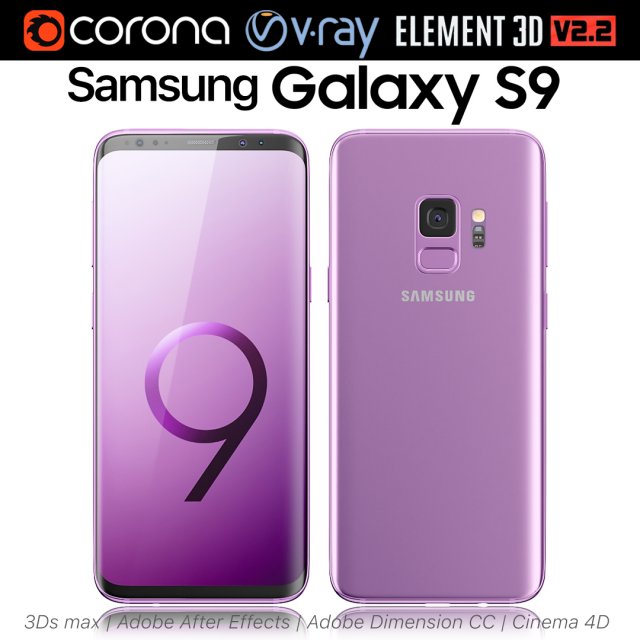
Samsung Galaxy S9 Lilac Purple 3D Model
Realistic (copy) 3d model of Samsung Galaxy S9 Lilac Purple.This set:3D element v2.2The model given is easy to use- 1 file obj standard- 1 file 3ds Max 2013 vray material- 1 file 3ds Max 2013 corona material- 1 file of 3Ds- 1 file of cinema 4d- 1 file of Adobe Dimension CC- file e3d full set of materials, like a previewHow to use it?1. Discovery after the impact of CC 2014 (or above) and create a new composition (you need Element3D v2.2 to use)2. Create a new solid layer and add the effect of the elements. (Effect / Video Copilot / Element)3. Select Install Location4. Click on the import inside the Element3D Installation location5. Select my .e3d according to the model and click on the open button.If you do not see the model, do not forget to right click on the model name and press the replace model select.Topology of geometry:- forms and proportions of The 3D model- the geometry of the model was created very neatly- there are no many-sided polygons- detailed enough for close-up renders- the model optimized for turbosmooth modifier- Not collapsed the turbosmooth modified- apply the Smooth modifier with a parameter to get the desired level of detailMaterials and Textures:- 3ds max files included Vray-Shaders- 3ds max files included Corona-Shaders- file e3d full set of materials- all texture paths are clearedOrganization of scene:- to all objects and materials- real world size (system units – mm)- coordinates of location of the model in space (x0, y0, z0)- does not contain extraneous or hidden objects (lights, cameras, shapes etc.)Excellent renders to you!
-
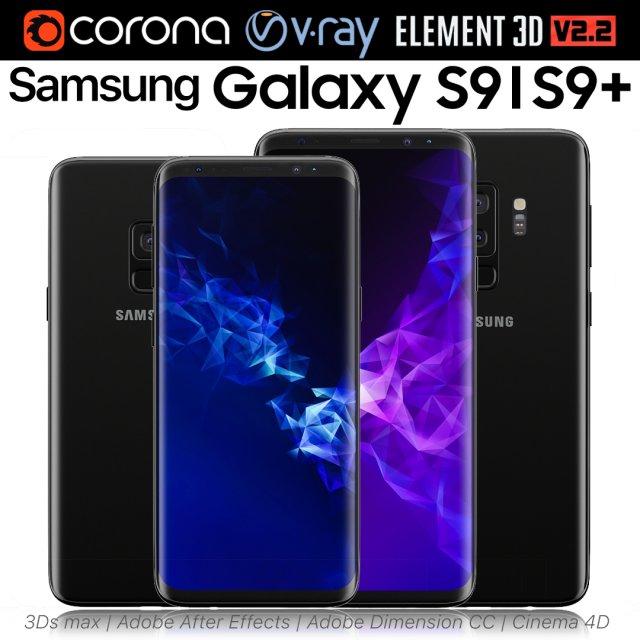
Samsung Galaxy S9 and S9 PLUS Black 3D Model
Realistic (copy) 3d model of Samsung Galaxy S9 and S9 PLUS.This set:3D element v2.2The model given is easy to use- 1 file obj standard- 1 file 3ds Max 2013 vray material- 1 file 3ds Max 2013 corona material- 1 file of 3Ds- 1 file of cinema 4d- 1 file of Adobe Dimension CC- file e3d full set of materials, like a previewHow to use it?1. Discovery after the impact of CC 2014 (or above) and create a new composition (you need Element3D v2.2 to use)2. Create a new solid layer and add the effect of the elements. (Effect / Video Copilot / Element)3. Select Install Location4. Click on the import inside the Element3D Installation location5. Select my .e3d according to the model and click on the open button.If you do not see the model, do not forget to right click on the model name and press the replace model select.Topology of geometry:- forms and proportions of The 3D model- the geometry of the model was created very neatly- there are no many-sided polygons- detailed enough for close-up renders- the model optimized for turbosmooth modifier- Not collapsed the turbosmooth modified- apply the Smooth modifier with a parameter to get the desired level of detailMaterials and Textures:- 3ds max files included Vray-Shaders- 3ds max files included Corona-Shaders- file e3d full set of materials- all texture paths are clearedOrganization of scene:- to all objects and materials- real world size (system units – mm)- coordinates of location of the model in space (x0, y0, z0)- does not contain extraneous or hidden objects (lights, cameras, shapes etc.)Excellent renders to you!
-
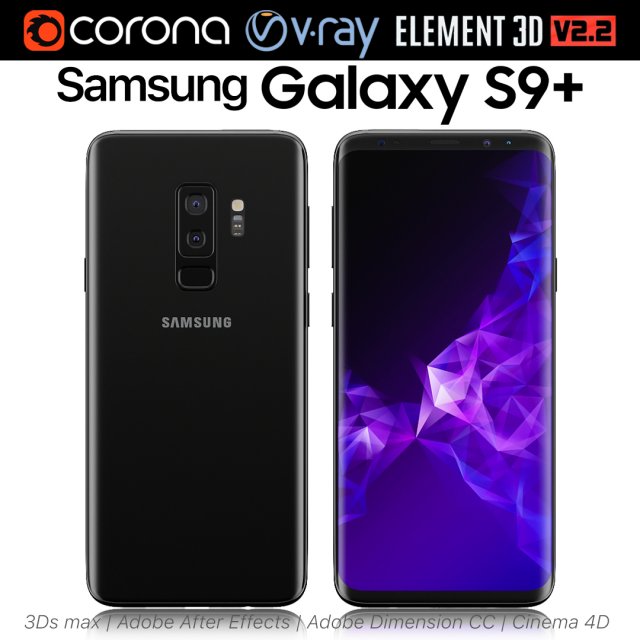
Samsung Galaxy S9 PLUS Black 3D Model
Realistic (copy) 3d model of Samsung Galaxy S9 PLUS.This set:3D element v2.2The model given is easy to use- 1 file obj standard- 1 file 3ds Max 2013 vray material- 1 file 3ds Max 2013 corona material- 1 file of 3Ds- 1 file of cinema 4d- 1 file of Adobe Dimension CC- file e3d full set of materials, like a previewHow to use it?1. Discovery after the impact of CC 2014 (or above) and create a new composition (you need Element3D v2.2 to use)2. Create a new solid layer and add the effect of the elements. (Effect / Video Copilot / Element)3. Select Install Location4. Click on the import inside the Element3D Installation location5. Select my .e3d according to the model and click on the open button.If you do not see the model, do not forget to right click on the model name and press the replace model select.Topology of geometry:- forms and proportions of The 3D model- the geometry of the model was created very neatly- there are no many-sided polygons- detailed enough for close-up renders- the model optimized for turbosmooth modifier- Not collapsed the turbosmooth modified- apply the Smooth modifier with a parameter to get the desired level of detailMaterials and Textures:- 3ds max files included Vray-Shaders- 3ds max files included Corona-Shaders- file e3d full set of materials- all texture paths are clearedOrganization of scene:- to all objects and materials- real world size (system units – mm)- coordinates of location of the model in space (x0, y0, z0)- does not contain extraneous or hidden objects (lights, cameras, shapes etc.)Excellent renders to you!
-
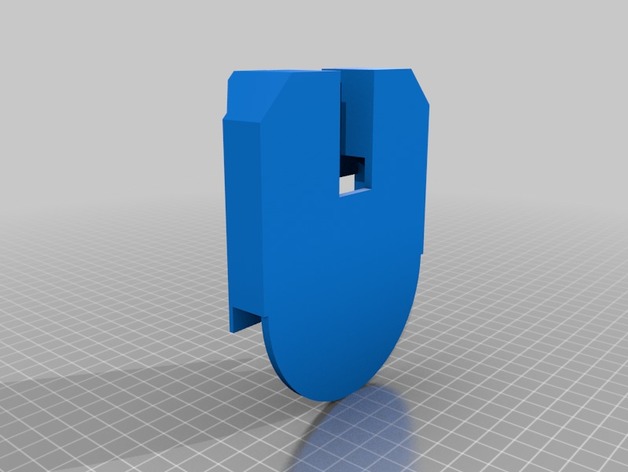
Wallmounted S8 Wireless Charger 3D Print Model
Summary
Holds naked S8 and a 95mm dia/10mm thick wireless fast charger. Use VHB tape along edge of wireless charger to fix to the mount and use 3M strips to fix to wall. -
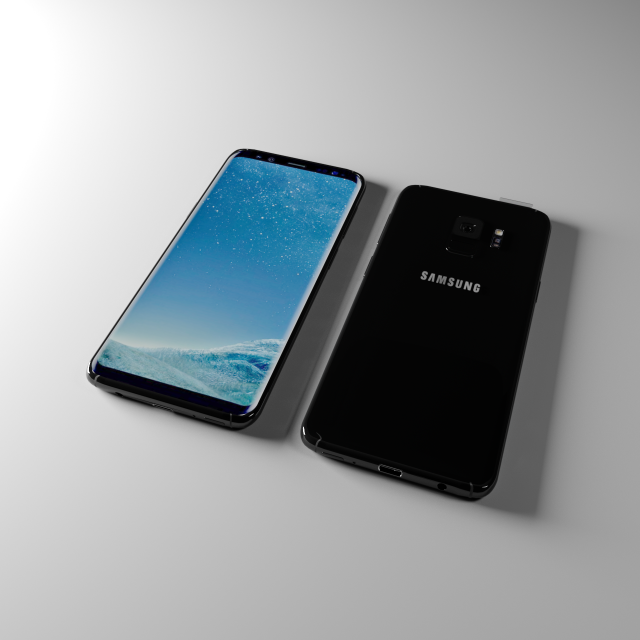
Samsung S8 2018 3D Model
Samsung S8 new model low_poly nodel includes formats are 3ds,max,bland.,fbx.,obj
-
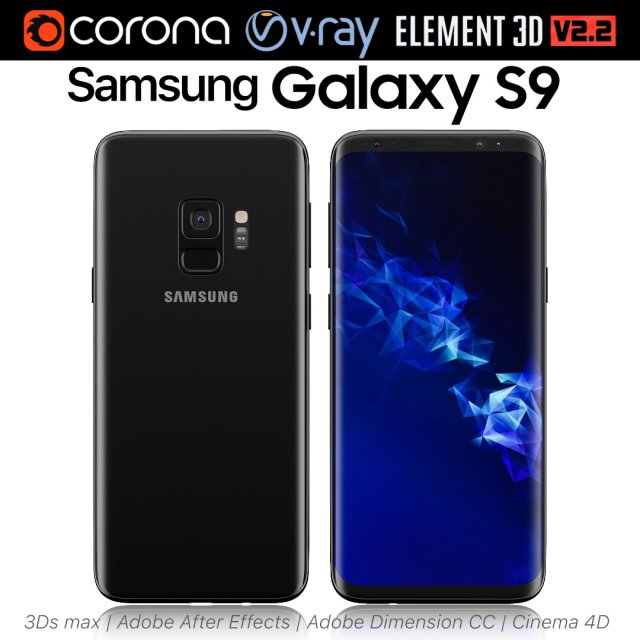
Samsung Galaxy S9 Black 3D Model
Realistic (copy) 3d model of Samsung Galaxy S9.This set:3D element v2.2The model given is easy to use- 1 file obj standard- 1 file 3ds Max 2013 vray material- 1 file 3ds Max 2013 corona material- 1 file of 3Ds- 1 file of cinema 4d- 1 file of Adobe Dimension CC- file e3d full set of materials, like a previewHow to use it?1. Discovery after the impact of CC 2014 (or above) and create a new composition (you need Element3D v2.2 to use)2. Create a new solid layer and add the effect of the elements. (Effect / Video Copilot / Element)3. Select Install Location4. Click on the import inside the Element3D Installation location5. Select my .e3d according to the model and click on the open button.If you do not see the model, do not forget to right click on the model name and press the replace model select.Topology of geometry:- forms and proportions of The 3D model- the geometry of the model was created very neatly- there are no many-sided polygons- detailed enough for close-up renders- the model optimized for turbosmooth modifier- Not collapsed the turbosmooth modified- apply the Smooth modifier with a parameter to get the desired level of detailMaterials and Textures:- 3ds max files included Vray-Shaders- 3ds max files included Corona-Shaders- file e3d full set of materials- all texture paths are clearedOrganization of scene:- to all objects and materials- real world size (system units – mm)- coordinates of location of the model in space (x0, y0, z0)- does not contain extraneous or hidden objects (lights, cameras, shapes etc.)Excellent renders to you!
-
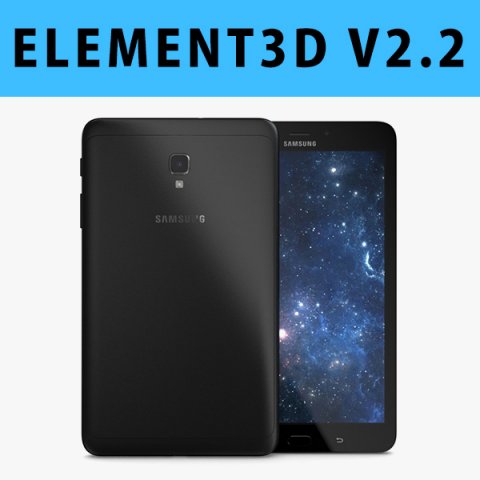
E3D – Samsung Galaxy tab A 80 2017 Black 3D 3D Model
This pack:Element 3D V2.2 ( All colors )models preset easy to use- 1 file OBJ High poly- 1 file OBJ standard- 1 file C4D R12 standard render- 1 file 3ds max 2012 standard material- E3D file full materials set up like previewsHow to use it?1. Open After Effects CC 2014 ( or higher) and create new composition ( You need Element3D V2.2 to use )2. Create new Solid layer and add Element effect. ( Effect/Video Copilot/ Element )3. Click Scene Setup4. Click on IMPORT inside Element3D scene setup5. Choose my .e3d preset for the model and press Open.If you dont see the model do not forget to right click on the model name and press Replace model then select the .obj model file in the respective models folder……………………………………………………………About Bee3DD Studio: ( Working in 3d modeling since 2013 until now )+ We offer all electronics 3d model ( latest and oldest ). Our collection is biggest in the world. It is place where you can find anything about technology for your project ( earlier and faster than others )+ Every model we build goes through thorough Quality assessment both visual and technical to make sure the assets look realistic and the models are of the best quality.
-
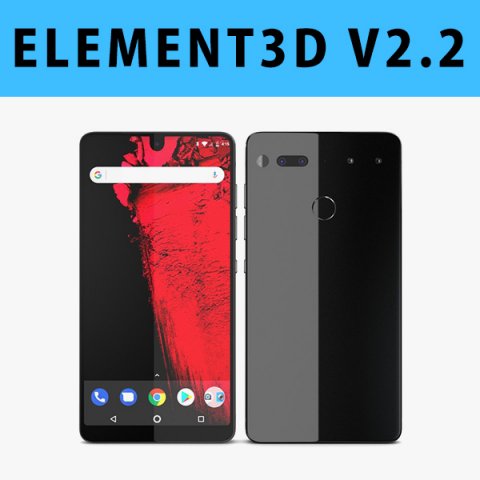
E3D – Essential Phone Titanium model 3D Model
This pack:Element 3D V2.2 ( All colors )models preset easy to use- 1 file OBJ High poly- 1 file OBJ standard- 1 file C4D R12 standard render- 1 file 3ds max 2012 standard material- E3D file full materials set up like previewsHow to use it?1. Open After Effects CC 2014 ( or higher) and create new composition ( You need Element3D V2.2 to use )2. Create new Solid layer and add Element effect. ( Effect/Video Copilot/ Element )3. Click Scene Setup4. Click on IMPORT inside Element3D scene setup5. Choose my .e3d preset for the model and press Open.If you dont see the model do not forget to right click on the model name and press Replace model then select the .obj model file in the respective models folder……………………………………………………………About Bee3DD Studio: ( Working in 3d modeling since 2013 until now )+ We offer all electronics 3d model ( latest and oldest ). Our collection is biggest in the world. It is place where you can find anything about technology for your project ( earlier and faster than others )+ Every model we build goes through thorough Quality assessment both visual and technical to make sure the assets look realistic and the models are of the best quality.
-
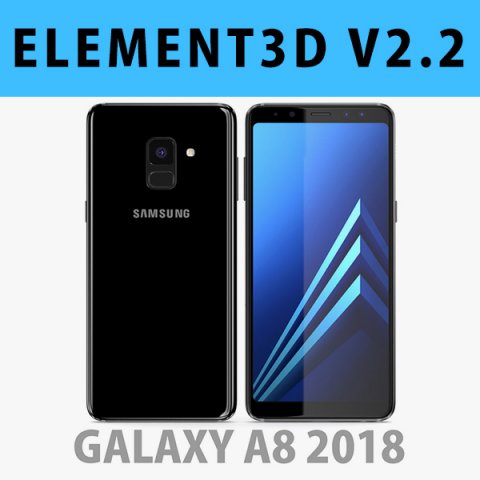
E3D – Samsung Galaxy A8 2018 Black model 3D Model
This pack:Element 3D V2.2 ( All colors )models preset easy to use- 1 file OBJ High poly- 1 file OBJ standard- 1 file C4D R12 standard render- 1 file 3ds max 2012 standard material- E3D file full materials set up like previewsHow to use it?1. Open After Effects CC 2014 ( or higher) and create new composition ( You need Element3D V2.2 to use )2. Create new Solid layer and add Element effect. ( Effect/Video Copilot/ Element )3. Click Scene Setup4. Click on IMPORT inside Element3D scene setup5. Choose my .e3d preset for the model and press Open.If you dont see the model do not forget to right click on the model name and press Replace model then select the .obj model file in the respective models folder……………………………………………………………About Bee3DD Studio: ( Working in 3d modeling since 2013 until now )+ We offer all electronics 3d model ( latest and oldest ). Our collection is biggest in the world. It is place where you can find anything about technology for your project ( earlier and faster than others )+ Every model we build goes through thorough Quality assessment both visual and technical to make sure the assets look realistic and the models are of the best quality.
-
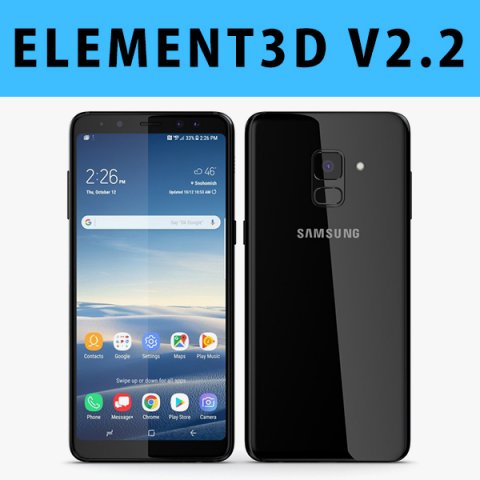
E3D – Samsung Galaxy A8 Plus 2018 Black 3D 3D Model
This pack:Element 3D V2.2 ( All colors )models preset easy to use- 1 file OBJ High poly- 1 file OBJ standard- 1 file C4D R12 standard render- 1 file 3ds max 2012 standard material- E3D file full materials set up like previewsHow to use it?1. Open After Effects CC 2014 ( or higher) and create new composition ( You need Element3D V2.2 to use )2. Create new Solid layer and add Element effect. ( Effect/Video Copilot/ Element )3. Click Scene Setup4. Click on IMPORT inside Element3D scene setup5. Choose my .e3d preset for the model and press Open.If you dont see the model do not forget to right click on the model name and press Replace model then select the .obj model file in the respective models folder……………………………………………………………About Bee3DD Studio: ( Working in 3d modeling since 2013 until now )+ We offer all electronics 3d model ( latest and oldest ). Our collection is biggest in the world. It is place where you can find anything about technology for your project ( earlier and faster than others )+ Every model we build goes through thorough Quality assessment both visual and technical to make sure the assets look realistic and the models are of the best quality.
-
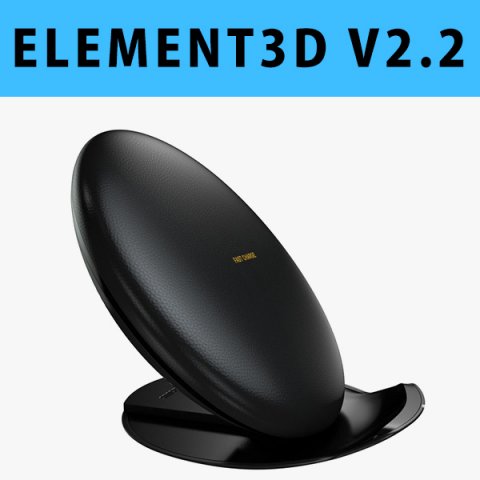
E3D – Samsung Fast Charge Convertible 3D Model
This pack:Element 3D V2.2 ( All colors )models preset easy to use- 1 file OBJ High poly- 1 file OBJ standard- 1 file C4D R12 standard render- 1 file 3ds max 2012 standard material- E3D file full materials set up like previewsHow to use it?1. Open After Effects CC 2014 ( or higher) and create new composition ( You need Element3D V2.2 to use )2. Create new Solid layer and add Element effect. ( Effect/Video Copilot/ Element )3. Click Scene Setup4. Click on IMPORT inside Element3D scene setup5. Choose my .e3d preset for the model and press Open.If you dont see the model do not forget to right click on the model name and press Replace model then select the .obj model file in the respective models folder……………………………………………………………About Bee3DD Studio: ( Working in 3d modeling since 2013 until now )+ We offer all electronics 3d model ( latest and oldest ). Our collection is biggest in the world. It is place where you can find anything about technology for your project ( earlier and faster than others )+ Every model we build goes through thorough Quality assessment both visual and technical to make sure the assets look realistic and the models are of the best quality.
-
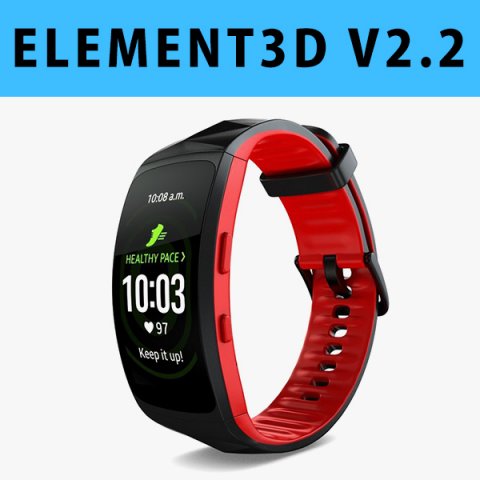
E3D – Samsung Gear Fit2 Pro model 3D Model
This pack:Element 3D V2.2 ( All colors )models preset easy to use- 1 file OBJ High poly- 1 file OBJ standard- 1 file C4D R12 standard render- 1 file 3ds max 2012 standard material- E3D file full materials set up like previewsHow to use it?1. Open After Effects CC 2014 ( or higher) and create new composition ( You need Element3D V2.2 to use )2. Create new Solid layer and add Element effect. ( Effect/Video Copilot/ Element )3. Click Scene Setup4. Click on IMPORT inside Element3D scene setup5. Choose my .e3d preset for the model and press Open.If you dont see the model do not forget to right click on the model name and press Replace model then select the .obj model file in the respective models folder……………………………………………………………About Bee3DD Studio: ( Working in 3d modeling since 2013 until now )+ We offer all electronics 3d model ( latest and oldest ). Our collection is biggest in the world. It is place where you can find anything about technology for your project ( earlier and faster than others )+ Every model we build goes through thorough Quality assessment both visual and technical to make sure the assets look realistic and the models are of the best quality.
-
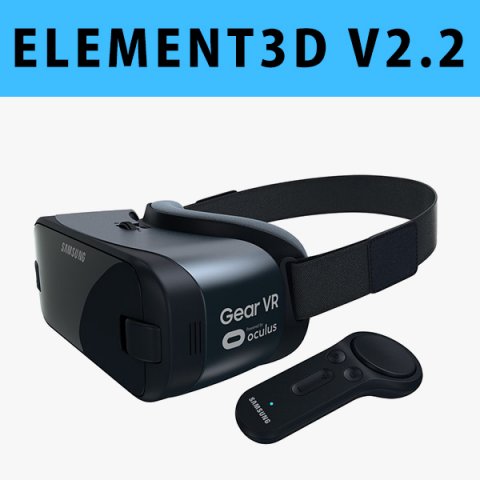
E3D – Samsung Gear VR Controller For Galaxy Note 8 model 3D Model
This pack:Element 3D V2.2 ( All colors )models preset easy to use- 1 file OBJ High poly- 1 file OBJ standard- 1 file C4D R12 standard render- 1 file 3ds max 2012 standard material- E3D file full materials set up like previewsHow to use it?1. Open After Effects CC 2014 ( or higher) and create new composition ( You need Element3D V2.2 to use )2. Create new Solid layer and add Element effect. ( Effect/Video Copilot/ Element )3. Click Scene Setup4. Click on IMPORT inside Element3D scene setup5. Choose my .e3d preset for the model and press Open.If you dont see the model do not forget to right click on the model name and press Replace model then select the .obj model file in the respective models folder……………………………………………………………About Bee3DD Studio: ( Working in 3d modeling since 2013 until now )+ We offer all electronics 3d model ( latest and oldest ). Our collection is biggest in the world. It is place where you can find anything about technology for your project ( earlier and faster than others )+ Every model we build goes through thorough Quality assessment both visual and technical to make sure the assets look realistic and the models are of the best quality.
-
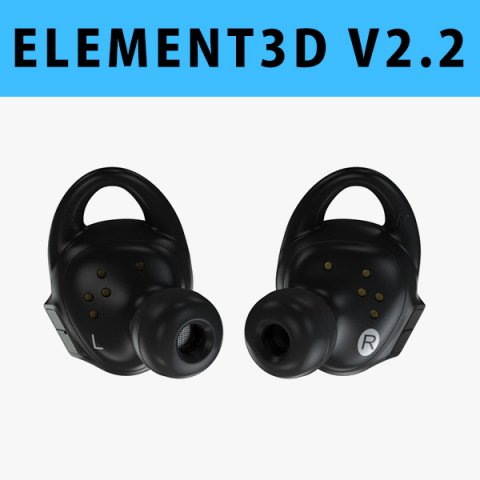
E3D – Samsung Gear IconX 2018 3D Model
This pack:Element 3D V2.2 ( All colors )models preset easy to use- 1 file OBJ High poly- 1 file OBJ standard- 1 file C4D R12 standard render- 1 file 3ds max 2012 standard material- E3D file full materials set up like previewsHow to use it?1. Open After Effects CC 2014 ( or higher) and create new composition ( You need Element3D V2.2 to use )2. Create new Solid layer and add Element effect. ( Effect/Video Copilot/ Element )3. Click Scene Setup4. Click on IMPORT inside Element3D scene setup5. Choose my .e3d preset for the model and press Open.If you dont see the model do not forget to right click on the model name and press Replace model then select the .obj model file in the respective models folder……………………………………………………………About Bee3DD Studio: ( Working in 3d modeling since 2013 until now )+ We offer all electronics 3d model ( latest and oldest ). Our collection is biggest in the world. It is place where you can find anything about technology for your project ( earlier and faster than others )+ Every model we build goes through thorough Quality assessment both visual and technical to make sure the assets look realistic and the models are of the best quality.
-
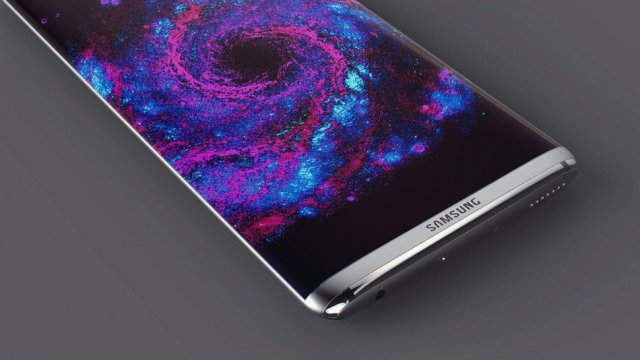
SAMSUNG GALAXY S8BLACK 3D Model
SAMSUNG GALAXY S8+{BLACK} ALL FORMATS ARE AVAILABLE WITHIN THE FOLDER.3D PRINTING IMAGE/SAMPLE ALSO AVAILABLE.
-
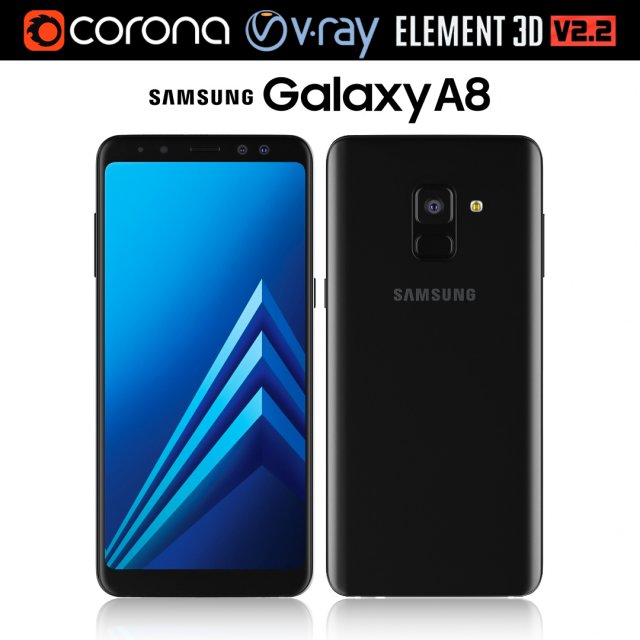
Samsung Galaxy A8 Black 3D Model
Realistic (copy) 3d model of Samsung Galaxy A8.This set:3D element v2.2The model given is easy to use- 1 file obj standard- 1 file 3ds Max 2013 vray material- 1 file 3ds Max 2013 corona material- 1 file of 3Ds- file e3d full set of materials, like a previewHow to use it?1. Discovery after the impact of CC 2014 (or above) and create a new composition (you need Element3D v2.2 to use)2. Create a new solid layer and add the effect of the elements. (Effect / Video Copilot / Element)3. Select Install Location4. Click on the import inside the Element3D Installation location5. Select my .e3d according to the model and click on the open button.If you do not see the model, do not forget to right click on the model name and press the replace model select.Topology of geometry:- forms and proportions of The 3D model- the geometry of the model was created very neatly- there are no many-sided polygons- detailed enough for close-up renders- the model optimized for turbosmooth modifier- Not collapsed the turbosmooth modified- apply the Smooth modifier with a parameter to get the desired level of detailMaterials and Textures:- 3ds max files included Vray-Shaders- 3ds max files included Corona-Shaders- file e3d full set of materials- all texture paths are clearedOrganization of scene:- to all objects and materials- real world size (system units – mm)- coordinates of location of the model in space (x0, y0, z0)- does not contain extraneous or hidden objects (lights, cameras, shapes etc.)The model is made for corona render 1.5 and vray 3.2, as well as for the Element 3D v2.2 plug-in from Video Copilot.Excellent renders to you!
-
Dodge Charger Galaxy S8 Otterbox Defender Phone Holder 3D Print Model
Summary
So I got sick of my phone not having a place to sit in the car. I tweaked the heck out of the awesome design that TTTurner68 did. I will update after I print it out.
It should allow you to slide the phone in from the front, built it in 5 pieces to allow it to breakaway neater and fit together solidly. It should work on 2015-2017 Dodge Chargers at the very least and sits solidly in the whatever that thing is next to the gear shift.
Please feel free to comment, critique, remix. I’m still learning this and can use all the input I can get. -
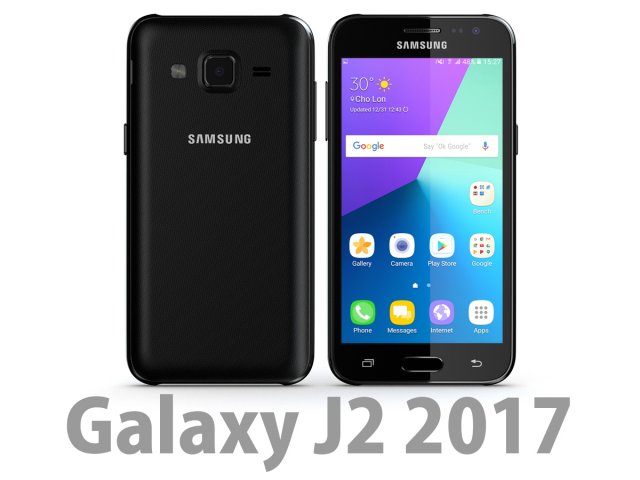
Samsung Galaxy J2 2017 Black 3D Model
Bee3dd is a team who making 3d model best quality, you don’t need worry when use our models. We take care to build the smallest detail in the model to ensure the best results. These things are not in others.Our slogan is: best quality – best price!+ We offer all electronics 3d model ( latest and oldest ). It is place where you can find anything about technology for your project ( earlier and faster than others )+ Every model we build goes through thorough Quality assessment both visual and technical to make sure the assets look realistic and the models are of the best quality.—————————–The model has a fully textured, detailed design that allows for close-up renders, and was originally modeled in 3ds Max 2012 and rendered with V-Ray. Fidelity is optimal up to a 2K render. Renders have no postprocessing.—————————–File Formats:+ 3ds Max 2012 + Vray 2.0 full setup lighting, camera+ 3ds Max 2012 standard+ Cinema 4D R12 standard ( materials and textures was setup )+ Maya 2012 standard ( materials and textures was setup )+ Lightwave 11 ( materials and textures was setup )+ FBX 2012+ OBJ 2012+ 3DS 2012—————————–Features:+ No isolated vertices+ No coincident vertices+ No coincident/coplanar faces+ Quads and Triangles only ( Clean edge flow, mostly quads, subdividable topology, no poles with more than 5 edges on the model, holding/support edges present to retain shape after subdivision )+ Models resolutions are optimized for polygon efficiency. (In 3ds Max, the Meshsmooth/Turbosmooth function can be used to increase mesh resolution if necessary.)+ Real-world scale ( We make 3d model from actual size and images reference. It is best for making video intro, marketing, animation, games… )+ Naming and Organization ( All geometry is contained in a single layer structure, with the layer having the same name as the product. )+ No special plugin needed to open scene.+ 3ds Max models are grouped for easy selection, and objects are logically named for ease of scene management.—————————–TEXTURES:- Textures highquality, enough for close-up render ( 2048-4096 pixels )- UVWs mapping with mixed: overlapping and non-overlapping- No texture paths referenced by the model. All texture paths were stripped from the model.—————————–Rate for ours models: We are required to assess the customer’s finished product with the best quality. Let us know your comments, we are very thankful for that!Thanks you,Best regardBee3dd team
-
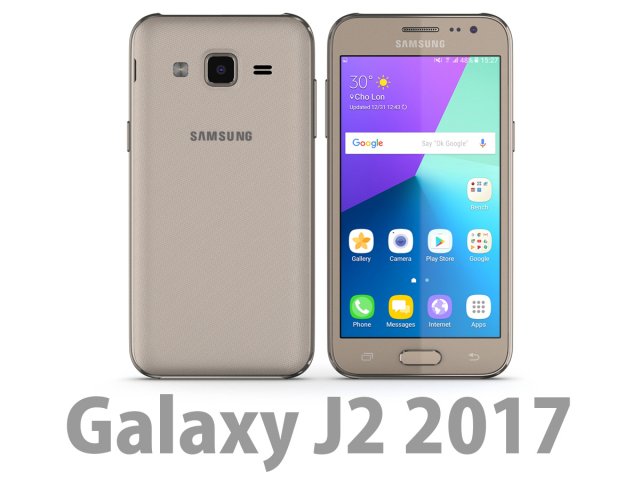
3D Samsung Galaxy J2 2017 Gold 3D Model
Bee3dd is a team who making 3d model best quality, you don’t need worry when use our models. We take care to build the smallest detail in the model to ensure the best results. These things are not in others.Our slogan is: best quality – best price!+ We offer all electronics 3d model ( latest and oldest ). It is place where you can find anything about technology for your project ( earlier and faster than others )+ Every model we build goes through thorough Quality assessment both visual and technical to make sure the assets look realistic and the models are of the best quality.—————————–The model has a fully textured, detailed design that allows for close-up renders, and was originally modeled in 3ds Max 2012 and rendered with V-Ray. Fidelity is optimal up to a 2K render. Renders have no postprocessing.—————————–File Formats:+ 3ds Max 2012 + Vray 2.0 full setup lighting, camera+ 3ds Max 2012 standard+ Cinema 4D R12 standard ( materials and textures was setup )+ Maya 2012 standard ( materials and textures was setup )+ Lightwave 11 ( materials and textures was setup )+ FBX 2012+ OBJ 2012+ 3DS 2012—————————–Features:+ No isolated vertices+ No coincident vertices+ No coincident/coplanar faces+ Quads and Triangles only ( Clean edge flow, mostly quads, subdividable topology, no poles with more than 5 edges on the model, holding/support edges present to retain shape after subdivision )+ Models resolutions are optimized for polygon efficiency. (In 3ds Max, the Meshsmooth/Turbosmooth function can be used to increase mesh resolution if necessary.)+ Real-world scale ( We make 3d model from actual size and images reference. It is best for making video intro, marketing, animation, games… )+ Naming and Organization ( All geometry is contained in a single layer structure, with the layer having the same name as the product. )+ No special plugin needed to open scene.+ 3ds Max models are grouped for easy selection, and objects are logically named for ease of scene management.—————————–TEXTURES:- Textures highquality, enough for close-up render ( 2048-4096 pixels )- UVWs mapping with mixed: overlapping and non-overlapping- No texture paths referenced by the model. All texture paths were stripped from the model.—————————–Rate for ours models: We are required to assess the customer’s finished product with the best quality. Let us know your comments, we are very thankful for that!Thanks you,Best regardBee3dd team
-
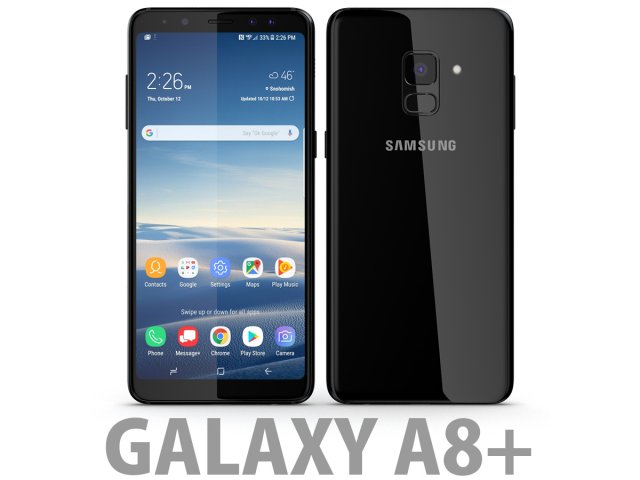
3D Samsung Galaxy A8 Plus 2018 Black 3D Model
Bee3dd is a team who making 3d model best quality, you don’t need worry when use our models. We take care to build the smallest detail in the model to ensure the best results. These things are not in others.Our slogan is: best quality – best price!+ We offer all electronics 3d model ( latest and oldest ). It is place where you can find anything about technology for your project ( earlier and faster than others )+ Every model we build goes through thorough Quality assessment both visual and technical to make sure the assets look realistic and the models are of the best quality.—————————–The model has a fully textured, detailed design that allows for close-up renders, and was originally modeled in 3ds Max 2012 and rendered with V-Ray. Fidelity is optimal up to a 2K render. Renders have no postprocessing.—————————–File Formats:+ 3ds Max 2012 + Vray 2.0 full setup lighting, camera+ 3ds Max 2012 standard+ Cinema 4D R12 standard ( materials and textures was setup )+ Maya 2012 standard ( materials and textures was setup )+ Lightwave 11 ( materials and textures was setup )+ FBX 2012+ OBJ 2012+ 3DS 2012—————————–Features:+ No isolated vertices+ No coincident vertices+ No coincident/coplanar faces+ Quads and Triangles only ( Clean edge flow, mostly quads, subdividable topology, no poles with more than 5 edges on the model, holding/support edges present to retain shape after subdivision )+ Models resolutions are optimized for polygon efficiency. (In 3ds Max, the Meshsmooth/Turbosmooth function can be used to increase mesh resolution if necessary.)+ Real-world scale ( We make 3d model from actual size and images reference. It is best for making video intro, marketing, animation, games… )+ Naming and Organization ( All geometry is contained in a single layer structure, with the layer having the same name as the product. )+ No special plugin needed to open scene.+ 3ds Max models are grouped for easy selection, and objects are logically named for ease of scene management.—————————–TEXTURES:- Textures highquality, enough for close-up render ( 2048-4096 pixels )- UVWs mapping with mixed: overlapping and non-overlapping- No texture paths referenced by the model. All texture paths were stripped from the model.—————————–Rate for ours models: We are required to assess the customer’s finished product with the best quality. Let us know your comments, we are very thankful for that!Thanks you,Best regardBee3dd team
-
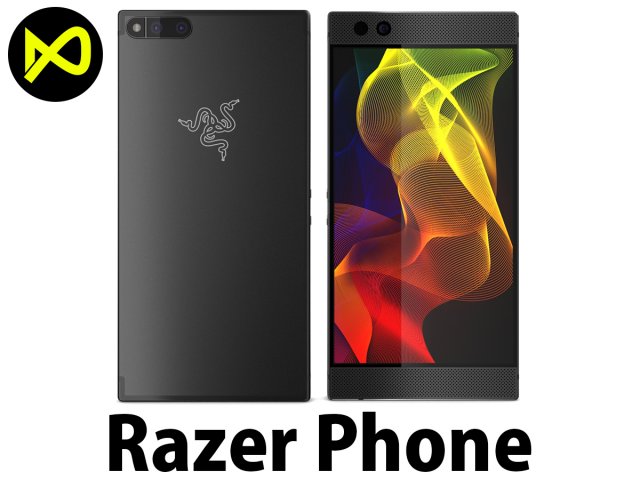
3D Razer Phone model 3D Model
Bee3dd is a team who making 3d model best quality, you don’t need worry when use our models. We take care to build the smallest detail in the model to ensure the best results. These things are not in others.Our slogan is: best quality – best price!+ We offer all electronics 3d model ( latest and oldest ). It is place where you can find anything about technology for your project ( earlier and faster than others )+ Every model we build goes through thorough Quality assessment both visual and technical to make sure the assets look realistic and the models are of the best quality.—————————–The model has a fully textured, detailed design that allows for close-up renders, and was originally modeled in 3ds Max 2012 and rendered with V-Ray. Fidelity is optimal up to a 2K render. Renders have no postprocessing.—————————–File Formats:+ 3ds Max 2012 + Vray 2.0 full setup lighting, camera+ 3ds Max 2012 standard+ Cinema 4D R12 standard ( materials and textures was setup )+ Maya 2012 standard ( materials and textures was setup )+ Lightwave 11 ( materials and textures was setup )+ FBX 2012+ OBJ 2012+ 3DS 2012—————————–Features:+ No isolated vertices+ No coincident vertices+ No coincident/coplanar faces+ Quads and Triangles only ( Clean edge flow, mostly quads, subdividable topology, no poles with more than 5 edges on the model, holding/support edges present to retain shape after subdivision )+ Models resolutions are optimized for polygon efficiency. (In 3ds Max, the Meshsmooth/Turbosmooth function can be used to increase mesh resolution if necessary.)+ Real-world scale ( We make 3d model from actual size and images reference. It is best for making video intro, marketing, animation, games… )+ Naming and Organization ( All geometry is contained in a single layer structure, with the layer having the same name as the product. )+ No special plugin needed to open scene.+ 3ds Max models are grouped for easy selection, and objects are logically named for ease of scene management.—————————–TEXTURES:- Textures highquality, enough for close-up render ( 2048-4096 pixels )- UVWs mapping with mixed: overlapping and non-overlapping- No texture paths referenced by the model. All texture paths were stripped from the model.—————————–Rate for ours models: We are required to assess the customer’s finished product with the best quality. Let us know your comments, we are very thankful for that!Thanks you,Best regardBee3dd team
-
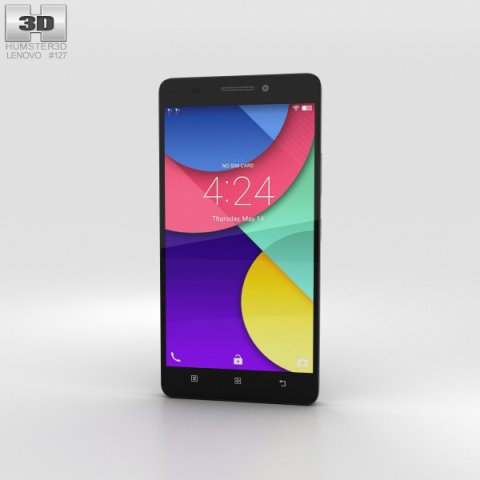
Lenovo Golden Warrior S8 Black 3D Model
The 3D model was created on real base. It’s created accurately, in real units of measurement, qualitatively and maximally close to the original.Model formats:- *.max (3ds Max 2008 scanline)- *.max (3ds Max 2008 vray)- *.fbx (Multi Format)- *.obj (Multi Format)- *.3ds (Multi Format)- *.mb (Maya 8.5)- *.lwo (Lightwave 6)- *.c4d (Cinema 4D 11)* renders Are made in 3ds Max 2008 using vray 1.5 (studio environment is not included in the set)If you need any other formats we are more than happy to make them for you.The model is provided combined, all main parts are presented as separate parts therefore materials of objects are easy to be modified or removed and standard parts are easy to be replaced. If you experience difficulties with separating standard parts we are more than happy to give you qualified assistance.We greatly appreciate you choosing our 3D models and hope they will be of use.We look forward to continuously dealing with you.Sincerely Yours,Hum3D Team
-
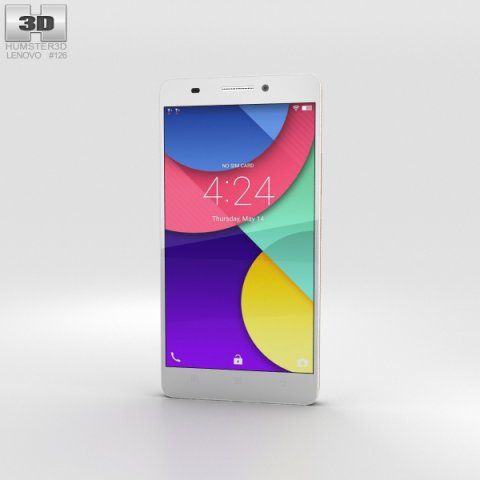
Lenovo Golden Warrior S8 White 3D Model
The 3D model was created on real base. It’s created accurately, in real units of measurement, qualitatively and maximally close to the original.Model formats:- *.max (3ds Max 2008 scanline)- *.max (3ds Max 2008 vray)- *.fbx (Multi Format)- *.obj (Multi Format)- *.3ds (Multi Format)- *.mb (Maya 8.5)- *.lwo (Lightwave 6)- *.c4d (Cinema 4D 11)* renders Are made in 3ds Max 2008 using vray 1.5 (studio environment is not included in the set)If you need any other formats we are more than happy to make them for you.The model is provided combined, all main parts are presented as separate parts therefore materials of objects are easy to be modified or removed and standard parts are easy to be replaced. If you experience difficulties with separating standard parts we are more than happy to give you qualified assistance.We greatly appreciate you choosing our 3D models and hope they will be of use.We look forward to continuously dealing with you.Sincerely Yours,Hum3D Team
-
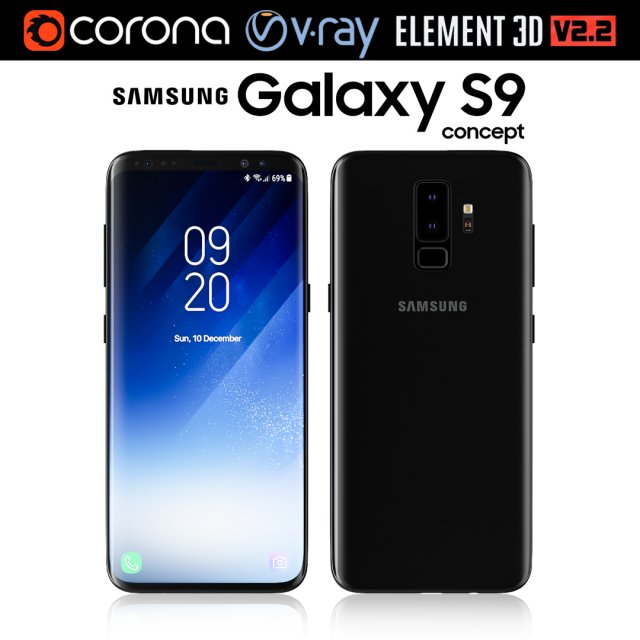
Samsung Galaxy S9 3D Model
Realistic (copy) 3d model of Samsung Galaxy S9.This set:3D element v2.2The model given is easy to use- 1 file obj standard- 1 file 3ds Max 2013 vray material- 1 file 3ds Max 2013 corona material- 1 file of 3Ds- file e3d full set of materials, like a previewHow to use it?1. Discovery after the impact of CC 2014 (or above) and create a new composition (you need Element3D v2.2 to use)2. Create a new solid layer and add the effect of the elements. (Effect / Video Copilot / Element)3. Select Install Location4. Click on the import inside the Element3D Installation location5. Select my .e3d according to the model and click on the open button.If you do not see the model, do not forget to right click on the model name and press the replace model select.Topology of geometry:- forms and proportions of The 3D model- the geometry of the model was created very neatly- there are no many-sided polygons- detailed enough for close-up renders- the model optimized for turbosmooth modifier- Not collapsed the turbosmooth modified- apply the Smooth modifier with a parameter to get the desired level of detailMaterials and Textures:- 3ds max files included Vray-Shaders- 3ds max files included Corona-Shaders- file e3d full set of materials- all texture paths are clearedOrganization of scene:- to all objects and materials- real world size (system units – mm)- coordinates of location of the model in space (x0, y0, z0)- does not contain extraneous or hidden objects (lights, cameras, shapes etc.)The model is made for corona render 1.5 and vray 3.2, as well as for the Element 3D v2.2 plug-in from Video Copilot.Excellent renders to you!
-
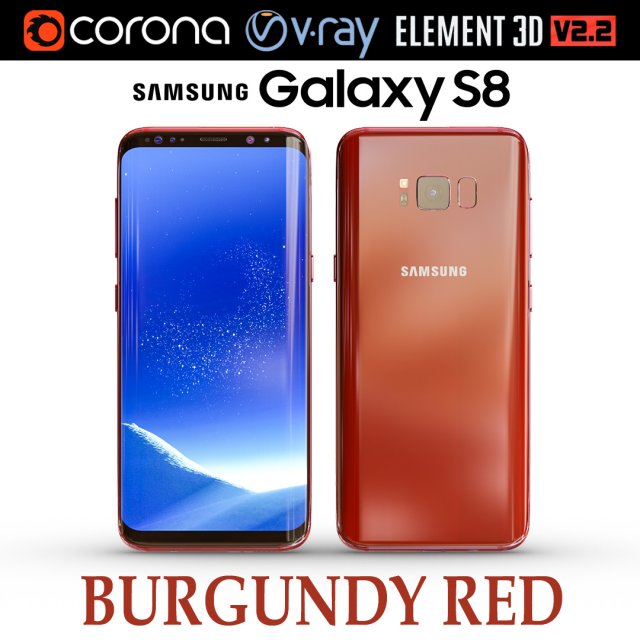
Samsung Galaxy S8 BURGUNDY RED 3D Model
Realistic (copy) 3d model of Samsung Galaxy S8 BURGUNDY RED .This set:3D element v2.2The model given is easy to use- 1 file obj standard- 1 file 3ds Max 2013 vray material- 1 file 3ds Max 2013 corona material- 1 file of 3Ds- file e3d full set of materials, like a previewHow to use it?1. Discovery after the impact of CC 2014 (or above) and create a new composition (you need Element3D v2.2 to use)2. Create a new solid layer and add the effect of the elements. (Effect / Video Copilot / Element)3. Select Install Location4. Click on the import inside the Element3D Installation location5. Select my .e3d according to the model and click on the open button.If you do not see the model, do not forget to right click on the model name and press the replace model select.Topology of geometry:- forms and proportions of The 3D model- the geometry of the model was created very neatly- there are no many-sided polygons- detailed enough for close-up renders- the model optimized for turbosmooth modifier- Not collapsed the turbosmooth modified- apply the Smooth modifier with a parameter to get the desired level of detailMaterials and Textures:- 3ds max files included Vray-Shaders- 3ds max files included Corona-Shaders- file e3d full set of materials- all texture paths are clearedOrganization of scene:- to all objects and materials- real world size (system units – mm)- coordinates of location of the model in space (x0, y0, z0)- does not contain extraneous or hidden objects (lights, cameras, shapes etc.)The model is made for corona render 1.5 and vray 3.2, as well as for the Element 3D v2.2 plug-in from Video Copilot.In the version of vray, BRDF materials are installed in Microfacet GTR / GGX, vray 2.4 owners need to install BRDF in Blinn.Excellent renders to you!
-
Fanatec CSL Elite Support S8 3D Print Model
Summary
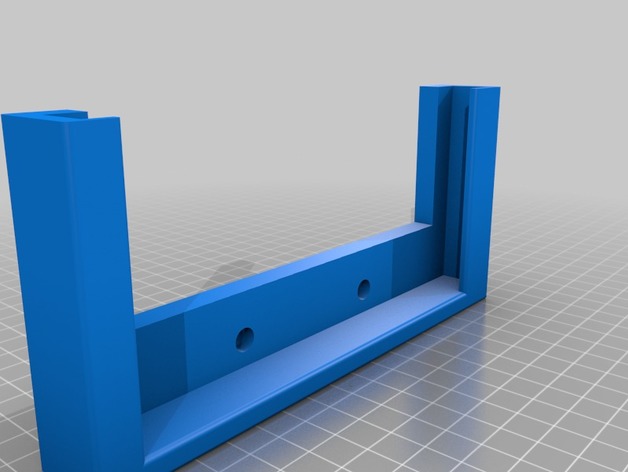
Support for Samsung S8 to apply to Flying Fanatec CSL Elite.
Support was created to support the phone with its “Unicorn Beetle” cover
In short, I will make a version for the phone without Cover. -
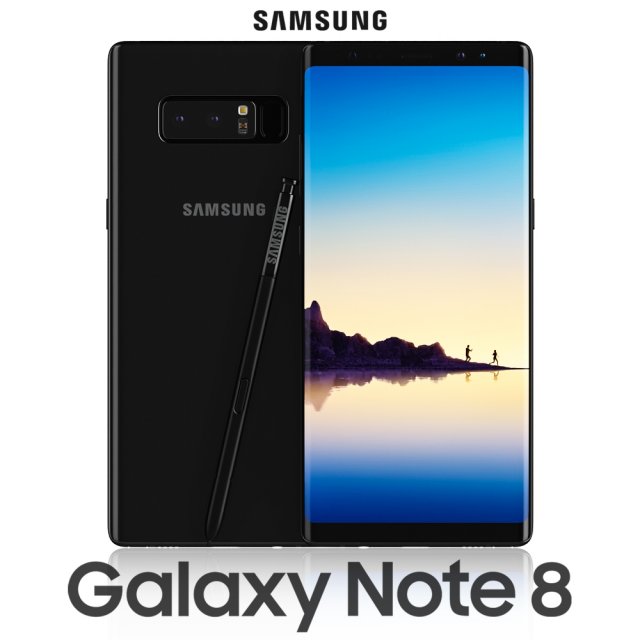
Samsung Galaxy Note 8 Midnight Black 3D Model
Realistic (copy) 3d model of Samsung Galaxy Note 8 Midnight Black .Topology of geometry:- forms and proportions of The 3D model most similar to the real object- the geometry of the model was created very neatly- there are no many-sided polygons- detailed enough for close-up renders- the model optimized for turbosmooth modifier- Not collapsed the turbosmooth modified- apply the Smooth modifier with a parameter to obtain the desired level of detailMaterials and Textures:- 3ds max files included Vray-Shaders- all texture paths are clearedOrganization of scene:- to all objects and materials names in scene are appropriated- real world size (system units – mm)- coordinates of location of the model in space (x0, y0, z0)- does not contain extraneous or hidden objects (lights, cameras, shapes etc.)File Formats:- original file format – 3ds max 2013 + Vray- 3ds- objRenders:- all previews rendered 3ds max Vray- the model is completely ready for use visualization in 3ds max + Vray
-
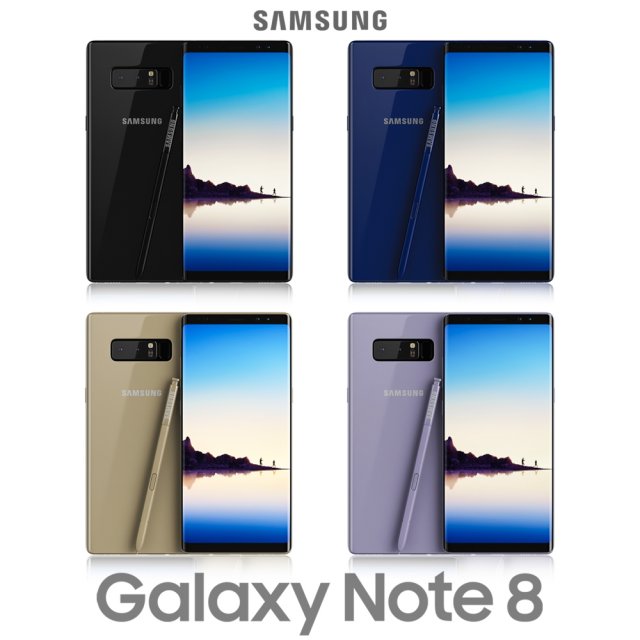
Samsung Galaxy Note 8 All Colors 3D Model
Realistic (copy) 3d model of Samsung Galaxy Note 8 Midnight Black .Topology of geometry:- forms and proportions of The 3D model most similar to the real object- the geometry of the model was created very neatly- there are no many-sided polygons- detailed enough for close-up renders- the model optimized for turbosmooth modifier- Not collapsed the turbosmooth modified- apply the Smooth modifier with a parameter to obtain the desired level of detailMaterials and Textures:- 3ds max files included Vray-Shaders- all texture paths are clearedOrganization of scene:- to all objects and materials names in scene are appropriated- real world size (system units – mm)- coordinates of location of the model in space (x0, y0, z0)- does not contain extraneous or hidden objects (lights, cameras, shapes etc.)File Formats:- original file format – 3ds max 2013 + Vray- 3ds- objRenders:- all previews rendered 3ds max Vray- the model is completely ready for use visualization in 3ds max + Vray
-
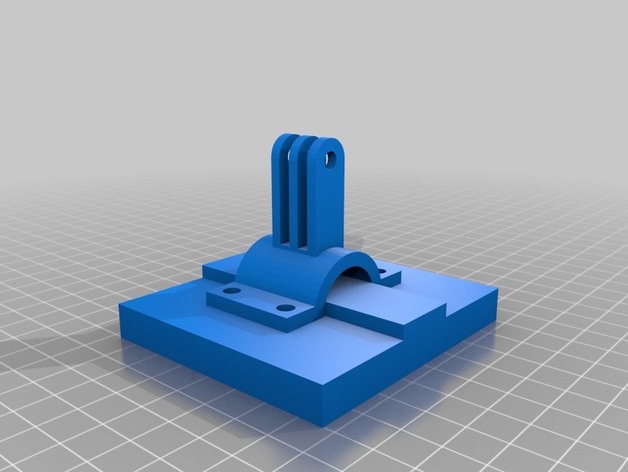
Galaxy S8 car/room mount 3D Print Model
Summary
Hello, I created this because I didn’t want to buy an expensive mount. This is designed for a Galaxy S8. It fits a GoPro mounting system. Works well. Just mount your GoPro mount to anything and this will bolt up to it.Overview and Background
You will need a GoPro mounting system
Lesson Plan and Activity
And a GoPro screw. -
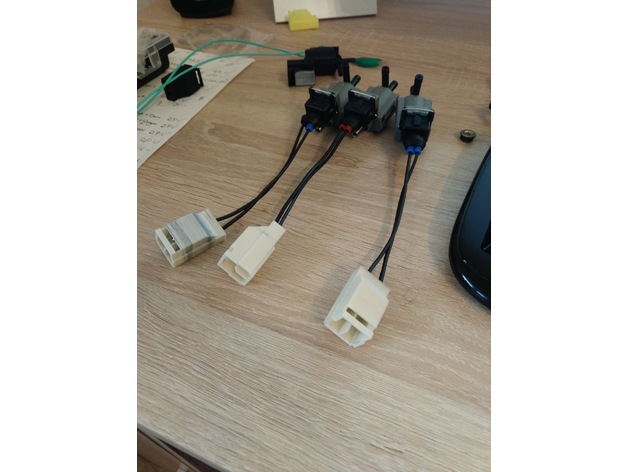
RX7 S7 and S8 Solenoid Connector 3D Print Model
Summary
Connector to make a pigtail or adapter for non mazda solenoids.
Standard Power Time Male Connector 33-0626 is needed. -
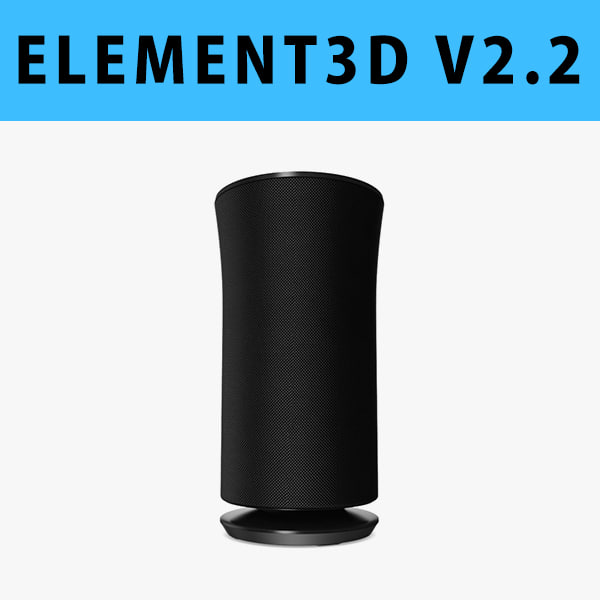
E3D – Samsung Radiant360 R3 Wireless Speaker 3D model 3D Model
This pack:Element 3D V2.2 ( All colors )models preset easy to use- 1 file OBJ High poly- 1 file OBJ standard- 1 file C4D R12 standard render- 1 file 3ds max 2012 standard material- E3D file full materials set up like previewsHow to use it?1. Open After Effects CC 2014 ( or higher) and create new composition ( You need Element3D V2.2 to use )2. Create new Solid layer and add Element effect. ( Effect/Video Copilot/ Element )3. Click Scene Setup4. Click on IMPORT inside Element3D scene setup5. Choose my .e3d preset for the model and press Open.If you dont see the model do not forget to right click on the model name and press Replace model then select the .obj model file in the respective models folder.
-
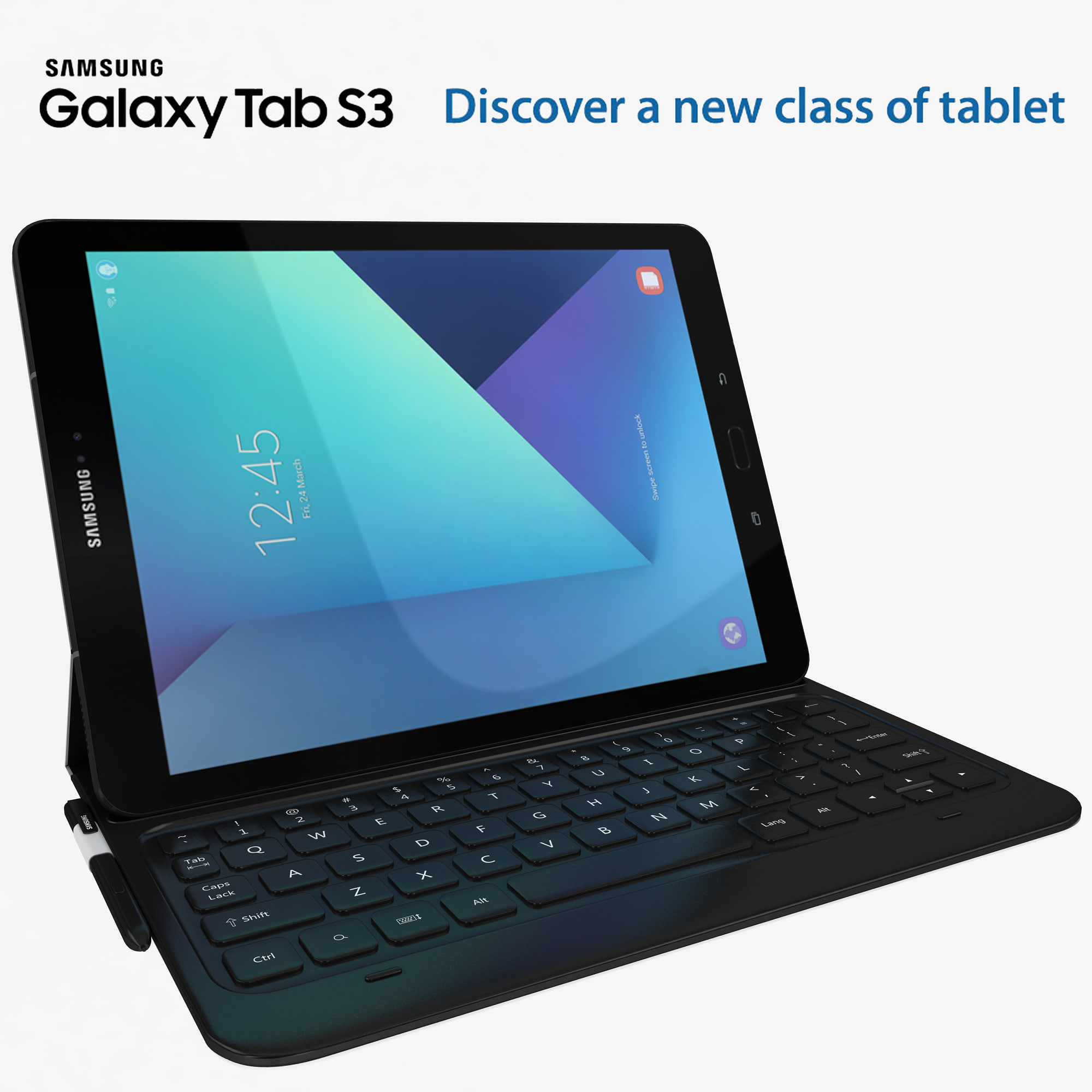
Samsung Galaxy Tab S3 black with S Pen & Keyboard 3D Model
high detail Samsung Galaxy Tab S3 with high quilty randring with vray 2.0 and i use Max 2009 for this model ….Available in the following file formats:- Max 2009- 3ds Max with V-Ray materials (.max)- FBX (.fbx)- OBJ-WRL-DXF- 3D max file included Standard materials and Vray-materials.- All the materials are named.- This 3d model objects and materials have the correct names and stripped the texture paths.- I Hope you Will Like My All Products.Thanks For Buying.
-
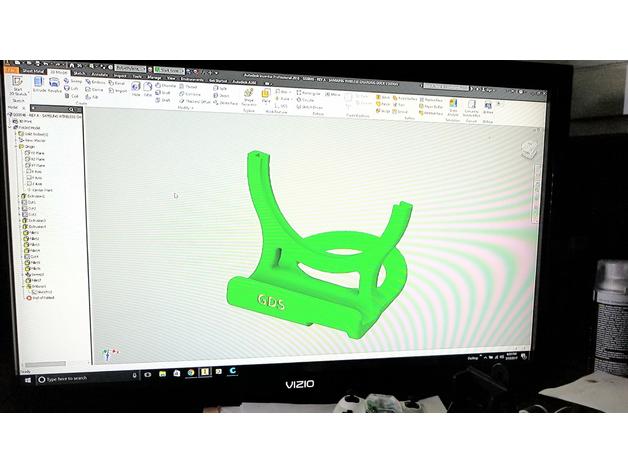
Samsung Galaxy S8 Wireless Charging Dock 3D Print Model
Summary
I was having issues finding a wireless charging stand with the OEM wireless charger, that would fit an S8 with my otterbox case. I came accross Rsavell’s phone stand, and modified it a bit. Also added a slot for the speaker, and more material in the middle. This gave it more strength but the drawback is it also increased the print time a bit.
Print Settings
Printer Brand:
Prusa Printer:
Prusa Steel Rafts:
Doesn’t Matter Supports:
Yes Resolution:
0.12 mm Infill:
25% Notes:
I printed it with ABS, it came out great. The scale was off a bit when I exported the STL. Rescale in your slicer software @ XYZ = 25.4 -
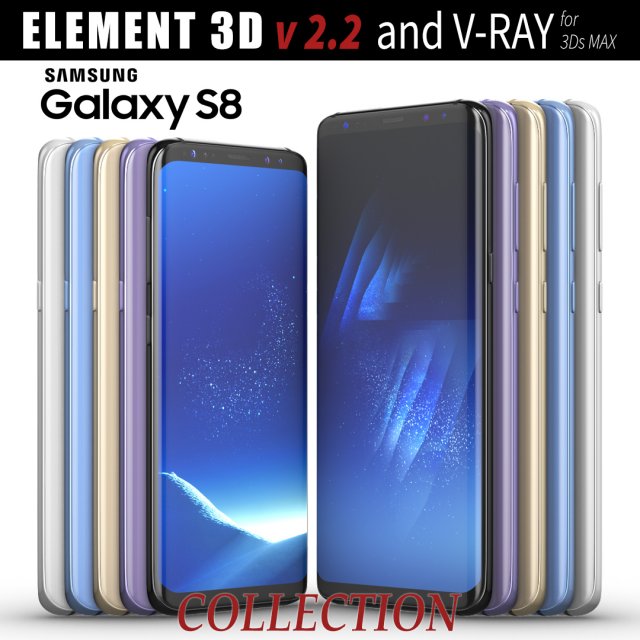
Samsung Galaxy S8 and S8 PLUS COLLECTION 3D Model
This set:3D element v2.2The model given is easy to use- 1 file obj standard- 1 file c4d R18 in the standard render- 1 file 3ds Max 2013 vray material- 1 file fbx- 1 file of 3Ds- file e3d full set of materials, like a previewHow to use it?1. Discovery after the impact of CC 2014 (or above) and create a new composition (you need Element3D v2.2 to use)2. Create a new solid layer and add the effect of the elements. (Effect / Video Copilot / Element)3. Select Install Location4. Click on the import inside the Element3D Installation location5. Select my .e3d according to the model and click on the open button.If you do not see the model, do not forget to right click on the model name and press the replace model select.Topology of geometry:- forms and proportions of The 3D model- the geometry of the model was created very neatly- there are no many-sided polygons- detailed enough for close-up renders- the model optimized for turbosmooth modifier- Not collapsed the turbosmooth modified- apply the Smooth modifier with a parameter to get the desired level of detailMaterials and Textures:- 3ds max files included Vray-Shaders- all texture paths are clearedOrganization of scene:- to all objects and materials- real world size (system units – mm)- coordinates of location of the model in space (x0, y0, z0)- does not contain extraneous or hidden objects (lights, cameras, shapes etc.)
-
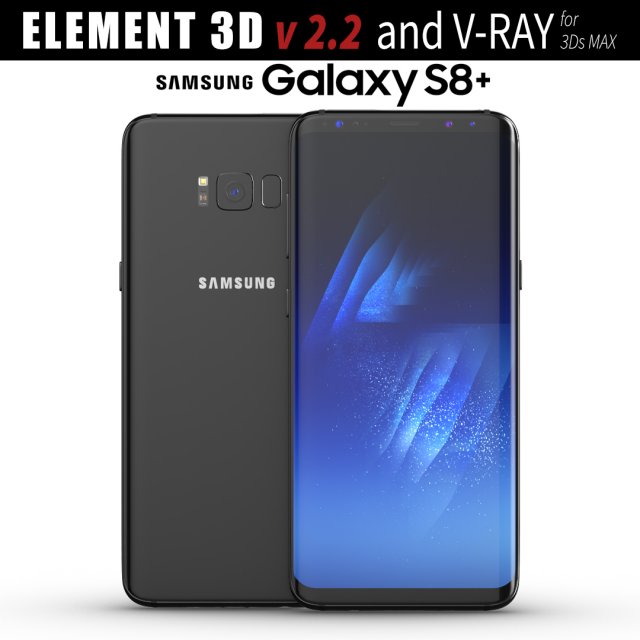
Samsung Galaxy S8 PLUS Midnight Black model 3D Model
This set:3D element v2.2The model given is easy to use- 1 file obj standard- 1 file c4d R18 in the standard render- 1 file 3ds Max 2013 vray material- 1 file fbx- 1 file of 3Ds- file e3d full set of materials, like a previewHow to use it?1. Discovery after the impact of CC 2014 (or above) and create a new composition (you need Element3D v2.2 to use)2. Create a new solid layer and add the effect of the elements. (Effect / Video Copilot / Element)3. Select Install Location4. Click on the import inside the Element3D Installation location5. Select my .e3d according to the model and click on the open button.If you do not see the model, do not forget to right click on the model name and press the replace model select.Topology of geometry:- forms and proportions of The 3D model- the geometry of the model was created very neatly- there are no many-sided polygons- detailed enough for close-up renders- the model optimized for turbosmooth modifier- Not collapsed the turbosmooth modified- apply the Smooth modifier with a parameter to get the desired level of detailMaterials and Textures:- 3ds max files included Vray-Shaders- all texture paths are clearedOrganization of scene:- to all objects and materials- real world size (system units – mm)- coordinates of location of the model in space (x0, y0, z0)- does not contain extraneous or hidden objects (lights, cameras, shapes etc.)
-
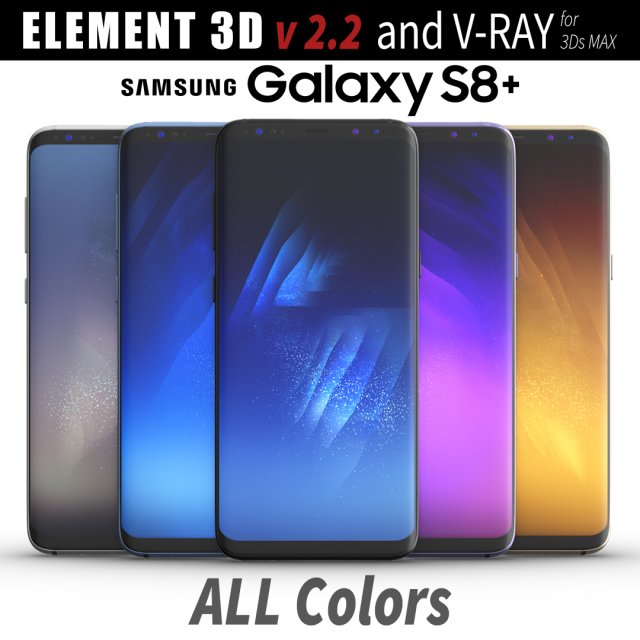
Samsung Galaxy S8 PLUS ALL Colors 3D Model
This set:3D element v2.2The model given is easy to use- 1 file obj standard- 1 file c4d R18 in the standard render- 1 file 3ds Max 2013 vray material- 1 file fbx- 1 file of 3Ds- file e3d full set of materials, like a previewHow to use it?1. Discovery after the impact of CC 2014 (or above) and create a new composition (you need Element3D v2.2 to use)2. Create a new solid layer and add the effect of the elements. (Effect / Video Copilot / Element)3. Select Install Location4. Click on the import inside the Element3D Installation location5. Select my .e3d according to the model and click on the open button.If you do not see the model, do not forget to right click on the model name and press the replace model select.Topology of geometry:- forms and proportions of The 3D model- the geometry of the model was created very neatly- there are no many-sided polygons- detailed enough for close-up renders- the model optimized for turbosmooth modifier- Not collapsed the turbosmooth modified- apply the Smooth modifier with a parameter to get the desired level of detailMaterials and Textures:- 3ds max files included Vray-Shaders- all texture paths are clearedOrganization of scene:- to all objects and materials- real world size (system units – mm)- coordinates of location of the model in space (x0, y0, z0)- does not contain extraneous or hidden objects (lights, cameras, shapes etc.)
-
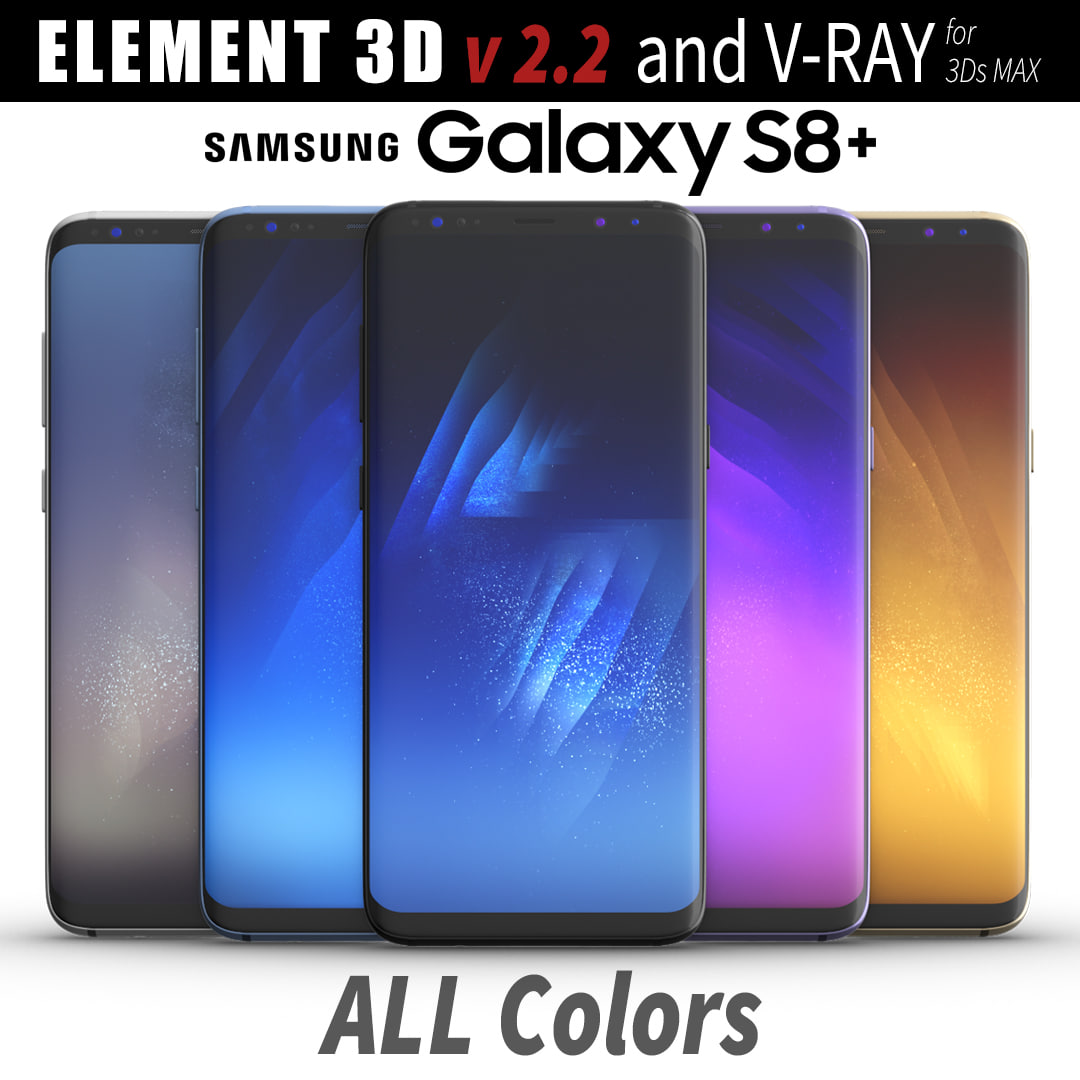
3D Samsung Galaxy S8 PLUS ALL Colors model 3D Model
This set:3D element v2.2The model given is easy to use- 1 file obj standard- 1 file c4d R18 in the standard render- 1 file 3ds Max 2013 vray material- 1 file fbx- 1 file of 3Ds- file e3d full set of materials, like a previewHow to use it?1. Discovery after the impact of CC 2014 (or above) and create a new composition (you need Element3D v2.2 to use)2. Create a new solid layer and add the effect of the elements. (Effect / Video Copilot / Element)3. Select Install Location4. Click on the import inside the Element3D Installation location5. Select my .e3d according to the model and click on the open button.If you do not see the model, do not forget to right click on the model name and press the replace model select.Topology of geometry:- forms and proportions of The 3D model- the geometry of the model was created very neatly- there are no many-sided polygons- detailed enough for close-up renders- the model optimized for turbosmooth modifier- Not collapsed the turbosmooth modified- apply the Smooth modifier with a parameter to get the desired level of detailMaterials and Textures:- 3ds max files included Vray-Shaders- all texture paths are clearedOrganization of scene:- to all objects and materials- real world size (system units – mm)- coordinates of location of the model in space (x0, y0, z0)- does not contain extraneous or hidden objects (lights, cameras, shapes etc.)
-
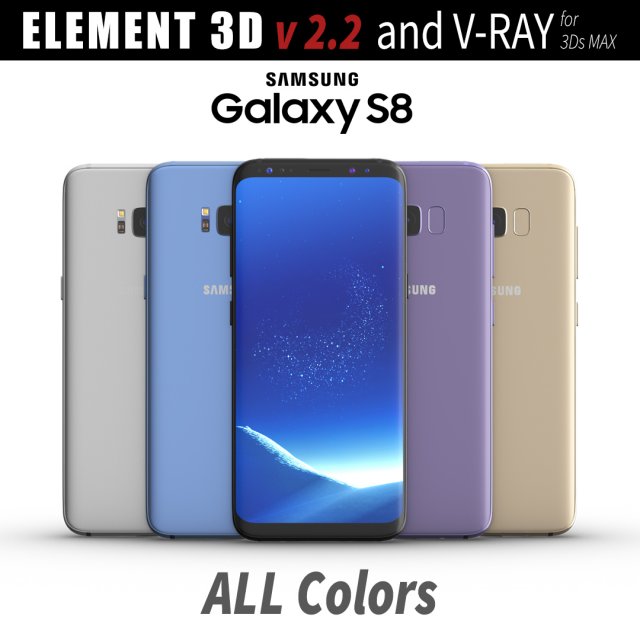
Samsung Galaxy S8 All Colors for Element 3D and V-ray 3D Model
This set:3D element v2.2The model given is easy to use- 1 file obj standard- 1 file c4d R18 in the standard render- 1 file 3ds Max 2013 vray material- 1 file fbx- 1 file of 3Ds- file e3d full set of materials, like a previewHow to use it?1. Discovery after the impact of CC 2014 (or above) and create a new composition (you need Element3D v2.2 to use)2. Create a new solid layer and add the effect of the elements. (Effect / Video Copilot / Element)3. Select Install Location4. Click on the import inside the Element3D Installation location5. Select my .e3d according to the model and click on the open button.If you do not see the model, do not forget to right click on the model name and press the replace model select.Topology of geometry:- forms and proportions of The 3D model- the geometry of the model was created very neatly- there are no many-sided polygons- detailed enough for close-up renders- the model optimized for turbosmooth modifier- Not collapsed the turbosmooth modified- apply the Smooth modifier with a parameter to get the desired level of detailMaterials and Textures:- 3ds max files included Vray-Shaders- all texture paths are clearedOrganization of scene:- to all objects and materials- real world size (system units – mm)- coordinates of location of the model in space (x0, y0, z0)- does not contain extraneous or hidden objects (lights, cameras, shapes etc.)
-
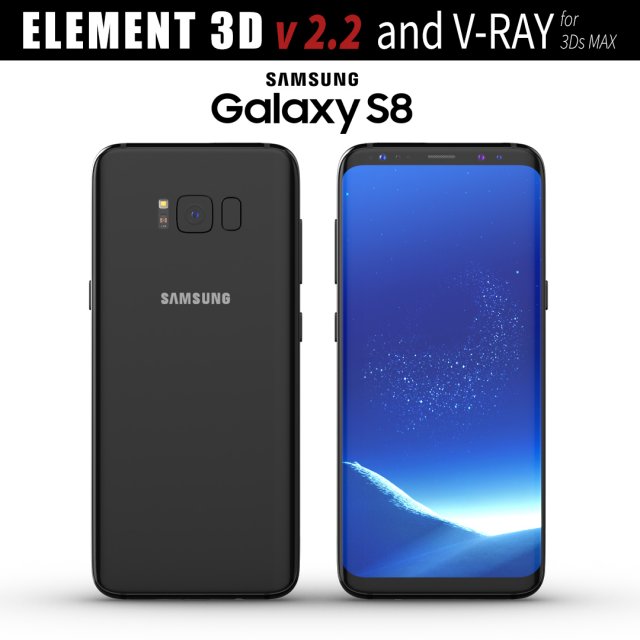
Samsung Galaxy S8 Midnight Black model 3D Model
This set:3D element v2.2The model given is easy to use- 1 file obj standard- 1 file c4d R18 in the standard render- 1 file 3ds Max 2013 vray material- 1 file fbx- 1 file of 3Ds- file e3d full set of materials, like a previewHow to use it?1. Discovery after the impact of CC 2014 (or above) and create a new composition (you need Element3D v2.2 to use)2. Create a new solid layer and add the effect of the elements. (Effect / Video Copilot / Element)3. Select Install Location4. Click on the import inside the Element3D Installation location5. Select my .e3d according to the model and click on the open button.If you do not see the model, do not forget to right click on the model name and press the replace model select.Topology of geometry:- forms and proportions of The 3D model- the geometry of the model was created very neatly- there are no many-sided polygons- detailed enough for close-up renders- the model optimized for turbosmooth modifier- Not collapsed the turbosmooth modified- apply the Smooth modifier with a parameter to get the desired level of detailMaterials and Textures:- 3ds max files included Vray-Shaders- all texture paths are clearedOrganization of scene:- to all objects and materials- real world size (system units – mm)- coordinates of location of the model in space (x0, y0, z0)- does not contain extraneous or hidden objects (lights, cameras, shapes etc.)
-
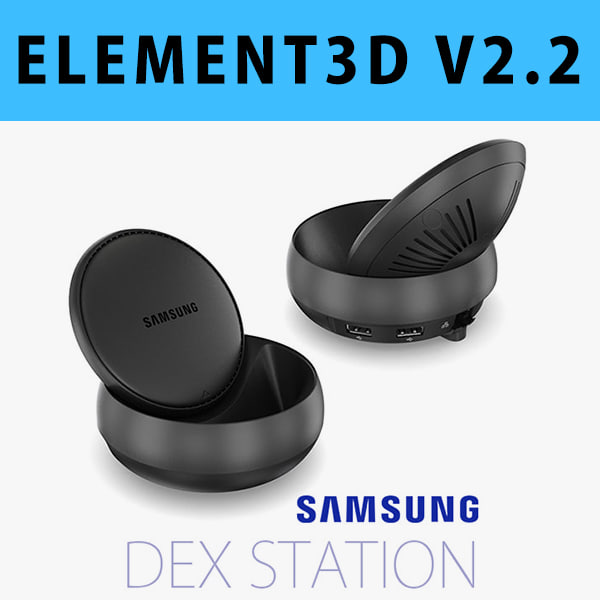
E3D – Samsung DEX Station model 3D Model
This pack:Element 3D V2.2 ( All colors )models preset easy to use- 1 file OBJ High poly- 1 file OBJ standard- 1 file C4D R12 standard render- 1 file 3ds max 2012 standard material- E3D file full materials set up like previewsHow to use it?1. Open After Effects CC 2014 ( or higher) and create new composition ( You need Element3D V2.2 to use )2. Create new Solid layer and add Element effect. ( Effect/Video Copilot/ Element )3. Click Scene Setup4. Click on IMPORT inside Element3D scene setup5. Choose my .e3d preset for the model and press Open.If you dont see the model do not forget to right click on the model name and press Replace model then select the .obj model file in the respective models folder.
-
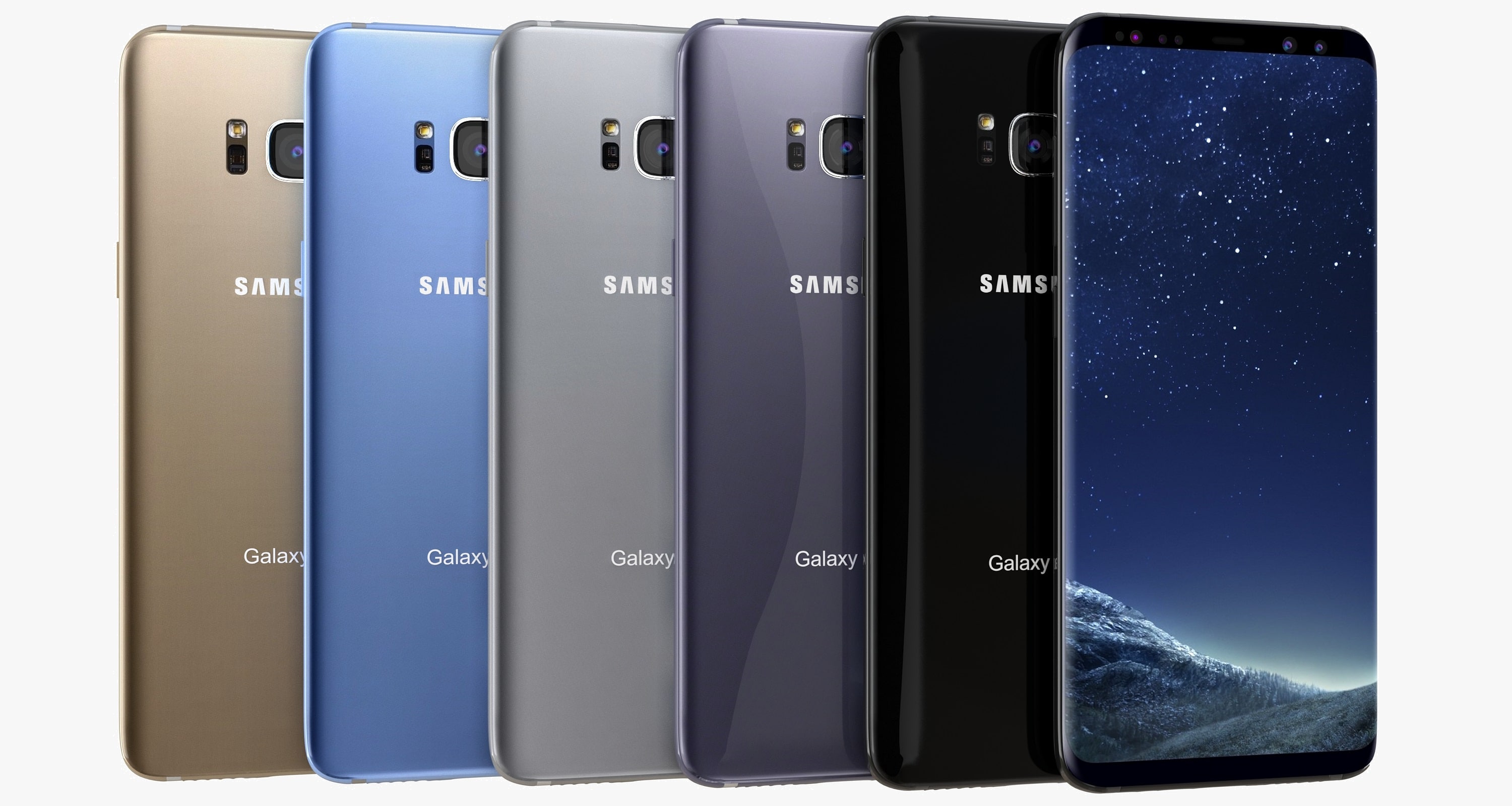
3D Samsung Galaxy S8 Plus All Colors 3D Model
High Quality Model OF 3D Samsung Galaxy S8 Plus All Colors Available in the following file formats:- 3ds Max with V-Ray materials (.MAX)- 3D Studio (.3DS)- FBX (.FBX)- Light Wave (Lwo)-Collada(DAE)-Auto.CAD(DWG)-Auto.CAD(DXF)- 3DS (3DS)- OBJ (OBJ) – Maya (MB).(MA)- VRML (.WRL)- OBJ (.obj) optimized for: – Blender – Cinema 4D – LightWave – Maya – Rhino – Softimage XSI – ZBrush – Google Sketchup- These File formats 3ds , Fbx , Collada, Vmrl , Default scanline renderer , Cinema 4D R12 , Maya , Light Wave, Modo model is exported in standard materials (in textures), Does not contain V-ray shaders In these File formats.- The materials are available in the Max file format with V-Ray, and Standard (Scanline) materials. All other file formats are mesh only and will require material reapplication.- High quality textures, perfect for extreme close-up and high resolution renders.- The preview images were rendered on 3ds Max 2016 with V-Ray 3.20.02- Native File format is 3ds Max 2016.- Model is fully textured with all materials applied.- You can make the poly count higher by the MeshSmooth and TurboSmooth level As you Wish.- Includes V-Ray materials and textures only in 3ds Max format.- A file without V-Ray shader is included with standard materials.- The .3ds and .obj formats are geometry with texture mapping coordinates. No materials attached.- Textures format JPEG.- Original file format (3DS Max 2016)- Big size textures included.- 3ds Max files included Standard materials and V-Ray materials.- Hi-poly model with MeshSmooth and TurboSmooth modifier.- NOTE: V-Ray is required for the V-Ray 3ds Max scene and Studio setup is included.- ES_3D_Mobile is a 3D artists with over a decade of experience in the field.- Thank you for visiting And Thanks For Buying. i am sure you will like this and also my other Products Just Click on Sky_3D_corporation
-
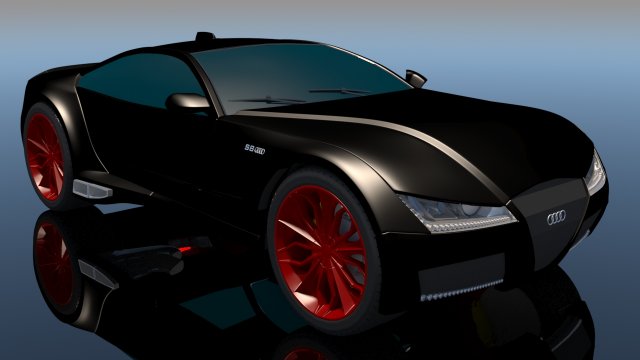
Audi S8 High detailed 3D Model
High detailed 3D model of AUDI S8Main features:- Originally created with 3ds Max 2016- Separate objects like body, wheels and doors.- Unit system is set to metric. Real-world scale- All materials are included- Previews rendered in 3ds Max 2016 with V-Ray 3.04Special notes:- Cinema4D and LightWave medium and high poly files geometry consists of all quads- .obj format is recommended for import in other 3d software. If your software doesn’t support .obj format, please use .3ds format; .obj format was exported from 3ds Max. The geometry for .obj format is set to polygonsAVAILABLE IN:FBX,OBJ,3DS
-
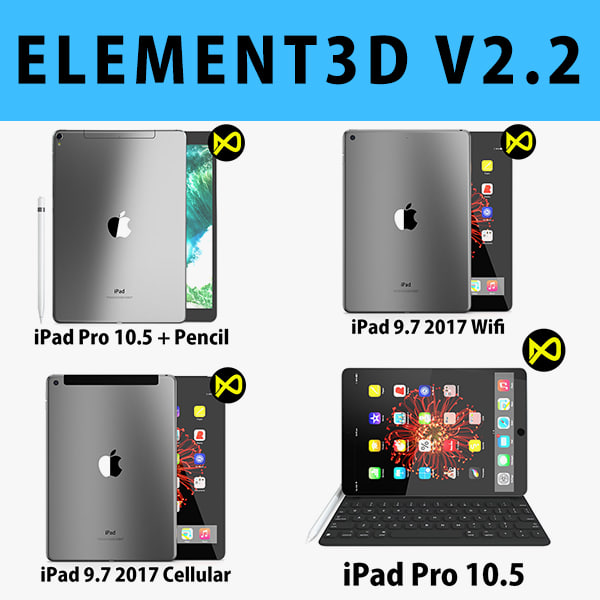
E3D – Apple iPad 2017 Collection model 3D Model
This pack:Element 3D V2.2 ( All colors )models preset easy to use- 1 file OBJ High poly- 1 file OBJ standard- 1 file C4D R12 standard render- 1 file 3ds max 2012 standard material- E3D file full materials set up like previewsHow to use it?1. Open After Effects CC 2014 ( or higher) and create new composition ( You need Element3D V2.2 to use )2. Create new Solid layer and add Element effect. ( Effect/Video Copilot/ Element )3. Click Scene Setup4. Click on IMPORT inside Element3D scene setup5. Choose my .e3d preset for the model and press Open.If you dont see the model do not forget to right click on the model name and press Replace model then select the .obj model file in the respective models folder.
-
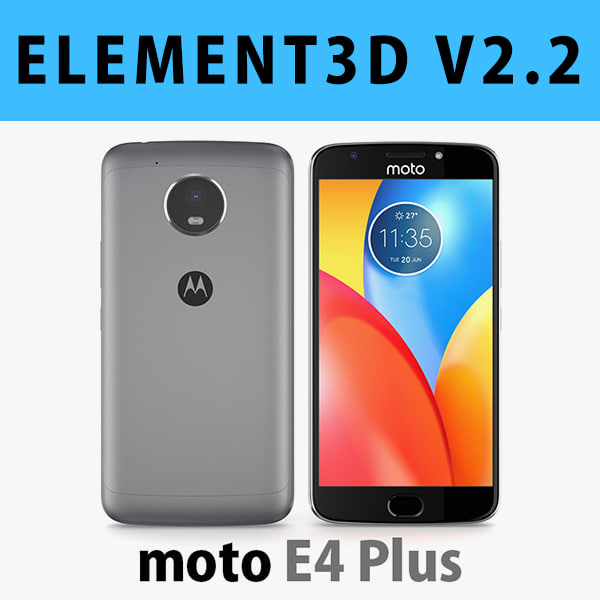
E3D – Motorola Moto E4 Plus Grey 3D model 3D Model
This pack:Element 3D V2.2 ( All colors )models preset easy to use- 1 file OBJ High poly- 1 file OBJ standard- 1 file C4D R12 standard render- 1 file 3ds max 2012 standard material- E3D file full materials set up like previewsHow to use it?1. Open After Effects CC 2014 ( or higher) and create new composition ( You need Element3D V2.2 to use )2. Create new Solid layer and add Element effect. ( Effect/Video Copilot/ Element )3. Click Scene Setup4. Click on IMPORT inside Element3D scene setup5. Choose my .e3d preset for the model and press Open.If you dont see the model do not forget to right click on the model name and press Replace model then select the .obj model file in the respective models folder.
-
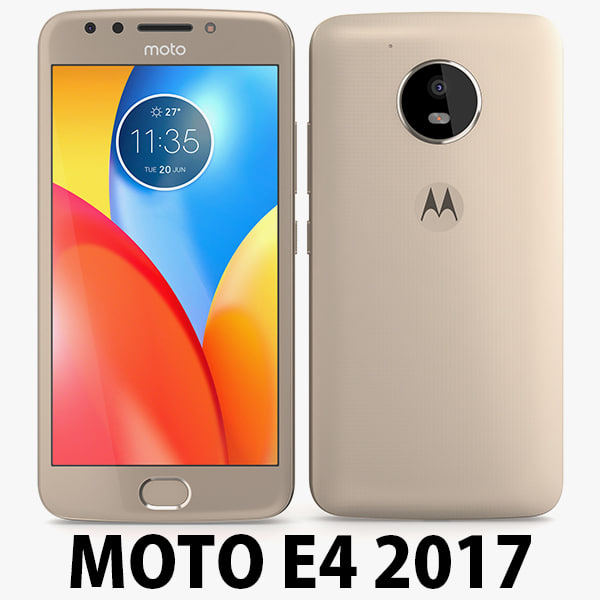
Motorola Moto E4 USA Gold 3D Model
Motorola Moto E4 USA 2017………………….FEATURES:- This model is a highquality, details enuogh to close-up render- Images preview take from V-Ray rendering and not edited- Models resolutions are optimized for polygon efficiency, apply smooth function to increase mesh resolution- All textures was strip paths, open the file and all texture will be connected automatically. – Real world scale, we offer a model with an error of less than 5%.- No object missing- Model with 3 and 4 sides only- No polygons with more than 4 sides- No object with isolated vertices, overlapping faces or overlapping verts- No poles or crease- Poly counts: 19 168- Vert counts: 19 933In 3ds max files:- Frezze tramsform to zero ( 0,0,0 )- Group: Yes- Object with Parents and Childen: Yes- Layer apply to manage: Yes- Named all object………………….FORMATS: 1. 3ds Max 2012 + Vray 2.0: Native format- Vray 2.0 ( full setup materials, lights and camera make rendering like image preivews)- Standard materials ( full setup materials: colors, reflect, translucent )2. Geometry and standard materials with textures. Amount reflect and bump are not set:- OBJ 2012- FBX 2012- 3DS 2012 3. Standard materials with textures.Amount reflect and bump are not set. – Maya 2012- C4D R12- Lightwave 11…………………..TEXTURES:- Textures highquality, enough for close-up render ( 2048 pixels )- UVWs mapping with mixed: overlapping and non-overlapping…………………..Beemaxx team:With over 3 years of experience working with 3D models. We give you all the very best in quality, save time. Our customers come from all over the world. We want to develop a strong community starts from the expanded 3d models market.- Also check out our other models, just click on our user name to see complete gallery.- Summit a product rating will help us very much.
-
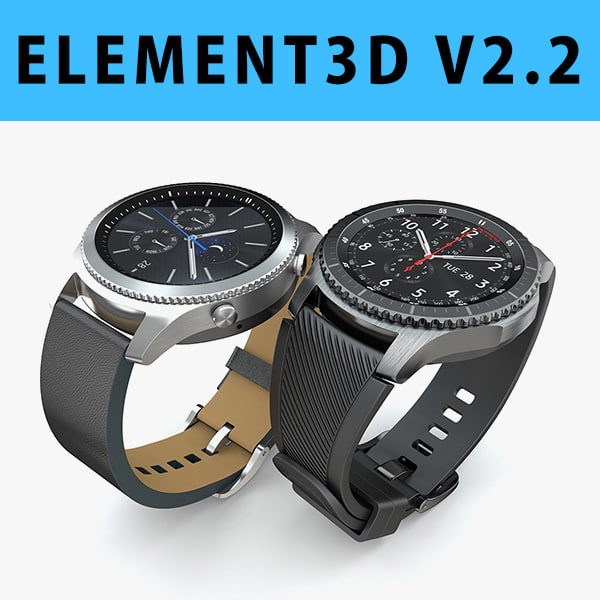
3D E3D – Samsung Gear S3 Classic + Frontier 3D Model
This pack:Element 3D V2.2 ( All colors )models preset easy to use- 1 file OBJ High poly- 1 file OBJ standard- 1 file C4D R12 standard render- 1 file 3ds max 2012 standard material- E3D file full materials set up like previewsHow to use it?1. Open After Effects CC 2014 ( or higher) and create new composition ( You need Element3D V2.2 to use )2. Create new Solid layer and add Element effect. ( Effect/Video Copilot/ Element )3. Click Scene Setup4. Click on IMPORT inside Element3D scene setup5. Choose my .e3d preset for the model and press Open.If you dont see the model do not forget to right click on the model name and press Replace model then select the .obj model file in the respective models folder.
-
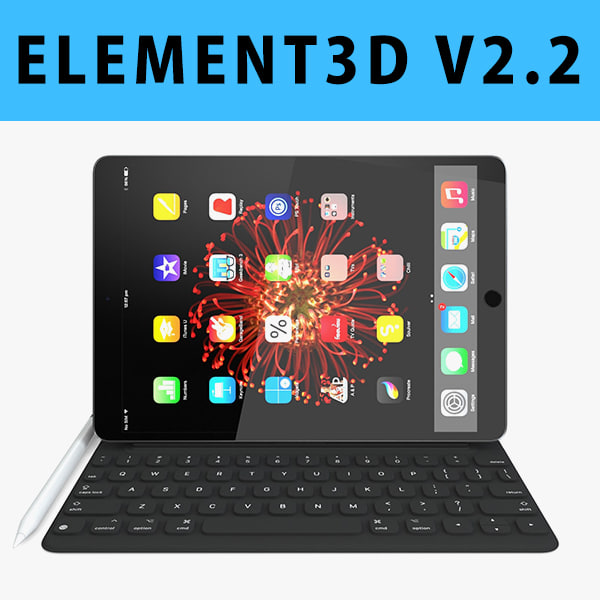
E3D – iPad Pro 10.5 Inch + Type Cover + Apple Pencil 2017 3D model 3D Model
This pack:Element 3D V2.2 ( All colors )models preset easy to use- 1 file OBJ High poly- 1 file OBJ standard- 1 file C4D R12 standard render- 1 file 3ds max 2012 standard material- E3D file full materials set up like previewsHow to use it?1. Open After Effects CC 2014 ( or higher) and create new composition ( You need Element3D V2.2 to use )2. Create new Solid layer and add Element effect. ( Effect/Video Copilot/ Element )3. Click Scene Setup4. Click on IMPORT inside Element3D scene setup5. Choose my .e3d preset for the model and press Open.If you dont see the model do not forget to right click on the model name and press Replace model then select the .obj model file in the respective models folder.
-

Apple iPad 9.7 Inch 2017 Cellular Space Grey 3D model 3D Model
Apple iPad 9.7 Inch 2017 Cellular + Wi-fi………………….FEATURES:- This model is a highquality, details enuogh to close-up render- Images preview take from V-Ray rendering and not edited- Models resolutions are optimized for polygon efficiency, apply smooth function to increase mesh resolution- All textures was strip paths, open the file and all texture will be connected automatically. – Real world scale, we offer a model with an error of less than 5%.- No object missing- Model with 3 and 4 sides only- No polygons with more than 4 sides- No object with isolated vertices, overlapping faces or overlapping verts- No poles or crease- Poly counts: 16 131- Vert counts: 16 729In 3ds max files:- Frezze tramsform to zero ( 0,0,0 )- Group: Yes- Object with Parents and Childen: Yes- Layer apply to manage: Yes- Named all object………………….FORMATS: 1. 3ds Max 2012 + Vray 2.0: Native format- Vray 2.0 ( full setup materials, lights and camera make rendering like image preivews)- Standard materials ( full setup materials: colors, reflect, translucent )2. Geometry and standard materials with textures. Amount reflect and bump are not set:- OBJ 2012- FBX 2012- 3DS 2012 3. Standard materials with textures.Amount reflect and bump are not set. – Maya 2012- C4D R12- Lightwave 11…………………..TEXTURES:- Textures highquality, enough for close-up render ( 2048 pixels )- UVWs mapping with mixed: overlapping and non-overlapping…………………..Beemaxx team:With over 3 years of experience working with 3D models. We give you all the very best in quality, save time. Our customers come from all over the world. We want to develop a strong community starts from the expanded 3d models market.- Also check out our other models, just click on our user name to see complete gallery.- Summit a product rating will help us very much.
-

Apple iPad 9.7 Inch 2017 Wi-fi Space Grey 3D Model
Apple iPad 9.7 Inch 2017 Wi-fi………………….FEATURES:- This model is a highquality, details enuogh to close-up render- Images preview take from V-Ray rendering and not edited- Models resolutions are optimized for polygon efficiency, apply smooth function to increase mesh resolution- All textures was strip paths, open the file and all texture will be connected automatically. – Real world scale, we offer a model with an error of less than 5%.- No object missing- Model with 3 and 4 sides only- No polygons with more than 4 sides- No object with isolated vertices, overlapping faces or overlapping verts- No poles or crease- Poly counts: 14 602- Vert counts: 15 170In 3ds max files:- Frezze tramsform to zero ( 0,0,0 )- Group: Yes- Object with Parents and Childen: Yes- Layer apply to manage: Yes- Named all object………………….FORMATS: 1. 3ds Max 2012 + Vray 2.0: Native format- Vray 2.0 ( full setup materials, lights and camera make rendering like image preivews)- Standard materials ( full setup materials: colors, reflect, translucent )2. Geometry and standard materials with textures. Amount reflect and bump are not set:- OBJ 2012- FBX 2012- 3DS 2012 3. Standard materials with textures.Amount reflect and bump are not set. – Maya 2012- C4D R12- Lightwave 11…………………..TEXTURES:- Textures highquality, enough for close-up render ( 2048 pixels )- UVWs mapping with mixed: overlapping and non-overlapping…………………..Beemaxx team:With over 3 years of experience working with 3D models. We give you all the very best in quality, save time. Our customers come from all over the world. We want to develop a strong community starts from the expanded 3d models market.- Also check out our other models, just click on our user name to see complete gallery.- Summit a product rating will help us very much.
-
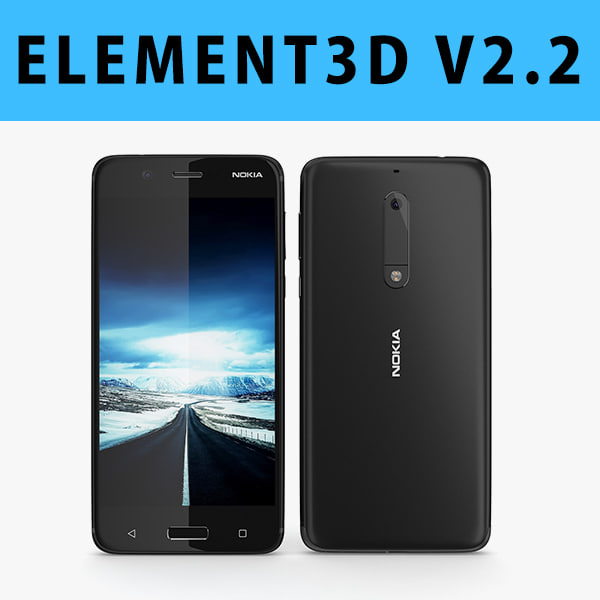
3D E3D – Nokia 5 2017 Black model 3D Model
This pack:Element 3D V2.2 ( All colors )models preset easy to use- 1 file OBJ High poly- 1 file OBJ standard- 1 file C4D R12 standard render- 1 file 3ds max 2012 standard material- E3D file full materials set up like previewsHow to use it?1. Open After Effects CC 2014 ( or higher) and create new composition ( You need Element3D V2.2 to use )2. Create new Solid layer and add Element effect. ( Effect/Video Copilot/ Element )3. Click Scene Setup4. Click on IMPORT inside Element3D scene setup5. Choose my .e3d preset for the model and press Open.If you dont see the model do not forget to right click on the model name and press Replace model then select the .obj model file in the respective models folder.
-
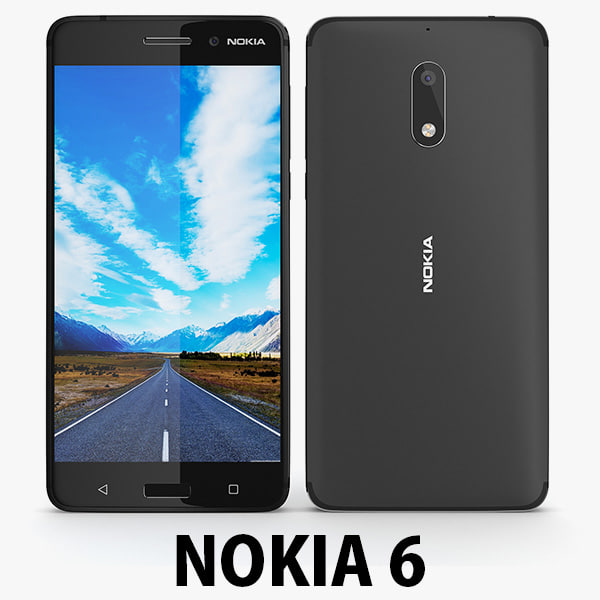
3D Nokia 6 2017 Black 3D Model
Nokia 6………………….FEATURES:- This model is a highquality, details enuogh to close-up render- Images preview take from V-Ray rendering and not edited- Models resolutions are optimized for polygon efficiency, apply smooth function to increase mesh resolution- All textures was strip paths, open the file and all texture will be connected automatically. – Real world scale- No object missing- Model with 3 and 4 sides only- No polygons with more than 4 sides- No object with isolated vertices, overlapping faces or overlapping verts- No poles or crease- Poly counts: 16 413- Vert counts: 17 246In 3ds max files:- Frezze tramsform to zero ( 0,0,0 )- Group: Yes- Object with Parents and Childen: Yes- Layer apply to manage: Yes- Named all object………………….FORMATS: 1. 3ds Max 2012 + Vray 2.0: Native format- Vray 2.0 ( full setup materials, lights and camera make rendering like image preivews)- Standard materials ( full setup materials: colors, reflect, translucent )2. Geometry and standard materials with textures. Amount reflect and bump are not set:- OBJ 2012- FBX 2012- 3DS 2012 3. Standard materials with textures.Amount reflect and bump are not set. – Maya 2012- C4D R12- Lightwave 11- Softimages 2015…………………..TEXTURES:- Textures highquality, enough for close-up render- UVWs mapping with mixed: overlapping and non-overlapping…………………..Beemaxx team:With over 3 years of experience working with 3D models. We give you all the very best in quality, save time. Our customers come from all over the world. We want to develop a strong community starts from the expanded 3d models market.- Also check out our other models, just click on our user name to see complete gallery.- Summit a product rating will help us very much.
-

Samsung Galaxy S8 Plus All Color 3D model 3D Model
High Detailed Samsung Galaxy S8 Plus All Color 3d model with TurboSmooth modifier.The main format is 3ds Max 9.0, also available in many formats.Formats:*******************************************************3ds Max 9.0 and all higher versions.******************************************************** 3ds Max 9.0 V-Ray (2 files- single and group)* 3ds Max 9.0 Standard (2 files- single and group)* Cinema 4D R11 (2 files- single and group)* 3ds* obj and* fbxThe main format is 3ds Max 9.0.3ds Max 9.0 V-Ray and Standard material scene are included into individual archive.All textures, Materials and HDRI map are included..c4d and .fbx formats contains medium high-poly..3ds and obj format comes from low poly.Except HDRI all textures included separately for all formats into each zipped folder. Other formats may vary slightly depending on your software.Poly Count : 3ds Max version (For Each)—————————————————-With TurboSmooth OFF = 15,419With TurboSmooth ON = 61,420 (Iterations=1)With TurboSmooth ON = 245,660 (Iterations=2)Geometry: 3ds Max version (For Each)—————————————————-Clean, polygonal, edge-loop, quads/tris based and smoothable (Subdivision ready) poly geometry.Tris = 256 = 1.66%Quads = 15,163 = 98.34%NGons = 0 = 0%Overlapping Faces = 0Overlapping Vertices = 0The Cinema4D version (For Each):—————————————————Polygons = 61,420Vertices = 64,182Made up of only quads.Final images rendered with V-Ray Adv1.5RC3.No Photoshop or compositing used, Product is ready to render out-of-the-box.V-Ray Light and camera are included in the file.Model built to real-world scale (mm).Model is placed to 0,0,0 scene coordinates.Objects are in a layer and grouped for easy selectionEvery part of the model is named properly and is in a group for easy selection.Texture and material names correspond to model name.The model is efficiently UV unwrapped.Non-overlapping UV’s are applied where it is necessary.Texture resolution:Maximum: 2,048 X 2,048Minimum: 603 X 1,272Texture format: JPEG (.jpg)*******************************************************3ds Max 9.0 and all higher versions.*******************************************************
-
A8 3d model car 3D Model
A8 2014 3D modelAccurate very high definition A8 2014 model with highly detailed interior fully textured. Headlights and taillights are modelled, doors and trunk lid can be opened. The model includes modelled tires.We greatly appreciate you choosing our 3D models and hope they will be of use. We look forward to continuously dealing with you.
-
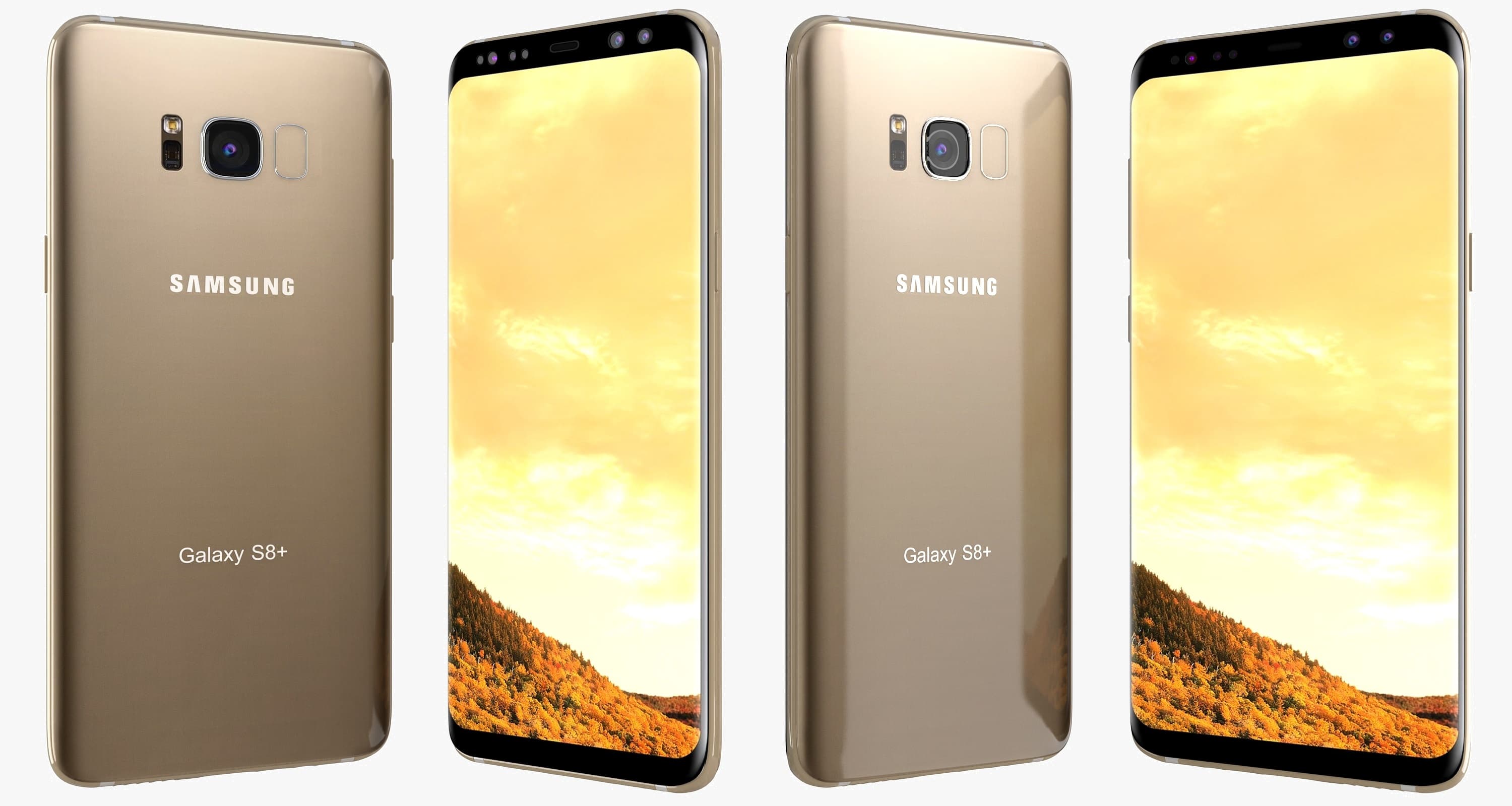
3D Samsung Galaxy S8 Plus Maple Gold 3D Model
High Quality Model OF 3D Samsung Galaxy S8 Plus Maple Gold Available in the following file formats:- 3ds Max with V-Ray materials (.MAX)- 3D Studio (.3DS)- FBX (.FBX)- Light Wave (Lwo)-Collada(DAE)-Auto.CAD(DWG)-Auto.CAD(DXF)- 3DS (3DS)- OBJ (OBJ) – Maya (MB).(MA)- VRML (.WRL)- OBJ (.obj) optimized for: – Blender – Cinema 4D – LightWave – Maya – Rhino – Softimage XSI – ZBrush – Google Sketchup- These File formats 3ds , Fbx , Collada, Vmrl , Default scanline renderer , Cinema 4D R12 , Maya , Light Wave, Modo model is exported in standard materials (in textures), Does not contain V-ray shaders In these File formats.- The materials are available in the Max file format with V-Ray, and Standard (Scanline) materials. All other file formats are mesh only and will require material reapplication.- High quality textures, perfect for extreme close-up and high resolution renders.- The preview images were rendered on 3ds Max 2016 with V-Ray 3.20.02- Native File format is 3ds Max 2016.- Model is fully textured with all materials applied.- You can make the poly count higher by the MeshSmooth and TurboSmooth level As you Wish.- Includes V-Ray materials and textures only in 3ds Max format.- A file without V-Ray shader is included with standard materials.- The .3ds and .obj formats are geometry with texture mapping coordinates. No materials attached.- Textures format JPEG.- Original file format (3DS Max 2016)- Big size textures included.- 3ds Max files included Standard materials and V-Ray materials.- Hi-poly model with MeshSmooth and TurboSmooth modifier.- NOTE: V-Ray is required for the V-Ray 3ds Max scene and Studio setup is included.- ES_3D_Mobile is a 3D artists with over a decade of experience in the field.- Thank you for visiting And Thanks For Buying. i am sure you will like this and also my other Products Just Click on Sky_3D_corporation
-
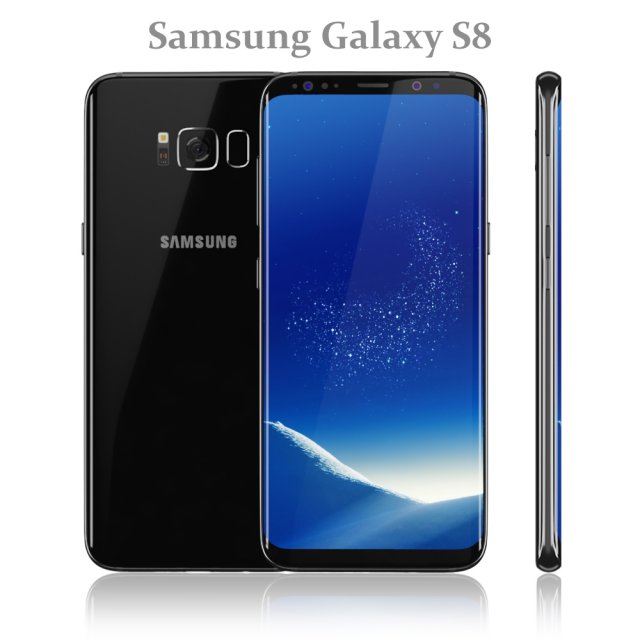
Samsung Galaxy S8 Black model 3D Model
Realistic (copy) 3d model of Samsung Galaxy S8 Black.
Topology of geometry:
– forms and proportions of The 3D model most similar to the real object
– the geometry of the model was created very neatly
– there are no many-sided polygons
– detailed enough for close-up renders
– the model optimized for turbosmooth modifier
– Not collapsed the turbosmooth modified
– apply the Smooth modifier with a parameter to obtain the desired level of detail
Materials and Textures:
– 3ds max files included Standart materials and Vray-Shaders
– all texture paths are cleared
Organization of scene:
– to all objects and materials names in scene are appropriated
– real world size (system units – mm)
– coordinates of location of the model in space (x0, y0, z0)
– does not contain extraneous or hidden objects (lights, cameras, shapes etc.)
File Formats:
– original file format – 3ds max 2016 + Vray
– 3ds max 2013 Vray and Standard material
– obj
Renders:
– all previews rendered 3ds max Vray
– the model is completely ready for use visualization in 3ds max + Vray -
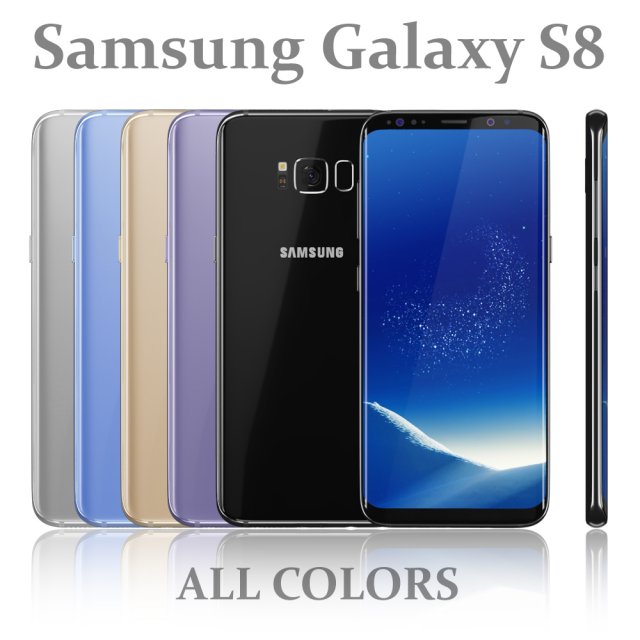
Samsung Galaxy S8 All colors 3D Model
Realistic (copy) 3d model of Samsung Galaxy S8 All colors.
Topology of geometry:
– forms and proportions of The 3D model most similar to the real object
– the geometry of the model was created very neatly
– there are no many-sided polygons
– detailed enough for close-up renders
– the model optimized for turbosmooth modifier
– Not collapsed the turbosmooth modified
– apply the Smooth modifier with a parameter to obtain the desired level of detail
Materials and Textures:
– 3ds max files included Standart materials and Vray-Shaders
– all texture paths are cleared
Organization of scene:
– to all objects and materials names in scene are appropriated
– real world size (system units – mm)
– coordinates of location of the model in space (x0, y0, z0)
– does not contain extraneous or hidden objects (lights, cameras, shapes etc.)
File Formats:
– original file format – 3ds max 2016 + Vray
– 3ds max 2013 Vray and Standard material
– obj
Renders:
– all previews rendered 3ds max Vray
– the model is completely ready for use visualization in 3ds max + Vray -

Samsung Galaxy S8 Plus Arctic Silver 3D model 3D Model
High Detailed Samsung Galaxy S8 Plus Arctic Silver 3d model with TurboSmooth modifier.The main format is 3ds Max 9.0, also available in many formats.Formats:*******************************************************3ds Max 9.0 and all higher versions.******************************************************** 3ds Max 9.0 V-Ray (2 files- single and group)* 3ds Max 9.0 Standard (2 files- single and group)* Cinema 4D R11 (2 files- single and group)* 3ds* obj and* fbxThe main format is 3ds Max 9.0.3ds Max 9.0 V-Ray and Standard material scene are included into individual archive.All textures, Materials and HDRI map are included..c4d and .fbx formats contains medium high-poly..3ds and obj format comes from low poly.Except HDRI all textures included separately for all formats into each zipped folder. Other formats may vary slightly depending on your software.Poly Count : 3ds Max version (For Each)—————————————————-With TurboSmooth OFF = 15,419With TurboSmooth ON = 61,420 (Iterations=1)With TurboSmooth ON = 245,660 (Iterations=2)Geometry: 3ds Max version (For Each)—————————————————-Clean, polygonal, edge-loop, quads/tris based and smoothable (Subdivision ready) poly geometry.Tris = 256 = 1.66%Quads = 15,163 = 98.34%NGons = 0 = 0%Overlapping Faces = 0Overlapping Vertices = 0The Cinema4D version (For Each):—————————————————Polygons = 61,420Vertices = 64,182Made up of only quads.Final images rendered with V-Ray Adv1.5RC3.No Photoshop or compositing used, Product is ready to render out-of-the-box.V-Ray Light and camera are included in the file.Model built to real-world scale (mm).Model is placed to 0,0,0 scene coordinates.Objects are in a layer and grouped for easy selectionEvery part of the model is named properly and is in a group for easy selection.Texture and material names correspond to model name.The model is efficiently UV unwrapped.Non-overlapping UV’s are applied where it is necessary.Texture resolution:01. bmp_silver: 2,048 X 2,04802. screnp_silver: 1,254 X 2,424Texture format: JPEG (.jpg)*******************************************************3ds Max 9.0 and all higher versions.*******************************************************
-
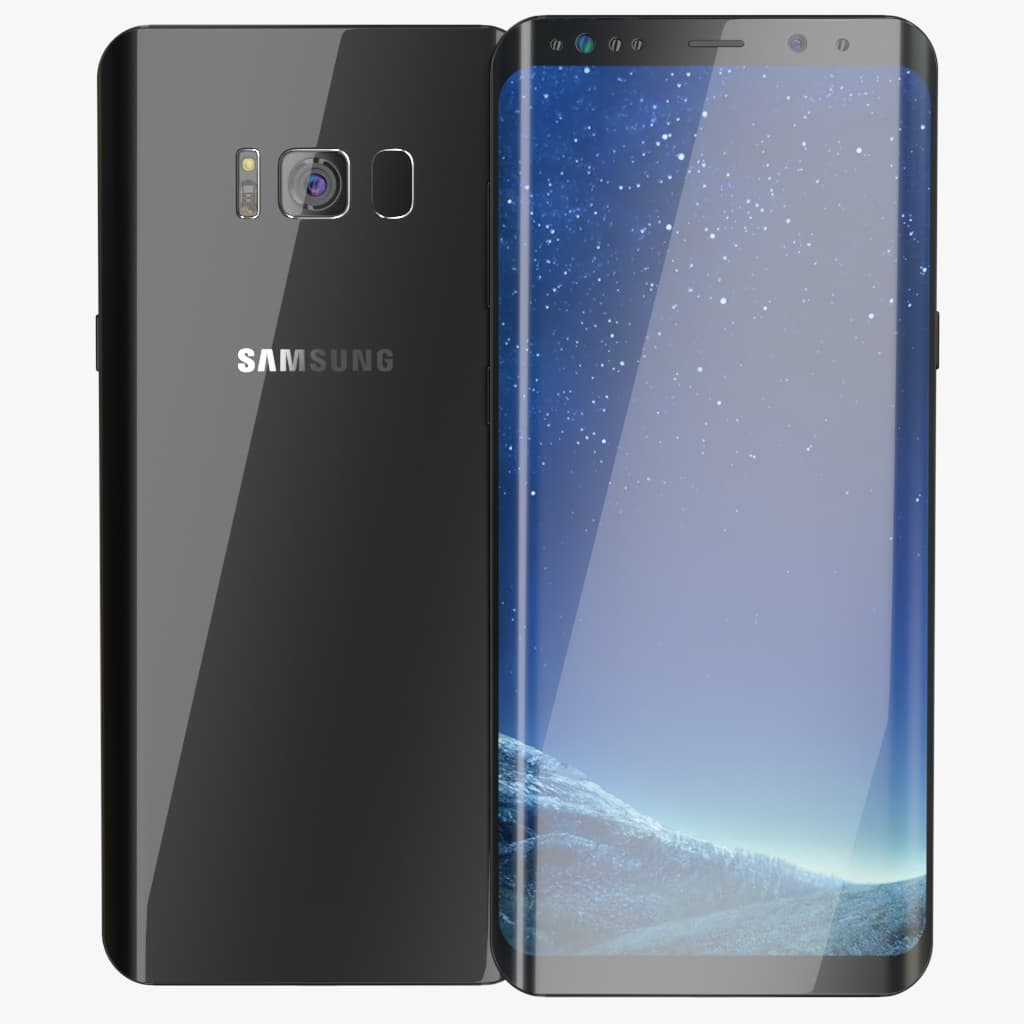
Galaxy S8 Plus Midnight Black 3D Model
Highly detailed and realistic model of a Samsung Galaxy S8 PlusScene with all Vray settings 3DSMax 2015 V-ray 3.4Features:- Unit system is set to Centimeters- Work with Turbosmooth modifier.- Highly detailed and realistic- Preview rendered with V-Ray 3.4- Scene with all Vray settingsTextures:Env.exrGalaxy_S8_cam2.tgaGalaxy_S8_cam.tgaGalaxy_S8_back_mask.tgaGalaxy_S8_front.tgaGalaxy_S8_front_Midnight_Black
-
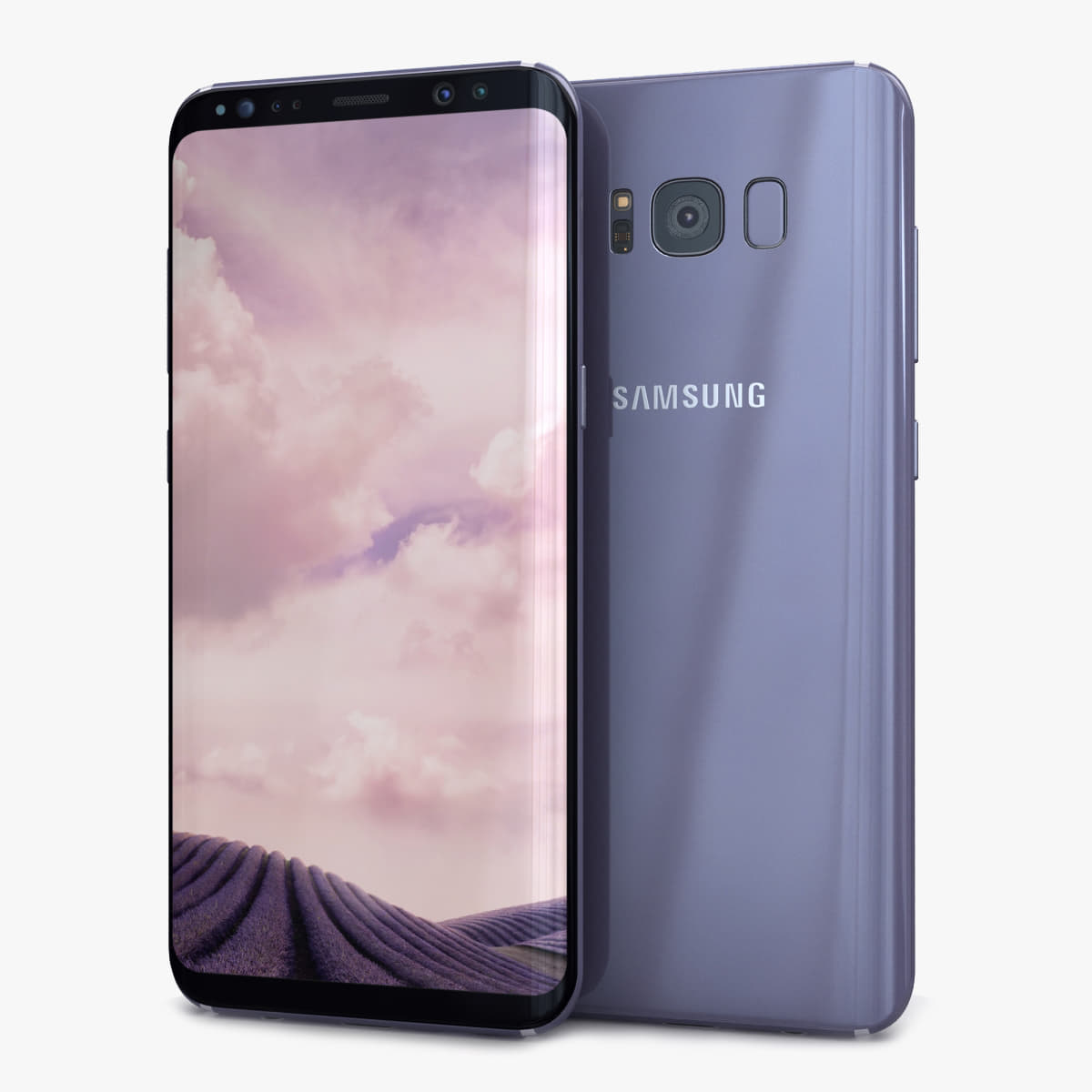
Samsung Galaxy S8 Plus Orchid Gray 3D 3D Model
High Detailed Samsung Galaxy S8 Plus Orchid Gray 3d model with TurboSmooth modifier.The main format is 3ds Max 9.0, also available in many formats.Formats:*******************************************************3ds Max 9.0 and all higher versions.******************************************************** 3ds Max 9.0 V-Ray (2 files- single and group)* 3ds Max 9.0 Standard (2 files- single and group)* Cinema 4D R11 (2 files- single and group)* 3ds* obj and* fbxThe main format is 3ds Max 9.0.3ds Max 9.0 V-Ray and Standard material scene are included into individual archive.All textures, Materials and HDRI map are included..c4d and .fbx formats contains medium high-poly..3ds and obj format comes from low poly.Except HDRI all textures included separately for all formats into each zipped folder. Other formats may vary slightly depending on your software.Poly Count : 3ds Max version (For Each)—————————————————-With TurboSmooth OFF = 15,419With TurboSmooth ON = 61,420 (Iterations=1)With TurboSmooth ON = 245,660 (Iterations=2)Geometry: 3ds Max version (For Each)—————————————————-Clean, polygonal, edge-loop, quads/tris based and smoothable (Subdivision ready) poly geometry.Tris = 256 = 1.66%Quads = 15,163 = 98.34%NGons = 0 = 0%Overlapping Faces = 0Overlapping Vertices = 0The Cinema4D version (For Each):—————————————————Polygons = 61,420Vertices = 64,182Made up of only quads.Final images rendered with V-Ray Adv1.5RC3.No Photoshop or compositing used, Product is ready to render out-of-the-box.V-Ray Light and camera are included in the file.Model built to real-world scale (mm).Model is placed to 0,0,0 scene coordinates.Objects are in a layer and grouped for easy selectionEvery part of the model is named properly and is in a group for easy selection.Texture and material names correspond to model name.The model is efficiently UV unwrapped.Non-overlapping UV’s are applied where it is necessary.Texture resolution:01. bmp_gray: 2,048 X 2,04802. screnp_gray: 1,0762 X 2,20303. screnp3: 576 X 1,024Texture format: JPEG (.jpg)*******************************************************3ds Max 9.0 and all higher versions.*******************************************************
-
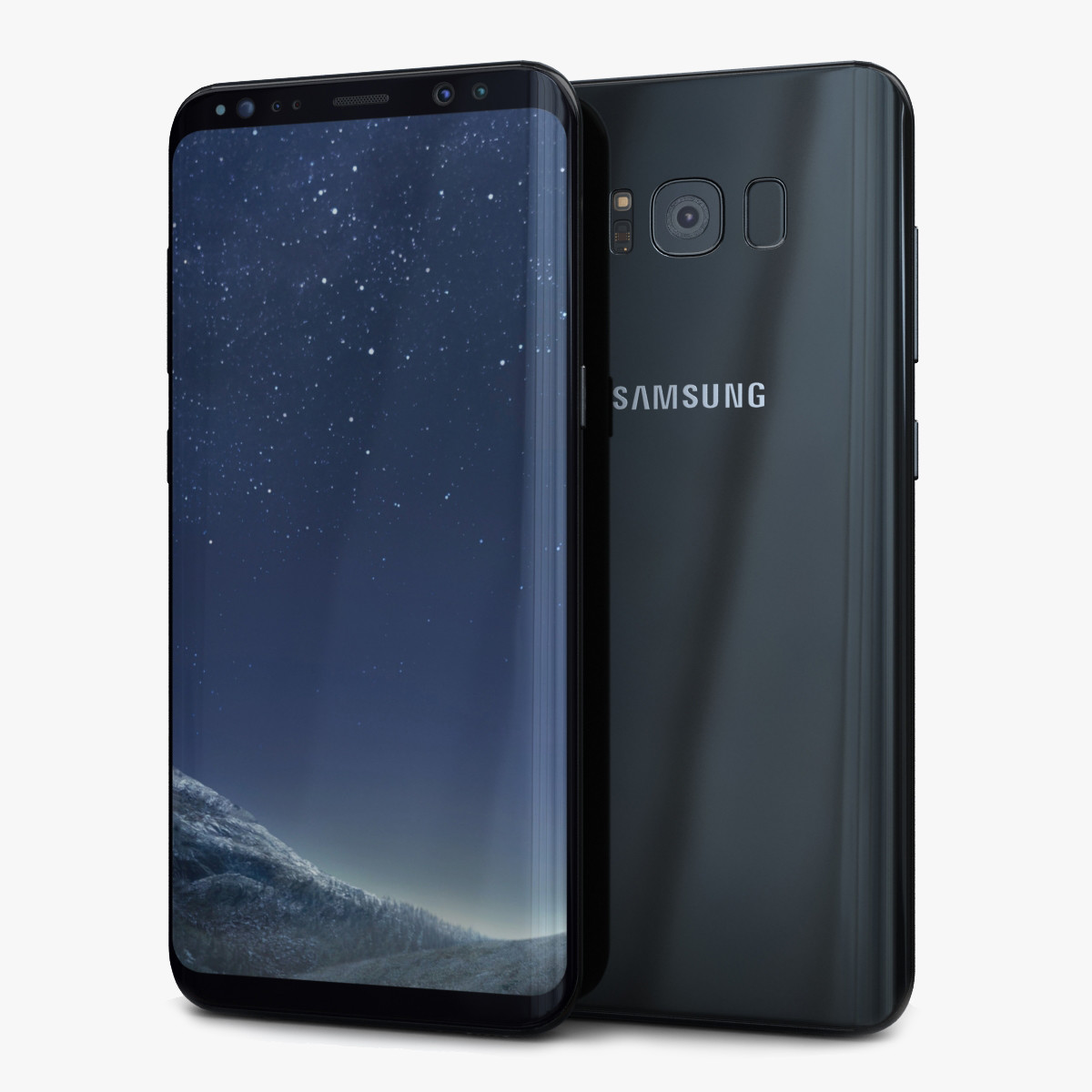
3D Samsung Galaxy S8 Plus Midnight Black model 3D Model
High Detailed Samsung Galaxy S8 Plus Midnight Black 3d model with TurboSmooth modifier.The main format is 3ds Max 9.0, also available in many formats.Formats:*******************************************************3ds Max 9.0 and all higher versions.******************************************************** 3ds Max 9.0 V-Ray (2 files- single and group)* 3ds Max 9.0 Standard (2 files- single and group)* Cinema 4D R11 (2 files- single and group)* 3ds* obj and* fbxThe main format is 3ds Max 9.0.3ds Max 9.0 V-Ray and Standard material scene are included into individual archive.All textures, Materials and HDRI map are included..c4d and .fbx formats contains medium high-poly..3ds and obj format comes from low poly.Except HDRI all textures included separately for all formats into each zipped folder. Other formats may vary slightly depending on your software.Poly Count : 3ds Max version (For Each)—————————————————-With TurboSmooth OFF = 15,419With TurboSmooth ON = 61,420 (Iterations=1)With TurboSmooth ON = 245,660 (Iterations=2)Geometry: 3ds Max version (For Each)—————————————————-Clean, polygonal, edge-loop, quads/tris based and smoothable (Subdivision ready) poly geometry.Tris = 256 = 1.66%Quads = 15,163 = 98.34%NGons = 0 = 0%Overlapping Faces = 0Overlapping Vertices = 0The Cinema4D version (For Each):—————————————————Polygons = 61,420Vertices = 64,182Made up of only quads.Final images rendered with V-Ray Adv1.5RC3.No Photoshop or compositing used, Product is ready to render out-of-the-box.V-Ray Light and camera are included in the file.Model built to real-world scale (mm).Model is placed to 0,0,0 scene coordinates.Objects are in a layer and grouped for easy selectionEvery part of the model is named properly and is in a group for easy selection.Texture and material names correspond to model name.The model is efficiently UV unwrapped.Non-overlapping UV’s are applied where it is necessary.Texture resolution:01. bm_black: 2,048 X 2,04802. screnp_black: 1,262 X 2,47803. screnp2: 1,017 X 2,075Texture format: JPEG (.jpg)*******************************************************3ds Max 9.0 and all higher versions.*******************************************************
-
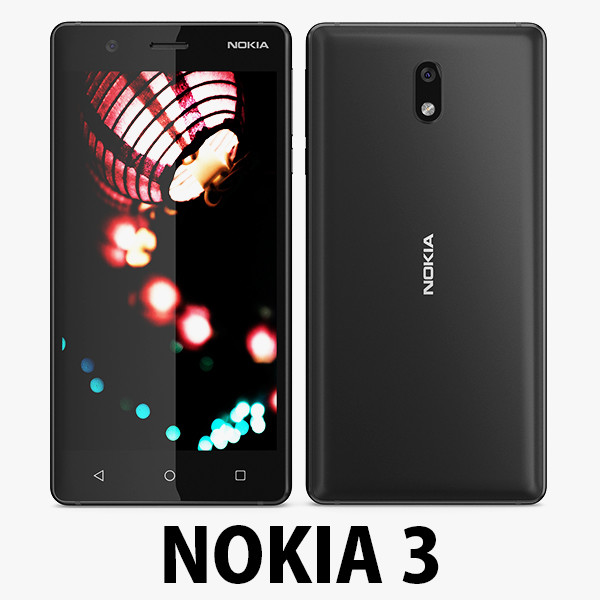
Nokia 3 Black model 3D Model
Nokia 3………………….FEATURES:- This model is a highquality, details enuogh to close-up render- Images preview take from V-Ray rendering and not edited- Models resolutions are optimized for polygon efficiency, apply smooth function to increase mesh resolution- All textures was strip paths, open the file and all texture will be connected automatically. – Real world scale- No object missing- Model with 3 and 4 sides only- No polygons with more than 4 sides- No object with isolated vertices, overlapping faces or overlapping verts- No poles or crease- Poly counts: 14 033- Vert counts: 14 777In 3ds max files:- Frezze tramsform to zero ( 0,0,0 )- Group: Yes- Object with Parents and Childen: Yes- Layer apply to manage: Yes- Named all object………………….FORMATS: 1. 3ds Max 2012 + Vray 2.0: Native format- Vray 2.0 ( full setup materials, lights and camera make rendering like image preivews)- Standard materials ( full setup materials: colors, reflect, translucent )2. Geometry and standard materials with textures. Amount reflect and bump are not set:- OBJ 2012- FBX 2012- 3DS 2012 3. Standard materials with textures.Amount reflect and bump are not set. – Maya 2012- C4D R12- Lightwave 11- Softimages 2015…………………..TEXTURES:- Textures highquality, enough for close-up render- UVWs mapping with mixed: overlapping and non-overlapping…………………..Beemaxx team:With over 3 years of experience working with 3D models. We give you all the very best in quality, save time. Our customers come from all over the world. We want to develop a strong community starts from the expanded 3d models market.- Also check out our other models, just click on our user name to see complete gallery.- Summit a product rating will help us very much.
-
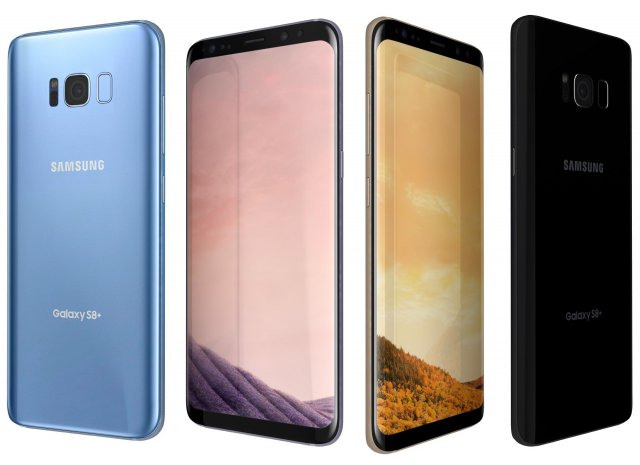
Samsung Galaxy S8 Plus All Colors 3D Model
Samsung Galaxy S8 Plus All Colors
The materials are available in the Max file format with V-Ray, mental ray and Standard (Scanline) materials. All other file formats are mesh only and will require material reapplication.
High quality textures, perfect for extreme close-ups and high resolution renders.
The preview images were rendered on 3ds Max 2011 with V-ray 2.0.
Native format is 3DS Max 2011
You can make the Poly count higher by the Meshsmooth and TurboSmooth level.
Includes V-Ray materials and textures only in 3ds Max format.
A file without V-Ray shader is included with standard materials.
The .3ds and .obj formats are geometry with texture mapping coords. No materials attached.
Textures format JPEG.
Original file format (3DS Max 2011)
Big size textures included.
3D max file included Standard materials and Vray-materials.
Hi-poly model with mesh-smooth and Turbo-smooth modifier.
All the materials are named.
Geometry Only (Polygonal)
This 3d model objects and materials have the correct names and stripped the texture paths.
NOTE: V-Ray is required for the V-Ray 3ds Max scene and Studio setup is Not included.
I Hope you Will Like My All Products.Thanks For Buying. -
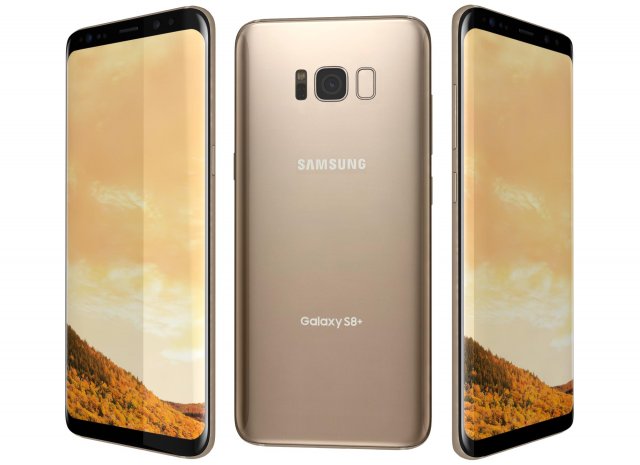
Samsung Galaxy S8 Plus Maple Gold 3D Model
Samsung Galaxy S8 Plus Maple Gold
The materials are available in the Max file format with V-Ray, mental ray and Standard (Scanline) materials. All other file formats are mesh only and will require material reapplication.
High quality textures, perfect for extreme close-ups and high resolution renders.
The preview images were rendered on 3ds Max 2011 with V-ray 2.0.
Native format is 3DS Max 2011
You can make the Poly count higher by the Meshsmooth and TurboSmooth level.
Includes V-Ray materials and textures only in 3ds Max format.
A file without V-Ray shader is included with standard materials.
The .3ds and .obj formats are geometry with texture mapping coords. No materials attached.
Textures format JPEG.
Original file format (3DS Max 2011)
Big size textures included.
3D max file included Standard materials and Vray-materials.
Hi-poly model with mesh-smooth and Turbo-smooth modifier.
All the materials are named.
Geometry Only (Polygonal)
This 3d model objects and materials have the correct names and stripped the texture paths.
NOTE: V-Ray is required for the V-Ray 3ds Max scene and Studio setup is Not included.
I Hope you Will Like My All Products.Thanks For Buying. -
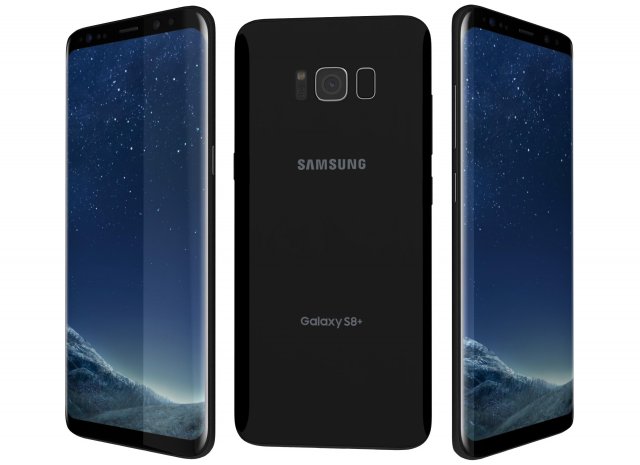
Samsung Galaxy S8 Plus Midnight Black 3D Model
Samsung Galaxy S8 Plus Midnight Black
The materials are available in the Max file format with V-Ray, mental ray and Standard (Scanline) materials. All other file formats are mesh only and will require material reapplication.
High quality textures, perfect for extreme close-ups and high resolution renders.
The preview images were rendered on 3ds Max 2011 with V-ray 2.0.
Native format is 3DS Max 2011
You can make the Poly count higher by the Meshsmooth and TurboSmooth level.
Includes V-Ray materials and textures only in 3ds Max format.
A file without V-Ray shader is included with standard materials.
The .3ds and .obj formats are geometry with texture mapping coords. No materials attached.
Textures format JPEG.
Original file format (3DS Max 2011)
Big size textures included.
3D max file included Standard materials and Vray-materials.
Hi-poly model with mesh-smooth and Turbo-smooth modifier.
All the materials are named.
Geometry Only (Polygonal)
This 3d model objects and materials have the correct names and stripped the texture paths.
NOTE: V-Ray is required for the V-Ray 3ds Max scene and Studio setup is Not included.
I Hope you Will Like My All Products.Thanks For Buying. -
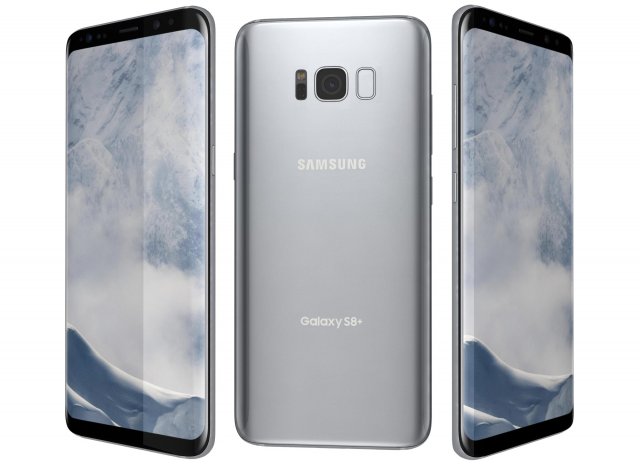
Samsung Galaxy S8 Plus Arctic Silver 3D Model
Samsung Galaxy S8 Plus Arctic Silver
The materials are available in the Max file format with V-Ray, mental ray and Standard (Scanline) materials. All other file formats are mesh only and will require material reapplication.
High quality textures, perfect for extreme close-ups and high resolution renders.
The preview images were rendered on 3ds Max 2011 with V-ray 2.0.
Native format is 3DS Max 2011
You can make the Poly count higher by the Meshsmooth and TurboSmooth level.
Includes V-Ray materials and textures only in 3ds Max format.
A file without V-Ray shader is included with standard materials.
The .3ds and .obj formats are geometry with texture mapping coords. No materials attached.
Textures format JPEG.
Original file format (3DS Max 2011)
Big size textures included.
3D max file included Standard materials and Vray-materials.
Hi-poly model with meshsmooth and TurboSmooth modifier.
All the materials are named.
Geometry Only (Polygonal)
This 3d model objects and materials have the correct names and stripped the texture paths.
NOTE: V-Ray is required for the V-Ray 3ds Max scene and Studio setup is Not included.
I Hope you Will Like My All Products.Thanks For Buying. -
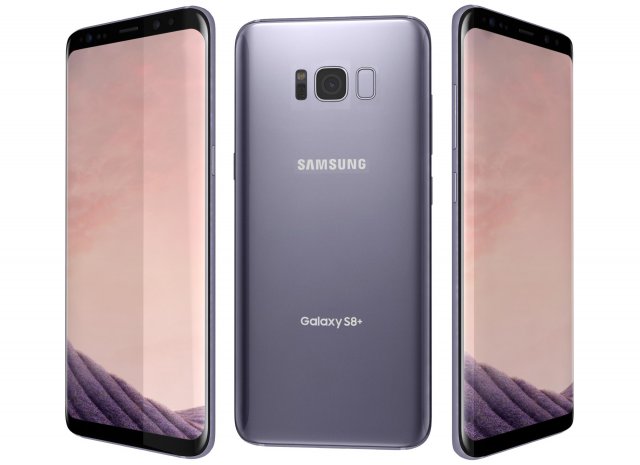
Samsung Galaxy S8 Plus Orchid Gray 3D Model
Samsung Galaxy S8 Plus Orchid Gray
The materials are available in the Max file format with V-Ray, mental ray and Standard (Scanline) materials. All other file formats are mesh only and will require material reapplication.
High quality textures, perfect for extreme close-ups and high resolution renders.
The preview images were rendered on 3ds Max 2011 with V-ray 2.0.
Native format is 3DS Max 2011
You can make the Poly count higher by the Meshsmooth and TurboSmooth level.
Includes V-Ray materials and textures only in 3ds Max format.
A file without V-Ray shader is included with standard materials.
The .3ds and .obj formats are geometry with texture mapping coords. No materials attached.
Textures format JPEG.
Original file format (3DS Max 2011)
Big size textures included.
3D max file included Standard materials and Vray-materials.
Hi-poly model with meshsmooth and TurboSmooth modifier.
All the materials are named.
Geometry Only (Polygonal)
This 3d model objects and materials have the correct names and stripped the texture paths.
NOTE: V-Ray is required for the V-Ray 3ds Max scene and Studio setup is Not included.
I Hope you Will Like My All Products.Thanks For Buying. -
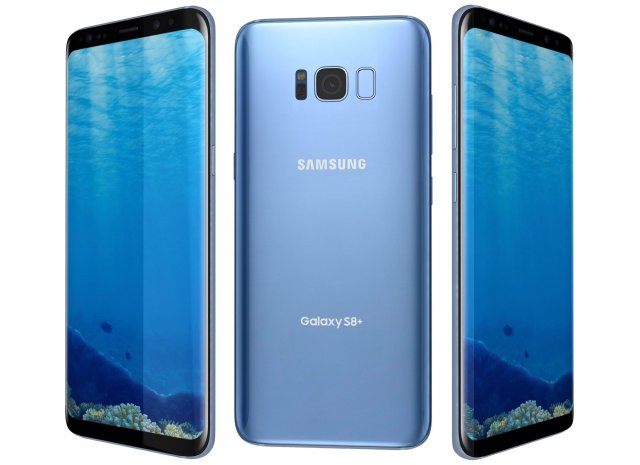
Samsung Galaxy S8 Plus Coral Blue 3D Model
Samsung Galaxy S8 Plus Coral Blue
The materials are available in the Max file format with V-Ray, mental ray and Standard (Scanline) materials. All other file formats are mesh only and will require material reapplication.
High quality textures, perfect for extreme close-ups and high resolution renders.
The preview images were rendered on 3ds Max 2011 with V-ray 2.0.
Native format is 3DS Max 2011
You can make the Poly count higher by the Meshsmooth and TurboSmooth level.
Includes V-Ray materials and textures only in 3ds Max format.
A file without V-Ray shader is included with standard materials.
The .3ds and .obj formats are geometry with texture mapping coords. No materials attached.
Textures format JPEG.
Original file format (3DS Max 2011)
Big size textures included.
3D max file included Standard materials and Vray-materials.
Hi-poly model with meshsmooth and TurboSmooth modifier.
All the materials are named.
Geometry Only (Polygonal)
This 3d model objects and materials have the correct names and stripped the texture paths.
NOTE: V-Ray is required for the V-Ray 3ds Max scene and Studio setup is Not included.
I Hope you Will Like My All Products.Thanks For Buying. -
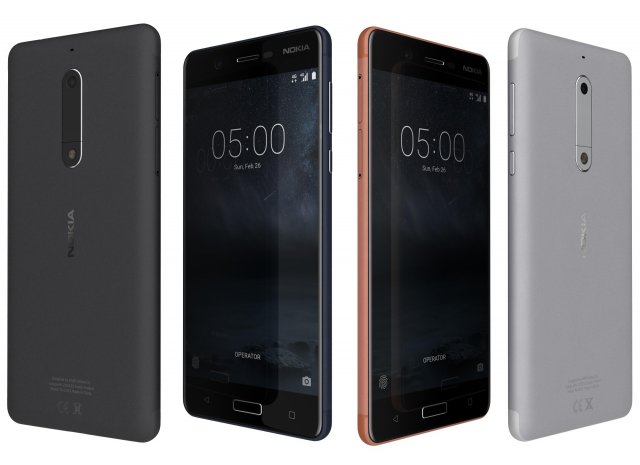
Nokia 5 All Colors 3D Model
Nokia 5 All Colors
The materials are available in the Max file format with V-Ray, mental ray and Standard (Scanline) materials. All other file formats are mesh only and will require material reapplication.
High quality textures, perfect for extreme close-ups and high resolution renders.
The preview images were rendered on 3ds Max 2011 with V-ray 2.0.
Native format is 3DS Max 2011
You can make the Poly count higher by the Meshsmooth and TurboSmooth level.
Includes V-Ray materials and textures only in 3ds Max format.
A file without V-Ray shader is included with standard materials.
The .3ds and .obj formats are geometry with texture mapping coords. No materials attached.
Textures format JPEG.
Original file format (3DS Max 2011)
Big size textures included.
3D max file included Standard materials and Vray-materials.
Hi-poly model with meshsmooth and TurboSmooth modifier.
All the materials are named.
Geometry Only (Polygonal)
This 3d model objects and materials have the correct names and stripped the texture paths.
NOTE: V-Ray is required for the V-Ray 3ds Max scene and Studio setup is Not included.
I Hope you Will Like My All Products.Thanks For Buying. -
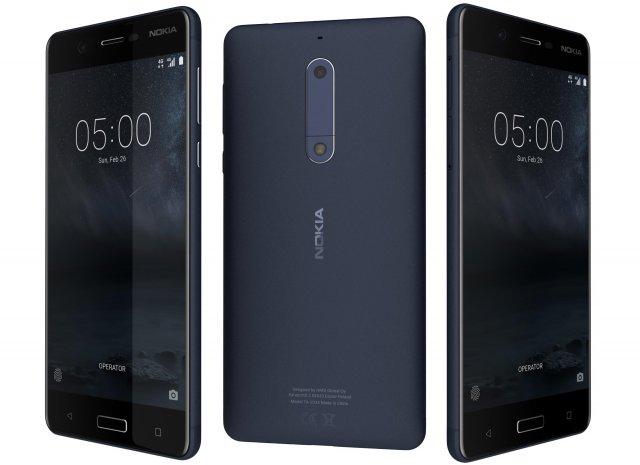
Nokia 5 Tempered Blue 3D Model
Nokia 5 Tempered Blue
The materials are available in the Max file format with V-Ray, mental ray and Standard (Scanline) materials. All other file formats are mesh only and will require material reapplication.
High quality textures, perfect for extreme close-ups and high resolution renders.
The preview images were rendered on 3ds Max 2011 with V-ray 2.0.
Native format is 3DS Max 2011
You can make the Poly count higher by the Meshsmooth and TurboSmooth level.
Includes V-Ray materials and textures only in 3ds Max format.
A file without V-Ray shader is included with standard materials.
The .3ds and .obj formats are geometry with texture mapping coords. No materials attached.
Textures format JPEG.
Original file format (3DS Max 2011)
Big size textures included.
3D max file included Standard materials and Vray-materials.
Hi-poly model with meshsmooth and TurboSmooth modifier.
All the materials are named.
Geometry Only (Polygonal)
This 3d model objects and materials have the correct names and stripped the texture paths.
NOTE: V-Ray is required for the V-Ray 3ds Max scene and Studio setup is Not included.
I Hope you Will Like My All Products.Thanks For Buying. -
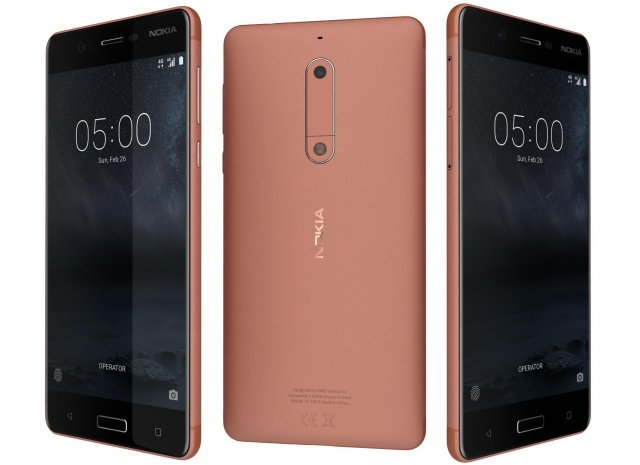
Nokia 5 Copper 3D Model
Nokia 5 Copper
The materials are available in the Max file format with V-Ray, mental ray and Standard (Scanline) materials. All other file formats are mesh only and will require material reapplication.
High quality textures, perfect for extreme close-ups and high resolution renders.
The preview images were rendered on 3ds Max 2011 with V-ray 2.0.
Native format is 3DS Max 2011
You can make the Poly count higher by the Meshsmooth and TurboSmooth level.
Includes V-Ray materials and textures only in 3ds Max format.
A file without V-Ray shader is included with standard materials.
The .3ds and .obj formats are geometry with texture mapping coords. No materials attached.
Textures format JPEG.
Original file format (3DS Max 2011)
Big size textures included.
3D max file included Standard materials and Vray-materials.
Hi-poly model with meshsmooth and TurboSmooth modifier.
All the materials are named.
Geometry Only (Polygonal)
This 3d model objects and materials have the correct names and stripped the texture paths.
NOTE: V-Ray is required for the V-Ray 3ds Max scene and Studio setup is Not included.
I Hope you Will Like My All Products.Thanks For Buying. -
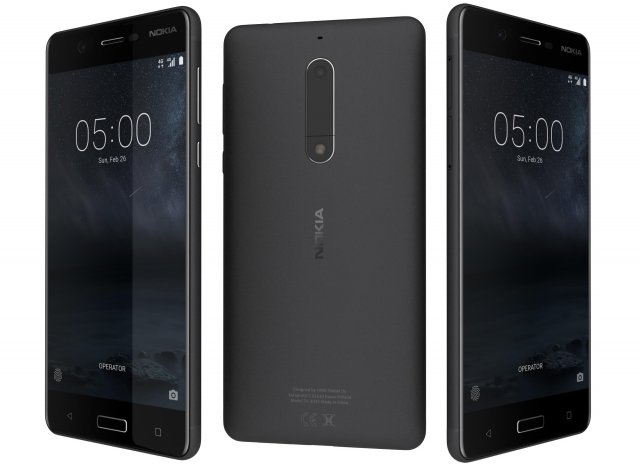
Nokia 5 Matte Black 3D Model
Nokia 5 Matte Black
The materials are available in the Max file format with V-Ray, mental ray and Standard (Scanline) materials. All other file formats are mesh only and will require material reapplication.
High quality textures, perfect for extreme close-ups and high resolution renders.
The preview images were rendered on 3ds Max 2011 with V-ray 2.0.
Native format is 3DS Max 2011
You can make the Poly count higher by the Meshsmooth and TurboSmooth level.
Includes V-Ray materials and textures only in 3ds Max format.
A file without V-Ray shader is included with standard materials.
The .3ds and .obj formats are geometry with texture mapping coords. No materials attached.
Textures format JPEG.
Original file format (3DS Max 2011)
Big size textures included.
3D max file included Standard materials and Vray-materials.
Hi-poly model with meshsmooth and TurboSmooth modifier.
All the materials are named.
Geometry Only (Polygonal)
This 3d model objects and materials have the correct names and stripped the texture paths.
NOTE: V-Ray is required for the V-Ray 3ds Max scene and Studio setup is Not included.
I Hope you Will Like My All Products.Thanks For Buying.