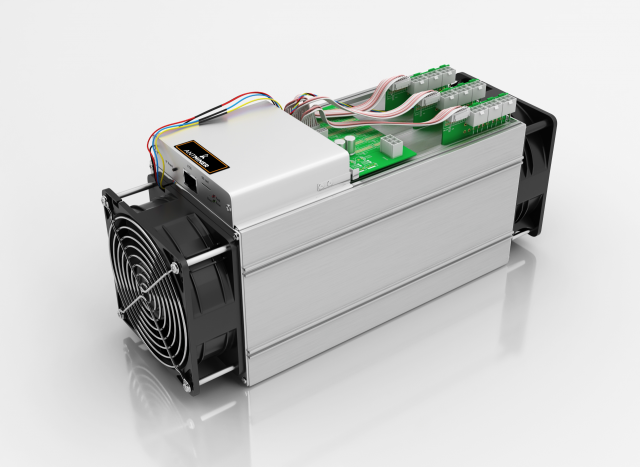
Detailed 3D model of an Asic Bitcoin Mining Hardware called antminer.Enclosed a few different format like FBX, OBJ, C4D, DWG, DWF see what works best for you. Let us know if there is a problem immediately.—————————————————————————————————————————————————-Please remember, that it is rendered in 3ds max, vray. All the materials and textures are applied only in 3ds max.—————————————————————————————————————————————————-Can apply Turbosmooth, just turn it on for increased details.Sincerely Yours,Motionblur Studios Team
Tag: S7
-
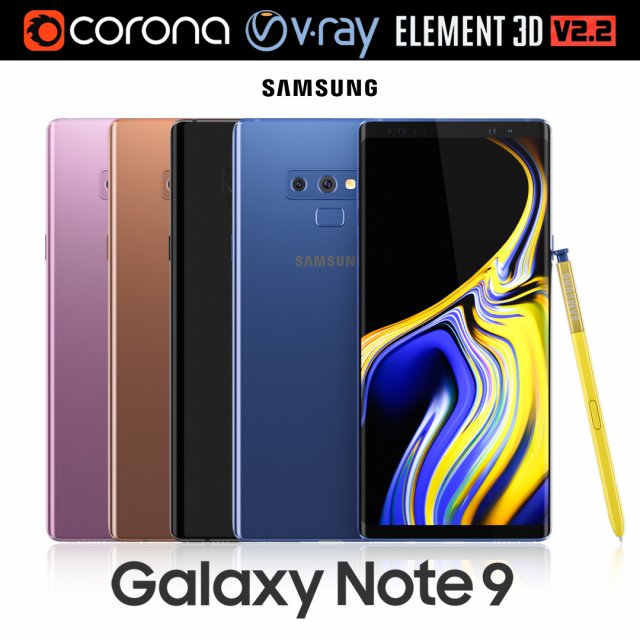
Samsung GALAXY Note 9 all colors 3D Model
Realistic (copy) 3d model of Samsung Galaxy Note 9 all colors.This set:3D element v2.2The model given is easy to use- 1 file obj standard- 1 file 3ds Max 2013 vray material- 1 file 3ds Max 2013 corona material- 1 file of 3Ds- file e3d full set of materials, like a previewHow to use it?1. Discovery after the impact of CC 2014 (or above) and create a new composition (you need Element3D v2.2 to use)2. Create a new solid layer and add the effect of the elements. (Effect / Video Copilot / Element)3. Select Install Location4. Click on the import inside the Element3D Installation location5. Select my .e3d according to the model and click on the open button.If you do not see the model, do not forget to right click on the model name and press the replace model select.Topology of geometry:- forms and proportions of The 3D model- the geometry of the model was created very neatly- there are no many-sided polygons- detailed enough for close-up renders- the model optimized for turbosmooth modifier- Not collapsed the turbosmooth modified- apply the Smooth modifier with a parameter to get the desired level of detailMaterials and Textures:- 3ds max files included Vray-Shaders- 3ds max files included Corona-Shaders- file e3d full set of materials- all texture paths are clearedOrganization of scene:- to all objects and materials- real world size (system units – mm)- coordinates of location of the model in space (x0, y0, z0)- does not contain extraneous or hidden objects (lights, cameras, shapes etc.)Excellent renders to you!
-
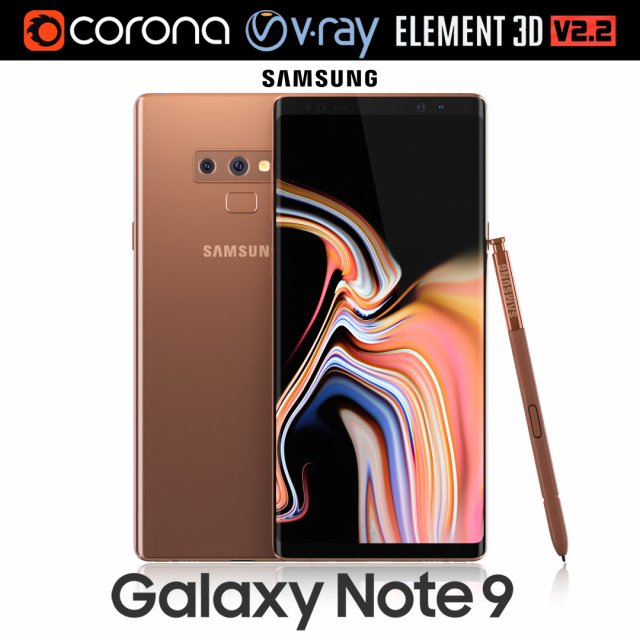
Samsung GALAXY Note 9 Metallic Copper 3D Model
Realistic (copy) 3d model of Samsung Galaxy Note 9 Metallic Copper .This set:3D element v2.2The model given is easy to use- 1 file obj standard- 1 file 3ds Max 2013 vray material- 1 file 3ds Max 2013 corona material- 1 file of 3Ds- file e3d full set of materials, like a previewHow to use it?1. Discovery after the impact of CC 2014 (or above) and create a new composition (you need Element3D v2.2 to use)2. Create a new solid layer and add the effect of the elements. (Effect / Video Copilot / Element)3. Select Install Location4. Click on the import inside the Element3D Installation location5. Select my .e3d according to the model and click on the open button.If you do not see the model, do not forget to right click on the model name and press the replace model select.Topology of geometry:- forms and proportions of The 3D model- the geometry of the model was created very neatly- there are no many-sided polygons- detailed enough for close-up renders- the model optimized for turbosmooth modifier- Not collapsed the turbosmooth modified- apply the Smooth modifier with a parameter to get the desired level of detailMaterials and Textures:- 3ds max files included Vray-Shaders- 3ds max files included Corona-Shaders- file e3d full set of materials- all texture paths are clearedOrganization of scene:- to all objects and materials- real world size (system units – mm)- coordinates of location of the model in space (x0, y0, z0)- does not contain extraneous or hidden objects (lights, cameras, shapes etc.)Excellent renders to you!
-
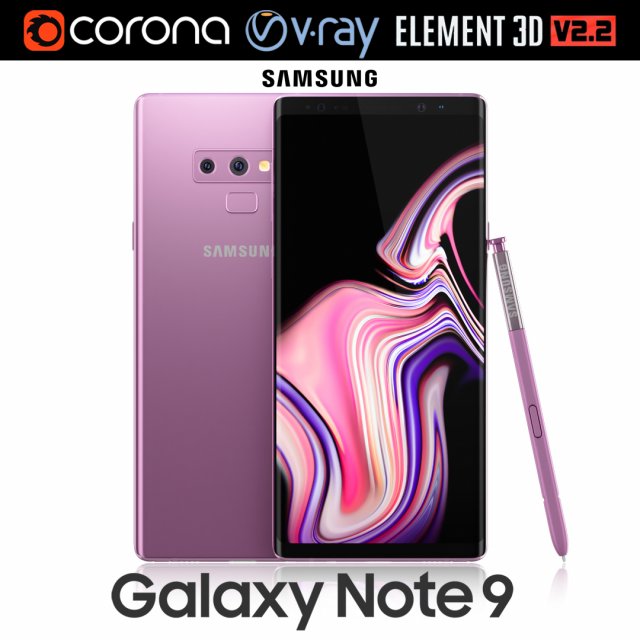
Samsung GALAXY Note 9 Lavender Purple 3D Model
Realistic (copy) 3d model of Samsung Galaxy Note 9 Lavender Purple .This set:3D element v2.2The model given is easy to use- 1 file obj standard- 1 file 3ds Max 2013 vray material- 1 file 3ds Max 2013 corona material- 1 file of 3Ds- file e3d full set of materials, like a previewHow to use it?1. Discovery after the impact of CC 2014 (or above) and create a new composition (you need Element3D v2.2 to use)2. Create a new solid layer and add the effect of the elements. (Effect / Video Copilot / Element)3. Select Install Location4. Click on the import inside the Element3D Installation location5. Select my .e3d according to the model and click on the open button.If you do not see the model, do not forget to right click on the model name and press the replace model select.Topology of geometry:- forms and proportions of The 3D model- the geometry of the model was created very neatly- there are no many-sided polygons- detailed enough for close-up renders- the model optimized for turbosmooth modifier- Not collapsed the turbosmooth modified- apply the Smooth modifier with a parameter to get the desired level of detailMaterials and Textures:- 3ds max files included Vray-Shaders- 3ds max files included Corona-Shaders- file e3d full set of materials- all texture paths are clearedOrganization of scene:- to all objects and materials- real world size (system units – mm)- coordinates of location of the model in space (x0, y0, z0)- does not contain extraneous or hidden objects (lights, cameras, shapes etc.)Excellent renders to you!
-
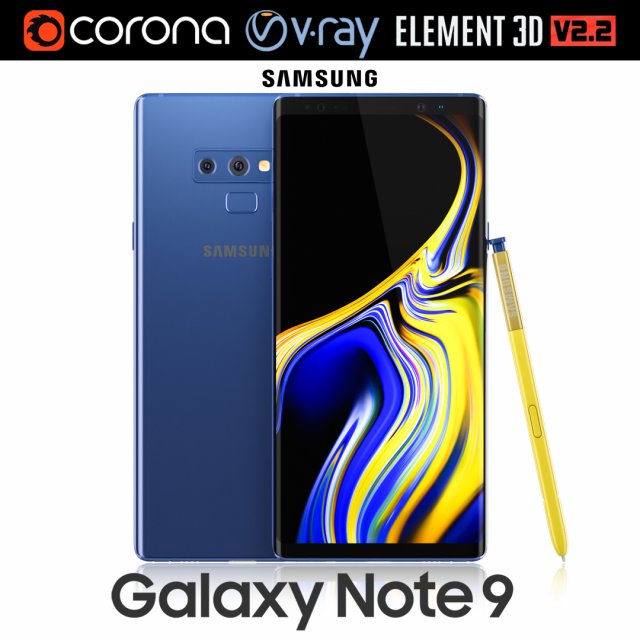
Samsung GALAXY Note 9 Ocean Blue 3D Model
Realistic (copy) 3d model of Samsung Galaxy Note 9 Ocean Blue .This set:3D element v2.2The model given is easy to use- 1 file obj standard- 1 file 3ds Max 2013 vray material- 1 file 3ds Max 2013 corona material- 1 file of 3Ds- file e3d full set of materials, like a previewHow to use it?1. Discovery after the impact of CC 2014 (or above) and create a new composition (you need Element3D v2.2 to use)2. Create a new solid layer and add the effect of the elements. (Effect / Video Copilot / Element)3. Select Install Location4. Click on the import inside the Element3D Installation location5. Select my .e3d according to the model and click on the open button.If you do not see the model, do not forget to right click on the model name and press the replace model select.Topology of geometry:- forms and proportions of The 3D model- the geometry of the model was created very neatly- there are no many-sided polygons- detailed enough for close-up renders- the model optimized for turbosmooth modifier- Not collapsed the turbosmooth modified- apply the Smooth modifier with a parameter to get the desired level of detailMaterials and Textures:- 3ds max files included Vray-Shaders- 3ds max files included Corona-Shaders- file e3d full set of materials- all texture paths are clearedOrganization of scene:- to all objects and materials- real world size (system units – mm)- coordinates of location of the model in space (x0, y0, z0)- does not contain extraneous or hidden objects (lights, cameras, shapes etc.)Excellent renders to you!
-
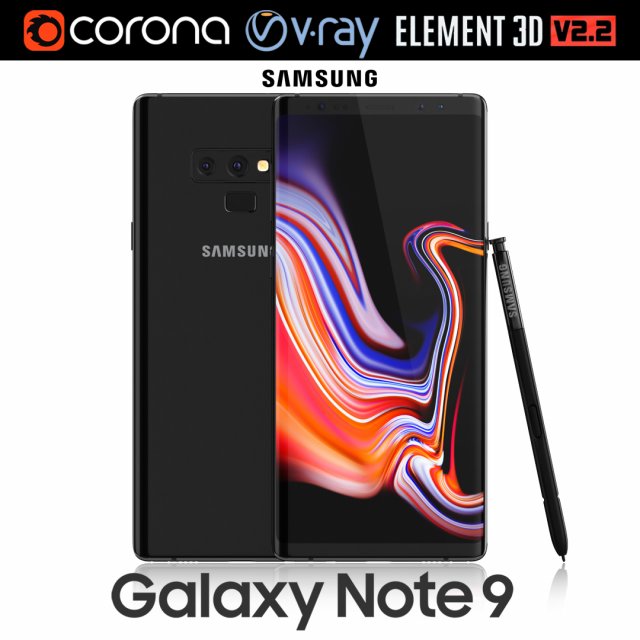
Samsung GALAXY Note 9 Midnight Black 3D Model
Realistic (copy) 3d model of Samsung Galaxy Note 9 Midnight Black .This set:3D element v2.2The model given is easy to use- 1 file obj standard- 1 file 3ds Max 2013 vray material- 1 file 3ds Max 2013 corona material- 1 file of 3Ds- file e3d full set of materials, like a previewHow to use it?1. Discovery after the impact of CC 2014 (or above) and create a new composition (you need Element3D v2.2 to use)2. Create a new solid layer and add the effect of the elements. (Effect / Video Copilot / Element)3. Select Install Location4. Click on the import inside the Element3D Installation location5. Select my .e3d according to the model and click on the open button.If you do not see the model, do not forget to right click on the model name and press the replace model select.Topology of geometry:- forms and proportions of The 3D model- the geometry of the model was created very neatly- there are no many-sided polygons- detailed enough for close-up renders- the model optimized for turbosmooth modifier- Not collapsed the turbosmooth modified- apply the Smooth modifier with a parameter to get the desired level of detailMaterials and Textures:- 3ds max files included Vray-Shaders- 3ds max files included Corona-Shaders- file e3d full set of materials- all texture paths are clearedOrganization of scene:- to all objects and materials- real world size (system units – mm)- coordinates of location of the model in space (x0, y0, z0)- does not contain extraneous or hidden objects (lights, cameras, shapes etc.)Excellent renders to you!
-
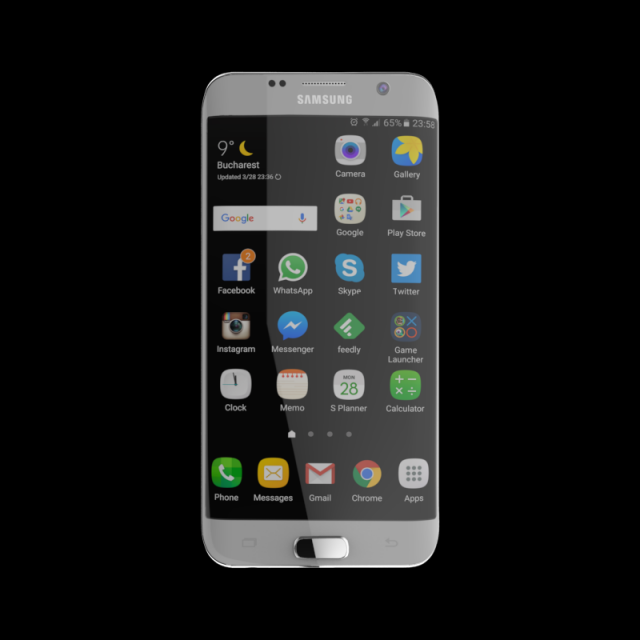
SAMSUNG GALAXY S7 EDGE 32 GB SILVER 3D Model
SAMSUNG_GALAXY_S7_EDGE_32_GB_SILVERPoly Count 77270Verts Count 79126Texture Size 4096 x 4096Material – YesUV Unwraped- MixedRigged- NoAnimation- NoFile Format- OBJ & FBX & STL & Maya File
-
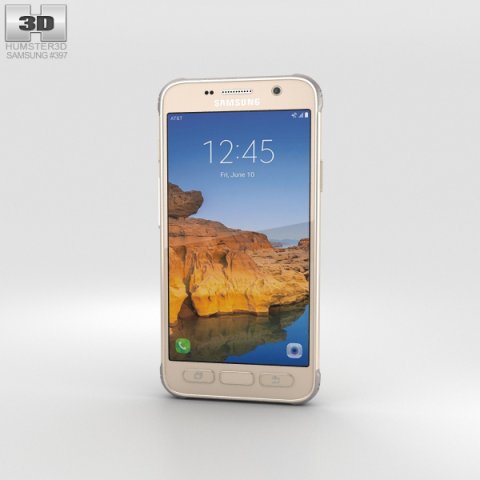
Samsung Galaxy S7 Active Sandy Gold 3D Model
The 3D model was created on real base. It’s created accurately, in real units of measurement, qualitatively and maximally close to the original.Model formats:- *.max (3ds Max 2008 scanline)- *.max (3ds Max 2008 vray)- *.fbx (Multi Format)- *.obj (Multi Format)- *.3ds (Multi Format)- *.mb (Maya 8.5)- *.lwo (Lightwave 6)- *.c4d (Cinema 4D 11)* renders Are made in 3ds Max 2008 using vray 1.5 (studio environment is not included in the set)If you need any other formats we are more than happy to make them for you.The model is provided combined, all main parts are presented as separate parts therefore materials of objects are easy to be modified or removed and standard parts are easy to be replaced. If you experience difficulties with separating standard parts we are more than happy to give you qualified assistance.We greatly appreciate you choosing our 3D models and hope they will be of use.We look forward to continuously dealing with you.Sincerely Yours,Hum3D Team
-
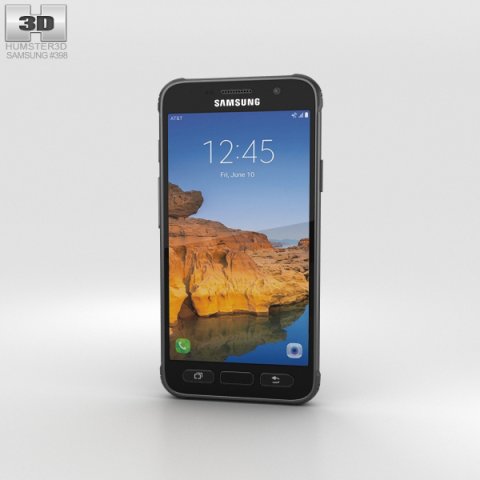
Samsung Galaxy S7 Active Titanium Gray 3D Model
The 3D model was created on real base. It’s created accurately, in real units of measurement, qualitatively and maximally close to the original.Model formats:- *.max (3ds Max 2008 scanline)- *.max (3ds Max 2008 vray)- *.fbx (Multi Format)- *.obj (Multi Format)- *.3ds (Multi Format)- *.mb (Maya 8.5)- *.lwo (Lightwave 6)- *.c4d (Cinema 4D 11)* renders Are made in 3ds Max 2008 using vray 1.5 (studio environment is not included in the set)If you need any other formats we are more than happy to make them for you.The model is provided combined, all main parts are presented as separate parts therefore materials of objects are easy to be modified or removed and standard parts are easy to be replaced. If you experience difficulties with separating standard parts we are more than happy to give you qualified assistance.We greatly appreciate you choosing our 3D models and hope they will be of use.We look forward to continuously dealing with you.Sincerely Yours,Hum3D Team
-
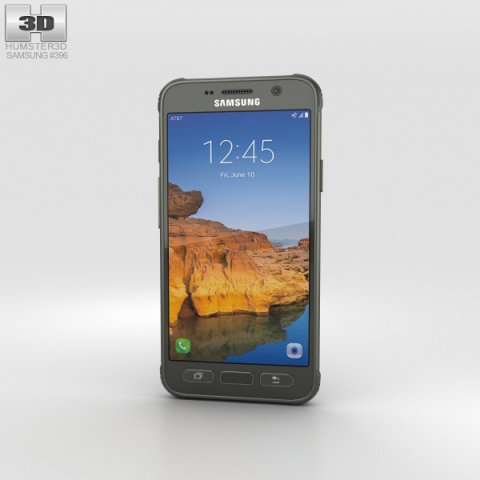
Samsung Galaxy S7 Active Camo Green 3D Model
The 3D model was created on real base. It’s created accurately, in real units of measurement, qualitatively and maximally close to the original.Model formats:- *.max (3ds Max 2008 scanline)- *.max (3ds Max 2008 vray)- *.fbx (Multi Format)- *.obj (Multi Format)- *.3ds (Multi Format)- *.mb (Maya 8.5)- *.lwo (Lightwave 6)- *.c4d (Cinema 4D 11)* renders Are made in 3ds Max 2008 using vray 1.5 (studio environment is not included in the set)If you need any other formats we are more than happy to make them for you.The model is provided combined, all main parts are presented as separate parts therefore materials of objects are easy to be modified or removed and standard parts are easy to be replaced. If you experience difficulties with separating standard parts we are more than happy to give you qualified assistance.We greatly appreciate you choosing our 3D models and hope they will be of use.We look forward to continuously dealing with you.Sincerely Yours,Hum3D Team
-
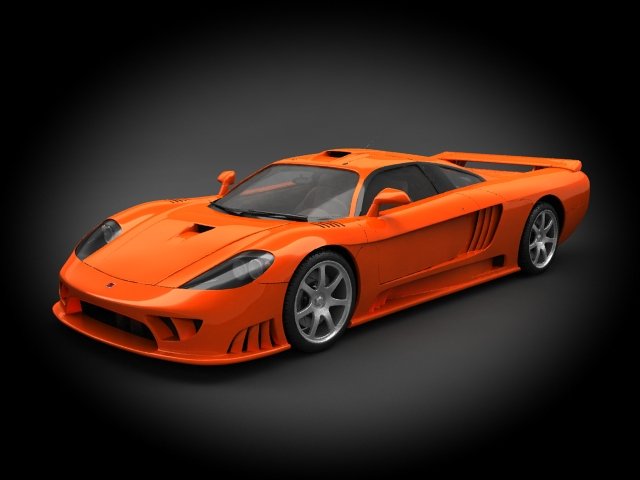
Saleen S7 2010 3D Model
Very accurate, detailed model (Exterior and Interior) plus ALL V-RAY STUDIO RENDER SCENE!Wire: SquaresFile archive contains (MAX Format):- Two MAX Files: one for vray render (Scene) and standart materials.- Texture maps.Formats:- MAX (3D Studio Max) – (Standart materials and Scene V-RAY materials);- C4D (Cinema 4D) – (Standart materials);- MB (Maya) – (Standart materials);- 3DS (Multi Format);Technical info:Polys: 219556Verts: 254209Originally modelled in 3D Studio Max.Final images rendered with V-Ray.The 3D-model are a perfect solution for architectural visualizations and renderings.Detailed and completely textured 3D-model of highly realistic car.
-
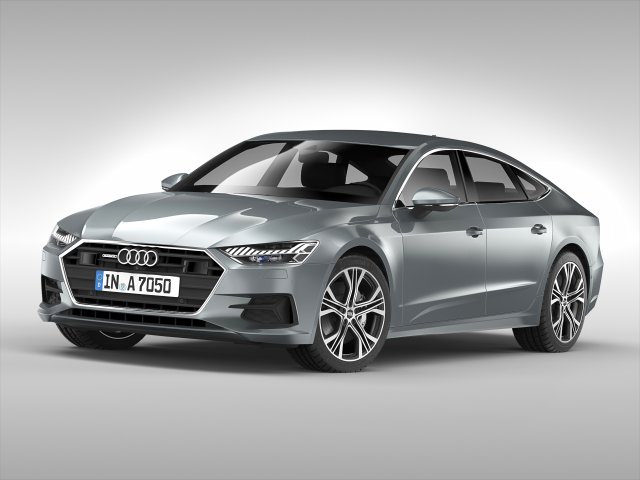
Audi A7 Sportback 2018 3D Model
* Features:- Highly detailed exterior and basic interior.- Model is settled to 0,0,0 xyz axis.- Mental Ray materials and standart materials are included in max rar file.- Real world scaled.(Units in milimeters)- Textures included.(C:MCTAudi) Place textures folder in that directory- Suitable for animations and architectural visualizations.- Wheels grouped seperately.- All parts of car and materials named properly so you can easily find which materialis for which part of the car.- Body color can be changed.Model color can be different from preview images.- No modifier collapsed (such as meshsmooth) so you can easily set level of detail.- Environment shown on preview renders is not included. Only the model file.- No advanced texturing skill required to modify texturing. Plain and simple texturing.- Meshsmooth Iteration Level 2Polygon count : 424236Vertex count : 443796———Two 3DS Files——— One with high poly and one with low poly (Without Meshsmooth)Highpoly polygon and vertex count : 845408 – 496846Lowpoly polygon and vertex count : 326263 – 228868———Two FBX Files——— .One with high poly and one with low poly (Without Meshsmooth)Highpoly polygon and vertex count : 458702 – 443796Lowpoly polygon and vertex count : 213255 – 177730———Two OBJ Files——— .One with high poly and one with low poly (Without Meshsmooth)Highpoly polygon and vertex count : 424597 – 445301Lowpoly polygon and vertex count : 165132 – 179235ATTENTION !!!Only max contains mental ray materials.FBX,Maya,Sketchup and 3DS format comes with default materials applied.Obj,blender and cinema 4d format has only gray material.ALL file formats includes textures.
-
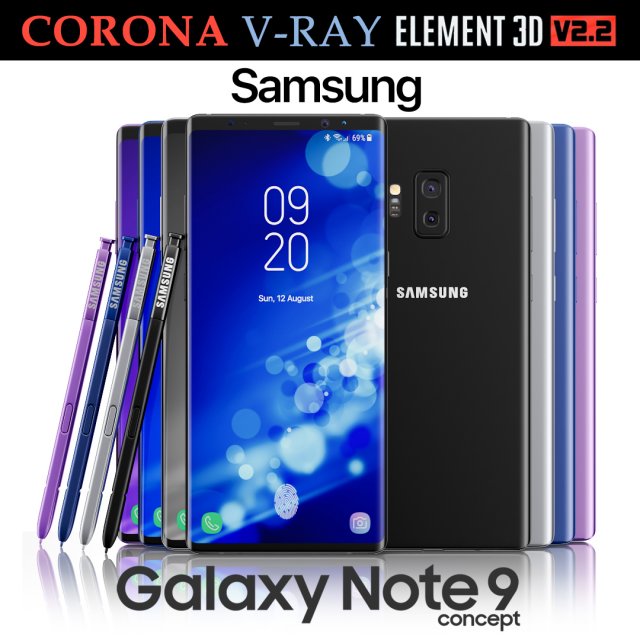
Samsung Galaxy Note 9 All colors Concept 3D Model
Realistic (copy) 3d model of Samsung Galaxy Note 9 All colors Concept.This set:3D element v2.2The model given is easy to use- 1 file obj standard- 1 file 3ds Max 2013 vray material- 1 file 3ds Max 2013 corona material- 1 file of 3Ds- file e3d full set of materials, like a previewHow to use it?1. Discovery after the impact of CC 2014 (or above) and create a new composition (you need Element3D v2.2 to use)2. Create a new solid layer and add the effect of the elements. (Effect / Video Copilot / Element)3. Select Install Location4. Click on the import inside the Element3D Installation location5. Select my .e3d according to the model and click on the open button.If you do not see the model, do not forget to right click on the model name and press the replace model select.Topology of geometry:- forms and proportions of The 3D model- the geometry of the model was created very neatly- there are no many-sided polygons- detailed enough for close-up renders- the model optimized for turbosmooth modifier- Not collapsed the turbosmooth modified- apply the Smooth modifier with a parameter to get the desired level of detailMaterials and Textures:- 3ds max files included Vray-Shaders- 3ds max files included Corona-Shaders- file e3d full set of materials- all texture paths are clearedOrganization of scene:- to all objects and materials- real world size (system units – mm)- coordinates of location of the model in space (x0, y0, z0)- does not contain extraneous or hidden objects (lights, cameras, shapes etc.)Excellent renders to you!
-
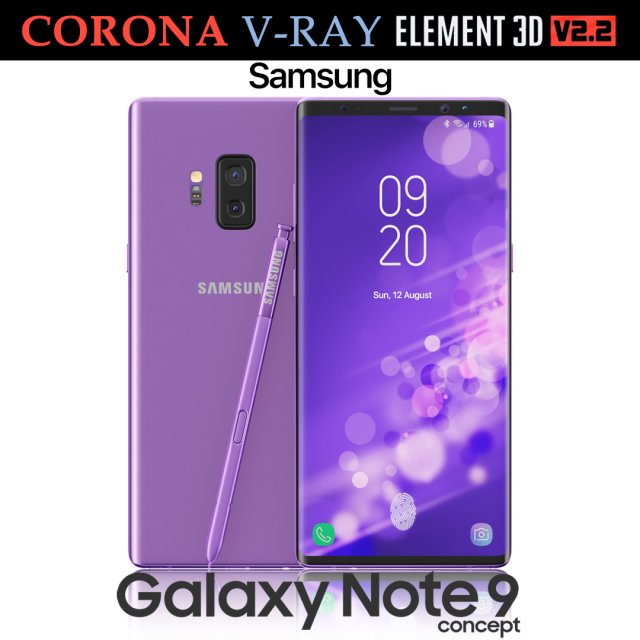
Samsung Galaxy Note 9 Purple Concept 3D Model
Realistic (copy) 3d model of Samsung Galaxy Note 9 Purple Concept.This set:3D element v2.2The model given is easy to use- 1 file obj standard- 1 file 3ds Max 2013 vray material- 1 file 3ds Max 2013 corona material- 1 file of 3Ds- file e3d full set of materials, like a previewHow to use it?1. Discovery after the impact of CC 2014 (or above) and create a new composition (you need Element3D v2.2 to use)2. Create a new solid layer and add the effect of the elements. (Effect / Video Copilot / Element)3. Select Install Location4. Click on the import inside the Element3D Installation location5. Select my .e3d according to the model and click on the open button.If you do not see the model, do not forget to right click on the model name and press the replace model select.Topology of geometry:- forms and proportions of The 3D model- the geometry of the model was created very neatly- there are no many-sided polygons- detailed enough for close-up renders- the model optimized for turbosmooth modifier- Not collapsed the turbosmooth modified- apply the Smooth modifier with a parameter to get the desired level of detailMaterials and Textures:- 3ds max files included Vray-Shaders- 3ds max files included Corona-Shaders- file e3d full set of materials- all texture paths are clearedOrganization of scene:- to all objects and materials- real world size (system units – mm)- coordinates of location of the model in space (x0, y0, z0)- does not contain extraneous or hidden objects (lights, cameras, shapes etc.)Excellent renders to you!
-
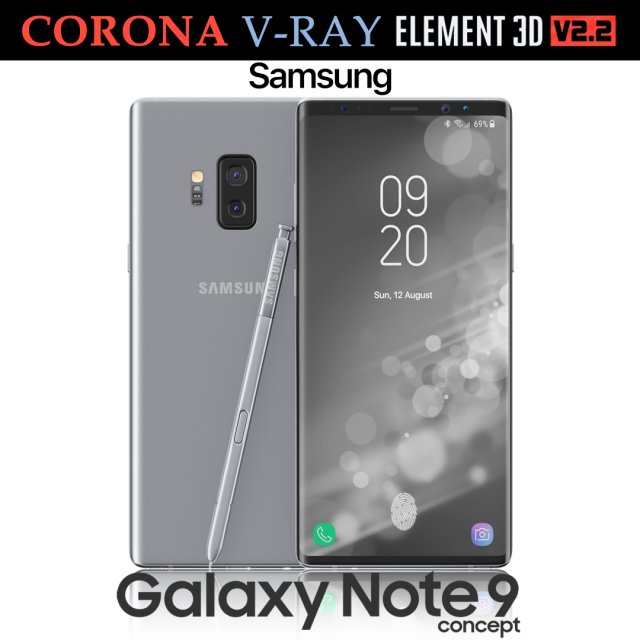
Samsung Galaxy Note 9 Gray Concept 3D Model
Realistic (copy) 3d model of Samsung Galaxy Note 9 Gray Concept.This set:3D element v2.2The model given is easy to use- 1 file obj standard- 1 file 3ds Max 2013 vray material- 1 file 3ds Max 2013 corona material- 1 file of 3Ds- file e3d full set of materials, like a previewHow to use it?1. Discovery after the impact of CC 2014 (or above) and create a new composition (you need Element3D v2.2 to use)2. Create a new solid layer and add the effect of the elements. (Effect / Video Copilot / Element)3. Select Install Location4. Click on the import inside the Element3D Installation location5. Select my .e3d according to the model and click on the open button.If you do not see the model, do not forget to right click on the model name and press the replace model select.Topology of geometry:- forms and proportions of The 3D model- the geometry of the model was created very neatly- there are no many-sided polygons- detailed enough for close-up renders- the model optimized for turbosmooth modifier- Not collapsed the turbosmooth modified- apply the Smooth modifier with a parameter to get the desired level of detailMaterials and Textures:- 3ds max files included Vray-Shaders- 3ds max files included Corona-Shaders- file e3d full set of materials- all texture paths are clearedOrganization of scene:- to all objects and materials- real world size (system units – mm)- coordinates of location of the model in space (x0, y0, z0)- does not contain extraneous or hidden objects (lights, cameras, shapes etc.)Excellent renders to you!
-
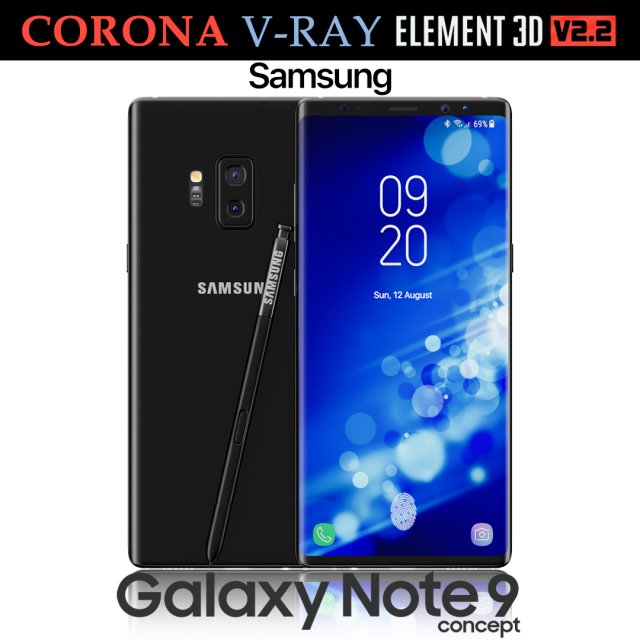
Samsung Galaxy Note 9 Black Concept 3D Model
Realistic (copy) 3d model of Samsung Galaxy Note 9 Black Concept.This set:3D element v2.2The model given is easy to use- 1 file obj standard- 1 file 3ds Max 2013 vray material- 1 file 3ds Max 2013 corona material- 1 file of 3Ds- file e3d full set of materials, like a previewHow to use it?1. Discovery after the impact of CC 2014 (or above) and create a new composition (you need Element3D v2.2 to use)2. Create a new solid layer and add the effect of the elements. (Effect / Video Copilot / Element)3. Select Install Location4. Click on the import inside the Element3D Installation location5. Select my .e3d according to the model and click on the open button.If you do not see the model, do not forget to right click on the model name and press the replace model select.Topology of geometry:- forms and proportions of The 3D model- the geometry of the model was created very neatly- there are no many-sided polygons- detailed enough for close-up renders- the model optimized for turbosmooth modifier- Not collapsed the turbosmooth modified- apply the Smooth modifier with a parameter to get the desired level of detailMaterials and Textures:- 3ds max files included Vray-Shaders- 3ds max files included Corona-Shaders- file e3d full set of materials- all texture paths are clearedOrganization of scene:- to all objects and materials- real world size (system units – mm)- coordinates of location of the model in space (x0, y0, z0)- does not contain extraneous or hidden objects (lights, cameras, shapes etc.)Excellent renders to you!
-
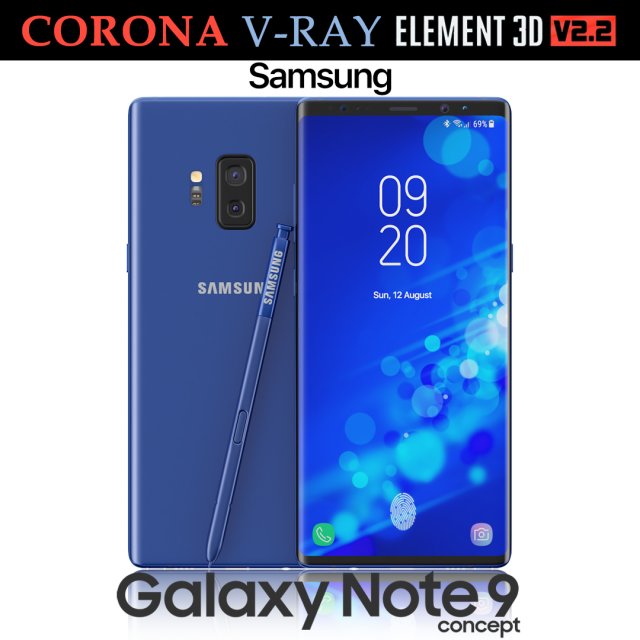
Samsung Galaxy Note 9 Blue Concept 3D Model
Realistic (copy) 3d model of Samsung Galaxy Note 9 Blue Concept.This set:3D element v2.2The model given is easy to use- 1 file obj standard- 1 file 3ds Max 2013 vray material- 1 file 3ds Max 2013 corona material- 1 file of 3Ds- file e3d full set of materials, like a previewHow to use it?1. Discovery after the impact of CC 2014 (or above) and create a new composition (you need Element3D v2.2 to use)2. Create a new solid layer and add the effect of the elements. (Effect / Video Copilot / Element)3. Select Install Location4. Click on the import inside the Element3D Installation location5. Select my .e3d according to the model and click on the open button.If you do not see the model, do not forget to right click on the model name and press the replace model select.Topology of geometry:- forms and proportions of The 3D model- the geometry of the model was created very neatly- there are no many-sided polygons- detailed enough for close-up renders- the model optimized for turbosmooth modifier- Not collapsed the turbosmooth modified- apply the Smooth modifier with a parameter to get the desired level of detailMaterials and Textures:- 3ds max files included Vray-Shaders- 3ds max files included Corona-Shaders- file e3d full set of materials- all texture paths are clearedOrganization of scene:- to all objects and materials- real world size (system units – mm)- coordinates of location of the model in space (x0, y0, z0)- does not contain extraneous or hidden objects (lights, cameras, shapes etc.)Excellent renders to you!
-
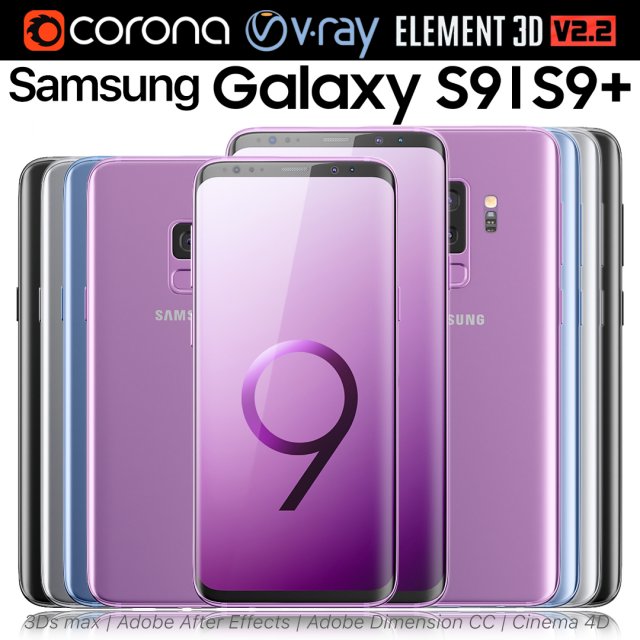
Samsung Galaxy S9 and S9 PLUS ALL Colors 3D Model
Realistic (copy) 3d model of Samsung Galaxy S9 and S9 PLUS ALL Colors.This set:3D element v2.2The model given is easy to use- 2 file obj standard- 8 file 3ds Max 2013 vray material- 8 file 3ds Max 2013 corona material- 2 file of 3Ds- 8 file of cinema 4d- 8 file of Adobe Dimension CC- 8 file e3d full set of materials, like a previewHow to use it?1. Discovery after the impact of CC 2014 (or above) and create a new composition (you need Element3D v2.2 to use)2. Create a new solid layer and add the effect of the elements. (Effect / Video Copilot / Element)3. Select Install Location4. Click on the import inside the Element3D Installation location5. Select my .e3d according to the model and click on the open button.If you do not see the model, do not forget to right click on the model name and press the replace model select.Topology of geometry:- forms and proportions of The 3D model- the geometry of the model was created very neatly- there are no many-sided polygons- detailed enough for close-up renders- the model optimized for turbosmooth modifier- Not collapsed the turbosmooth modified- apply the Smooth modifier with a parameter to get the desired level of detailMaterials and Textures:- 3ds max files included Vray-Shaders- 3ds max files included Corona-Shaders- file e3d full set of materials- all texture paths are clearedOrganization of scene:- to all objects and materials- real world size (system units – mm)- coordinates of location of the model in space (x0, y0, z0)- does not contain extraneous or hidden objects (lights, cameras, shapes etc.)Excellent renders to you!
-
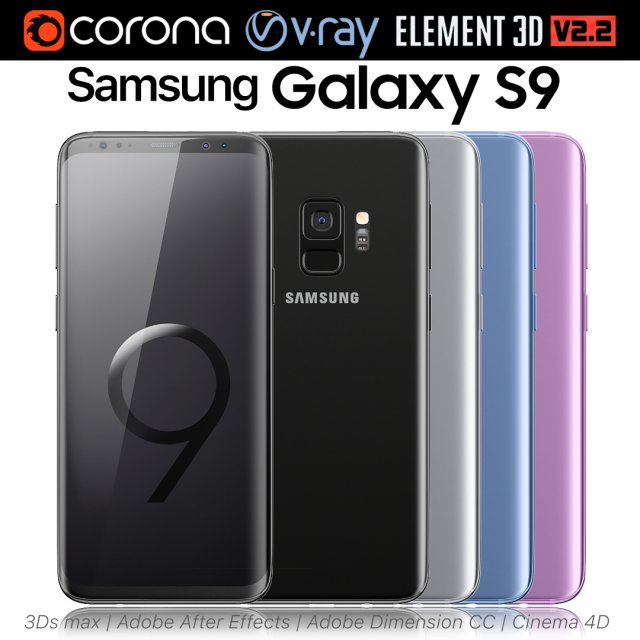
Samsung Galaxy S9 ALL Colors 3D Model
Realistic (copy) 3d model of Samsung Galaxy S9 ALL Colors.This set:3D element v2.2The model given is easy to use- 1 file obj standard- 1 file 3ds Max 2013 vray material- 1 file 3ds Max 2013 corona material- 1 file of 3Ds- 1 file of cinema 4d- 1 file of Adobe Dimension CC- file e3d full set of materials, like a previewHow to use it?1. Discovery after the impact of CC 2014 (or above) and create a new composition (you need Element3D v2.2 to use)2. Create a new solid layer and add the effect of the elements. (Effect / Video Copilot / Element)3. Select Install Location4. Click on the import inside the Element3D Installation location5. Select my .e3d according to the model and click on the open button.If you do not see the model, do not forget to right click on the model name and press the replace model select.Topology of geometry:- forms and proportions of The 3D model- the geometry of the model was created very neatly- there are no many-sided polygons- detailed enough for close-up renders- the model optimized for turbosmooth modifier- Not collapsed the turbosmooth modified- apply the Smooth modifier with a parameter to get the desired level of detailMaterials and Textures:- 3ds max files included Vray-Shaders- 3ds max files included Corona-Shaders- file e3d full set of materials- all texture paths are clearedOrganization of scene:- to all objects and materials- real world size (system units – mm)- coordinates of location of the model in space (x0, y0, z0)- does not contain extraneous or hidden objects (lights, cameras, shapes etc.)Excellent renders to you!
-
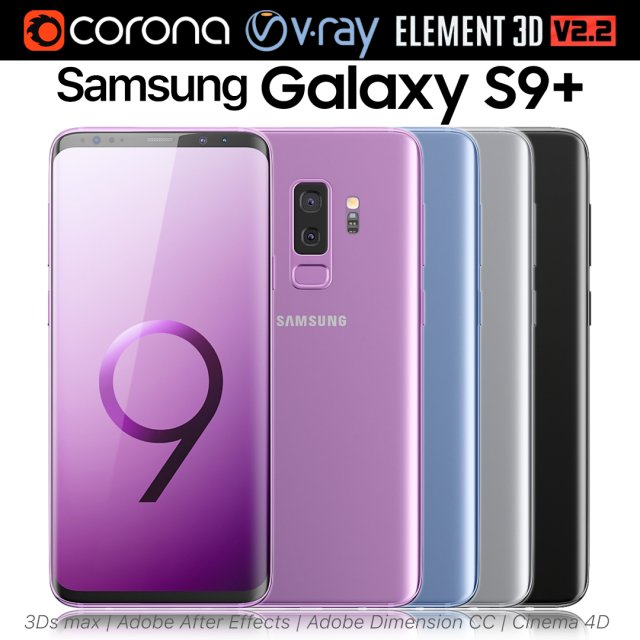
Samsung Galaxy S9 PLUS ALL Colors 3D Model
Realistic (copy) 3d model of Samsung Galaxy S9 PLUS ALL Colors.This set:3D element v2.2The model given is easy to use- 1 file obj standard- 1 file 3ds Max 2013 vray material- 1 file 3ds Max 2013 corona material- 1 file of 3Ds- 1 file of cinema 4d- 1 file of Adobe Dimension CC- file e3d full set of materials, like a previewHow to use it?1. Discovery after the impact of CC 2014 (or above) and create a new composition (you need Element3D v2.2 to use)2. Create a new solid layer and add the effect of the elements. (Effect / Video Copilot / Element)3. Select Install Location4. Click on the import inside the Element3D Installation location5. Select my .e3d according to the model and click on the open button.If you do not see the model, do not forget to right click on the model name and press the replace model select.Topology of geometry:- forms and proportions of The 3D model- the geometry of the model was created very neatly- there are no many-sided polygons- detailed enough for close-up renders- the model optimized for turbosmooth modifier- Not collapsed the turbosmooth modified- apply the Smooth modifier with a parameter to get the desired level of detailMaterials and Textures:- 3ds max files included Vray-Shaders- 3ds max files included Corona-Shaders- file e3d full set of materials- all texture paths are clearedOrganization of scene:- to all objects and materials- real world size (system units – mm)- coordinates of location of the model in space (x0, y0, z0)- does not contain extraneous or hidden objects (lights, cameras, shapes etc.)Excellent renders to you!
-
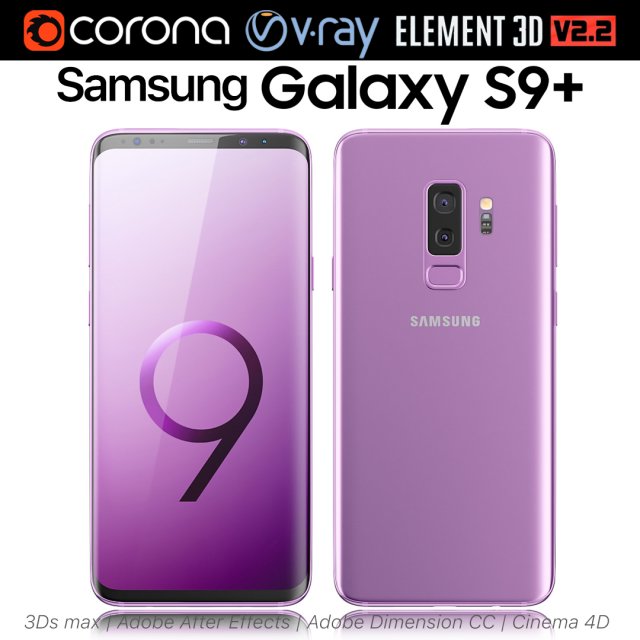
Samsung Galaxy S9 Lilac Purple 3D Model
Realistic (copy) 3d model of Samsung Galaxy S9 Lilac Purple.This set:3D element v2.2The model given is easy to use- 1 file obj standard- 1 file 3ds Max 2013 vray material- 1 file 3ds Max 2013 corona material- 1 file of 3Ds- 1 file of cinema 4d- 1 file of Adobe Dimension CC- file e3d full set of materials, like a previewHow to use it?1. Discovery after the impact of CC 2014 (or above) and create a new composition (you need Element3D v2.2 to use)2. Create a new solid layer and add the effect of the elements. (Effect / Video Copilot / Element)3. Select Install Location4. Click on the import inside the Element3D Installation location5. Select my .e3d according to the model and click on the open button.If you do not see the model, do not forget to right click on the model name and press the replace model select.Topology of geometry:- forms and proportions of The 3D model- the geometry of the model was created very neatly- there are no many-sided polygons- detailed enough for close-up renders- the model optimized for turbosmooth modifier- Not collapsed the turbosmooth modified- apply the Smooth modifier with a parameter to get the desired level of detailMaterials and Textures:- 3ds max files included Vray-Shaders- 3ds max files included Corona-Shaders- file e3d full set of materials- all texture paths are clearedOrganization of scene:- to all objects and materials- real world size (system units – mm)- coordinates of location of the model in space (x0, y0, z0)- does not contain extraneous or hidden objects (lights, cameras, shapes etc.)Excellent renders to you!
-
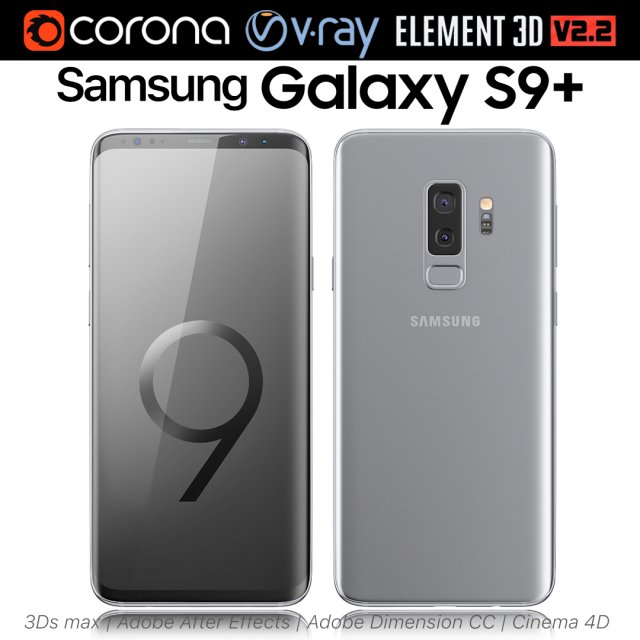
Samsung Galaxy S9 PLUS Titanium Gray 3D Model
Realistic (copy) 3d model of Samsung Galaxy S9 PLUS Titanium Gray.This set:3D element v2.2The model given is easy to use- 1 file obj standard- 1 file 3ds Max 2013 vray material- 1 file 3ds Max 2013 corona material- 1 file of 3Ds- 1 file of cinema 4d- 1 file of Adobe Dimension CC- file e3d full set of materials, like a previewHow to use it?1. Discovery after the impact of CC 2014 (or above) and create a new composition (you need Element3D v2.2 to use)2. Create a new solid layer and add the effect of the elements. (Effect / Video Copilot / Element)3. Select Install Location4. Click on the import inside the Element3D Installation location5. Select my .e3d according to the model and click on the open button.If you do not see the model, do not forget to right click on the model name and press the replace model select.Topology of geometry:- forms and proportions of The 3D model- the geometry of the model was created very neatly- there are no many-sided polygons- detailed enough for close-up renders- the model optimized for turbosmooth modifier- Not collapsed the turbosmooth modified- apply the Smooth modifier with a parameter to get the desired level of detailMaterials and Textures:- 3ds max files included Vray-Shaders- 3ds max files included Corona-Shaders- file e3d full set of materials- all texture paths are clearedOrganization of scene:- to all objects and materials- real world size (system units – mm)- coordinates of location of the model in space (x0, y0, z0)- does not contain extraneous or hidden objects (lights, cameras, shapes etc.)Excellent renders to you!
-
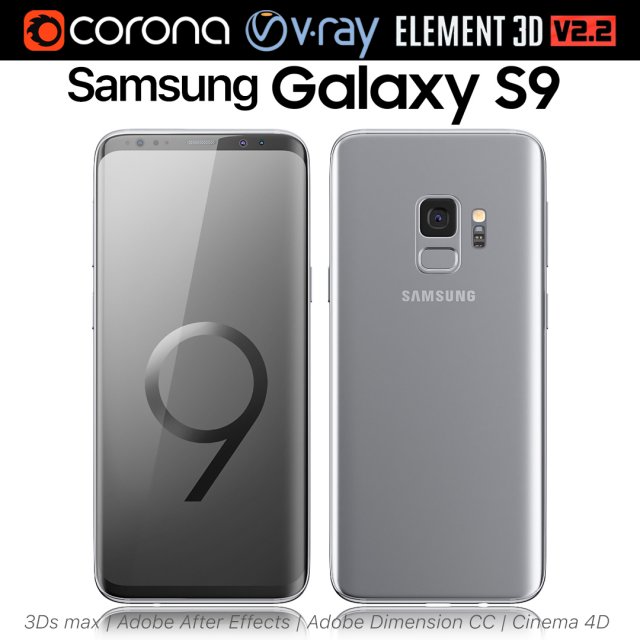
Samsung Galaxy S9 Titanium Gray 3D Model
Realistic (copy) 3d model of Samsung Galaxy S9 Titanium Gray.This set:3D element v2.2The model given is easy to use- 1 file obj standard- 1 file 3ds Max 2013 vray material- 1 file 3ds Max 2013 corona material- 1 file of 3Ds- 1 file of cinema 4d- 1 file of Adobe Dimension CC- file e3d full set of materials, like a previewHow to use it?1. Discovery after the impact of CC 2014 (or above) and create a new composition (you need Element3D v2.2 to use)2. Create a new solid layer and add the effect of the elements. (Effect / Video Copilot / Element)3. Select Install Location4. Click on the import inside the Element3D Installation location5. Select my .e3d according to the model and click on the open button.If you do not see the model, do not forget to right click on the model name and press the replace model select.Topology of geometry:- forms and proportions of The 3D model- the geometry of the model was created very neatly- there are no many-sided polygons- detailed enough for close-up renders- the model optimized for turbosmooth modifier- Not collapsed the turbosmooth modified- apply the Smooth modifier with a parameter to get the desired level of detailMaterials and Textures:- 3ds max files included Vray-Shaders- 3ds max files included Corona-Shaders- file e3d full set of materials- all texture paths are clearedOrganization of scene:- to all objects and materials- real world size (system units – mm)- coordinates of location of the model in space (x0, y0, z0)- does not contain extraneous or hidden objects (lights, cameras, shapes etc.)Excellent renders to you!
-
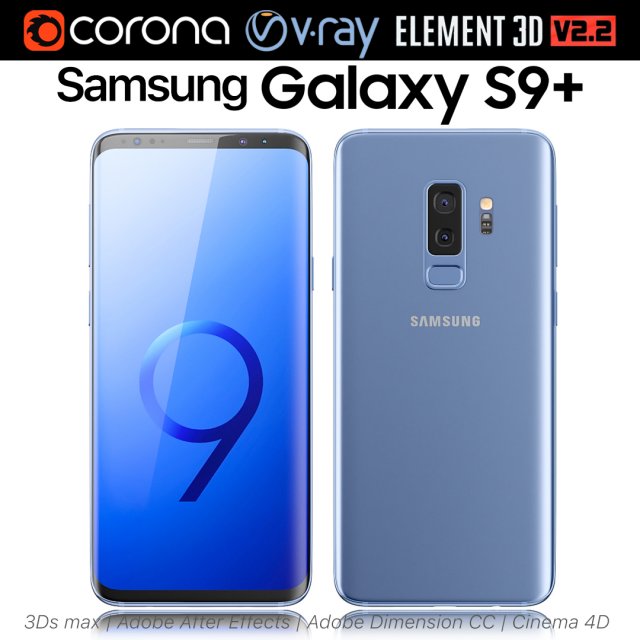
Samsung Galaxy S9 PLUS Coral Blue 3D Model
Realistic (copy) 3d model of Samsung Galaxy S9 PLUS Coral Blue.This set:3D element v2.2The model given is easy to use- 1 file obj standard- 1 file 3ds Max 2013 vray material- 1 file 3ds Max 2013 corona material- 1 file of 3Ds- 1 file of cinema 4d- 1 file of Adobe Dimension CC- file e3d full set of materials, like a previewHow to use it?1. Discovery after the impact of CC 2014 (or above) and create a new composition (you need Element3D v2.2 to use)2. Create a new solid layer and add the effect of the elements. (Effect / Video Copilot / Element)3. Select Install Location4. Click on the import inside the Element3D Installation location5. Select my .e3d according to the model and click on the open button.If you do not see the model, do not forget to right click on the model name and press the replace model select.Topology of geometry:- forms and proportions of The 3D model- the geometry of the model was created very neatly- there are no many-sided polygons- detailed enough for close-up renders- the model optimized for turbosmooth modifier- Not collapsed the turbosmooth modified- apply the Smooth modifier with a parameter to get the desired level of detailMaterials and Textures:- 3ds max files included Vray-Shaders- 3ds max files included Corona-Shaders- file e3d full set of materials- all texture paths are clearedOrganization of scene:- to all objects and materials- real world size (system units – mm)- coordinates of location of the model in space (x0, y0, z0)- does not contain extraneous or hidden objects (lights, cameras, shapes etc.)Excellent renders to you!
-
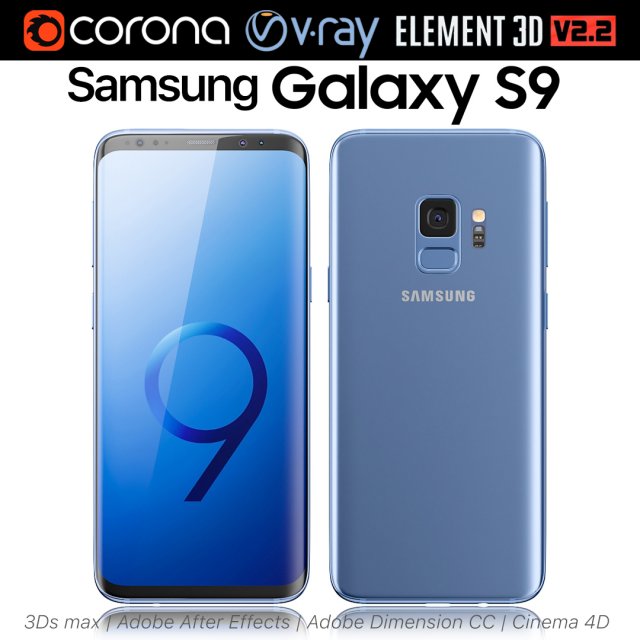
Samsung Galaxy S9 Coral Blue 3D Model
Realistic (copy) 3d model of Samsung Galaxy S9 Coral Blue.This set:3D element v2.2The model given is easy to use- 1 file obj standard- 1 file 3ds Max 2013 vray material- 1 file 3ds Max 2013 corona material- 1 file of 3Ds- 1 file of cinema 4d- 1 file of Adobe Dimension CC- file e3d full set of materials, like a previewHow to use it?1. Discovery after the impact of CC 2014 (or above) and create a new composition (you need Element3D v2.2 to use)2. Create a new solid layer and add the effect of the elements. (Effect / Video Copilot / Element)3. Select Install Location4. Click on the import inside the Element3D Installation location5. Select my .e3d according to the model and click on the open button.If you do not see the model, do not forget to right click on the model name and press the replace model select.Topology of geometry:- forms and proportions of The 3D model- the geometry of the model was created very neatly- there are no many-sided polygons- detailed enough for close-up renders- the model optimized for turbosmooth modifier- Not collapsed the turbosmooth modified- apply the Smooth modifier with a parameter to get the desired level of detailMaterials and Textures:- 3ds max files included Vray-Shaders- 3ds max files included Corona-Shaders- file e3d full set of materials- all texture paths are clearedOrganization of scene:- to all objects and materials- real world size (system units – mm)- coordinates of location of the model in space (x0, y0, z0)- does not contain extraneous or hidden objects (lights, cameras, shapes etc.)Excellent renders to you!
-
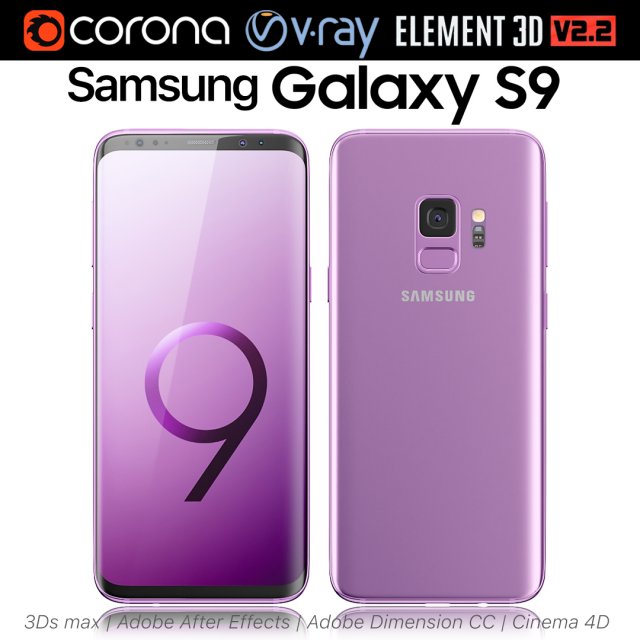
Samsung Galaxy S9 Lilac Purple 3D Model
Realistic (copy) 3d model of Samsung Galaxy S9 Lilac Purple.This set:3D element v2.2The model given is easy to use- 1 file obj standard- 1 file 3ds Max 2013 vray material- 1 file 3ds Max 2013 corona material- 1 file of 3Ds- 1 file of cinema 4d- 1 file of Adobe Dimension CC- file e3d full set of materials, like a previewHow to use it?1. Discovery after the impact of CC 2014 (or above) and create a new composition (you need Element3D v2.2 to use)2. Create a new solid layer and add the effect of the elements. (Effect / Video Copilot / Element)3. Select Install Location4. Click on the import inside the Element3D Installation location5. Select my .e3d according to the model and click on the open button.If you do not see the model, do not forget to right click on the model name and press the replace model select.Topology of geometry:- forms and proportions of The 3D model- the geometry of the model was created very neatly- there are no many-sided polygons- detailed enough for close-up renders- the model optimized for turbosmooth modifier- Not collapsed the turbosmooth modified- apply the Smooth modifier with a parameter to get the desired level of detailMaterials and Textures:- 3ds max files included Vray-Shaders- 3ds max files included Corona-Shaders- file e3d full set of materials- all texture paths are clearedOrganization of scene:- to all objects and materials- real world size (system units – mm)- coordinates of location of the model in space (x0, y0, z0)- does not contain extraneous or hidden objects (lights, cameras, shapes etc.)Excellent renders to you!
-
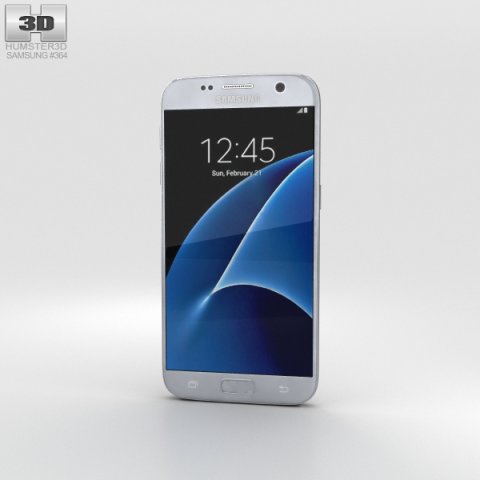
Samsung Galaxy S7 Silver 3D Model
The 3D model was created on real base. It’s created accurately, in real units of measurement, qualitatively and maximally close to the original.Model formats:- *.max (3ds Max 2008 scanline)- *.max (3ds Max 2008 vray)- *.fbx (Multi Format)- *.obj (Multi Format)- *.3ds (Multi Format)- *.mb (Maya 8.5)- *.lwo (Lightwave 6)- *.c4d (Cinema 4D 11)* renders Are made in 3ds Max 2008 using vray 1.5 (studio environment is not included in the set)If you need any other formats we are more than happy to make them for you.The model is provided combined, all main parts are presented as separate parts therefore materials of objects are easy to be modified or removed and standard parts are easy to be replaced. If you experience difficulties with separating standard parts we are more than happy to give you qualified assistance.We greatly appreciate you choosing our 3D models and hope they will be of use.We look forward to continuously dealing with you.Sincerely Yours,Hum3D Team
-
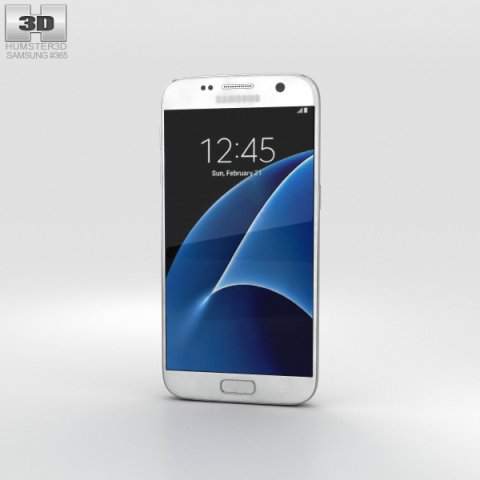
Samsung Galaxy S7 White 3D Model
The 3D model was created on real base. It’s created accurately, in real units of measurement, qualitatively and maximally close to the original.Model formats:- *.max (3ds Max 2008 scanline)- *.max (3ds Max 2008 vray)- *.fbx (Multi Format)- *.obj (Multi Format)- *.3ds (Multi Format)- *.mb (Maya 8.5)- *.lwo (Lightwave 6)- *.c4d (Cinema 4D 11)* renders Are made in 3ds Max 2008 using vray 1.5 (studio environment is not included in the set)If you need any other formats we are more than happy to make them for you.The model is provided combined, all main parts are presented as separate parts therefore materials of objects are easy to be modified or removed and standard parts are easy to be replaced. If you experience difficulties with separating standard parts we are more than happy to give you qualified assistance.We greatly appreciate you choosing our 3D models and hope they will be of use.We look forward to continuously dealing with you.Sincerely Yours,Hum3D Team
-
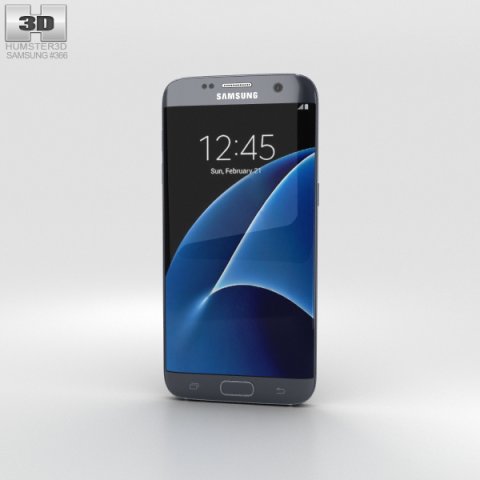
Samsung Galaxy S7 Edge Black 3D Model
The 3D model was created on real base. It’s created accurately, in real units of measurement, qualitatively and maximally close to the original.Model formats:- *.max (3ds Max 2008 scanline)- *.max (3ds Max 2008 vray)- *.fbx (Multi Format)- *.obj (Multi Format)- *.3ds (Multi Format)- *.mb (Maya 8.5)- *.lwo (Lightwave 6)- *.c4d (Cinema 4D 11)* renders Are made in 3ds Max 2008 using vray 1.5 (studio environment is not included in the set)If you need any other formats we are more than happy to make them for you.The model is provided combined, all main parts are presented as separate parts therefore materials of objects are easy to be modified or removed and standard parts are easy to be replaced. If you experience difficulties with separating standard parts we are more than happy to give you qualified assistance.We greatly appreciate you choosing our 3D models and hope they will be of use.We look forward to continuously dealing with you.Sincerely Yours,Hum3D Team
-
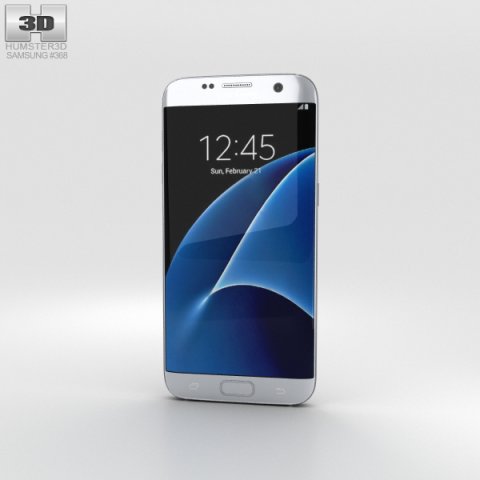
Samsung Galaxy S7 Edge Silver 3D Model
The 3D model was created on real base. It’s created accurately, in real units of measurement, qualitatively and maximally close to the original.Model formats:- *.max (3ds Max 2008 scanline)- *.max (3ds Max 2008 vray)- *.fbx (Multi Format)- *.obj (Multi Format)- *.3ds (Multi Format)- *.mb (Maya 8.5)- *.lwo (Lightwave 6)- *.c4d (Cinema 4D 11)* renders Are made in 3ds Max 2008 using vray 1.5 (studio environment is not included in the set)If you need any other formats we are more than happy to make them for you.The model is provided combined, all main parts are presented as separate parts therefore materials of objects are easy to be modified or removed and standard parts are easy to be replaced. If you experience difficulties with separating standard parts we are more than happy to give you qualified assistance.We greatly appreciate you choosing our 3D models and hope they will be of use.We look forward to continuously dealing with you.Sincerely Yours,Hum3D Team
-
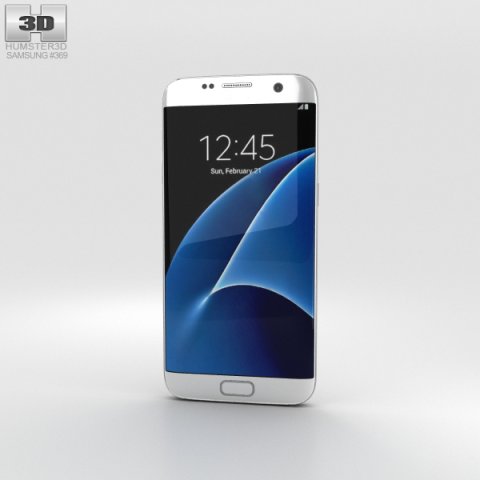
Samsung Galaxy S7 Edge White 3D Model
The 3D model was created on real base. It’s created accurately, in real units of measurement, qualitatively and maximally close to the original.Model formats:- *.max (3ds Max 2008 scanline)- *.max (3ds Max 2008 vray)- *.fbx (Multi Format)- *.obj (Multi Format)- *.3ds (Multi Format)- *.mb (Maya 8.5)- *.lwo (Lightwave 6)- *.c4d (Cinema 4D 11)* renders Are made in 3ds Max 2008 using vray 1.5 (studio environment is not included in the set)If you need any other formats we are more than happy to make them for you.The model is provided combined, all main parts are presented as separate parts therefore materials of objects are easy to be modified or removed and standard parts are easy to be replaced. If you experience difficulties with separating standard parts we are more than happy to give you qualified assistance.We greatly appreciate you choosing our 3D models and hope they will be of use.We look forward to continuously dealing with you.Sincerely Yours,Hum3D Team
-
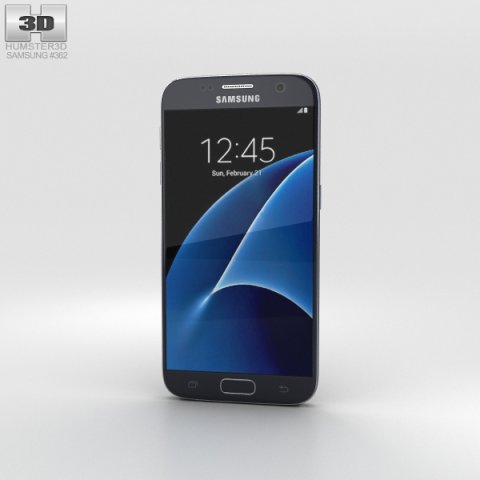
Samsung Galaxy S7 Black 3D Model
The 3D model was created on real base. It’s created accurately, in real units of measurement, qualitatively and maximally close to the original.Model formats:- *.max (3ds Max 2008 scanline)- *.max (3ds Max 2008 vray)- *.fbx (Multi Format)- *.obj (Multi Format)- *.3ds (Multi Format)- *.mb (Maya 8.5)- *.lwo (Lightwave 6)- *.c4d (Cinema 4D 11)* renders Are made in 3ds Max 2008 using vray 1.5 (studio environment is not included in the set)If you need any other formats we are more than happy to make them for you.The model is provided combined, all main parts are presented as separate parts therefore materials of objects are easy to be modified or removed and standard parts are easy to be replaced. If you experience difficulties with separating standard parts we are more than happy to give you qualified assistance.We greatly appreciate you choosing our 3D models and hope they will be of use.We look forward to continuously dealing with you.Sincerely Yours,Hum3D Team
-
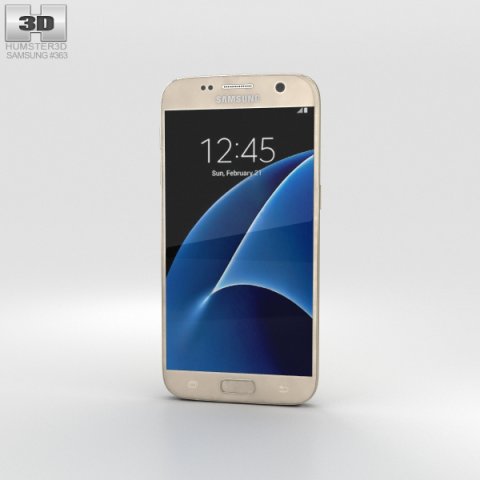
Samsung Galaxy S7 Gold 3D Model
The 3D model was created on real base. It’s created accurately, in real units of measurement, qualitatively and maximally close to the original.Model formats:- *.max (3ds Max 2008 scanline)- *.max (3ds Max 2008 vray)- *.fbx (Multi Format)- *.obj (Multi Format)- *.3ds (Multi Format)- *.mb (Maya 8.5)- *.lwo (Lightwave 6)- *.c4d (Cinema 4D 11)* renders Are made in 3ds Max 2008 using vray 1.5 (studio environment is not included in the set)If you need any other formats we are more than happy to make them for you.The model is provided combined, all main parts are presented as separate parts therefore materials of objects are easy to be modified or removed and standard parts are easy to be replaced. If you experience difficulties with separating standard parts we are more than happy to give you qualified assistance.We greatly appreciate you choosing our 3D models and hope they will be of use.We look forward to continuously dealing with you.Sincerely Yours,Hum3D Team
-
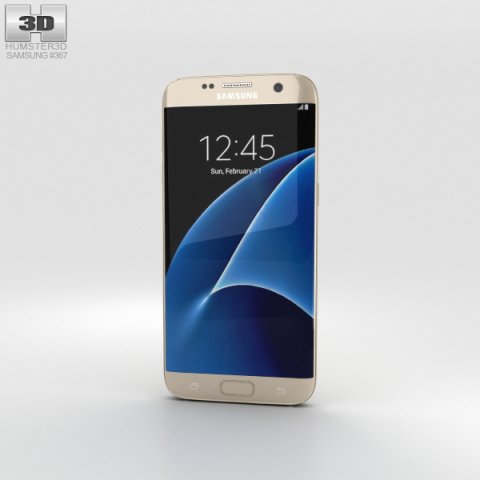
Samsung Galaxy S7 Edge Gold 3D Model
The 3D model was created on real base. It’s created accurately, in real units of measurement, qualitatively and maximally close to the original.Model formats:- *.max (3ds Max 2008 scanline)- *.max (3ds Max 2008 vray)- *.fbx (Multi Format)- *.obj (Multi Format)- *.3ds (Multi Format)- *.mb (Maya 8.5)- *.lwo (Lightwave 6)- *.c4d (Cinema 4D 11)* renders Are made in 3ds Max 2008 using vray 1.5 (studio environment is not included in the set)If you need any other formats we are more than happy to make them for you.The model is provided combined, all main parts are presented as separate parts therefore materials of objects are easy to be modified or removed and standard parts are easy to be replaced. If you experience difficulties with separating standard parts we are more than happy to give you qualified assistance.We greatly appreciate you choosing our 3D models and hope they will be of use.We look forward to continuously dealing with you.Sincerely Yours,Hum3D Team
-
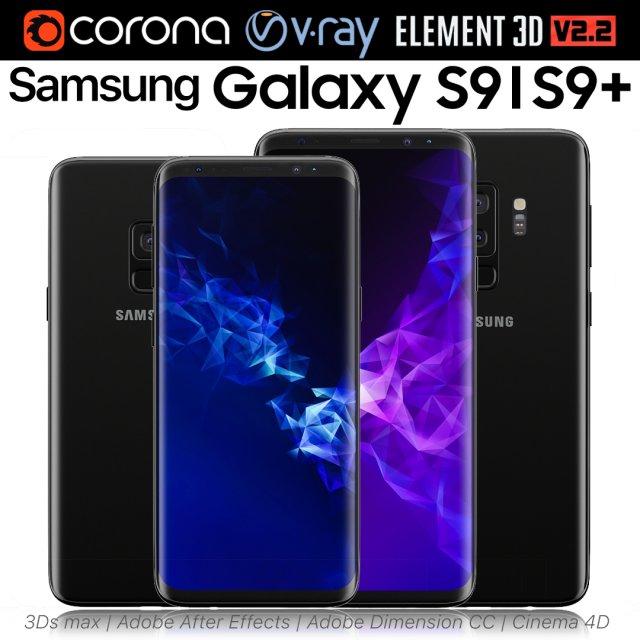
Samsung Galaxy S9 and S9 PLUS Black 3D Model
Realistic (copy) 3d model of Samsung Galaxy S9 and S9 PLUS.This set:3D element v2.2The model given is easy to use- 1 file obj standard- 1 file 3ds Max 2013 vray material- 1 file 3ds Max 2013 corona material- 1 file of 3Ds- 1 file of cinema 4d- 1 file of Adobe Dimension CC- file e3d full set of materials, like a previewHow to use it?1. Discovery after the impact of CC 2014 (or above) and create a new composition (you need Element3D v2.2 to use)2. Create a new solid layer and add the effect of the elements. (Effect / Video Copilot / Element)3. Select Install Location4. Click on the import inside the Element3D Installation location5. Select my .e3d according to the model and click on the open button.If you do not see the model, do not forget to right click on the model name and press the replace model select.Topology of geometry:- forms and proportions of The 3D model- the geometry of the model was created very neatly- there are no many-sided polygons- detailed enough for close-up renders- the model optimized for turbosmooth modifier- Not collapsed the turbosmooth modified- apply the Smooth modifier with a parameter to get the desired level of detailMaterials and Textures:- 3ds max files included Vray-Shaders- 3ds max files included Corona-Shaders- file e3d full set of materials- all texture paths are clearedOrganization of scene:- to all objects and materials- real world size (system units – mm)- coordinates of location of the model in space (x0, y0, z0)- does not contain extraneous or hidden objects (lights, cameras, shapes etc.)Excellent renders to you!
-
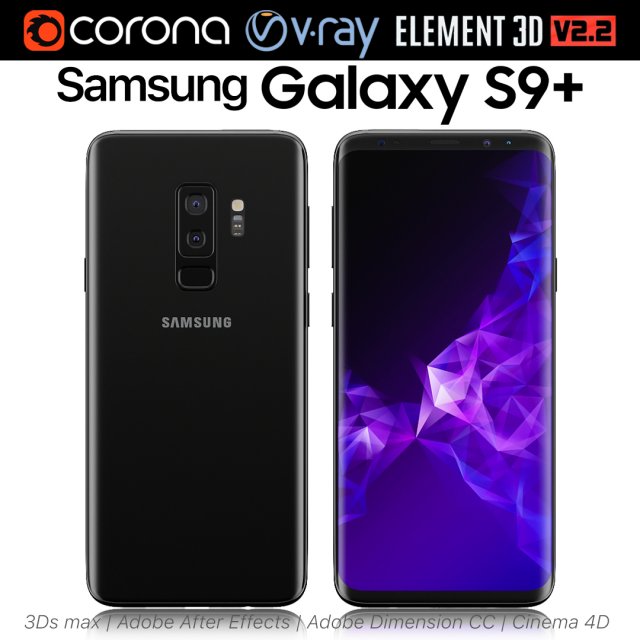
Samsung Galaxy S9 PLUS Black 3D Model
Realistic (copy) 3d model of Samsung Galaxy S9 PLUS.This set:3D element v2.2The model given is easy to use- 1 file obj standard- 1 file 3ds Max 2013 vray material- 1 file 3ds Max 2013 corona material- 1 file of 3Ds- 1 file of cinema 4d- 1 file of Adobe Dimension CC- file e3d full set of materials, like a previewHow to use it?1. Discovery after the impact of CC 2014 (or above) and create a new composition (you need Element3D v2.2 to use)2. Create a new solid layer and add the effect of the elements. (Effect / Video Copilot / Element)3. Select Install Location4. Click on the import inside the Element3D Installation location5. Select my .e3d according to the model and click on the open button.If you do not see the model, do not forget to right click on the model name and press the replace model select.Topology of geometry:- forms and proportions of The 3D model- the geometry of the model was created very neatly- there are no many-sided polygons- detailed enough for close-up renders- the model optimized for turbosmooth modifier- Not collapsed the turbosmooth modified- apply the Smooth modifier with a parameter to get the desired level of detailMaterials and Textures:- 3ds max files included Vray-Shaders- 3ds max files included Corona-Shaders- file e3d full set of materials- all texture paths are clearedOrganization of scene:- to all objects and materials- real world size (system units – mm)- coordinates of location of the model in space (x0, y0, z0)- does not contain extraneous or hidden objects (lights, cameras, shapes etc.)Excellent renders to you!
-
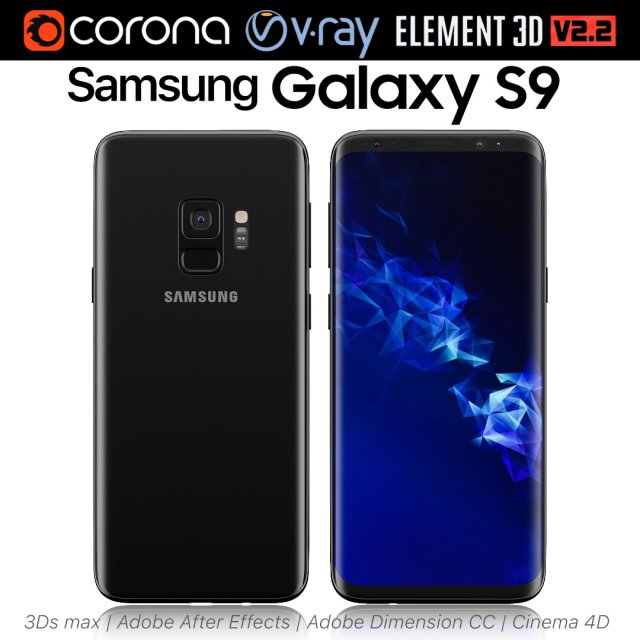
Samsung Galaxy S9 Black 3D Model
Realistic (copy) 3d model of Samsung Galaxy S9.This set:3D element v2.2The model given is easy to use- 1 file obj standard- 1 file 3ds Max 2013 vray material- 1 file 3ds Max 2013 corona material- 1 file of 3Ds- 1 file of cinema 4d- 1 file of Adobe Dimension CC- file e3d full set of materials, like a previewHow to use it?1. Discovery after the impact of CC 2014 (or above) and create a new composition (you need Element3D v2.2 to use)2. Create a new solid layer and add the effect of the elements. (Effect / Video Copilot / Element)3. Select Install Location4. Click on the import inside the Element3D Installation location5. Select my .e3d according to the model and click on the open button.If you do not see the model, do not forget to right click on the model name and press the replace model select.Topology of geometry:- forms and proportions of The 3D model- the geometry of the model was created very neatly- there are no many-sided polygons- detailed enough for close-up renders- the model optimized for turbosmooth modifier- Not collapsed the turbosmooth modified- apply the Smooth modifier with a parameter to get the desired level of detailMaterials and Textures:- 3ds max files included Vray-Shaders- 3ds max files included Corona-Shaders- file e3d full set of materials- all texture paths are clearedOrganization of scene:- to all objects and materials- real world size (system units – mm)- coordinates of location of the model in space (x0, y0, z0)- does not contain extraneous or hidden objects (lights, cameras, shapes etc.)Excellent renders to you!
-
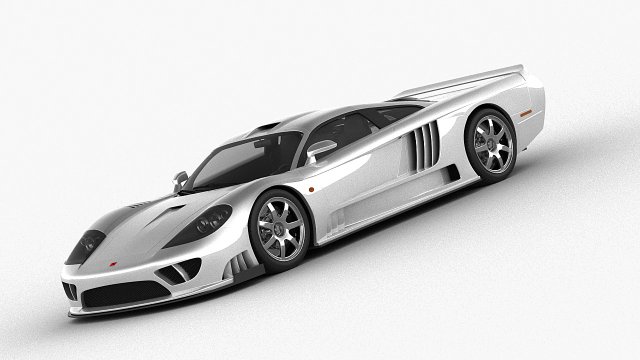
Saleen S7 Twin Turbo 2009 3D Model
This high quality 3d model of car – Saleen S7 Twin Turbo 2009File Formats:- .lwo (lightwave)- .c4d (Cinema 4D)- .obj (multi format)- .fbx (multi format)- .max (3ds Max)-. 3ds(multi format)Features:- 3d model is completely ready for detailed and beautiful rendering and animation.- No plugins required- High poly- The model have clean topology- All objects are separated and named- Suitable for close-up rendering- You can easily change or aply new materials, color and otherThe model is provided combined, all main parts are presented as separate parts therefore materials of objects are easy to be modified or removed and standard parts are easy to be replaced.All parts of this model have been modelled separately to achieve as much realism as possible.It can be used as a production model without any requirement of additional modeling and texturing.If you have any questions or you need help with something, feel free to ask in my profile message.Sincerely Yours,Korneelov
-
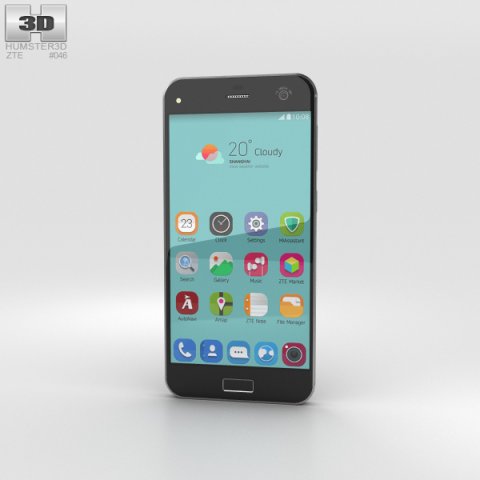
ZTE Blade S7 Space Gray 3D Model
The 3D model was created on real base. It’s created accurately, in real units of measurement, qualitatively and maximally close to the original.Model formats:- *.max (3ds Max 2008 scanline)- *.max (3ds Max 2008 vray)- *.fbx (Multi Format)- *.obj (Multi Format)- *.3ds (Multi Format)- *.mb (Maya 8.5)- *.lwo (Lightwave 6)- *.c4d (Cinema 4D 11)* renders Are made in 3ds Max 2008 using vray 1.5 (studio environment is not included in the set)If you need any other formats we are more than happy to make them for you.The model is provided combined, all main parts are presented as separate parts therefore materials of objects are easy to be modified or removed and standard parts are easy to be replaced. If you experience difficulties with separating standard parts we are more than happy to give you qualified assistance.We greatly appreciate you choosing our 3D models and hope they will be of use.We look forward to continuously dealing with you.Sincerely Yours,Hum3D Team
-
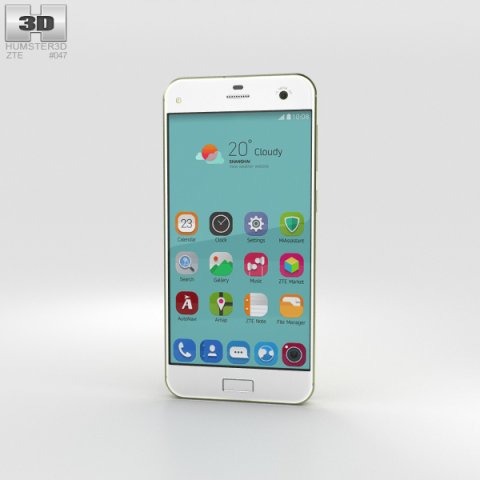
ZTE Blade S7 Lemon Green 3D Model
The 3D model was created on real base. It’s created accurately, in real units of measurement, qualitatively and maximally close to the original.Model formats:- *.max (3ds Max 2008 scanline)- *.max (3ds Max 2008 vray)- *.fbx (Multi Format)- *.obj (Multi Format)- *.3ds (Multi Format)- *.mb (Maya 8.5)- *.lwo (Lightwave 6)- *.c4d (Cinema 4D 11)* renders Are made in 3ds Max 2008 using vray 1.5 (studio environment is not included in the set)If you need any other formats we are more than happy to make them for you.The model is provided combined, all main parts are presented as separate parts therefore materials of objects are easy to be modified or removed and standard parts are easy to be replaced. If you experience difficulties with separating standard parts we are more than happy to give you qualified assistance.We greatly appreciate you choosing our 3D models and hope they will be of use.We look forward to continuously dealing with you.Sincerely Yours,Hum3D Team
-
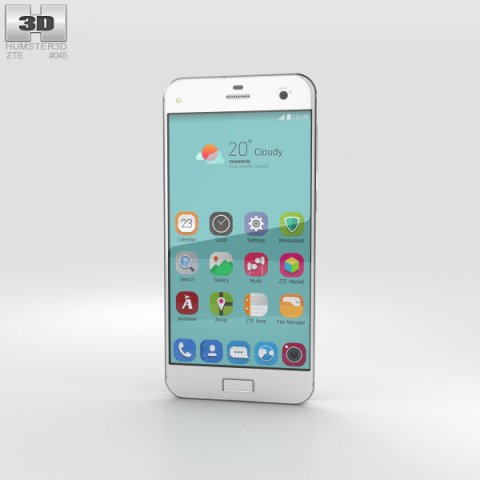
ZTE Blade S7 Diamond White 3D Model
The 3D model was created on real base. It’s created accurately, in real units of measurement, qualitatively and maximally close to the original.Model formats:- *.max (3ds Max 2008 scanline)- *.max (3ds Max 2008 vray)- *.fbx (Multi Format)- *.obj (Multi Format)- *.3ds (Multi Format)- *.mb (Maya 8.5)- *.lwo (Lightwave 6)- *.c4d (Cinema 4D 11)* renders Are made in 3ds Max 2008 using vray 1.5 (studio environment is not included in the set)If you need any other formats we are more than happy to make them for you.The model is provided combined, all main parts are presented as separate parts therefore materials of objects are easy to be modified or removed and standard parts are easy to be replaced. If you experience difficulties with separating standard parts we are more than happy to give you qualified assistance.We greatly appreciate you choosing our 3D models and hope they will be of use.We look forward to continuously dealing with you.Sincerely Yours,Hum3D Team
-
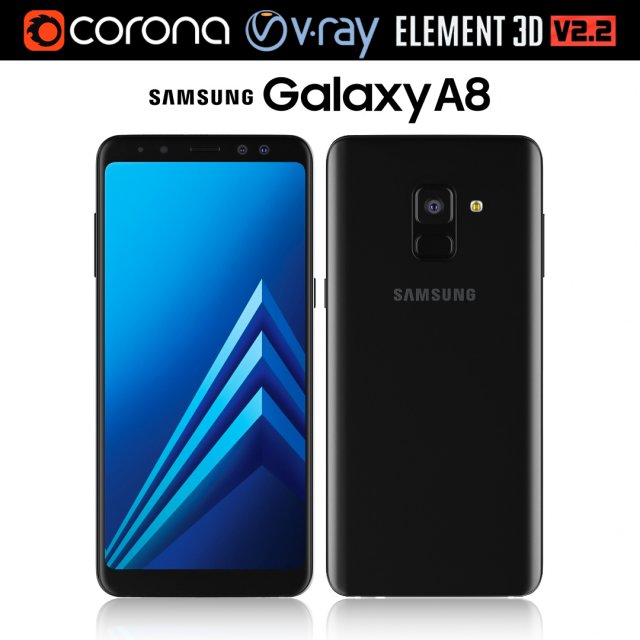
Samsung Galaxy A8 Black 3D Model
Realistic (copy) 3d model of Samsung Galaxy A8.This set:3D element v2.2The model given is easy to use- 1 file obj standard- 1 file 3ds Max 2013 vray material- 1 file 3ds Max 2013 corona material- 1 file of 3Ds- file e3d full set of materials, like a previewHow to use it?1. Discovery after the impact of CC 2014 (or above) and create a new composition (you need Element3D v2.2 to use)2. Create a new solid layer and add the effect of the elements. (Effect / Video Copilot / Element)3. Select Install Location4. Click on the import inside the Element3D Installation location5. Select my .e3d according to the model and click on the open button.If you do not see the model, do not forget to right click on the model name and press the replace model select.Topology of geometry:- forms and proportions of The 3D model- the geometry of the model was created very neatly- there are no many-sided polygons- detailed enough for close-up renders- the model optimized for turbosmooth modifier- Not collapsed the turbosmooth modified- apply the Smooth modifier with a parameter to get the desired level of detailMaterials and Textures:- 3ds max files included Vray-Shaders- 3ds max files included Corona-Shaders- file e3d full set of materials- all texture paths are clearedOrganization of scene:- to all objects and materials- real world size (system units – mm)- coordinates of location of the model in space (x0, y0, z0)- does not contain extraneous or hidden objects (lights, cameras, shapes etc.)The model is made for corona render 1.5 and vray 3.2, as well as for the Element 3D v2.2 plug-in from Video Copilot.Excellent renders to you!
-
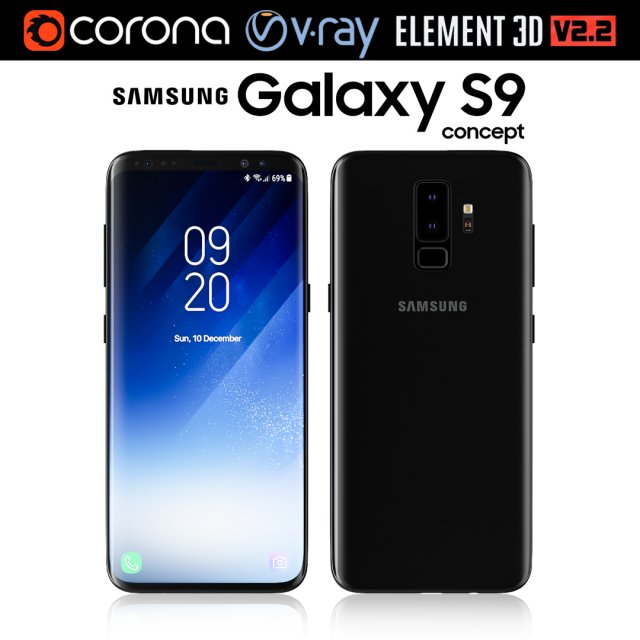
Samsung Galaxy S9 3D Model
Realistic (copy) 3d model of Samsung Galaxy S9.This set:3D element v2.2The model given is easy to use- 1 file obj standard- 1 file 3ds Max 2013 vray material- 1 file 3ds Max 2013 corona material- 1 file of 3Ds- file e3d full set of materials, like a previewHow to use it?1. Discovery after the impact of CC 2014 (or above) and create a new composition (you need Element3D v2.2 to use)2. Create a new solid layer and add the effect of the elements. (Effect / Video Copilot / Element)3. Select Install Location4. Click on the import inside the Element3D Installation location5. Select my .e3d according to the model and click on the open button.If you do not see the model, do not forget to right click on the model name and press the replace model select.Topology of geometry:- forms and proportions of The 3D model- the geometry of the model was created very neatly- there are no many-sided polygons- detailed enough for close-up renders- the model optimized for turbosmooth modifier- Not collapsed the turbosmooth modified- apply the Smooth modifier with a parameter to get the desired level of detailMaterials and Textures:- 3ds max files included Vray-Shaders- 3ds max files included Corona-Shaders- file e3d full set of materials- all texture paths are clearedOrganization of scene:- to all objects and materials- real world size (system units – mm)- coordinates of location of the model in space (x0, y0, z0)- does not contain extraneous or hidden objects (lights, cameras, shapes etc.)The model is made for corona render 1.5 and vray 3.2, as well as for the Element 3D v2.2 plug-in from Video Copilot.Excellent renders to you!
-
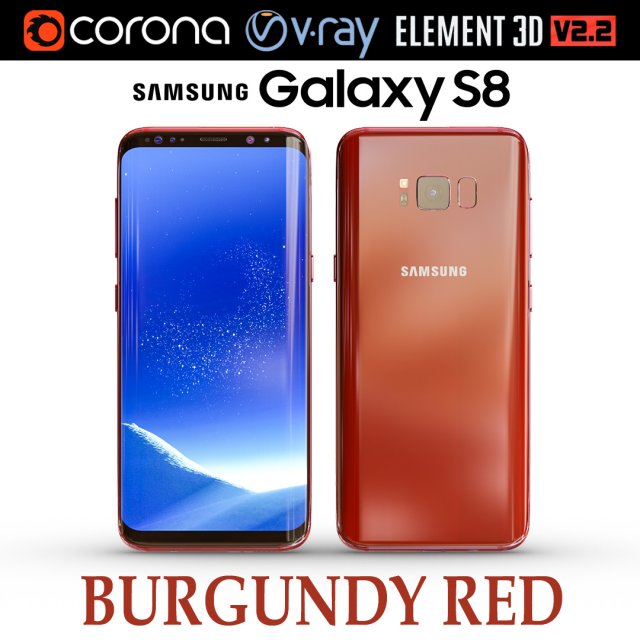
Samsung Galaxy S8 BURGUNDY RED 3D Model
Realistic (copy) 3d model of Samsung Galaxy S8 BURGUNDY RED .This set:3D element v2.2The model given is easy to use- 1 file obj standard- 1 file 3ds Max 2013 vray material- 1 file 3ds Max 2013 corona material- 1 file of 3Ds- file e3d full set of materials, like a previewHow to use it?1. Discovery after the impact of CC 2014 (or above) and create a new composition (you need Element3D v2.2 to use)2. Create a new solid layer and add the effect of the elements. (Effect / Video Copilot / Element)3. Select Install Location4. Click on the import inside the Element3D Installation location5. Select my .e3d according to the model and click on the open button.If you do not see the model, do not forget to right click on the model name and press the replace model select.Topology of geometry:- forms and proportions of The 3D model- the geometry of the model was created very neatly- there are no many-sided polygons- detailed enough for close-up renders- the model optimized for turbosmooth modifier- Not collapsed the turbosmooth modified- apply the Smooth modifier with a parameter to get the desired level of detailMaterials and Textures:- 3ds max files included Vray-Shaders- 3ds max files included Corona-Shaders- file e3d full set of materials- all texture paths are clearedOrganization of scene:- to all objects and materials- real world size (system units – mm)- coordinates of location of the model in space (x0, y0, z0)- does not contain extraneous or hidden objects (lights, cameras, shapes etc.)The model is made for corona render 1.5 and vray 3.2, as well as for the Element 3D v2.2 plug-in from Video Copilot.In the version of vray, BRDF materials are installed in Microfacet GTR / GGX, vray 2.4 owners need to install BRDF in Blinn.Excellent renders to you!
-
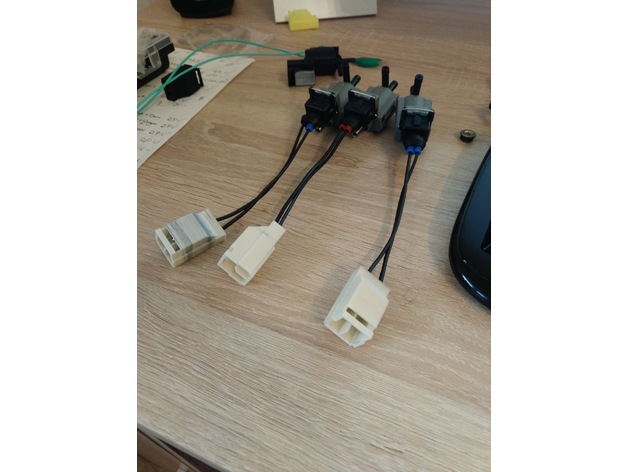
RX7 S7 and S8 Solenoid Connector 3D Print Model
Summary
Connector to make a pigtail or adapter for non mazda solenoids.
Standard Power Time Male Connector 33-0626 is needed. -
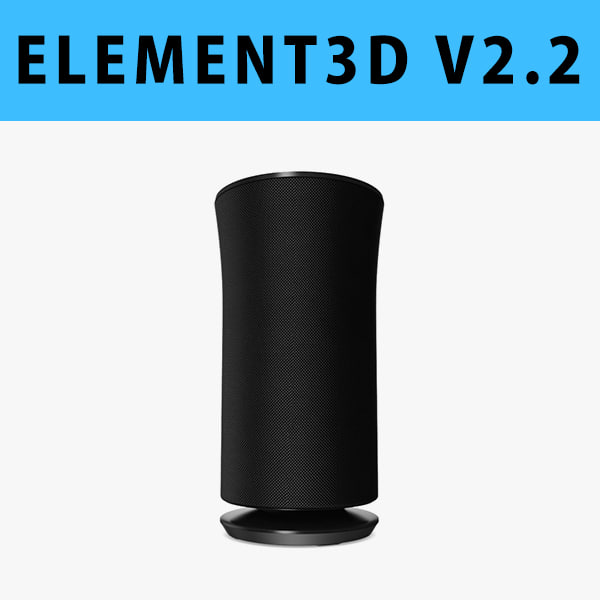
E3D – Samsung Radiant360 R3 Wireless Speaker 3D model 3D Model
This pack:Element 3D V2.2 ( All colors )models preset easy to use- 1 file OBJ High poly- 1 file OBJ standard- 1 file C4D R12 standard render- 1 file 3ds max 2012 standard material- E3D file full materials set up like previewsHow to use it?1. Open After Effects CC 2014 ( or higher) and create new composition ( You need Element3D V2.2 to use )2. Create new Solid layer and add Element effect. ( Effect/Video Copilot/ Element )3. Click Scene Setup4. Click on IMPORT inside Element3D scene setup5. Choose my .e3d preset for the model and press Open.If you dont see the model do not forget to right click on the model name and press Replace model then select the .obj model file in the respective models folder.
-
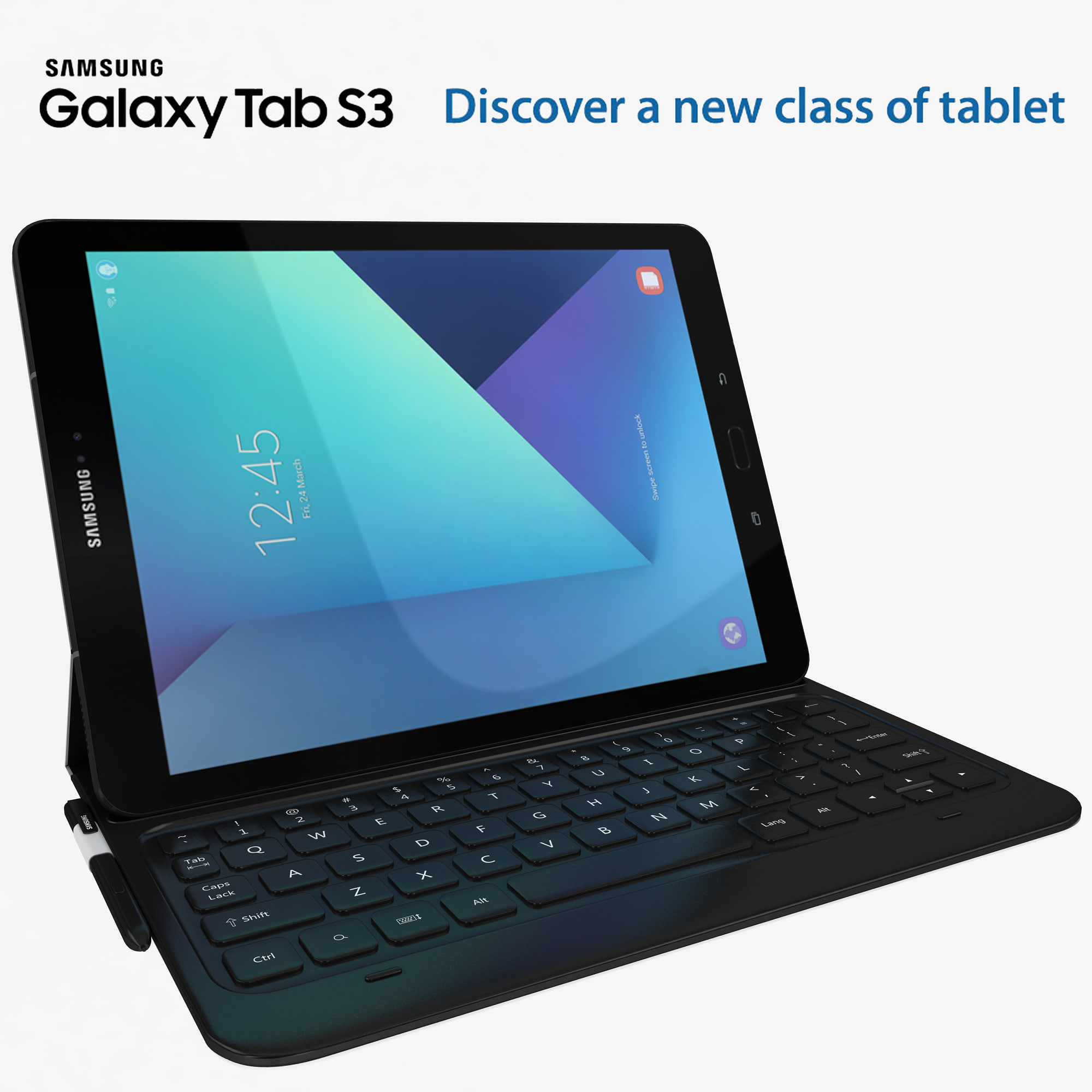
Samsung Galaxy Tab S3 black with S Pen & Keyboard 3D Model
high detail Samsung Galaxy Tab S3 with high quilty randring with vray 2.0 and i use Max 2009 for this model ….Available in the following file formats:- Max 2009- 3ds Max with V-Ray materials (.max)- FBX (.fbx)- OBJ-WRL-DXF- 3D max file included Standard materials and Vray-materials.- All the materials are named.- This 3d model objects and materials have the correct names and stripped the texture paths.- I Hope you Will Like My All Products.Thanks For Buying.
-
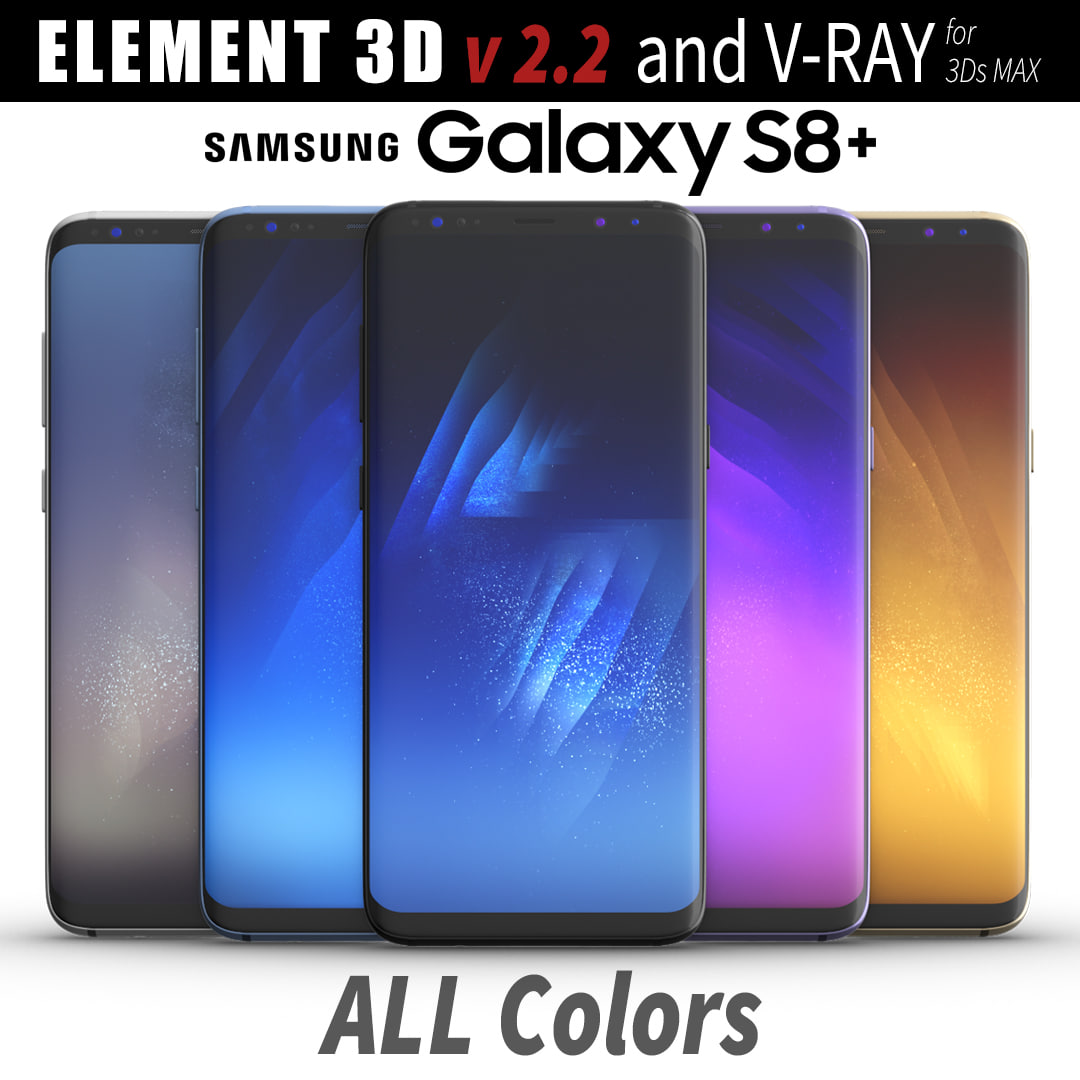
3D Samsung Galaxy S8 PLUS ALL Colors model 3D Model
This set:3D element v2.2The model given is easy to use- 1 file obj standard- 1 file c4d R18 in the standard render- 1 file 3ds Max 2013 vray material- 1 file fbx- 1 file of 3Ds- file e3d full set of materials, like a previewHow to use it?1. Discovery after the impact of CC 2014 (or above) and create a new composition (you need Element3D v2.2 to use)2. Create a new solid layer and add the effect of the elements. (Effect / Video Copilot / Element)3. Select Install Location4. Click on the import inside the Element3D Installation location5. Select my .e3d according to the model and click on the open button.If you do not see the model, do not forget to right click on the model name and press the replace model select.Topology of geometry:- forms and proportions of The 3D model- the geometry of the model was created very neatly- there are no many-sided polygons- detailed enough for close-up renders- the model optimized for turbosmooth modifier- Not collapsed the turbosmooth modified- apply the Smooth modifier with a parameter to get the desired level of detailMaterials and Textures:- 3ds max files included Vray-Shaders- all texture paths are clearedOrganization of scene:- to all objects and materials- real world size (system units – mm)- coordinates of location of the model in space (x0, y0, z0)- does not contain extraneous or hidden objects (lights, cameras, shapes etc.)
-
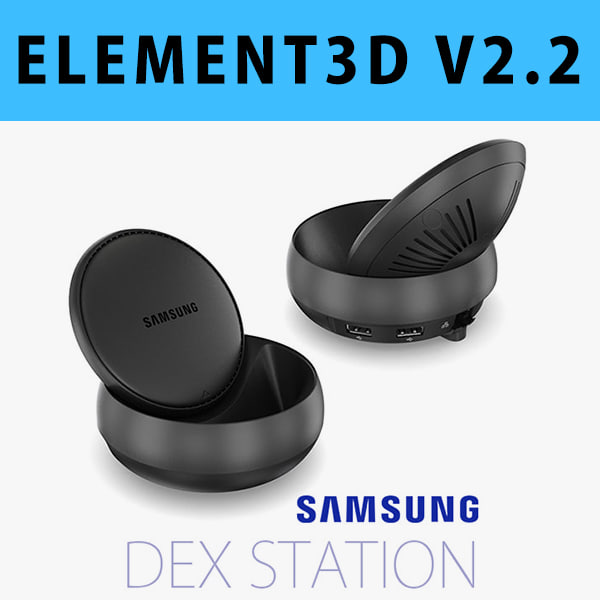
E3D – Samsung DEX Station model 3D Model
This pack:Element 3D V2.2 ( All colors )models preset easy to use- 1 file OBJ High poly- 1 file OBJ standard- 1 file C4D R12 standard render- 1 file 3ds max 2012 standard material- E3D file full materials set up like previewsHow to use it?1. Open After Effects CC 2014 ( or higher) and create new composition ( You need Element3D V2.2 to use )2. Create new Solid layer and add Element effect. ( Effect/Video Copilot/ Element )3. Click Scene Setup4. Click on IMPORT inside Element3D scene setup5. Choose my .e3d preset for the model and press Open.If you dont see the model do not forget to right click on the model name and press Replace model then select the .obj model file in the respective models folder.
-
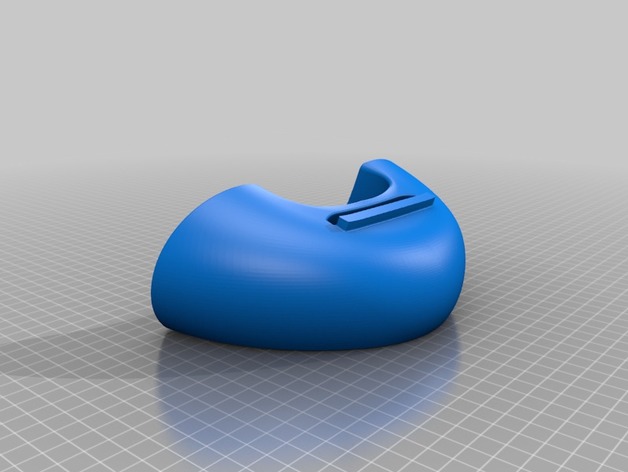
S7 Edge Speaker V2 3D Print Model
Summary
Just a simple amplifierd dock for samsung S7 and S7 edge speakers easy to print.
Print Settings
Printer:
Anet A6 Rafts:
Doesn’t Matter Supports:
No Resolution:
0.2 Infill:
20
Post-Printing
After Print
After printing you just need to stick the samsung name to the place with a glue , I used loctite. -
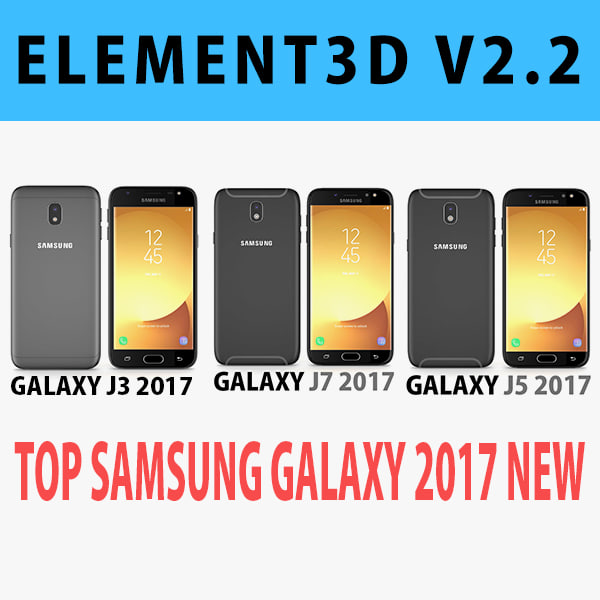
E3D – Samsung Galaxy J Top 2017 New 3D Model
This pack:Element 3D V2.2 ( All colors )models preset easy to use- 1 file OBJ High poly- 1 file OBJ standard- 1 file C4D R12 standard render- 1 file 3ds max 2012 standard material- E3D file full materials set up like previewsHow to use it?1. Open After Effects CC 2014 ( or higher) and create new composition ( You need Element3D V2.2 to use )2. Create new Solid layer and add Element effect. ( Effect/Video Copilot/ Element )3. Click Scene Setup4. Click on IMPORT inside Element3D scene setup5. Choose my .e3d preset for the model and press Open.If you dont see the model do not forget to right click on the model name and press Replace model then select the .obj model file in the respective models folder.
-
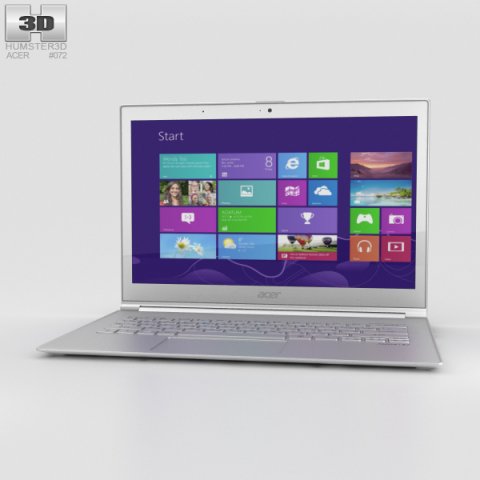
Acer Aspire S7 3D Model
The 3D model was created on real base. It’s created accurately, in real units of measurement, qualitatively and maximally close to the original.Model formats:- *.max (3ds Max 2008 scanline)- *.max (3ds Max 2008 vray)- *.fbx (Multi Format)- *.obj (Multi Format)- *.3ds (Multi Format)- *.mb (Maya 8.5)- *.lwo (Lightwave 6)- *.c4d (Cinema 4D 11)* renders Are made in 3ds Max 2008 using vray 1.5 (studio environment is not included in the set)If you need any other formats we are more than happy to make them for you.The model is provided combined, all main parts are presented as separate parts therefore materials of objects are easy to be modified or removed and standard parts are easy to be replaced. If you experience difficulties with separating standard parts we are more than happy to give you qualified assistance.We greatly appreciate you choosing our 3D models and hope they will be of use.We look forward to continuously dealing with you.Sincerely Yours,Hum3D Team
-
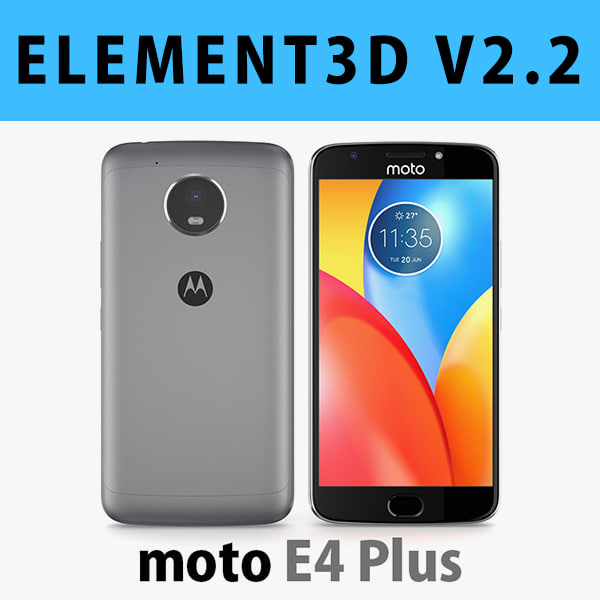
E3D – Motorola Moto E4 Plus Grey 3D model 3D Model
This pack:Element 3D V2.2 ( All colors )models preset easy to use- 1 file OBJ High poly- 1 file OBJ standard- 1 file C4D R12 standard render- 1 file 3ds max 2012 standard material- E3D file full materials set up like previewsHow to use it?1. Open After Effects CC 2014 ( or higher) and create new composition ( You need Element3D V2.2 to use )2. Create new Solid layer and add Element effect. ( Effect/Video Copilot/ Element )3. Click Scene Setup4. Click on IMPORT inside Element3D scene setup5. Choose my .e3d preset for the model and press Open.If you dont see the model do not forget to right click on the model name and press Replace model then select the .obj model file in the respective models folder.
-
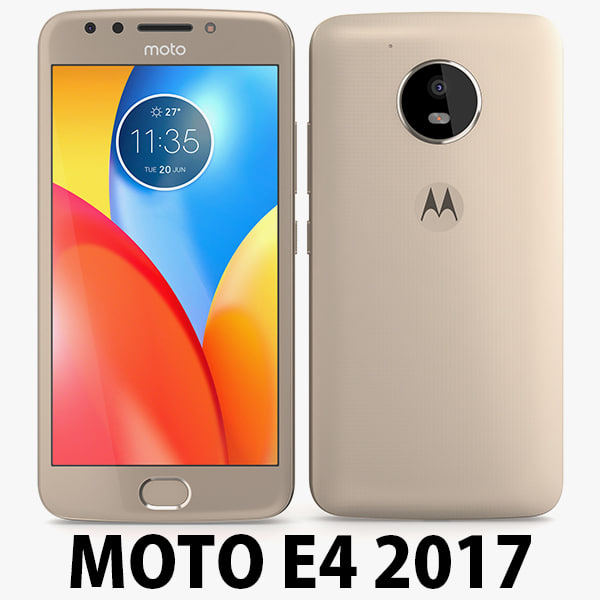
Motorola Moto E4 USA Gold 3D Model
Motorola Moto E4 USA 2017………………….FEATURES:- This model is a highquality, details enuogh to close-up render- Images preview take from V-Ray rendering and not edited- Models resolutions are optimized for polygon efficiency, apply smooth function to increase mesh resolution- All textures was strip paths, open the file and all texture will be connected automatically. – Real world scale, we offer a model with an error of less than 5%.- No object missing- Model with 3 and 4 sides only- No polygons with more than 4 sides- No object with isolated vertices, overlapping faces or overlapping verts- No poles or crease- Poly counts: 19 168- Vert counts: 19 933In 3ds max files:- Frezze tramsform to zero ( 0,0,0 )- Group: Yes- Object with Parents and Childen: Yes- Layer apply to manage: Yes- Named all object………………….FORMATS: 1. 3ds Max 2012 + Vray 2.0: Native format- Vray 2.0 ( full setup materials, lights and camera make rendering like image preivews)- Standard materials ( full setup materials: colors, reflect, translucent )2. Geometry and standard materials with textures. Amount reflect and bump are not set:- OBJ 2012- FBX 2012- 3DS 2012 3. Standard materials with textures.Amount reflect and bump are not set. – Maya 2012- C4D R12- Lightwave 11…………………..TEXTURES:- Textures highquality, enough for close-up render ( 2048 pixels )- UVWs mapping with mixed: overlapping and non-overlapping…………………..Beemaxx team:With over 3 years of experience working with 3D models. We give you all the very best in quality, save time. Our customers come from all over the world. We want to develop a strong community starts from the expanded 3d models market.- Also check out our other models, just click on our user name to see complete gallery.- Summit a product rating will help us very much.
-
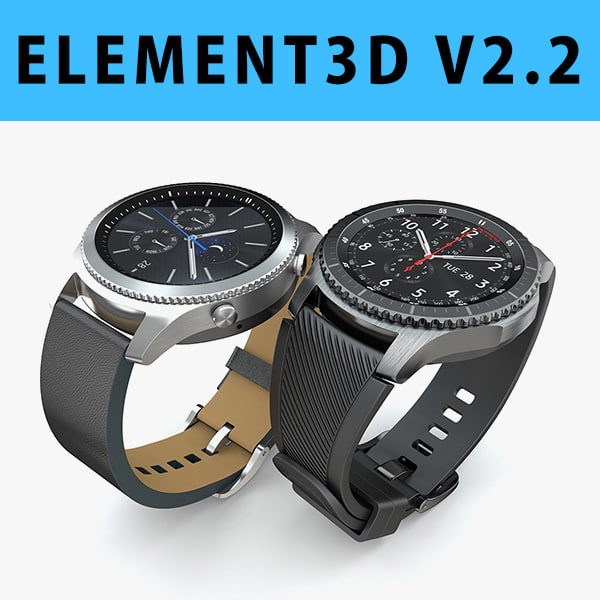
3D E3D – Samsung Gear S3 Classic + Frontier 3D Model
This pack:Element 3D V2.2 ( All colors )models preset easy to use- 1 file OBJ High poly- 1 file OBJ standard- 1 file C4D R12 standard render- 1 file 3ds max 2012 standard material- E3D file full materials set up like previewsHow to use it?1. Open After Effects CC 2014 ( or higher) and create new composition ( You need Element3D V2.2 to use )2. Create new Solid layer and add Element effect. ( Effect/Video Copilot/ Element )3. Click Scene Setup4. Click on IMPORT inside Element3D scene setup5. Choose my .e3d preset for the model and press Open.If you dont see the model do not forget to right click on the model name and press Replace model then select the .obj model file in the respective models folder.
-
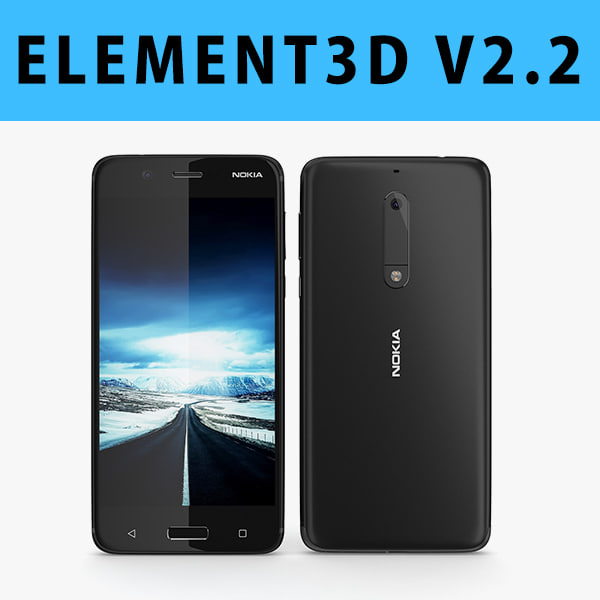
3D E3D – Nokia 5 2017 Black model 3D Model
This pack:Element 3D V2.2 ( All colors )models preset easy to use- 1 file OBJ High poly- 1 file OBJ standard- 1 file C4D R12 standard render- 1 file 3ds max 2012 standard material- E3D file full materials set up like previewsHow to use it?1. Open After Effects CC 2014 ( or higher) and create new composition ( You need Element3D V2.2 to use )2. Create new Solid layer and add Element effect. ( Effect/Video Copilot/ Element )3. Click Scene Setup4. Click on IMPORT inside Element3D scene setup5. Choose my .e3d preset for the model and press Open.If you dont see the model do not forget to right click on the model name and press Replace model then select the .obj model file in the respective models folder.
-
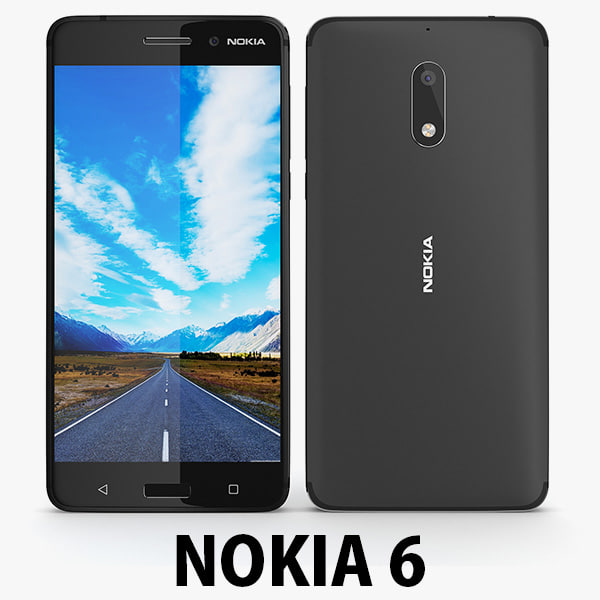
3D Nokia 6 2017 Black 3D Model
Nokia 6………………….FEATURES:- This model is a highquality, details enuogh to close-up render- Images preview take from V-Ray rendering and not edited- Models resolutions are optimized for polygon efficiency, apply smooth function to increase mesh resolution- All textures was strip paths, open the file and all texture will be connected automatically. – Real world scale- No object missing- Model with 3 and 4 sides only- No polygons with more than 4 sides- No object with isolated vertices, overlapping faces or overlapping verts- No poles or crease- Poly counts: 16 413- Vert counts: 17 246In 3ds max files:- Frezze tramsform to zero ( 0,0,0 )- Group: Yes- Object with Parents and Childen: Yes- Layer apply to manage: Yes- Named all object………………….FORMATS: 1. 3ds Max 2012 + Vray 2.0: Native format- Vray 2.0 ( full setup materials, lights and camera make rendering like image preivews)- Standard materials ( full setup materials: colors, reflect, translucent )2. Geometry and standard materials with textures. Amount reflect and bump are not set:- OBJ 2012- FBX 2012- 3DS 2012 3. Standard materials with textures.Amount reflect and bump are not set. – Maya 2012- C4D R12- Lightwave 11- Softimages 2015…………………..TEXTURES:- Textures highquality, enough for close-up render- UVWs mapping with mixed: overlapping and non-overlapping…………………..Beemaxx team:With over 3 years of experience working with 3D models. We give you all the very best in quality, save time. Our customers come from all over the world. We want to develop a strong community starts from the expanded 3d models market.- Also check out our other models, just click on our user name to see complete gallery.- Summit a product rating will help us very much.
-
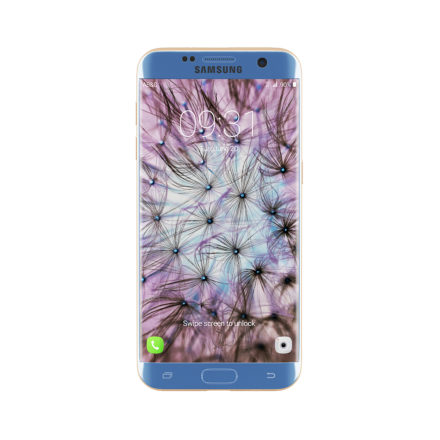
Galaxy S7 Edge Blue/Gold 3D Model
3d model of Galaxy S7 Edge smartphone – Blue and Gold color. Compatible with 3ds max 2010 or higher and many others.
-
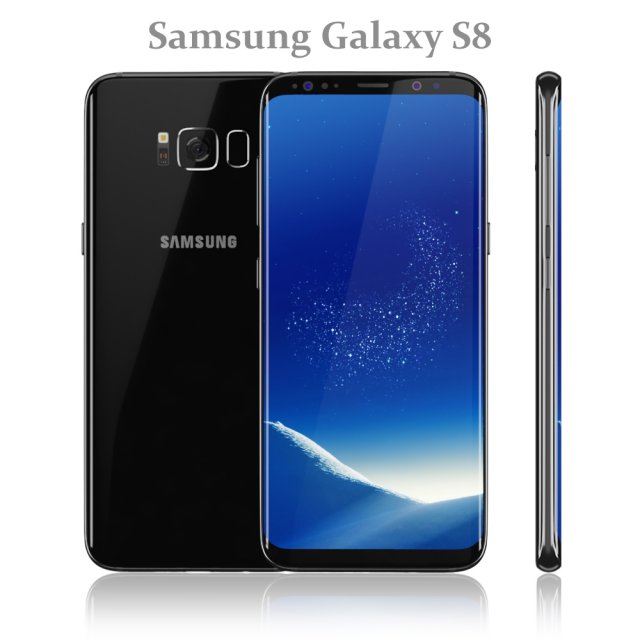
Samsung Galaxy S8 Black model 3D Model
Realistic (copy) 3d model of Samsung Galaxy S8 Black.
Topology of geometry:
– forms and proportions of The 3D model most similar to the real object
– the geometry of the model was created very neatly
– there are no many-sided polygons
– detailed enough for close-up renders
– the model optimized for turbosmooth modifier
– Not collapsed the turbosmooth modified
– apply the Smooth modifier with a parameter to obtain the desired level of detail
Materials and Textures:
– 3ds max files included Standart materials and Vray-Shaders
– all texture paths are cleared
Organization of scene:
– to all objects and materials names in scene are appropriated
– real world size (system units – mm)
– coordinates of location of the model in space (x0, y0, z0)
– does not contain extraneous or hidden objects (lights, cameras, shapes etc.)
File Formats:
– original file format – 3ds max 2016 + Vray
– 3ds max 2013 Vray and Standard material
– obj
Renders:
– all previews rendered 3ds max Vray
– the model is completely ready for use visualization in 3ds max + Vray -
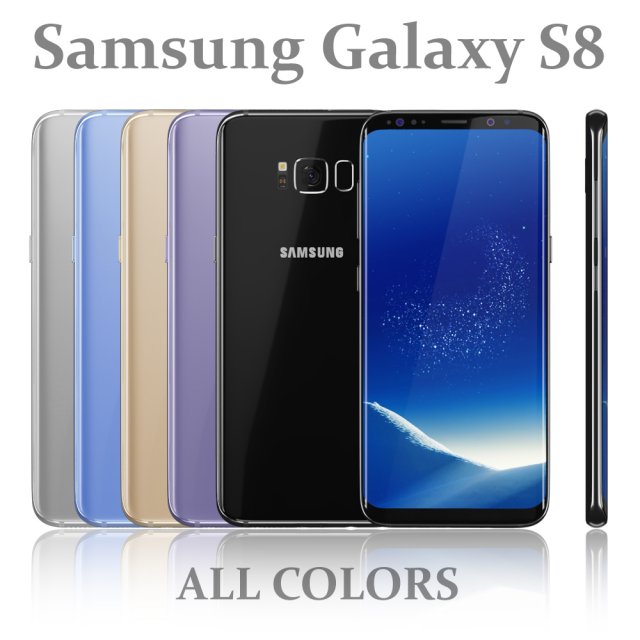
Samsung Galaxy S8 All colors 3D Model
Realistic (copy) 3d model of Samsung Galaxy S8 All colors.
Topology of geometry:
– forms and proportions of The 3D model most similar to the real object
– the geometry of the model was created very neatly
– there are no many-sided polygons
– detailed enough for close-up renders
– the model optimized for turbosmooth modifier
– Not collapsed the turbosmooth modified
– apply the Smooth modifier with a parameter to obtain the desired level of detail
Materials and Textures:
– 3ds max files included Standart materials and Vray-Shaders
– all texture paths are cleared
Organization of scene:
– to all objects and materials names in scene are appropriated
– real world size (system units – mm)
– coordinates of location of the model in space (x0, y0, z0)
– does not contain extraneous or hidden objects (lights, cameras, shapes etc.)
File Formats:
– original file format – 3ds max 2016 + Vray
– 3ds max 2013 Vray and Standard material
– obj
Renders:
– all previews rendered 3ds max Vray
– the model is completely ready for use visualization in 3ds max + Vray -
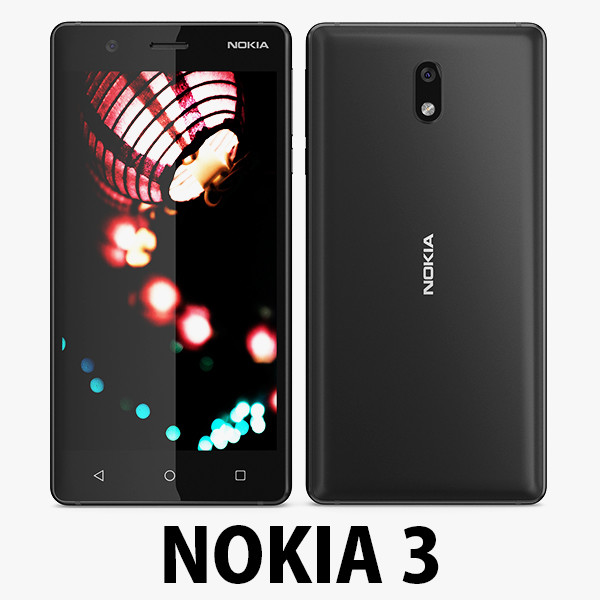
Nokia 3 Black model 3D Model
Nokia 3………………….FEATURES:- This model is a highquality, details enuogh to close-up render- Images preview take from V-Ray rendering and not edited- Models resolutions are optimized for polygon efficiency, apply smooth function to increase mesh resolution- All textures was strip paths, open the file and all texture will be connected automatically. – Real world scale- No object missing- Model with 3 and 4 sides only- No polygons with more than 4 sides- No object with isolated vertices, overlapping faces or overlapping verts- No poles or crease- Poly counts: 14 033- Vert counts: 14 777In 3ds max files:- Frezze tramsform to zero ( 0,0,0 )- Group: Yes- Object with Parents and Childen: Yes- Layer apply to manage: Yes- Named all object………………….FORMATS: 1. 3ds Max 2012 + Vray 2.0: Native format- Vray 2.0 ( full setup materials, lights and camera make rendering like image preivews)- Standard materials ( full setup materials: colors, reflect, translucent )2. Geometry and standard materials with textures. Amount reflect and bump are not set:- OBJ 2012- FBX 2012- 3DS 2012 3. Standard materials with textures.Amount reflect and bump are not set. – Maya 2012- C4D R12- Lightwave 11- Softimages 2015…………………..TEXTURES:- Textures highquality, enough for close-up render- UVWs mapping with mixed: overlapping and non-overlapping…………………..Beemaxx team:With over 3 years of experience working with 3D models. We give you all the very best in quality, save time. Our customers come from all over the world. We want to develop a strong community starts from the expanded 3d models market.- Also check out our other models, just click on our user name to see complete gallery.- Summit a product rating will help us very much.
-
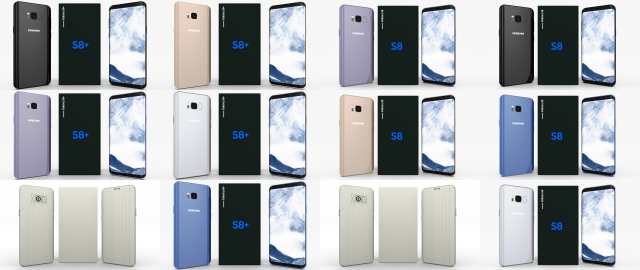
Samsung Galaxy S8 and S8 PlusPack 3D Model
A very accurate model pack of Samsung Galaxy S8 and S8+ phones, in all color variants(Arctic Silver/Coral Blue/Maple Gold/ Midnight Black/ Orchid Gray).
The model comes in five formats:
-.blend, rendered with cycles, as seen in the images;
-.obj, with materials applied and textures;
-.dae, with materials applied and textures;
-.fbx, with material slots applied;
-.stl;
Depending on the 3D Software program used, slight material tweaking might be needed.
This 3d model was originally created in Blender 2.78 and rendered with Cycles.
The model has materials applied in all formats, and are ready to import and render.
The model is built strictly out of quads and is subdivisable.
For any problems please feel free to contact me.
Don’t forget to rate and enjoy! -
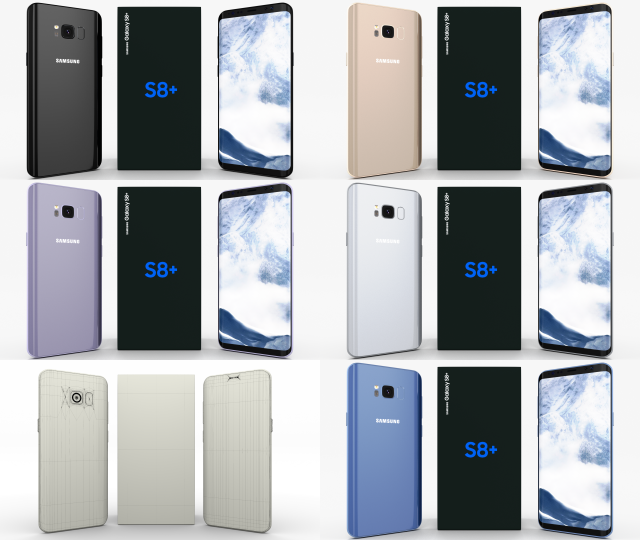
Samsung Galaxy S8 Plus Pack 3D Model
A very accurate model pack of Samsung Galaxy S8+ phones, in all color variants(Arctic Silver/Coral Blue/Maple Gold/ Midnight Black/ Orchid Gray).
The model comes in five formats:
-.blend, rendered with cycles, as seen in the images;
-.obj, with materials applied and textures;
-.dae, with materials applied and textures;
-.fbx, with material slots applied;
-.stl;
Depending on the 3D Software program used, slight material tweaking might be needed.
This 3d model was originally created in Blender 2.78 and rendered with Cycles.
The model has materials applied in all formats, and are ready to import and render.
The model is built strictly out of quads and is subdivisable.
For any problems please feel free to contact me.
Don’t forget to rate and enjoy! -
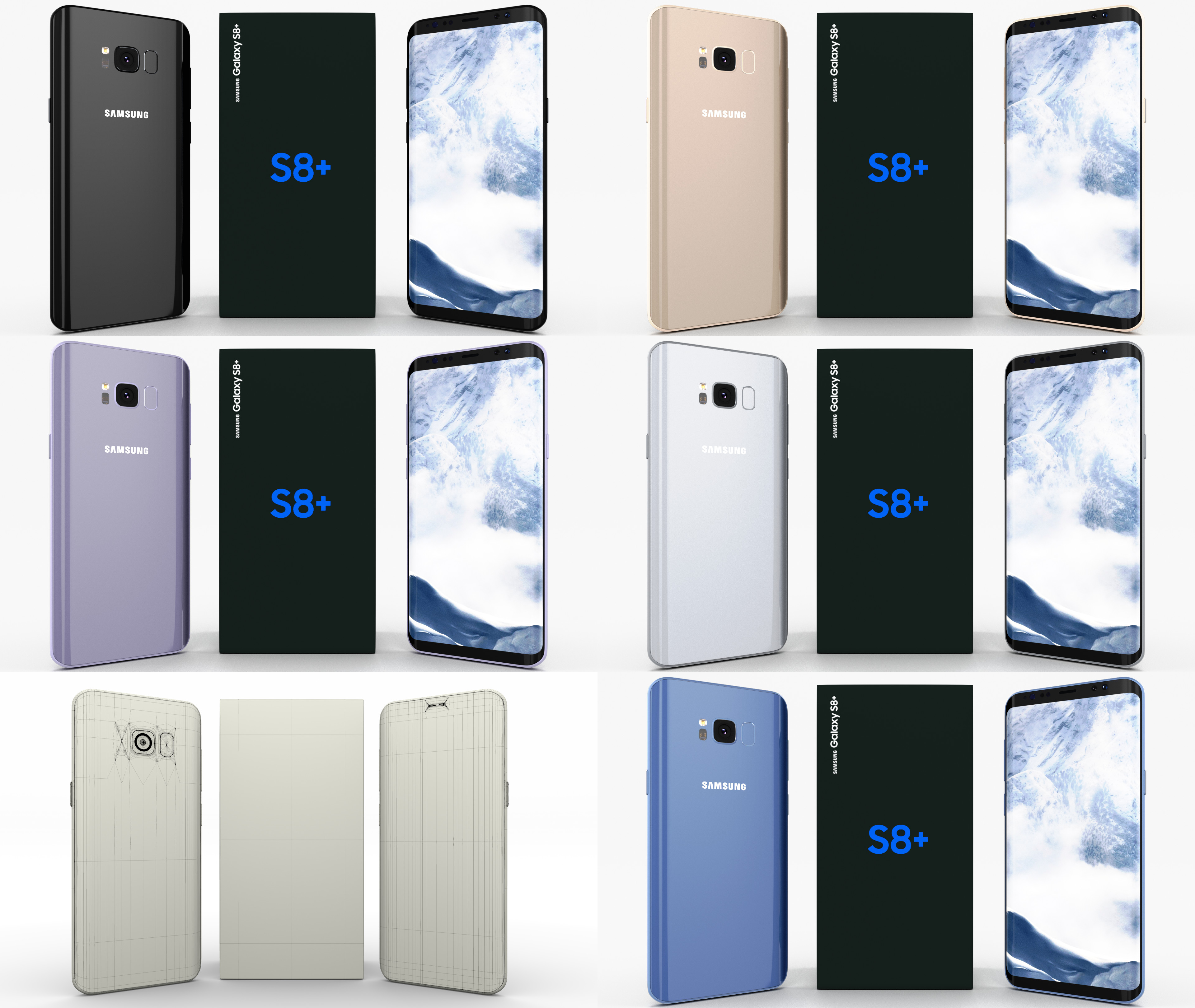
Samsung Galaxy S8+ Pack 3D Model
A very accurate model pack of Samsung Galaxy S8+ phones, in all color variants(Arctic Silver/Coral Blue/Maple Gold/ Midnight Black/ Orchid Gray). The model comes in five formats:-.blend, rendered with cycles, as seen in the images;-.obj, with materials applied and textures;-.dae, with materials applied and textures;-.fbx, with material slots applied;-.stl;Depending on the 3D Software program used, slight material tweaking might be needed.This 3d model was originally created in Blender 2.78 and rendered with Cycles.The model has materials applied in all formats, and are ready to import and render.The model is built strictly out of quads and is subdivisable.For any problems please feel free to contact me.Don’t forget to rate and enjoy!
-
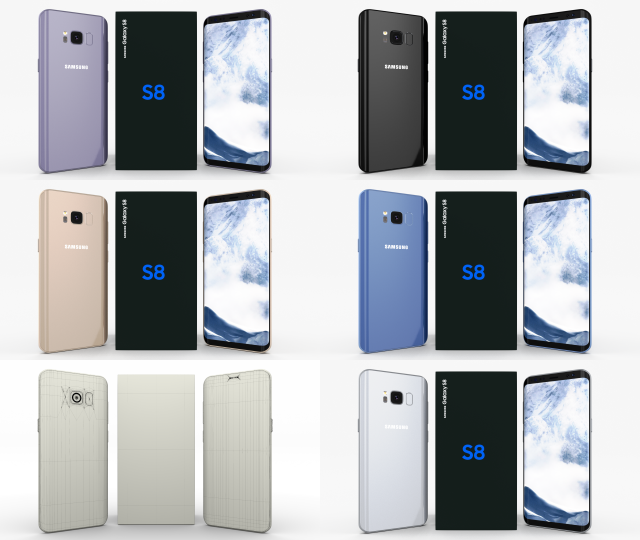
Samsung Galaxy S8 Pack 3D Model
A very accurate model pack of Samsung Galaxy S8 phones, in all color variants(Arctic Silver/Coral Blue/Maple Gold/ Midnight Black/ Orchid Gray).
The model comes in five formats:
-.blend, rendered with cycles, as seen in the images;
-.obj, with materials applied and textures;
-.dae, with materials applied and textures;
-.fbx, with material slots applied;
-.stl;
Depending on the 3D Software program used, slight material tweaking might be needed.
This 3d model was originally created in Blender 2.78 and rendered with Cycles.
The model has materials applied in all formats, and are ready to import and render.
The model is built strictly out of quads and is subdivisable.
For any problems please feel free to contact me.
Don’t forget to rate and enjoy! -
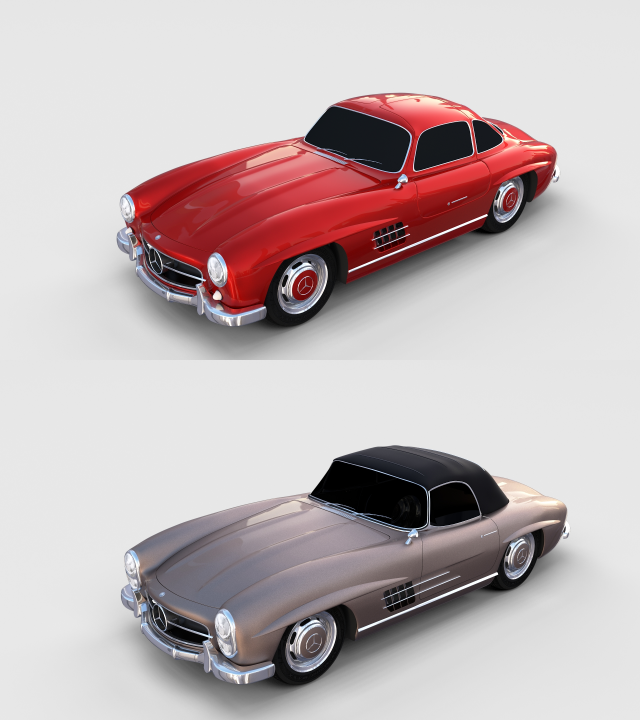
Mercedes 300SL Pack 3D Model
A pack containing 2 Mercedes 300SL 3D models, as following:
-Mercedes 300SL;
-Mercedes 300SL Convertible;
The models come in five formats each:
-.blend, rendered with cycles, as seen in the images;
-.obj, with materials applied and textures;
-.dae, with materials applied and textures;
-.fbx;
-.stl;
The models have materials applied in all formats, and are ready to import and render.
The models are built strictly out of quads and are subdivisable.
It comes in separate parts, named correctly for the sake of convenience.
For any problems please feel free to contact me.
Don’t forget to rate and enjoy! -
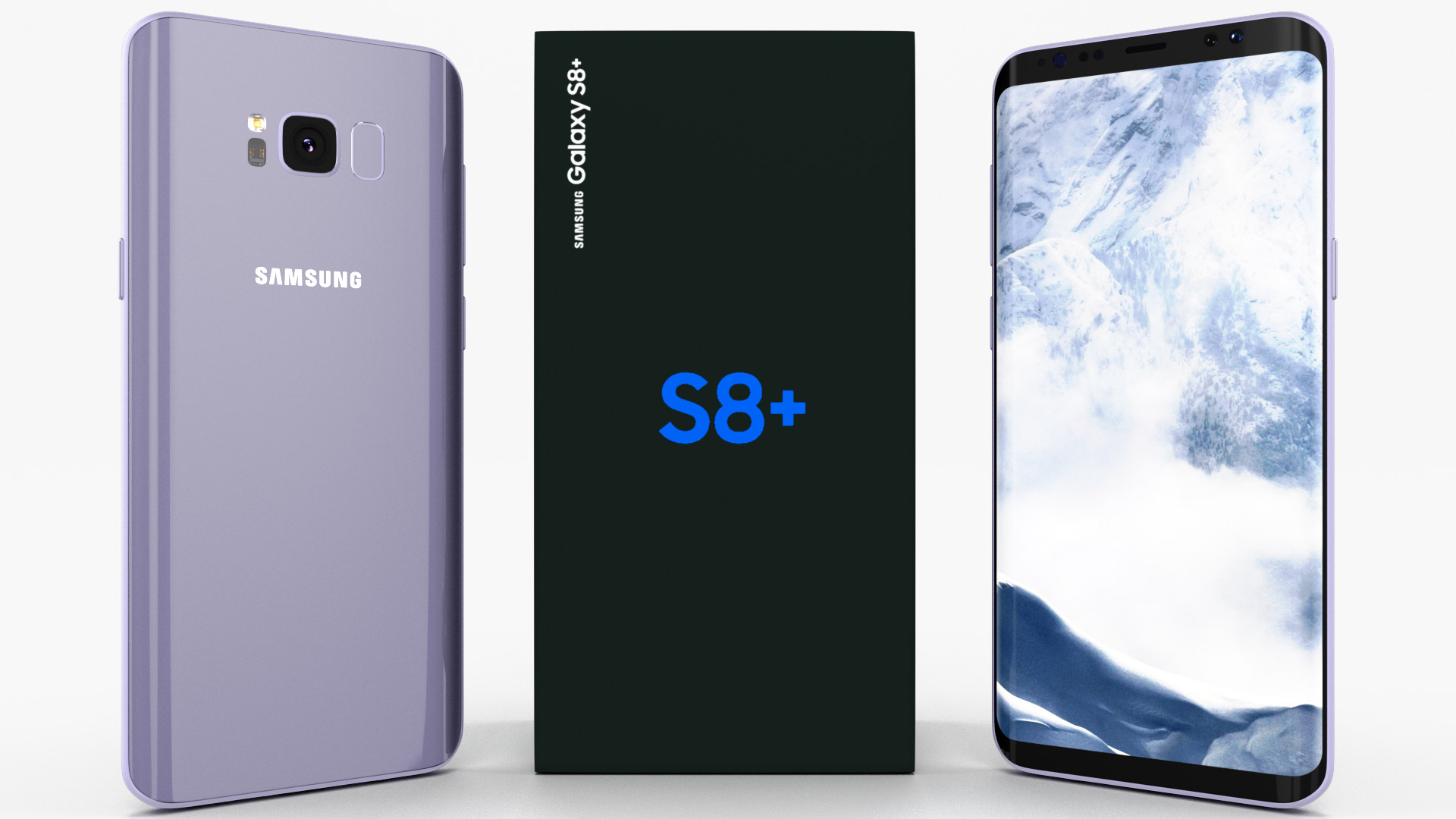
Samsung Galaxy S8+ Orchid Gray 3D model 3D Model
A very accurate model of a Samsung Galaxy S8+. The model comes in five formats:-.blend, rendered with cycles, as seen in the images;-.obj, with materials applied and textures;-.dae, with materials applied and textures;-.fbx, with material slots applied;-.stl;Depending on the 3D Software program used, slight material tweaking might be needed.This 3d model was originally created in Blender 2.78 and rendered with Cycles.The model has materials applied in all formats, and are ready to import and render.The model is built strictly out of quads and is subdivisable.For any problems please feel free to contact me.Don’t forget to rate and enjoy!
-
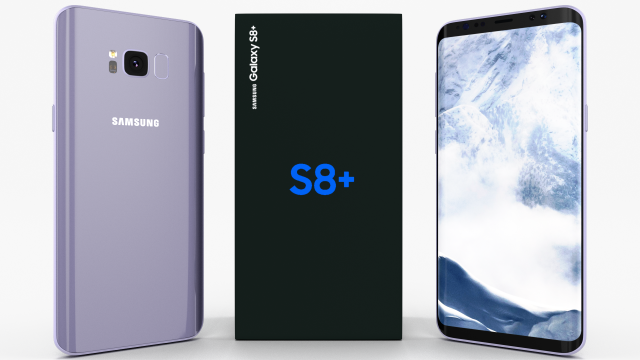
Samsung Galaxy S8 Plus Orchid Gray 3D Model
A very accurate model of a Samsung Galaxy S8+.
The model comes in five formats:
-.blend, rendered with cycles, as seen in the images;
-.obj, with materials applied and textures;
-.dae, with materials applied and textures;
-.fbx, with material slots applied;
-.stl;
Depending on the 3D Software program used, slight material tweaking might be needed.
This 3d model was originally created in Blender 2.78 and rendered with Cycles.
The model has materials applied in all formats, and are ready to import and render.
The model is built strictly out of quads and is subdivisable.
For any problems please feel free to contact me.
Don’t forget to rate and enjoy! -
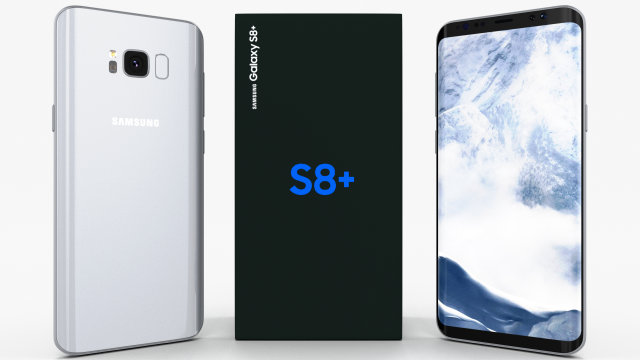
Samsung Galaxy S8 Plus Arctic Silver 3D Model
A very accurate model of a Samsung Galaxy S8+.
The model comes in five formats:
-.blend, rendered with cycles, as seen in the images;
-.obj, with materials applied and textures;
-.dae, with materials applied and textures;
-.fbx, with material slots applied;
-.stl;
Depending on the 3D Software program used, slight material tweaking might be needed.
This 3d model was originally created in Blender 2.78 and rendered with Cycles.
The model has materials applied in all formats, and are ready to import and render.
The model is built strictly out of quads and is subdivisable.
For any problems please feel free to contact me.
Don’t forget to rate and enjoy! -
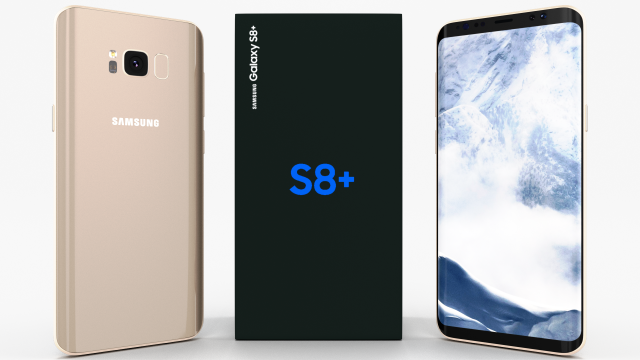
Samsung Galaxy S8 Plus Maple Gold 3D Model
A very accurate model of a Samsung Galaxy S8+.
The model comes in five formats:
-.blend, rendered with cycles, as seen in the images;
-.obj, with materials applied and textures;
-.dae, with materials applied and textures;
-.fbx, with material slots applied;
-.stl;
Depending on the 3D Software program used, slight material tweaking might be needed.
This 3d model was originally created in Blender 2.78 and rendered with Cycles.
The model has materials applied in all formats, and are ready to import and render.
The model is built strictly out of quads and is subdivisable.
For any problems please feel free to contact me.
Don’t forget to rate and enjoy! -
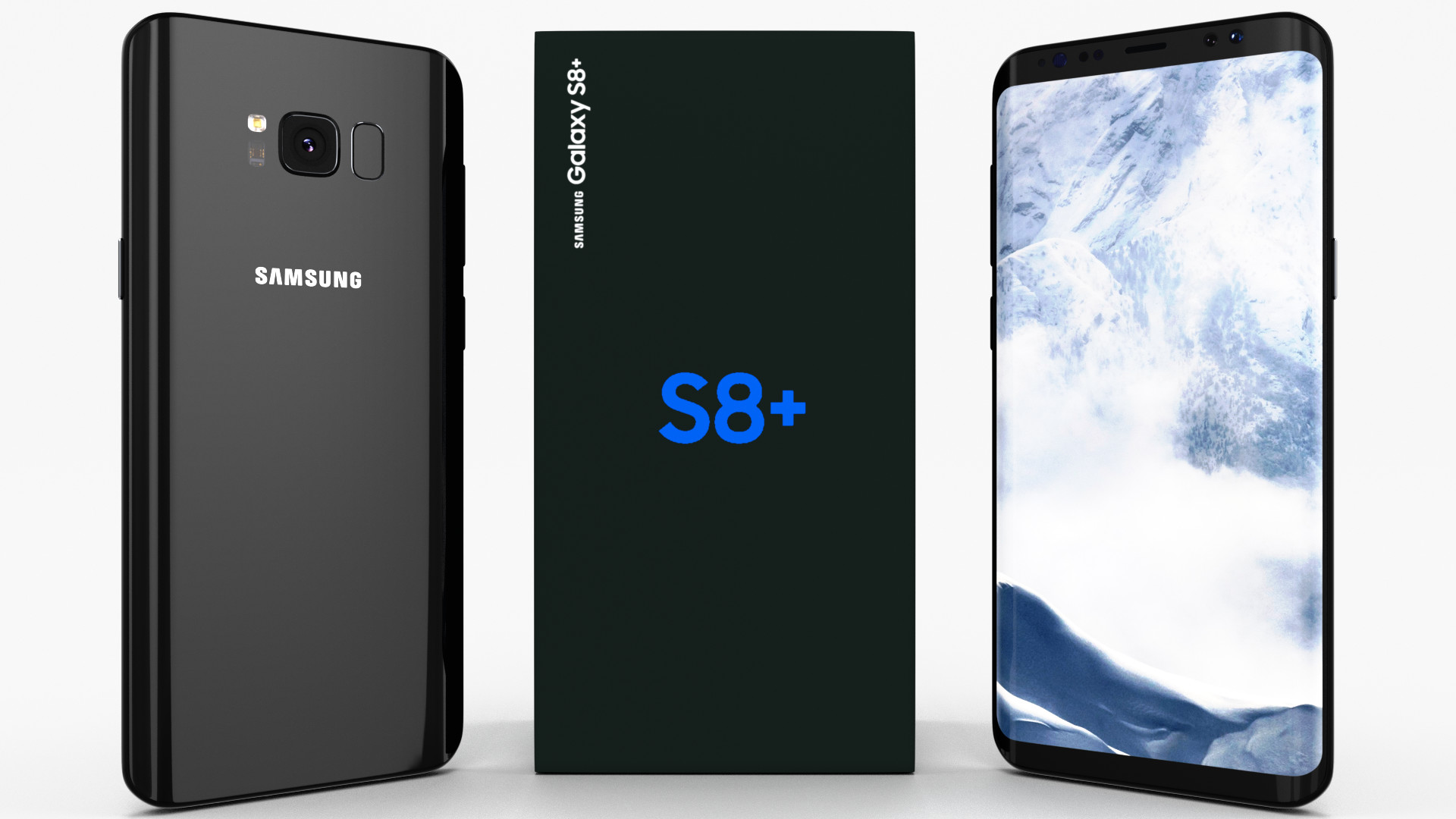
Samsung Galaxy S8+ Midnight Black 3D Model
A very accurate model of a Samsung Galaxy S8+. The model comes in five formats:-.blend, rendered with cycles, as seen in the images;-.obj, with materials applied and textures;-.dae, with materials applied and textures;-.fbx, with material slots applied;-.stl;Depending on the 3D Software program used, slight material tweaking might be needed.This 3d model was originally created in Blender 2.78 and rendered with Cycles.The model has materials applied in all formats, and are ready to import and render.The model is built strictly out of quads and is subdivisable.For any problems please feel free to contact me.Don’t forget to rate and enjoy!
-
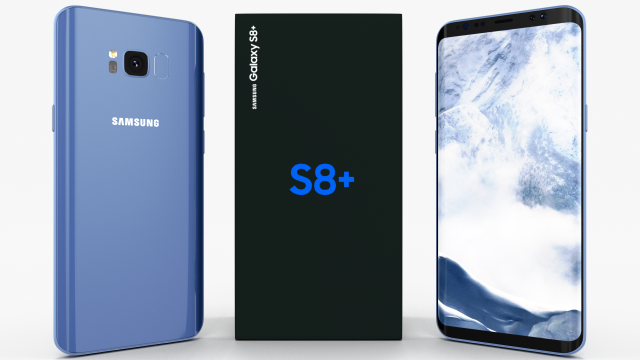
Samsung Galaxy S8 Plus Coral Blue 3D Model
A very accurate model of a Samsung Galaxy S8+.
The model comes in five formats:
-.blend, rendered with cycles, as seen in the images;
-.obj, with materials applied and textures;
-.dae, with materials applied and textures;
-.fbx, with material slots applied;
-.stl;
Depending on the 3D Software program used, slight material tweaking might be needed.
This 3d model was originally created in Blender 2.78 and rendered with Cycles.
The model has materials applied in all formats, and are ready to import and render.
The model is built strictly out of quads and is subdivisable.
For any problems please feel free to contact me.
Don’t forget to rate and enjoy! -
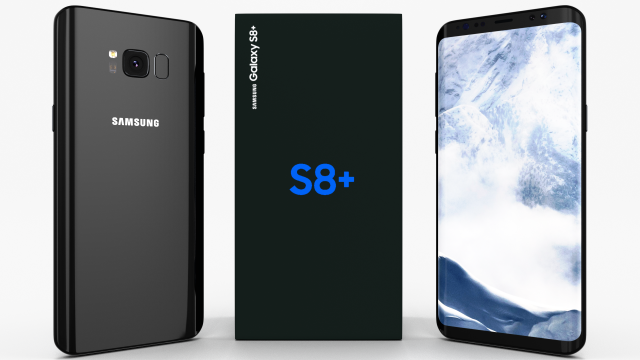
Samsung Galaxy S8 Plus Midnight Black 3D Model
A very accurate model of a Samsung Galaxy S8+.
The model comes in five formats:
-.blend, rendered with cycles, as seen in the images;
-.obj, with materials applied and textures;
-.dae, with materials applied and textures;
-.fbx, with material slots applied;
-.stl;
Depending on the 3D Software program used, slight material tweaking might be needed.
This 3d model was originally created in Blender 2.78 and rendered with Cycles.
The model has materials applied in all formats, and are ready to import and render.
The model is built strictly out of quads and is subdivisable.
For any problems please feel free to contact me.
Don’t forget to rate and enjoy! -
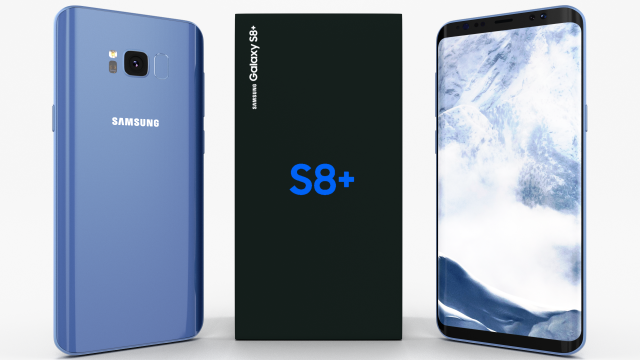
Samsung Galaxy S8 Coral Blue 3D Model
A very accurate model of a Samsung Galaxy S8+.
The model comes in five formats:
-.blend, rendered with cycles, as seen in the images;
-.obj, with materials applied and textures;
-.dae, with materials applied and textures;
-.fbx, with material slots applied;
-.stl;
Depending on the 3D Software program used, slight material tweaking might be needed.
This 3d model was originally created in Blender 2.78 and rendered with Cycles.
The model has materials applied in all formats, and are ready to import and render.
The model is built strictly out of quads and is subdivisable.
For any problems please feel free to contact me.
Don’t forget to rate and enjoy! -
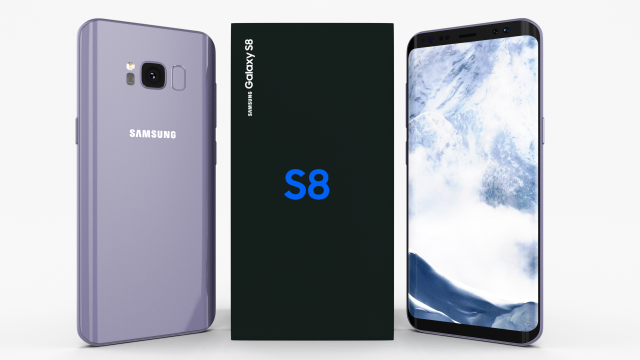
Samsung Galaxy S8 Orchid Gray 3D Model
A very accurate model of a Samsung Galaxy S8.
The model comes in five formats:
-.blend, rendered with cycles, as seen in the images;
-.obj, with materials applied and textures;
-.dae, with materials applied and textures;
-.fbx, with material slots applied;
-.stl;
Depending on the 3D Software program used, slight material tweaking might be needed.
This 3d model was originally created in Blender 2.78 and rendered with Cycles.
The model has materials applied in all formats, and are ready to import and render.
The model is built strictly out of quads and is subdivisable.
For any problems please feel free to contact me.
Don’t forget to rate and enjoy! -
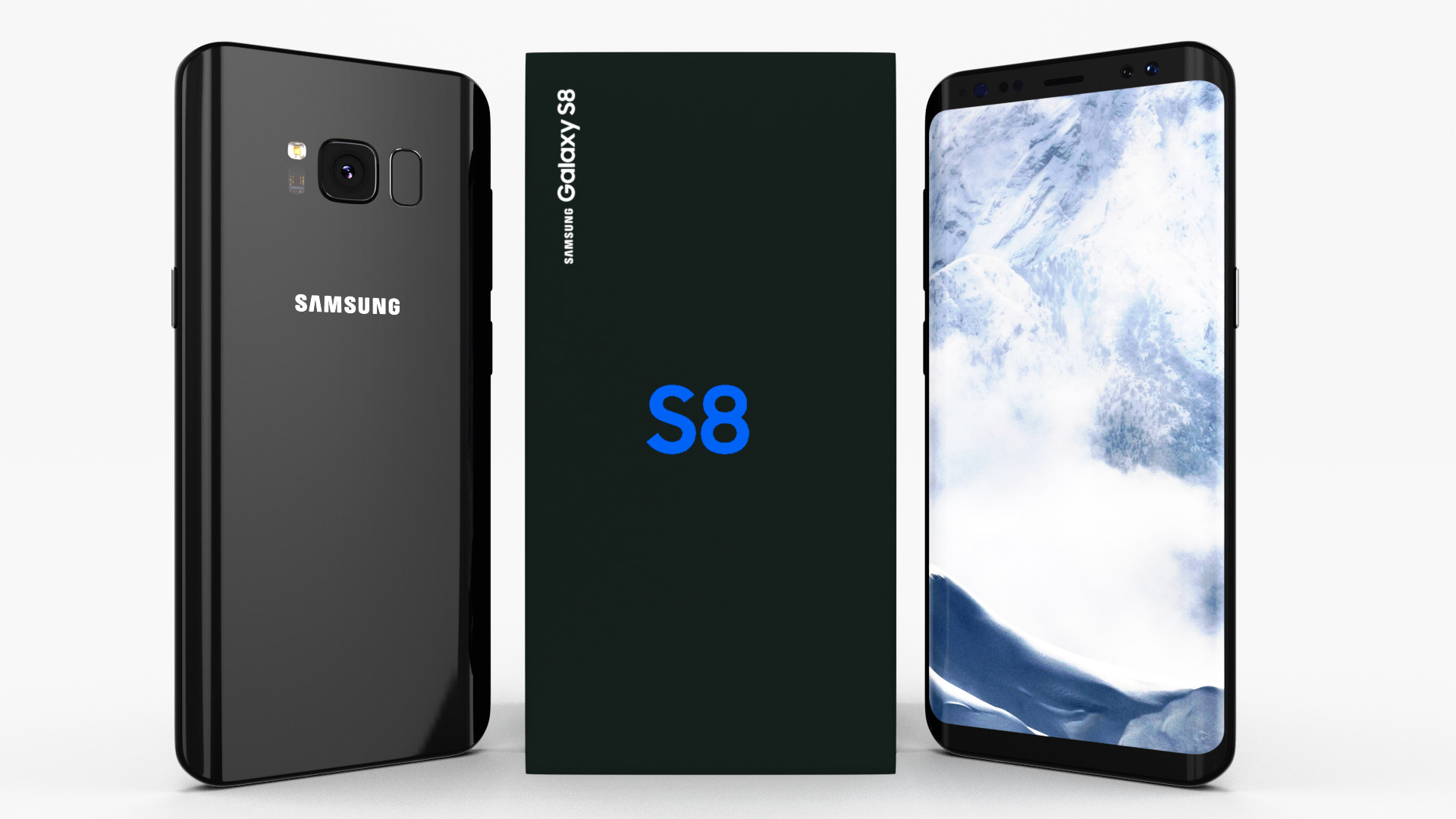
Samsung Galaxy S8 Midnight Black 3D Model
A very accurate model of a Samsung Galaxy S8. The model comes in five formats:-.blend, rendered with cycles, as seen in the images;-.obj, with materials applied and textures;-.dae, with materials applied and textures;-.fbx, with material slots applied;-.stl;Depending on the 3D Software program used, slight material tweaking might be needed.This 3d model was originally created in Blender 2.78 and rendered with Cycles.The model has materials applied in all formats, and are ready to import and render.The model is built strictly out of quads and is subdivisable.For any problems please feel free to contact me.Don’t forget to rate and enjoy!
-
Samsung Galaxy S8 Midnight Black 3D Model
A very accurate model of a Samsung Galaxy S8.
The model comes in five formats:
-.blend, rendered with cycles, as seen in the images;
-.obj, with materials applied and textures;
-.dae, with materials applied and textures;
-.fbx, with material slots applied;
-.stl;
Depending on the 3D Software program used, slight material tweaking might be needed.
This 3d model was originally created in Blender 2.78 and rendered with Cycles.
The model has materials applied in all formats, and are ready to import and render.
The model is built strictly out of quads and is subdivisable.
For any problems please feel free to contact me.
Don’t forget to rate and enjoy! -
Samsung Galaxy S8 Maple Gold 3D Model
A very accurate model of a Samsung Galaxy S8.
The model comes in five formats:
-.blend, rendered with cycles, as seen in the images;
-.obj, with materials applied and textures;
-.dae, with materials applied and textures;
-.fbx, with material slots applied;
-.stl;
Depending on the 3D Software program used, slight material tweaking might be needed.
This 3d model was originally created in Blender 2.78 and rendered with Cycles.
The model has materials applied in all formats, and are ready to import and render.
The model is built strictly out of quads and is subdivisable.
For any problems please feel free to contact me.
Don’t forget to rate and enjoy! -
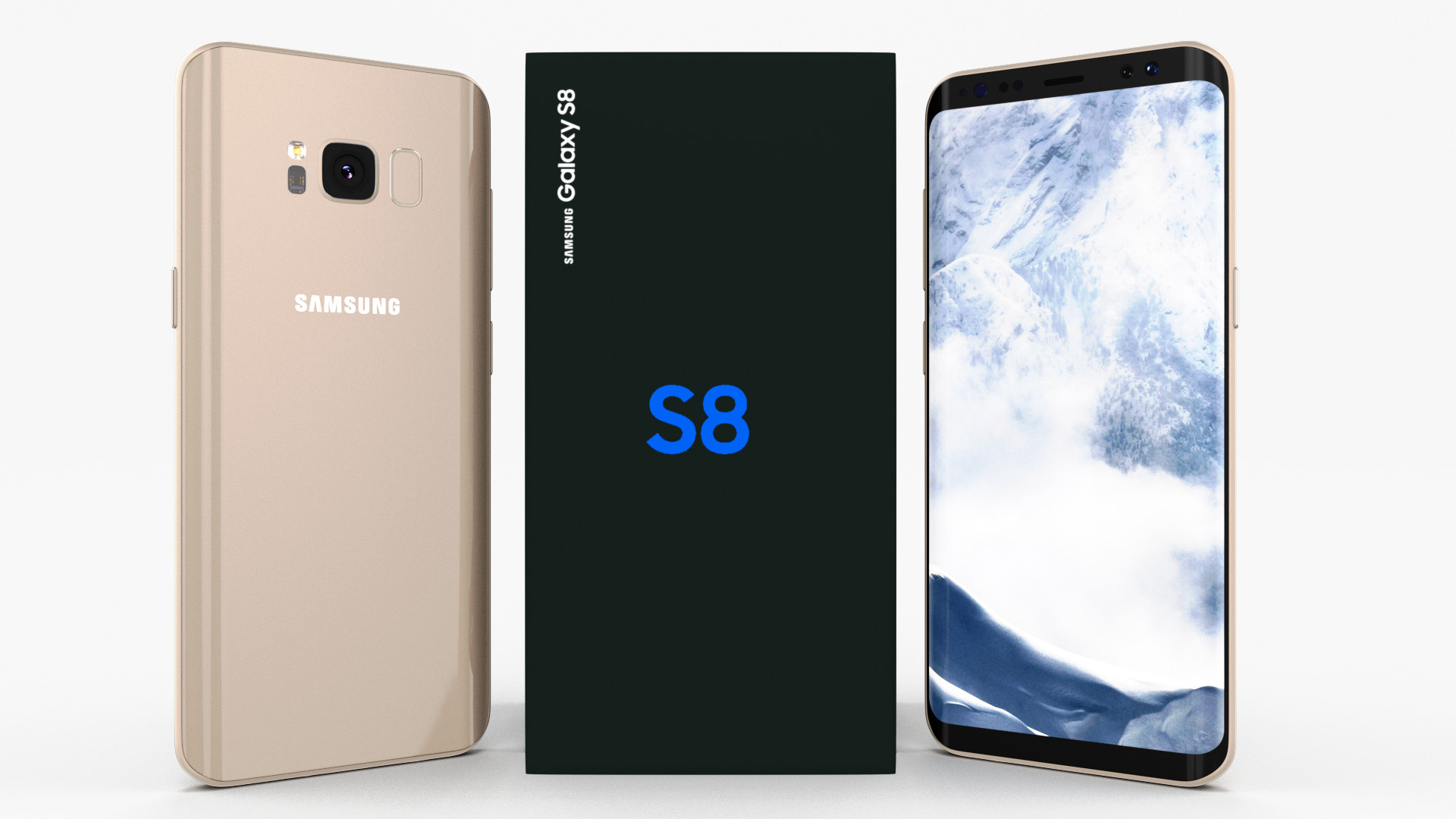
Samsung Galaxy S8 Maple Gold 3D Model
A very accurate model of a Samsung Galaxy S8. The model comes in five formats:-.blend, rendered with cycles, as seen in the images;-.obj, with materials applied and textures;-.dae, with materials applied and textures;-.fbx, with material slots applied;-.stl;Depending on the 3D Software program used, slight material tweaking might be needed.This 3d model was originally created in Blender 2.78 and rendered with Cycles.The model has materials applied in all formats, and are ready to import and render.The model is built strictly out of quads and is subdivisable.For any problems please feel free to contact me.Don’t forget to rate and enjoy!
-
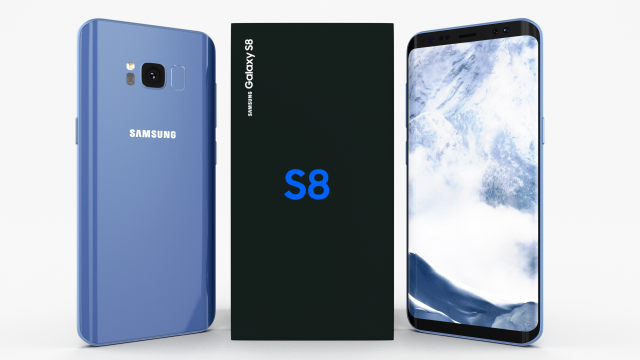
Samsung Galaxy S8 Coral Blue 3D Model
A very accurate model of a Samsung Galaxy S8.
The model comes in five formats:
-.blend, rendered with cycles, as seen in the images;
-.obj, with materials applied and textures;
-.dae, with materials applied and textures;
-.fbx, with material slots applied;
-.stl;
Depending on the 3D Software program used, slight material tweaking might be needed.
This 3d model was originally created in Blender 2.78 and rendered with Cycles.
The model has materials applied in all formats, and are ready to import and render.
The model is built strictly out of quads and is subdivisable.
For any problems please feel free to contact me.
Don’t forget to rate and enjoy! -
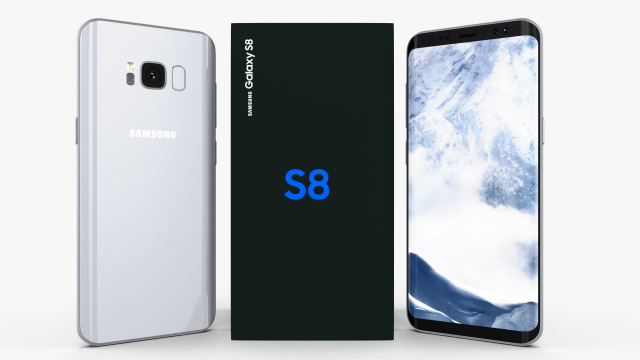
Samsung Galaxy S8 Arctic Silver 3D Model
A very accurate model of a Samsung Galaxy S8.
The model comes in five formats:
-.blend, rendered with cycles, as seen in the images;
-.obj, with materials applied and textures;
-.dae, with materials applied and textures;
-.fbx, with material slots applied;
-.stl;
Depending on the 3D Software program used, slight material tweaking might be needed.
This 3d model was originally created in Blender 2.78 and rendered with Cycles.
The model has materials applied in all formats, and are ready to import and render.
The model is built strictly out of quads and is subdivisable.
For any problems please feel free to contact me.
Don’t forget to rate and enjoy! -
E3D – Samsung CFG70 Curved Gaming Monitor 27 Inch
This pack:Element 3D V2.2 ( All colors )models preset easy to use- 1 file OBJ High poly- 1 file OBJ standard- 1 file C4D R12 standard render- 1 file 3ds max 2012 standard material- E3D file full materials set up like previewsHow to use it?1. Open After Effects CC 2014 ( or higher) and create new composition ( You need Element3D V2.2 to use )2. Create new Solid layer and add Element effect. ( Effect/Video Copilot/ Element )3. Click Scene Setup4. Click on IMPORT inside Element3D scene setup5. Choose my .e3d preset for the model and press Open.If you dont see the model do not forget to right click on the model name and press Replace model then select the .obj model file in the respective models folder.
-
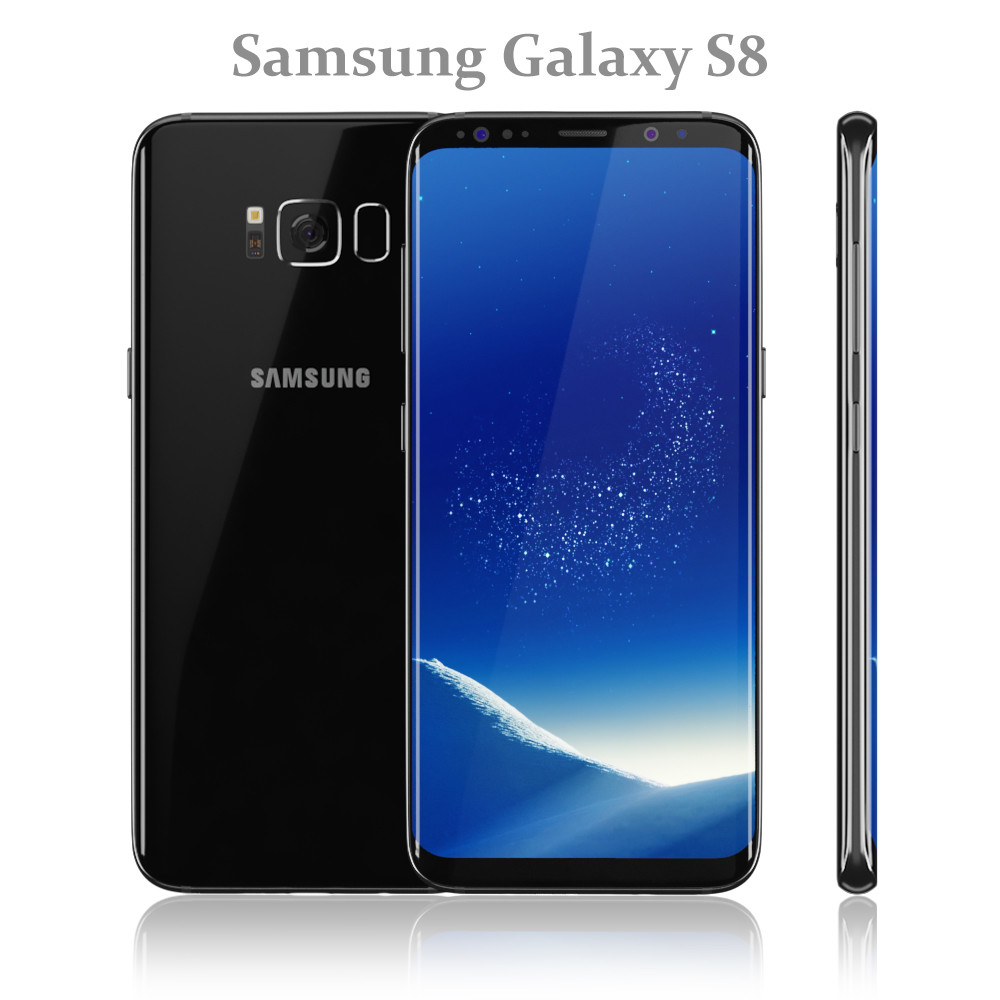
Samsung Galaxy S8 Black model
Realistic (copy) 3d model of Samsung Galaxy S8 Black.Topology of geometry:- forms and proportions of The 3D model most similar to the real object- the geometry of the model was created very neatly- there are no many-sided polygons- detailed enough for close-up renders- the model optimized for turbosmooth modifier- Not collapsed the turbosmooth modified- apply the Smooth modifier with a parameter to obtain the desired level of detailMaterials and Textures:- 3ds max files included Standart materials and Vray-Shaders- all texture paths are clearedOrganization of scene:- to all objects and materials names in scene are appropriated- real world size (system units – mm)- coordinates of location of the model in space (x0, y0, z0)- does not contain extraneous or hidden objects (lights, cameras, shapes etc.)File Formats:- original file format – 3ds max 2016 + Vray- 3ds max 2013 Vray and Standard material- objRenders:- all previews rendered 3ds max Vray- the model is completely ready for use visualization in 3ds max + Vray
-
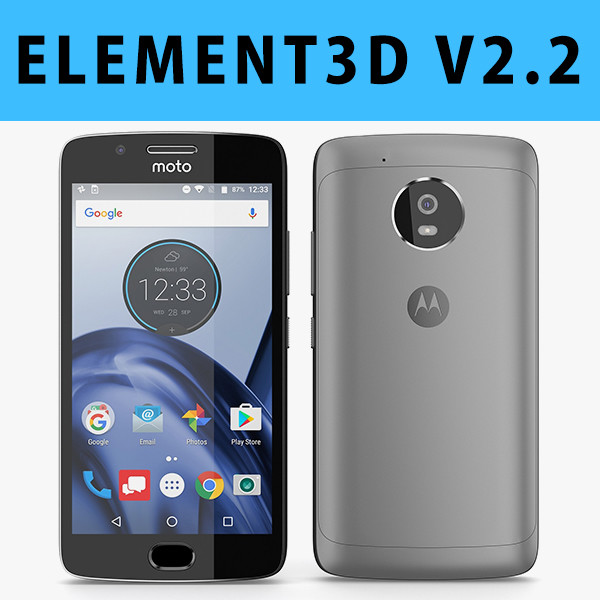
E3D – Motorola G5 Space Gray
This pack:Element 3D V2.2 ( All colors )models preset easy to use- 1 file OBJ High poly- 1 file OBJ standard- 1 file C4D R12 standard render- 1 file 3ds max 2012 standard material- E3D file full materials set up like previewsHow to use it?1. Open After Effects CC 2014 ( or higher) and create new composition ( You need Element3D V2.2 to use )2. Create new Solid layer and add Element effect. ( Effect/Video Copilot/ Element )3. Click Scene Setup4. Click on IMPORT inside Element3D scene setup5. Choose my .e3d preset for the model and press Open.If you dont see the model do not forget to right click on the model name and press Replace model then select the .obj model file in the respective models folder.
-

Samsung Galaxy S8 and Gear VR Headset with VR Controller 2017 model
Hitch Detailed 3d models of Samsung Galaxy S8 and Gear VR Headset with VR Controller 2017:Samsung Galaxy S8 All ColorsPolygons: 19,500Samsung Gear VR HeadsetPolygons: 36,000Samsung Gear VR ControllerPolygons: 6,000Topology of geometry:- forms and proportions of The 3D model most similar to the real object- the geometry of the model was created very neatly- there are no many-sided polygons- detailed enough for close-up renders- the model optimized for meshsmooth modifier- Not collapsed the meshsmooth modified- apply the Smooth modifier with a parameter to obtain the desired level of detailMaterials and Textures:- 3ds max files included Standart materials and Vray-Shaders- large size textures with layers (*.tiff) included- all texture paths are clearedOrganization of scene:- to all objects and materials names in scene are appropriated- real world size (system units – mm)- coordinates of location of the model in space (x0, y0, z0)- does not contain extraneous or hidden objects (lights, cameras, shapes etc.)File Formats:- original file format – 3ds max 2009 + Vray- 3ds max with standard materials- 3ds, obj, fbx (Multi Format)- Cinema 4D and Maya – exported with standard materialsRenders:- all previews rendered 3ds max Vray- the model is completely ready for use visualization in 3ds max + Vray
-
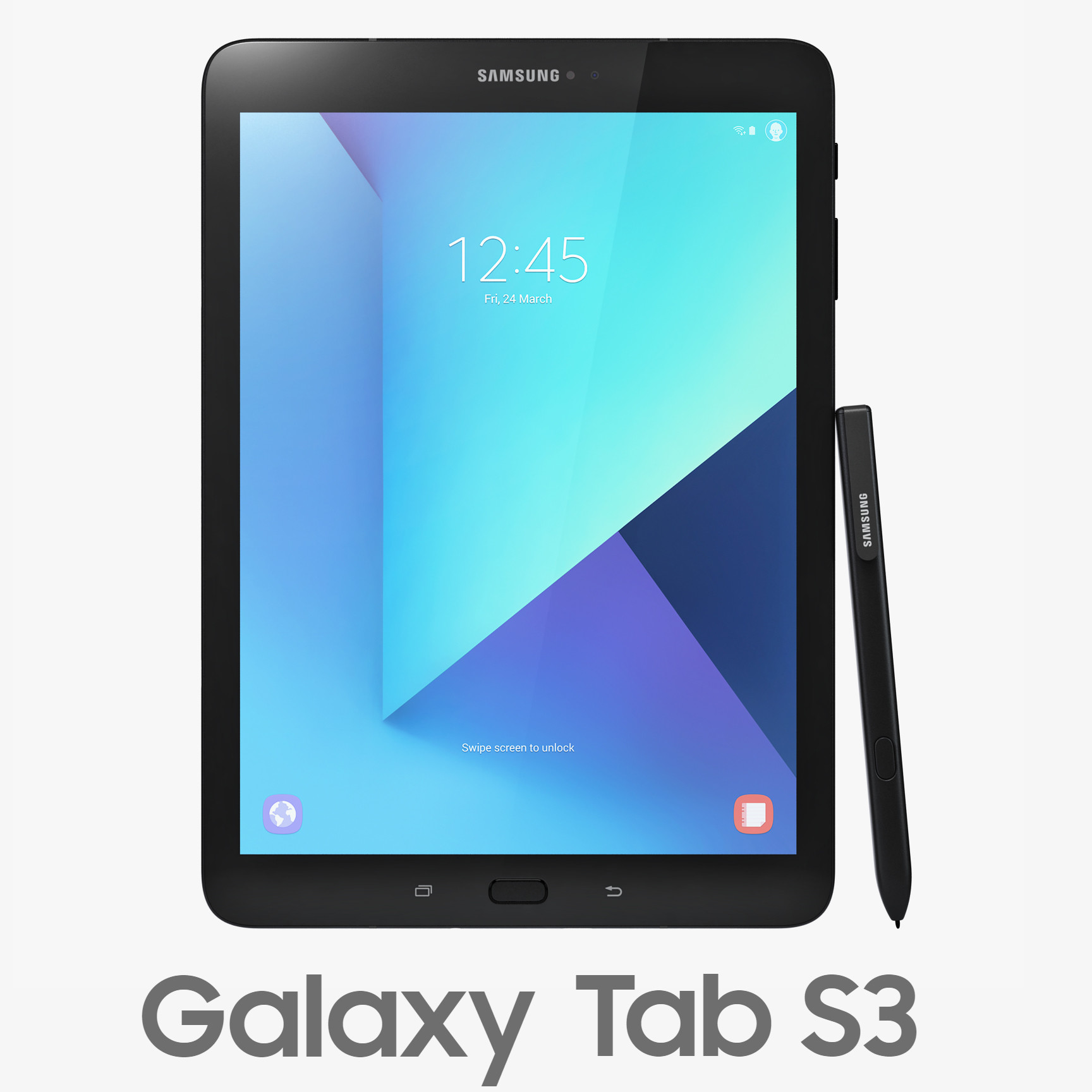
3D Samsung Galaxy Tab S3 with S Pen model
Realistic (copy) 3d model of Samsung Galaxy Tab S3 with S Pen Black and Silver.Topology of geometry:- forms and proportions of The 3D model most similar to the real object- detailed enough for close-up renders- the geometry of the model was created very neatly- there are no many-sided polygons- the model optimized for meshsmooth modifier- Not collapsed the meshsmooth modified- archives (3ds, obj, fbx, c4d, mb) included smoothing and initial models- apply the Smooth modifier with a parameter to obtain the desired level of detailMaterials and Textures:- 3ds max files included Standart materials and Vray-Shaders- large size textures with layers (*.tiff) included- all textures paths are clearedOrganization of scene:- to all objects and materials names in scene are appropriated- real world size (system units – mm)- coordinates of location of the model in space (x0, y0, z0)- does not contain extraneous or hidden objects (lights, cameras, shapes etc.)File Formats:- original file format – 3ds max 2009 + Vray- 3ds max with standard materials- 3ds, obj, fbx (Multi Format)- Cinema 4D and Maya – exported with standard materialsRenders:- all previews rendered 3ds max Vray- the model is completely ready for use visualization in 3ds max + Vray