tennis racquet wilson ball court tennisball racket summer game games olympics Prostaff 97 RF roger federer v11 generic psd textures vector
Tag: RF
-
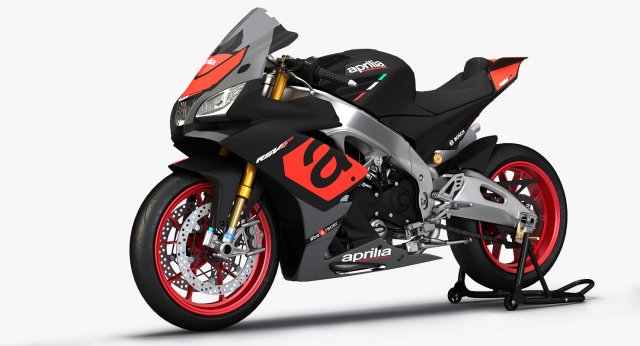
Aprilia RSV4 RR 3D Model
2016 Aprilia RSV4 RRMade in 3ds Max 2016 with Vray 3.4File Formats:3ds Max (.max)OBJ (.obj)Autodesk FBX (.FBX)Note: Originally created in 3ds Max 2016 with V-Ray 3.4Specification:Separate objects. Total number of objects is 22All objects, textures and materials are namedUnit system is set to metric. Real-world scaleTurboSmooth is still in the history (TurboSmooth level 1 is set by default)Polycount (.max format)Sub-0:Polys: 67,082Verts: 78,003Sub-1:Polys: 214,366Verts: 145,386Textures Format:(26) PNG (.png) 4096×4096(2) HDRI (.hdr)Note:Textures and materials used only ‘.max’ format
-
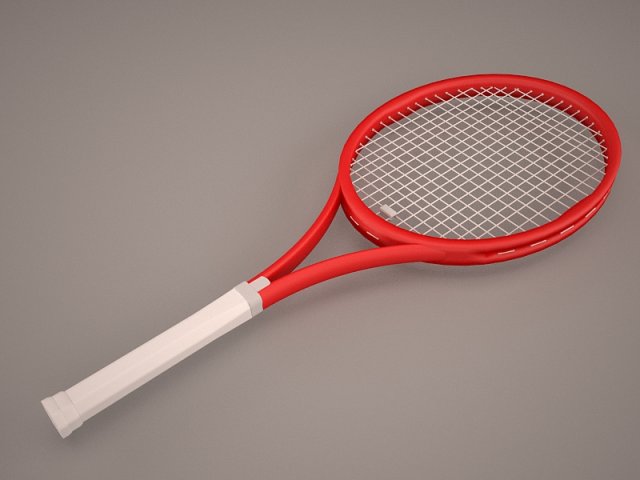
Tennis Racket 3D Model
tennis racquet wilson ball court tennisball racket summer game games olympics Prostaff 97 RF roger federer v11 generic psd textures vector
-
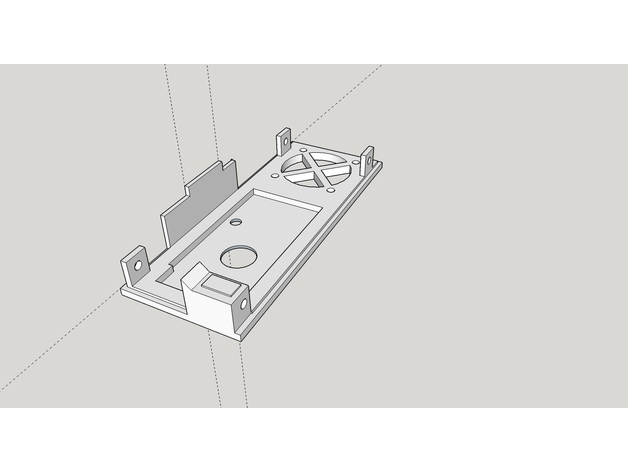
Case for Chorus RF Laptimer 3D Print Model
Summary
https://youtu.be/UfGwfbJc-js
Videotutorial completo del montaje de un cuentavueltas basado en el proyecto Chorus RF Laptimer de voroshkov, con la PCB de J.R.Reis. Cuentavueltas basado en la lectura del vtx que llevamos en nuestros drones. Material necesario, soldaduras, programación de arduino, configuración del modulo bluethoot, uso de la aplicación EXCLUSIVA para android y test del proyecto. No se detalla el esquema electrónico dando por hecho que trabajaremos sobre una PCB específica. De momento solo funciona con ANDROID. Se están buscando desarrolladores para iOS.
ACLARACIÓN DEL MONTAJE: El par de pines que hay al lado del buzzer son para cerrar/abrir (mediante jumper) la alimentación hacia los siguientes módulos desde el que tiene la batería. El modulo que queda a la izquierda del grupo debe de tener puenteado con un jumper los pines TX y RX ( del grupo de 4 pines abajo izquierda)
Si tenéis alguna duda, por favor hacérmelo saber en los comentarios del vídeo. Entre todos podemos aportar para hacer mas completo este videotutorial
HC-06
COMANDOS PARA EL MODULO BLUETHOOT (desde arduino IDE)
AT+BAUD8 – cambia el baud rate a 115200
AT+NAMEnombreelegido – sustituye “nombreelegido” por el nombre que quieras poner
AT+PINxxxx – sustituye “xxxx” por el PIN numérico que elijas
HC-05
Adaptador TTL: https://goo.gl/2RCeD2
solo cuatro cables necesarios; RX, TX, +5V y GND
(TX-RX cruzados)
Hay que conseguir entrar en el modo AT2 (pulsar el boton al conectar al TTL y soltar) parpadeo de led 1/seg
Ventana de comandos a 38400 baudios (Ambos NL & CR)
Introducimos:
AT+UART=115200,1,0
AT+NAME=NOMBRE
el pin será 1234
Con esa configuración funcionan perfectamente
Partir siempre de la configuración original
MATERIAL:
RX5808: https://goo.gl/f3nrkt
Arduino: https://goo.gl/SWZoyv
Modulo Bluethoot HC-06: https://goo.gl/yj4M19
Buzzer activo: https://goo.gl/E1DFay
BEC regulable. https://goo.gl/VhiGfR
Pines M-H 2.54: https://goo.gl/dcyU1B
HERRAMIENTAS
SOLDADOR: https://goo.gl/zMaVgp
BASE SILICONA: https://goo.gl/uBBGxT
FTDI: https://goo.gl/uZa7et
LINKS:
Proyecto original: https://github.com/voroshkov/Chorus-RF-Laptimer
Proyecto arduino (.zip): click en “clone or download”
IDE arduino: https://www.arduino.cc/en/Main/Software
APK android: https://github.com/voroshkov/Chorus-RF-Laptimer/blob/master/Android/ChorusRFLaptimer/app/ChorusRFLaptimer-release.apk
APK Maikel rf laptimer: próximamente…
Canal JLO fpv: https://goo.gl/t6yq5Q
Grupo de TELEGRAM: https://goo.gl/RDRACS
Comunidad de Facebook: https://goo.gl/qFVj8A
Instagram: https://goo.gl/1KCvPR
Print Settings
Printer:
STEEL PRUSA i3 Rafts:
Doesn’t Matter Supports:
No Resolution:
0,2 Infill:
40% -
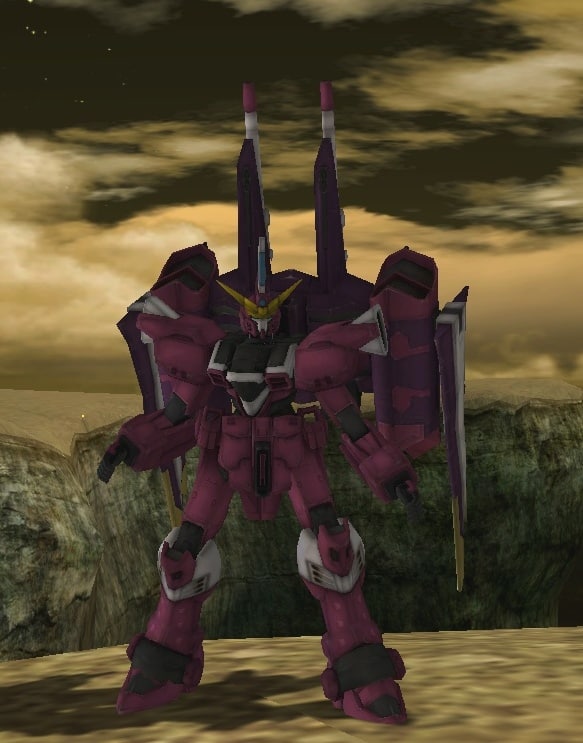
3D Justice Gundam 3D Model
Can Convert it to the following Formats.* ascii* obj* mesh* 3ds* max* xps* mshWith Textures included. Ready for RF Online Mod
-
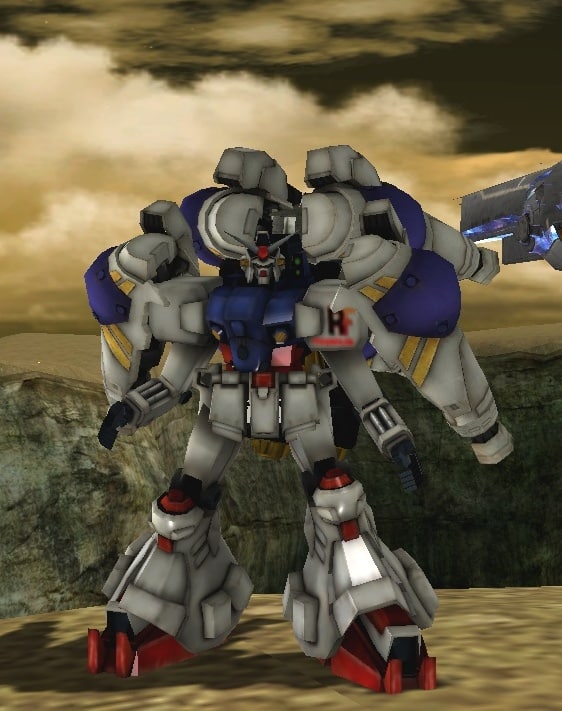
Gundam Physalis Custom 3D Model
Can Convert it to the following Formats.* ascii* obj* mesh* 3ds* max* xps* mshWith Textures included.