Summary
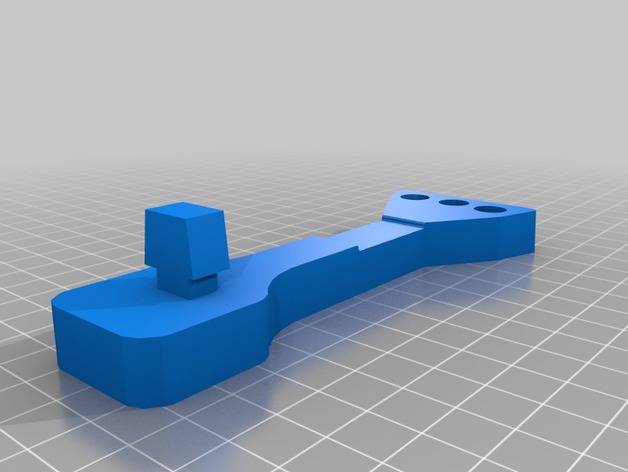
Use this guide to install at the top of the printers cut-out hole.
Twist to lock it in place.
Take 6-8 inches 4mm PTFE tubing and insert thru the hole so that filament is fed from below and exits at the top.
Then, pull the filament into extruder.
This will cause PTFE tube to BOW and prevent filament to stap or grind against the printer when printing high objects or generally dealing with allot of LEFT to RIGHT motion.
Spool should be attached on the side of the printer.
Tag: r1
-
Robo3D R1 Filament guide 3D Print Model
-
Robo R2 Smart 3D Printer 3D Model
Bee3dd is a team who making 3d model best quality, you don’t need worry when use our models. We take care to build the smallest detail in the model to ensure the best results. These things are not in others.Our slogan is: best quality – best price!+ We offer all electronics 3d model ( latest and oldest ). It is place where you can find anything about technology for your project ( earlier and faster than others )+ Every model we build goes through thorough Quality assessment both visual and technical to make sure the assets look realistic and the models are of the best quality.—————————–The model has a fully textured, detailed design that allows for close-up renders, and was originally modeled in 3ds Max 2012 and rendered with V-Ray. Fidelity is optimal up to a 2K render. Renders have no postprocessing.—————————–File Formats:+ 3ds Max 2012 + Vray 2.0 full setup lighting, camera+ 3ds Max 2012 standard+ Cinema 4D R12 standard ( materials and textures was setup )+ Maya 2012 standard ( materials and textures was setup )+ Lightwave 11 ( materials and textures was setup )+ FBX 2012+ OBJ 2012+ 3DS 2012—————————–Features:+ No isolated vertices+ No coincident vertices+ No coincident/coplanar faces+ Quads and Triangles only ( Clean edge flow, mostly quads, subdividable topology, no poles with more than 5 edges on the model, holding/support edges present to retain shape after subdivision )+ Models resolutions are optimized for polygon efficiency. (In 3ds Max, the Meshsmooth/Turbosmooth function can be used to increase mesh resolution if necessary.)+ Real-world scale ( We make 3d model from actual size and images reference. It is best for making video intro, marketing, animation, games… )+ Naming and Organization ( All geometry is contained in a single layer structure, with the layer having the same name as the product. )+ No special plugin needed to open scene.+ 3ds Max models are grouped for easy selection, and objects are logically named for ease of scene management.—————————–TEXTURES:- Textures highquality, enough for close-up render ( 2048-4096 pixels )- UVWs mapping with mixed: overlapping and non-overlapping- No texture paths referenced by the model. All texture paths were stripped from the model.—————————–Rate for ours models: We are required to assess the customer’s finished product with the best quality. Let us know your comments, we are very thankful for that!Thanks you,Best regardBee3dd team
-
Robo 3D R1 Plus Shroud with Cable Hook 3D Print Model
Summary
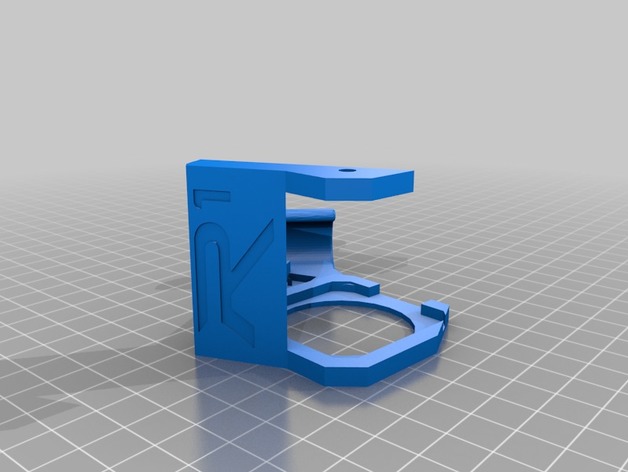
This was a simple combination to allow an easier alternative to a cable chain. It seems to work fine if you add the two screws to fasten it down.
Print Settings
Printer Brand:
Robo 3D Printer:
R1 ABS + PLA Model Rafts:
Yes Supports:
Yes Resolution:
.2 Infill:
100% -
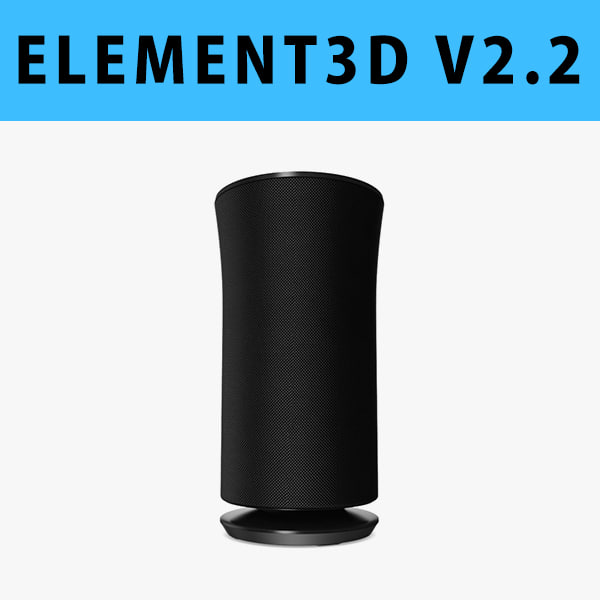
E3D – Samsung Radiant360 R3 Wireless Speaker 3D model 3D Model
This pack:Element 3D V2.2 ( All colors )models preset easy to use- 1 file OBJ High poly- 1 file OBJ standard- 1 file C4D R12 standard render- 1 file 3ds max 2012 standard material- E3D file full materials set up like previewsHow to use it?1. Open After Effects CC 2014 ( or higher) and create new composition ( You need Element3D V2.2 to use )2. Create new Solid layer and add Element effect. ( Effect/Video Copilot/ Element )3. Click Scene Setup4. Click on IMPORT inside Element3D scene setup5. Choose my .e3d preset for the model and press Open.If you dont see the model do not forget to right click on the model name and press Replace model then select the .obj model file in the respective models folder.
-
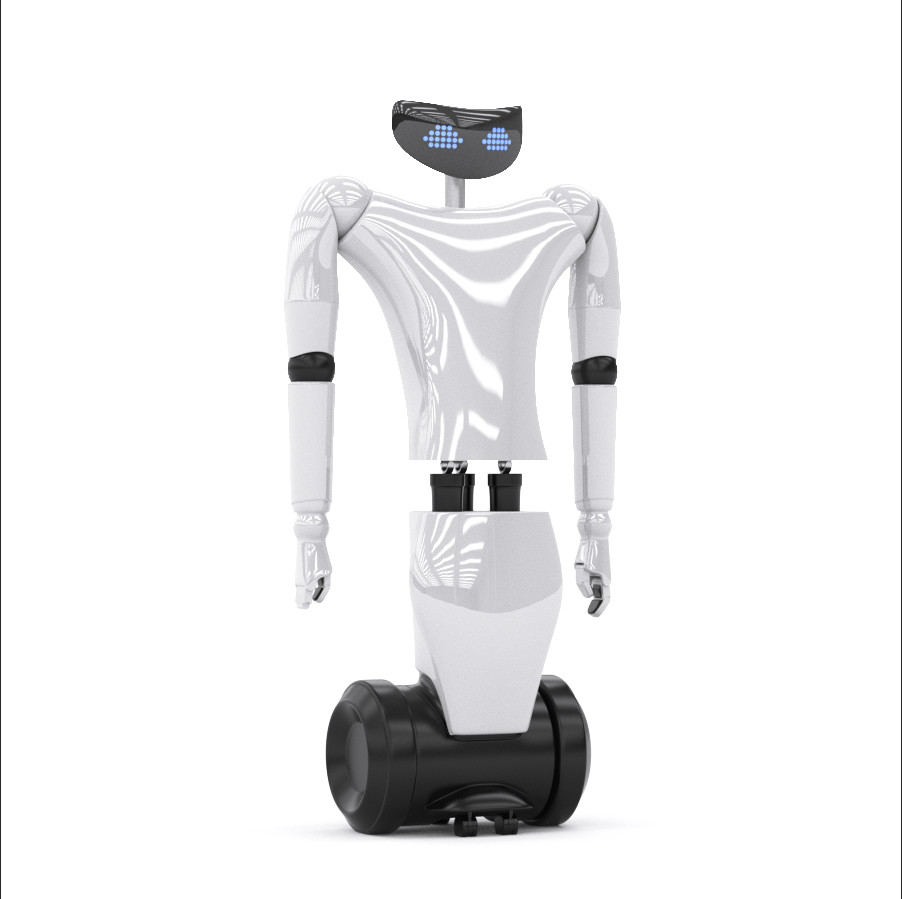
3D R1 Your Personal Humanoid 3d model vray 3D Model
production ready 3d model. vray materials and scene included.R1- Your Personal Humanoid- is born as the new humanoid of the robotic ecosystem of IIT Istituto Italiano di Tecnologia. Italian design, variable height of 20 cm starting from 1.25m, weight 50 kg, 50% plastic and 50% carbon fibre and metal
-
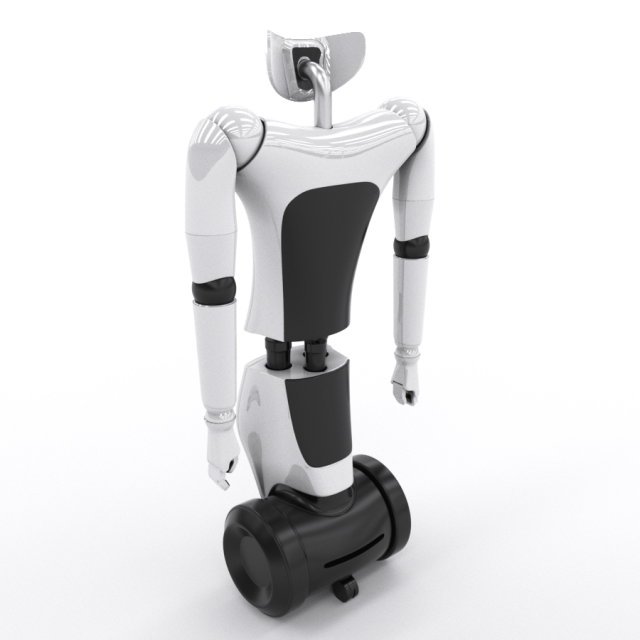
R1 Your Personal Humanoid 3d model vray 3D Model
production ready 3d model. vray materials and scene included.
R1- Your Personal Humanoid- is born as the new humanoid of the robotic ecosystem of IIT Istituto Italiano di Tecnologia. Italian design, variable height of 20 cm starting from 1.25m, weight 50 kg, 50% plastic and 50% carbon fibre and metal