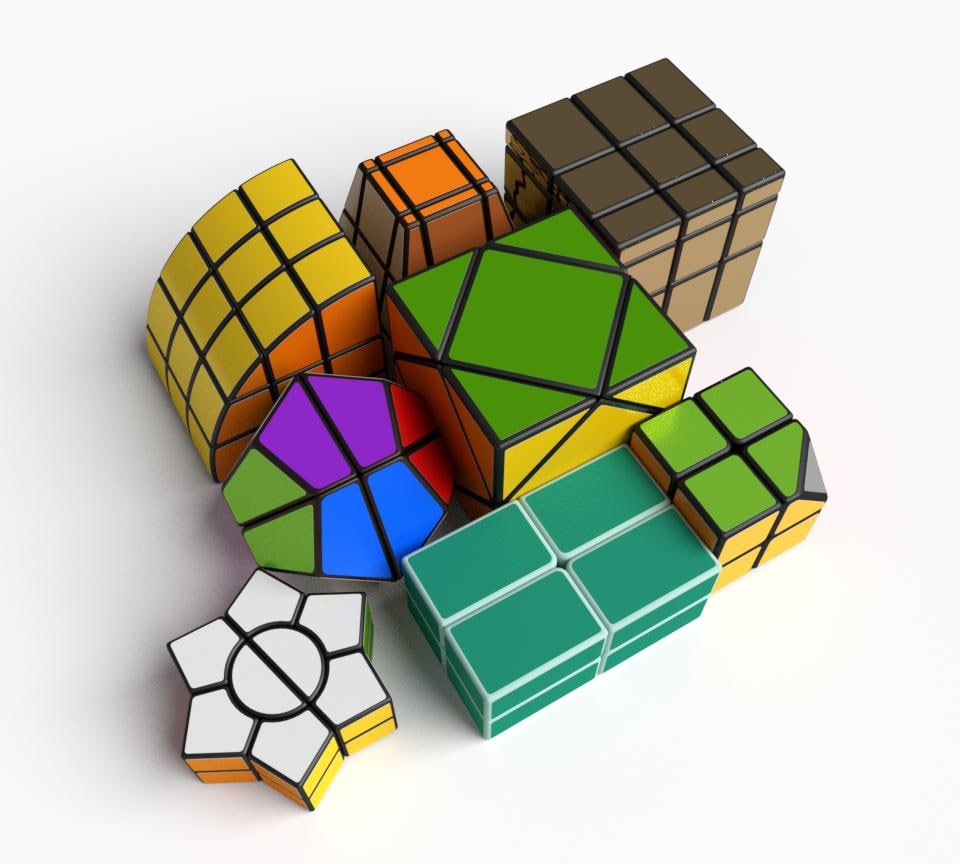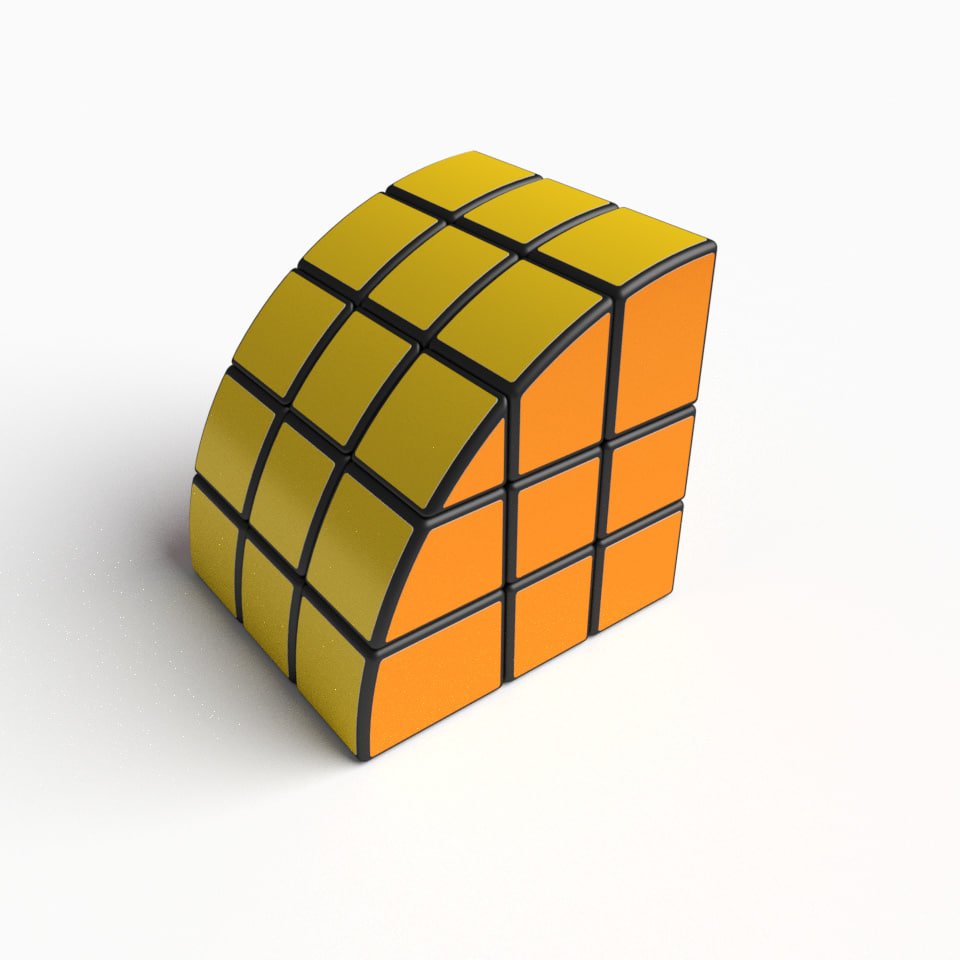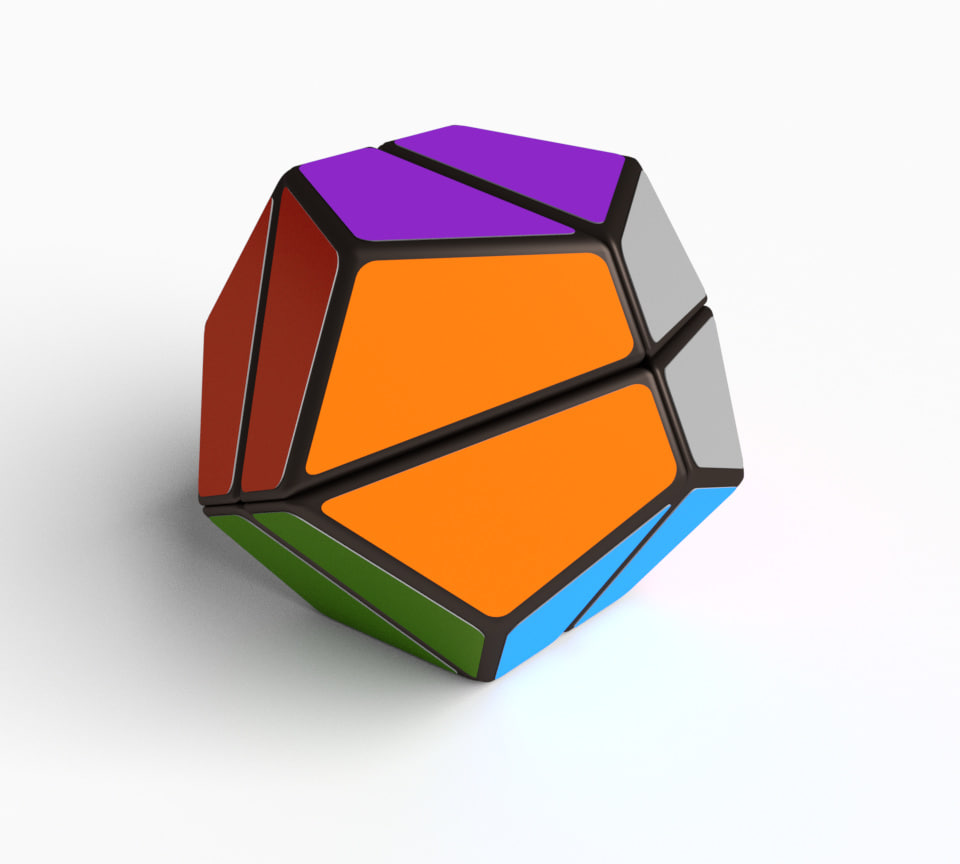
Additional Info: Toy weapon N310520 – 3D model (*.gsm+*.3ds) for interior 3d visualization.
Tag: puzzle
-
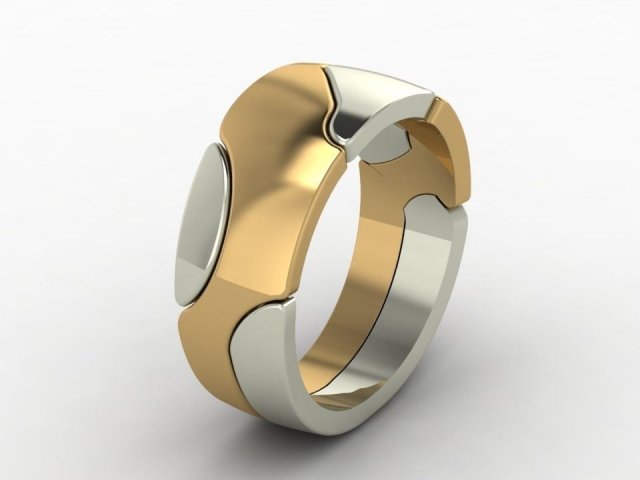
Puzzle ring 3D print model 3D Model
Puzzle ring 3D print modelPuzzle ringsize 18silver.925 – 7.95 grModel is ready for prototyping on 3D Printing and CNC.
-
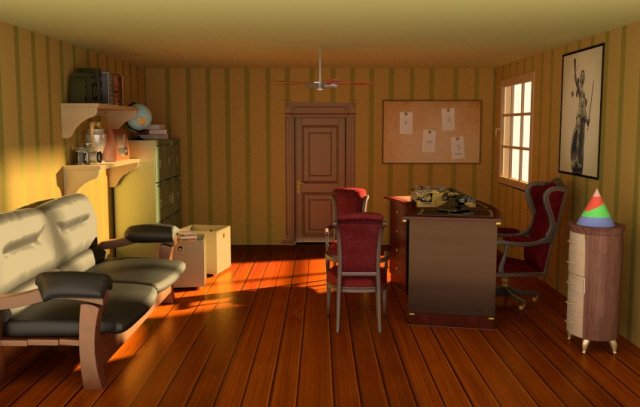
Classic detective office 3D Model
classical office of detective includes a lot of place to hide items and puzzles u can use to escape
-

Puzzle 3D Model
Jigsaw Puzzle 3d model in cartoon style.Include 18 puzzle pieces.All possible parts.Preview images are rendered with Vray.Formats.max 2014.obj.stl.fbxNo Texture———————-27,296 poly27,276 vertIn subdivision Level 0———————-
-
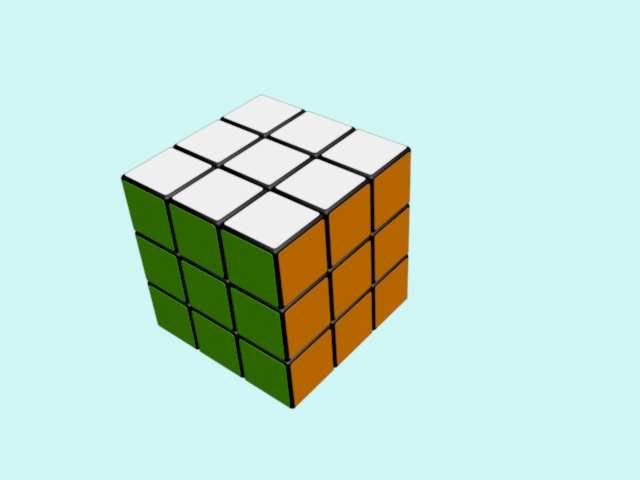
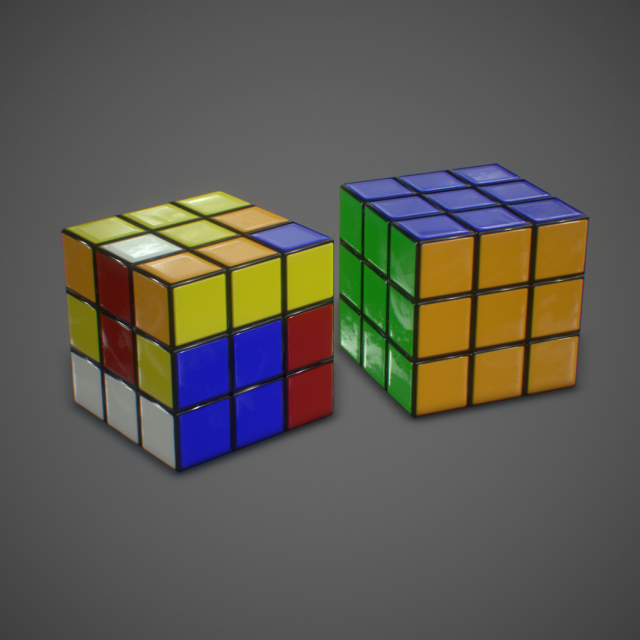
Rubik cube 3D Model
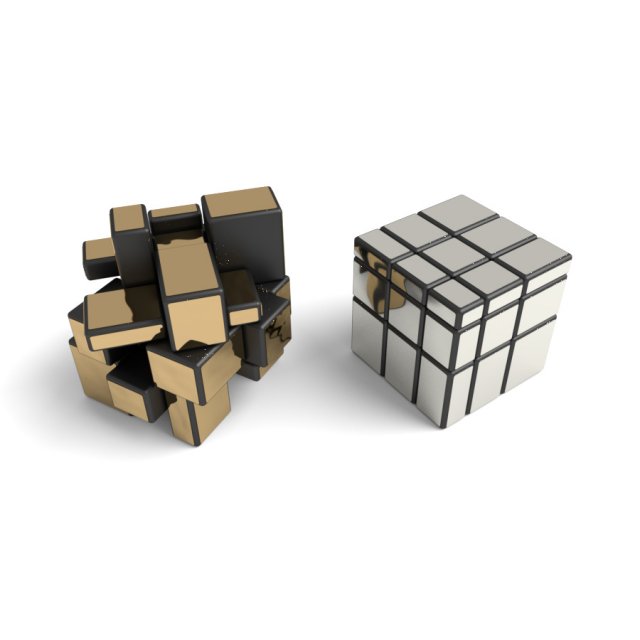
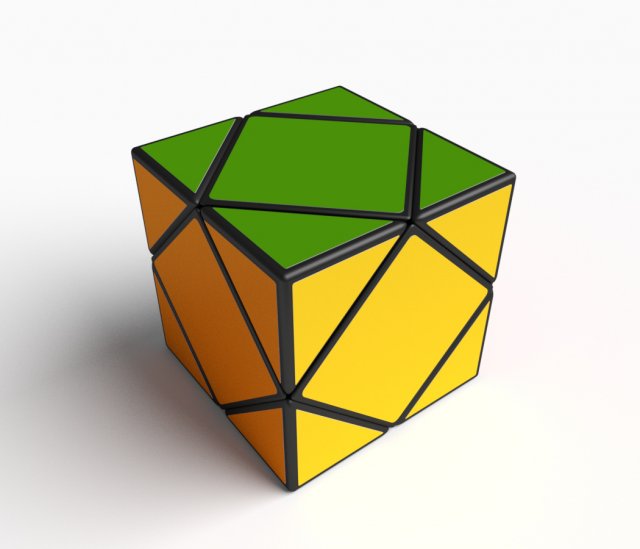
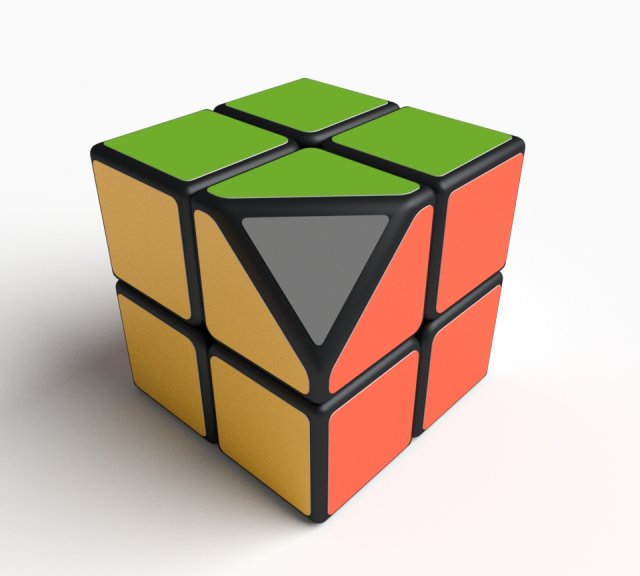
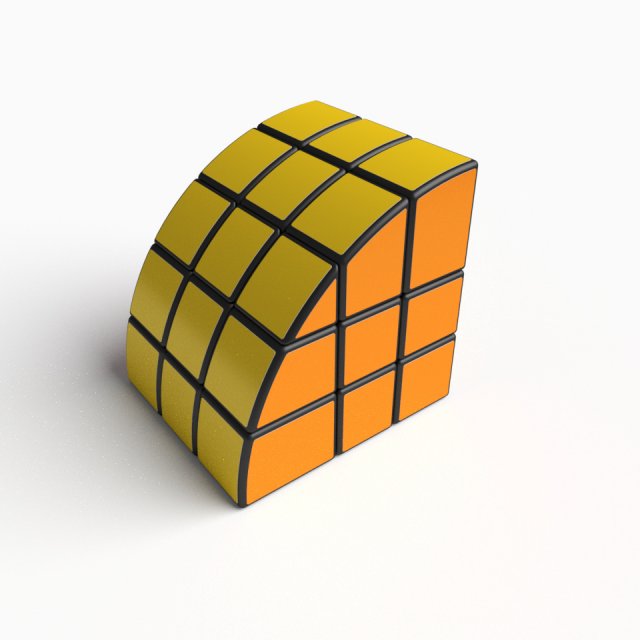
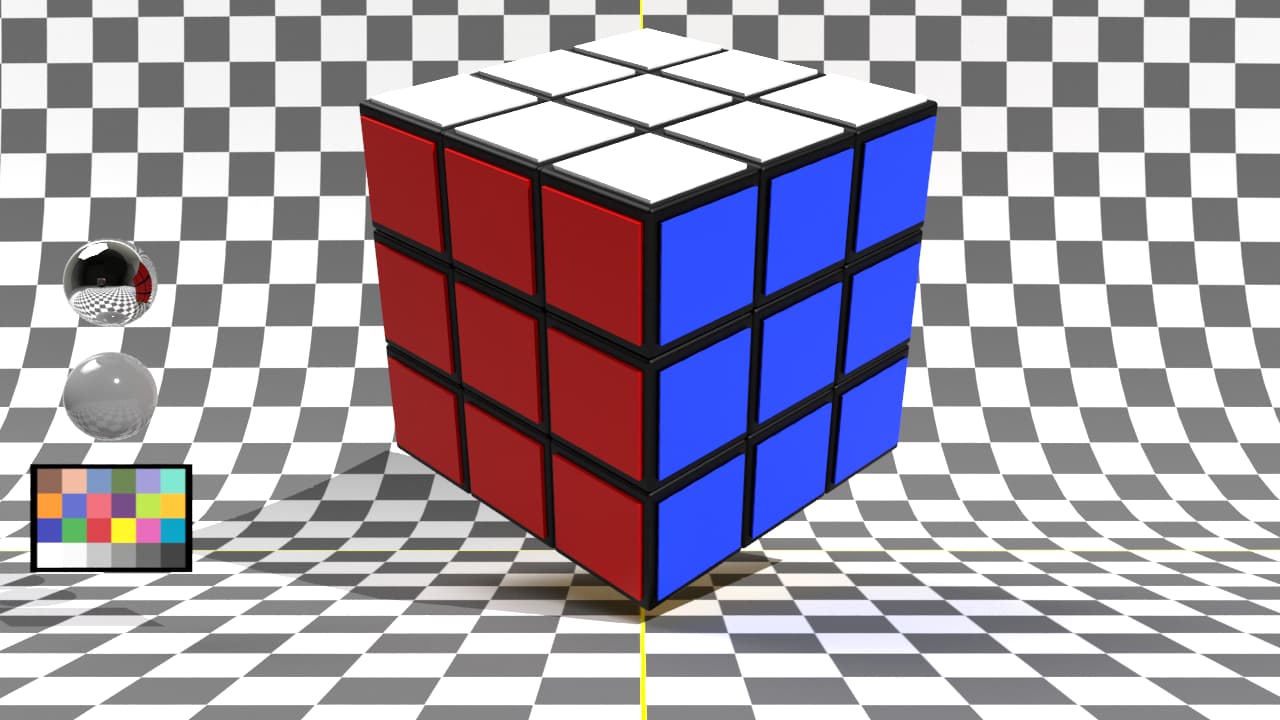
3d model of rubik cube(3*3*3)(copy)Topology and Geometry:–forms and proportion of the 3D model most simillar to real object.-clean modelingMaterials and Textured:–3ds max file include standard materials.-All textured path are cleaned.
-
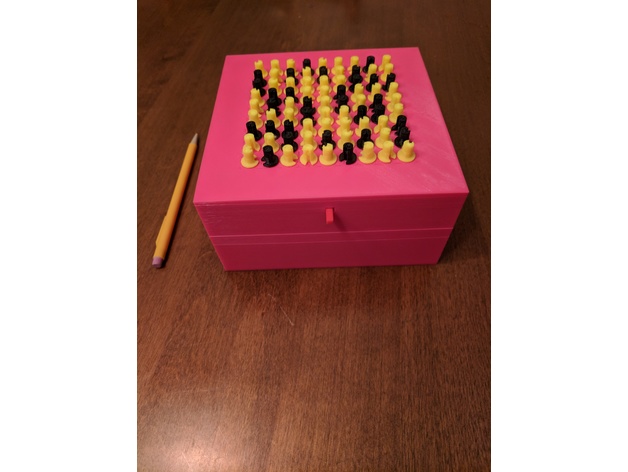
Sudoku Puzzle Box 3D Print Model
Summary
This fully 3d printable box remains locked until the Sudoku puzzle displayed on its top is solved. The puzzle is displayed using knobs pointing to numbers on the box lid. Some knobs are fixed (these are the filled-in numbers on the puzzle) and some are free to rotate. As they rotate, a detent mechanism gives tactile feedback and keeps the pins in place. Once solved, a button on the front of the box is pressed, and the top becomes free to lift off the box. The puzzle is configurable by rearranging different combinations of pins.
Parts:
box.stl – This is the base of the box.
pins-moving.stl – These are all of the rotating pins needed to make any Sudoku puzzle. Included are 81 pins, 9 corresponding to each number. The number each pin corresponds to is printed on its side. Also included are cylindrical supports up the side of the pin. This improves stability, as the pins are tall and have a narrow base.
pins-fixed.stl – This is similar to pins-moving.stl, but contains pins that are fixed in position and cannot move. These are used for the “filled in” numbers of the puzzle.
slideplate.stl – Part of the locking mechanism. The front part of this protrudes as the button (so print it in the desired color for the button).
clips.stl – Internal to the box, these hold the mechanism in place against the lid.
baseplate.stl – The base of the internal mechanisms. It also contains the detent prongs. I recommend printing this in PETG to allow for some flex.
lid.stl – This is the top part of the box. On its face are printed circles of numbers, so ensure your bed is level and Z height is set correctly.
knobs.stl – These knobs press on top of the pins to make them easier to grip. Print 2 sets of these, one in the color for fixed pins, and one in the color for moving pins.Print Settings
Printer Brand:
Prusa
Printer:
i3 MK3
Rafts:
No
Supports:
No
Infill:
20%
Notes:
I used 0.15mm layer height and an 0.4mm nozzle; other settings may work as well.
Post-Printing
Step 1. Detaching Pins
The pins print with included supports and must be removed from them. They can be removed by pushing straight down on the tops of the pins, out through the bottom of the support platform. Remaining strings at attachment points on the pins are not generally a problem.
You may wish to leave pins attached to the support platform until configuring a puzzle to keep them organized (in rows by number).
Step 2. Configuring Puzzle
Place the base plate on a flat surface such that the detent prongs are facing you (see orientation in photo). Place pins onto the base plate such that the cylinders protruding from the base plate fit into the holes in the bottoms of the pins. Fixed pins should be used for preset positions in the puzzle while moving pins should be used for blank positions. Place pins such that the large slot in the side of the pin is facing you; this should also align a small groove on the opposite side with the detent prong.
If there is a bit of stringing on the base plate, this is usually OK. Remove any large chunks, and just push the pin through the rest, breaking the strings.Pins inserted into base plate
Step 3. Assembling the Lid
Turn the lid upside-down (such that the numbers printed on the surface are facing downward). Place the slide plate into the lid, inserting the protruding arm of the slide plate (the button) into the hole in the front of the lid. Gripping the button (now protruding through the lid), pull the slide plate to the front of the lid.
Now flip the lid, continuing to pull on the button. Ensure the slide plate is staying roughly level with the top of the lid. You may have to pull a bit hard to counteract gravity and the leverage of the sliding plate. Pulling out and slightly down (using the button as a lever) can make this easier.
Place the lid and slide plate over the base plate, aligning the front of the lid (with the button protruding) to the front of the base plate. Carefully lower the lid, watching from the side to keep the posts protruding from the underside of the lid aligned with the corresponding cutouts in the base plate. If pin shoulders snag on the slide plate, just wiggle the lid a little to get them through; the shoulders of the pins are tapered to help this. Once the tops of the pins reach the underside of the lid (you can see them through the holes in the lid), wiggle and tap the lid a bit to get the pins to go through. Both the underside of the lid and the tops of the pins are tapered.
After lid has been placed on top of base plate, and pins inserted through the holes in the lid, pick it up, and push the lid all the way down. The cutouts on the base plate should seat firmly on top of the lid posts (see picture).
Take each of the 3 clips, and slide it from the side underneath the clip holders. The edges of the clips are chamfered to help this. Ensure the clips are tilted toward the clip holders when first inserting them to get them started. The 3 half-spheres attached to the bottom of the clips should snap into the corresponding holes in the bottom of the base plate. (see picture)
After finishing the assembly of the lid, flip it over again (so that the printed numbers are facing up). Ensure that all pins are pointed at the correct numbers, then push the button on the front to test the locking mechanism. The button should move in about a centimeter. If there are strings on the slide plate or inside the slots on the pins, it may take additional force the first time the button is pushed to break through the strings.Adding Knobs
Place the lid with the top facing up on a flat surface. (I recommend doing this while the lid is not placed on the box so the force required to push on the knobs does not damage the clips.)
Take each knob and firmly press it down on top of the pin. Ensure the opening in the knob is aligned to the mark on the pin, and to the number indicated by it.
After this, place the lid on the box, aligned to the front (the front of the box is the side with the slot), and assembly is completed.
Locking and Unlocking
To lock the puzzle, pull the button outward, and turn the moving pins to their upward positions (blank). To unlock, turn pins to the correct positions and push button inward. -
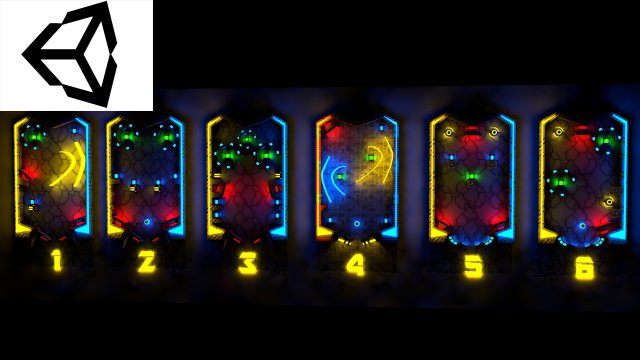
PinBall PlayMaker 3D Model
PinBall PlayMaker is a high quality model to add more details and realism to your projects. All colors can be easily modified. Unreal Engine compatible models FBX . PROFESSIONALLY MODELED Models in scene were made without ngons and to keep polycount as low as possible: WELL ORDERED Like all our products this PinBall PlayMaker is handy to use and easy to modify. In this product there is no problem with multiplied materials and textures! There is more models of this series – explore our models set! It is suitable for game engines :)Quoted poly count is for triangles.Game Environment is low-poly model ideal for game engines (Game-Ready).Very High detailed Game Environment ready for professional projects.- 21 000 polygons- Model completely unwrapped.- Texture 2048-2048- Model is fully textured with all materials applied.- Pivot points are correctly placed to suit animation process.Other work will continue link https://www.artstation.com/artist/havolk
-
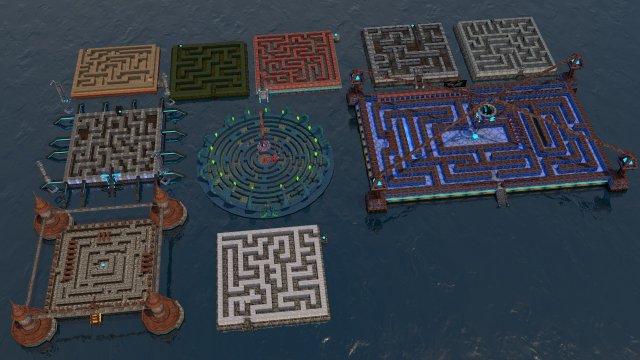
Labyrinth Package 3D Model
Labyrinth Package is a high quality model to add more details and realism to your projects. All colors can be easily modified. Unreal Engine compatible models FBX . PROFESSIONALLY MODELED Models in scene were made without ngons and to keep polycount as low as possible: WELL ORDERED Like all our products this Labyrinth Package is handy to use and easy to modify. In this product there is no problem with multiplied materials and textures! There is more models of this series – explore our models set! It is suitable for game engines :)Quoted poly count is for triangles.Game Environment is low-poly model ideal for game engines (Game-Ready).Very High detailed Game Environment ready for professional projects.- All 38000 Polygons-Labi 1 -600 Polygon-Labi 2 -593 Polygon-Labi 3 -1008 Polygon-Labi 4 -697 Polygon-Labi 5 -860 Polygon-Labi 6 -6080 Polygon-Labi 7 -4559 Polygon-Labi 8 -13668 Polygon-Labi 9 -9489 Polygon- Model completely unwrapped.- Texture 6000-6000 and 4000-4000- Model is fully textured with all materials applied.- Pivot points are correctly placed to suitanimation process.Other work will continue link https://www.artstation.com/artist/havolk
-
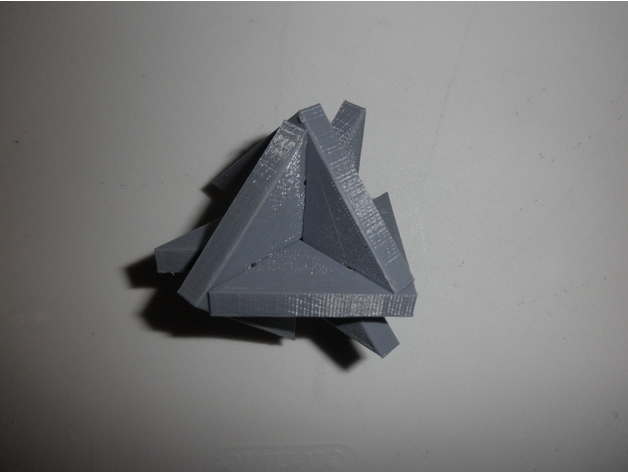
Phut Cluster puzzle 3D Print Model
Summary
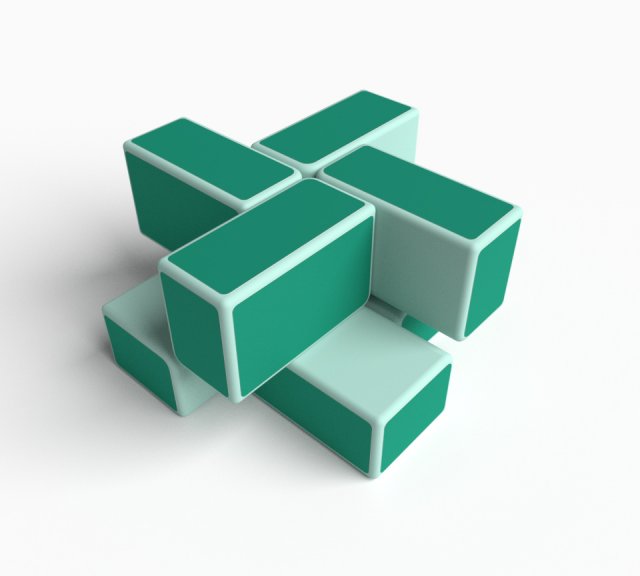
This is a 3D printable version of Viktor Genel’s Phut Cluster puzzle. It is a coordinate-motion puzzle, meaning all the pieces have to move at the same time when assembling or disassembling. Print three total, and try to assemble them so all three pieces are intersecting and orthogonal. The “trick” setup is shown in the final picture, and should be enough of a hint to solve the puzzle.
Print Settings
Printer Brand:
Wanhao
Printer:
Wanhao Duplicator i3 Plus
Rafts:
No
Supports:
No
Resolution:
0.1 mm
Infill:
20% -
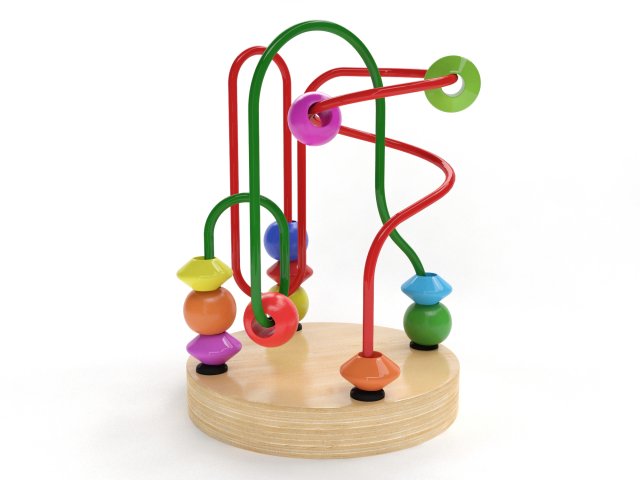
Wire maze 3D Model
3D model of Wire mazeThe model was originally modeled in 3ds Max 2011 and rendered with V-Ray 2.20.03All preview images are direct renders from 3ds Max using V-Ray. No post-production or Photoshop was used.************************************************FEATURES:- Model is built to real-world scale- Measurement units: millimeters- Object dimensions: height 12 cm- Model with TurboSmooth modifier- All textures and materials are included- All objects and materials have unique and logical names- Scene is layered properly************************************************Available in the following file formats:- 3ds Max 2011 with V-Ray materials (.max)- FBX (.fbx)- 3DS (.3ds)- OBJ (.obj)************************************************ATTENTIONAdditional formats do not include material definitions and may require some extra effort.Depending on which software package you are using, the exchange formats (.fbx, .3ds, .obj) may not match the preview images exactly.
-
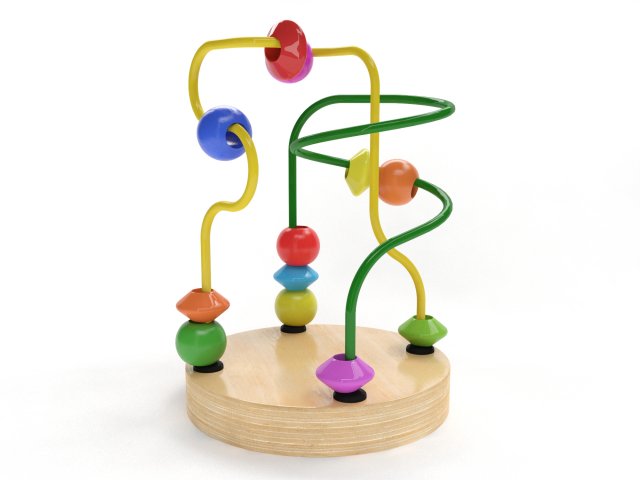
Wire maze 3D Model
3D model of Wire mazeThe model was originally modeled in 3ds Max 2011 and rendered with V-Ray 2.20.03All preview images are direct renders from 3ds Max using V-Ray. No post-production or Photoshop was used.************************************************FEATURES:- Model is built to real-world scale- Measurement units: millimeters- Object dimensions: height 12 cm- Model with TurboSmooth modifier- All textures and materials are included- All objects and materials have unique and logical names- Scene is layered properly************************************************Available in the following file formats:- 3ds Max 2011 with V-Ray materials (.max)- FBX (.fbx)- 3DS (.3ds)- OBJ (.obj)************************************************ATTENTIONAdditional formats do not include material definitions and may require some extra effort.Depending on which software package you are using, the exchange formats (.fbx, .3ds, .obj) may not match the preview images exactly.
-
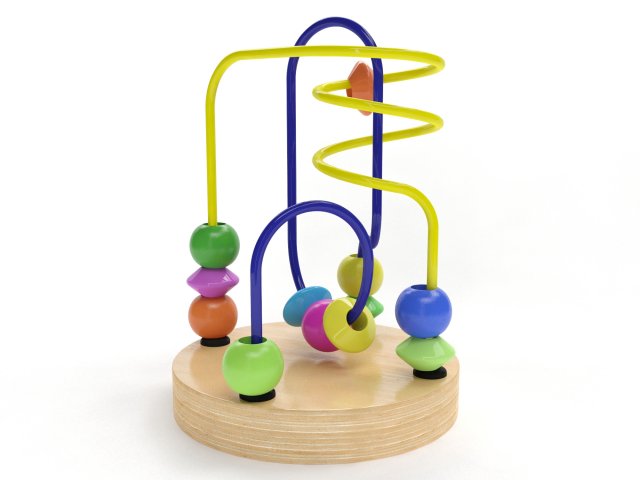
Wire maze 3D Model
3D model of Wire mazeThe model was originally modeled in 3ds Max 2011 and rendered with V-Ray 2.20.03All preview images are direct renders from 3ds Max using V-Ray. No post-production or Photoshop was used.************************************************FEATURES:- Model is built to real-world scale- Measurement units: millimeters- Object dimensions: height 12 cm- Model with TurboSmooth modifier- All textures and materials are included- All objects and materials have unique and logical names- Scene is layered properly************************************************Available in the following file formats:- 3ds Max 2011 with V-Ray materials (.max)- FBX (.fbx)- 3DS (.3ds)- OBJ (.obj)************************************************ATTENTIONAdditional formats do not include material definitions and may require some extra effort.Depending on which software package you are using, the exchange formats (.fbx, .3ds, .obj) may not match the preview images exactly.
-
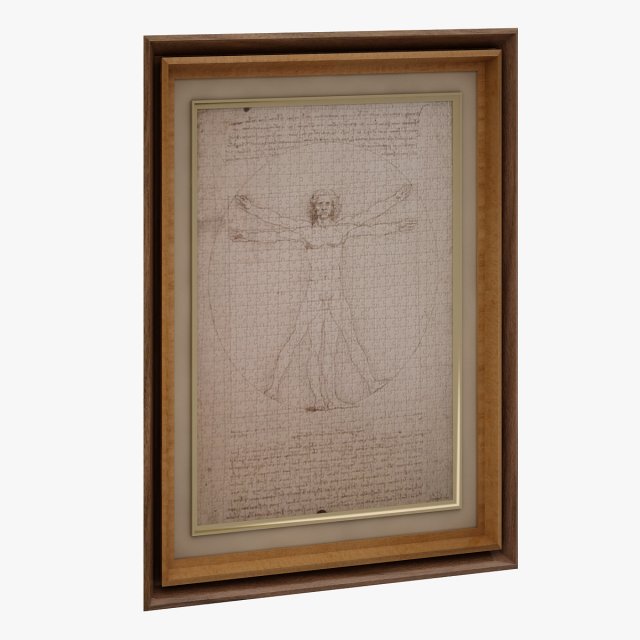
Picture 02 3D Model
Modelled : AutocadRendered : 3ds Max 2013 – Vray 2.30Files : .max (2010, 2011).fbx.obj.mtland textures(c) 3D_SB 2014-2015
-
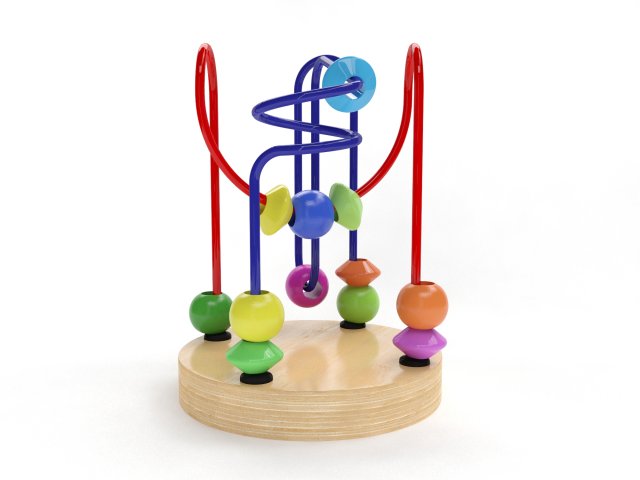
Wire maze 3D Model
3D model of Wire mazeThe model was originally modeled in 3ds Max 2011 and rendered with V-Ray 2.20.03.All preview images are direct renders from 3ds Max using V-Ray. No post-production or Photoshop was used.************************************************FEATURES:- 1:1 scaled, 100% from the original object- Measurement units: millimeters- Object dimensions: height 12 cm- Model with TurboSmooth modifier- All textures and materials are included- All objects and materials have unique and logical names- Scene is layered properly************************************************Available in the following file formats:- 3ds Max 2011 with V-Ray materials (.max)- FBX (.fbx)- 3DS (.3ds)- OBJ (.obj)************************************************ATTENTIONAdditional formats do not include material definitions and may require some extra effort.Depending on which software package you are using, the exchange formats (.fbx, .3ds, .obj) may not match the preview images exactly.
-
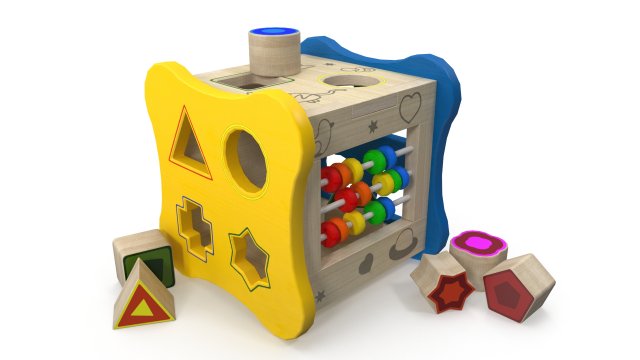
Childrens puzzle 3D Model
3D model Children’s puzzle by AlekRazum.Included: V-ray materials, diffuse map, bump map, reflection map.max: V-ray materials.3ds,obj,fbx,c4d: no materials.
-
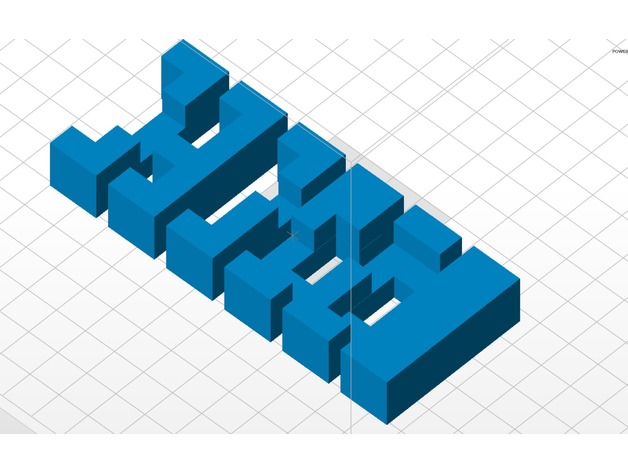
Burr Puzzle 3D Print Model
Summary
Went overseas and bought a puzzle, Printed a few on the zortrax M200 and they came out perfect. Burr Puzzle- Enjoy -

3d Printable Heart 3D Model
3d Printable HeartThis is my first 3d printable model So if you find anything wrong with it let me know. I appreciate thatI exported it in two part as .obj and .stl formats.
-
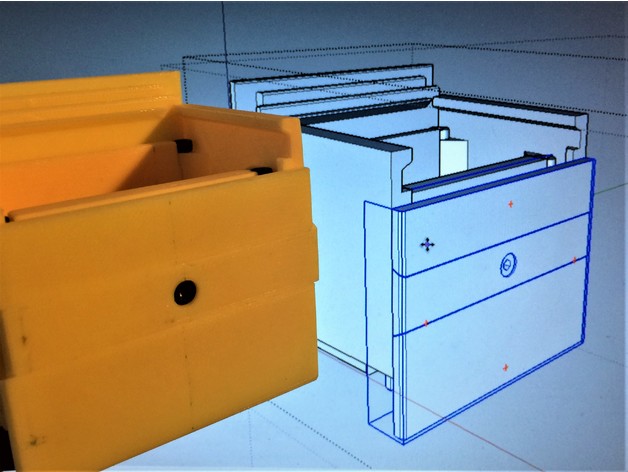
Awesome Epic Puzzle Box 3D Print Model
Summary
2 slider Chinese puzzle box. 9hr print. Can print custom paths for unique combinations.
18 moves to open.
Based on Bruce Viney’s Impossible Odds at: http://www.homemadepuzzles.co.uk/index.html
Designed for my Design Print Build youtube video series.
Requires 10x m3-8mm bolts.
Printed at .25mm layers, .4mm nozzle, 50mm/s 2 wall, 20% infill. Very little sanding required.
May require supports touching bed on Front and Back panels, that hold the sliders.https://www.youtube.com/watch?v=wRqW6jQDPlY -
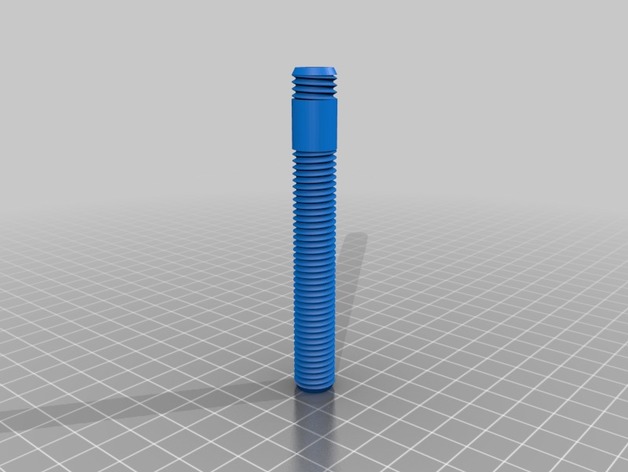
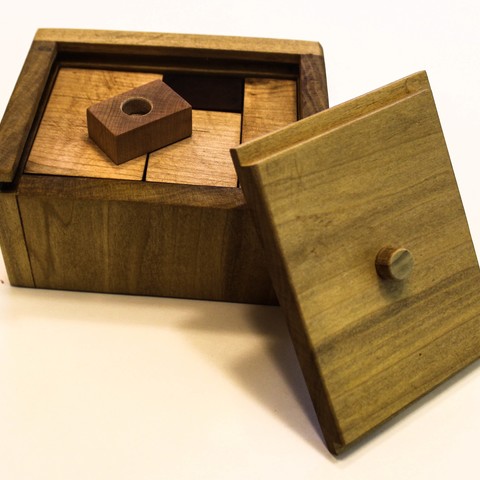
Secret compartment hollow screw trick puzzle 3D Print Model
Summary
Top screw is links threaded which makes it counter intuitive as intended. Walls are 2mm. Threads are M12x1.75
Original is made by robrook https://www.thingiverse.com/thing:330688 but there were some problems with scaling in the slicer, and some minor problems with the secret screw threads showing when screwed in.
I also included an exported step-file from fusion 360
Print Settings
Printer Brand:
Wanhao Printer:
Wanhao Duplicator i3 V2 Rafts:
No Supports:
No Resolution:
0.1 Infill:
60% Notes:
I printed with PLA, heated bed and 8mm brim. No support was needed. It is rescaleable but below 50% makes it brittle. -
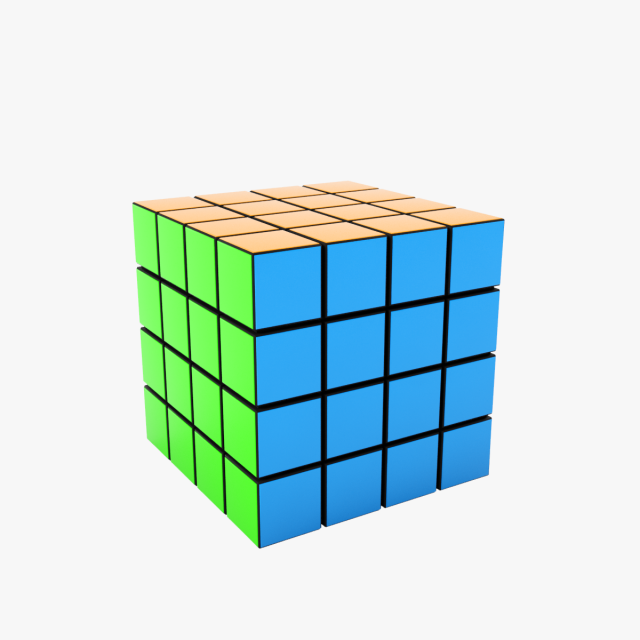
Rubiks cube 3D Model
Rubik’s cube ( 3D’s Max 2015)V-ray render and materialsArchive included Materials library (.mat), FBXIncluded 3D’s max 2012 scene
-
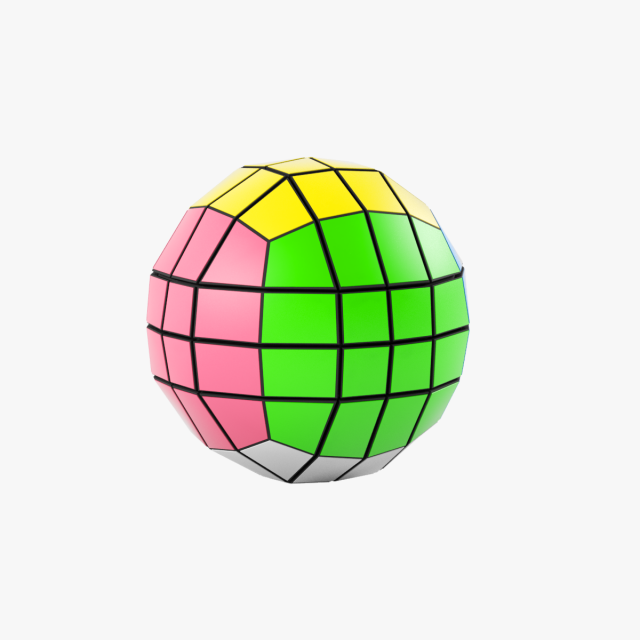
Rubiks cube 4x4x4 ball 3D Model
Rubik’s cube 4x4x4 ball ( 3D’s Max 2015)V-ray render and materialsArchive included Materials library (.mat), fbxIncluded 3D’s Max 2012 scene
-
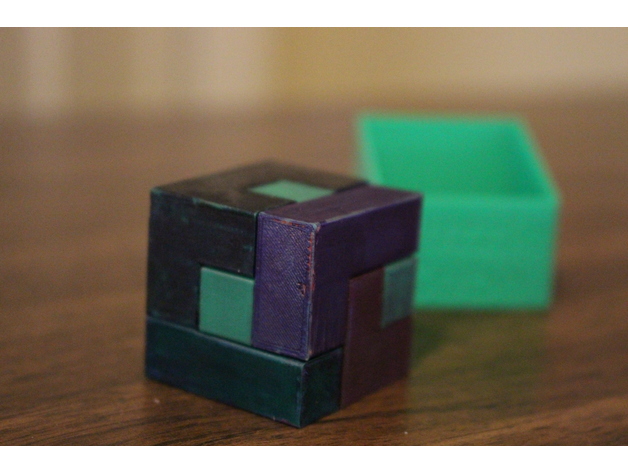
Mini Puzzle Cube 3D Print Model
Summary
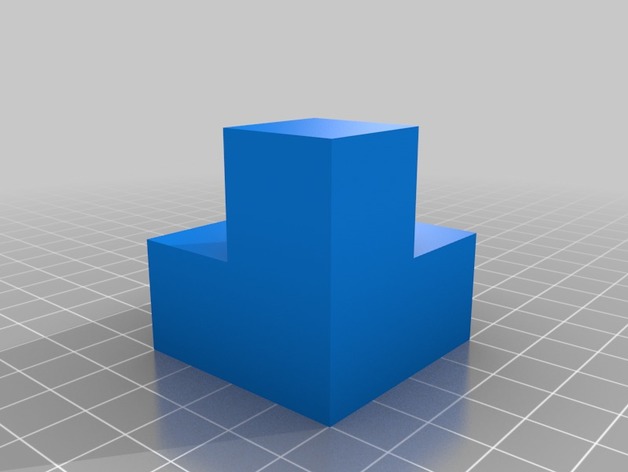
This is a fun 5 piece 3 x 3 puzzle cube.
Print Settings
Printer:
Mp Select Mini II Rafts:
No Supports:
No Resolution:
.1 Infill:
20% Notes:
I would recommend printing the models at 2 x scale if you want to use it. The size the stl files are now are useable but a little small.
Post-Printing
After printing I colored the pieces with sharpie to add some contrast.
How I Designed This
I had first sketched it out on grid paper. Then I modeled the pieces in Fusion 360. -
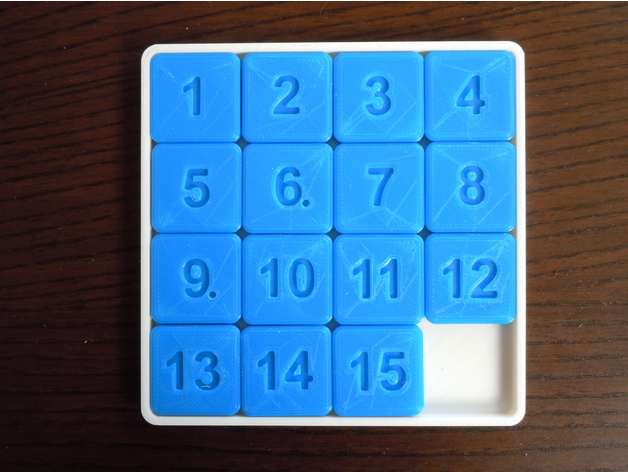
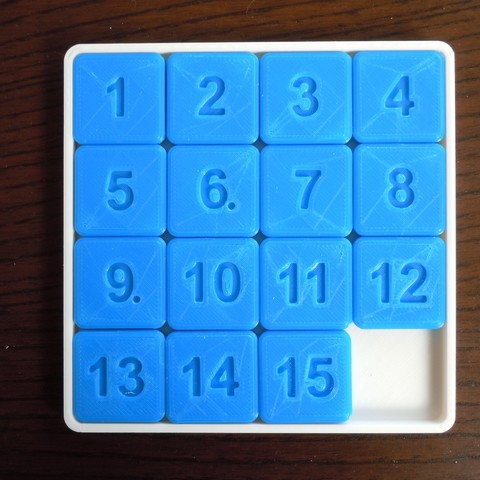
15 Puzzle Game 3D Print Model
Summary
Print yourself a challenge!https://en.wikipedia.org/wiki/15_puzzle
To make chips movement smooth, scrape the box interior with a blade from a utility knife. -
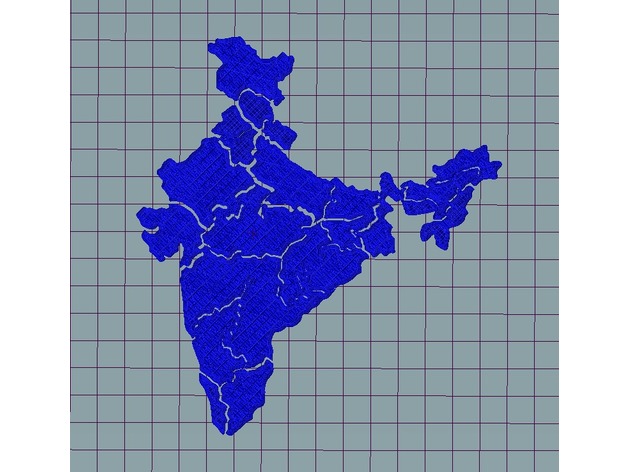
India Map Puzzle 3D Print Model
Summary
Just a puzzle of the India Map, illustrating the states/regions of the country.
Provided complete stl (not tested but should be fine).
Check out the World Map Puzzle here: https://www.thingiverse.com/thing:2412659
Check more designs here: http://www.thingiverse.com/2c2know/designs -
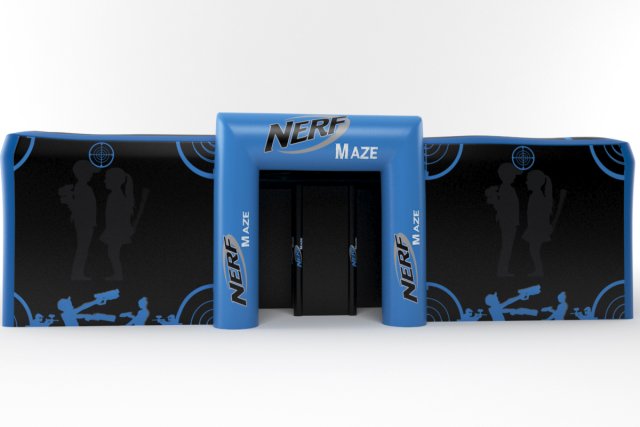
Nerf maze 3D Model
the model is made by 3ds max with right scale world no confuse to make selection, just grab model on scene and start render,all textures and materiel included like you see on images.i hope you like it just check others models on my profil
-
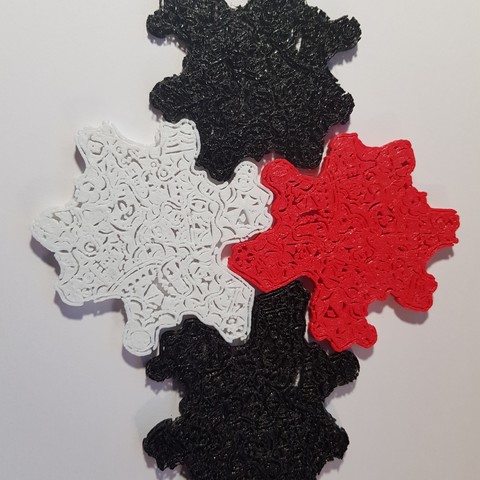
PUZZLE 3D 3D Print Model
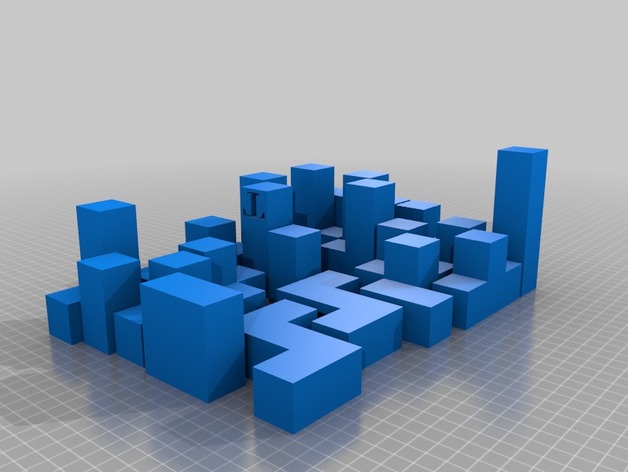
THE SAME PART THAT FITS IN ALL THE POSITIONS.
TO MAKE THE PUZZLE THE BIGGER THAN YOU WANT. -
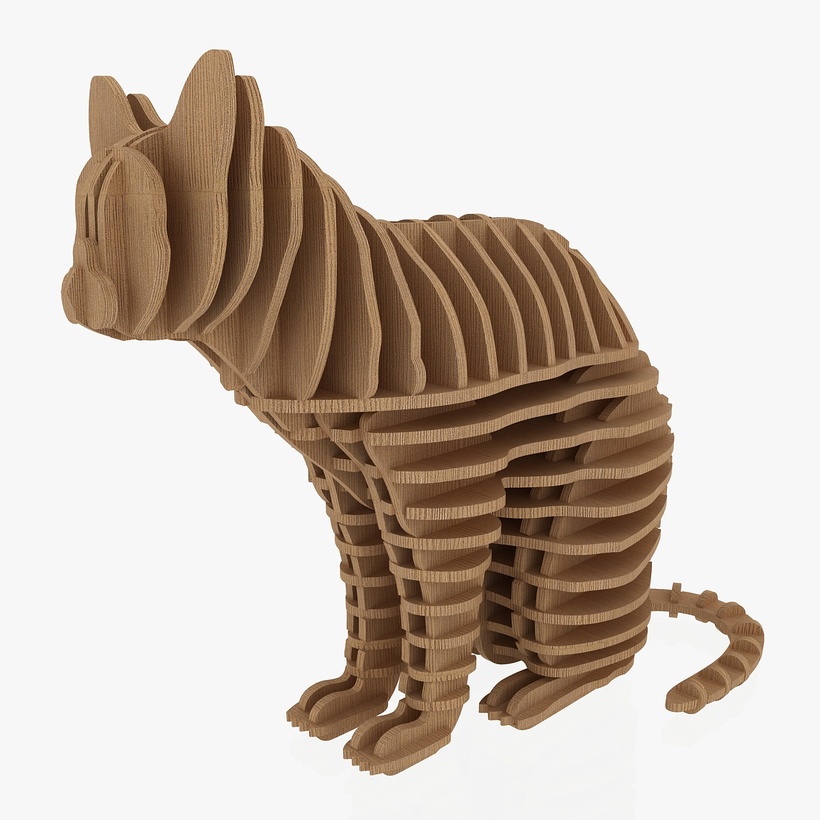
3D Jigsaw Puzzle Cat 1 3D Model
3D Jigsaw Puzzle Cat 1
|| PRODUCT DESCRIPTION ||
This is a model of a Hobby craft 3D Jigsaw Puzzle Cat 1
Originally created with 3ds Max 2014
Formats; 3dsmax 2014, Autocad 2010, Stl, Obj, fbx, dxf, 3ds, dae
|| USAGE ||
This model is suitable for use in [3d printer, cnc cutting, broadcast, high-res film close-ups, advertising, design visualization, forensic presentation, etc.]
This model is an accurate representation of Puzzle Cat 1 using a scale of 1unit = milimeters
|| SPECS ||
This model contains 64 separate objects
This model contains V-Ray materials only
This model consists of individual parts
All the objects, materials and textures of the model are properly named.
Polygon Count: 34452
Vertices Count: 17351
|| PRESENTATION IMAGES ||
There are extra elements in the preview images that are not included in the file.
All preview images are rendered with V-Ray Renderer
No Photoshop or compositing used, Product is ready to render out-of-the-box. LIghts and cameras are included in the file.
Preview Images are rendered using the V-Ray version of the 3.4 renderer. If you render this file using a different version of this renderer, you may not have the same results as you see on the thumbnails.
|| TEXTURES ||
2000×200 JPG ([X]) – Main object and detail areas
|| GENERAL ||
Model is built to real-world scale
Units used: Milimeters
Mail us for questions and special requests.
Our other models, click the user name to see the full gallery.
Thankyou -

Rubiks Cube 3D Model
This is a realistic 3D model magic cube.The model is highly accurate and based on the manufacturers original dimensions and technical data.This model consists of great geometry, fantastic detail, and the materials and textures are included.The files are 3ds Max 2014, obj. The 3ds Max 2014 version is also optimized for V-Ray.This model magic cube is ideal for photorealistic visualizations.Unpack the format you need and run in 3D editor.I hope you enjoy my work.Thank you.
-
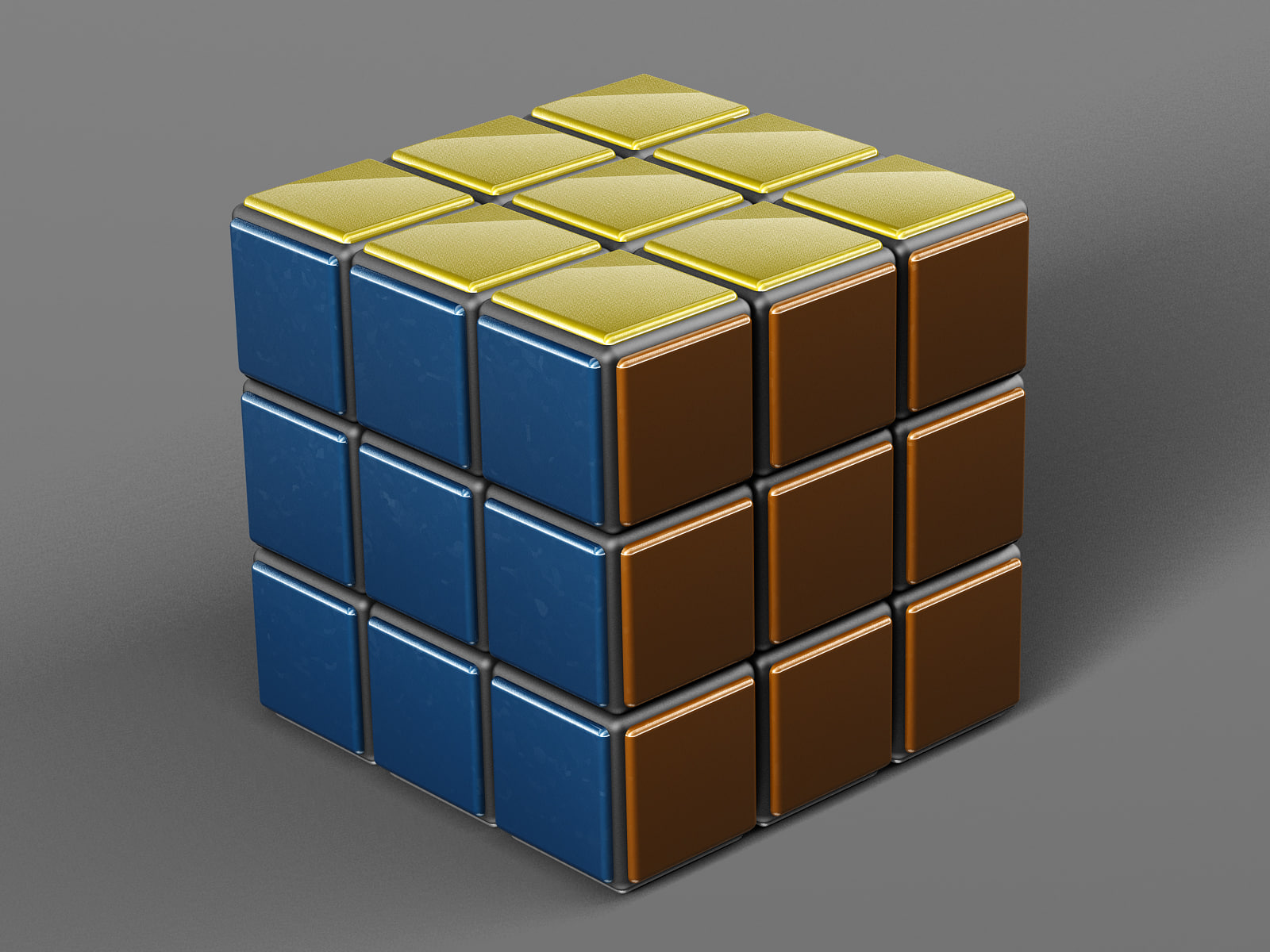
Rubik’s Cube 3D Model
This is a realistic 3D model Rubik’s Cube.The model is highly accurate and based on the manufacturers original dimensions and technical data.This model consists of great geometry, fantastic detail, and the materials and textures are included.The files are 3ds Max 2014, obj. The 3ds Max 2014 version is also optimized for V-Ray.This model Rubik’s Cube is ideal for photorealistic visualizations.Unpack the format you need and run in 3D editor.I hope you enjoy my work.Thank you.
-
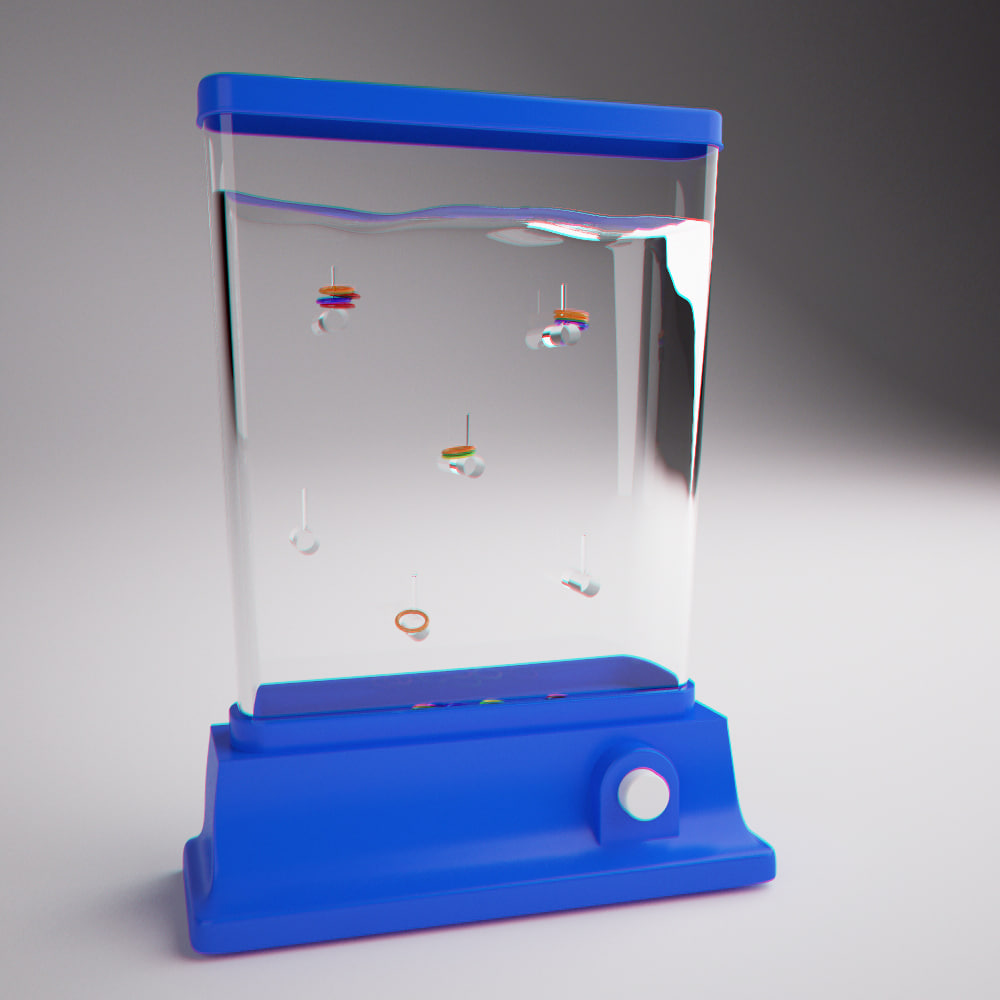
3D Aquaplay game 3D Model
The famous AQUAPLAY game.Kids from the 70s, 80s and 90s will remember.It’s pretty much it.
-
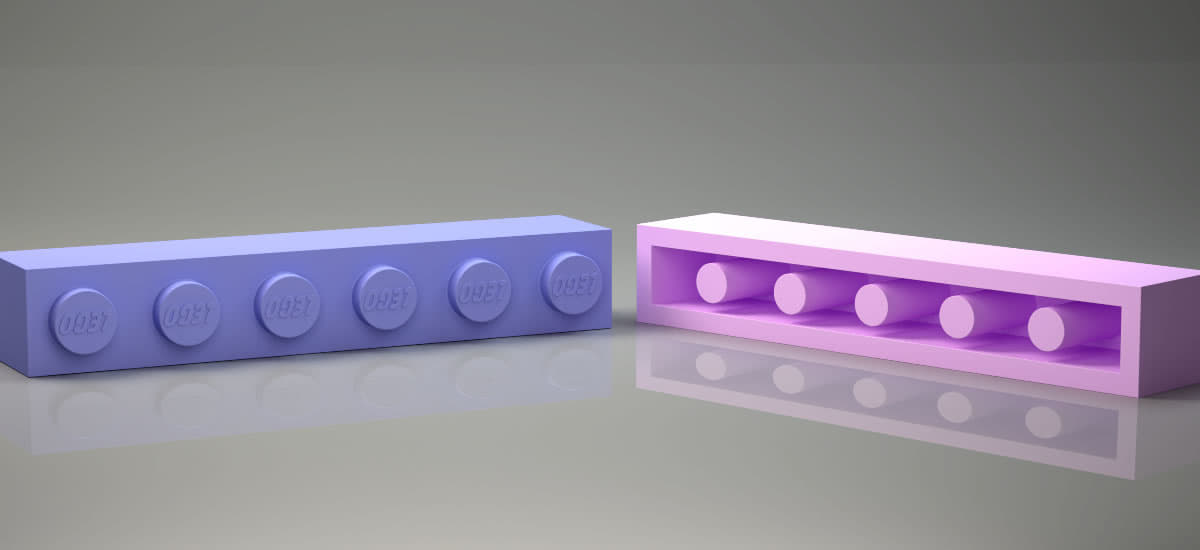
LEGO game Brick 1×6 compatible our other products Original Size 3D print model model 3D Model
LEGO game Brick 1×6 compatible our other products Original Size 3D print modelLEGO game Brick 1×6 Original Size compatible our other products 3D print modelLEGO game Brick 1×6 Original Size compatible our other productsStandrt sizes compatible with other parts of LEGO in our sell list..Ready for games and Printing..All Lego Brick will be present as soon as possible.. Fallowing us..If any quations please write us Other Prgrams+ Rhino 4.0 + 3D Max 2012 + STL + OBJ + 3DS + FBXThe other parts will be as soon as possible.. (Following us..)Thanks for advance ..
-
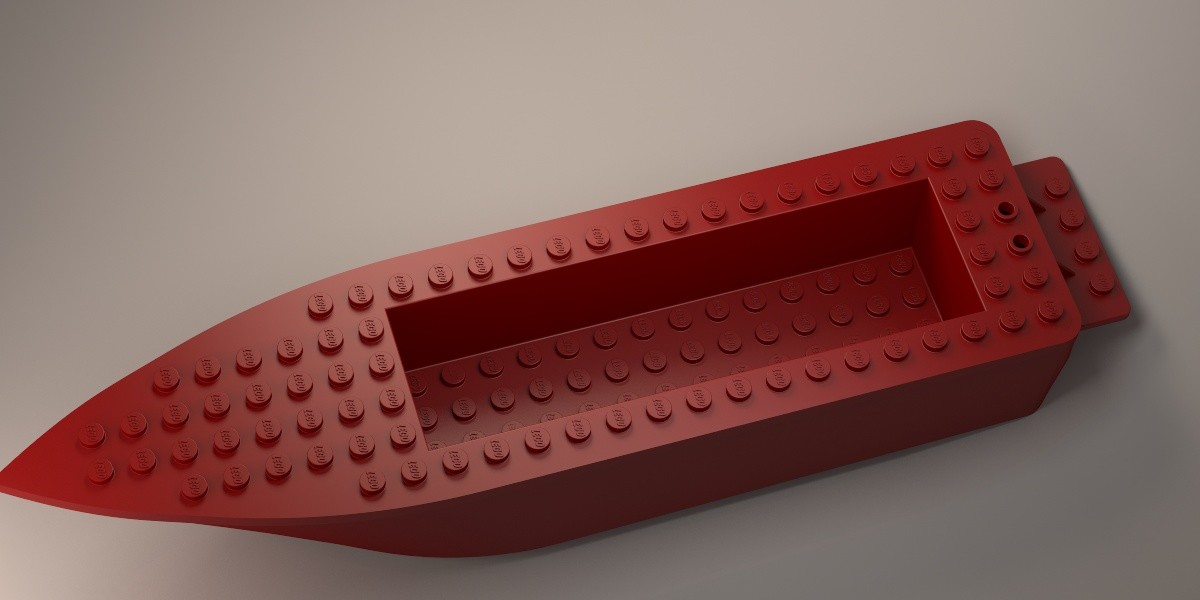
LEGO Boat hull floating 6x24x3 complate Ready for game puzzle 3D print model 3D Model
LEGO Boat hull floating 6x24x3 complate Ready for game puzzle 3D print modelLEGO Boat hull floating 6x24x3 (complate) Ready for gameReady for games and Printing..All Lego Brick will be present as soon as possible.. Fallowing us..If any quations please write us Other Prgrams+ Rhino 4.0 + 3D Max 2012 + STL + OBJ + 3DS + FBXThe Another parts will be as soon as possible..Thanks for advance ..
-
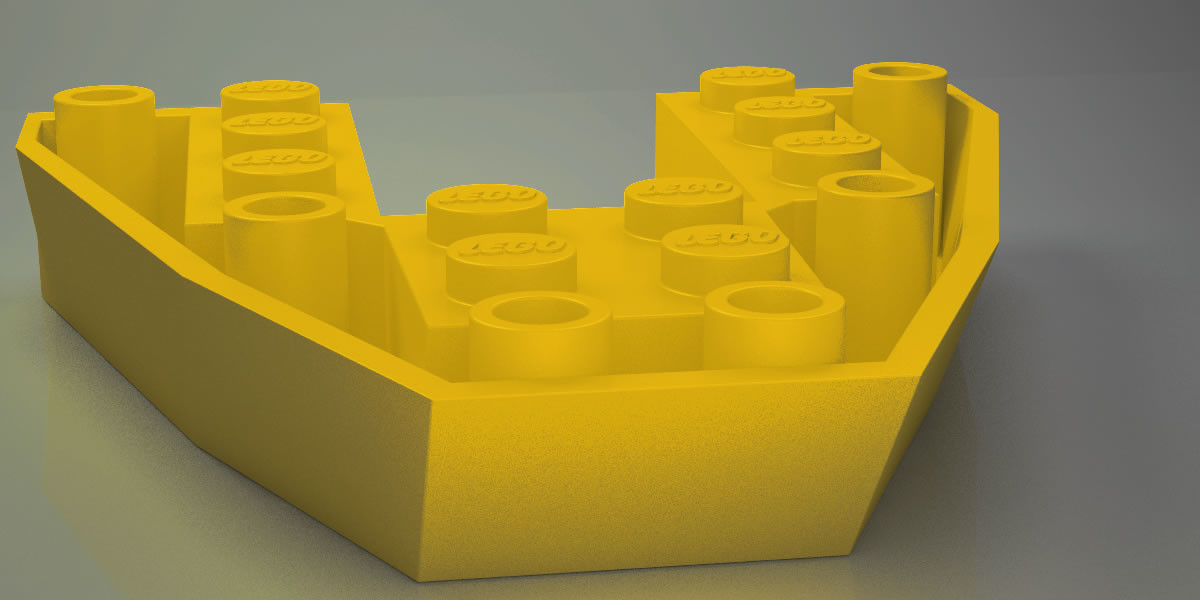
Lego Part Boat Base Plate 6×6 Ready for Games Puzzle toys 3D print model 3D Model
Lego Part Boat Base Plate 6×6 Ready for Games Puzzle toys 3D print modelLego Part Boat Base Plate 6×6 Ready for Games Puzzle toys Comfortable with other parts in my listReady for games and Printing..All Lego Brick will be present as soon as possible.. Fallowing us..If any quations please write us Other Prgrams+ Rhino 4.0 + 3D Max 2012 + STL + OBJ + 3DS + FBXThe Another parts will be as soon as possible..Thanks for advance ..
-
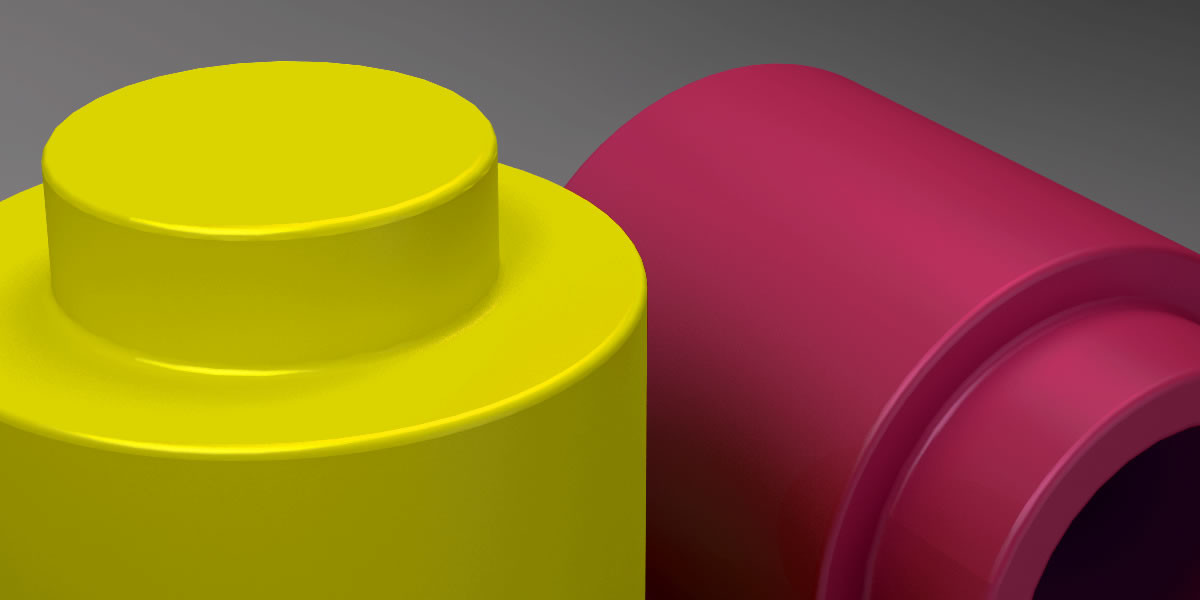
3D LEGO PARTS Lego Brick 1×1 Round with Solid Stud Puzzle Toy 3D print model model 3D Model
LEGO PARTS Lego Brick 1×1 Round with Solid Stud Puzzle Toy 3D print modelLEGO PARTS Lego Brick 1×1 Round with Solid Stud Puzzle Toy Printable Ready For games and Printable.. If any quations please write me..Other Programs+ Rhino 4.0 + 3D Max 2012 + STL + OBJ + 3DS + FBXThe other parts will be as soon as possible..Thanks for advance ..
-
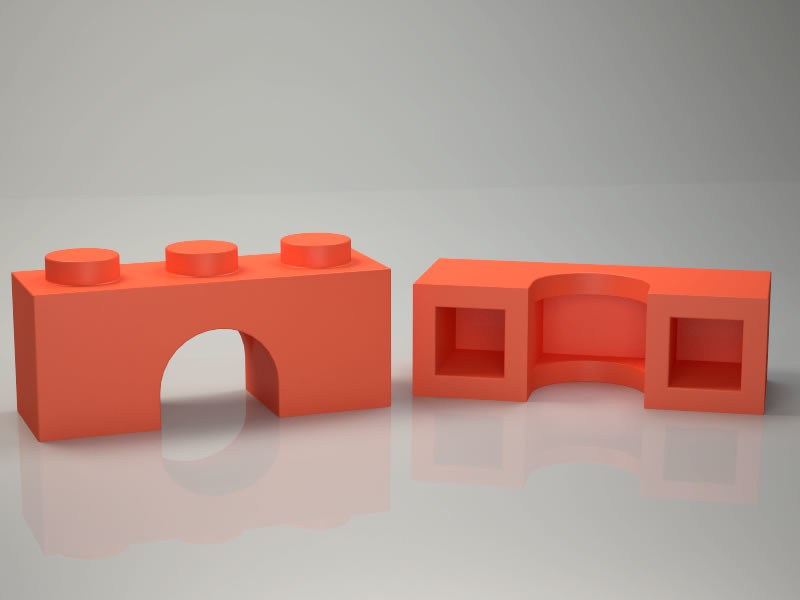
Lego brick arch 1×3 Printable Low Poly Lego ready for Games 3D print model 3D Model
Lego brick arch 1×3 Printable Low Poly Lego ready for Games 3D print modelLego Brich Arch 1×3 Model Clear Model , Ready For games and Printable.. If any quations please write me..Other Prgrams+ Rhino 4.0 + 3D Max 2012 + STL + OBJ + 3DS + FBXThe Another parts will be as soon as possible..Thanks for advance ..
-
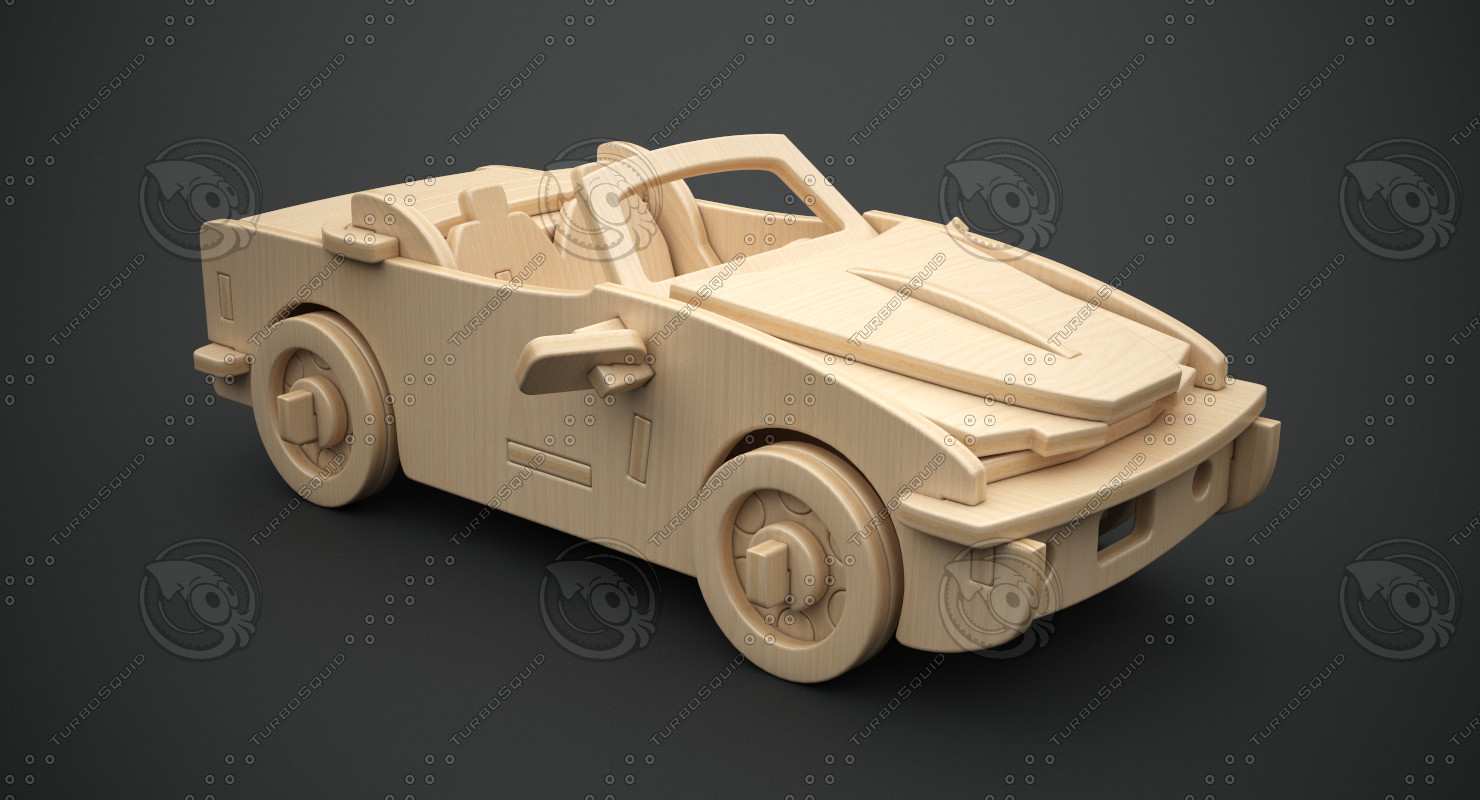
Cabriolet B-740i construction kit 3D Model
Cabriolet B-740i 3D Wooden Puzzle. The model consists of a set of objects.Size: Length: 205 mmWidth: 120 mmHeight: 73 mmTiling textures:Face_Grain: U:2,83 V:2,0Edge_Grain: U:1,0 V:32,21What is included:max format:- Complete vray scene as on preview images. Click render and you get same result.fbx format:-Without rendering setup, cameras, lights.Other archive:-animation frames without watermarks + alpha for them (all in png format).-preview images without watermarks + alpha for them (all in png format).
-
![[WIP] Laser Cut Maker Puzzle – Color mapped](https://3dhunt.co/static/2017/04/4def2bcda6a342ed7da3a3b19cac35c6.jpeg)
[WIP] Laser Cut Maker Puzzle – Color mapped
Summary
This is an alternative version of Jennifer Schachter’s Laser Cut Maker Puzzle, built with Adam Savage for Tested.com’s SXSW 2017 Scavenger Hunt. Details and original engraving/cutting/assembly tips at https://www.thingiverse.com/thing:2240542.
This is VERY MUCH a work in progress aiming to make the puzzle easier to engrave and cut on the laser cutter at the Johnson County Library MakerSpace, or any laser cutter that can process color-mapped designs. -
Atlas – Portal 2 3D Model
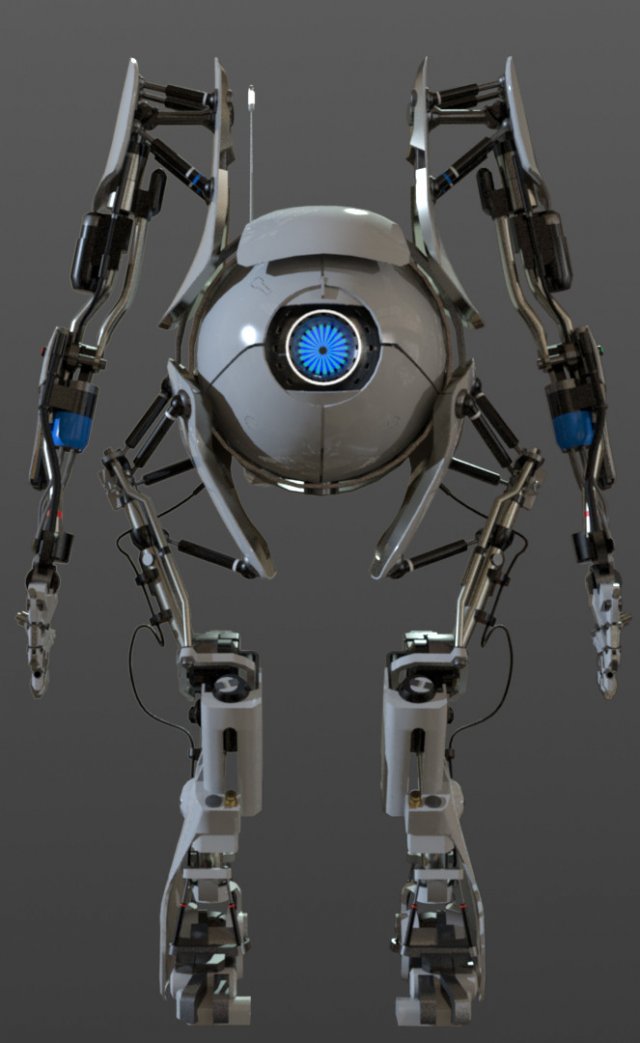
The model dosen’t have textures, but have materials, and also is not Rigged or have bones, but the objects is parented in the way that you can animate! the materials is setup only in the .mb, .ma and .blend files.
Portal 2 is a game made by Valve Corporation, all rights reserved.