Summary
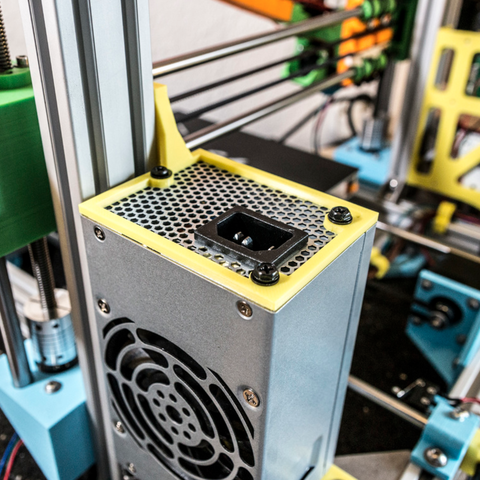
STL file from CREALITY 3D for the Ender 3 PSU.
They emailed me the file for a replacement PSU I will be getting.
Tag: psu
-
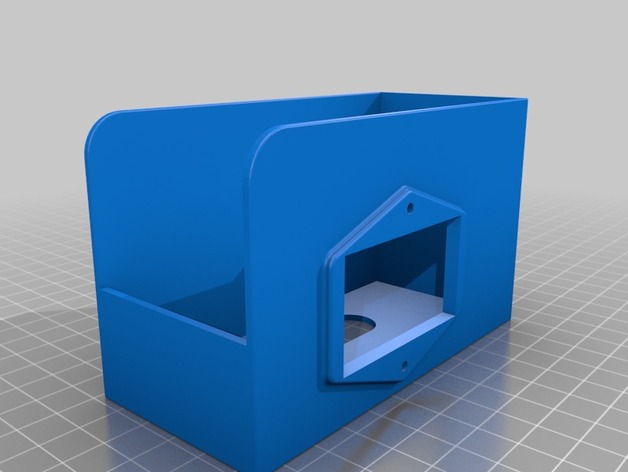
Ender 3 PSU Cover from CREALITY 3D 3D Print Model
-
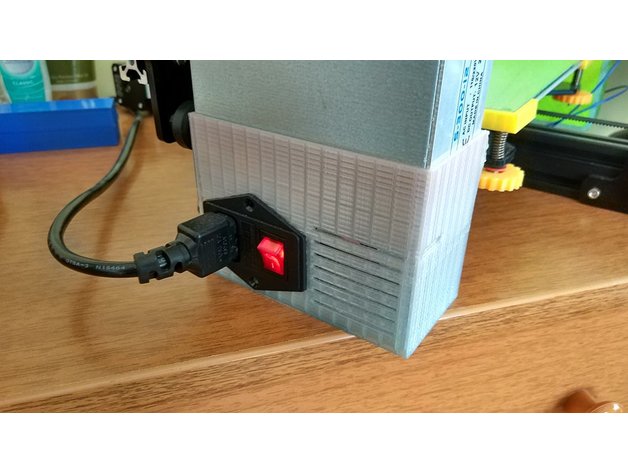
Tevo Tarantula PSU Vertical Cover 3D Print Model
Summary
This is a PSU cover for the standard TEVO Tarantula power supply. Adds protection as the cables and the terminals are not exposed and it makes the printer portable as the PSU is on the printer. Added grilles for cooling.
Screw it with the default 4mm screws and t4 nuts. You will also need a C14 male power supply connector with switch and fuse and screws/nuts for mounting.
My target was to make it use less material than other designs making it affordable.
Print Settings
Printer Brand:
TEVO
Printer:
Tarantula
Rafts:
No
Supports:
No
Resolution:
0.2mm
Infill:
25
Notes:
26 meters of plastic with wall and top/bottom thickness of 0.8mm.
16 meters of plastic with wall and top/bottom thickness of 0.6mm. -
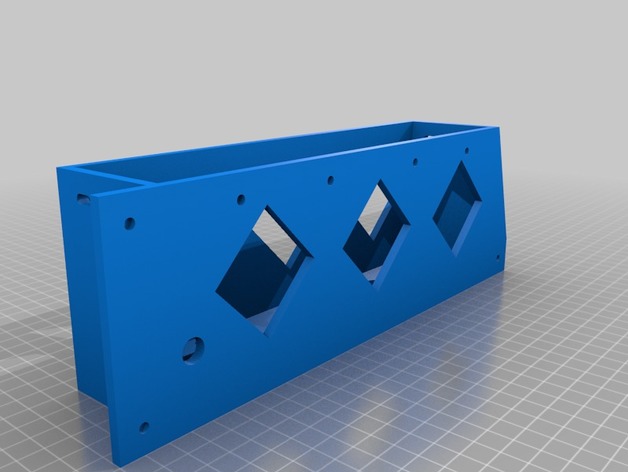
Tronxy X5S dual PSU Hanger 3D Print Model
Summary
The original used too much plastic. I added some holes to make it lighter and use less plastic. Should keep the same rigidity.
Print Settings
Printer:
Tronxy X5S
Rafts:
No
Supports:
No
Resolution:
.2 mm
Infill:
20%How I Designed This
Remixed it in Tinkercad -
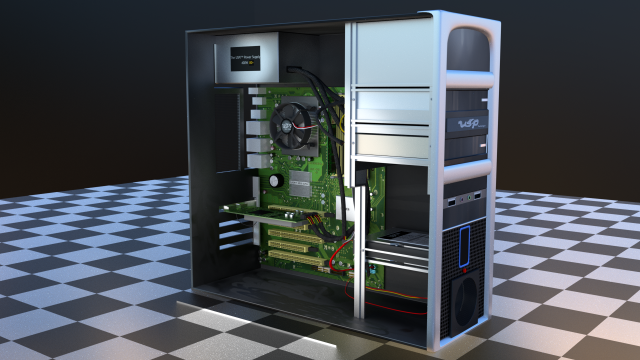
Detailed PC Model 3D Model
Highly detailed 3D model of a PC from around 2008-2012.===========================================Polycount===========================================Lower Poly version has :31,472 verts | 28,934 faces | 56,367 tris |===========================================Higher Poly version has:58,081 verts | 54,688 faces | 108,352 tris|===========================================
-
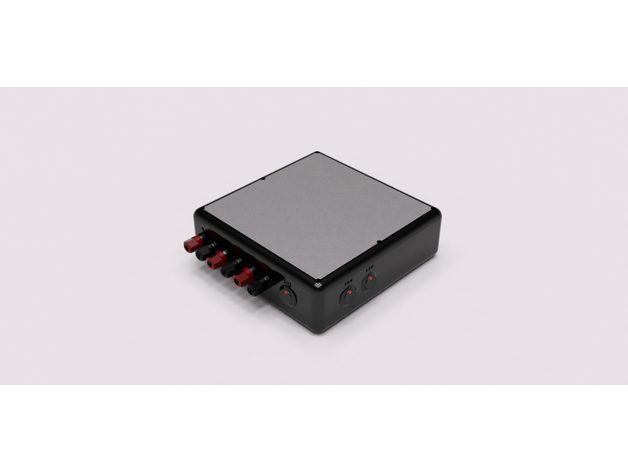
Helping Hands Base/Workbench PSU 3D Print Model
Summary
This is a “Helping Hands Base” with built in Workbench Power Supply. It is still in beta, I have not printed it yet. The helping hands will be attached with holes in the top(I have not figured out placement yet). Attached to two of the helping hands will be a 80mm fan for soldering fumes. Please check it out and let me know what you think or improvements. Keep in mind, this is my first design ever using a Design Software. All self taught and Youtube videos.
Print Settings
Printer:
Tevo Tarantula Rafts:
No Supports:
Yes Resolution:
.2 Infill:
20% Triangular(for strength) Notes:
For the top I will be using 4 top and bottom layers for strength. Also, recommend Supports for the base. -
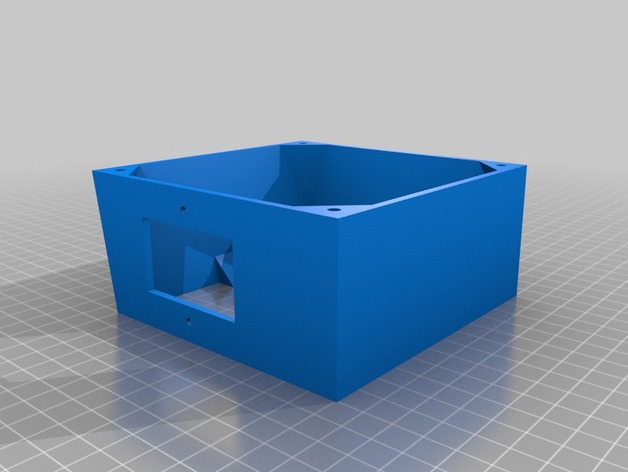
Wanhao i3 120mm PSU Fan Upgrade for Undermount 3D Print Model
Summary
I needed a 120mm fan upgrade for my Maker Select v2, as the stock fan makes a terrible grinding noise every time I turn the printer on. But, none of the options worked for me, because I have mounted my control box under the table my printer is on! So I flattened the top and increased the angle on the bottom to accommodate the 120mm fan.
This is an extended back cover for the Wanhao Duplicator i3 PSU (also rebranded as Monoprice Maker Select, Balco 3D Printer, Cocoon Create). This model allows you to use a 120mm fan instead of the noisy tiny internal one. The new fan will be mounted outside of the power supply, but it will be much more silent. It adds about 10mm of extra length to the bottom.
I don’t know if other versions of the printer have a different arrangement for the screw holes. This was designed for a v2.1 (v2 should be the same). Check compatibility for v1 and rebranded versions before printing.
The stock screws won’t work for this part. Use M3x8mm or longer to attach the cover to your PSU case. Screw holes aren’t countersunk (just counterbored), so choose screws with a flat top.
Print Settings
Printer Brand:
Wanhao Printer:
Wanhao Duplicator i3 V2 Rafts:
Doesn’t Matter Supports:
Yes Resolution:
0.2mm Infill:
10% Notes:
It should be aligned with the PSU screw holes facing the build plate, already. Enable supports for the IEC connector/power switch plate and wiring loom slot.
It’s not a must, but I recommend using 3 shells/solid perimeters for the holes where the fan mounts on, so when threading the screws the plastic doesn’t break.
Post-Printing
Installation guide
Unplug the power cord from the wall socket and from the printer. Safety first!
Unscrew the 4 black screws that hold the sheet metal back cover in place. Save them if you plan to reinstall the stock cover in the future (they are too short to work with this mod).
The cable loom going from the control box to the printer goes through a cut in the back plate and is held by a zip tie. Cut that zip tie to free the loom from the plate.
Disconnect the spade connectors going to the IEC power socket + switch combo. Notice the wire colors and location to reinstall them later in the correct position. Take a picture if necessary.
Disconnect the small fan from the power supply.
Unscrew the fasteners holding the socket/switch in place. You should be able to lift it off the plate (use a flat screwdriver as leverage if you need so to get it out).
Position the back cover and align it with the screw holes tapped in the case of the control box. Make sure the wire loom goes through the U-shaped cut-out provided.
Use M3x8mm or longer to attach the plate to the metal case.
Take the wires that were attached to the IEC connector/switch and guide them through the rectangular cutout provided (located on the top or sides, depending on the model you have printed). Re-attach the wires to the switch and screw it in back. You can reuse the stock screws that came with it (be gentle when doing this, you’re threading into plastic).
Take your 120mm fan and use the +12v and GND wires to connect it to the psu. If your fan has a molex connector (3 or 4 pin) you should be able to just plug the cable in to the existing connector you left coming from the power supply.
You may want to use some electrical tape or a drop of hot glue to secure the connection.
Align the fan with the mounting holes of the printed cover. Use M4x40mm screws or self-tappers of similar length to secure the fan to the cover. Make sure to tidy all the cables up inside so they don’t catch on the fan blades.
Enjoy your silent printer!
Extra
I recommend the addition of a fan grill to protect your fingers from the spinning blades. It is one of the drawbacks of having the fan exposed instead of inside the case. Be careful! -
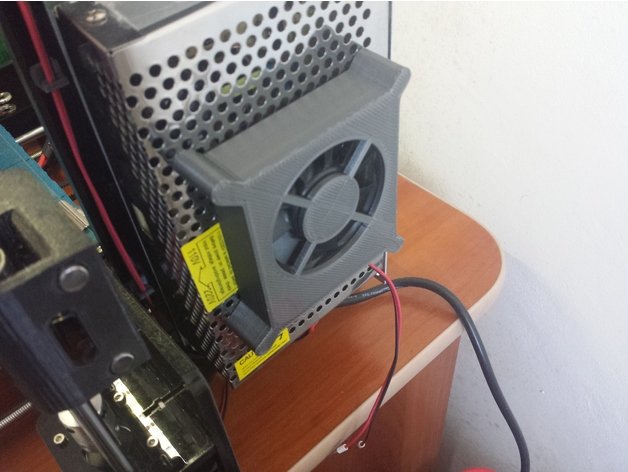
Fan case for Tronxy 3D printer power supply 60 mm fan 3D Model
This is a fan case for a Tronxy P802M 3D printer power supply.
-
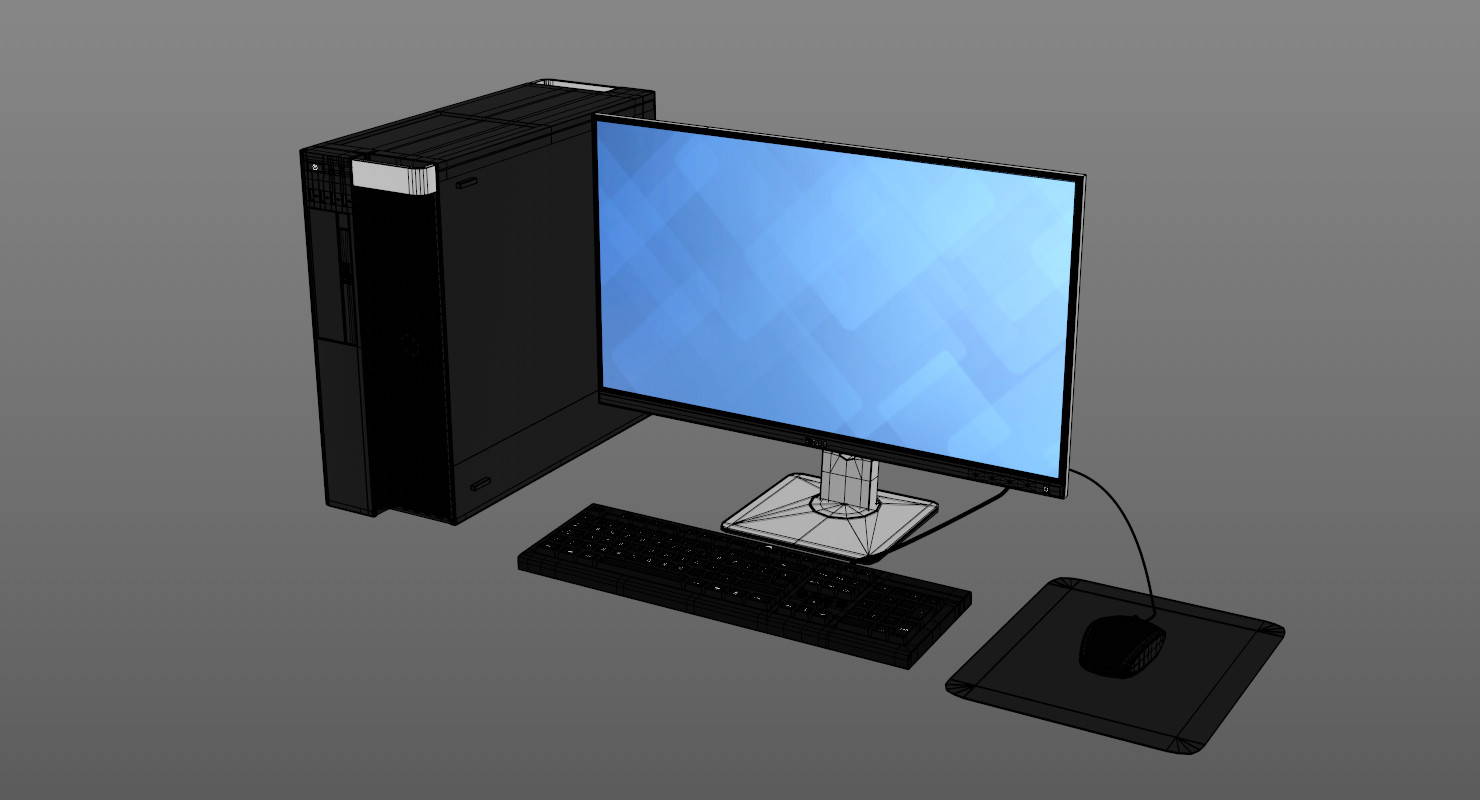
Dell Workstation 3D model 3D Model
Dell workstation with monitor, mouse and keyboard. Modelled and rendered in Cinema 4D.***************************************Enough quality for:Mid- to close-up renders***************************************Features: – High quality polygonal model – Real world scale- Model resolutions are optimized- All materials and colors can be easily modified- Models are grouped for easy selection- Objects are logically named- No special plugin needed to open scene***************************************File formats:- Cinema 4D- 3DS (Multi Format)- FBX (Multi Format)- OBJ (Multi Format)***************************************Enjoy-| WeMG |-