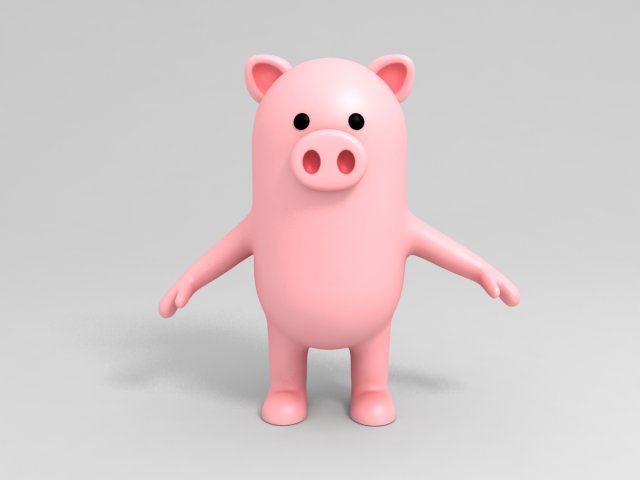
Pig character 3d model in cartoon style.Preview images are rendered with Vray.NoRig2048x2048 JPG textures———————-2,590 poly2,466 vertIn subdivision Level 0———————-
Tag: pork
-
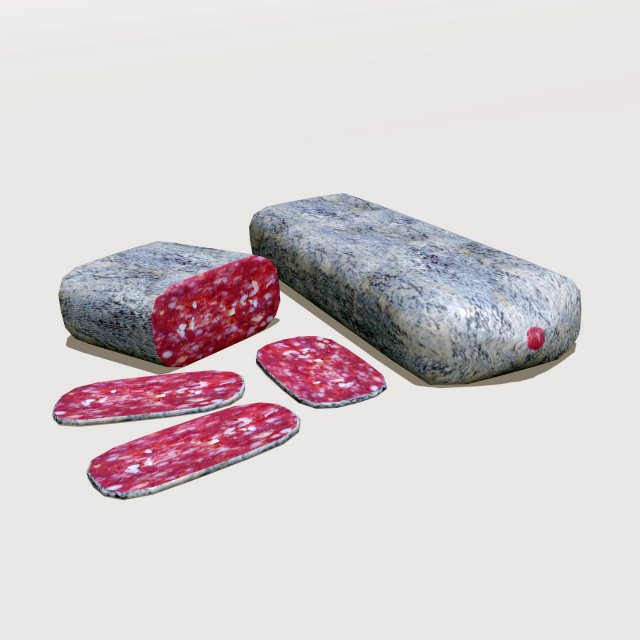
Sausage 3D Model
Low poly 3d model of Sausage.Modeled in Blender 2.79.Textures 2048 x 2048 pxls JPEG.Color,Normal and Specular maps.All formats comes with textures applied.
-
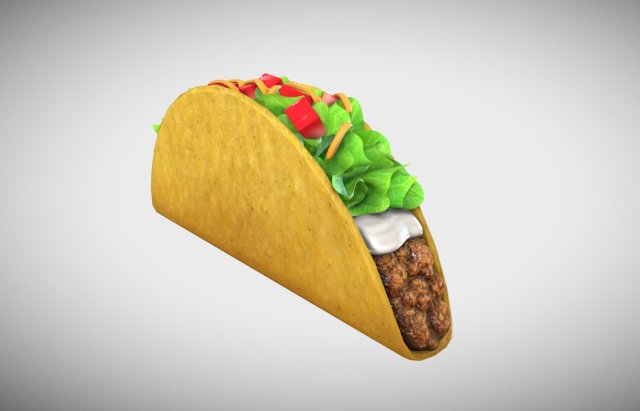
Taco 3D Model
Realistic Taco 3d model.Created from 3ds max 2014..max 2014.FBX.OBJ4096x4096 JPG textures- Albedo color map- Ambient occlusion map- Curvature map- Normal map- Roughness map———————-8,436 poly9,265 vertIn subdivision Level 0———————-33,730 poly35,347 vertIn subdivision Level 1———————-
-
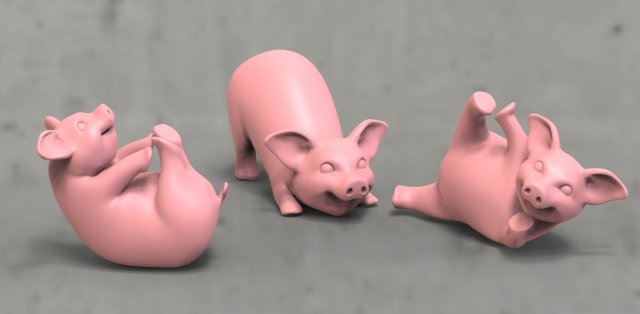
Pig 3D Model
Pigsmodel for printing on a 3d printer.poligons 11077vertices 11084Version 3ds max 2014 and higher.The format is OBJ, STL, FBX.
-
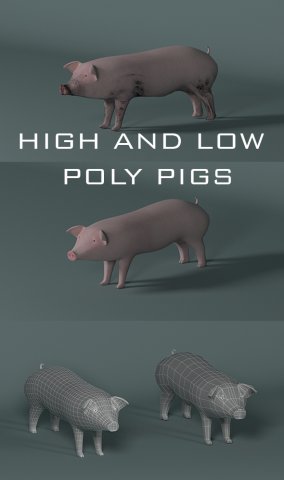
Pig 3D Model
the set includes1) low polygon model2) highly polygonal model3) dirty pig model4) The classic game model
-
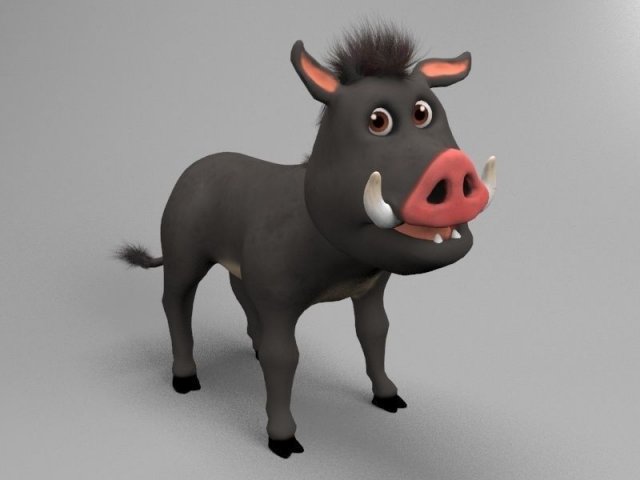
Wild pig 3D Model
Model of cartoon rigged hogOriginaly modeled with Zbrush 4R7Features-Rigged with Cat and skin modifier (3ds max 2015)-Lowpoly model-Layered scene (rigg,lights,plane,mesh)-Optimal light settings-Hair and fur modifier-No need any plugin to open scenePackage-Textures – Tiff 2k – (Diff,NM,Displace)-Scenes – ZPR and 2x 3ds max scene (Vray and standard scene) 2012,2015.Models – FBX and OBJmesh are separated to four parts-body-tusks,teeths,tongue-back hair-tail furpreview images has rendered with Vray 3.0.0, scenes have same render setting like on the preview, just open and render.I hope u like it! for more models just click on my name and brovse library.
-
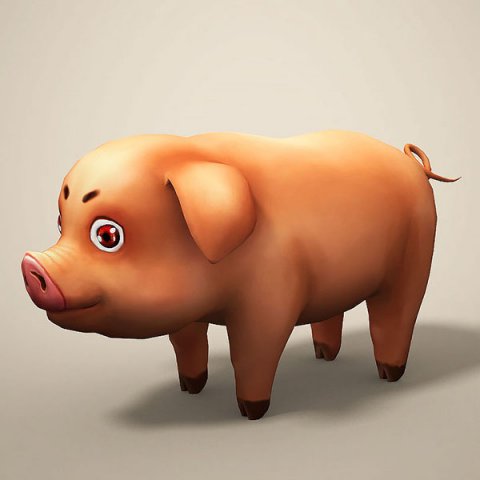
Cartoon Pig 3D Model
Features:- High quality polygonal model, correctly scaled for an accurate representation of the original object.File Formats:- Maya 2014- FBX (Multi Format)Textures Formats:JQ_pig_color.png (1024×1024)
-
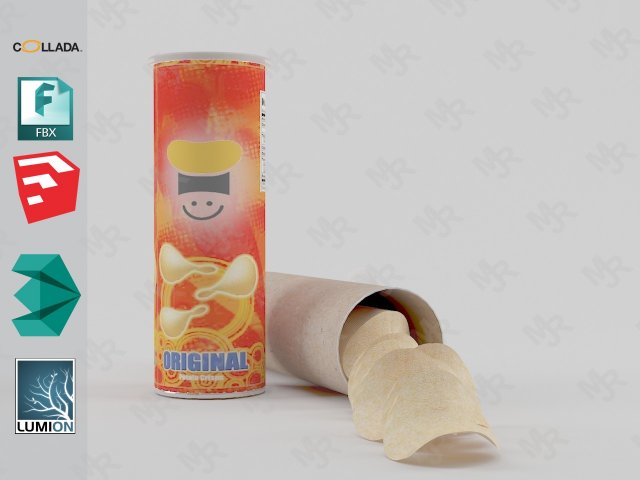
Potato Chips 3D Model
Potato Chips 3D modelPotato Chips 3D model with labelPotato Chips 3D model ready for Virtual Reality (VR), Augmented Reality (AR), games, Postproduction, Photomanipulation and other real-time apps.Potato Chips 3D model with label!Materials in 3DS Max & Sketchup included.Models already preloaded in lumion 6, just copy and paste on your computer or import it from the included scene.Textured Label image file included!!!——————————Polygons: 70,768Vertices: 84,526—————————File formats:- 3dmax 2013 – Vray 3.40- OBJ- FBX- DAE- 3DS-Sketchup 2013-Lumion 6 (as “.x DirectX” Format)——————————-Enjoy!
-

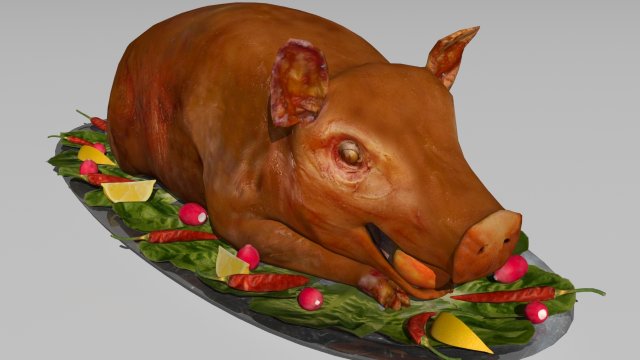
Roasted Pork HQ 3D Model
This is the Roasted Pork HQ model.Enjoy the high quality, fully editable model suitable for any commercial/ motion picture or visualization project. This is fully modifiable version, with objects correctly instanced and scales properly adjusted.******************************************************************Thank you for wieving our modelBest, #LifelikeForms#
-
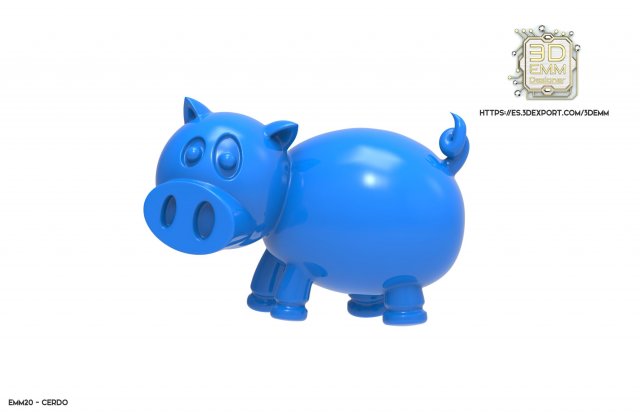
PIG piece 3D Model
MATERIALSilver 925: 2.96 grs. aprox.Gold 14k Y: 3.98 grs. aprox.Gold 18k Y: 4.41 grs. aprox.Brass: 2.28 grs. aprox.Plastic: 0.32 grs. aprox.Resin: 0.29 grs. aprox.
-

Frozen Chicken Part Meat Butchers Goods 3D Model
The count per one frozen chicken part is: 3084 polygons and 3082 vertices.V-Ray and standard materials- Hi-Res Realistic product- Correct scale- Object(s) in their own layer (name via product name)Maps in max archives :Diffuse 4096*4096px JPGNormals 2048*2048px TIF32 bit Displacement 2048*2048px exr16 bit Displacement 2048*2048px TIFThese are optimized and are indistinguishable from 8192*8192px TIFFs (which take more RAM during rendering etc.)Nevertheless if you want 105% quality, you can download the separate hires TIFF textures archive (around 250MB), which contains:Diffuse 8192*8192px TIFNormal 4096*4096px TIFDisplacement 32bit 4096*4096px EXRIf you need just the original mesh without using displacement map during rendering, take the low poly version, subdivide it a couple of times and use the displacement map in ‘displace’ modifier (in 3ds max) or similiar in other applications, which will deform your mesh in viewport realtime, so you get the original hipoly mesh. You can use it, or use it as proxy or decimated it etc.Objects are in their own layer called ‘_Merged_Buyed’. No part-name confusion when importing. Centered on 0,0,0.
-
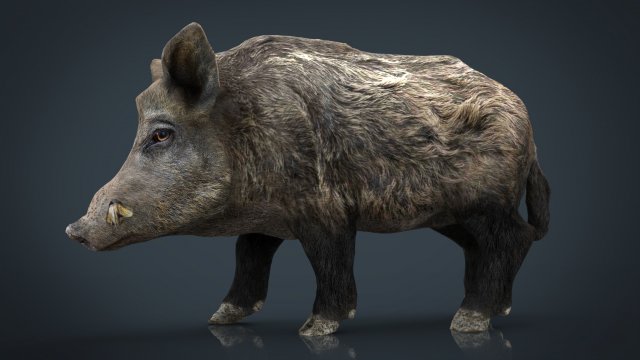
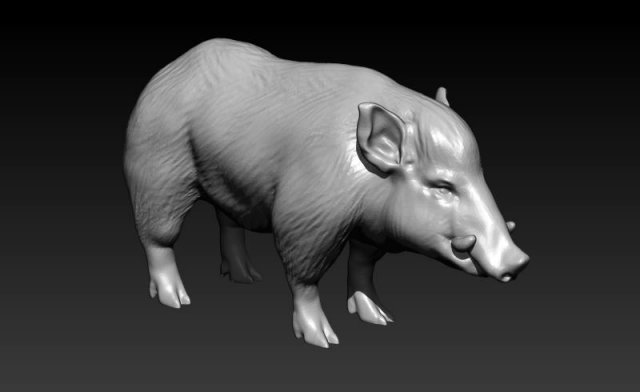
Wild Boar 3D Model
3D HD Model of Wild BoarFiles in Winrar Archives.(.rar)Native format is Autodesk Maya..:::Formats:::..obj / Located in Scene in XYZ=0,0,0.fbx /Fbx200611 / Located in Scene in XYZ=0,0,0.mb / Maya 2008 and up / Located in Scene in XYZ=0,0,0.max / 3ds max 8 Located in Scene in XYZ=0,0,0Tested in several programs.:::Textures::::.X3 – 8192×8192 / .jpg-Color-Bump-Normal Map1 Material for all mesh.Enjoy 😉
-
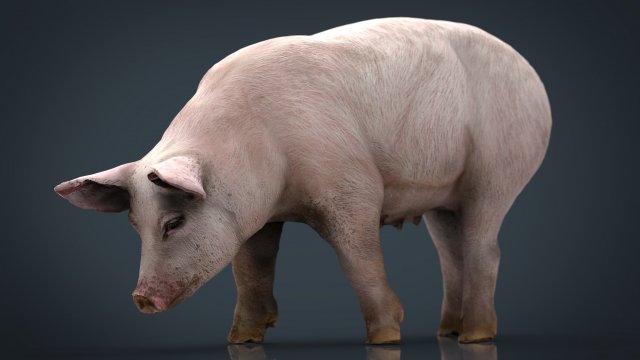
Sow 3D Model
3D HD Model of SowFiles in Winrar Archives.(.rar)Native format is Autodesk Maya..:::Formats:::..obj / Located in Scene in XYZ=0,0,0.fbx /Fbx200611 / Located in Scene in XYZ=0,0,0.mb / Maya 2008 and up / Located in Scene in XYZ=0,0,0.max / 3ds max 8 Located in Scene in XYZ=0,0,0Tested in several programs.:::Textures::::.X3 – 8192×8192 / .jpg-Color-Bump-Normal Map1 Material for all mesh.Enjoy 😉
-
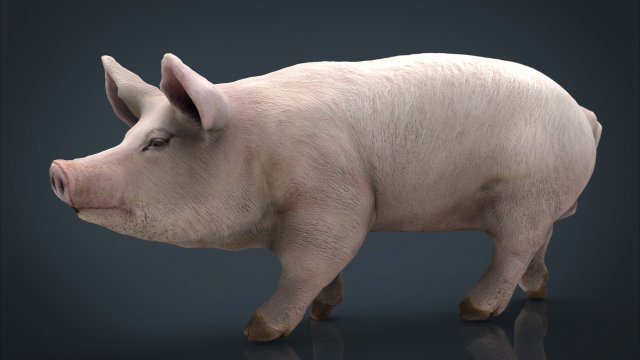
Realistic Pig 3D Model
3D HD Model of PigFiles in Winrar Archives.(.rar)Native format is Autodesk Maya..:::Formats:::..obj / Located in Scene in XYZ=0,0,0.fbx /Fbx200611 / Located in Scene in XYZ=0,0,0.mb / Maya 2008 and up / Located in Scene in XYZ=0,0,0.max / 3ds max 8 Located in Scene in XYZ=0,0,0Tested in several programs.:::Textures::::.X3 – 8192×8192 / .jpg-Color-Bump-Normal Map1 Material for all mesh..:::EXTRA BONUS (INCLUIDE & FREE):::.- Low Poly (4286) model incluide with textures.Formats:.mb .obj .fbx .maxEnjoy 😉
-

Sausages Realistic Pile Set 3D Model
The count per one apricot is: 237 polygons and 239 vertices.V-Ray and standard materials- Hi-Res Realistic product- Correct scale- Object(s) in their own layer (name via product name)Maps in max archives :Diffuse 4096*4096px JPGNormals 2048*2048px TIF32 bit Displacement 2048*2048px exr16 bit Displacement 2048*2048px TIFThese are optimized and are indistinguishable from 8192*8192px TIFFs (which take more RAM during rendering etc.)Nevertheless if you want 105% quality, you can download the separate hires TIFF textures archive (around 250MB), which contains:Diffuse 8192*8192px TIFNormal 4096*4096px TIFDisplacement 32bit 4096*4096px EXRIf you need just the original mesh without using displacement map during rendering, take the low poly version, subdivide it a couple of times and use the displacement map in ‘displace’ modifier (in 3ds max) or similiar in other applications, which will deform your mesh in viewport realtime, so you get the original hipoly mesh. You can use it, or use it as proxy or decimated it etc.Objects are in their own layer called ‘_Merged_Buyed’. No part-name confusion when importing. Centered on 0,0,0.
-

3D model Slice of Brawn Realistic 3D Model
V-Ray and standard materials- Hi-Res Realistic product- Correct scale- Object(s) in their own layer (name via product name)Maps in max archives :Diffuse 4096*4096px JPGNormals 2048*2048px TIF32 bit Displacement 2048*2048px exr16 bit Displacement 2048*2048px TIFThese are optimized and are indistinguishable from 8192*8192px TIFFs (which take more RAM during rendering etc.)Nevertheless if you want 105% quality, you can download the separate hires TIFF textures archive (around 250MB), which contains:Diffuse 8192*8192px TIFNormal 4096*4096px TIFDisplacement 16bit 4096*4096px TIFDisplacement 32bit 4096*4096px EXRIf you need just the original mesh without using displacement map during rendering, take the low poly version, subdivide it a couple of times and use the displacement map in ‘displace’ modifier (in 3ds max) or similiar in other applications, which will deform your mesh in viewport realtime, so you get the original hipoly mesh. You can use it, or use it as proxy or decimated it etc.Objects are in their own layer called ‘_Merged_Buyed’. No part-name confusion when importing. Centered on 0,0,0.