Summary
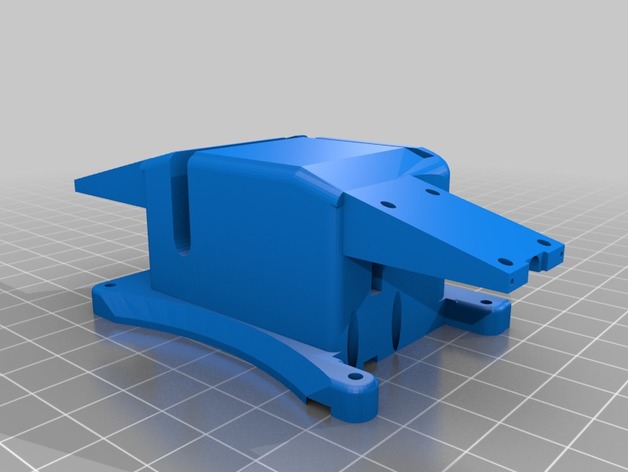
This attaches to the Solo’s Accessory Bay mounting holes. It can be used with or without a small breakout board like the Brownie Boards Nano. Extra space inside can contain all the wiring.
The 9G servo slides in and is held in by the unit being screwed to the Solo.
It you remove the pins from the connectors you can push the retract wires through the holes.
The info here will help you get it wired and working.https://www.hackster.io/phantom-phreak-7ccfe4/extend-3dr-solo-accessory-bay-be4073
This is the small breakout board I like.https://store.brownieboards.com/product/3dr-solo-nano-breakout-board/
Print with supports. Doesn’t require much infill. Most of the empty space it made to hold the wires.
Tag: Payload
-
3DR Solo Retractable Landing Gear Pads w/ Payload Release 3D Print Model
-
12-Slot Payload Release/Cargo Drop for DJI Matrice 600 / S1000 3D Print Model
Summary
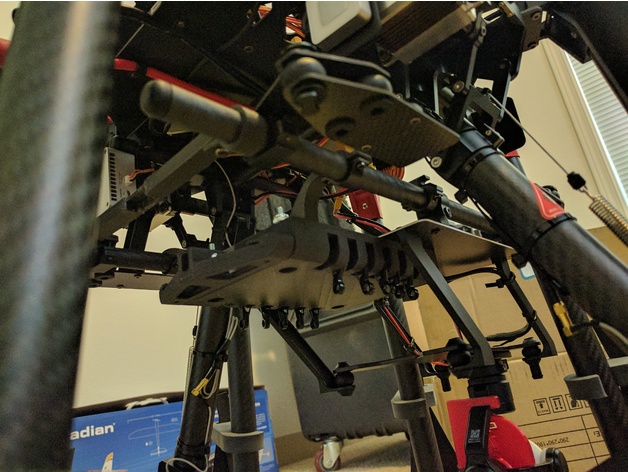
Controlled by A3 shutter channel. Release single slot each time when pressing the shutter button. +5v power from SBus port. Arduino is converting the shutter pulse to 12 steps on linear servo.
Make sure you have 148mm (Matrice 600 standard) spacing between two carbon fiber tubes. If you are using S1000 + Z15 configuration, you might need to get a Matrice 600 Series – Z15 Series Gimbal Mounting Connector and print out new battery_mounting_bar to get correct spacing.
Part list:
Actuonix 100mm L12-R Micro Linear Servos
3mm carbon fiber rod
M2.5 screws
6-32 bolts and nuts
Arduino nano
Print Settings
Printer Brand:
SeeMeCNC Printer:
Rostock MAX v3 Rafts:
No Supports:
Yes Resolution:
.2mm Infill:
30 Notes:
battery_mounting_bar.STL is for S1000/S1000+ onlyCustom Section