Summary
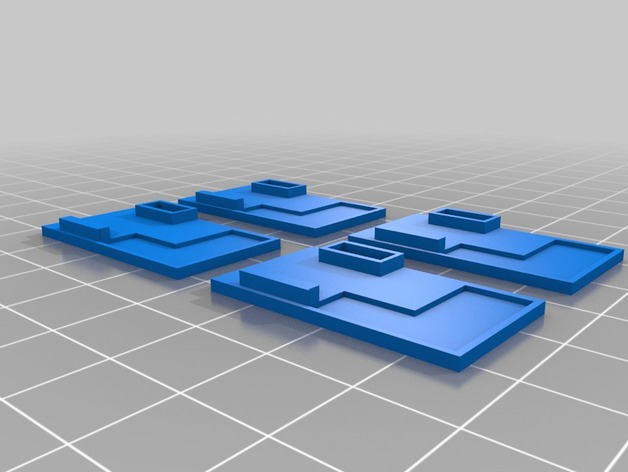
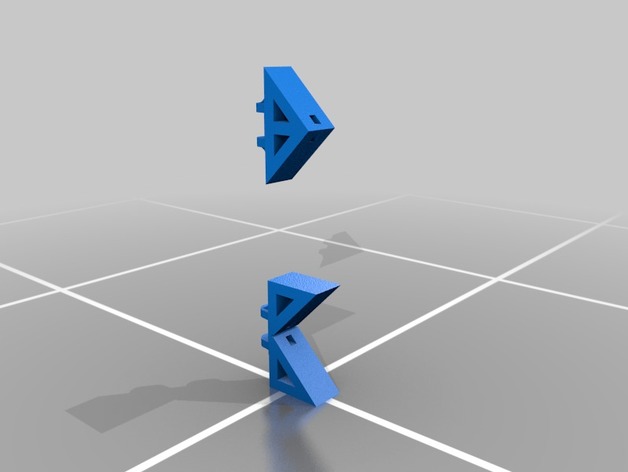
An attachment for the IRWIN quick Grip Handi Clamp for those who want to clamp at an angle
Print Settings
Printer Brand:
MakerGear
Printer:
MakerGear M2
Supports:
Yes
Infill:
70%
Notes:
Using TPU at 210 Celcius 70% infil, about 600mm/sec and a 60 Celcius bed temperature
Tag: Pads
-
Irwin Quick Grip Angle Clamp pads 3D Print Model
-
3DR Solo Retractable Landing Gear Pads w/ Payload Release 3D Print Model
Summary
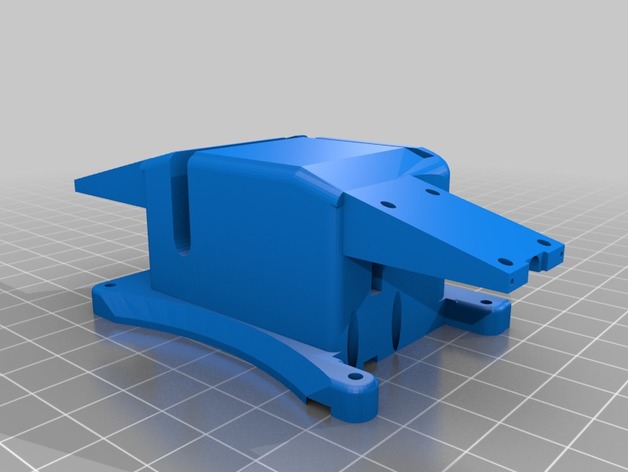
This attaches to the Solo’s Accessory Bay mounting holes. It can be used with or without a small breakout board like the Brownie Boards Nano. Extra space inside can contain all the wiring.
The 9G servo slides in and is held in by the unit being screwed to the Solo.
It you remove the pins from the connectors you can push the retract wires through the holes.
The info here will help you get it wired and working.https://www.hackster.io/phantom-phreak-7ccfe4/extend-3dr-solo-accessory-bay-be4073
This is the small breakout board I like.https://store.brownieboards.com/product/3dr-solo-nano-breakout-board/
Print with supports. Doesn’t require much infill. Most of the empty space it made to hold the wires. -
Nut&Bolt-based strong G-Clamp with flexible pads 3D Print Model
Summary
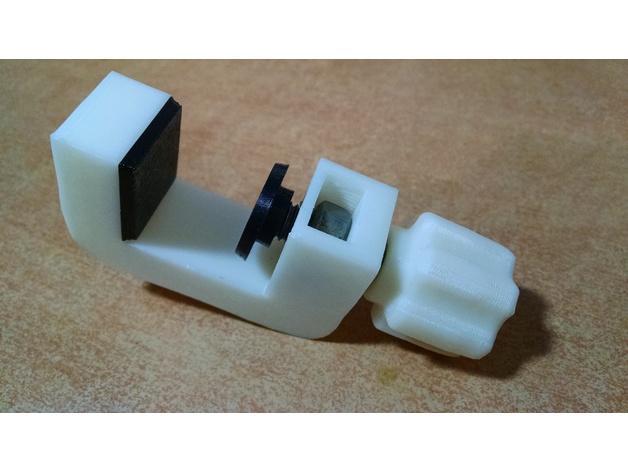
Needed a strong G-Clamp to fix things on the shelf. Existing g-clamp model knobs, weren’t as catchy and handy as I would like. Also I have flex filament sample, and decided to add flexible pads, so I recommend you to use plastan/elastan/flex plastic to print them.
Warning! I’ve used 40mm M8 bolt and nut (13mm width hexagonal head), that’s enough for my application. But In order to clamp narrower things, you need a longer bolt, than on my real pictures – more than 65mm M8, with hexagonal 13mm head.
SolidWorks assembly source included, feel free to customize it. Simplify3D factory files included as well.
Print Settings
Printer:
Anet A6 Rafts:
Doesn’t Matter Supports:
Doesn’t Matter Resolution:
0.2 Infill:
30% -
E3D – Mouse Pad Collection model 3D Model
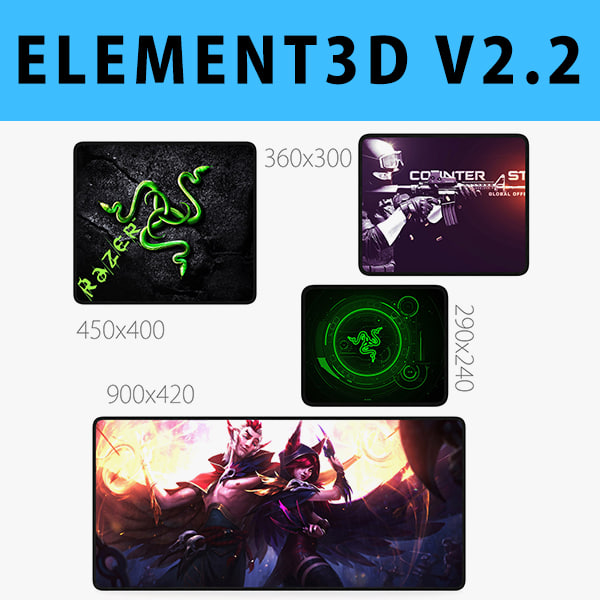
Collection Mouse Pad:1. Mouse Pad 900×420 mm2. Mouse Pad 450×400 mm3. Mouse Pad 360×300 mm4. Mouse Pad 290×240 mmThis pack:Element 3D V2.2 ( All colors )models preset easy to use- 1 file OBJ High poly- 1 file OBJ standard- 1 file C4D R12 standard render- 1 file 3ds max 2012 standard material- E3D file full materials set up like previewsHow to use it?1. Open After Effects CC 2014 ( or higher) and create new composition ( You need Element3D V2.2 to use )2. Create new Solid layer and add Element effect. ( Effect/Video Copilot/ Element )3. Click Scene Setup4. Click on IMPORT inside Element3D scene setup5. Choose my .e3d preset for the model and press Open.If you dont see the model do not forget to right click on the model name and press Replace model then select the .obj model file in the respective models folder.
-
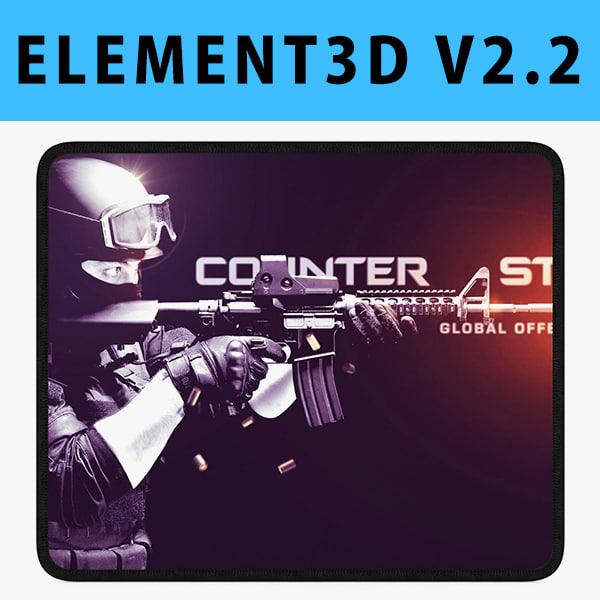
E3D – Mouse Pad 360×300 mm 3D model 3D Model
This pack:Element 3D V2.2 ( All colors )models preset easy to use- 1 file OBJ High poly- 1 file OBJ standard- 1 file C4D R12 standard render- 1 file 3ds max 2012 standard material- E3D file full materials set up like previewsHow to use it?1. Open After Effects CC 2014 ( or higher) and create new composition ( You need Element3D V2.2 to use )2. Create new Solid layer and add Element effect. ( Effect/Video Copilot/ Element )3. Click Scene Setup4. Click on IMPORT inside Element3D scene setup5. Choose my .e3d preset for the model and press Open.If you dont see the model do not forget to right click on the model name and press Replace model then select the .obj model file in the respective models folder.
-
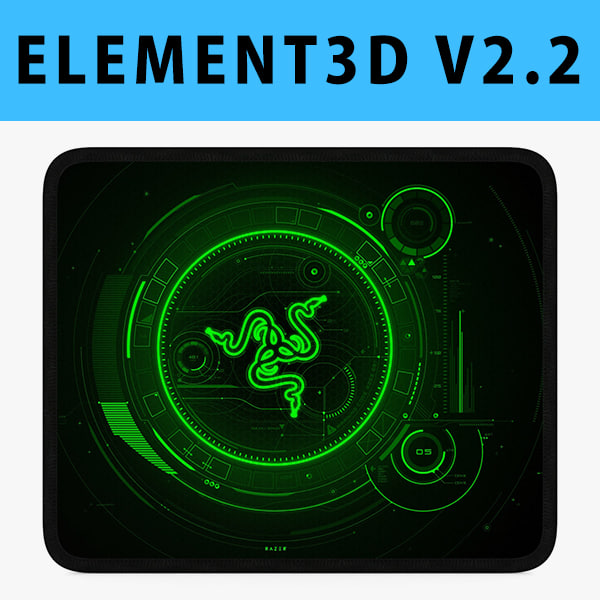
3D E3D – Mouse Pad 290×240 mm 3D model 3D Model
This pack:Element 3D V2.2 ( All colors )models preset easy to use- 1 file OBJ High poly- 1 file OBJ standard- 1 file C4D R12 standard render- 1 file 3ds max 2012 standard material- E3D file full materials set up like previewsHow to use it?1. Open After Effects CC 2014 ( or higher) and create new composition ( You need Element3D V2.2 to use )2. Create new Solid layer and add Element effect. ( Effect/Video Copilot/ Element )3. Click Scene Setup4. Click on IMPORT inside Element3D scene setup5. Choose my .e3d preset for the model and press Open.If you dont see the model do not forget to right click on the model name and press Replace model then select the .obj model file in the respective models folder.
-
Car disc brake 3D Model
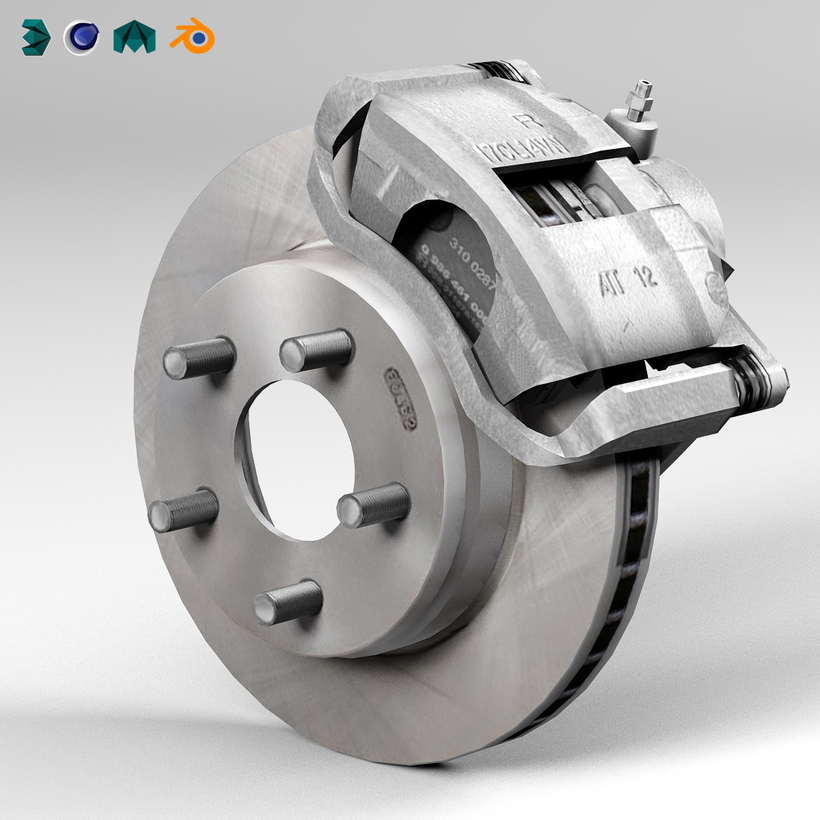
Car disc brake
The model is low poly and was created with 3DS Max 2014, there are also Cinema 4D, Blender and Maya files with textures.
SPECIFICATIONS:
The model has 2.058 polygons and contains 4 elements:
-Caliper -Pads -Disc -Bolts
Elements are logically named and grouped so they can be separeted to adjust to your needs.
This model contain only quads and tris (no nGons).
Standard 3D files included: 3DS, OBJ and FBX.
PRESENTATION:
Renders were made with Mental Ray and have no post processing.
Product is ready to render out-of-the-box (3DS Max only).
Lights and cameras are not included in the file.
TEXTURES:
The textures resolution is 2048 x 2048 and the format is TGA.
USAGE:
This model is suitable for use in games, virtual reality, augmented reality, broadcast, design visualization, forensic presentation, technical demonstrations, etc. -
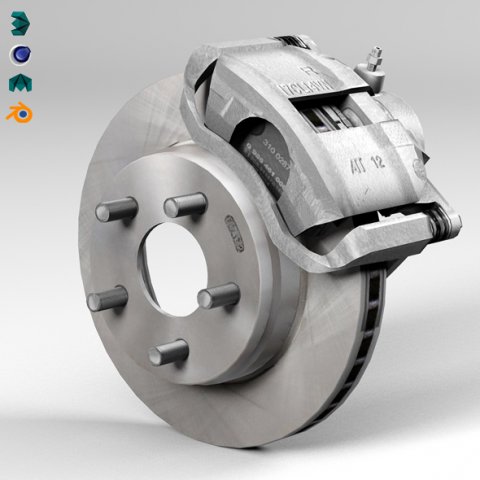
Car disc brake 3D Model
Car disc brake – 3d modelThe model is low poly and was created with 3DS Max 2014, there are also Cinema 4D, Blender and Maya files with textures.SPECIFICATIONS:The model has 2.058 polygons and contains 4 elements:-Caliper-Pads-Disc-BoltsElements are logically named and grouped so they can be separeted to adjust to your needs.This model contain only quads and tris (no nGons).Standard 3D files included: 3DS, OBJ and FBX.PRESENTATION:Renders were made with Mental Ray and have no post processing.Product is ready to render out-of-the-box (3DS Max only).Lights and cameras are not included in the file.TEXTURES:The textures resolution is 2048 x 2048 and the format is TGA.USAGE:This model is suitable for use in games, virtual reality, augmented reality, broadcast, design visualization, forensic presentation, technical demonstrations, etc.
-
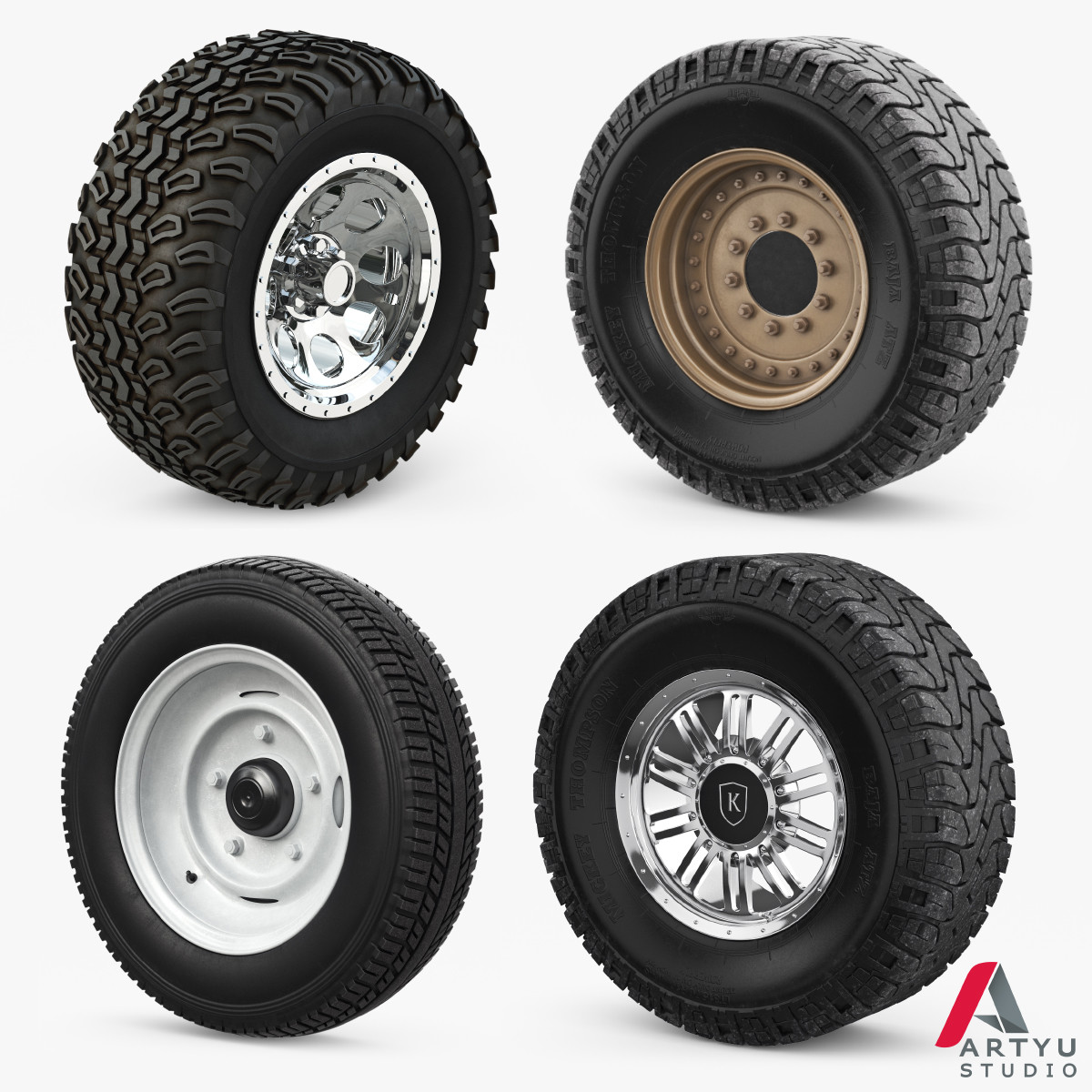
Wheels Set 3D 3D Model
Wheels SetReady to RENDER. HDRI map includedHigh quality model for TurboSmoothOriginally created with 3ds Max 2014Model prepared for V-Ray 3.30.05Included Light in the scene – VRay DomeIncludes high-resolution texturesIncludes Formats FBX and OBJ (not smoothed)Models list:1. Wheel Golf Car2. Wheel Military 33. Wheel Retro4. Wheel Rim Mickey Thompson[ USAGE ]- This model is suitable for use in broadcast, high-res film close-up, advertising, design visualization, forensic presentation, low poly models, intended for game/realtime/background use, etc- The model is accurate with the real world size and scale[ GENERAL ]- Model is built to real-world scale- Scene objects are organized by groups- No third-party renderer or plug-ins[GEOMETRY & TEXTURES]Models: Wheel Golf CarPolygons: 48908Vertices: 52210High-resolution textures number: 36144*6144Models: Wheel Military 3Polygons: 104308Vertices: 111700High-resolution textures number: 158192*81923000*30001500*1500Models: Wheel RetroPolygons: 40013Vertices: 40393High-resolution textures number: 86144*61444096*40963000*3000Models: Wheel Rim Mickey ThompsonPolygons: 101132Vertices: 108081High-resolution textures number: 98192*81923000*30002048*2048[ ADDITIONAL NOTES ]- File formats other than 3ds Max exported as base mesh (not smoothed)*If you have any questions, you can contact me through support. Just send a support ticket! *Check out our other models, just click on our user name to see complete gallery ARTYuSTUDIO
-
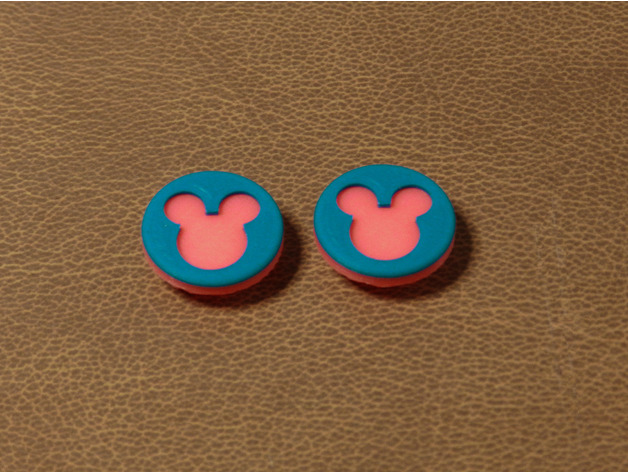
Mickey Mouse Spinner Pads 3D Print Model
Summary
Mickey Mouse Spinner Pads. Provided are two versions, one with a round edge (fillet) and one without. Change filament partway through the print for a cool color combination.
Print Settings
Printer Brand:
MakerGear Printer:
MakerGear M2 Rafts:
No Supports:
Yes -
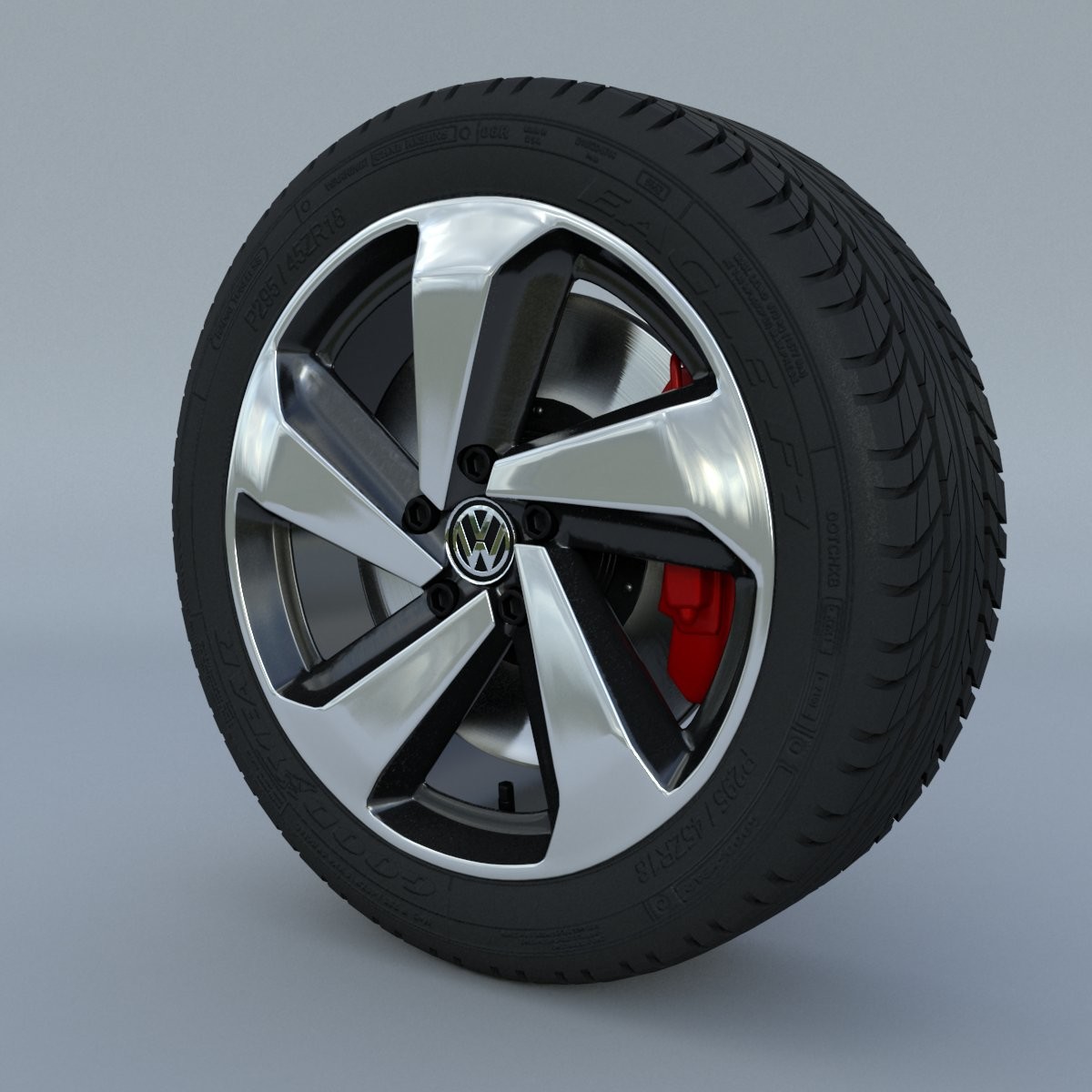
Volkswagen Golf GTI 2017 TYRE
Highly detailed 3d model of the Volkswagen Golf GTI 2017 TYRE. Model is separated into there specific parts and correctly named. It is easy to use and modify.Model is made in Autodesk Maya 2016. Model is rendered in Vray using a dome light with a HDRi Mapped to it. HDRi not included. Autodesk Maya file .mb contains all VRay materials and render setup. Other formats are just the models without materials. Thank you for using our 3D models.All the best with your project.Please rate the product.Thank you, Enjoy.