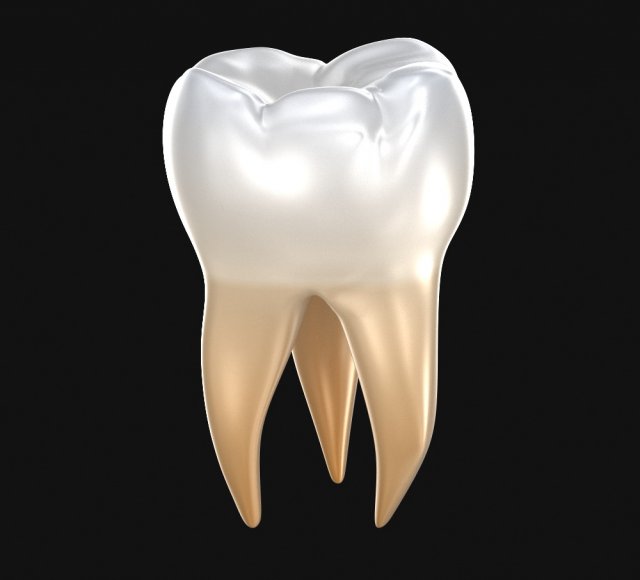
Transparent molar teeth. 3d model human molar tooth.Was used procedure materials for textures. If you want to use correctly colors and materials, please use max file.Use material editor for assign digfferent materials.Please use HDRi map (included) for reflections.You can control polygons by using meshsmooth function.
Tag: orthodontic
-
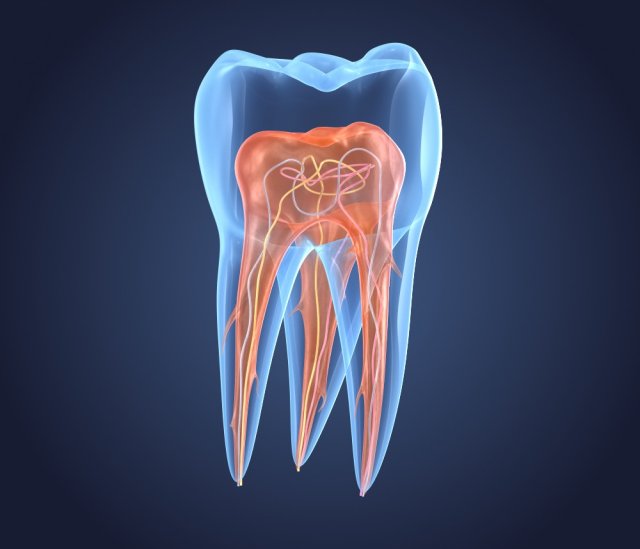
Transparent tooth of endodontics inner structure 3D Model
Transparent molar teeth. 3d model of endodontics inner structure.Was used procedure materials for textures. If you want to use correctly colors and materials, please use max file.Use material editor for assign digfferent materials.Please use HDRi map (included) for reflections.You can control polygons by using meshsmooth function.
-
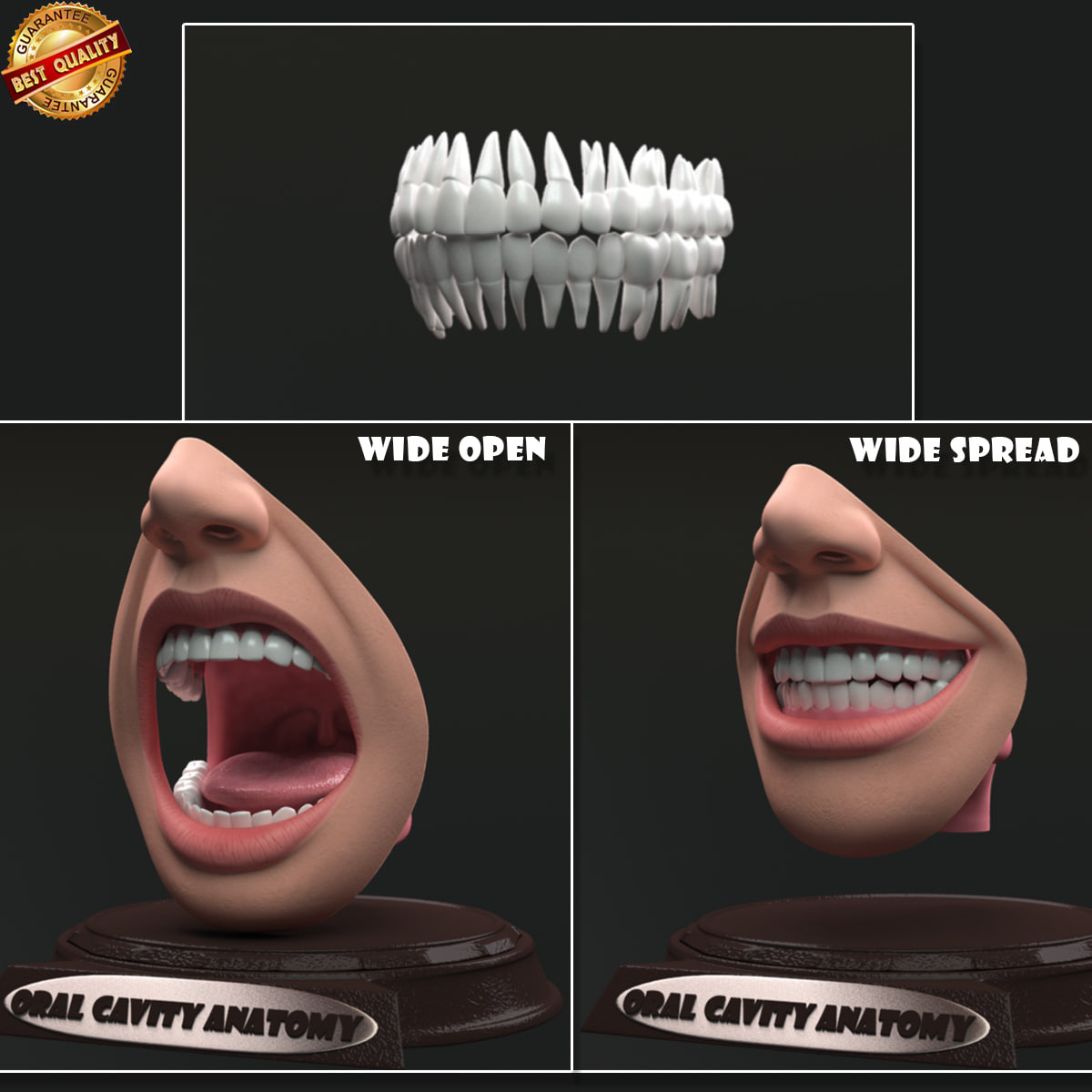
Oral Cavity Anatomy 3D model 3D Model
I have included light setup in the scene file.This has been modeled with good production standards.This model was constructed with utmost care and attention to detail, with clean edge flow for facial deformation n rigging comfort.All the geometry has been properly unwrapped .and used 3 texture maps of 2048×2048 resolution of .png format .Used only Maya / Mental-ray shaders applied for the objects. All colors can be easily modified.Only Maya format contains the shaders and light setup used for rendering.other formats provide only model geometry.No cleaning up necessary. Every model has been checked with the appropriate software.It can be used in animation series, movies, presentation videos n also for TV commercials. file formats==========================================.ma 2013 with lit setup.fbx ( multi format ).obj ( multi format ) poly count (model geometry only)==========================================polygons – 21732vertices – 21840Make sure mental-ray plugin loaded from plugin-manager settings in Maya ,then simply open the scene file and proceed for rendering for the quality promised in the presentation page.Hope U like it.
-
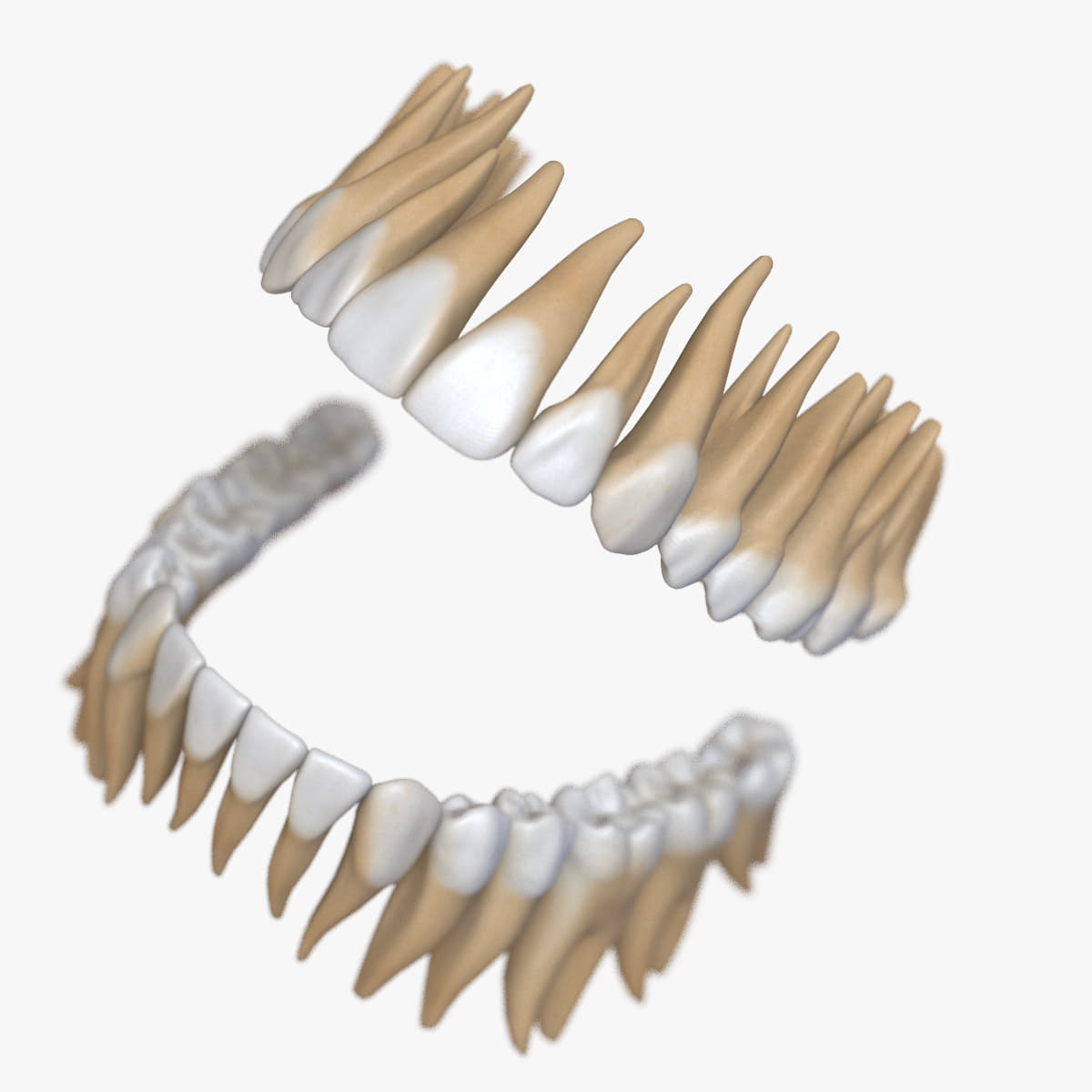
3D model Teeth Stylized 3D Model
Dentition Simplified (stylized) v5.0 – photo realistic dental model=====| USAGE |=====- Anatomy- Medicine- Advertising (best for)- Animation- Presentation- Visualization=====| FEATURES |=====- 32 Teeth with roots- Scanned human dentition used as reference- Standard materials for fast rendering – 4096×4096 textures- Clean edge-loops based topology- 3ds Max 2016 or higher compatible- System Unit: cm=====| SUPPORT |=====- Contact the author via ‘SUPPORT TICKET’ for any questions- You can update your previously purchased models- This model will be updated frequently or upon request=====| POLY COUNT |=====Teeth: – (15,194 polys, 15,258 verts)Gums: – (3,805 polys, 3,941 verts)All: – (26,227 polys, 26,834 verts)=====| TEXTURES(3) |=====4096×4096 (JPG x 3) – teeth=====| LAYERS |=====0 (default)LightsTeeth=====| TIPS |=====- Mover – Link to it every object that must move with the head. (Layer – 0)- Dummy_Teeth_OPEN – rotate and move to control the lower jaw. (Layer – 0)
-
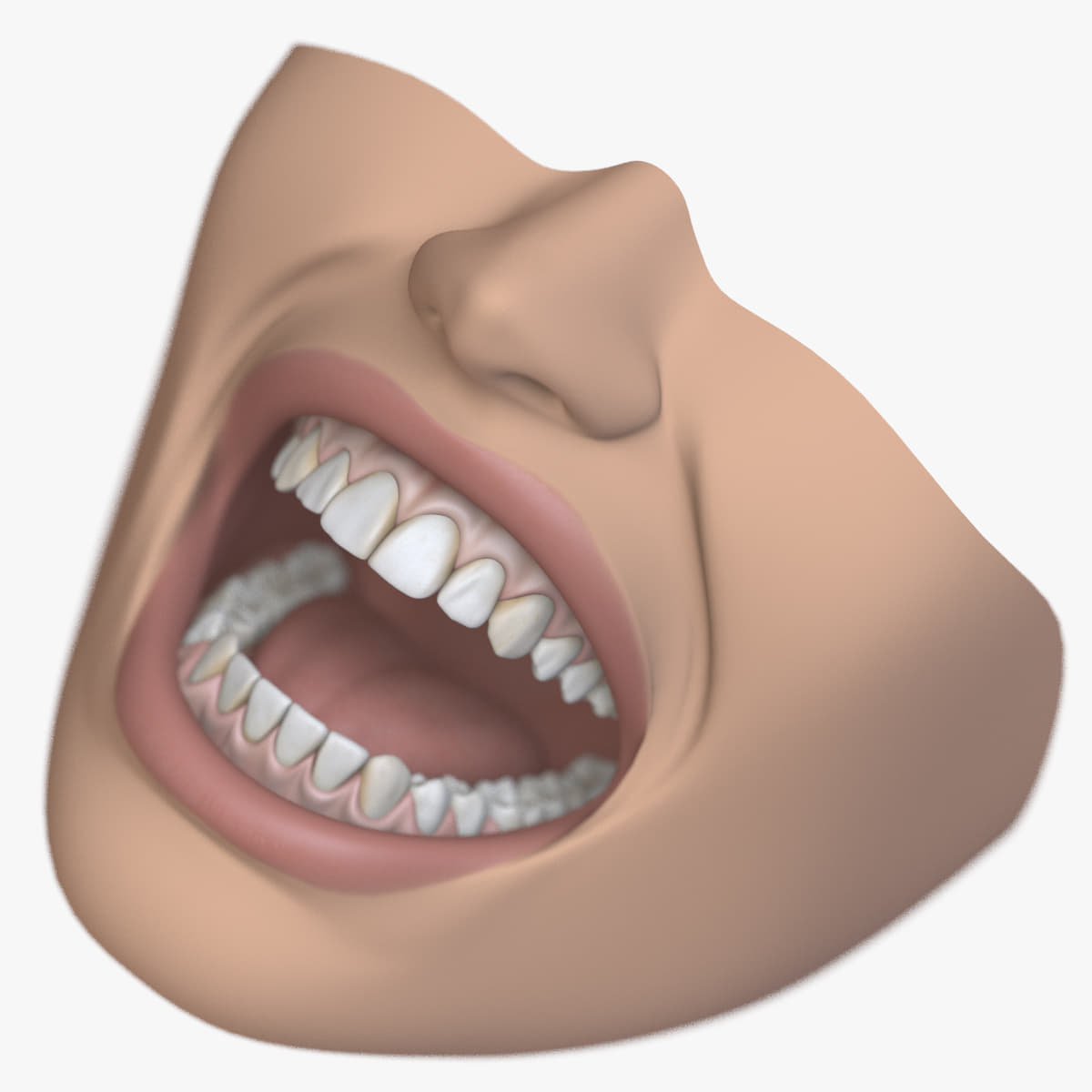
Dental Mouth Stiylzed 3D 3D Model
Dental Mouth Simplified (stylized) v5.0 – photo realistic dental model=====| USAGE |=====- Anatomy- Medicine- Advertising (best for)- Animation- Presentation- Visualization=====| FEATURES |=====- 32 Teeth with roots- Scanned human dentition used as reference- RIGGED with simple controls- MORPH controlled expressions and lip-synk- MORPH targets included for faster edit (84 objects)- FACE CONTROL v1.2 system (49 control objects)- WIRE PARAMETERS to automate different morphs- Standard materials for fast rendering- 4096×4096 textures (Color, Overall, Bump, Subdermal, BackSurface, Specular, Reflection)- Clean edge-loops based topology- 3ds Max 2016 or higher compatible- System Unit: cm=====| SUPPORT |=====- Contact the author via ‘SUPPORT TICKET’ for any questions- You can update your previously purchased models- This model will be updated frequently or upon request=====| POLY COUNT |=====System Mouth: – (19,379 polys, 19,600 verts)Morph targets: – (39,708 polys, 41,142 verts)All: – (60,091 polys, 61,786 verts)=====| TEXTURES(9) |=====4096×4096 (JPG x 5) – teeth, tongue3318x3318 (JPG x 2) – face, skin2048x2048 (JPG x 2) – gums=====| LAYERS |=====0 (default) – main face meshFace ControlLightsMorphs – included for reference and easy updatesSystem Mouth=====| TIPS |=====- Mover – Link to it every object that must move with the head. (Layer – 0)- DummyJawBindCollector – Link to it every object that must move with the lower jaw. (Layer – System Mouth)- The mouth system works correctly, according to the movement of the jaw.