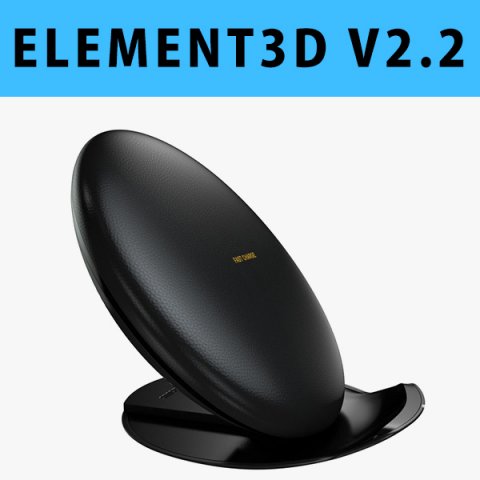
This pack:Element 3D V2.2 ( All colors )models preset easy to use- 1 file OBJ High poly- 1 file OBJ standard- 1 file C4D R12 standard render- 1 file 3ds max 2012 standard material- E3D file full materials set up like previewsHow to use it?1. Open After Effects CC 2014 ( or higher) and create new composition ( You need Element3D V2.2 to use )2. Create new Solid layer and add Element effect. ( Effect/Video Copilot/ Element )3. Click Scene Setup4. Click on IMPORT inside Element3D scene setup5. Choose my .e3d preset for the model and press Open.If you dont see the model do not forget to right click on the model name and press Replace model then select the .obj model file in the respective models folder……………………………………………………………About Bee3DD Studio: ( Working in 3d modeling since 2013 until now )+ We offer all electronics 3d model ( latest and oldest ). Our collection is biggest in the world. It is place where you can find anything about technology for your project ( earlier and faster than others )+ Every model we build goes through thorough Quality assessment both visual and technical to make sure the assets look realistic and the models are of the best quality.
Tag: note8
-
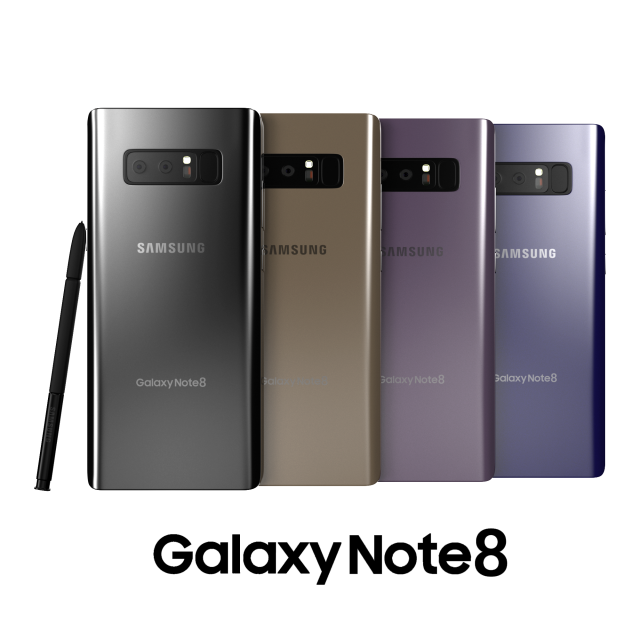
Samsung Galaxy Note 8 3D Model
This Galaxy Note 8 is a high quality, photo real model that will enhance detail and realism to any of your rendering projects. The model has a fully textured, detailed design that allows for close-up renders, and was originally modeled in 3ds Max 2016 and rendered with V-Ray.*********************************Features:-High quality polygonal model, correctly scaled for an accurate representation of the original object.-Models resolutions are optimized for polygon efficiency. (In 3ds Max, the Turbosmooth function can be used to increase mesh resolution if necessary.)-All colors can be easily modified.-Model is fully textured with all materials applied.-3ds Max models are grouped for easy selection, and objects are logically named for ease of scene management.-No part-name confusion when importing several models into a scene.-No cleaning up necessaryjust drop your models into the scene and start rendering.-No special plugin needed to open scene.-Model does not include any backgrounds or scenes used in preview images.*********************************File Formats:- 3ds Max 2013- 3ds Max 2014- 3ds Max 2015-3ds Max 2016 (native)- OBJ (Multi Format)- FBX (Multi Format)