using animations in Blender:1 – open model2 – import animation (in settings fbx import select Automatic Bone Orientations)3 – with the CTRL key held down Select the object you want to animate, then select the object from which you want to copy the animation, then go to Object > Link/Data Transfer > Link Animation Data
Tag: marmot
-
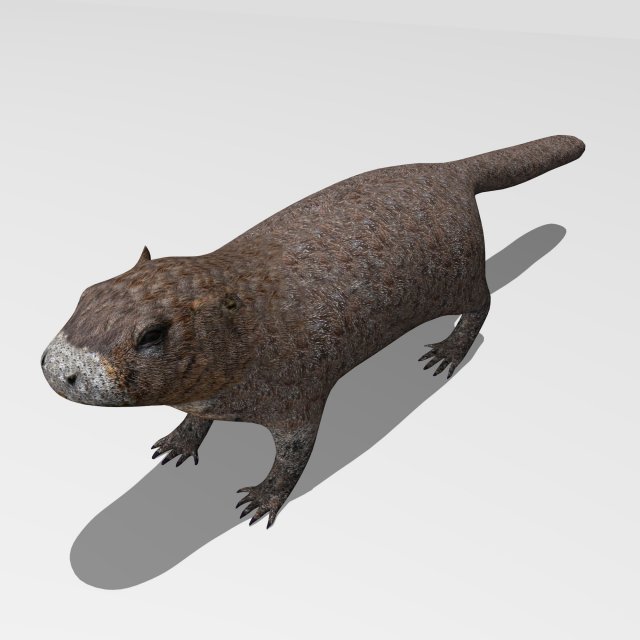
Marmot 3D Model
3d model of MarmotModeled in Blender 2.78-The model is one single object- All textures and materials are mapped in every format.-Textures JPEG color and bump maps-Texture size 4096×4096 pxls.- No special plugin needed to open scene.- Model does not include any backgrounds or scenes used in preview images.