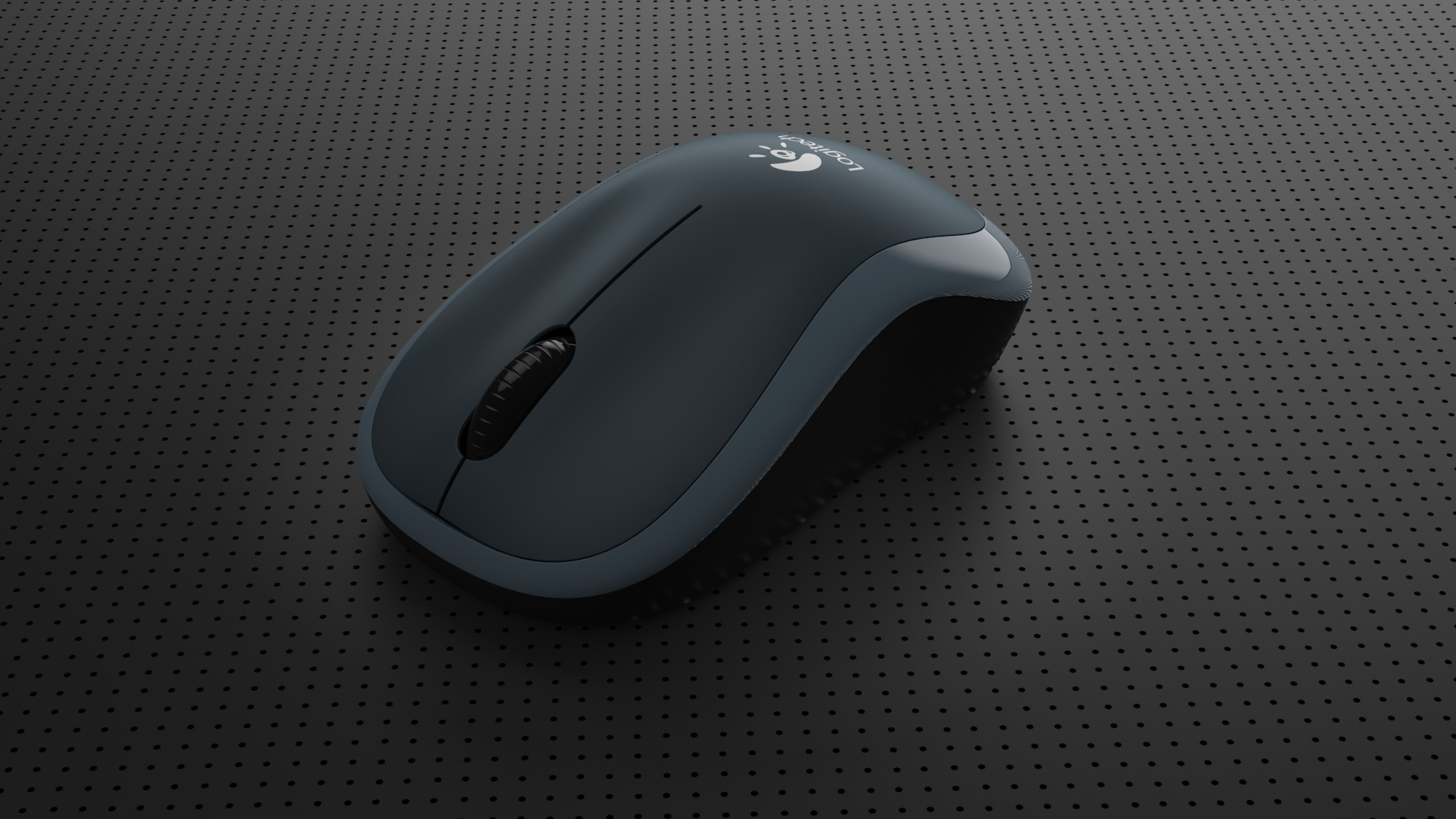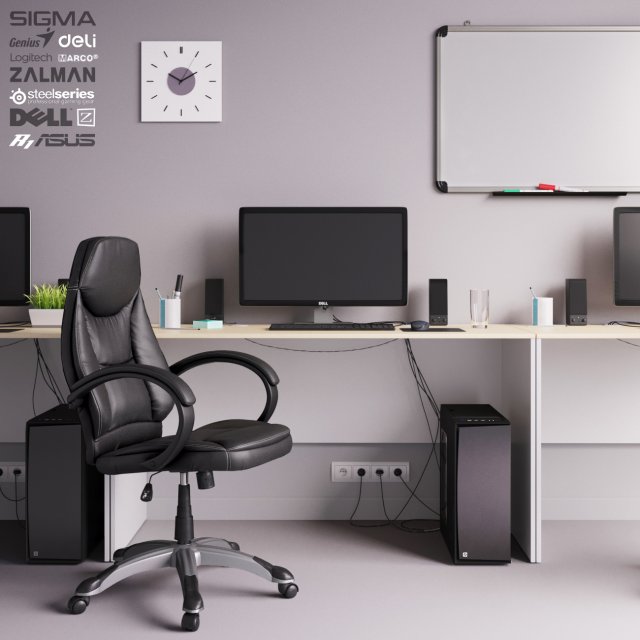
office workplacein set there are 3 variations of workplace little differ from each other. set include : office chair, table, dell monitor,genius speakers and keyboards, zalman case, logitech mouse,glass,table accessories wires and sockets
Tag: Logitech
-
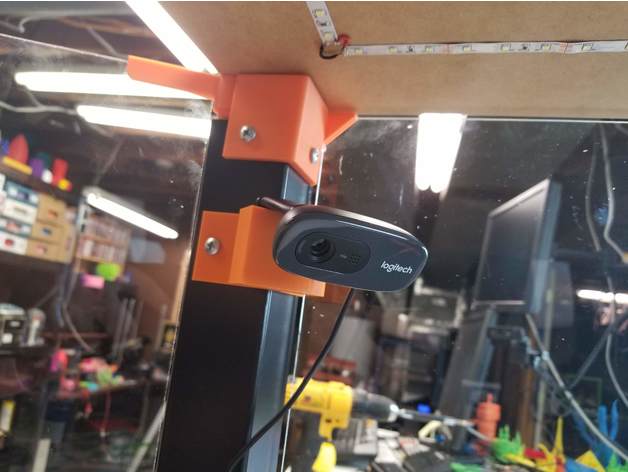
Logitech C270 Lack Enclosure Cam Mount 3D Print Model
Summary
This is a quick mount I made for a C270 cam that can screw on to one of the legs of my IKEA Lack enclosure. Screw holes are 6mm
Print Settings
Printer:
Prusa MK3
Rafts:
No
Supports:
No
Resolution:
0.2
Infill:
20% -
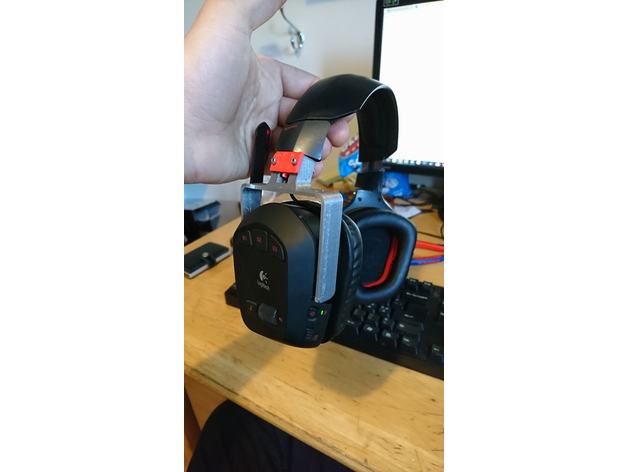
Logitech G930 U replacement for speaker 3D Print Model
Summary
Hi!
Just recently broke the speaker of on my G930 so i made a new one, Dosent look good but it works.
I printed the U shape with 0,2 res with a 0,4 nozzle.
The locking mechanism is printed with 0,125 res with 0,25 nozzle.
Will probably work to print both parts in 0,2 res with 0,4 nozzle.
I dont know but i think it will also work on the G35 headset.
What u need:
2x M2 16mm long screws
2x m2 Nuts
soldering iron
Print Settings
Printer Brand:
TEVO
Printer:
Tarantula
Rafts:
No
Supports:
Yes
Resolution:
0,125
Infill:
80-100
Notes:
just support on the U fitting
PLA -
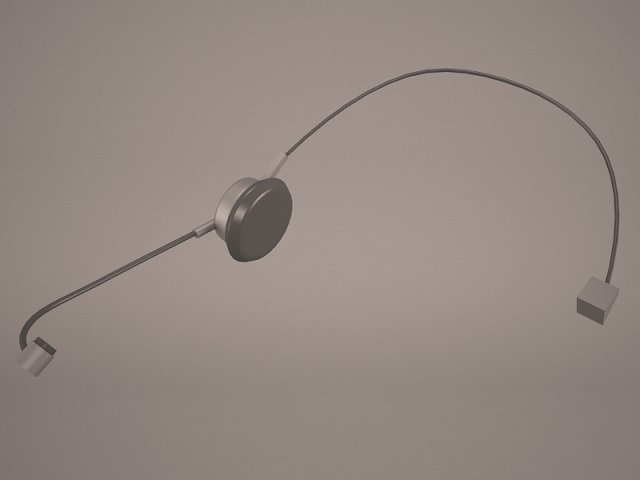
Headset 3D Model
Earphones Headphones Logitech G35 PC computer usb speaker Microphone earbuds ear buds bud mp3 stereo audio music dj realistic
-
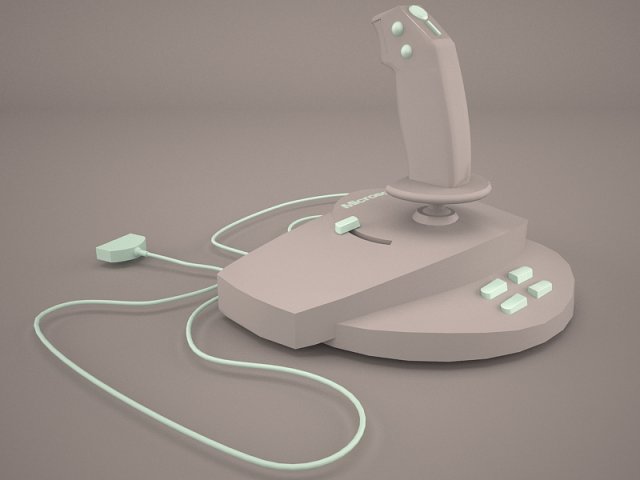
Joystick 3D Model
Logitech Joystick Freedom game controler pad computer joypad gamepad simulator portable electronic shot Wireless action model
-
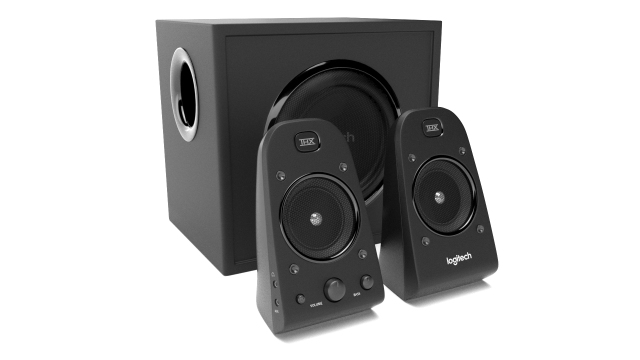
Logitech Z623 3D Model
This Logitech Z623 is a high quality, photo real model that will enhance detail and realism to any of your rendering projects. The model has a fully textured, detailed design that allows for close-up renders, and was originally modeled in 3ds Max 2016 and rendered with V-Ray.*********************************Features:-High quality polygonal model, correctly scaled for an accurate representation of the original object.-Models resolutions are optimized for polygon efficiency. (In 3ds Max, the Turbosmooth function can be used to increase mesh resolution if necessary.)-All colors can be easily modified.-Model is fully textured with all materials applied.-3ds Max models are grouped for easy selection, and objects are logically named for ease of scene management.-No part-name confusion when importing several models into a scene.-No cleaning up necessaryjust drop your models into the scene and start rendering.-No special plugin needed to open scene.-Model does not include any backgrounds or scenes used in preview images.*********************************File Formats:- 3ds Max 2016- OBJ (Multi Format)- FBX (Multi Format)
-
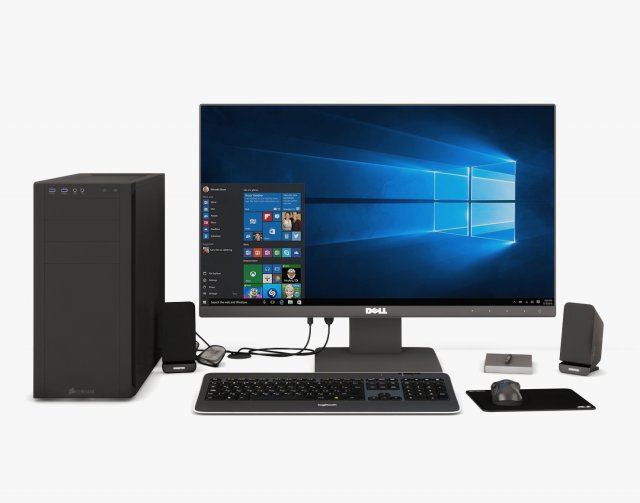
Computer Set 01 3D Model
Units: MillimetersCreated in 3ds max 2015, saved to 3ds max 2012Other formats: OBJ in .max archive (converted from V-ray)No third party plugin required.Previews rendered with Vray.
-
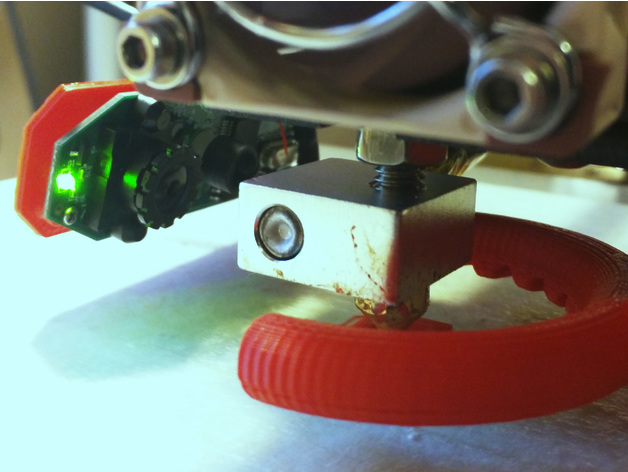
Anet A8 – Logitech C310 Webcam Nozzle Mount 3D Print Model
Summary
This is a small bracket for mounting a Logitech C310 webcam to the print head of your Anet A8 so that you can monitor the print nozzle. Since it simply inserts into the bearing this might work on other printers with similar design. But I cannot guarantee that.
Here is a youtube video showing it in action. As you can see it can make a pretty detailed image of how your nozzle is performing.
Also, this is designed for a fairly stock Anet A8 and it just barely clears the frame and other parts while homed. If you’ve made major modifications to your A8 this might not work and you might have to alter the stl file.
As you can see from the photos you’ll have to remove the casing of the webcam and get to the bare electronics. This can be tricky for the inexperienced. There is a wire soldered to the board that has to be un-soldered and re-soldered. If you break your webcam it’s not my fault, obviously.
Important note: There is a dab of glue on the side of the main lens that holds it at a certain focus distance. You’ll have to remove that dab of glue with a small pick of some kind. After that you can screw the main lens in and out to change the focus distance. Here is a video showing that.https://www.youtube.com/watch?v=v-gYgBeiOVI
Print Settings
Printer:
Anet A8 Rafts:
No Supports:
No Resolution:
0.2 mm Infill:
100% -
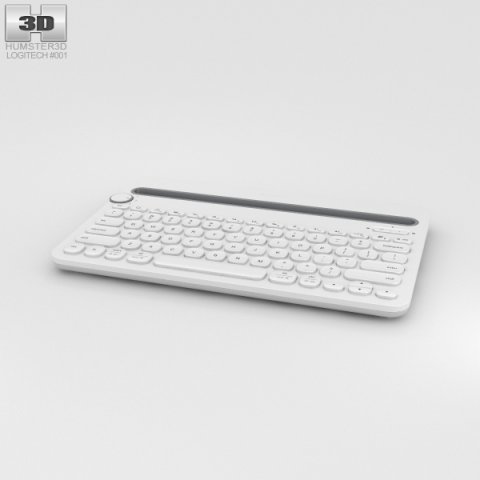
Logitech K480 White 3D Model
The 3D model was created on real base. It’s created accurately, in real units of measurement, qualitatively and maximally close to the original.Model formats:- *.max (3ds Max 2008 scanline)- *.max (3ds Max 2008 vray)- *.fbx (Multi Format)- *.obj (Multi Format)- *.3ds (Multi Format)- *.mb (Maya 8.5)- *.lwo (Lightwave 6)- *.c4d (Cinema 4D 11)* renders Are made in 3ds Max 2008 using vray 1.5 (studio environment is not included in the set)If you need any other formats we are more than happy to make them for you.The model is provided combined, all main parts are presented as separate parts therefore materials of objects are easy to be modified or removed and standard parts are easy to be replaced. If you experience difficulties with separating standard parts we are more than happy to give you qualified assistance.We greatly appreciate you choosing our 3D models and hope they will be of use.We look forward to continuously dealing with you.Sincerely Yours,Hum3D Team
-
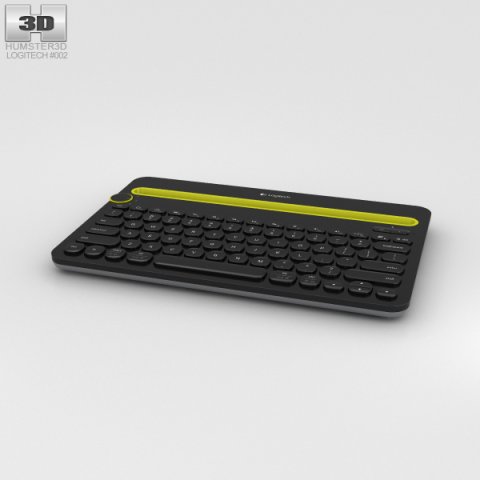
Logitech K480 Black 3D Model
The 3D model was created on real base. It’s created accurately, in real units of measurement, qualitatively and maximally close to the original.Model formats:- *.max (3ds Max 2008 scanline)- *.max (3ds Max 2008 vray)- *.fbx (Multi Format)- *.obj (Multi Format)- *.3ds (Multi Format)- *.mb (Maya 8.5)- *.lwo (Lightwave 6)- *.c4d (Cinema 4D 11)* renders Are made in 3ds Max 2008 using vray 1.5 (studio environment is not included in the set)If you need any other formats we are more than happy to make them for you.The model is provided combined, all main parts are presented as separate parts therefore materials of objects are easy to be modified or removed and standard parts are easy to be replaced. If you experience difficulties with separating standard parts we are more than happy to give you qualified assistance.We greatly appreciate you choosing our 3D models and hope they will be of use.We look forward to continuously dealing with you.Sincerely Yours,Hum3D Team
-
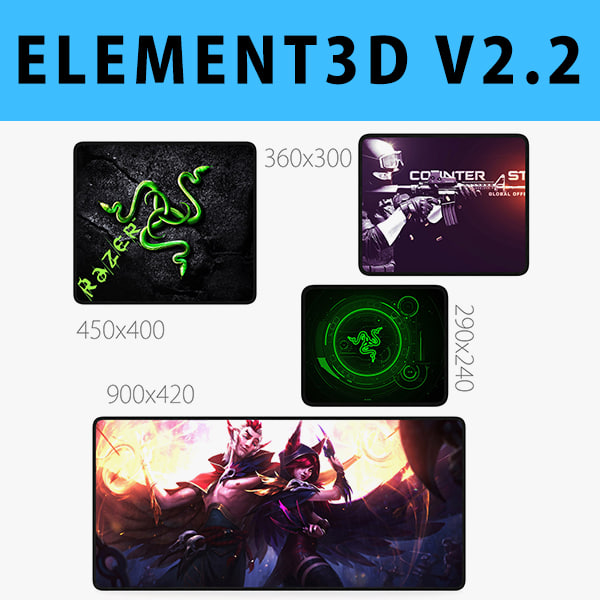
E3D – Mouse Pad Collection model 3D Model
Collection Mouse Pad:1. Mouse Pad 900×420 mm2. Mouse Pad 450×400 mm3. Mouse Pad 360×300 mm4. Mouse Pad 290×240 mmThis pack:Element 3D V2.2 ( All colors )models preset easy to use- 1 file OBJ High poly- 1 file OBJ standard- 1 file C4D R12 standard render- 1 file 3ds max 2012 standard material- E3D file full materials set up like previewsHow to use it?1. Open After Effects CC 2014 ( or higher) and create new composition ( You need Element3D V2.2 to use )2. Create new Solid layer and add Element effect. ( Effect/Video Copilot/ Element )3. Click Scene Setup4. Click on IMPORT inside Element3D scene setup5. Choose my .e3d preset for the model and press Open.If you dont see the model do not forget to right click on the model name and press Replace model then select the .obj model file in the respective models folder.
-
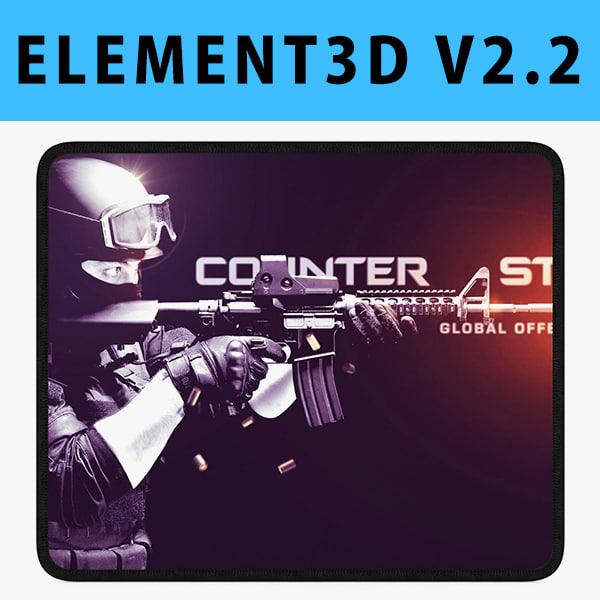
E3D – Mouse Pad 360×300 mm 3D model 3D Model
This pack:Element 3D V2.2 ( All colors )models preset easy to use- 1 file OBJ High poly- 1 file OBJ standard- 1 file C4D R12 standard render- 1 file 3ds max 2012 standard material- E3D file full materials set up like previewsHow to use it?1. Open After Effects CC 2014 ( or higher) and create new composition ( You need Element3D V2.2 to use )2. Create new Solid layer and add Element effect. ( Effect/Video Copilot/ Element )3. Click Scene Setup4. Click on IMPORT inside Element3D scene setup5. Choose my .e3d preset for the model and press Open.If you dont see the model do not forget to right click on the model name and press Replace model then select the .obj model file in the respective models folder.
-
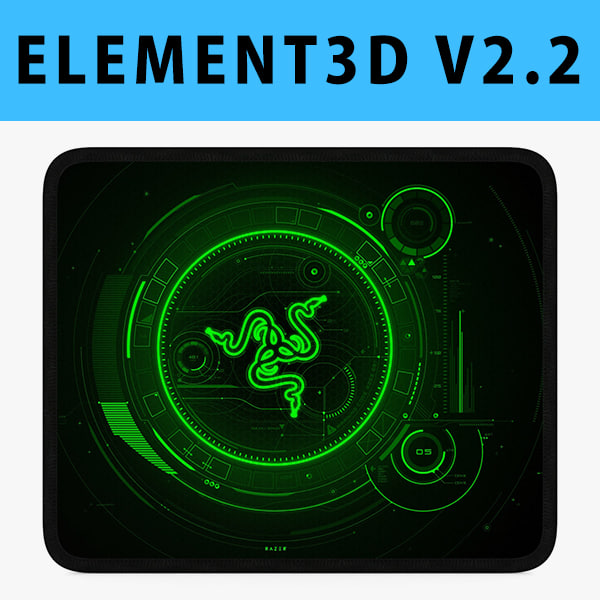
3D E3D – Mouse Pad 290×240 mm 3D model 3D Model
This pack:Element 3D V2.2 ( All colors )models preset easy to use- 1 file OBJ High poly- 1 file OBJ standard- 1 file C4D R12 standard render- 1 file 3ds max 2012 standard material- E3D file full materials set up like previewsHow to use it?1. Open After Effects CC 2014 ( or higher) and create new composition ( You need Element3D V2.2 to use )2. Create new Solid layer and add Element effect. ( Effect/Video Copilot/ Element )3. Click Scene Setup4. Click on IMPORT inside Element3D scene setup5. Choose my .e3d preset for the model and press Open.If you dont see the model do not forget to right click on the model name and press Replace model then select the .obj model file in the respective models folder.
-
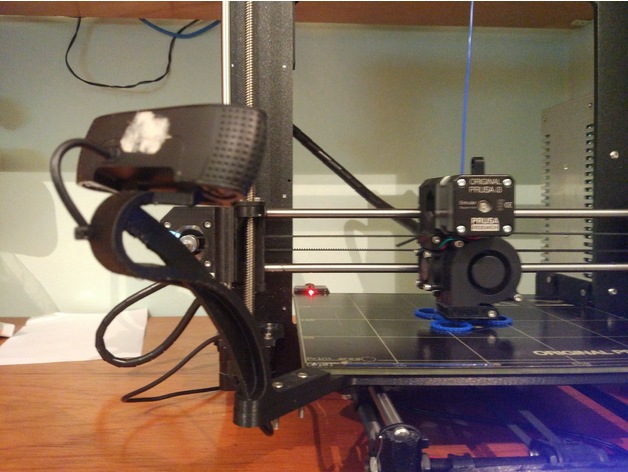
Prusa I3 MK2 Logitech C920 Mount 3D Print Model
Summary
Logitech C920 Mount for Original Prusa I3 MK2 / MK2S
Its a little modification from (https://www.thingiverse.com/thing:2283508) for mount the Logitech C920.
Required unmount the webcam for replace the standard support for this.
The result it’s amazing in terms of stability.
Demo: https://www.youtube.com/watch?v=RylwI2aTmnQ
Print Settings
Printer Brand:
Prusa Printer:
Prusa Mk2 Rafts:
Doesn’t Matter Supports:
Yes Resolution:
0.2 Infill:
50% Notes:
It is recommended to use ABS for the heat of the bed -
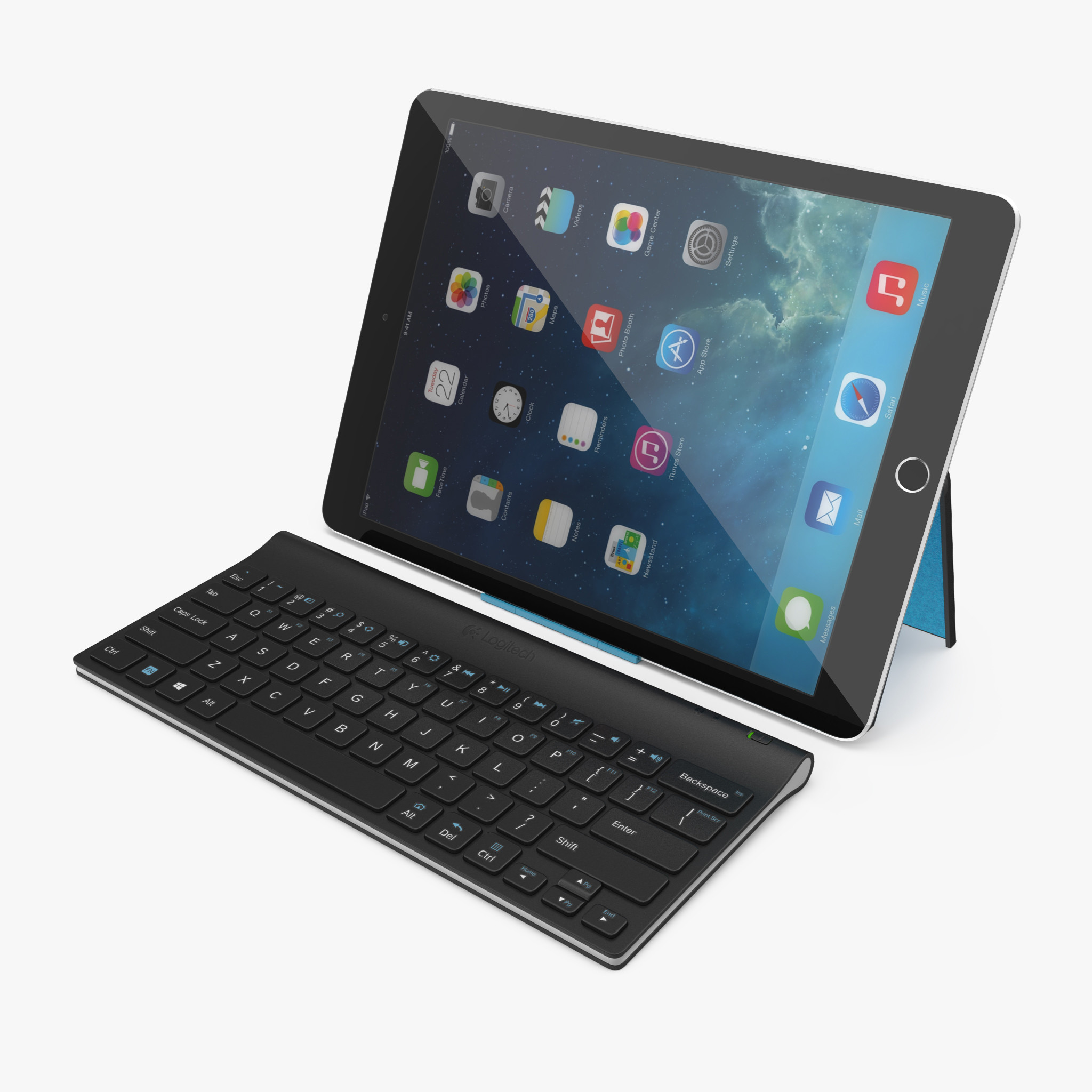
Logitech Tablet Keyboard with iPad Pro 3D Model
Logitech Tablet Keyboard with iPad Pro is a high quality, photo real model that will enhance detail and realism to any of your rendering projects. The model has a fully textured, detailed design that allows for close-up renders, and was originally modeled in 3ds Max 2012 and rendered with V-Ray. Fidelity is optimal up to a 2k render. Renders have no postprocessing.Hope you like it!*********************************Features:- High quality polygonal model, correctly scaled for an accurate representation of the original object.- Models resolutions are optimized for polygon efficiency. (In 3ds Max, the Meshsmooth function can be used to increase mesh resolution if necessary.)- All colors can be easily modified.- Model is fully textured with all materials applied.- All textures and materials are included and mapped in every format.- 3ds Max models are grouped for easy selection, and objects are logically named for ease of scene management.- No part-name confusion when importing several models into a scene.- No cleaning up necessaryjust drop your models into the scene and start rendering.- No special plugin needed to open scene.- Model does not include any backgrounds or scenes used in preview images.- Units: cm*********************************File Formats:- 3ds Max 2012 V-Ray and standard materials scenes- OBJ (Multi Format)- 3DS (Multi Format)- Maya 2011- Cinema 4D R14- FBX (Multi Format)*********************************Textures Formats:- (12 .png) 4096 x 4096- (1 .png) 2048 x 2048*********************************3d Molier International is a team of 3D artists with over a decade of experience in the field. The company participated in various projects allowing us to learn our clients needs. Every model we build goes through thorough Quality assessment both visual and technical to make sure the assets look realistic and the models are of the best quality, which you can tell by looking at the renders none of the has any postprocessing. On the top of that all the models come with complete UVs and optimized topology, which allows you in no time alter geo or the textures if needed.Also check out our other models, just click on our user name to see complete gallery. 3d_molier International 2017
-
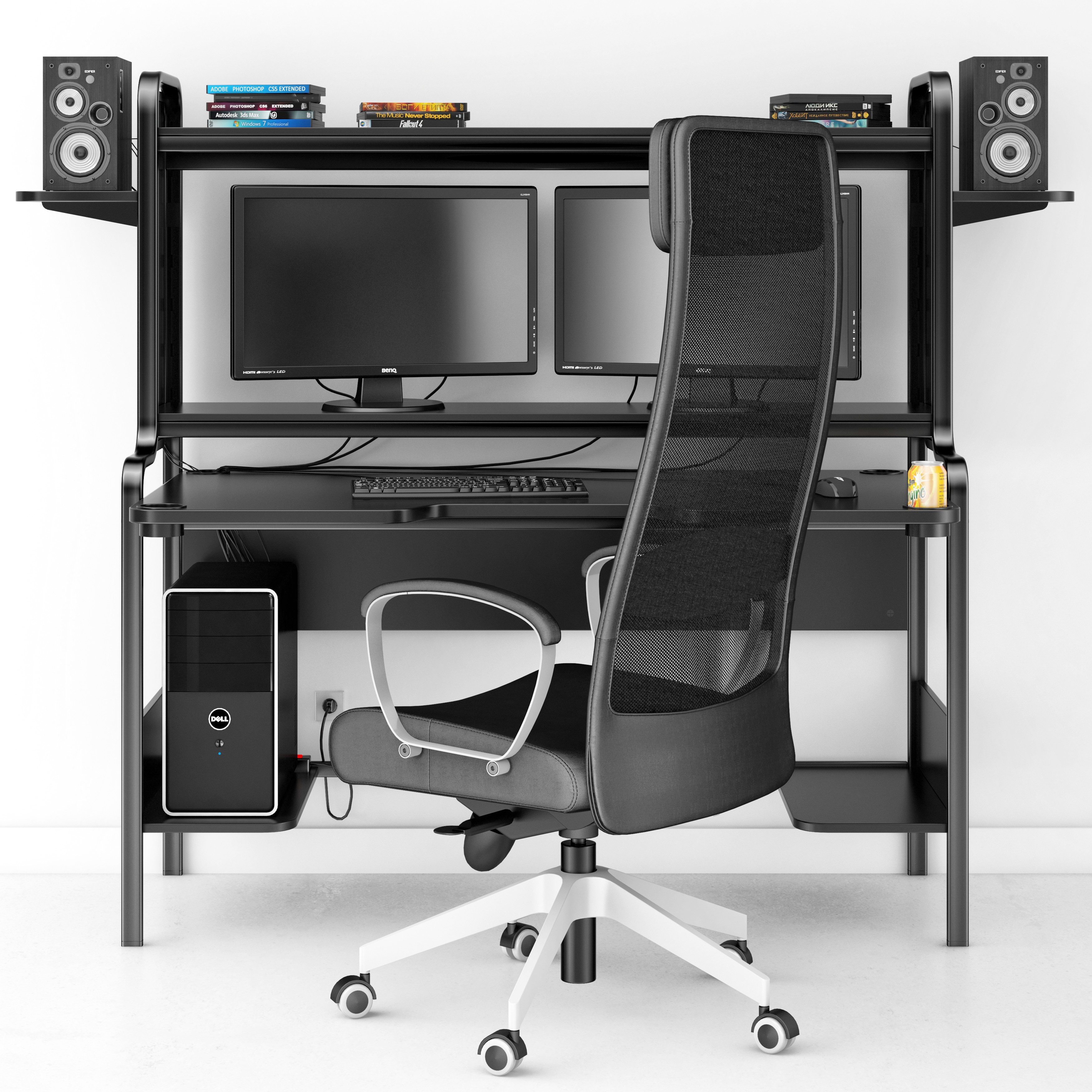
3D Computer Set model 3D Model
Computer set:Table FREDDEChair MARKUSMonitor BENQSystem block DELLKeyboard LOGITECHMouse A4TECHAcoustic speaker EDIFIERNetwork filterDisksCan