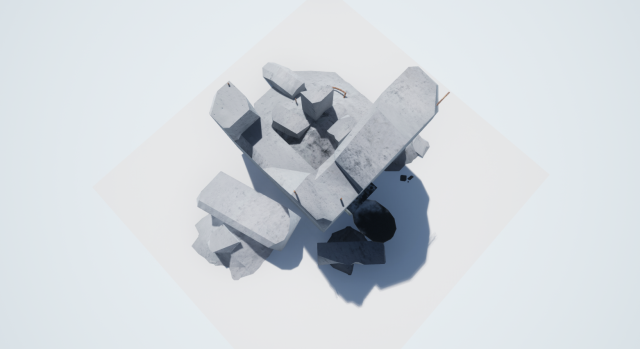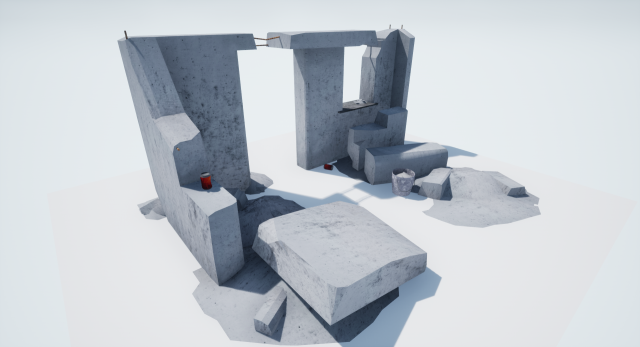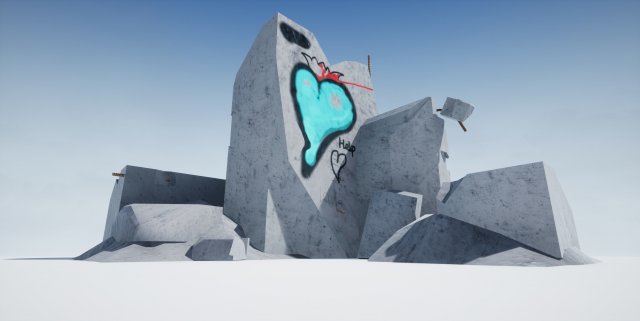
Photos were taken in Unreal Engine 4 and Cinema 4DI invented itTextures: 200×200 – 2592×2592
Tag: litter
-
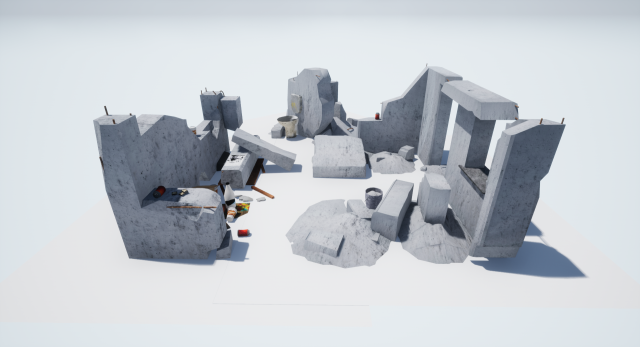
Little KIT debris walls LOW POLY 3D Model
Photos were taken in Unreal Engine 4I invented it(1)oncrete wall 2592 x 2592All else 100×100 – 1500×150021.3MB(2)Wall 2592x2592else 512×512 – 600×600(3)Textures: 200×200 – 2592×2592
-
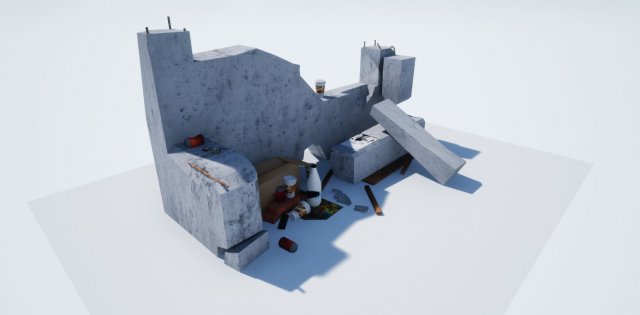
Debris Wall LOW POLY 3D Model
Photos were taken in Unreal Engine 4 and Cinema 4DСoncrete wall 2592 x 2592All else 100×100 – 1500×150021.3MB
-
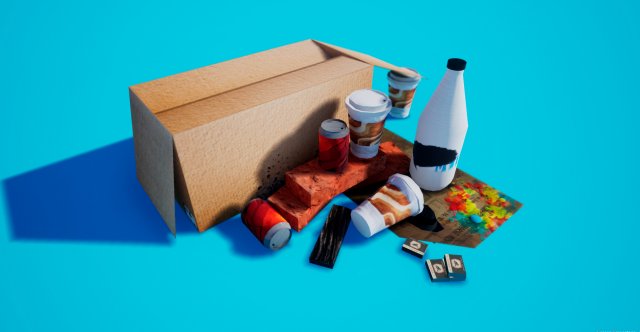
Garbage 3D Model
These are my first models. Please write your reviewLow-Poly modelsBox- 2048x2048All of them 256×256 – 512×512.10MB – all with normal, spec., roug…
-
Kitty LItter Locker bag slitter 3D Print Model
Summary
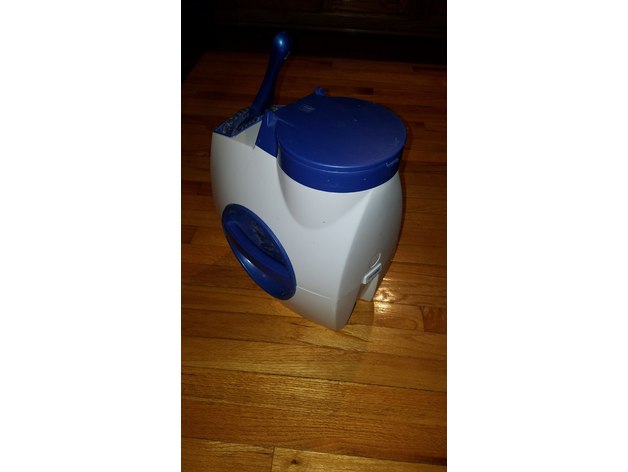
This piece can replace the original bag slitter on a litter locker(see photo of white and blue litter locker). This is a device is used to store dirty scoopable cat litter and contain it in a sealed bag for disposal. Eventually the original slitter becomes dull and this allows you to replace the old slitter and insert a new razor blade for cutting the bags.
Post-Printing
setup with a standard straight edge razor blade
You will notice a 2.5 mm wide slot in the edge of the unit which should be just wide enough to slip a straight edge razor blade in to expose the sharp edge of the blade. Use the slim flat piece as a shim to lock the blade into place. You can cut off the excess, but leave enough so that you can easily pull it out and replace the razor if it ever gets dull again.
How I Designed This
Litter locker removal of old slitter
Eventually the razor in the old slitter slot will become dull or bent and it will not easily cut the bag ends any more. The original slitter is removable, but you cannot replace the blade. This print will allow you to replace the blade and slip it into the same slot as the old one.
The OEM slitter is located just behind the back side of the input schutte. it can be removed by using two flat screw drivers to carefully lift the white retainer enough for the hold down notch to go into the locker, then just push out the old one. (the photo showing the original slitter with the rounded edges. Once the old one is removed you can insert your replacement and once again the bags will melt when you pull the end of the back into the slit. -
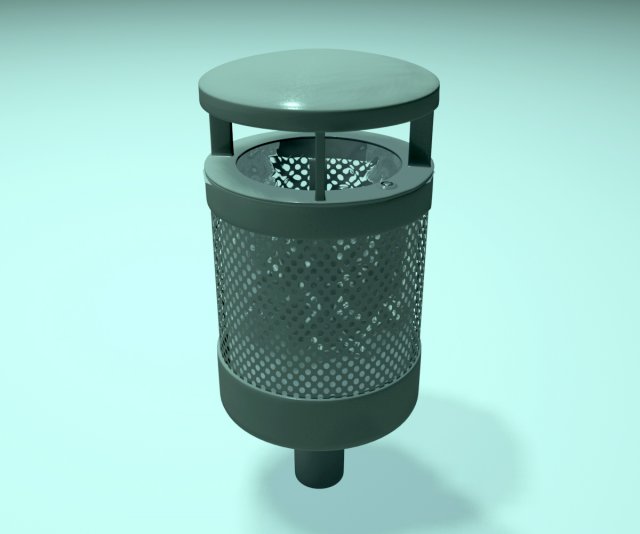
Trashcan with plastic bag 3D Model
Trashcan with plastic bag 3D modelTrashcan with plastic bag inside.Made out of two objects:Garbage bin with 64876 verts and 57512 facesplastic back with 621 verts and 606 facesTo reduce render time, evt. remove the plastic bag objects.The model is native in 3Ds Max and comes with Mental Ray materials.The pictures above is rendered with Mental Ray using photometric lights. Other rendering engines and lights will give different results.Materials might not work with the .FBX format.
-
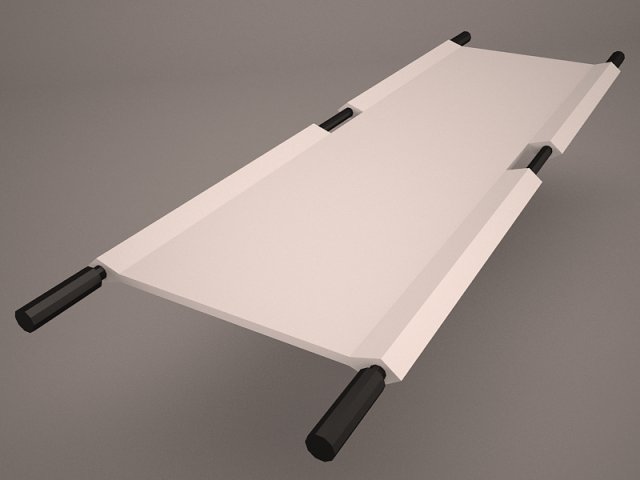
Stretcher 3D Model
stretcher hospital morgue autopsy ambulance hand handbarrow barrow sedan bier litter doolie dooly injured injury disaster ill wounded set collection
-
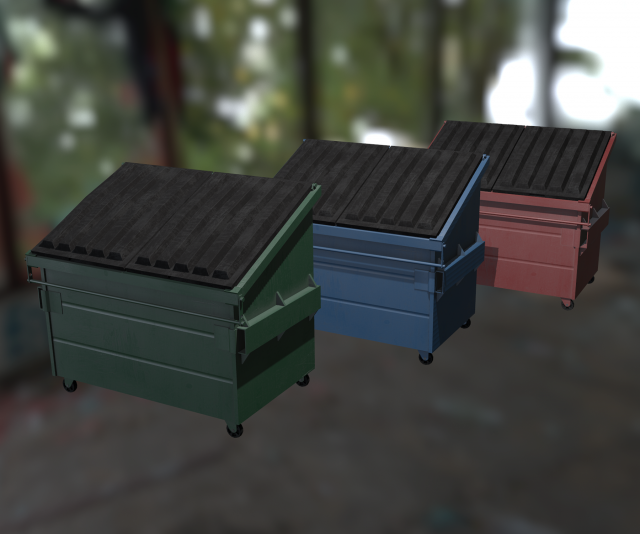
Dumpsters 3D Model
High quality low-poly models of dumpsters. Include one mesh and 3 different textures.One dumpster: 2622 Polys, 5144 Tris, 2774 Verts.3D-model included 3 elements: Base, Left Cap, Right Cap.Texture(png) : Diffuse, Specular and Ambient Оcclusion (not use in .max and .c4d format).Texture Size: Base 2048*2048, Left Cap, Right Cap: 1024*1024.SketchFab: https://skfb.ly/6tptK
-
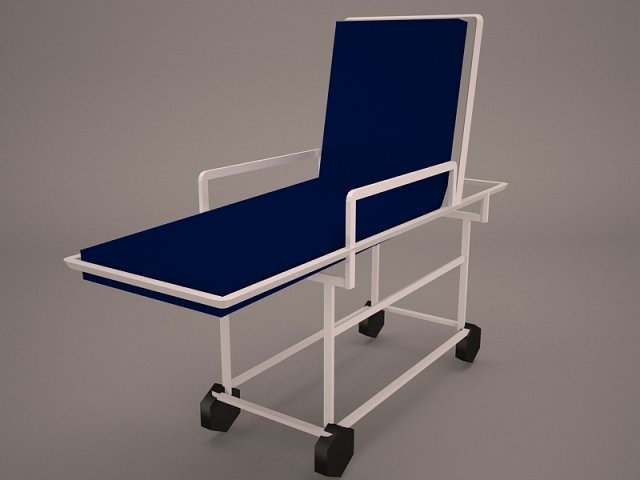
Gurney 3D Model
Collection 3ds stretcher stretchers hospital morgue object device carry litter palanquin sedan doolie hand frame handbarrow barrow ambulance
-
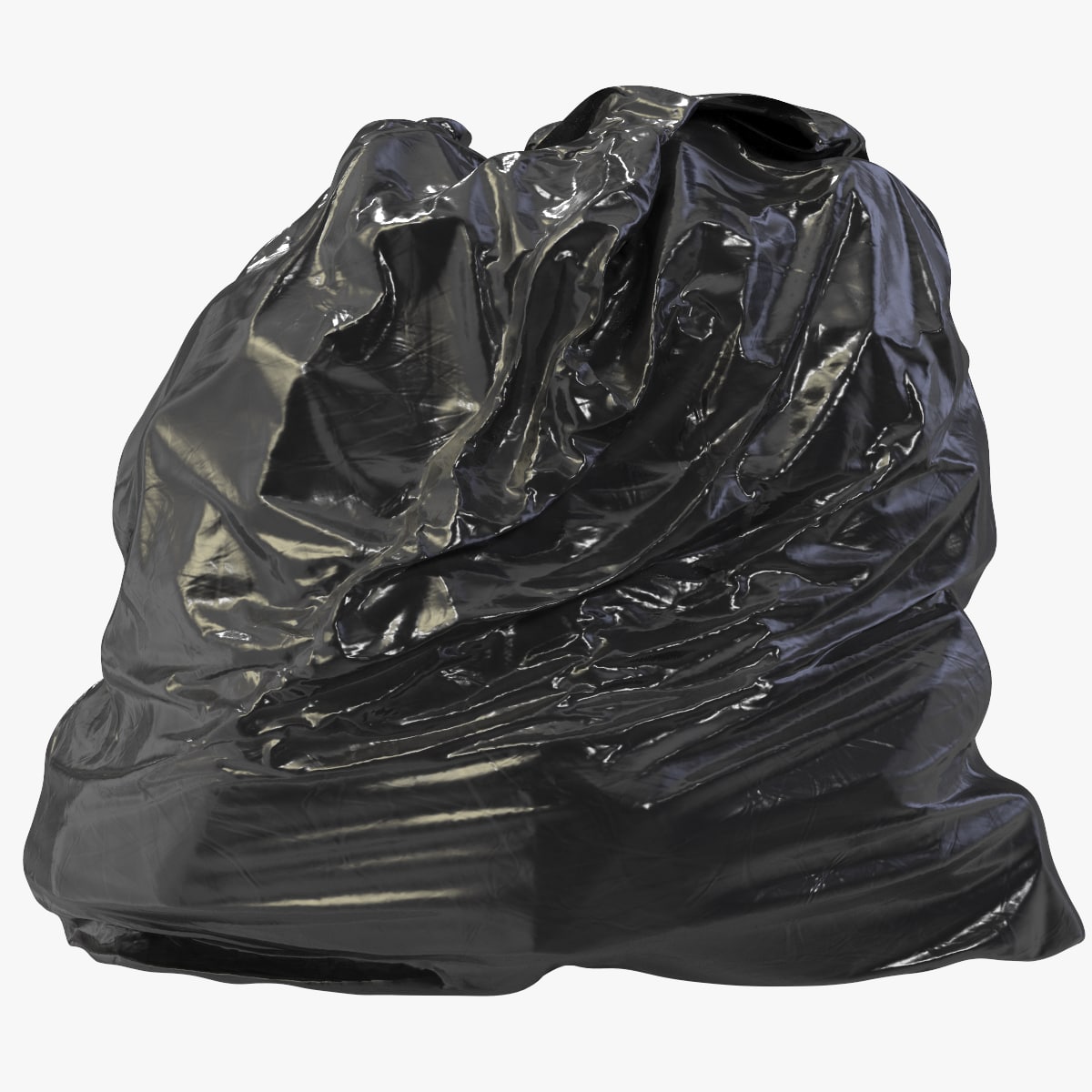
Garbage Bag 02 3D Model
– High-quality and realistic model of Garbage Bag. Perfect for the atmosphere in any projects. This is an excellent choice for interior, exterior, studio, and realtime visualization. Can be used wherever you might need it. Large resolution high-quality and highly detailed texture maps. This allows you to make any render, even close-up renders with great detail.- You can also simply use the model directly in programs supporting the FBX or OBJ formats.-In 3ds max scenes, models and materials configured to render using V-ray. -All preview images are not using post production.-All objects, material and texture maps are called predictable, appropriate names.-All images rendered in V-ray 3-Real-world scale in millimeters.________________________________Textures:-All textures are made in PNG format, resolution 2048 x 2048px.- Archives include 5 texture maps: Diffuse,Reflection, Glossiness, Normal, IOR.________________________________-Archives available for download: – Garbage_Bag_02_3dsmax_2016.rar – (native) – Garbage_Bag_02_FBX.rar – Garbage_Bag_02_OBJ.rar________________________________-Geometry: -Total: Polys -7002 / Verts – 7055NOTE: 3ds max scenes contains simple studio setup, and also includes HDRI file for lighting.
-
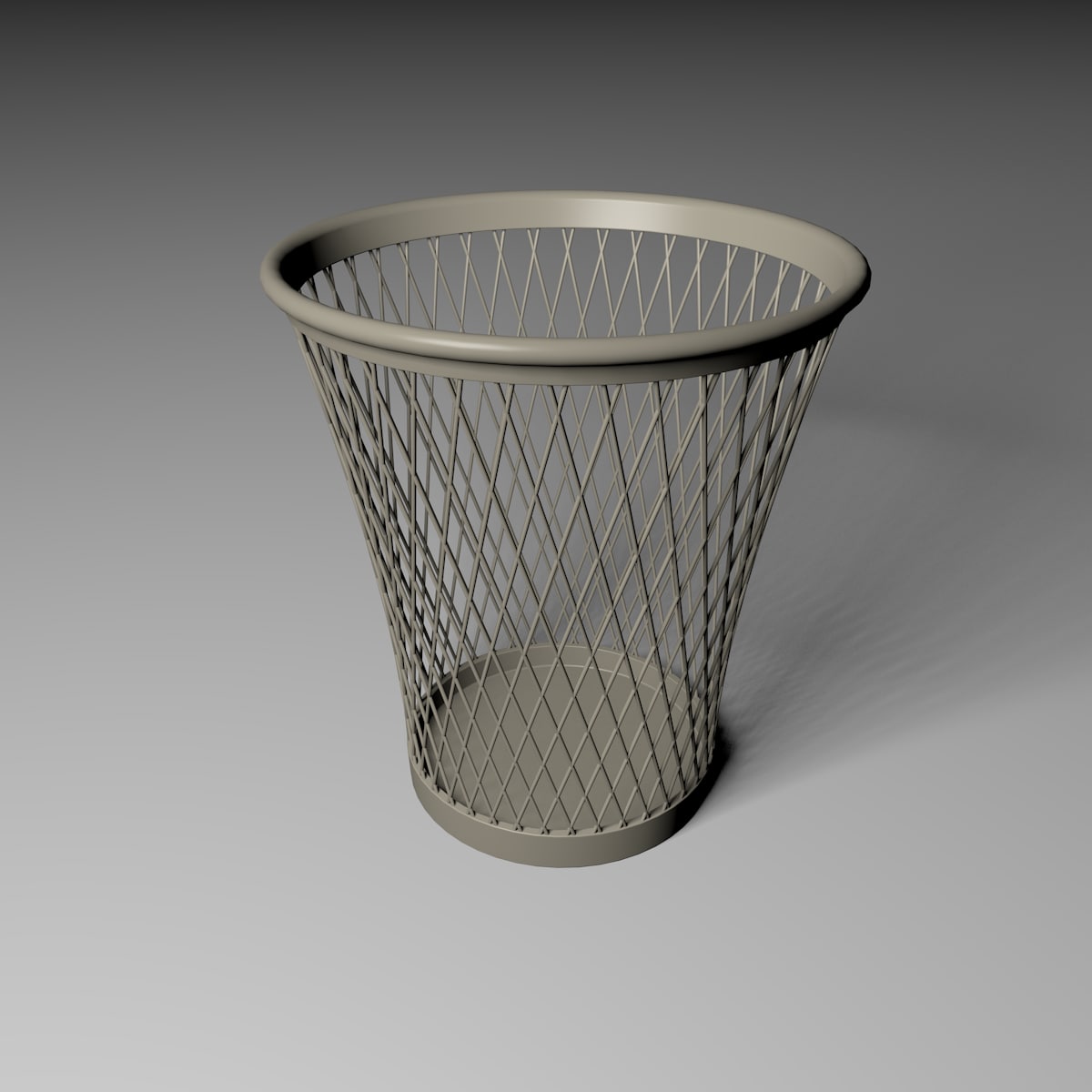
Basket 3D 3D Model
Office waste basketobj file can be separated into 3 objects ‘top, bottom, basket’
-

3D Blue tarp set 3 – PBR low poly. 3D Model
Dirty blue Tarp, collection 3. Low Poly with PBR material. Preview rendered with Marmoset Toolbag 3. Real-world scale.Objects Count – 3 Polycount 1300-1600 polys per object. 2048*2048 textures:- base color- height- metallic- AO- Normal- roughness- MetallicSmoothness- OcclusionRoughnessMetallic
-

Blue tarp set 2 – PBR low poly. 3D Model
Dirty blue Tarp, collection 2. Low Poly with PBR material. Preview rendered with Marmoset Toolbag 3. Real-world scale.Objects Count – 3 Polycount 1500-1600 polys per object. 2048*2048 textures:- base color- height- metallic- AO- Normal- roughness- MetallicSmoothness- OcclusionRoughnessMetallic
-

3D Blue tarp set 1 – PBR low poly. model 3D Model
Dirty blue Tarp, collection 1. Low Poly with PBR material. Preview rendered with Marmoset Toolbag 3. Real-world scale.Objects Count – 3 Polycount 1200-1600 polys per object. 2048*2048 textures:- base color- height- metallic- AO- Normal- roughness- MetallicSmoothness- OcclusionRoughnessMetallic
-
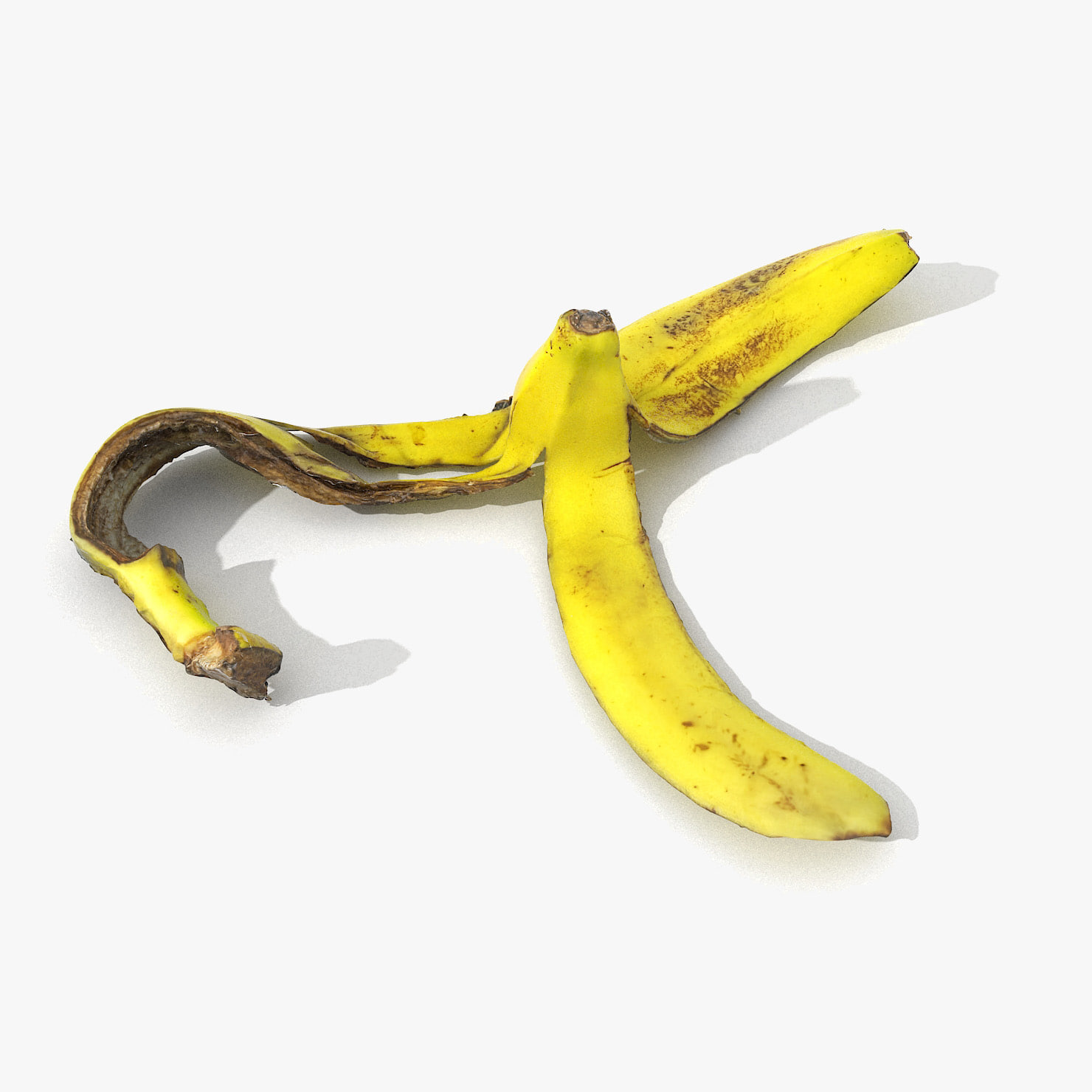
Banana Peel Realistic 02 3D Model
V-Ray and standard materials- Hi-Res Realistic product- Correct scale- Object(s) in their own layer (name via product name)Maps in max archives :Diffuse 4096*4096px JPGNormals 2048*2048px TIF32 bit Displacement 2048*2048px exr16 bit Displacement 2048*2048px TIFThese are optimized and are indistinguishable from 8192*8192px TIFFs (which take more RAM during rendering etc.)Nevertheless if you want 105% quality, you can download the separate hires TIFF textures archive (around 250MB), which contains:Diffuse 8192*8192px TIFNormal 4096*4096px TIFDisplacement 16bit 4096*4096px TIFDisplacement 32bit 4096*4096px EXRIf you need just the original mesh without using displacement map during rendering, take the low poly version, subdivide it a couple of times and use the displacement map in ‘displace’ modifier (in 3ds max) or similiar in other applications, which will deform your mesh in viewport realtime, so you get the original hipoly mesh. You can use it, or use it as proxy or decimated it etc.Objects are in their own layer called ‘_Merged_Buyed’. No part-name confusion when importing. Centered on 0,0,0.
-
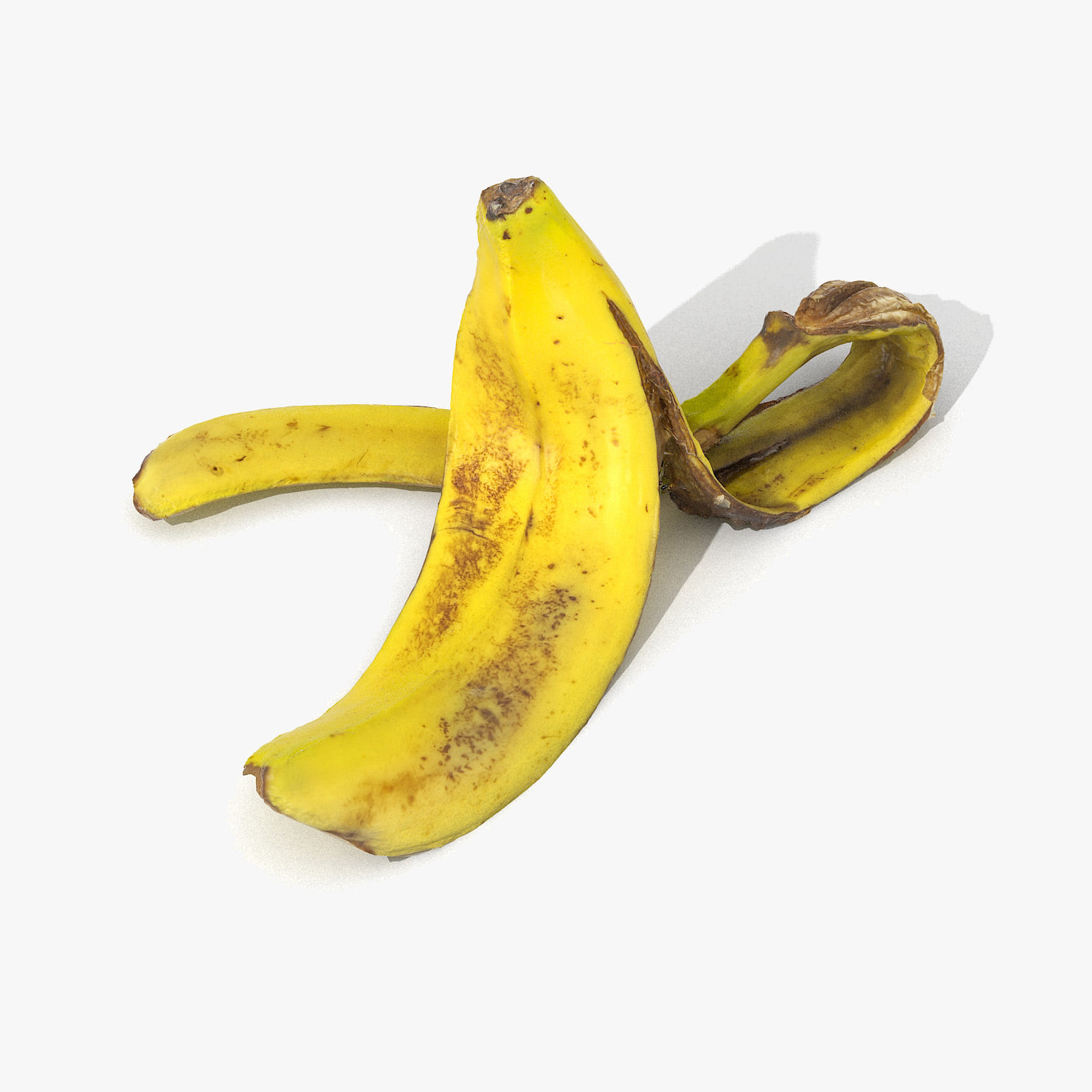
Banana Peel Realistic 3D 3D Model
V-Ray and standard materials- Hi-Res Realistic product- Correct scale- Object(s) in their own layer (name via product name)Maps in max archives :Diffuse 4096*4096px JPGNormals 2048*2048px TIF32 bit Displacement 2048*2048px exr16 bit Displacement 2048*2048px TIFThese are optimized and are indistinguishable from 8192*8192px TIFFs (which take more RAM during rendering etc.)Nevertheless if you want 105% quality, you can download the separate hires TIFF textures archive (around 250MB), which contains:Diffuse 8192*8192px TIFNormal 4096*4096px TIFDisplacement 16bit 4096*4096px TIFDisplacement 32bit 4096*4096px EXRIf you need just the original mesh without using displacement map during rendering, take the low poly version, subdivide it a couple of times and use the displacement map in ‘displace’ modifier (in 3ds max) or similiar in other applications, which will deform your mesh in viewport realtime, so you get the original hipoly mesh. You can use it, or use it as proxy or decimated it etc.Objects are in their own layer called ‘_Merged_Buyed’. No part-name confusion when importing. Centered on 0,0,0.
-
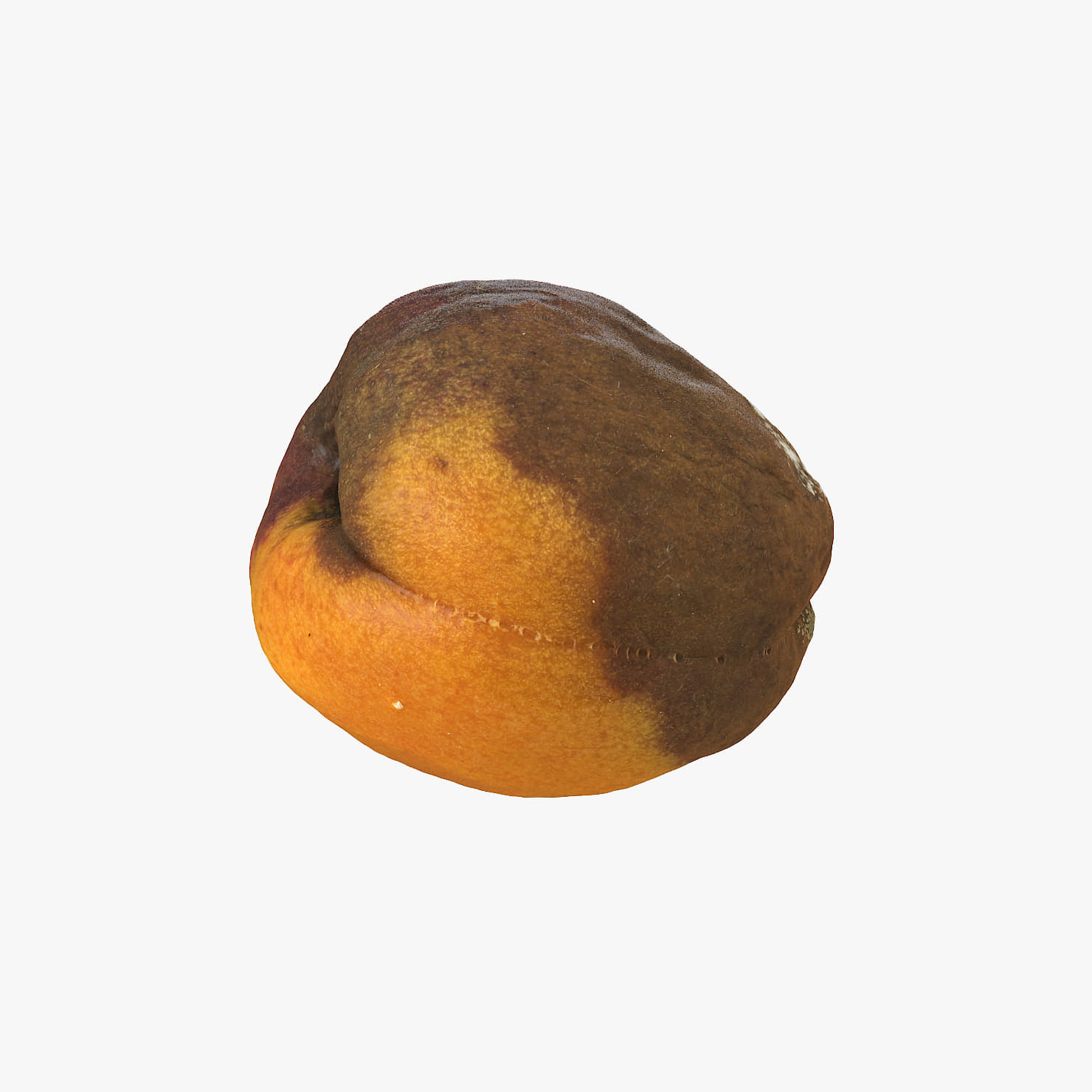
Rotten DecayedApricot 01 3D Model
V-Ray and standard materials are avaiable. Hi-res textures present. Compatible with 3ds Max 2009 and higher versions.Maps:Diffuse 8192*8192px TIFNormal 8192*8192px TIFDisplacement 8192*8192px TIFDisplacement 32bit 8192*8192px EXR (in 2012 version)Detailed model, enough for close-up renders. Originally modeled in 3ds Max 2009. Different formats avaiable.Correctly scaled accurate representation of the original object, no additional work needed.The ‘RottenApple02_OriginalHiPolyMesh_DECIMATED.rar’ contains the original HiPoly mesh (obj) decimated to aproximatelly 50 000 polygons (tris) with texture if you need or want to use this.The ‘RottenApple02_OriginalHiPolyMesh.rar’ contains the original hi poly scan mesh (obj) of few milion polygons (triangles) with texture if you need or want to use this.Objects are in their own layer called ‘_Merged_Buyed’. No part-name confusion when importing. Centered on 0,0,0.