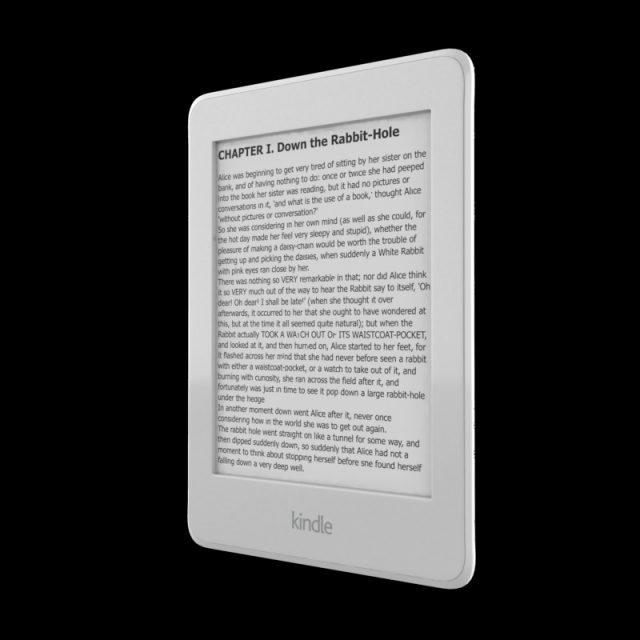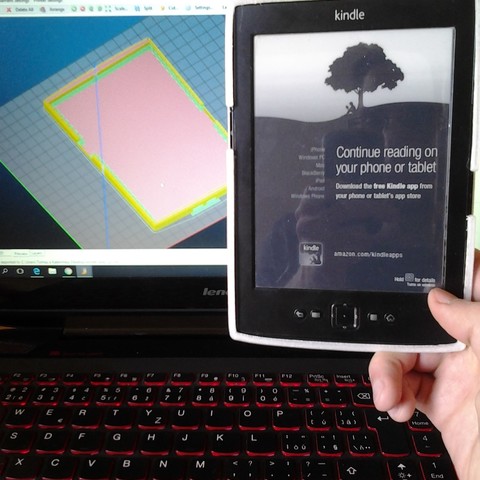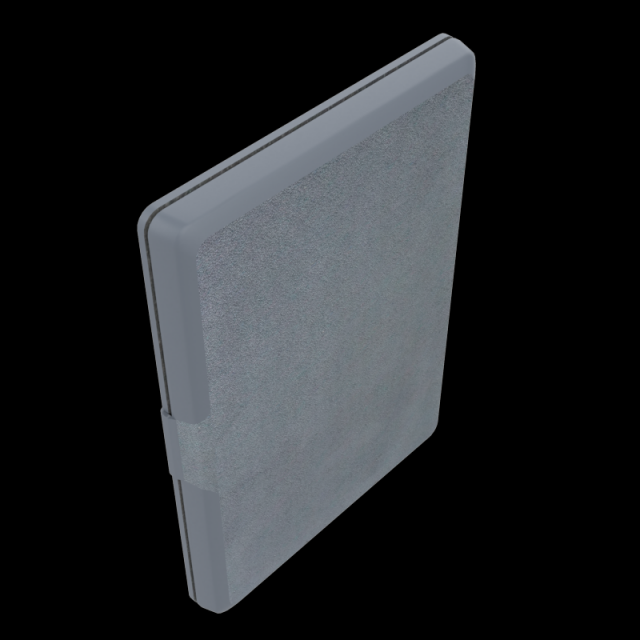
NUPRO_SLIMFIT_COVER_FOR_NEW_KINDLE_8TH_GENERATION_BLACKPoly Count 1266Verts Count 1616Texture Size 4096 x 4096Material – YesUV Unwraped- MixedRigged- NoAnimation- NoFile Format- OBJ & FBX & STL
Tag: Kindle
-
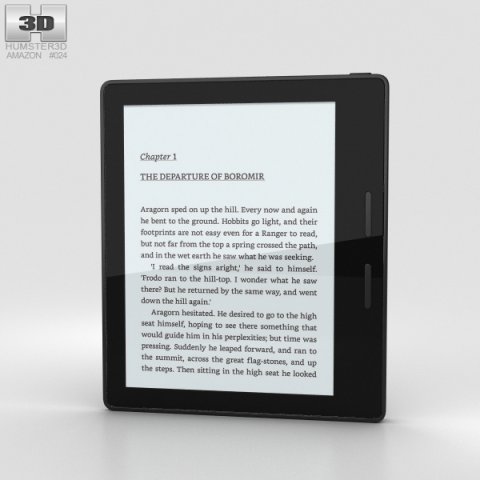
Amazon Kindle Oasis 3D Model
The 3D model was created on real base. It’s created accurately, in real units of measurement, qualitatively and maximally close to the original.Model formats:- *.max (3ds Max 2008 scanline)- *.max (3ds Max 2008 vray)- *.fbx (Multi Format)- *.obj (Multi Format)- *.3ds (Multi Format)- *.mb (Maya 8.5)- *.lwo (Lightwave 6)- *.c4d (Cinema 4D 11)* renders Are made in 3ds Max 2008 using vray 1.5 (studio environment is not included in the set)If you need any other formats we are more than happy to make them for you.The model is provided combined, all main parts are presented as separate parts therefore materials of objects are easy to be modified or removed and standard parts are easy to be replaced. If you experience difficulties with separating standard parts we are more than happy to give you qualified assistance.We greatly appreciate you choosing our 3D models and hope they will be of use.We look forward to continuously dealing with you.Sincerely Yours,Hum3D Team
-
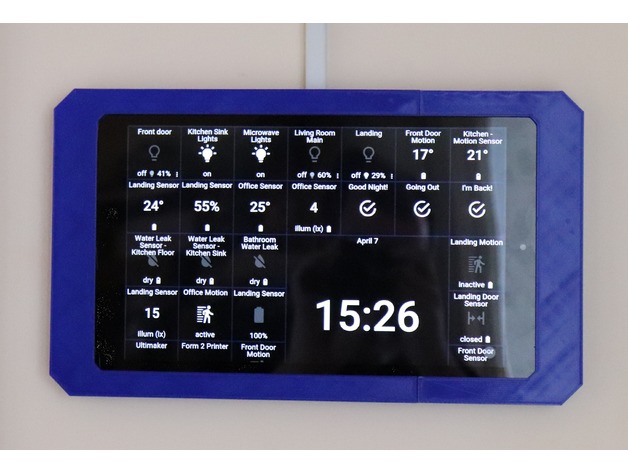
Kindle Fire HD 10 Wall Mount 3D Print Model
Summary
Wall mount for the Kindle Fire HD 10. Ideal for you ActionTiles fans!
Three versions are available. 45° corners, square corners and round corners. 45° is my favourite. Round corners will not print well vertically.
Prints in two sections, a left and a right to allow the Kindle Fire to slide in and be bolted together, it then hangs on screws in the wall. 5mm back thickness helps get a regular USB power cable to the Kindle, either from a wall outlet behind or from trunking from above or below.
Top and bottom “cutouts” are provided if you wish to use mini-trunking to bring the USB power cable to the Kindle Fire. Otherwise these can be left in place (If you prefer a cleaner cutout for trunking modify includeTrunkingCutout in the OpenScad file).
Print vertically (see screen shots). You can print horizontally but it adds a lot of supports and is prone to warping. The one in the photos was printed horizontally (to test the supports) so it’s possible, but you can see it warped slightly – even on BuildTak! 🙁
Depending on your printer it might be a tight fit. Adjust fireWidth, fireHeight, fireThickness in the OpenSCAD file if you need to open it out a bit more – Print the right hand section first to test the fit – it’s quicker.
If your printer doesn’t go as high as 200mm then adjust slicePoint in the file to reduce , but it has to be more than 50% of the model to allow for the two halves to be screwed together.
The two half’s are joined with M3 countersunk machine screws (12mm+). These thread into the plastic so don’t over tighten. The rear wall mounts also help keep the frame together.
Select your USB cable carefully. Use a right angle Micro B connector. If it’s too tight increase the size of the frame (boxWidth) or find a slightly smaller one. The round right angle ones work well, some right angle ones are a little too big. See photos for how to feed the cable when putting the two halves together.
Latest version will be on GitHub: https://github.com/BookSwapSteve/3DPrintableThings/tree/master/KindleFireMounts/Fire%20HD%2010
Print Settings
Printer Brand:
Ultimaker
Printer:
Ultimaker 2 Extended
Rafts:
No
Supports:
Yes
Resolution:
0.2
Infill:
5%
Notes:
Print vertically.
Unless you’re printing the round corner version, then horizontally will be better.
Increase infil if you wish. I get a pattern on the face with the infil so more might be better.
Use supports, you can get away with not when printing vertical but the wall mounting holes will be messy. I set my supports to 85% overhang angle, this avoids infil in the holes for joining the two sections -
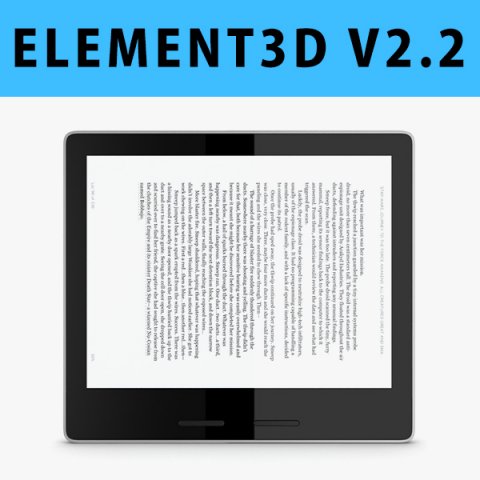
E3D – New Amazon Kindle Oasis 2017 3D Model
This pack:Element 3D V2.2 ( All colors )models preset easy to use- 1 file OBJ High poly- 1 file OBJ standard- 1 file C4D R12 standard render- 1 file 3ds max 2012 standard material- E3D file full materials set up like previewsHow to use it?1. Open After Effects CC 2014 ( or higher) and create new composition ( You need Element3D V2.2 to use )2. Create new Solid layer and add Element effect. ( Effect/Video Copilot/ Element )3. Click Scene Setup4. Click on IMPORT inside Element3D scene setup5. Choose my .e3d preset for the model and press Open.If you dont see the model do not forget to right click on the model name and press Replace model then select the .obj model file in the respective models folder……………………………………………………………About Bee3DD Studio: ( Working in 3d modeling since 2013 until now )+ We offer all electronics 3d model ( latest and oldest ). Our collection is biggest in the world. It is place where you can find anything about technology for your project ( earlier and faster than others )+ Every model we build goes through thorough Quality assessment both visual and technical to make sure the assets look realistic and the models are of the best quality.