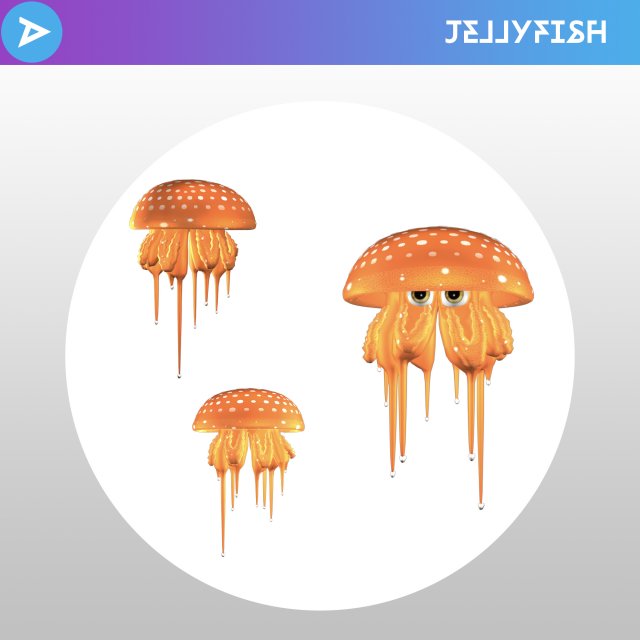
Don’t Jelly-miss the opportunity to have this colourful critter in your next project!* Rendered using Maya.* 3ds files may incur complications.
Tag: jelly
-
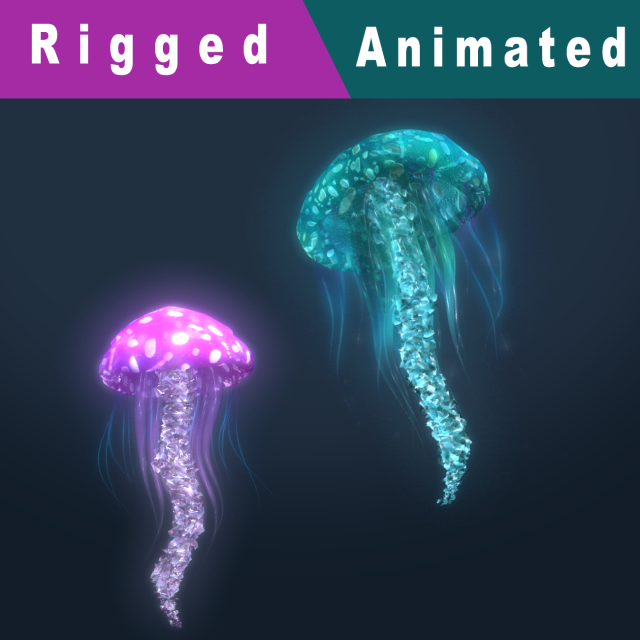
Fantasy Jellyfish Rigged Animated 3D Model
Fantasy Jellyfish Rigged Animated****************************Format :Maya 2014FBXOBJ****************************Poly count:Polys : 20032Verts : 26285****************************Features:- The Jellyfish have rigged and Swim animation.- Two texture styles.- Preview image rendered with maya sofware render,Just open and render.****************************
-
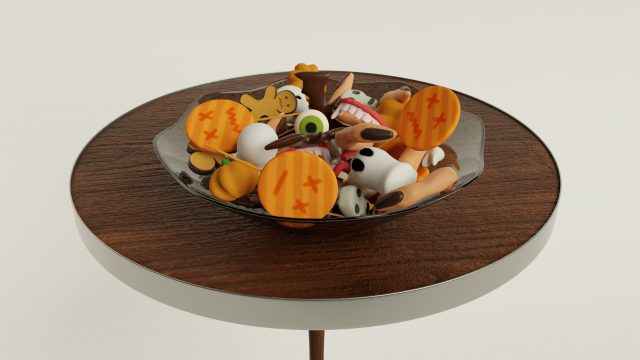
Halloween Candy 3D Model
A small set of Halloween sweets which includes:12 sweets1 table2 plates and 1 glass.For all models of sweets, there are textures. There are no textures for the metal rim of the table, glass and ceramic utensils. For them, standard shaders were used.All models can be subject to additional smoothing if necessary.Texture size 1024×1024
-
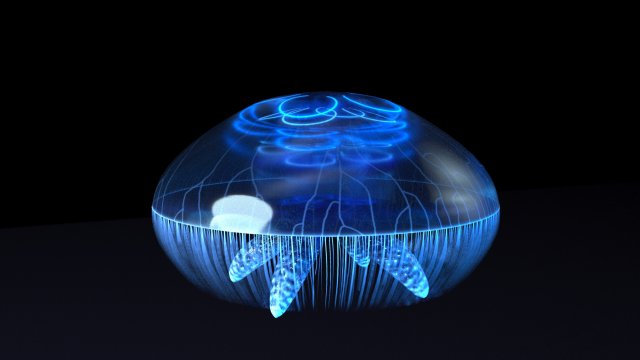
Jellyfish – UE4 Octane Support 3D Model
This Jellyfish is a low-poly 3d model ready for Virtual Reality (VR), Augmented Reality (AR), games and other real-time apps.It contains Unreal 4 support, and can be rendered in 3D Studio Max with Octane 3.03.4 – 4.20.The Model contains 4 animated LOD LevelsLOD0 = 1728 TrisLOD1 = 1330 TrisLOD2 = 648 TrisLOD3 = 266 TrisThe 3D Studio Max file contains the rigged and animated model.I have also included an Unreal 4 Project with a Spline Animated blueprint for easy animation.This Asset also includes the working Photoshop files with assorted layers that were used to create the textures.There are 7 textures (mostly 1024×2048), and one custom HDR environment reflection texture.
-
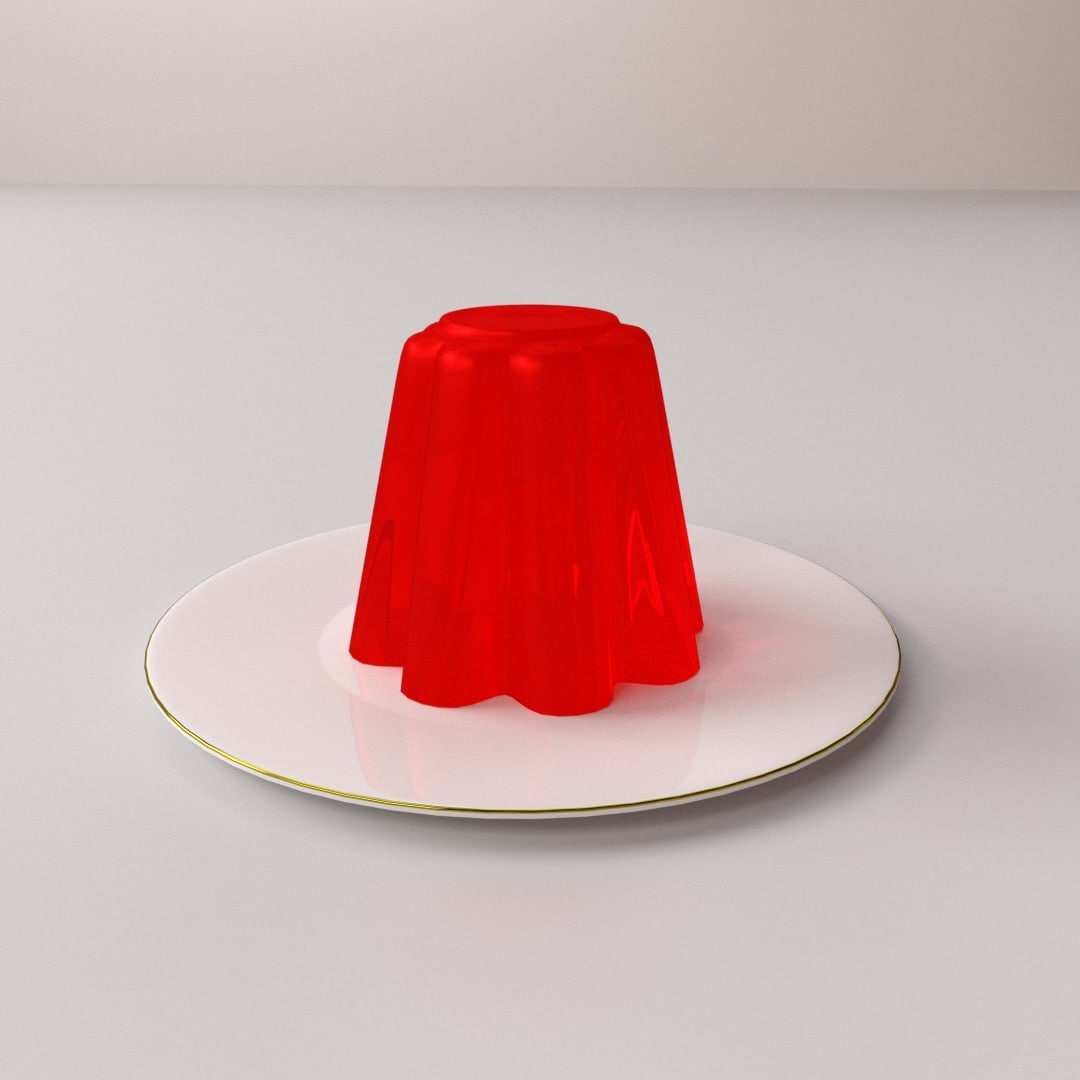
Jelly 3D model 3D Model
JELLY=================================- Modeled in Blender.- Preview image rendered using cycles.- All scene are included in .blend files.- Poly count are before sub division- Great for close up render.- All parts and materials are logically named.OTHER FORMATS=================- 3ds MAX- COLLADA (.dae)- Autodesk FBX- OBJ
-
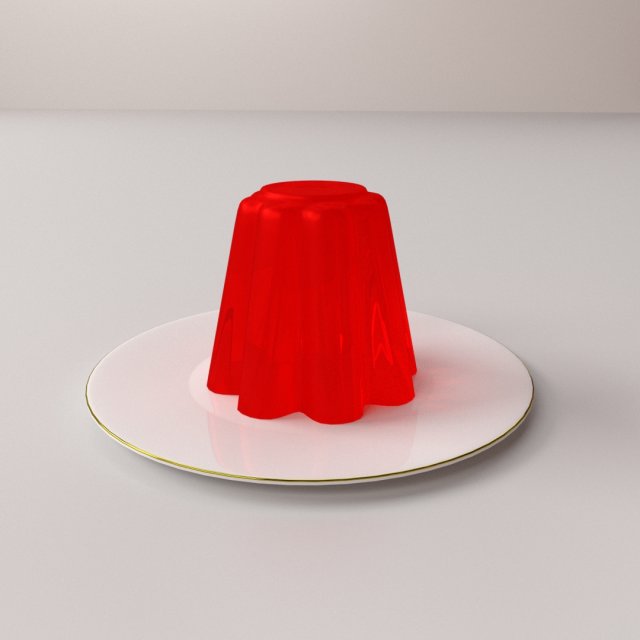
Jelly 3D Model
JELLY=================================- Modeled in Blender.- Preview image rendered using cycles.- All scene are included in .blend files.- Poly count are before sub division- Great for close up render.- All parts and materials are logically named.OTHER FORMATS=================- 3ds MAX- COLLADA (.dae)- Autodesk FBX- OBJ
-
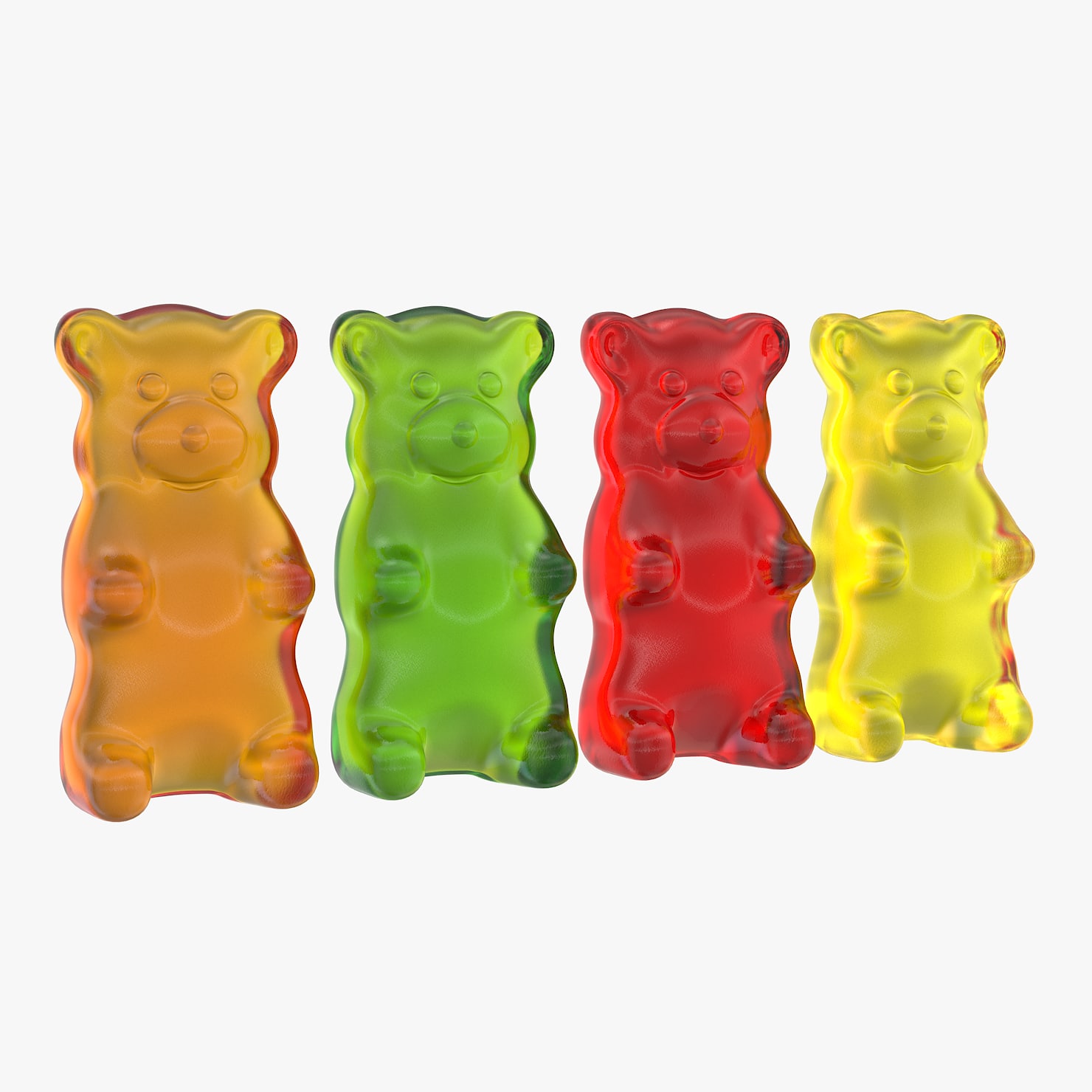
Gummy Bears 3D model 3D Model
Gummy BearsRealistic model ready for render in 3DS Max (V-Ray) and just like you see in the preview renders.Model is suited for closeups.You can easily change the color of the material.Units used: Cm.Model ScaleHeight – 4.7 cm / 1.8 InchesWidth – 2.5 cm / 0.9 InchesDepth 1.8 cm / 0.7 InchesTextures Supplied:Gummy Bear Bump.png (1024*1024 Tileable texture)HDRIs Supplied:Gummy Studio.hdr – 1500*750More models available in my page.Thank you
-

Sausages Realistic Pile Set 3D Model
The count per one apricot is: 237 polygons and 239 vertices.V-Ray and standard materials- Hi-Res Realistic product- Correct scale- Object(s) in their own layer (name via product name)Maps in max archives :Diffuse 4096*4096px JPGNormals 2048*2048px TIF32 bit Displacement 2048*2048px exr16 bit Displacement 2048*2048px TIFThese are optimized and are indistinguishable from 8192*8192px TIFFs (which take more RAM during rendering etc.)Nevertheless if you want 105% quality, you can download the separate hires TIFF textures archive (around 250MB), which contains:Diffuse 8192*8192px TIFNormal 4096*4096px TIFDisplacement 32bit 4096*4096px EXRIf you need just the original mesh without using displacement map during rendering, take the low poly version, subdivide it a couple of times and use the displacement map in ‘displace’ modifier (in 3ds max) or similiar in other applications, which will deform your mesh in viewport realtime, so you get the original hipoly mesh. You can use it, or use it as proxy or decimated it etc.Objects are in their own layer called ‘_Merged_Buyed’. No part-name confusion when importing. Centered on 0,0,0.
-

3D model Slice of Brawn Realistic 3D Model
V-Ray and standard materials- Hi-Res Realistic product- Correct scale- Object(s) in their own layer (name via product name)Maps in max archives :Diffuse 4096*4096px JPGNormals 2048*2048px TIF32 bit Displacement 2048*2048px exr16 bit Displacement 2048*2048px TIFThese are optimized and are indistinguishable from 8192*8192px TIFFs (which take more RAM during rendering etc.)Nevertheless if you want 105% quality, you can download the separate hires TIFF textures archive (around 250MB), which contains:Diffuse 8192*8192px TIFNormal 4096*4096px TIFDisplacement 16bit 4096*4096px TIFDisplacement 32bit 4096*4096px EXRIf you need just the original mesh without using displacement map during rendering, take the low poly version, subdivide it a couple of times and use the displacement map in ‘displace’ modifier (in 3ds max) or similiar in other applications, which will deform your mesh in viewport realtime, so you get the original hipoly mesh. You can use it, or use it as proxy or decimated it etc.Objects are in their own layer called ‘_Merged_Buyed’. No part-name confusion when importing. Centered on 0,0,0.
-
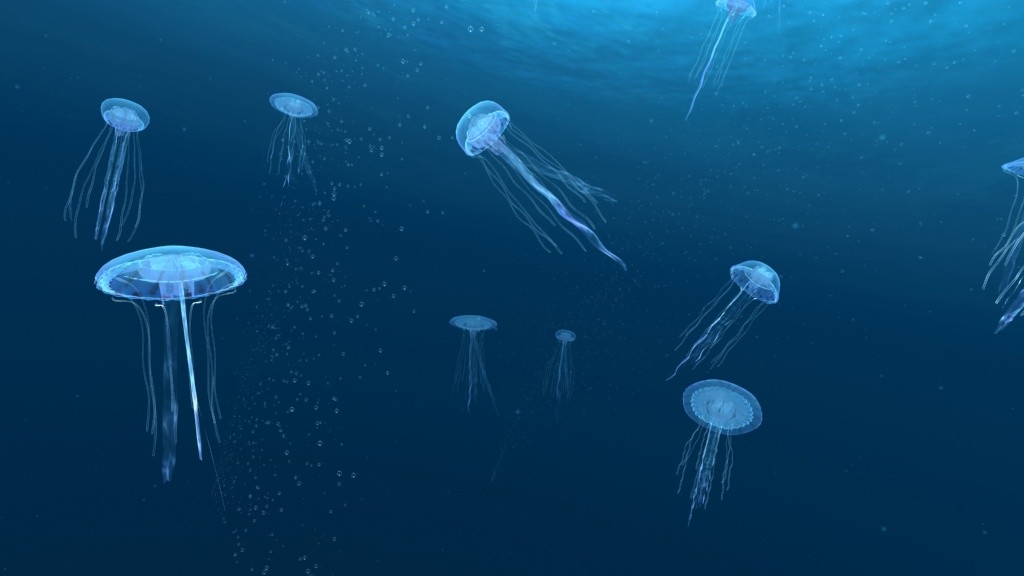
Jellyfish animation scene 3D Model
Jellyfish animation scenejellyfish jelly fish medusa sea abyss deep water tentacle floating soft gelatine animal ocean blob poison coral squid Animated
-
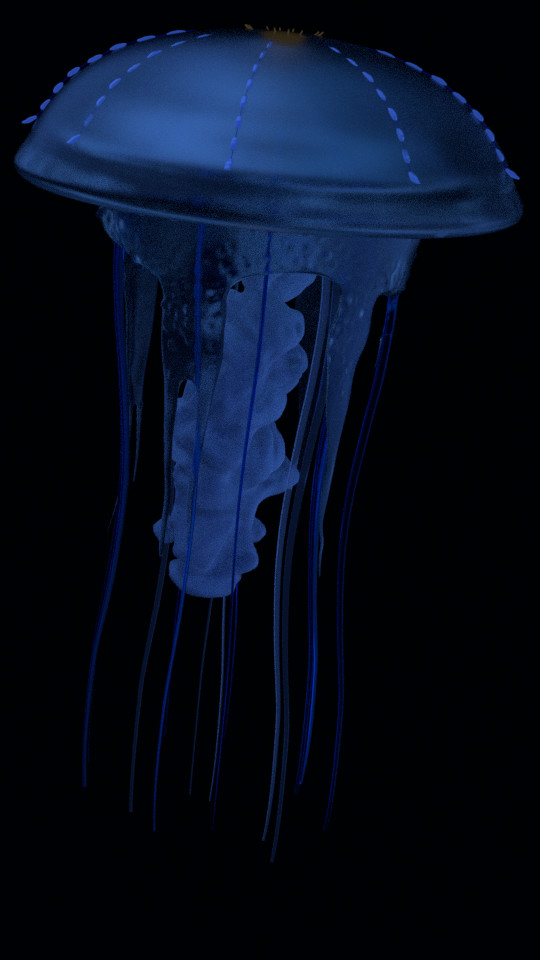
Jellyfish 3D
This jellyfish has glowing rivets branching down it’s ‘head’, as well as one main ‘body’ surrounded by multicolored tentacles. It is not rigged or animated, and is meant to be used as a stationary prop. It’s different segments are separated into different objects.