Summary
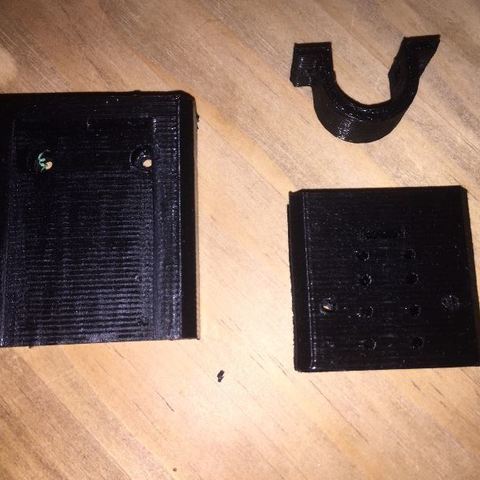
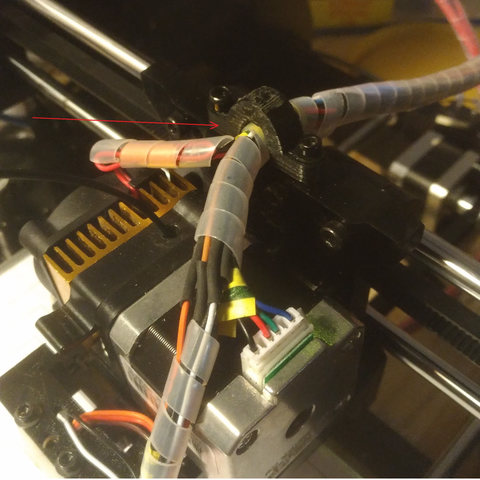
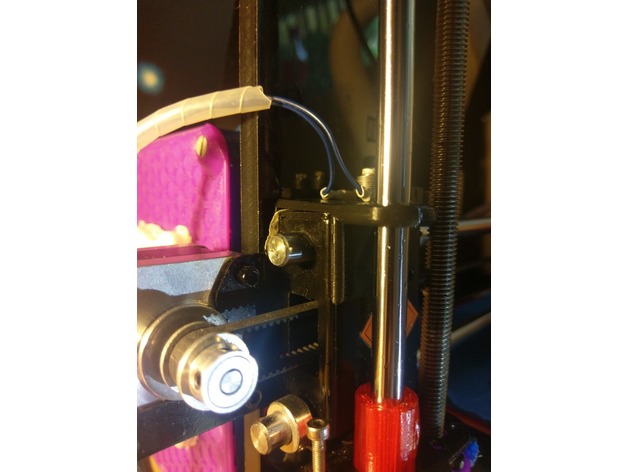
Have some left over M8 all-thread after upgrading to lead screws? This might be the perfect up-cycle option for them
Print Settings
Printer:
Geeetech i3Pro B
Rafts:
Doesn’t Matter
Supports:
No
Resolution:
.2
Infill:
30
Tag: Geeetech
-
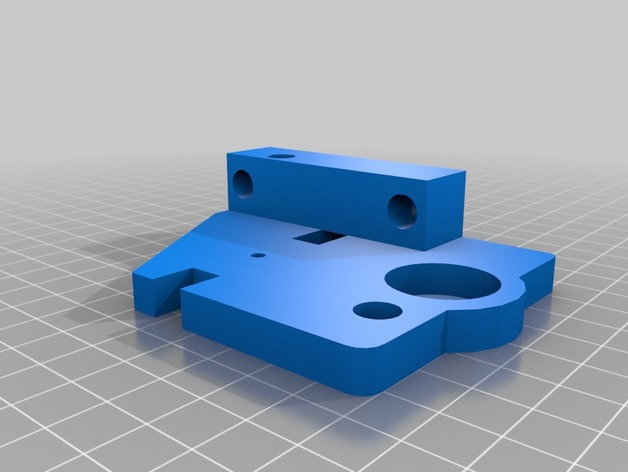
Geeetech i3 Pro B Top Z Bracket with M8 Support. 3D Print Model
-
X-Axis-Ghosting Fix Geeetech Pro Series 3D Print Model
Summary
This is a Ghosting fix for the Metal X-axis Carriage.
The Uploaded OBJ is made for the left side of the axis (where the motor is) and can be mirrored to fit on the right side.
it might doesn´t fit instantly but it works as good as it looks.
Any questions/suggestions are welcome in the comments -
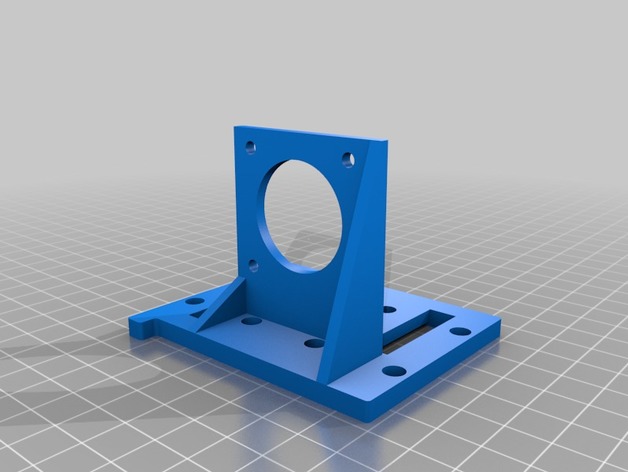
Geeetech Titan Aero sled 3D Print Model
Summary
Used with original bracket and bearings.
Print Settings
Printer:
Geetech i3 alu
Rafts:
No
Supports:
Doesn’t Matter
Resolution:
0.3
Infill:
45% -
Geeetech i3 Hotbed adjustment nut 3D Print Model
Summary
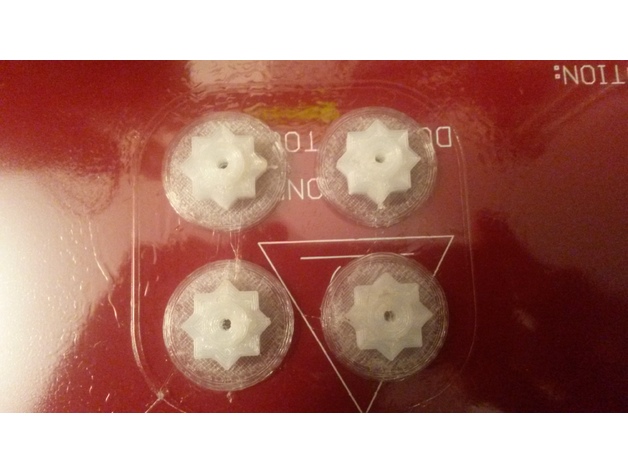
First thing printed !! The wingnuts to adjust the hotbed are not very confortable to turn, it is a two hands job, so the first thing I printed are these knobs. As I had only some nylon to print with, I added a .5mm skirt to make the piece stick better to the bed as in the first try it got loose and went moving around. I printed without supports, and when the print was high enough, I paused and drop the M3 nuts in, so the top side would have something to lay on. -
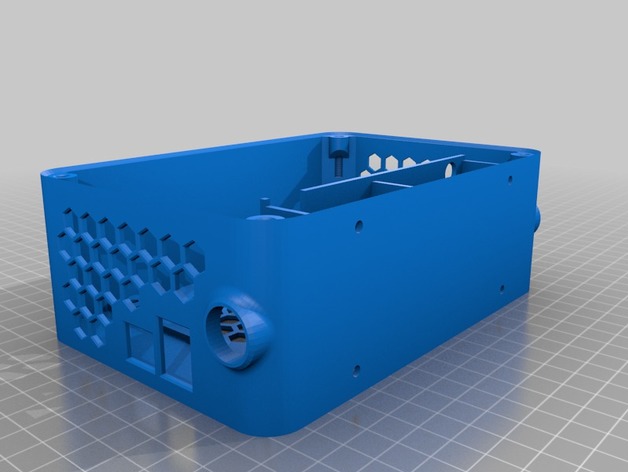
Geeetech GT2560 housing for I3 Alu 3D Print Model
Summary
Adapt for my I3 Alu
I use sanguinololu hole to fix it -
Geeetech i3 Pro B LCD holder 3D Print Model
Summary
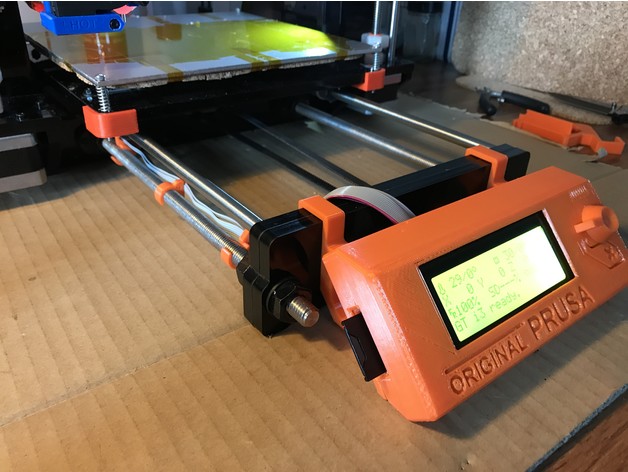
This is a modification of original Prusa LCD holder for Geeetech i3 Pro B (acrylic). While original Prusa has LCD mounted on front of the printer on two rods, i3 Pro B has LCD mounted on top of the printer. I moved LCD to the front as well and modified LCD holder to fit on two layers of 8mm acrylic there.
LCD supports (A and B) has been modified to fit i3 Pro B.
LCD cover and LCD knob is the same as original Prusa https://github.com/prusa3d/Original-Prusa-i3/tree/MK2/Printed-Parts/stl
LCD cable holders are resized to fit threaded rod Geeetech has (mine on i3 has 9.5mm outside diameter, original Prusa use 10mm rods).
The assembly is the same as original -http://manual.prusa3d.com/Guide/6.+LCD+assembly/300
The rotary encoder and reset button on i3 are too long, it’s necessary to cut reset button by about 5mm and encoder rod by about 7mm so it fits to LCD cover. Measure twice before cutting, the length might depend on which Chinese clone you have.
Print Settings
Printer:
Geeetech i3 Pro B Rafts:
No Supports:
No Resolution:
0.2mm Infill:
20% Notes:
printed in PETG -
Filament spool holder for Geeetech Prusa i3 3D Print Model
Summary
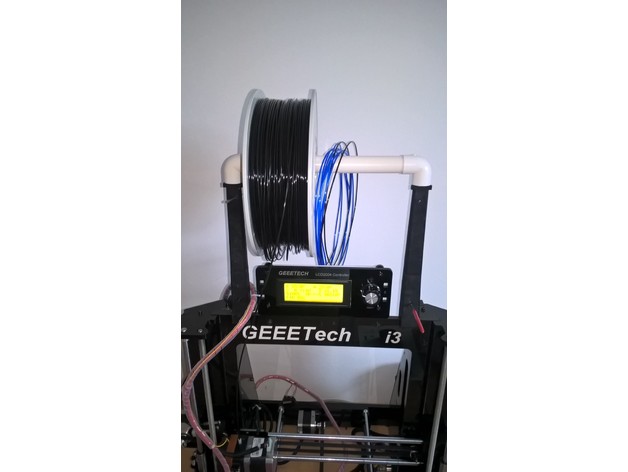
This spool holder is almost vertical to minimize the constraints on the 3D printer frame.
As it use the white pipe delivered with the Geeetech Prusa i3 Pro B, it can hold 2 spools side by side. Filament samples will be also fit to this holder.
The various holes in the holder allow to block the filaments in order to recover them very quickly. You can also use these holes to stock your Allen wrenches or your gauge used to remove the plastic jam in the extruder.
You’ll need 4 screws 3 x 12 mm to assemble the bottom with the top parts of the right and left supports.
Print Settings
Printer:
Geeetech Prusa i3 Pro B Rafts:
Doesn’t Matter Supports:
Yes Resolution:
0.2 Infill:
30% Notes:
Make sure that the front side of each arm is facing the heat bed in order to have a nice aspect on front of you when it is installed on your printer. -
Geeetech filament guide 3D Print Model
Summary
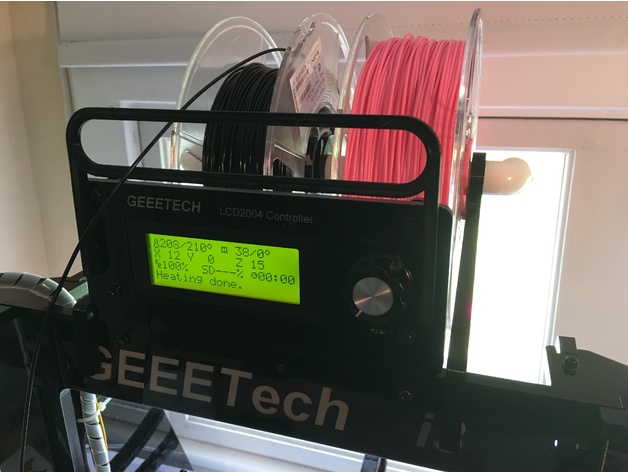
A filament guide for the Geeetech I3 Pro B. I use a rear-mounted spool holder and this guide allows me to use the full Z height of the printer. The guide attaches to the mounting holes in the LCD cover plate. It is a press-fit, so no screws are needed. -
Geeetech improved Z adjust 3D Print Model
Summary
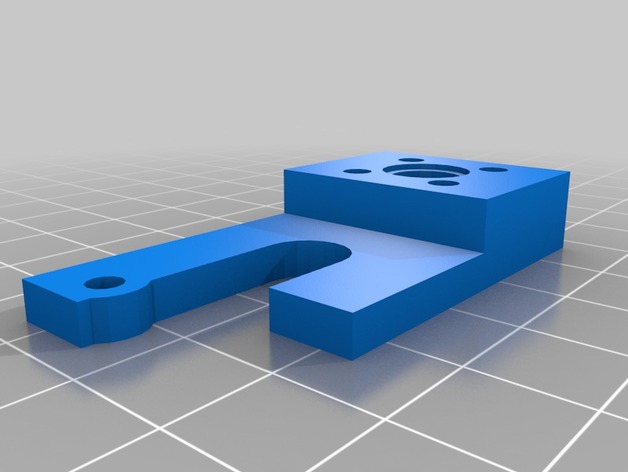
Geeetech prusa i3 axis wobble fix
by shawdreamer, published Sep 17, 2016
Added adjust screw stabilizer, reversed Z Nut to make better. Included Prt. to modifly as needed