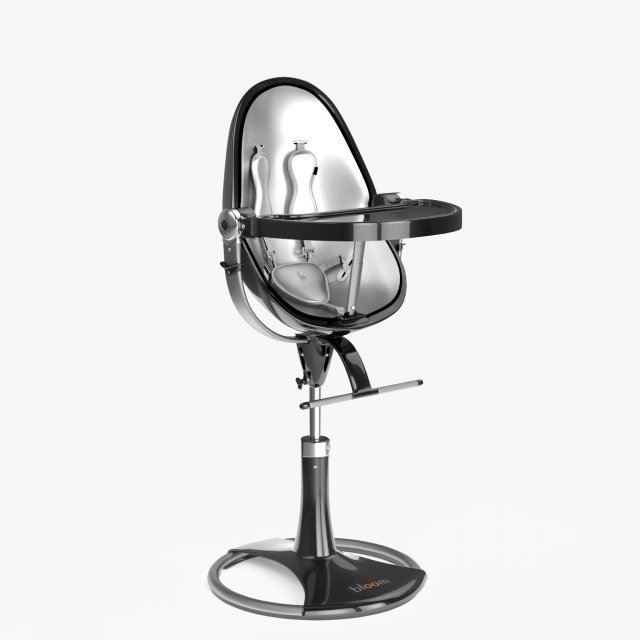
3D model custom 3ds Max 2015 V-Ray v.3.20.03When modeling scene was used quad-sided and triangular polygons. All objects have unique names. If necessary, youcan easily change the color, size and the number of polygons of a model.Archive for download contains:- scene,- texture,- material,- lighting,- cameras.Triangular polygons – 64Quadrangular polygons – 14230Total Subdivision Level 1:polygons – 57122vertices – 58848Total Subdivision Level 0:polygons – 14296vertices – 15143
Tag: feed
-
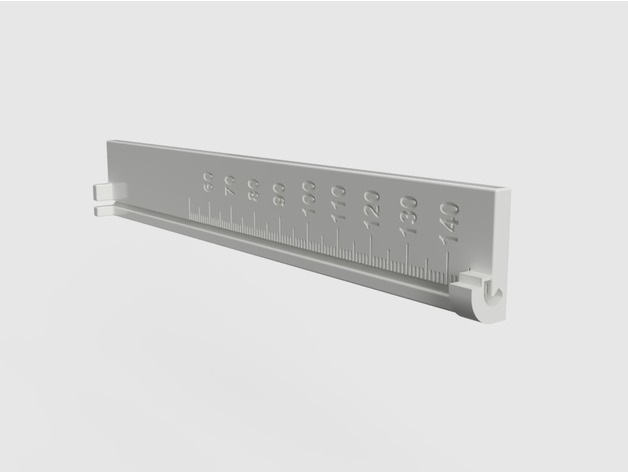
Extruder Filament Feed Calibration Ruler 3D Print Model
Summary
A ruler designed to mark the filament at 15 cm before feeding and reading off the actual length fed afterwards.
The filament snaps into the bottom and top of the ruler and fits into the grove to make reading off the length easier.
The length of the ruler is 15 cm with a ledge at the top that can be used as a guide for a sharp razor mark or marker line.
The markings on the ruler are in mm of actual fed filament to be read off where the mark lines up after feeding 10 cm of filament through the extruder.
Print Settings
Printer:
TEVO Little Monster Rafts:
Doesn’t Matter Supports:
No Resolution:
0.2 mm layer height Infill:
30%, not critical Notes:
I printed mine with ABS but see no reason why this would not work in PLA.
Print settings
0.2 mm layer height
30% infill, not critical
no support, already included in the model
raft does not matter
Post-Printing
You need to clip off the tiny support holding the end of the clamp at the bottom of the ruler.
How I Designed This
After realizing that the extruder feed accuracy needs to be tested for new filaments I decided to make a ruler designed for the task that allows easy marking and measuring of the extruder filament feed length and does not require three hands to hold the filament in place.
I am new to 3D printing and find Fusion 360 to be the easiest to use when taking an idea to a working model.
I use parameterized dimensions to allow easy tweaking and reducing the model size for faster test prints.Custom Section
Marking 15 cm before filament feed
Snap the filament into the top and bottom clamps of the ruler and press into the grove along the scale.
With the bottom of the ruler resting on the extruder intake mark off 15 cm using the top of the ruler as a guide. Only the bottom of the mark is relevant so don’t worry about how thin it is.
Reading actual feed length
After feeding 10 cm of the filament with:
G92 E0; reset extruder origin
G1 E100 F120; feed 10 cm of filament at 120 mm/min (adjust this to your usual feed rate
G92 E0; reset extruder origin
Read off the actual length from the bottom of the mark aligning with scale printed on the ruler. Numbers are in mm of actual feed. In the image, I adjusted my extruder steps/mm to compensate for always underfeeding by 5mm on 100mm feed so it is showing 100mm. -
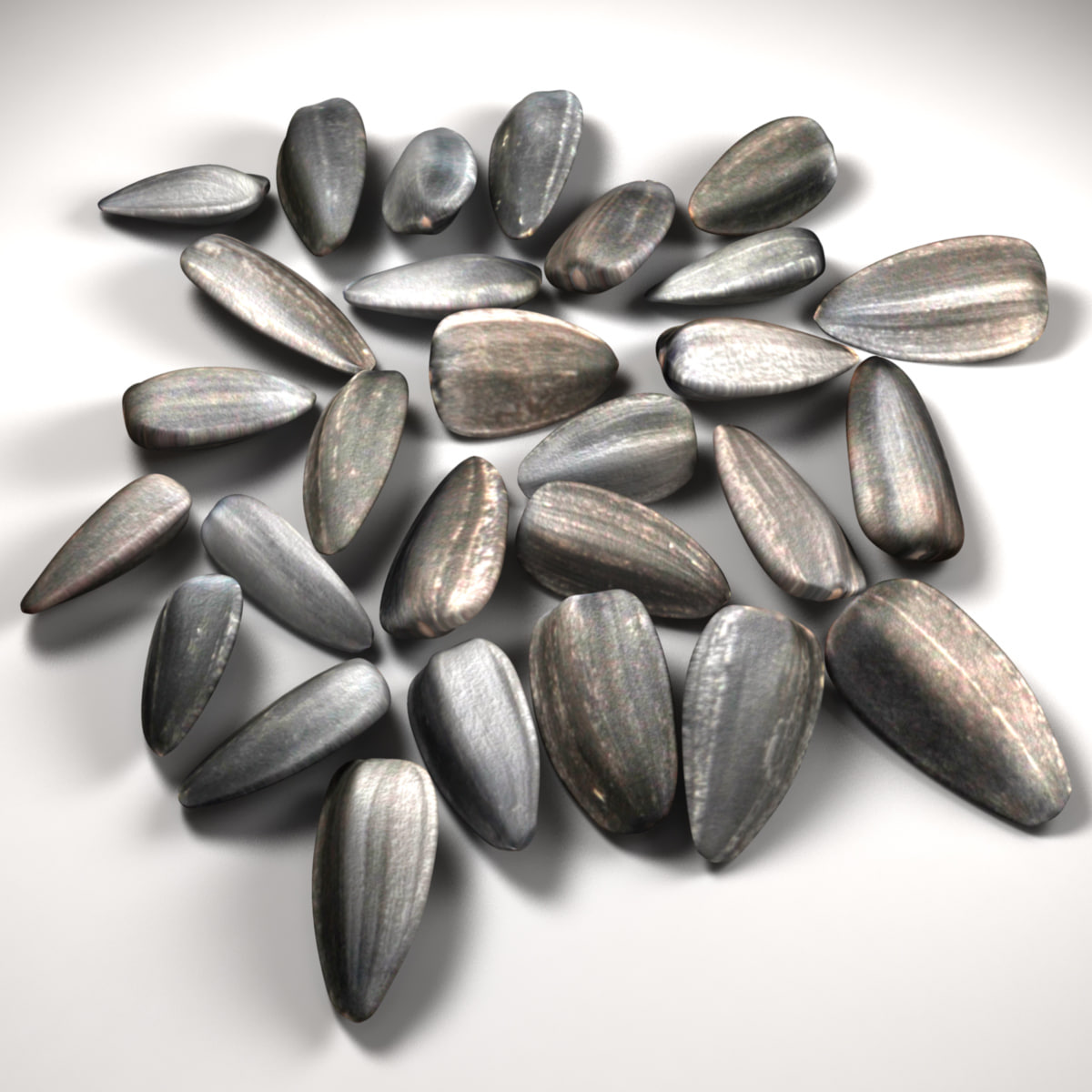
Sunflower Seeds 3D model 3D Model
Sunflower Seeds_____________________* clean geometry (87.5%-quads, 12.5%-tris, 0%-Ngons);* completely ready to render as seen in preview with mentalRay settings (lights, camera and HDRI for Image Based Lighting INCLUDED);* polygons intelligently distributed for good edge flow, clean topology and further subdivision:subdivision level 0: 12544 polygons; 11760 vertices;subdivision level 1: 48608 polygons, 48552 vertices;subdivision level 2: 194432 polygons, 194264 vertices.* 4.5cm * 0.4cm * 4.4cm;* centered at 0,0,0 origin and can be sized and imported into any scene.GREAT for visualization & close up renders.Originally modeled in Maya. MAX, C4D, LWO, DAE, FBX, OBJ, 3DS files are exported so they may need some shading and rendering setup._____________________click on the username =aelxr= to see all collection>>
-
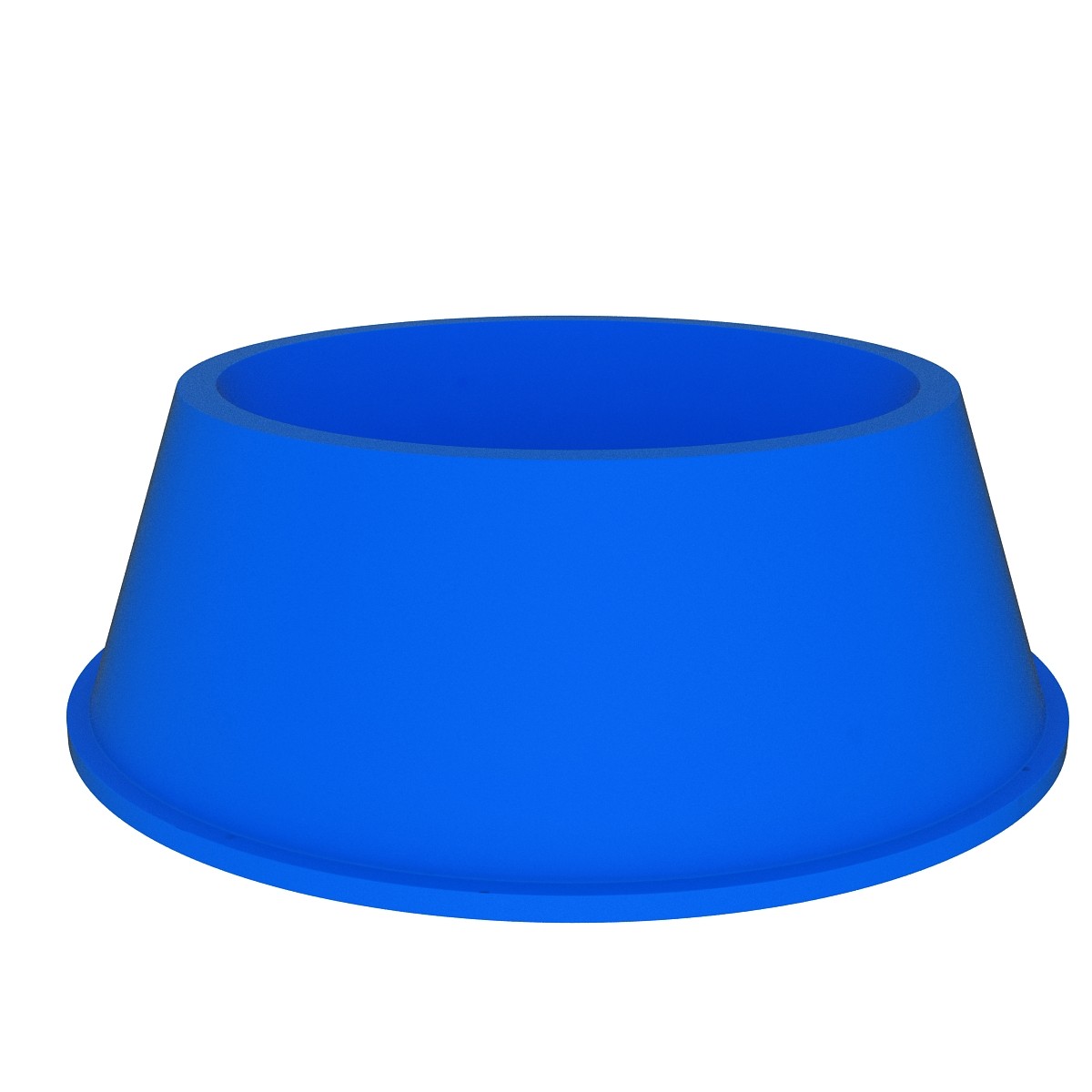
dog bowl 3D
This ‘dog bowl ‘ is a high quality, photo real model that will enhance detail and realism to any of your rendering projects, detailed design that allows for close-up renders, and was originally modeled in 3DS MAX 2009 and rendered with V-RayAvailable in the following file formats:- 3ds Max 2009 with V-Ray 2.0- FBX 2009- OBJ 2009- 3ds 2009Turbosmooth is applied..- You can make the Poly count higher by the Meshsmooth and TurboSmooth level.- Colors easily modified- Highly detailed model- Just put model in your scene and render- Completely ready for use in visualization- Ideal for photorealistic visualizations- Ideal for close up- All scene files are included.- All scene images are from Vray.- All Materials are logically namedThe main format is in 3ds max 2009.Thanks
-
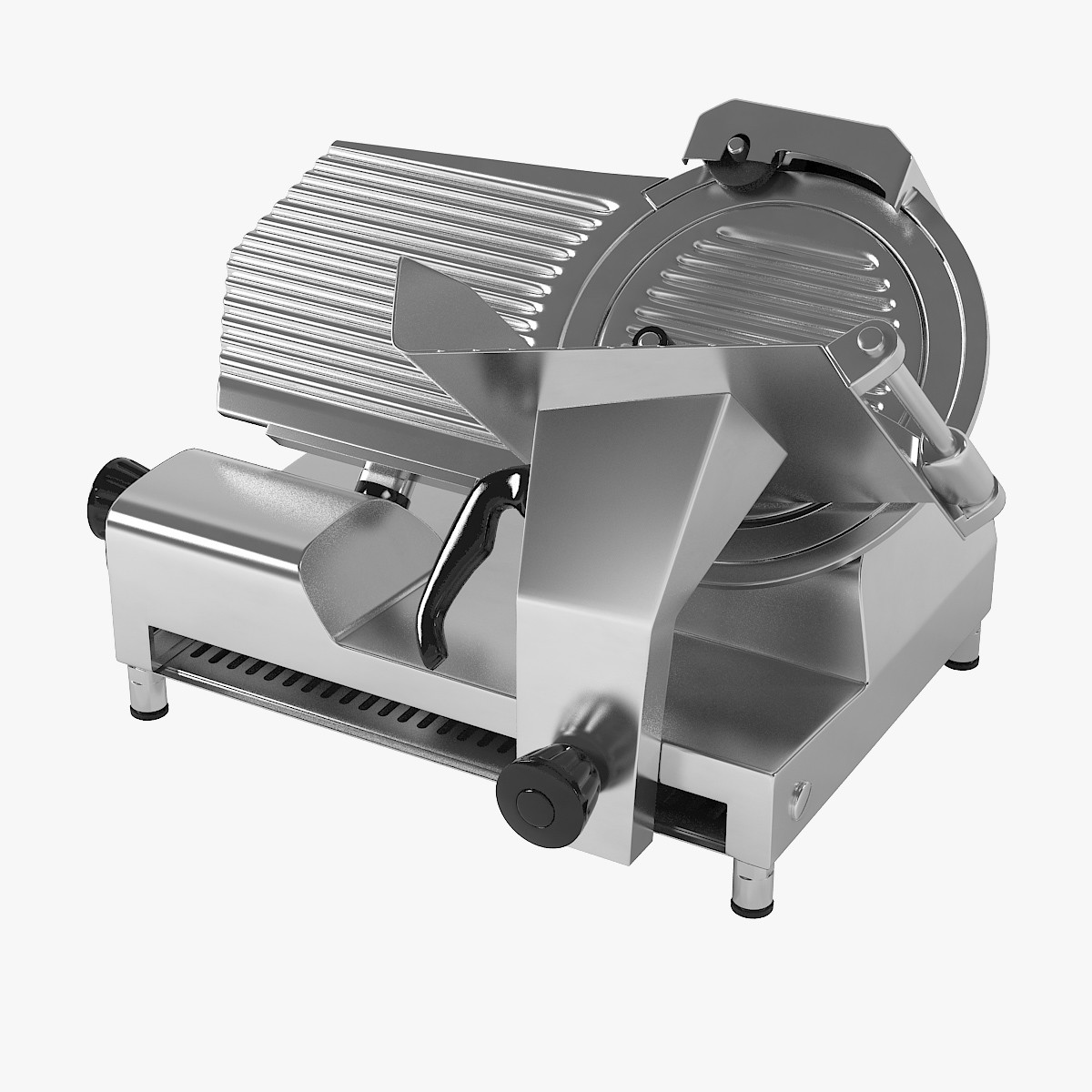
Avantco SL512 Manual Gravity Feed Meat Slicer 3D model
This is a realistic model of the Avantco SL512 Manual Gravity Feed Meat Slicer.The model is highly accurate.This model consists of great geometry, fantastic detail, and the materials and textures are included.The files are 3ds Max 2011,obj,fbx.The 3ds Max 2011 scene is also optimized for V-Ray.This Avantco SL512 Manual Gravity Feed Meat Slicer is ideal for photorealistic visualizations.With Smoothing Level2:Poly Count: 239085Vertex Count:239931* Real-world scale (Millimeters)File formats other than 3ds Max exported as base mesh (not smoothed)
-

3D Continuous Ink System
CONTINUOUS INK SYSTEM===============================- Modeled in Blender.- Preview image rendered using cycles.- All scene are included in .blend files.- Poly count are before sub division- Great for close up render.- All parts and materials are logically named.OTHER FORMATS=================- 3ds MAX- COLLADA (.dae)- Autodesk FBX
-
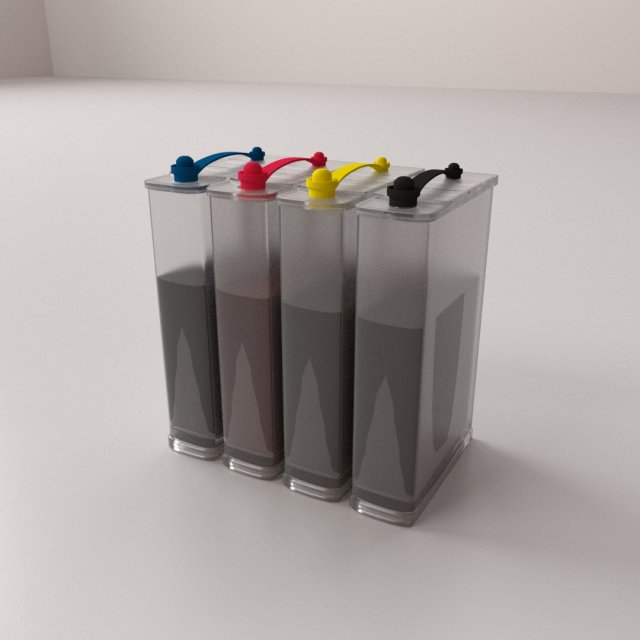
Continuous Ink System 3D Model
CONTINUOUS INK SYSTEM
===============================
– Modeled in Blender.
– Preview image rendered using cycles.
– All scene are included in .blend files.
– Poly count are before sub division
– Great for close up render.
– All parts and materials are logically named.
OTHER FORMATS
=================
– 3ds MAX
– COLLADA (.dae)
– Autodesk FBX -
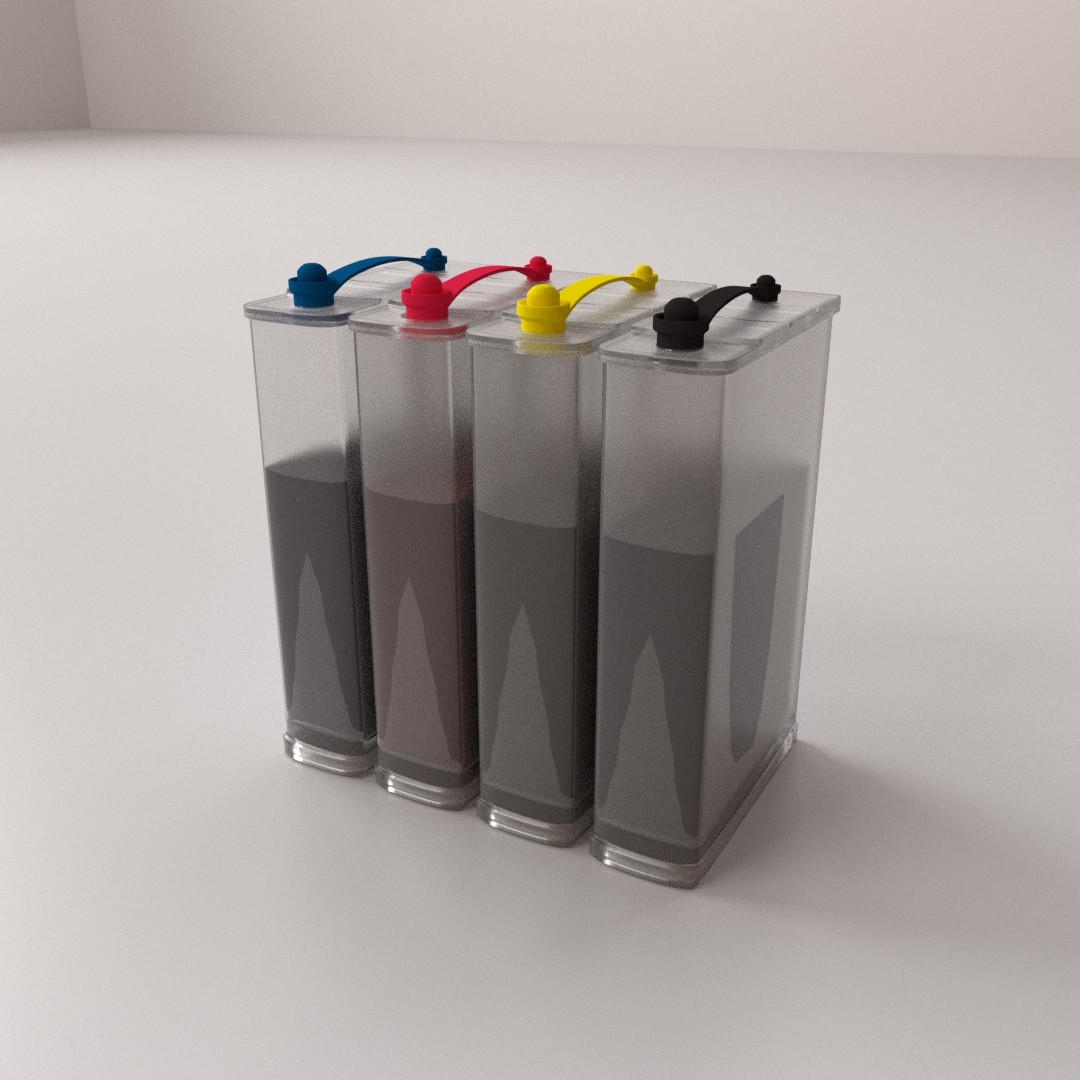
Continuous Ink System
CONTINUOUS INK SYSTEM===============================- Modeled in Blender.- Preview image rendered using cycles.- All scene are included in .blend files.- Poly count are before sub division- Great for close up render.- All parts and materials are logically named.OTHER FORMATS=================- 3ds MAX- COLLADA (.dae)- Autodesk FBX