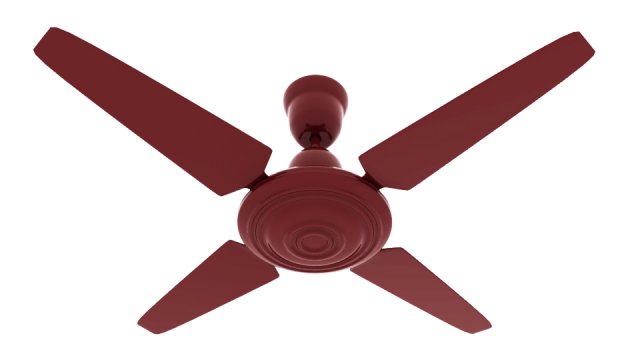
Additional Info: Luster Acrylic GM Fan N161120 – 3D model (*.gsm+*.obj+*.3ds) for interior 3d visualization.
Tag: Fan
-
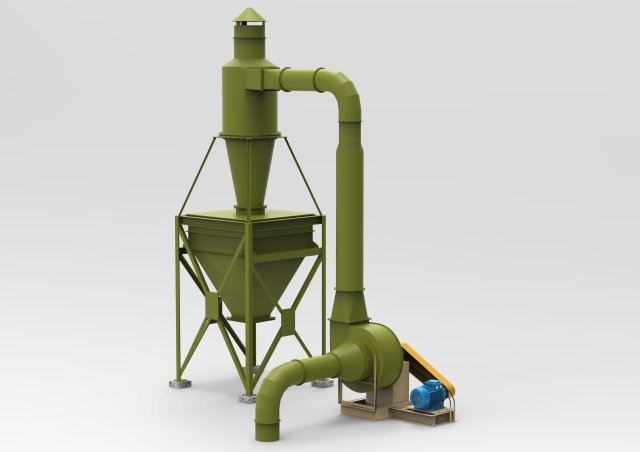
Industrial Cyclone Dust Collector 3D Model
This is a realistic model of the Industrial Cyclone Dust Collector.This model consists of correct geometry,detail and the materials.The model consists of 237 objects.This model is divided into parts. Due to this, you can do editing parts of the model.This model Industrial Cyclone Dust Collector is ideal for photorealistic visualizations.Unpack the format you need and run in 3D editor.I hope you enjoy my work.Thank you.
-

Fan Man 3D Model
Fan Man 3D Model 20183DCap creates ready-posed 3D human models for 3D visualization industry, unmatched in highest resolution and quality.Our team is a synergism of modern technologies and qualified 3D artists who work to bring 3D visualization into a new level.-FEATURES– Full Body 3d model- Extremely clean- Smoothable- High quality UV map- High level of detail- High resolution textures- Real-world scale- Units: cm-TEXTURES– Texture Resolution: 8192 x 8192- Normal Map- Diffuse Map-FORMATS– 3D Studio Max 2013 or above and OBJ- SketchUp 2013 or above- PATHS OF BITMAPS ARE RELATIVE- STANDART MATERIALS
-
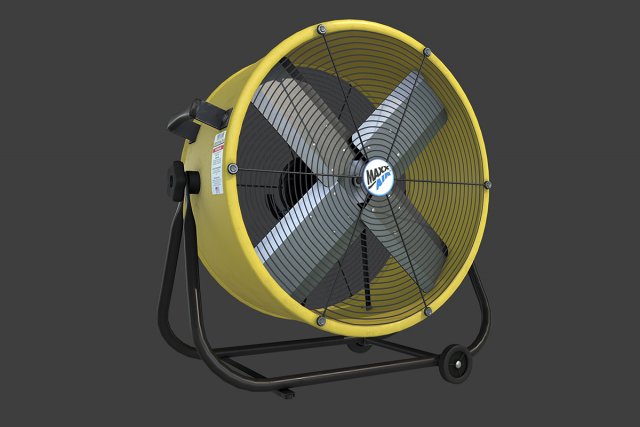
Air Circulator 3D Model
Air Circulator low-poly 3d model ready for Virtual Reality (VR), Augmented Reality (AR), games and other real-time apps.- Ready for Unity3d and other game engines.- Real world size.- Air Circulator (diffuse, ambient occlusion, metalness, roughness, aplha) 2048 x 2048
-
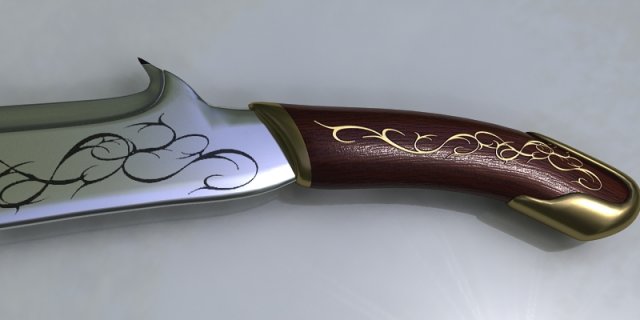
Sword 005 3D Model
Low poly game 3D modelModel formats:- *.max (3ds Max)- *.max (3ds max vray)- *.fbx (Multi Format)- *.obj (Multi Format)- *.3ds (Multi Format)- *.mb (Maya 8.5)- *.lwo (Lightwave 6)- *.c4d (Cinema 4D 11)
-
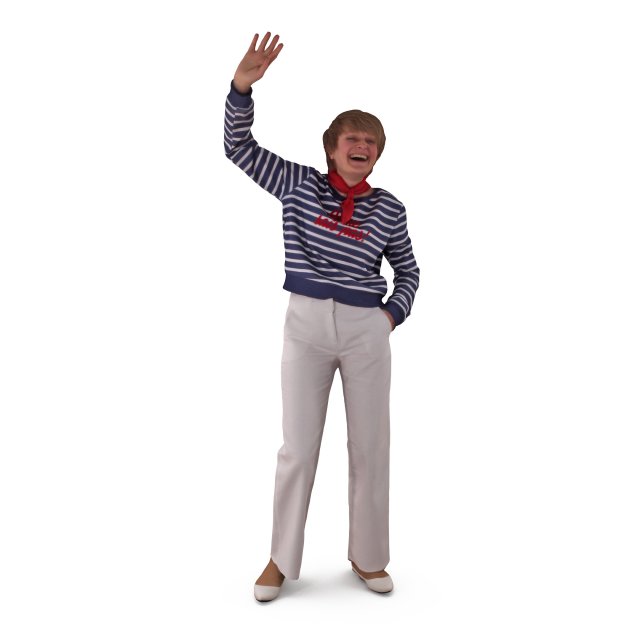
Happy Fan Female 3D Model
Happy Fan Female 3D Model 20183DCap creates ready-posed 3D human models for 3D visualization industry, unmatched in highest resolution and quality.Our team is a synergism of modern technologies and qualified 3D artists who work to bring 3D visualization into a new level.-FEATURES– Full Body 3d model- Extremely clean- Smoothable- High quality UV map- High level of detail- High resolution textures- Real-world scale- Units: cm-TEXTURES– Texture Resolution: 8192 x 8192- Normal Map- Diffuse Map-FORMATS– 3D Studio Max 2013 or above and OBJ- SketchUp 2013 or above- PATHS OF BITMAPS ARE RELATIVE- STANDART MATERIALS
-

Fan Girl 3D Model
Fan Girl 3D Model 20183DCap creates ready-posed 3D human models for 3D visualization industry, unmatched in highest resolution and quality.Our team is a synergism of modern technologies and qualified 3D artists who work to bring 3D visualization into a new level.-FEATURES– Full Body 3d model- Extremely clean- Smoothable- High quality UV map- High level of detail- High resolution textures- Real-world scale- Units: cm-TEXTURES– Texture Resolution: 8192 x 8192- Normal Map- Diffuse Map-FORMATS– 3D Studio Max 2013 or above and OBJ- SketchUp 2013 or above- PATHS OF BITMAPS ARE RELATIVE- STANDART MATERIALS
-
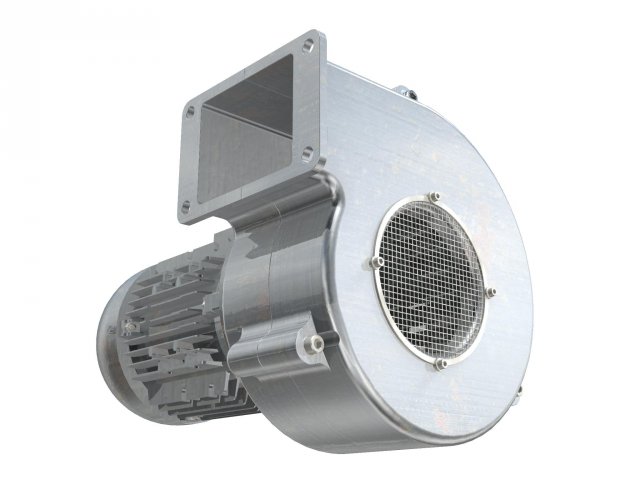
Industrial Centrifugal Blower Fan – Animated 3D Model
Highly detailed and animated industrial blower fan. The fan is animated with a spinning movement (animation available only in the max, fbx, and shade files, as they support animation).Lots of detail suitable for closeups and exploded views. Centered at 0,0,0Originally made in NURBS, but converted to several formats for your convenience.
-

Asian Fan Girl 3D Model
Asian Fan Girl 3D Model 20183DCap creates ready-posed 3D human models for 3D visualization industry, unmatched in highest resolution and quality.Our team is a synergism of modern technologies and qualified 3D artists who work to bring 3D visualization into a new level.-FEATURES– Full Body 3d model- Extremely clean- Smoothable- High quality UV map- High level of detail- High resolution textures- Real-world scale- Units: cm-TEXTURES– Texture Resolution: 8192 x 8192- Normal Map- Diffuse Map-FORMATS– 3D Studio Max 2013 or above and OBJ- SketchUp 2013 or above- PATHS OF BITMAPS ARE RELATIVE- STANDART MATERIALS
-
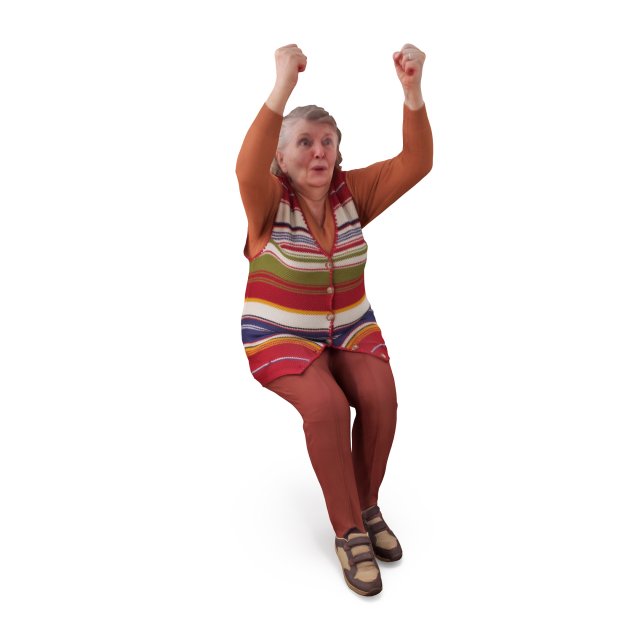
Fan Old Woman 3D Model
Fan Old Woman 3D Model 20183DCap creates ready-posed 3D human models for 3D visualization industry, unmatched in highest resolution and quality.Our team is a synergism of modern technologies and qualified 3D artists who work to bring 3D visualization into a new level.-FEATURES– Full Body 3d model- Extremely clean- Smoothable- High quality UV map- High level of detail- High resolution textures- Real-world scale- Units: cm-TEXTURES– Texture Resolution: 8192 x 8192- Normal Map- Diffuse Map-FORMATS– 3D Studio Max 2013 or above and OBJ- SketchUp 2013 or above- PATHS OF BITMAPS ARE RELATIVE- STANDART MATERIALS
-

Happy Fan Man 3D Model
Happy Fan Man 3D Model 20183DCap creates ready-posed 3D human models for 3D visualization industry, unmatched in highest resolution and quality.Our team is a synergism of modern technologies and qualified 3D artists who work to bring 3D visualization into a new level.-FEATURES– Full Body 3d model- Extremely clean- Smoothable- High quality UV map- High level of detail- High resolution textures- Real-world scale- Units: cm-TEXTURES– Texture Resolution: 8192 x 8192- Normal Map- Diffuse Map-FORMATS– 3D Studio Max 2013 or above and OBJ- SketchUp 2013 or above- PATHS OF BITMAPS ARE RELATIVE- STANDART MATERIALS
-
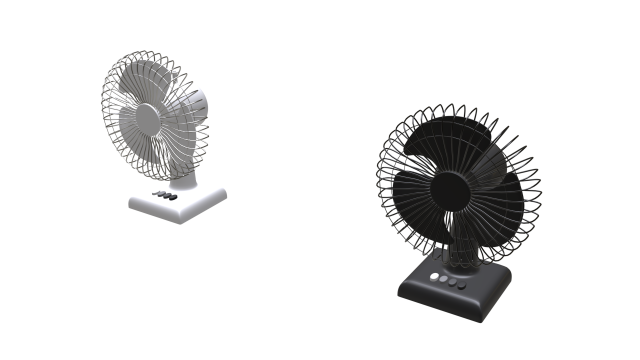
Household Table Fan 3D Model
Household table fan created using Blender. It uses the metalness workflow and is PBR ready. It comes with two versions of the diffuse texture to allow you to choose between a black or white fan. The textures are editable in any photo editing software and can be changed to any colour.Additional Information:-Uses metalness workflow-Includes two versions of the diffuse texture for customization-Includes animation for fan blades in FBX format (Compatible with all textures)-Model has been unwrapped with matching textures to its UVMap-Overlapping UVMap for duplicate parts of the mesh to save texture space-Includes 7 PBR textures 2048×2048 in PNG format-Textures can be edited in any photo editing software-Model is exported in 3 file formats (FBX, OBJ, DAE/Collada)Included Textures:-Fan-Diffuse-VAR1-Fan-Diffuse-VAR2-Fan-AO-Fan-Roughness-Fan-Gloss-Fan-Metallic-Fan-UVLayout
-
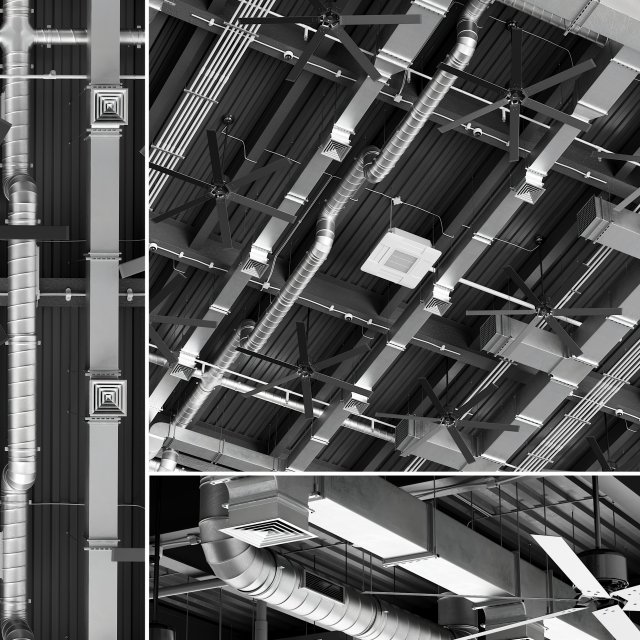
Ceiling Ventilation 4 3D Model
Realistic 3d model Ceiling Ventilation 4______________________________IMPORTANT:- Not smoothingGENERAL:- Originally created with 3ds Max 2014- Model prepared for V-Ray 3.40 and Corona render 1.7- Includes Format OBJ (not smoothed)- Includes Format FBX (not smoothed)- All objects, textures and materials have their own names- Model is built to real-world scale- Units used: mm- Scene objects are organized by groups- Doesn’t have third-party renderer or plug-ins- Doesn’t have missing DLL- Doesn’t have default names- Geometry layer – Ceiling_Ventilation_4______________________________GEOMETRY:- Polys: 947 291- Verts: 981 777______________________________FORMATS:- MAX CORONA ( 159 mb )- MAX VRAY ( 159 mb )- OBJ ( 137 mb )- FBX ( 52,6 mb )______________________________If you use V-Ray 3.0 and less, be careful,in materials in the chapter BRDF stands Microfaset GTR ( GGX ),If you yse V-Ray 3.1 and more, the field will be empty.Select Blinn, Phong or Ward.______________________________Check out our other models
-
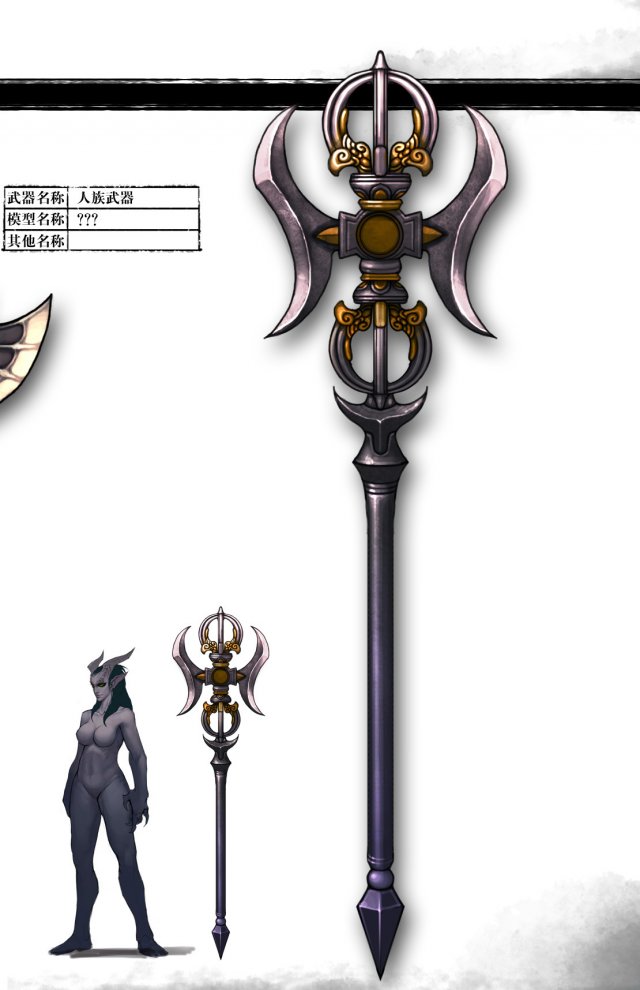
Weapons – Staff 02 3D Model
Low poly game character 3D modelWith textures and UV.Use the software: 3Dmax 2009Export Format: 3DS FBX OBJPolygons/Vertices: Take a look at the screenshotFor more cool 3D models, please click on my avatar content.
-
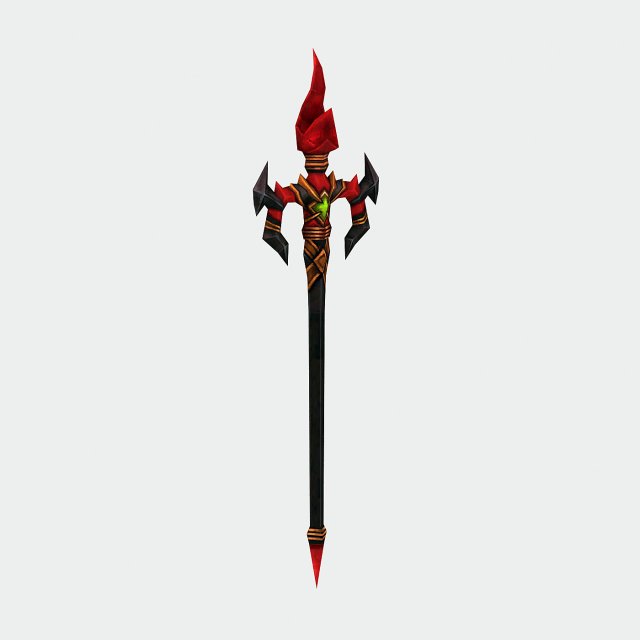
Weapons – Staff 01 3D Model
Low poly game character 3D modelWith textures and UV.Use the software: 3Dmax 2009Export Format: 3DS FBX OBJPolygons/Vertices: Take a look at the screenshotFor more cool 3D models, please click on my avatar content.
-
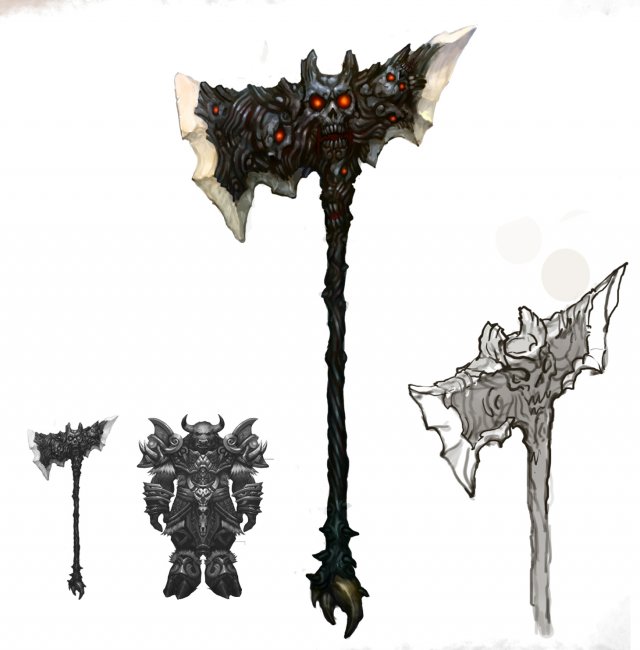
Weapon – Tomahawk 010 3D Model
Low poly game character 3D modelWith textures and UV.Use the software: 3Dmax 2009Export Format: 3DS FBX OBJPolygons/Vertices: Take a look at the screenshotFor more cool 3D models, please click on my avatar content.
-
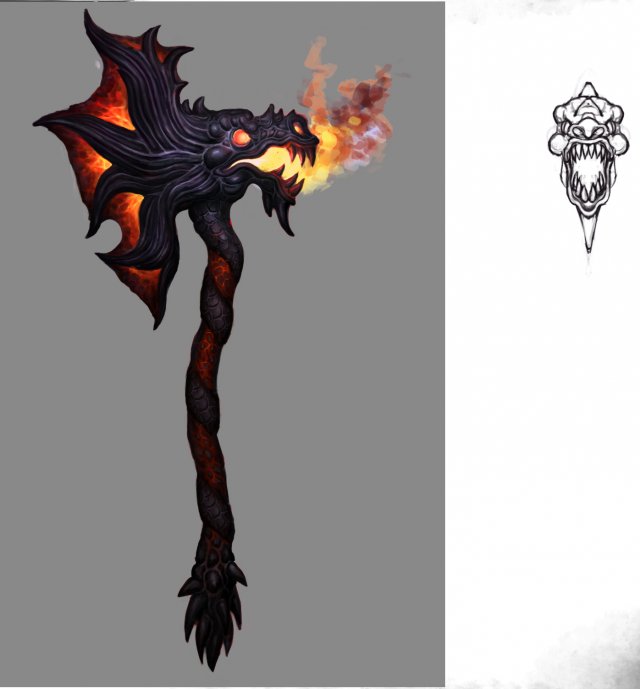
Weapon – Battle Axe 011 3D Model
Low poly game character 3D modelWith textures and UV.Use the software: 3Dmax 2009Export Format: 3DS FBX OBJPolygons/Vertices: Take a look at the screenshotFor more cool 3D models, please click on my avatar content.
-
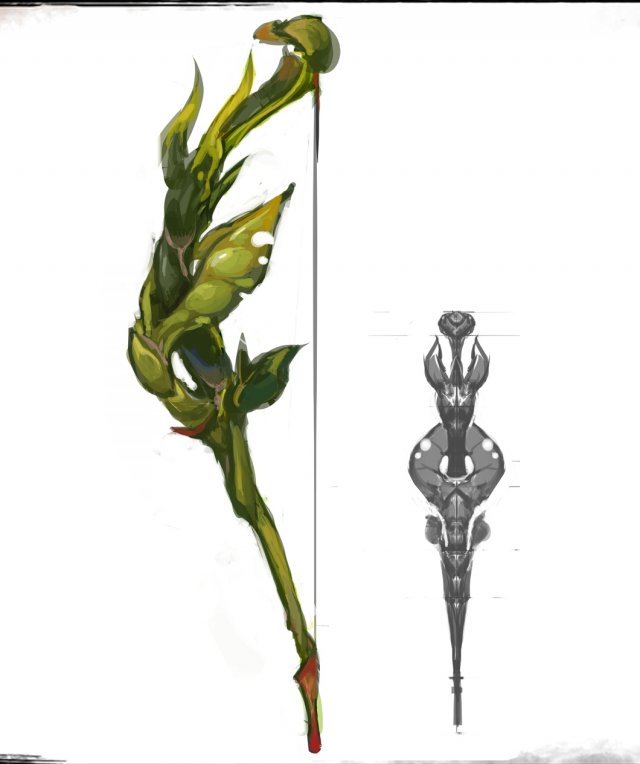
Weapons – Bows 01 3D Model
Low poly game character 3D modelWith textures and UV.Use the software: 3Dmax 2009Export Format: 3DS FBX OBJPolygons/Vertices: Take a look at the screenshotFor more cool 3D models, please click on my avatar content.
-
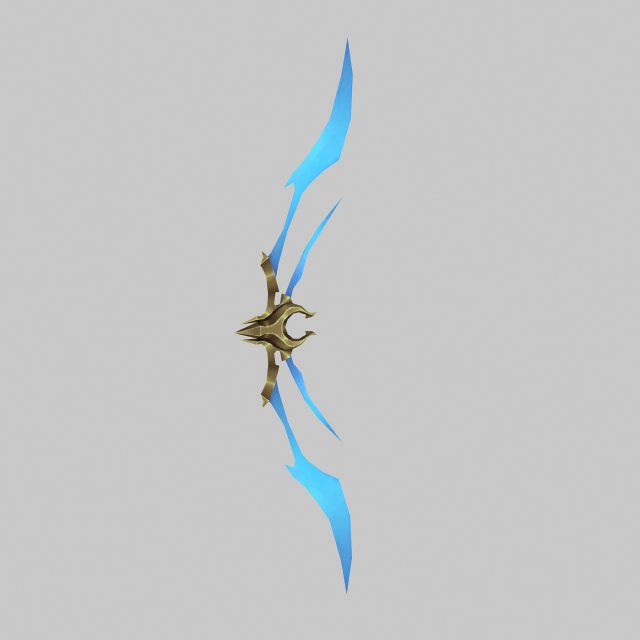
Weapons – Bow 02 3D Model
Low poly game character 3D modelWith textures and UV.Use the software: 3Dmax 2009Export Format: 3DS FBX OBJPolygons/Vertices: Take a look at the screenshotFor more cool 3D models, please click on my avatar content.
-
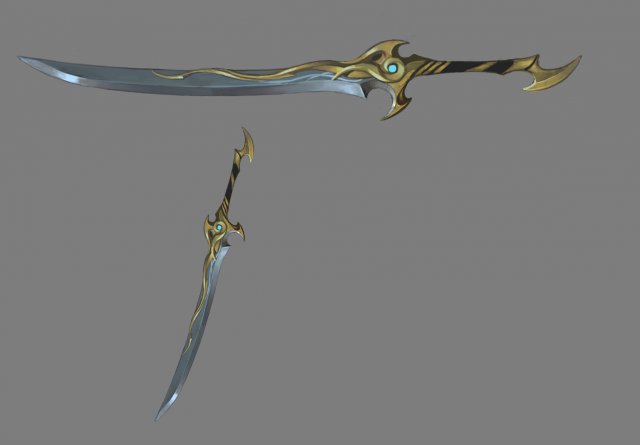
Weapons – Long Knife 01 3D Model
Low poly game character 3D modelWith textures and UV.Use the software: 3Dmax 2009Export Format: 3DS FBX OBJPolygons/Vertices: Take a look at the screenshotFor more cool 3D models, please click on my avatar content.
-
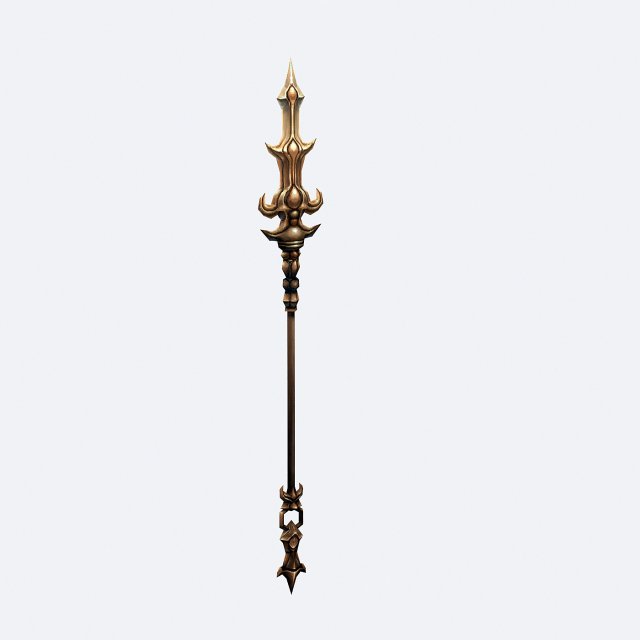
Weapons – Long Yao 01 3D Model
Low poly game character 3D modelWith textures and UV.Use the software: 3Dmax 2009Export Format: 3DS FBX OBJPolygons/Vertices: Take a look at the screenshotFor more cool 3D models, please click on my avatar content.
-
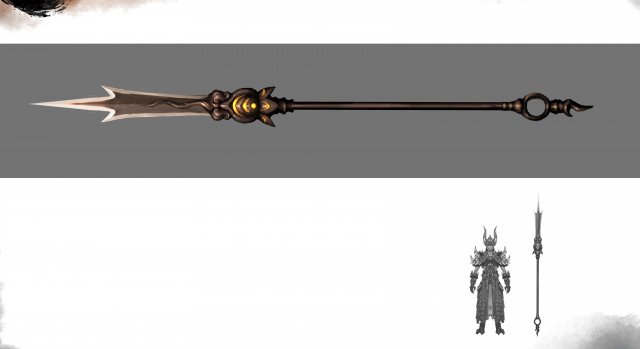
Weapons – Long Yao 02 3D Model
Low poly game character 3D modelWith textures and UV.Use the software: 3Dmax 2009Export Format: 3DS FBX OBJPolygons/Vertices: Take a look at the screenshotFor more cool 3D models, please click on my avatar content.
-
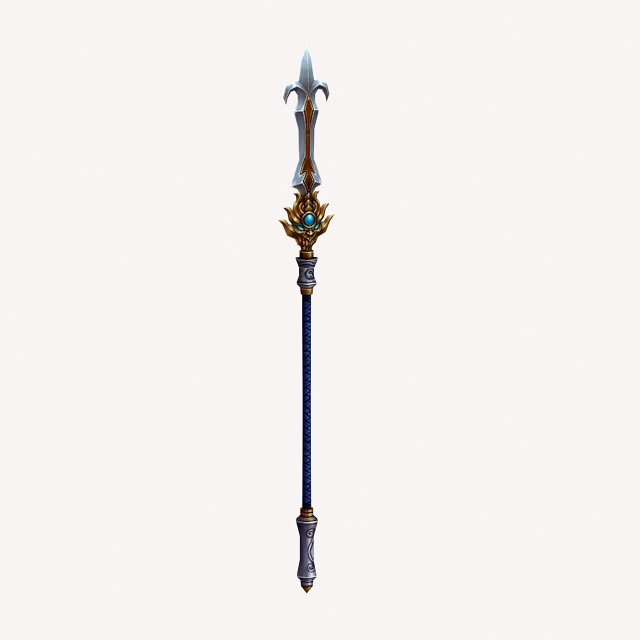
Weapons – Long Yao 03 3D Model
Low poly game character 3D modelWith textures and UV.Use the software: 3Dmax 2009Export Format: 3DS FBX OBJPolygons/Vertices: Take a look at the screenshotFor more cool 3D models, please click on my avatar content.
-
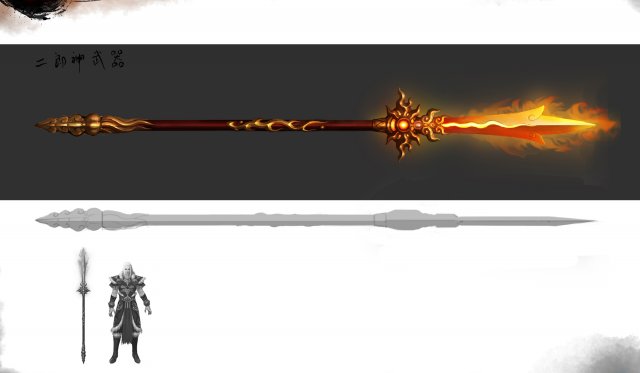
Weapons – Long Yao 04 3D Model
Low poly game character 3D modelWith textures and UV.Use the software: 3Dmax 2009Export Format: 3DS FBX OBJPolygons/Vertices: Take a look at the screenshotFor more cool 3D models, please click on my avatar content.
-
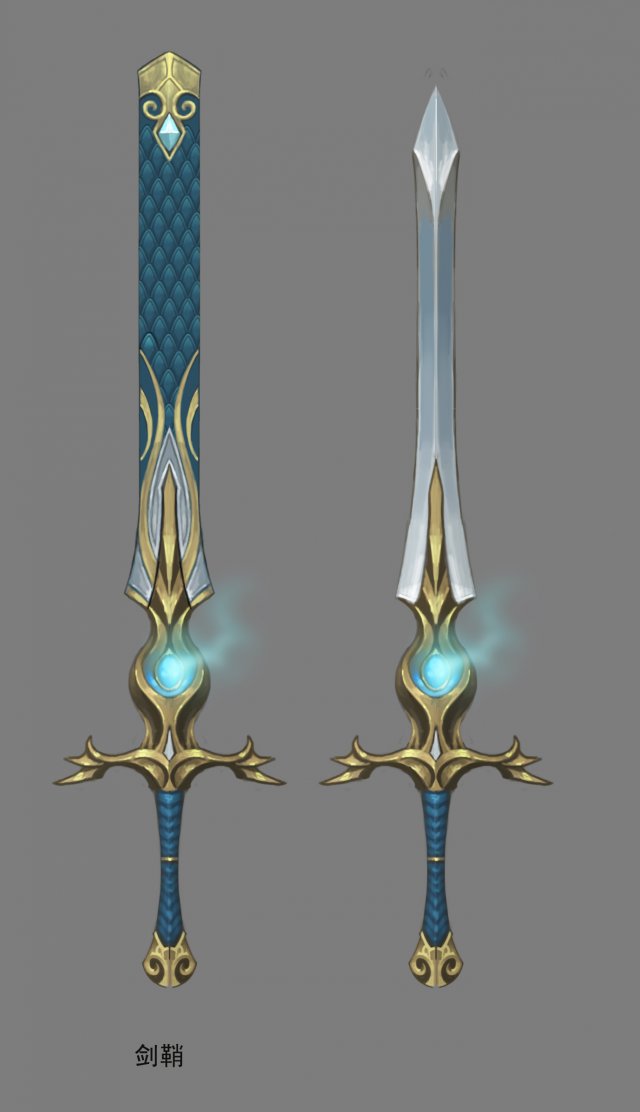
Weapon – Long Sword 01 3D Model
Low poly game character 3D modelWith textures and UV.Use the software: 3Dmax 2009Export Format: 3DS FBX OBJPolygons/Vertices: Take a look at the screenshotFor more cool 3D models, please click on my avatar content.
-
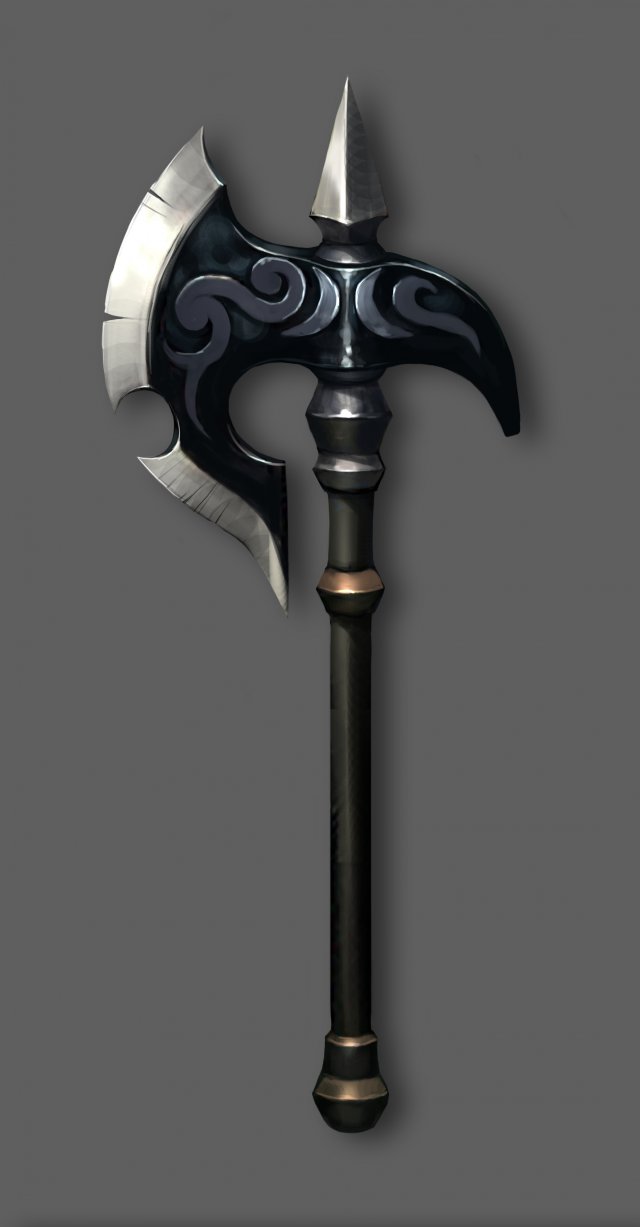
Weapon – Battle Axe 001 3D Model
Low poly game character 3D modelWith textures and UV.Use the software: 3Dmax 2009Export Format: 3DS FBX OBJPolygons/Vertices: Take a look at the screenshotFor more cool 3D models, please click on my avatar content.
-
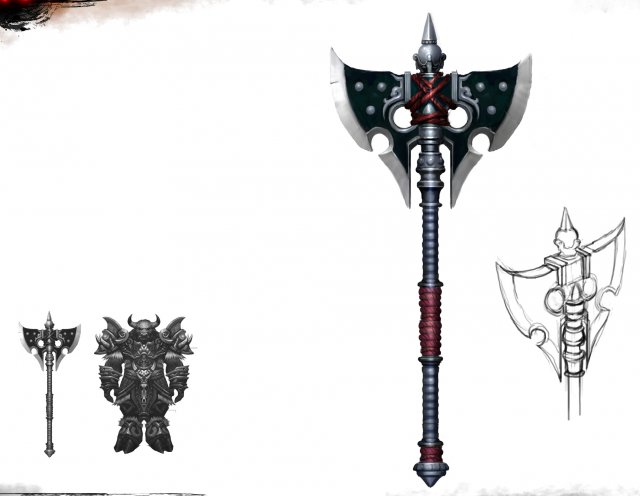
Weapon – Battle Axe 002 3D Model
Low poly game character 3D modelWith textures and UV.Use the software: 3Dmax 2009Export Format: 3DS FBX OBJPolygons/Vertices: Take a look at the screenshotFor more cool 3D models, please click on my avatar content.
-
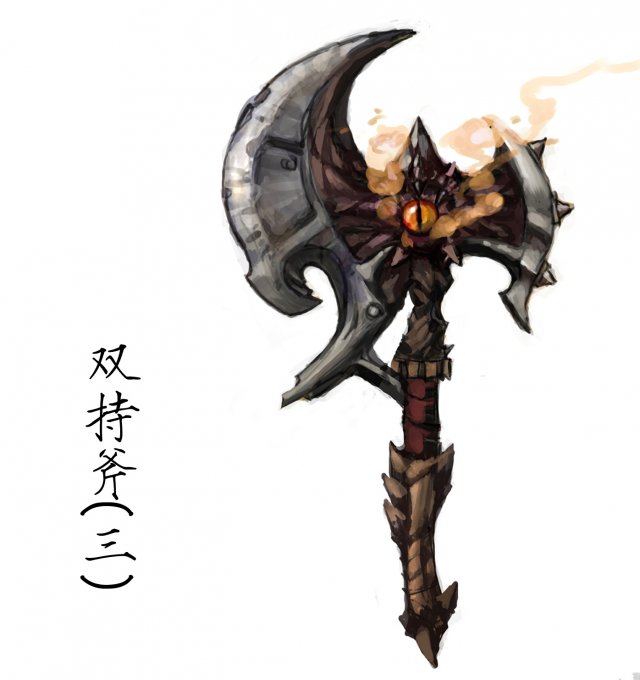
Weapon – Battle Axe 003 3D Model
Low poly game character 3D modelWith textures and UV.Use the software: 3Dmax 2009Export Format: 3DS FBX OBJPolygons/Vertices: Take a look at the screenshotFor more cool 3D models, please click on my avatar content.
-
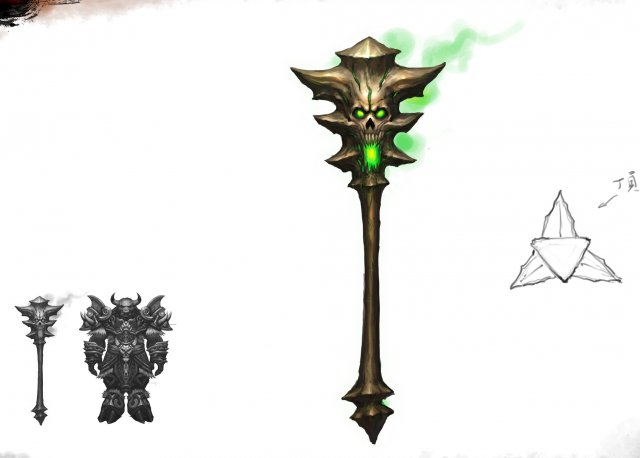
Weapon – Battle Axe 004 3D Model
Low poly game character 3D modelWith textures and UV.Use the software: 3Dmax 2009Export Format: 3DS FBX OBJPolygons/Vertices: Take a look at the screenshotFor more cool 3D models, please click on my avatar content.
-
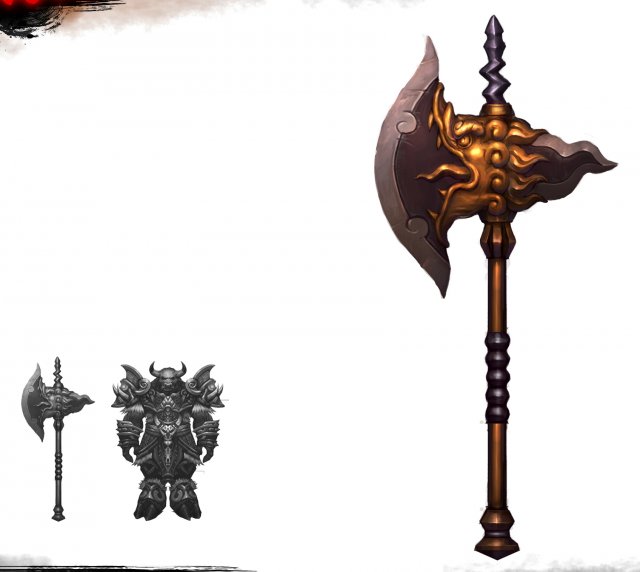
Weapon – Battle Axe 005 3D Model
Low poly game character 3D modelWith textures and UV.Use the software: 3Dmax 2009Export Format: 3DS FBX OBJPolygons/Vertices: Take a look at the screenshotFor more cool 3D models, please click on my avatar content.
-
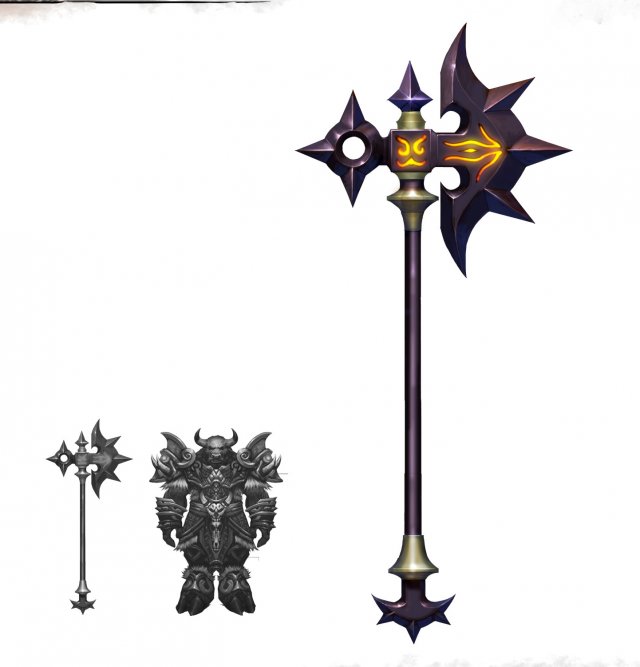
Weapon – Battle Axe 006 3D Model
Low poly game character 3D modelWith textures and UV.Use the software: 3Dmax 2009Export Format: 3DS FBX OBJPolygons/Vertices: Take a look at the screenshotFor more cool 3D models, please click on my avatar content.
-
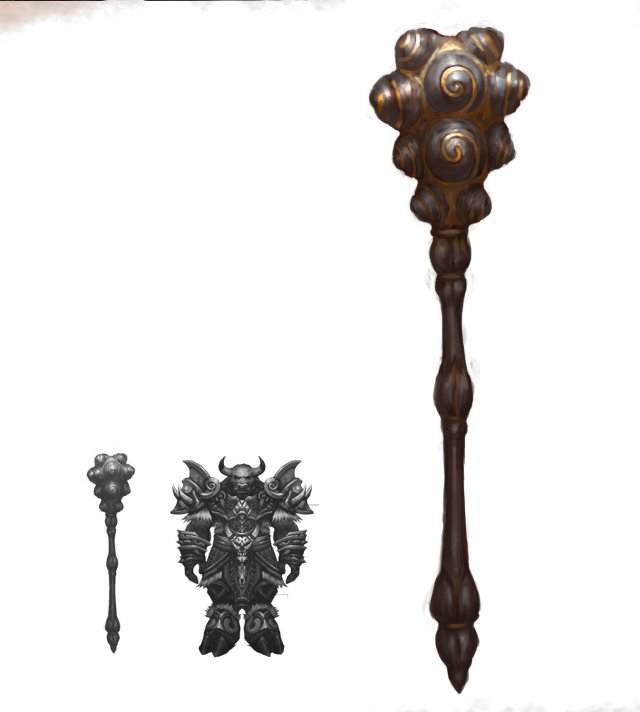
Weapon – Battle Axe 007 3D Model
Low poly game character 3D modelWith textures and UV.Use the software: 3Dmax 2009Export Format: 3DS FBX OBJPolygons/Vertices: Take a look at the screenshotFor more cool 3D models, please click on my avatar content.
-
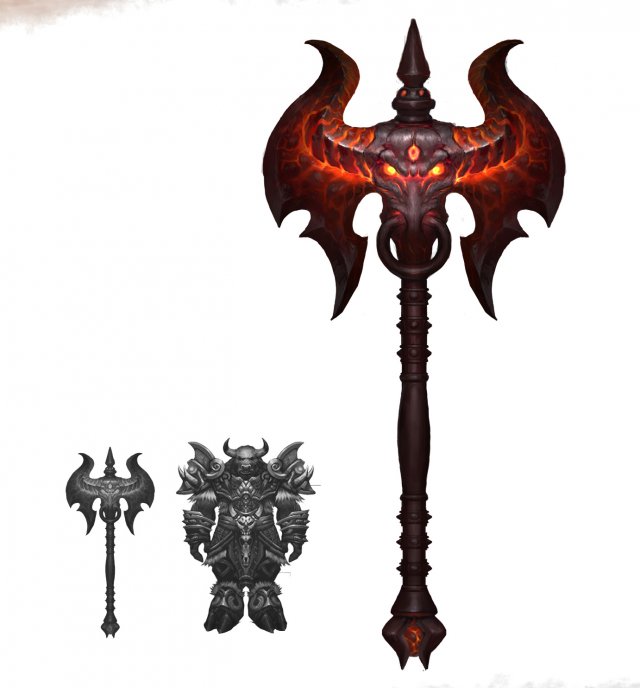
Weapon – Battle Axe 008 3D Model
Low poly game character 3D modelWith textures and UV.Use the software: 3Dmax 2009Export Format: 3DS FBX OBJPolygons/Vertices: Take a look at the screenshotFor more cool 3D models, please click on my avatar content.
-
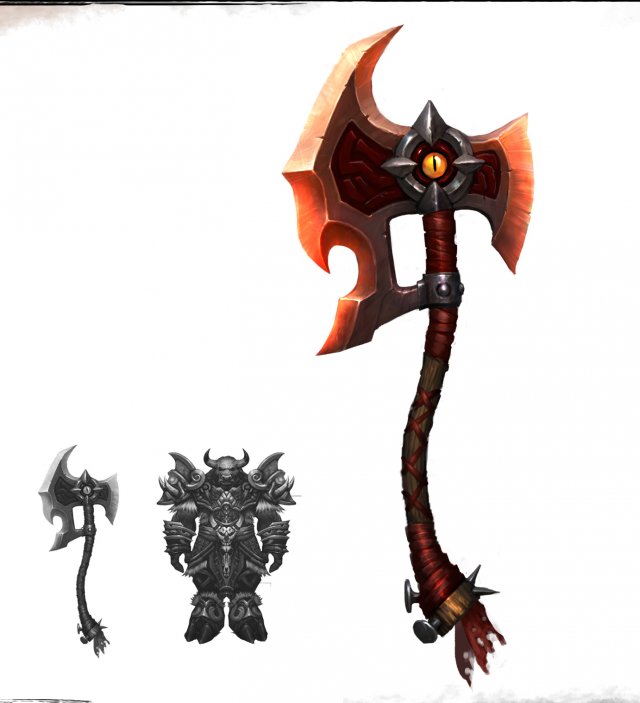
Weapon – Battle Axe 009 3D Model
Low poly game character 3D modelWith textures and UV.Use the software: 3Dmax 2009Export Format: 3DS FBX OBJPolygons/Vertices: Take a look at the screenshotFor more cool 3D models, please click on my avatar content.
-
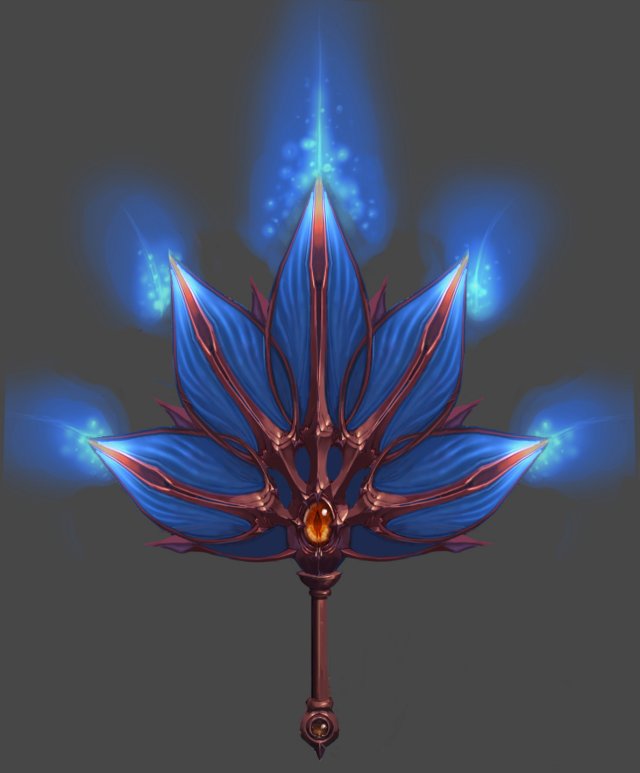
Weapon – Fan 004 3D Model
Low poly game character 3D modelWith textures and UV.Use the software: 3Dmax 2009Export Format: 3DS FBX OBJPolygons/Vertices: Take a look at the screenshotFor more cool 3D models, please click on my avatar content.
-
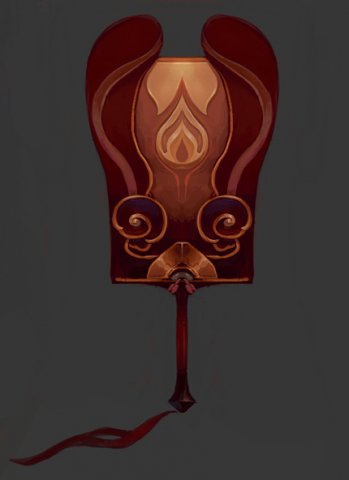
Weapons – Fan 005 3D Model
Low poly game character 3D modelWith textures and UV.Use the software: 3Dmax 2009Export Format: 3DS FBX OBJPolygons/Vertices: Take a look at the screenshotFor more cool 3D models, please click on my avatar content.
-
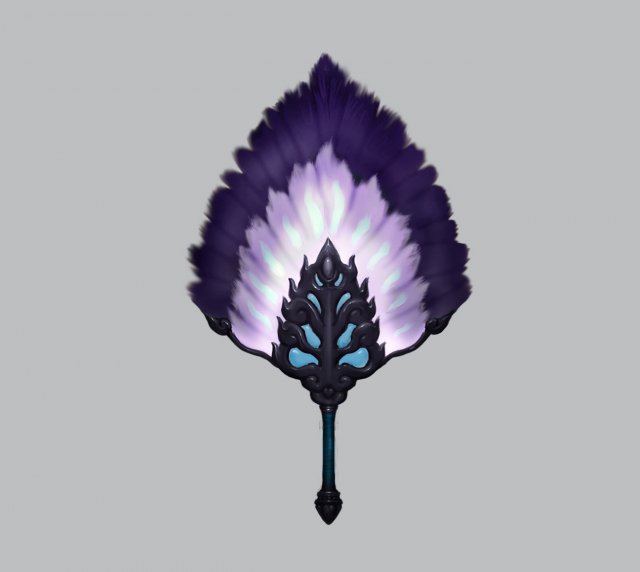
Weapons – Fan 006 3D Model
Low poly game character 3D modelWith textures and UV.Use the software: 3Dmax 2009Export Format: 3DS FBX OBJPolygons/Vertices: Take a look at the screenshotFor more cool 3D models, please click on my avatar content.
-
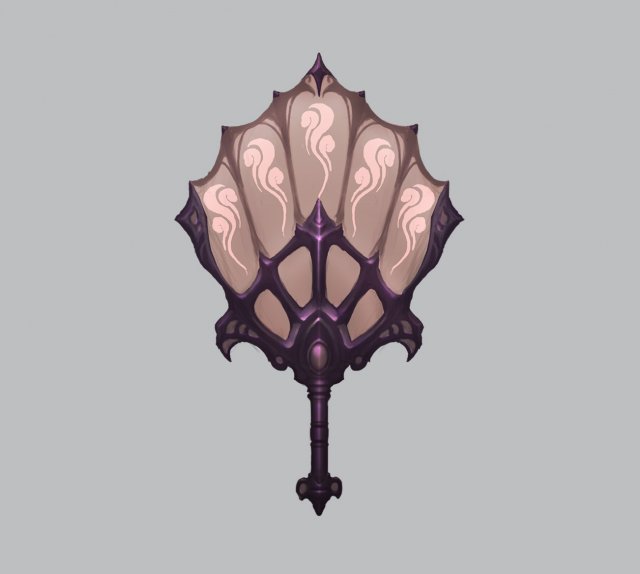
Weapons – Fan 007 3D Model
Low poly game character 3D modelWith textures and UV.Use the software: 3Dmax 2009Export Format: 3DS FBX OBJPolygons/Vertices: Take a look at the screenshotFor more cool 3D models, please click on my avatar content.
-
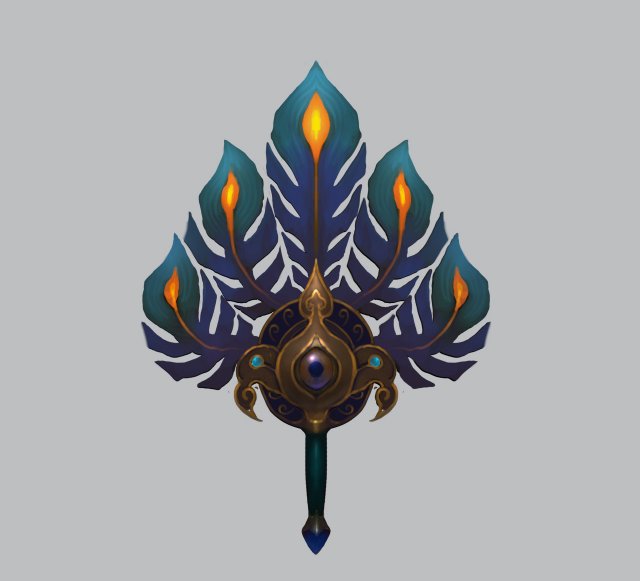
Weapons – Fan 008 3D Model
Low poly game character 3D modelWith textures and UV.Use the software: 3Dmax 2009Export Format: 3DS FBX OBJPolygons/Vertices: Take a look at the screenshotFor more cool 3D models, please click on my avatar content.
-
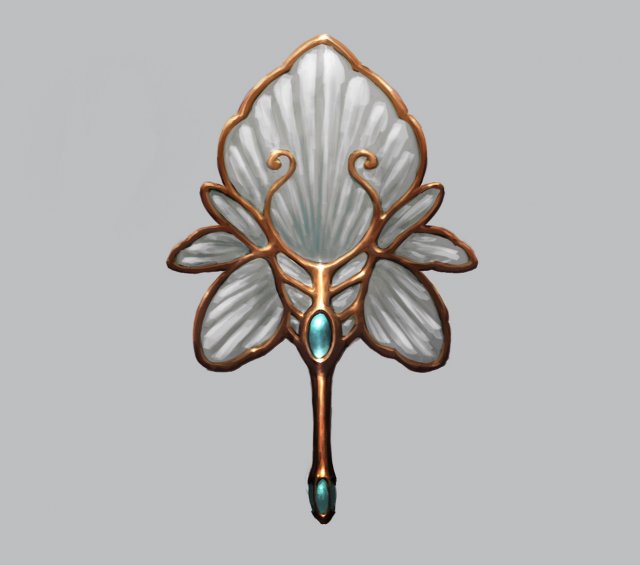
Weapons – Fan 009 3D Model
Low poly game character 3D modelWith textures and UV.Use the software: 3Dmax 2009Export Format: 3DS FBX OBJPolygons/Vertices: Take a look at the screenshotFor more cool 3D models, please click on my avatar content.
-
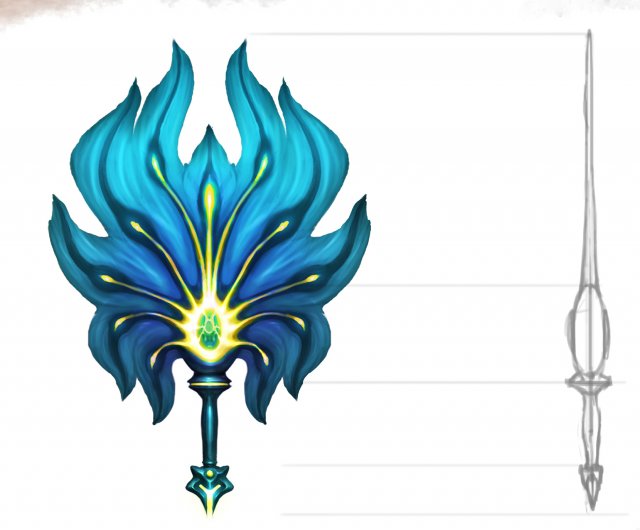
Weapons – Fan 010 3D Model
Low poly game character 3D modelWith textures and UV.Use the software: 3Dmax 2009Export Format: 3DS FBX OBJPolygons/Vertices: Take a look at the screenshotFor more cool 3D models, please click on my avatar content.
-
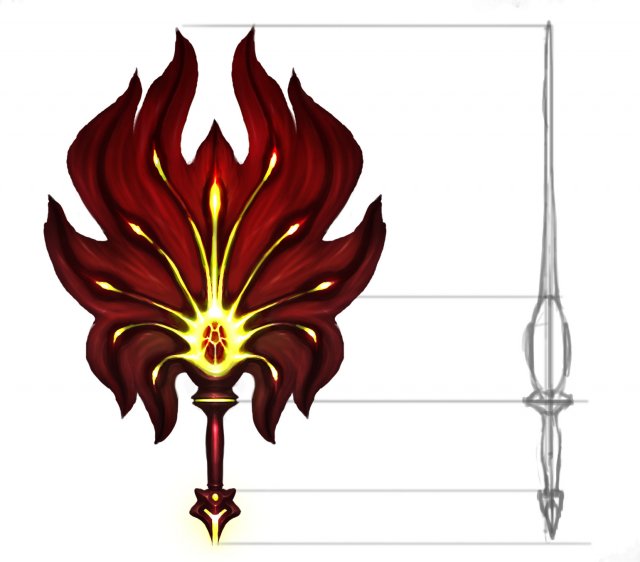
Weapon – Fan 011 3D Model
Low poly game character 3D modelWith textures and UV.Use the software: 3Dmax 2009Export Format: 3DS FBX OBJPolygons/Vertices: Take a look at the screenshotFor more cool 3D models, please click on my avatar content.
-

Weapons – Fan 012 3D Model
Low poly game character 3D modelWith textures and UV.Use the software: 3Dmax 2009Export Format: 3DS FBX OBJPolygons/Vertices: Take a look at the screenshotFor more cool 3D models, please click on my avatar content.
-
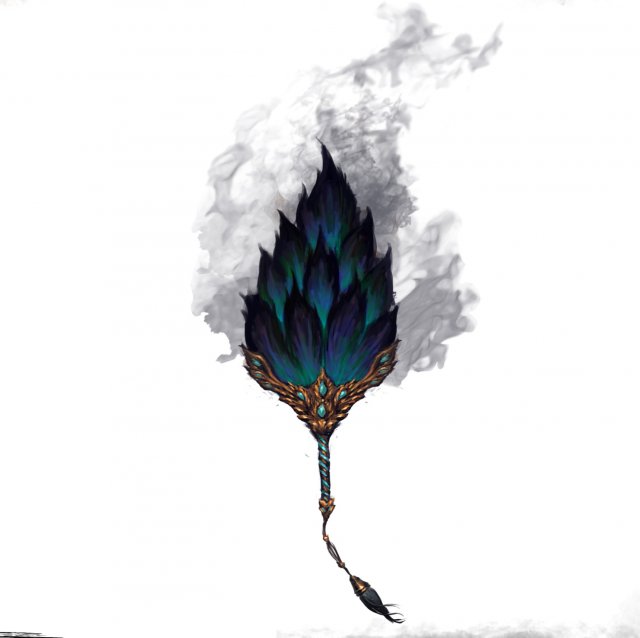
Weapons – Fan 013 3D Model
Low poly game character 3D modelWith textures and UV.Use the software: 3Dmax 2009Export Format: 3DS FBX OBJPolygons/Vertices: Take a look at the screenshotFor more cool 3D models, please click on my avatar content.
-
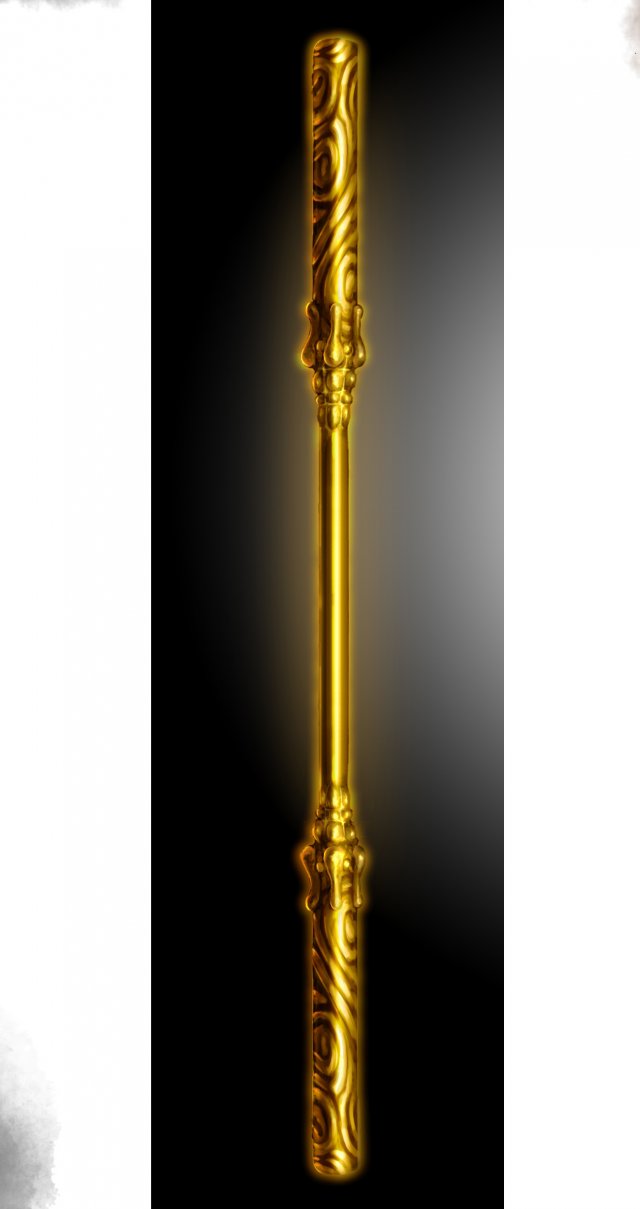
Weapons – Stick 015 3D Model
Low poly game character 3D modelWith textures and UV.Use the software: 3Dmax 2009Export Format: 3DS FBX OBJPolygons/Vertices: Take a look at the screenshotFor more cool 3D models, please click on my avatar content.
-
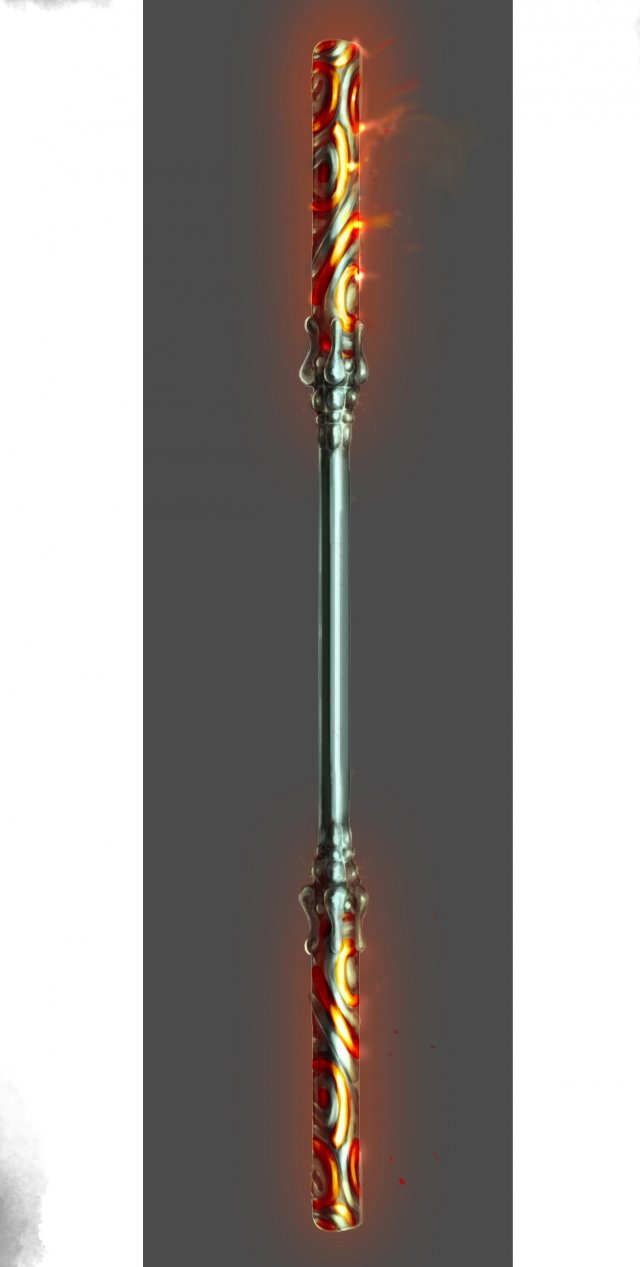
Weapon – Stick 016 3D Model
Low poly game character 3D modelWith textures and UV.Use the software: 3Dmax 2009Export Format: 3DS FBX OBJPolygons/Vertices: Take a look at the screenshotFor more cool 3D models, please click on my avatar content.
-
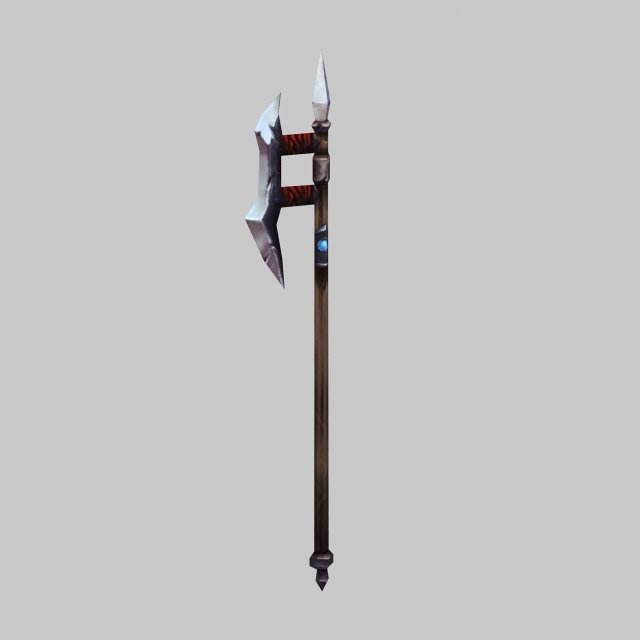
Weapons – ji 3D Model
Low poly game character 3D modelWith textures and UV.Use the software: 3Dmax 2009Export Format: 3DS FBX OBJPolygons/Vertices: Take a look at the screenshotFor more cool 3D models, please click on my avatar content.
-
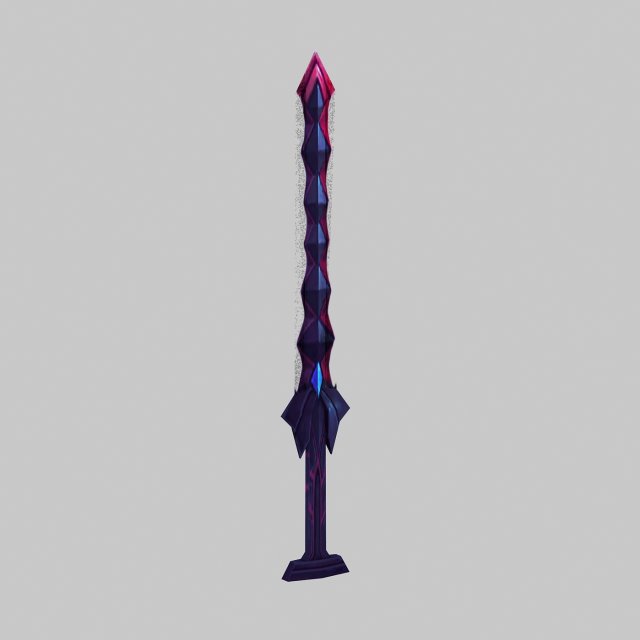
Weapon – Sword 01 3D Model
Low poly game character 3D modelWith textures and UV.Use the software: 3Dmax 2009Export Format: 3DS FBX OBJPolygons/Vertices: Take a look at the screenshotFor more cool 3D models, please click on my avatar content.
-
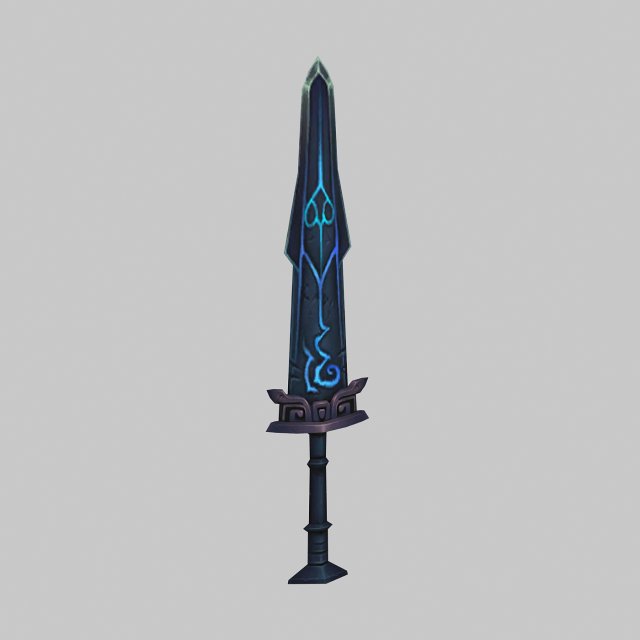
Weapon – Sword 02 3D Model
Low poly game character 3D modelWith textures and UV.Use the software: 3Dmax 2009Export Format: 3DS FBX OBJPolygons/Vertices: Take a look at the screenshotFor more cool 3D models, please click on my avatar content.
-
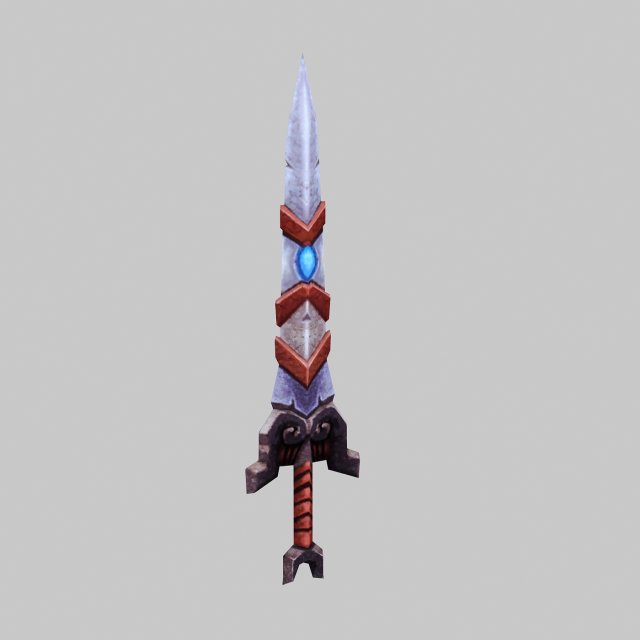
Weapon – Sword 03 3D Model
Low poly game character 3D modelWith textures and UV.Use the software: 3Dmax 2009Export Format: 3DS FBX OBJPolygons/Vertices: Take a look at the screenshotFor more cool 3D models, please click on my avatar content.
-
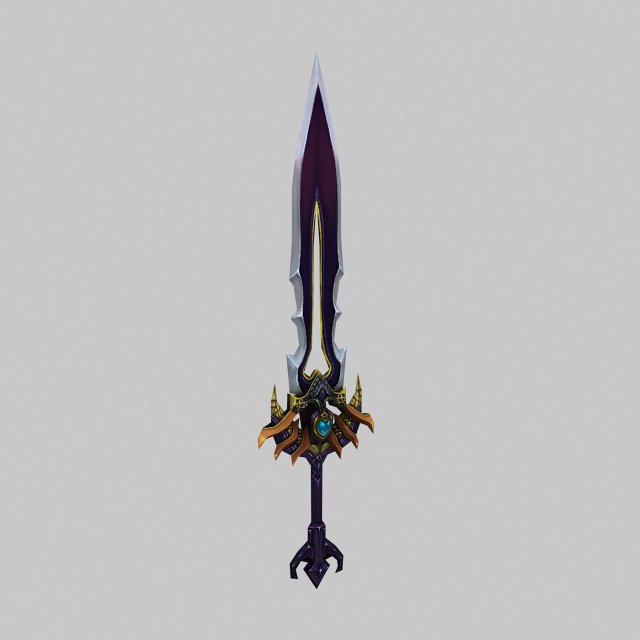
Weapon – Sword 04 3D Model
Low poly game character 3D modelWith textures and UV.Use the software: 3Dmax 2009Export Format: 3DS FBX OBJPolygons/Vertices: Take a look at the screenshotFor more cool 3D models, please click on my avatar content.
-
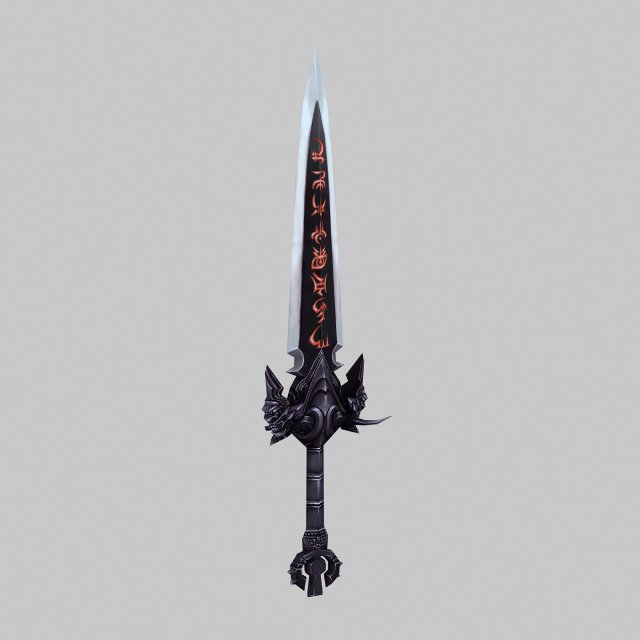
Weapon – Sword 05 3D Model
Low poly game character 3D modelWith textures and UV.Use the software: 3Dmax 2009Export Format: 3DS FBX OBJPolygons/Vertices: Take a look at the screenshotFor more cool 3D models, please click on my avatar content.
-
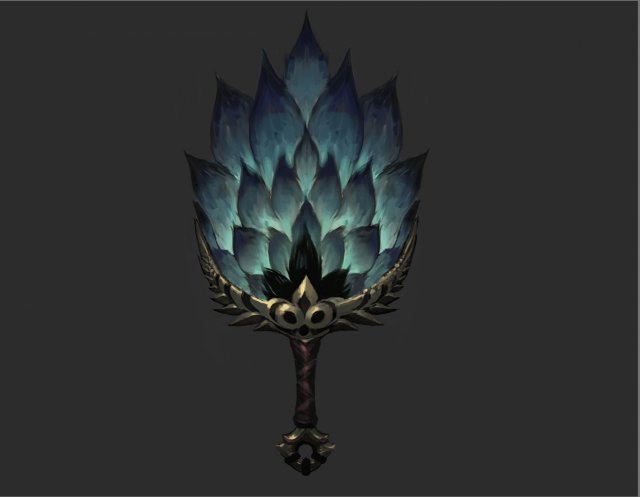
Weapons – Fan 001 3D Model
Low poly game character 3D modelWith textures and UV.Use the software: 3Dmax 2009Export Format: 3DS FBX OBJPolygons/Vertices: Take a look at the screenshotFor more cool 3D models, please click on my avatar content.
-
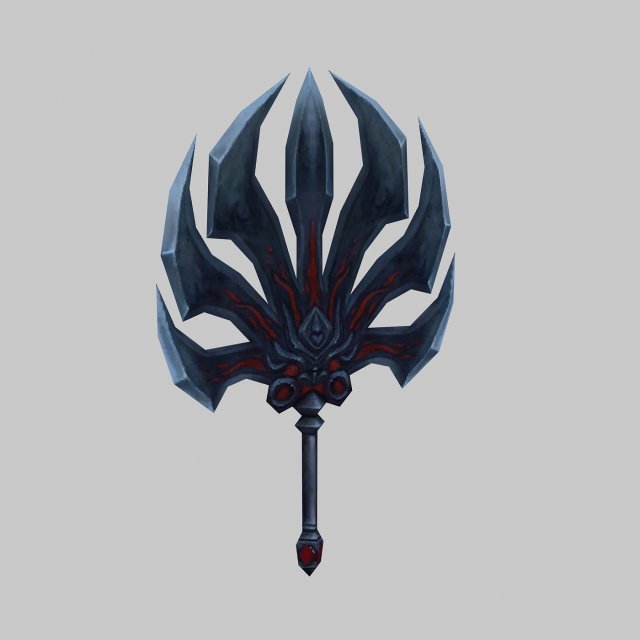
Weapons – Fan 002 3D Model
Low poly game character 3D modelWith textures and UV.Use the software: 3Dmax 2009Export Format: 3DS FBX OBJPolygons/Vertices: Take a look at the screenshotFor more cool 3D models, please click on my avatar content.
-
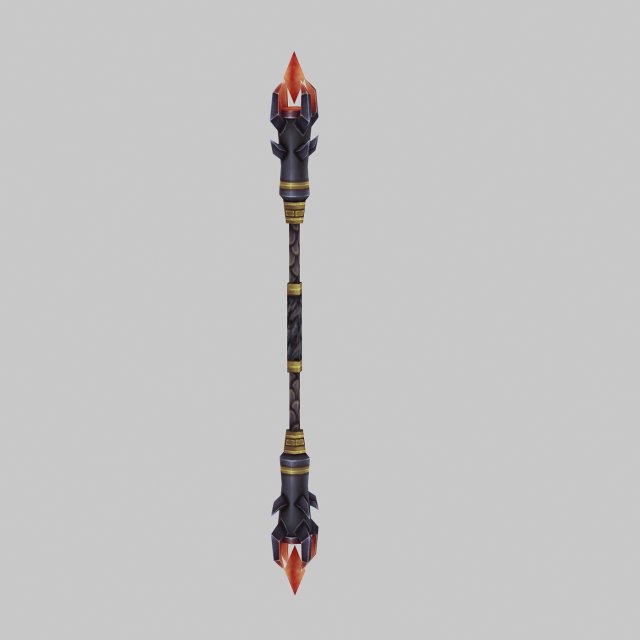
Weapons – Stick 004 3D Model
Low poly game character 3D modelWith textures and UV.Use the software: 3Dmax 2009Export Format: 3DS FBX OBJPolygons/Vertices: Take a look at the screenshotFor more cool 3D models, please click on my avatar content.
-
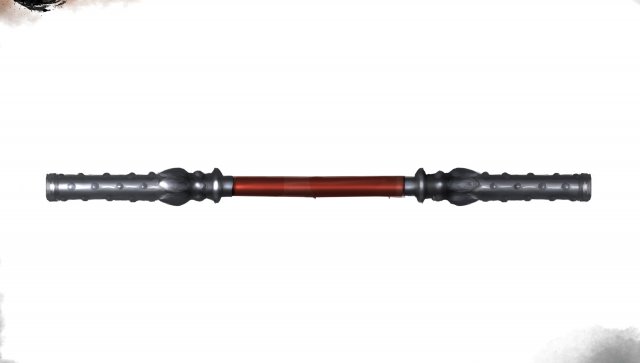
Weapon – Stick 005 3D Model
Low poly game character 3D modelWith textures and UV.Use the software: 3Dmax 2009Export Format: 3DS FBX OBJPolygons/Vertices: Take a look at the screenshotFor more cool 3D models, please click on my avatar content.
-
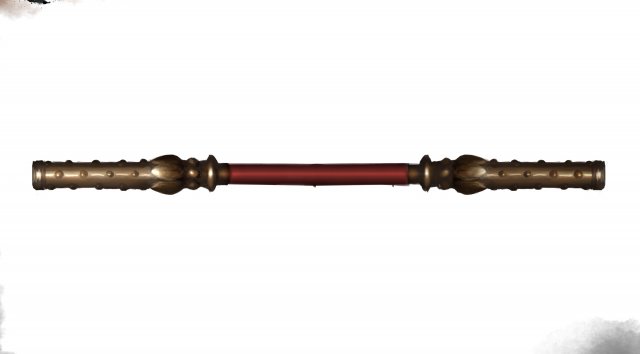
Weapons – Sticks 006 3D Model
Low poly game character 3D modelWith textures and UV.Use the software: 3Dmax 2009Export Format: 3DS FBX OBJPolygons/Vertices: Take a look at the screenshotFor more cool 3D models, please click on my avatar content.
-
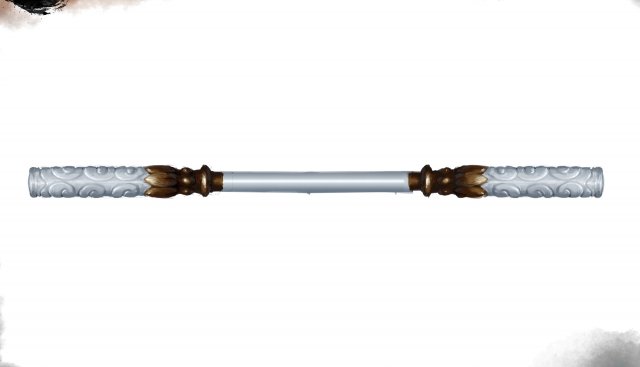
Weapon – Stick 007 3D Model
Low poly game character 3D modelWith textures and UV.Use the software: 3Dmax 2009Export Format: 3DS FBX OBJPolygons/Vertices: Take a look at the screenshotFor more cool 3D models, please click on my avatar content.
-
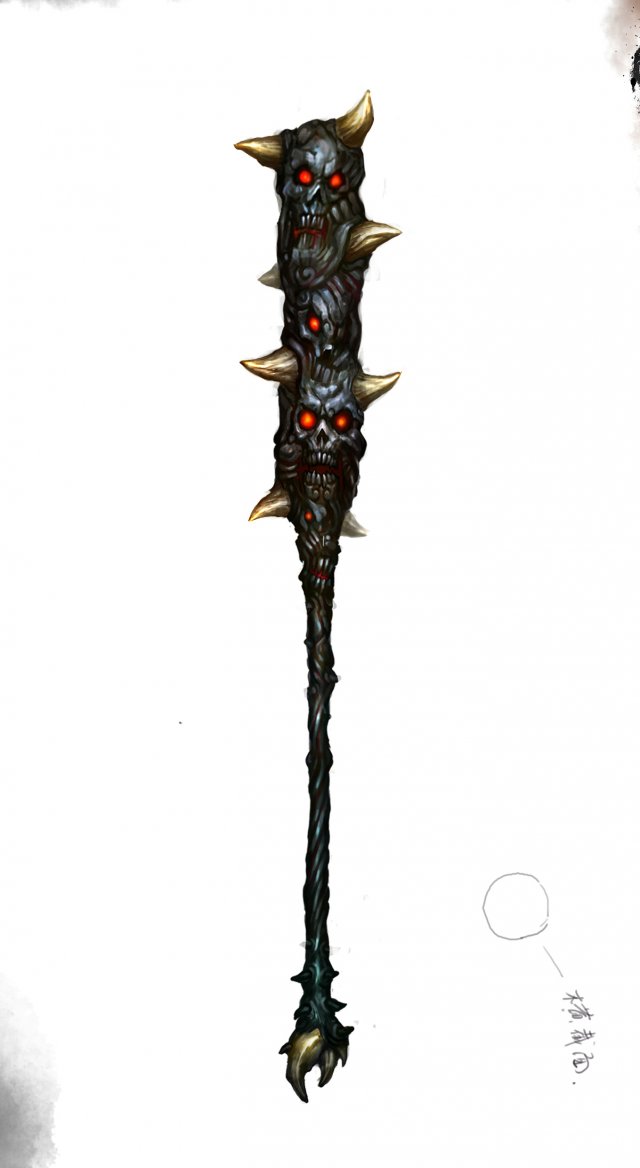
Weapon – Stick 008 3D Model
Low poly game character 3D modelWith textures and UV.Use the software: 3Dmax 2009Export Format: 3DS FBX OBJPolygons/Vertices: Take a look at the screenshotFor more cool 3D models, please click on my avatar content.
-
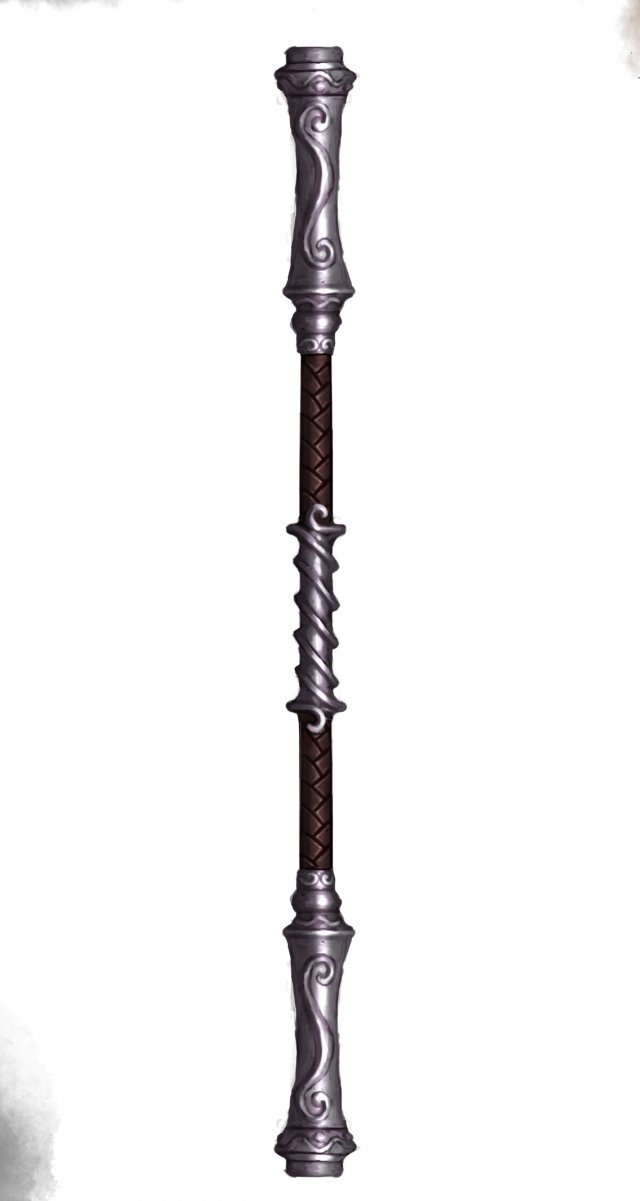
Weapon – Stick 009 3D Model
Low poly game character 3D modelWith textures and UV.Use the software: 3Dmax 2009Export Format: 3DS FBX OBJPolygons/Vertices: Take a look at the screenshotFor more cool 3D models, please click on my avatar content.
-
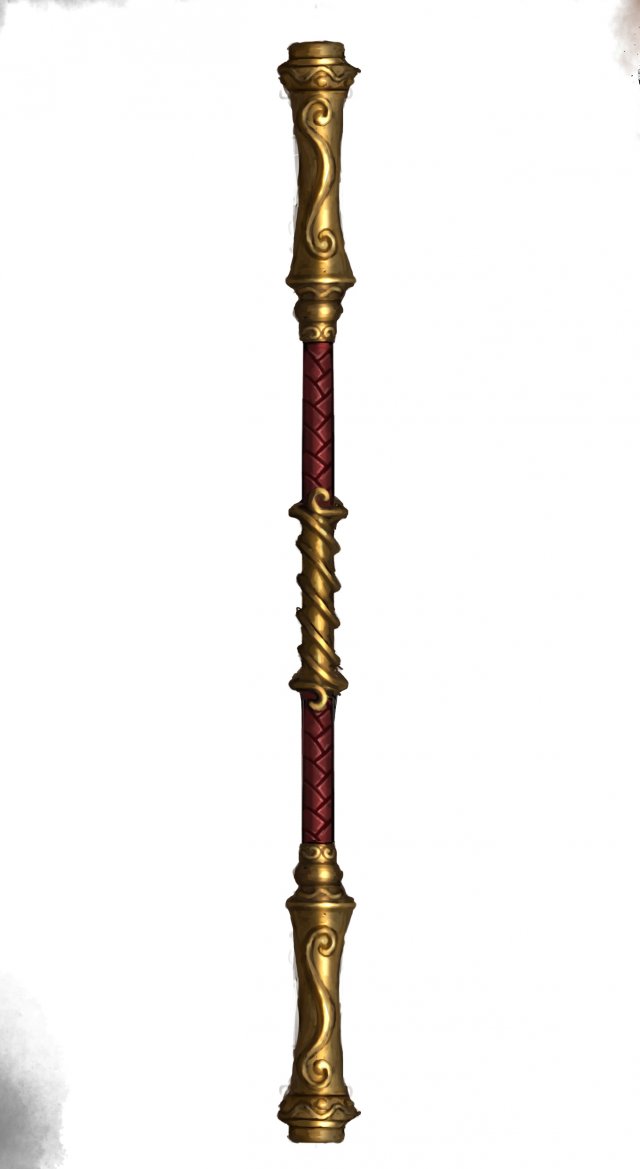
Weapon – Stick 010 3D Model
Low poly game character 3D modelWith textures and UV.Use the software: 3Dmax 2009Export Format: 3DS FBX OBJPolygons/Vertices: Take a look at the screenshotFor more cool 3D models, please click on my avatar content.
-
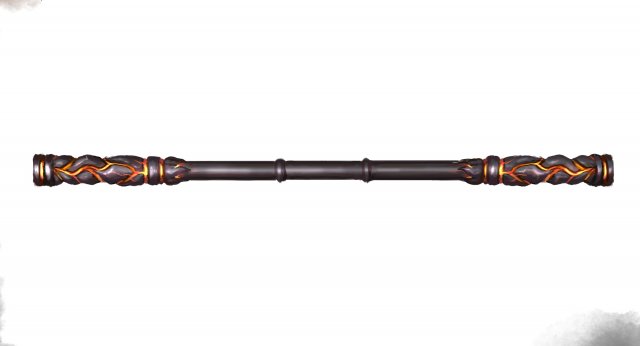
Weapon – Stick 011 3D Model
Low poly game character 3D modelWith textures and UV.Use the software: 3Dmax 2009Export Format: 3DS FBX OBJPolygons/Vertices: Take a look at the screenshotFor more cool 3D models, please click on my avatar content.
-
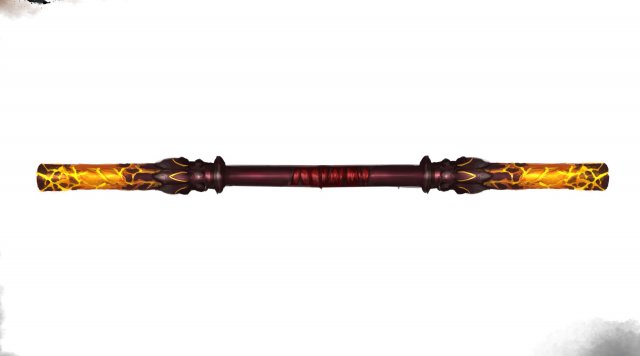
Weapon – Stick 012 3D Model
Low poly game character 3D modelWith textures and UV.Use the software: 3Dmax 2009Export Format: 3DS FBX OBJPolygons/Vertices: Take a look at the screenshotFor more cool 3D models, please click on my avatar content.
-
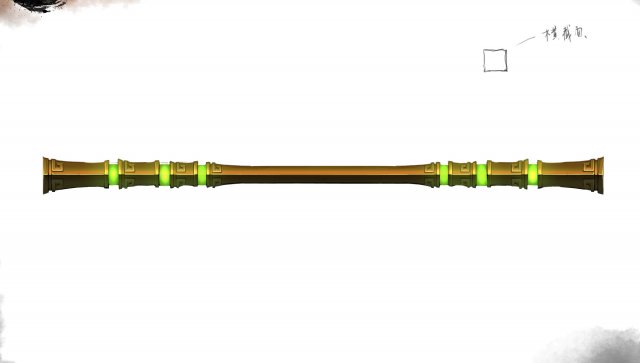
Weapon – Stick 013 3D Model
Low poly game character 3D modelWith textures and UV.Use the software: 3Dmax 2009Export Format: 3DS FBX OBJPolygons/Vertices: Take a look at the screenshotFor more cool 3D models, please click on my avatar content.
-
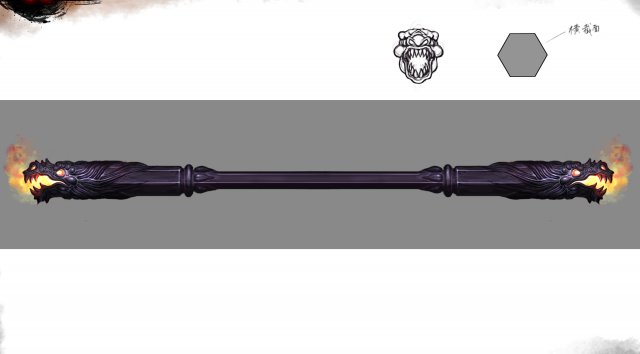
Weapon – Stick 014 3D Model
Low poly game character 3D modelWith textures and UV.Use the software: 3Dmax 2009Export Format: 3DS FBX OBJPolygons/Vertices: Take a look at the screenshotFor more cool 3D models, please click on my avatar content.
-
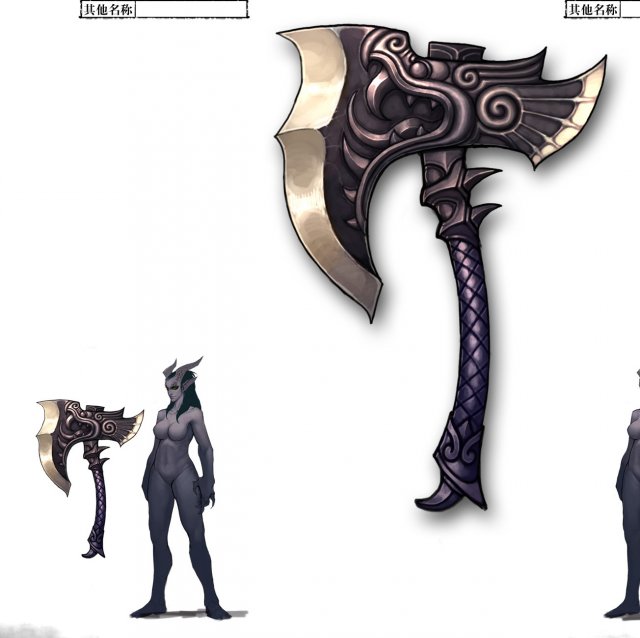
Low poly 3D games – Weapons – Axe 04 3D Model
Low poly game character 3D modelWith textures and UV.Use the software: 3Dmax 2009Export Format: 3DS FBX OBJPolygons/Vertices: Take a look at the screenshotFor more cool 3D models, please click on my avatar content.
-
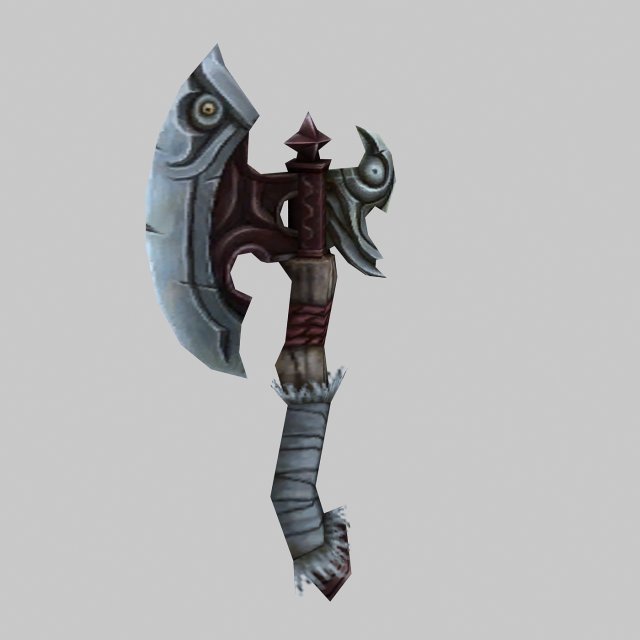
Low poly 3D games – Weapons – Axe 05 3D Model
Low poly game character 3D modelWith textures and UV.Use the software: 3Dmax 2009Export Format: 3DS FBX OBJPolygons/Vertices: Take a look at the screenshotFor more cool 3D models, please click on my avatar content.
-
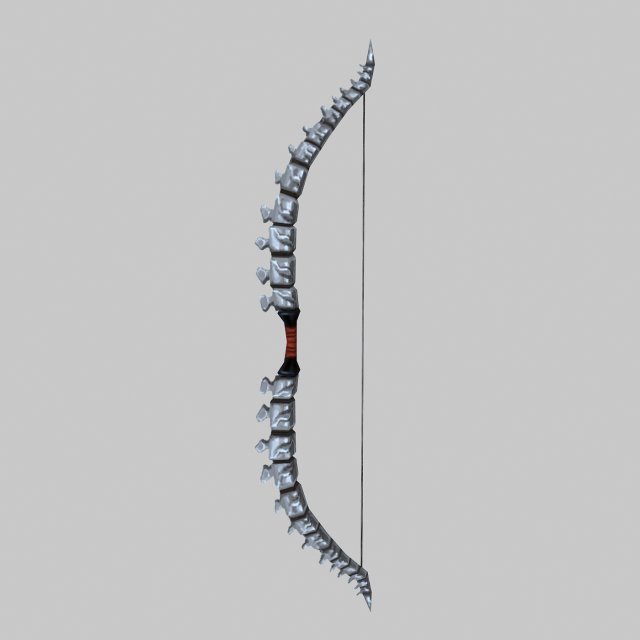
Low poly 3D games – Weapon – Bone Arch 3D Model
Low poly game character 3D modelWith textures and UV.Use the software: 3Dmax 2009Export Format: 3DS FBX OBJPolygons/Vertices: Take a look at the screenshotFor more cool 3D models, please click on my avatar content.
-
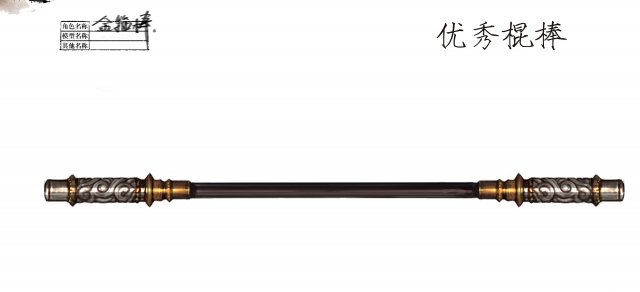
Low poly 3D games – Weapons – Stick 01 3D Model
Low poly game character 3D modelWith textures and UV.Use the software: 3Dmax 2009Export Format: 3DS FBX OBJPolygons/Vertices: Take a look at the screenshotFor more cool 3D models, please click on my avatar content.
-
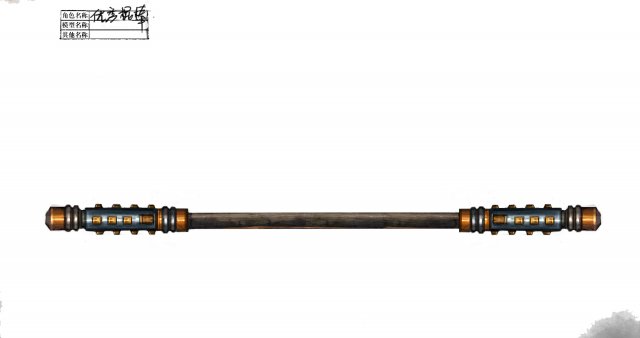
Low poly 3D games – Weapons – Stick 02 3D Model
Low poly game character 3D modelWith textures and UV.Use the software: 3Dmax 2009Export Format: 3DS FBX OBJPolygons/Vertices: Take a look at the screenshotFor more cool 3D models, please click on my avatar content.
-
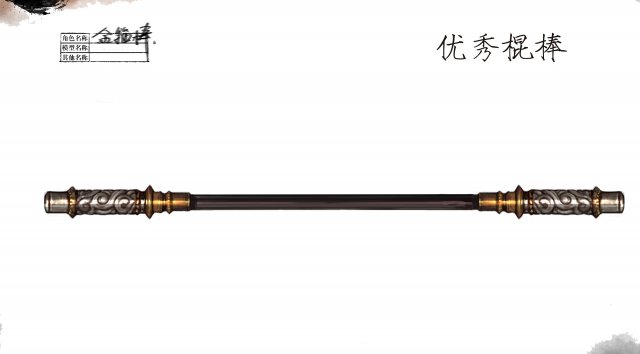
Low poly 3D games – Weapons – Sticks 001 3D Model
Low poly game character 3D modelWith textures and UV.Use the software: 3Dmax 2009Export Format: 3DS FBX OBJPolygons/Vertices: Take a look at the screenshotFor more cool 3D models, please click on my avatar content.
-
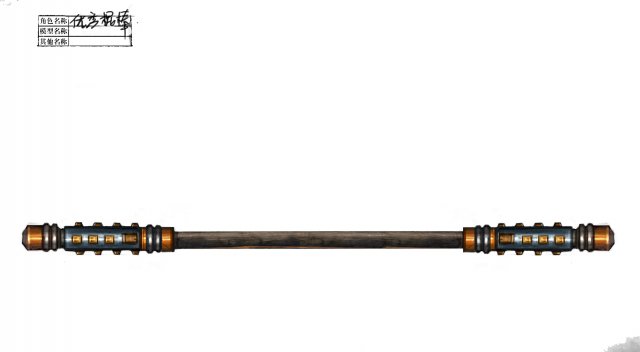
Low poly 3D games – Weapons – Sticks 002 3D Model
Low poly game character 3D modelWith textures and UV.Use the software: 3Dmax 2009Export Format: 3DS FBX OBJPolygons/Vertices: Take a look at the screenshotFor more cool 3D models, please click on my avatar content.
-
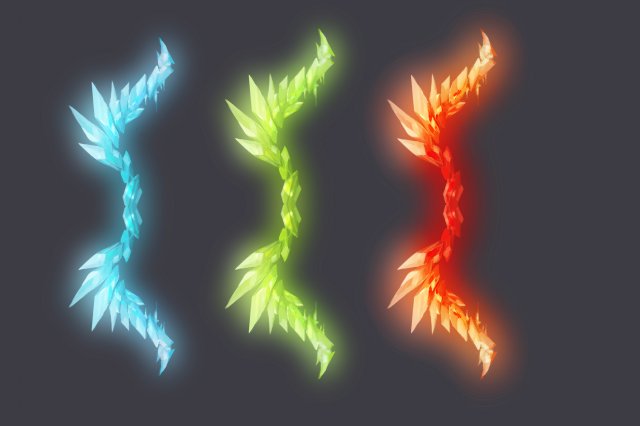
Final Brutal Series 2 3D Model
Low poly game character 3D modelWith textures and UV.Use the software: 3Dmax 2009Export Format: 3DS FBX OBJPolygons/Vertices: Take a look at the screenshotFor more cool 3D models, please click on my avatar content.
-
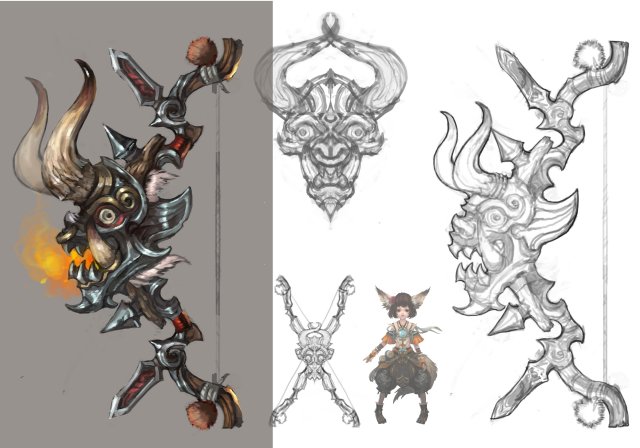
Low poly 3D games – Devil – Bows and Arrows 3D Model
Low poly game character 3D modelWith textures and UV.Use the software: 3Dmax 2009Export Format: 3DS FBX OBJPolygons/Vertices: Take a look at the screenshotFor more cool 3D models, please click on my avatar content.
-
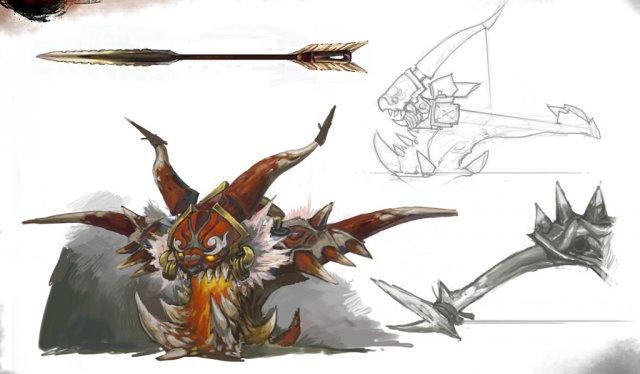
Low poly 3D games – Devil – Bowno 3D Model
Low poly game character 3D modelWith textures and UV.Use the software: 3Dmax 2009Export Format: 3DS FBX OBJPolygons/Vertices: Take a look at the screenshotFor more cool 3D models, please click on my avatar content.
-
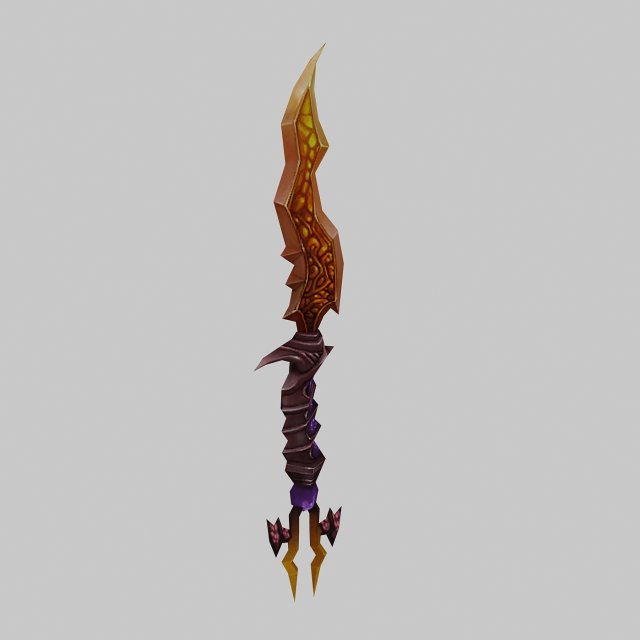
Low poly 3D games – Weapons – Daggers 3D Model
Low poly game character 3D modelWith textures and UV.Use the software: 3Dmax 2009Export Format: 3DS FBX OBJPolygons/Vertices: Take a look at the screenshotFor more cool 3D models, please click on my avatar content.
-
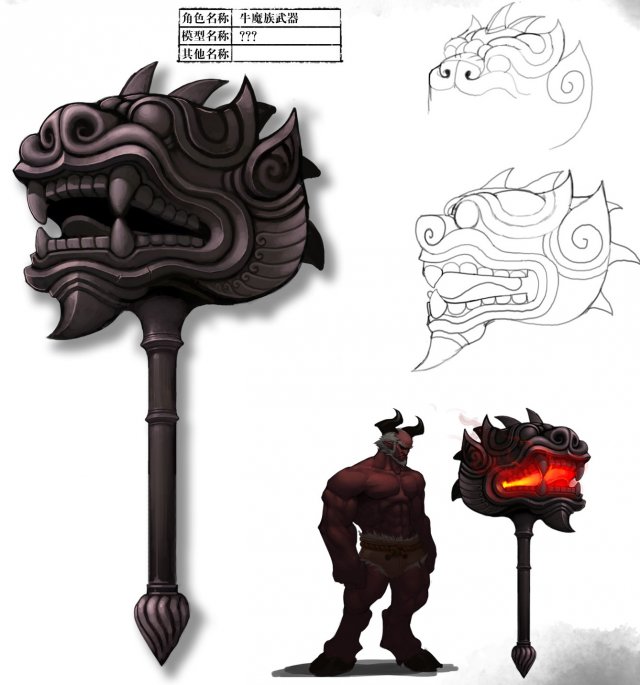
Low poly 3D games – Weapons – Hammers 3D Model
Low poly game character 3D modelWith textures and UV.Use the software: 3Dmax 2009Export Format: 3DS FBX OBJPolygons/Vertices: Take a look at the screenshotFor more cool 3D models, please click on my avatar content.
-
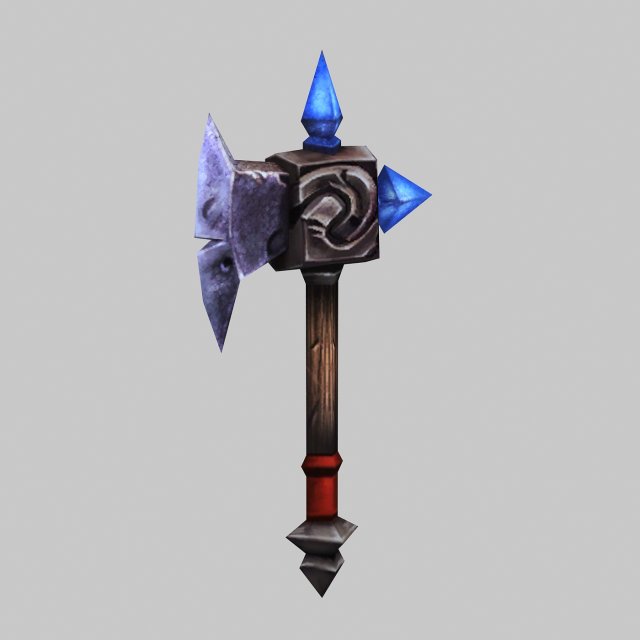
Low poly 3D games – Weapons – Axe 01 3D Model
Low poly game character 3D modelWith textures and UV.Use the software: 3Dmax 2009Export Format: 3DS FBX OBJPolygons/Vertices: Take a look at the screenshotFor more cool 3D models, please click on my avatar content.
-
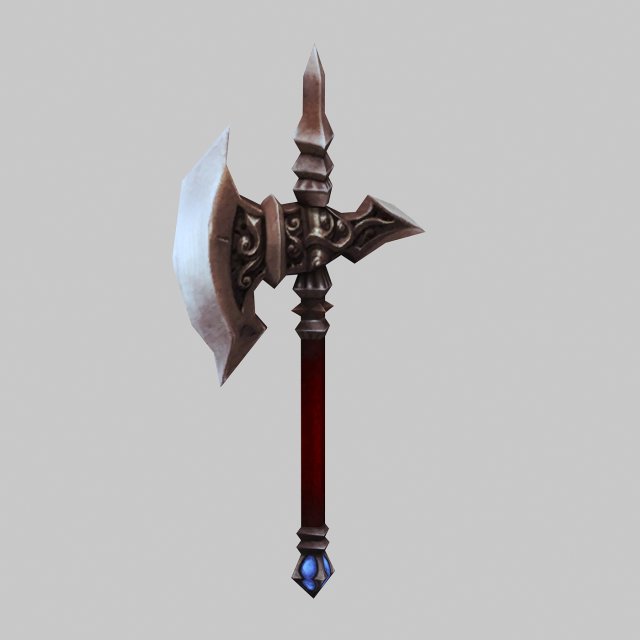
Low poly 3D games – Weapons – Axe 02 3D Model
Low poly game character 3D modelWith textures and UV.Use the software: 3Dmax 2009Export Format: 3DS FBX OBJPolygons/Vertices: Take a look at the screenshotFor more cool 3D models, please click on my avatar content.
-
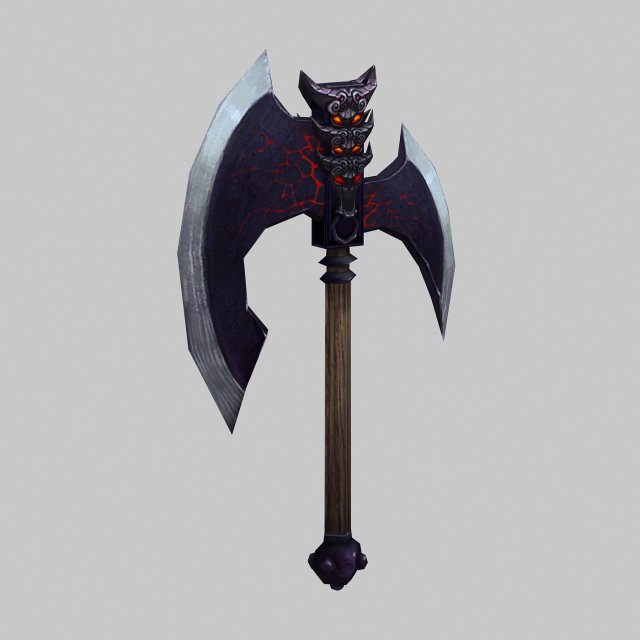
Low poly 3D games – Weapons – Axe 03 3D Model
Low poly game character 3D modelWith textures and UV.Use the software: 3Dmax 2009Export Format: 3DS FBX OBJPolygons/Vertices: Take a look at the screenshotFor more cool 3D models, please click on my avatar content.
-
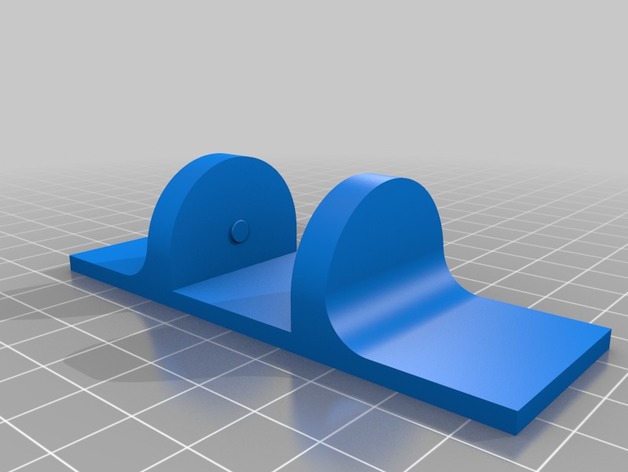
Feet for a 120mm fan 3D Print Model
Summary
Just like my other set of feet, but these are bigger feets for a bigger fan. All the better to blow you more. 😛
Print Settings
Printer Brand:
Creality
Printer:
CR-10S
Rafts:
No
Supports:
No
Resolution:
1.5
Infill:
20% -
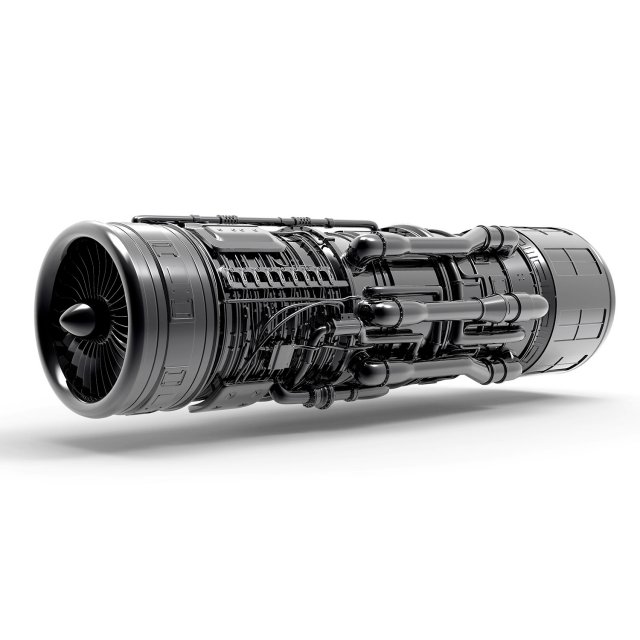
Aircraft Engine 3D Model
Aircraft EngineCreated in 3ds Max 2013 and rendered in Keyshot with Black Chrome material.Model is high resolution ready and suitable for extreme close-ups renders.Subdivision-ReadyThe Meshsmooth/Turbosmooth/Subdivide function can be used to increase detailFile Formats:- 3ds Max 2013- 3ds Max 2010- OBJ- FBX
-
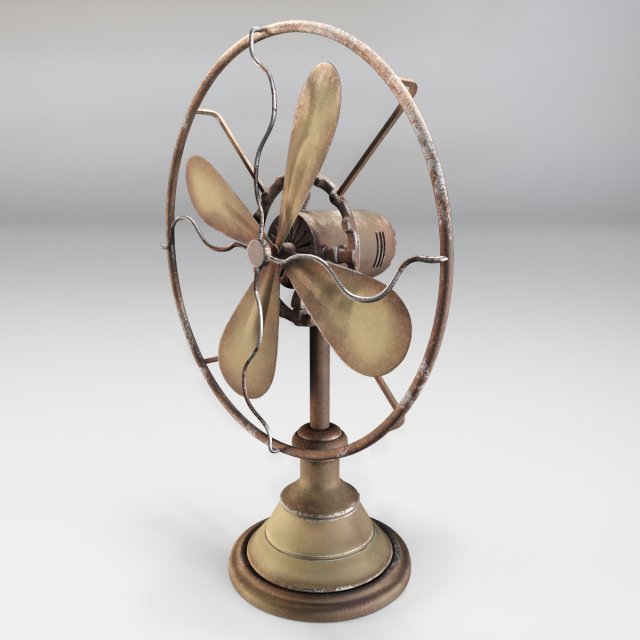
Ventilator Retro 3D Model
-No any third party plug-in used-No extra elements included with model-Lights and cameras are not included with model-HDRI map doesn’t included with modelMax Corona scene includes:- 1 Object(s)- 6 PNG textures at 4096×4096. All textures are PBR.Blender Cycles scene:- 1 Object(s)- 6 PNG textures at 4096×4096. All textures are PBR.Matlib archive includes:-2 sets of textures,2048×2048 PNG,512×512 PNG – for each scene. All textures are PBR.All objects are real-world scale.All scenes in “cm”.All priview images are rendered with Corona Render.
-
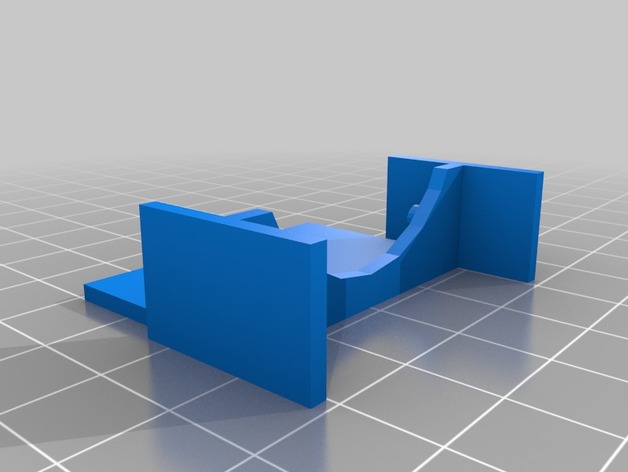
Wanhao/Monoprice i3 Mini Fan Shroud (Mk 2) 3D Print Model
Summary
This product allows i3 Mini users to effectively turn off print cooling and then turn it back on once the initial layer is finished. Without stopping the print or making permanent mods to the machine! This part can drastically improve bed adhesion on the lovable i3 Mini.
The i3 Mini lacks a second fan for cooling the printed filament. Instead it has a baffle that splits the airflow from a single fan onto the build bed as well as the hotend. This design choice likely helps to keep the i3 Mini inexpensive, but also creates a major flaw in that there is no control over print cooling as the one fan must remain on at all times to control the hotend temperature.
I found that the i3 Mini therefore required a fair amount of work to get decent bed adhesion. Blue tape, glue, slow speeds, etc were all necessary to get a usable initial layer. Unless the airflow is blocked from reaching the build plate. So I created this fan shroud which slides on and off easily; allowing the user to effectively turn off the fan for the first couple layers (or the entire build if so desired). Once a solid layer is complete and print cooling is needed, the user only needs to gently tug the shroud off and the rest of the build goes as expected without interruption.
Print Settings
Printer Brand:
Wanhao
Printer:
i3 Mini
Rafts:
No
Supports:
Yes
Resolution:
0.4mmW x 0.2mmH x 60mm/s
Infill:
Parallel Lines, 20% -
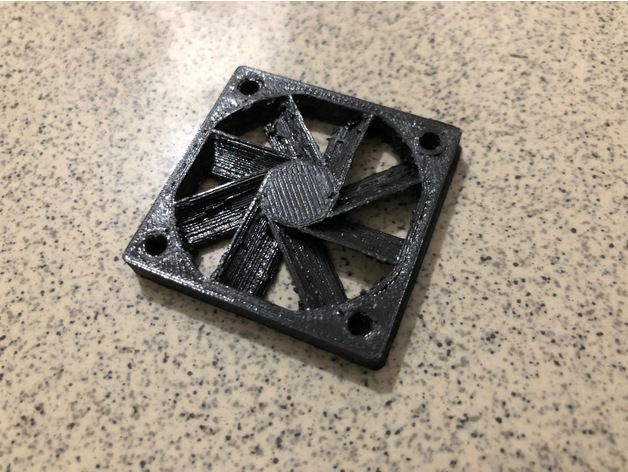
40mm fan shrouds 3D Print Model
Summary
I used this things – https://www.thingiverse.com/thing:2429022 to modified for the 40mm fan since it look like having the best design for the fan shrouds -
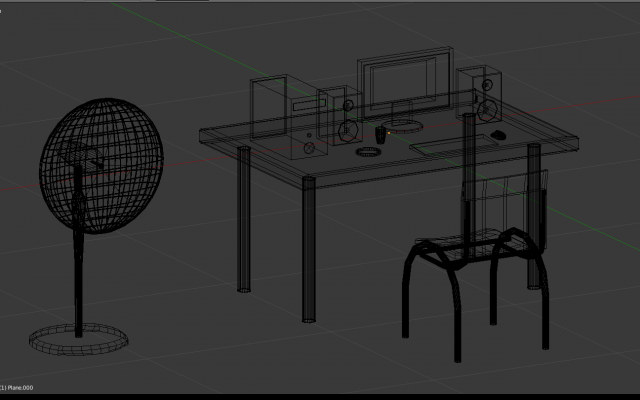
Working place 3D Model
Working place:Ashtray – *fbxPoly – 290, Vert – 320Chair – *fbxPoly – 1420, Vert – 1604Cup – *fbxPoly – 211, Vert – 246Fan – *fbxPoly – 5934, Vert – 5004Keyboard – *fbxPoly – 9, Vert – 14Monitor -Poly – 60, Vert – 80Mouse – *fbxPoly – 1944, Vert – 1946PC – *fbxPoly – 51, Vert – 68Speakers – *fbxPoly – 280, Vert – 364Table – *fbxPoly – 94, Vert – 152Total – *blendPoly – 10293, Vert – 9798Texture pack for Unity 5, Unreal Engine 4Created in blender
-
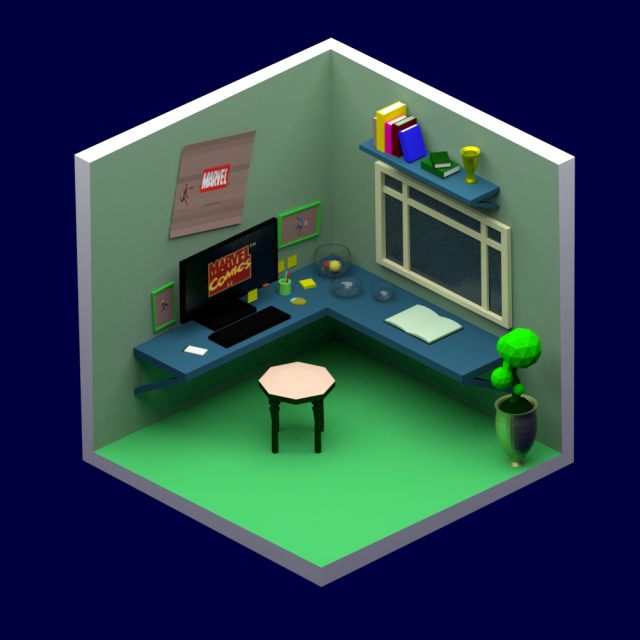
Marvel fan room 3D Model
Information about the frameThe scene is made in a blender 3 d, suitable for any kind of use. Images were visualized using – CyclesGeometryhigh resolution model and ready for close-up – all objects are named and organized by layers MaterialsThe scene uses the materials of V-Ray Customizelighting – included lighting setup studioContact Turbosquid support if you need help in file formats Please check out my catalog to find out more. If you like this model, I ask you to evaluate it This is a computer 3D-model – this is not a real object of life.
-
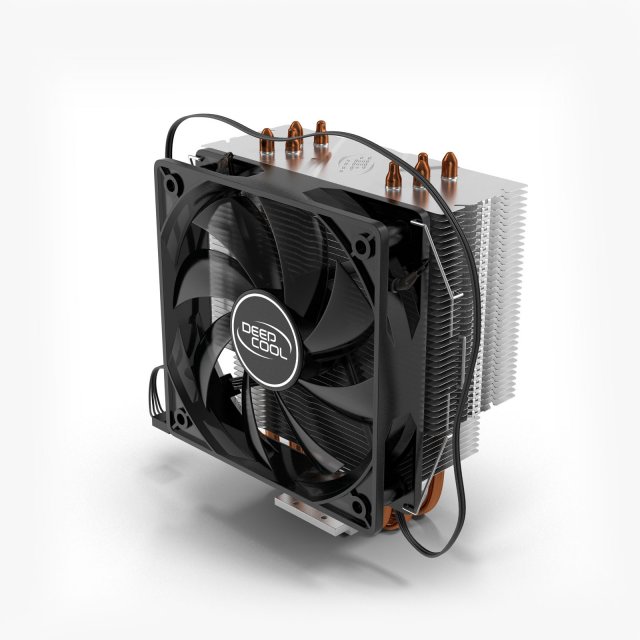
Deepcool Gammaxx 400 3D Model
“Deepcool Gammaxx 400” is a high quality model.Comes with detailed textures. Good enough for close up shots! Final images rendered with V-Ray.********************************- Model, textures and materials have logical names.- Correctly scale of the original objects.- The TurboSmooth function can be used to increase mesh resolution if necessary.- Available for Autodesk 3DS Max 2012 and above.- No special plugin needed to open scene.- No missing files.********************************Maps: 11Maps formats: PNG (.png)Maps size: 4096Polys: 165910Verts: 165386Tris: 331756Units: cm********************************File formats:- 3DS Max 2012 (V-Ray 2.30)- FBX- OBJ********************************Thank you for your purchase.********************************https://www.youtube.com/watch?v=5zkIFW_qnE0&index=26&list=PL3SOp1u9MKX6mtSLTQRdZ7tOIqe5KKE-H&t=0s
-
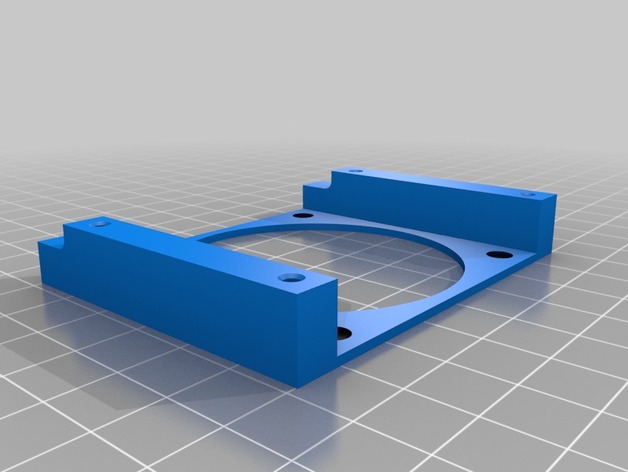
Amcrest NVR Fan Mount 3D Print Model
Summary
This is a fan mount for an Amcrest NVR unit NV4432E. Amcrest unit ships with only one fan and one bracket. Stock fan is loud. now you can install two quieter fans. Only a 10mm wide fan will fit on the one side. Fans are 60mmx60mmx10mm or 15mm -
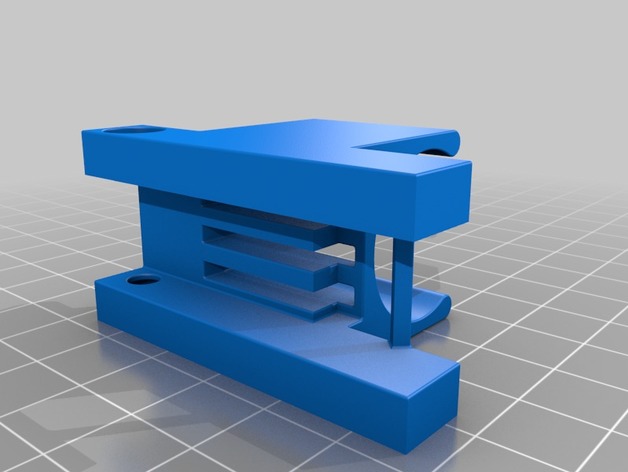
centrifugal fan hotend support 3D Print Model
Summary
centrifugal fan support for E3D hotendOverview and Background
-
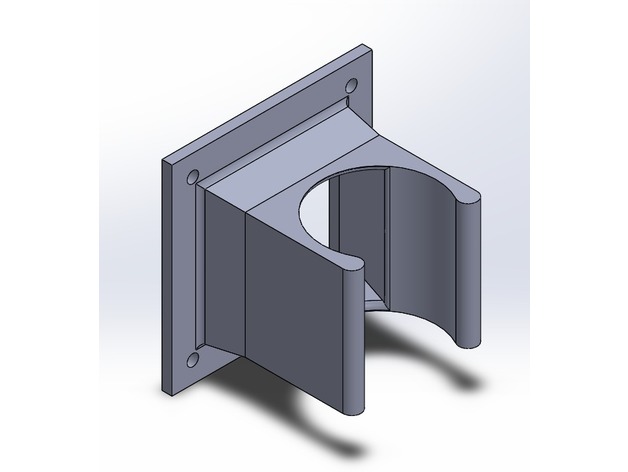
axial fan support for E3D hotend (40×40) 3D Print Model
Summary
axial fan support for E3D hotend 40×40 -
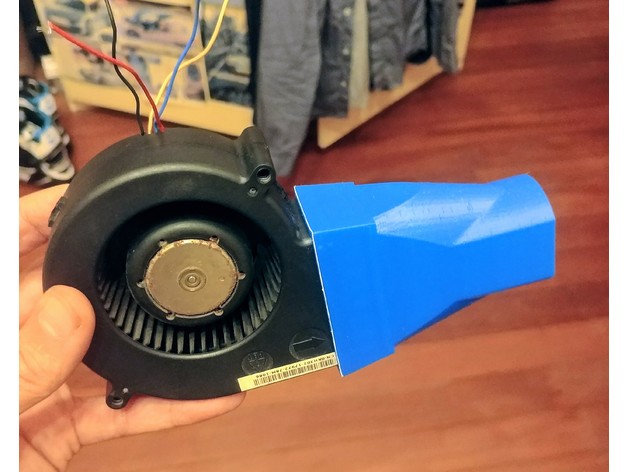
BBQ 97mm to 40mm Blower Server Fan Duct press fit 1012 KH302 3D Print Model
Summary
this should also fit ANY fan with a output size of ~58mm x ~33mm
i designed this blower duct to attach to a Delta KH302 BFB1012EH blower fan, to use for stoking a fire pit which had a 50mm pipe put through it with air holes. to allow the middle of the fire to suck in air from outside
the outside of the top circle is 40mm and 33mm between the two flat sides.
it is a press fit onto the output of the fan.
thickness of the walls is about 2mm, however it does get quite thin in a couple of spots where the fan presses in.
Haribo Prusa i3 mk2
printed at 60mm/s
0.2mm layers
ABS @ 245C with a 40% fan in a enclosure which reaches about 50C
supports are required for the lip where the fan pushes in until.
this lip is about the same thickness as the fan case, so has a nice smooth airflow.
yet to test this on the fire pit, hoping that a 12v 3amp fan, moving a lot of air through the plastic will keep it cool enough to not melt. (thus why the walls are only 2mm thick)
Print Settings
Printer Brand:
Prusa
Printer:
Prusa Clone
Rafts:
No
Supports:
Yes
Resolution:
0.2
Infill:
20% -

Rick and Morty pack2 3D Model
Rick and Morty Bust-Mask 3D print modelRick and Morty Bust-Mask pack (Six (6) STL files, 3 Rick’s heads and 3 Mortys heads with random emotions)May be used for 3d printing, Molds, Rendering, Architecture decoration, Jewelry design etc.The model measures (by default):Width: 137 – 140 mmHeight: 150 – 200 mmSTL file characteristic:Polys: 149426 – 186064Points: 93034 – 84590If you need to change the size, you can always load the model in any 3D package and scale it !!!If you have any questions about this, please write about this to me!Rick and Morty is an American adult animated science fiction comedy series created by Justin Roiland and Dan Harmon for Cartoon Network’s late-night programming block Adult Swim. The series follows the misadventures of cynical mad scientist Rick Sanchez and his fretful, easily influenced grandson Morty Smith, who split their time between domestic life and interdimensional adventures. The series premiered on December 2, 2013, and the third season concluded on October 1, 2017. A fourth season has been mentioned, first by Harmon in a September 2017 interview, and later in the post-credits scene of the third season’s finale, but as of April 2018 its schedule is yet uncertain.Roiland voices the eponymous characters, with Chris Parnell, Spencer Grammer, and Sarah Chalke voicing the rest of the family. The series originated from an animated short parody film of Back to the Future, The Real Animated Adventures of Doc and Mharti, created by Roiland for Channel 101, a short film festival co-founded by Harmon. When Adult Swim approached Harmon for television show ideas, he and Roiland decided to develop a program based on the short. The series has received universal acclaim for its originality, creativity, and humor.
-
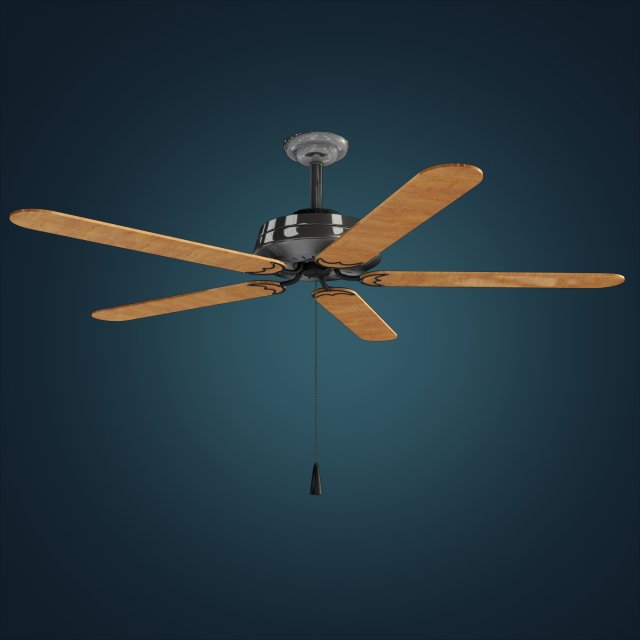
Ceiling Fan 3D Model
Ceiling wooden fanFormats in:OBJ, FBX (both low and High meshes), C4D scene and a lit scene in Maya(ma/mb).
-
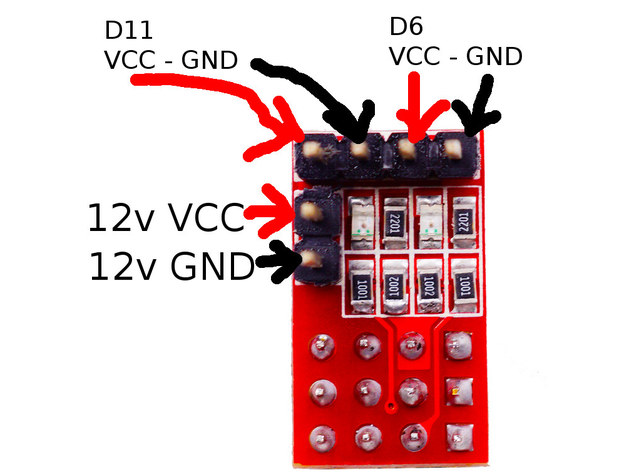
RAMPS RRD Fan Extender Expansion Module – NOTES 3D Print Model
Summary
There is a bunch of conflicting information around relating to these fan extender boards, and at least two different types that look very similar. Note the position of LEDs and components on this board.
I was concerned about plugging the 12v input in backwards, and ended up needing to find out the hard way, which wasn’t actually hard and didn’t release any magic smoke.
Adding this to the search result noise for completeness. -
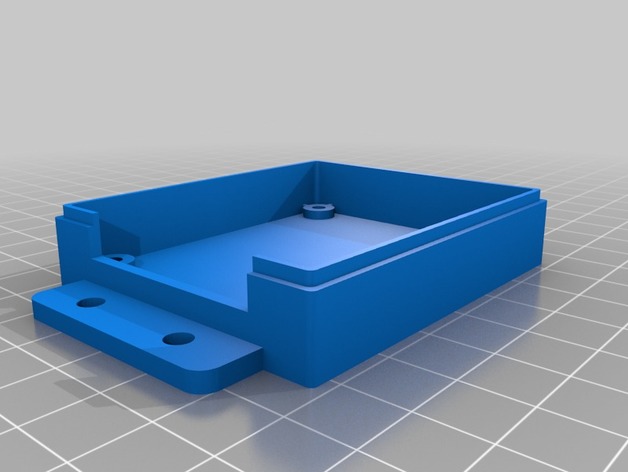
Single Mosfet Case – No Fan 3D Print Model
Summary
I have modified this case since the wiring hole wasn’t big enough for my needs.
If you rotate the parts there’s no need for supports.
Print Settings
Printer Brand:
TEVO
Printer:
Tarantula
Rafts:
No
Supports:
No
Resolution:
0.2
Infill:
10 -
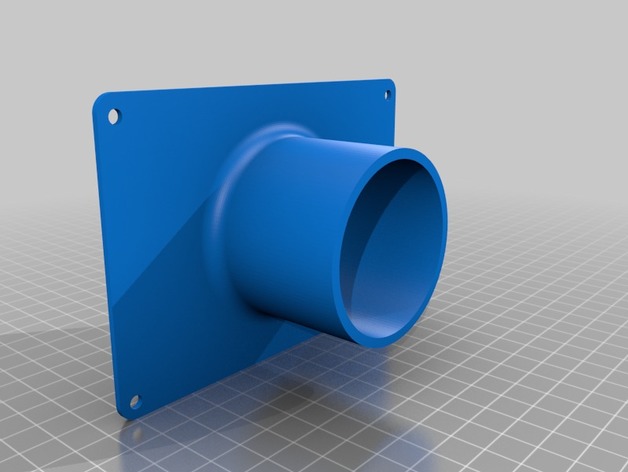
Anycubic Photon Back Fan Vent Mount 3D Print Model
Summary
Back Vent for the Photon Anycubic printer to extract fumes from the machine.
2mm thick base, Pipe connector external diameter is 57.5mm (2.5 Inch)
It has a 2.5 Inch connector.
Print Settings
Printer:
Anycubic I3 Mega
Rafts:
Doesn’t Matter
Supports:
Doesn’t Matter
Infill:
20% minimum
Notes:
You will need to sand/file the holes before installing to ensure proper fit.
Post-PrintingHow I Designed This
Fusion 360