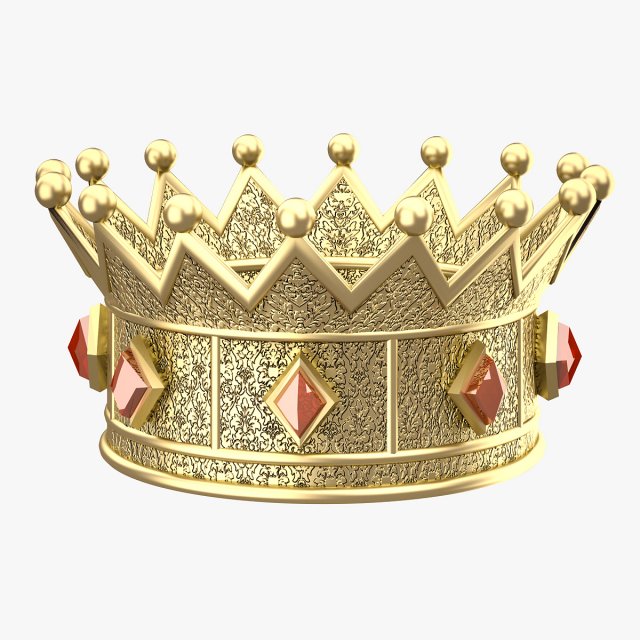
Modelled : 3ds Max 2013Rendered : 3ds Max 2013 – Vray 2.30Files : .max (2010, 2011, 2012, 2013).fbx.obj.mtland Textures(c) 3D_SB 2016
Tag: embossed
-
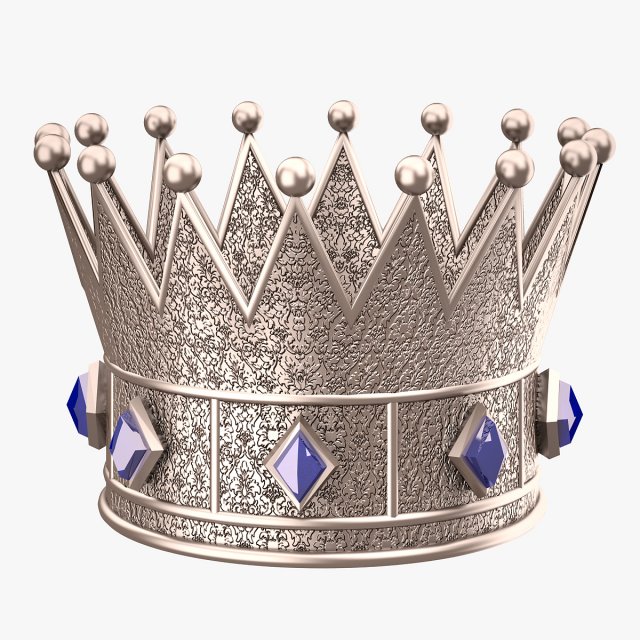
Prince Silver Crown 3D Model
Modelled : 3ds Max 2013Rendered : 3ds Max 2013 – Vray 2.30Files : .max (2010, 2011, 2012, 2013).fbx.obj.mtland Textures(c) 3D_SB 2016
-
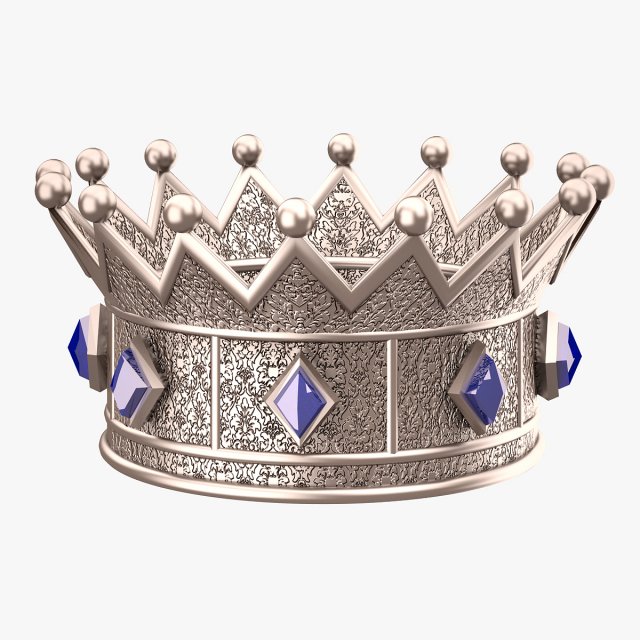
Princess Silver Crown 3D Model
Modelled : 3ds Max 2013Rendered : 3ds Max 2013 – Vray 2.30Files : .max (2010, 2011, 2012, 2013).fbx.obj.mtland Textures(c) 3D_SB 2016
-

King Gold Crown 3D Model
Modelled : 3ds Max 2013Rendered : 3ds Max 2013 – Vray 2.30Files : .max (2010, 2011, 2012, 2013).fbx.obj.mtland Textures(c) 3D_SB 2016
-
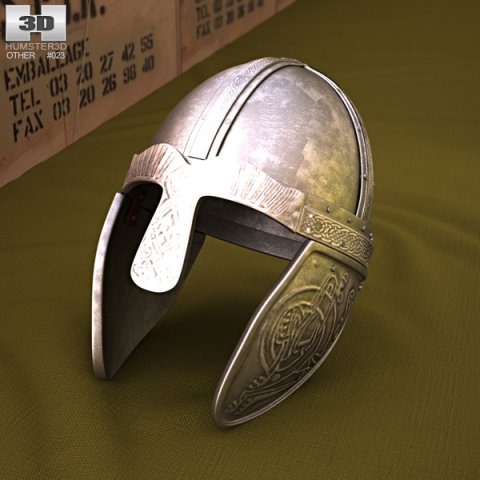
Embossed Viking Helmet 3D Model
The 3D model was created on real base. It’s created accurately, in real units of measurement, qualitatively and maximally close to the original.Model formats:- *.max (3ds Max 2008 scanline)- *.max (3ds Max 2008 vray)- *.fbx (Multi Format)- *.obj (Multi Format)- *.3ds (Multi Format)- *.mb (Maya 8.5)- *.lwo (Lightwave 6)- *.c4d (Cinema 4D 11)* renders Are made in 3ds Max 2008 using vray 1.5 (studio environment is not included in the set)If you need any other formats we are more than happy to make them for you.The model is provided combined, all main parts are presented as separate parts therefore materials of objects are easy to be modified or removed and standard parts are easy to be replaced. If you experience difficulties with separating standard parts we are more than happy to give you qualified assistance.We greatly appreciate you choosing our 3D models and hope they will be of use.We look forward to continuously dealing with you.Sincerely Yours,Hum3D Team
-

Hollow Metal Door Embossed Doors Collection model 3D Model
Collection of 3 Hollow Metal Embossed Doors (Each model also sold separately)-Each individual model is in a zip file with other exported formatsFormats Include: .max, .3ds, .obj, .fbx-Hollow Metal Door-025: Polygons: 12,719, Vertices: 14,644: Embossed Doors w. 6 Panels-Hollow Metal Door-026: Polygons: 11,100, Vertices: 13,027- Embossed Doors w. 2 Panels-Hollow Metal Door-027: Polygons: 11,792, Vertices: 14,605-Embossed Doors w. 4 Panels-Doors Include everything shown in renderings including door closer-Modeled to Scale and Dimensions: 3′-0′ x 7′-0′, Can easily be adjusted for different size.-Modeled in 3ds Max 2015 and rendered in Vray.-Door and Frame Colors can easily be changed-Door Edges on Embossed Panel have a vrayedges material to make the lines pop more-All objects grouped for easy scene movement-Model Placed at 0,0,0 axis-Doors can be opened, open group, and pivot point for rotation are the hinges. If pivot point gets reset it can be readjusted by going to:Hierarchy—Affect Pivot Point—Use move command to move pivot to center of Hinges-To rotate door and door closer: Open Group, Select Door and rotate to desired location, open door group and you will have to rotate ‘Door Closer-0XXA’ & Door Closer-0XXB’ to a position where they meet in the center, pivot is already set to their rotation location.Enjoy!
-
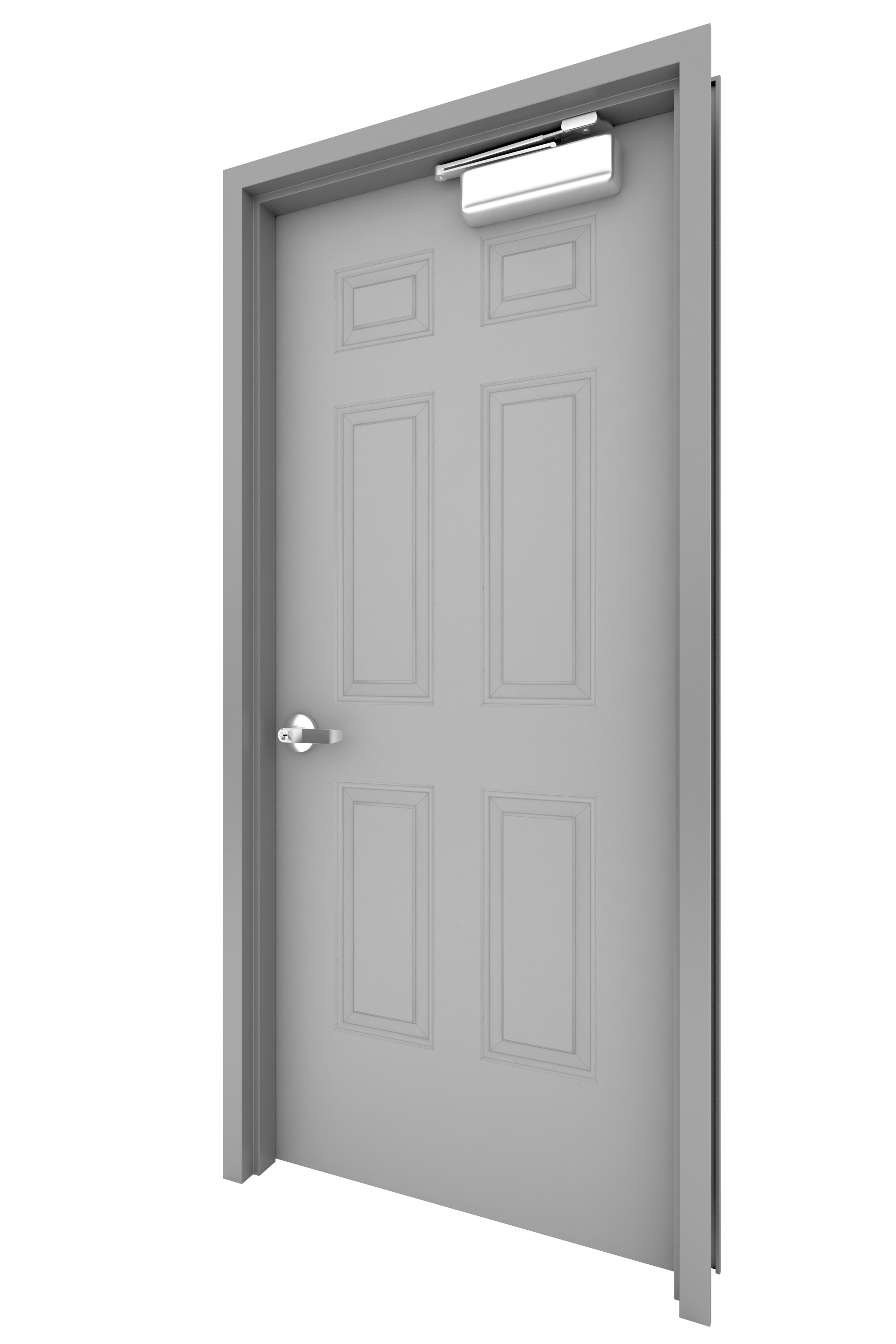
Hollow Metal Door-025 3D Model
Embossed 6 Panel Hollow Metal Door W. Door Closer.High Detail ModelDoors Can be opened.Door Includes Door Closer, Knob, Strike Plate, Hinges, Hollow Metal Door Frame-Modeled to Scale and Dimensions: 3′-0′ x 7′-0′-Modeled in 3ds Max 2015 and rendered in Vray.-All objects grouped for easy scene movement-Model Placed at 0,0,0 axis-Doors can be opened, open group, and pivot point for rotation are the hinges. If pivot point gets reset it can be readjusted by going to:Hierarchy—Affect Pivot Point—Use move command to move pivot to center of Hinges-To rotate door and door closer: Open Group, Select Door and rotate to desired location, open door group and you will have to rotate ‘Door Closer-0XXA’ & Door Closer-0XXB’ to a position where they meet in the center, pivot is already set to their rotation location.Enjoy!