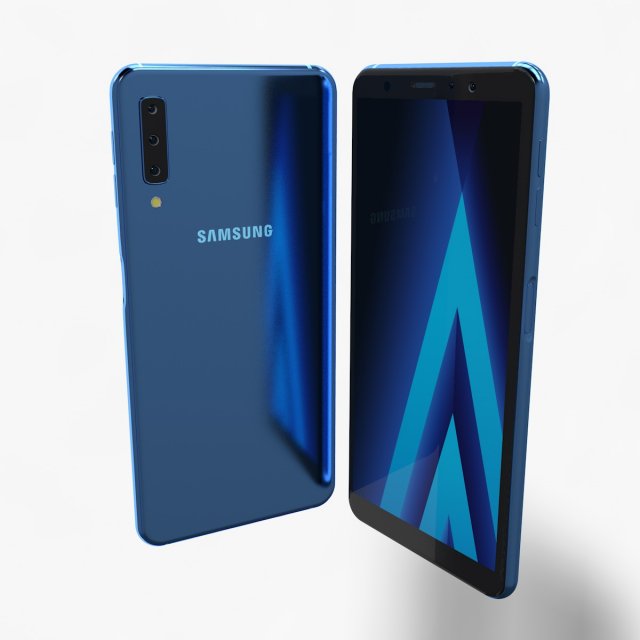
Samsung Galaxy A7 2018 Element 3D V 2.2 modelI give prepared-after effects project as a gift in 13 and 18 versions.Also I made ‘Samsung Galaxy A7 2018 ELEMENT 3D’ file open in all 3d versions. I exported to model without performing subdivision surface.To support low-poly , you can get high quality one opening subdivision surface.I created model in pieces and real sizes that you can create animations.It’s a high quality model work, supports low poly, created by cinema 4D.You can increase quality using subdivision surface.Im trying yo develop myself in 3D projects also trying to give you my works controlling issues and fixing them. Im trying to do best.I will be happy when you rate and comment on my works.After Effects Element 3D and supports file formats are available.Poly = 19758Vertex = 19909Formats :.c4d.3ds.stl.obj.fbx.dxf.aep(CC18)
Tag: edge
-
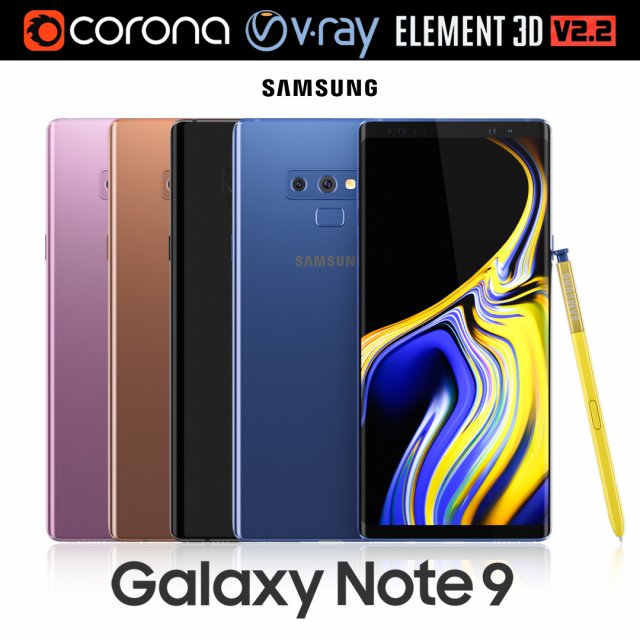
Samsung GALAXY Note 9 all colors 3D Model
Realistic (copy) 3d model of Samsung Galaxy Note 9 all colors.This set:3D element v2.2The model given is easy to use- 1 file obj standard- 1 file 3ds Max 2013 vray material- 1 file 3ds Max 2013 corona material- 1 file of 3Ds- file e3d full set of materials, like a previewHow to use it?1. Discovery after the impact of CC 2014 (or above) and create a new composition (you need Element3D v2.2 to use)2. Create a new solid layer and add the effect of the elements. (Effect / Video Copilot / Element)3. Select Install Location4. Click on the import inside the Element3D Installation location5. Select my .e3d according to the model and click on the open button.If you do not see the model, do not forget to right click on the model name and press the replace model select.Topology of geometry:- forms and proportions of The 3D model- the geometry of the model was created very neatly- there are no many-sided polygons- detailed enough for close-up renders- the model optimized for turbosmooth modifier- Not collapsed the turbosmooth modified- apply the Smooth modifier with a parameter to get the desired level of detailMaterials and Textures:- 3ds max files included Vray-Shaders- 3ds max files included Corona-Shaders- file e3d full set of materials- all texture paths are clearedOrganization of scene:- to all objects and materials- real world size (system units – mm)- coordinates of location of the model in space (x0, y0, z0)- does not contain extraneous or hidden objects (lights, cameras, shapes etc.)Excellent renders to you!
-
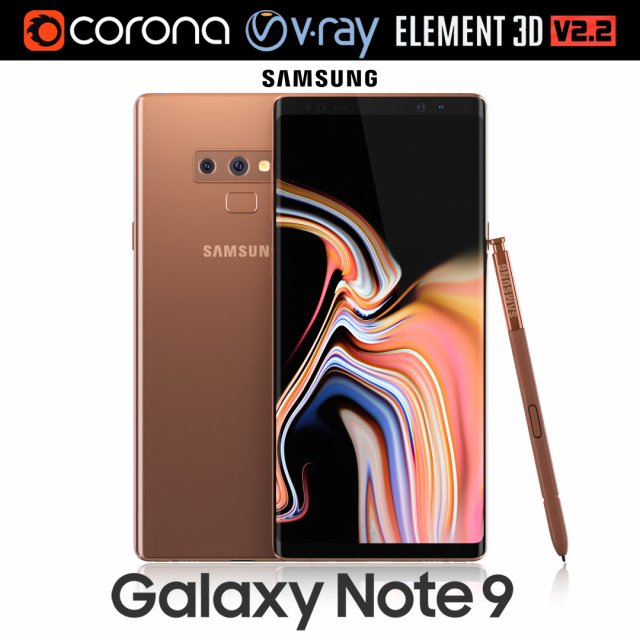
Samsung GALAXY Note 9 Metallic Copper 3D Model
Realistic (copy) 3d model of Samsung Galaxy Note 9 Metallic Copper .This set:3D element v2.2The model given is easy to use- 1 file obj standard- 1 file 3ds Max 2013 vray material- 1 file 3ds Max 2013 corona material- 1 file of 3Ds- file e3d full set of materials, like a previewHow to use it?1. Discovery after the impact of CC 2014 (or above) and create a new composition (you need Element3D v2.2 to use)2. Create a new solid layer and add the effect of the elements. (Effect / Video Copilot / Element)3. Select Install Location4. Click on the import inside the Element3D Installation location5. Select my .e3d according to the model and click on the open button.If you do not see the model, do not forget to right click on the model name and press the replace model select.Topology of geometry:- forms and proportions of The 3D model- the geometry of the model was created very neatly- there are no many-sided polygons- detailed enough for close-up renders- the model optimized for turbosmooth modifier- Not collapsed the turbosmooth modified- apply the Smooth modifier with a parameter to get the desired level of detailMaterials and Textures:- 3ds max files included Vray-Shaders- 3ds max files included Corona-Shaders- file e3d full set of materials- all texture paths are clearedOrganization of scene:- to all objects and materials- real world size (system units – mm)- coordinates of location of the model in space (x0, y0, z0)- does not contain extraneous or hidden objects (lights, cameras, shapes etc.)Excellent renders to you!
-
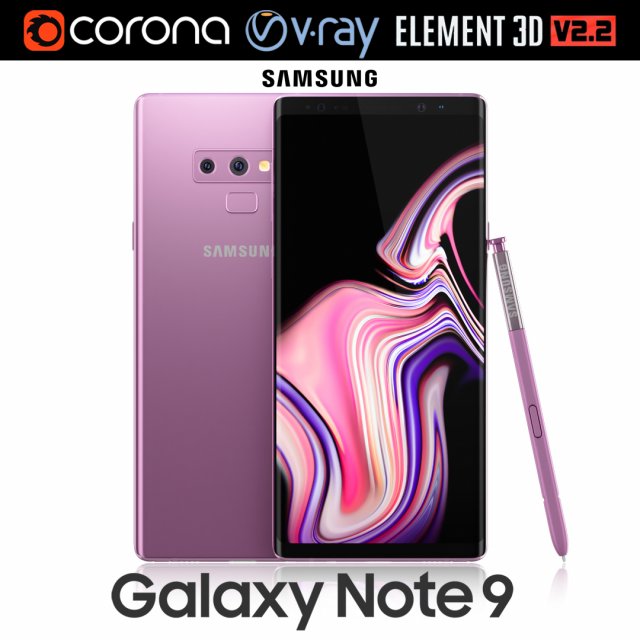
Samsung GALAXY Note 9 Lavender Purple 3D Model
Realistic (copy) 3d model of Samsung Galaxy Note 9 Lavender Purple .This set:3D element v2.2The model given is easy to use- 1 file obj standard- 1 file 3ds Max 2013 vray material- 1 file 3ds Max 2013 corona material- 1 file of 3Ds- file e3d full set of materials, like a previewHow to use it?1. Discovery after the impact of CC 2014 (or above) and create a new composition (you need Element3D v2.2 to use)2. Create a new solid layer and add the effect of the elements. (Effect / Video Copilot / Element)3. Select Install Location4. Click on the import inside the Element3D Installation location5. Select my .e3d according to the model and click on the open button.If you do not see the model, do not forget to right click on the model name and press the replace model select.Topology of geometry:- forms and proportions of The 3D model- the geometry of the model was created very neatly- there are no many-sided polygons- detailed enough for close-up renders- the model optimized for turbosmooth modifier- Not collapsed the turbosmooth modified- apply the Smooth modifier with a parameter to get the desired level of detailMaterials and Textures:- 3ds max files included Vray-Shaders- 3ds max files included Corona-Shaders- file e3d full set of materials- all texture paths are clearedOrganization of scene:- to all objects and materials- real world size (system units – mm)- coordinates of location of the model in space (x0, y0, z0)- does not contain extraneous or hidden objects (lights, cameras, shapes etc.)Excellent renders to you!
-
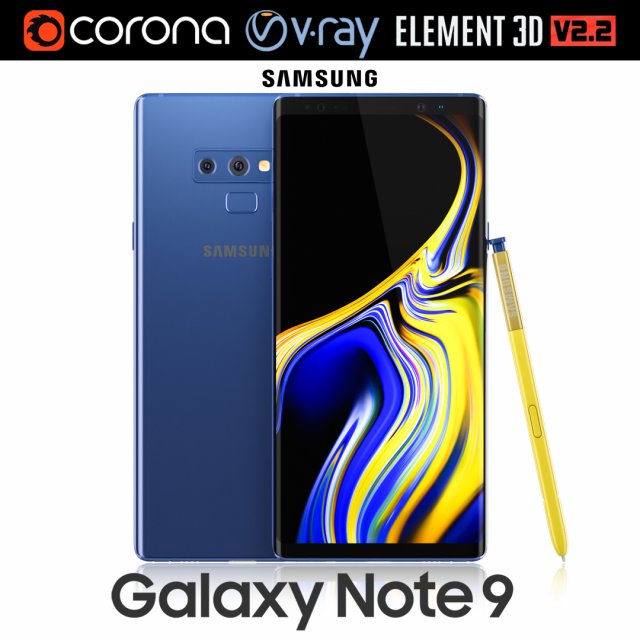
Samsung GALAXY Note 9 Ocean Blue 3D Model
Realistic (copy) 3d model of Samsung Galaxy Note 9 Ocean Blue .This set:3D element v2.2The model given is easy to use- 1 file obj standard- 1 file 3ds Max 2013 vray material- 1 file 3ds Max 2013 corona material- 1 file of 3Ds- file e3d full set of materials, like a previewHow to use it?1. Discovery after the impact of CC 2014 (or above) and create a new composition (you need Element3D v2.2 to use)2. Create a new solid layer and add the effect of the elements. (Effect / Video Copilot / Element)3. Select Install Location4. Click on the import inside the Element3D Installation location5. Select my .e3d according to the model and click on the open button.If you do not see the model, do not forget to right click on the model name and press the replace model select.Topology of geometry:- forms and proportions of The 3D model- the geometry of the model was created very neatly- there are no many-sided polygons- detailed enough for close-up renders- the model optimized for turbosmooth modifier- Not collapsed the turbosmooth modified- apply the Smooth modifier with a parameter to get the desired level of detailMaterials and Textures:- 3ds max files included Vray-Shaders- 3ds max files included Corona-Shaders- file e3d full set of materials- all texture paths are clearedOrganization of scene:- to all objects and materials- real world size (system units – mm)- coordinates of location of the model in space (x0, y0, z0)- does not contain extraneous or hidden objects (lights, cameras, shapes etc.)Excellent renders to you!
-
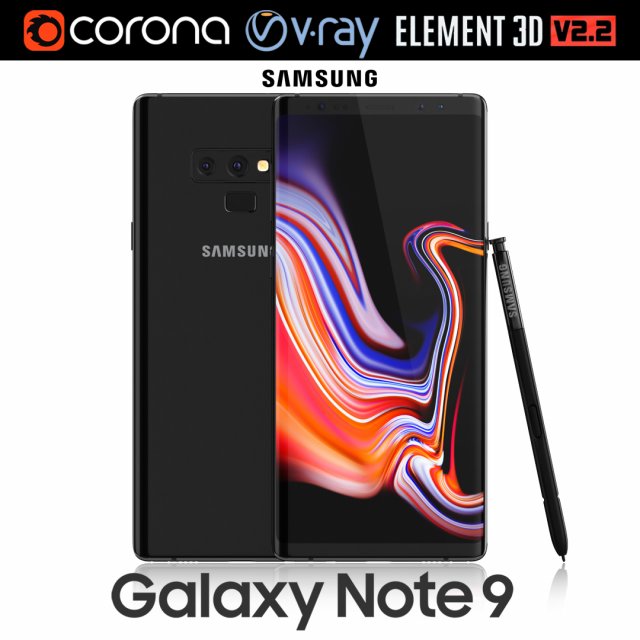
Samsung GALAXY Note 9 Midnight Black 3D Model
Realistic (copy) 3d model of Samsung Galaxy Note 9 Midnight Black .This set:3D element v2.2The model given is easy to use- 1 file obj standard- 1 file 3ds Max 2013 vray material- 1 file 3ds Max 2013 corona material- 1 file of 3Ds- file e3d full set of materials, like a previewHow to use it?1. Discovery after the impact of CC 2014 (or above) and create a new composition (you need Element3D v2.2 to use)2. Create a new solid layer and add the effect of the elements. (Effect / Video Copilot / Element)3. Select Install Location4. Click on the import inside the Element3D Installation location5. Select my .e3d according to the model and click on the open button.If you do not see the model, do not forget to right click on the model name and press the replace model select.Topology of geometry:- forms and proportions of The 3D model- the geometry of the model was created very neatly- there are no many-sided polygons- detailed enough for close-up renders- the model optimized for turbosmooth modifier- Not collapsed the turbosmooth modified- apply the Smooth modifier with a parameter to get the desired level of detailMaterials and Textures:- 3ds max files included Vray-Shaders- 3ds max files included Corona-Shaders- file e3d full set of materials- all texture paths are clearedOrganization of scene:- to all objects and materials- real world size (system units – mm)- coordinates of location of the model in space (x0, y0, z0)- does not contain extraneous or hidden objects (lights, cameras, shapes etc.)Excellent renders to you!
-
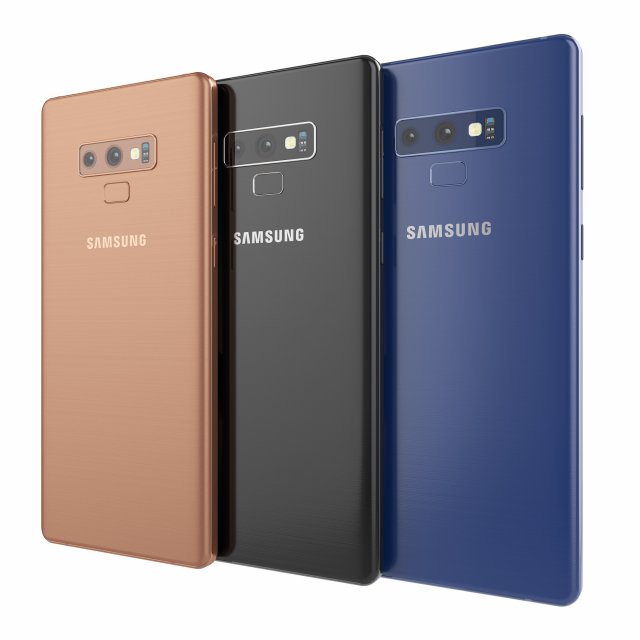
Samsung galaxy note 9 3D Model
Samsung galaxy note 9High resolution model. The model is made in Rhino. The render and materials in 3ds max and Corona renderer 2017. In scenes 3ds max 3 models with different colors. Available in blue, black and bronze color. Formats: 3ds max 2017, 2016, 2014, 3dm, obj, fbx and textures.
-
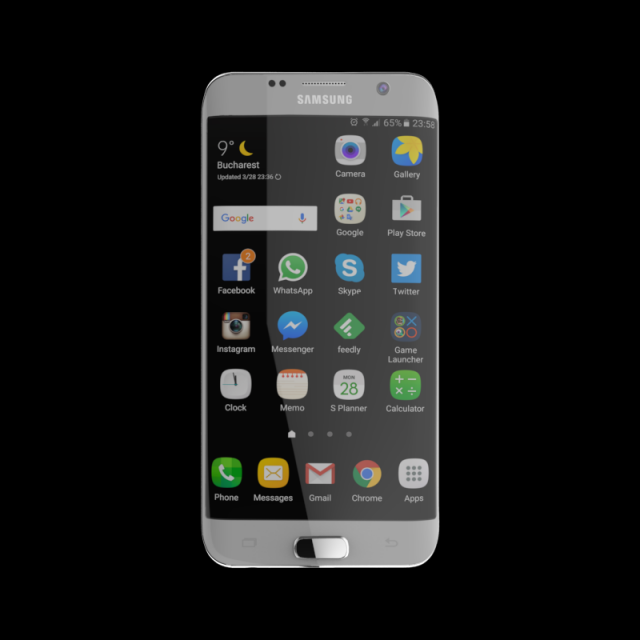
SAMSUNG GALAXY S7 EDGE 32 GB SILVER 3D Model
SAMSUNG_GALAXY_S7_EDGE_32_GB_SILVERPoly Count 77270Verts Count 79126Texture Size 4096 x 4096Material – YesUV Unwraped- MixedRigged- NoAnimation- NoFile Format- OBJ & FBX & STL & Maya File
-
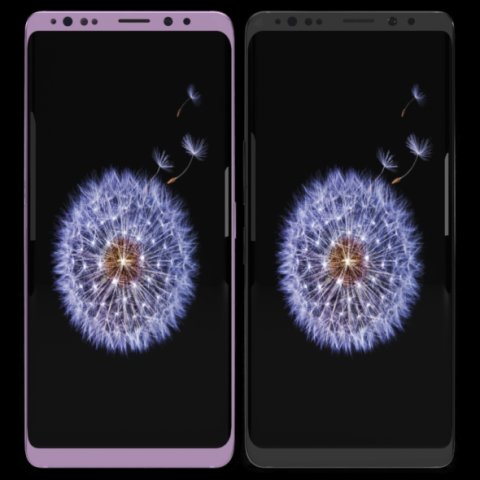
Samsung Galaxy S9 Plus Model 3D Model
This model has been created with high quality in cinema 4D.Im trying yo develop myself in 3D projects also trying to give you my works controlling issues and fixing them. Im trying to do best.Please feedback faulty works that I can help you.I will be happy when you rate and comment on my worksDetail about projects- You can put materials into objects without textures which have been exported by me except cinema 4D.(obj-3ds-flox are formats)Another objects use just one material and have uv map texture.You can color objects,with one material,have not got texture.Im listing objects and materials—————————————————————————Objects MaterialsBack — BodyCamera — Texture availableSceen –texture availableButtons.1 — BodyIris Sensor — Blue glass materialport — BodySound — Body wallSim cup — BodySockte frames — Body lineflash glass — Glasscam glass — GlassBack camera frame–Body grey and pinkBack camera frame.1– Body wall grey no reflectionBack camera frame2– Body wall grey no reflectionFlash set — Texture availableFlash yellow — Texture availableThank you.
-
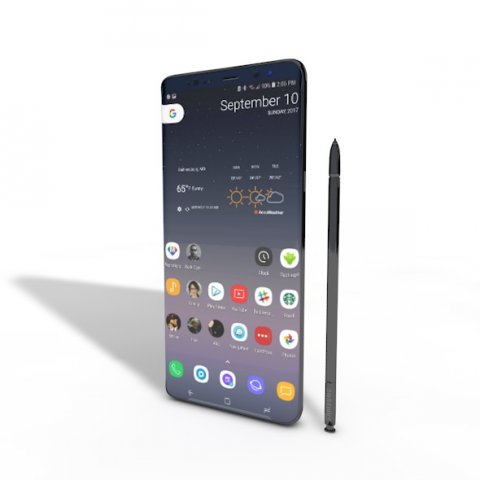
SAMSUNG NOTE 8 ELEMENT 3D V 22 3D Model
This high quality 3d model for Cinema 4D,3ds Max SAMSUNG NOTE 8 ELEMENT 3D V 2.2 File formats:-.3ds(multi format) -.fbx (multi format) -.obj (multi format) -.c4d – .e3d (element 3d) All parts of this model have been modelled separately to achieve as much realism as possible Please font’t forget to rate this item if you liked him.
-
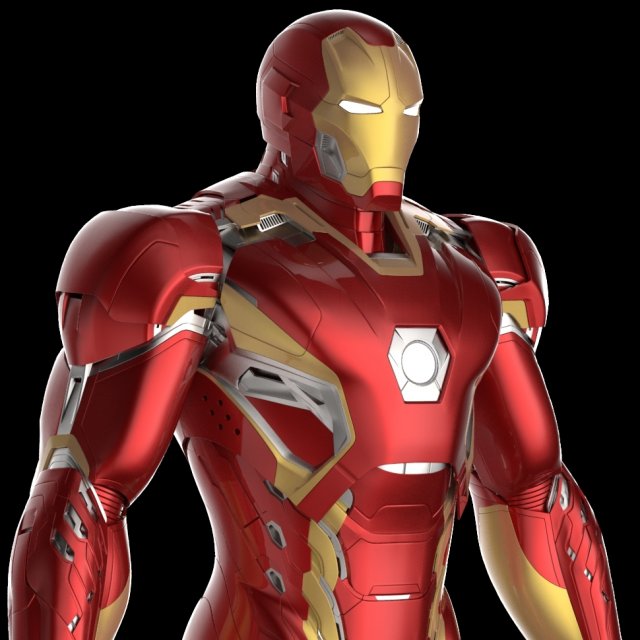
Mark 45 Iron Man Armor-Suit – Avengers Age of Ultron 3D Model
Product Features- V-Ray Materials- Scanline Materials- Clean Meshes- DetailsThis 3D model comes with different file formats (obj, 3ds, fbx and etc). Therefore, you may possibly use it for other 3D applications. However, depending on your software, you may be required to apply your own materials.This model does not come with any environment or lighting.
-
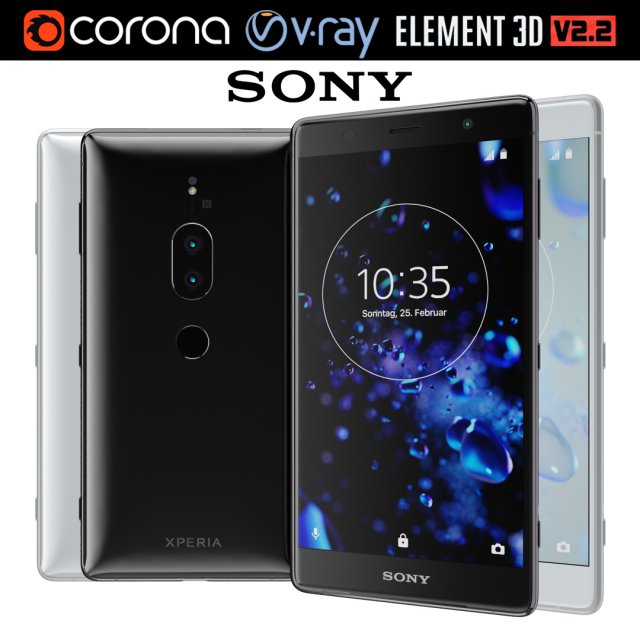
Sony Xperia XZ2 Premium all colors 3D Model
Realistic (copy) 3d model of Sony Xperia XZ2 Premium all colors.This set:3D element v2.2The model given is easy to use- 1 file obj standard- 2 file 3ds Max 2013 vray material- 2 file 3ds Max 2013 corona material- 1 file of 3Ds- 2 file e3d full set of materials, like a previewHow to use it?1. Discovery after the impact of CC 2014 (or above) and create a new composition (you need Element3D v2.2 to use)2. Create a new solid layer and add the effect of the elements. (Effect / Video Copilot / Element)3. Select Install Location4. Click on the import inside the Element3D Installation location5. Select my .e3d according to the model and click on the open button.If you do not see the model, do not forget to right click on the model name and press the replace model select.Topology of geometry:- forms and proportions of The 3D model- the geometry of the model was created very neatly- there are no many-sided polygons- detailed enough for close-up renders- the model optimized for turbosmooth modifier- Not collapsed the turbosmooth modified- apply the Smooth modifier with a parameter to get the desired level of detailMaterials and Textures:- 3ds max files included Vray-Shaders- 3ds max files included Corona-Shaders- file e3d full set of materials- all texture paths are clearedOrganization of scene:- to all objects and materials- real world size (system units – mm)- coordinates of location of the model in space (x0, y0, z0)- does not contain extraneous or hidden objects (lights, cameras, shapes etc.)Excellent renders to you!
-
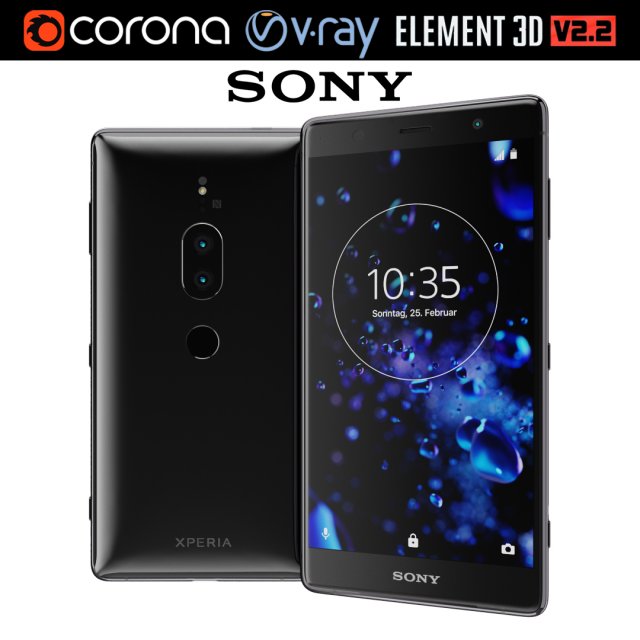
Sony Xperia XZ2 Premium black 3D Model
Realistic (copy) 3d model of Sony Xperia XZ2 Premium black.This set:3D element v2.2The model given is easy to use- 1 file obj standard- 1 file 3ds Max 2013 vray material- 1 file 3ds Max 2013 corona material- 1 file of 3Ds- file e3d full set of materials, like a previewHow to use it?1. Discovery after the impact of CC 2014 (or above) and create a new composition (you need Element3D v2.2 to use)2. Create a new solid layer and add the effect of the elements. (Effect / Video Copilot / Element)3. Select Install Location4. Click on the import inside the Element3D Installation location5. Select my .e3d according to the model and click on the open button.If you do not see the model, do not forget to right click on the model name and press the replace model select.Topology of geometry:- forms and proportions of The 3D model- the geometry of the model was created very neatly- there are no many-sided polygons- detailed enough for close-up renders- the model optimized for turbosmooth modifier- Not collapsed the turbosmooth modified- apply the Smooth modifier with a parameter to get the desired level of detailMaterials and Textures:- 3ds max files included Vray-Shaders- 3ds max files included Corona-Shaders- file e3d full set of materials- all texture paths are clearedOrganization of scene:- to all objects and materials- real world size (system units – mm)- coordinates of location of the model in space (x0, y0, z0)- does not contain extraneous or hidden objects (lights, cameras, shapes etc.)Excellent renders to you!
-
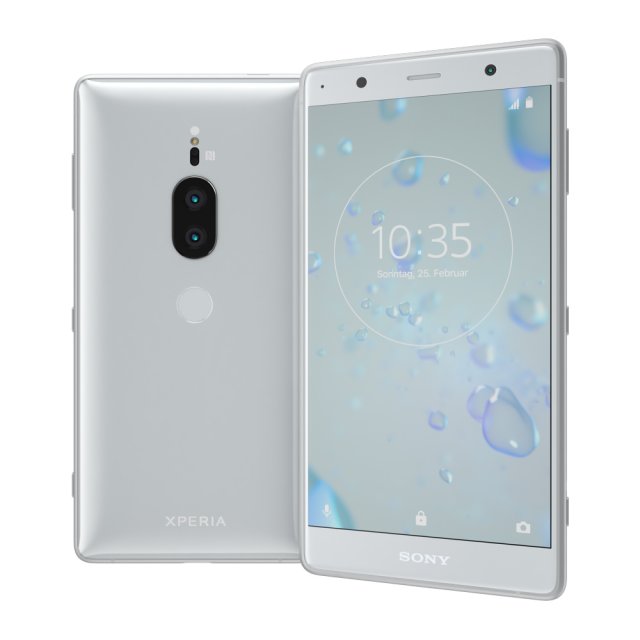
Sony Xperia XZ2 Premium silver 3D Model
Realistic (copy) 3d model of Sony Xperia XZ2 Premium silver.This set:3D element v2.2The model given is easy to use- 1 file obj standard- 1 file 3ds Max 2013 vray material- 1 file 3ds Max 2013 corona material- 1 file of 3Ds- file e3d full set of materials, like a previewHow to use it?1. Discovery after the impact of CC 2014 (or above) and create a new composition (you need Element3D v2.2 to use)2. Create a new solid layer and add the effect of the elements. (Effect / Video Copilot / Element)3. Select Install Location4. Click on the import inside the Element3D Installation location5. Select my .e3d according to the model and click on the open button.If you do not see the model, do not forget to right click on the model name and press the replace model select.Topology of geometry:- forms and proportions of The 3D model- the geometry of the model was created very neatly- there are no many-sided polygons- detailed enough for close-up renders- the model optimized for turbosmooth modifier- Not collapsed the turbosmooth modified- apply the Smooth modifier with a parameter to get the desired level of detailMaterials and Textures:- 3ds max files included Vray-Shaders- 3ds max files included Corona-Shaders- file e3d full set of materials- all texture paths are clearedOrganization of scene:- to all objects and materials- real world size (system units – mm)- coordinates of location of the model in space (x0, y0, z0)- does not contain extraneous or hidden objects (lights, cameras, shapes etc.)Excellent renders to you!
-
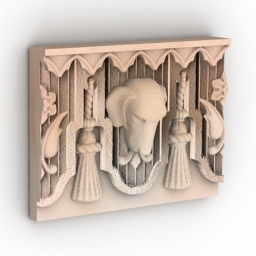
Frieze 3D Model
Additional Info: Frieze 4 N060518 – 3D model (*.gsm+*.3ds) for interior 3d visualization.
-
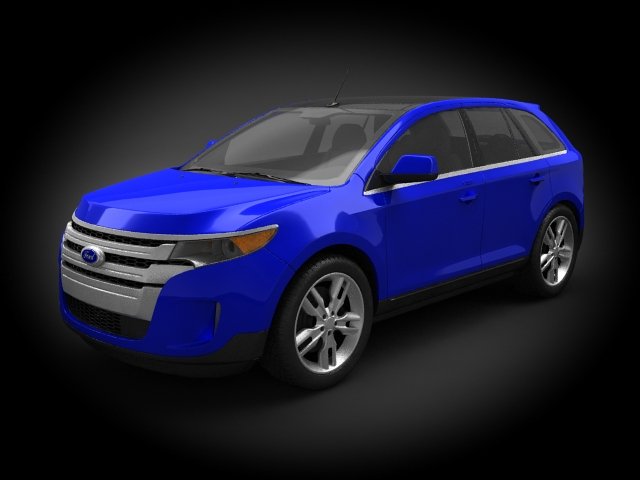
Ford Edge 2011 3D Model
Very accurate, detailed model (Exterior and Interior) plus ALL V-RAY STUDIO RENDER SCENE!Wire: SquaresFile archive contains (MAX Format):- Two MAX Files: one for vray render (Scene) and standart materials.- Texture maps.Formats:- MAX (3D Studio Max) – (Standart materials and Scene V-RAY materials);- C4D (Cinema 4D) – (Standart materials);- MB (Maya) – (Standart materials);- 3DS (Multi Format);Technical info:Polys: 244346Verts: 253730Originally modelled in 3D Studio Max.Final images rendered with V-Ray.
-
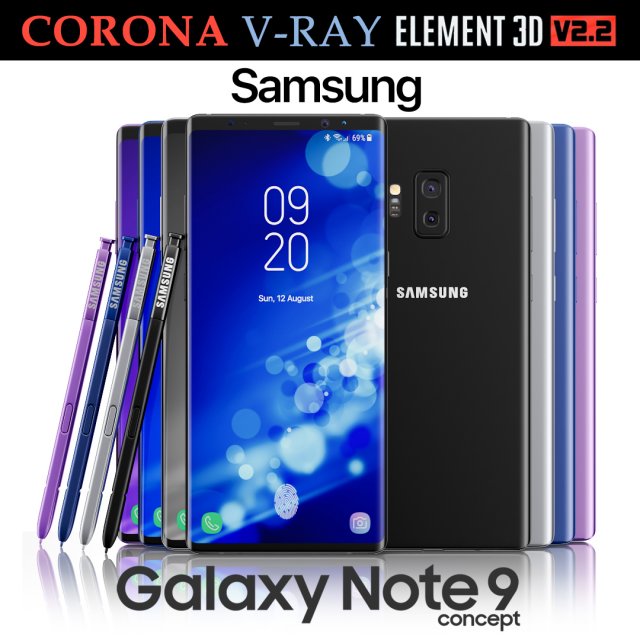
Samsung Galaxy Note 9 All colors Concept 3D Model
Realistic (copy) 3d model of Samsung Galaxy Note 9 All colors Concept.This set:3D element v2.2The model given is easy to use- 1 file obj standard- 1 file 3ds Max 2013 vray material- 1 file 3ds Max 2013 corona material- 1 file of 3Ds- file e3d full set of materials, like a previewHow to use it?1. Discovery after the impact of CC 2014 (or above) and create a new composition (you need Element3D v2.2 to use)2. Create a new solid layer and add the effect of the elements. (Effect / Video Copilot / Element)3. Select Install Location4. Click on the import inside the Element3D Installation location5. Select my .e3d according to the model and click on the open button.If you do not see the model, do not forget to right click on the model name and press the replace model select.Topology of geometry:- forms and proportions of The 3D model- the geometry of the model was created very neatly- there are no many-sided polygons- detailed enough for close-up renders- the model optimized for turbosmooth modifier- Not collapsed the turbosmooth modified- apply the Smooth modifier with a parameter to get the desired level of detailMaterials and Textures:- 3ds max files included Vray-Shaders- 3ds max files included Corona-Shaders- file e3d full set of materials- all texture paths are clearedOrganization of scene:- to all objects and materials- real world size (system units – mm)- coordinates of location of the model in space (x0, y0, z0)- does not contain extraneous or hidden objects (lights, cameras, shapes etc.)Excellent renders to you!
-
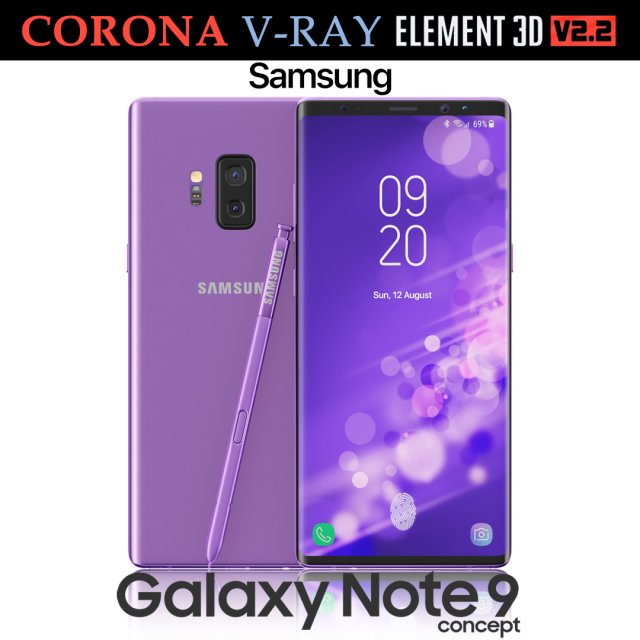
Samsung Galaxy Note 9 Purple Concept 3D Model
Realistic (copy) 3d model of Samsung Galaxy Note 9 Purple Concept.This set:3D element v2.2The model given is easy to use- 1 file obj standard- 1 file 3ds Max 2013 vray material- 1 file 3ds Max 2013 corona material- 1 file of 3Ds- file e3d full set of materials, like a previewHow to use it?1. Discovery after the impact of CC 2014 (or above) and create a new composition (you need Element3D v2.2 to use)2. Create a new solid layer and add the effect of the elements. (Effect / Video Copilot / Element)3. Select Install Location4. Click on the import inside the Element3D Installation location5. Select my .e3d according to the model and click on the open button.If you do not see the model, do not forget to right click on the model name and press the replace model select.Topology of geometry:- forms and proportions of The 3D model- the geometry of the model was created very neatly- there are no many-sided polygons- detailed enough for close-up renders- the model optimized for turbosmooth modifier- Not collapsed the turbosmooth modified- apply the Smooth modifier with a parameter to get the desired level of detailMaterials and Textures:- 3ds max files included Vray-Shaders- 3ds max files included Corona-Shaders- file e3d full set of materials- all texture paths are clearedOrganization of scene:- to all objects and materials- real world size (system units – mm)- coordinates of location of the model in space (x0, y0, z0)- does not contain extraneous or hidden objects (lights, cameras, shapes etc.)Excellent renders to you!
-
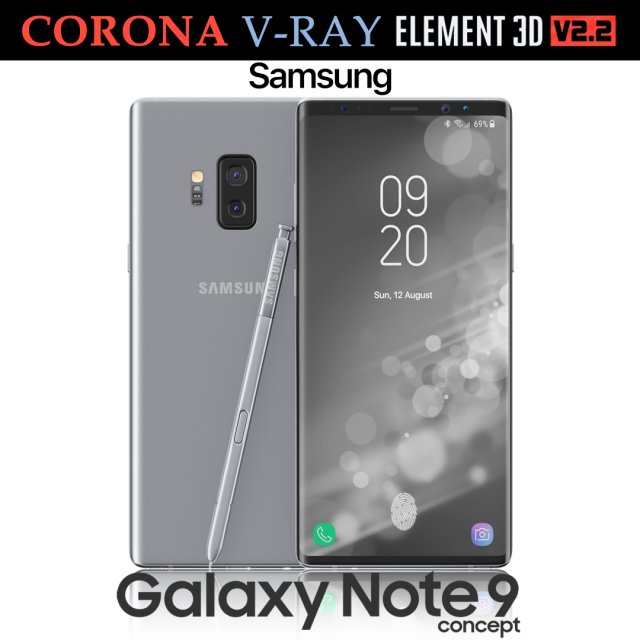
Samsung Galaxy Note 9 Gray Concept 3D Model
Realistic (copy) 3d model of Samsung Galaxy Note 9 Gray Concept.This set:3D element v2.2The model given is easy to use- 1 file obj standard- 1 file 3ds Max 2013 vray material- 1 file 3ds Max 2013 corona material- 1 file of 3Ds- file e3d full set of materials, like a previewHow to use it?1. Discovery after the impact of CC 2014 (or above) and create a new composition (you need Element3D v2.2 to use)2. Create a new solid layer and add the effect of the elements. (Effect / Video Copilot / Element)3. Select Install Location4. Click on the import inside the Element3D Installation location5. Select my .e3d according to the model and click on the open button.If you do not see the model, do not forget to right click on the model name and press the replace model select.Topology of geometry:- forms and proportions of The 3D model- the geometry of the model was created very neatly- there are no many-sided polygons- detailed enough for close-up renders- the model optimized for turbosmooth modifier- Not collapsed the turbosmooth modified- apply the Smooth modifier with a parameter to get the desired level of detailMaterials and Textures:- 3ds max files included Vray-Shaders- 3ds max files included Corona-Shaders- file e3d full set of materials- all texture paths are clearedOrganization of scene:- to all objects and materials- real world size (system units – mm)- coordinates of location of the model in space (x0, y0, z0)- does not contain extraneous or hidden objects (lights, cameras, shapes etc.)Excellent renders to you!
-
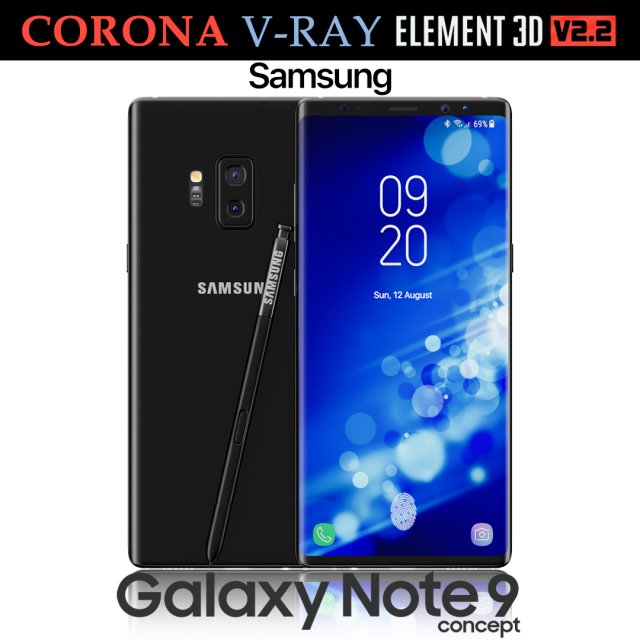
Samsung Galaxy Note 9 Black Concept 3D Model
Realistic (copy) 3d model of Samsung Galaxy Note 9 Black Concept.This set:3D element v2.2The model given is easy to use- 1 file obj standard- 1 file 3ds Max 2013 vray material- 1 file 3ds Max 2013 corona material- 1 file of 3Ds- file e3d full set of materials, like a previewHow to use it?1. Discovery after the impact of CC 2014 (or above) and create a new composition (you need Element3D v2.2 to use)2. Create a new solid layer and add the effect of the elements. (Effect / Video Copilot / Element)3. Select Install Location4. Click on the import inside the Element3D Installation location5. Select my .e3d according to the model and click on the open button.If you do not see the model, do not forget to right click on the model name and press the replace model select.Topology of geometry:- forms and proportions of The 3D model- the geometry of the model was created very neatly- there are no many-sided polygons- detailed enough for close-up renders- the model optimized for turbosmooth modifier- Not collapsed the turbosmooth modified- apply the Smooth modifier with a parameter to get the desired level of detailMaterials and Textures:- 3ds max files included Vray-Shaders- 3ds max files included Corona-Shaders- file e3d full set of materials- all texture paths are clearedOrganization of scene:- to all objects and materials- real world size (system units – mm)- coordinates of location of the model in space (x0, y0, z0)- does not contain extraneous or hidden objects (lights, cameras, shapes etc.)Excellent renders to you!
-
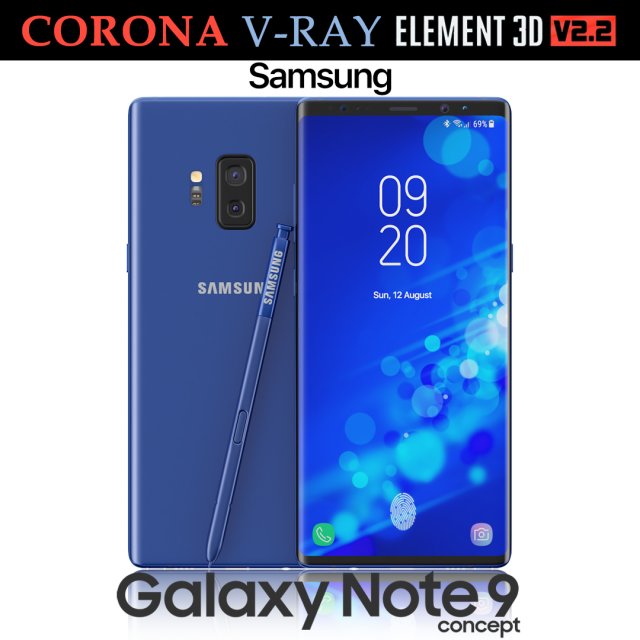
Samsung Galaxy Note 9 Blue Concept 3D Model
Realistic (copy) 3d model of Samsung Galaxy Note 9 Blue Concept.This set:3D element v2.2The model given is easy to use- 1 file obj standard- 1 file 3ds Max 2013 vray material- 1 file 3ds Max 2013 corona material- 1 file of 3Ds- file e3d full set of materials, like a previewHow to use it?1. Discovery after the impact of CC 2014 (or above) and create a new composition (you need Element3D v2.2 to use)2. Create a new solid layer and add the effect of the elements. (Effect / Video Copilot / Element)3. Select Install Location4. Click on the import inside the Element3D Installation location5. Select my .e3d according to the model and click on the open button.If you do not see the model, do not forget to right click on the model name and press the replace model select.Topology of geometry:- forms and proportions of The 3D model- the geometry of the model was created very neatly- there are no many-sided polygons- detailed enough for close-up renders- the model optimized for turbosmooth modifier- Not collapsed the turbosmooth modified- apply the Smooth modifier with a parameter to get the desired level of detailMaterials and Textures:- 3ds max files included Vray-Shaders- 3ds max files included Corona-Shaders- file e3d full set of materials- all texture paths are clearedOrganization of scene:- to all objects and materials- real world size (system units – mm)- coordinates of location of the model in space (x0, y0, z0)- does not contain extraneous or hidden objects (lights, cameras, shapes etc.)Excellent renders to you!
-
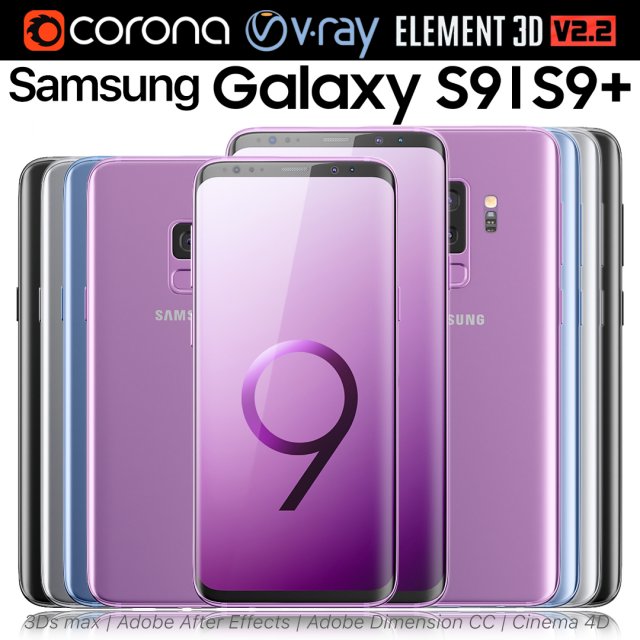
Samsung Galaxy S9 and S9 PLUS ALL Colors 3D Model
Realistic (copy) 3d model of Samsung Galaxy S9 and S9 PLUS ALL Colors.This set:3D element v2.2The model given is easy to use- 2 file obj standard- 8 file 3ds Max 2013 vray material- 8 file 3ds Max 2013 corona material- 2 file of 3Ds- 8 file of cinema 4d- 8 file of Adobe Dimension CC- 8 file e3d full set of materials, like a previewHow to use it?1. Discovery after the impact of CC 2014 (or above) and create a new composition (you need Element3D v2.2 to use)2. Create a new solid layer and add the effect of the elements. (Effect / Video Copilot / Element)3. Select Install Location4. Click on the import inside the Element3D Installation location5. Select my .e3d according to the model and click on the open button.If you do not see the model, do not forget to right click on the model name and press the replace model select.Topology of geometry:- forms and proportions of The 3D model- the geometry of the model was created very neatly- there are no many-sided polygons- detailed enough for close-up renders- the model optimized for turbosmooth modifier- Not collapsed the turbosmooth modified- apply the Smooth modifier with a parameter to get the desired level of detailMaterials and Textures:- 3ds max files included Vray-Shaders- 3ds max files included Corona-Shaders- file e3d full set of materials- all texture paths are clearedOrganization of scene:- to all objects and materials- real world size (system units – mm)- coordinates of location of the model in space (x0, y0, z0)- does not contain extraneous or hidden objects (lights, cameras, shapes etc.)Excellent renders to you!
-
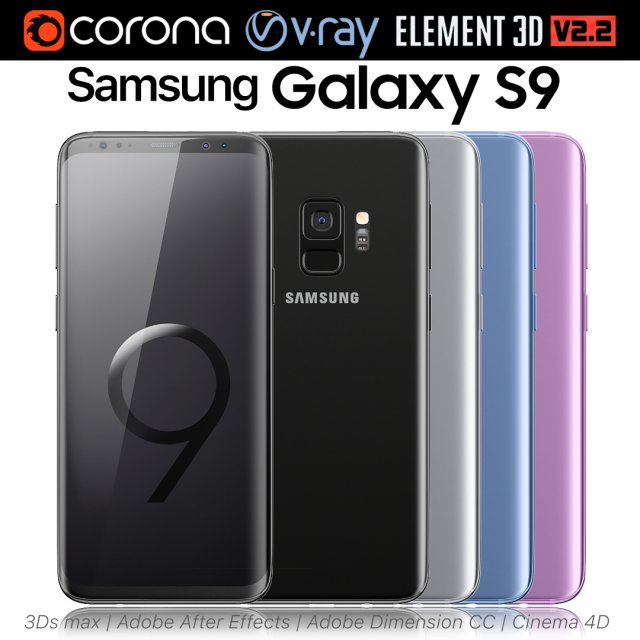
Samsung Galaxy S9 ALL Colors 3D Model
Realistic (copy) 3d model of Samsung Galaxy S9 ALL Colors.This set:3D element v2.2The model given is easy to use- 1 file obj standard- 1 file 3ds Max 2013 vray material- 1 file 3ds Max 2013 corona material- 1 file of 3Ds- 1 file of cinema 4d- 1 file of Adobe Dimension CC- file e3d full set of materials, like a previewHow to use it?1. Discovery after the impact of CC 2014 (or above) and create a new composition (you need Element3D v2.2 to use)2. Create a new solid layer and add the effect of the elements. (Effect / Video Copilot / Element)3. Select Install Location4. Click on the import inside the Element3D Installation location5. Select my .e3d according to the model and click on the open button.If you do not see the model, do not forget to right click on the model name and press the replace model select.Topology of geometry:- forms and proportions of The 3D model- the geometry of the model was created very neatly- there are no many-sided polygons- detailed enough for close-up renders- the model optimized for turbosmooth modifier- Not collapsed the turbosmooth modified- apply the Smooth modifier with a parameter to get the desired level of detailMaterials and Textures:- 3ds max files included Vray-Shaders- 3ds max files included Corona-Shaders- file e3d full set of materials- all texture paths are clearedOrganization of scene:- to all objects and materials- real world size (system units – mm)- coordinates of location of the model in space (x0, y0, z0)- does not contain extraneous or hidden objects (lights, cameras, shapes etc.)Excellent renders to you!
-
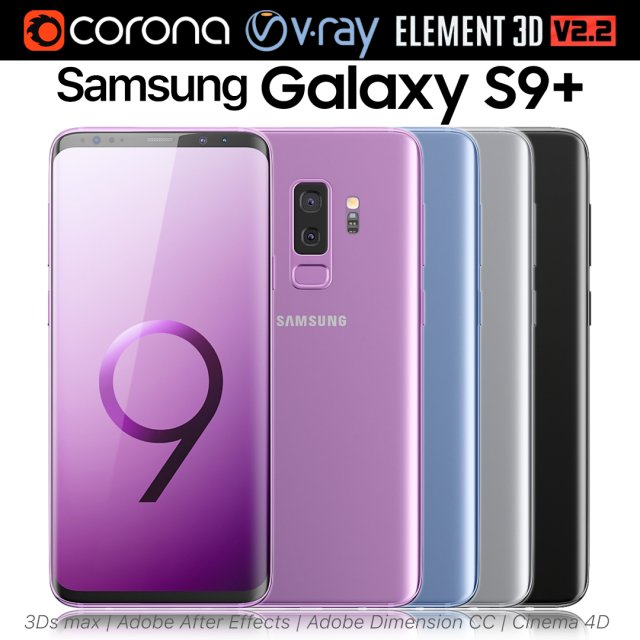
Samsung Galaxy S9 PLUS ALL Colors 3D Model
Realistic (copy) 3d model of Samsung Galaxy S9 PLUS ALL Colors.This set:3D element v2.2The model given is easy to use- 1 file obj standard- 1 file 3ds Max 2013 vray material- 1 file 3ds Max 2013 corona material- 1 file of 3Ds- 1 file of cinema 4d- 1 file of Adobe Dimension CC- file e3d full set of materials, like a previewHow to use it?1. Discovery after the impact of CC 2014 (or above) and create a new composition (you need Element3D v2.2 to use)2. Create a new solid layer and add the effect of the elements. (Effect / Video Copilot / Element)3. Select Install Location4. Click on the import inside the Element3D Installation location5. Select my .e3d according to the model and click on the open button.If you do not see the model, do not forget to right click on the model name and press the replace model select.Topology of geometry:- forms and proportions of The 3D model- the geometry of the model was created very neatly- there are no many-sided polygons- detailed enough for close-up renders- the model optimized for turbosmooth modifier- Not collapsed the turbosmooth modified- apply the Smooth modifier with a parameter to get the desired level of detailMaterials and Textures:- 3ds max files included Vray-Shaders- 3ds max files included Corona-Shaders- file e3d full set of materials- all texture paths are clearedOrganization of scene:- to all objects and materials- real world size (system units – mm)- coordinates of location of the model in space (x0, y0, z0)- does not contain extraneous or hidden objects (lights, cameras, shapes etc.)Excellent renders to you!
-
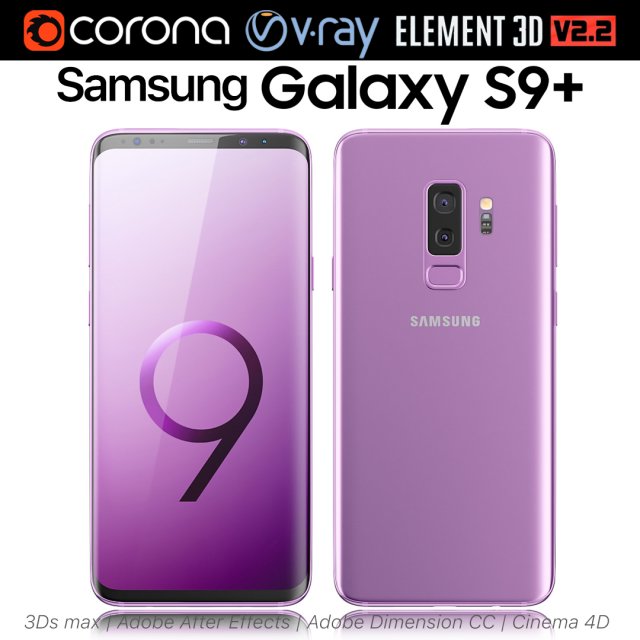
Samsung Galaxy S9 Lilac Purple 3D Model
Realistic (copy) 3d model of Samsung Galaxy S9 Lilac Purple.This set:3D element v2.2The model given is easy to use- 1 file obj standard- 1 file 3ds Max 2013 vray material- 1 file 3ds Max 2013 corona material- 1 file of 3Ds- 1 file of cinema 4d- 1 file of Adobe Dimension CC- file e3d full set of materials, like a previewHow to use it?1. Discovery after the impact of CC 2014 (or above) and create a new composition (you need Element3D v2.2 to use)2. Create a new solid layer and add the effect of the elements. (Effect / Video Copilot / Element)3. Select Install Location4. Click on the import inside the Element3D Installation location5. Select my .e3d according to the model and click on the open button.If you do not see the model, do not forget to right click on the model name and press the replace model select.Topology of geometry:- forms and proportions of The 3D model- the geometry of the model was created very neatly- there are no many-sided polygons- detailed enough for close-up renders- the model optimized for turbosmooth modifier- Not collapsed the turbosmooth modified- apply the Smooth modifier with a parameter to get the desired level of detailMaterials and Textures:- 3ds max files included Vray-Shaders- 3ds max files included Corona-Shaders- file e3d full set of materials- all texture paths are clearedOrganization of scene:- to all objects and materials- real world size (system units – mm)- coordinates of location of the model in space (x0, y0, z0)- does not contain extraneous or hidden objects (lights, cameras, shapes etc.)Excellent renders to you!
-
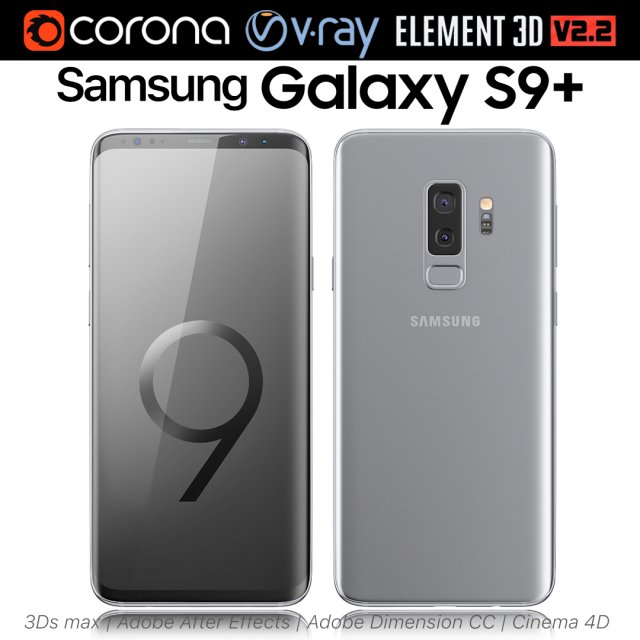
Samsung Galaxy S9 PLUS Titanium Gray 3D Model
Realistic (copy) 3d model of Samsung Galaxy S9 PLUS Titanium Gray.This set:3D element v2.2The model given is easy to use- 1 file obj standard- 1 file 3ds Max 2013 vray material- 1 file 3ds Max 2013 corona material- 1 file of 3Ds- 1 file of cinema 4d- 1 file of Adobe Dimension CC- file e3d full set of materials, like a previewHow to use it?1. Discovery after the impact of CC 2014 (or above) and create a new composition (you need Element3D v2.2 to use)2. Create a new solid layer and add the effect of the elements. (Effect / Video Copilot / Element)3. Select Install Location4. Click on the import inside the Element3D Installation location5. Select my .e3d according to the model and click on the open button.If you do not see the model, do not forget to right click on the model name and press the replace model select.Topology of geometry:- forms and proportions of The 3D model- the geometry of the model was created very neatly- there are no many-sided polygons- detailed enough for close-up renders- the model optimized for turbosmooth modifier- Not collapsed the turbosmooth modified- apply the Smooth modifier with a parameter to get the desired level of detailMaterials and Textures:- 3ds max files included Vray-Shaders- 3ds max files included Corona-Shaders- file e3d full set of materials- all texture paths are clearedOrganization of scene:- to all objects and materials- real world size (system units – mm)- coordinates of location of the model in space (x0, y0, z0)- does not contain extraneous or hidden objects (lights, cameras, shapes etc.)Excellent renders to you!
-
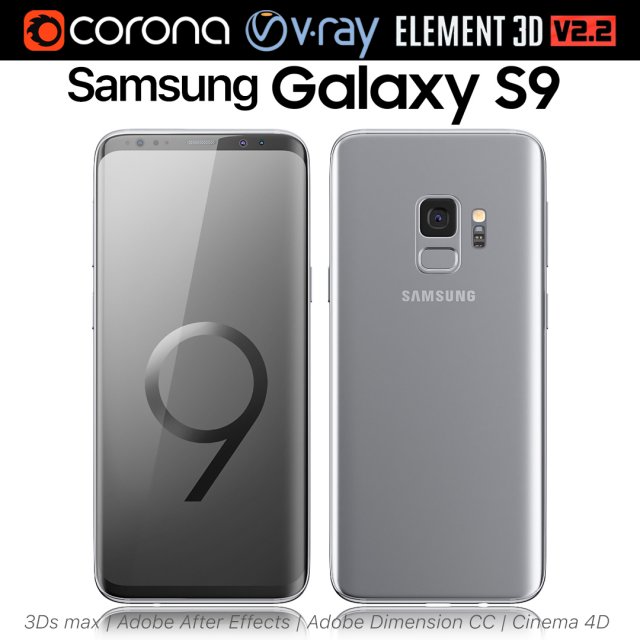
Samsung Galaxy S9 Titanium Gray 3D Model
Realistic (copy) 3d model of Samsung Galaxy S9 Titanium Gray.This set:3D element v2.2The model given is easy to use- 1 file obj standard- 1 file 3ds Max 2013 vray material- 1 file 3ds Max 2013 corona material- 1 file of 3Ds- 1 file of cinema 4d- 1 file of Adobe Dimension CC- file e3d full set of materials, like a previewHow to use it?1. Discovery after the impact of CC 2014 (or above) and create a new composition (you need Element3D v2.2 to use)2. Create a new solid layer and add the effect of the elements. (Effect / Video Copilot / Element)3. Select Install Location4. Click on the import inside the Element3D Installation location5. Select my .e3d according to the model and click on the open button.If you do not see the model, do not forget to right click on the model name and press the replace model select.Topology of geometry:- forms and proportions of The 3D model- the geometry of the model was created very neatly- there are no many-sided polygons- detailed enough for close-up renders- the model optimized for turbosmooth modifier- Not collapsed the turbosmooth modified- apply the Smooth modifier with a parameter to get the desired level of detailMaterials and Textures:- 3ds max files included Vray-Shaders- 3ds max files included Corona-Shaders- file e3d full set of materials- all texture paths are clearedOrganization of scene:- to all objects and materials- real world size (system units – mm)- coordinates of location of the model in space (x0, y0, z0)- does not contain extraneous or hidden objects (lights, cameras, shapes etc.)Excellent renders to you!
-
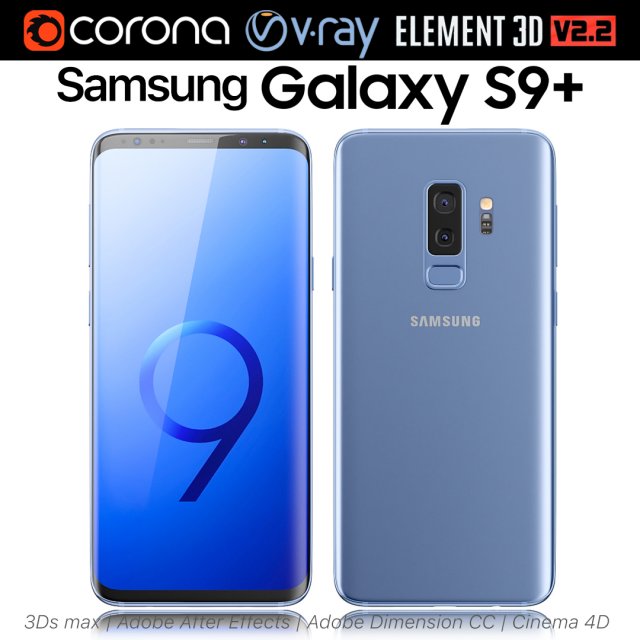
Samsung Galaxy S9 PLUS Coral Blue 3D Model
Realistic (copy) 3d model of Samsung Galaxy S9 PLUS Coral Blue.This set:3D element v2.2The model given is easy to use- 1 file obj standard- 1 file 3ds Max 2013 vray material- 1 file 3ds Max 2013 corona material- 1 file of 3Ds- 1 file of cinema 4d- 1 file of Adobe Dimension CC- file e3d full set of materials, like a previewHow to use it?1. Discovery after the impact of CC 2014 (or above) and create a new composition (you need Element3D v2.2 to use)2. Create a new solid layer and add the effect of the elements. (Effect / Video Copilot / Element)3. Select Install Location4. Click on the import inside the Element3D Installation location5. Select my .e3d according to the model and click on the open button.If you do not see the model, do not forget to right click on the model name and press the replace model select.Topology of geometry:- forms and proportions of The 3D model- the geometry of the model was created very neatly- there are no many-sided polygons- detailed enough for close-up renders- the model optimized for turbosmooth modifier- Not collapsed the turbosmooth modified- apply the Smooth modifier with a parameter to get the desired level of detailMaterials and Textures:- 3ds max files included Vray-Shaders- 3ds max files included Corona-Shaders- file e3d full set of materials- all texture paths are clearedOrganization of scene:- to all objects and materials- real world size (system units – mm)- coordinates of location of the model in space (x0, y0, z0)- does not contain extraneous or hidden objects (lights, cameras, shapes etc.)Excellent renders to you!
-
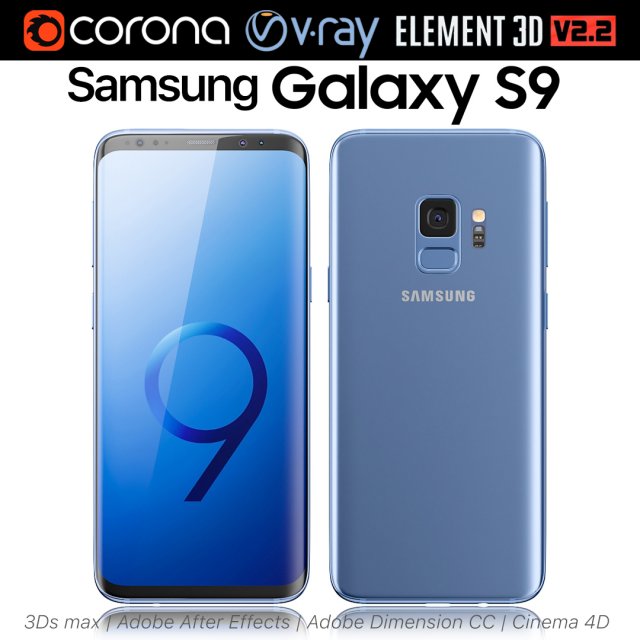
Samsung Galaxy S9 Coral Blue 3D Model
Realistic (copy) 3d model of Samsung Galaxy S9 Coral Blue.This set:3D element v2.2The model given is easy to use- 1 file obj standard- 1 file 3ds Max 2013 vray material- 1 file 3ds Max 2013 corona material- 1 file of 3Ds- 1 file of cinema 4d- 1 file of Adobe Dimension CC- file e3d full set of materials, like a previewHow to use it?1. Discovery after the impact of CC 2014 (or above) and create a new composition (you need Element3D v2.2 to use)2. Create a new solid layer and add the effect of the elements. (Effect / Video Copilot / Element)3. Select Install Location4. Click on the import inside the Element3D Installation location5. Select my .e3d according to the model and click on the open button.If you do not see the model, do not forget to right click on the model name and press the replace model select.Topology of geometry:- forms and proportions of The 3D model- the geometry of the model was created very neatly- there are no many-sided polygons- detailed enough for close-up renders- the model optimized for turbosmooth modifier- Not collapsed the turbosmooth modified- apply the Smooth modifier with a parameter to get the desired level of detailMaterials and Textures:- 3ds max files included Vray-Shaders- 3ds max files included Corona-Shaders- file e3d full set of materials- all texture paths are clearedOrganization of scene:- to all objects and materials- real world size (system units – mm)- coordinates of location of the model in space (x0, y0, z0)- does not contain extraneous or hidden objects (lights, cameras, shapes etc.)Excellent renders to you!
-
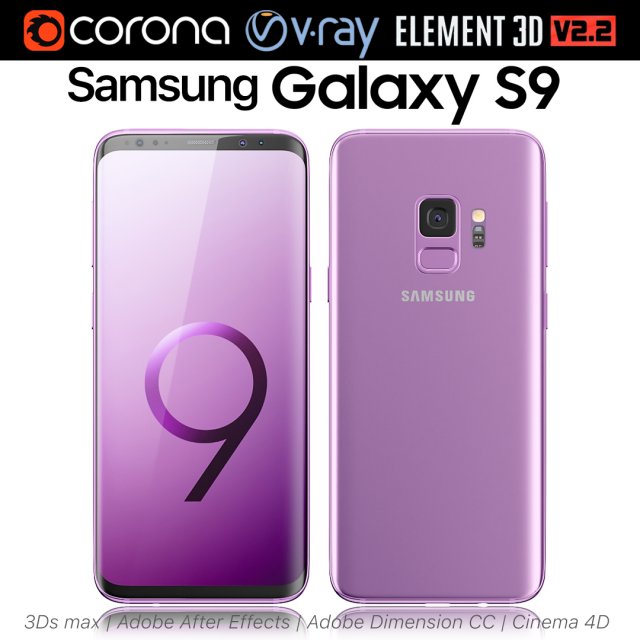
Samsung Galaxy S9 Lilac Purple 3D Model
Realistic (copy) 3d model of Samsung Galaxy S9 Lilac Purple.This set:3D element v2.2The model given is easy to use- 1 file obj standard- 1 file 3ds Max 2013 vray material- 1 file 3ds Max 2013 corona material- 1 file of 3Ds- 1 file of cinema 4d- 1 file of Adobe Dimension CC- file e3d full set of materials, like a previewHow to use it?1. Discovery after the impact of CC 2014 (or above) and create a new composition (you need Element3D v2.2 to use)2. Create a new solid layer and add the effect of the elements. (Effect / Video Copilot / Element)3. Select Install Location4. Click on the import inside the Element3D Installation location5. Select my .e3d according to the model and click on the open button.If you do not see the model, do not forget to right click on the model name and press the replace model select.Topology of geometry:- forms and proportions of The 3D model- the geometry of the model was created very neatly- there are no many-sided polygons- detailed enough for close-up renders- the model optimized for turbosmooth modifier- Not collapsed the turbosmooth modified- apply the Smooth modifier with a parameter to get the desired level of detailMaterials and Textures:- 3ds max files included Vray-Shaders- 3ds max files included Corona-Shaders- file e3d full set of materials- all texture paths are clearedOrganization of scene:- to all objects and materials- real world size (system units – mm)- coordinates of location of the model in space (x0, y0, z0)- does not contain extraneous or hidden objects (lights, cameras, shapes etc.)Excellent renders to you!
-
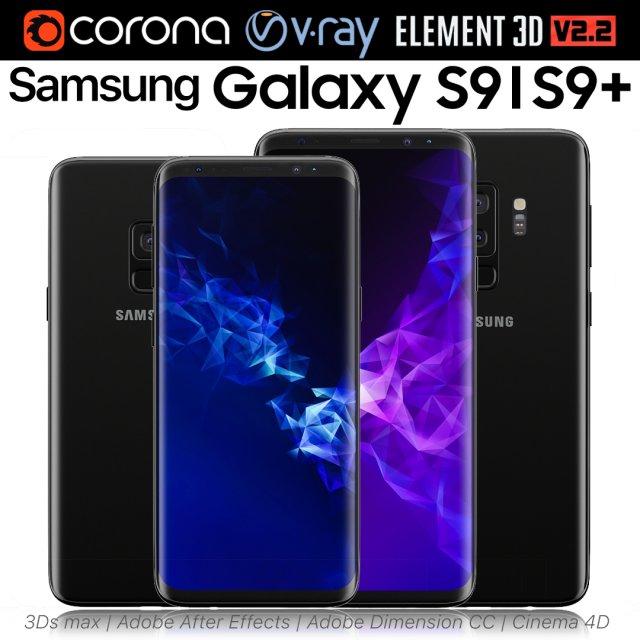
Samsung Galaxy S9 and S9 PLUS Black 3D Model
Realistic (copy) 3d model of Samsung Galaxy S9 and S9 PLUS.This set:3D element v2.2The model given is easy to use- 1 file obj standard- 1 file 3ds Max 2013 vray material- 1 file 3ds Max 2013 corona material- 1 file of 3Ds- 1 file of cinema 4d- 1 file of Adobe Dimension CC- file e3d full set of materials, like a previewHow to use it?1. Discovery after the impact of CC 2014 (or above) and create a new composition (you need Element3D v2.2 to use)2. Create a new solid layer and add the effect of the elements. (Effect / Video Copilot / Element)3. Select Install Location4. Click on the import inside the Element3D Installation location5. Select my .e3d according to the model and click on the open button.If you do not see the model, do not forget to right click on the model name and press the replace model select.Topology of geometry:- forms and proportions of The 3D model- the geometry of the model was created very neatly- there are no many-sided polygons- detailed enough for close-up renders- the model optimized for turbosmooth modifier- Not collapsed the turbosmooth modified- apply the Smooth modifier with a parameter to get the desired level of detailMaterials and Textures:- 3ds max files included Vray-Shaders- 3ds max files included Corona-Shaders- file e3d full set of materials- all texture paths are clearedOrganization of scene:- to all objects and materials- real world size (system units – mm)- coordinates of location of the model in space (x0, y0, z0)- does not contain extraneous or hidden objects (lights, cameras, shapes etc.)Excellent renders to you!
-
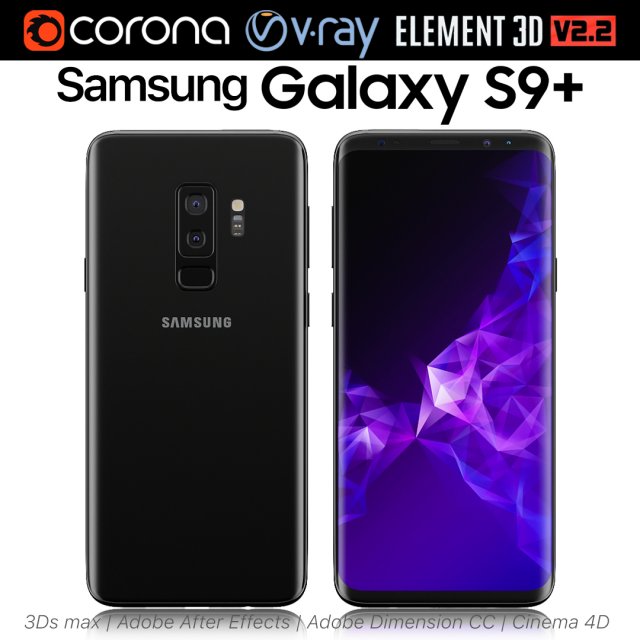
Samsung Galaxy S9 PLUS Black 3D Model
Realistic (copy) 3d model of Samsung Galaxy S9 PLUS.This set:3D element v2.2The model given is easy to use- 1 file obj standard- 1 file 3ds Max 2013 vray material- 1 file 3ds Max 2013 corona material- 1 file of 3Ds- 1 file of cinema 4d- 1 file of Adobe Dimension CC- file e3d full set of materials, like a previewHow to use it?1. Discovery after the impact of CC 2014 (or above) and create a new composition (you need Element3D v2.2 to use)2. Create a new solid layer and add the effect of the elements. (Effect / Video Copilot / Element)3. Select Install Location4. Click on the import inside the Element3D Installation location5. Select my .e3d according to the model and click on the open button.If you do not see the model, do not forget to right click on the model name and press the replace model select.Topology of geometry:- forms and proportions of The 3D model- the geometry of the model was created very neatly- there are no many-sided polygons- detailed enough for close-up renders- the model optimized for turbosmooth modifier- Not collapsed the turbosmooth modified- apply the Smooth modifier with a parameter to get the desired level of detailMaterials and Textures:- 3ds max files included Vray-Shaders- 3ds max files included Corona-Shaders- file e3d full set of materials- all texture paths are clearedOrganization of scene:- to all objects and materials- real world size (system units – mm)- coordinates of location of the model in space (x0, y0, z0)- does not contain extraneous or hidden objects (lights, cameras, shapes etc.)Excellent renders to you!
-
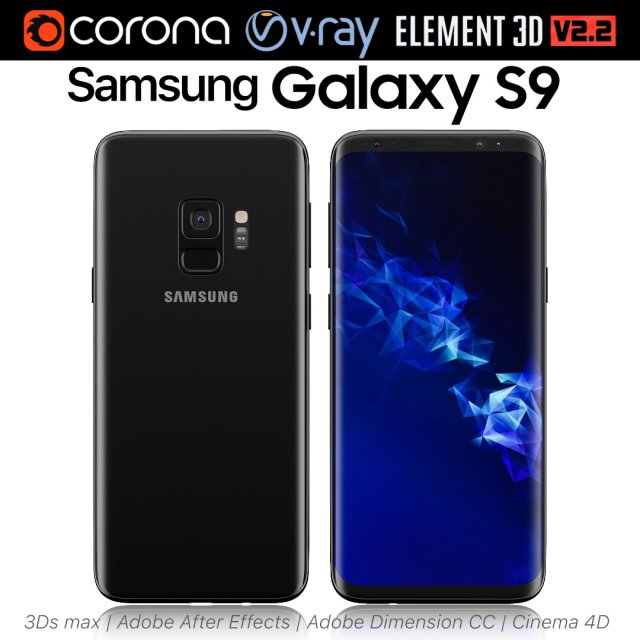
Samsung Galaxy S9 Black 3D Model
Realistic (copy) 3d model of Samsung Galaxy S9.This set:3D element v2.2The model given is easy to use- 1 file obj standard- 1 file 3ds Max 2013 vray material- 1 file 3ds Max 2013 corona material- 1 file of 3Ds- 1 file of cinema 4d- 1 file of Adobe Dimension CC- file e3d full set of materials, like a previewHow to use it?1. Discovery after the impact of CC 2014 (or above) and create a new composition (you need Element3D v2.2 to use)2. Create a new solid layer and add the effect of the elements. (Effect / Video Copilot / Element)3. Select Install Location4. Click on the import inside the Element3D Installation location5. Select my .e3d according to the model and click on the open button.If you do not see the model, do not forget to right click on the model name and press the replace model select.Topology of geometry:- forms and proportions of The 3D model- the geometry of the model was created very neatly- there are no many-sided polygons- detailed enough for close-up renders- the model optimized for turbosmooth modifier- Not collapsed the turbosmooth modified- apply the Smooth modifier with a parameter to get the desired level of detailMaterials and Textures:- 3ds max files included Vray-Shaders- 3ds max files included Corona-Shaders- file e3d full set of materials- all texture paths are clearedOrganization of scene:- to all objects and materials- real world size (system units – mm)- coordinates of location of the model in space (x0, y0, z0)- does not contain extraneous or hidden objects (lights, cameras, shapes etc.)Excellent renders to you!
-
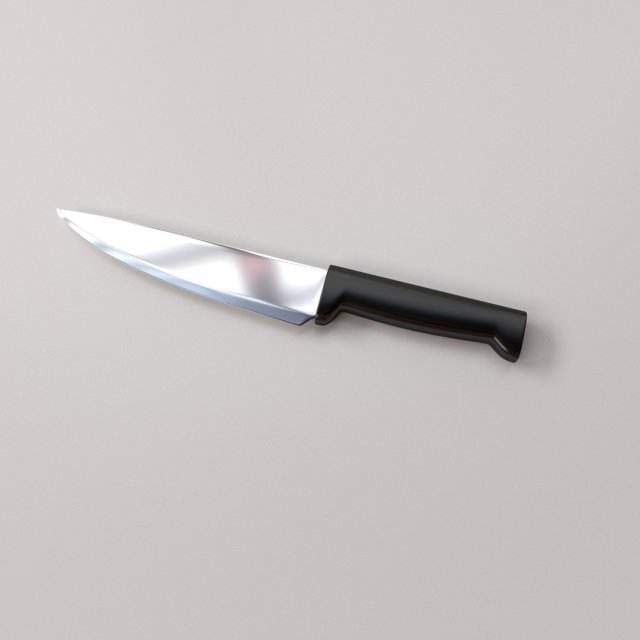
Chef Knife 3D Model
CHEF KNIFE===============================- Modeled in Blender.- Preview image rendered using cycles.- All scene are included in .blend files.- Poly count are before sub division- Great for close up render.- All parts and materials are logically named.OTHER FORMATS=================- 3ds MAX- COLLADA (.dae)- Autodesk FBX- OBJ
-
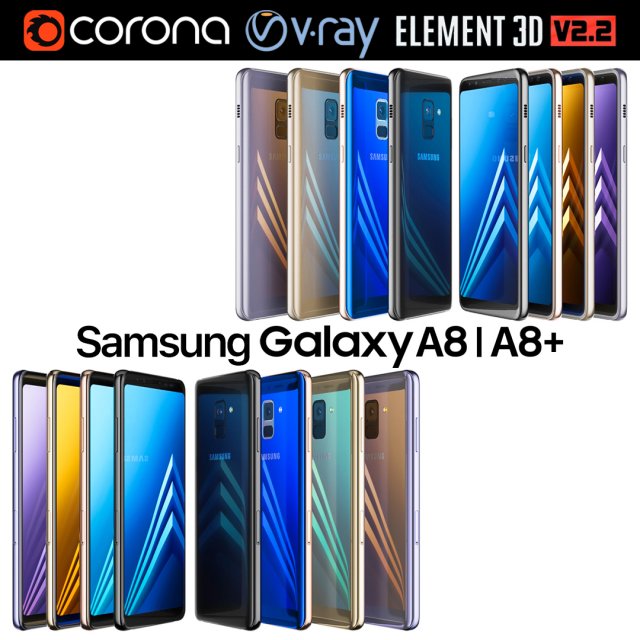
Samsung Galaxy A8 and A8 PLUS COLLECTION 3D Model
Realistic (copy) 3d model of Samsung Galaxy A8 and A8 PLUS COLLECTION.This set:3D element v2.2The model given is easy to use- 1 file obj standard- 1 file 3ds Max 2013 vray material- 1 file 3ds Max 2013 corona material- 1 file of 3Ds- file e3d full set of materials, like a previewHow to use it?1. Discovery after the impact of CC 2014 (or above) and create a new composition (you need Element3D v2.2 to use)2. Create a new solid layer and add the effect of the elements. (Effect / Video Copilot / Element)3. Select Install Location4. Click on the import inside the Element3D Installation location5. Select my .e3d according to the model and click on the open button.If you do not see the model, do not forget to right click on the model name and press the replace model select.Topology of geometry:- forms and proportions of The 3D model- the geometry of the model was created very neatly- there are no many-sided polygons- detailed enough for close-up renders- the model optimized for turbosmooth modifier- Not collapsed the turbosmooth modified- apply the Smooth modifier with a parameter to get the desired level of detailMaterials and Textures:- 3ds max files included Vray-Shaders- 3ds max files included Corona-Shaders- file e3d full set of materials- all texture paths are clearedOrganization of scene:- to all objects and materials- real world size (system units – mm)- coordinates of location of the model in space (x0, y0, z0)- does not contain extraneous or hidden objects (lights, cameras, shapes etc.)The model is made for corona render 1.5 and vray 3.2, as well as for the Element 3D v2.2 plug-in from Video Copilot.Excellent renders to you!
-
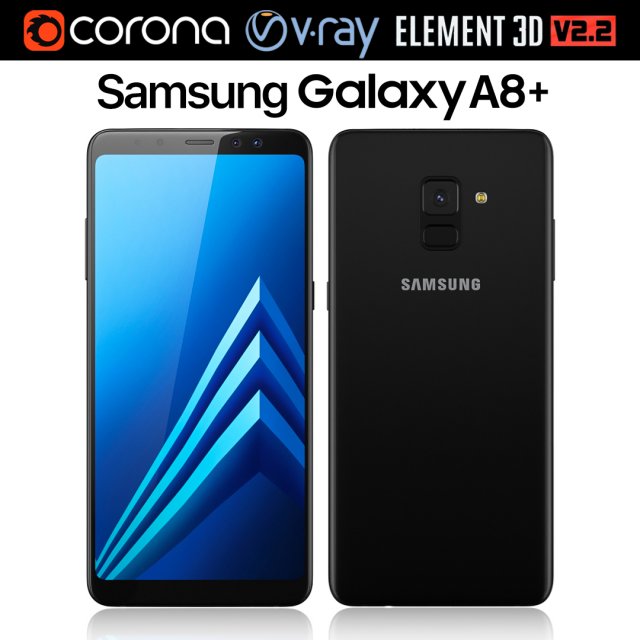
Samsung Galaxy A8 PLUS Black 3D Model
Realistic (copy) 3d model of Samsung Galaxy A8 PLUS.This set:3D element v2.2The model given is easy to use- 1 file obj standard- 1 file 3ds Max 2013 vray material- 1 file 3ds Max 2013 corona material- 1 file of 3Ds- file e3d full set of materials, like a previewHow to use it?1. Discovery after the impact of CC 2014 (or above) and create a new composition (you need Element3D v2.2 to use)2. Create a new solid layer and add the effect of the elements. (Effect / Video Copilot / Element)3. Select Install Location4. Click on the import inside the Element3D Installation location5. Select my .e3d according to the model and click on the open button.If you do not see the model, do not forget to right click on the model name and press the replace model select.Topology of geometry:- forms and proportions of The 3D model- the geometry of the model was created very neatly- there are no many-sided polygons- detailed enough for close-up renders- the model optimized for turbosmooth modifier- Not collapsed the turbosmooth modified- apply the Smooth modifier with a parameter to get the desired level of detailMaterials and Textures:- 3ds max files included Vray-Shaders- 3ds max files included Corona-Shaders- file e3d full set of materials- all texture paths are clearedOrganization of scene:- to all objects and materials- real world size (system units – mm)- coordinates of location of the model in space (x0, y0, z0)- does not contain extraneous or hidden objects (lights, cameras, shapes etc.)The model is made for corona render 1.5 and vray 3.2, as well as for the Element 3D v2.2 plug-in from Video Copilot.Excellent renders to you!
-
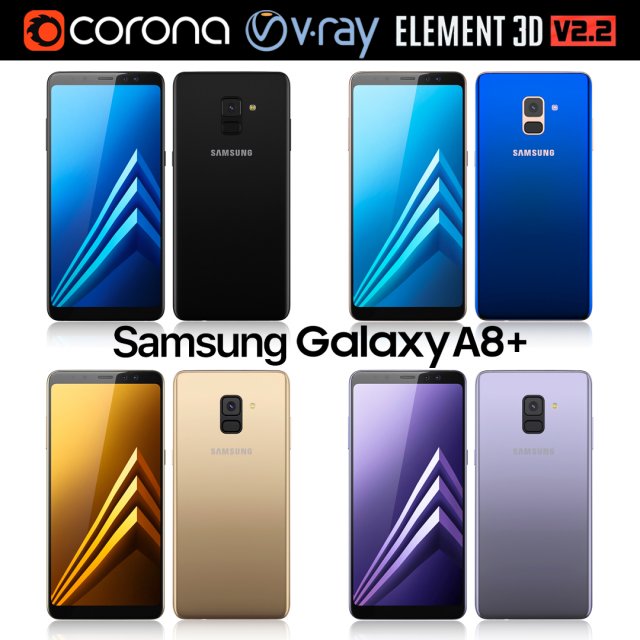
Samsung Galaxy A8 PLUS All colors 3D Model
Realistic (copy) 3d model of Samsung Galaxy A8 PLUS.This set:3D element v2.2The model given is easy to use- 1 file obj standard- 1 file 3ds Max 2013 vray material- 1 file 3ds Max 2013 corona material- 1 file of 3Ds- file e3d full set of materials, like a previewHow to use it?1. Discovery after the impact of CC 2014 (or above) and create a new composition (you need Element3D v2.2 to use)2. Create a new solid layer and add the effect of the elements. (Effect / Video Copilot / Element)3. Select Install Location4. Click on the import inside the Element3D Installation location5. Select my .e3d according to the model and click on the open button.If you do not see the model, do not forget to right click on the model name and press the replace model select.Topology of geometry:- forms and proportions of The 3D model- the geometry of the model was created very neatly- there are no many-sided polygons- detailed enough for close-up renders- the model optimized for turbosmooth modifier- Not collapsed the turbosmooth modified- apply the Smooth modifier with a parameter to get the desired level of detailMaterials and Textures:- 3ds max files included Vray-Shaders- 3ds max files included Corona-Shaders- file e3d full set of materials- all texture paths are clearedOrganization of scene:- to all objects and materials- real world size (system units – mm)- coordinates of location of the model in space (x0, y0, z0)- does not contain extraneous or hidden objects (lights, cameras, shapes etc.)The model is made for corona render 1.5 and vray 3.2, as well as for the Element 3D v2.2 plug-in from Video Copilot.Excellent renders to you!
-
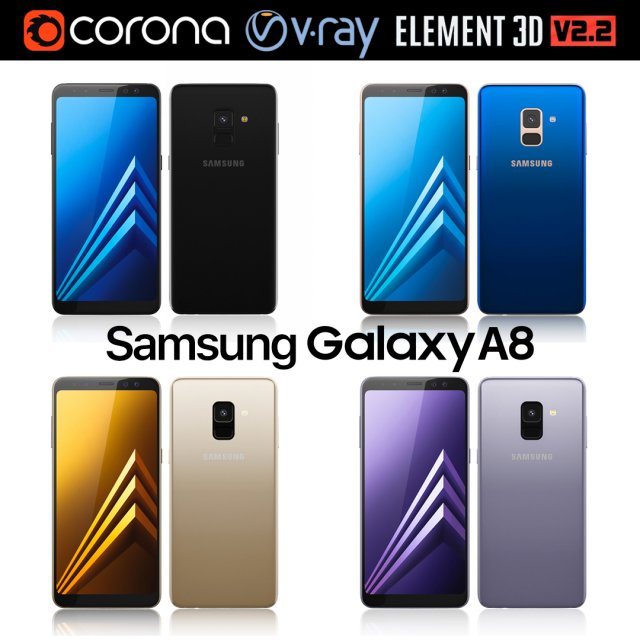
Samsung Galaxy A8 All Colors 3D Model
Realistic (copy) 3d model of Samsung Galaxy A8.This set:3D element v2.2The model given is easy to use- 1 file obj standard- 1 file 3ds Max 2013 vray material- 1 file 3ds Max 2013 corona material- 1 file of 3Ds- file e3d full set of materials, like a previewHow to use it?1. Discovery after the impact of CC 2014 (or above) and create a new composition (you need Element3D v2.2 to use)2. Create a new solid layer and add the effect of the elements. (Effect / Video Copilot / Element)3. Select Install Location4. Click on the import inside the Element3D Installation location5. Select my .e3d according to the model and click on the open button.If you do not see the model, do not forget to right click on the model name and press the replace model select.Topology of geometry:- forms and proportions of The 3D model- the geometry of the model was created very neatly- there are no many-sided polygons- detailed enough for close-up renders- the model optimized for turbosmooth modifier- Not collapsed the turbosmooth modified- apply the Smooth modifier with a parameter to get the desired level of detailMaterials and Textures:- 3ds max files included Vray-Shaders- 3ds max files included Corona-Shaders- file e3d full set of materials- all texture paths are clearedOrganization of scene:- to all objects and materials- real world size (system units – mm)- coordinates of location of the model in space (x0, y0, z0)- does not contain extraneous or hidden objects (lights, cameras, shapes etc.)The model is made for corona render 1.5 and vray 3.2, as well as for the Element 3D v2.2 plug-in from Video Copilot.Excellent renders to you!
-
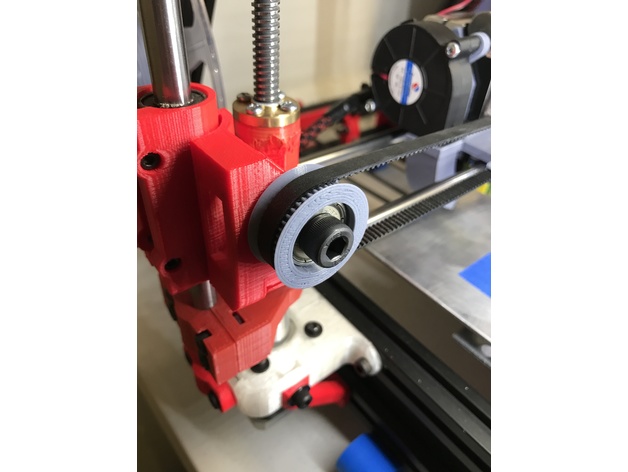
GT2 Idler Pully with chamfered edge 3D Print Model
Summary
46 Teeth. GT2 with 2mm spacing. Designed for a 608 Bearing.
Some designs available have a chamfer, some designs available have two parts that press together. I could not find a design that had both so I made one.
Includes a spacer so that it will not rub on a frame if applicable. -
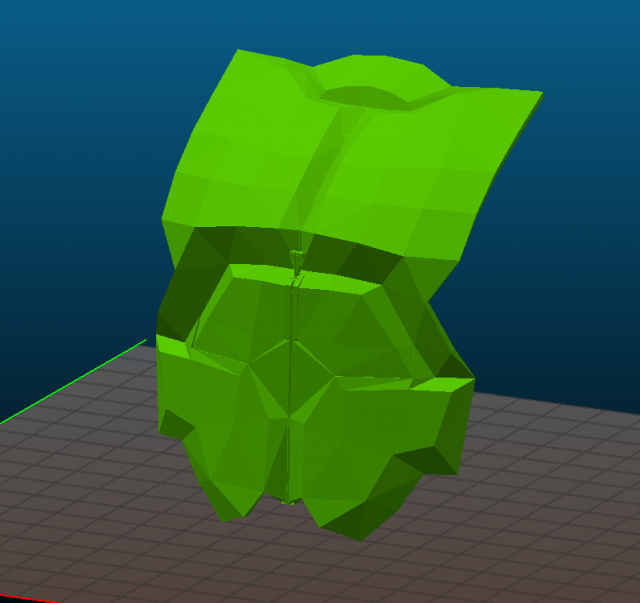
Reaper Full Armor Set 3D Model
Reaper from overwatch full armor setPack includes:Chest Armor (2 Parts – Lower and Upper)Chest Armor Grenades (Same as on the belt)Upper leg armor plates (1 File)Lower leg armor (Boots) (2 Files)Armor for Shoes (1 File)Belt Accessoires (Bags, Grenades) (2 Files – 1 for Bags, 2 for Grenade)Forearm armor (4 Files – 2 for left hand, 2 for right hand) Spikes one is for right hand.Hands Armor (2 Files) Spikes on for left hand.Fingers (Claws x10, Armor rings for thumbs x2, Armor plates for other fingers x8)Mask (3 Files – 1 is full model, 2 is sliced to print)All models ripped from in-game model and forged to print.Sizes is 50% of In-game model as default, so its up to you to fit size of models for your own preferences
-
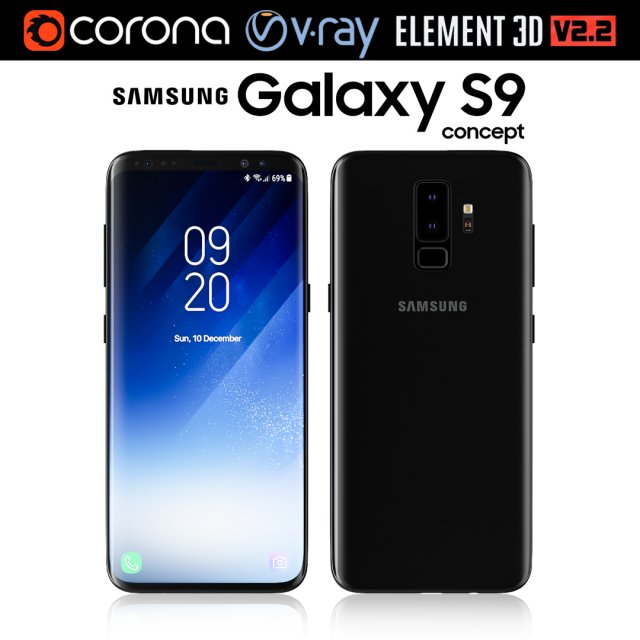
Samsung Galaxy S9 3D Model
Realistic (copy) 3d model of Samsung Galaxy S9.This set:3D element v2.2The model given is easy to use- 1 file obj standard- 1 file 3ds Max 2013 vray material- 1 file 3ds Max 2013 corona material- 1 file of 3Ds- file e3d full set of materials, like a previewHow to use it?1. Discovery after the impact of CC 2014 (or above) and create a new composition (you need Element3D v2.2 to use)2. Create a new solid layer and add the effect of the elements. (Effect / Video Copilot / Element)3. Select Install Location4. Click on the import inside the Element3D Installation location5. Select my .e3d according to the model and click on the open button.If you do not see the model, do not forget to right click on the model name and press the replace model select.Topology of geometry:- forms and proportions of The 3D model- the geometry of the model was created very neatly- there are no many-sided polygons- detailed enough for close-up renders- the model optimized for turbosmooth modifier- Not collapsed the turbosmooth modified- apply the Smooth modifier with a parameter to get the desired level of detailMaterials and Textures:- 3ds max files included Vray-Shaders- 3ds max files included Corona-Shaders- file e3d full set of materials- all texture paths are clearedOrganization of scene:- to all objects and materials- real world size (system units – mm)- coordinates of location of the model in space (x0, y0, z0)- does not contain extraneous or hidden objects (lights, cameras, shapes etc.)The model is made for corona render 1.5 and vray 3.2, as well as for the Element 3D v2.2 plug-in from Video Copilot.Excellent renders to you!
-
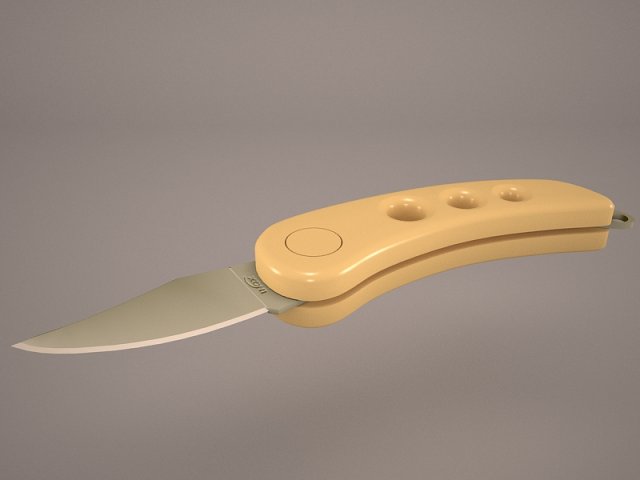
Magnum Knife 3D Model
Magnum weapon metal blade tool sharp handle knife dagger hunting metallic edge fight violence survival knives collapsible cutting lethal deadly
-
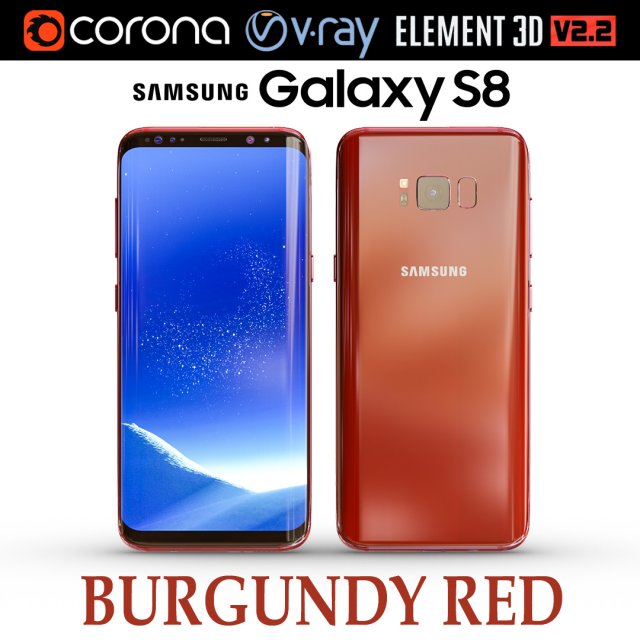
Samsung Galaxy S8 BURGUNDY RED 3D Model
Realistic (copy) 3d model of Samsung Galaxy S8 BURGUNDY RED .This set:3D element v2.2The model given is easy to use- 1 file obj standard- 1 file 3ds Max 2013 vray material- 1 file 3ds Max 2013 corona material- 1 file of 3Ds- file e3d full set of materials, like a previewHow to use it?1. Discovery after the impact of CC 2014 (or above) and create a new composition (you need Element3D v2.2 to use)2. Create a new solid layer and add the effect of the elements. (Effect / Video Copilot / Element)3. Select Install Location4. Click on the import inside the Element3D Installation location5. Select my .e3d according to the model and click on the open button.If you do not see the model, do not forget to right click on the model name and press the replace model select.Topology of geometry:- forms and proportions of The 3D model- the geometry of the model was created very neatly- there are no many-sided polygons- detailed enough for close-up renders- the model optimized for turbosmooth modifier- Not collapsed the turbosmooth modified- apply the Smooth modifier with a parameter to get the desired level of detailMaterials and Textures:- 3ds max files included Vray-Shaders- 3ds max files included Corona-Shaders- file e3d full set of materials- all texture paths are clearedOrganization of scene:- to all objects and materials- real world size (system units – mm)- coordinates of location of the model in space (x0, y0, z0)- does not contain extraneous or hidden objects (lights, cameras, shapes etc.)The model is made for corona render 1.5 and vray 3.2, as well as for the Element 3D v2.2 plug-in from Video Copilot.In the version of vray, BRDF materials are installed in Microfacet GTR / GGX, vray 2.4 owners need to install BRDF in Blinn.Excellent renders to you!
-
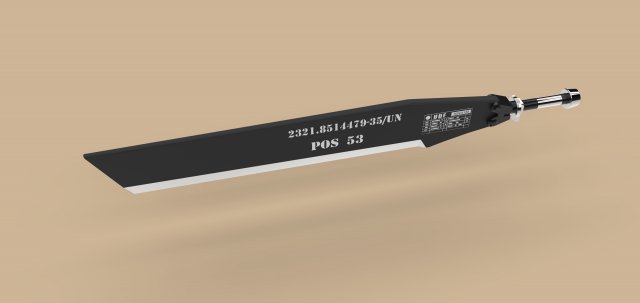
Heli Blade from Edge of Tomorrow 3D Model
Rita Vrataski’s Heli Blade from Edge of TomorrowModel dimensions:- length – 1145 mm- height – 143 mm- thickness – 50 mmDesigned in Solid Works 2012, rendered in Keyshot 5.0.99.Useful links:http://helicopternation.com/helicopter-blade-sword-from-edge-of-tomorrow/https://www.youtube.com/watch?v=4vumVGPaa3whttps://www.youtube.com/watch?v=vw61gCe2oqI
-
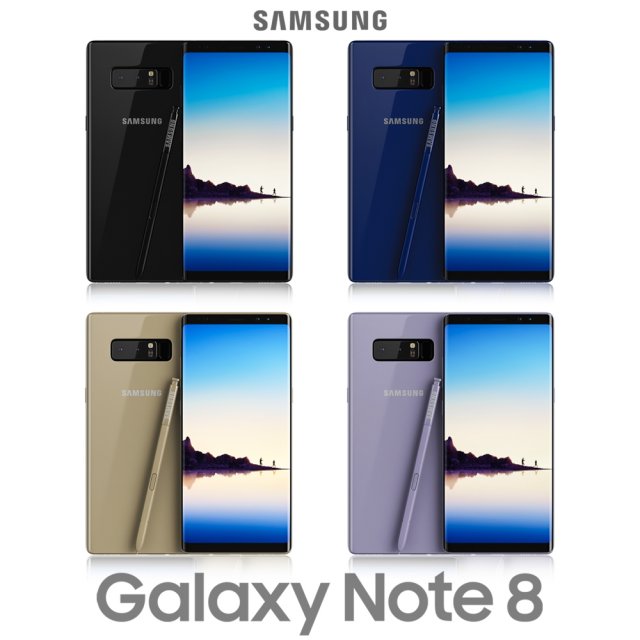
Samsung Galaxy Note 8 All Colors 3D Model
Realistic (copy) 3d model of Samsung Galaxy Note 8 Midnight Black .Topology of geometry:- forms and proportions of The 3D model most similar to the real object- the geometry of the model was created very neatly- there are no many-sided polygons- detailed enough for close-up renders- the model optimized for turbosmooth modifier- Not collapsed the turbosmooth modified- apply the Smooth modifier with a parameter to obtain the desired level of detailMaterials and Textures:- 3ds max files included Vray-Shaders- all texture paths are clearedOrganization of scene:- to all objects and materials names in scene are appropriated- real world size (system units – mm)- coordinates of location of the model in space (x0, y0, z0)- does not contain extraneous or hidden objects (lights, cameras, shapes etc.)File Formats:- original file format – 3ds max 2013 + Vray- 3ds- objRenders:- all previews rendered 3ds max Vray- the model is completely ready for use visualization in 3ds max + Vray
-
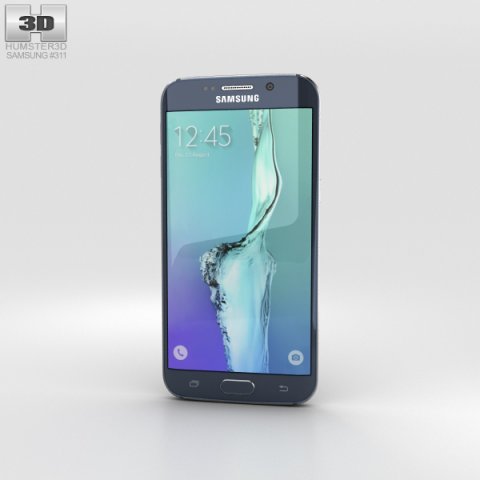
Samsung Galaxy S6 Edge Plus Black Sapphire 3D Model
The 3D model was created on real base. It’s created accurately, in real units of measurement, qualitatively and maximally close to the original.Model formats:- *.max (3ds Max 2008 scanline)- *.max (3ds Max 2008 vray)- *.fbx (Multi Format)- *.obj (Multi Format)- *.3ds (Multi Format)- *.mb (Maya 8.5)- *.lwo (Lightwave 6)- *.c4d (Cinema 4D 11)* renders Are made in 3ds Max 2008 using vray 1.5 (studio environment is not included in the set)If you need any other formats we are more than happy to make them for you.The model is provided combined, all main parts are presented as separate parts therefore materials of objects are easy to be modified or removed and standard parts are easy to be replaced. If you experience difficulties with separating standard parts we are more than happy to give you qualified assistance.We greatly appreciate you choosing our 3D models and hope they will be of use.We look forward to continuously dealing with you.Sincerely Yours,Hum3D Team
-
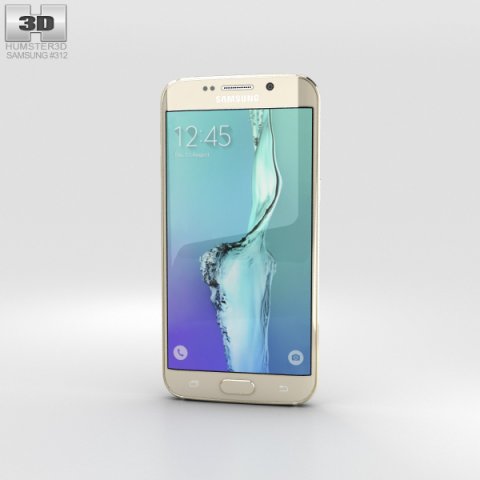
Samsung Galaxy S6 Edge Plus Gold Platinum 3D Model
The 3D model was created on real base. It’s created accurately, in real units of measurement, qualitatively and maximally close to the original.Model formats:- *.max (3ds Max 2008 scanline)- *.max (3ds Max 2008 vray)- *.fbx (Multi Format)- *.obj (Multi Format)- *.3ds (Multi Format)- *.mb (Maya 8.5)- *.lwo (Lightwave 6)- *.c4d (Cinema 4D 11)* renders Are made in 3ds Max 2008 using vray 1.5 (studio environment is not included in the set)If you need any other formats we are more than happy to make them for you.The model is provided combined, all main parts are presented as separate parts therefore materials of objects are easy to be modified or removed and standard parts are easy to be replaced. If you experience difficulties with separating standard parts we are more than happy to give you qualified assistance.We greatly appreciate you choosing our 3D models and hope they will be of use.We look forward to continuously dealing with you.Sincerely Yours,Hum3D Team
-
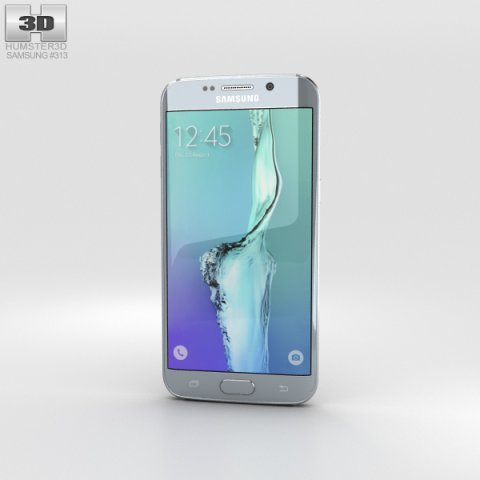
Samsung Galaxy S6 Edge Plus Silver Titan 3D Model
The 3D model was created on real base. It’s created accurately, in real units of measurement, qualitatively and maximally close to the original.Model formats:- *.max (3ds Max 2008 scanline)- *.max (3ds Max 2008 vray)- *.fbx (Multi Format)- *.obj (Multi Format)- *.3ds (Multi Format)- *.mb (Maya 8.5)- *.lwo (Lightwave 6)- *.c4d (Cinema 4D 11)* renders Are made in 3ds Max 2008 using vray 1.5 (studio environment is not included in the set)If you need any other formats we are more than happy to make them for you.The model is provided combined, all main parts are presented as separate parts therefore materials of objects are easy to be modified or removed and standard parts are easy to be replaced. If you experience difficulties with separating standard parts we are more than happy to give you qualified assistance.We greatly appreciate you choosing our 3D models and hope they will be of use.We look forward to continuously dealing with you.Sincerely Yours,Hum3D Team
-
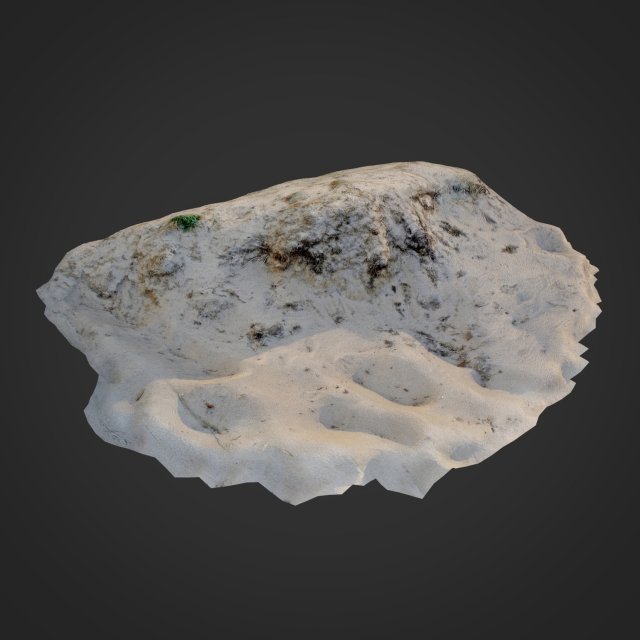
Nature ground edge 002 3D Model
nature ground edge 0023d scanned ground edge sand and rootsMax 2017 V-ray 3OBJTextures 4K – JPGcolor, normals, displace, occlusionStone pack (1 meshes)Poly 5941Vert 6029All files in zip…
-
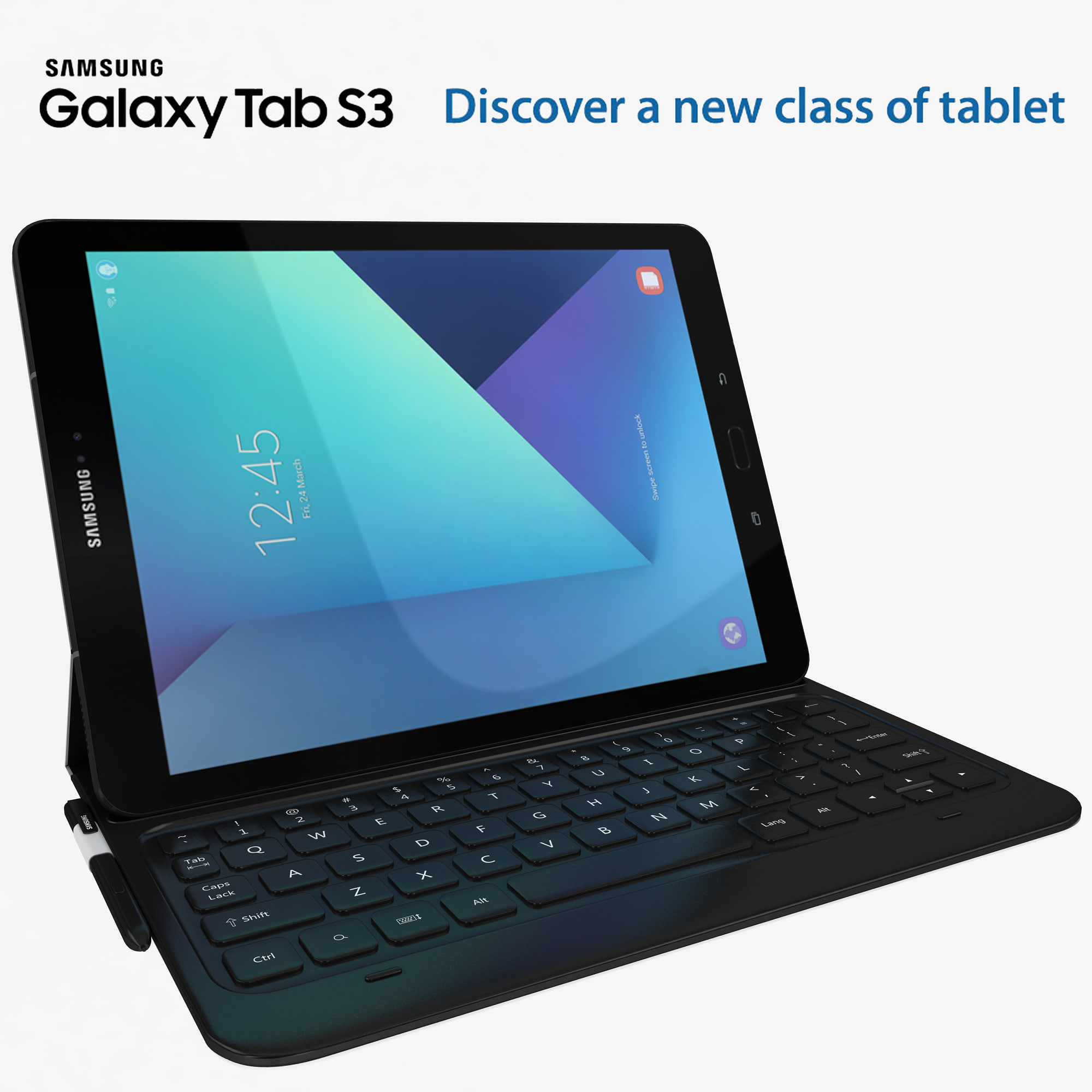
Samsung Galaxy Tab S3 black with S Pen & Keyboard 3D Model
high detail Samsung Galaxy Tab S3 with high quilty randring with vray 2.0 and i use Max 2009 for this model ….Available in the following file formats:- Max 2009- 3ds Max with V-Ray materials (.max)- FBX (.fbx)- OBJ-WRL-DXF- 3D max file included Standard materials and Vray-materials.- All the materials are named.- This 3d model objects and materials have the correct names and stripped the texture paths.- I Hope you Will Like My All Products.Thanks For Buying.
-
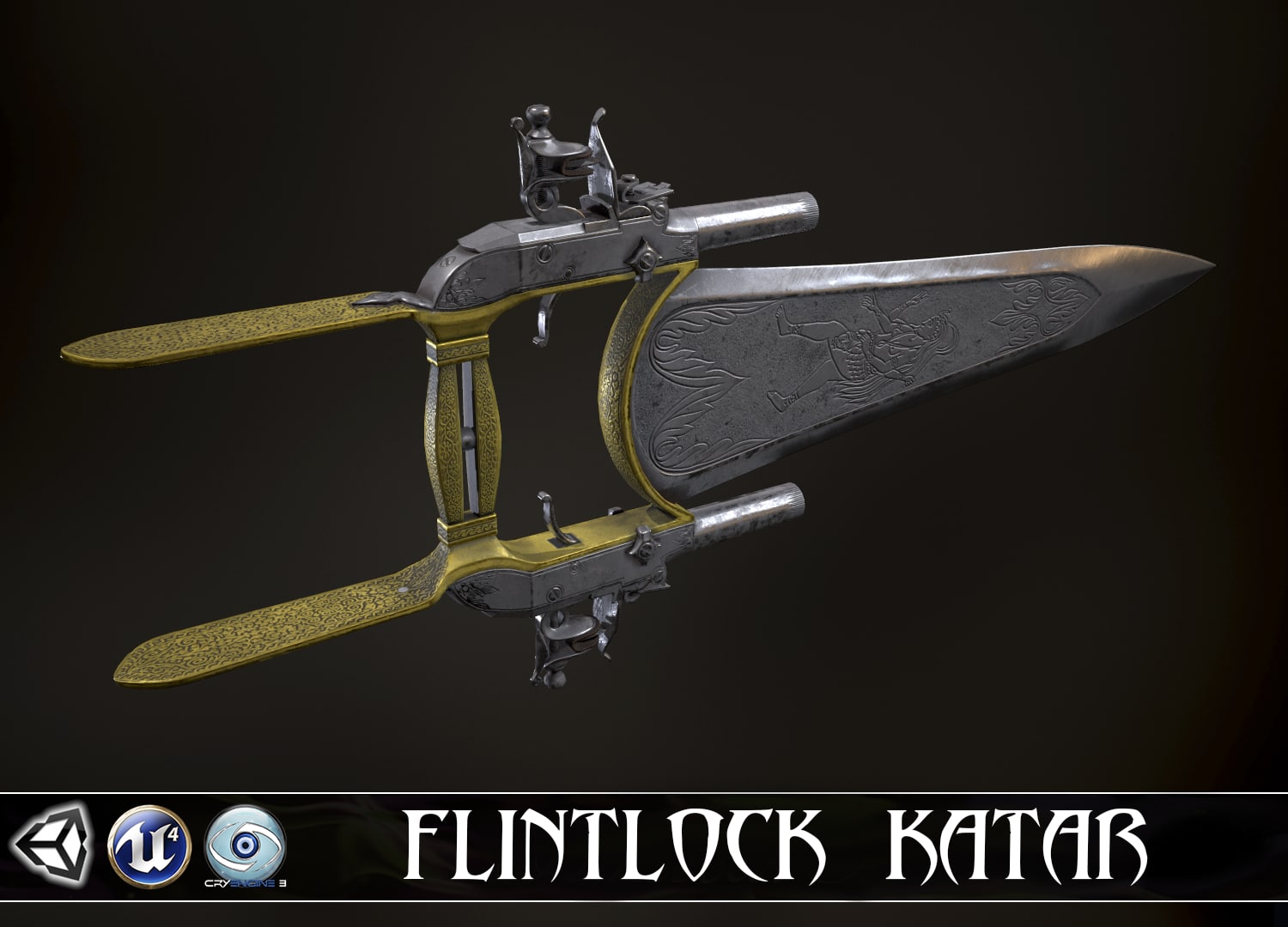
WRATH OF GODDESS – Flintlock Katar 3D Model
WRATH OF THE GODDESS – Flintlock Katar low-poly 3d model ready for Virtual Reality (VR), Augmented Reality (AR), games and other real-time apps.The intended use of these models is the game of the first or third person.High resolution textures exported out of Substance Painter. Materials, meshes and texture names follow an easy to understand naming convention. Every element per weapon which requires animation has been detached and given the proper name. Each weapon material has the same name as the textures for it. You can downscale the textures from 4K to 2K or 1K depending on your needs but you’ll get the highest resolution to decide for yourself.IMPORTANT NOTE: Rig, animations, arms or sounds are not included! Weapon models and textures only.Technical Details:-Textures for Unity5: yes-Textures for UnrealEngine4: yes-Textures for CryEngine3: yes-Texture Size: 4096×4096 (png)-Physically-Based Rendering: Yes-Polycount: LOD0 – 4692 tr.LOD1 – 2986 tr.LOD2 – 1972 tr.-each moving part has its pivot point.
-

3D BUTTERFLY ASSASSIN – Flintlock Katar 3D Model
BUTTERFLY ASSASSIN – Flintlock Katar low-poly 3d model ready for Virtual Reality (VR), Augmented Reality (AR), games and other real-time apps.The intended use of these models is the game of the first or third person.High resolution textures exported out of Substance Painter. Materials, meshes and texture names follow an easy to understand naming convention. Every element per weapon which requires animation has been detached and given the proper name. Each weapon material has the same name as the textures for it. You can downscale the textures from 4K to 2K or 1K depending on your needs but you’ll get the highest resolution to decide for yourself.IMPORTANT NOTE: Rig, animations, arms or sounds are not included! Weapon models and textures only.Technical Details:-Textures for Unity5: yes-Textures for UnrealEngine4: yes-Textures for CryEngine3: yes-Texture Size: 4096×4096 (png)-Physically-Based Rendering: Yes-Polycount: LOD0 – 3838 tr.LOD1 – 2514 tr.LOD2 – 1638 tr.-each moving part has its pivot point.
-
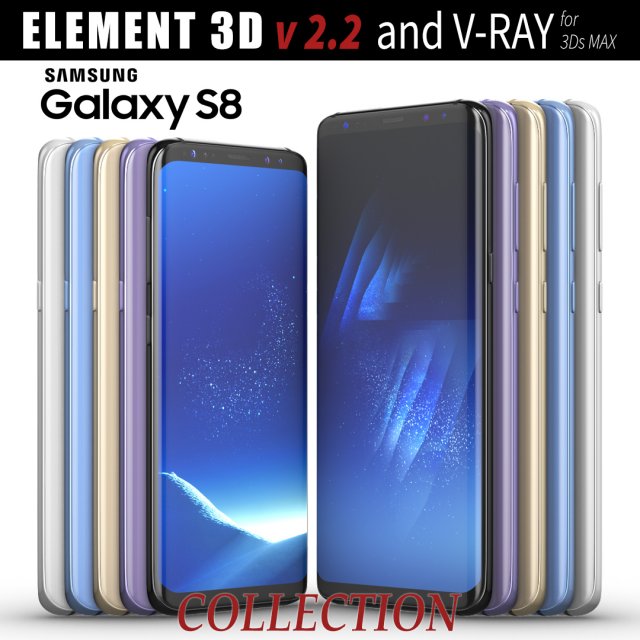
Samsung Galaxy S8 and S8 PLUS COLLECTION 3D Model
This set:3D element v2.2The model given is easy to use- 1 file obj standard- 1 file c4d R18 in the standard render- 1 file 3ds Max 2013 vray material- 1 file fbx- 1 file of 3Ds- file e3d full set of materials, like a previewHow to use it?1. Discovery after the impact of CC 2014 (or above) and create a new composition (you need Element3D v2.2 to use)2. Create a new solid layer and add the effect of the elements. (Effect / Video Copilot / Element)3. Select Install Location4. Click on the import inside the Element3D Installation location5. Select my .e3d according to the model and click on the open button.If you do not see the model, do not forget to right click on the model name and press the replace model select.Topology of geometry:- forms and proportions of The 3D model- the geometry of the model was created very neatly- there are no many-sided polygons- detailed enough for close-up renders- the model optimized for turbosmooth modifier- Not collapsed the turbosmooth modified- apply the Smooth modifier with a parameter to get the desired level of detailMaterials and Textures:- 3ds max files included Vray-Shaders- all texture paths are clearedOrganization of scene:- to all objects and materials- real world size (system units – mm)- coordinates of location of the model in space (x0, y0, z0)- does not contain extraneous or hidden objects (lights, cameras, shapes etc.)
-
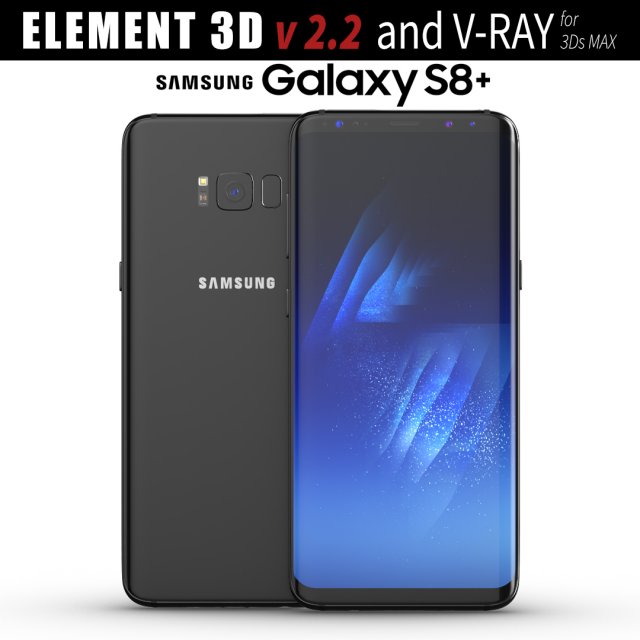
Samsung Galaxy S8 PLUS Midnight Black model 3D Model
This set:3D element v2.2The model given is easy to use- 1 file obj standard- 1 file c4d R18 in the standard render- 1 file 3ds Max 2013 vray material- 1 file fbx- 1 file of 3Ds- file e3d full set of materials, like a previewHow to use it?1. Discovery after the impact of CC 2014 (or above) and create a new composition (you need Element3D v2.2 to use)2. Create a new solid layer and add the effect of the elements. (Effect / Video Copilot / Element)3. Select Install Location4. Click on the import inside the Element3D Installation location5. Select my .e3d according to the model and click on the open button.If you do not see the model, do not forget to right click on the model name and press the replace model select.Topology of geometry:- forms and proportions of The 3D model- the geometry of the model was created very neatly- there are no many-sided polygons- detailed enough for close-up renders- the model optimized for turbosmooth modifier- Not collapsed the turbosmooth modified- apply the Smooth modifier with a parameter to get the desired level of detailMaterials and Textures:- 3ds max files included Vray-Shaders- all texture paths are clearedOrganization of scene:- to all objects and materials- real world size (system units – mm)- coordinates of location of the model in space (x0, y0, z0)- does not contain extraneous or hidden objects (lights, cameras, shapes etc.)
-
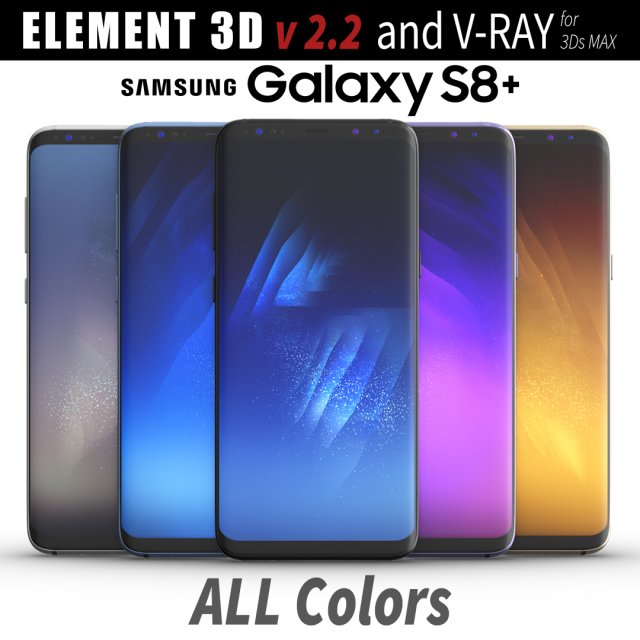
Samsung Galaxy S8 PLUS ALL Colors 3D Model
This set:3D element v2.2The model given is easy to use- 1 file obj standard- 1 file c4d R18 in the standard render- 1 file 3ds Max 2013 vray material- 1 file fbx- 1 file of 3Ds- file e3d full set of materials, like a previewHow to use it?1. Discovery after the impact of CC 2014 (or above) and create a new composition (you need Element3D v2.2 to use)2. Create a new solid layer and add the effect of the elements. (Effect / Video Copilot / Element)3. Select Install Location4. Click on the import inside the Element3D Installation location5. Select my .e3d according to the model and click on the open button.If you do not see the model, do not forget to right click on the model name and press the replace model select.Topology of geometry:- forms and proportions of The 3D model- the geometry of the model was created very neatly- there are no many-sided polygons- detailed enough for close-up renders- the model optimized for turbosmooth modifier- Not collapsed the turbosmooth modified- apply the Smooth modifier with a parameter to get the desired level of detailMaterials and Textures:- 3ds max files included Vray-Shaders- all texture paths are clearedOrganization of scene:- to all objects and materials- real world size (system units – mm)- coordinates of location of the model in space (x0, y0, z0)- does not contain extraneous or hidden objects (lights, cameras, shapes etc.)
-
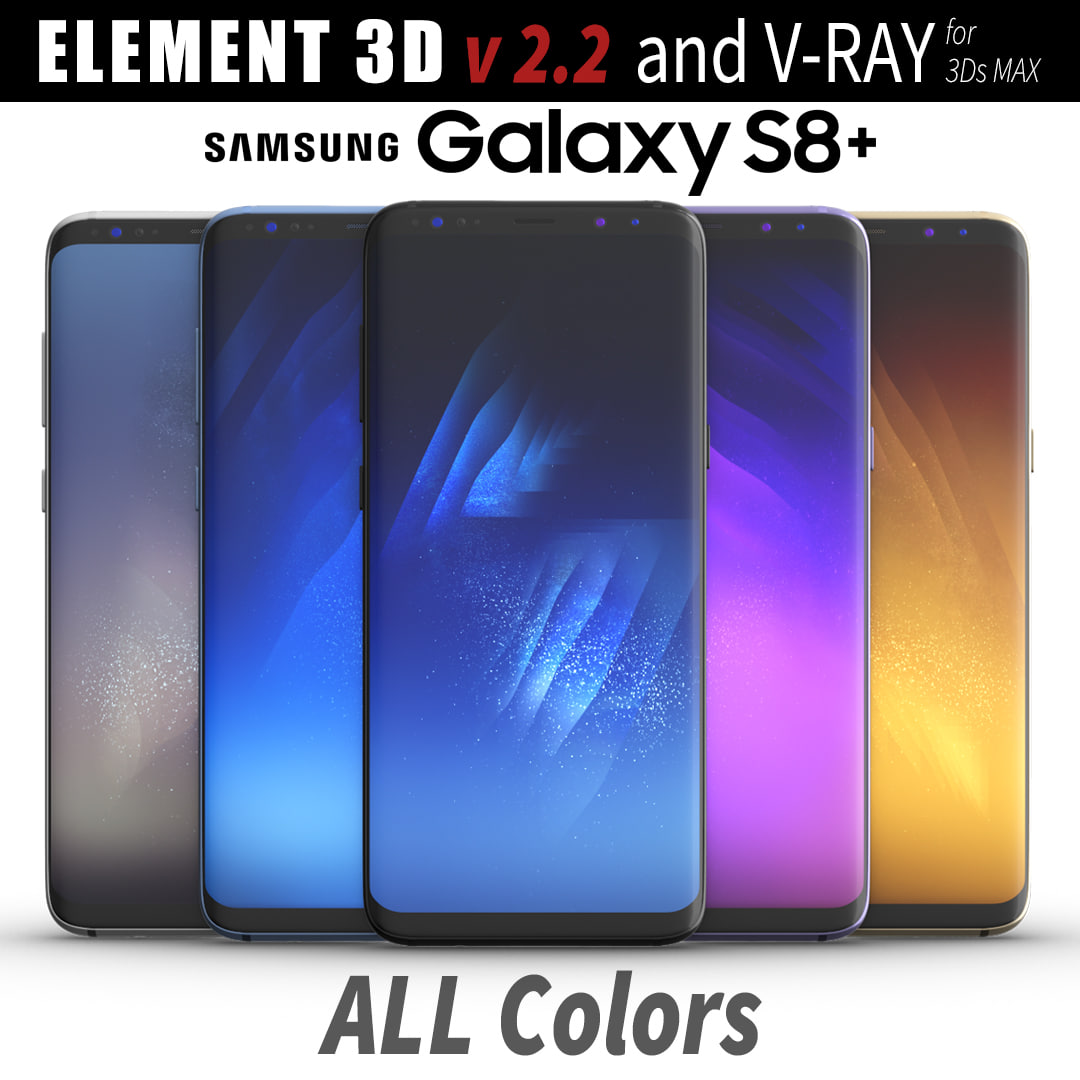
3D Samsung Galaxy S8 PLUS ALL Colors model 3D Model
This set:3D element v2.2The model given is easy to use- 1 file obj standard- 1 file c4d R18 in the standard render- 1 file 3ds Max 2013 vray material- 1 file fbx- 1 file of 3Ds- file e3d full set of materials, like a previewHow to use it?1. Discovery after the impact of CC 2014 (or above) and create a new composition (you need Element3D v2.2 to use)2. Create a new solid layer and add the effect of the elements. (Effect / Video Copilot / Element)3. Select Install Location4. Click on the import inside the Element3D Installation location5. Select my .e3d according to the model and click on the open button.If you do not see the model, do not forget to right click on the model name and press the replace model select.Topology of geometry:- forms and proportions of The 3D model- the geometry of the model was created very neatly- there are no many-sided polygons- detailed enough for close-up renders- the model optimized for turbosmooth modifier- Not collapsed the turbosmooth modified- apply the Smooth modifier with a parameter to get the desired level of detailMaterials and Textures:- 3ds max files included Vray-Shaders- all texture paths are clearedOrganization of scene:- to all objects and materials- real world size (system units – mm)- coordinates of location of the model in space (x0, y0, z0)- does not contain extraneous or hidden objects (lights, cameras, shapes etc.)
-

Kukri Knife 3D Model
This is a high quality, low poly asset originally modeled in 3DS Max 2015Geometry:Triangles: 756Vertices: 785Tested in Unreal Engine 4Additional Maps (1024×1024):-Base-Height-Normal-Metallic-Roughness
-
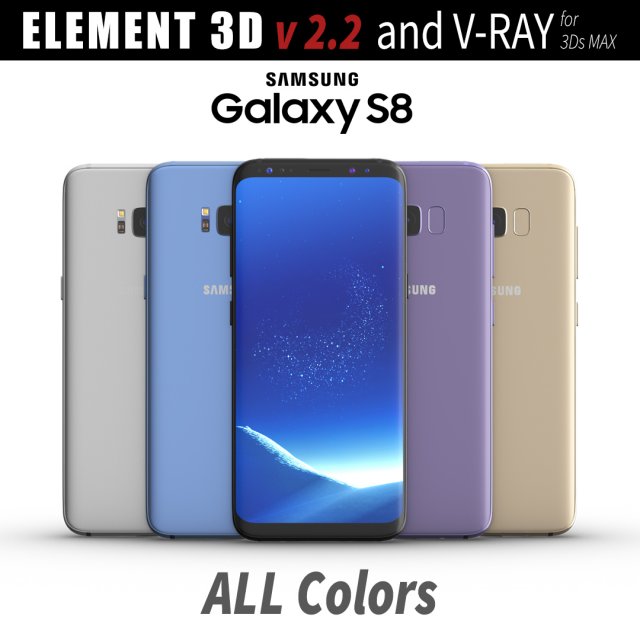
Samsung Galaxy S8 All Colors for Element 3D and V-ray 3D Model
This set:3D element v2.2The model given is easy to use- 1 file obj standard- 1 file c4d R18 in the standard render- 1 file 3ds Max 2013 vray material- 1 file fbx- 1 file of 3Ds- file e3d full set of materials, like a previewHow to use it?1. Discovery after the impact of CC 2014 (or above) and create a new composition (you need Element3D v2.2 to use)2. Create a new solid layer and add the effect of the elements. (Effect / Video Copilot / Element)3. Select Install Location4. Click on the import inside the Element3D Installation location5. Select my .e3d according to the model and click on the open button.If you do not see the model, do not forget to right click on the model name and press the replace model select.Topology of geometry:- forms and proportions of The 3D model- the geometry of the model was created very neatly- there are no many-sided polygons- detailed enough for close-up renders- the model optimized for turbosmooth modifier- Not collapsed the turbosmooth modified- apply the Smooth modifier with a parameter to get the desired level of detailMaterials and Textures:- 3ds max files included Vray-Shaders- all texture paths are clearedOrganization of scene:- to all objects and materials- real world size (system units – mm)- coordinates of location of the model in space (x0, y0, z0)- does not contain extraneous or hidden objects (lights, cameras, shapes etc.)
-
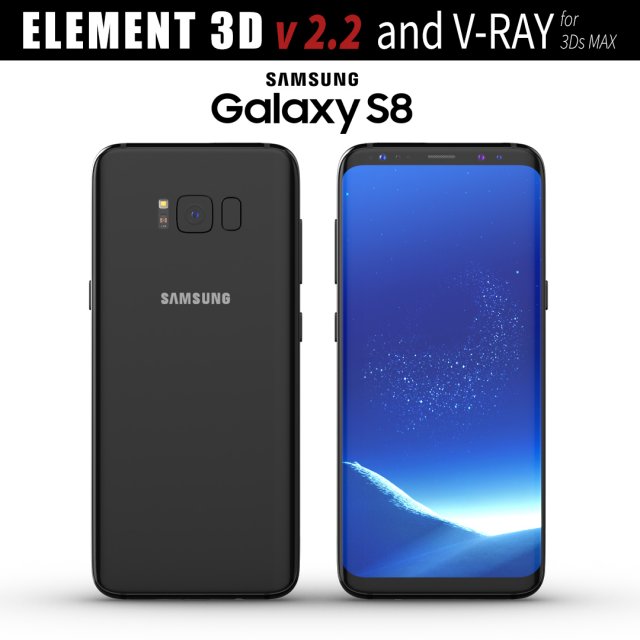
Samsung Galaxy S8 Midnight Black model 3D Model
This set:3D element v2.2The model given is easy to use- 1 file obj standard- 1 file c4d R18 in the standard render- 1 file 3ds Max 2013 vray material- 1 file fbx- 1 file of 3Ds- file e3d full set of materials, like a previewHow to use it?1. Discovery after the impact of CC 2014 (or above) and create a new composition (you need Element3D v2.2 to use)2. Create a new solid layer and add the effect of the elements. (Effect / Video Copilot / Element)3. Select Install Location4. Click on the import inside the Element3D Installation location5. Select my .e3d according to the model and click on the open button.If you do not see the model, do not forget to right click on the model name and press the replace model select.Topology of geometry:- forms and proportions of The 3D model- the geometry of the model was created very neatly- there are no many-sided polygons- detailed enough for close-up renders- the model optimized for turbosmooth modifier- Not collapsed the turbosmooth modified- apply the Smooth modifier with a parameter to get the desired level of detailMaterials and Textures:- 3ds max files included Vray-Shaders- all texture paths are clearedOrganization of scene:- to all objects and materials- real world size (system units – mm)- coordinates of location of the model in space (x0, y0, z0)- does not contain extraneous or hidden objects (lights, cameras, shapes etc.)
-
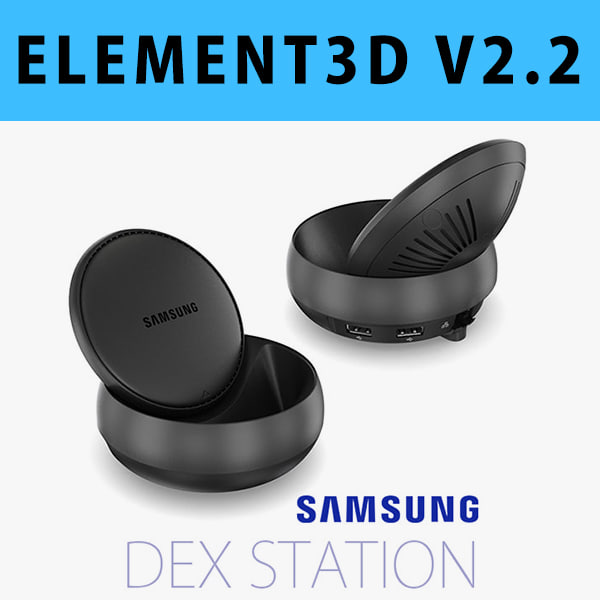
E3D – Samsung DEX Station model 3D Model
This pack:Element 3D V2.2 ( All colors )models preset easy to use- 1 file OBJ High poly- 1 file OBJ standard- 1 file C4D R12 standard render- 1 file 3ds max 2012 standard material- E3D file full materials set up like previewsHow to use it?1. Open After Effects CC 2014 ( or higher) and create new composition ( You need Element3D V2.2 to use )2. Create new Solid layer and add Element effect. ( Effect/Video Copilot/ Element )3. Click Scene Setup4. Click on IMPORT inside Element3D scene setup5. Choose my .e3d preset for the model and press Open.If you dont see the model do not forget to right click on the model name and press Replace model then select the .obj model file in the respective models folder.
-
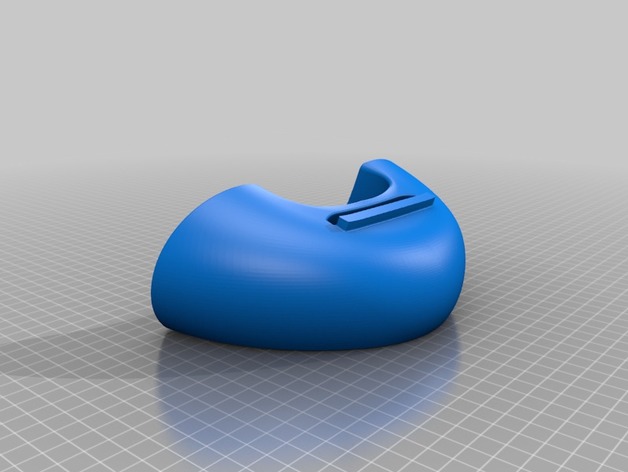
S7 Edge Speaker V2 3D Print Model
Summary
Just a simple amplifierd dock for samsung S7 and S7 edge speakers easy to print.
Print Settings
Printer:
Anet A6 Rafts:
Doesn’t Matter Supports:
No Resolution:
0.2 Infill:
20
Post-Printing
After Print
After printing you just need to stick the samsung name to the place with a glue , I used loctite. -
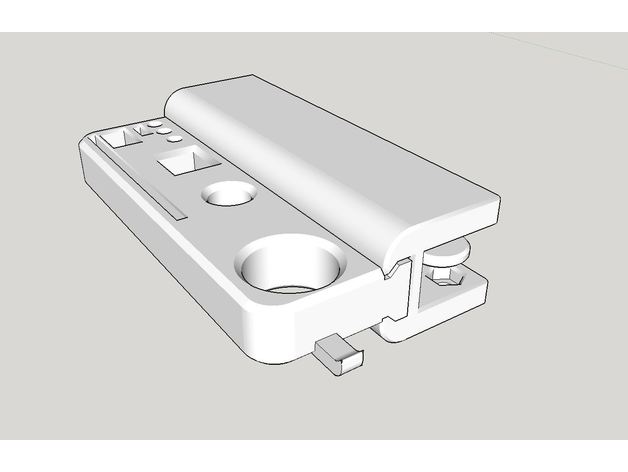
Tools holder on table edge. 3D Print Model
Summary
You need M6 screw2 and M6 nut2.
The thickness of table should be under 15mm. -
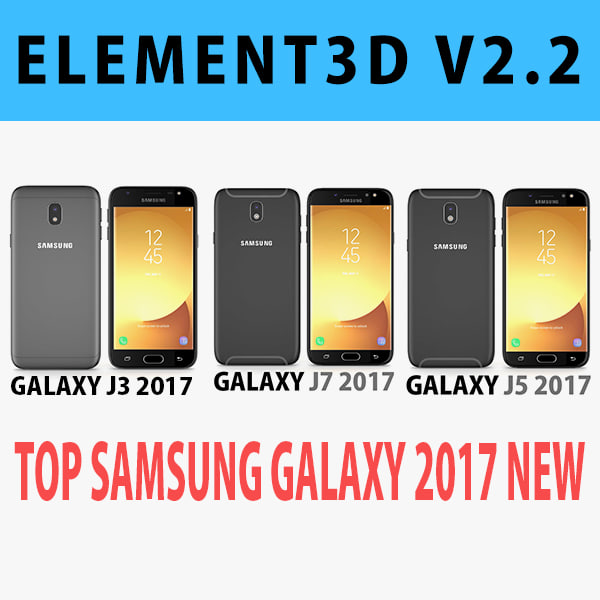
E3D – Samsung Galaxy J Top 2017 New 3D Model
This pack:Element 3D V2.2 ( All colors )models preset easy to use- 1 file OBJ High poly- 1 file OBJ standard- 1 file C4D R12 standard render- 1 file 3ds max 2012 standard material- E3D file full materials set up like previewsHow to use it?1. Open After Effects CC 2014 ( or higher) and create new composition ( You need Element3D V2.2 to use )2. Create new Solid layer and add Element effect. ( Effect/Video Copilot/ Element )3. Click Scene Setup4. Click on IMPORT inside Element3D scene setup5. Choose my .e3d preset for the model and press Open.If you dont see the model do not forget to right click on the model name and press Replace model then select the .obj model file in the respective models folder.
-
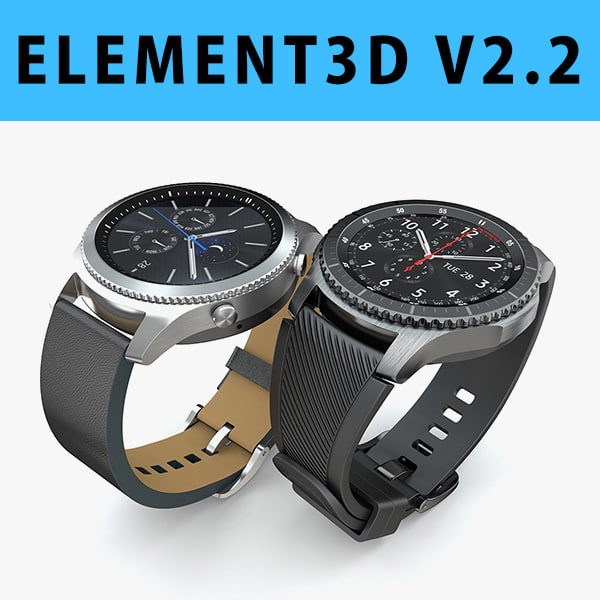
3D E3D – Samsung Gear S3 Classic + Frontier 3D Model
This pack:Element 3D V2.2 ( All colors )models preset easy to use- 1 file OBJ High poly- 1 file OBJ standard- 1 file C4D R12 standard render- 1 file 3ds max 2012 standard material- E3D file full materials set up like previewsHow to use it?1. Open After Effects CC 2014 ( or higher) and create new composition ( You need Element3D V2.2 to use )2. Create new Solid layer and add Element effect. ( Effect/Video Copilot/ Element )3. Click Scene Setup4. Click on IMPORT inside Element3D scene setup5. Choose my .e3d preset for the model and press Open.If you dont see the model do not forget to right click on the model name and press Replace model then select the .obj model file in the respective models folder.
-
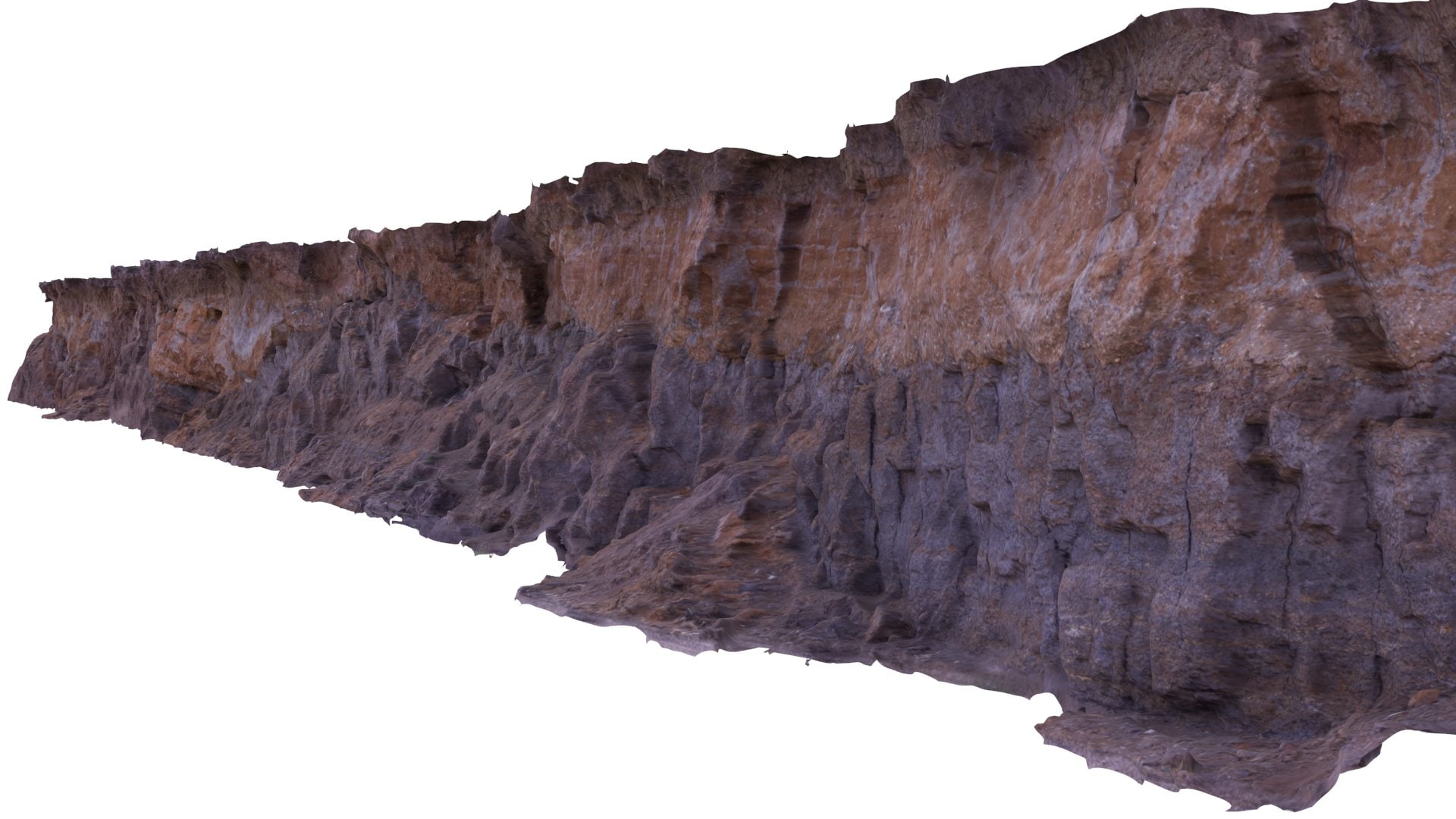
Long Cliff – High & Low Poly Versions model 3D Model
Realistic detailed 3D model retoploygized from a photogrammetric scan – High and Low polygon quad meshes with 8K textures.Designed for use with physically based non-biased renders, unwrapped non-overlapping surface UVs for good lighting results and textures include Diffuse, Ambient Occlusion, Cavity, Displacement, and Normal maps.Polygons: Hi-Res: 1579872 | Low-Res: 24567 Vertices: Hi-Res: 795123 | Low-Res: 12938 UV Resolution: 8192 x 8192 pixelsVersions: 3Ds Max 2016, 3Ds Max 2015, 3Ds Max 2014, 3Ds Max 2013 3Ds Max 2016 – VRay 3.2, 3Ds Max 2015 – VRay 3.2, 3Ds Max 2014 VRay – 3.2, 3Ds Max 2013 – VRay 3.2 OBJ 3DS FBXPreview images rendered from 3Ds Max and Vray.
-
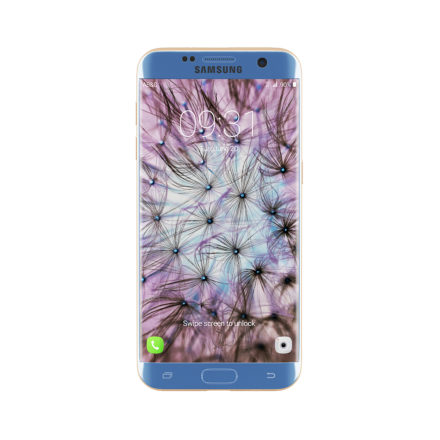
Galaxy S7 Edge Blue/Gold 3D Model
3d model of Galaxy S7 Edge smartphone – Blue and Gold color. Compatible with 3ds max 2010 or higher and many others.
-
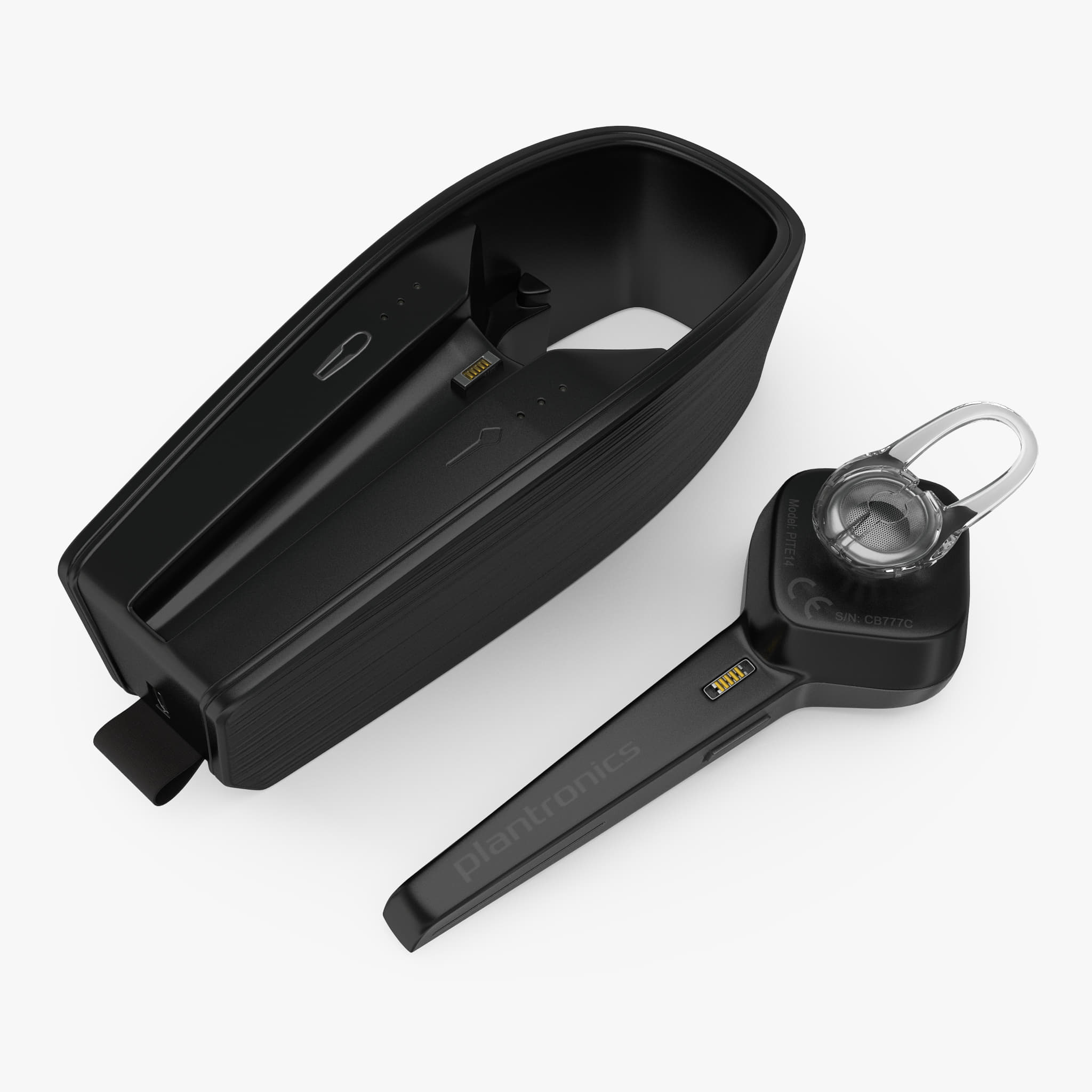
Bluetooth Wireless Headset Plantronics Voyager Edge with Charging Case Set 3D Model
Bluetooth Wireless Headset Plantronics Voyager Edge with Charging Case Set is a high quality, photo real model that will enhance detail and realism to any of your rendering projects. The model has a fully textured, detailed design that allows for close-up renders, and was originally modeled in 3ds Max 2012 and rendered with V-Ray. Fidelity is optimal up to a 2k render. Renders have no postprocessing.Hope you like it!Headset and Charging Case can be used separately.*********************************Features:- High quality polygonal model, correctly scaled for an accurate representation of the original object.- Models resolutions are optimized for polygon efficiency. (In 3ds Max, the Meshsmooth function can be used to increase mesh resolution if necessary.)- All colors can be easily modified.- Model is fully textured with all materials applied.- All textures and materials are included and mapped in every format.- 3ds Max models are grouped for easy selection, and objects are logically named for ease of scene management.- No part-name confusion when importing several models into a scene.- No cleaning up necessaryjust drop your models into the scene and start rendering.- No special plugin needed to open scene.- Model does not include any backgrounds or scenes used in preview images.- Units: cm- Photoshop (original texture files with all layers)*********************************File Formats:- 3ds Max 2012 V-Ray and standard materials scenes- OBJ (Multi Format)- 3DS (Multi Format)- Maya 2011- Cinema 4D R14- FBX (Multi Format)- Photoshop (original texture files with all layers)*********************************Textures Formats:- (6 .png) 4096 x 4096Also there are original texture files with all layers .PSD format in particular archive*********************************3d Molier International is a team of 3D artists with over a decade of experience in the field. The company participated in various projects allowing us to learn our clients needs. Every model we build goes through thorough Quality assessment both visual and technical to make sure the assets look realistic and the models are of the best quality, which you can tell by looking at the renders none of the has any postprocessing. On the top of that all the models come with complete UVs and optimized topology, which allows you in no time alter geo or the textures if needed.Also check out our other models, just click on our user name to see complete gallery. 3d_molier International 2017
-
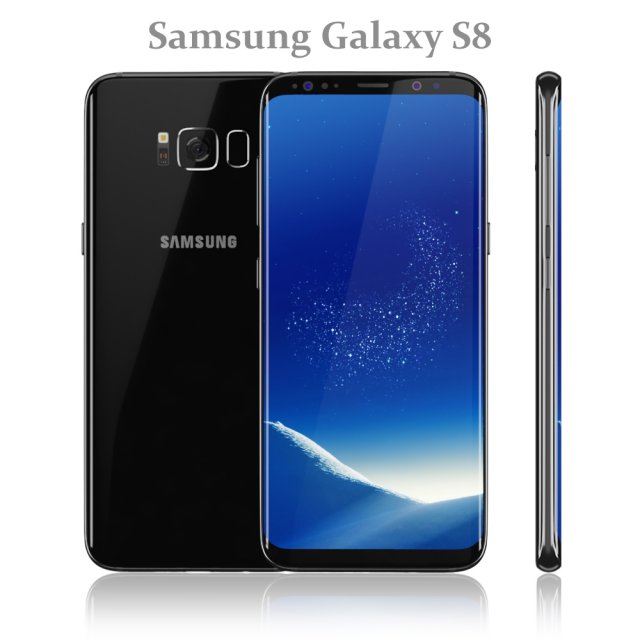
Samsung Galaxy S8 Black model 3D Model
Realistic (copy) 3d model of Samsung Galaxy S8 Black.
Topology of geometry:
– forms and proportions of The 3D model most similar to the real object
– the geometry of the model was created very neatly
– there are no many-sided polygons
– detailed enough for close-up renders
– the model optimized for turbosmooth modifier
– Not collapsed the turbosmooth modified
– apply the Smooth modifier with a parameter to obtain the desired level of detail
Materials and Textures:
– 3ds max files included Standart materials and Vray-Shaders
– all texture paths are cleared
Organization of scene:
– to all objects and materials names in scene are appropriated
– real world size (system units – mm)
– coordinates of location of the model in space (x0, y0, z0)
– does not contain extraneous or hidden objects (lights, cameras, shapes etc.)
File Formats:
– original file format – 3ds max 2016 + Vray
– 3ds max 2013 Vray and Standard material
– obj
Renders:
– all previews rendered 3ds max Vray
– the model is completely ready for use visualization in 3ds max + Vray -
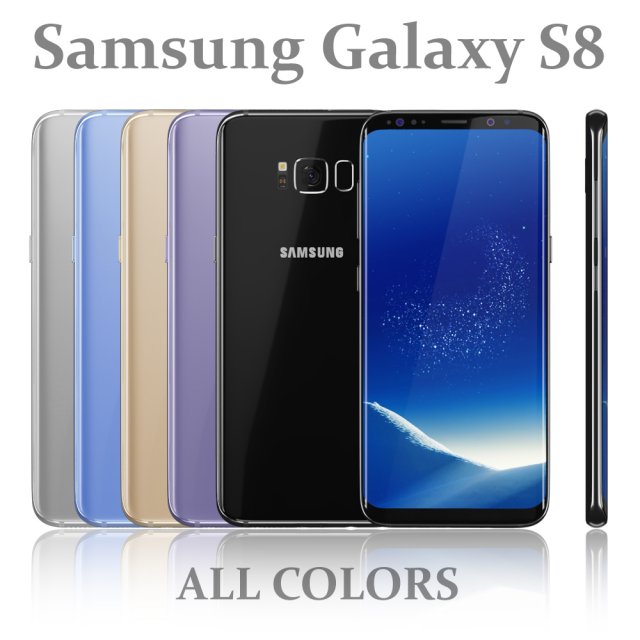
Samsung Galaxy S8 All colors 3D Model
Realistic (copy) 3d model of Samsung Galaxy S8 All colors.
Topology of geometry:
– forms and proportions of The 3D model most similar to the real object
– the geometry of the model was created very neatly
– there are no many-sided polygons
– detailed enough for close-up renders
– the model optimized for turbosmooth modifier
– Not collapsed the turbosmooth modified
– apply the Smooth modifier with a parameter to obtain the desired level of detail
Materials and Textures:
– 3ds max files included Standart materials and Vray-Shaders
– all texture paths are cleared
Organization of scene:
– to all objects and materials names in scene are appropriated
– real world size (system units – mm)
– coordinates of location of the model in space (x0, y0, z0)
– does not contain extraneous or hidden objects (lights, cameras, shapes etc.)
File Formats:
– original file format – 3ds max 2016 + Vray
– 3ds max 2013 Vray and Standard material
– obj
Renders:
– all previews rendered 3ds max Vray
– the model is completely ready for use visualization in 3ds max + Vray -
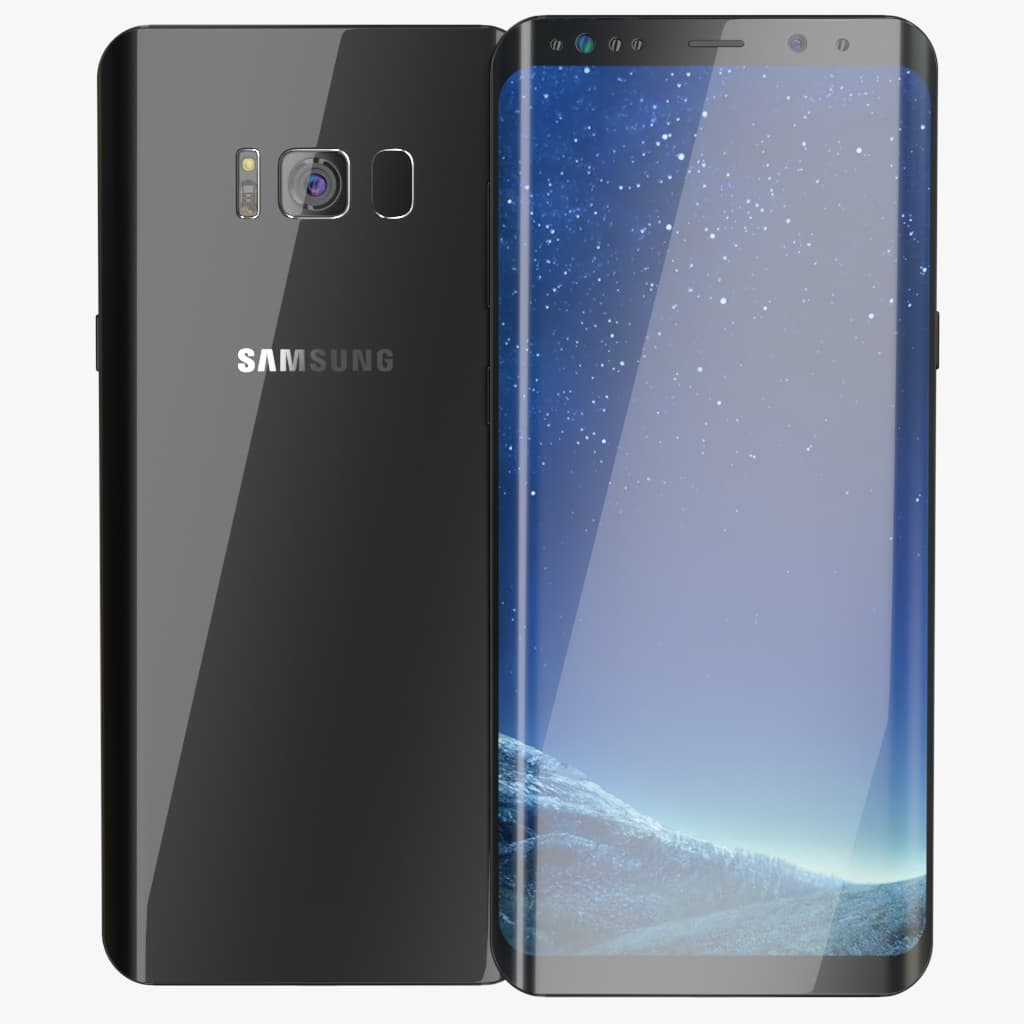
Galaxy S8 Plus Midnight Black 3D Model
Highly detailed and realistic model of a Samsung Galaxy S8 PlusScene with all Vray settings 3DSMax 2015 V-ray 3.4Features:- Unit system is set to Centimeters- Work with Turbosmooth modifier.- Highly detailed and realistic- Preview rendered with V-Ray 3.4- Scene with all Vray settingsTextures:Env.exrGalaxy_S8_cam2.tgaGalaxy_S8_cam.tgaGalaxy_S8_back_mask.tgaGalaxy_S8_front.tgaGalaxy_S8_front_Midnight_Black
-
simple OWI Edge Robotic arm model 3D Print Model
Summary
These are 3d files required for the SImple OWI Edge GUI -
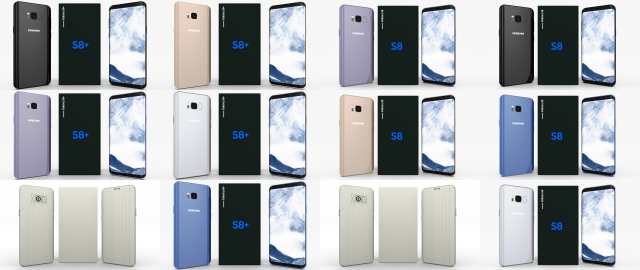
Samsung Galaxy S8 and S8 PlusPack 3D Model
A very accurate model pack of Samsung Galaxy S8 and S8+ phones, in all color variants(Arctic Silver/Coral Blue/Maple Gold/ Midnight Black/ Orchid Gray).
The model comes in five formats:
-.blend, rendered with cycles, as seen in the images;
-.obj, with materials applied and textures;
-.dae, with materials applied and textures;
-.fbx, with material slots applied;
-.stl;
Depending on the 3D Software program used, slight material tweaking might be needed.
This 3d model was originally created in Blender 2.78 and rendered with Cycles.
The model has materials applied in all formats, and are ready to import and render.
The model is built strictly out of quads and is subdivisable.
For any problems please feel free to contact me.
Don’t forget to rate and enjoy! -
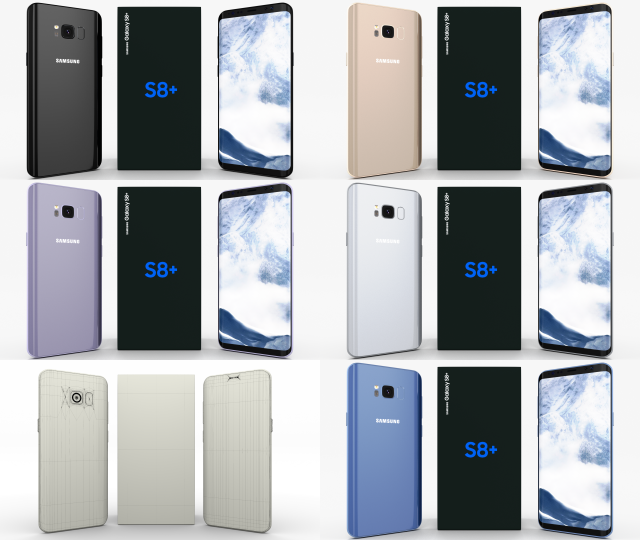
Samsung Galaxy S8 Plus Pack 3D Model
A very accurate model pack of Samsung Galaxy S8+ phones, in all color variants(Arctic Silver/Coral Blue/Maple Gold/ Midnight Black/ Orchid Gray).
The model comes in five formats:
-.blend, rendered with cycles, as seen in the images;
-.obj, with materials applied and textures;
-.dae, with materials applied and textures;
-.fbx, with material slots applied;
-.stl;
Depending on the 3D Software program used, slight material tweaking might be needed.
This 3d model was originally created in Blender 2.78 and rendered with Cycles.
The model has materials applied in all formats, and are ready to import and render.
The model is built strictly out of quads and is subdivisable.
For any problems please feel free to contact me.
Don’t forget to rate and enjoy! -
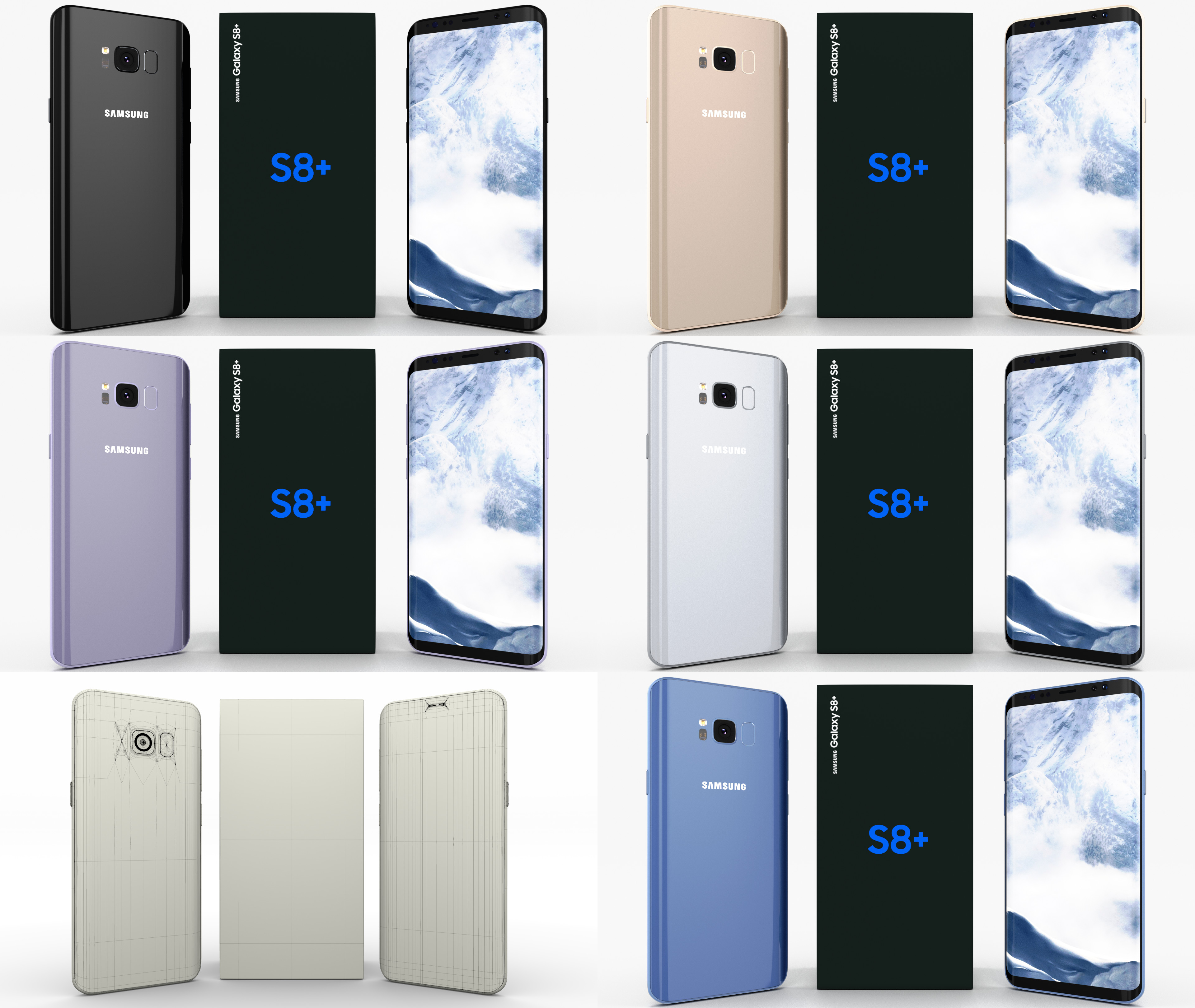
Samsung Galaxy S8+ Pack 3D Model
A very accurate model pack of Samsung Galaxy S8+ phones, in all color variants(Arctic Silver/Coral Blue/Maple Gold/ Midnight Black/ Orchid Gray). The model comes in five formats:-.blend, rendered with cycles, as seen in the images;-.obj, with materials applied and textures;-.dae, with materials applied and textures;-.fbx, with material slots applied;-.stl;Depending on the 3D Software program used, slight material tweaking might be needed.This 3d model was originally created in Blender 2.78 and rendered with Cycles.The model has materials applied in all formats, and are ready to import and render.The model is built strictly out of quads and is subdivisable.For any problems please feel free to contact me.Don’t forget to rate and enjoy!
-
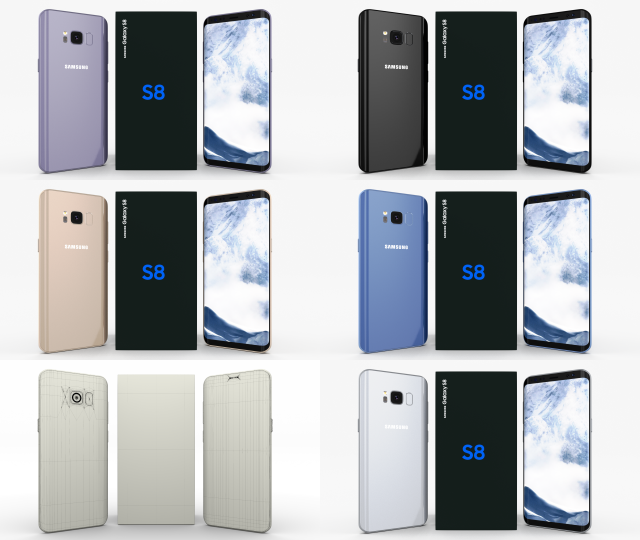
Samsung Galaxy S8 Pack 3D Model
A very accurate model pack of Samsung Galaxy S8 phones, in all color variants(Arctic Silver/Coral Blue/Maple Gold/ Midnight Black/ Orchid Gray).
The model comes in five formats:
-.blend, rendered with cycles, as seen in the images;
-.obj, with materials applied and textures;
-.dae, with materials applied and textures;
-.fbx, with material slots applied;
-.stl;
Depending on the 3D Software program used, slight material tweaking might be needed.
This 3d model was originally created in Blender 2.78 and rendered with Cycles.
The model has materials applied in all formats, and are ready to import and render.
The model is built strictly out of quads and is subdivisable.
For any problems please feel free to contact me.
Don’t forget to rate and enjoy! -
Mercedes 300SL Pack 3D Model
A pack containing 2 Mercedes 300SL 3D models, as following:
-Mercedes 300SL;
-Mercedes 300SL Convertible;
The models come in five formats each:
-.blend, rendered with cycles, as seen in the images;
-.obj, with materials applied and textures;
-.dae, with materials applied and textures;
-.fbx;
-.stl;
The models have materials applied in all formats, and are ready to import and render.
The models are built strictly out of quads and are subdivisable.
It comes in separate parts, named correctly for the sake of convenience.
For any problems please feel free to contact me.
Don’t forget to rate and enjoy! -
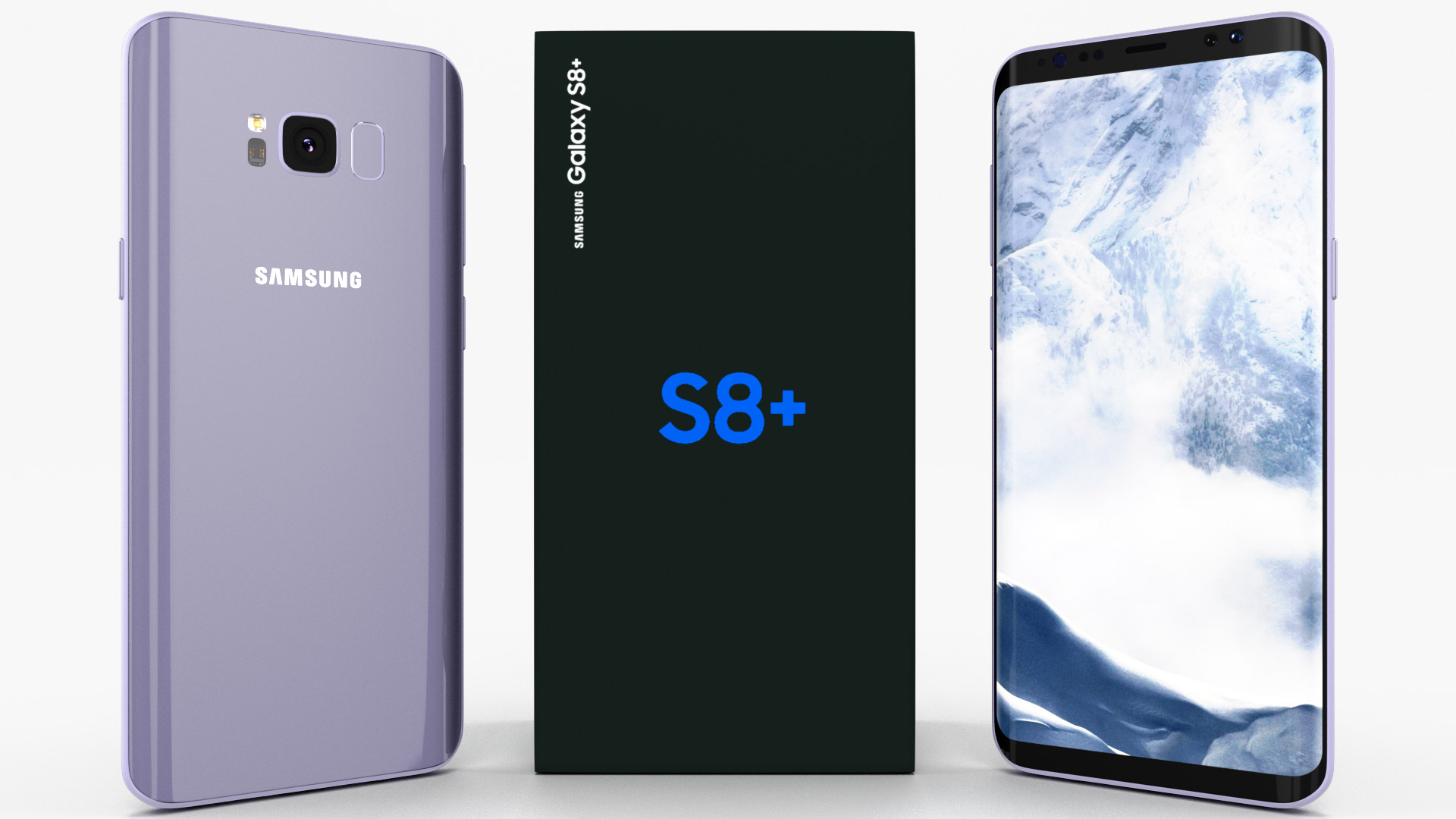
Samsung Galaxy S8+ Orchid Gray 3D model 3D Model
A very accurate model of a Samsung Galaxy S8+. The model comes in five formats:-.blend, rendered with cycles, as seen in the images;-.obj, with materials applied and textures;-.dae, with materials applied and textures;-.fbx, with material slots applied;-.stl;Depending on the 3D Software program used, slight material tweaking might be needed.This 3d model was originally created in Blender 2.78 and rendered with Cycles.The model has materials applied in all formats, and are ready to import and render.The model is built strictly out of quads and is subdivisable.For any problems please feel free to contact me.Don’t forget to rate and enjoy!
-
Samsung Galaxy S8 Plus Orchid Gray 3D Model
A very accurate model of a Samsung Galaxy S8+.
The model comes in five formats:
-.blend, rendered with cycles, as seen in the images;
-.obj, with materials applied and textures;
-.dae, with materials applied and textures;
-.fbx, with material slots applied;
-.stl;
Depending on the 3D Software program used, slight material tweaking might be needed.
This 3d model was originally created in Blender 2.78 and rendered with Cycles.
The model has materials applied in all formats, and are ready to import and render.
The model is built strictly out of quads and is subdivisable.
For any problems please feel free to contact me.
Don’t forget to rate and enjoy! -
Samsung Galaxy S8 Plus Arctic Silver 3D Model
A very accurate model of a Samsung Galaxy S8+.
The model comes in five formats:
-.blend, rendered with cycles, as seen in the images;
-.obj, with materials applied and textures;
-.dae, with materials applied and textures;
-.fbx, with material slots applied;
-.stl;
Depending on the 3D Software program used, slight material tweaking might be needed.
This 3d model was originally created in Blender 2.78 and rendered with Cycles.
The model has materials applied in all formats, and are ready to import and render.
The model is built strictly out of quads and is subdivisable.
For any problems please feel free to contact me.
Don’t forget to rate and enjoy! -
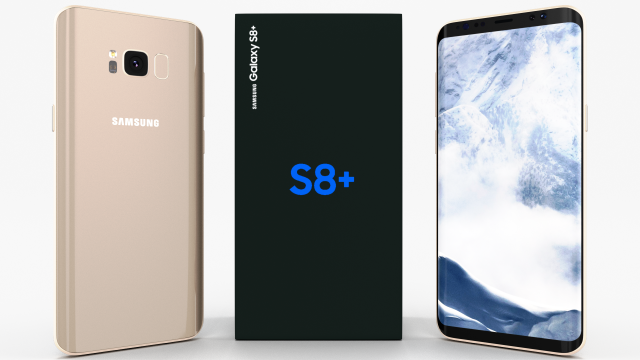
Samsung Galaxy S8 Plus Maple Gold 3D Model
A very accurate model of a Samsung Galaxy S8+.
The model comes in five formats:
-.blend, rendered with cycles, as seen in the images;
-.obj, with materials applied and textures;
-.dae, with materials applied and textures;
-.fbx, with material slots applied;
-.stl;
Depending on the 3D Software program used, slight material tweaking might be needed.
This 3d model was originally created in Blender 2.78 and rendered with Cycles.
The model has materials applied in all formats, and are ready to import and render.
The model is built strictly out of quads and is subdivisable.
For any problems please feel free to contact me.
Don’t forget to rate and enjoy! -
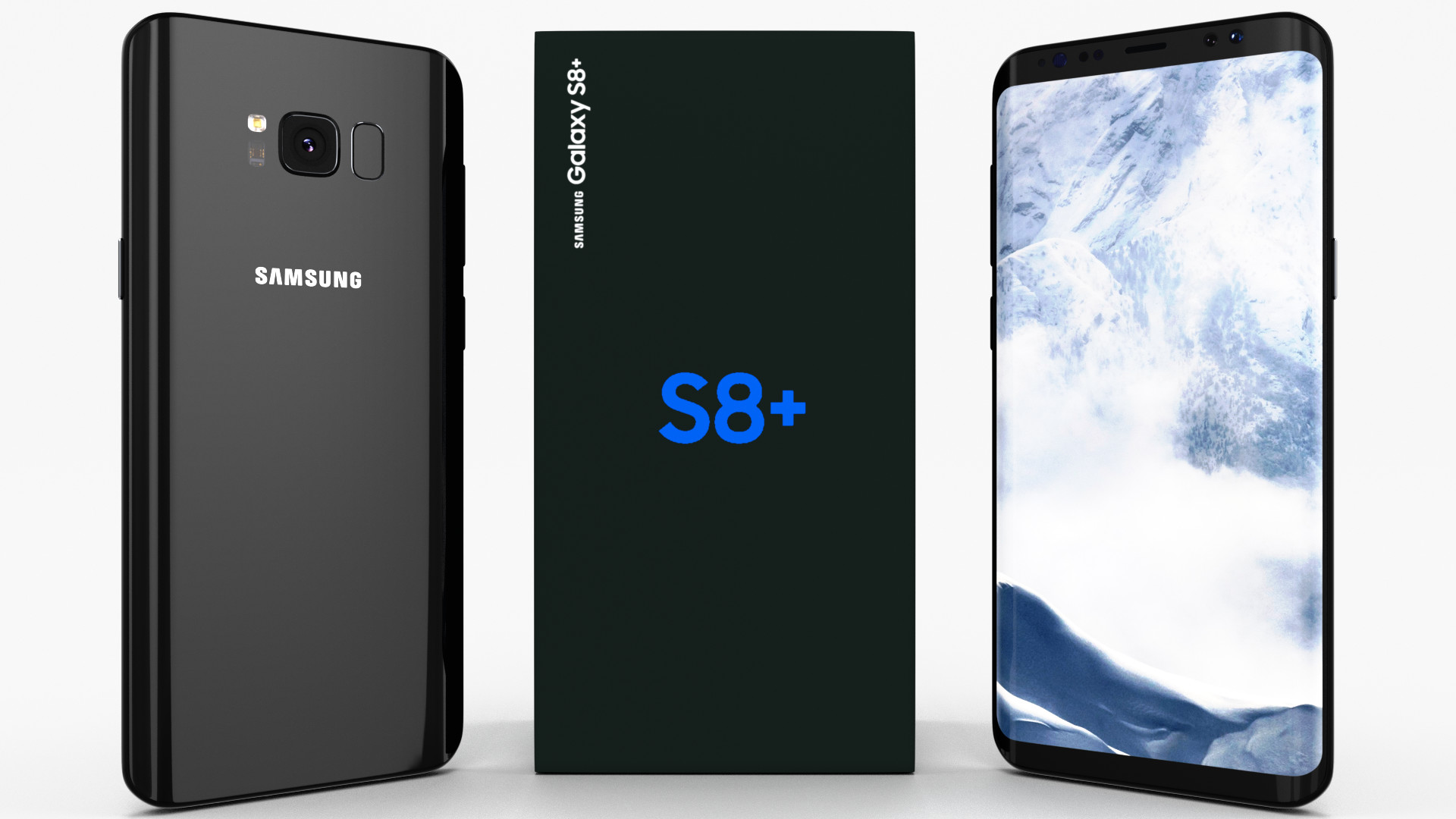
Samsung Galaxy S8+ Midnight Black 3D Model
A very accurate model of a Samsung Galaxy S8+. The model comes in five formats:-.blend, rendered with cycles, as seen in the images;-.obj, with materials applied and textures;-.dae, with materials applied and textures;-.fbx, with material slots applied;-.stl;Depending on the 3D Software program used, slight material tweaking might be needed.This 3d model was originally created in Blender 2.78 and rendered with Cycles.The model has materials applied in all formats, and are ready to import and render.The model is built strictly out of quads and is subdivisable.For any problems please feel free to contact me.Don’t forget to rate and enjoy!
-
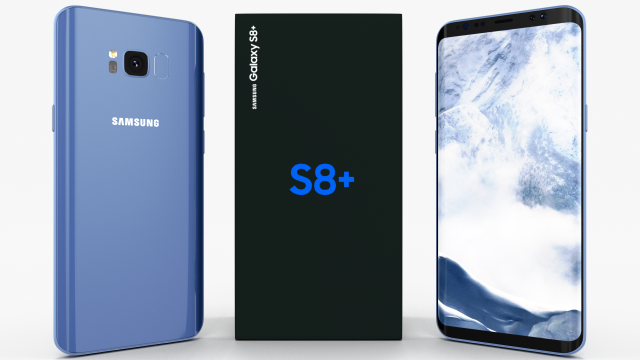
Samsung Galaxy S8 Plus Coral Blue 3D Model
A very accurate model of a Samsung Galaxy S8+.
The model comes in five formats:
-.blend, rendered with cycles, as seen in the images;
-.obj, with materials applied and textures;
-.dae, with materials applied and textures;
-.fbx, with material slots applied;
-.stl;
Depending on the 3D Software program used, slight material tweaking might be needed.
This 3d model was originally created in Blender 2.78 and rendered with Cycles.
The model has materials applied in all formats, and are ready to import and render.
The model is built strictly out of quads and is subdivisable.
For any problems please feel free to contact me.
Don’t forget to rate and enjoy! -
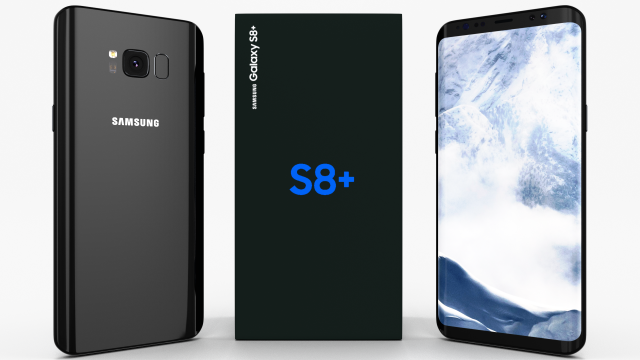
Samsung Galaxy S8 Plus Midnight Black 3D Model
A very accurate model of a Samsung Galaxy S8+.
The model comes in five formats:
-.blend, rendered with cycles, as seen in the images;
-.obj, with materials applied and textures;
-.dae, with materials applied and textures;
-.fbx, with material slots applied;
-.stl;
Depending on the 3D Software program used, slight material tweaking might be needed.
This 3d model was originally created in Blender 2.78 and rendered with Cycles.
The model has materials applied in all formats, and are ready to import and render.
The model is built strictly out of quads and is subdivisable.
For any problems please feel free to contact me.
Don’t forget to rate and enjoy! -
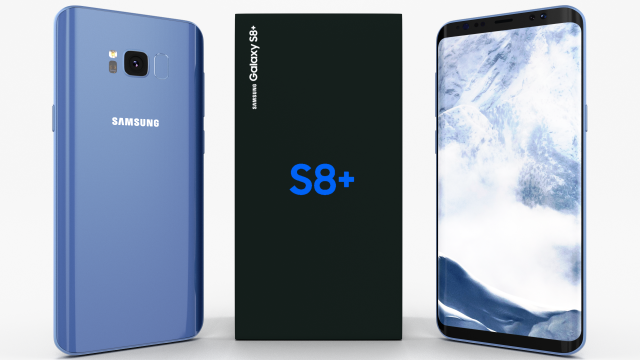
Samsung Galaxy S8 Coral Blue 3D Model
A very accurate model of a Samsung Galaxy S8+.
The model comes in five formats:
-.blend, rendered with cycles, as seen in the images;
-.obj, with materials applied and textures;
-.dae, with materials applied and textures;
-.fbx, with material slots applied;
-.stl;
Depending on the 3D Software program used, slight material tweaking might be needed.
This 3d model was originally created in Blender 2.78 and rendered with Cycles.
The model has materials applied in all formats, and are ready to import and render.
The model is built strictly out of quads and is subdivisable.
For any problems please feel free to contact me.
Don’t forget to rate and enjoy! -
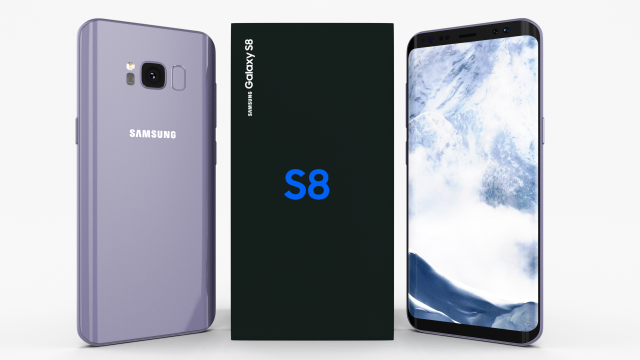
Samsung Galaxy S8 Orchid Gray 3D Model
A very accurate model of a Samsung Galaxy S8.
The model comes in five formats:
-.blend, rendered with cycles, as seen in the images;
-.obj, with materials applied and textures;
-.dae, with materials applied and textures;
-.fbx, with material slots applied;
-.stl;
Depending on the 3D Software program used, slight material tweaking might be needed.
This 3d model was originally created in Blender 2.78 and rendered with Cycles.
The model has materials applied in all formats, and are ready to import and render.
The model is built strictly out of quads and is subdivisable.
For any problems please feel free to contact me.
Don’t forget to rate and enjoy! -
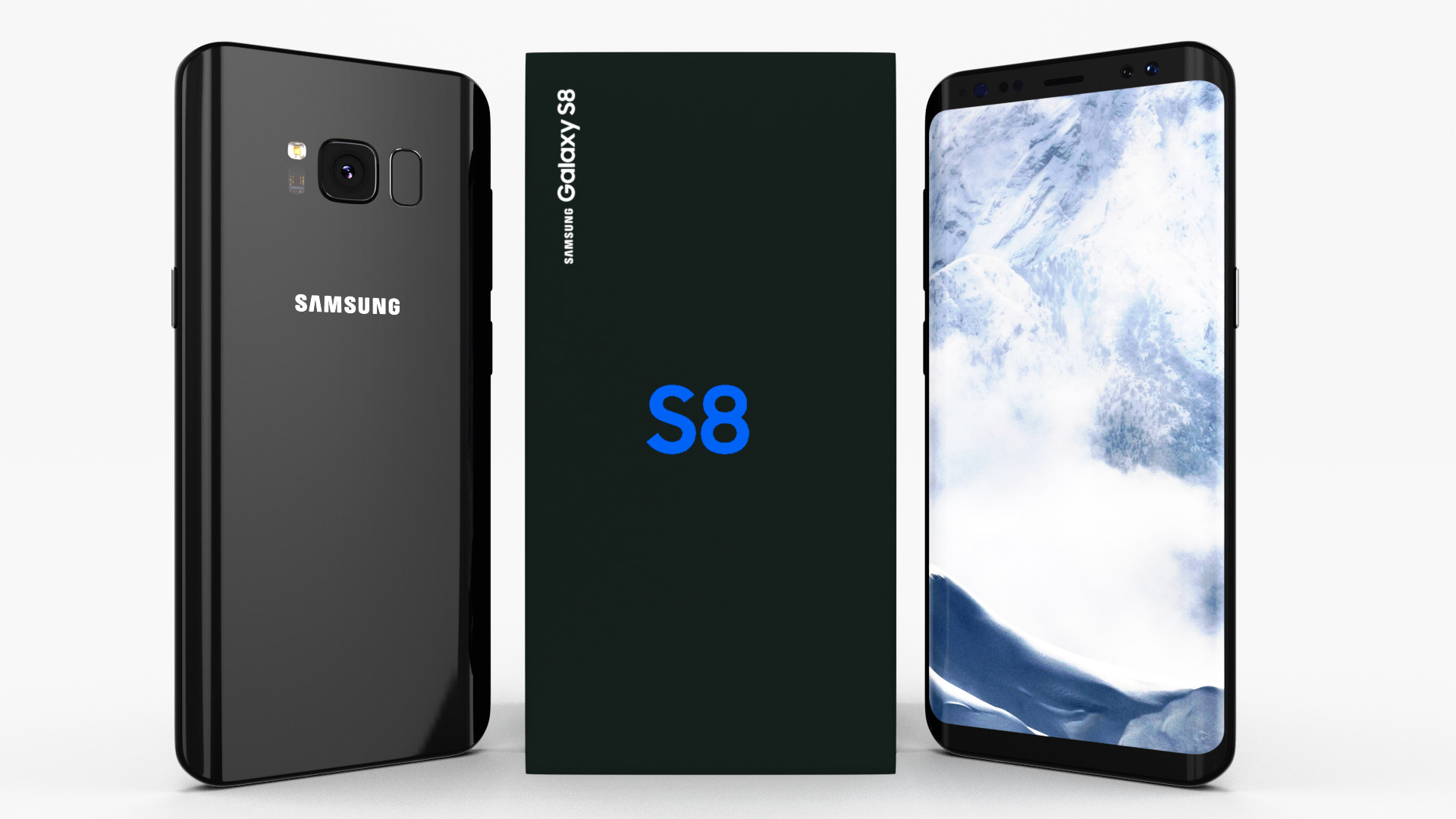
Samsung Galaxy S8 Midnight Black 3D Model
A very accurate model of a Samsung Galaxy S8. The model comes in five formats:-.blend, rendered with cycles, as seen in the images;-.obj, with materials applied and textures;-.dae, with materials applied and textures;-.fbx, with material slots applied;-.stl;Depending on the 3D Software program used, slight material tweaking might be needed.This 3d model was originally created in Blender 2.78 and rendered with Cycles.The model has materials applied in all formats, and are ready to import and render.The model is built strictly out of quads and is subdivisable.For any problems please feel free to contact me.Don’t forget to rate and enjoy!
-
Samsung Galaxy S8 Midnight Black 3D Model
A very accurate model of a Samsung Galaxy S8.
The model comes in five formats:
-.blend, rendered with cycles, as seen in the images;
-.obj, with materials applied and textures;
-.dae, with materials applied and textures;
-.fbx, with material slots applied;
-.stl;
Depending on the 3D Software program used, slight material tweaking might be needed.
This 3d model was originally created in Blender 2.78 and rendered with Cycles.
The model has materials applied in all formats, and are ready to import and render.
The model is built strictly out of quads and is subdivisable.
For any problems please feel free to contact me.
Don’t forget to rate and enjoy! -
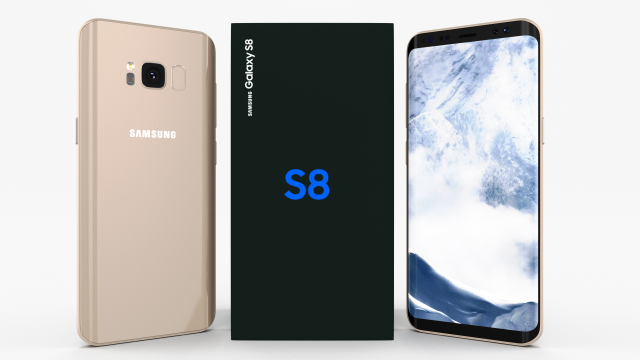
Samsung Galaxy S8 Maple Gold 3D Model
A very accurate model of a Samsung Galaxy S8.
The model comes in five formats:
-.blend, rendered with cycles, as seen in the images;
-.obj, with materials applied and textures;
-.dae, with materials applied and textures;
-.fbx, with material slots applied;
-.stl;
Depending on the 3D Software program used, slight material tweaking might be needed.
This 3d model was originally created in Blender 2.78 and rendered with Cycles.
The model has materials applied in all formats, and are ready to import and render.
The model is built strictly out of quads and is subdivisable.
For any problems please feel free to contact me.
Don’t forget to rate and enjoy! -
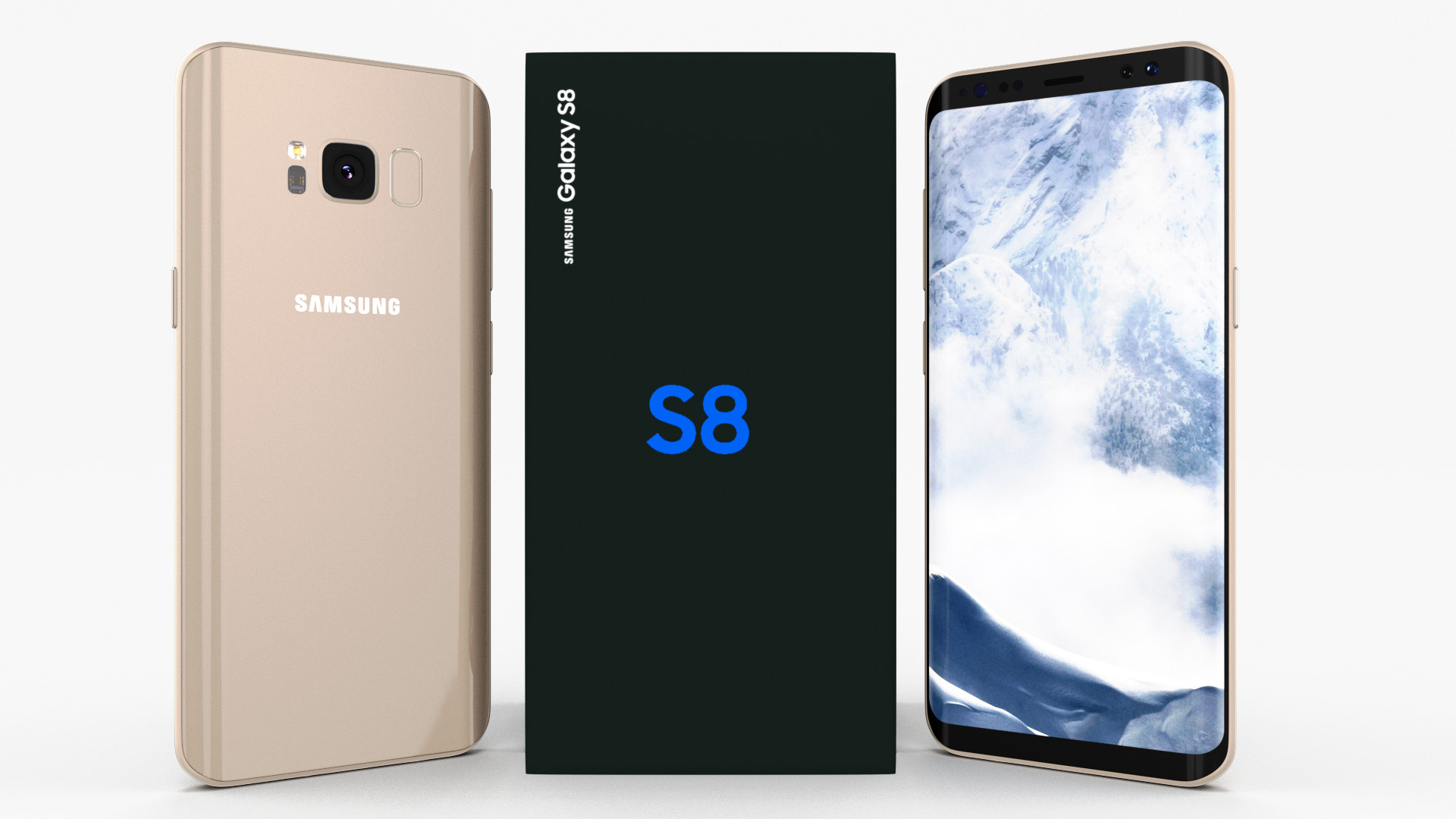
Samsung Galaxy S8 Maple Gold 3D Model
A very accurate model of a Samsung Galaxy S8. The model comes in five formats:-.blend, rendered with cycles, as seen in the images;-.obj, with materials applied and textures;-.dae, with materials applied and textures;-.fbx, with material slots applied;-.stl;Depending on the 3D Software program used, slight material tweaking might be needed.This 3d model was originally created in Blender 2.78 and rendered with Cycles.The model has materials applied in all formats, and are ready to import and render.The model is built strictly out of quads and is subdivisable.For any problems please feel free to contact me.Don’t forget to rate and enjoy!
-
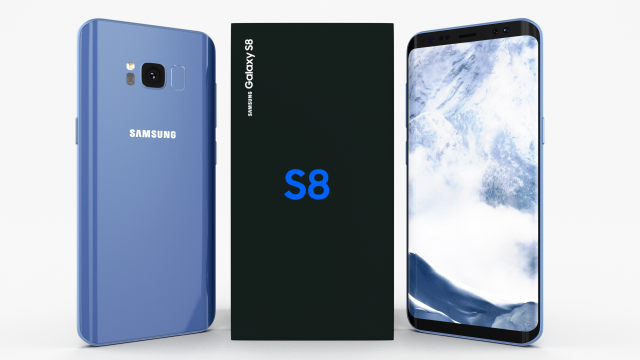
Samsung Galaxy S8 Coral Blue 3D Model
A very accurate model of a Samsung Galaxy S8.
The model comes in five formats:
-.blend, rendered with cycles, as seen in the images;
-.obj, with materials applied and textures;
-.dae, with materials applied and textures;
-.fbx, with material slots applied;
-.stl;
Depending on the 3D Software program used, slight material tweaking might be needed.
This 3d model was originally created in Blender 2.78 and rendered with Cycles.
The model has materials applied in all formats, and are ready to import and render.
The model is built strictly out of quads and is subdivisable.
For any problems please feel free to contact me.
Don’t forget to rate and enjoy! -
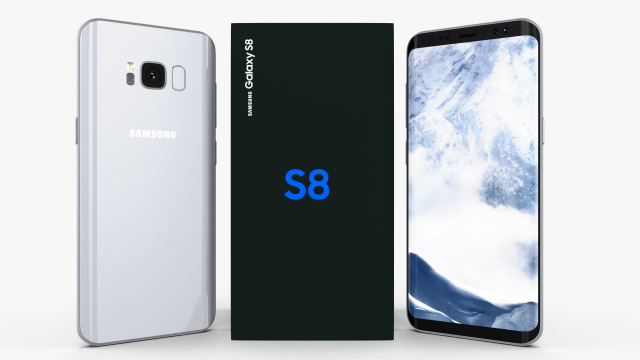
Samsung Galaxy S8 Arctic Silver 3D Model
A very accurate model of a Samsung Galaxy S8.
The model comes in five formats:
-.blend, rendered with cycles, as seen in the images;
-.obj, with materials applied and textures;
-.dae, with materials applied and textures;
-.fbx, with material slots applied;
-.stl;
Depending on the 3D Software program used, slight material tweaking might be needed.
This 3d model was originally created in Blender 2.78 and rendered with Cycles.
The model has materials applied in all formats, and are ready to import and render.
The model is built strictly out of quads and is subdivisable.
For any problems please feel free to contact me.
Don’t forget to rate and enjoy! -
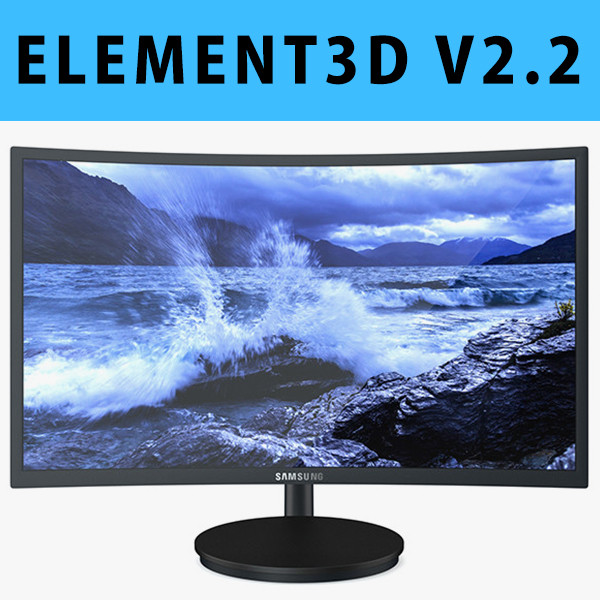
E3D – Samsung CFG70 Curved Gaming Monitor 27 Inch
This pack:Element 3D V2.2 ( All colors )models preset easy to use- 1 file OBJ High poly- 1 file OBJ standard- 1 file C4D R12 standard render- 1 file 3ds max 2012 standard material- E3D file full materials set up like previewsHow to use it?1. Open After Effects CC 2014 ( or higher) and create new composition ( You need Element3D V2.2 to use )2. Create new Solid layer and add Element effect. ( Effect/Video Copilot/ Element )3. Click Scene Setup4. Click on IMPORT inside Element3D scene setup5. Choose my .e3d preset for the model and press Open.If you dont see the model do not forget to right click on the model name and press Replace model then select the .obj model file in the respective models folder.
-
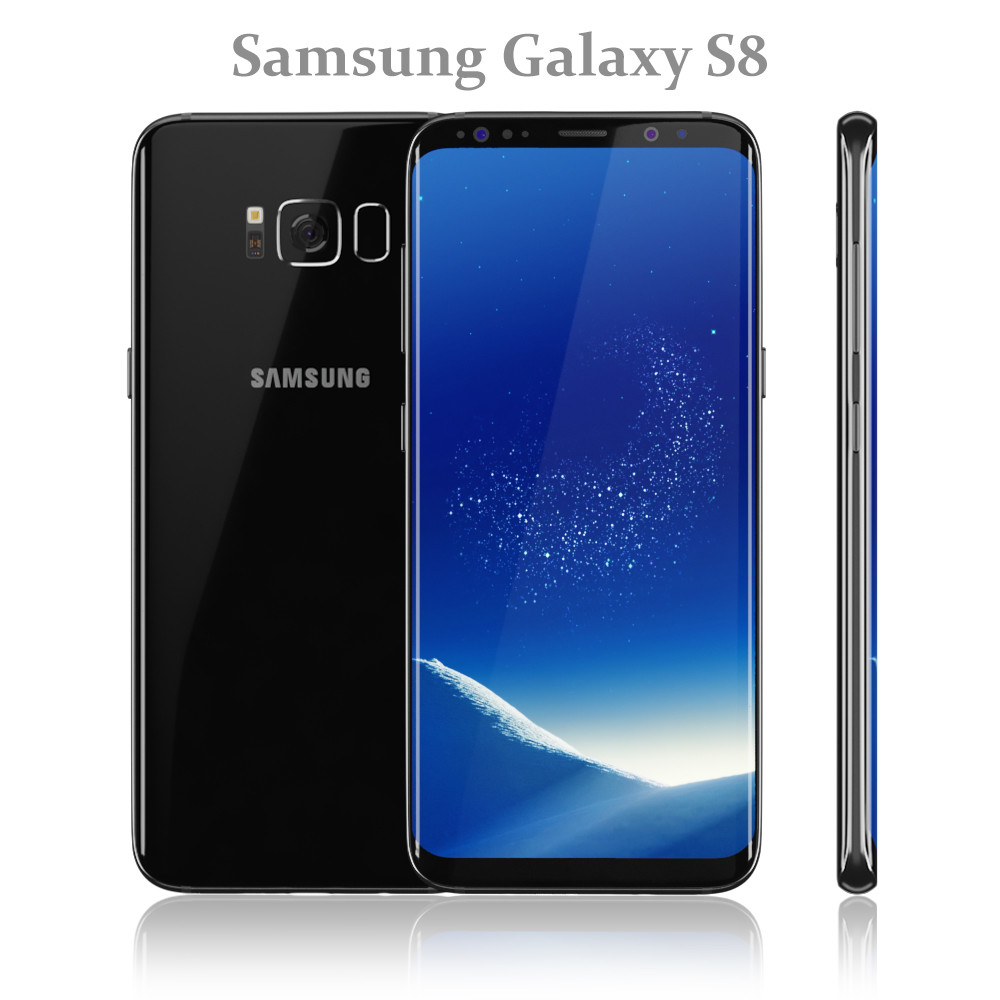
Samsung Galaxy S8 Black model
Realistic (copy) 3d model of Samsung Galaxy S8 Black.Topology of geometry:- forms and proportions of The 3D model most similar to the real object- the geometry of the model was created very neatly- there are no many-sided polygons- detailed enough for close-up renders- the model optimized for turbosmooth modifier- Not collapsed the turbosmooth modified- apply the Smooth modifier with a parameter to obtain the desired level of detailMaterials and Textures:- 3ds max files included Standart materials and Vray-Shaders- all texture paths are clearedOrganization of scene:- to all objects and materials names in scene are appropriated- real world size (system units – mm)- coordinates of location of the model in space (x0, y0, z0)- does not contain extraneous or hidden objects (lights, cameras, shapes etc.)File Formats:- original file format – 3ds max 2016 + Vray- 3ds max 2013 Vray and Standard material- objRenders:- all previews rendered 3ds max Vray- the model is completely ready for use visualization in 3ds max + Vray
-
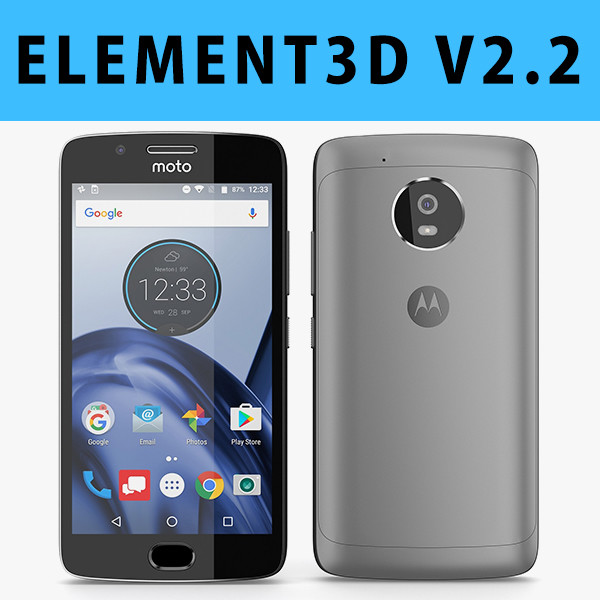
E3D – Motorola G5 Space Gray
This pack:Element 3D V2.2 ( All colors )models preset easy to use- 1 file OBJ High poly- 1 file OBJ standard- 1 file C4D R12 standard render- 1 file 3ds max 2012 standard material- E3D file full materials set up like previewsHow to use it?1. Open After Effects CC 2014 ( or higher) and create new composition ( You need Element3D V2.2 to use )2. Create new Solid layer and add Element effect. ( Effect/Video Copilot/ Element )3. Click Scene Setup4. Click on IMPORT inside Element3D scene setup5. Choose my .e3d preset for the model and press Open.If you dont see the model do not forget to right click on the model name and press Replace model then select the .obj model file in the respective models folder.
-

Samsung Galaxy S8 and Gear VR Headset with VR Controller 2017 model
Hitch Detailed 3d models of Samsung Galaxy S8 and Gear VR Headset with VR Controller 2017:Samsung Galaxy S8 All ColorsPolygons: 19,500Samsung Gear VR HeadsetPolygons: 36,000Samsung Gear VR ControllerPolygons: 6,000Topology of geometry:- forms and proportions of The 3D model most similar to the real object- the geometry of the model was created very neatly- there are no many-sided polygons- detailed enough for close-up renders- the model optimized for meshsmooth modifier- Not collapsed the meshsmooth modified- apply the Smooth modifier with a parameter to obtain the desired level of detailMaterials and Textures:- 3ds max files included Standart materials and Vray-Shaders- large size textures with layers (*.tiff) included- all texture paths are clearedOrganization of scene:- to all objects and materials names in scene are appropriated- real world size (system units – mm)- coordinates of location of the model in space (x0, y0, z0)- does not contain extraneous or hidden objects (lights, cameras, shapes etc.)File Formats:- original file format – 3ds max 2009 + Vray- 3ds max with standard materials- 3ds, obj, fbx (Multi Format)- Cinema 4D and Maya – exported with standard materialsRenders:- all previews rendered 3ds max Vray- the model is completely ready for use visualization in 3ds max + Vray
-
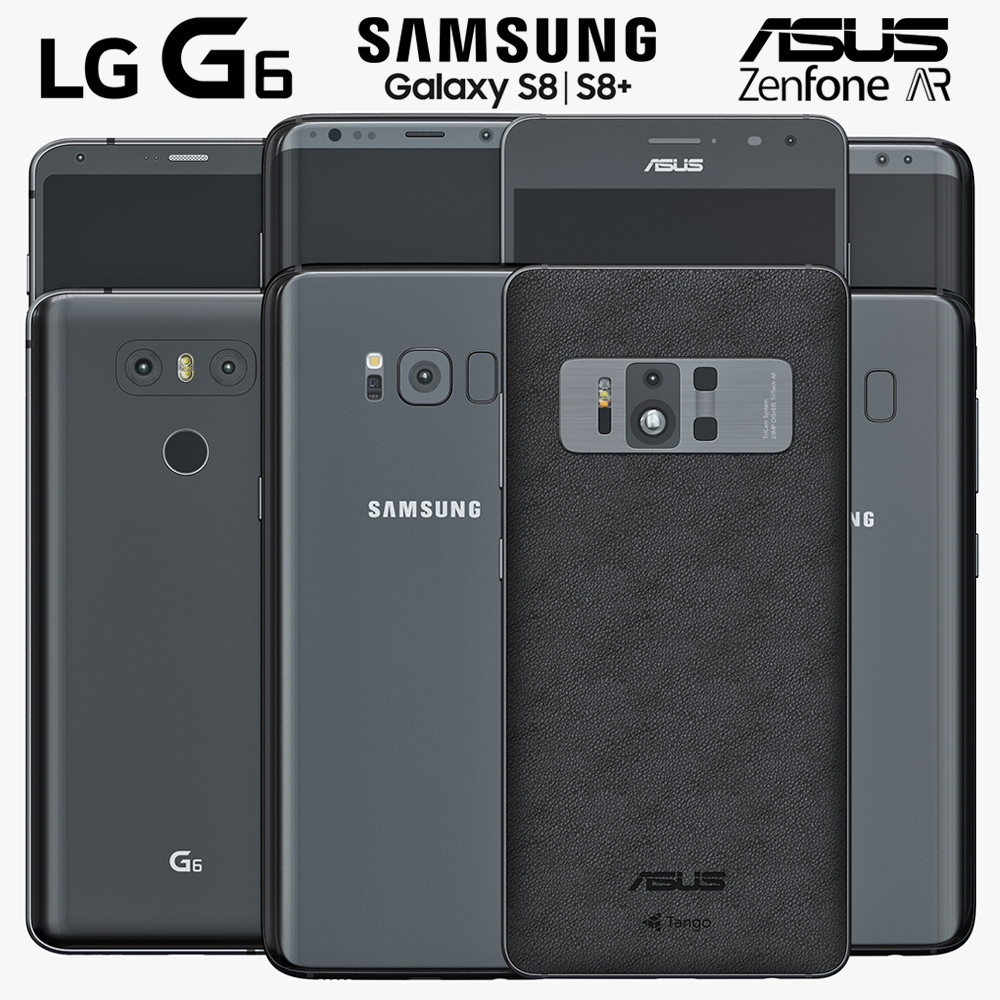
2017 Top Smartphones
High quality 3d models of:_______________________________________________Samsung Galaxy S8Samsung GalaxyS8+Colors: Midnight Black, Orchid Gray, Arctic Silver, Coral Blue, Maple Gold. Select a color in the material editor and apply to the object ‘s8’ or ‘s8_plus’.Polygons: 445,526Vertices: 309,212______________________________________________LG G6Colors: Black, White, Platinum. Select a color in the material editor and apply to the object ‘LG G6’.Water drops are also present in the file.Polygons: 124,637Vertices: 85,222______________________________________________Asus Zenfone ARPolygons: 64,452Vertices: 97,454______________________________________________
-
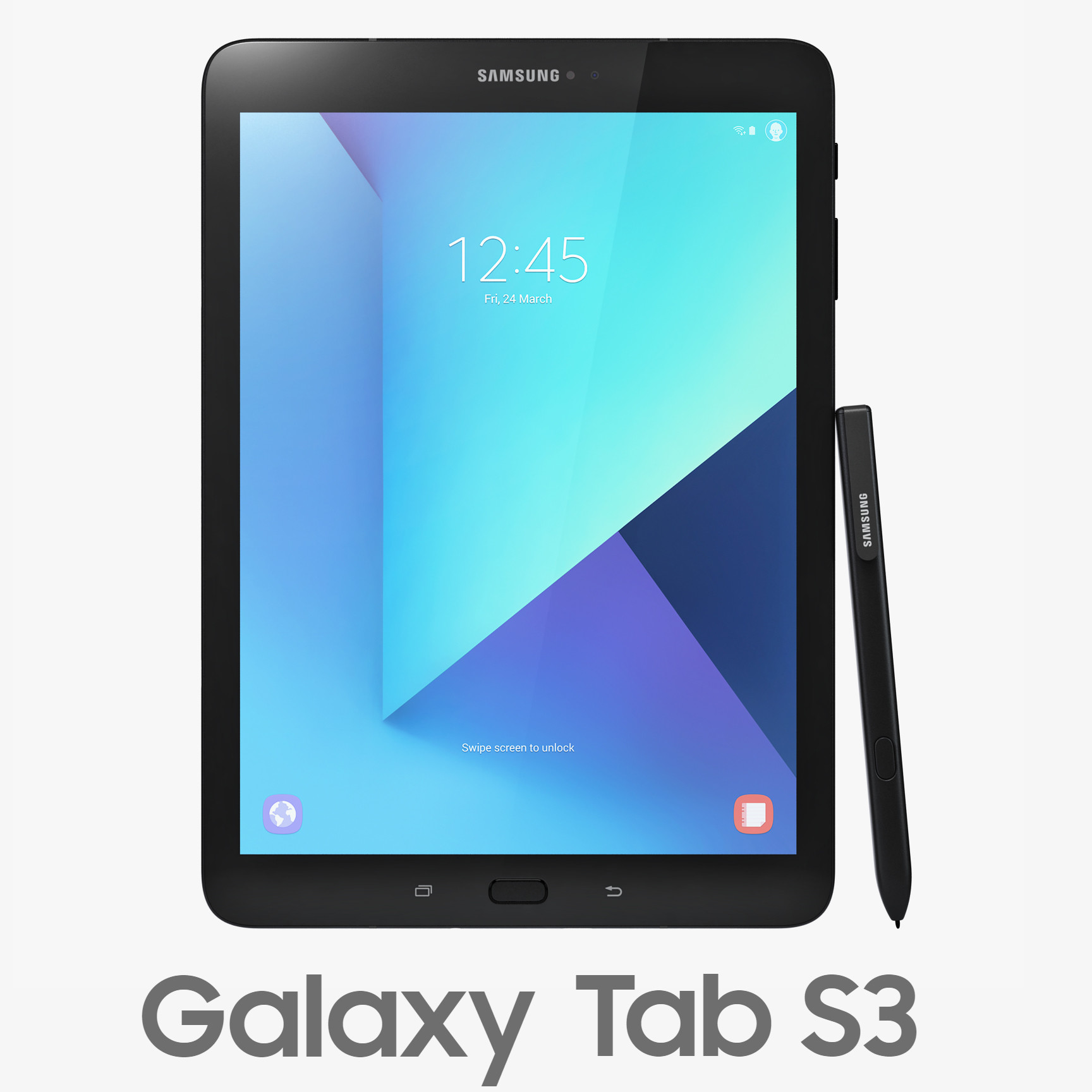
3D Samsung Galaxy Tab S3 with S Pen model
Realistic (copy) 3d model of Samsung Galaxy Tab S3 with S Pen Black and Silver.Topology of geometry:- forms and proportions of The 3D model most similar to the real object- detailed enough for close-up renders- the geometry of the model was created very neatly- there are no many-sided polygons- the model optimized for meshsmooth modifier- Not collapsed the meshsmooth modified- archives (3ds, obj, fbx, c4d, mb) included smoothing and initial models- apply the Smooth modifier with a parameter to obtain the desired level of detailMaterials and Textures:- 3ds max files included Standart materials and Vray-Shaders- large size textures with layers (*.tiff) included- all textures paths are clearedOrganization of scene:- to all objects and materials names in scene are appropriated- real world size (system units – mm)- coordinates of location of the model in space (x0, y0, z0)- does not contain extraneous or hidden objects (lights, cameras, shapes etc.)File Formats:- original file format – 3ds max 2009 + Vray- 3ds max with standard materials- 3ds, obj, fbx (Multi Format)- Cinema 4D and Maya – exported with standard materialsRenders:- all previews rendered 3ds max Vray- the model is completely ready for use visualization in 3ds max + Vray