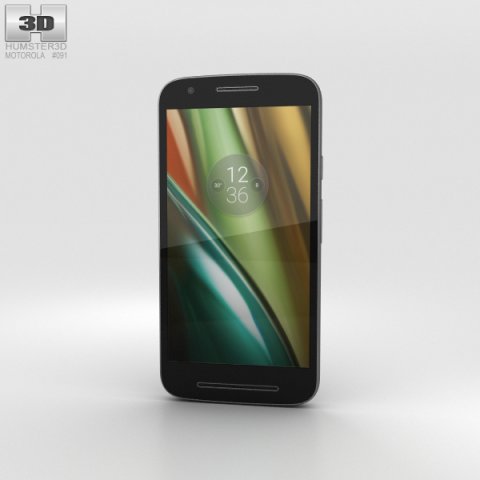
The 3D model was created on real base. It’s created accurately, in real units of measurement, qualitatively and maximally close to the original.Model formats:- *.max (3ds Max 2008 scanline)- *.max (3ds Max 2008 vray)- *.fbx (Multi Format)- *.obj (Multi Format)- *.3ds (Multi Format)- *.mb (Maya 8.5)- *.lwo (Lightwave 6)- *.c4d (Cinema 4D 11)* renders Are made in 3ds Max 2008 using vray 1.5 (studio environment is not included in the set)If you need any other formats we are more than happy to make them for you.The model is provided combined, all main parts are presented as separate parts therefore materials of objects are easy to be modified or removed and standard parts are easy to be replaced. If you experience difficulties with separating standard parts we are more than happy to give you qualified assistance.We greatly appreciate you choosing our 3D models and hope they will be of use.We look forward to continuously dealing with you.Sincerely Yours,Hum3D Team
Tag: e3
-
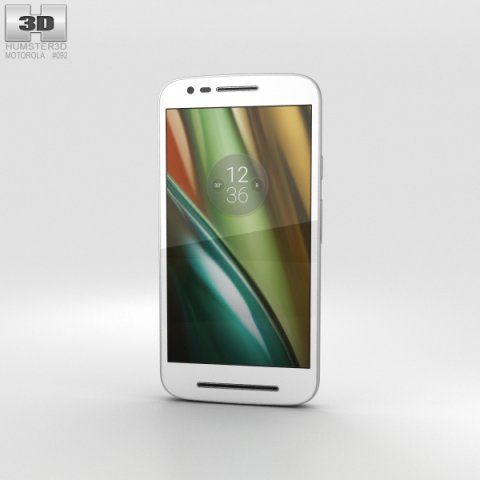
Motorola Moto E3 Power White 3D Model
The 3D model was created on real base. It’s created accurately, in real units of measurement, qualitatively and maximally close to the original.Model formats:- *.max (3ds Max 2008 scanline)- *.max (3ds Max 2008 vray)- *.fbx (Multi Format)- *.obj (Multi Format)- *.3ds (Multi Format)- *.mb (Maya 8.5)- *.lwo (Lightwave 6)- *.c4d (Cinema 4D 11)* renders Are made in 3ds Max 2008 using vray 1.5 (studio environment is not included in the set)If you need any other formats we are more than happy to make them for you.The model is provided combined, all main parts are presented as separate parts therefore materials of objects are easy to be modified or removed and standard parts are easy to be replaced. If you experience difficulties with separating standard parts we are more than happy to give you qualified assistance.We greatly appreciate you choosing our 3D models and hope they will be of use.We look forward to continuously dealing with you.Sincerely Yours,Hum3D Team
-
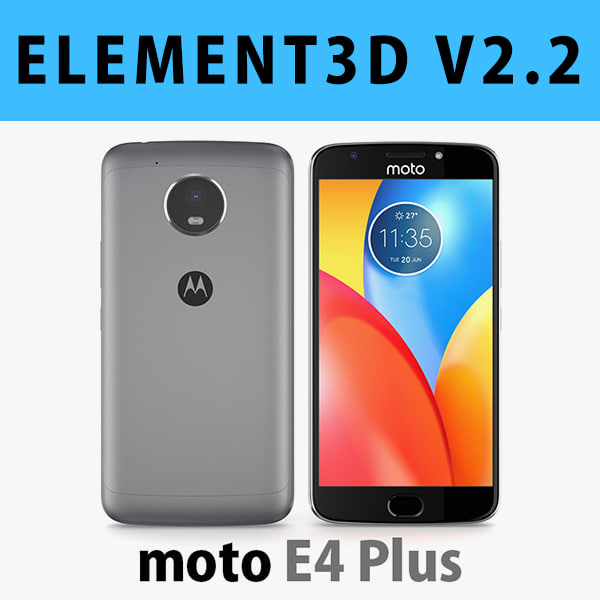
E3D – Motorola Moto E4 Plus Grey 3D model 3D Model
This pack:Element 3D V2.2 ( All colors )models preset easy to use- 1 file OBJ High poly- 1 file OBJ standard- 1 file C4D R12 standard render- 1 file 3ds max 2012 standard material- E3D file full materials set up like previewsHow to use it?1. Open After Effects CC 2014 ( or higher) and create new composition ( You need Element3D V2.2 to use )2. Create new Solid layer and add Element effect. ( Effect/Video Copilot/ Element )3. Click Scene Setup4. Click on IMPORT inside Element3D scene setup5. Choose my .e3d preset for the model and press Open.If you dont see the model do not forget to right click on the model name and press Replace model then select the .obj model file in the respective models folder.
-
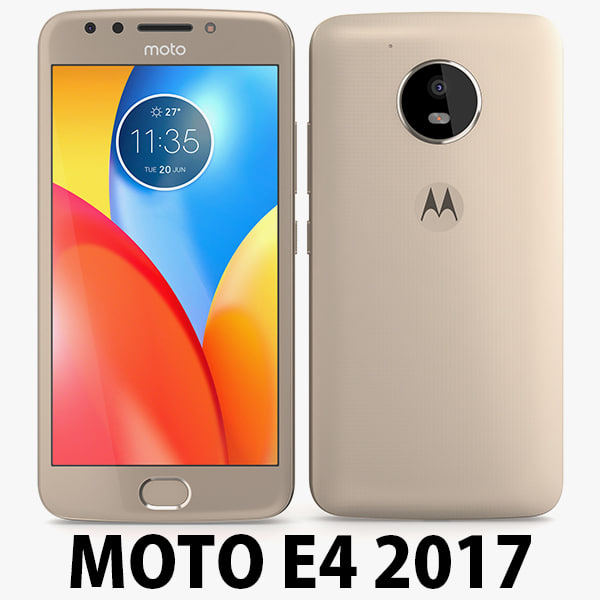
Motorola Moto E4 USA Gold 3D Model
Motorola Moto E4 USA 2017………………….FEATURES:- This model is a highquality, details enuogh to close-up render- Images preview take from V-Ray rendering and not edited- Models resolutions are optimized for polygon efficiency, apply smooth function to increase mesh resolution- All textures was strip paths, open the file and all texture will be connected automatically. – Real world scale, we offer a model with an error of less than 5%.- No object missing- Model with 3 and 4 sides only- No polygons with more than 4 sides- No object with isolated vertices, overlapping faces or overlapping verts- No poles or crease- Poly counts: 19 168- Vert counts: 19 933In 3ds max files:- Frezze tramsform to zero ( 0,0,0 )- Group: Yes- Object with Parents and Childen: Yes- Layer apply to manage: Yes- Named all object………………….FORMATS: 1. 3ds Max 2012 + Vray 2.0: Native format- Vray 2.0 ( full setup materials, lights and camera make rendering like image preivews)- Standard materials ( full setup materials: colors, reflect, translucent )2. Geometry and standard materials with textures. Amount reflect and bump are not set:- OBJ 2012- FBX 2012- 3DS 2012 3. Standard materials with textures.Amount reflect and bump are not set. – Maya 2012- C4D R12- Lightwave 11…………………..TEXTURES:- Textures highquality, enough for close-up render ( 2048 pixels )- UVWs mapping with mixed: overlapping and non-overlapping…………………..Beemaxx team:With over 3 years of experience working with 3D models. We give you all the very best in quality, save time. Our customers come from all over the world. We want to develop a strong community starts from the expanded 3d models market.- Also check out our other models, just click on our user name to see complete gallery.- Summit a product rating will help us very much.
-
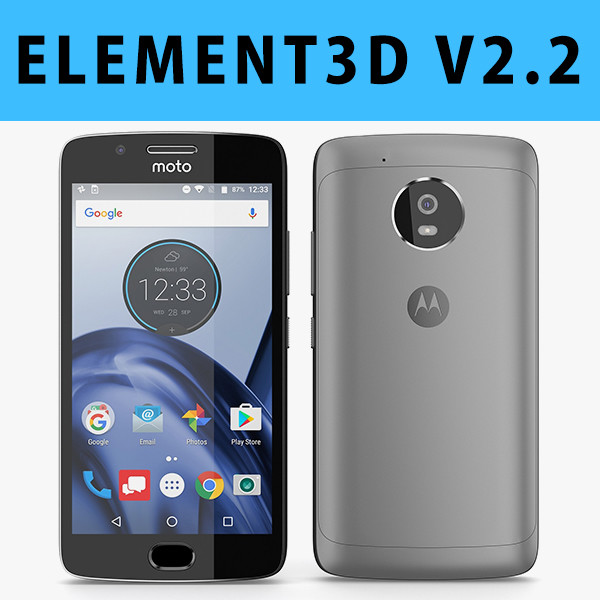
E3D – Motorola G5 Space Gray
This pack:Element 3D V2.2 ( All colors )models preset easy to use- 1 file OBJ High poly- 1 file OBJ standard- 1 file C4D R12 standard render- 1 file 3ds max 2012 standard material- E3D file full materials set up like previewsHow to use it?1. Open After Effects CC 2014 ( or higher) and create new composition ( You need Element3D V2.2 to use )2. Create new Solid layer and add Element effect. ( Effect/Video Copilot/ Element )3. Click Scene Setup4. Click on IMPORT inside Element3D scene setup5. Choose my .e3d preset for the model and press Open.If you dont see the model do not forget to right click on the model name and press Replace model then select the .obj model file in the respective models folder.