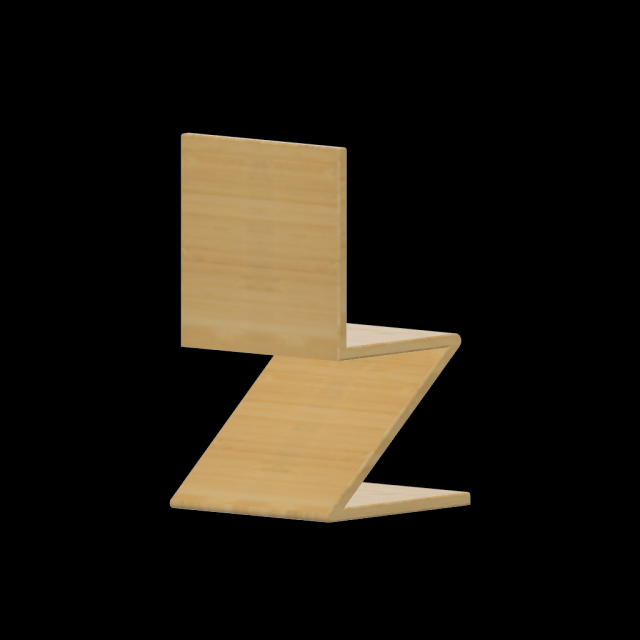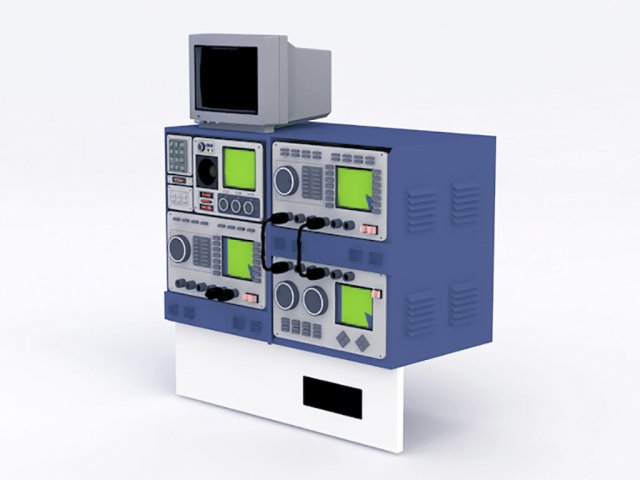
3D model oscilloscope equipment.Available 3d model format:3ds (3D Studio)dxf (AutoCAD DXF)use it for 3d visualization project, 3d rendering or other field related to 3d design
Tag: dxf
-
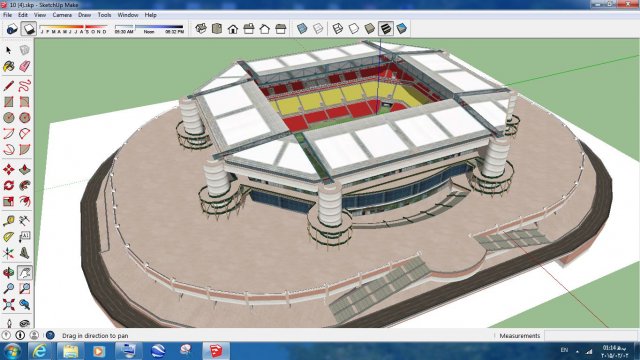
Sport 3d Stadium sketchup – 4 3D Model
Sport 3d Stadium sketchup – 4This 3D model stadium is built with sketchup . You can easily import it into other software like 3d max or get your favorite output like 3ds or dae or dwg or dxf
-
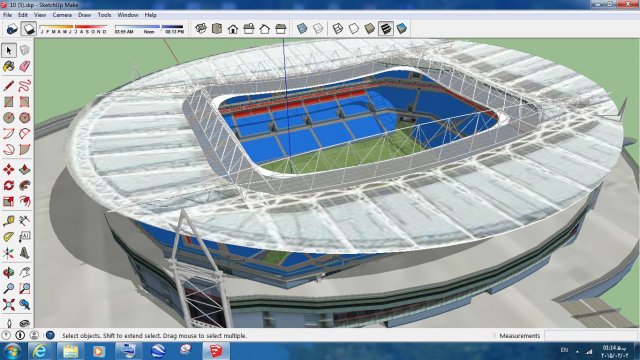
Sport 3d Stadium sketchup – 5 3D Model
Sport 3d Stadium sketchup – 5This 3D model stadium is built with sketchup . You can easily import it into other software like 3d max or get your favorite output like 3ds or dae or dwg or dxf
-
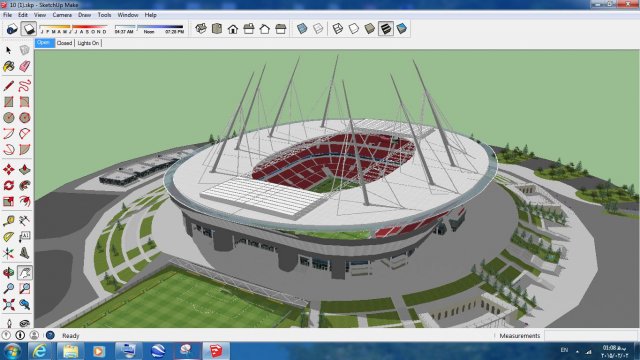
Sport 3d Stadium sketchup – 1 3D Model
Sport 3d Stadium sketchup – 1This 3D model stadium is built with sketchup . You can easily import it into other software like 3d max or get your favorite output like 3ds or dae or dwg or dxf
-
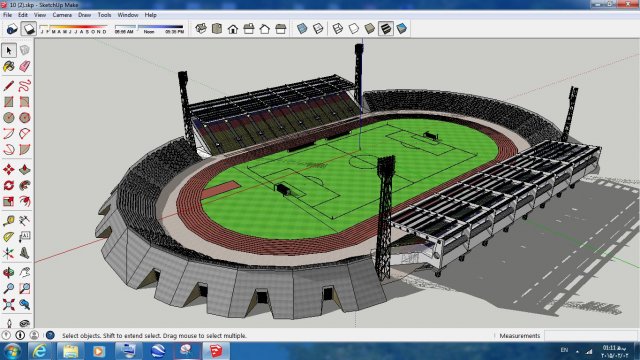
Sport 3d Stadium sketchup – 2 3D Model
Sport 3d Stadium sketchup – 2This 3D model stadium is built with sketchup . You can easily import it into other software like 3d max or get your favorite output like 3ds or dae or dwg or dxf
-
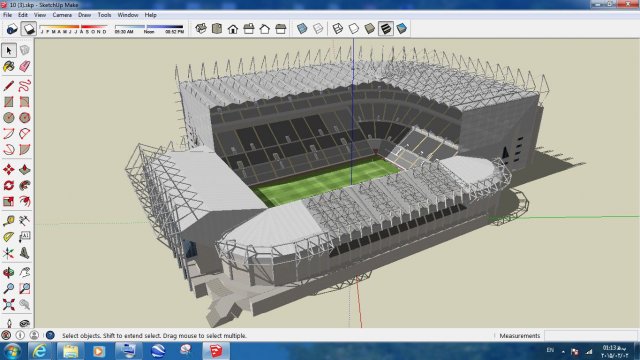
Sport 3d Stadium sketchup – 3 3D Model
Sport 3d Stadium sketchup – 3This 3D model stadium is built with sketchup . You can easily import it into other software like 3d max or get your favorite output like 3ds or dae or dwg or dxf
-
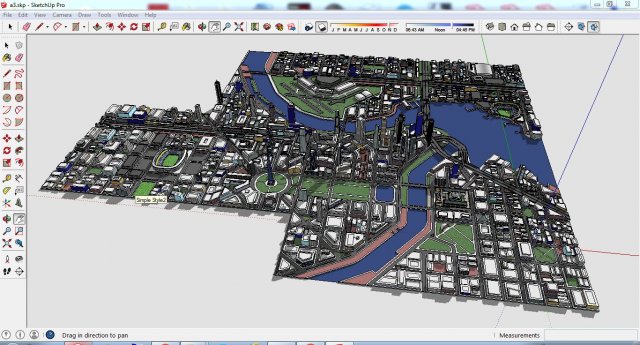
City 3d sketchup – 3 3D Model
City 3d sketchup – 3This 3D model city is built with sketchup . You can easily import it into other software like 3d max or get your favorite output like 3ds or dae or dwg or dxf
-
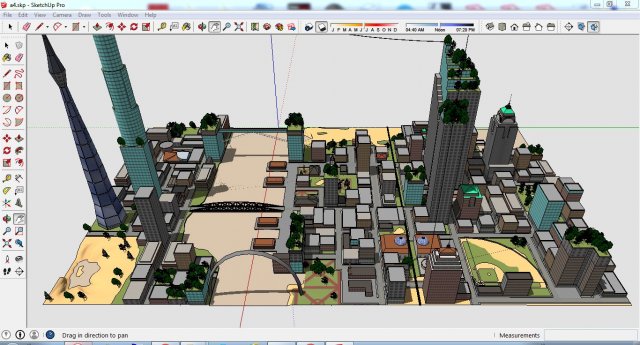
City 3d sketchup – 4 3D Model
City 3d sketchup – 4This 3D model city is built with sketchup . You can easily import it into other software like 3d max or get your favorite output like 3ds or dae or dwg or dxf
-
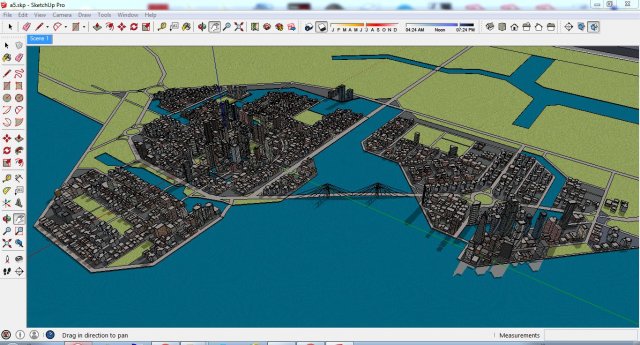
City 3d sketchup – 5 3D Model
City 3d sketchup – 5This 3D model city is built with sketchup . You can easily import it into other software like 3d max or get your favorite output like 3ds or dae or dwg or dxf
-
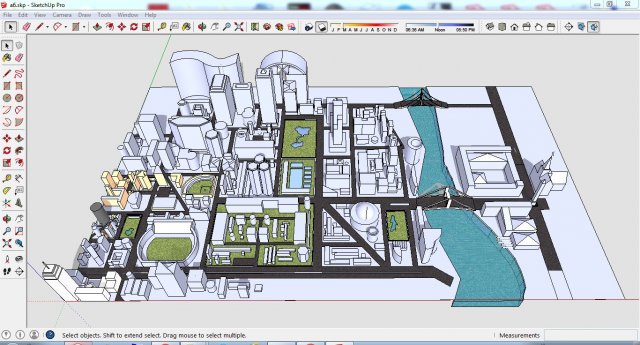
City 3d sketchup – 6 3D Model
City 3d sketchup – 6This 3D model city is built with sketchup . You can easily import it into other software like 3d max or get your favorite output like 3ds or dae or dwg or dxf
-
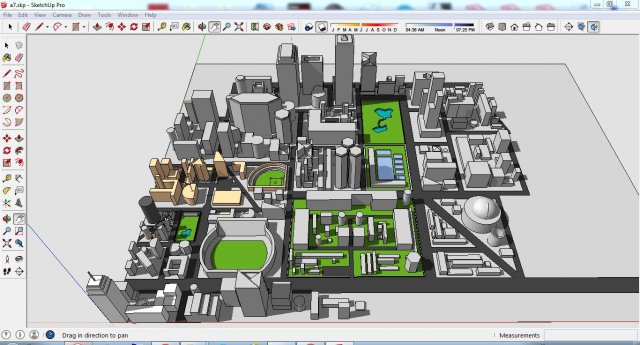
City 3d sketchup – 7 3D Model
City 3d sketchup – 7This 3D model city is built with sketchup . You can easily import it into other software like 3d max or get your favorite output like 3ds or dae or dwg or dxf
-
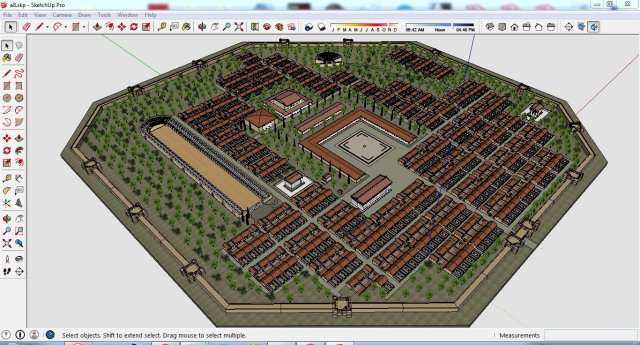
City 3d sketchup – 8 3D Model
City 3d sketchup – 8This 3D model city is built with sketchup . You can easily import it into other software like 3d max or get your favorite output like 3ds or dae or dwg or dxf
-
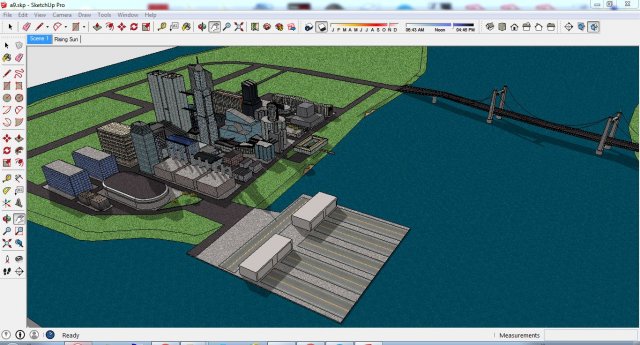
City 3d sketchup – 9 3D Model
City 3d sketchup – 9This 3D model city is built with sketchup . You can easily import it into other software like 3d max or get your favorite output like 3ds or dae or dwg or dxf
-
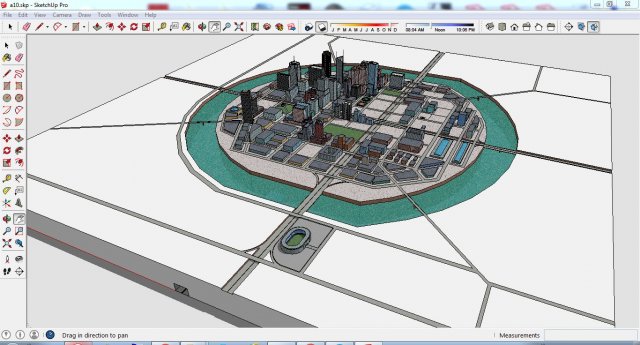
City 3d sketchup – 10 3D Model
City 3d sketchup – 10This 3D model city is built with sketchup . You can easily import it into other software like 3d max or get your favorite output like 3ds or dae or dwg or dxf
-
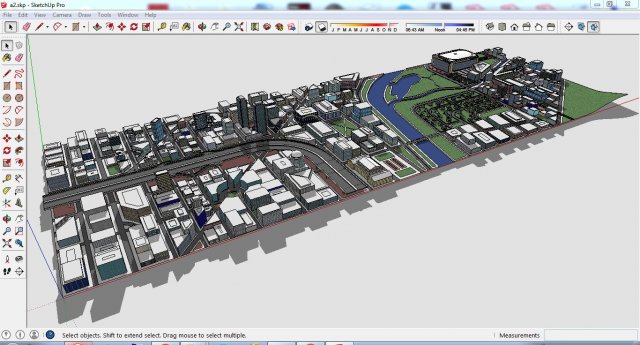
City 3d sketchup – 2 3D Model
City 3d sketchup – 1This 3D model city is built with sketchup . You can easily import it into other software like 3d max or get your favorite output like 3ds or dae or dwg or dxf
-
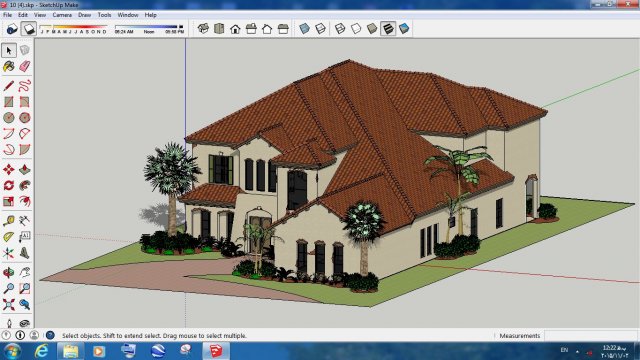
Villa sketchup – 4 3D Model
Villa sketchup – 4This 3-D model villa is built with sketchup . You can easily import it into other software like 3d max or get your favorite output like 3ds or dae or dwg or dxf
-
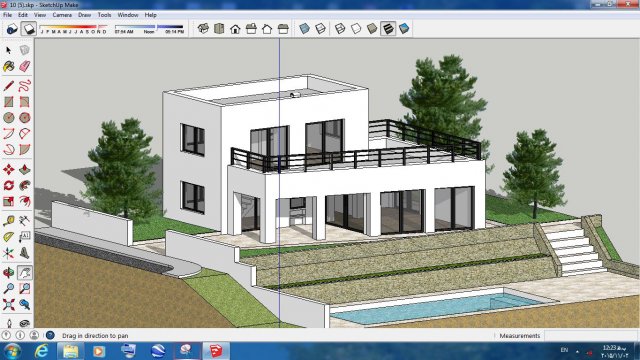
Villa sketchup – 5 3D Model
Villa sketchup – 5This 3-D model villa is built with sketchup . You can easily import it into other software like 3d max or get your favorite output like 3ds or dae or dwg or dxf
-
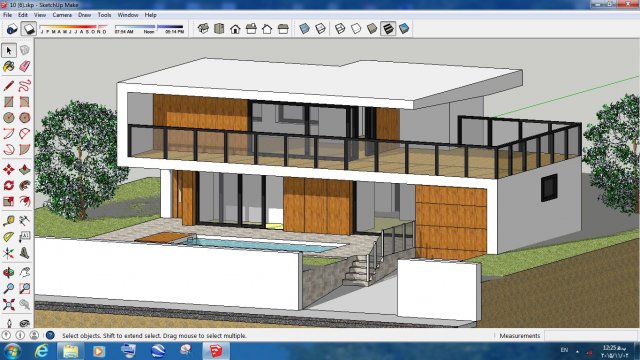
Villa sketchup – 6 3D Model
Villa sketchup – 6This 3-D model villa is built with sketchup . You can easily import it into other software like 3d max or get your favorite output like 3ds or dae or dwg or dxf
-
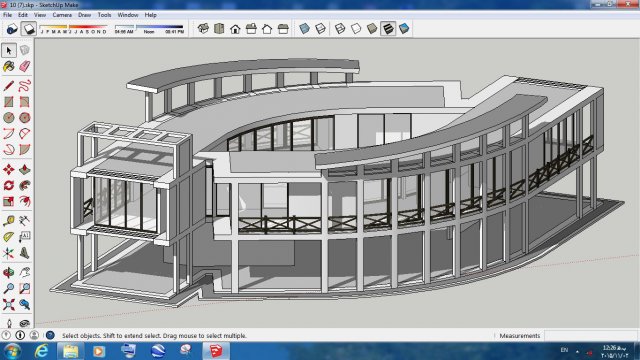
Villa sketchup – 7 3D Model
Villa sketchup – 7This 3-D model villa is built with sketchup . You can easily import it into other software like 3d max or get your favorite output like 3ds or dae or dwg or dxf
-
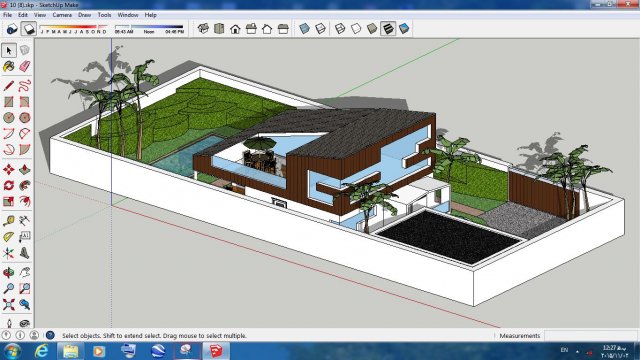
Villa sketchup – 8 3D Model
Villa sketchup – 8This 3-D model villa is built with sketchup . You can easily import it into other software like 3d max or get your favorite output like 3ds or dae or dwg or dxf
-
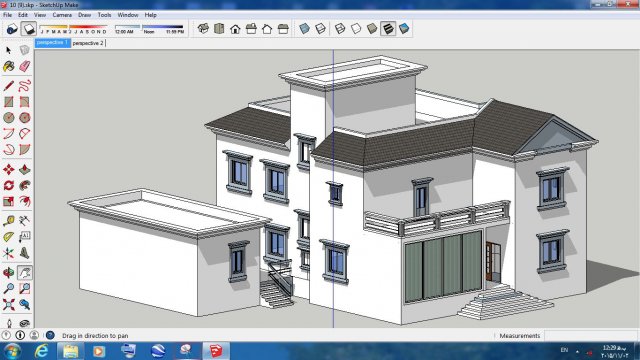
Villa sketchup – 9 3D Model
Villa sketchup – 9This 3-D model villa is built with sketchup . You can easily import it into other software like 3d max or get your favorite output like 3ds or dae or dwg or dxf
-
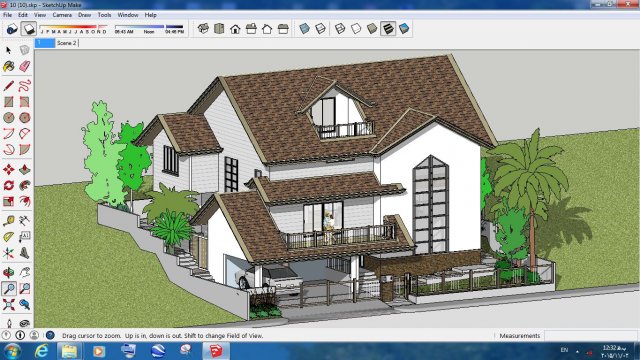
Villa sketchup – 10 3D Model
Villa sketchup – 10This 3-D model villa is built with sketchup . You can easily import it into other software like 3d max or get your favorite output like 3ds or dae or dwg or dxf
-
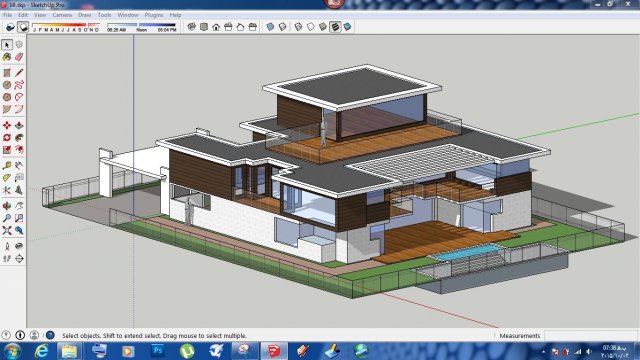
Villa sketchup – 1 3D Model
Villa sketchup – 1This 3-D model villa is built with sketchup . You can easily import it into other software like 3d max or get your favorite output like 3ds or dae or dwg or dxf
-
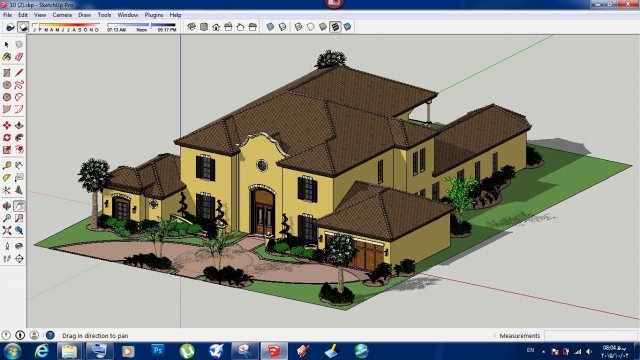
Villa sketchup – 2 3D Model
Villa sketchup – 2This 3-D model villa is built with sketchup . You can easily import it into other software like 3d max or get your favorite output like 3ds or dae or dwg or dxf
-
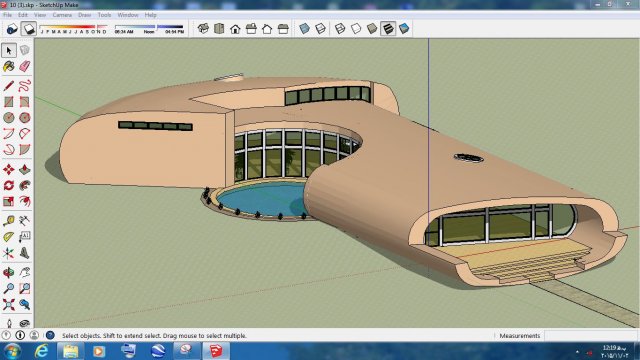
Villa sketchup – 3 3D Model
Villa sketchup – 3This 3-D model villa is built with sketchup . You can easily import it into other software like 3d max or get your favorite output like 3ds or dae or dwg or dxf
-
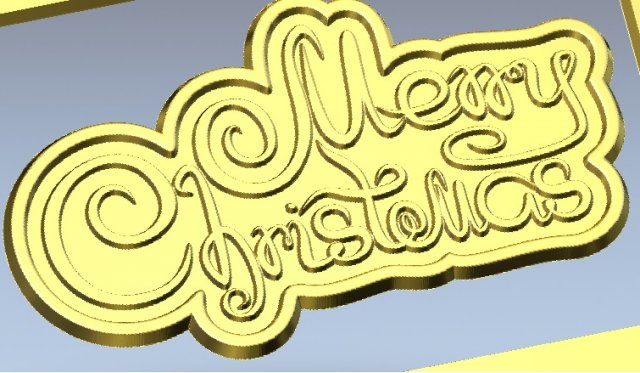
Merry Christmas 3D Model
Merry Christmas, beautiful inscription with separate vectors. Visualization on the CNC.The dimensions are 90x 50x 2.5 mm.Available formats on request: .c4d, .obj, .fbx, .ma / .mb, .lwo / .lws, .3ds, .3dm, .dxf / .dwg, .stl.
-
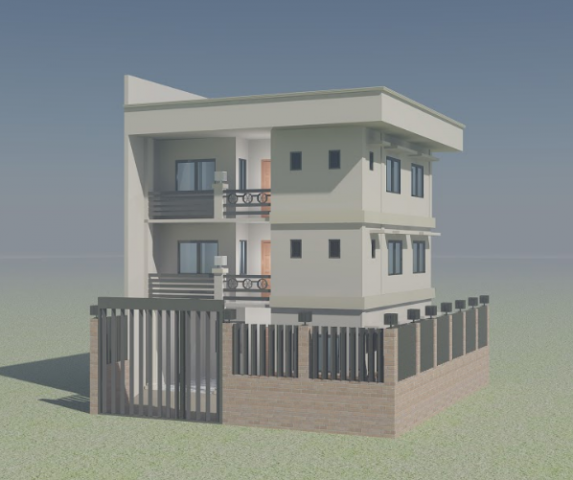
3- Storey Residential Model 3D Model
3- Storey Residential Model-Living-Dining-Kitchen-T&B-Bedrooms-Master BedroomFile Format: .dxf , .dwg
-

3 Neurons (UV Mapped) 3D Model
3 Neurons (UV Mapped)Modelled and rendered with Lightwave 3D 11.5There is also a model without UV map in this version.
-
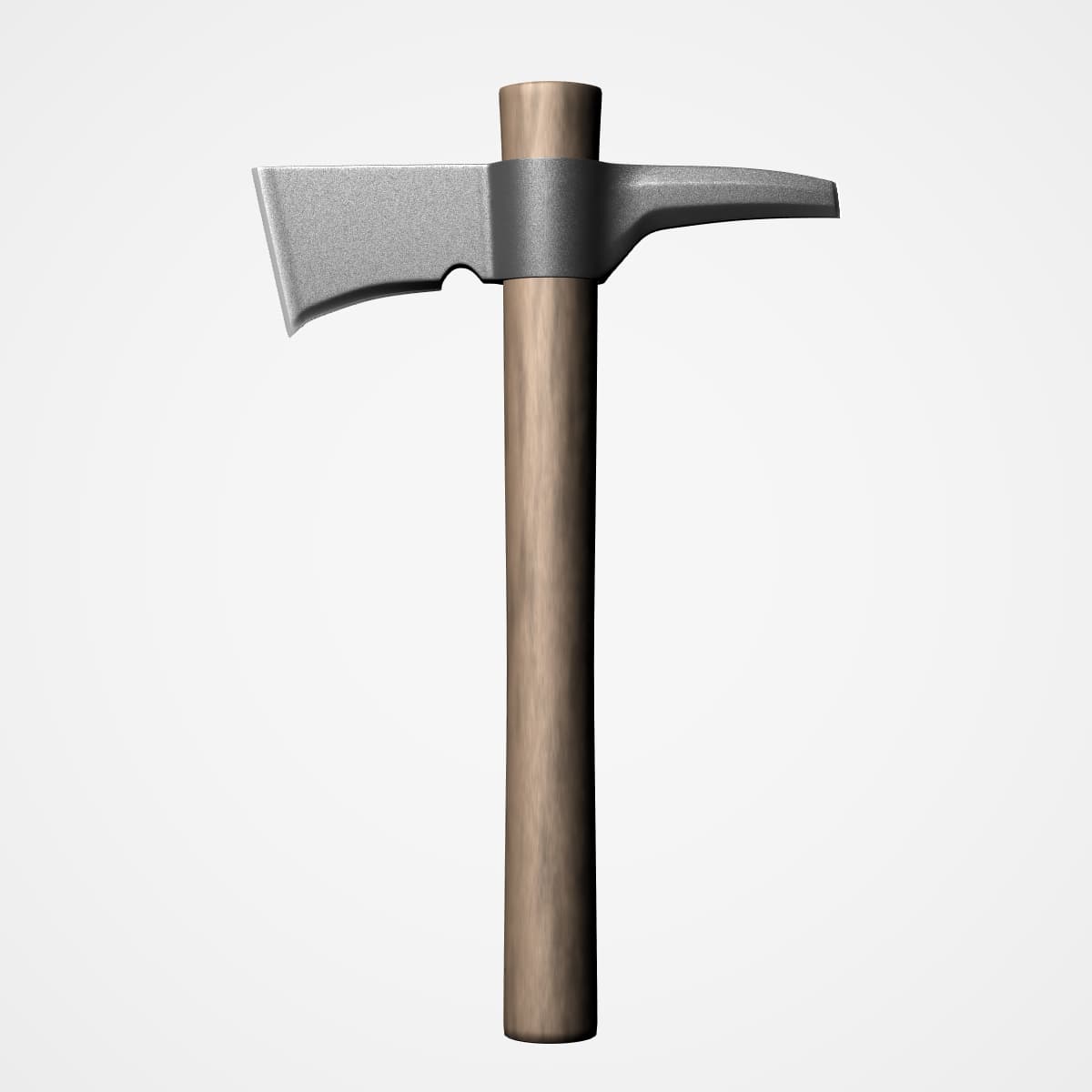
T-Hawk (Hatchet) 3D Model
T-Hawk (Hatchet)Modelled and rendered with Lightwave 3D 11.5No pictures and what not were used at any stage of modelling (Just had a look for quick reference:))Textures were created by mixing colors and using simple settings.If you will use this in formats other than lightwave, please be mindful about the following;* These files were opened in 3ds max and blender without any problems but the following were observed:- You may not see the same color/colors as seen in the preview picture- You may not see the same texture/textures as seen in the preview picture (you can, perhaps, see only as color).* If you are a Lightwave 3D user, you can open the zip file into a folder. The model and scene files are inside the folder and are ready for rendering.