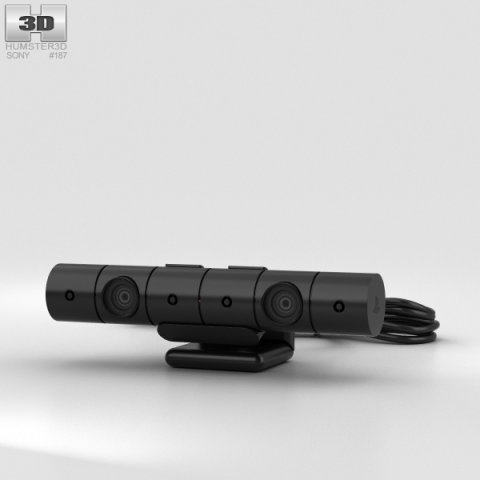
The 3D model was created on real base. It’s created accurately, in real units of measurement, qualitatively and maximally close to the original.Model formats:- *.max (3ds Max 2008 scanline)- *.max (3ds Max 2008 vray)- *.fbx (Multi Format)- *.obj (Multi Format)- *.3ds (Multi Format)- *.mb (Maya 8.5)- *.lwo (Lightwave 6)- *.c4d (Cinema 4D 11)* renders Are made in 3ds Max 2008 using vray 1.5 (studio environment is not included in the set)If you need any other formats we are more than happy to make them for you.The model is provided combined, all main parts are presented as separate parts therefore materials of objects are easy to be modified or removed and standard parts are easy to be replaced. If you experience difficulties with separating standard parts we are more than happy to give you qualified assistance.We greatly appreciate you choosing our 3D models and hope they will be of use.We look forward to continuously dealing with you.Sincerely Yours,Hum3D Team
Tag: DualShock
-
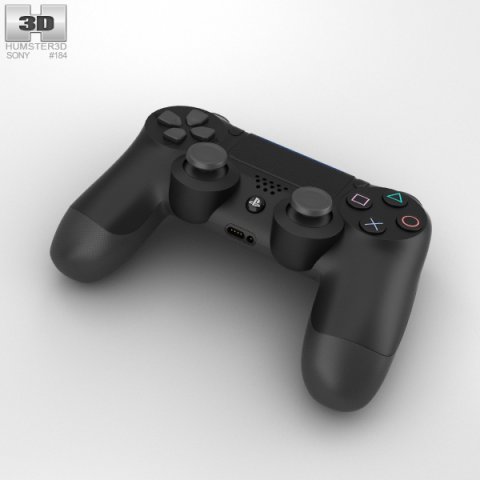
Sony DualShock 4 Wireless Controller 3D Model
The 3D model was created on real base. It’s created accurately, in real units of measurement, qualitatively and maximally close to the original.Model formats:- *.max (3ds Max 2008 scanline)- *.max (3ds Max 2008 vray)- *.fbx (Multi Format)- *.obj (Multi Format)- *.3ds (Multi Format)- *.mb (Maya 8.5)- *.lwo (Lightwave 6)- *.c4d (Cinema 4D 11)* renders Are made in 3ds Max 2008 using vray 1.5 (studio environment is not included in the set)If you need any other formats we are more than happy to make them for you.The model is provided combined, all main parts are presented as separate parts therefore materials of objects are easy to be modified or removed and standard parts are easy to be replaced. If you experience difficulties with separating standard parts we are more than happy to give you qualified assistance.We greatly appreciate you choosing our 3D models and hope they will be of use.We look forward to continuously dealing with you.Sincerely Yours,Hum3D Team
-
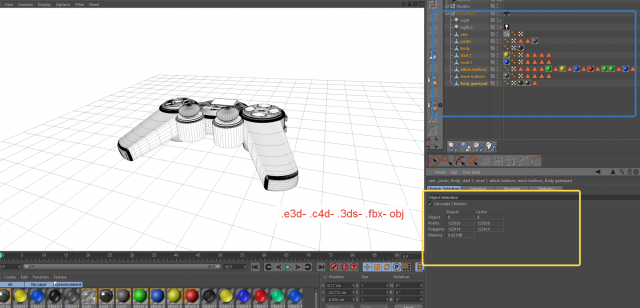
Gamepad Model element v 22 3D Model
This high quality 3d model for 3ds Max, Cinema 4D Gamepad Model element v 2.2 File formats:-.3ds(multi format) -.fbx (multi format) -.obj (multi format) -.c4d – .e3d (element 3d) All parts of this model have been modelled separately to achieve as much realism as possible Please font’t forget to rate this item if you liked him.
-
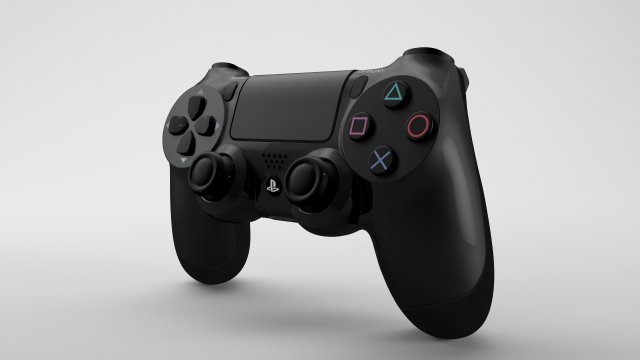
Playstation DualShock 4 – Element 3D 3D Model
This high quality 3d model for 3ds Max, Cinema 4D and Element 3D – Playstation DualShock 4.Item included file scene with all light setups and materials. Just click the render button and you’ll get image like preview images .File formats:-.3ds(multi format)-.fbx (multi format)-.obj (multi format)-.c4d(Cinema 4D R15 and above)-.max(3ds Max 2014 and above)-.mb(Maya 2015 and above)-.e3d(plugin Element 3D v2.2 from Videocopilot)Features:- 3d model is completely ready for detailed and beautiful rendering and animation.- High-poly and low poly- element 3d v2.2- The model have clean topology- All objects are separated and named- Suitable for close-up rendering- You can easily change or aply new materials, color and other.All parts of this model have been modelled separately to achieve as much realism as possible.It can be used as a production model without any requirement of additional modeling and texturing.Please font’t forget to rate this item if you liked him.Sincerely Yours,Cactus 3D Team
-
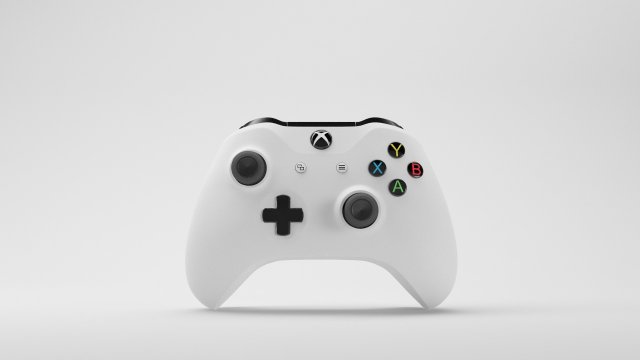
Xbox One S Gamepad – Element 3D 3D Model
This high quality 3d model for 3ds Max, Cinema 4D and Element 3D – Xbox One S Gamepad.Item included file scene with all light setups and materials. Just click the render button and you’ll get image like preview images .File formats:-.3ds(multi format)-.fbx (multi format)-.obj (multi format)-.c4d(Cinema 4D R15 and above)-.max(3ds Max 2014 and above)-.mb(Maya 2015 and above)-.e3d(plugin Element 3D v2.2 from Videocopilot)Features:- 3d model is completely ready for detailed and beautiful rendering and animation.- High-poly and low poly- element 3d v2.2- The model have clean topology- All objects are separated and named- Suitable for close-up rendering- You can easily change or aply new materials, color and other.All parts of this model have been modelled separately to achieve as much realism as possible.It can be used as a production model without any requirement of additional modeling and texturing.Please font’t forget to rate this item if you liked him.Sincerely Yours,Cactus 3D Team
-
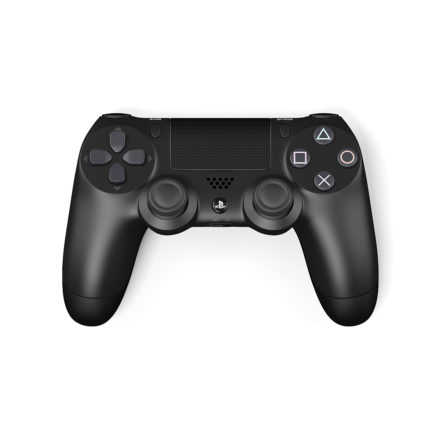
Dualshock 4 Pad 3D Model
3d model of Dualshock 4 game pad. Compatible with 3ds max 2010 or higher and many others.
-
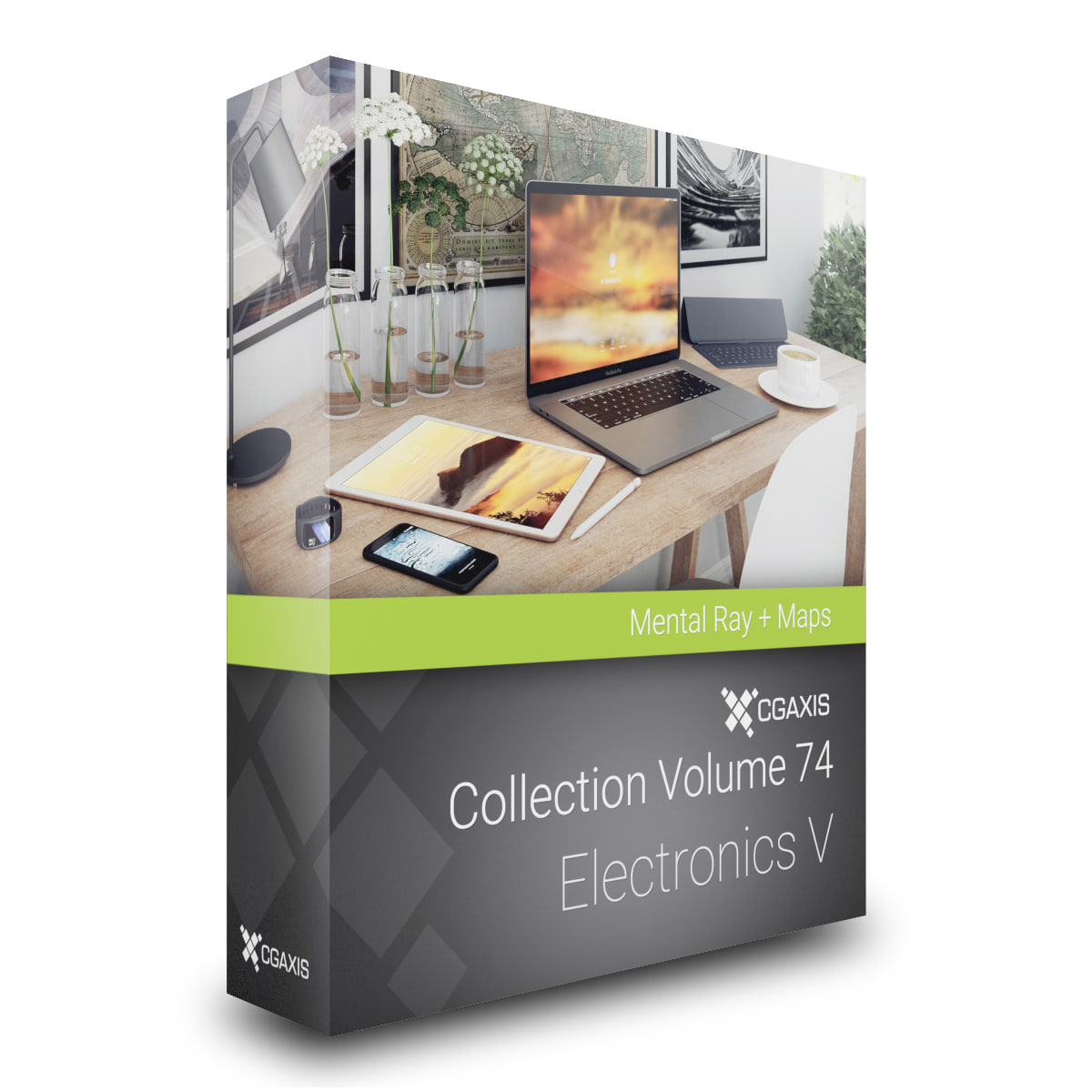
CGAxis Models Volume 74 Electronics V Mental Ray 3D Model
CGAxis Models Volume 74 Electronics V is a collection containing 26 high polygon 3d models of electronic devices. You can find in it: iPhones in all colors, iPads, Galaxy S7 Edge in all colors, Macbook, Mac Pro, Playstation 4 and gamepad, Wide Curved Monitor, etc. Models are mapped and have materials and textures.Available file formats: max 2010 Mentalray
-
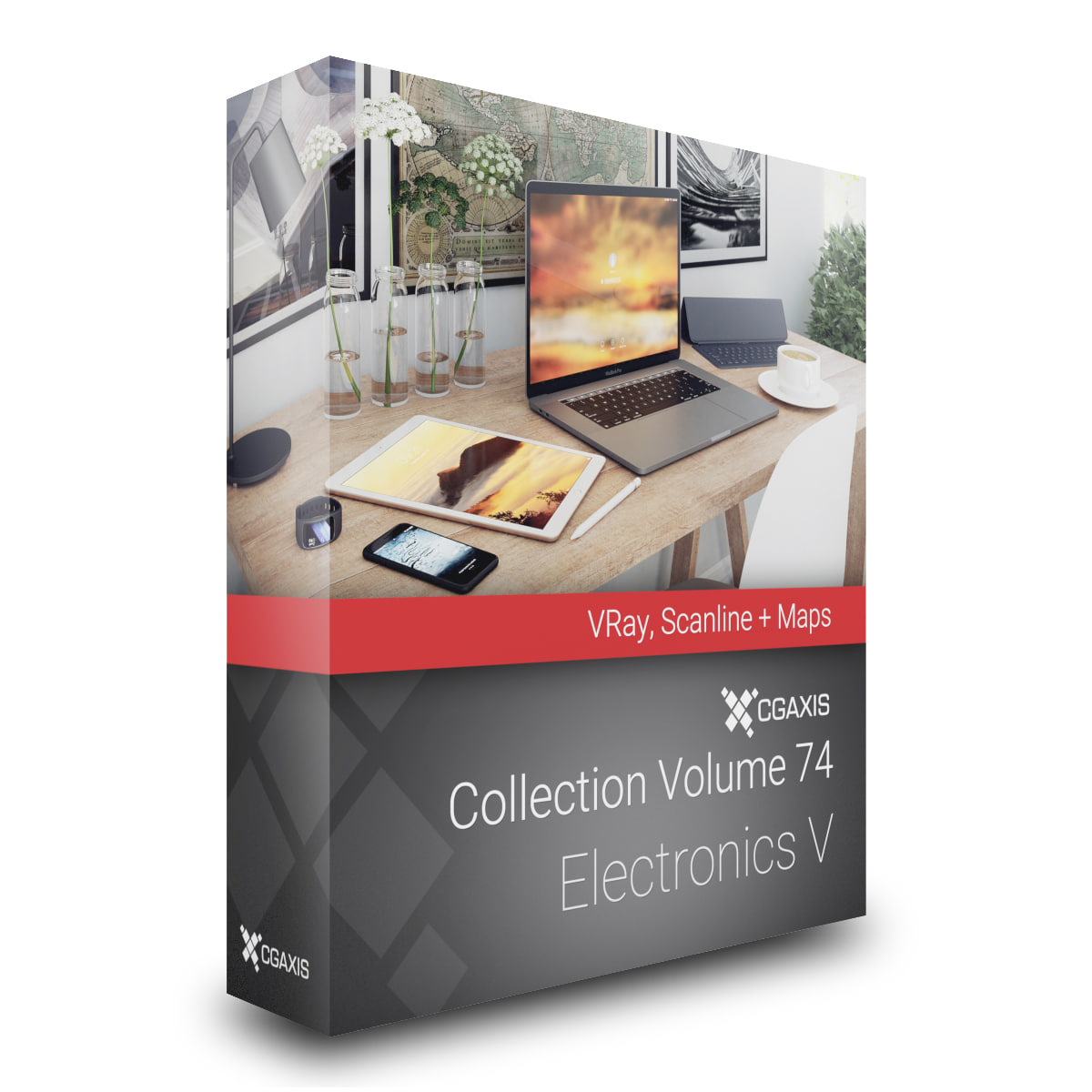
CGAxis Models Volume 74 Electronics V VRay 3D Model
CGAxis Models Volume 74 Electronics V is a collection containing 26 high polygon 3d models of electronic devices. You can find in it: iPhones in all colors, iPads, Galaxy S7 Edge in all colors, Macbook, Mac Pro, Playstation 4 and gamepad, Wide Curved Monitor, etc. Models are mapped and have materials and textures.Available file formats: max 2010 Scanline max 2010 Corona max 2010 VRay max 2010 Mentalray maya 2014 maya 2014 VRay Cinema 4D R13 Cinema 4D R13 VRay FBX OBJ
-
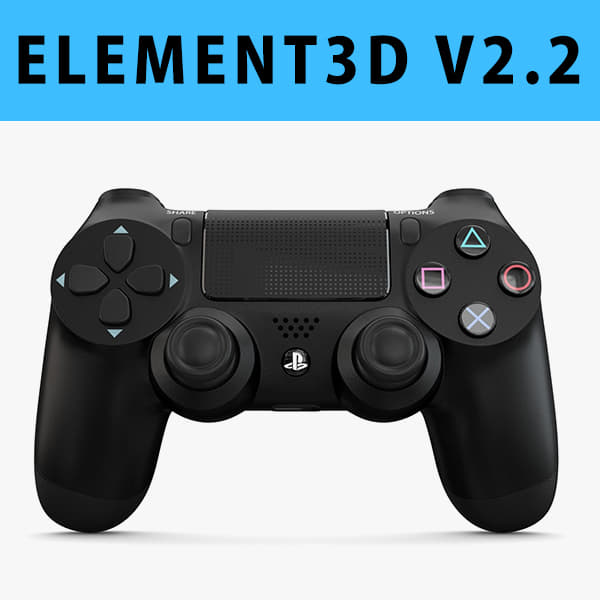
3D model E3D – Sony PlayStation PS4 PRO Controller 3D Model
This pack:Element 3D V2.2 ( All colors )models preset easy to use- 1 file OBJ High poly- 1 file OBJ standard- 1 file C4D R12 standard render- 1 file 3ds max 2012 standard material- E3D file full materials set up like previewsHow to use it?1. Open After Effects CC 2014 ( or higher) and create new composition ( You need Element3D V2.2 to use )2. Create new Solid layer and add Element effect. ( Effect/Video Copilot/ Element )3. Click Scene Setup4. Click on IMPORT inside Element3D scene setup5. Choose my .e3d preset for the model and press Open.If you dont see the model do not forget to right click on the model name and press Replace model then select the .obj model file in the respective models folder.
-
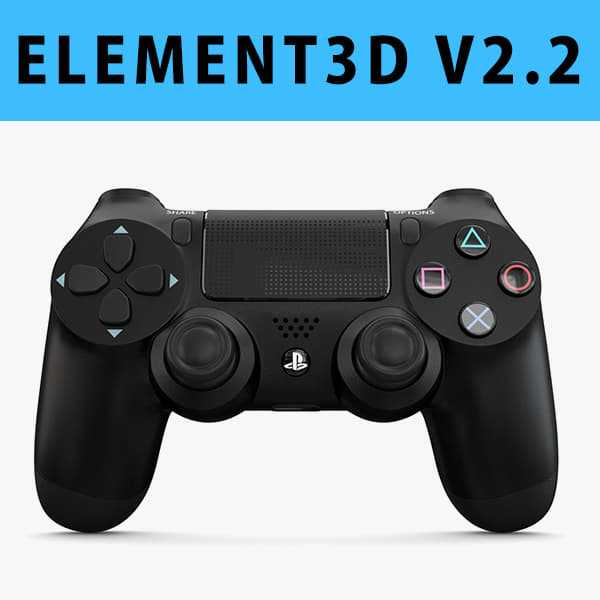
E3D – Sony PlayStation PS4 PRO Controller 3D Model
This pack:Element 3D V2.2 ( All colors )models preset easy to use- 1 file OBJ High poly- 1 file OBJ standard- 1 file C4D R12 standard render- 1 file 3ds max 2012 standard material- E3D file full materials set up like previewsHow to use it?1. Open After Effects CC 2014 ( or higher) and create new composition ( You need Element3D V2.2 to use )2. Create new Solid layer and add Element effect. ( Effect/Video Copilot/ Element )3. Click Scene Setup4. Click on IMPORT inside Element3D scene setup5. Choose my .e3d preset for the model and press Open.If you dont see the model do not forget to right click on the model name and press Replace model then select the .obj model file in the respective models folder.