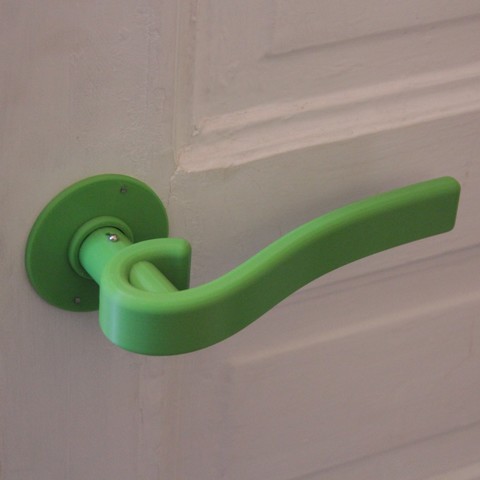
Additional Info: Handle 1 – 3D model (*.gsm+*.obj+*.3ds) for interior 3d visualization.
Tag: door-handle
-
Handle 3D Model
Additional Info: Handle door N260121 – 3D model (*.gsm+*.obj+*.3ds) for interior 3d visualization.
-
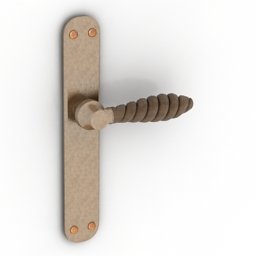
Handle 3D Model
Additional Info: Handle Small Twister D1255 Door lever N311019 – 3D model (*.gsm+*.3ds) for interior 3d visualization.
-

Hollow Metal Door Embossed Doors Collection model 3D Model
Collection of 3 Hollow Metal Embossed Doors (Each model also sold separately)-Each individual model is in a zip file with other exported formatsFormats Include: .max, .3ds, .obj, .fbx-Hollow Metal Door-025: Polygons: 12,719, Vertices: 14,644: Embossed Doors w. 6 Panels-Hollow Metal Door-026: Polygons: 11,100, Vertices: 13,027- Embossed Doors w. 2 Panels-Hollow Metal Door-027: Polygons: 11,792, Vertices: 14,605-Embossed Doors w. 4 Panels-Doors Include everything shown in renderings including door closer-Modeled to Scale and Dimensions: 3′-0′ x 7′-0′, Can easily be adjusted for different size.-Modeled in 3ds Max 2015 and rendered in Vray.-Door and Frame Colors can easily be changed-Door Edges on Embossed Panel have a vrayedges material to make the lines pop more-All objects grouped for easy scene movement-Model Placed at 0,0,0 axis-Doors can be opened, open group, and pivot point for rotation are the hinges. If pivot point gets reset it can be readjusted by going to:Hierarchy—Affect Pivot Point—Use move command to move pivot to center of Hinges-To rotate door and door closer: Open Group, Select Door and rotate to desired location, open door group and you will have to rotate ‘Door Closer-0XXA’ & Door Closer-0XXB’ to a position where they meet in the center, pivot is already set to their rotation location.Enjoy!