
Formats of model/Textures – .fbx/.tgaRendered in Marmoset Toolbag 4Extracted and converting by me Will | BWR.This model and textures are the property ofBlack Forest Games and THQ NordicDeveloped by Black Forest GamesAll Rights Reserved.
Tag: destroy
-

Urban_Woman_02 – Destroy All Humans 2 3D Model
Formats of model/Textures – .fbx/.tgaRendered in Marmoset Toolbag 4Extracted and converting by me Will | BWR.This model and textures are the property ofBlack Forest Games and THQ NordicDeveloped by Black Forest GamesAll Rights Reserved.
-

Natalya Ivanova – Destroy All Humans 2 3D Model
Formats of model/Textures – .fbx/.tgaRendered in Marmoset Toolbag 4Extracted and converting by me Will | BWR.This model and textures are the property ofBlack Forest Games and THQ NordicDeveloped by Black Forest GamesAll Rights Reserved.
-
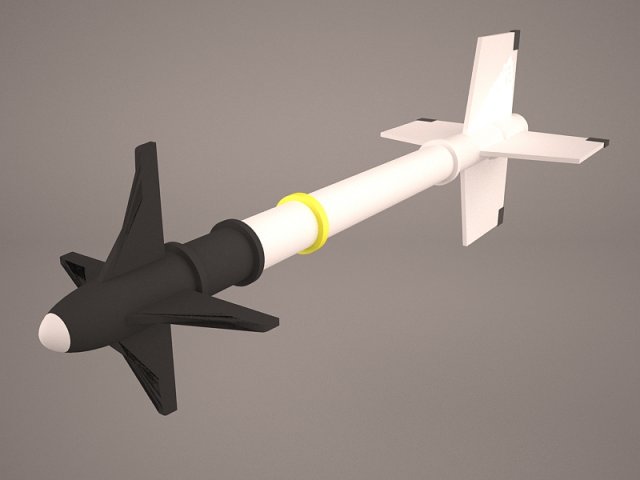
Aircraft Missile AIM-9M Sidewinder 3D Model
Aircraft Missile AIM-9M Sidewinder gunship carrier fighter NATO bomb destroy marine air force rocket army military weapon US Navy
-
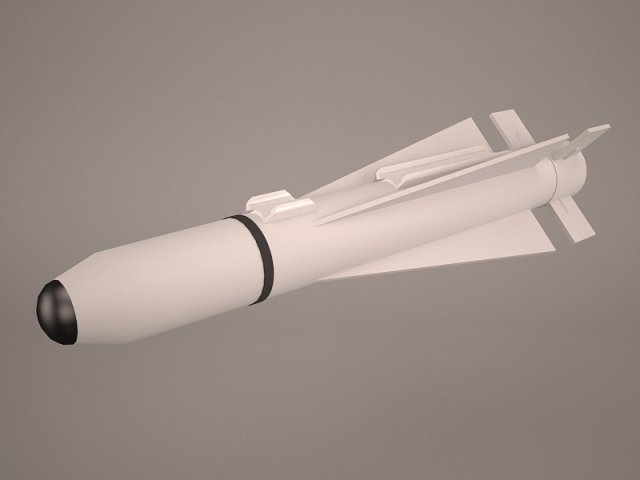
Aircraft Missile AGM-65B Maverick 3D Model
Aircraft Missile AGM-65B AGM Maverick bomb air-to-ground tactical destroy marine air force rocket army military weapon US Navy
-
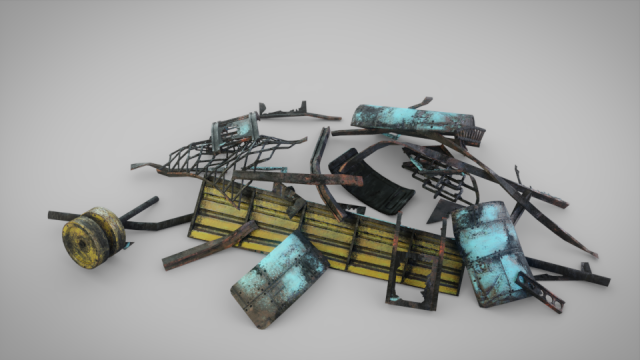
Debris 3D Model
High quality Debris modelGame-Ready! Perfect for Close-up renders and realtime projects.This model is PBR and contains these 2k Texture maps: -Diffuse-Specular-Glossiness-NormalThe model has clean topology and UV islands. No cleaning up necessary, just drop your model into the scene and start rendering.Formats included: FBX, OBJ, 3DS, STLTip! Gloss maps included, but the specular maps’ Alpha channel (A) can also be used for this.
-
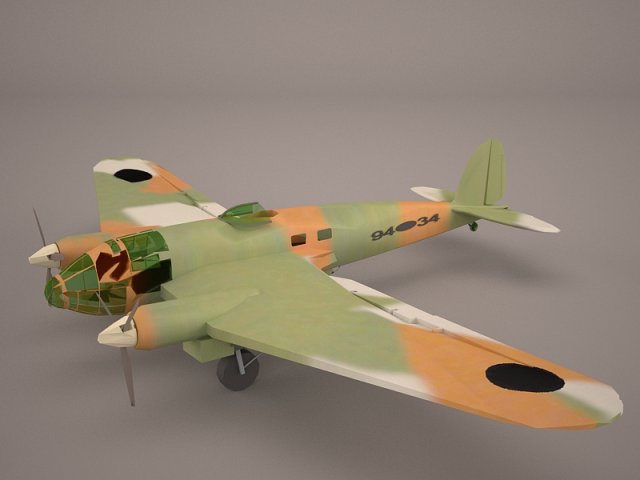
Heinkel He 111 3D Model
Heinkel He 111 medium bomber Luftwaffe Germany nazi German plane aircraft destroy history World War II WW2 2 low poly game ready air force attack
-
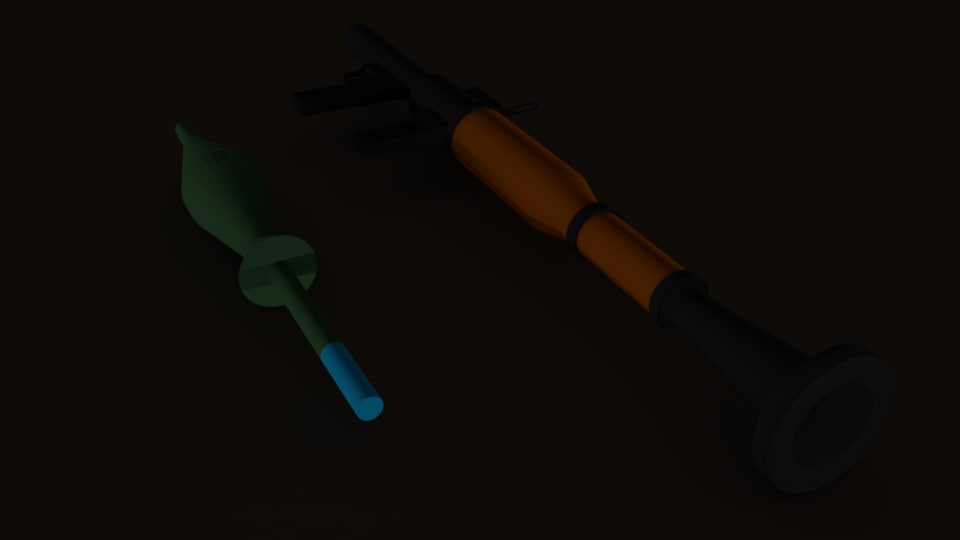
RPG-7 Low Poly 3D model 3D Model
A RPG-7 Low Poly3D Model made By Jaime Arturo SnchezPlease Give Credit in the 3D Modeling section or Special Thanks sectionRoyalty Free LicenseYou can use this model on any personal project , non-commercial and commercial use :)THE MODEL CONTAINSRPG-7 OBJ ModelRPG-7 FBX ModelProjectile OBJ ModelProjectile FBX ModelComplete Blender Project (2 projects)—————————————————–RPG-710346 Vertices (RPG-7/Launcher)9462 Faces (RPG-7/Launcher)19003 Tris (RPG-7/Launcher)—————————————————–Projectile/Missile352 Vertices (Projectile/Missile)322 Faces (Projectile/Missile)700 Tris (Projectile/Missile)——————————————————RPG-7 TextureProjectile Texture11 Renders1 RPG-7 Materials (On Blender)1 Projectile Materials (On Blender)
-

Debris 4 3D Model
Hi :)8192×8192 texturePhotoreal model.1 million high poly model comes with it.Product photos are shown without lighting & shadows.Check out my other models.
-

3D Debris 2 model 3D Model
Hi :)8192×8192 texturePhotoreal model.1 million high poly model comes with it.Product photos are shown without lighting & shadows.Check out my other models.
-
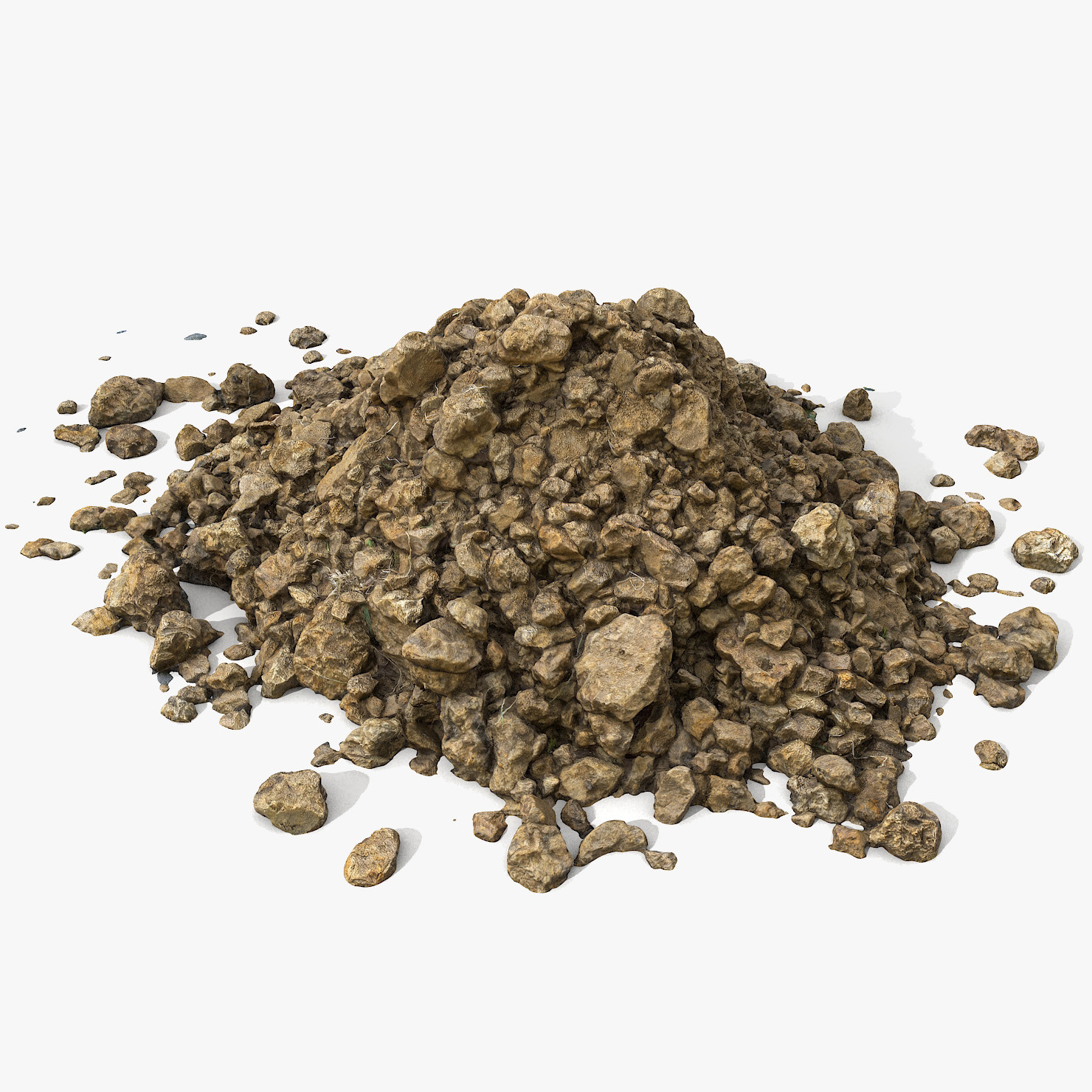
Realistic Soil Ground Pile 2 3D Model
V-Ray and standard materials- Hi-Res Realistic product- Correct scale- Object(s) in their own layer (name via product name)The mesh although with triangular faces (for better representation of the original silhouette/shape of the object) is manually and carefully cleaned of any irregularities or errors. The result is 100% clean and subdivision ready etc. mesh.Maps in max archives :Diffuse 4096*4096px JPGNormals 2048*2048px JPG32 bit Displacement 2048*2048px exr16 bit Displacement 2048*2048px jpgThese are optimized and are indistinguishable from 8192*8192px TIFFs (which take more RAM during rendering etc.)Nevertheless if you want 105% quality, you can download the separate hires TIFF textures archive (around 250MB), which contains:Diffuse 8192*8192px TIFNormal 4096*4096px TIFDisplacement 16bit 4096*4096px TIFDisplacement 32bit 4096*4096px EXRIf you need just the original mesh without using displacement map during rendering, take the low poly version, subdivide it a couple of times and use the displacement map in ‘displace’ modifier (in 3ds max) or similiar in other applications, which will deform your mesh in viewport realtime, so you get the original hipoly mesh. You can use it, or use it as proxy or decimated it etc.Objects are in their own layer called ‘_Merged_Buyed’. No part-name confusion when importing. Centered on 0,0,0.earth dirt
-

Realistic Wood Burnt End 3D Model
– V-Ray and standard materials- Hi-Res Realistic product- Correct scale- Object(s) in their own layer (name via product name)Maps in max archives :Diffuse 4096*4096px JPGNormals 2048*2048px TIF32 bit Displacement 2048*2048px exr16 bit Displacement 2048*2048px TIFThese are optimized and are indistinguishable from 8192*8192px TIFFs (which take more RAM during rendering etc.)Nevertheless if you want 105% quality, you can download the separate hires TIFF textures archive (around 250MB), which contains:Diffuse 8192*8192px TIFNormal 4096*4096px TIFDisplacement 16bit 4096*4096px TIFDisplacement 32bit 4096*4096px EXRIf you need just the original mesh without using displacement map during rendering, take the low poly version, subdivide it a couple of times and use the displacement map in ‘displace’ modifier (in 3ds max) or similiar in other applications, which will deform your mesh in viewport realtime, so you get the original hipoly mesh. You can use it, or use it as proxy or decimated it etc.Objects are in their own layer called ‘_Merged_Buyed’. No part-name confusion when importing. Centered on 0,0,0.
-
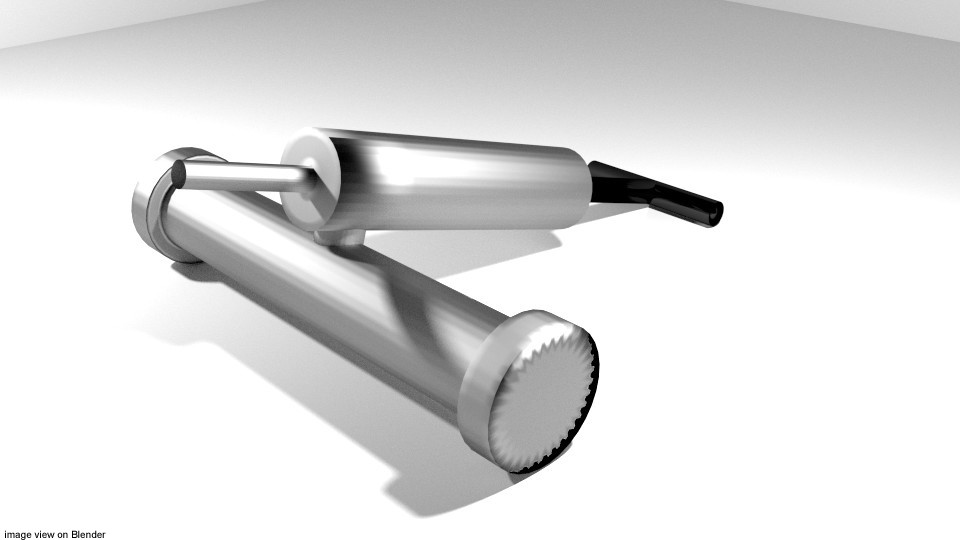
Pest Sprayer Type 2 3D Model
1. Modeled in Blender.2. Image show & rendered using Cycle render.3. Some Material a Sub-Division before rendering.4. Included Light, Camera and support object.5. Convert to others format:- *.lws (LIGHTWAVE 3D) *.dae (COLLADA) *.obj (WAVEFRONT) *.3ds (3D Studio)
-
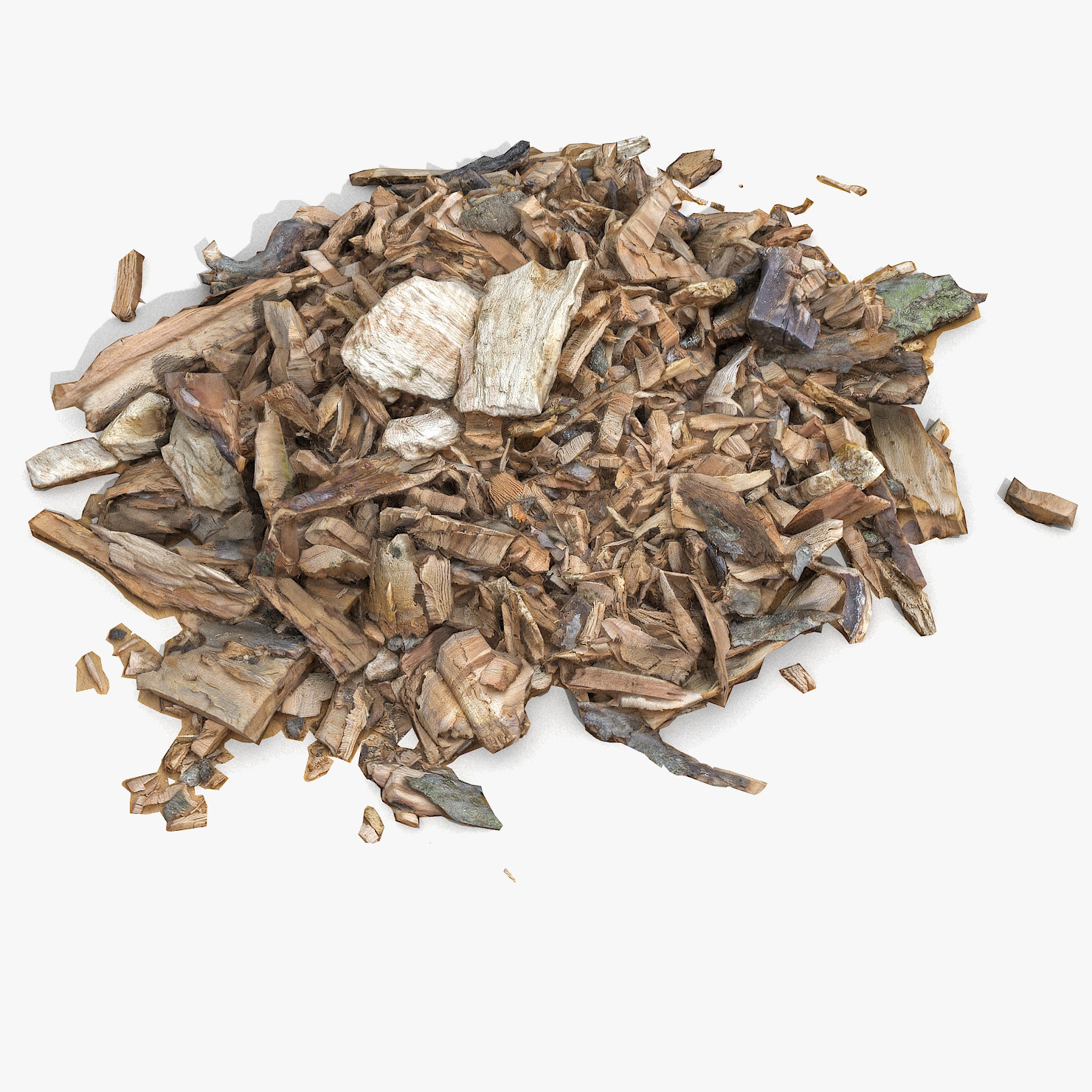
Wooden Plank Lumber Sawdust Debris 3D Model
The mesh although with triangular faces (for better representation of the original silhouette/shape of the object) is manually and carefully cleaned of any irregularities or errors. The result is 100% clean and subdivision ready etc. mesh.V-Ray and standard materials- Hi-Res Realistic product- Correct scale- Object(s) in their own layer (name via product name)Maps in max archives :Diffuse 4096*4096px JPGThese are optimized and are indistinguishable from 8192*8192px TIFFs (which take more RAM during rendering etc.)Nevertheless if you want 105% quality, you can download the separate hires TIFF textures archive (around 250MB), which contains:Diffuse 8192*8192px TIFDisplacement 32bit 4096*4096px EXRIf you need just the original mesh without using displacement map during rendering, take the low poly version, subdivide it a couple of times and use the displacement map in ‘displace’ modifier (in 3ds max) or similiar in other applications, which will deform your mesh in viewport realtime, so you get the original hipoly mesh. You can use it, or use it as proxy or decimated it etc.Objects are in their own layer called ‘_Merged_Buyed’. No part-name confusion when importing. Centered on 0,0,0.