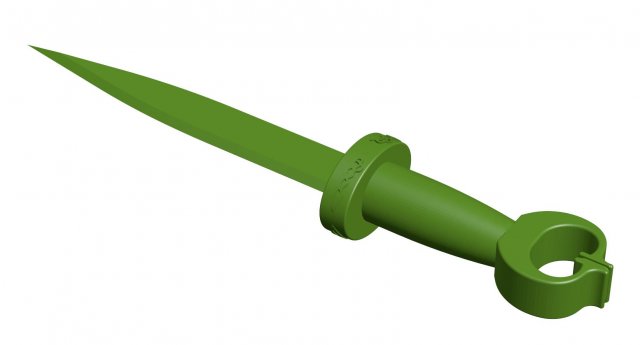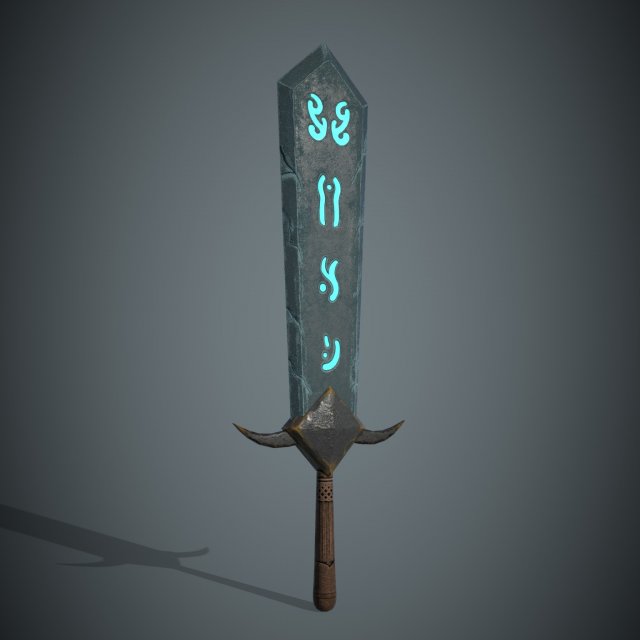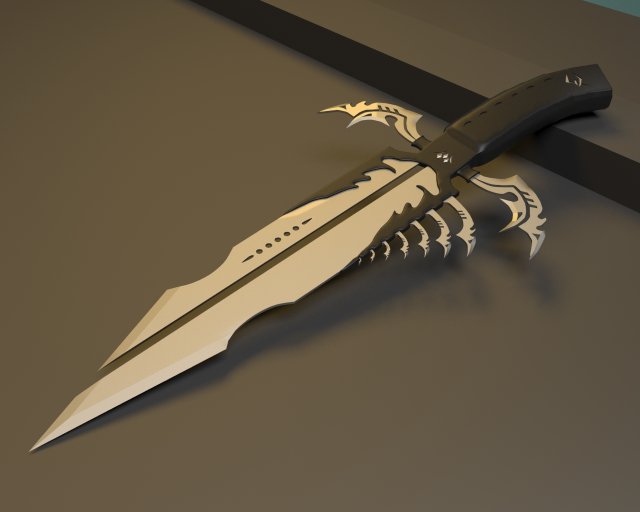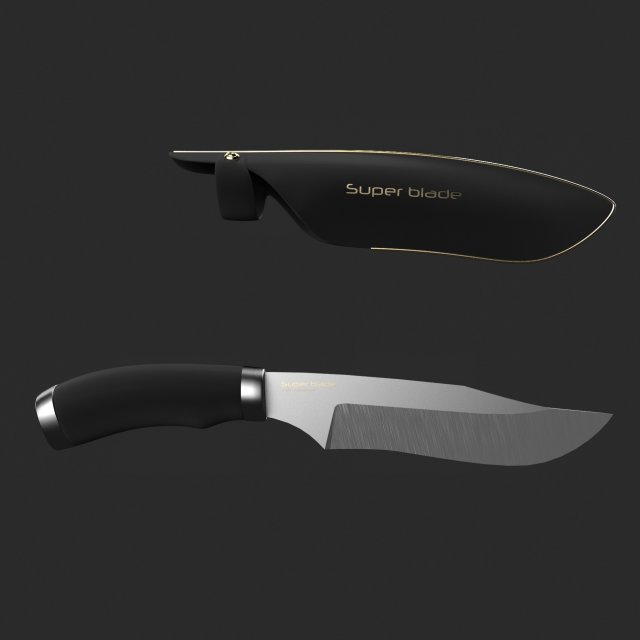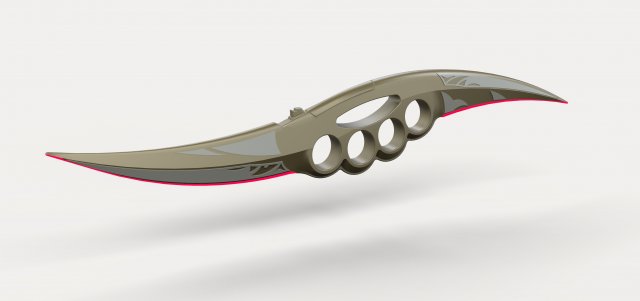
Dryden Vos owned a pair of custom made Kyuzo petars.A double-bladed weapon, the petar had a bronzium knuckle-guard, and featured a conductive tempered carbon edge; with a flick of a button, this edge became energized with a scintillating monomolecular energy chord, vastly increasing the cutting power and deadliness of the weapon.Model dimensions:- length – 558 mm- height – 101 mm- thickness – 25 mmDesigned in Solid Works 2012, rendered in Keyshot 5.0.99.Useful links:http://starwars.wikia.com/wiki/Kyuzo_petarhttps://en.wikipedia.org/wiki/Solo:_A_Star_Wars_Story
Tag: Dagger
-
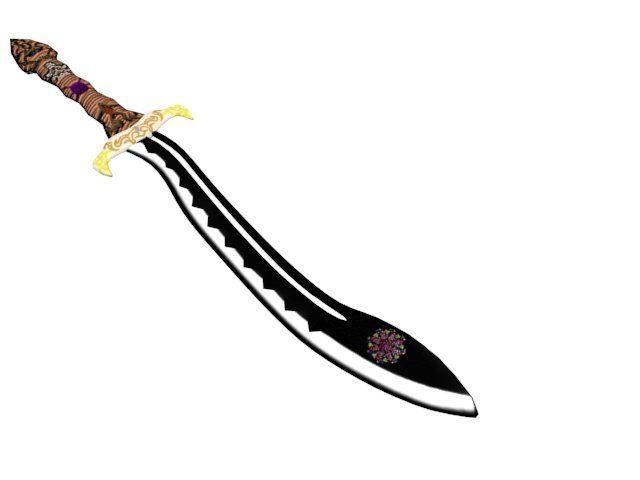
Dagger with patterns 3D Model
This model was made in ZBrush 4r8 and 3ds max 2017 and rendered in 3d max 2017. Made to my imagination.
-
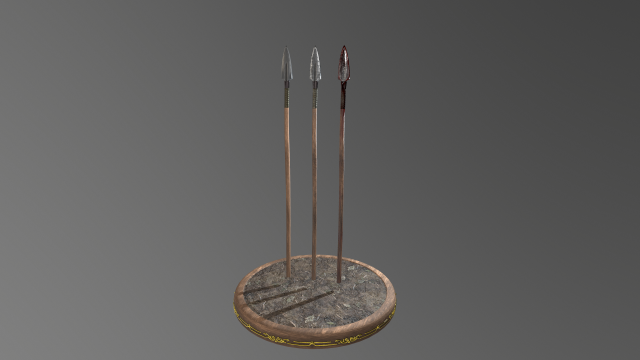
Spear 1 3D Model
Spear 1Spear model ready for Virtual Reality (VR), Augmented Reality (AR), games, Postproduction, Photomanipulation and other real-time apps.Low PolyRendered in Marmoset ToolBagThe textures of the model are applied with UV Unwrap.4K textures!!!!2K texturesHD textures 1024x1024MQ textures 512x512LQ textures 256x256Materials – Textures in 3DS Max & Sketchup included.——————————Polygons: 229Vertices: 229————————-File formats:- 3dmax 2013 – Vray 3.20- OBJ- FBX- FBX(PBR)- DAE- 3DS-Sketchup 2013 – Vray 3.40-Unity Package——————————-Enjoy!
-
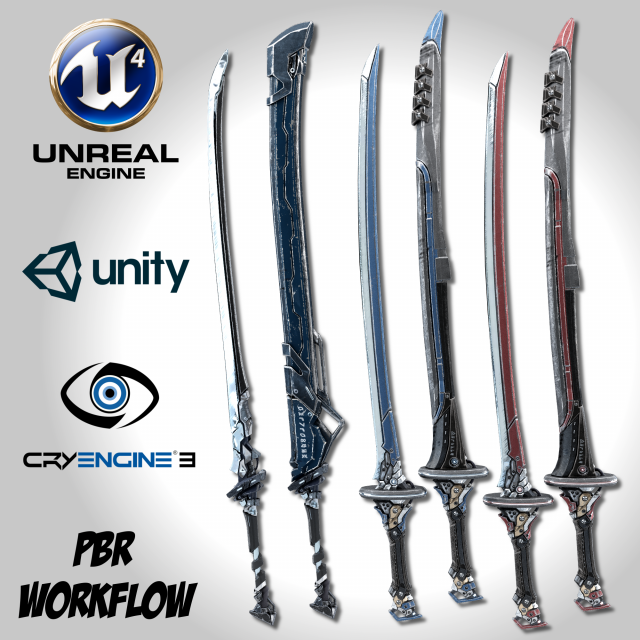
Sci-fi Swords Pack 2 3D Model
Sci-fi Swords Pack 2—————————————————-Half hand-painted and highly detailed,these models are compatible with your game engine of choice.This is pack includes 2 models also available separately:- Sci-fi Frozen Sword: https://3dexport.com/3dmodel-sci-fi-frozen-sword-remake-206952.htm- Two Colors Epee: https://3dexport.com/3dmodel-two-colors-epee-remake-206956.htmReal world scale: approximatively- 165cm X 20cm X 5cm- 210cm X 15cm X 10cmFormats:- FBX- Unreal Engine 4 uasset (Copy and Paste)- Unity 5 Package (Drag and Drop)- CryEngine 3 Textures- PBR MetalRough Textures- PBR SpecGloss TexturesThis product includes:FBX:- 2 Sword Model- 2 Sheath ModelUnreal Engine 4:- 3 Materials- BaseColor- MetallicRoughnessOcclusion- Normal- EmissiveUnity 5:- 3 Material- AlbedoTransparency- MetallicSmoothness- Normal- EmissionCryEngine 3:- ddna- specPBR Textures:MetalRough:- BaseColor- Emissive- Height- Metallic- Normal- RoughnessSpecGloss:- Emissive- Glossiness- Height- Normal- Specular* All Maps are in 4096×4096* 3Ds Max Vray & Blender Cycles formats are available upon request* Notice me if you are looking for any other combinations.* Product combination discount:- 2 products: -$5- 3 products: -$10- 4 products: -$15Ex. Product 1 ($10) + Product 2 ($15) –> 10 + 15 – 5 = $20——————————————Please leave a Like or a Comment if you like the modelto help me bring you better products.Thank you!
-
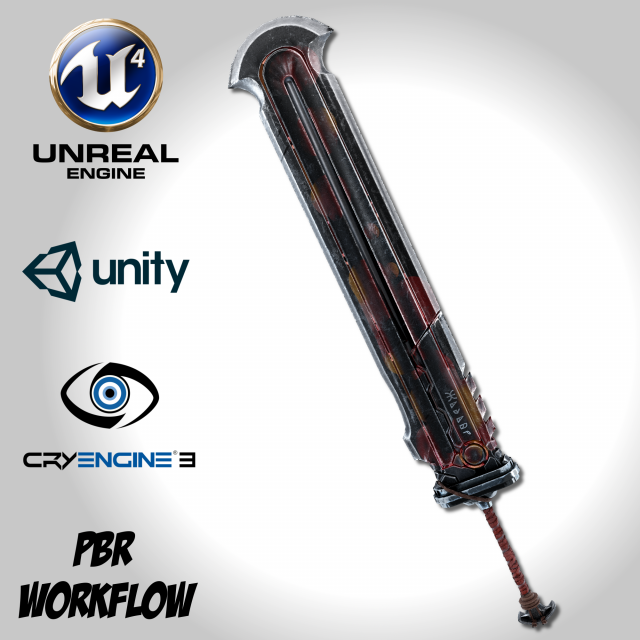
Heavy Full Metal Sword – Remake Free 3D Model
Heavy Full Metal Sword—————————————————-Half hand-painted and highly detailed,this model is compatible with your game engine of choice.This is a remake version of the model “Heavy Full Metal Sword”https://3dexport.com/3dmodel-heavy-full-metal-sword-142839.htmUpdates:- Texture remake- Both sword and sheath models share the same material- Cleaner topology- Optimized polycount- Organized UVReal world scale: approximatively 195cm X 35cm X 10cmFormats:- FBX- Unreal Engine 4 uasset (Copy and Paste)- Unity 5 Package (Drag and Drop)- CryEngine 3 Textures- PBR MetalRough Textures- PBR SpecGloss TexturesThis product includes:FBX:- 1 Sword ModelUnreal Engine 4:- 1 Material- BaseColor- MetallicRoughnessOcclusion- Normal- EmissiveUnity 5:- 1 Material- AlbedoTransparency- MetallicSmoothness- Normal- EmissionCryEngine 3:- diff- ddna- specPBR Textures:MetalRough:- BaseColor- Emissive- Height- Metallic- Normal- RoughnessSpecGloss:- Emissive- Glossiness- Height- Normal- Specular* All Maps are in 4096×4096* 3Ds Max Vray & Blender Cycles formats are available upon request——————————————Please leave a Like or a Comment if you like the modelto help me bring you better products.Thank you!
-
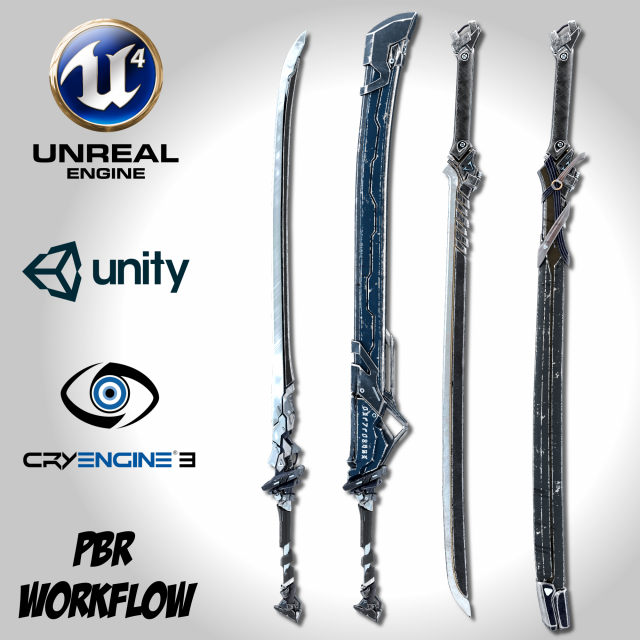
Sci-fi Swords Pack 1 3D Model
Sci-fi Swords Pack 1—————————————————-Half hand-painted, and highly detailed,these models are compatible with your game engine of choice.This is a remake version of the model “Sci-fi Swords Pack”https://3dexport.com/3dmodel-sci-fi-swords-pack-138066.htmUpdates:- Texture remake- Both sword and sheath models share the same material- Cleaner topology- Optimized polycount- Organized UVReal world scale: approximatively 165cm X 20cm X 5cmFormats:- FBX- Unreal Engine 4 uasset (Copy and Paste)- Unity 5 Package (Drag and Drop)- CryEngine 3 Textures- PBR MetalRough Textures- PBR SpecGloss TexturesThis product includes:FBX:- 2 Sword Model- 2 Sheath ModelUnreal Engine 4:- 2 Materials- BaseColor- MetallicRoughnessOcclusion- Normal- EmissiveUnity 5:- 2 Material- AlbedoTransparency- MetallicSmoothness- Normal- EmissionCryEngine 3:- ddna- specPBR Textures:MetalRough:- BaseColor- Emissive- Height- Metallic- Normal- RoughnessSpecGloss:- Emissive- Glossiness- Height- Normal- Specular* All Maps are in 4096×4096* 3Ds Max Vray & Blender Cycles formats are available upon request* Notice me if you are looking for any other combinations.* Product combination discount:- 2 products: -$5- 3 products: -$10- 4 products: -$15Ex. Product 1 ($10) + Product 2 ($15) –> 10 + 15 – 5 = $20——————————————Please leave a Like or a Comment if you like the modelto help me bring you better products.Thank you!
-
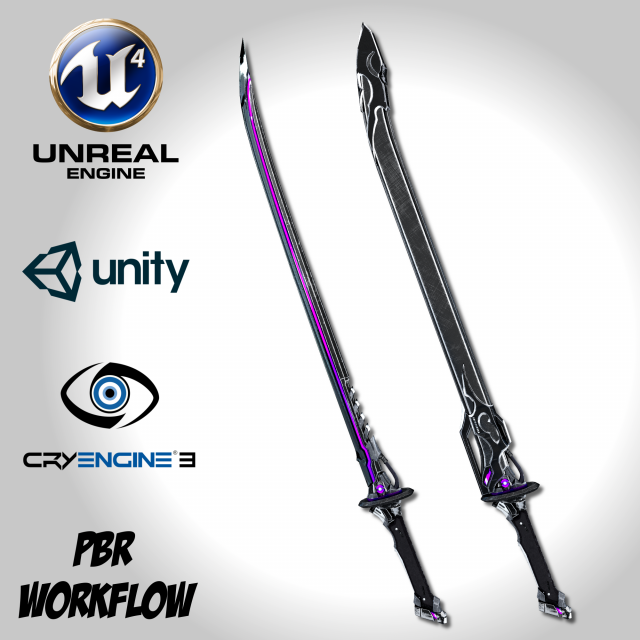
Void Sword – Remake 3D Model
Void Sword—————————————————-Half hand-painted and highly detailed,these models are compatible with your game engine of choice.This is a remake version of the model “Void Sword”https://3dexport.com/3dmodel-void-sword-142842.htmUpdates:- Texture remake- Both sword and sheath models share the same material- Cleaner topology- Optimized polycount- Organized UVReal world scale: approximatively 140cm X 13cm X 6cmFormats:- FBX- Unreal Engine 4 uasset (Copy and Paste)- Unity 5 Package (Drag and Drop)- CryEngine 3 Textures- PBR MetalRough Textures- PBR SpecGloss TexturesThis product includes:FBX:- 1 Sword Model- 1 Sheath ModelUnreal Engine 4:- 1 Material- BaseColor- MetallicRoughnessOcclusion- Normal- EmissiveUnity 5:- 1 Material- AlbedoTransparency- MetallicSmoothness- Normal- EmissionCryEngine 3:- diff- ddna- specPBR Textures:MetalRough:- BaseColor- Emissive- Height- Metallic- Normal- RoughnessSpecGloss:- Emissive- Glossiness- Height- Normal- Specular* All Maps are in 4096×4096* 3Ds Max Vray & Blender Cycles formats are available upon request——————————————Please leave a Like or a Comment if you like the modelto help me bring you better products.Thank you!
-
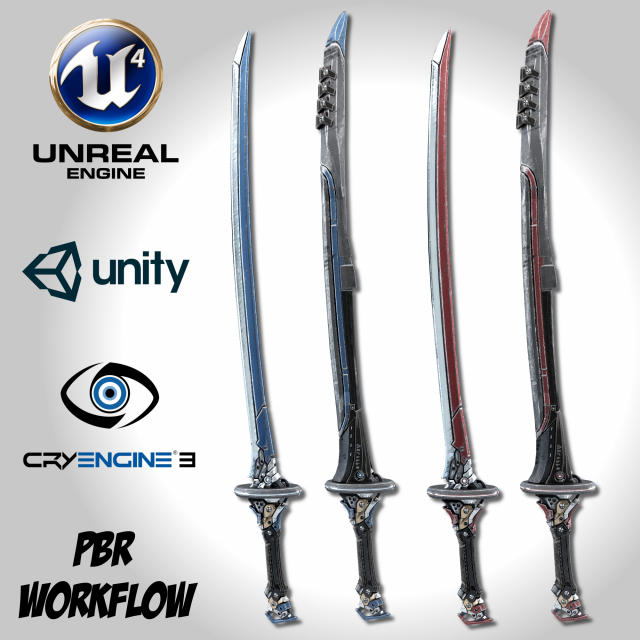
Two Colors Epee – Remake 3D Model
Two Colors Epee—————————————————-Half hand-painted and highly detailed,these models are compatible with your game engine of choice.This is a remake version of the model “Two Colors Epee”https://3dexport.com/3dmodel-two-colors-epee-138062.htmUpdates:- Texture remake- Both sword and sheath models share the same material- Cleaner topology- Optimized polycount- Organized UVReal world scale: approximatively 210cm X 15cm X 10cmFormats:- FBX- Unreal Engine 4 uasset (Copy and Paste)- Unity 5 Package (Drag and Drop)- CryEngine 3 Textures- PBR MetalRough Textures- PBR SpecGloss TexturesThis product includes:FBX:- 1 Sword Model- 1 Sheath ModelUnreal Engine 4:- 1 Material- BaseColor- MetallicRoughnessOcclusion- Normal- EmissiveUnity 5:- 1 Material- AlbedoTransparency- MetallicSmoothness- Normal- EmissionCryEngine 3:- ddna- specPBR Textures:MetalRough:- BaseColor- Emissive- Height- Metallic- Normal- RoughnessSpecGloss:- Emissive- Glossiness- Height- Normal- Specular* All Maps are in 4096×4096* 3Ds Max Vray & Blender Cycles formats are available upon request——————————————Please leave a Like or a Comment if you like the modelto help me bring you better products.Thank you!
-
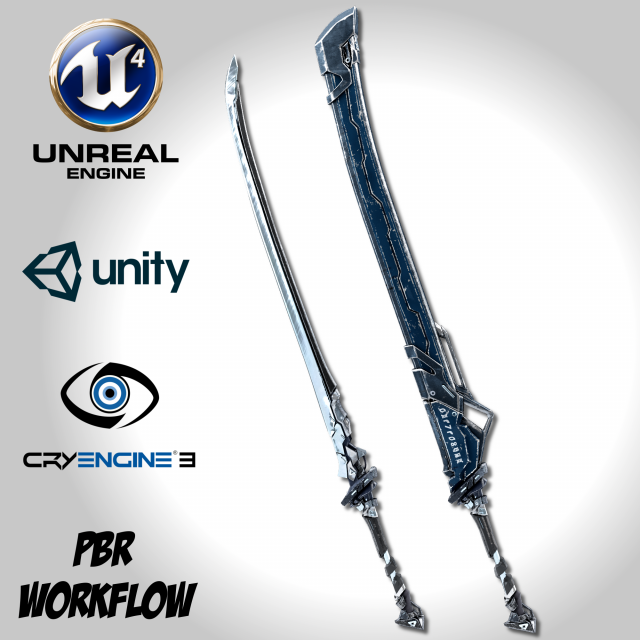
Sci-fi Frozen Sword – Remake 3D Model
Sci-fi Frozen Sword—————————————————-Half hand-painted, highly detailed, and rigged,this model is compatible with your game engine of choice.This is a remake version of the model “Sci-fi Frozen Sword”https://3dexport.com/3dmodel-sci-fi-frozen-sword-138059.htmUpdates:- Texture remake- Both sword and sheath models share the same material- Cleaner topology- Optimized polycount- Organized UVReal world scale: approximatively 165cm X 20cm X 5cmFormats:- FBX- Unreal Engine 4 uasset (Copy and Paste)- Unity 5 Package (Drag and Drop)- CryEngine 3 Textures- PBR MetalRough Textures- PBR SpecGloss TexturesThis product includes:FBX:- 1 Sword Model- 1 Sheath ModelUnreal Engine 4:- 1 Material- BaseColor- MetallicRoughnessOcclusion- Normal- EmissiveUnity 5:- 1 Material- AlbedoTransparency- MetallicSmoothness- Normal- EmissionCryEngine 3:- ddna- specPBR Textures:MetalRough:- BaseColor- Emissive- Height- Metallic- Normal- RoughnessSpecGloss:- Emissive- Glossiness- Height- Normal- Specular* All Maps are in 4096×4096* 3Ds Max Vray & Blender Cycles formats are available upon request——————————————Please leave a Like or a Comment if you like the modelto help me bring you better products.Thank you!
-
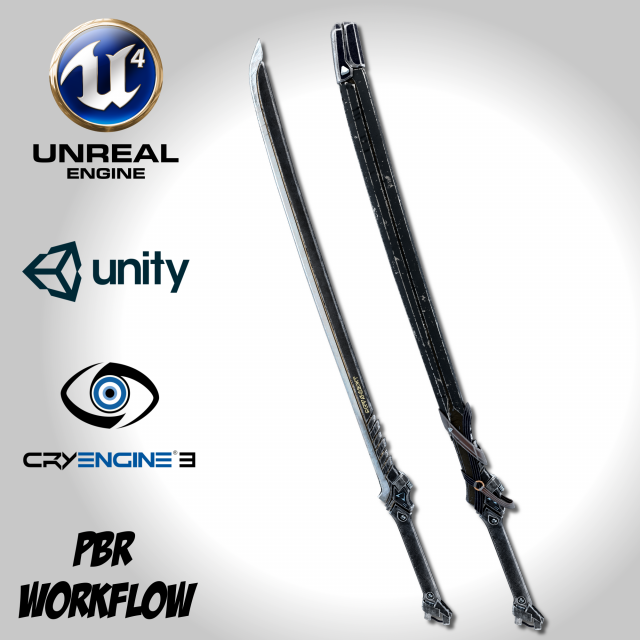
Dark Long Blade – Remake 3D Model
Dark Long Blade—————————————————-Half hand-painted, and highly detailed,this model is compatible with your game engine of choice.This is a remake version of the model “Dark Long Blade”https://3dexport.com/3dmodel-dark-long-blade-138061.htmUpdates:- Texture remake- Both sword and sheath models share the same material- Cleaner topology- Optimized polycount- Organized UVReal world scale: approximatively 165cm X 20cm X 5cmFormats:- FBX- Unreal Engine 4 uasset (Copy and Paste)- Unity 5 Package (Drag and Drop)- CryEngine 3 Textures- PBR MetalRough Textures- PBR SpecGloss TexturesThis product includes:FBX:- 1 Sword Model- 1 Sheath ModelUnreal Engine 4:- 1 Material- BaseColor- MetallicRoughnessOcclusion- Normal- EmissiveUnity 5:- 1 Material- AlbedoTransparency- MetallicSmoothness- Normal- EmissionCryEngine 3:- ddna- specPBR Textures:MetalRough:- BaseColor- Emissive- Height- Metallic- Normal- RoughnessSpecGloss:- Emissive- Glossiness- Height- Normal- Specular* All Maps are in 4096×4096* 3Ds Max Vray & Blender Cycles formats are available upon request——————————————Please leave a Like or a Comment if you like the modelto help me bring you better products.Thank you!
-
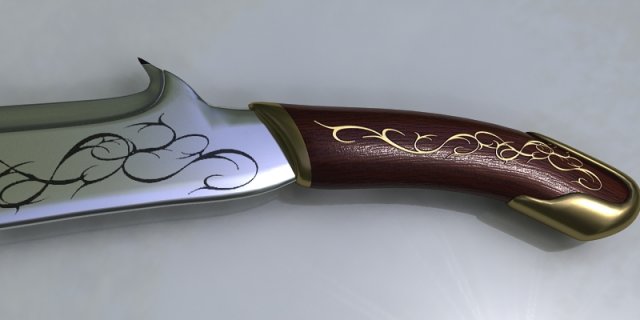
Sword 005 3D Model
Low poly game 3D modelModel formats:- *.max (3ds Max)- *.max (3ds max vray)- *.fbx (Multi Format)- *.obj (Multi Format)- *.3ds (Multi Format)- *.mb (Maya 8.5)- *.lwo (Lightwave 6)- *.c4d (Cinema 4D 11)
-
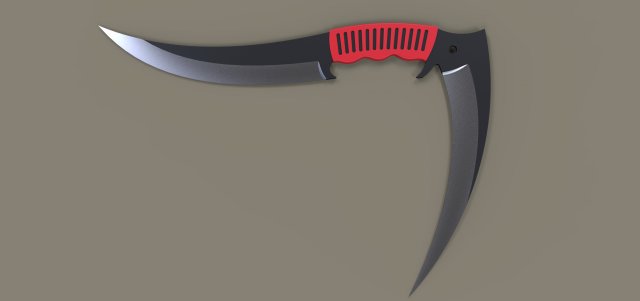
Dagger 2 3D Model
Model dimensions:- length – 483,8 mm- height – 338,8 mm- thickness – 10 mmDesigned in Solid Works 2012, rendered in Keyshot 5.0.99.
-
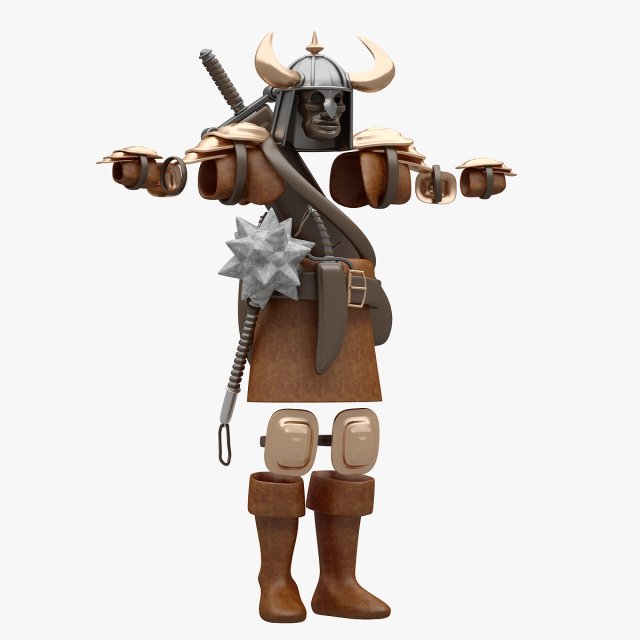
Warrior Cloth 3D Model
Modelled : 3ds Max 2016Rendered : 3ds Max 2016 – Vray 3.40Files : .max (2013, 2014, 2015, 2016).fbx.obj.mtland texturesHighpoly and Lowpoly Files Included.(c) 3D_SB 2018
-
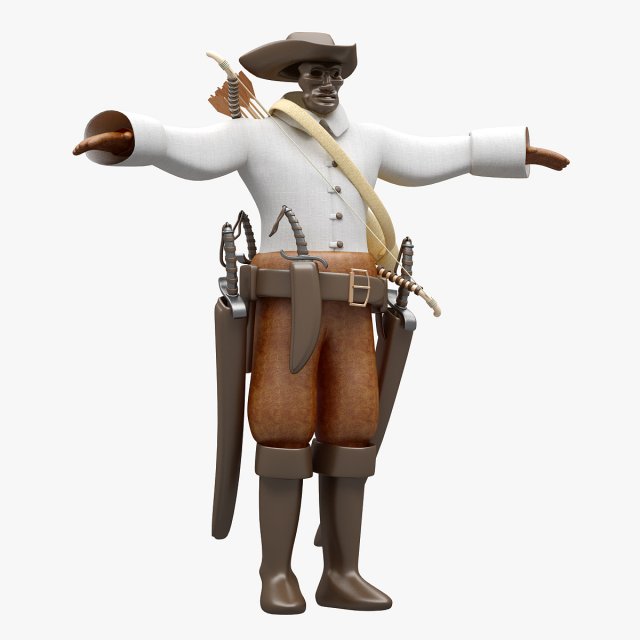
Pirate Cloth 3D Model
Modelled : 3ds Max 2016Rendered : 3ds Max 2016 – Vray 3.40Files : .max (2013, 2014, 2015, 2016).fbx.obj.mtland texturesHighpoly and Lowpoly Files Included.(c) 3D_SB 2018
-
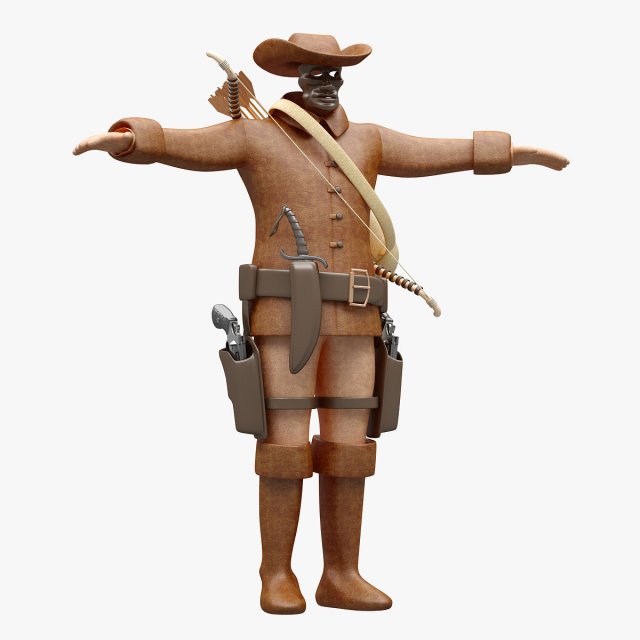
Cowboy Cloth 3D Model
Modelled : 3ds Max 2016Rendered : 3ds Max 2016 – Vray 3.40Files : .max (2013, 2014, 2015, 2016).fbx.obj.mtland texturesHighpoly and Lowpoly Files Included.(c) 3D_SB 2018
-
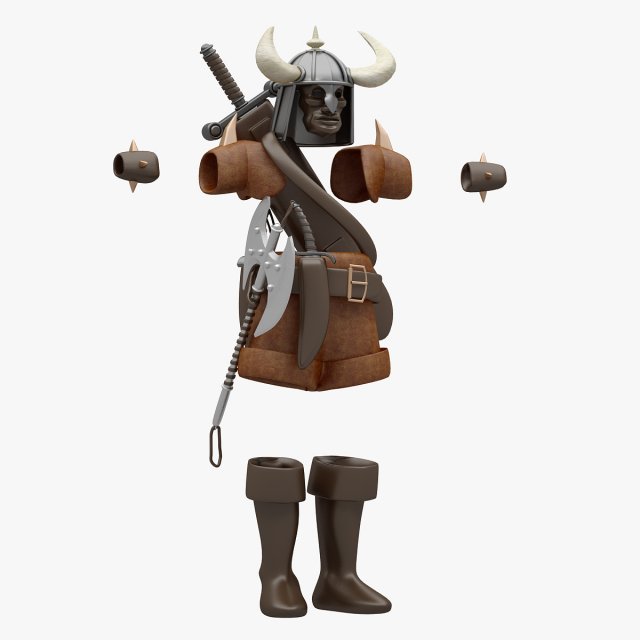
Barbarian Cloth 3D Model
Modelled : 3ds Max 2016Rendered : 3ds Max 2016 – Vray 3.40Files : .max (2013, 2014, 2015, 2016).fbx.obj.mtland texturesHighpoly and Lowpoly Files Included.(c) 3D_SB 2018
-
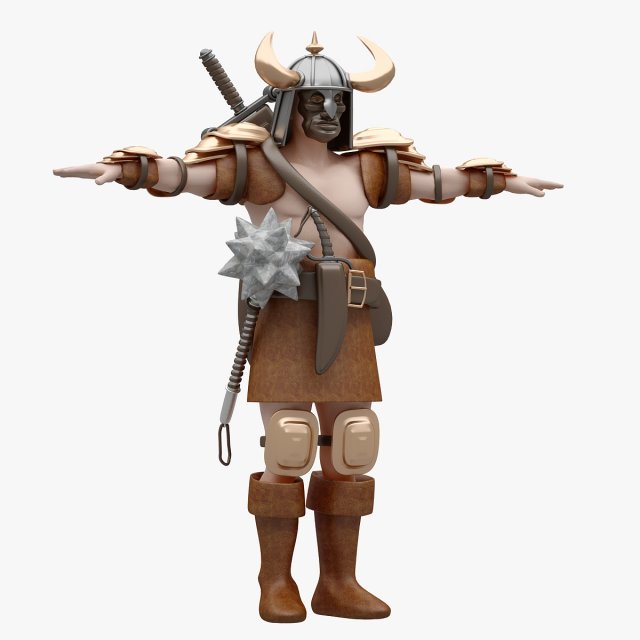
Warrior Not Rigged Lowpoly-Highpoly 3D Model
Modelled : 3ds Max 2016Rendered : 3ds Max 2016 – Vray 3.40Files : .max (2013, 2014, 2015, 2016).fbx.obj.mtland texturesHighpoly and Lowpoly Files Included.(c) 3D_SB 2018
-
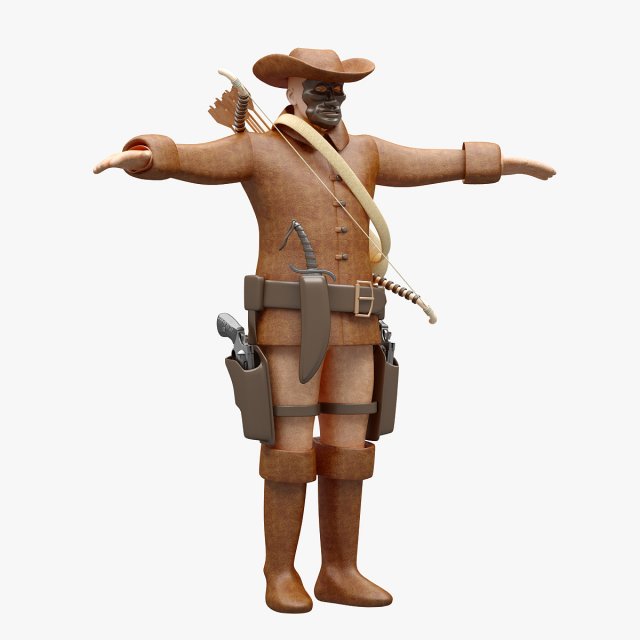
Cowboy Not Rigged Lowpoly-Highpoly 3D Model
Modelled : 3ds Max 2016Rendered : 3ds Max 2016 – Vray 3.40Files : .max (2013, 2014, 2015, 2016).fbx.obj.mtland texturesHighpoly and Lowpoly Files Included.(c) 3D_SB 2018
-
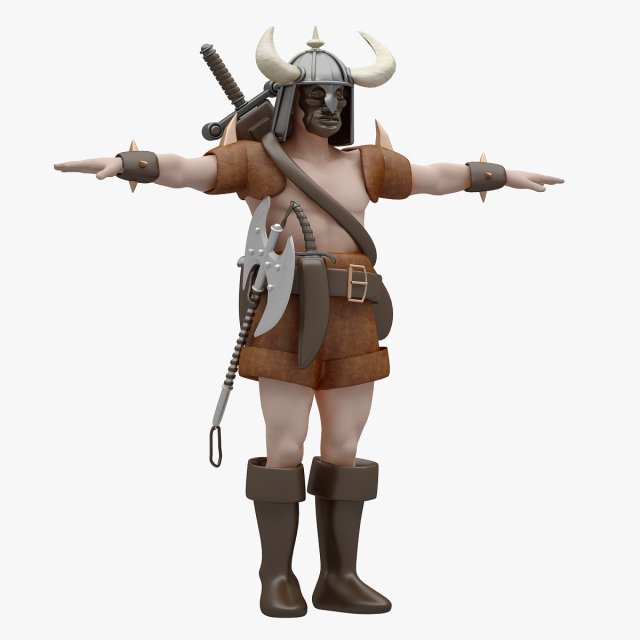
Barbarian Not Rigged Lowpoly-Highpoly 3D Model
Modelled : 3ds Max 2016Rendered : 3ds Max 2016 – Vray 3.40Files : .max (2013, 2014, 2015, 2016).fbx.obj.mtland texturesHighpoly and Lowpoly Files Included.(c) 3D_SB 2018
-
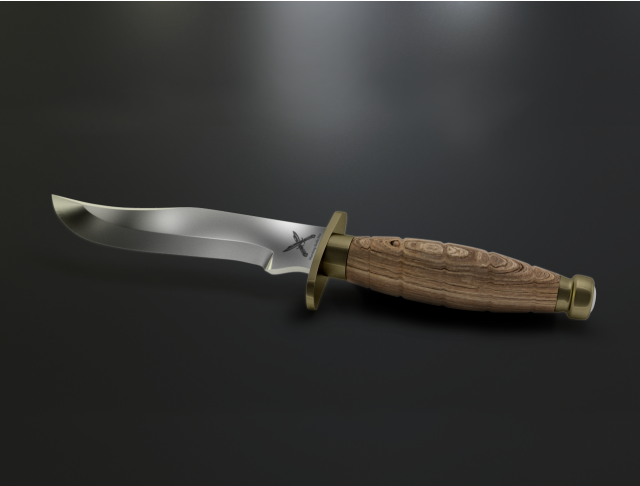
Hunting Knife Free 3D Model
Hi !Model’s Features:- Model is highly detailed created.- It was rendered at 3DSMax 2015 with vray 3.40 and photoshop.- Low Poly model;- Photorealistic 3D model.- Real world scaled.- Native file is (.max)- no Smooth: 2.133 faces and 2.260 verticesSmooth iteration 1 : 68.046 faces and 34.634 vertices- Environment shown on preview renders is not included. Only the model file.-(Model is not suitable for 3D Printing)-The model is ready to be included in your 3D scene, for that render at 3dsmax with VRAY, KeyShot etc… Enjoy!
-
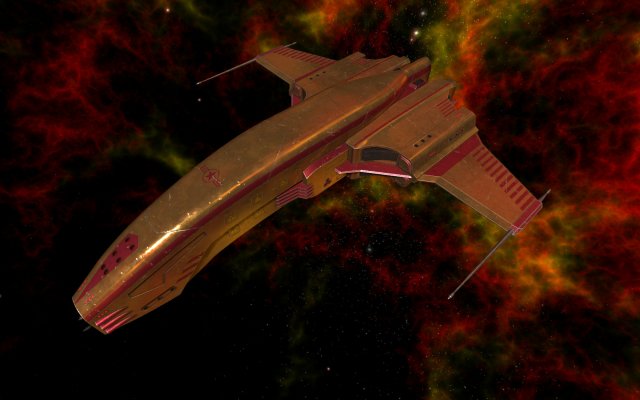
Spaceship Dagger Type 1 Orange 3D Model
Spaceship Dagger Type 1 OrangePolygons: 11050;Vertices: 14749;Objects: 22;Modular.Textures:- Diffuse map (Albedo) – DIFF;- Normal map – NORM, NORM_1, NORM_2;- Ambient occlusion – AO;- Roughness map – ROUG;- Metallic map – METAL;- Glow map – GLOW, GLOW_1, GLOW_2;- Specular map – SPEC;Textures containing additional numbers or titles it is divided textures, such as the illumination of position lights and engines in GLOW_1, GLOW_2 files.In NORM_1, NORM_2 is a relief of the main parts, and an additional relief of the surface.Undivided files: NORM, GLOW are their combination in one texture.All parts (objects) have their own textures, with their own resolution.The highest resolution is 4096×4096 pixels.There is also a set of textures with a reduced resolution, where the highest resolution is 2048×2048.Regarding filenames.I use “.” in filenames (not just as a separator between the name and the file extension).I did not cope with problems either in Windows (7-10) or in Linux, in Unity 3d as well.So I do not see the reason not to use “.” in file names and folders.In order to optimization, textures and 3D files are in different archives.Just unpack them as they are in one folder, all dependencies are saved.ZIP packages are designed in such a way that they are unpacked into one folder (Dagger Type 1), with all dependencies saved, and subfolders.So nothing duplicates.Compatible versions of parts and textures can also be unpacked into the same folder, conflicts with file names are eliminated.Do not be afraid to replace files when you unpack compatible packages in one folder – these are duplicates, the replacement will not affect anything.File fomats:- Native 3D file (geometry) format is blend, additional: FBX, OBJ, unitypackage(FBX), 3DS, STL;- UV maps in SVG format;- Textures in PNG format;*Textures are only assigned in Blend and FBX formats.Filename explanation.Geometry files contain abbreviations that explain what textures are used:- D2NMRA2G: DIFF, NORM_1, NORM_2, METAL, ROUG, AO, GLOW_1, GLOW_2;* decryption is higher in the text.Folders structure:- Assembly – Finished, assembled ship models;- Textures – Textures in PNG file format. 131 files in each folder + 48 additional for Unity 3D engine and 73 unused textures in a separate folders;- Parts – Folders with geometry-only parts, not assigned with any textures or materials;- Textures_U3D – Additional textures folder, designed for Unity3D engine, not using, some of them contains and using in Unity packages. Those that are not used can be added to the packages as you wish.Everything else is clear.”Game ready” (Unity 3D).
-
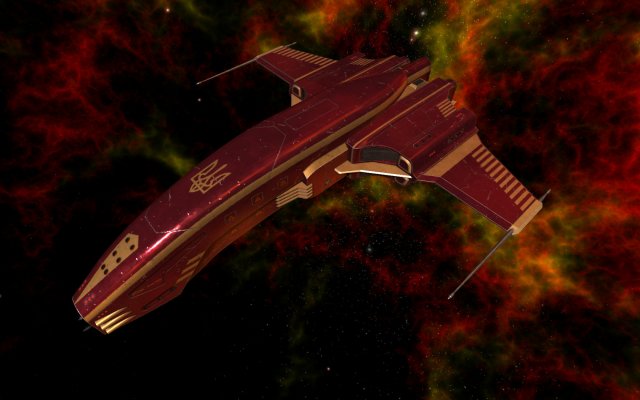
Spaceship Dagger Type 1 Red 3D Model
Spaceship Dagger Type 1 RedPolygons: 11050;Vertices: 14749;Objects: 22;Modular.Textures:- Diffuse map (Albedo) – DIFF;- Normal map – NORM, NORM_1, NORM_2;- Ambient occlusion – AO;- Roughness map – ROUG;- Metallic map – METAL;- Glow map – GLOW, GLOW_1, GLOW_2;- Specular map – SPEC;Textures containing additional numbers or titles it is divided textures, such as the illumination of position lights and engines in GLOW_1, GLOW_2 files.In NORM_1, NORM_2 is a relief of the main parts, and an additional relief of the surface.Undivided files: NORM, GLOW are their combination in one texture.All parts (objects) have their own textures, with their own resolution.The highest resolution is 4096×4096 pixels.There is also a set of textures with a reduced resolution, where the highest resolution is 2048×2048.Regarding filenames.I use “.” in filenames (not just as a separator between the name and the file extension).I did not cope with problems either in Windows (7-10) or in Linux, in Unity 3d as well.So I do not see the reason not to use “.” in file names and folders.In order to optimization, textures and 3D files are in different archives.Just unpack them as they are in one folder, all dependencies are saved.ZIP packages are designed in such a way that they are unpacked into one folder (Dagger Type 1), with all dependencies saved, and subfolders.So nothing duplicates.Compatible versions of parts and textures can also be unpacked into the same folder, conflicts with file names are eliminated.Do not be afraid to replace files when you unpack compatible packages in one folder – these are duplicates, the replacement will not affect anything.File fomats:- Native 3D file (geometry) format is blend, additional: FBX, OBJ, unitypackage(FBX), 3DS, STL;- UV maps in SVG format;- Textures in PNG format;*Textures are only assigned in Blend and FBX formats.Filename explanation.Geometry files contain abbreviations that explain what textures are used:- D2NMRA2G: DIFF, NORM_1, NORM_2, METAL, ROUG, AO, GLOW_1, GLOW_2;* decryption is higher in the text.Folders structure:- Assembly – Finished, assembled ship models;- Textures – Textures in PNG file format. 131 files in each folder + 48 additional for Unity 3D engine and 73 unused textures in a separate folders;- Parts – Folders with geometry-only parts, not assigned with any textures or materials;- Textures_U3D – Additional textures folder, designed for Unity3D engine, not using, some of them contains and using in Unity packages. Those that are not used can be added to the packages as you wish.Everything else is clear.”Game ready” (Unity 3D).
-
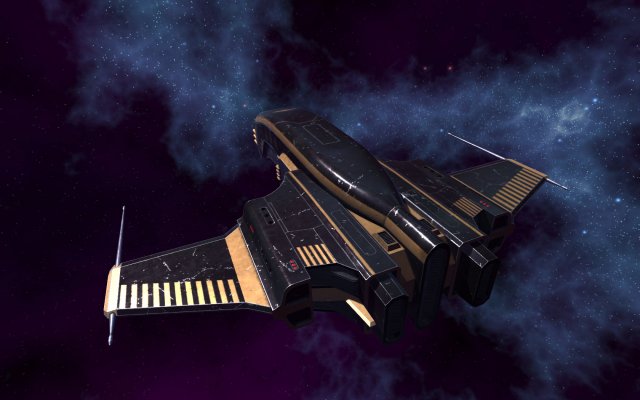
Spaceship Dagger Type 1 Black 3D Model
Spaceship Dagger Type 1 BlackPolygons: 11050;Vertices: 14749;Objects: 22;Modular.Textures:- Diffuse map (Albedo) – DIFF;- Normal map – NORM, NORM_1, NORM_2;- Ambient occlusion – AO;- Roughness map – ROUG;- Metallic map – METAL;- Glow map – GLOW, GLOW_1, GLOW_2;- Specular map – SPEC;Textures containing additional numbers or titles it is divided textures, such as the illumination of position lights and engines in GLOW_1, GLOW_2 files.In NORM_1, NORM_2 is a relief of the main parts, and an additional relief of the surface.Undivided files: NORM, GLOW are their combination in one texture.All parts (objects) have their own textures, with their own resolution.The highest resolution is 4096×4096 + redused resolution texture set, where the highest resolution is 2048×2048.Regarding filenames.I use “.” in filenames (not just as a separator between the name and the file extension).I did not cope with problems either in Windows (7-10) or in Linux, in Unity 3d as well.So I do not see the reason not to use “.” in file names and folders.In order to optimization, textures and 3D files are in different archives.Just unpack them as they are in one folder, all dependencies are saved.ZIP packages are designed in such a way that they are unpacked into one folder (Dagger Type 1), with all dependencies saved, and subfolders.So nothing duplicates.Compatible versions of parts and textures can also be unpacked into the same folder, conflicts with file names are eliminated.Do not be afraid to replace files when you unpack compatible packages in one folder – these are duplicates, the replacement will not affect anything.File fomats:- Native 3D file format is blend, additional: FBX, OBJ, unitypackage(FBX);- UV maps in SVG format;- Textures in PNG format;Filename explanation.Geometry files contain abbreviations that explain what textures are used:- D2NSA2G: DIFF, NORM_1, NORM_2, SPEC, AO, GLOW_1, GLOW_2;- D2NSMRA2G: DIFF, NORM_1, NORM_2, SPEC, METAL, ROUG, AO, GLOW_1, GLOW_2;- DNS: DIFF, NORM, SPEC;- DNSG: DIFF, NORM, SPEC, GLOW.* decryption is higher in the text.Folders structure:- Assembly – Finished, assembled ship models. 20 files in each folder;- Textures – Textures in PNG file format. 186 files in each folder + 91 additional for Unity 3D engine in a separate folder;- Parts – Folders with geometry-only parts, not assigned with any textures or materials;- Textures_U3D – Additional textures folder, designed for Unity3D engine, not using, some of them contains and using in Unity packages. Those that are not used can be added to the packages as you wish.Everything else is clear.”Game ready” (Unity 3D).
-
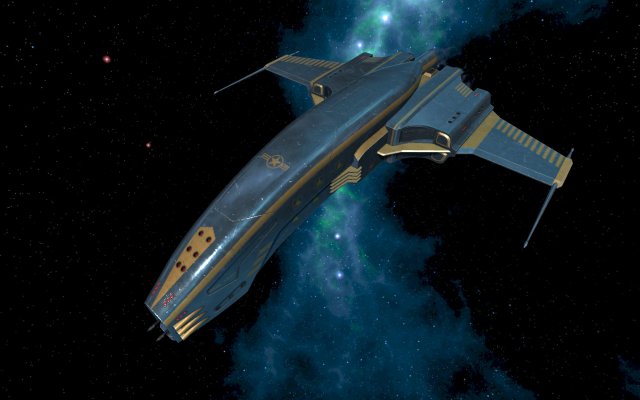
Spaceship Dagger Type 1 Blue 3D Model
Spaceship Dagger Type 1 BluePolygons: 11050;Vertices: 14749;Objects: 22;Modular.Textures:- Diffuse map (Albedo) – DIFF;- Normal map – NORM, NORM_1, NORM_2;- Ambient occlusion – AO;- Roughness map – ROUG;- Metallic map – METAL;- Glow map – GLOW, GLOW_1, GLOW_2;- Specular map – SPEC;Textures containing additional numbers or titles it is divided textures, such as the illumination of position lights and engines in GLOW_1, GLOW_2 files.In NORM_1, NORM_2 is a relief of the main parts, and an additional relief of the surface.Undivided files: NORM, GLOW are their combination in one texture.All parts (objects) have their own textures, with their own resolution.The highest resolution is 4096×4096.And redused resolution texture set, where the highest resolution is 2048×2048.Regarding filenames.I use “.” in filenames (not just as a separator between the name and the file extension).I did not cope with problems either in Windows (7-10) or in Linux, in Unity 3d as well.So I do not see the reason not to use “.” in file names and folders.In order to optimization, textures and 3D files are in different archives.Just unpack them as they are in one folder, all dependencies are saved.ZIP packages are designed in such a way that they are unpacked into one folder (Dagger Type 1), with all dependencies saved, and subfolders.So nothing duplicates.Compatible versions of parts and textures can also be unpacked into the same folder, conflicts with file names are eliminated.Do not be afraid to replace files when you unpack compatible packages in one folder – these are duplicates, the replacement will not affect anything.File fomats:- Native 3D file format is blend, additional: FBX, OBJ, unitypackage(FBX);- UV maps in SVG format;- Textures in PNG format;Filename explanation.Geometry files contain abbreviations that explain what textures are used:- D2NSA2G: DIFF, NORM_1, NORM_2, SPEC, AO, GLOW_1, GLOW_2;- D2NSMRA2G: DIFF, NORM_1, NORM_2, SPEC, METAL, ROUG, AO, GLOW_1, GLOW_2;- DNS: DIFF, NORM, SPEC;- DNSG: DIFF, NORM, SPEC, GLOW.* decryption is higher in the text.Folders structure:- Assembly – Finished, assembled ship models. 20 files in each folder (40 in OBJ);- Textures – Textures in PNG file format. 186 files in each folder + 91 additional for Unity 3D engine in a separate folder;- Parts – Folders with geometry-only parts, not assigned with any textures or materials;- Textures_U3D – Additional textures folder, designed for Unity3D engine, not using, some of them contains and using in Unity packages. Those that are not used can be added to the packages as you wish.Everything else is clear.”Game ready” (Unity 3D).
-
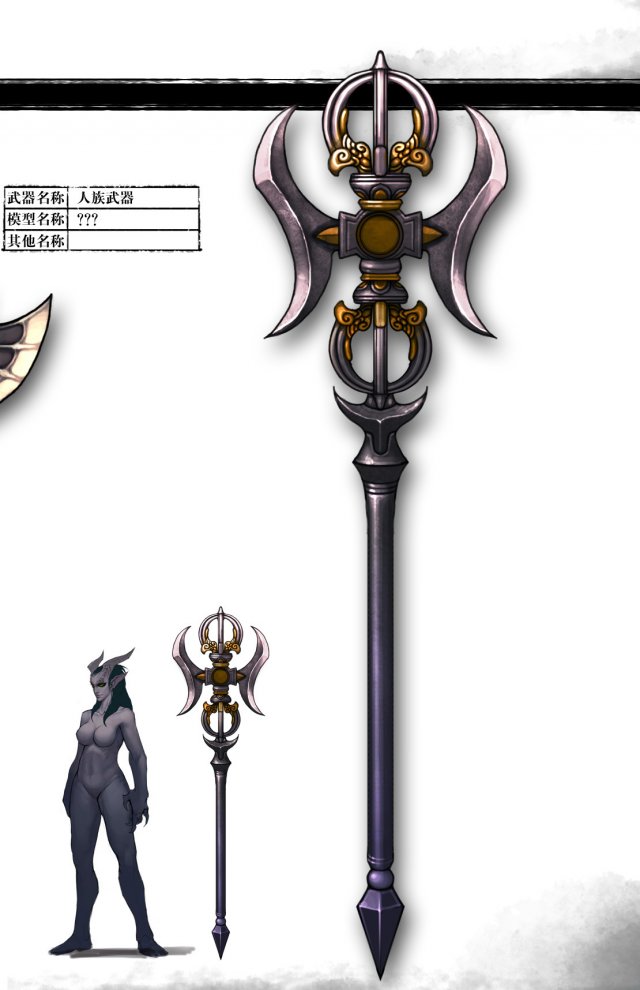
Weapons – Staff 02 3D Model
Low poly game character 3D modelWith textures and UV.Use the software: 3Dmax 2009Export Format: 3DS FBX OBJPolygons/Vertices: Take a look at the screenshotFor more cool 3D models, please click on my avatar content.
-
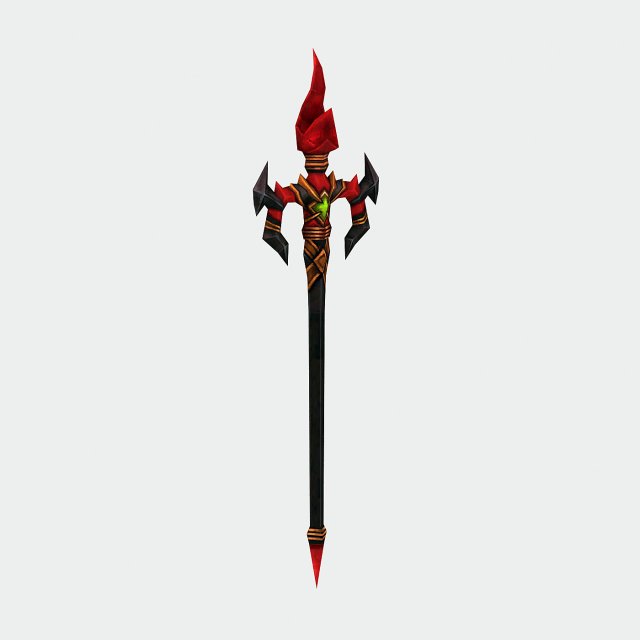
Weapons – Staff 01 3D Model
Low poly game character 3D modelWith textures and UV.Use the software: 3Dmax 2009Export Format: 3DS FBX OBJPolygons/Vertices: Take a look at the screenshotFor more cool 3D models, please click on my avatar content.
-
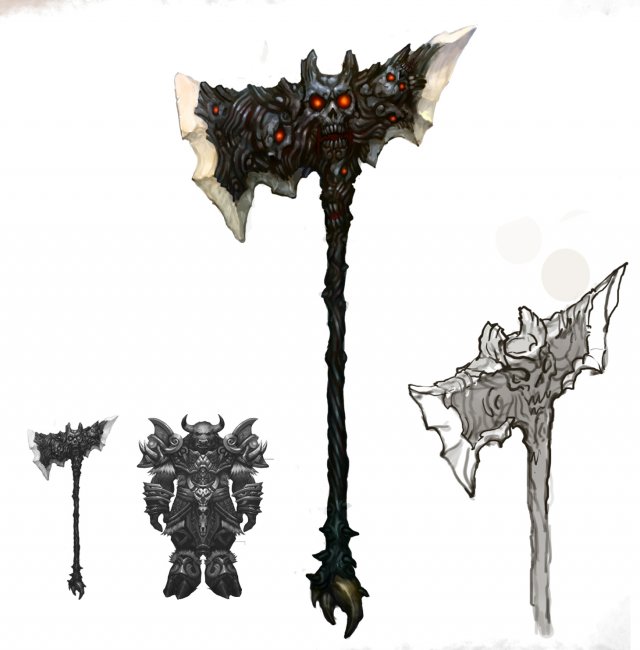
Weapon – Tomahawk 010 3D Model
Low poly game character 3D modelWith textures and UV.Use the software: 3Dmax 2009Export Format: 3DS FBX OBJPolygons/Vertices: Take a look at the screenshotFor more cool 3D models, please click on my avatar content.
-
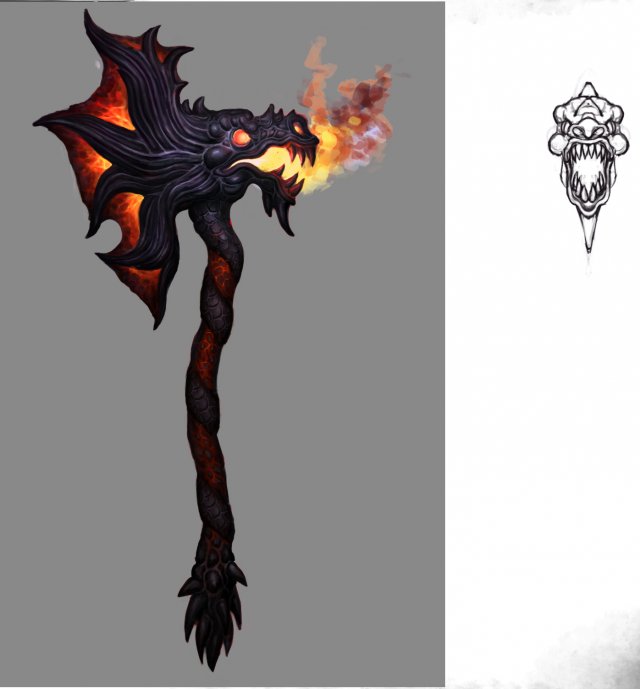
Weapon – Battle Axe 011 3D Model
Low poly game character 3D modelWith textures and UV.Use the software: 3Dmax 2009Export Format: 3DS FBX OBJPolygons/Vertices: Take a look at the screenshotFor more cool 3D models, please click on my avatar content.
-
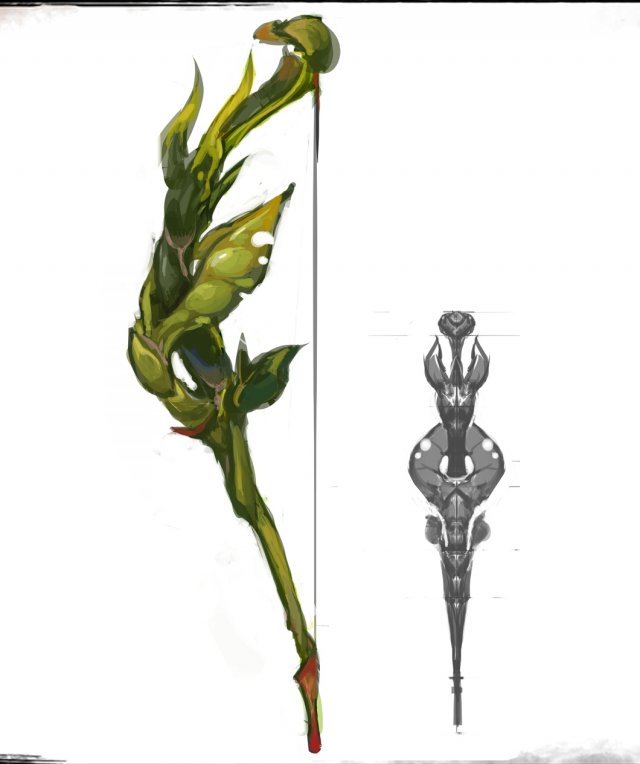
Weapons – Bows 01 3D Model
Low poly game character 3D modelWith textures and UV.Use the software: 3Dmax 2009Export Format: 3DS FBX OBJPolygons/Vertices: Take a look at the screenshotFor more cool 3D models, please click on my avatar content.
-
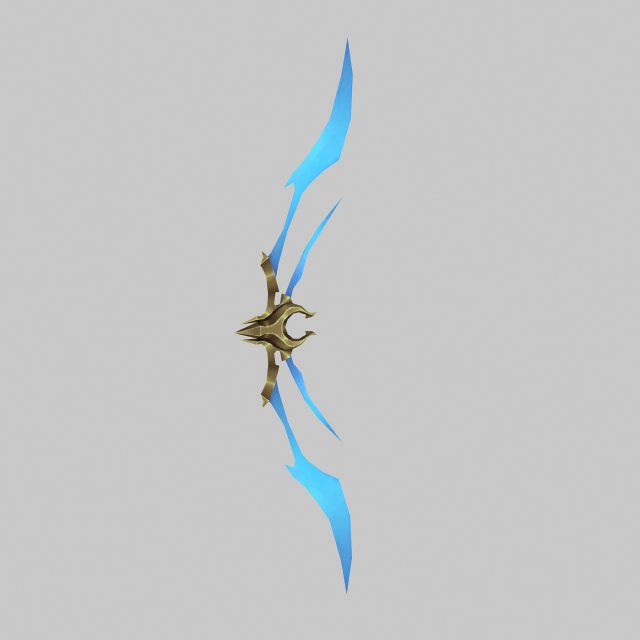
Weapons – Bow 02 3D Model
Low poly game character 3D modelWith textures and UV.Use the software: 3Dmax 2009Export Format: 3DS FBX OBJPolygons/Vertices: Take a look at the screenshotFor more cool 3D models, please click on my avatar content.
-
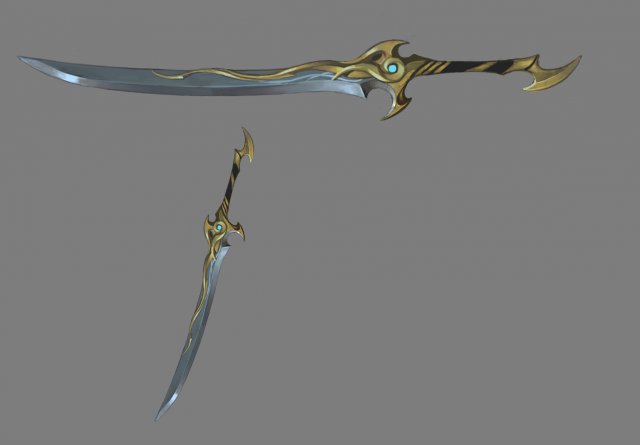
Weapons – Long Knife 01 3D Model
Low poly game character 3D modelWith textures and UV.Use the software: 3Dmax 2009Export Format: 3DS FBX OBJPolygons/Vertices: Take a look at the screenshotFor more cool 3D models, please click on my avatar content.
-
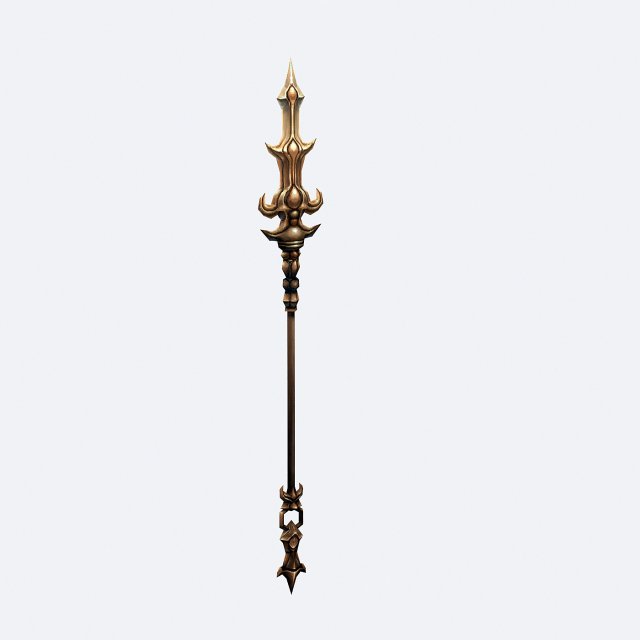
Weapons – Long Yao 01 3D Model
Low poly game character 3D modelWith textures and UV.Use the software: 3Dmax 2009Export Format: 3DS FBX OBJPolygons/Vertices: Take a look at the screenshotFor more cool 3D models, please click on my avatar content.
-
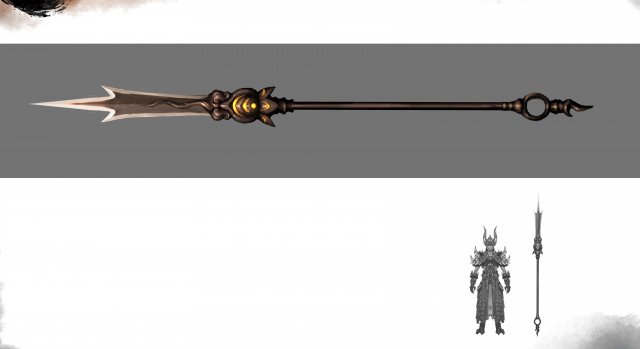
Weapons – Long Yao 02 3D Model
Low poly game character 3D modelWith textures and UV.Use the software: 3Dmax 2009Export Format: 3DS FBX OBJPolygons/Vertices: Take a look at the screenshotFor more cool 3D models, please click on my avatar content.
-
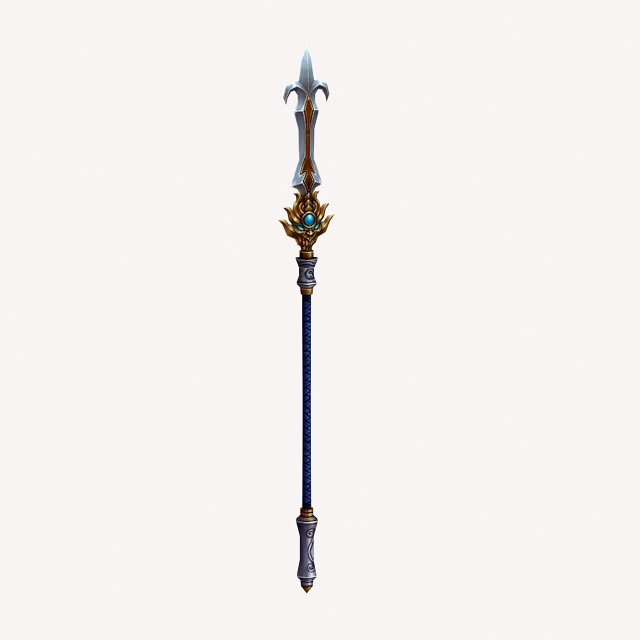
Weapons – Long Yao 03 3D Model
Low poly game character 3D modelWith textures and UV.Use the software: 3Dmax 2009Export Format: 3DS FBX OBJPolygons/Vertices: Take a look at the screenshotFor more cool 3D models, please click on my avatar content.
-
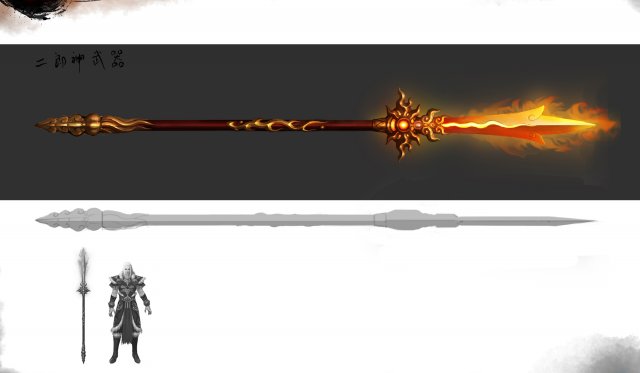
Weapons – Long Yao 04 3D Model
Low poly game character 3D modelWith textures and UV.Use the software: 3Dmax 2009Export Format: 3DS FBX OBJPolygons/Vertices: Take a look at the screenshotFor more cool 3D models, please click on my avatar content.
-
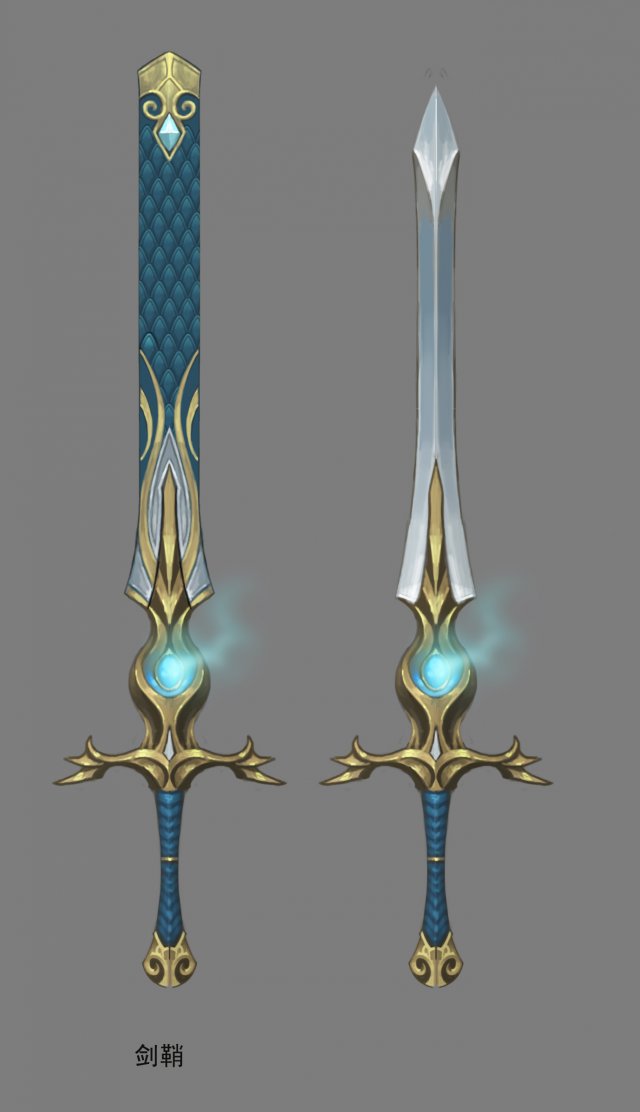
Weapon – Long Sword 01 3D Model
Low poly game character 3D modelWith textures and UV.Use the software: 3Dmax 2009Export Format: 3DS FBX OBJPolygons/Vertices: Take a look at the screenshotFor more cool 3D models, please click on my avatar content.
-
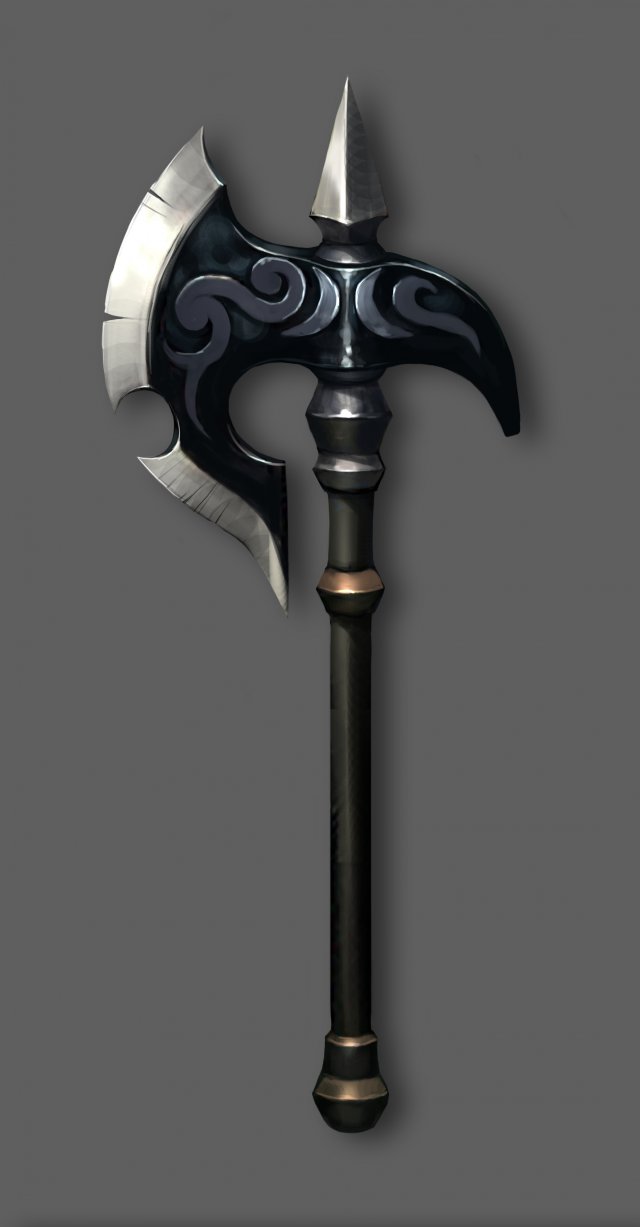
Weapon – Battle Axe 001 3D Model
Low poly game character 3D modelWith textures and UV.Use the software: 3Dmax 2009Export Format: 3DS FBX OBJPolygons/Vertices: Take a look at the screenshotFor more cool 3D models, please click on my avatar content.
-
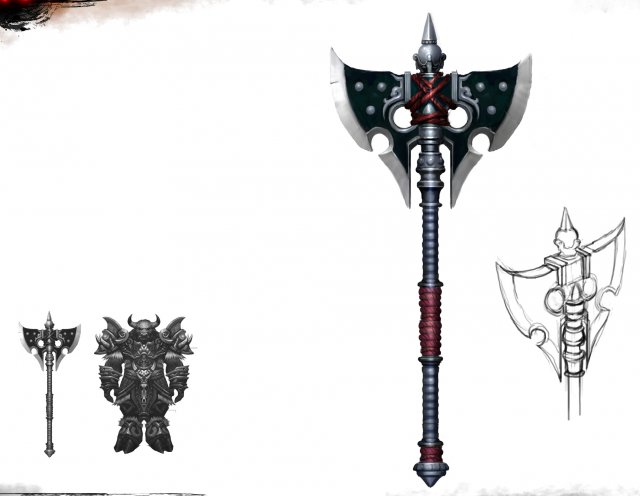
Weapon – Battle Axe 002 3D Model
Low poly game character 3D modelWith textures and UV.Use the software: 3Dmax 2009Export Format: 3DS FBX OBJPolygons/Vertices: Take a look at the screenshotFor more cool 3D models, please click on my avatar content.
-
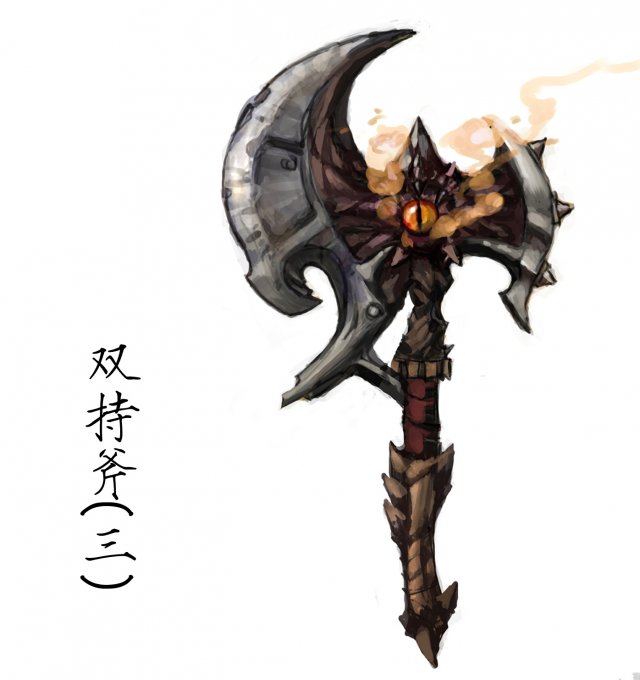
Weapon – Battle Axe 003 3D Model
Low poly game character 3D modelWith textures and UV.Use the software: 3Dmax 2009Export Format: 3DS FBX OBJPolygons/Vertices: Take a look at the screenshotFor more cool 3D models, please click on my avatar content.
-
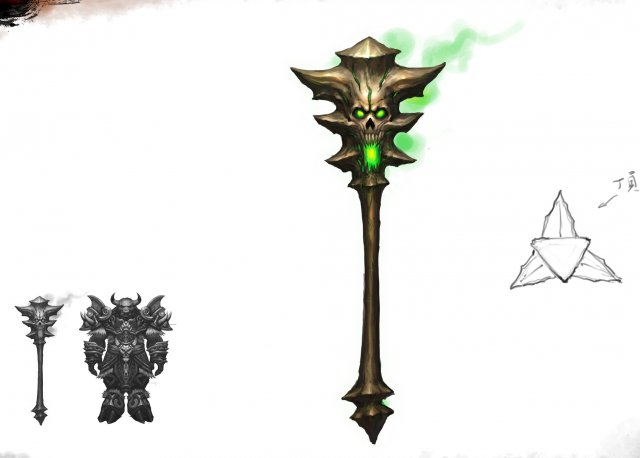
Weapon – Battle Axe 004 3D Model
Low poly game character 3D modelWith textures and UV.Use the software: 3Dmax 2009Export Format: 3DS FBX OBJPolygons/Vertices: Take a look at the screenshotFor more cool 3D models, please click on my avatar content.
-
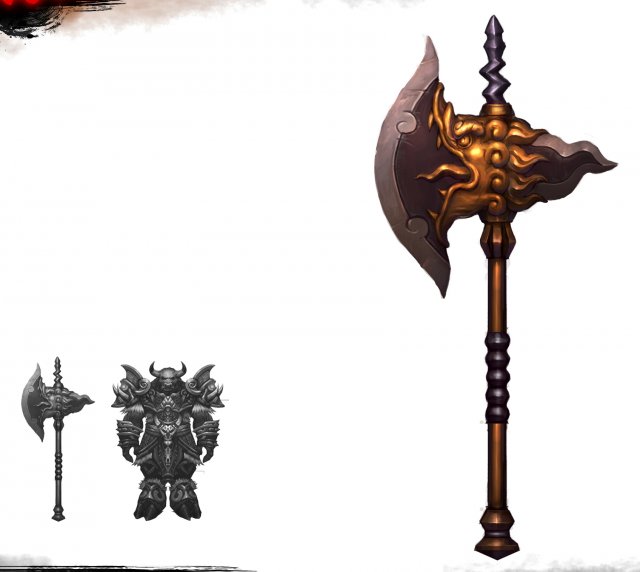
Weapon – Battle Axe 005 3D Model
Low poly game character 3D modelWith textures and UV.Use the software: 3Dmax 2009Export Format: 3DS FBX OBJPolygons/Vertices: Take a look at the screenshotFor more cool 3D models, please click on my avatar content.
-
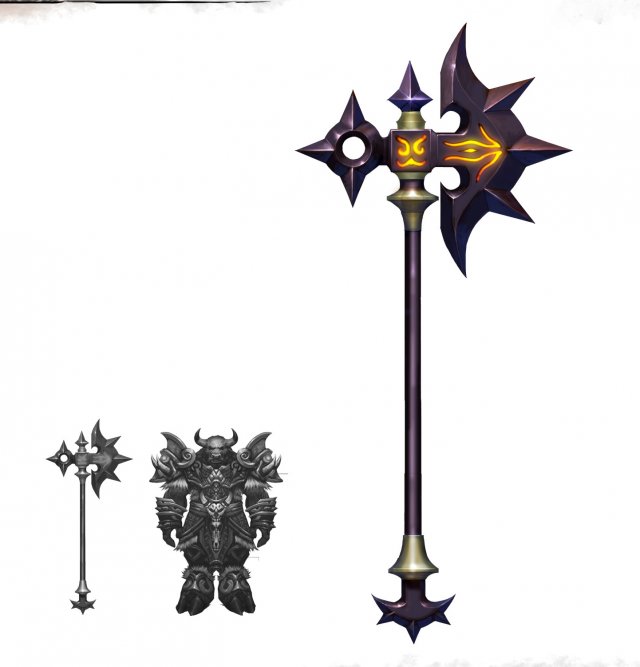
Weapon – Battle Axe 006 3D Model
Low poly game character 3D modelWith textures and UV.Use the software: 3Dmax 2009Export Format: 3DS FBX OBJPolygons/Vertices: Take a look at the screenshotFor more cool 3D models, please click on my avatar content.
-
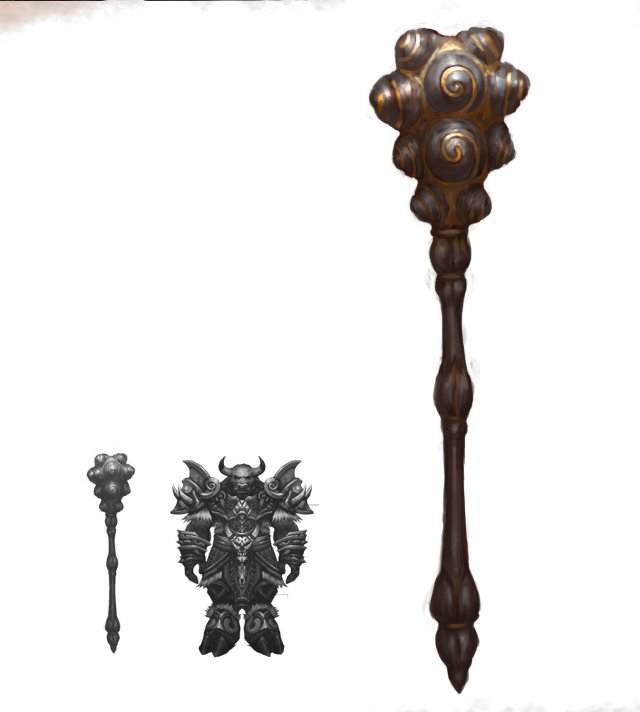
Weapon – Battle Axe 007 3D Model
Low poly game character 3D modelWith textures and UV.Use the software: 3Dmax 2009Export Format: 3DS FBX OBJPolygons/Vertices: Take a look at the screenshotFor more cool 3D models, please click on my avatar content.
-
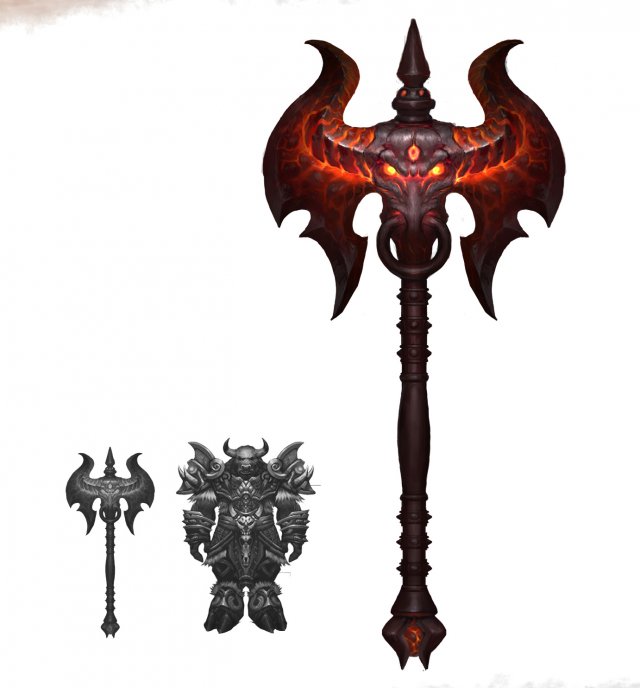
Weapon – Battle Axe 008 3D Model
Low poly game character 3D modelWith textures and UV.Use the software: 3Dmax 2009Export Format: 3DS FBX OBJPolygons/Vertices: Take a look at the screenshotFor more cool 3D models, please click on my avatar content.
-
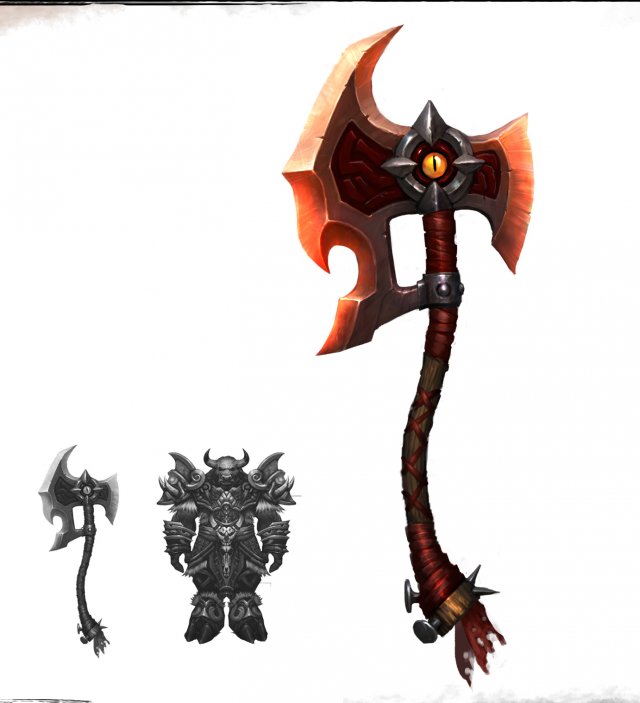
Weapon – Battle Axe 009 3D Model
Low poly game character 3D modelWith textures and UV.Use the software: 3Dmax 2009Export Format: 3DS FBX OBJPolygons/Vertices: Take a look at the screenshotFor more cool 3D models, please click on my avatar content.
-
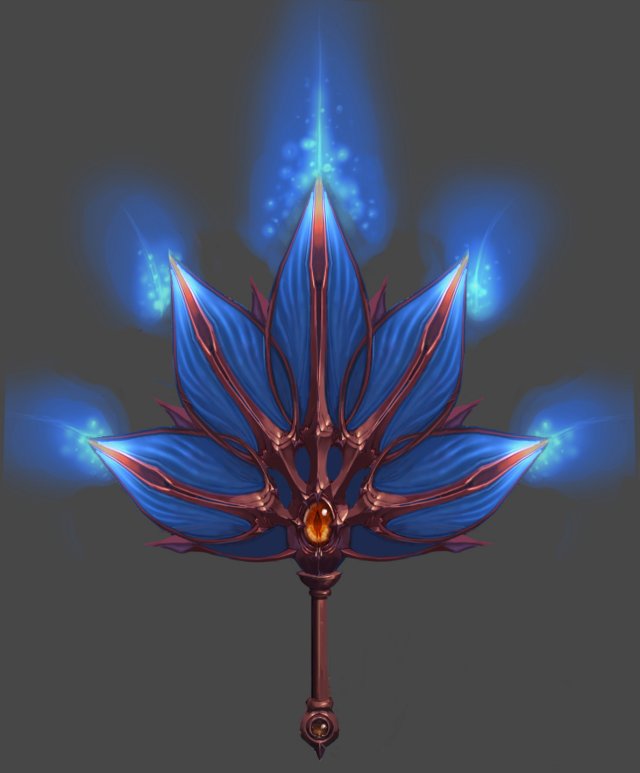
Weapon – Fan 004 3D Model
Low poly game character 3D modelWith textures and UV.Use the software: 3Dmax 2009Export Format: 3DS FBX OBJPolygons/Vertices: Take a look at the screenshotFor more cool 3D models, please click on my avatar content.
-
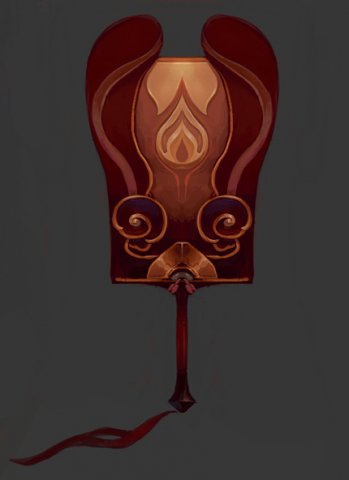
Weapons – Fan 005 3D Model
Low poly game character 3D modelWith textures and UV.Use the software: 3Dmax 2009Export Format: 3DS FBX OBJPolygons/Vertices: Take a look at the screenshotFor more cool 3D models, please click on my avatar content.
-
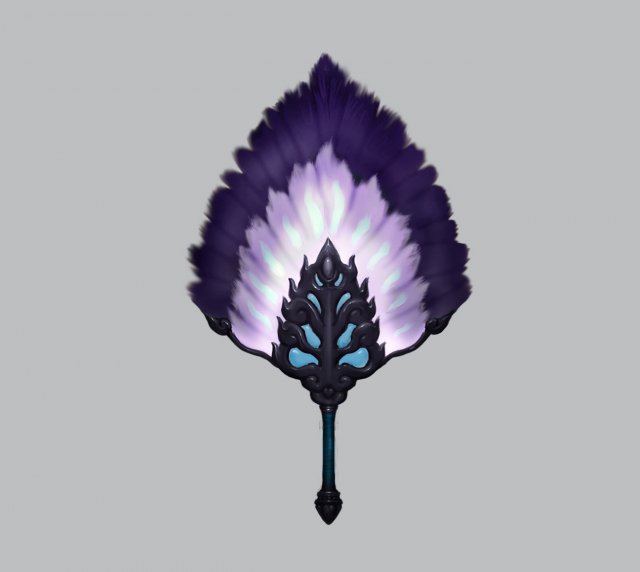
Weapons – Fan 006 3D Model
Low poly game character 3D modelWith textures and UV.Use the software: 3Dmax 2009Export Format: 3DS FBX OBJPolygons/Vertices: Take a look at the screenshotFor more cool 3D models, please click on my avatar content.
-
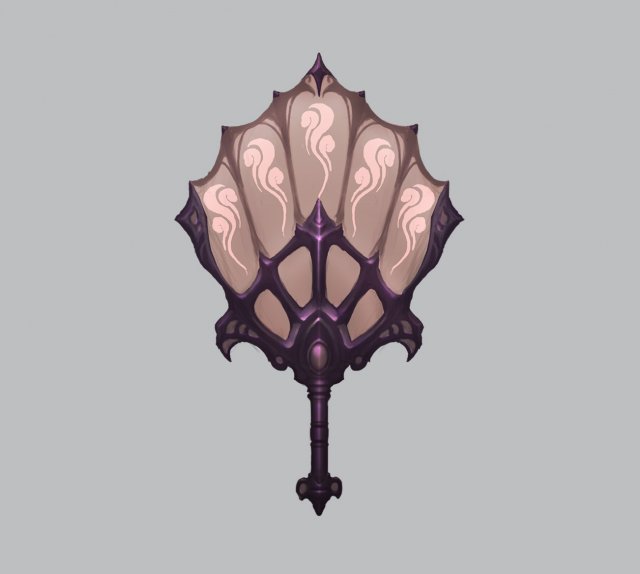
Weapons – Fan 007 3D Model
Low poly game character 3D modelWith textures and UV.Use the software: 3Dmax 2009Export Format: 3DS FBX OBJPolygons/Vertices: Take a look at the screenshotFor more cool 3D models, please click on my avatar content.
-
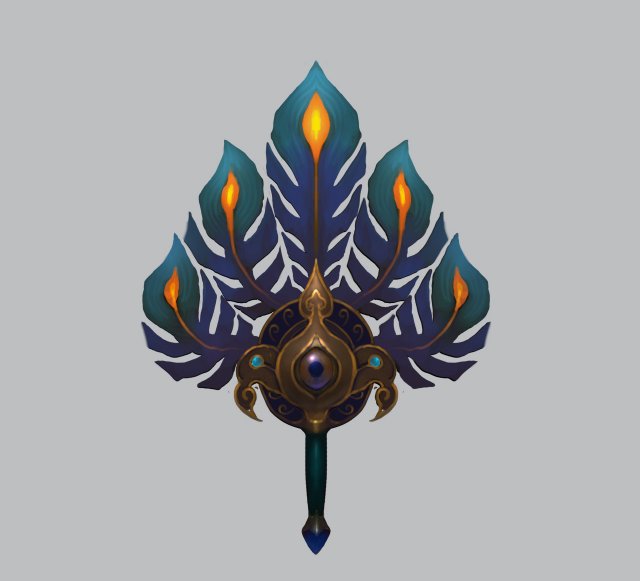
Weapons – Fan 008 3D Model
Low poly game character 3D modelWith textures and UV.Use the software: 3Dmax 2009Export Format: 3DS FBX OBJPolygons/Vertices: Take a look at the screenshotFor more cool 3D models, please click on my avatar content.
-
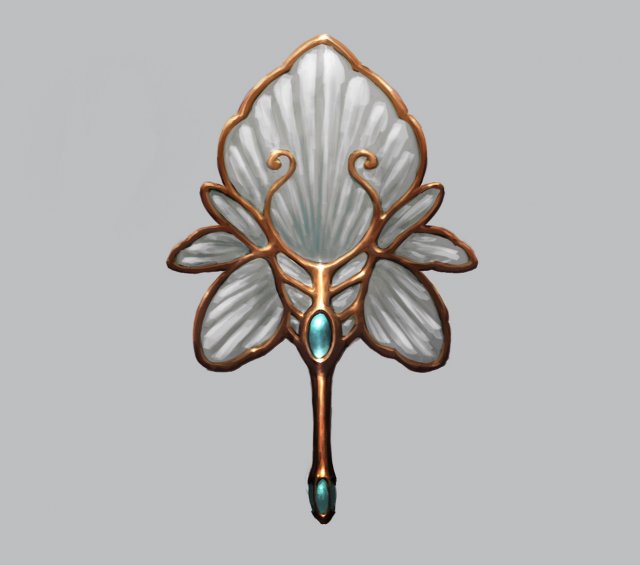
Weapons – Fan 009 3D Model
Low poly game character 3D modelWith textures and UV.Use the software: 3Dmax 2009Export Format: 3DS FBX OBJPolygons/Vertices: Take a look at the screenshotFor more cool 3D models, please click on my avatar content.
-
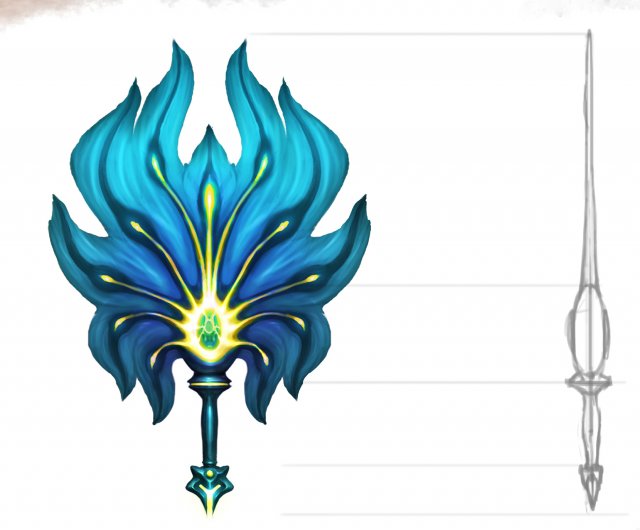
Weapons – Fan 010 3D Model
Low poly game character 3D modelWith textures and UV.Use the software: 3Dmax 2009Export Format: 3DS FBX OBJPolygons/Vertices: Take a look at the screenshotFor more cool 3D models, please click on my avatar content.
-
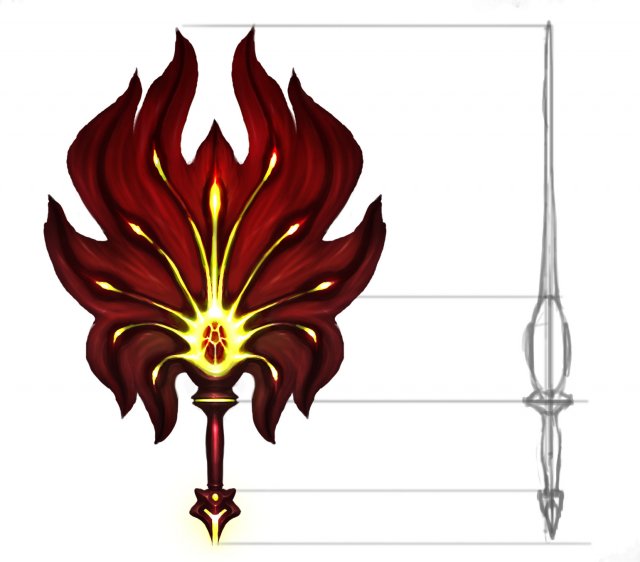
Weapon – Fan 011 3D Model
Low poly game character 3D modelWith textures and UV.Use the software: 3Dmax 2009Export Format: 3DS FBX OBJPolygons/Vertices: Take a look at the screenshotFor more cool 3D models, please click on my avatar content.
-
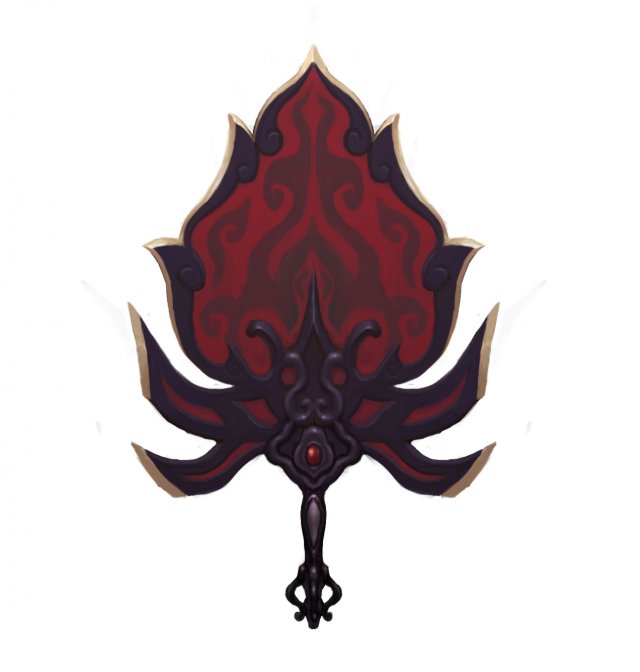
Weapons – Fan 012 3D Model
Low poly game character 3D modelWith textures and UV.Use the software: 3Dmax 2009Export Format: 3DS FBX OBJPolygons/Vertices: Take a look at the screenshotFor more cool 3D models, please click on my avatar content.
-
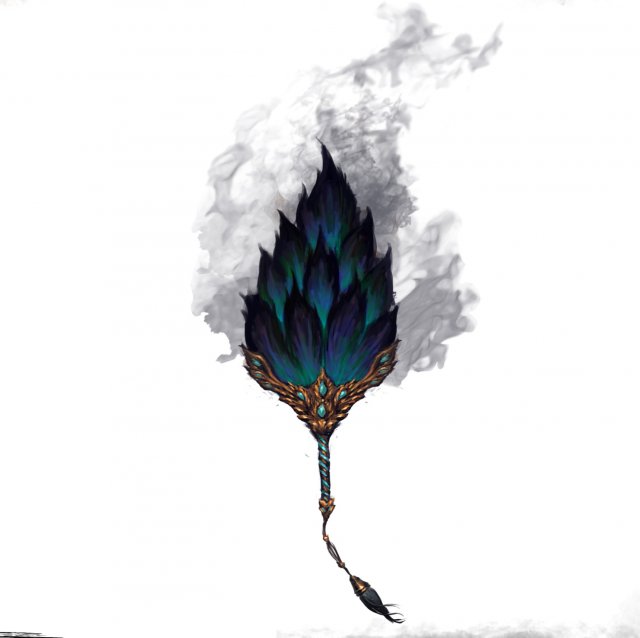
Weapons – Fan 013 3D Model
Low poly game character 3D modelWith textures and UV.Use the software: 3Dmax 2009Export Format: 3DS FBX OBJPolygons/Vertices: Take a look at the screenshotFor more cool 3D models, please click on my avatar content.
-
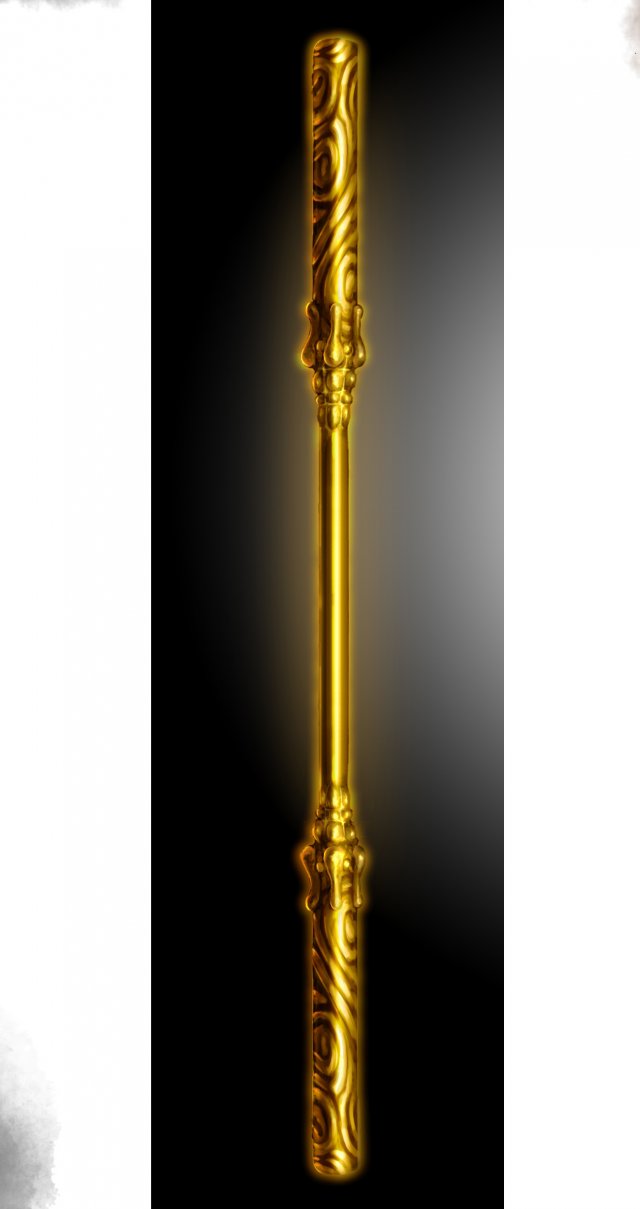
Weapons – Stick 015 3D Model
Low poly game character 3D modelWith textures and UV.Use the software: 3Dmax 2009Export Format: 3DS FBX OBJPolygons/Vertices: Take a look at the screenshotFor more cool 3D models, please click on my avatar content.
-
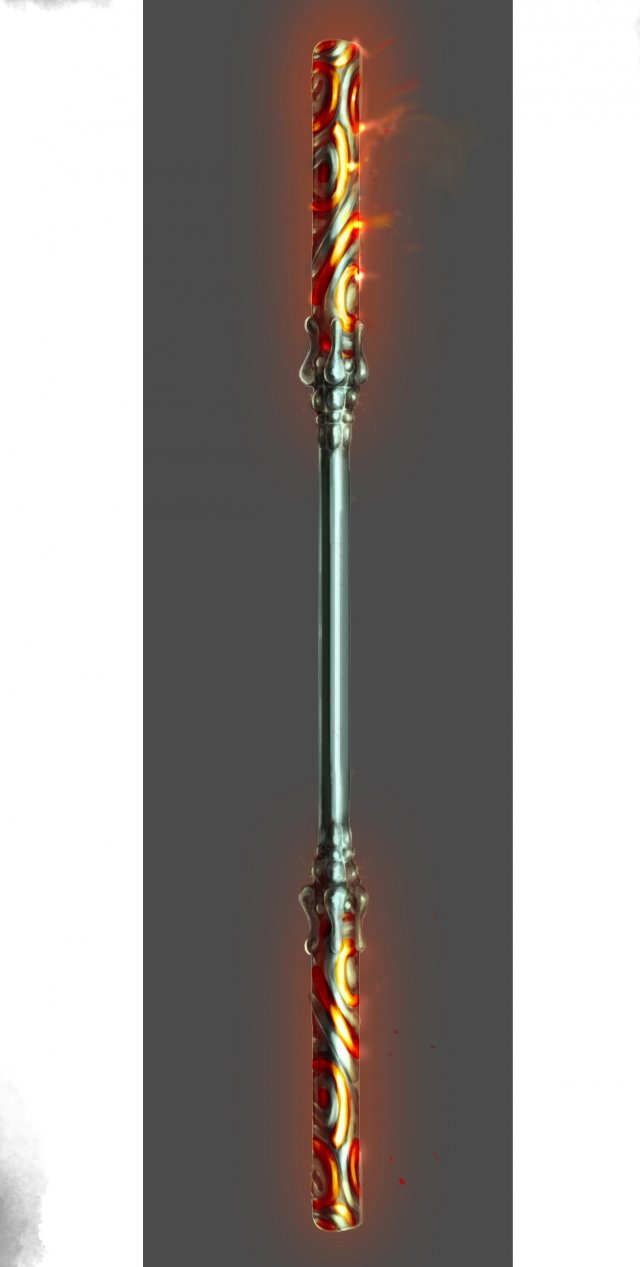
Weapon – Stick 016 3D Model
Low poly game character 3D modelWith textures and UV.Use the software: 3Dmax 2009Export Format: 3DS FBX OBJPolygons/Vertices: Take a look at the screenshotFor more cool 3D models, please click on my avatar content.
-
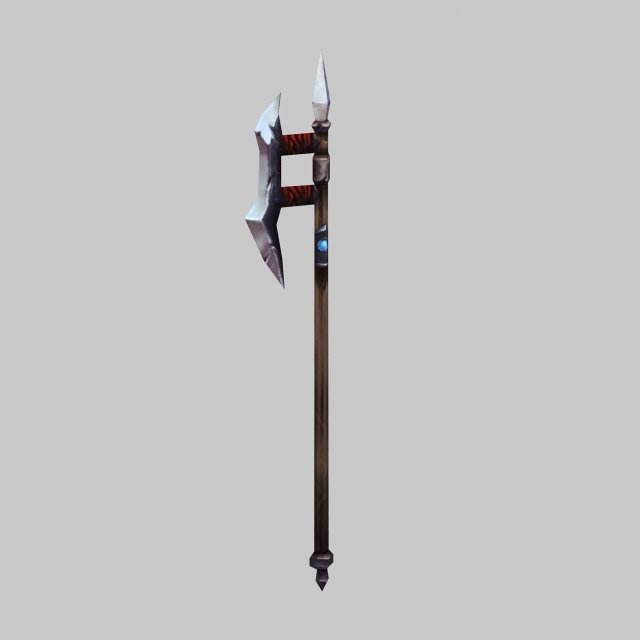
Weapons – ji 3D Model
Low poly game character 3D modelWith textures and UV.Use the software: 3Dmax 2009Export Format: 3DS FBX OBJPolygons/Vertices: Take a look at the screenshotFor more cool 3D models, please click on my avatar content.
-
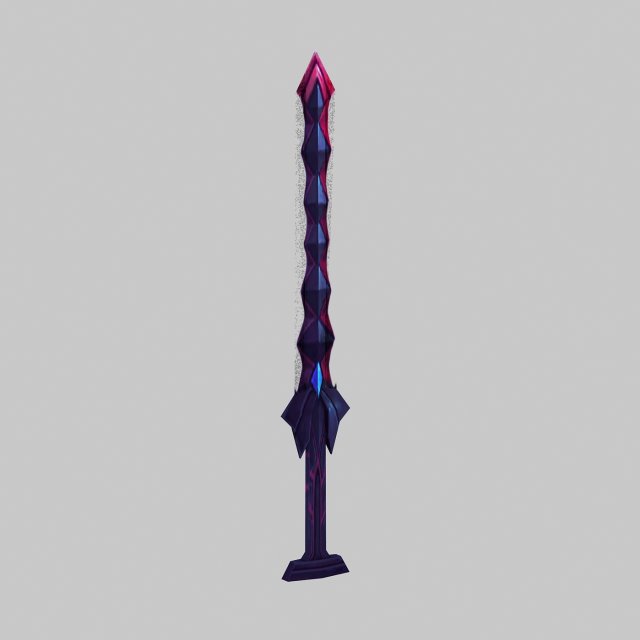
Weapon – Sword 01 3D Model
Low poly game character 3D modelWith textures and UV.Use the software: 3Dmax 2009Export Format: 3DS FBX OBJPolygons/Vertices: Take a look at the screenshotFor more cool 3D models, please click on my avatar content.
-
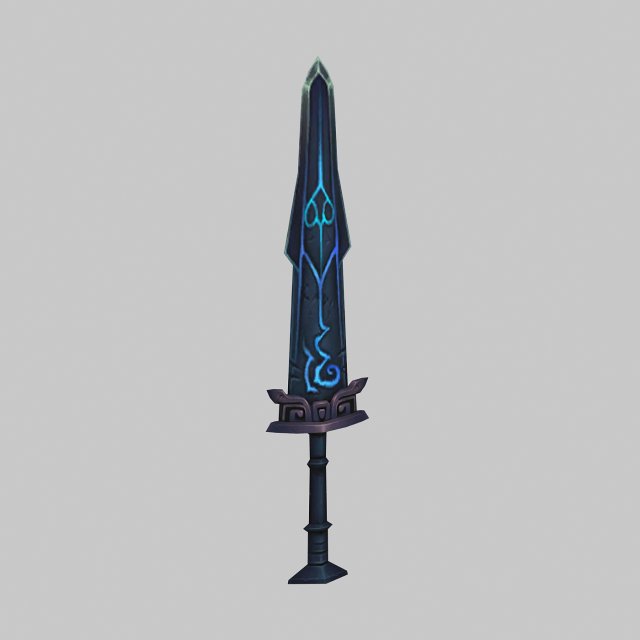
Weapon – Sword 02 3D Model
Low poly game character 3D modelWith textures and UV.Use the software: 3Dmax 2009Export Format: 3DS FBX OBJPolygons/Vertices: Take a look at the screenshotFor more cool 3D models, please click on my avatar content.
-
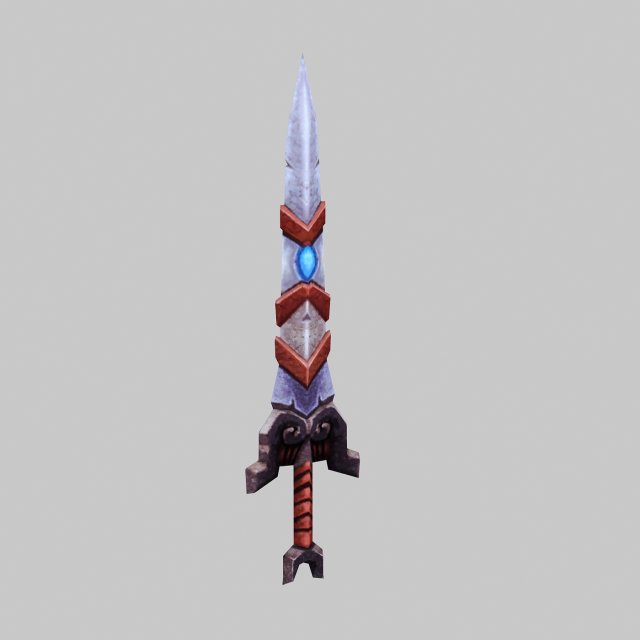
Weapon – Sword 03 3D Model
Low poly game character 3D modelWith textures and UV.Use the software: 3Dmax 2009Export Format: 3DS FBX OBJPolygons/Vertices: Take a look at the screenshotFor more cool 3D models, please click on my avatar content.
-
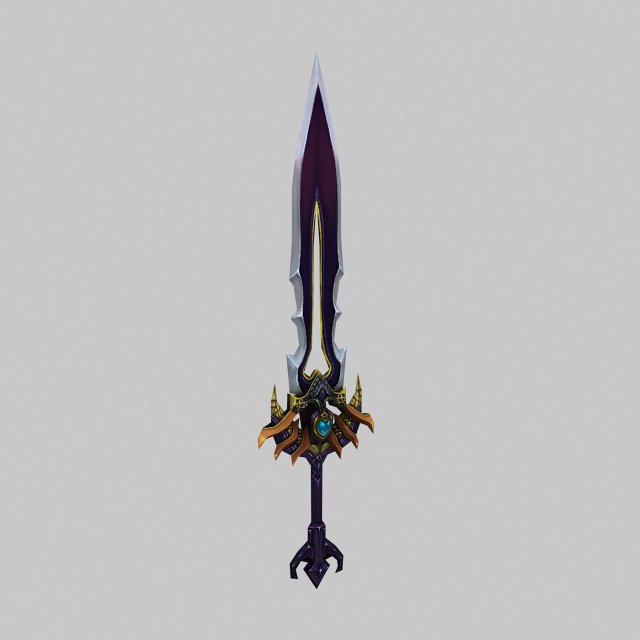
Weapon – Sword 04 3D Model
Low poly game character 3D modelWith textures and UV.Use the software: 3Dmax 2009Export Format: 3DS FBX OBJPolygons/Vertices: Take a look at the screenshotFor more cool 3D models, please click on my avatar content.
-
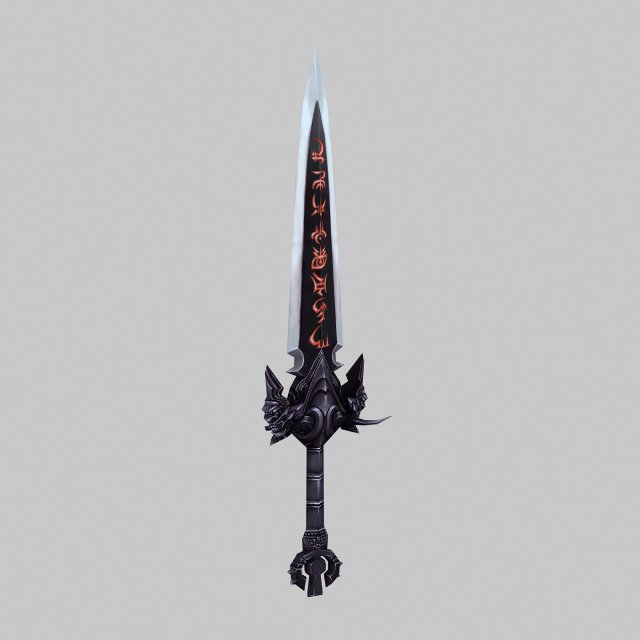
Weapon – Sword 05 3D Model
Low poly game character 3D modelWith textures and UV.Use the software: 3Dmax 2009Export Format: 3DS FBX OBJPolygons/Vertices: Take a look at the screenshotFor more cool 3D models, please click on my avatar content.
-
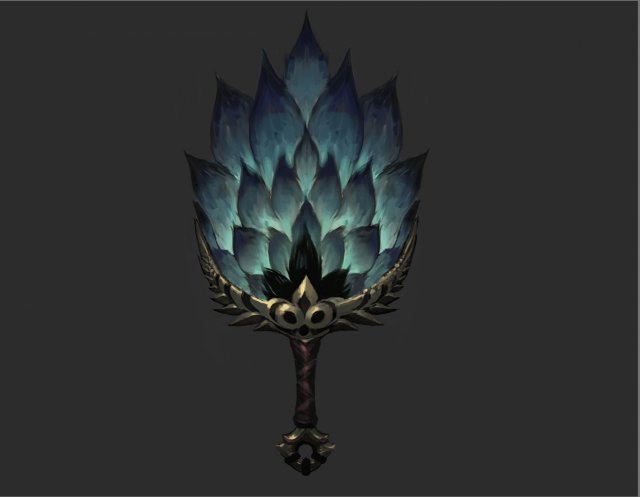
Weapons – Fan 001 3D Model
Low poly game character 3D modelWith textures and UV.Use the software: 3Dmax 2009Export Format: 3DS FBX OBJPolygons/Vertices: Take a look at the screenshotFor more cool 3D models, please click on my avatar content.
-
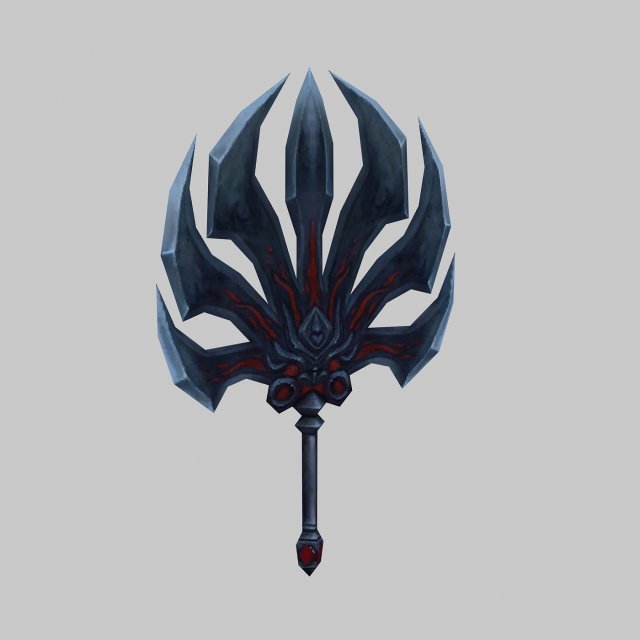
Weapons – Fan 002 3D Model
Low poly game character 3D modelWith textures and UV.Use the software: 3Dmax 2009Export Format: 3DS FBX OBJPolygons/Vertices: Take a look at the screenshotFor more cool 3D models, please click on my avatar content.
-
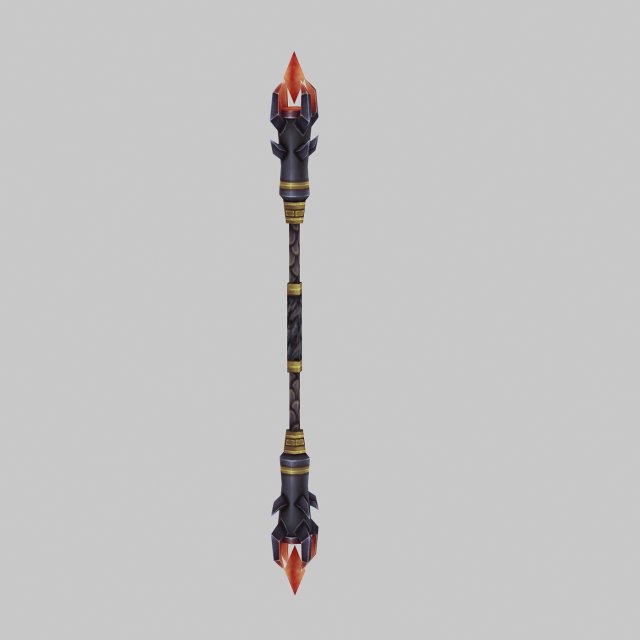
Weapons – Stick 004 3D Model
Low poly game character 3D modelWith textures and UV.Use the software: 3Dmax 2009Export Format: 3DS FBX OBJPolygons/Vertices: Take a look at the screenshotFor more cool 3D models, please click on my avatar content.
-
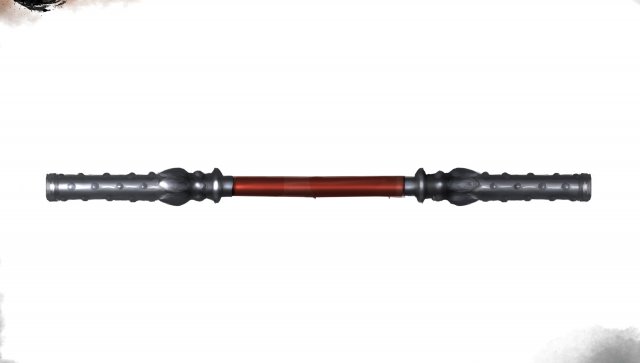
Weapon – Stick 005 3D Model
Low poly game character 3D modelWith textures and UV.Use the software: 3Dmax 2009Export Format: 3DS FBX OBJPolygons/Vertices: Take a look at the screenshotFor more cool 3D models, please click on my avatar content.
-
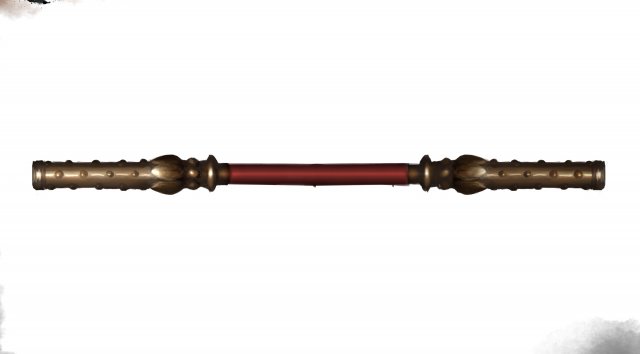
Weapons – Sticks 006 3D Model
Low poly game character 3D modelWith textures and UV.Use the software: 3Dmax 2009Export Format: 3DS FBX OBJPolygons/Vertices: Take a look at the screenshotFor more cool 3D models, please click on my avatar content.
-
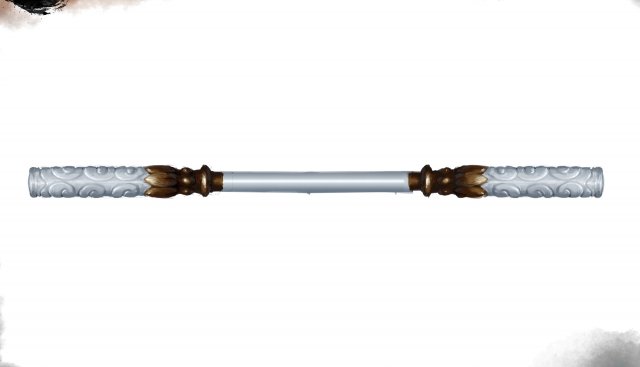
Weapon – Stick 007 3D Model
Low poly game character 3D modelWith textures and UV.Use the software: 3Dmax 2009Export Format: 3DS FBX OBJPolygons/Vertices: Take a look at the screenshotFor more cool 3D models, please click on my avatar content.
-
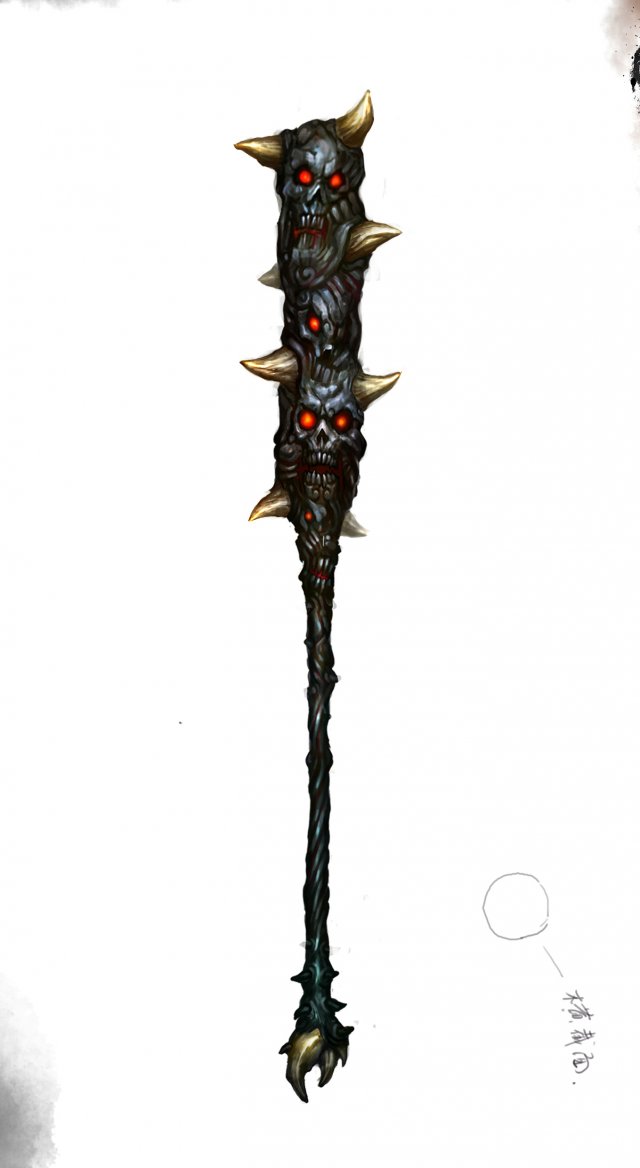
Weapon – Stick 008 3D Model
Low poly game character 3D modelWith textures and UV.Use the software: 3Dmax 2009Export Format: 3DS FBX OBJPolygons/Vertices: Take a look at the screenshotFor more cool 3D models, please click on my avatar content.
-
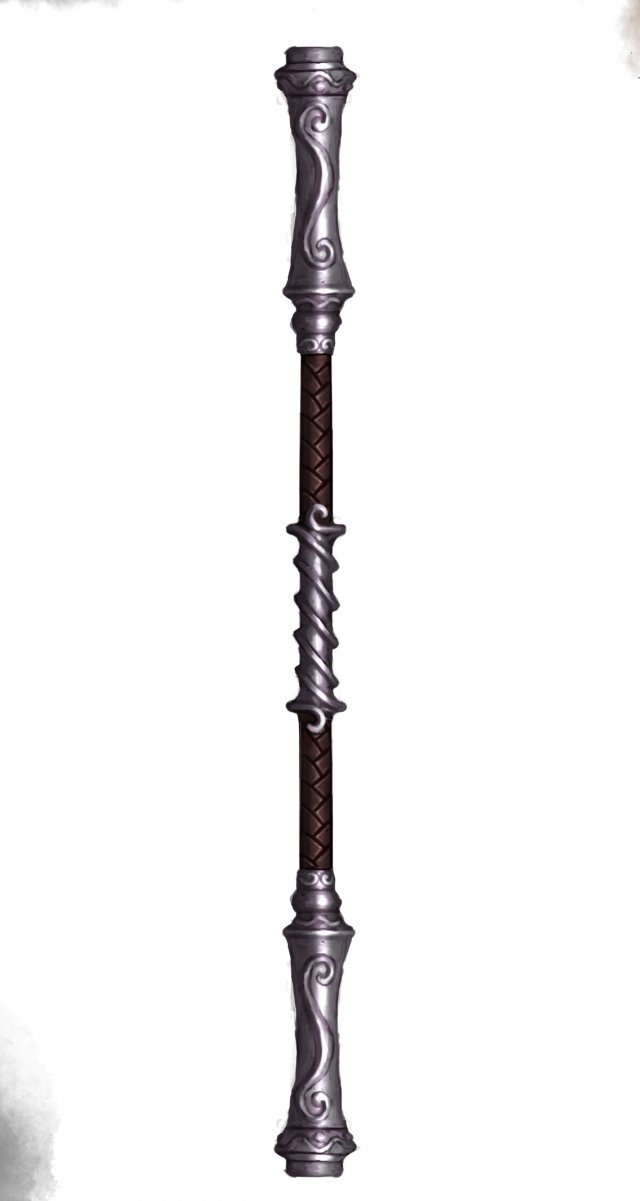
Weapon – Stick 009 3D Model
Low poly game character 3D modelWith textures and UV.Use the software: 3Dmax 2009Export Format: 3DS FBX OBJPolygons/Vertices: Take a look at the screenshotFor more cool 3D models, please click on my avatar content.
-
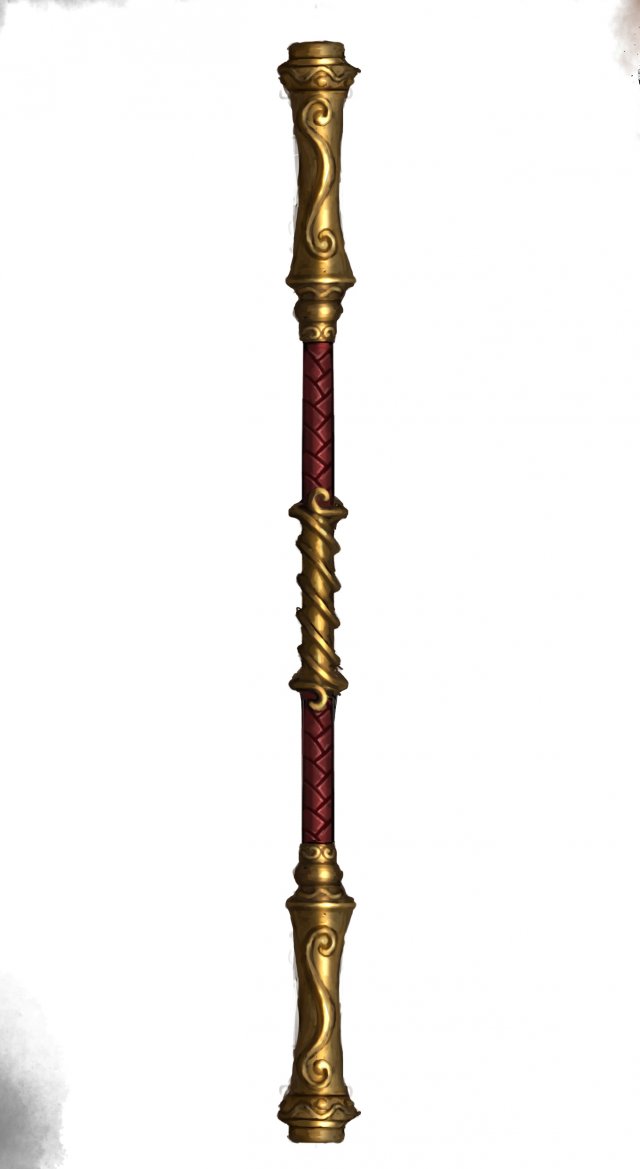
Weapon – Stick 010 3D Model
Low poly game character 3D modelWith textures and UV.Use the software: 3Dmax 2009Export Format: 3DS FBX OBJPolygons/Vertices: Take a look at the screenshotFor more cool 3D models, please click on my avatar content.
-
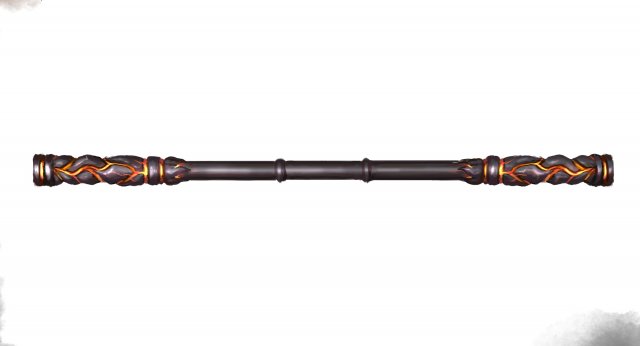
Weapon – Stick 011 3D Model
Low poly game character 3D modelWith textures and UV.Use the software: 3Dmax 2009Export Format: 3DS FBX OBJPolygons/Vertices: Take a look at the screenshotFor more cool 3D models, please click on my avatar content.
-
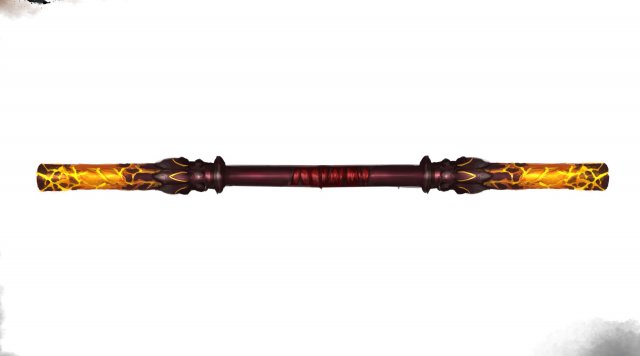
Weapon – Stick 012 3D Model
Low poly game character 3D modelWith textures and UV.Use the software: 3Dmax 2009Export Format: 3DS FBX OBJPolygons/Vertices: Take a look at the screenshotFor more cool 3D models, please click on my avatar content.
-
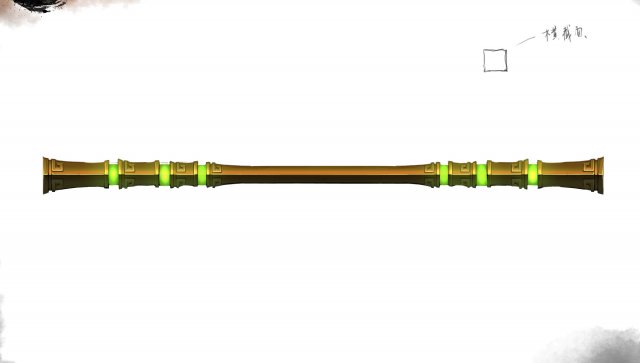
Weapon – Stick 013 3D Model
Low poly game character 3D modelWith textures and UV.Use the software: 3Dmax 2009Export Format: 3DS FBX OBJPolygons/Vertices: Take a look at the screenshotFor more cool 3D models, please click on my avatar content.
-
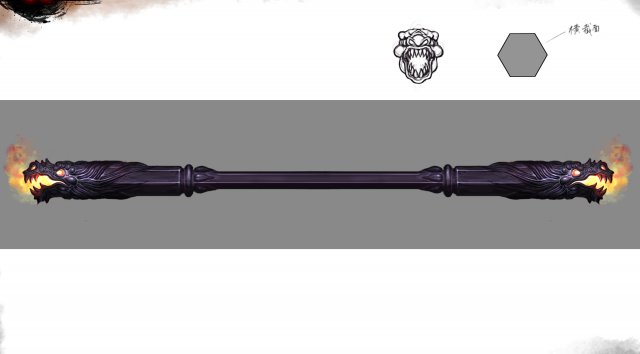
Weapon – Stick 014 3D Model
Low poly game character 3D modelWith textures and UV.Use the software: 3Dmax 2009Export Format: 3DS FBX OBJPolygons/Vertices: Take a look at the screenshotFor more cool 3D models, please click on my avatar content.
-
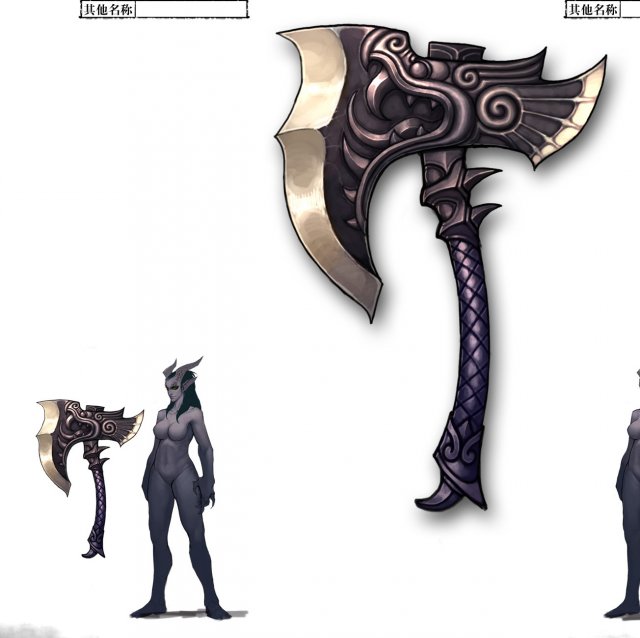
Low poly 3D games – Weapons – Axe 04 3D Model
Low poly game character 3D modelWith textures and UV.Use the software: 3Dmax 2009Export Format: 3DS FBX OBJPolygons/Vertices: Take a look at the screenshotFor more cool 3D models, please click on my avatar content.
-
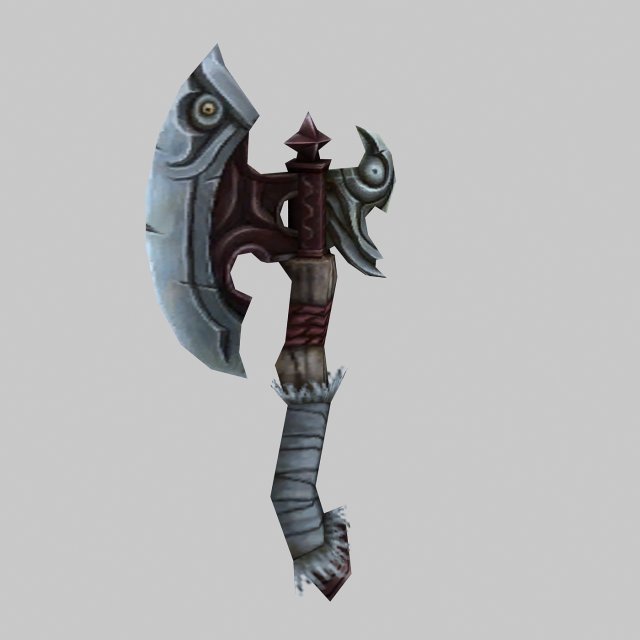
Low poly 3D games – Weapons – Axe 05 3D Model
Low poly game character 3D modelWith textures and UV.Use the software: 3Dmax 2009Export Format: 3DS FBX OBJPolygons/Vertices: Take a look at the screenshotFor more cool 3D models, please click on my avatar content.
-
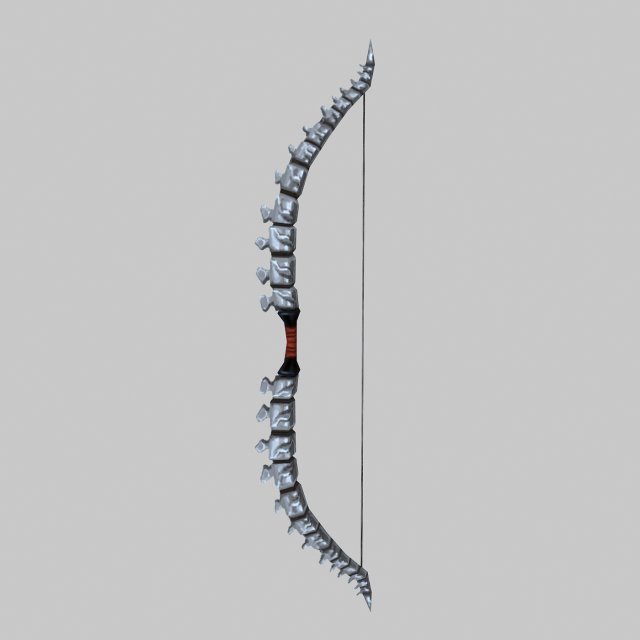
Low poly 3D games – Weapon – Bone Arch 3D Model
Low poly game character 3D modelWith textures and UV.Use the software: 3Dmax 2009Export Format: 3DS FBX OBJPolygons/Vertices: Take a look at the screenshotFor more cool 3D models, please click on my avatar content.
-
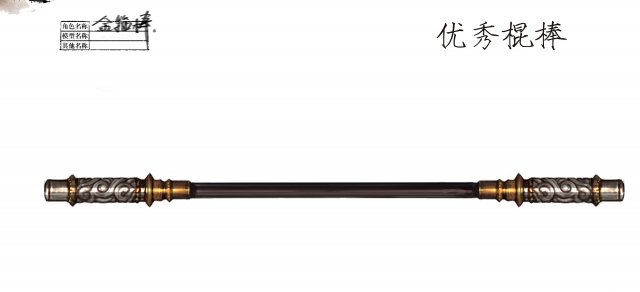
Low poly 3D games – Weapons – Stick 01 3D Model
Low poly game character 3D modelWith textures and UV.Use the software: 3Dmax 2009Export Format: 3DS FBX OBJPolygons/Vertices: Take a look at the screenshotFor more cool 3D models, please click on my avatar content.
-
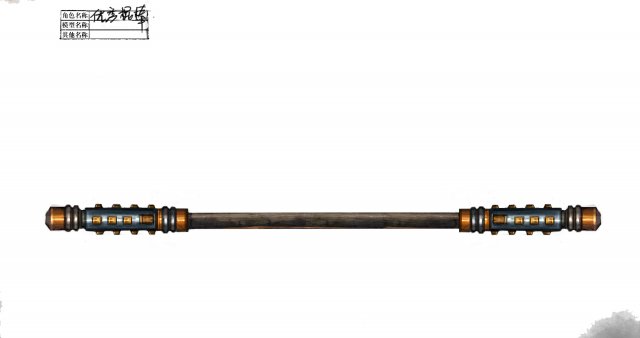
Low poly 3D games – Weapons – Stick 02 3D Model
Low poly game character 3D modelWith textures and UV.Use the software: 3Dmax 2009Export Format: 3DS FBX OBJPolygons/Vertices: Take a look at the screenshotFor more cool 3D models, please click on my avatar content.
-
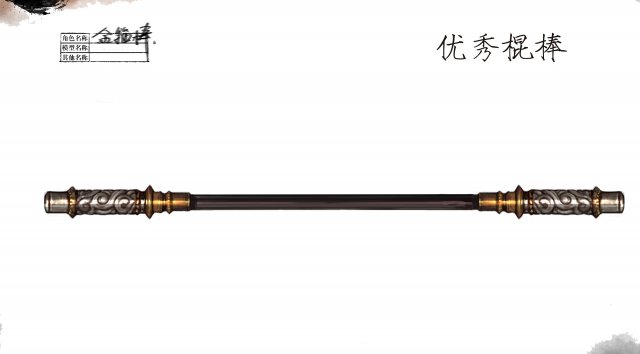
Low poly 3D games – Weapons – Sticks 001 3D Model
Low poly game character 3D modelWith textures and UV.Use the software: 3Dmax 2009Export Format: 3DS FBX OBJPolygons/Vertices: Take a look at the screenshotFor more cool 3D models, please click on my avatar content.
-
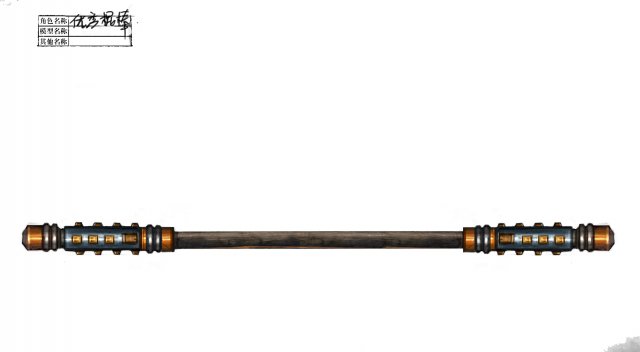
Low poly 3D games – Weapons – Sticks 002 3D Model
Low poly game character 3D modelWith textures and UV.Use the software: 3Dmax 2009Export Format: 3DS FBX OBJPolygons/Vertices: Take a look at the screenshotFor more cool 3D models, please click on my avatar content.
-
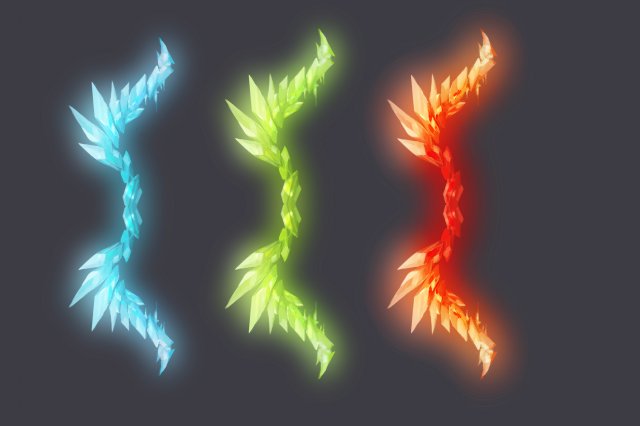
Final Brutal Series 2 3D Model
Low poly game character 3D modelWith textures and UV.Use the software: 3Dmax 2009Export Format: 3DS FBX OBJPolygons/Vertices: Take a look at the screenshotFor more cool 3D models, please click on my avatar content.
-
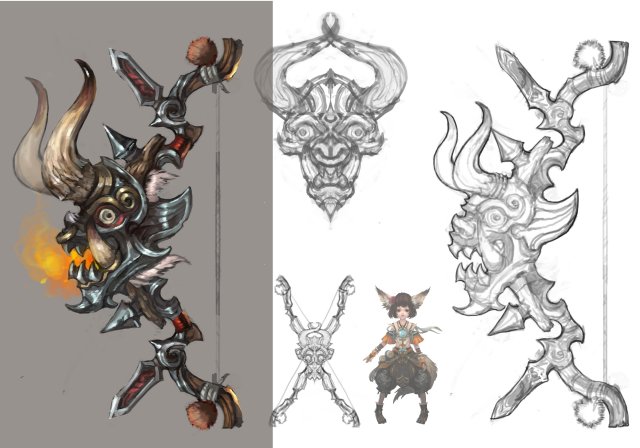
Low poly 3D games – Devil – Bows and Arrows 3D Model
Low poly game character 3D modelWith textures and UV.Use the software: 3Dmax 2009Export Format: 3DS FBX OBJPolygons/Vertices: Take a look at the screenshotFor more cool 3D models, please click on my avatar content.
-
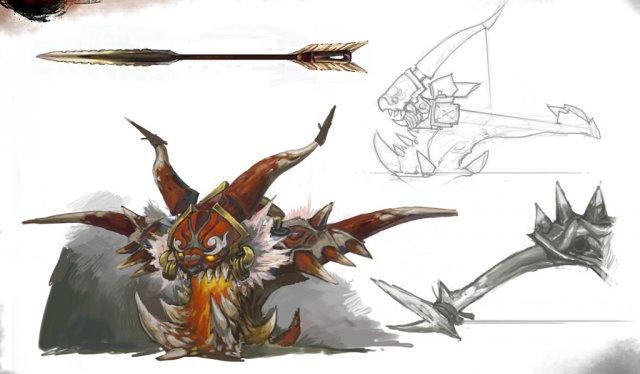
Low poly 3D games – Devil – Bowno 3D Model
Low poly game character 3D modelWith textures and UV.Use the software: 3Dmax 2009Export Format: 3DS FBX OBJPolygons/Vertices: Take a look at the screenshotFor more cool 3D models, please click on my avatar content.
-
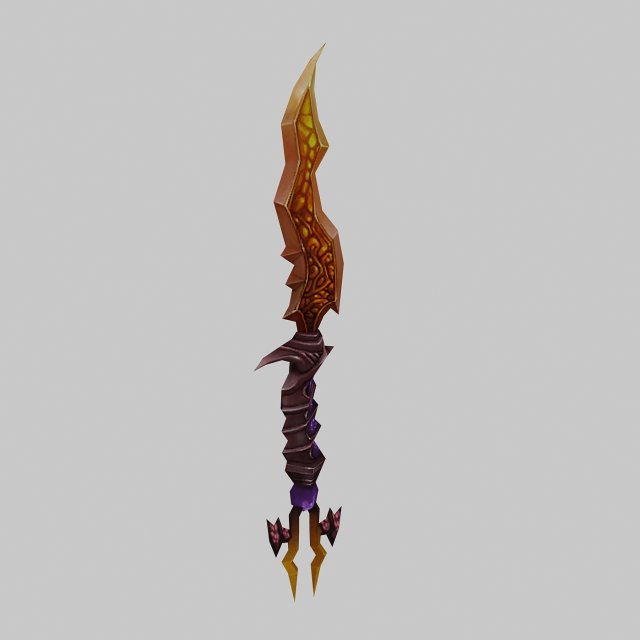
Low poly 3D games – Weapons – Daggers 3D Model
Low poly game character 3D modelWith textures and UV.Use the software: 3Dmax 2009Export Format: 3DS FBX OBJPolygons/Vertices: Take a look at the screenshotFor more cool 3D models, please click on my avatar content.
-
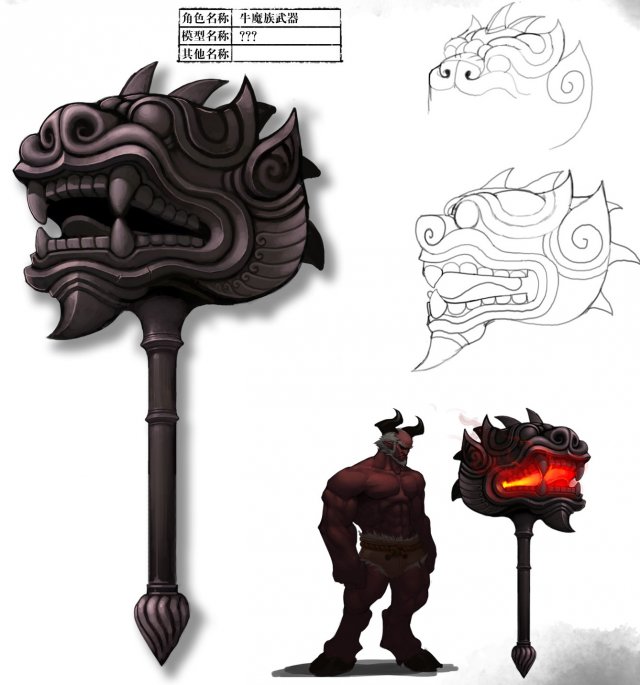
Low poly 3D games – Weapons – Hammers 3D Model
Low poly game character 3D modelWith textures and UV.Use the software: 3Dmax 2009Export Format: 3DS FBX OBJPolygons/Vertices: Take a look at the screenshotFor more cool 3D models, please click on my avatar content.
-
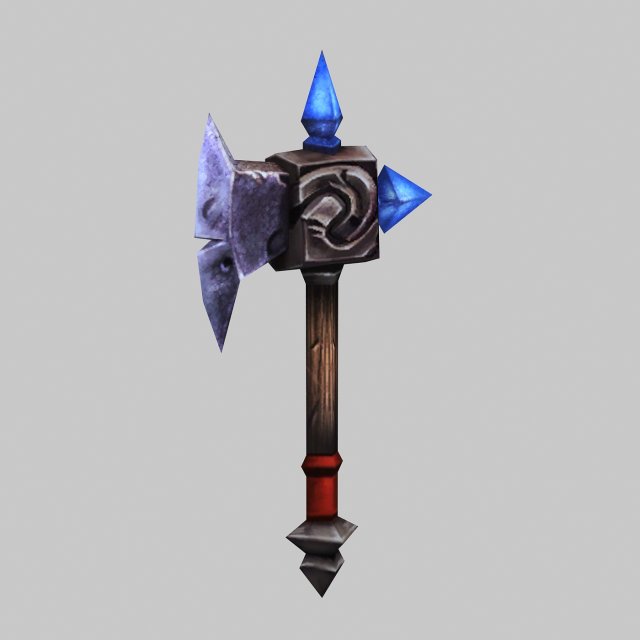
Low poly 3D games – Weapons – Axe 01 3D Model
Low poly game character 3D modelWith textures and UV.Use the software: 3Dmax 2009Export Format: 3DS FBX OBJPolygons/Vertices: Take a look at the screenshotFor more cool 3D models, please click on my avatar content.
-
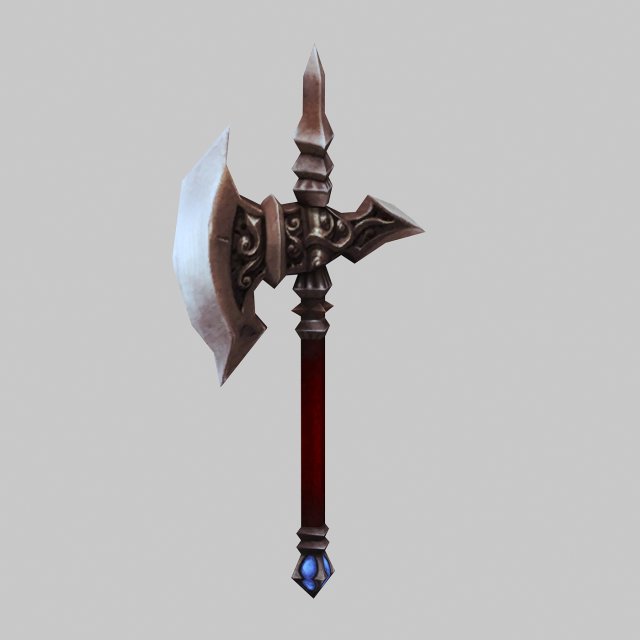
Low poly 3D games – Weapons – Axe 02 3D Model
Low poly game character 3D modelWith textures and UV.Use the software: 3Dmax 2009Export Format: 3DS FBX OBJPolygons/Vertices: Take a look at the screenshotFor more cool 3D models, please click on my avatar content.
-
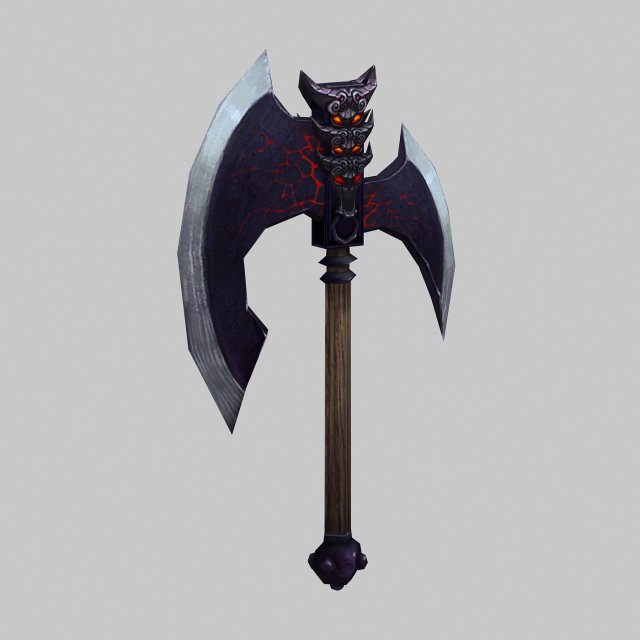
Low poly 3D games – Weapons – Axe 03 3D Model
Low poly game character 3D modelWith textures and UV.Use the software: 3Dmax 2009Export Format: 3DS FBX OBJPolygons/Vertices: Take a look at the screenshotFor more cool 3D models, please click on my avatar content.
-
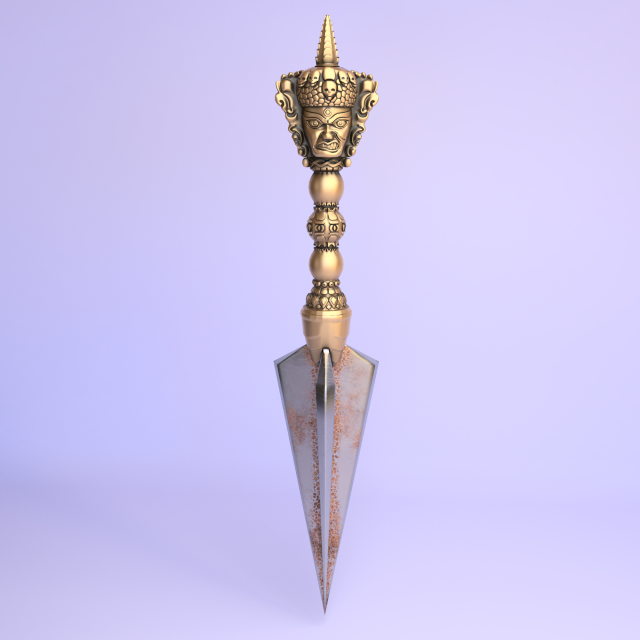
Phurba Kila 3D Model
Phurba (Kila) (Skt. कील kila IAST; Tib. ཕུར་ བ, Vaili phur ba; “kol” or “nail”) – a ritual dagger or stake, usually with a handle in the form of three heads of an angry deity and a three-edged blade, probably , intended for stabbing the victim during the rituals (according to some sources, it was used as a nail to bind a ritual victim, but there are also other versions of the purpose). The object takes its origin from the Vedic era (perhaps, also Vedic), but later found a destination in the context of Tibetan versions of Buddhism and Tantra.In the context of Tibetan Buddhism, Phur-Bu (from Tibet, “peg” or “nail”) – a ritual dagger, is used to drive out evil spirits. The handle of a dagger with a three-edged blade crowns the horse’s head of the fierce protective Tibetan deity Hayagriva. Phur-Boo is also adorned with “knots” of immortality, the head of Makara – monsters with the torso of a crocodile – and intertwined snakes. Ritual dagger is used for spells and exterminations of demons as follows: the spellcasters inflict stabbing blows on them, repeating the main mantra “hum”, the material embodiment of which is this dagger.
-
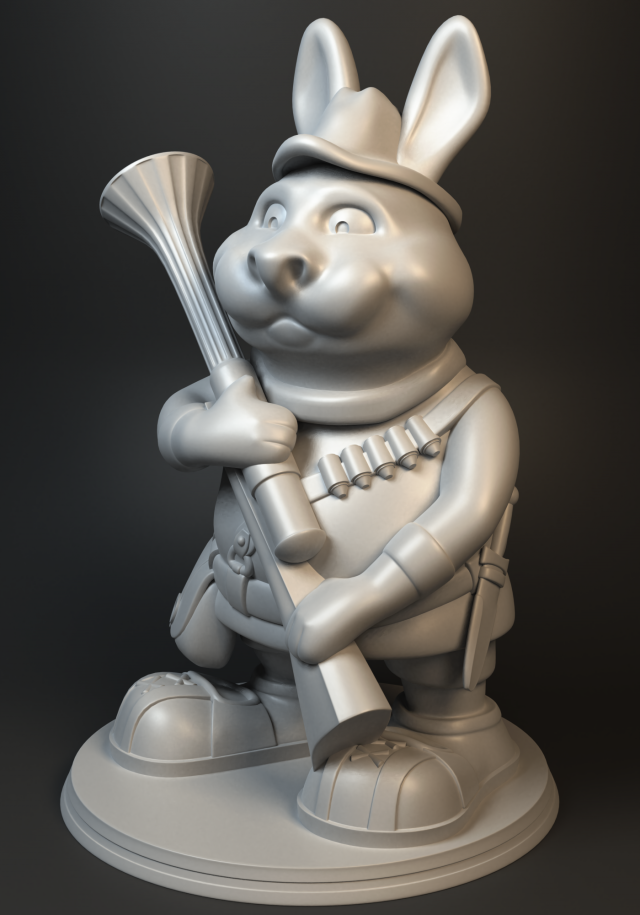
Alpine wonderer 3D Model
3d-print ready rabbit hunter figurine.There are escape holes to make it use less material.Checked for the default size of 6,52 x 6,15 x 9,34 cm.File formats: obj, stlPolycount: verts – 203167, tris – 406088You can check out 3d-version here:skfb.ly/6zAZP
-
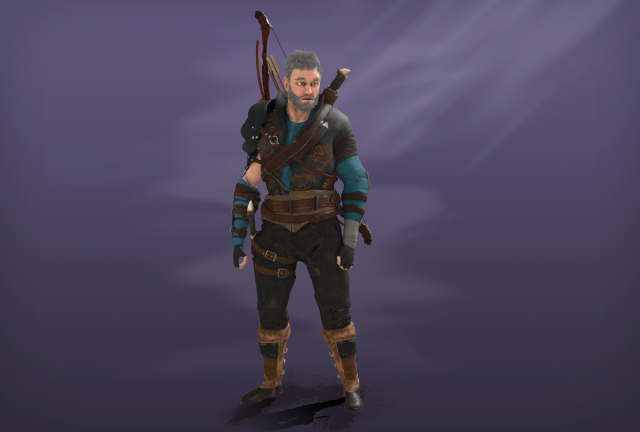
Archer 3D Model
Low-poly model character made in 3ds max 2015.It can be used in game engines, in creating a scene composition, in movies, in a render.The model is known in the following formats: 3ds max, FBX, OBJ, 3DS.Polygons::model with equipment and weapons – 17 268 polyg.hair – 295 308 polyg.—-Rig—-The model has a skeleton that is a trial animation.The model in the formats OBZH, FBS does not have a skeleton, they only have geometry, since the format does not support this function.—-Textures ———There are 15 textures in the archive. 5 textures per model of the character, on the bow on the kinlazhy.Types of textures:Diffuse (x3)Specular (x3)Gloss (x3)Normal (x3)Ambient Occlusion (x3)All good work! Thank you!
-
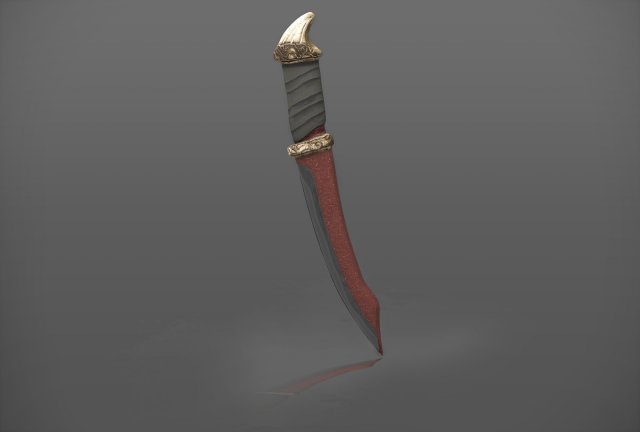
Dagger 3D Model
The model is made in 3ds max 2015. It can be used both in the game engine and for rendering the scene.In the archive, the model is known in such formats as: 3ds max 2015, FBX, OBJ, 3DS, as well as materials and textures with the expansion of 4096×4096 pixels.There is an archive with the version of 3ds max 2012.Types of textures: diffuse, gloss, specular, normal, AO. All in PNG format.All good work. Thank you!